


Most AI app builders are built for one person to prompt and iterate while everyone else waits. That’s why I tested 9 of the best collaborative AI app builders for teams, scored them on shared workspaces, role-based access, version control, and whether the whole team can build together. Here is what each does well, where each falls short, and who each is built for.
9 best collaborative AI app builders for teams: quick comparison
Pricing correct as of July 2026; monthly billing unless noted. Verify with vendor.
How I tested these collaborative AI app builders
I spent about four weeks across these 9 tools, building the same team app in each to compare how they handle multiple contributors, permissions, and the review-before-it-ships problem. I evaluated each on five criteria.
- Whole-team collaboration: Whether a product manager, an ops lead, and a developer can all work on the same app, or whether building is locked to whoever can code.
- Role-based access and permissions: How granular the controls are, so the right people touch the right things without stepping on each other.
- Version control and review: Whether the tool tracks changes, shows who changed what, and offers a review step before something ships.
- Visibility into what the AI built: Whether the team can see and reason about the app’s logic and data, or whether AI changes happen in a black box.
- Team pricing: Whether the price scales sensibly as contributors grow, or whether per-seat fees punish you for adding teammates.
This hands-on approach showed which tools support a team building together, and which ones add multiplayer editing to a solo workflow and call it collaboration.
1. Softr: Best for business teams building portals on Airtable
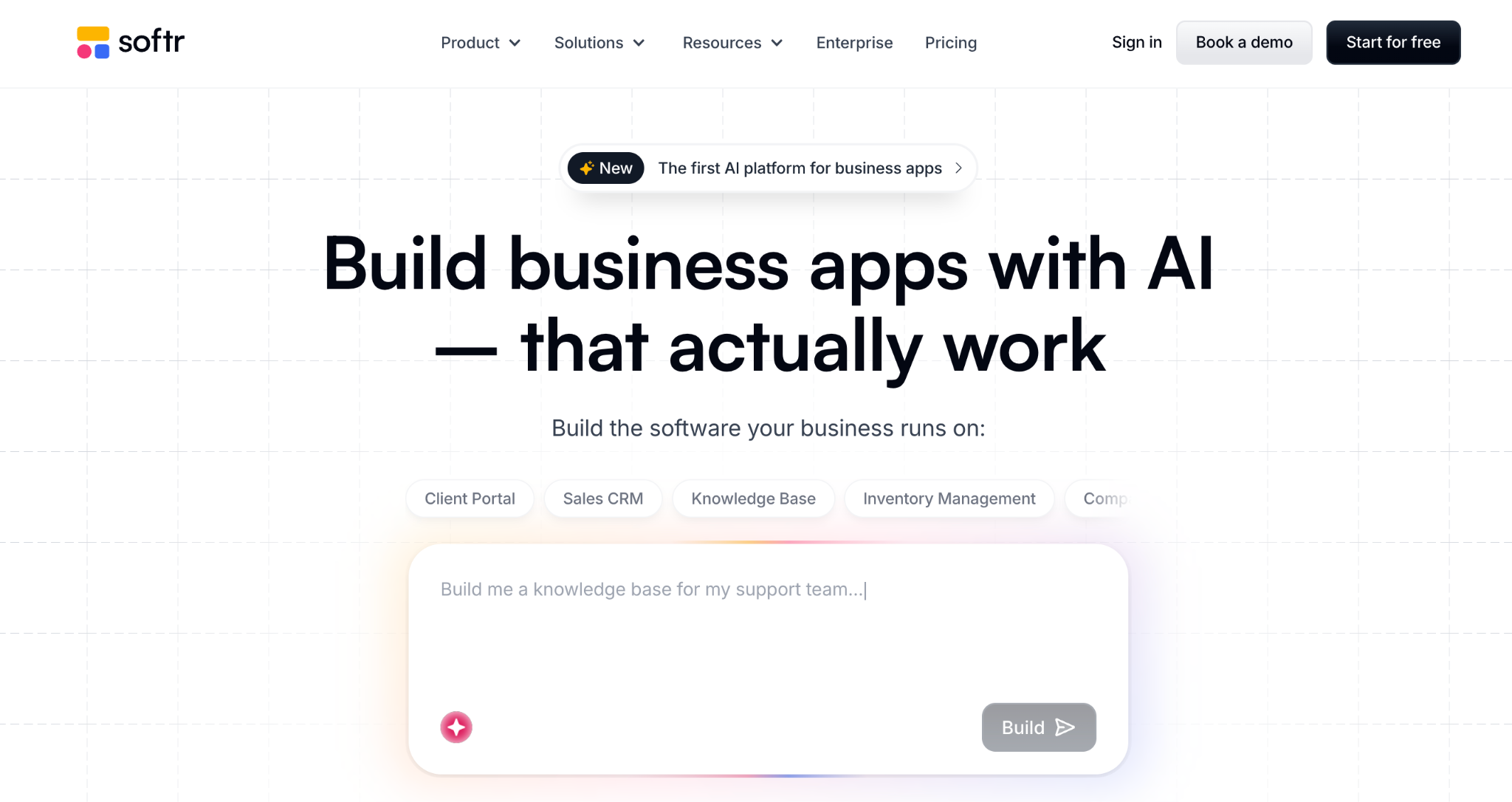
What it does: Softr is a no-code app builder that turns Airtable, Google Sheets, or its own database into business apps, with workspace roles, version history, and an embedded review system.
Best for: Business teams building client portals, intranets, and dashboards who want granular collaboration controls on top of existing data.
Softr has one of the strongest collaboration models on this list. Workspaces organize apps and collaborators into three roles (Owners, Collaborators, Guest Collaborators), and every plan includes version history with diffs and inline comments.
I built a client portal with a teammate, and the review-before-publish flow worked smoothly.
Key features
- Three collaboration roles: Owners, Collaborators, and single-app Guest Collaborators.
- Version history with diffs: Compare changes and roll back.
- Embedded comments and review: Feedback and approval inside the builder.
- AI Co-Builder: Generates the database and app layout from a prompt.
Pros
- Granular role model that scales for teams and clients.
- Version history with comparison diffs on every plan.
- Strong fit for business apps on Airtable data.
Cons
- Outgrows quickly for apps with complex workflow logic.
- Per-tier limits push teams to higher plans.
- Reliant on Airtable record limits for larger datasets.
What users say
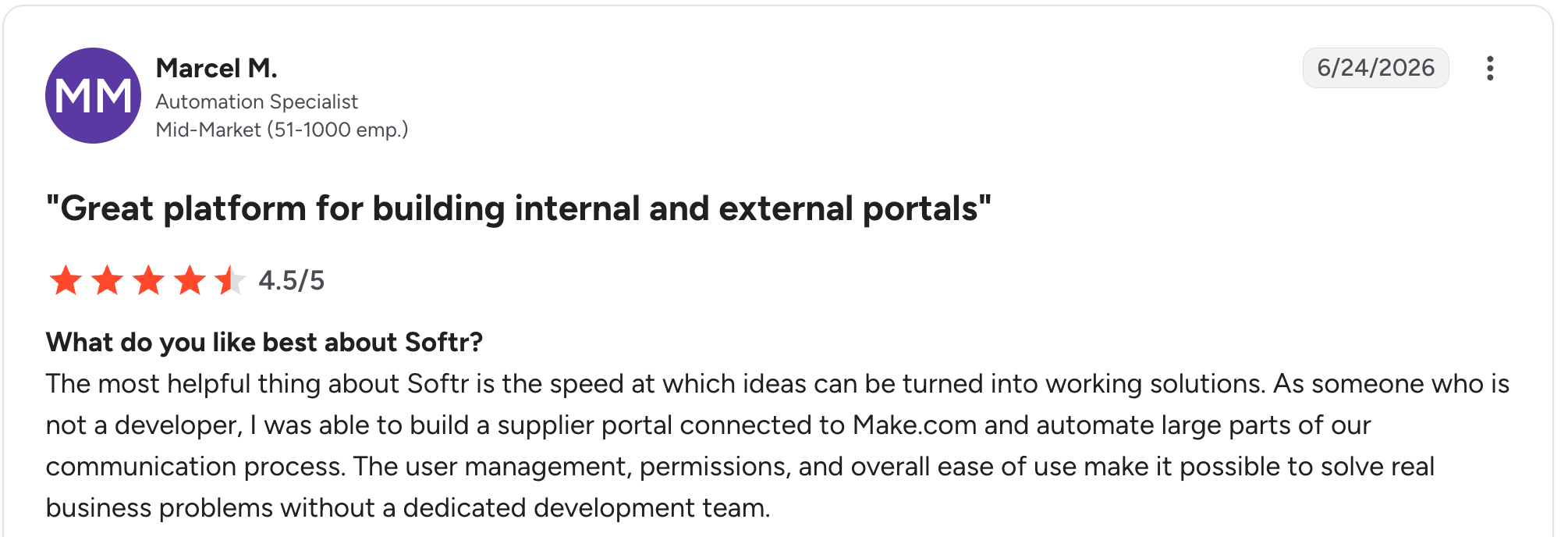
"The most helpful thing about Softr is the speed at which ideas can be turned into working solutions." Marcel M, G2

"The main challenge we encountered was with data management when using Google Sheets as our initial data source - it became clunky for our content team to update and manage at scale." Mike H, G2
Pricing
Free covers unlimited apps, unlimited collaborators, and 10 app users. Basic is $59/month for 20 app users, Professional is $167/month for 100 app users and 3 custom user groups, and Business is $323/month for 500 app users and unlimited user groups. All prices are for monthly billing.
Bottom line
Softr makes sense for business teams building portals and dashboards on Airtable who want a strong role-and-review model. If your apps need complex workflow rules beyond what its blocks cover, you will start to feel the ceiling.
2. Airtable: Best for teams already running ops in Airtable
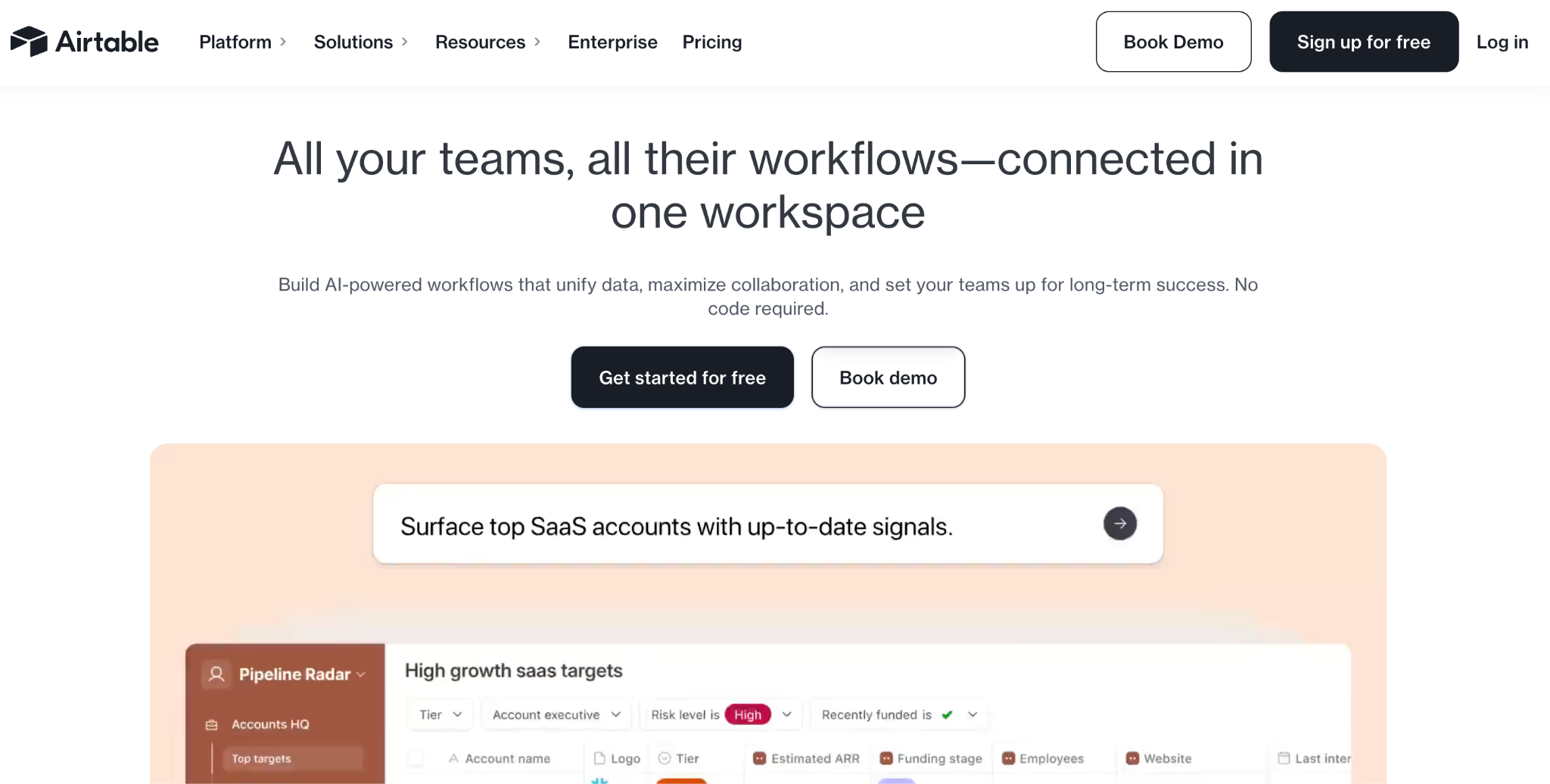
What it does: Airtable is a shared database tool with a spreadsheet-like model, interfaces for app building, and Omni, its conversational AI that generates tables, interfaces, and automations from prompts.
Best for: Teams already running operations in Airtable who want to add AI app building on top of their shared data.
Airtable’s collaboration is its core strength, since the shared database has always been multiplayer. Omni adds AI app building through conversation.
I tested Omni on a shared base, and it generated interfaces and automations the team could refine. The tradeoff is that Airtable interfaces are browser views, not standalone apps.
Key features
- Shared multiplayer database: Real-time collaboration on data.
- Omni AI: Generate tables, interfaces, and automations from prompts.
- Interfaces: Build app-like views on top of the data.
- Automations: Trigger workflows from data changes.
Pros
- Best-in-class shared database collaboration.
- Omni AI is building on familiar data.
- Strong fit for teams already in Airtable.
Cons
- Browser views, not standalone apps.
- Per-user pricing scales with every teammate.
- Record limits on lower tiers can surprise teams scaling up; the free plan caps at 1,000 records per base, with paid tiers going higher.
What users say
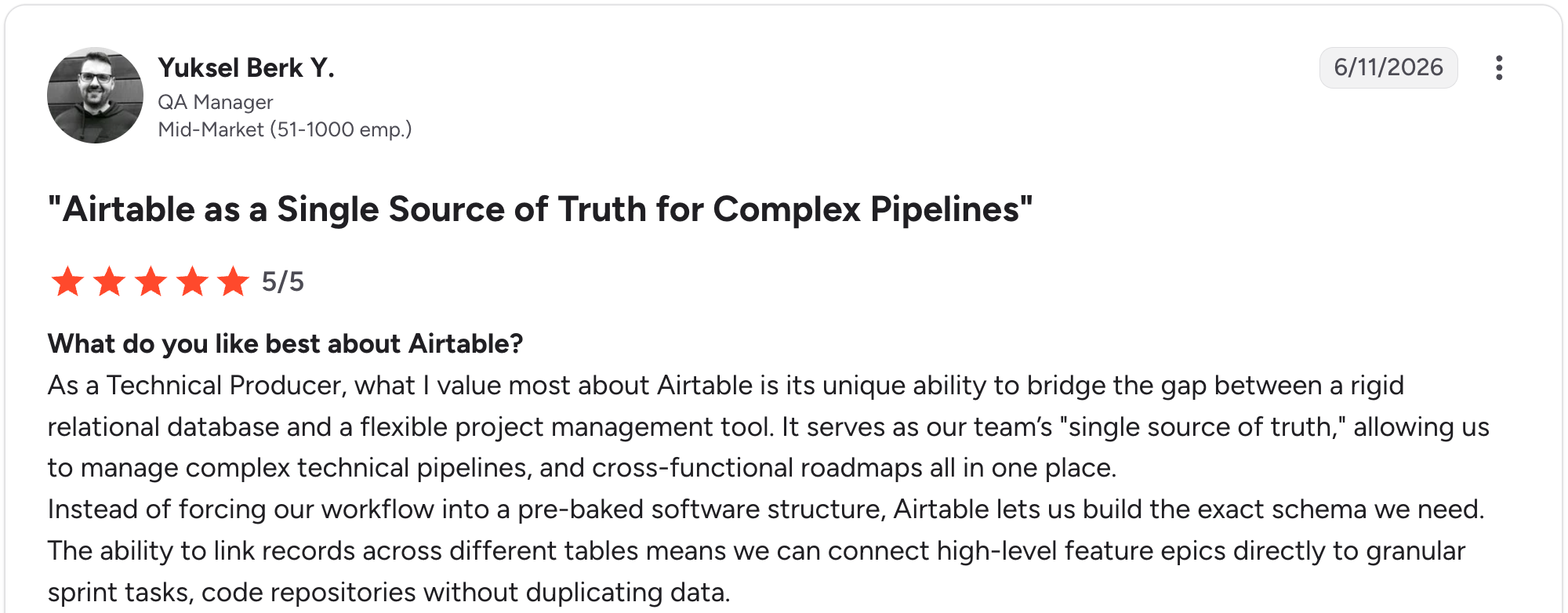
“What I value most about Airtable is its unique ability to bridge the gap between a rigid relational database and a flexible project management tool.” Yuksel Berk Y, G2

“One thing I dislike about Airtable is that some of the more advanced features can feel a bit limited unless you upgrade to a higher-priced plan.” Muhammad O, G2
Pricing
Current Airtable pricing (monthly billing). Free covers up to 5 editors. Team is $24/user/month, and Business is $54/user/month, both scaling per seat. Enterprise is custom-priced.
Bottom line
Airtable earns its place for teams already running ops in Airtable who want AI building on their shared data. If you need standalone apps and not browser interfaces, Zite or Softr fits better.
3. Zite: Best for cross-functional teams building business apps
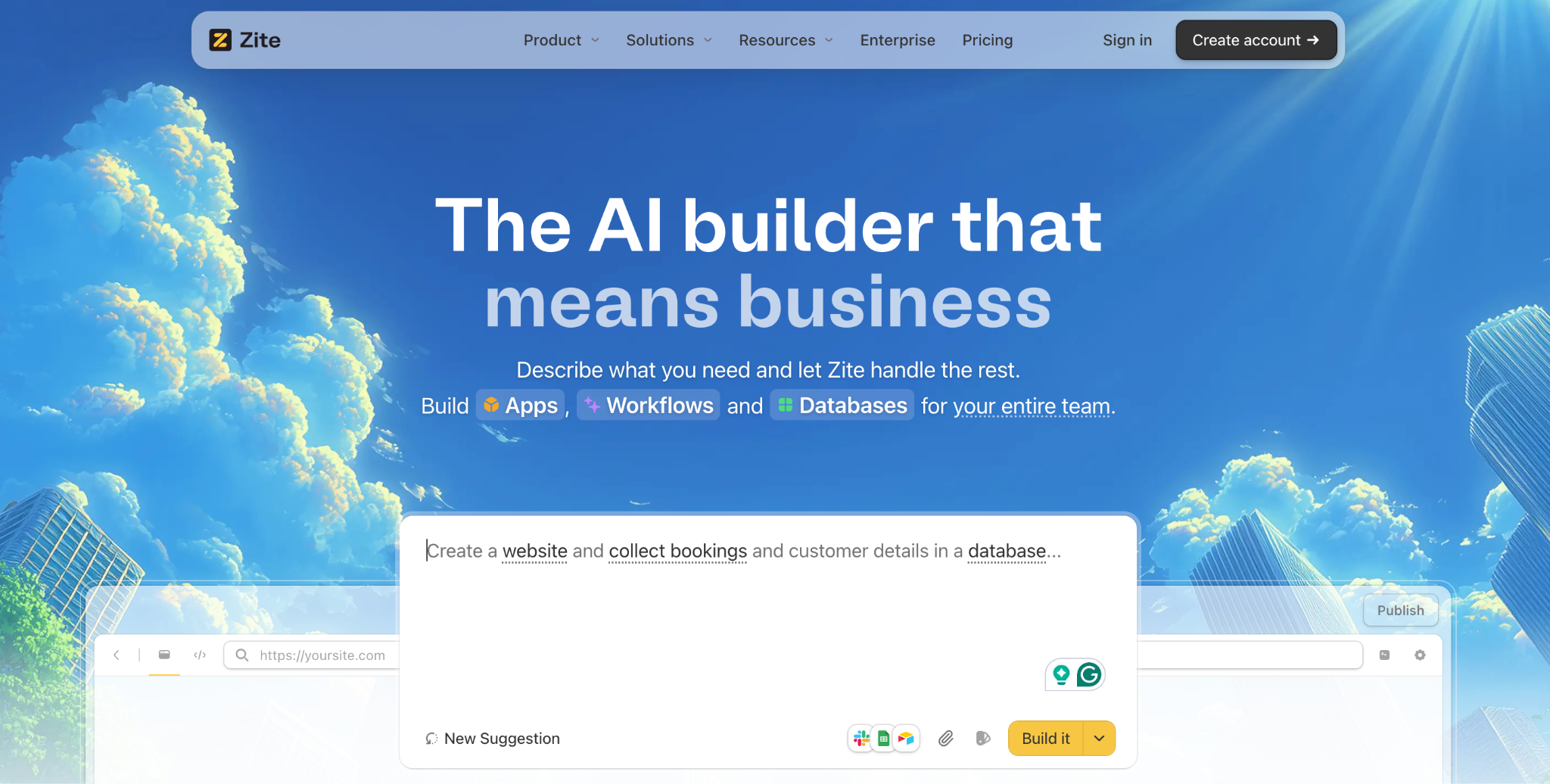
What it does: Zite is an AI-powered no-code app builder that generates business apps (along with the database, workflow logic, and role-based access) from a prompt, then keeps all three visible and editable for the whole team.
Best for: Cross-functional teams (ops, support, product) who want everyone to contribute to the same app without anyone needing to read code.
I tested Zite by building a client intake app with a teammate. I described it, Zite generated the database, the multi-page app, and the workflow logic, and we both refined it visually.
What makes it work for teams is that one prompt produces the whole app, workflows included, and non-technical teammates can maintain it from there.
The database reads like a spreadsheet, and the logic shows as workflows, so an ops lead can follow what the AI built and adjust it without waiting on a developer. Unlimited users on every tier means the whole team is in the build, not just whoever holds a seat.
Key features
- AI generation with visible output: Describe the app, and Zite generates the database, layout, and workflows together, all laid out visually so the team can see and adjust them.
- Unlimited editors on every plan: Everyone who needs to build can build, including on the free plan.
- A real database anyone can work in: Linked records and structured tables that scale as your data grows, in a spreadsheet-style view the whole team reads and edits without SQL. Import from a spreadsheet to get started.
- Visual workflows: App logic is shown as flowcharts that the whole team can trace and that are readable by anyone, not just developers.
- Role-based access from day one: Different end users and clients get different views and data, on every plan.
- Unlimited users on every tier: No per-seat fees as your team grows.
Pros
- The whole team can build and maintain, not only developers.
- Visible database and workflows mean changes happen in the open.
- Unlimited users are included on every plan, including the free plan, so adding teammates does not raise the bill.
- Role-based access for end users and clients.
Cons
- Newer product, so the template marketplace is still growing.
- AI credits are limited on the free and lower tiers.
- No mobile export. Apps run as responsive web apps.
- Not designed for consumer apps like social platforms or games.
What users say
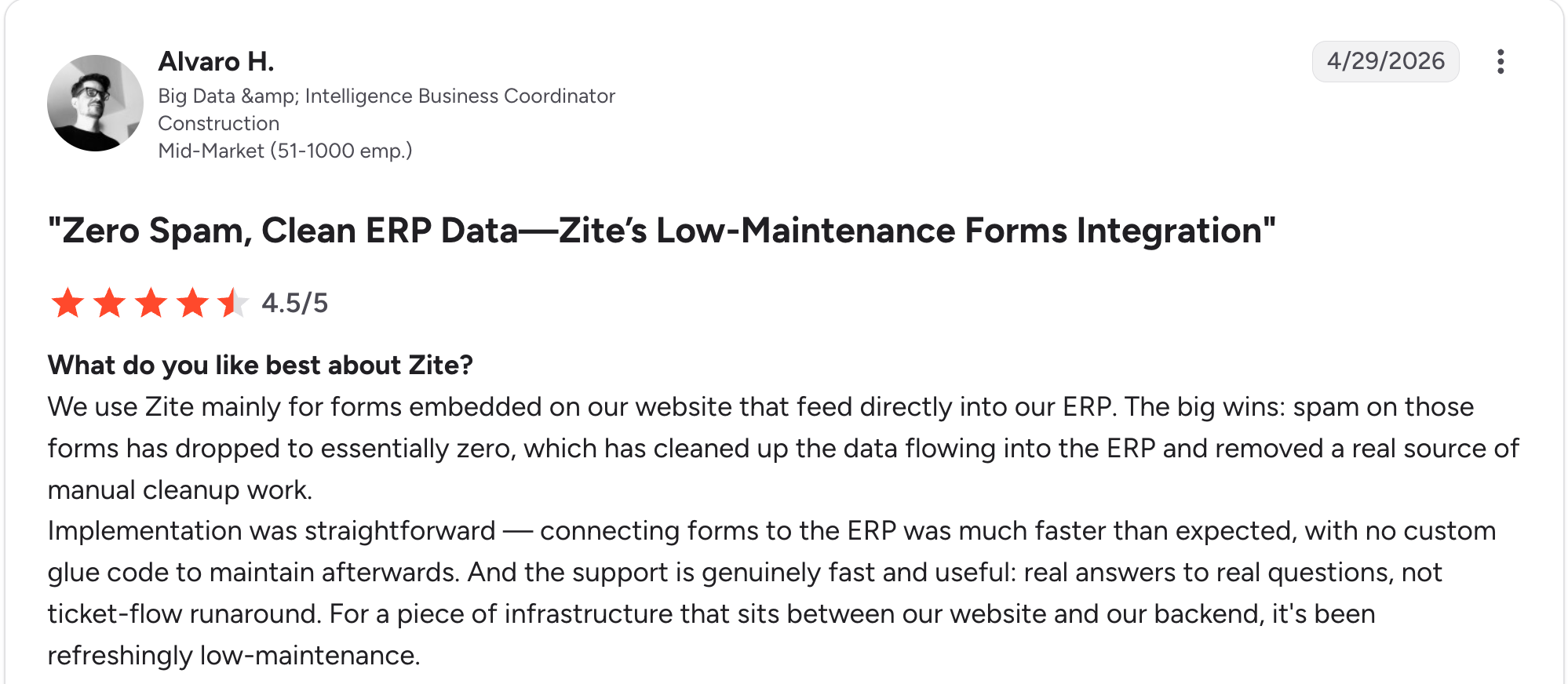
“Implementation was straightforward. Connecting forms to the ERP was much faster than expected, with no custom glue code to maintain afterward.” Alvaro H, G2

“It does not sync with GitHub like v0 or Lovable.” Verified User, Reddit
Pricing
Current Zite pricing (monthly billing). Free gives limited AI credits with unlimited users and public apps. Pro is $19/month with more AI credits, a custom domain, and unlimited users. Business is $69/month with advanced AI models, unlimited custom domains, white-label emails, and unlimited users.
Bottom line
Zite is the standout for cross-functional teams that want everyone to contribute to the same business app without a code barrier. For deeper role and review controls, Softr leads; for engineering teams in Git, Retool fits better. For non-technical and mixed teams, Zite keeps everyone in the loop.
4. Retool: Best for engineering-led internal tool teams
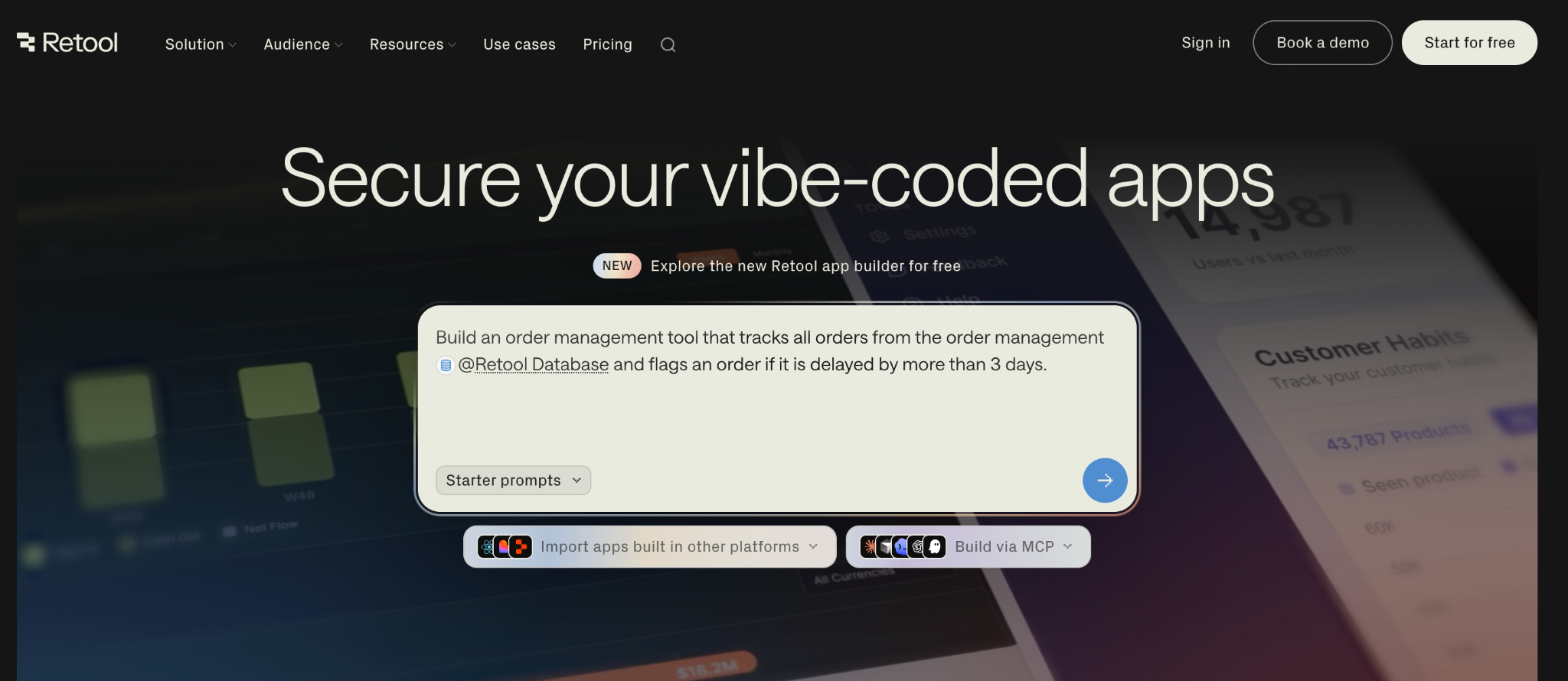
What it does: Retool is a low-code internal tool builder combining drag-and-drop UI with JavaScript and SQL, plus Git-based version control and granular team permissions.
Best for: Engineering and technical ops teams building internal dashboards and tools that want source control and deep governance.
Retool is the strongest pick for teams that live in Git. Version control works through source control; permissions are granular, and the AI generates a starting point.
I rebuilt the same intake tool in Retool, and version control through Git worked cleanly, but a non-technical teammate stalled the moment JavaScript appeared.
The catch: Retool markets as no-code but is low-code in practice, so non-technical teammates hit a wall. For Retool’s full story, see this Retool review and pros/cons breakdown.
Key features
- Git-based source control: Branch-based editing for engineering teams, on the Enterprise tier.
- 80+ data connectors: PostgreSQL, MongoDB, Snowflake, REST APIs.
- Granular permissions: Control who can edit and view, from the Business tier.
- AI generation: Describe a tool as a starting point.
Pros
- Real version control for engineering teams.
- Deep connector library.
- Free tier supports up to 5 users.
Cons
- Low-code in practice, so non-technical teammates cannot fully participate.
- Per-user pricing jumps at the Business tier.
- Charges per builder plus per user, which adds up.
What users say
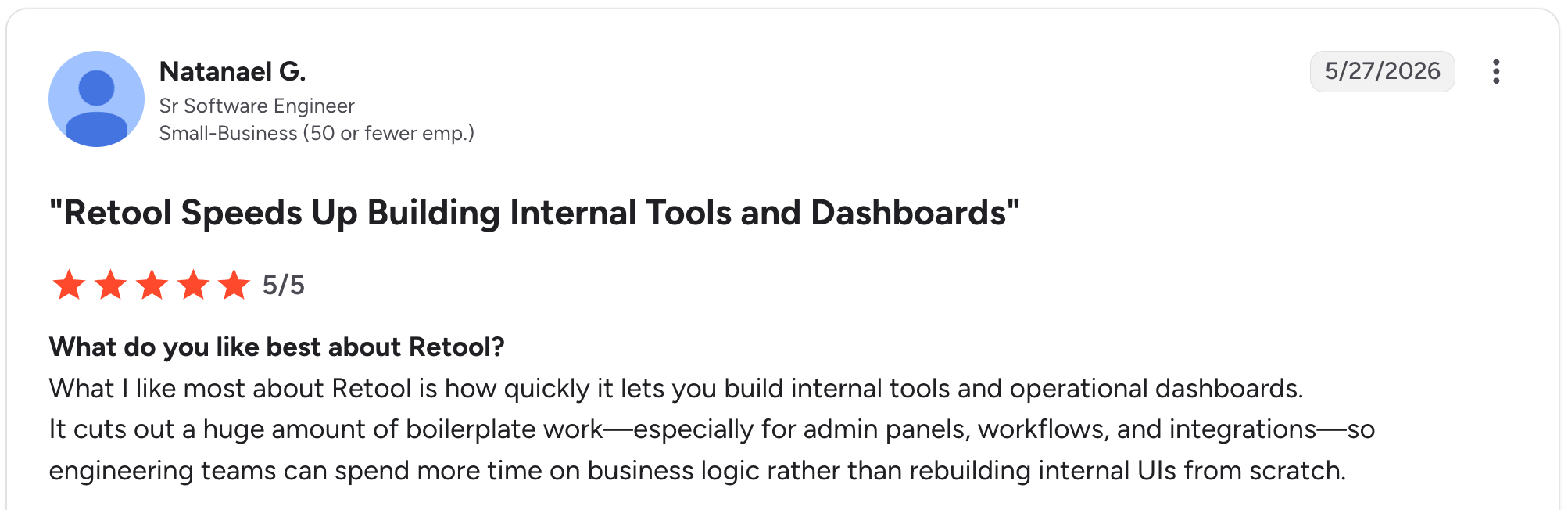
“What I like most about Retool is how quickly it lets you build internal tools and operational dashboards.” Natanael G, G2

“The performance of large apps and complex dashboards gets slow, affecting the results for this app.” Luciana S, G2
Pricing
Current Retool pricing (monthly billing). Free covers up to 5 users. Team is $12 per builder plus $7 per internal user each month, adding a staging environment, app release versions, and more than 5 users. Business is $65 per builder plus $18 per internal user each month, adding audit logging, rich permission controls, custom branding, and portals for external users. Enterprise is custom-priced and is where Git-based source control, SSO, and full white-labeling live.
Bottom line
Retool is built for engineering-led teams building internal tools that want source control and governance. For non-technical or mixed teams, the coding requirement leaves too many people out, so weigh how technical your team really is.
5. Glide: Best for small teams building from existing data
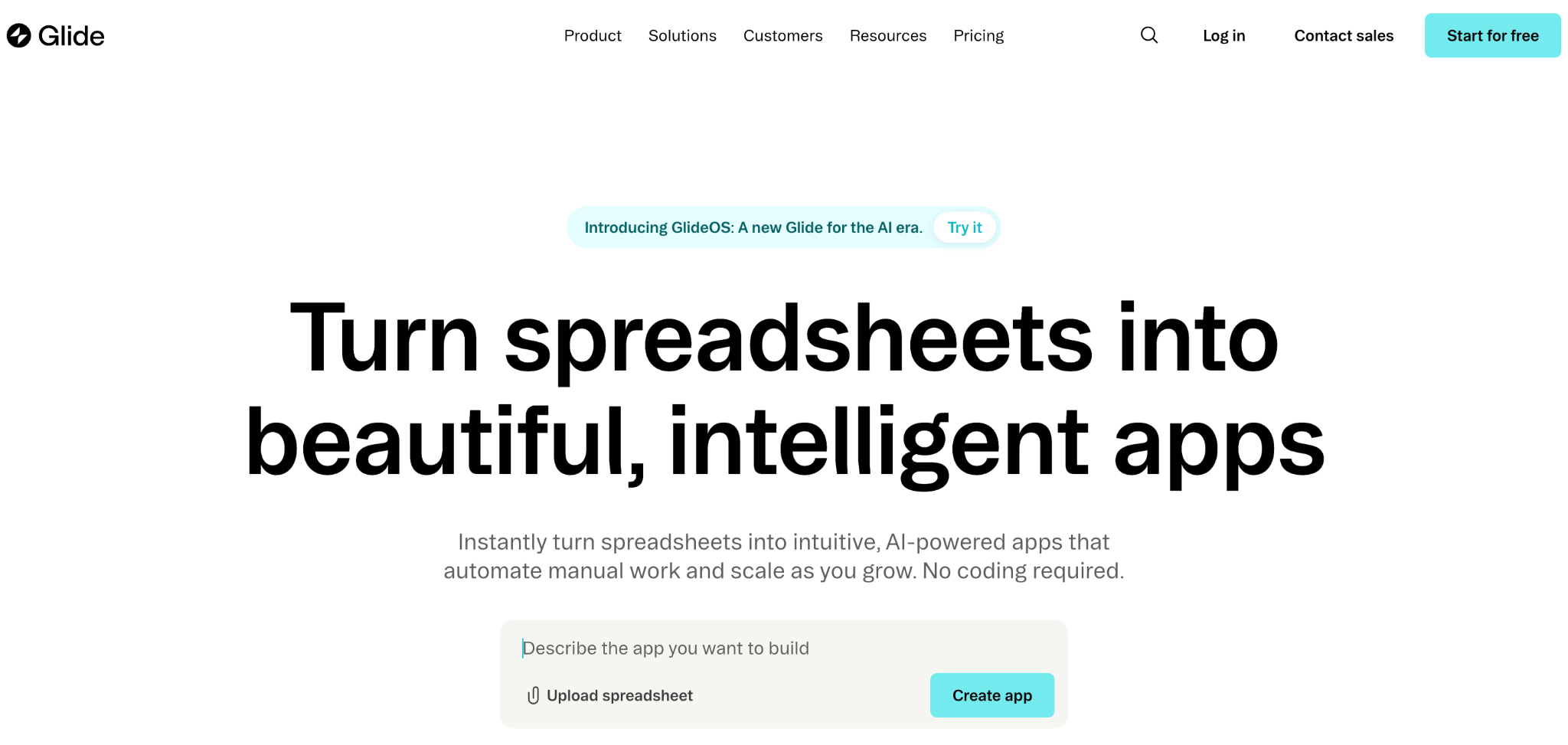
What it does: Glide turns Google Sheets, Excel, and Airtable into mobile-friendly apps, with shared editing and a builder that ties app logic to the data structure.
Best for: Small teams who already work in spreadsheets and want a lightweight app the team can edit together.
Glide is fast and approachable for small teams. Because the app’s logic is tied to the data structure, teammates can reason about how the app works by looking at the data.
I built a team app from a Google Sheet with a colleague in under an hour. The limits show up with larger teams and complex logic. See more on Glide pricing.
Key features
- Shared editing: Multiple teammates work in the builder.
- Spreadsheet-driven apps: Logic tied to a Sheet or Airtable base.
- 400+ templates and components: Fast starting points.
- AI features: Built into the data layer for classification and text generation.
Pros
- Approachable for non-technical small teams.
- Data-tied logic is easy for teammates to reason about.
- Fast from spreadsheet to working app.
Cons
- Per-user pricing on Business adds up.
- Work email logins require the Business tier.
- Builds PWAs, not native mobile apps.
What users say
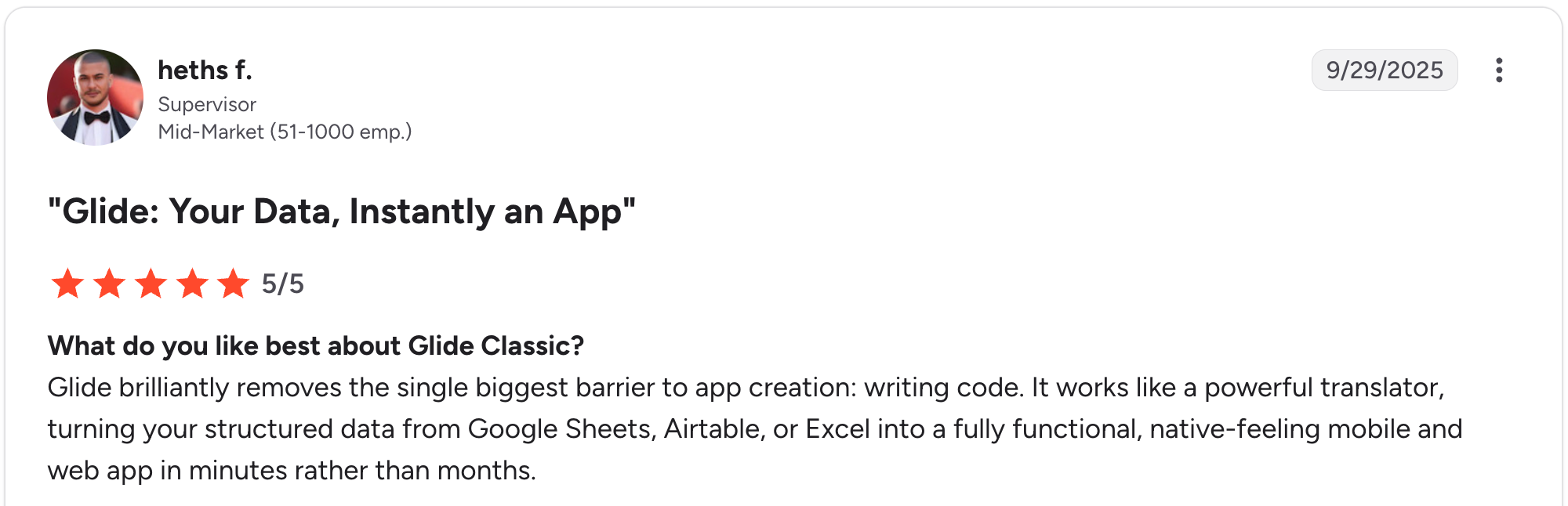
“Glide brilliantly removes the single biggest barrier to app creation: writing code.” Heths F, G2

“The fixed structure of apps and the different components are quickly limiting the designs of apps.” Christian B, G2
Pricing
Current Glide pricing (monthly billing). Free is for drafts only with 1 editor. Explorer is $25/month with 100 personal users, 1 published app, and 2 editors. Maker is $60/month with unlimited personal users, 3 apps, and 2 editors, and Business is $249/month with 30 users, 10 editors, and work email sign-in.
Bottom line
Glide fits small teams who work in spreadsheets and want a light app to build together. For larger teams or complex logic, the per-user pricing and PWA limits push you elsewhere.
6. Bubble: Best for product teams building custom web apps
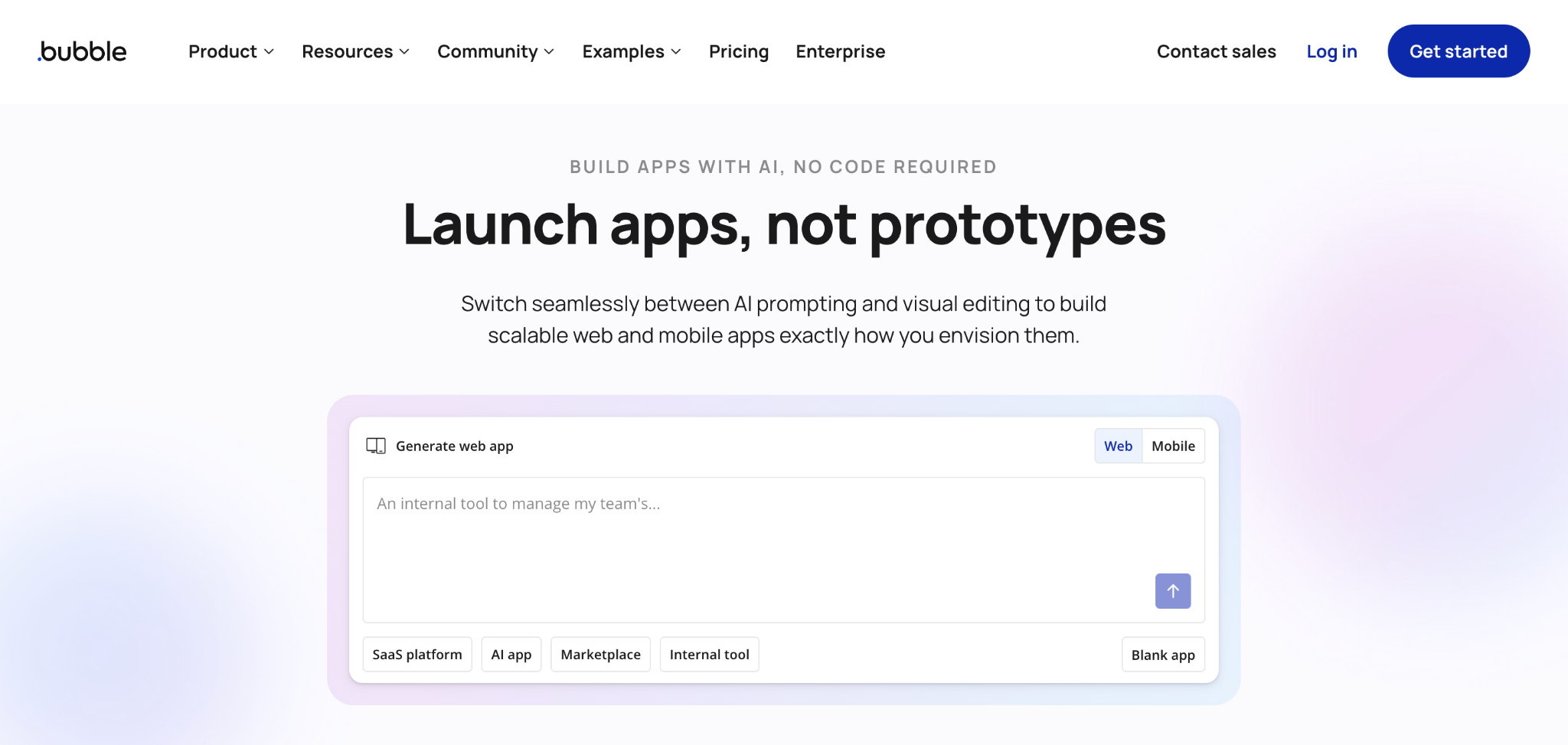
What it does: Bubble is a visual programming tool for building fully custom web apps without code, with real-time co-editing, a built-in database, and workflow logic.
Best for: Product teams building deeply custom web apps that want real-time collaboration and deep control.
Bubble is the most powerful tool here, with a learning curve to match. Real-time co-editing lets a product team work together, and the AI scaffolds pages and logic.
I rebuilt a team app in Bubble, and the collaboration worked, though onboarding non-technical teammates took time. Once past the curve, you can build almost anything.
Key features
- Real-time co-editing: Multiple builders in one app at once.
- Visual editor for full apps: Frontend, backend, database, workflows.
- Plugin ecosystem: Thousands of plugins.
- AI scaffolding: Generate pages and logic from prompts.
Pros
- Powerful enough for deeply custom team apps.
- Real-time collaboration for product teams.
- Large plugin marketplace.
Cons
- Steep learning curve; non-technical teammates struggle.
- Workload Unit pricing can spike as usage increases.
- No code export.
What users say
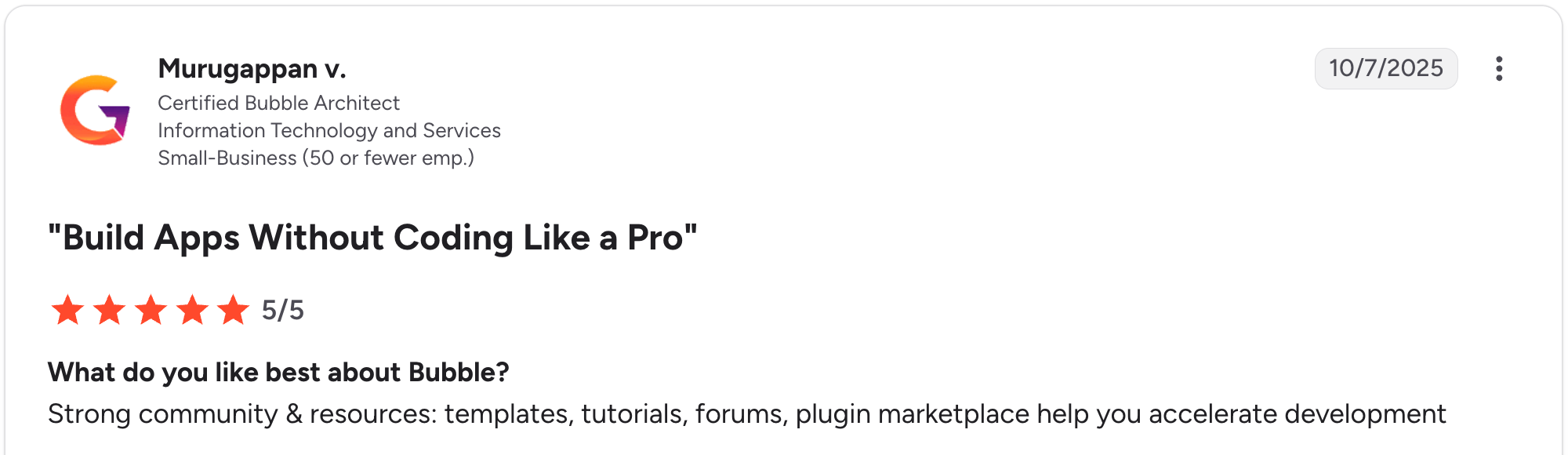
“Strong community & resources: templates, tutorials, forums, plugin marketplace help you accelerate development.” Murugappan V, G2

“Basic features like chat stream seem like a challenge for Bubble's team to have an official plugin for.” Nouman J, G2
Pricing
Current Bubble pricing (monthly billing). On the Web app plans, Free includes 50,000 workload units. Starter is $32/month with a custom domain, Growth is $134/month with team collaboration, and Team is $399/month with advanced features. Web-and-mobile plans run higher (Starter $69, Growth $249, Team $649).
Bottom line
Bubble suits product teams building custom web apps that have time to learn it. For teams that need everyone to contribute quickly, the learning curve excludes non-technical members; Zite is more accessible.
7. Power Apps: Best for Microsoft-centric enterprise teams
What it does: Power Apps is Microsoft’s low-code app builder with deep Microsoft 365 integration, enterprise governance, and AI-assisted building.
Best for: Enterprise teams standardized on Microsoft 365 who need governed app building with SharePoint, Teams, and Dataverse integration.
Power Apps is the enterprise default for Microsoft shops. Governance, environments, and integration with the Microsoft stack are strong.
The catch: Real Power Apps work uses Power Fx (its formula language), which gates non-Microsoft and non-technical teammates. I found team building viable but technical.
Key features
- Microsoft 365 integration: SharePoint, Teams, Dataverse, Excel.
- Enterprise governance: Managed environments and admin controls.
- Power Fx: Formula language for custom logic.
- AI building: Natural-language app generation.
Pros
- Microsoft 365 integration and governance.
- Strong for enterprise IT teams.
- Included rights with some Microsoft 365 licenses.
Cons
- Power Fx gates non-technical and non-Microsoft teammates.
- Licensing is complex; per-user costs add up.
- Apps wrap in the Microsoft container.
What users say
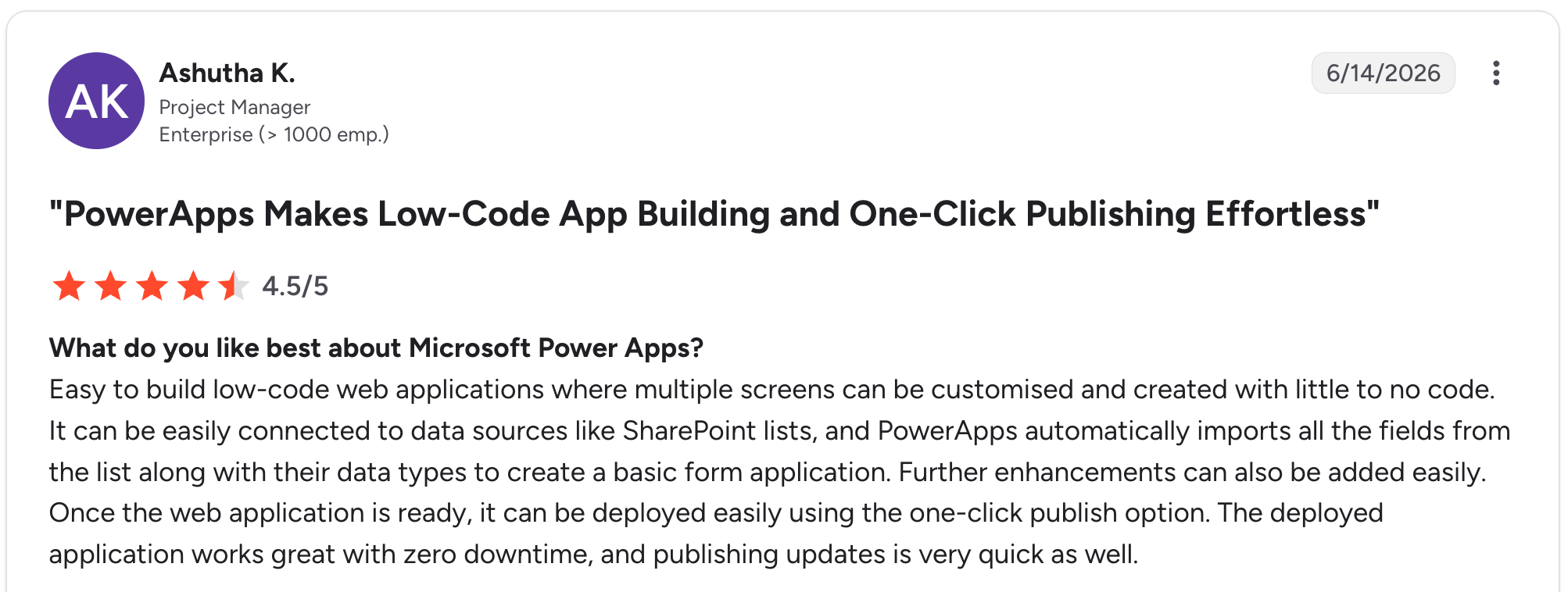
“Easy to build low-code web applications where multiple screens can be customized and created with little to no code.” Ashutha K, G2

“A few things can be improved: Performance can be slow with large data sets or complex formulas, and error messages.” Jeet S, G2
Pricing
Current Power Apps pricing (monthly billing). The Developer plan is free for non-production use. Premium is $20/user/month for unlimited apps, and large Enterprise deployments of 2,000+ seats drop to $12/user/month.
Bottom line
Power Apps is the right call for enterprise teams that are standardized on Microsoft 365 and have IT support. For non-technical teams or non-Microsoft shops, the complexity excludes too many people; Zite is far more accessible.
8. Lovable: Best for technical teams shipping MVPs together
What it does: Lovable is an AI app builder that generates full-stack React apps from prompts, with real-time collaboration and two-way GitHub sync.
Best for: Technical and semi-technical teams shipping MVPs who want fast generation plus code ownership.
Lovable’s real-time collaboration lets a team work on a project and see changes as they happen, which helps validate an MVP together. The generated code is clean and syncs to GitHub.
The wall for non-technical teammates is the Supabase backend setup. See the full Lovable pricing breakdown.
Key features
- Real-time collaboration: Work alongside teammates in real time with live changes.
- AI full-stack generation: React, TypeScript, Tailwind from prompts.
- GitHub two-way sync: Code ownership for the team.
- Plan mode: Suggest changes before implementation.
Pros
- Real-time collaboration for technical teams.
- Clean code with GitHub sync.
- Fast MVP iteration.
Cons
- Supabase setup blocks non-technical teammates.
- Credit-based pricing burns fast on complex projects.
- Web only, no native mobile.
What users say
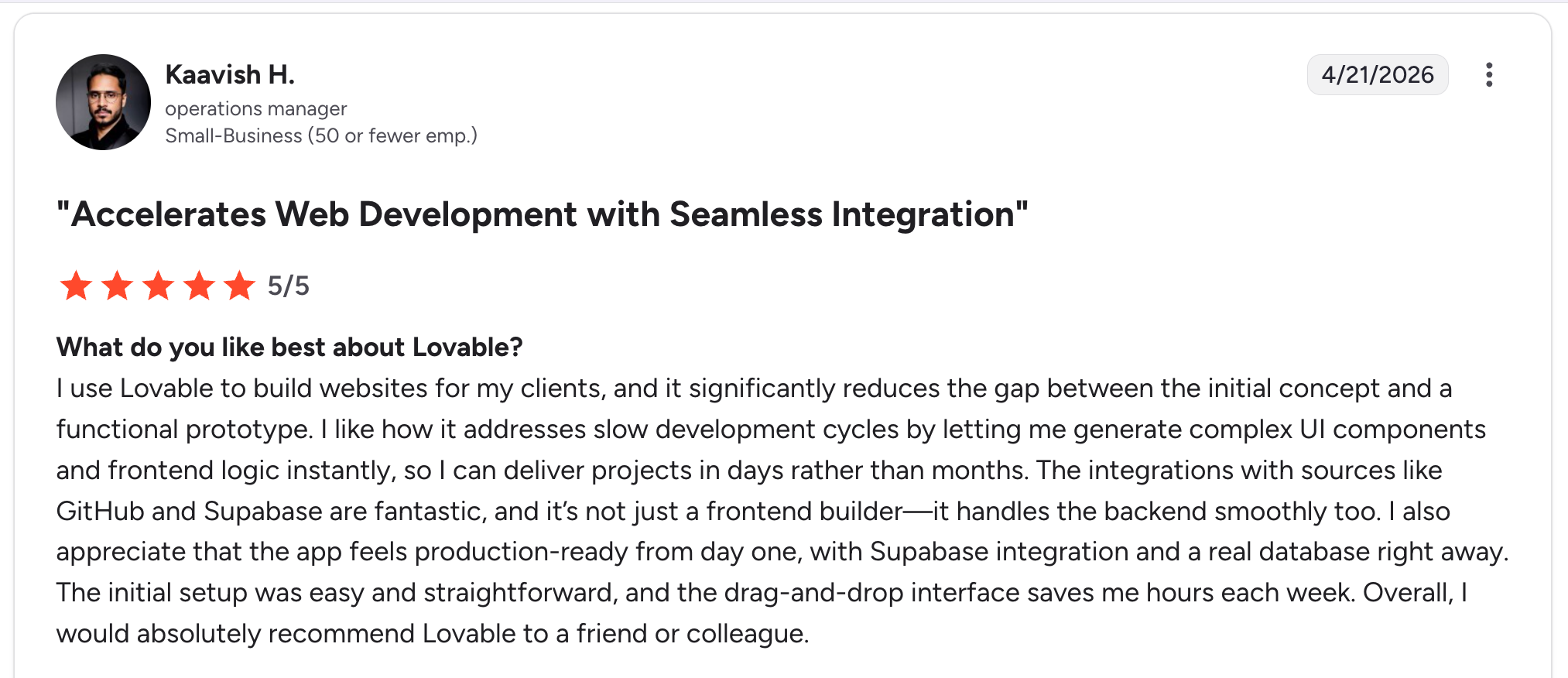
“I like how it addresses slow development cycles by letting me generate complex UI components and frontend logic instantly, so I can deliver projects in days rather than months.” Kaavish H, G2

“The main drawback is that the pricing and credit model can take some getting used to, especially if my usage grows quickly or my prompts become more complex.” Himanshu J, G2
Pricing
Current Lovable pricing (monthly billing). Free gives 5 daily credits, up to 30/month. Pro is $25/month with custom domains and code mode, and Business is $50/month with SSO and collaboration controls.
Bottom line
Lovable works best for technical teams shipping MVPs who want collaboration plus code ownership. For non-technical teammates to contribute, the Supabase wall is a problem; Zite keeps everyone in the build.
9. Replit: Best for semi-technical teams with developer backup
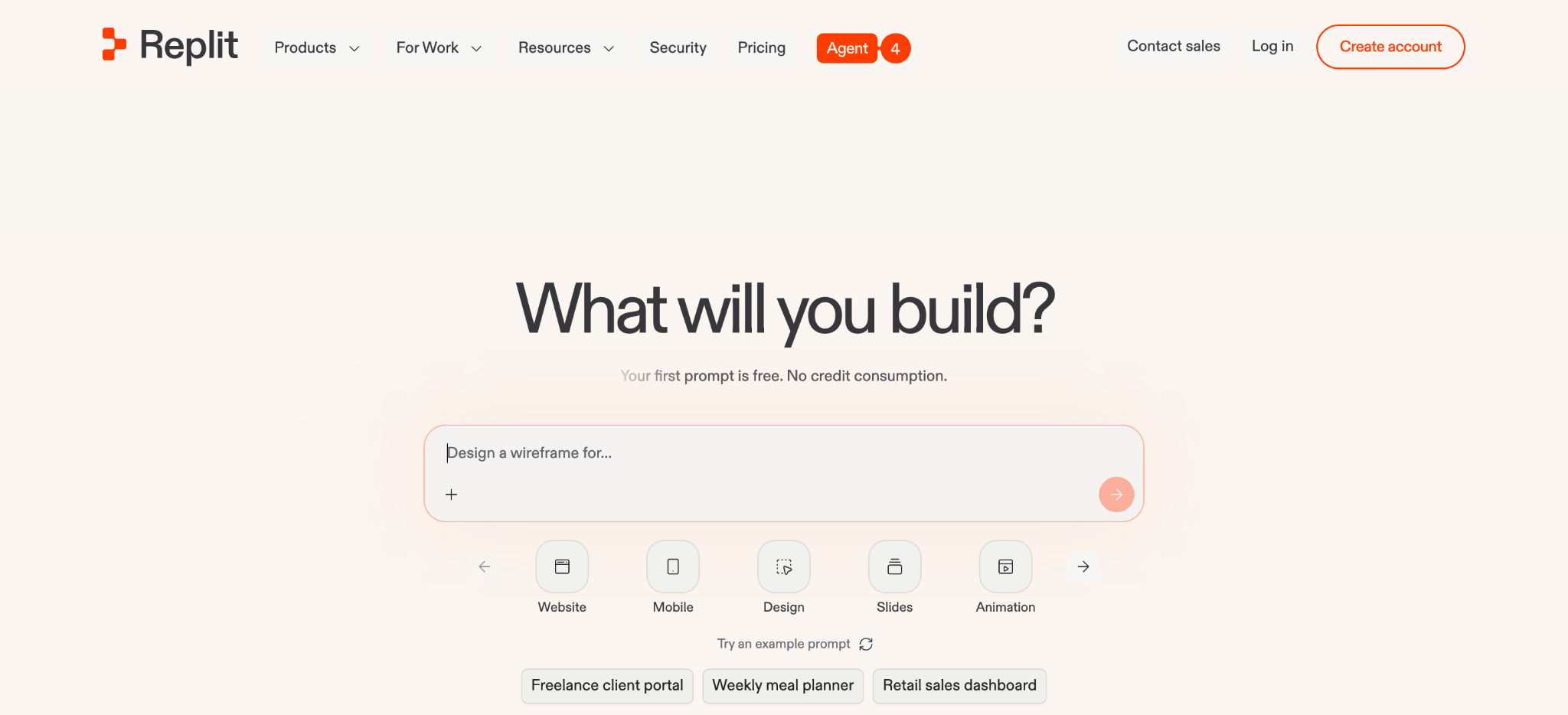
What it does: Replit is a browser-based coding environment with an AI agent, multiplayer editing, shared workspaces, a built-in database, and hosting.
Best for: Semi-technical teams (with at least one developer) who want AI-driven generation plus real-time multiplayer coding in a single workspace.
Replit’s multiplayer editing is fully collaborative, like a shared document for code. The AI agent generates and deploys apps, and the team can work together in the same workspace.
The caveat Replit itself notes is that the AI can make mistakes, so someone should review security and architecture.
Key features
- Multiplayer editing: Real-time collaborative coding.
- AI Agent: Generates, runs, and deploys apps.
- Built-in infrastructure: Database and hosting included.
- 50+ languages: Broad language support.
Pros
- True multiplayer collaboration in one workspace.
- AI generation plus real infrastructure.
- Free tier covers evaluation.
Cons
- Needs developer review, not zero-code.
- Credit-based billing can run several times the subscription cost.
- More technical than a visual builder.
What users say
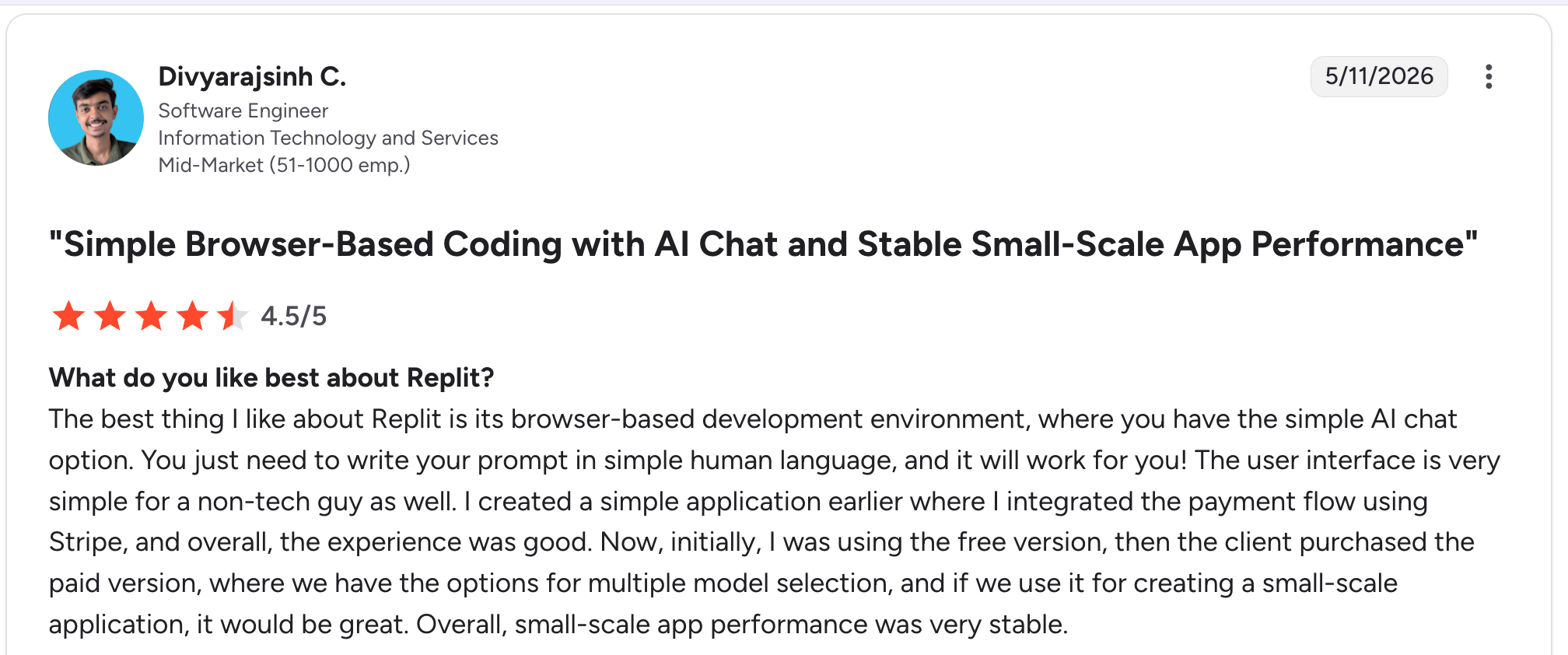
“The best thing I like about Replit is its browser-based development environment, where you have the simple AI chat option.” Divyarajsinh C, G2

“Sometimes the agent output is not the best, and it is hard to specify certain tasks since the agent will get stuck, which slows down development time, and I find errors in the app I need to fix later.” Adam E, G2
Pricing
Current Replit pricing (monthly billing). Starter is free with daily agent credits. Core is $25/month ($20/month billed annually) with $25 of monthly credits and up to 5 collaborators, and Pro is $100/month with $100 in credits and up to 15 collaborators. Enterprise is custom-priced.
Bottom line
Replit is built for semi-technical teams with developer backup who want multiplayer coding plus AI. For fully non-technical teams, the code-review requirement is a barrier; Zite keeps the logic visible without code.
Which collaborative AI app builder should your team choose?
The right pick depends on how technical your team is and what you are building together. Here is a quick framework based on the 9 tools above.
Choose Softr if you:
- Build business portals and dashboards on Airtable data.
- Need a granular role model with version history and review.
- Want client-facing apps with guest collaborators.
Choose Airtable if you:
- Already run operations in a shared Airtable base.
- Want AI building (Omni) on familiar data.
- Are okay with browser interfaces in place of standalone apps.
Choose Zite if you:
- Have a cross-functional team where non-developers need to build and maintain.
- Want one prompt to build the whole app, workflows included, that the team can maintain after.
- Want unlimited users without per-seat pricing.
Choose Retool if you:
- Have an engineering-led team that lives in Git.
- Need source control and deep governance for internal tools.
- Are comfortable with a low-code (not no-code) reality.
Choose Glide if you:
- Are a small team working from spreadsheets.
- Want a light app the team can edit together.
- Do not need native mobile or complex logic.
Choose Bubble if you:
- Are a product team building deeply custom web apps.
- Want real-time co-editing and deep control.
- Have time to learn a powerful tool.
Choose Power Apps if you:
- Are an enterprise team on Microsoft 365.
- Need governance and Microsoft 365 integration.
- Have IT support and a dedicated maker.
Choose Lovable if you:
- Have a technical team shipping MVPs together.
- Want real-time collaboration plus GitHub code ownership.
- Can handle the Supabase backend setup.
Choose Replit if you:
- Have a semi-technical team with developer backup.
- Want multiplayer coding plus an AI agent.
- Can review AI-generated code for security and architecture.
Skip this category entirely if:
- Your team needs a true native iOS and Android app. Most tools here output web apps; you would need a native-focused builder.
- One person handles all app development, and no one else contributes. A solo AI builder may be simpler.
- Your needs are met by a shared spreadsheet. Do not over-tool a simple problem.
For more on team app building, see this guide to AI web app builders and Zite’s roundup of the best AI app builders tested across use cases.
Final verdict
The strongest pick depends on your team. Softr offers the deepest collaboration controls through its role system, version history, and review flow, while Airtable wins for teams already running a shared base.
But for cross-functional teams where non-developers need to build and maintain, Zite is the standout, with unlimited users at $19/month, role-based access so everyone who logs in sees only what they should, and a database and workflows anyone can read without code.
For engineering-led teams in Git, Retool. For Microsoft enterprises, Power Apps. For technical teams shipping MVPs with code ownership, Lovable or Replit. Match the tool to your team's technical level and how much everyone needs to contribute.
Start building with Zite for free and get your team building together today.
Frequently asked questions
What is the best collaborative AI app builder for teams?
The best collaborative AI app builder for teams depends on how technical your team is. For cross-functional teams where non-developers need to contribute, Zite leads because it keeps the database and workflows visible and editable without code.
What makes an AI app builder collaborative?
An AI app builder is collaborative when it supports shared workspaces, role-based access, and version control, so multiple people can build the same app without stepping on each other. The strongest ones keep the AI’s output visible for non-technical teammates.
How much does a collaborative AI app builder cost per month?
Collaborative AI app builders cost from $19/month (Zite Pro, unlimited users) to $20 to $54 per user per month for per-seat tools like Power Apps and Airtable. Per-user tools get expensive as your team grows, while unlimited-user tools keep costs steady.
Can non-technical team members use AI app builders?
Yes, non-technical team members can use AI app builders that keep the logic visible. Zite, Softr, Glide, and Airtable let them build and edit. Code-first tools like Retool, Lovable, and Replit expect someone to read or write code.
Do collaborative AI app builders have version control?
Most collaborative AI app builders include some form of version control. Softr offers version history with diffs, Retool uses Git-based source control, and Bubble tracks changes for rollback. The depth varies, so check the specific tool before committing.
Which collaborative AI app builder is best for non-technical teams?
The best collaborative AI app builder for non-technical teams is Zite because it keeps the database visible as tables and fields and the logic visible as workflows. Softr and Glide are also strong; code-first tools expect developer involvement.
Can my whole team build an app together, or just developers?
Your whole team can build together with the right tool. Zite, Softr, Glide, and Airtable let non-developers contribute alongside technical teammates, while Retool, Lovable, Replit, and Power Apps lean technical, limiting non-developers to prompting or reviewing.

