


Small businesses in 2026 have more affordable, capable CRM options than ever before. I ran more than a dozen platforms through real sales pipelines and onboarding workflows over six weeks, and these seven were the only ones that earned a place on the shortlist.
7 best small business CRMs: quick comparison
Pricing reflects monthly billing as of May 2026. Always confirm with the vendor.
How I researched and tested these CRMs
I scored each platform on five criteria:
- Features: Whether the core CRM jobs (contacts, deals, tasks, email sync) work without friction or tripwires.
- Usability: How long it takes a non-technical person to get from signup to a working pipeline.
- Integrations: Native connections with Gmail, Outlook, Google Calendar, accounting tools, and form builders.
- Pricing: What the monthly bill looks like for a 3-5 person team after one year, including the features most teams reach for.
- Use cases: How each tool handles the specific jobs small businesses care about (lead capture, follow-up tracking, reporting).
This testing surfaced which CRMs hold up in daily use and which ones look polished on a marketing page but fall apart once you push past the demo.
1. Pipedrive: best for visual sales pipeline tracking
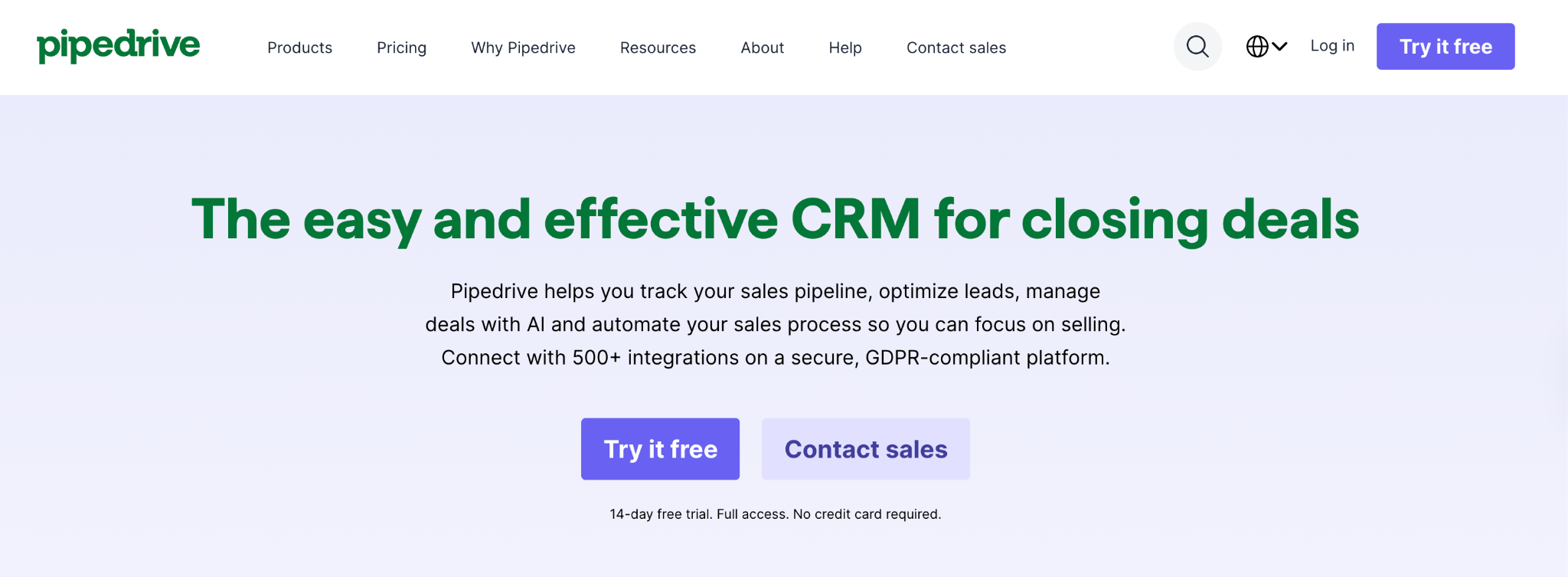
What it does: Pipedrive is a sales-focused CRM built around a visual pipeline where deals move through customizable stages as drag-and-drop cards.
Best for: Sales-driven small teams of 5-50 people who care more about closing deals than tracking marketing campaigns or support tickets.
Pipedrive’s pipeline view is the cleanest in the category. I dragged a deal through five stages in seconds and saw exactly which deals were stalling. Where other CRMs try to do everything, Pipedrive picks one job (sales) and does it well. That focus is the entire product.
Key features
- Drag-and-drop pipeline: The cleanest visual deal tracking in the category, with customizable stages per pipeline.
- Activity-based selling: Every deal must have a “next action” assigned to it, which prevents deals from going stale.
- Smart Docs: Build, send, and e-sign quotes and contracts inside the CRM (paid add-on).
- AI sales assistant: Surfaces deal insights, recommends next steps, and drafts follow-up emails.
Pros
- Easiest learning curve of any sales-focused CRM.
- Mobile app holds up in the field with full pipeline editing on the go.
- Per-user pricing scales predictably without contact-tier surprises.
- 400+ integrations covering the most common SaaS tools.
Cons
- No free plan, only a 14-day trial.
- Reporting is thin on lower tiers and locked behind Premium for forecasting.
- Add-ons (LeadBooster, Campaigns, Web Visitors) inflate the real cost fast.
What users say

“What I like most about Pipedrive is how easy it is to use. The visual pipeline makes it straightforward to track deals and quickly see exactly where each opportunity stands.” Emmanuel C. J, G2

“Emails don't always get attached to deals when sent in Google Mail, and I have to re-sync often.” Steven B., G2
Pricing
Pricing starts at $24/user/month for Lite (monthly billing). Growth runs $49/user, Premium $79/user, and Ultimate $99/user. Full plan details are on the Pipedrive pricing page.
Bottom line
If your problem is “we lose track of deals,” Pipedrive solves it better than anything else for the price. If your problem is broader (e.g., marketing, support, or content), consider Zoho instead.
2. Zoho CRM: best for affordable customization
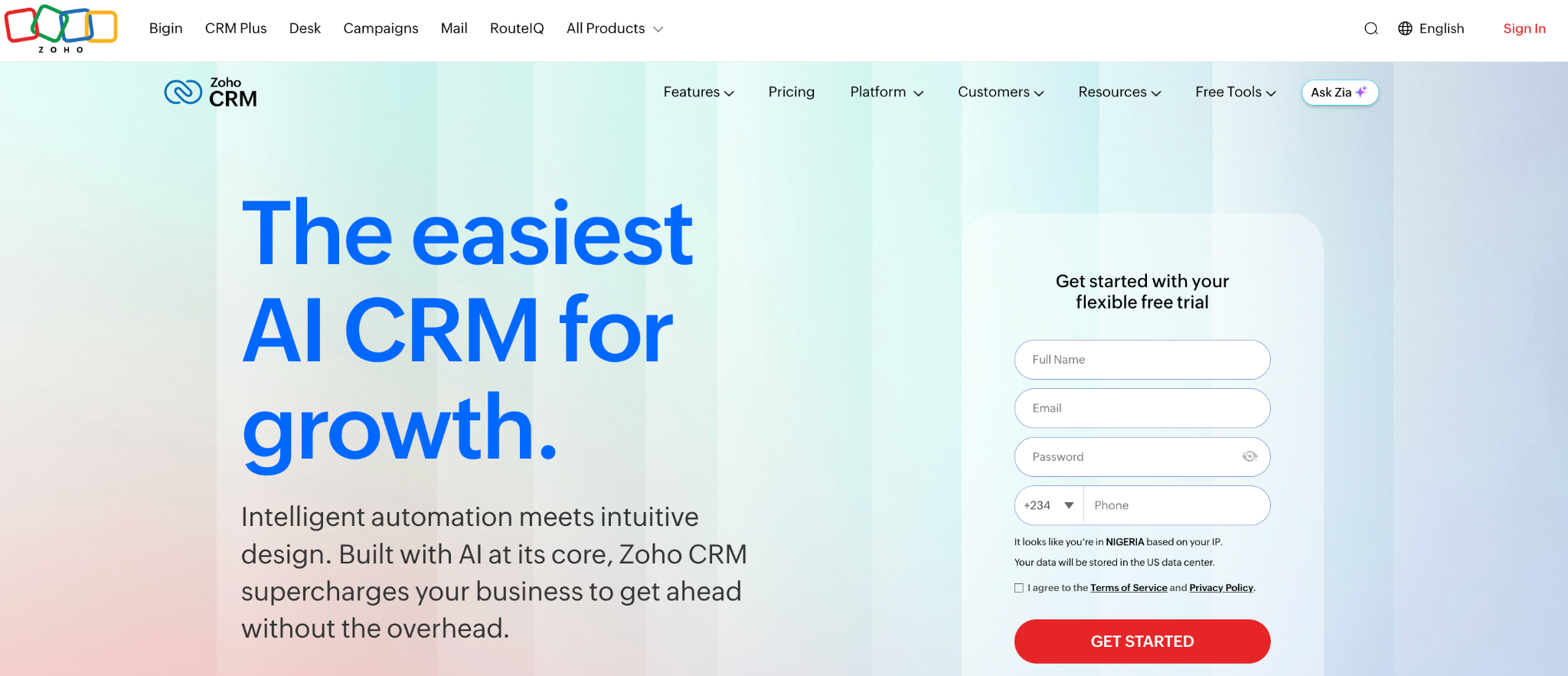
What it does: Zoho CRM is a full-featured CRM with workflow automation, email marketing, multi-channel communication, and an AI assistant, priced significantly below most enterprise CRMs.
Best for: Small businesses with specific sales processes that need customization without enterprise pricing.
Zoho gives you enterprise-grade depth at a fraction of the cost. I built a custom sales process with 12 stages, three custom modules, and a workflow that auto-assigned leads based on company size, all in about an hour. The catch is that the interface feels older, and the volume of options can overwhelm new users.
Key features
- Workflow automation (Blueprint): Standardize sales processes with a visual flow editor that enforces required actions per stage.
- Multi-channel communication: Email, phone, social media, live chat, and SMS all unified inside the CRM.
- Zia AI assistant: Predicts deal-closure probability, flags anomalies, and recommends the best times to contact leads.
- Deep customization: Custom modules, fields, and page layouts on Standard plans and above.
Pros
- Best value in the category for businesses needing automation and customization.
- Strong integration with the broader Zoho ecosystem (Books, Desk, Campaigns).
- Free plan supports up to 3 users with full CRM features.
Cons
- Sheer number of settings creates a steeper learning curve.
- Customer support quality varies by plan tier.
- Reporting customization can require technical knowledge.
What users say
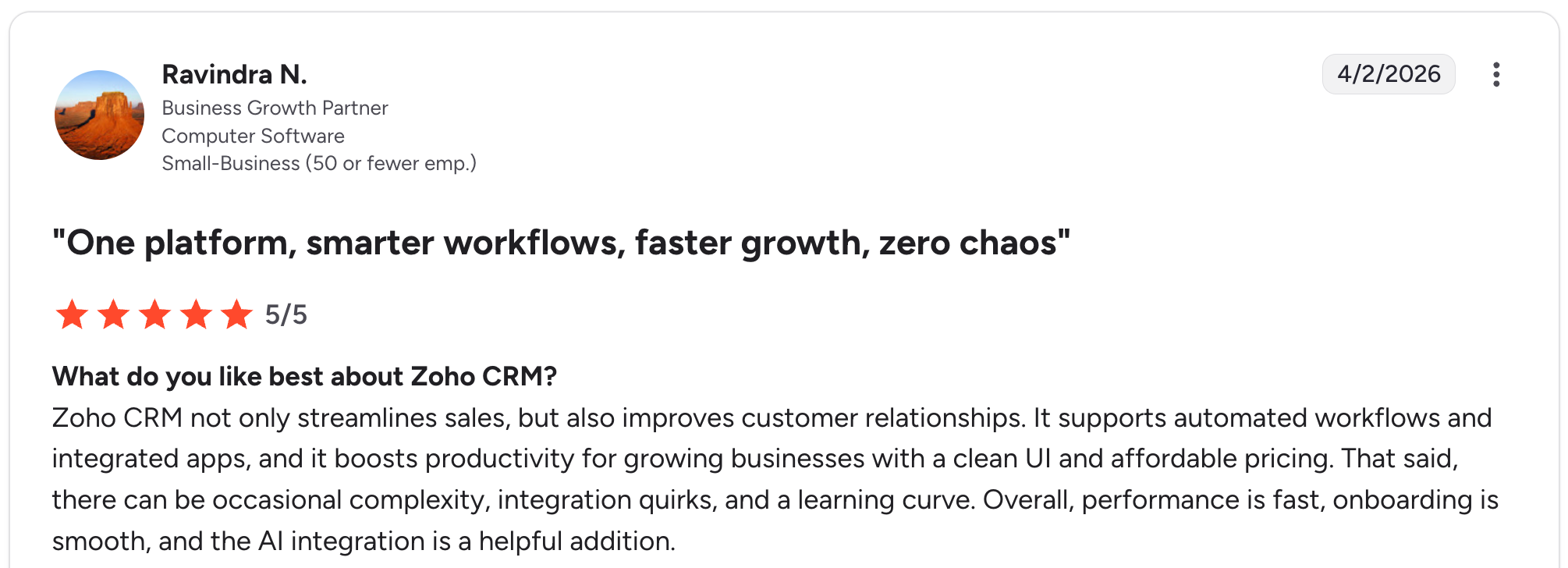
“Zoho CRM not only streamlines sales but also improves customer relationships. It supports automated workflows and integrated apps, and it boosts productivity for growing businesses with a clean UI and affordable pricing.” Ravindra N, G2

“Integration with other marketing and knowing all that Zoho can do is hard. Our B2B marketing team is made up of marketers, not tech. It is not feasible to expect them to do all the research themselves when they have targets to achieve.” Wijbren V, G2
Pricing
Free plan supports up to 3 users. Paid plans (monthly billing) are: Standard ($20/user), Professional ($35/user), Enterprise ($50/user), and Ultimate ($65/user). The full breakdown lives on the Zoho CRM pricing page.
Bottom line
Zoho is the smart pick if you have a defined sales process and want a CRM that bends to fit it. Plan for a learning curve in exchange for long-term flexibility and lower costs.
3. Bigin by Zoho: best for solo founders and micro-teams
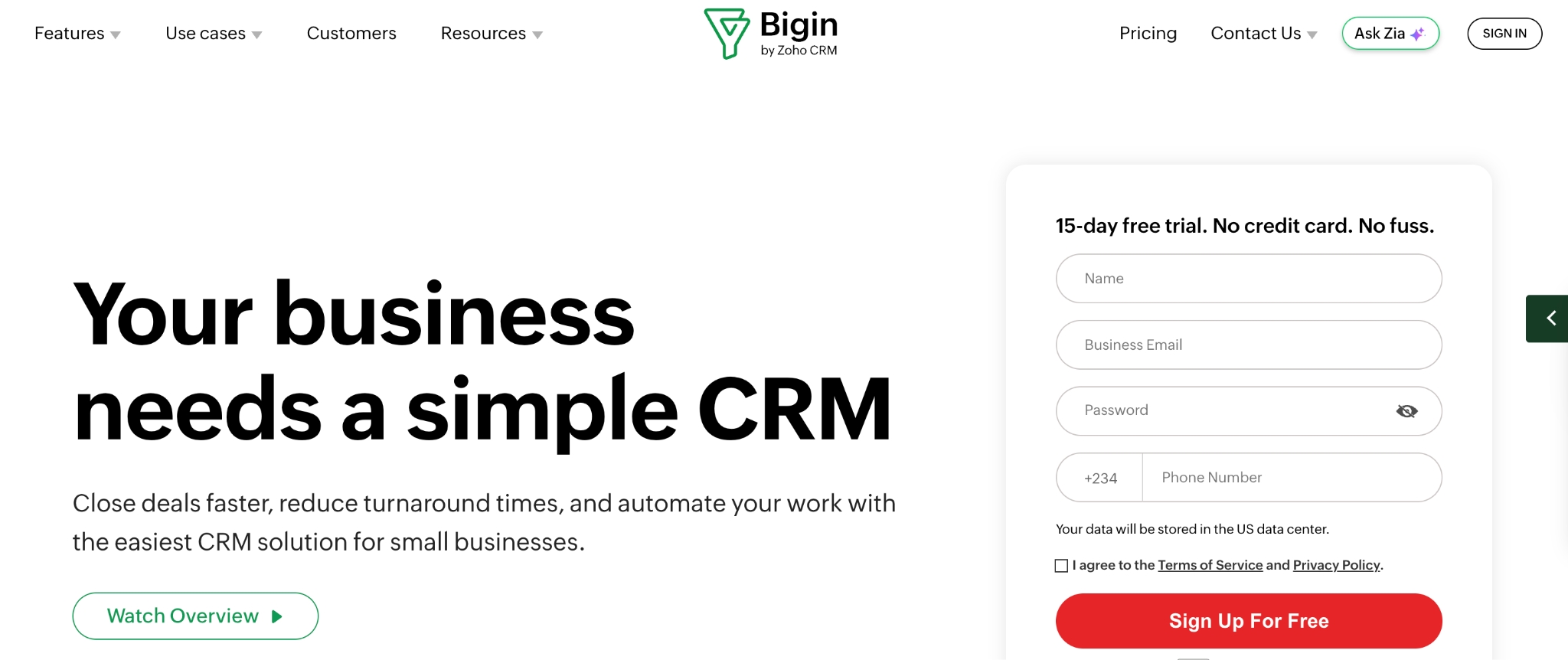
What it does: Bigin is Zoho’s stripped-down, pipeline-focused CRM built specifically for very small teams (1-10 people) that find Zoho CRM too complex.
Best for: Solopreneurs and teams under 10 people who want CRM essentials without the bloat.
Bigin treats your small team like a small team. Most CRMs hand you 200 fields you’ll never use and call it customizable; Bigin gives you maybe 20 and trusts you to know what your business needs. I had a working pipeline, web form, and email sync set up in 15 minutes with zero training.
Key features
- Pipeline-first interface: The entire CRM is built around moving deals through stages, with everything else as supporting details.
- Built-in telephony: Make and receive calls inside the CRM with call logging on every plan.
- WhatsApp Business integration: Native two-way messaging without a third-party connector.
- Smooth upgrade path: One-click migration to full Zoho CRM when you outgrow Bigin.
Pros
- One of the cheapest serious CRMs in this comparison at $9/user/month.
- Free plan covers one user, 500 contacts, and a built-in phone line with no expiration.
- Setup takes minutes, not weeks.
- No seat minimums on any tier.
Cons
- Limited customization compared to full Zoho CRM.
- Reporting is basic, even on the highest tier.
- Smaller integration library than Zoho CRM.
- Best suited for teams under 20; larger orgs hit walls quickly.
What users say

“What I like most about Bigin by Zoho CRM is how simple and practical it feels from day one. I didn’t have to spend time figuring things out; it just helped me organize my outreach and keep track of conversations without the usual clutter.” Harsh S, G2

“At first, it took me a little time to understand how to customize certain fields and workflows the way I wanted. I would love to see even more beginner-friendly walkthroughs for first-time users.” Sabrina S, G2
Pricing
Free plan supports 1 user with 500 records. Paid plans bill monthly at: Express $9/user, Premier $15/user, Bigin 360 $21/user. See the Bigin pricing page for current rates.
Bottom line
If your team is under 10 people and you’ve outgrown a spreadsheet, Bigin is the cheapest, fastest way to a working CRM. Plan to migrate to Zoho CRM if you cross 20 users or need deep automation.
4. Zite: best for custom CRMs that fit your workflow
What it does: Zite lets you build a custom CRM (or any business app) by describing what you need in plain English. The AI generates the database, screens, workflows, and permissions together.
Best for: Small businesses whose workflow doesn’t fit standard CRMs and would rather build their own than fight with someone else’s product structure.
Zite offers small businesses an option that doesn't appear elsewhere on this list. Describe the CRM you need, and Zite builds it for you in a few minutes, with the tables, the pipeline, the screens, and the access rules included.
Because the CRM is built around your workflow, you can shape the interface to fit how your team actually works, store any kind of data in a flexible database, and add users without the per-seat costs that make other CRMs more expensive as the team grows.
I described “a CRM for an immigration consulting firm tracking case stages, document status, and client communications,” and Zite generated a working app with the right tables, linked records, and a custom pipeline in about three minutes.
Key features
- AI-built apps with a built-in database: Describe what you want, and Zite generates the tables, fields, screens, and pipeline together.
- Visual workflows: App logic shows up as a flowchart you can inspect, verify, and troubleshoot without reading code.
- Direct interface editing: Click into any screen to change text, colors, or layout. The AI build is a starting point, not a final form.
- Built-in database with linked records: Spreadsheet-like usability that scales to millions of rows.
- Roles and permissions: Control who sees what, with internal-only or external publishing.
- Native integrations: Airtable, Google Sheets, Slack, and OpenAI.
- Branding kit: Pulls your website’s colors and fonts so the CRM matches your brand.
Pros
- Builds exactly the CRM your business needs, with the right tables and pipeline from the first prompt.
- Unlimited users on every plan, including free.
- Visual workflows let non-technical builders see how the app logic runs.
- SOC 2 Type II compliance available when needed.
- One custom app replaces the CRM, plus the spreadsheets, forms, and portals teams typically piece together to make it work.
Cons
- Newer platform, so the template library is still growing.
- Best for teams that want a custom build; if you want to plug-and-play, an off-the-shelf CRM is faster.
- AI credits are limited on free and lower-tier plans.
- Sales-specific features aren't pre-packaged: dialers, call recording, and email sequencing have to be added separately rather than coming included like with HubSpot or Pipedrive.
What users say

“I made a whole website last night in about an hour, and the result is as good as anything I’ve ever had a web designer build for any of my companies that cost thousands of dollars.” Verified User, Reddit.

“More flexibility on pricing tiers for teams with variable submission volumes would be welcome.” Alvaro H, G2
Pricing
Unlimited users on every plan, including free, so the price covers the whole team rather than billing per seat. Pro is $19/month, Business is $69/month, and Enterprise pricing is available on request.
For comparison, a 10-person team pays $19/month total on Zite, versus around $240/month on Pipedrive or $200/month on Zoho. See the Zite pricing page for details.
Bottom line
Zite makes sense for teams who want to shape the CRM around their actual workflow, rather than the other way around.
Describe what you need, get a working CRM with the right tables, fields, and pipeline, and skip the year of customization that comes with traditional CRMs. See Zite's guide on free CRMs for small businesses for a closer look at the approach.
5. Freshsales: best for AI lead scoring on a budget
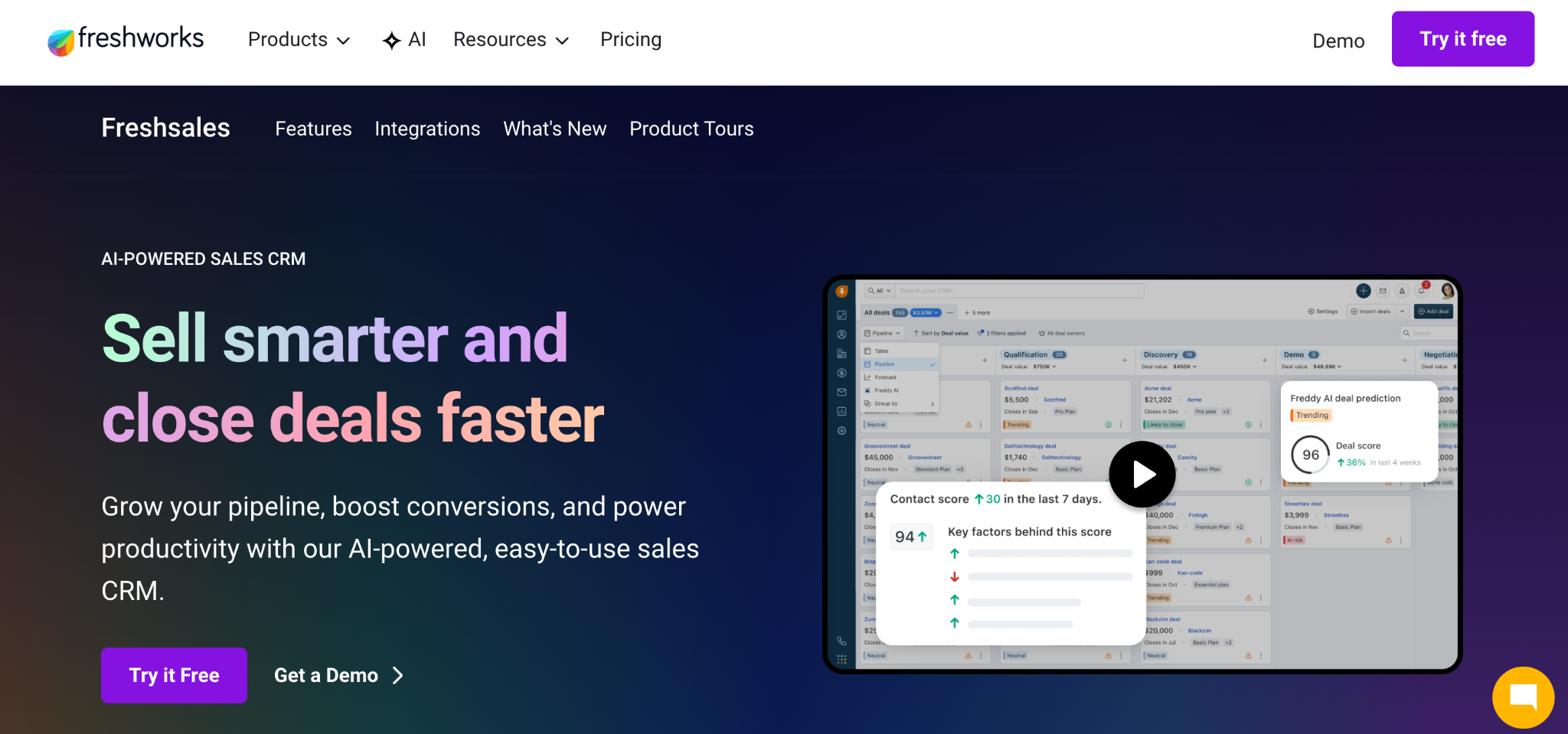
What it does: Freshsales is a sales-focused CRM with built-in phone, email, chat, and AI lead scoring (Freddy AI).
Best for: Small B2B sales teams that want AI-driven lead scoring without paying enterprise rates.
Freshsales gives you Freddy AI on the $11/user Growth plan. I uploaded 200 contacts, and Freddy ranked them by deal probability within minutes. The scoring lands close enough to be directionally useful and removes guesswork from morning prioritization.
Key features
- Freddy AI lead scoring: Predicts which leads are most likely to convert based on engagement patterns.
- Built-in phone and chat: Call leads, send SMS, and run live chat conversations inside the CRM.
- Sales sequences: Automated multi-step outreach with branching logic on Pro and above.
- 21-day free trial: Longer than most CRMs in this comparison, with no credit card required.
Pros
- AI scoring on the cheapest paid plan, which is rare in this category.
- Built-in communication channels reduce the need for third-party tools.
- The free plan supports up to 3 users and unlimited contacts.
Cons
- Smaller integration marketplace (around 300 apps) than competitors.
- No native marketing automation; needs Freshmarketer as a separate purchase.
- Custom reports locked to the Enterprise tier.
- Phone credits are billed separately from the subscription.
What users say
“The clean and intuitive UI makes it easy to onboard the team quickly without a steep learning curve. Features like built-in phone, email, activity tracking, and automation are tightly integrated.” Karthick P, G2

“They’re a bit complex, especially if you’re new to the industry, so it can take some time to get familiar with everything.” Christian Lyre G, G2.
Pricing
Free plan covers up to 3 users. Paid plans are Growth $11/user/month, Pro $47/user/month, and Enterprise $71/user/month. Pricing details live on the Freshsales pricing page.
Bottom line
If lead scoring matters and budget is tight, Freshsales delivers AI features that the bigger CRMs charge 5 times as much for. If you need marketing automation in the same tool, look at Zoho.
6. Less Annoying CRM: best for teams overwhelmed by complex CRMs

What it does: Less Annoying CRM is a deliberately simple contact and task management tool built for small businesses that find Zoho, Pipedrive, and other full-featured CRMs too much.
Best for: Independent consultants, real estate agents, financial advisors, and small service businesses (1-15 people) that want a CRM that does less and does it clearly.
This is the only CRM on this list where the design philosophy is openly anti-feature. Every paid plan costs $15/user, includes everything, and has no upgrade path because there’s no higher tier. After two days of testing, I understood why their reviews are so consistently positive: the tool stops getting in your way.
Key features
- Single price for everything: $15/user/month covers all features, no tiers, no add-ons, no contracts.
- Daily agenda email: You receive a summary of tasks, follow-ups, and meetings every morning.
- Built-in calendar: Syncs with Google and Outlook, with task and event management in one view.
- Live phone and email support: Even during the 30-day free trial.
Pros
- Cheapest flat-rate CRM with all features included.
- Highest customer support ratings I’ve seen in any CRM category.
- 30-day free trial with no credit card required.
- Setup takes under an hour for most teams.
Cons
- No automation, sales sequences, or AI features.
- Reporting is intentionally basic.
- No native two-way email sync.
- Not designed for teams of over 25 people.
What users say

“I love that it's flexible and intuitive, but it's the pipelines that have made all the difference for my team and me! We use pipelines to track workstreams, and because we can add custom fields, it means everyone knows what needs to happen when and by whom.” Jennifer F, G2

“My biggest drawback is the limited number of integrations with the platforms I use.” Lexie G, G2.
Pricing
Single plan at $15/user per month, no contracts, no setup fees, no upgrade tiers. Free 30-day trial with no credit card required. See the Less Annoying CRM pricing page for details.
Bottom line
Less Annoying CRM works best for micro-businesses that want a working contact database, basic pipeline tracking, and a daily task email. The flat $15/user price covers all features with no upsell path.
7. OnePageCRM: best for action-focused sales follow-up

What it does: OnePageCRM is a contact-focused CRM built around a Next Action methodology. Every contact must have an assigned next step, which becomes a daily action list.
Best for: Solopreneurs, consultants, and small sales teams (1-20 people) where consistent follow-up is the difference between closing and losing deals.
The Next Action rule changes how the whole CRM feels. After a week inside the tool, no contact in my pipeline ever sat without a defined follow-up step, and the morning Action Stream told me exactly where to start the day.
Key features
- Next Action methodology: Every contact requires an assigned follow-up step, surfaced in a daily Action Stream.
- Email sync on every plan: Two-way email integration with Gmail, Outlook, and any IMAP provider.
- Lead Clipper browser extension: Captures leads from LinkedIn, Gmail, or any website with one click.
- Route Planner: For field sales reps doing in-person visits, the mobile app maps the most efficient route between meetings.
Pros
- Cheapest paid CRM I tested with full email sync at $15/user/month.
- Fastest onboarding of anything in this category (15 minutes to a working CRM).
- Strong mobile app for field sales.
- Free phone and email support on all plans.
Cons
- Limited reporting and analytics compared to bigger CRMs.
- No marketing automation or sales sequences.
- Smaller integration library than competitors.
- The Next Action approach won’t suit teams with high volumes of inbound leads.
What users say

“It helps me stay organized and consistent with my follow-ups. What I like most about OnePageCRM is that it is easy to use and very straightforward. It helps me focus on what actually matters and keeps me in action.” Susana V, G2

“One thing I don’t like about OnePage CRM is that it has limited advanced features and integrations compared to other CRM tools.” Waqas F, G2
Pricing
Three paid tiers, monthly billed: Professional $15/user/month, Business $29/user/month, and Max $45/user/month. Free 21-day trial, no credit card required. The full plan comparison is on the OnePageCRM pricing page.
Bottom line
If your sales process is “talk to leads, follow up consistently, close deals,” OnePageCRM is built for that exact rhythm. If you need analytics, marketing, or service tools on a single platform, look at Zoho.
Which small business CRM should you choose?
The right CRM depends on what’s broken in your current setup and where you want to be in two years.
Choose Pipedrive if you:
- Run a sales-focused team where pipeline visibility is the main need.
- Want the cleanest visual deal tracking in the category.
- Don’t need marketing or service tools in the same tool.
Choose Zoho CRM if you:
- Have a defined sales process that needs custom workflows.
- Want enterprise-style features at small business prices.
- Are willing to invest a few weeks in setup for long-term value.
Choose Bigin if you:
- Run a team of under 10 people.
- Want CRM essentials without the bloat or cost.
- Plan to migrate to full Zoho CRM if you grow.
Choose Freshsales if you:
- Want AI lead scoring without enterprise pricing.
- Need a built-in phone and chat in the CRM.
- Run a B2B sales team prioritizing inbound leads.
Choose Less Annoying CRM if you:
- Find every CRM you’ve tried overwhelming.
- Want one flat price with all features included.
- Have a team under 25 people that values clarity over depth.
Choose Zite if you:
- Want a CRM that matches how your business actually works, instead of bending your process to fit a generic template.
- Want unlimited users without per-seat pricing.
- Would rather get a CRM that earns its place from day one than spend a year configuring one.
Choose OnePageCRM if you:
- Need a discipline tool that forces consistent follow-up.
- Want full email sync on the cheapest plan.
- Run a sales-led service business or consultancy.
Hold off on a CRM if:
- Your team is under 5 people, you have fewer than 100 customers, and a well-organized spreadsheet has been working fine.
- You’re a freelancer with 10 clients you talk to weekly. A CRM is overkill at that scale.
Final verdict
For most small businesses, Zoho CRM or Pipedrive is the right starting point. Zoho offers depth and customization at a fair price. Pipedrive is the cleanest sales pipeline tool in the category.
If your team is sales-focused, Pipedrive is the better choice. If your workflow is non-standard or you want unlimited users without per-seat pricing, Zite is worth a look. The worst CRM is the one your team won’t use, so prioritize a tool that matches how you actually work.
Build a CRM that fits your business
Off-the-shelf CRMs work well when your sales process matches what Pipedrive (visual sales pipelines) or Zoho (broad sales and marketing workflows) are built for. When it doesn’t, you spend a year hiding fields, hacking workflows, and paying for features you’ll never use.
Zite gives you another option: describe what you want the CRM to do, and the AI generates the tables, fields, pipeline, screens, and permissions together. Unlimited users on every plan, including free.
Frequently asked questions
What is the best CRM software for small businesses?
The best CRM software for small businesses depends on what you need. Pipedrive wins for sales-focused teams that want a clean visual pipeline. Zoho CRM offers the deepest features at the lowest price point. Zite is the pick for teams with non-standard workflows.
Which CRM is easiest for non-technical users?
The easiest CRM for non-technical users is Less Annoying CRM. It strips out advanced features by design, so there’s nothing complicated to learn. Bigin by Zoho is another strong option for micro-teams that want fast setup without the bloat.
How much does a small business CRM typically cost?
A small business CRM typically costs $15 to $50 per user per month, with most teams landing in the $20 to $30 per user range. Free plans exist (Zoho, Bigin, Freshsales, Zite), but usually cap users or features.
Can a small business build its own CRM?
Yes, a small business can build its own CRM using AI app builders that don’t require coding. Zite lets you describe what you need and generates a working CRM with a database, pipeline, and permissions together. This route works best for non-standard workflows.
What’s the difference between a CRM and a spreadsheet?
A CRM differs from a spreadsheet by tracking customer interactions, deal stages, and follow-ups in a structured database that multiple team members can update at once. Spreadsheets work for 50 contacts. Most small businesses outgrow spreadsheets at 100-300 contacts.
Do I need a CRM if I’m a solopreneur?
Yes, you need a CRM as a solopreneur once you have more than 50 active leads or your follow-ups start slipping. Free plans from Zoho, Bigin, Freshsales, or Zite give you a working CRM at no cost. For 10 clients you talk to weekly, a spreadsheet or notes app is fine.

