


After spending weeks comparing free CRM plans across 15+ platforms, these are the 7 best free CRMs for small businesses in 2026.
7 best free CRMs for small businesses: At a glance
Every tool on this list offers a usable free plan for tracking contacts or deals. The main differences come down to how many users you get, contact limits, and how much you can customize.
Here’s a side-by-side comparison of the top free CRMs and their limits:
1. Zite: Best for building a custom CRM without code
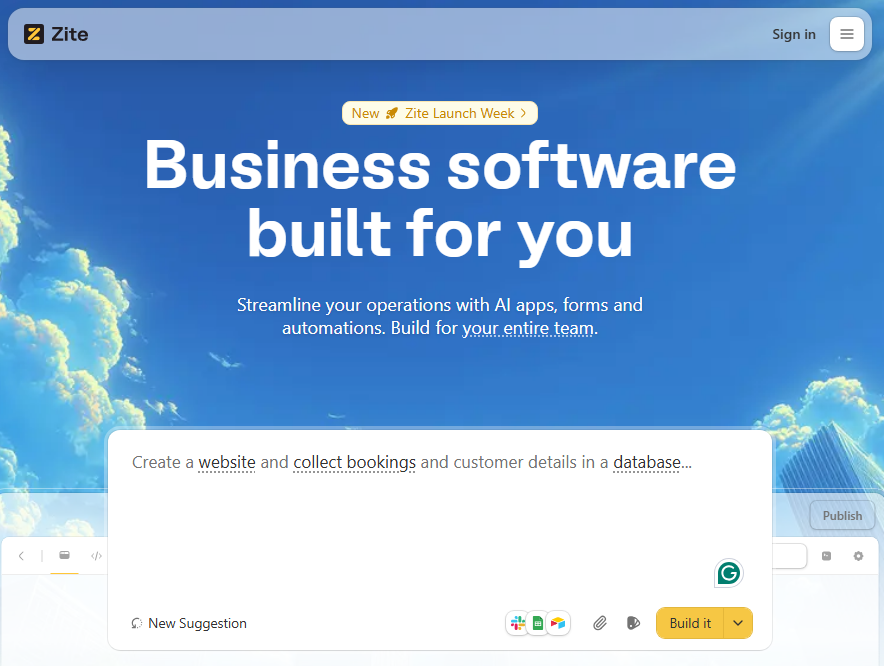
What it does: Zite is an AI no-code platform that lets you build production-ready custom CRM (or any business app) by describing what you want in plain English.
Who it's for: Ops teams, support managers, and SMB owners, or anyone who needs a CRM that fits their workflow.
Most free CRMs give you a rigid system and expect you to adapt. Zite flips that. I typed "build me a CRM for a 20-person sales team that tracks deals, logs client calls, and shows a pipeline dashboard" and had a working CRM in under 5 minutes.
What surprised me most was that it added features I hadn't even considered, such as automated follow-up reminders and a client-facing portal.
Unlike most platforms, Zite’s free plan (and all plans) support unlimited apps and users; you can build your CRM, create other business apps you need, and add as many users as you want without worrying about per-seat costs.
Key features
- AI app generation: Describe your CRM in natural language, and Zite builds it complete with database, forms, dashboards, and workflows.
- Built-in database: Zite auto-generates the tables and fields for your data based on your app's description. Your data lives inside the app with up to 5,000 records on the free plan.
- Visual workflows: Your CRM's logic (follow-ups, notifications, deal-stage changes) appears as a visual flowchart you can inspect and troubleshoot.
- Connect existing tools: Pull data from Airtable, Google Sheets, Slack, or other sources you already use.
- User authentication: Control who has access to your apps with magic links or Google sign-in. You can also set apps to internal-only, so only people in your organization have access, with no login management needed.
Pros
- Unlimited users and apps on every plan.
- You get exactly the CRM you need because you built it yourself. No unused features cluttering your sidebar.
- Click on any part of your CRM to edit it directly, no settings menus or config pages.
- Not limited to CRM. If you need another tool, such as a client dashboard, build that next month, too.
Cons
- The free plan has a limited number of AI credits. You can build and use your apps forever, but heavy AI-driven edits will burn through credits fast.
- Not a traditional CRM out of the box. Even though it only takes a few minutes, you have to build it yourself.
Pricing
The free plan gives you 50 AI credits, which is enough to build your CRM and make several rounds of changes. If you need more credits, upgrade to a paid plan starting at $19/month, billed monthly.
Bottom line
Zite is the best option if you've ever looked at a CRM and thought, "This almost works, but I need it to do X differently." Instead of using a tool that's 70% relevant to your business, you can build exactly what you need. The no-per-user pricing model alone saves most small teams money as they grow.
2. HubSpot CRM: Best all-in-one CRM
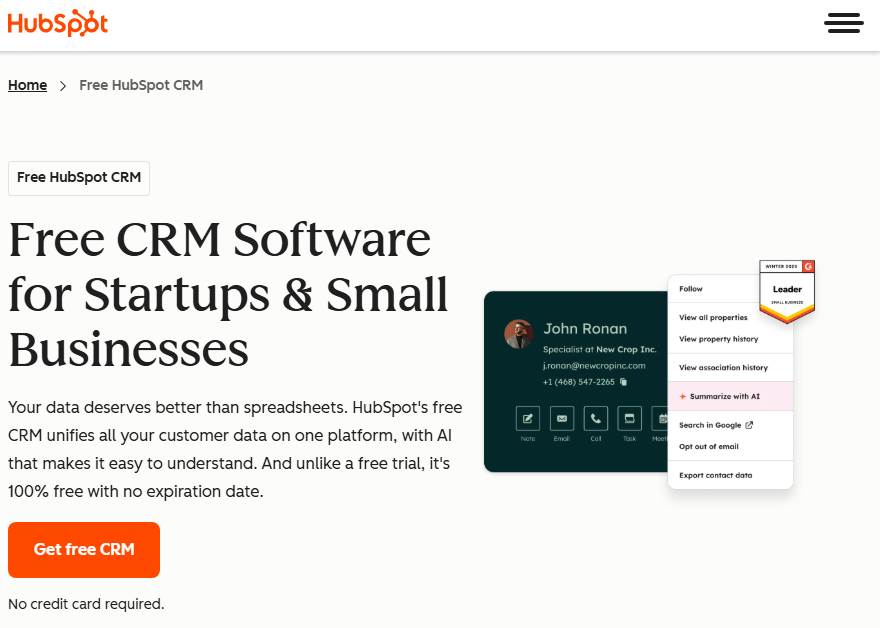
What it does: HubSpot offers a free CRM with contact management, deal tracking, email integration, and basic marketing tools in one platform.
Who it's for: Small teams that want a ready-to-use CRM for tracking leads and customers.
HubSpot is the easiest CRM to get started with. You can track deals, manage contacts, segment lists, and send marketing emails right out of the box. There's even an AI assistant that helps you set up based on your goals.
That said, the free plan is more limited than it looks. I noticed the sidebar is packed with features, but most of them are locked behind paid tiers. You only get 2 users and only 1,000 contacts.
Key features
- Contact and deal management: Track up to 1,000 contacts, organize them into lists, and manage one sales pipeline with custom stages.
- Email automation: Send up to 2000 emails per calendar month and automate 1 basic follow-up action (like an automated email).
- Live chat and chatbots: Add a chat widget to your site (with HubSpot branding on the free plan).
- Landing page builder: Create up to 30 landing pages for lead capture and campaigns.
Pros
- Easy-to-use interface.
- 2,000+ app integrations through the marketplace plus native connections to Google, Microsoft, and Shopify.
- Option to add a custom domain on the free plan.
Cons
- Most features are locked behind paid tiers.
- Emails, forms, landing pages, and chat widgets all carry HubSpot's logo unless you upgrade.
Pricing
HubSpot’s free plan comes with 2 users, and paid plans start at $20/seat/month, billed monthly.
Bottom line
HubSpot's free CRM is great for getting started fast, but it's designed as an on-ramp to paid plans. The 2-user and 1,000-contact limits mean you'll likely need to upgrade or switch within a few months.
3. Zoho CRM: Best free CRM for teams already using Zoho apps
What it does: Zoho’s free CRM provides lead management, deal tracking, workflow automation, and multichannel marketing tools for up to 3 users at no cost.
Who it's for: Small teams of 1-3 people who want CRM functionality that integrates with the rest of the Zoho ecosystem.
Zoho gives you 5x the record limit of HubSpot's free plan (5,000 vs. 1,000), which gave me a lot more room to work with when importing contacts.
The marketing tools aren't as polished as HubSpot's, but that's what HubSpot is known for, so I wasn’t surprised.
The real advantage here is the ecosystem. I connected the free editions of Zoho's support, analytics, and forms apps, and it started to feel like a full workspace without paying a dime.
Zoho's interface looks outdated. I spent more time navigating menus to set up the CRM than with others.
Key features
- 5,000 records across all modules (contacts, leads, deals, accounts).
- Workflow automation for up to 5 tasks per action, which covers basics like sending follow-up emails or updating deal stages.
- Multichannel marketing with email, web forms, and social media integration.
- 1GB file storage for documents and attachments.
Pros
- The 5000 record limit gives you significantly more runway before hitting a paywall.
- Workflow automation is included for free.
- As you grow into Zoho's suite, the apps work natively with each other.
Cons
- Only supports 3 users.
- The interface feels cluttered.
Pricing
Paid plans start at $20/user/month, billed monthly.
Bottom line
Zoho's free plan makes the most sense if you already use (or plan to use) other Zoho products. If your team is larger than three, Zoho’s free plan won't be enough, but you can still start with it to explore features and see if it fits your needs.
4. EngageBay: Best free CRM for marketing-driven sales teams
What it does: EngageBay combines CRM, marketing automation, and customer support into a single platform, with a free tier for up to 15 users.
Who it's for: Small businesses that need email marketing, lead capture, and sales tracking in a single tool without paying for three separate subscriptions.
I've seen people refer to EngageBay as a budget HubSpot, which tracks. I set up email campaigns, segmented contacts, and tracked engagement from a single dashboard. It's easy to use and capable for a free tool.
The problem is the 250 contact limit. You can have 15 people on the platform, but if your team is doing any outbound or lead gen, you'll burn through 250 contacts in a matter of weeks. It's the tightest cap on this list.
Key features
- Email marketing: Sequences, templates, and basic automation built in.
- Live chat and helpdesk: Support tools included at no extra cost.
- Landing page and form builder: Create pages and forms for lead capture without a separate tool.
Pros
- 15 free users.
- Marketing, sales, and support in one dashboard eliminates the need for a separate email tool, CRM, and helpdesk.
- Zapier integration connects EngageBay to thousands of other apps.
Cons
- Only supports 5 forms.
- No free workflow automation. You'll need to upgrade for automations beyond basic email sequences.
Pricing
Paid plans for the CRM and Sales Bay start at $12.99 per user/month for 500 contacts billed monthly.
Bottom line
EngageBay is a good option if you need simple marketing automation for small teams. However, if you’re a growing team, you’ll need a CRM with a higher contact limit.
5. Bitrix24: Best if you need CRM and project management features
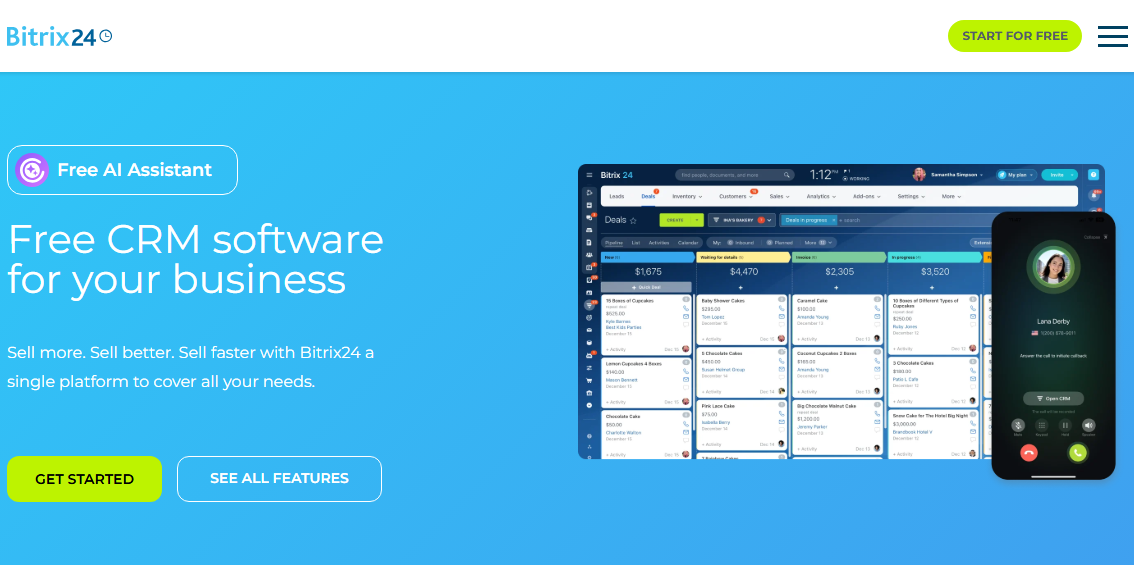
What it does: Bitrix24 is an all-in-one business platform with CRM, project management, HR tools, video conferencing, and a website builder.
Who it's for: Small to mid-sized businesses that want CRM plus internal communication and project management without paying for Slack, Asana, and a CRM separately.
I used Bitrix24's CRM features to create a mock deal. Adding all the details was straightforward since the app is ready to go. I just needed to fill in the details such as deal type, source, and start dates.
Within that same interface, I could track inventory, customers, and sales. It's feature-rich, and you get access to most of the CRM features for deals and contact tracking on the free plan.
Unfortunately, you only get 1 sales pipeline and can’t automate sales workflows on the free plan.
Key features
- Core CRM objects: It includes unlimited deals and contacts for basic CRM functionality.
- Project management: Plan and track work with Kanban boards, Gantt charts, and task lists.
- Calendar sync: Your calendar stays connected with Google Calendar, Apple iCloud, and Microsoft 365.
Pros
- You get CRM, project management, video calls, and HR tools in one platform, without paying for each separately.
- Mobile app for iOS and Android with full CRM access.
Cons
- The sheer number of features makes navigation confusing, especially for new users.
- Overkill if you only need a simple CRM and not the extra HR, work, or communication modules.
Pricing
Paid plans start at $61/organization/month for up to 5 users billed monthly.
Bottom line
Bitrix24 is a good option if you want a CRM that you can later upgrade into a full workspace collaboration tool with project management and communication tools. If you mainly need CRM functionality, you’ll be paying for tools you don’t need.
6. Attio: Best for teams wanting a modern UX
What it does: Attio is a modern CRM with a flexible data model, real-time collaboration, and a Notion-like interface that adapts to how your team actually works.
Who it's for: Early-stage startups that want a polished, customizable CRM without building one from scratch, especially for go-to-market teams.
Attio is the best-looking CRM I've tested. The interface is fast, minimal, and feels more like a modern productivity tool than traditional sales software.
Attio emphasizes being customizable and composable. You define objects (e.g., companies, deals, investors) and views rather than being locked into a classic leads/contacts/opportunities mold.
Contact records auto-populate from your email and calendar, which saved me a ton of manual data entry. I added a contact's email, and Attio automatically filled in their company, role, LinkedIn, and social profiles.
The flip side of all that flexibility is setup time. You're building your CRM from a semi-blank canvas. If you just want to log in and start tracking deals, you'll spend more time setting things up than you'd expect.
Key features
- Automatic data enrichment: Attio pulls in company info, job titles, and social profiles the moment you add a contact.
- Email and calendar sync: Every email and meeting is logged to the correct contact automatically.
- Real-time collaboration: Your team can share views, leave comments, and see activity timelines for each contact and company.
Pros
- Auto-enrichment is a huge time saver. No more manually Googling contacts to fill in company details.
- API and webhook access are included on the free plan, so you can connect other tools even before upgrading.
Cons
- 3 seats max on the Free plan. Adding a fourth person requires the Plus plan, which starts at $36/user/month.
- Limited to 3 object types on the Free plan.
Pricing
Paid plans start at $36/user/month, billed monthly.
Bottom line
Attio’s UI has a minimalist design with fewer menus and fewer options on-screen. It's not overwhelming to use. However, you’ll probably outgrow the free tier faster than most of the options here.
7. Freshsales: Best for sales-focused small businesses
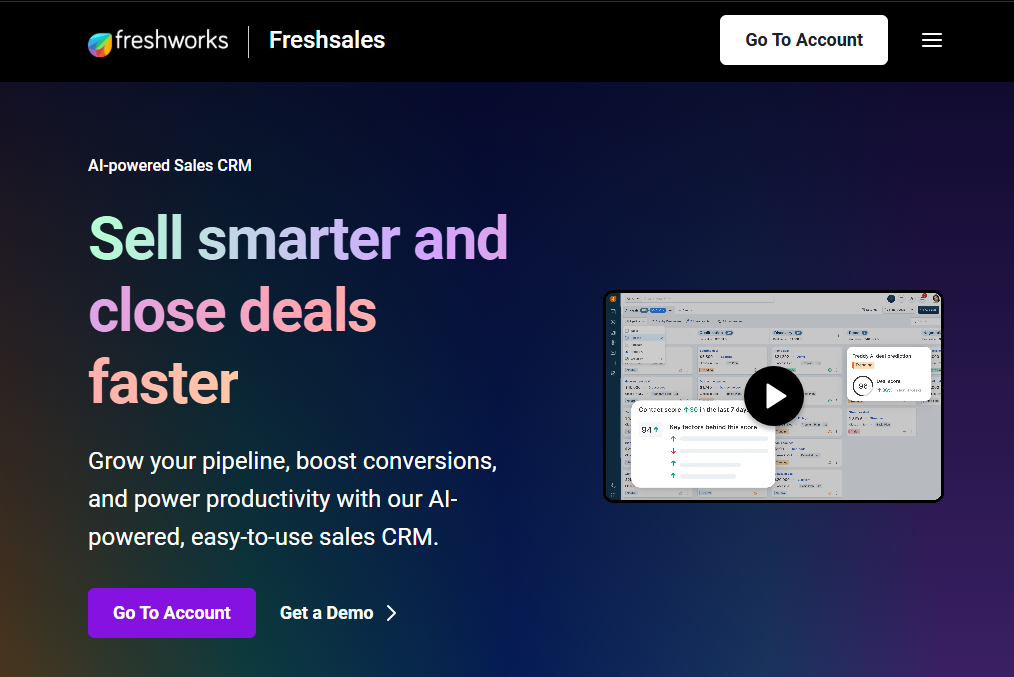
What it does: Freshsales is a dedicated sales CRM with built-in phone, email, contact scoring, and a visual deal pipeline on its free plan.
Who it's for: Small sales teams just getting started that want an easy-to-use CRM with built-in communication tools.
Freshsales stood out because the free plan includes a built-in phone dialer and basic email integration. I could make calls, send emails, and log notes on records without leaving the CRM.
The free plan, however, caps you at 3 users and doesn’t support even basic workflows such as automatically creating tasks or sending email reminders to sales owners. It also excludes custom reports and AI insights.
Key features
- Built-in phone dialer and two-way email sync: Make calls directly from the CRM and connect your email with Freshsales to automatically associate incoming emails with related contacts.
- Chat widget: Set up a chat widget on your website to engage with visitors in real-time.
- Kanban view for records: Drag-and-drop Kanban boards for contacts, accounts, and deals, so you can track records through custom stages.
- Contact lifecycle stages: Track where each lead sits in your sales process, from new lead to customer.
- Mobile app: Access Freshsales from iOS and Android. The mobile app is available across all plans, including the free tier.
Pros
- Built-in phone and email save you from paying for separate communication tools.
- You get 24x5 support on the free plan, which is unusual for an entry-level CRM.
- Part of the Freshworks ecosystem, so you can add support (Freshdesk) and marketing tools later.
- Includes a 21-day free trial of paid plans.
Cons
- Only 3 users on the free plan.
- No workflow automation, custom reports, or AI insights unless you upgrade.
Pricing
Paid plans start at $11/user/month, billed monthly.
Bottom line
Freshsales is a good option for sales teams who want to call and chat with prospects directly from the CRM. If you want to set up basic workflows for free, consider other CRMs.
How I tested these free CRM tools
I signed up for every free plan on this list, imported 200+ test contacts, and set up a basic sales pipeline in each tool to see how they performed under real conditions.
What I evaluated:
- Free plan limits: How many users, contacts, and features do you actually get before hitting a paywall?
- Ease of setup: How long does it take to go from sign-up to a working CRM?
- Core CRM functionality: Can you track contacts, manage a pipeline, log activities, and run basic reports?
- Scalability: What happens when you outgrow the free plan, and how expensive is the upgrade?
- Integration quality: How well does the CRM connect with tools small businesses already use, like Google Workspace and Slack?
Which free CRM should you choose?
Pick the platform you'd be happy paying for down the road. Every tool on this list is free forever, but they all have caps on users, contacts, or features. When your business grows, you'll need to upgrade. If you chose the right platform from the start, that's a one-click upgrade. If you didn't, it's a full migration.
Choose:
- Zite if you want a CRM built to your exact workflow in minutes with visual flowcharts showing how your automations work, and no per-seat pricing as you grow.
- HubSpot if you want a plug-and-play CRM with built-in marketing tools and don't mind the 2-user cap.
- Zoho if you already use (or plan to use) other Zoho products and want everything connected natively.
- EngageBay if you need marketing, sales, and support in one platform for a larger team, but can work within 250 contacts.
- Bitrix24 if you want basic CRM tracking (deals and contacts) and want the option to add an unlimited number of users.
- Attio if clean design and modern UX matter to your team, and you have 3 or fewer people with straightforward sales needs.
- Freshsales if your sales team (of up to 3 members) wants built-in calling and email inside the CRM.
My final verdict
For most businesses, Zite offers the best long-term value. Its unlimited apps, no per-seat pricing, and ability to build the exact CRM your team needs give you more flexibility than any pre-built CRM on this list.
That said, if you want a traditional CRM with marketing capabilities, choose HubSpot. And if you're already in the Zoho ecosystem, Zoho CRM is the natural fit since everything connects out of the box.
Get started with Zite
Build a CRM that fits the way your team actually works. No code required. The free plan supports unlimited users and apps.
Frequently asked questions
What is the best free CRM for small businesses?
The best free CRM for small businesses is Zite because you can build unlimited CRMs tailored to your exact workflows and support unlimited users on the free plan.
Is HubSpot CRM really free?
Yes, HubSpot CRM is free. The free plan lets you have up to 2 users, 1,000 contacts, 1 deal pipeline, and basic email tracking. You'll see HubSpot branding on all emails, forms, and landing pages unless you upgrade to a paid plan starting at $20/month.
What's the difference between a free CRM and a free trial?
A free CRM plan is available forever with limited features, while a free trial gives you full access to a paid plan for a limited time (usually 14-30 days) before requiring payment. Attio, for example, has a 14-day trial for its Pro plan.
Do free CRMs have enough features for a real business?
Yes, free CRMs have enough features for a real business that’s getting started, but expect to upgrade as your business grows. Every free CRM caps something, whether that's contacts, users, automations, or reporting.

