


Most database tools promise to fit your workflow, then hand you a rigid template and expect you to bend your process around it. The moment you need an outside client to log in and see only their own records, half of them fall apart.
I spent a month building three real projects in 11 custom database software tools, a small CRM, an inventory tracker, and a client-facing portal with external logins. Some produced working apps in an afternoon. Others never got past the table your team shares.
Here are the tools that build a real database application, which ones work better as a shared database, and how to pick the right one for what you are building.
11 best custom database software tools: TL;DR
Here is the quick version of where each tool fits:
- Airtable: best for a shared relational database with interfaces.
- Baserow: best for building open-source, self-hosted databases.
- Knack: best for database apps with large user bases and no per-user fees.
- Zoho Creator: best for approval-heavy workflow apps.
- Zite: best for AI-built database apps with the app and data in one place.
- Caspio: best for enterprise database apps with unlimited users.
- Tadabase: best for relational database apps with client portals.
- Softr: best for turning a database into a client-facing portal.
- Stackby: best for a spreadsheet-style database with live API columns.
- Glide: best for mobile-friendly apps from a spreadsheet.
- Bubble: best for fully custom database-backed web apps.
How I researched and tested these custom database software tools
I spent about four weeks building the same three projects in each tool. Each one was a small CRM, an inventory tracker, and a client-facing portal where an external user could log in and see only their own records.
Two tools missing from the list I also tried: Notion (weak on external user access) and AppSheet (strong for Google-centric field ops, though the setup felt dated).
I scored each tool on five things:
- Data structure: how well it handles relational data, linked records, and field types beyond a plain spreadsheet.
- App building: whether it turns the data into a real interface with forms, views, and dashboards, or stops at the table.
- External access: whether you can give clients or members their own logins with role-based access to only their records.
- Ease for non-technical users: how much you can build without code, and how far you get before hitting a wall.
- Pricing: whether the cost stays reasonable as your data and user count grow.
This hands-on approach separates the tools that are databases from the tools that build database applications, which is what most people searching for custom database software actually need.
Database tool vs database application: the distinction that matters
One criterion determines which tool fits your team, so it is worth clarifying before the list.
A database tool (Airtable, Baserow, Notion) organizes records, filters them, and lets your team work in shared tables. A database application gives external users their own logins, a custom interface, and access only to their own data.
Most tools below do both to some degree, and each entry notes where it lands, since that is the best predictor of fit.
11 best custom database software tools: quick comparison
1. Airtable: best for shared team databases
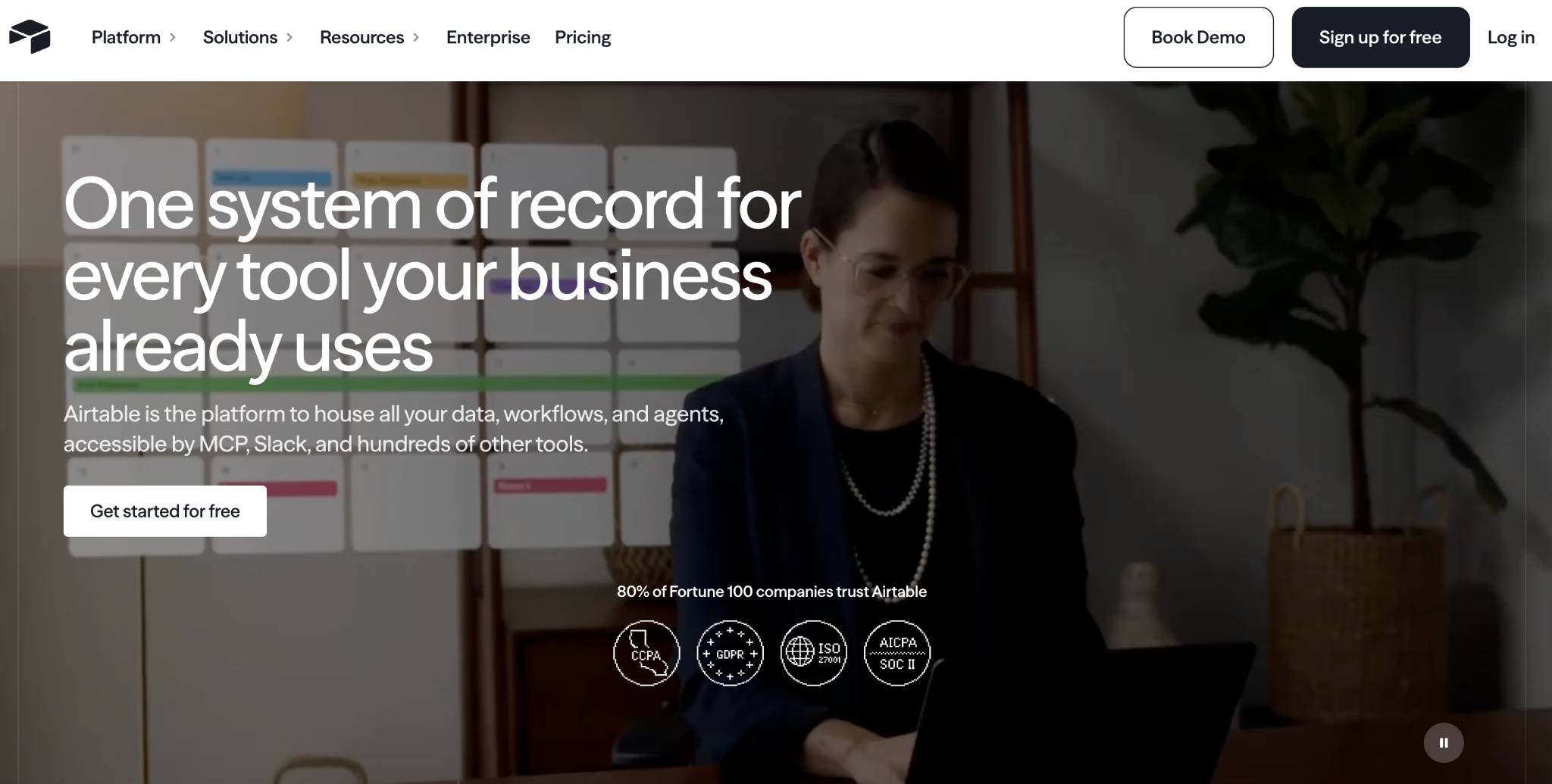
What it does: Airtable is a relational database with a spreadsheet-like interface, plus Interfaces and an AI builder (Omni) for building views on top of your data.
Best for: teams that want a shared, collaborative database with linked records and multiple views and light app-like interfaces on top.
Airtable is the reference point most other tools compare themselves to. The relational model is strong, and Interfaces add dashboards and forms.
It works best as an internal team database. External users struggle here because workspace permissions make per-record client access difficult to set up.
Key features
- Relational database: linked records, rich field types, and multiple views (grid, kanban, calendar).
- Interfaces: build dashboards and forms on top of your tables.
- Omni AI: generate tables, interfaces, and automations from prompts.
Pros
- Best-in-class relational database for non-technical teams.
- Huge library of templates and integrations.
- Strong multi-view collaboration.
Cons
- Workspace-level permissions make per-record access for external users difficult.
- Per-user pricing climbs as the team grows.
- Record limits per base can surprise larger teams.
What users say
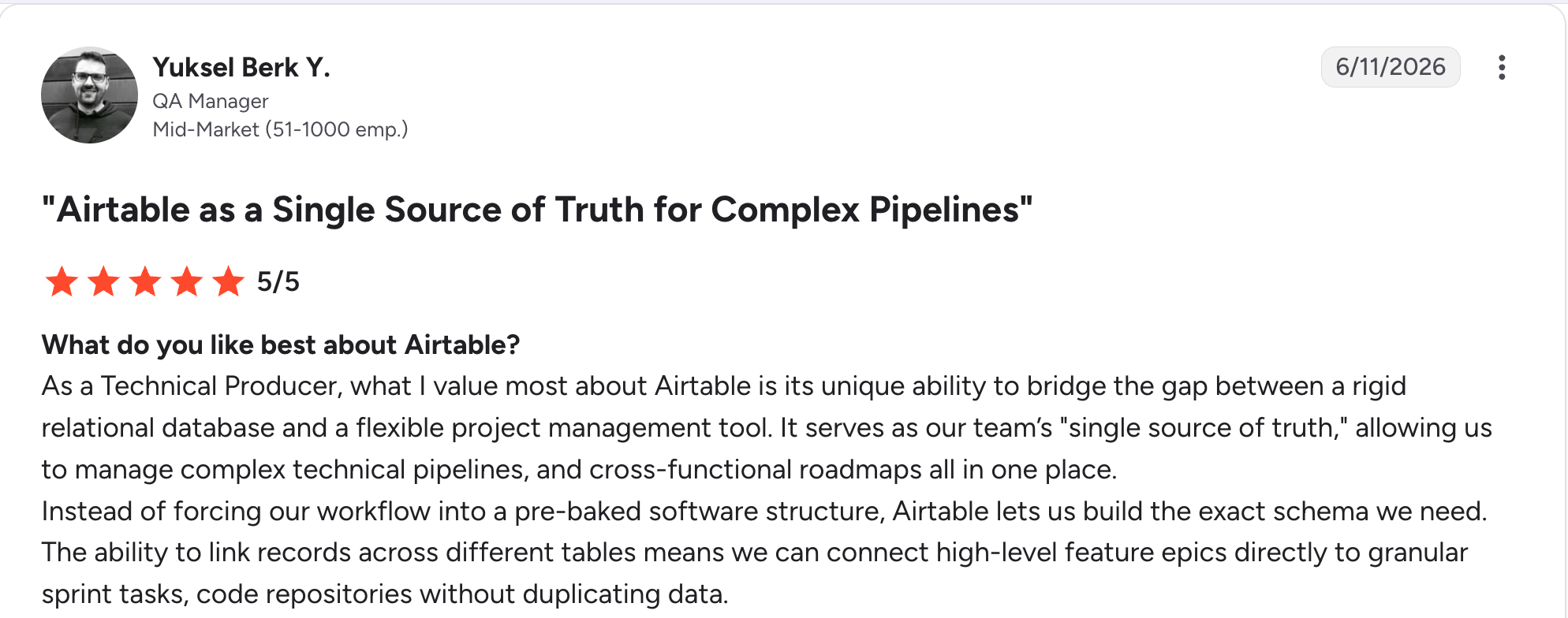
"As a Technical Producer, what I value most about Airtable is its unique ability to bridge the gap between a rigid relational database and a flexible project management tool." Yuksel Berk Y, G2

"In Airtable, I don't have enough for 50,000 rows, and the bigger the database, the slower it works." Vadim C, G2
Pricing
Airtable is free to start; Team runs $24/user/month, and Business is $54/user/month (monthly billing). See the full Airtable pricing.
Bottom line
Airtable earns its reputation as a shared team database. If your project needs external users to log in and see only their own data, a database application tool like Zite or Softr is a better fit. See how Zite compares to Airtable.
2. Baserow: best for open-source, self-hosted database building
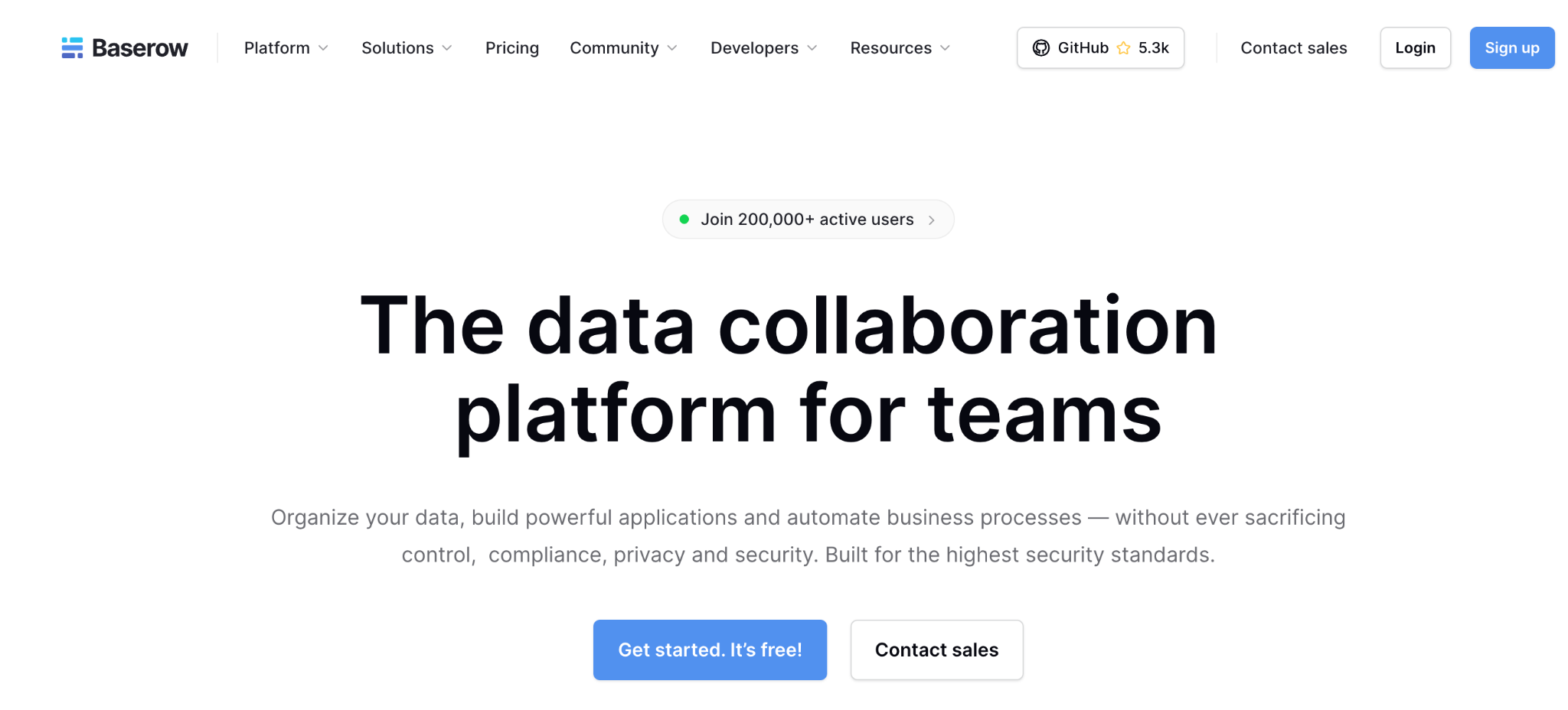
What it does: Baserow is an open-source no-code database you can self-host for full data control, with a spreadsheet-style interface and an API-first design.
Best for: technical teams and security-conscious organizations that want an Airtable-style database with data ownership and no vendor lock-in.
Baserow is the open-source answer to Airtable. Self-hosting removes row and user limits and keeps data on your infrastructure, which matters for compliance. It is a database tool at heart, and the app-building layer is newer and still growing.
Reviewers praise the clean interface and the lower cost compared to Airtable.
Key features
- Open-source and self-hostable: run it on your own servers with unlimited rows and users.
- Spreadsheet-style database: grid, kanban, calendar, and form views with many field types.
- API-first: a REST API and webhooks for building on top of your data.
Pros
- Genuine free self-hosted option.
- Data ownership with no vendor lock-in.
- Cost-effective next to Airtable.
Cons
- App-building features are less mature than the database.
- Self-hosting needs technical resources.
- Fewer reporting and analytics features than dedicated tools.
What users say
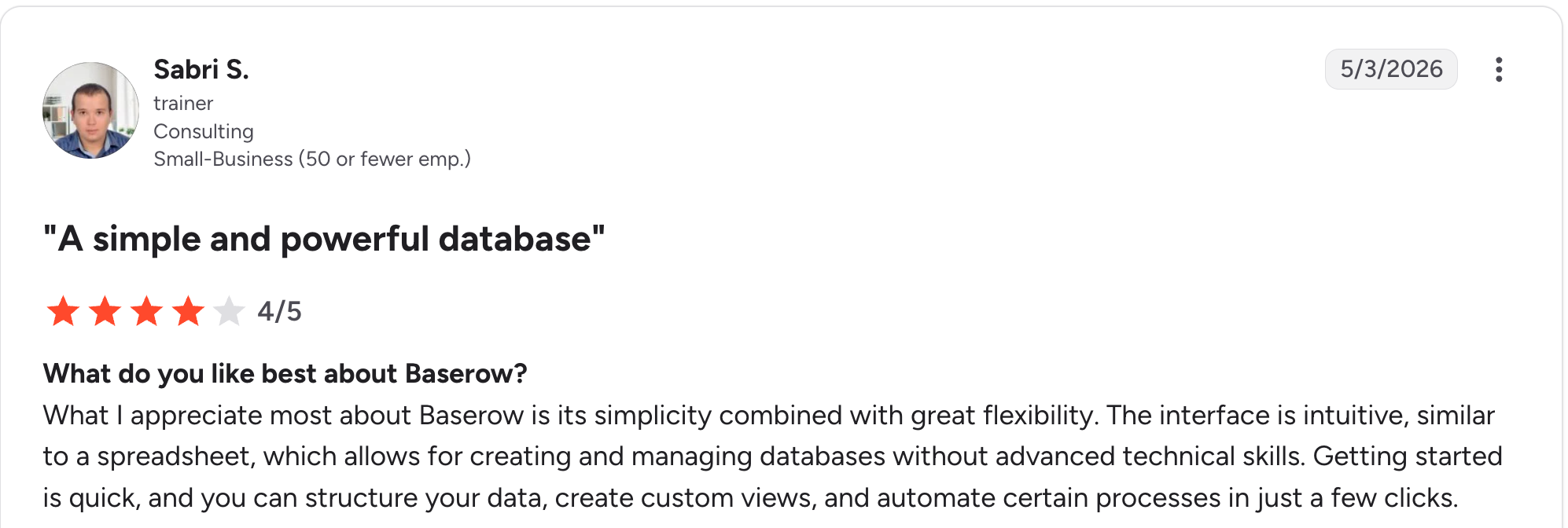
“What I appreciate most about Baserow is its simplicity combined with great flexibility.” Sabri S, G2

“Learning Curve: Some users might find the initial setup and navigation a bit tricky, especially if they're new to database management.” Louise M, G2
Pricing
Baserow is free to self-host; Premium runs $12/user/month and Advanced $22/user/month (monthly billing), with Enterprise pricing on request. See the full Baserow pricing.
Bottom line
Baserow is the choice when data ownership and open-source control matter most. If you want the app-building layer to be as strong as the database, Zite or Knack will take you further.
3. Knack: best for large user bases without per-user fees
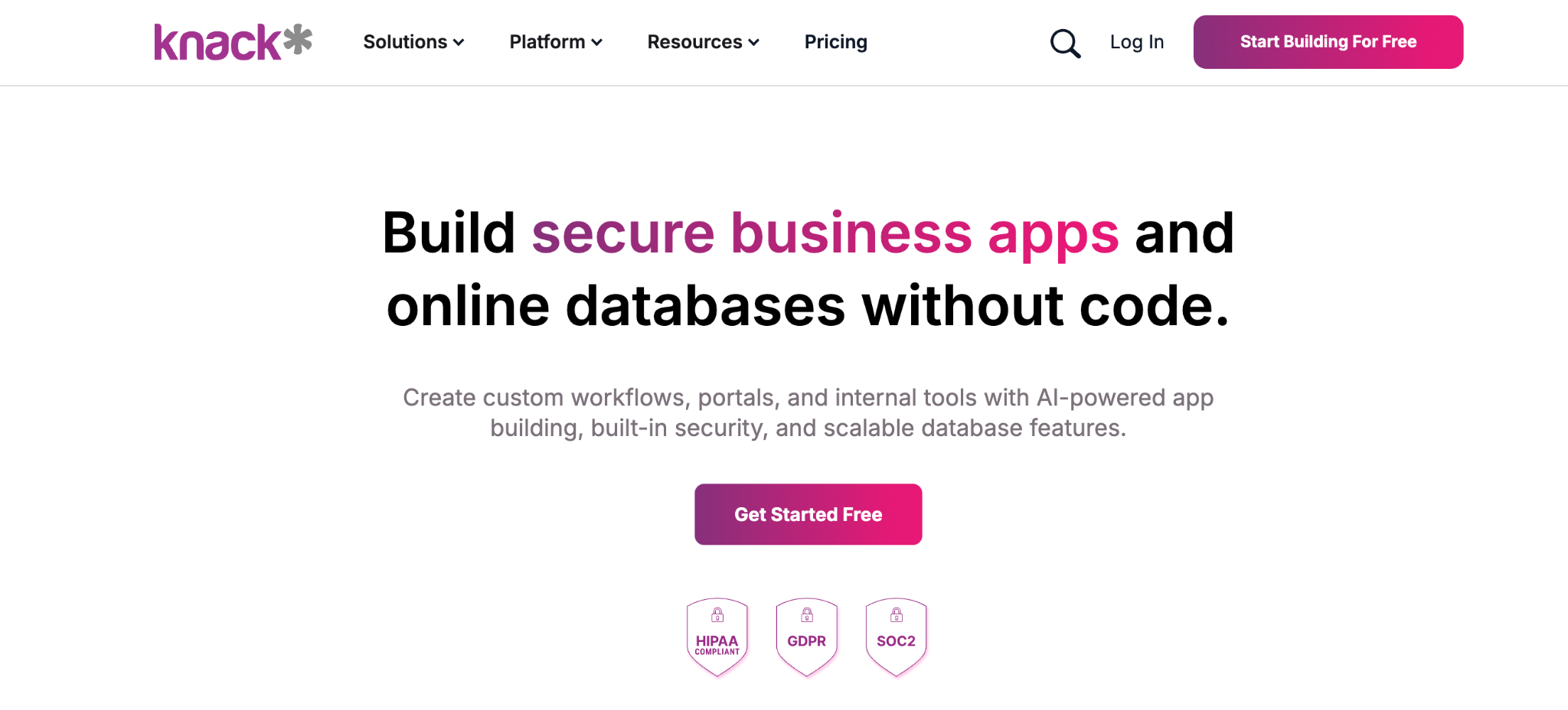
What it does: Knack is a no-code database app builder that charges per app and per record count, so large user bases remain affordable as they grow.
Best for: nonprofits, schools, and businesses building database apps with hundreds or thousands of end users.
Knack has built database applications since 2010, and the pricing model is the differentiator. Where per-user tools get expensive fast, Knack lets your user count grow without changing the bill. It sits on the database-application side, with built-in real user logins and role-based access.
Key features
- No per-user pricing: billing is based on app and record counts, so adding people costs nothing extra.
- Relational database: linked tables, formulas, and roll-ups for real logic.
- Built-in user logins: role-based access for customer-facing apps.
Pros
- Predictable cost as your user count grows.
- Strong relational database for linked data.
- Mature and stable after years on the market.
Cons
- The interface feels dated compared to newer tools.
- Record limits on lower tiers push you to higher plans.
- Learning curve for formulas and roll-ups.
What users say
"It's a great tool to get a project up and running very quickly, but it can support a lot more detailed interaction with Flows and the API." Cary K, Capterra

"There is no log that keeps track of changes made in the database builder." Martin S, Capterra
Pricing
Knack runs $59/month for Starter, $130/month for Pro, and $300/month for Corporate (monthly billing). See the full Knack pricing.
Bottom line
Knack is the value pick for database apps with big user bases, and its per-app billing keeps costs flat no matter how many people log in.
4. Zoho Creator: best for approval-heavy workflow apps
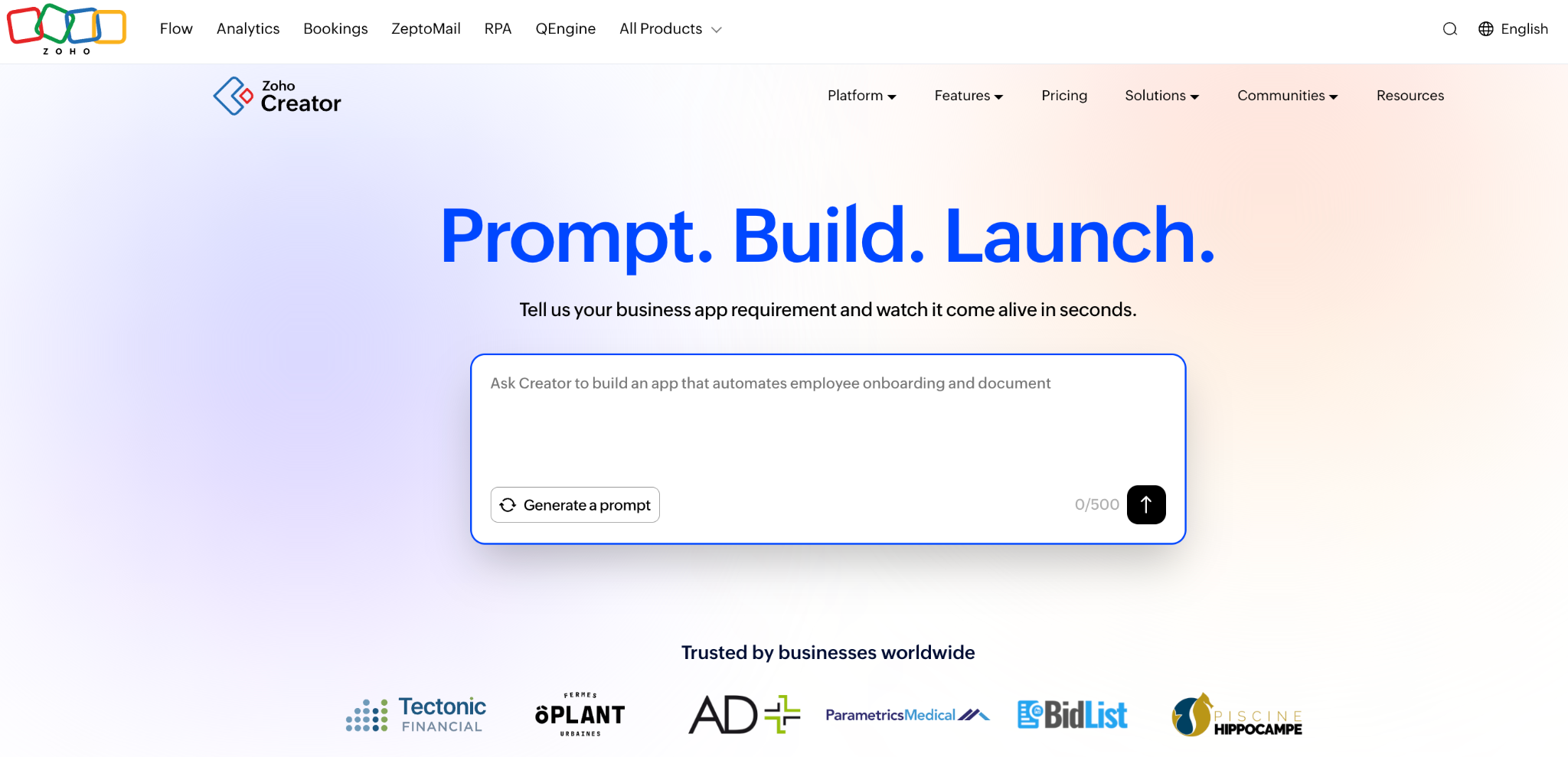
What it does: Zoho Creator is a no-code database app builder with strong workflow logic, including its Blueprint feature for mapping approval stages.
Best for: operations teams digitizing processes with steps, approvals, and conditions, like onboarding or service requests.
Zoho Creator shines when your app is more of a process than a dataset. The Blueprint feature maps each stage and assigns ownership, which suits approval-heavy systems. For deeper logic, it offers Deluge scripting, which leans toward the technical, and it best fits teams already in the Zoho ecosystem.
Key features
- Blueprint workflows: map process stages, owners, and conditions visually.
- Built-in automation: trigger actions and notifications on events.
- Role-based views: dashboards and access tailored to each user.
Pros
- Strong workflow and approval logic.
- Affordable per-user pricing.
- Deep integration with other Zoho apps.
Cons
- Deluge scripting for complex logic edges toward technical.
- Best value only if you use the wider Zoho suite.
- Interface feels utilitarian.
What users say
“In my day-to-day usage, Zoho Creator makes it very easy to build and manage custom applications using its intuitive drag-and-drop UI.” Sachin S, G2

“Facilitating connections between fields and reports without programming is challenging.” Eric G, G2
Pricing
Zoho Creator runs $12/user/month for Standard, $30/user/month for Professional, and $37/user/month for Enterprise (monthly billing), with a yearly-only Flex plan for custom needs. See the full Zoho Creator pricing.
Bottom line
Zoho Creator is the pick for approval-heavy process apps, especially if you already use Zoho. For AI generation and a visible database without scripting, Zite is the simpler path.
5. Zite: best for AI-built database apps
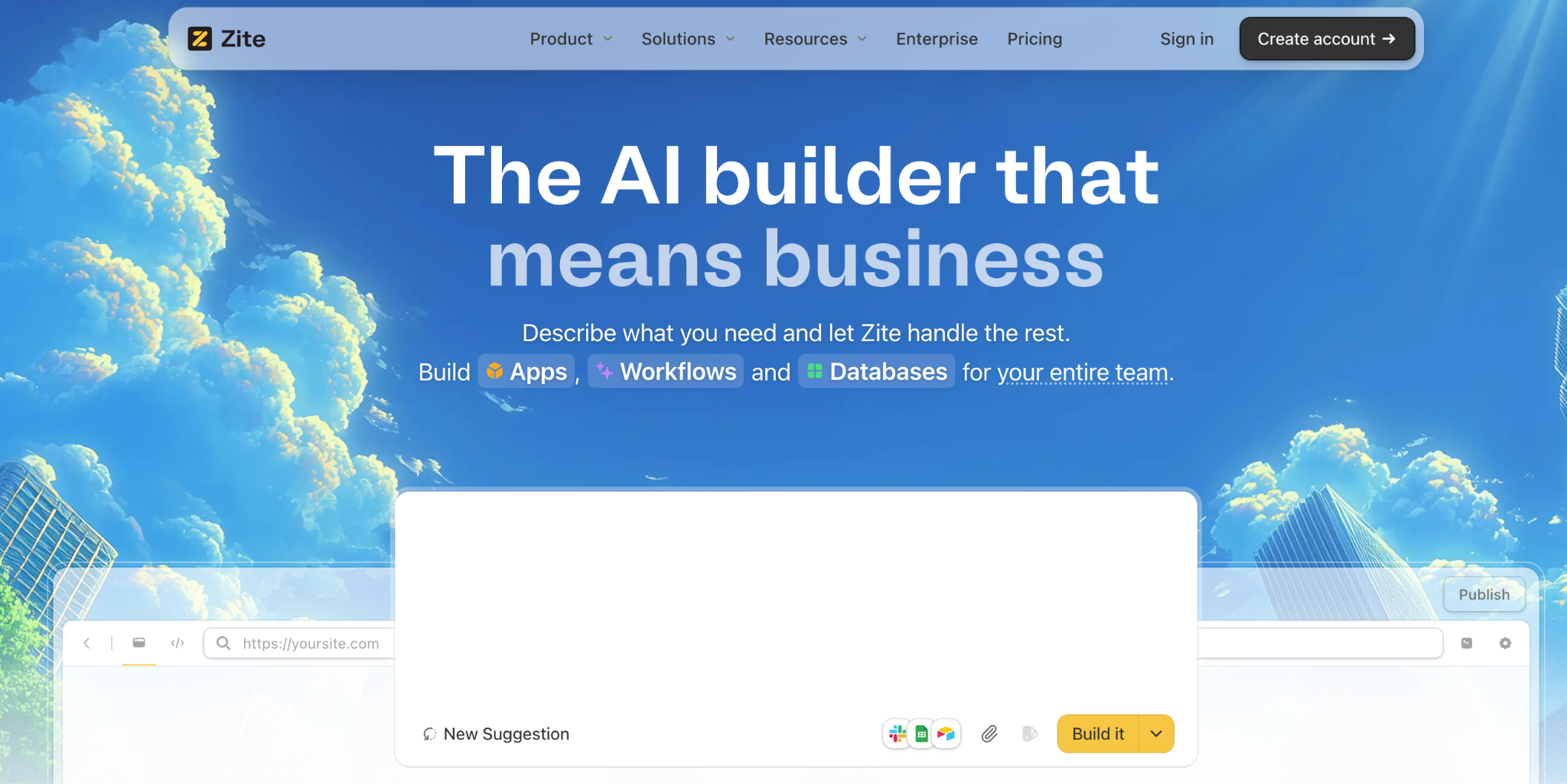
What it does: Zite is an AI-powered no-code app builder that generates a database app, the data structure, and the workflow logic from a plain-language description.
Best for: non-technical teams who want a real database application, with external logins and a custom interface, without wiring up a database and a front end separately.
I described a CRM with client records, linked deals, and a portal view, and Zite generated the tables, app screens, and access rules in a single pass. Zite builds a true database application, where the data and the app it powers live in one place.
Customers like Bombas and Domino's build apps on Zite, from internal trackers to client-facing portals.
Key features
- AI generation from a prompt: describe the app, and Zite builds the tables, screens, and workflow logic together.
- Visible database with tables and fields: a spreadsheet-style database with linked records and AI fields, editable without SQL.
- Works with data you already have: connect Airtable, Google Sheets, Excel, or Notion and keep them updating in real time, or import your data from CSV, Sheets, or Airtable into Zite's own database.
- Visual workflows: you build and change the logic by describing what you want in plain language, and Zite shows it back as a flowchart you can read, trace, and check when something looks off.
- Role-based access: give clients, staff, and admins their own views and permissions from the start.
Pros
- One description produces the app, the data, and the logic together.
- Data and layout stay editable, while the workflow shows as a flowchart you can read and trace, and you change its logic by describing what you want.
- Cheapest hosted tool here with unlimited users, at $19 a month, compared to Tadabase at $50, Knack at $59, and Caspio at $300, so the cost stays flat as the team grows.
Cons
- Newer product, so the template library is still growing.
- AI credits are limited on the free and lower tiers.
- Web apps only, not App Store or Google Play apps, though you can add one to a phone's home screen with your own name and icon.
What users say

“Zite is a good option if you want the UX of a vibe coding tool with the benefits of traditional no-code.” Verified User, Reddit

“More flexibility on pricing tiers for teams with variable submission volumes would be welcome.” Alvaro H, G2
Pricing
Zite is free with limited credits and unlimited users, then Pro runs $19/month, and Business is $69/month, both with unlimited users (monthly billing). See the full Zite pricing.
Bottom line
Zite is the pick if you want a working database application and would rather describe it than build it by hand. If all you need is a light presentation layer over an existing base, with no database or logic of your own, Softr may be a better fit.
6. Caspio: best for enterprise database apps with unlimited users
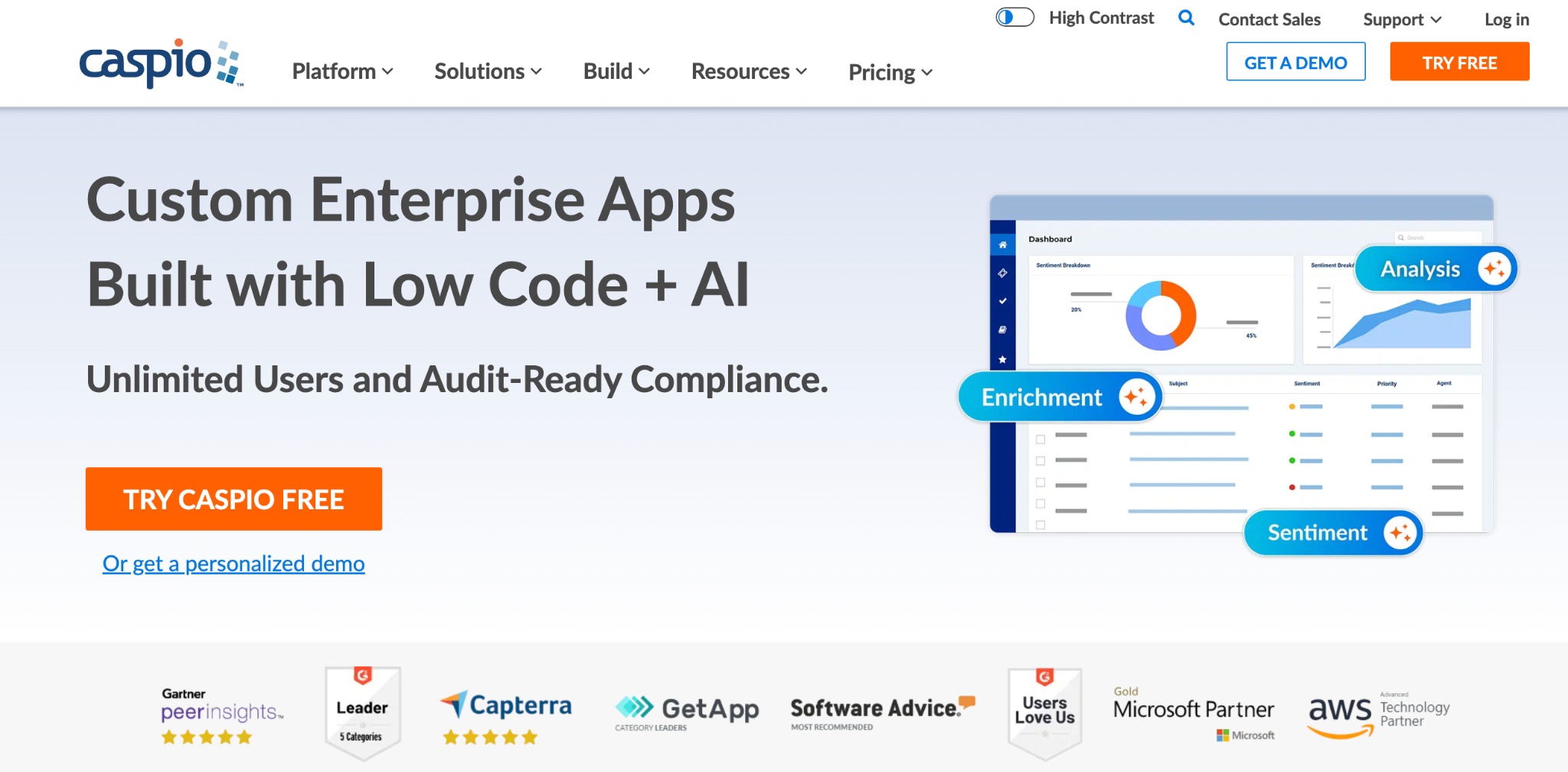
What it does: Caspio is a low-code platform for building database applications on a cloud SQL database, with unlimited app users across all plans.
Best for: businesses and institutions building large-scale database apps where user count would make per-seat pricing painful.
Caspio has run database applications for over 20 years, and its pricing model is the draw. You pay for platform capacity and builder seats, so an app with thousands of external users costs the same as one with a handful. It sits firmly on the database-application side, with strong security and compliance options.
Key features
- Unlimited app users: every plan supports unlimited end users, with pricing based on capacity rather than seats.
- Cloud SQL database: a real relational database with data relationships and no direct administration.
- Security and compliance: SSO, audit trails, and HIPAA-ready tiers for regulated data.
Pros
- Unlimited users on every plan, so external-facing apps stay affordable.
- Enterprise security with SSO, audit trails, and compliance options.
- Mature and scalable to millions of records.
Cons
- High entry price compared to the lighter tools here.
- Annual billing saves only 10%, so there is little discount to soften the high entry price.
- Learning curve for its capacity-based model and feature set.
What users say
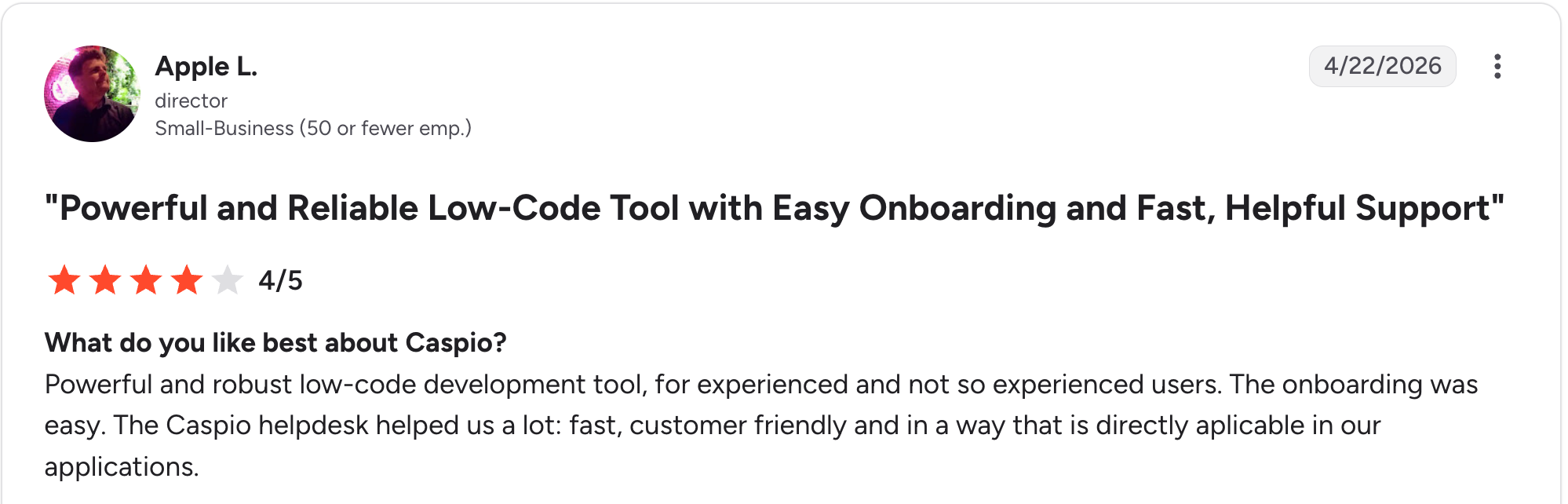
"Powerful and robust low-code development tool for experienced and not-so-experienced users." Apple L, G2

"Caspio allows inserting HTML code, but that code has no standard and is completely arbitrary." Benito A, G2
Pricing
Caspio has no free plan but offers a 14-day trial; Team runs $300/month, Business is $600/month, and Enterprise is custom (monthly billing available). Every tier includes unlimited app users. See the full Caspio pricing.
Bottom line
Caspio is the pick for large-scale database apps where unlimited users and enterprise security matter more than a low entry price. For a lighter, faster start with AI generation, Zite covers the same database-application ground.
7. Tadabase: best for relational database apps with client portals
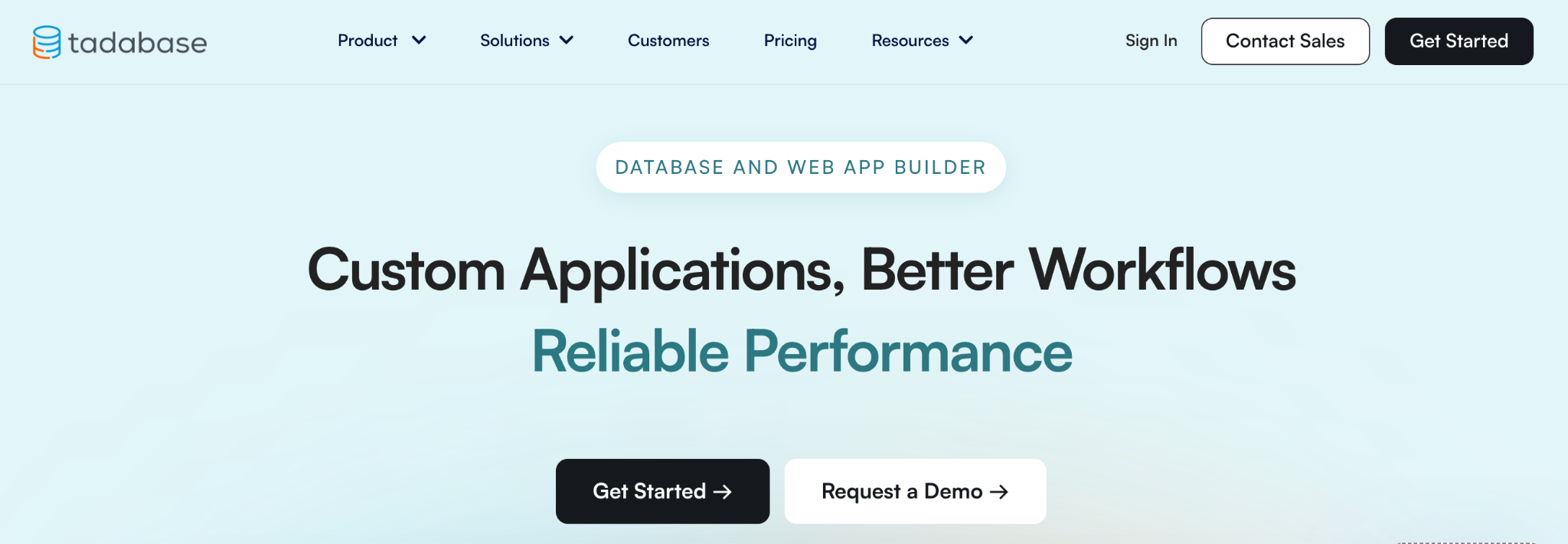
What it does: Tadabase is a no-code builder for relational database web apps, with built-in user logins, role-based access, and client portals.
Best for: teams building internal tools or customer portals that need real relational data and per-user access control without per-seat fees.
Tadabase focuses on database-driven web apps with unlimited users on every plan. You build a data structure, design pages, and set role-based access, so each client or employee sees only what they should. It sits on the database-application side, close in approach to Knack, with a spreadsheet-like builder and visual components.
Key features
- Relational database: structured tables and relationships with a spreadsheet-like builder.
- Built-in user logins: role-based access, custom login pages, and per-record permissions.
- Visual components: kanban boards, calendars, maps, and charts to display data.
Pros
- Unlimited users on every plan, with no per-seat fees.
- Strong access control for client-facing portals.
- White-label branding and custom domains.
Cons
- App count and record caps on lower tiers push you up to higher plans.
- HIPAA compliance is a paid add-on and is not included.
- Smaller ecosystem and template library than older tools.
What users say
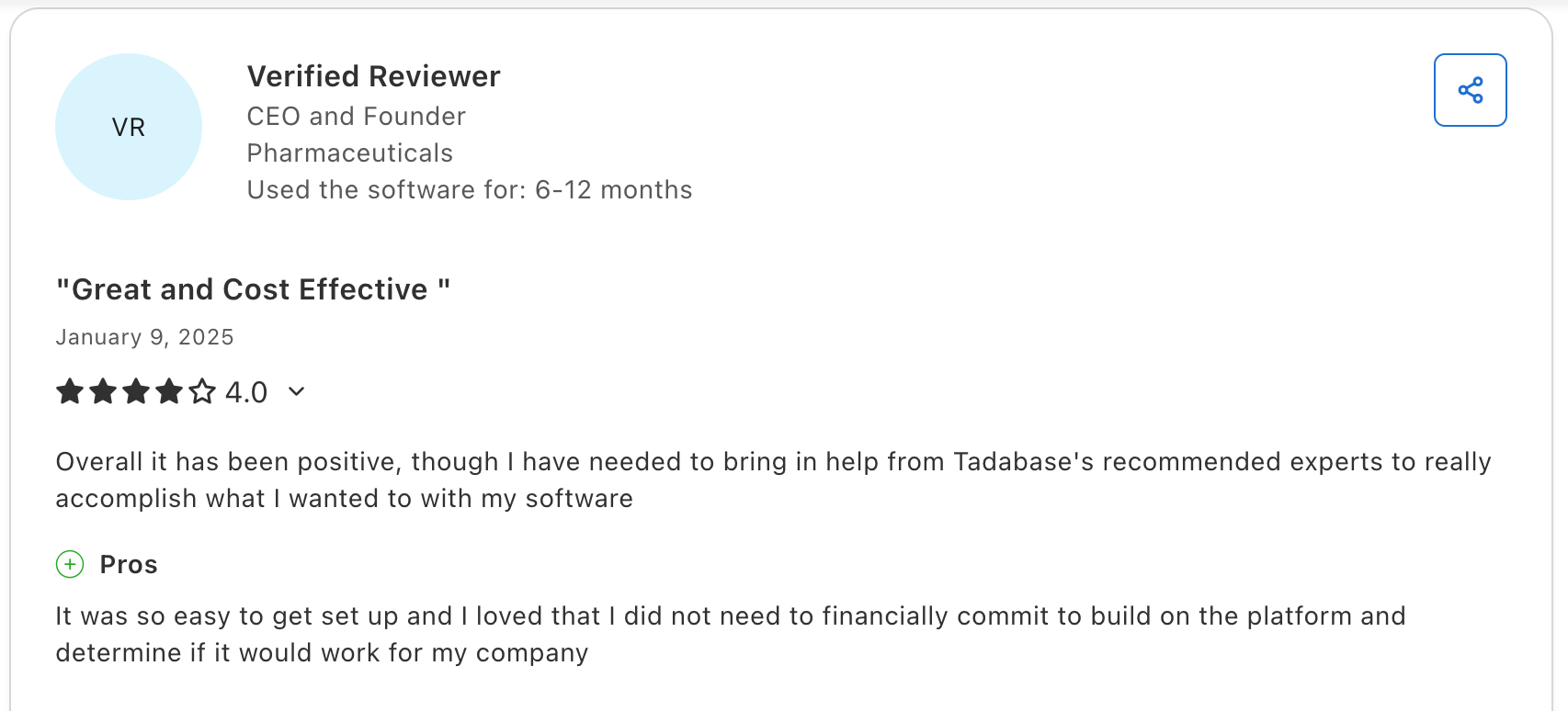
"It was so easy to get set up, and I loved that I did not need to financially commit to building on the platform and determining if it would work for my company.” Verified User, Capterra

"The lack of a native app has been a disadvantage for us." Baruch G, G2
Pricing
Tadabase offers a 14-day trial; Business Starter runs $50/month, Business Growth $125/month, and Business Pro $250/month (monthly billing), each with unlimited users. See the full Tadabase pricing.
Bottom line
Tadabase is a strong fit for relational database apps with client portals and no per-user fees. If you would rather describe the app than build the data structure and pages by hand, Zite gets you there with AI.
8. Softr: best for client-facing portals on your data
What it does: Softr turns Airtable, Google Sheets, or its own database into client portals and internal tools with authentication and role-based access.
Best for: teams whose data lives in Airtable and who want a polished, client-facing portal on top without building the interface from scratch.
Softr is the strongest tool here for turning existing data into a portal. The templates are polished, and role-based access lets each client see only their own records. It works with your existing Airtable or Google Sheets data, or on its own built-in database, whichever you prefer.
Key features
- Pre-built blocks: lists, tables, forms, and login flows out of the box.
- Multiple data sources: Airtable, Google Sheets, SQL, or Softr’s own database.
- Role-based access: give each client or member their own filtered view.
Pros
- Fast path to a polished client portal.
- Strong template library.
- Role-based access for external users.
Cons
- Per-tier record caps on its built-in database, so the largest datasets still lean on Airtable or Sheets.
- Per-tier caps on users and apps push teams to higher plans.
- Gets limiting once apps need complex workflow logic.
What users say
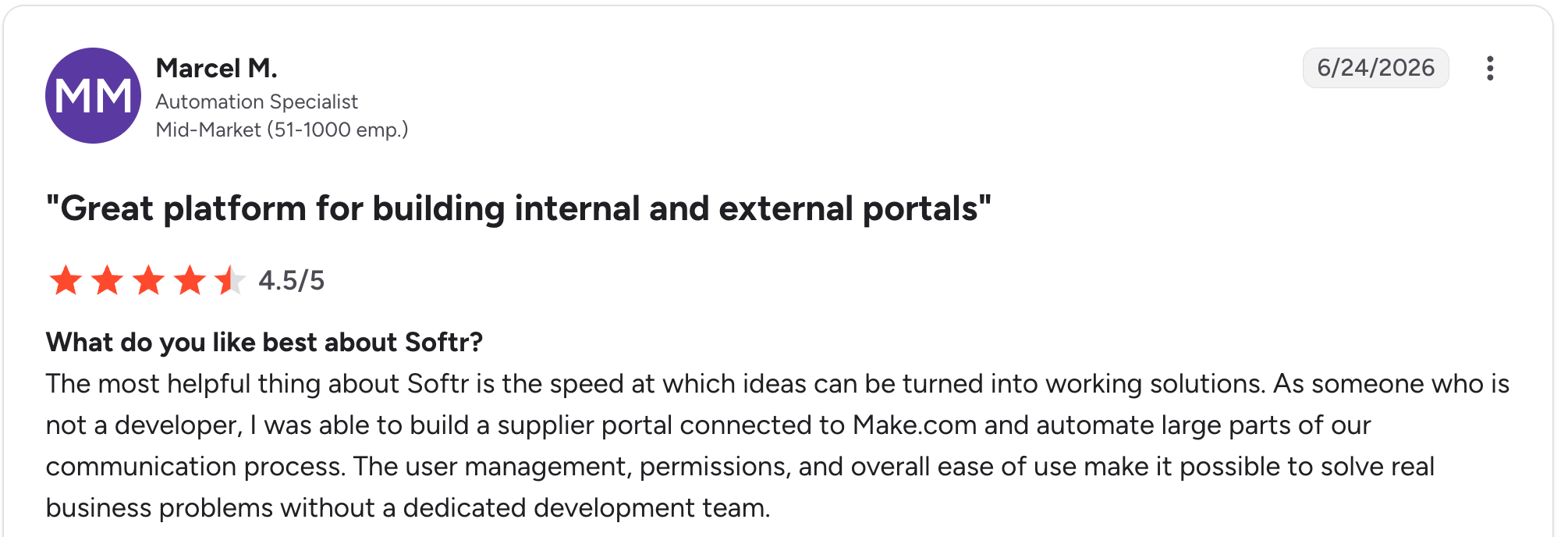
"The most helpful thing about Softr is the speed at which ideas can be turned into working solutions." Marcel M, G2

"The main challenge we encountered was with data management when using Google Sheets as our initial data source - it became clunky for our content team to update and manage at scale." Mike H, G2
Pricing
Softr is free to start, then Basic runs $59/month, Professional $167/month, and Business $323/month (monthly billing). See the full Softr pricing.
Bottom line
Softr is the fastest route to a client portal when your data is already in Airtable, and its polished templates get you live without having to build the interface from scratch.
9. Stackby: best for a spreadsheet-style database with API columns
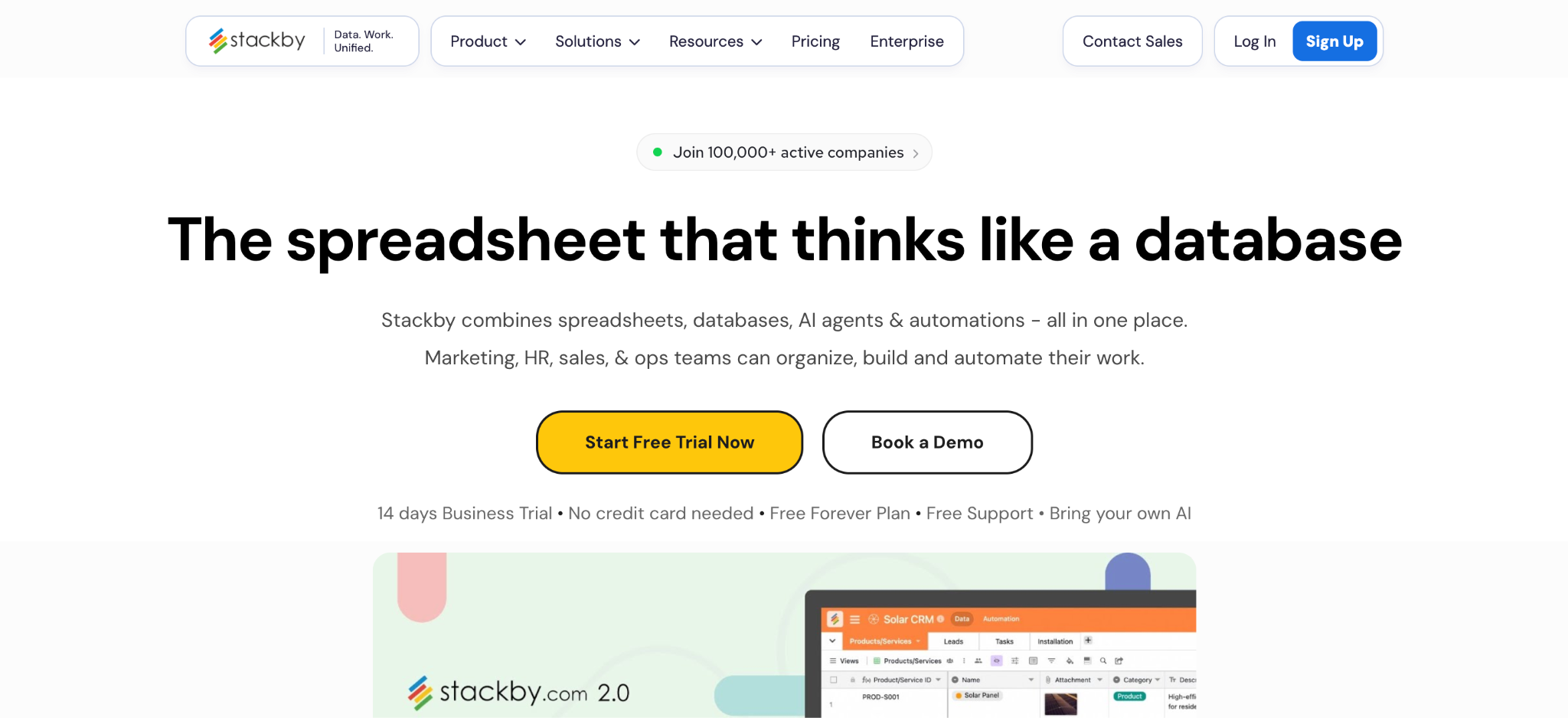
What it does: Stackby is a no-code database that combines a spreadsheet interface with relational tables and columns, pulling live data from business APIs.
Best for: teams that want an Airtable-style database with built-in API columns for marketing, sales, or analytics data.
Stackby’s differentiator is the API columns, which pull live data from services into your tables. It offers 25+ column types and multiple views, with 300+ templates to start from. It is a database tool with light app features, best for teams who think in spreadsheets.
Key features
- API-connected columns: pull live data from business services into tables.
- 25+ column types: rich field types and multiple data views.
- Templates: over 300 pre-built starting points.
Pros
- API columns bring live data into your database.
- Familiar spreadsheet interface.
- Affordable entry price per user.
Cons
- App-building features are lighter than dedicated builders.
- Per-user pricing as the team grows.
- Less suited for external-user portals.
What users say
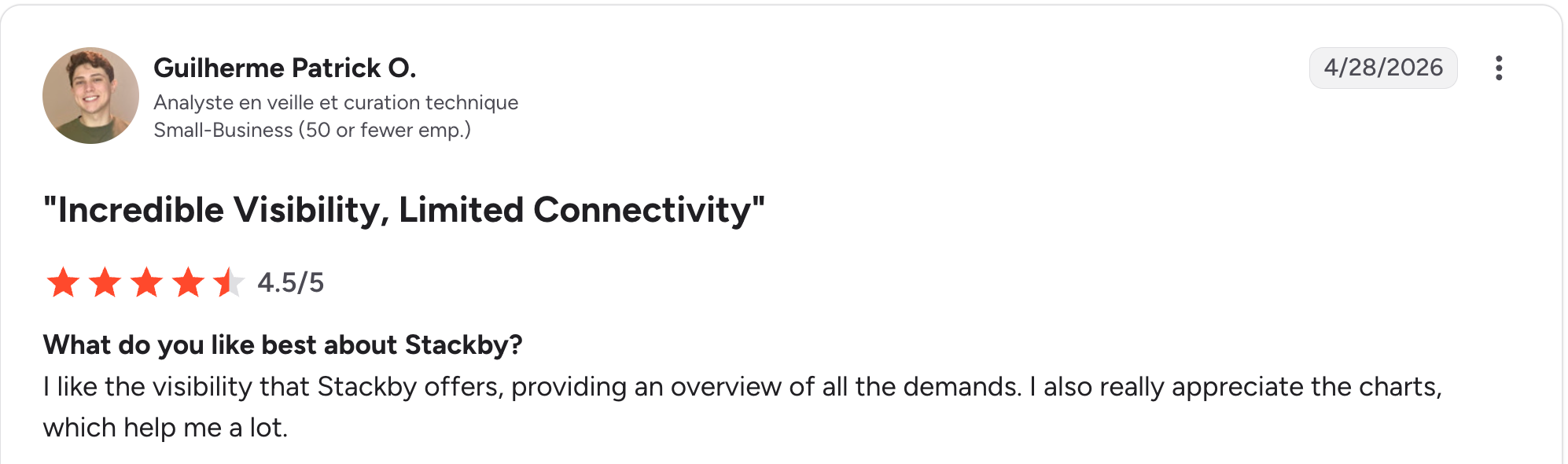
“I like the visibility that Stackby offers, providing an overview of all the demands.” Guilherme Patrick O, G2

“Since the beginning, I have experienced many glitches and stability issues.” Kseniia L, G2
Pricing
Stackby is free for up to 5 users, then Economy runs $10/user/month, Business $18/user/month, and Pro $30/user/month (monthly billing). See the full Stackby pricing.
Bottom line
Stackby is a strong fit for a spreadsheet-style database with live API data. For building a real app with external logins on that data, pair it with a portal tool or use Zite instead.
10. Glide: best for mobile-friendly apps from a spreadsheet
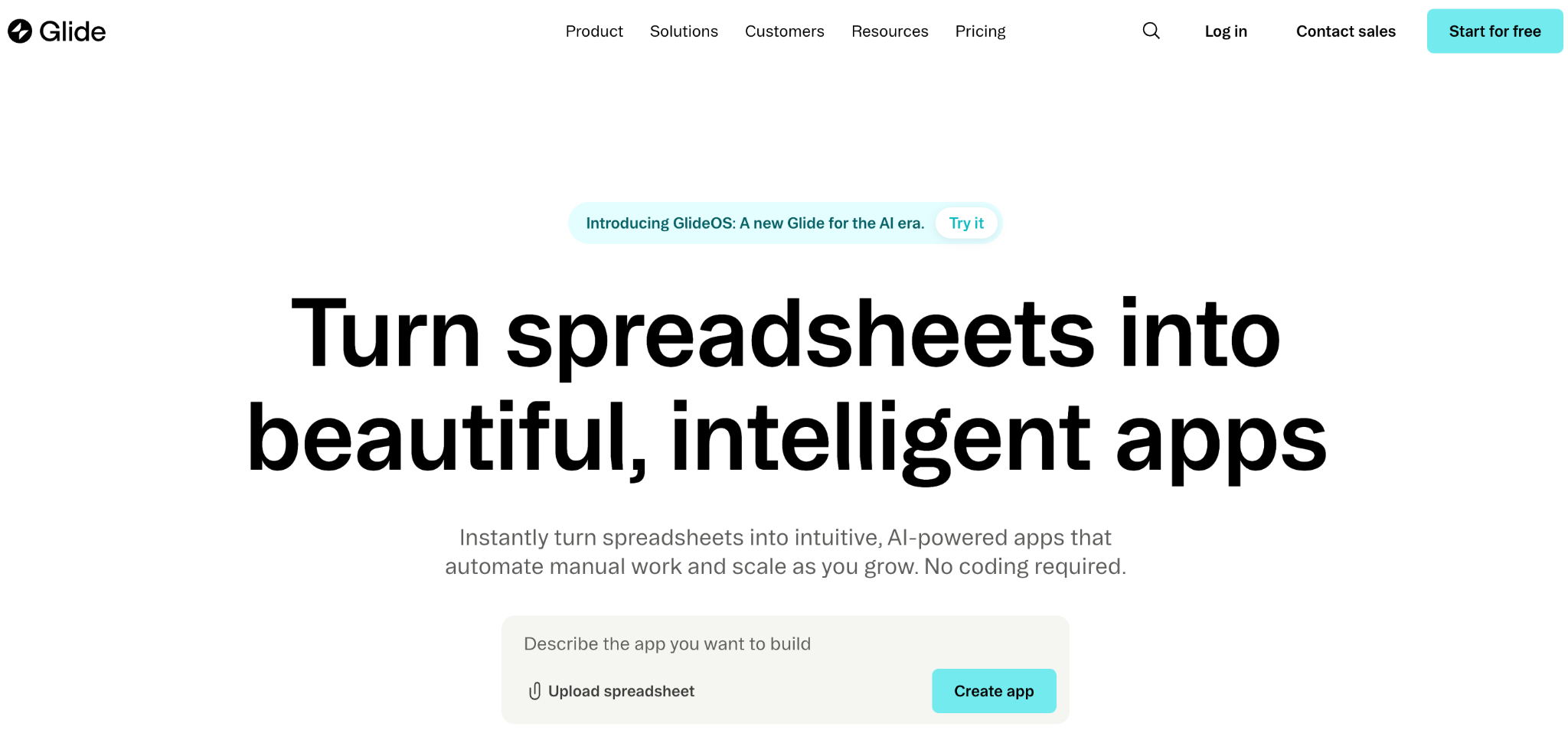
What it does: Glide turns Google Sheets, Excel, or Airtable into mobile-friendly apps, with its own Glide Tables database for teams without a spreadsheet.
Best for: solo builders and small teams who want a clean mobile app built from data that already lives in a spreadsheet.
Glide is the fastest tool here for a simple data-driven app. Glide Tables can handle very large data sets, and the mobile output looks clean out of the box. Glide suits simple, single-purpose apps best. Complex logic and larger teams push you up the pricing tiers fast.
Key features
- Spreadsheet-to-app: connect a sheet and Glide builds the app shell.
- Glide Tables: a built-in database handling up to 25,000 rows.
- Templates and components: hundreds of drag-and-drop starting points.
Pros
- Fastest path from spreadsheet to app here.
- Clean, mobile-friendly design out of the box.
- Generous free and Maker tiers.
Cons
- Customization limited to the default templates.
- Per-user pricing on Business adds up.
- No native apps: builds web apps and PWAs only.
What users say
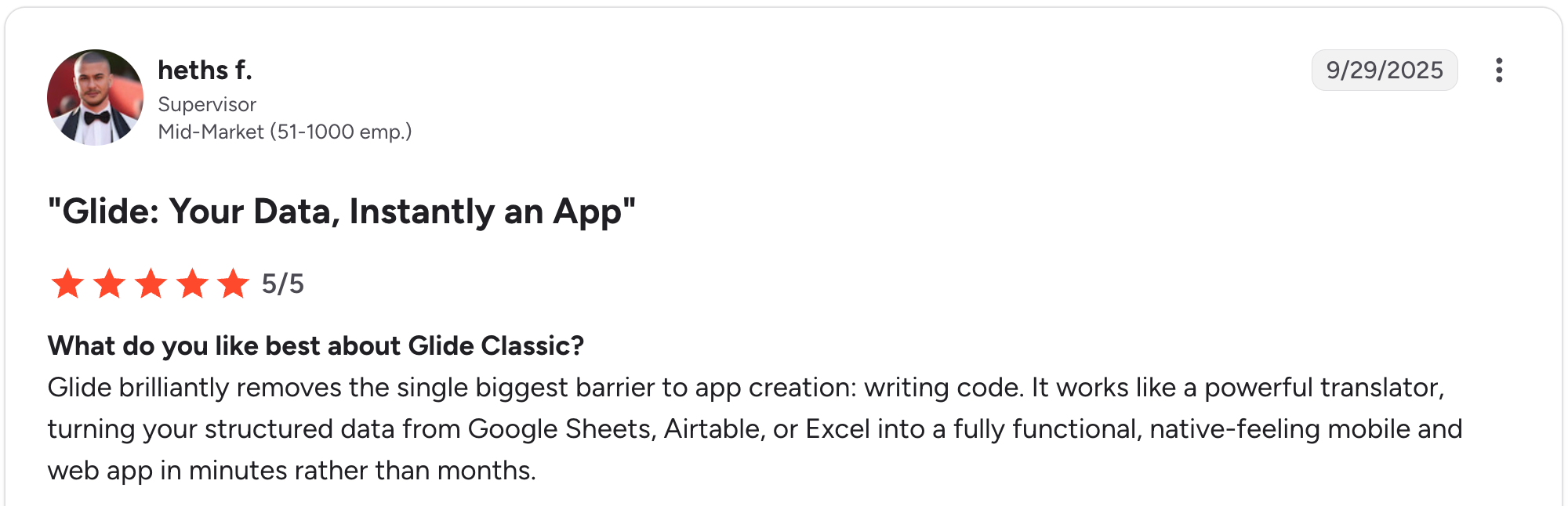
“Glide brilliantly removes the single biggest barrier to app creation: writing code.” Heths F, G2

“The fixed structure of apps and the different components are quickly limiting the designs of apps.” Christian B, G2
Pricing
Glide is free to start; Explorer runs $25/month, and Maker runs $60/month for individuals, with Business at $249/month for teams (monthly billing). See the full Glide pricing.
Bottom line
Glide is the choice for a quick, mobile-friendly app from spreadsheet data. If you need external logins with per-record access or complex logic, Zite or Knack is a better fit.
11. Bubble: best for fully custom database-backed web apps
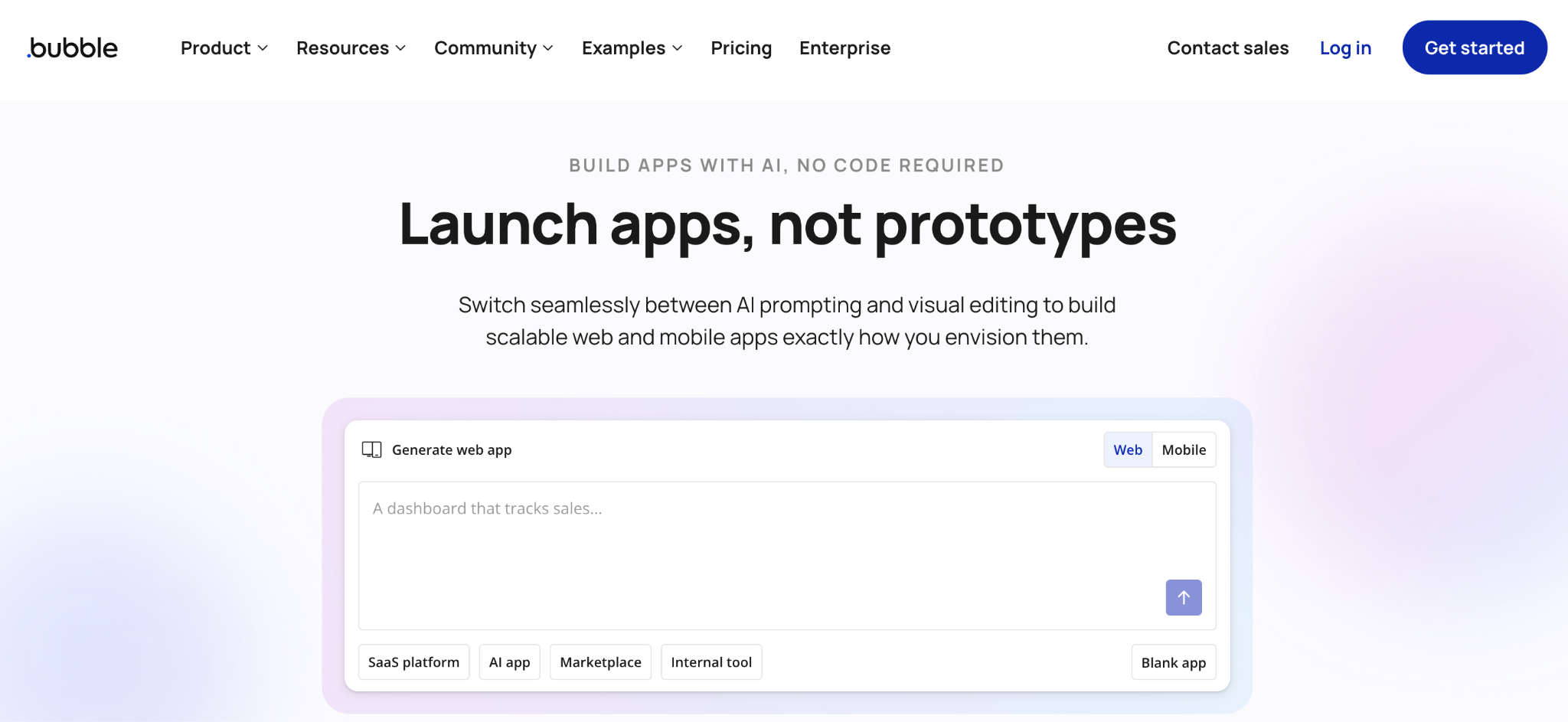
What it does: Bubble is a visual programming tool for building fully custom web apps without code, with a built-in database, workflow logic, and a large plugin library.
Best for: founders and product teams building a custom database-backed app that needs deep logic and full design control.
Bubble is the most flexible tool here, but it has the steepest learning curve. The built-in database holds your data, and the workflow engine handles complex logic.
Bubble can build almost any custom app you can picture. The trade-off is time, since most non-technical teams need weeks to learn it or to have a Bubble developer on hand.
Key features
- Visual editor for full apps: the interface, database, and workflows in one tool.
- Built-in database: tables, fields, and relationships.
- Plugin library: thousands of add-ons for payments and integrations.
Pros
- Enough power to build almost any custom app.
- Built-in database and workflow logic.
- Large plugin marketplace.
Cons
- Steep learning curve for non-technical users.
- Workload-based pricing can climb with usage.
- No code export, so you stay on Bubble for hosting.
What users say
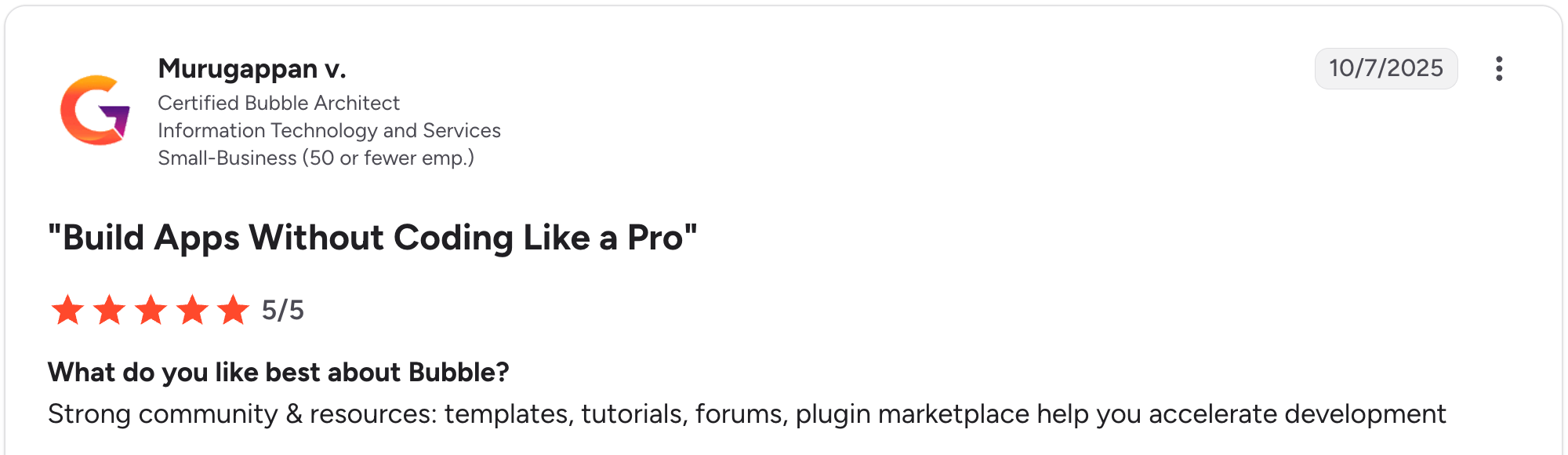
“Strong community & resources: templates, tutorials, forums, plugin marketplace help you accelerate development.” Murugappan V, G2

“Basic features like chat stream seem like a challenge for Bubble's team to have an official plugin for.” Nouman J, G2
Pricing
Bubble is free to start; Starter runs $69/month, Growth $249/month, and Team $649/month on the Web and Mobile plans (monthly billing). See the full Bubble pricing.
Bottom line
Bubble is the choice for a fully custom app when you have time to learn it or a budget for a developer. For most database apps, an AI builder like Zite gets you there faster.
Which custom database software should you choose?
The right tool depends on where your data lives, who uses the app, and how technical your team is. Match your pick to your setup:
- Choose Airtable if you want the most polished shared database for internal team collaboration.
- Choose Baserow if you need an open-source database that you can self-host to maintain data ownership.
- Choose Knack if you are building a database app for hundreds or thousands of users.
- Choose Caspio if you need enterprise security and unlimited users for a large-scale database app.
- Choose Tadabase if you want relational database apps with client portals and no per-seat fees.
- Choose Zoho Creator if you are digitizing a process with approval stages and conditions.
- Choose Zite if you want AI to build the app, database, and logic, including external logins.
- Choose Softr if you already store data in Airtable and want a polished client portal on top of it.
- Choose Stackby if you think in spreadsheets and want columns that pull live API data.
- Choose Glide if you want a clean, mobile-friendly app built fast from a spreadsheet.
- Choose Bubble if you are building a complex customer-facing web app.
- Skip this category if you only need to organize records for yourself (a spreadsheet is enough), or if you need a full data warehouse and analytics stack, which is a different category.
For more depth, see the best no-code app builders and this guide to the best AI database software tools for businesses.
Final verdict
For most teams building custom database software in 2026, the choice comes down to one question. Do you need a database or a database application? For internal collaboration, Airtable and Baserow lead.
For a real application with external logins and a custom interface, Zite is the strongest pick, since it builds the app and the data together and keeps both editable without code.
Start building with Zite for free and build your first database app today.
Frequently asked questions
What is the best custom database software?
The best custom database software is Zite for AI-built apps that keep the data and app in one place. For a shared relational database, Airtable leads, and for open-source control, Baserow is the top pick. The right one depends on whether you need a database or a full database application.
What is the difference between a database and a database application?
The main difference between a database and a database application is external access. A database application adds a custom interface and provides external users with their own logins to view only their own data. A plain database, like Airtable or Baserow, just stores and organizes records for internal teams.
Can I build custom database software without coding?
Yes, most tools on this list build custom database software without code. Zite generates the app and database from a prompt, Airtable and Baserow use spreadsheet-style interfaces, and Softr and Glide build apps on top of your data.
How much does custom database software cost?
Custom database software runs from free (Baserow self-hosted) to about $59 a month for most entry plans, with enterprise tools like Caspio starting at $300. Per-user tools like Airtable ($24/user/month) scale with team size, while Zite at $19/month is the cheapest hosted tool with unlimited users, below Knack, Tadabase, and Caspio.
What is the best custom database software for external users?
The best custom database software for external users is Zite, Knack, and Softr. Zite suits AI-built apps with role-based access, Knack fits large user bases without per-user fees, and Softr handles portals on existing Airtable data. Each gives external users their own logins so they can see only their records.
Is Airtable a database or a database application?
Airtable is primarily a database with light app-like interfaces on top. It is excellent for internal team collaboration on relational data, though its workspace-level permissions make per-record access for external users harder. For that, Zite or Softr is a better fit.

