


After testing customer onboarding platforms across different business workflows for the past several months, I found the 8 best tools that turn scattered emails and docs into a simpler onboarding process in 2026.
8 best customer onboarding software: At a glance
Each tool in this list solves a different onboarding problem, so start with your use case. For example, choose Zite for fully custom customer portals and Userpilot for in-app product tours.
Scan the table to see which option best fits your onboarding process and price range:
1. Zite: Best for custom customer onboarding software
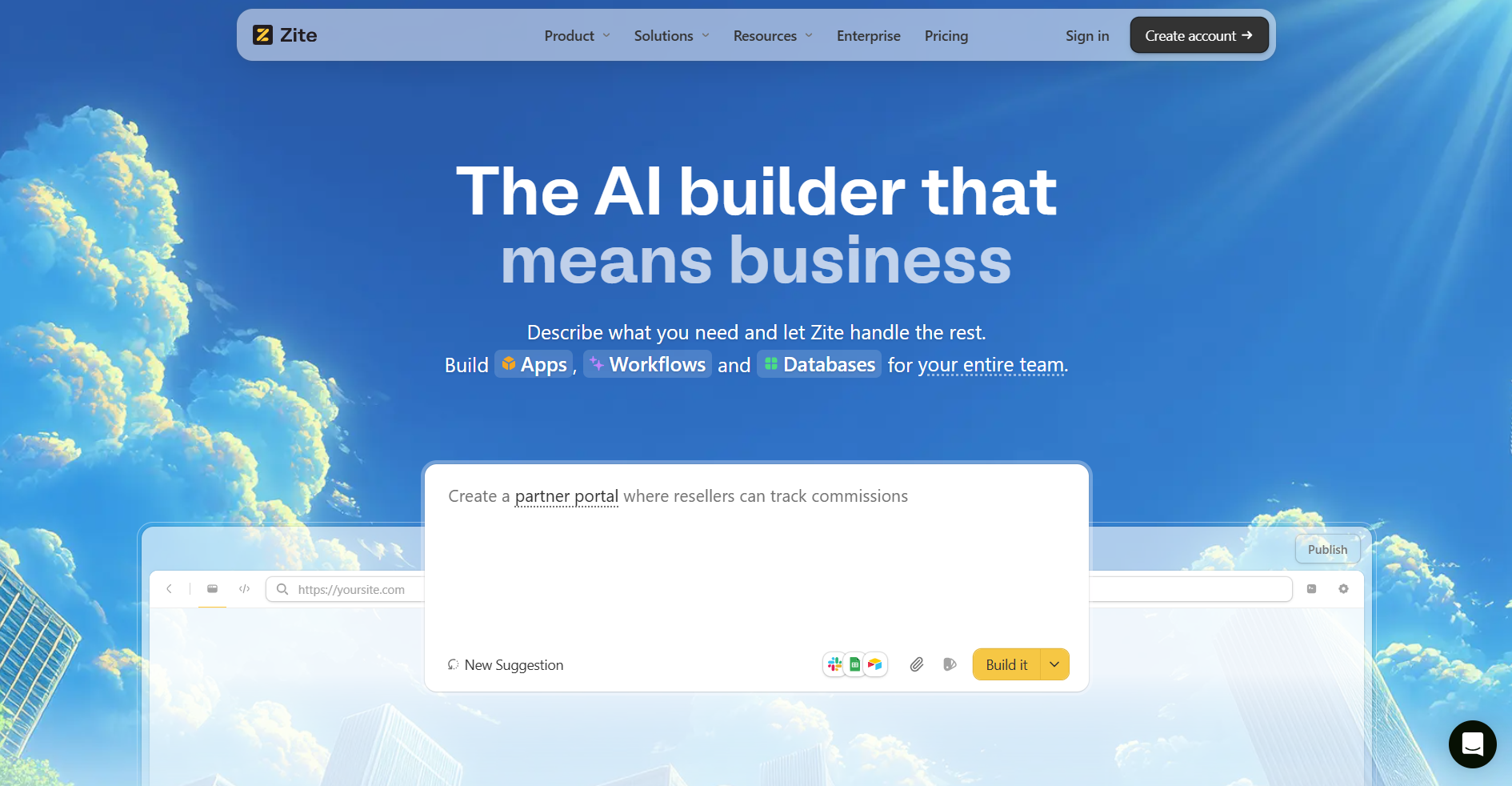
What it does: Zite is an AI-powered no-code platform that lets you build completely custom client onboarding portals by simply describing what you want.
Who it's for: Teams with unique onboarding requirements that off-the-shelf software can't meet, or companies wanting full control over the customer experience without hiring developers.
I tested Zite by describing the customer onboarding portal I wanted in plain English. The AI generated a working portal in under five minutes, including functionality I hadn't thought of, like a drag-and-drop document uploader and automated progress tracking.
Unlike platforms like GuideCX, that force you to work within their constraints, Zite lets you build the exact customer portal that makes sense for your business. If you need a different workflow for enterprise clients versus SMBs, just build two different portals.
Key features
- AI-powered app generation: Describe your onboarding workflow, and Zite builds it. You don’t need to touch code.
- Visual workflows: Describe your onboarding process in a prompt, and Zite generates the workflow. The visual editor lets you inspect the flowchart, review inputs and outputs, and troubleshoot runs without reading code.
- Production-ready: Includes built‑in authentication, secure hosting, and role-based access control. On higher plans, you also get SSO and audit logs.
- Built-in database: Automatically generates the right tables and fields for your portal. You don't need external databases or SQL knowledge to store and manage customer data.
- White-label branding: Custom domains and full brand customization mean your clients see your brand, not Zite's. This creates a unified experience that feels like an extension of your product.
- No per-seat pricing: Unlike most competitors, Zite doesn't charge per user. Even on the free plan, you get unlimited apps and users, which makes it cost-effective if you’re onboarding many clients.
Pros
- Build custom onboarding portals in minutes using natural language prompts
- No need to touch code at any stage of development
- Unlimited users, even on free plans
- Integrates with your existing data sources like Airtable and Google Sheets
- Connects with Zapier, Make, n8n, or any REST API for automation
- Has pre-built templates ready to clone and customize
Cons
- It's a general-purpose app builder, not an onboarding-specific tool, so specialized features like health scoring or dynamic forecasting aren't built in (you'd build them yourself).
- AI credits on the free plan are limited, so heavy building and iteration may require upgrading to a paid plan.
Pricing
Zite offers a generous free tier with unlimited apps and users. Paid plans start at $19/month, billed monthly.
Bottom line
If you need a production-ready onboarding portal tailored to your exact workflow without coding or settling for rigid templates, Zite is the best choice. The AI-first approach means you can iterate fast and continually refine as your onboarding process evolves.
2. Dock: Best for customer-facing workspaces
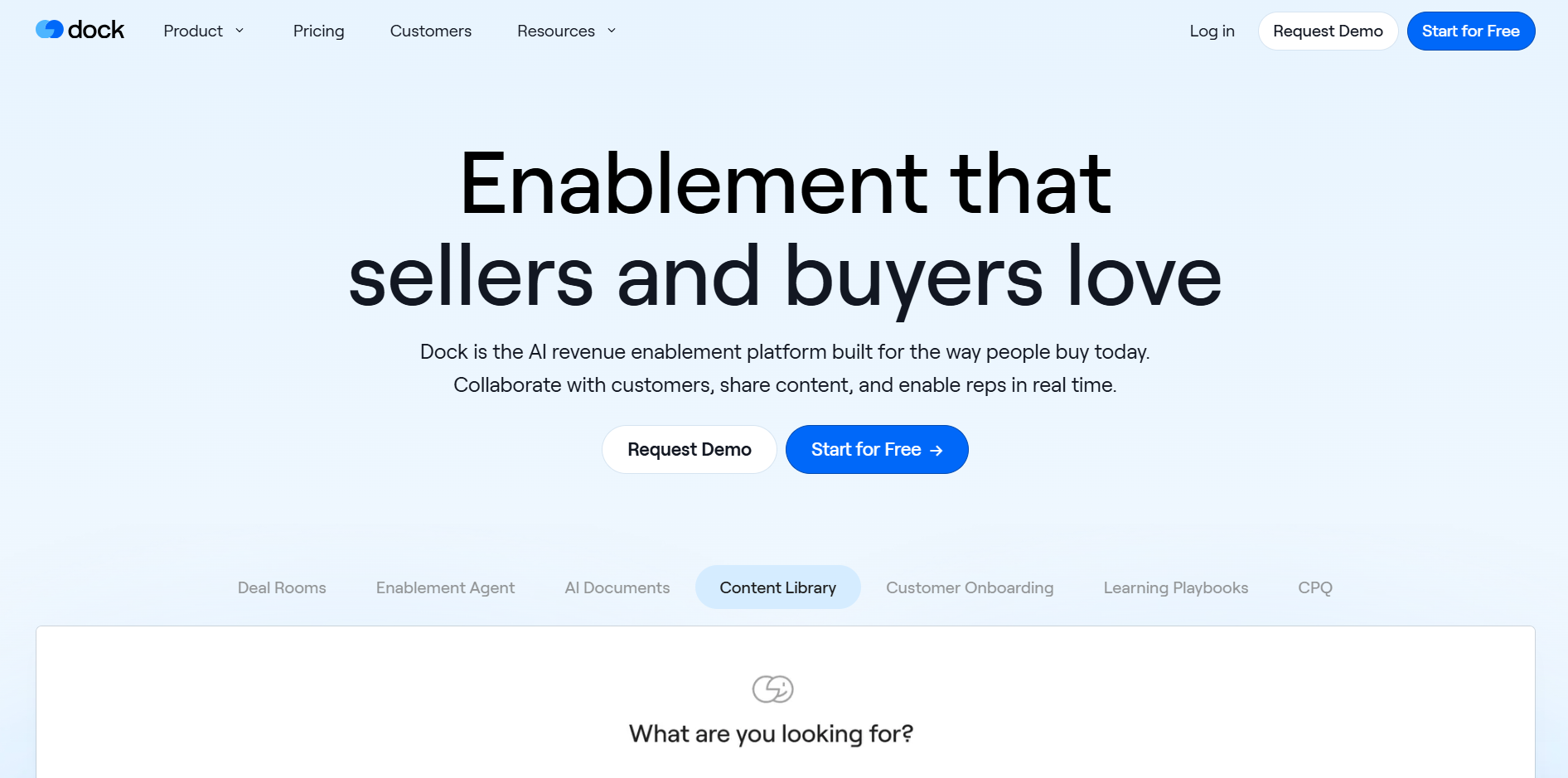
What it does: Dock creates collaborative workspaces where you share onboarding resources, track project progress, and communicate with clients in one branded hub.
Who it's for: Customer success teams that want to provide clients with a personalized, branded hub for onboarding resources instead of scattered emails and random Google Drive links.
I tested Dock by spinning up an onboarding workspace from one of their customer onboarding templates. Within a few minutes, I had a shared plan with tasks, due dates, and embedded resources. I could clearly see which items were assigned to the client versus my internal team.
The design customization, however, was more rigid than I expected. You can add your logo and brand colors, but the overall layout stays within Dock's templates.
Key features
- Templated workspaces: Create company-wide onboarding templates that can be copied and personalized in minutes. Every customer gets a consistent experience.
- Client project plans: Build multi-phase onboarding plans with tasks, due dates, and automated reminders. Clients see exactly what's expected of them.
- Engagement analytics: Track which customers have accessed their workspace, what content they've viewed, and where they're getting stuck.
- Content management: Update synced content sections across all customer workspaces at once. Change a resource once, and it updates everywhere.
Pros
- Only charges for internal users. External collaborators (your clients) are free
- Engagement analytics show exactly who's viewing what
- Strong integrations with HubSpot, Salesforce, and content libraries
Cons
- Not a complete CRM, so you'll need other tools for full customer management
- Limited functionality for post-onboarding workflows
Pricing
Dock's free plan includes 50 workspaces with basic integrations. Paid plans start at $350/month, billed monthly, for up to 5 users.
Bottom line
Dock is a strong choice if you want a ready-made, collaborative onboarding portal where clients and CSMs work from the same shared plan. Pick Dock when transparency and client experience matter more than ultra-deep customization or low per-seat pricing.
3. Userpilot: Best for in-app product onboarding
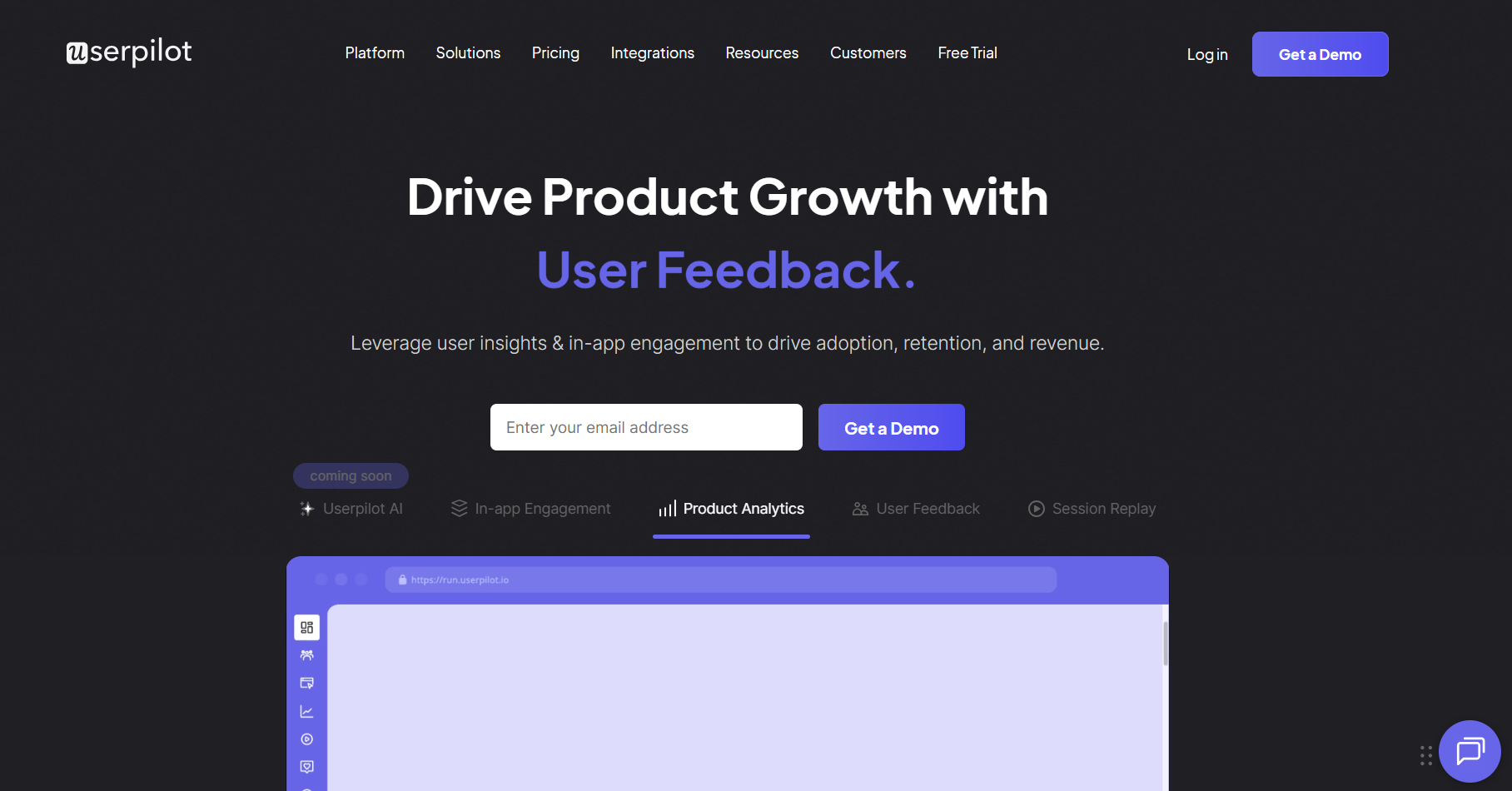
What it does: Userpilot is an in-app onboarding platform that lets you build interactive product tours, tooltips, checklists, and modals directly inside your web app without writing code.
Who it's for: SaaS product teams onboarding users within the app itself, especially for self-serve or low-touch models where users need to learn the product independently.
I tested Userpilot by adding their JavaScript snippet to a demo app and using the Chrome extension to layer a simple onboarding flow on top of my interface. In under an hour, I had a multi-step product tour, a small checklist widget, and a contextual tooltip tied to the core components.
Because the onboarding process is basically a product tour, every time your product UI changes, you’ll need to reconfigure Userpilot. This is one of its biggest maintenance headaches.
Key features
- No-code flow builder: Install a Chrome extension and build onboarding flows directly on your live product. Point, click, and edit content without developer involvement.
- Interactive walkthroughs: Create product tours that require users to complete actions before advancing. Users learn by doing, not just watching.
- Onboarding checklists: Display progress widgets showing setup tasks. As users complete items, the checklist updates and can trigger the next guide.
- User segmentation: Target different onboarding flows to different user types based on role, plan, behavior, or lifecycle stage, so each user sees only relevant guidance.
Pros
- No developer required for onboarding changes
- Supports both web and mobile apps
- Segmentation ensures different personas get tailored onboarding paths
Cons
- Requires ongoing maintenance when you change your app’s UI
- Focused on product onboarding, not client implementation projects
Pricing
Userpilot's Starter plan costs $299/month (annual billing only) for up to 2,000 monthly active users.
Bottom line
Use Userpilot when your “customer onboarding” is really user onboarding inside a SaaS product, and you want to drive activation with in-app guidance instead of email or manual training.
4. monday: Best for visual workflow management
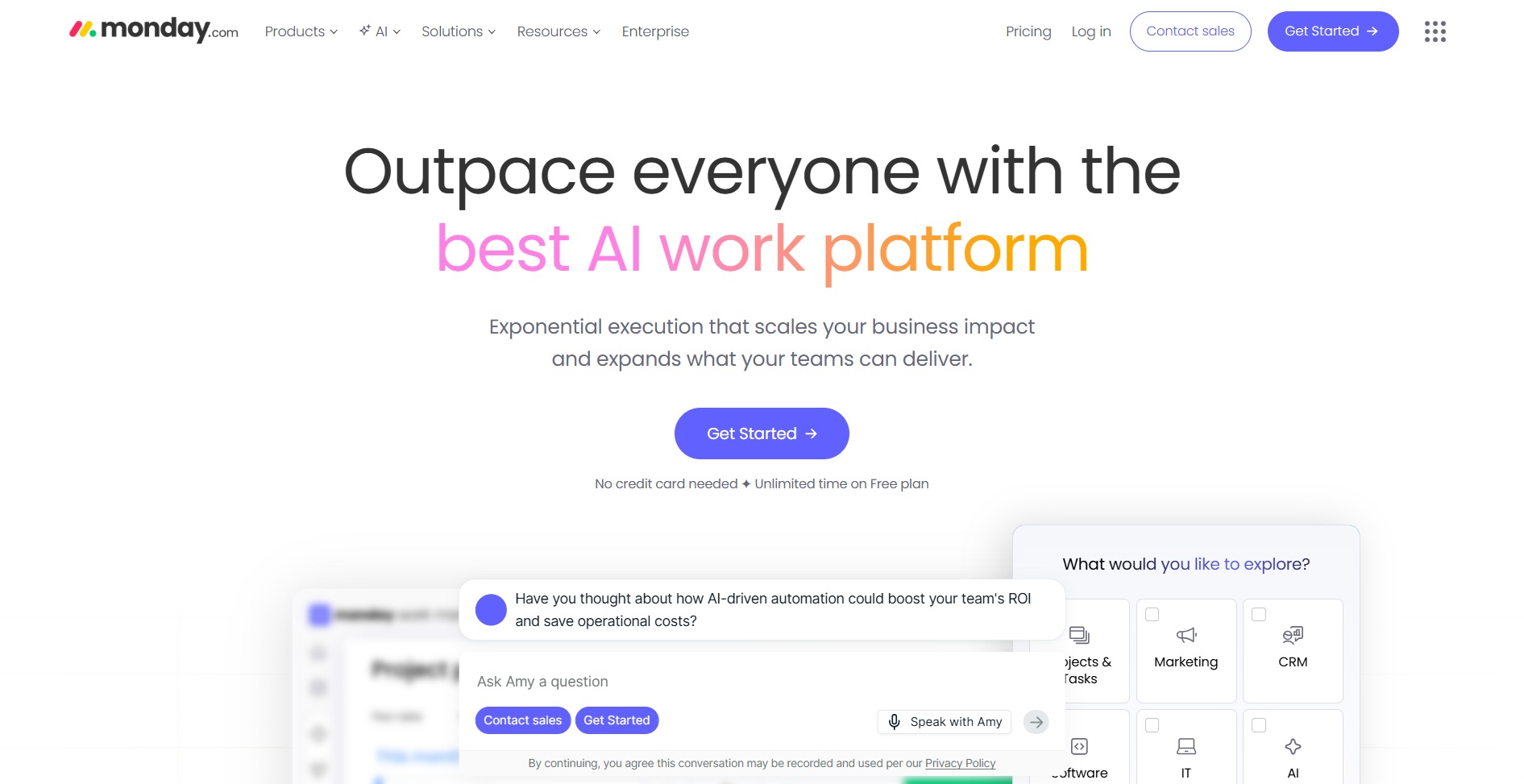
What it does: monday is a visual work management platform that handles customer onboarding through reusable boards and checklists built from templates. You track each client or project as an item, with statuses, owners, and timelines that show progress at a glance.
Who it's for: Teams that want to visually track onboarding projects with customizable views, automations, and integrations, especially those already using monday for other workflows.
In my testing, I set up a client onboarding board using one of monday’s templates, then customized groups for Discovery, Implementation, Training, and Go-Live. The different views meant I could switch between a table for details, a Kanban board for stage-by-stage flow, and a timeline to see the overall schedule.
It still felt like I was forcing a project tool into an onboarding role because it has a very limited ability to personalize each customer’s experience. If you already use it and don’t want to add another subscription to your budget, it’s enough for standardized tasks as long as you accept that you won’t get the tailored journeys you’d have with dedicated onboarding software.
Key features
- Customizable boards: Build onboarding templates with columns for status, due dates, owners, and custom fields. Drag-and-drop tasks as they progress.
- Automations: Trigger task creation, status updates, reminders, and emails when forms are submitted, or tasks change state to reduce manual coordination.
- Multiple views: Switch between Kanban, timeline, calendar, and table views depending on how you want to see onboarding progress.
- Integrations: Connect with CRMs, communication tools, and file storage to keep everything in sync.
Pros
- Familiar, spreadsheet-style interface that non-technical teams pick up quickly.
- Automations reduce manual follow-up work
- Flexible enough to handle both customer and employee onboarding in the same workspace.
- 200+ templates provide starting points for different use cases
Cons
- Automation limits on lower tiers can be restrictive
- Not purpose-built for customer-facing onboarding
- Learning curve for advanced features like formula columns
Pricing
monday has a free plan for very small teams. Paid plans start at $14/seat per month, billed monthly.
Bottom line
Choose monday if your team already uses the platform, and you care more about internal coordination and automation than building a bespoke customer-facing portal.
5. ClickUp: Best all-in-one work management tool
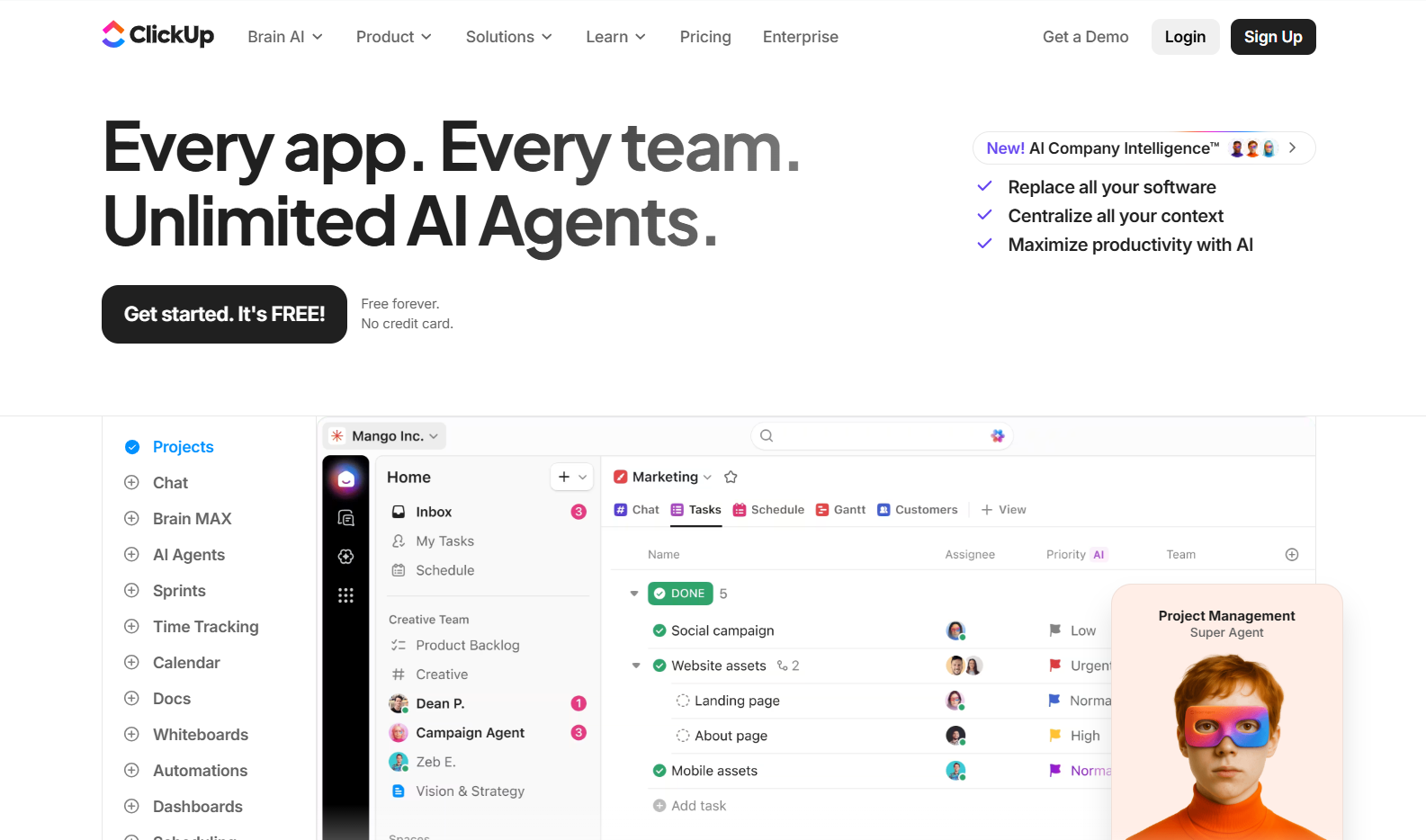
What it does: ClickUp combines tasks, docs, chat, whiteboards, and dashboards so you can run your entire customer onboarding workflow in one workspace instead of stitching together multiple tools.
Who it's for: Teams that want maximum features at minimum cost and don't mind a steeper learning curve to master the platform.
ClickUp tries to do everything, which is probably why it felt overwhelming at first. It took me a while to figure out how to set up the workspace in a way that fits a customer onboarding process.
I started with the free plan to test it out, but when I checked the pricing page, I realized that even the Unlimited plan only allows a single wiki (knowledge base), which is essential for customers. Features such as multiple wikis and white labeling are only available on the Enterprise plan.
Key features
- Everything in one place: Use tasks, docs, goals, time tracking, whiteboards, and chat in one place. You can manage entire onboarding workflows without leaving ClickUp.
- Built‑in docs and wikis: Create welcome guides, intake forms, and SOPs as ClickUp Docs that live right next to your onboarding tasks. Your team doesn’t have to jump into a separate documentation tool.
- Custom fields and views: Build onboarding templates with custom fields for client information, progress tracking, and more. Switch between list, board, and Gantt views.
- Automations: Create rules to assign tasks, update statuses, and send notifications as onboarding progresses.
Pros
- Feature-rich enough to replace multiple tools
- Strong template library for various onboarding use cases
- Highly customizable workflows and views let you mirror your exact onboarding process.
Cons
- Can feel overwhelming due to the sheer number of features
- Customer collaboration typically relies on guest access and shared views rather than a branded portal experience
Pricing
ClickUp has a Free Forever plan with unlimited users and tasks, but limited storage. Paid plans start at about $10 per user per month, billed monthly.
Bottom line
ClickUp offers the most features per dollar in this category. If you’re willing to invest a bit of setup time, you can standardize your process, cut manual work with automations, and keep every task, document, and update for each client in one centralized place.
6. GuideCX: Best for enterprise implementations
What it does: GuideCX is a customer onboarding platform specifically built to increase team capacity, boost engagement, and shorten time to value through task automation and role-based project views.
Who it's for: Companies running complex workflows in software, healthcare, and financial services where onboarding involves multiple stakeholders and extended timelines.
The standout feature is dynamic forecasting. Most project management tools show you a static timeline. GuideCX’s forecast engine adjusts end dates in real time based on project progress.
I tested this with a mock implementation project and found it surprisingly accurate. The system learns from your historical data to predict realistic timelines.
The tradeoff is that the learning curve is steep, and it doesn’t come with starter templates you can customize. You’ll need to invest time building your own templates if you want to reuse projects.
Key features
- Dynamic onboarding forecasts: GuideCX's forecast engine adjusts project end dates in real time using live project data. No more guessing when implementations will finish.
- Role-based views: Customers see a simplified view of what they need to do. Internal teams see the full project complexity. Everyone stays aligned without information overload.
- Automated notifications: Personalized engagement at every step with reminders, status updates, and escalations happen automatically.
- Resource optimization: Real-time visibility into team bandwidth helps you assign tasks based on capacity and balance workloads.
Pros
- Purpose-built for customer onboarding
- Role-based views for customers, internal teams, and vendors
- CRM integrations with Salesforce and HubSpot
Cons
- Overkill for simple onboarding workflows
- Initial setup is complex
Pricing
Plans start at $5,000 per year but require a quote.
Bottom line
GuideCX is the right choice for complex enterprise implementations. If your onboarding involves 45+ day timelines, multiple stakeholders, and you need predictable forecasting, GuideCX delivers. For simpler workflows, the price-to-value ratio doesn't make sense.
7. OnRamp: Best for B2B SaaS onboarding
What it does: OnRamp is a customer onboarding platform that combines automation with guided customer experiences.
Who it's for: B2B SaaS companies that need to scale onboarding without adding headcount, especially mid-market and enterprise teams where onboarding directly impacts revenue and retention.
OnRamp provides a dual-view. Customers get a simple, intuitive portal with step-by-step guidance. Internal teams get project management tools with full visibility into progress and blockers.
I tested OnRamp's customer portal and was impressed by how clean it feels. Clients see a guided roadmap with clear next steps, not an overwhelming project plan.
The platform is still growing, though, and there are some rough edges. For example, I found that a customer can only have one project attached to their account, which is inconvenient if multiple teams need to run separate onboarding processes for the same customer.
There also isn’t a ton of support docs yet, so you’re often learning by doing or booking calls with their team rather than self-serving answers in a mature help center.
Key features
- Dual-view approach: Customers get a simple, intuitive portal with step-by-step guidance. Internal teams get project management tools with full visibility into progress and blockers.
- CRM-triggered automation: When a deal closes in Salesforce or HubSpot, OnRamp automatically creates an onboarding project with the right stakeholders and data pulled in.
- Playbook templates: Build reusable templates that can kick-start any onboarding project. Conditional logic guides customers down the right path based on their situation.
- Progress nudges: Automated reminders keep customers moving. Status updates flow back to your team without manual check-ins.
Pros
- Purpose-built for B2B customer onboarding
- Auto-project creation from closed deals
- Unlimited customer users and role-based visibility
Cons
- No self-serve option
- Less flexible than a pure no-code builder if you want to design completely bespoke apps
Pricing
Plans start at $15,000, but exact pricing depends on your requirements. Contact their team for a personalized quote.
Bottom line
If you’re running on HubSpot or Salesforce, OnRamp is worth evaluating. Just be ready to learn how the platform works.
8. ChurnZero: Best for full customer lifecycle management
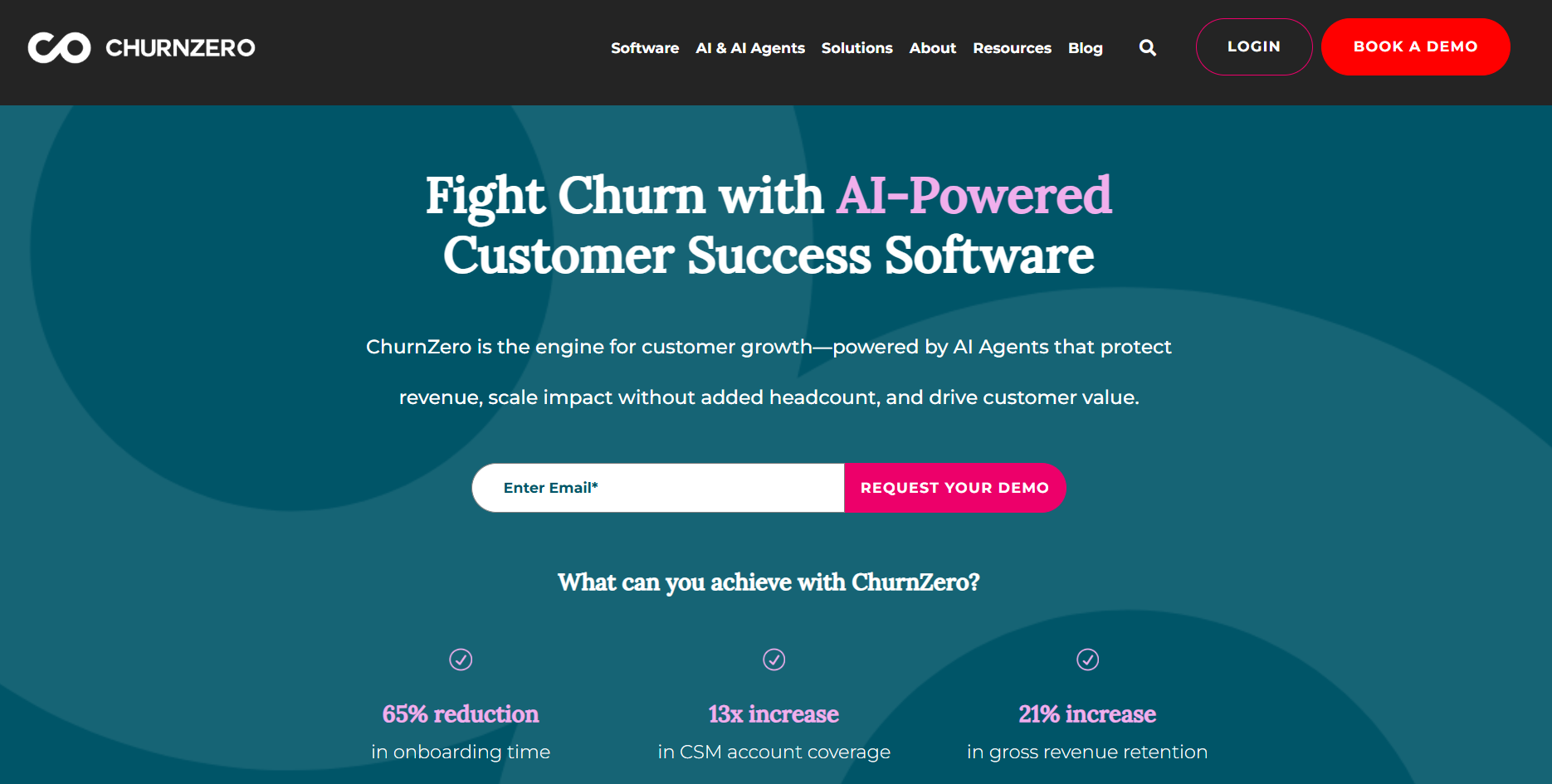
What it does: ChurnZero is a customer success platform that manages the entire customer journey from onboarding to product adoption and renewals.
Who it's for: SaaS companies that need to connect onboarding to the broader customer lifecycle, especially teams where customer success directly impacts retention and revenue.
ChurnZero treats onboarding as just the first chapter of a longer relationship. The platform tracks customers from day one through renewal and expansion.
I tested ChurnZero's onboarding journey builder and was impressed by how it connects to downstream metrics. When I created a mock onboarding workflow, the platform automatically linked completion milestones to health scores. If a customer gets stuck on a step for too long, their health score drops, and you get an alert before they become a churn risk.
Setup took me significantly longer than most of the tools, and the interface has a learning curve. If you just need an onboarding checklist, this is overkill. But if onboarding failures lead to churn a few months later, ChurnZero will help you catch them early.
Key features
- Health scores (ChurnScores): Real-time customer health monitoring that combines product usage, engagement patterns, and sentiment data. Scores update automatically as customer behavior changes.
- In-app communications: Embed onboarding guidance, feature announcements, and surveys directly inside your product. No external portals needed.
- Automated plays: Build trigger-based workflows that fire when customers hit milestones, fall behind, or show risk signals. Reduces manual follow-up.
- Engagement AI: Analyzes customer interactions to surface relationship scores, sentiment trends, and discussion topics. Helps CSMs understand accounts without reading every email.
- Journey templates: Use the pre-built onboarding, adoption, and renewal playbooks to speed up setup.
Pros
- Connects onboarding to retention and expansion metrics
- In-app guidance drives product adoption directly
- Health scoring catches at-risk customers early
- Strong integrations with Salesforce, HubSpot, and other CRMs
- AI-powered insights reduce manual account analysis
Cons
- Complex setup requires dedicated implementation time
- Overkill if you only need basic onboarding workflows
Pricing
ChurnZero pricing is custom. You'll need to contact their team for a quote.
Bottom line
Choose ChurnZero if your onboarding problems are really retention problems. The platform excels when you need to track customers from first login through renewal, with health scoring and automated interventions along the way. For teams that just need a clean onboarding portal, simpler (and cheaper) options exist.
How I tested these customer onboarding tools
I created test onboarding projects in each platform, simulated multi-stakeholder workflows, and evaluated both the internal and client-facing experiences. I also reviewed user feedback on G2, Capterra, and Reddit to validate my findings against other user experiences.
What I looked for:
- Ease of setup: How quickly can you get from signup to the first onboarding project? I timed the initial configuration and noted where I got stuck.
- Client experience: Does the customer-facing interface feel polished and intuitive? I evaluated each tool from the customer's perspective.
- Automation capabilities: Can the tool reduce manual work through templates, triggered actions, and automated notifications?
- Integrations: Does it connect with the CRMs and tools teams already use?
- Value for money: Does the pricing make sense relative to the features and the problem being solved?
- Support quality: How responsive and helpful is the vendor when issues arise?
- Security and compliance: Does it meet enterprise requirements like SOC 2, SSO, and data residency?
Read more: 8 best client portal software tools for 2026
Which customer onboarding software should you choose?
Choose Zite if you:
- Need a custom onboarding portal without developer resources
- Want full control over the client experience and branding
- Value predictable pricing without per-seat fees
Choose Dock if you:
- Want beautiful, client-facing workspaces for resource sharing
- Need to track client engagement with onboarding materials
Choose Userpilot if you:
- Run a self-serve SaaS where users onboard within your app
- Need to build product tours and guides without developers
- Want to measure feature adoption and user behavior
Choose monday or ClickUp if you:
- Need internal project management for onboarding workflows
- Already use these tools for other team processes
Choose GuideCX if you:
- Run complex, multi-stakeholder implementations
- Need accurate forecasting for long onboarding timelines
- Can justify the per-license pricing with high-value customers
Choose OnRamp if you:
- Operate a B2B SaaS with high-touch onboarding
- Run on HubSpot or Salesforce and want tight CRM integration
- View onboarding as a direct revenue driver
Choose ChurnZero if you:
- Need to track customers from first login through renewal and expansion
- Want health scoring that connects onboarding progress to retention risk
- Want to provide in-app guidance in your SaaS
My final verdict
For most businesses looking to professionalize their customer onboarding, Zite offers the best combination of flexibility, ease of use, and value. The AI-powered approach means you can build exactly what your workflow requires, not what some template designer imagined without writing code or hiring developers.
That said, if in-app product adoption is your challenge, Userpilot specializes in that specific use case. For onboarding software that lives in your project management tool, consider ClickUp or monday.
Get started with Zite
Ready to build a custom onboarding portal that matches your exact workflow? Zite's free plan includes unlimited apps and users. Just describe what you want, and the AI builds it in minutes.
Frequently asked questions
What is the best customer onboarding software for businesses?
Zite is the best customer onboarding software for businesses. You can create custom portals without coding or hiring developers, and you aren’t charged per user. Plus, my experience (along with user reviews on sites like G2) shows it’s fast and easy to adapt for any workflow.
What's the difference between customer onboarding software and project management tools?
Customer onboarding software is a guided welcome portal for your clients, showing them exactly what to do next when you start a project, while a project management tool is an internal to‑do list and timeline for your team.
Can I build a custom customer onboarding portal without coding?
Yes, you can build a custom customer onboarding portal without code using no-code platforms like Zite. Zite uses AI to generate custom portals from natural language descriptions. You describe what you want, and the platform builds it.
What features should I look for in customer onboarding software?
The key features to look for in customer onboarding software are ease of use, role-based access control, user authentication, and integration with your existing tools.

