


A good feedback form gets people to tell you exactly what's working and what isn't. I've collected 30 feedback form examples across different use cases, along with the questions worth asking and how to build your own in 2026.
What are feedback forms?
A feedback form is a structured questionnaire designed to collect opinions, ratings, suggestions, and insights from a specific audience. This could be customers, clients, employees, patients, event attendees, or users.
Feedback forms serve several core purposes, including:
- Measuring satisfaction: Understanding how happy people are with your product, service, or experience.
- Identifying problems: Spotting pain points, inefficiencies, or quality issues before they escalate.
- Driving improvement: Providing data-driven direction for product development, service enhancements, and strategic decisions.
- Building trust: Showing your audience that their voice matters and that you're committed to acting on what they tell you.
The format can vary widely. You can deliver feedback forms as website pop-ups, email surveys, in-app prompts, post-call questionnaires, printed forms, or embedded widgets.
Types of feedback forms
Before diving into specific examples, below are some of the most common categories feedback forms fall into:
- Customer feedback forms capture insights about product quality, service interactions, and overall customer experience. These include post-purchase surveys, website exit polls, Net Promoter Score surveys, and satisfaction questionnaires.
- Employee feedback forms focus on the internal experience. They evaluate workplace satisfaction, management effectiveness, onboarding and offboarding processes, and peer-to-peer reviews.
- Product feedback forms gather input about features, usability, bugs, and desired improvements. They help product teams prioritize development based on user needs.
- Event and training feedback forms assess the effectiveness of events, workshops, and training sessions. Organizers and facilitators use this data to improve future programming.
- Service-specific feedback forms are tailored to industries like healthcare and fitness, where the feedback needs or compliance requirements are unique.
30 feedback form examples
Now, let's look at 30 specific feedback form examples. I’ll cover what each is, when to use it, and commonly used questions.
1. General feedback form
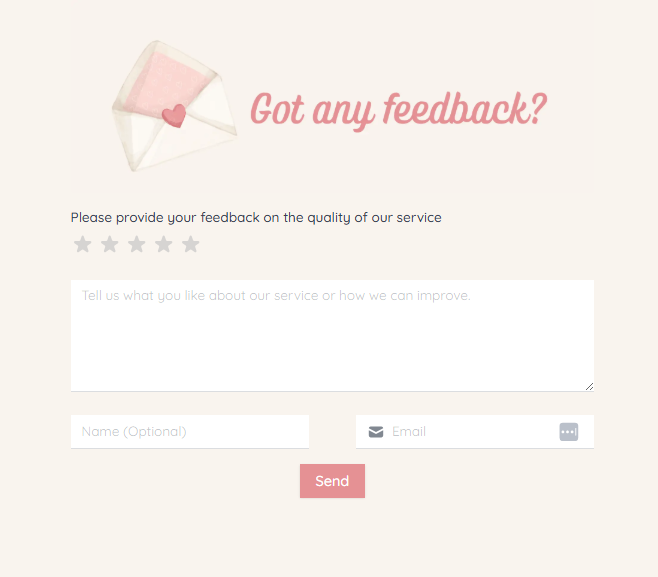
A general feedback form is an all-purpose tool for collecting opinions from any audience. It typically includes a mix of rating scales (e.g., "Rate your overall experience from 1–5"), multiple-choice questions, and at least one open-ended field for free-form comments.
When to use it: When you need a flexible, broad-purpose form that can apply to multiple touchpoints. For example, a new service launch or just a regular check-in with your customers.
Key questions to include:
- How would you rate your overall experience?
- What did you like most?
- What could we improve?
- Any additional comments or suggestions?
2. Patient feedback form
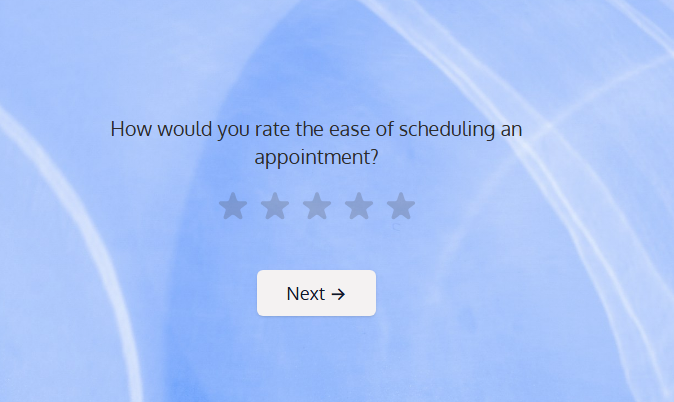
Patient feedback forms collect insights on the quality of medical care, staff interactions, wait times, facility cleanliness, and overall patient experience.
When to use it: After appointments, hospital stays, telehealth visits, or any healthcare interaction.
Key questions to include:
- How would you rate the quality of care you received?
- Was the staff courteous and responsive to your needs?
- How would you rate the ease of scheduling an appointment?
- Would you recommend this facility to others?
3. Demo feedback form
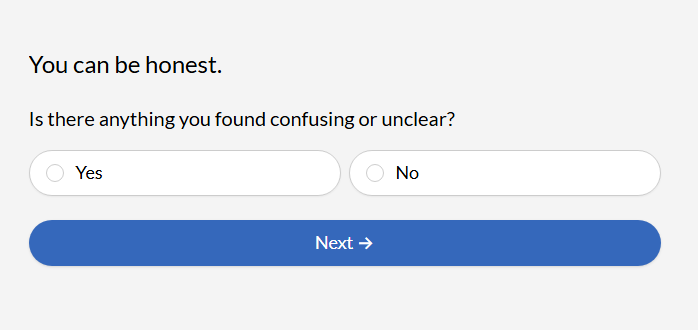
A demo feedback form captures the prospect's impression of the product and any questions they might have after a demo presentation. This is useful for sales teams looking to refine their pitch and for product teams tracking which features to build.
When to use it: Immediately after a live demo, webinar, or product walkthrough.
Key questions to include:
- Did the demo clearly explain how the product solves your problem?
- Which feature was most relevant to your needs?
- What questions do you still have?
- How likely are you to move forward with a purchase or trial?
4. 360 review feedback form
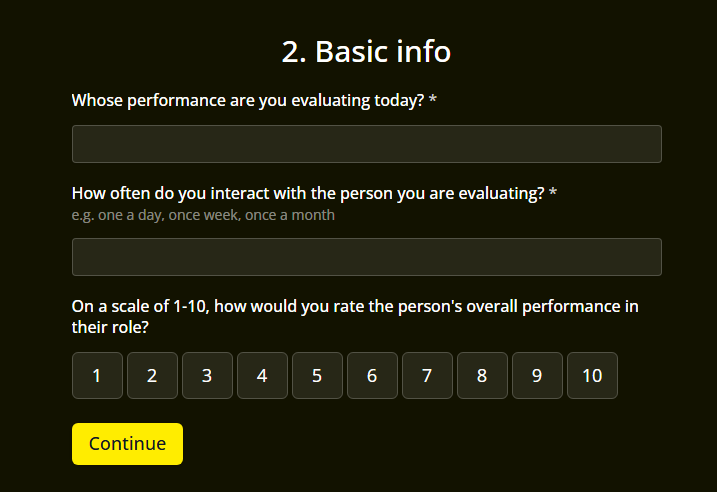
A 360 review form collects performance input from multiple perspectives, such as peers, direct reports, managers, and sometimes external stakeholders. Unlike a traditional top-down review, this approach gives a well-rounded picture of an employee's strengths, blind spots, and areas for growth.
When to use it: During formal review cycles and leadership development programs.
Key questions to include:
- How effectively does this person communicate with the team?
- Does this person demonstrate leadership qualities?
- What is one thing this person does exceptionally well?
- What is one area where this person could improve?
Some organizations add this feedback form to their employee portals.
5. Event feedback form
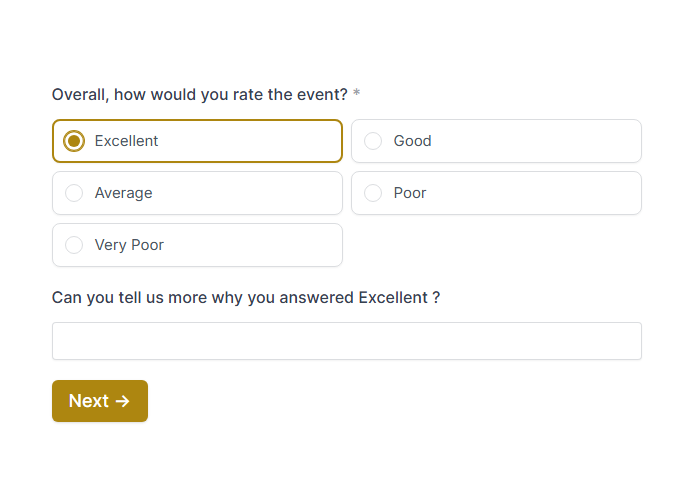
Event feedback forms are distributed post-event to gather attendee opinions on everything from content quality and speaker performance to logistics, venue, and overall satisfaction. Event organizers rely on this data to improve future events and demonstrate ROI to sponsors.
When to use it: After conferences, workshops, webinars, company off-sites, and community events.
Key questions to include:
- How would you rate the event overall?
- Which session or speaker was most valuable?
- Was the event well-organized?
- What topic would you like to see covered at future events?
6. Website feedback form
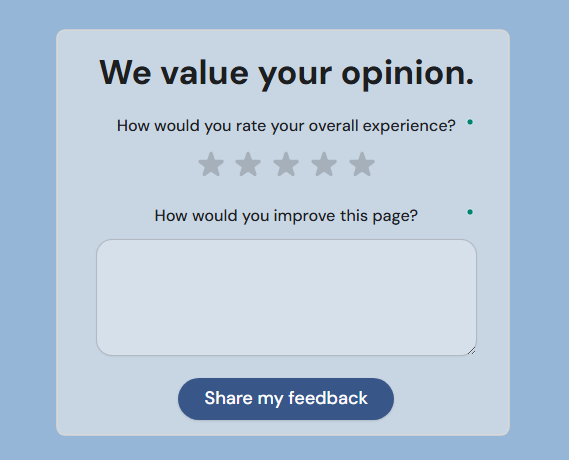
Website feedback forms help you understand how visitors experience your site. You can gather data on what's working, what's confusing, and what's driving users away. They can be triggered by exit intent, embedded on specific pages, or presented as floating widgets.
When to use it: Ongoing, especially after a site redesign, on high-traffic landing pages, or on pages with high bounce rates.
Key questions to include:
- Did you find what you were looking for?
- How easy was it to navigate the site?
- What would you improve about this page?
- Would you recommend this website to a colleague?
7. Corporate training feedback form
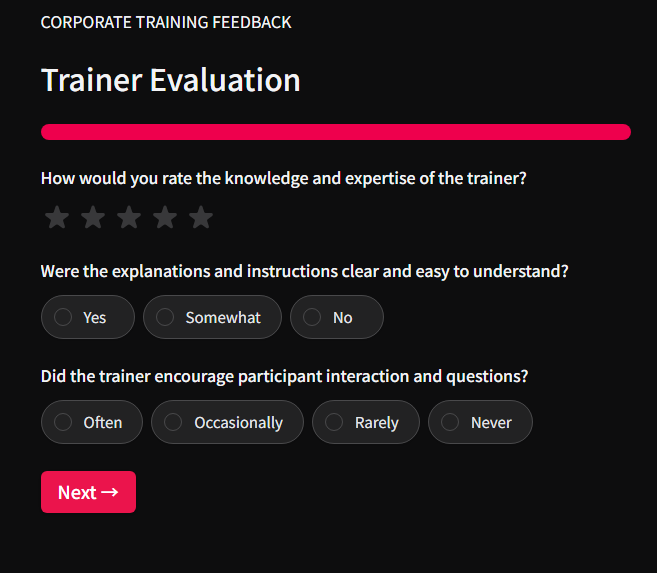
After a training session, a corporate training feedback form evaluates the content quality, instructor effectiveness, relevance to participants' roles, and whether the training met its learning objectives.
When to use it: Immediately after any corporate training program, workshop, or e-learning module.
Key questions to include:
- How relevant was the training content to your role?
- How effective was the instructor or facilitator?
- What was the most valuable takeaway?
- What topics should be added or expanded in future sessions?
8. Corporate branding feedback form
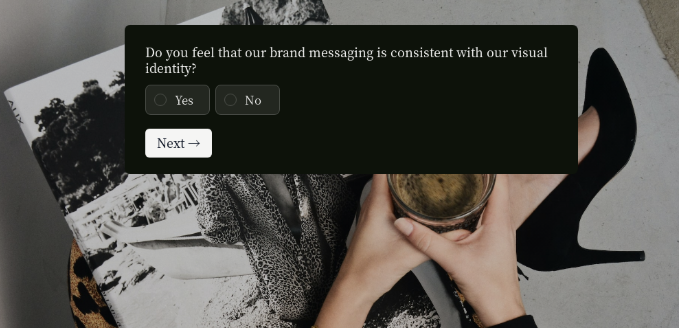
A corporate branding feedback form gathers input on how employees, partners, or customers perceive a company's brand. Use it to gather insights on visual identity, messaging, and market positioning.
When to use it: During or after rebranding projects, brand refreshes, or when launching new brand guidelines.
Key questions to include:
- How well do you understand what our brand stands for?
- Does our visual identity (logo, colors, design) feel modern and professional?
- How would you describe our brand to someone unfamiliar with us?
- What words or feelings come to mind when you think of our brand?
9. Client satisfaction form
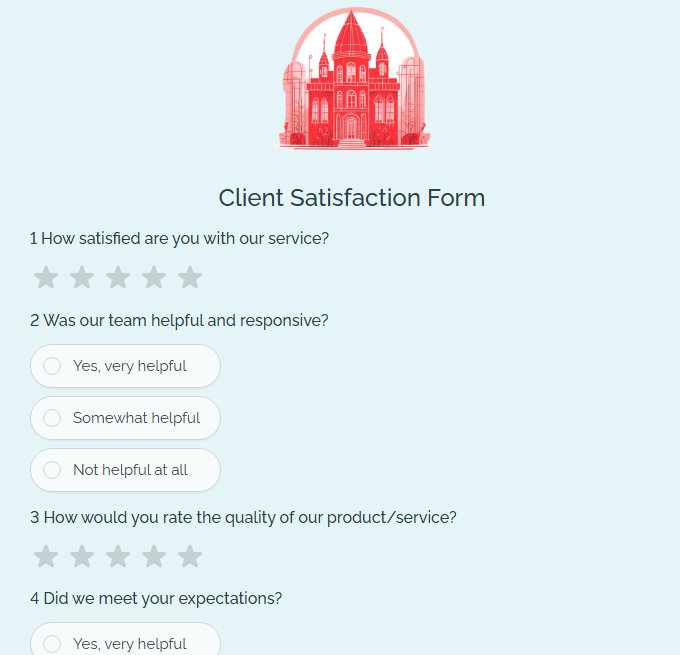
A client satisfaction form measures how happy users are with a product or service. It's short, targeted, and designed for high response rates. This form doesn’t usually have to be standalone. You can add it to your client onboarding tool.
When to use it: After completing a task, finishing an onboarding flow, or closing a support ticket.
Key questions to include:
- How satisfied are you with [product/feature]?
- Did it meet your expectations?
- How likely are you to continue using it?
- Is there anything we could do to improve your experience?
10. Offboarding feedback form
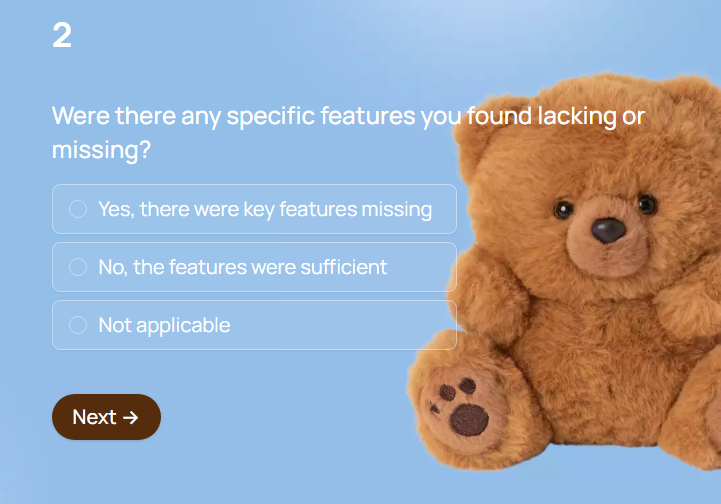
Offboarding (or churn) feedback forms capture insights into why customers are leaving and what you could do differently.
When to use it: When a customer cancels, downgrades, or doesn't renew.
Key questions to include:
- What is the primary reason for your departure?
- What did you enjoy most about using our product?
- Would you recommend us to others?
11. Customer service feedback form
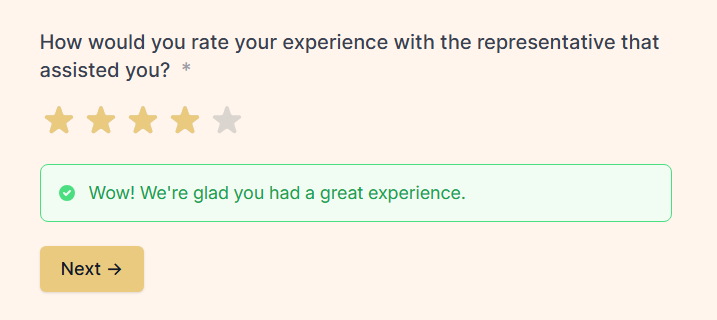
A customer service feedback form evaluates the quality of a specific customer service interaction. It measures agent helpfulness, response time, resolution effectiveness, and overall satisfaction with the support experience.
When to use it: Immediately after a support ticket is closed, a live chat ends, or a phone call is completed.
Key questions to include:
- How satisfied are you with the support you received?
- Was your issue resolved?
- How would you rate the friendliness and professionalism of the agent?
- How could we improve our support experience?
12. Call center feedback form
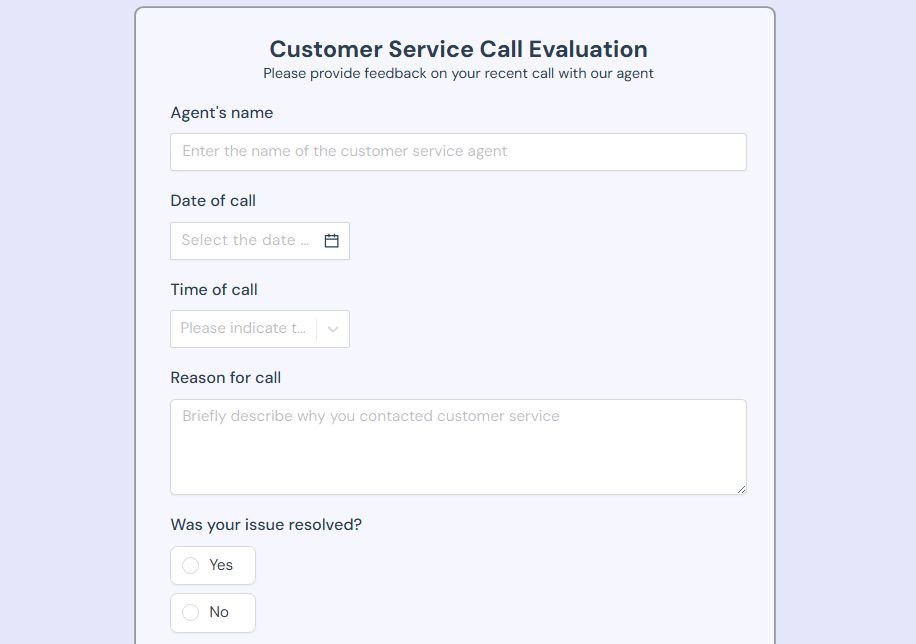
A call center feedback form is similar to a customer service form, but specifically tailored for phone-based interactions. This form measures call quality, hold times, agent knowledge, and first-call resolution. It's a critical tool for call center managers tracking team performance.
When to use it: After every call or a random sample of calls, often delivered via SMS, email, or IVR (interactive voice response) at the end of the call.
Key questions to include:
- How would you rate the overall quality of your call?
- Was your issue resolved on the first call?
- How long did you wait before speaking with an agent?
- How knowledgeable was the agent about your issue?
13. Net Promoter Score (NPS) form
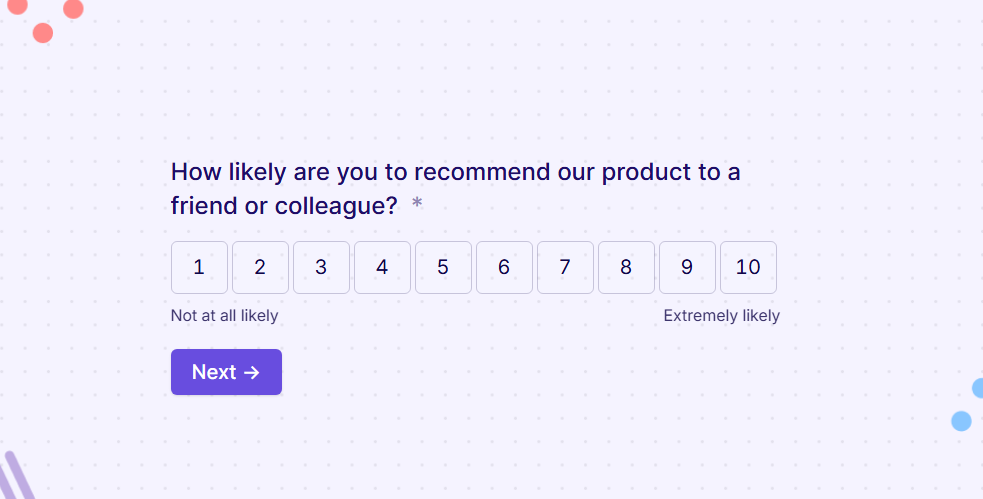
The NPS form is one of the most widely used feedback instruments in business. It asks a single core question: "On a scale of 0 to 10, how likely are you to recommend us to a friend or colleague?" Respondents are classified as Promoters (9–10), Passives (7–8), or Detractors (0–6), and the resulting score gives a snapshot of overall loyalty.
When to use it: At regular intervals (quarterly, biannually) or after significant milestones in the customer journey.
Key questions to include:
- How likely are you to recommend [company/product] to a friend or colleague? (0–10)
- What is the primary reason for your score?
14. Suggestion box form
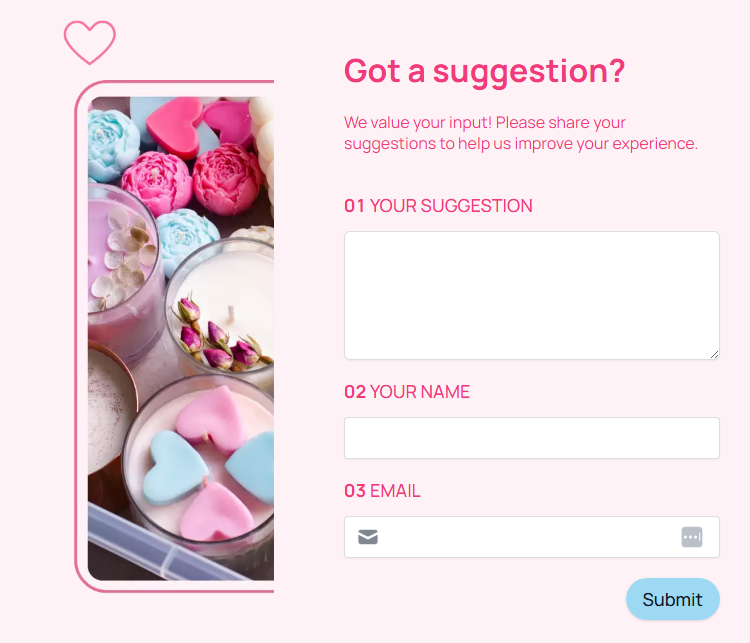
A suggestion box form is the digital equivalent of the classic office suggestion box. It provides an always-available, low-friction channel for employees, customers, or community members to submit ideas or concerns.
When to use it: When you want to encourage continuous improvement without tying feedback to a specific event or review cycle.
Key questions to include:
- What is your suggestion or idea?
- Which area does this relate to? (Product, workplace, process, customer experience, other)
- How urgent or important do you feel this is? (Low / Medium / High)
15. Product feedback form
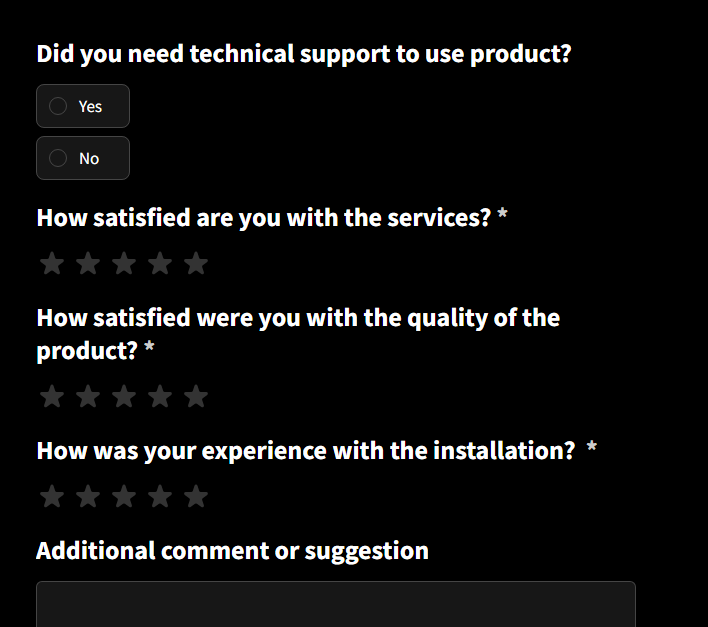
Product evaluation forms are designed to collect user opinions on a product’s features, usability, bugs, and desired enhancements.
When to use it: After launching new features, during beta testing, or on an ongoing basis through in-app feedback widgets.
Key questions to include:
- How would you rate the ease of use of [feature]?
- How was your experience with installation?
- What feature do you wish we had?
- Have you encountered any bugs or issues?
- How does our product compare to alternatives you've tried?
16. Software upgrade feedback form
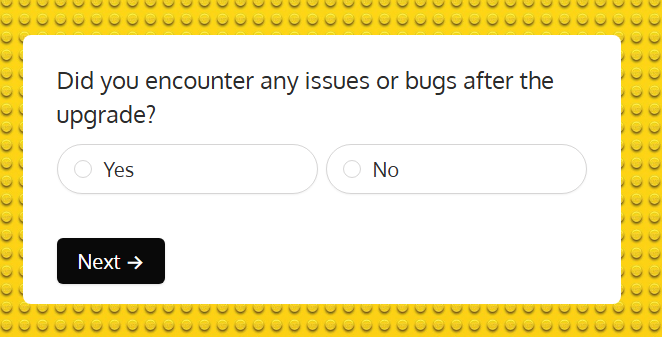
A software upgrade feedback form captures user reactions after a major update, version release, or platform migration. It helps development teams understand whether the upgrade improved the experience or introduced new issues.
When to use it: Shortly after a software update, version migration, or significant UI/UX overhaul.
Key questions to include:
- How would you rate the upgrade experience overall?
- Did the upgrade improve your workflow or make it harder?
- Were you adequately informed about the changes before the update?
- Have you encountered any bugs or performance issues since the upgrade?
- Which new feature is most useful to you?
17. Lecture feedback form
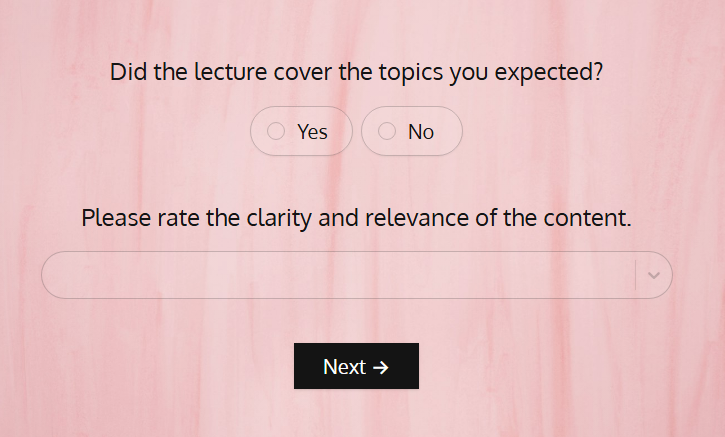
Lecture feedback forms gather student or attendee input on the quality of an academic lecture, guest talk, or educational presentation. They help educators and institutions improve content delivery, pacing, and teaching methods.
When to use it: After individual lectures, at the end of a course or semester, or following guest speaker sessions.
Key questions to include:
- How clearly did the lecturer explain the material?
- Was the pace of the lecture appropriate?
- How engaging was the presentation style?
- What topic would you like covered in more depth?
- How well did the lecture support your learning objectives?
18. Product-market fit questionnaire
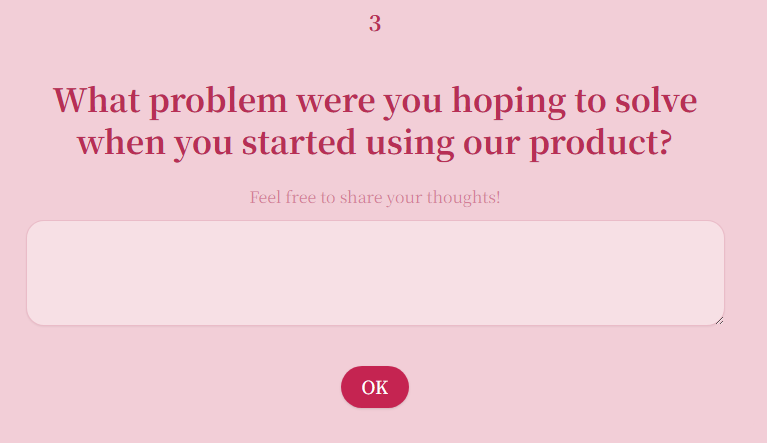
The product-market fit questionnaire helps startups and product teams determine whether their product truly meets a real market need.
When to use it: During early-stage product development, after launching an MVP, or when pivoting to validate a new direction.
Key questions to include:
- How would you feel if you could no longer use this product? (Very disappointed / Somewhat disappointed / Not disappointed)
- What problem does this product solve for you?
- How can we improve the product for you?
19. Consumer behaviour survey
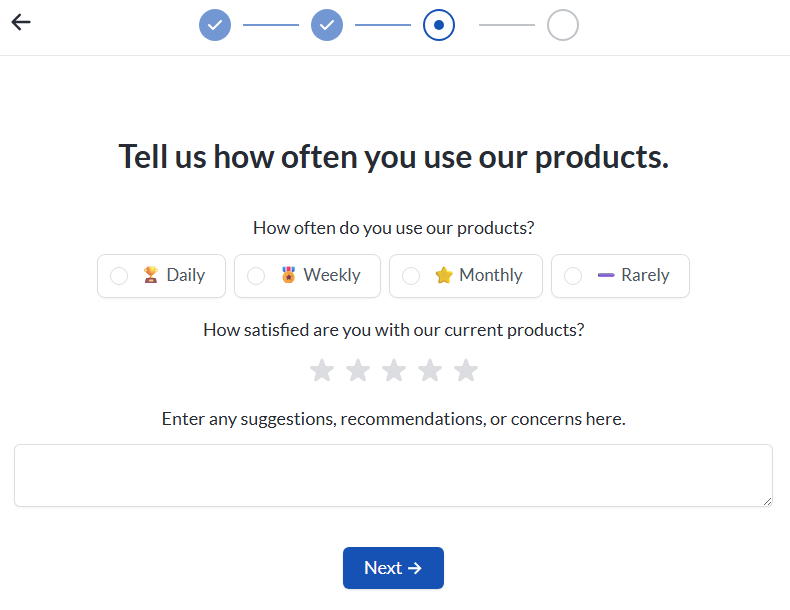
A consumer behaviour survey explores how people discover, evaluate, purchase, and use products or services.
When to use it: When launching new products, entering new markets, developing marketing strategies, or trying to understand why sales patterns are shifting.
Key questions to include:
- How did you first hear about our product/brand?
- What factors influence your purchasing decisions most? (Price, quality, reviews, brand reputation, convenience)
- How often do you purchase products in this category?
- Where do you typically shop for this type of product? (Online, in-store, both)
- What would make you switch to a competitor?
20. Beta product feedback survey
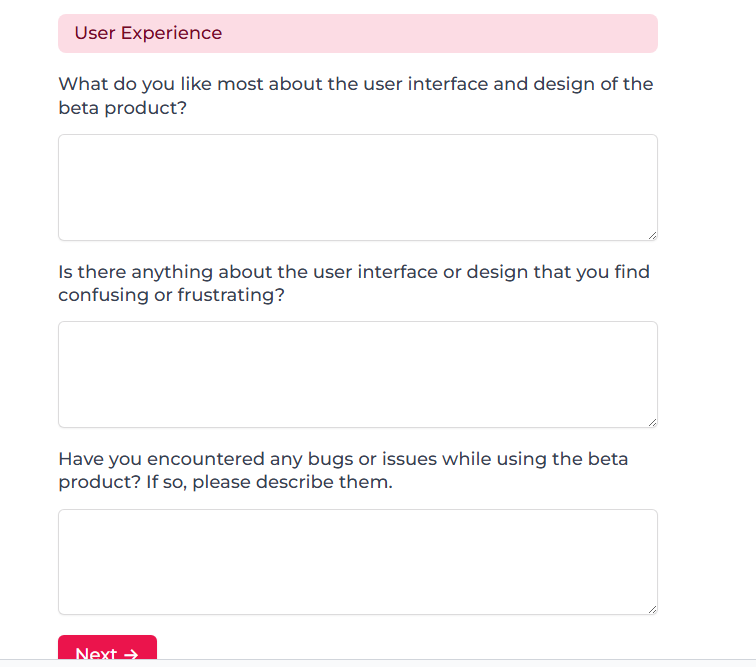
A beta product feedback survey collects structured input from early adopters testing a pre-release version of your product. Beta testers are your first real users, and their feedback is critical for identifying bugs, validating core functionality, and refining the experience before a public launch.
When to use it: During closed or open beta testing periods, typically after testers have had enough time to meaningfully use the product (1-4 weeks, depending on complexity).
Key questions to include:
- How would you describe your overall experience with the beta product?
- Did the product perform as you expected?
- What bugs or issues did you encounter? (Please describe in detail)
- Which features were most valuable? Which felt incomplete or unnecessary?
- How likely would you be to use this product once it's officially launched?
- What's the single most important improvement we should make before launch?
21. Parent feedback form
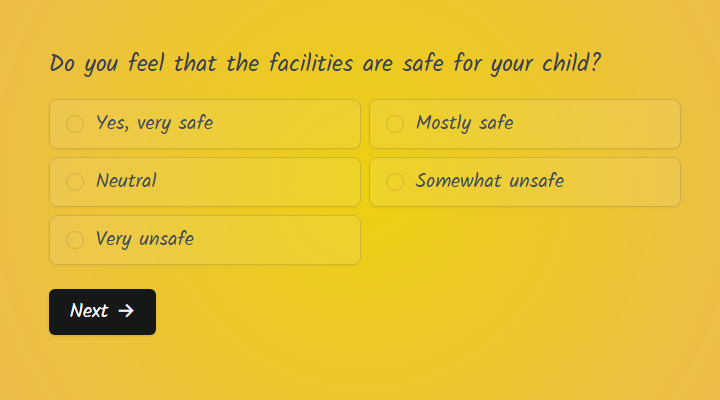
Parent feedback forms collect input from parents about their child's experience with a school, daycare, extracurricular program, tutoring service, or youth-focused organization.
When to use it: At the end of a school term, after a program or camp session, during parent-teacher conference cycles, or as part of an ongoing satisfaction monitoring program.
Key questions to include:
- How satisfied are you with the quality of instruction your child receives?
- Does your child feel safe and supported in this environment?
- How well does the program communicate with parents about progress and activities?
- What could we do to better support your child's learning or development?
- Would you recommend this program to other parents?
22. Brand perception survey
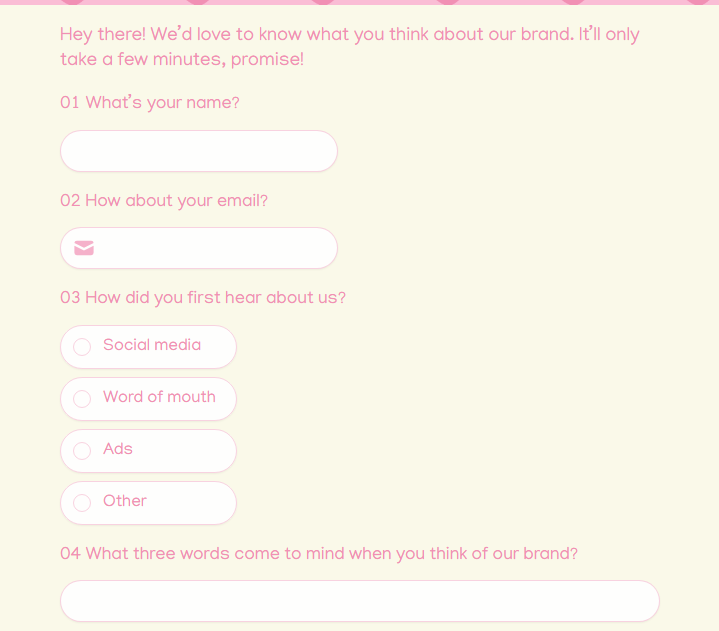
A brand perception survey measures how your customers or the general public perceives your brand relative to competitors.
When to use it: Before and after rebranding initiatives, during competitive analysis, as part of annual brand health tracking, or when brand sentiment appears to be shifting.
Key questions to include:
- When you think of [brand], what three words come to mind?
- How familiar are you with [brand]? (Very familiar / Somewhat familiar / Not at all familiar)
- Compared to competitors, how would you rate [brand] on quality, value, and trustworthiness?
- How likely are you to choose [brand] over a competitor?
- Has your perception of [brand] changed in the last 12 months? If so, how?
23. Supplier evaluation and feedback form
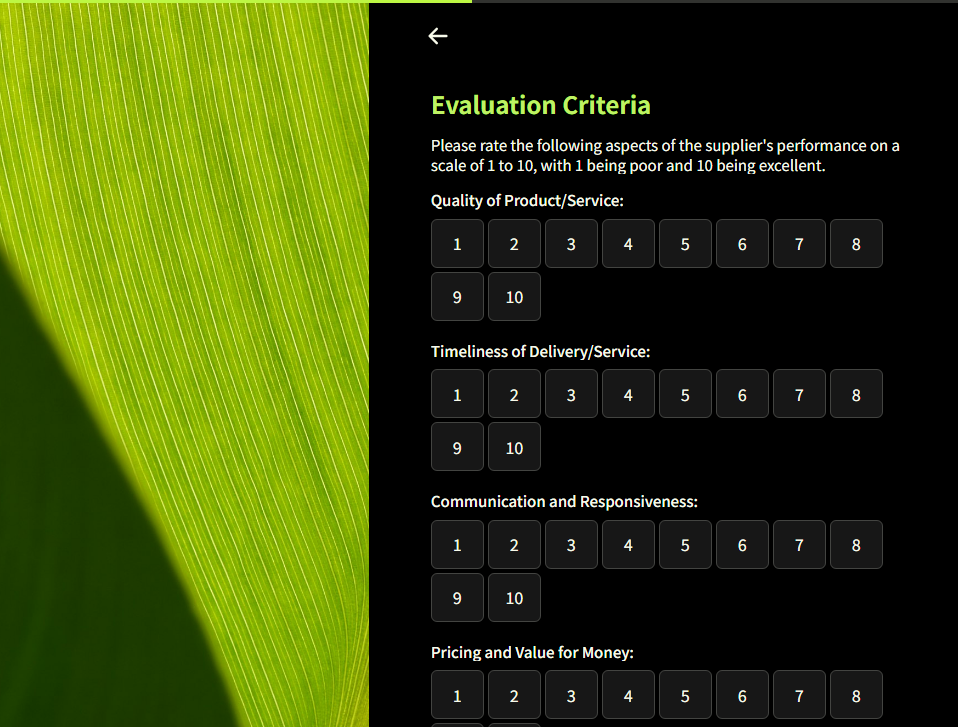
A supplier evaluation form provides a structured way to assess vendor performance across key dimensions like delivery reliability, product quality, communication, pricing competitiveness, and responsiveness to issues.
When to use it: At regular intervals (quarterly or annually), after completing a major project or order, or when reviewing vendor contracts for renewal.
Key questions to include:t
- How would you rate the quality of goods/services delivered?
- Does the supplier consistently meet agreed-upon delivery timelines?
- How responsive is the supplier when issues arise?
- How competitive is the supplier's pricing relative to market alternatives?
24. Employee self-evaluation form
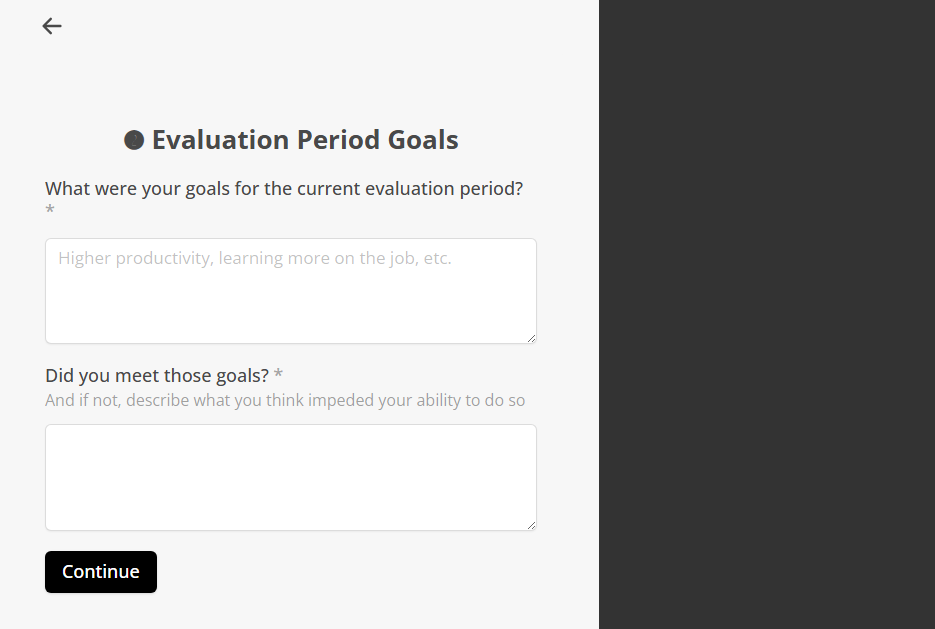
An employee self-evaluation form allows team members to reflect on their own performance, accomplishments, challenges, and growth areas. When paired with manager feedback, it creates a more balanced and collaborative review process.
When to use it: As part of annual or semi-annual performance review cycles, during mid-year check-ins, or as preparation for development planning conversations.
Key questions to include:
- What accomplishments are you most proud of during this review period?
- Which of your goals did you fully achieve, partially achieve, or miss?
- What challenges or obstacles did you face, and how did you handle them?
- What skills or areas would you like to develop in the next review period?
- How can your manager or the organization better support your growth?
25. User onboarding feedback form
A user onboarding form specifically targets new users of a digital product and evaluates how smooth and helpful the initial setup and first-use experience was.
When to use it: After users complete the onboarding flow, reach a key activation milestone (e.g., creating their first project, inviting a teammate), or at the end of a free trial period.
Key questions to include:
- How easy was it to get started with [product]?
- What features did you find helpful?
- Was there any point during setup where you felt confused or stuck?
- What would have made your first experience with [product] better?
Other feedback forms examples:
- Online shopping behavior poll: Research customer shopping habits and purchase patterns.
- Bug report form: Let users report issues in your product.
- Stakeholder communication preference form: Collect information on how stakeholders want to receive information.
- Workplace happiness survey: Measure how employees feel about their day-to-day work experience.
- User expectation forms: Understand what users expect from your product or service before or during their early experience with it.
Best practices for creating a good feedback form
As you create your forms, follow these best practices to collect useful feedback:
Choose the right question types
Each feedback form will need different types of questions, depending on the kind of data you want to collect.
Here’s a quick decision guide:
Write questions that get honest answers
The way you word a question changes the answer you get. Here are a few rules that keep your data clean:
- Keep questions neutral: "How amazing was your experience?" pushes people toward a positive response. "How would you rate your experience?" lets them answer honestly.
- Ask about one thing at a time: "How would you rate our pricing and customer support?" forces people to combine two unrelated opinions into one answer. Split them into separate questions.
- Use specific language: "How was the onboarding?" is vague. "How easy was it to set up your first project?" gives you data you can actually act on.
Keep it short and focused
Response rates and the quality of answers may drop if you ask too many questions.
For most use cases, aim for five to eight questions. If you're running a quick pulse check (like post-support CSAT), three questions are plenty.
Use conditional logic to keep forms relevant. If someone rates their experience a 4 or 5, skip the "what went wrong?" question. If they select billing issue as their reason for contacting support, show follow-up questions specific to billing.
Test before you send
Before launching your form, send it to two or three people on your team and ask them to complete it. Check that conditional logic routes people correctly and that the form displays properly on different screen sizes.
How to build feedback forms with templates
You can use templates to build your forms instead of starting from scratch.
Popular form builders like Fillout, Typeform, Google Forms, Jotform, and SurveyMonkey come with ready-made templates you can customize.
Fillout, for example, offers 55+ ready-made templates for feedback forms alone. Browse the template library, pick the one closest to what you need, and customize it to fit your brand and goals. If you prefer, you can still build from scratch with a drag-and-drop builder.
Here’s how you can build your own feedback form with Fillout in a few steps:
Step 1: Pick the right template
Start by choosing a template that matches your use case. Go to Fillout’s template page and search for your use case or browse by category.
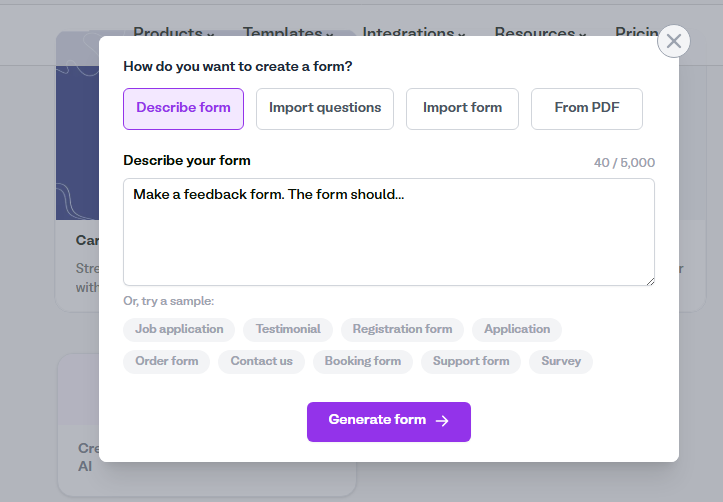
If you don’t find exactly what you need, you can generate a new template with AI in a few minutes. Describe your form, import questions, or create it from a PDF.
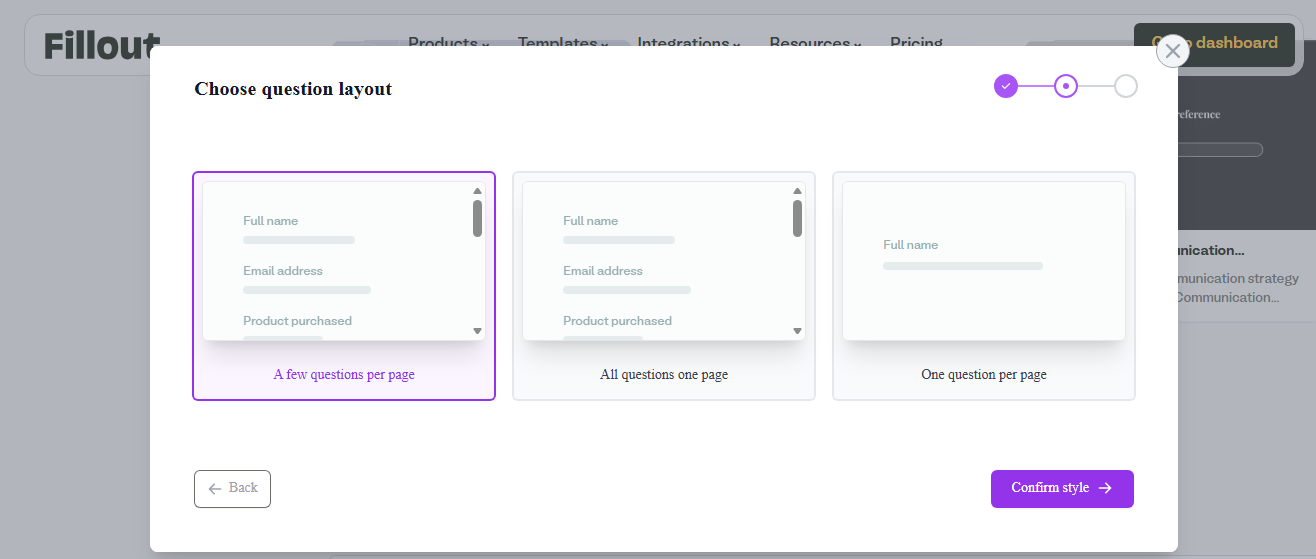
Next, choose a question layout from options such as:
- A few questions per page
- All questions on one page
- One question per page
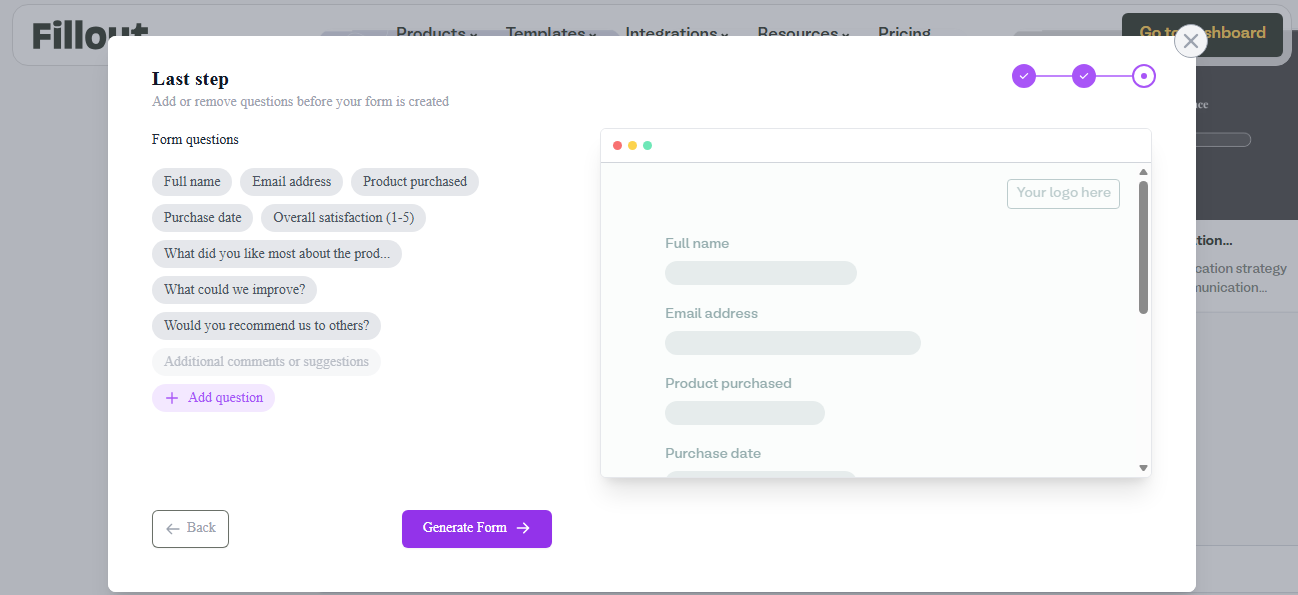
Then add or remove the suggested questions before Fillout generates the form.
Step 2: Customize the form
Once you have a starter template, tweak the questions to match the feedback you actually want. Use the drag-and-drop builder to add fields from the left-hand panel. Choose from 50+ field types, then write your question text.
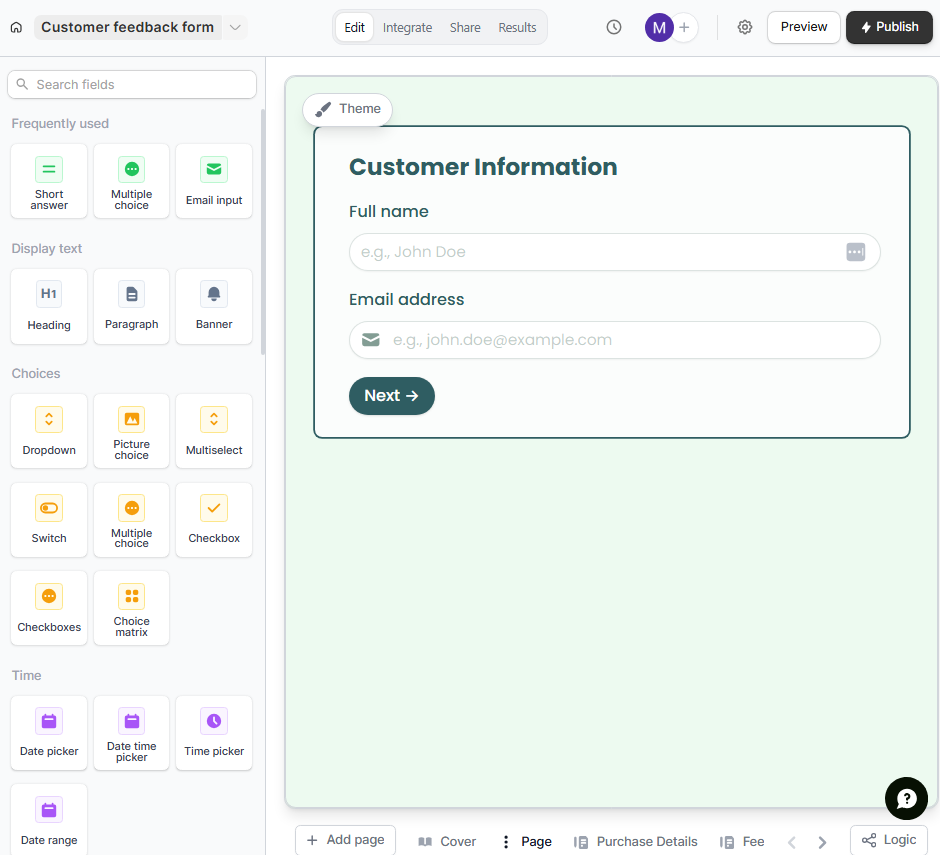
For styling, pick a theme from the pre-made options. If you're on a paid plan, create your own custom theme so the form fully matches your brand.
Step 3: Share the app
Preview your form on desktop and mobile to test the flow and logic. Once everything looks good, publish and share the link, or embed it into your existing apps and website.
You can also turn your finished form into a reusable template so teammates can duplicate it instead of rebuilding it from scratch. To view responses, open the Results view from the top menu.
Build your feedback forms with Fillout
Fillout lets you build the exact form you need in minutes. You can create feedback forms, scheduling forms, payment pages, lead generation forms, quizzes, and more.
Why you’ll love it:
- Starter templates for most use cases: From customer satisfaction and NPS to event feedback and employee reviews, there's likely a template ready for you.
- Drag-and-drop builder with pre-built components: Add rating scales, multiple-choice questions, open-text fields, dropdowns, and more without touching a line of code.
- Themes for easy customization: Match your form's look and feel to your brand in a few clicks.
- Logic and conditions: Create dynamic feedback forms that adapt to form responses
- Unlimited forms on all plans, including free: No artificial limits on how many forms you can create.
- Visual workflow builder: Turn forms into automations with the pre-built form automations or build custom workflows in the visual editor. You can connect to your existing tools and automate summaries, classifications, and insight extraction.
- Built-in database to store responses: All your form submissions are organized and accessible in the built-in database.
- External integrations: Link your form to the tools you already use, like Google Sheets, Airtable, Slack, or Notion.
- Build apps with Zite: Fillout integrates directly with Zite and the built-in database. You can build custom business apps, such as portals and dashboards, on top of your form responses.
Ready to start collecting feedback? Sign up for a free account and build your first form in minutes. No credit card required.
Frequently asked questions
How to choose the right feedback form template?
You choose the right feedback form template by matching it to your specific goal and audience. If you want to measure loyalty, use an NPS template. If you need post-event insights, use an event feedback template. Once you've picked one, modify the questions to match the feedback you want to collect.
Should feedback forms be anonymous?
Feedback forms should be anonymous when you want candid and honest input, especially for sensitive topics such as employee feedback and workplace surveys. For customer feedback tied to a specific transaction or support ticket, identifying info is helpful for follow-up, though you should offer an anonymous option when possible to increase participation and honesty.
How do I increase response rates?
Increase response rates by sending your feedback form right after the interaction and keeping it short, ideally, completed in under 10 minutes

