


The choice between Glide vs AppSheet comes down to whether you need a polished app or deeper data and automation. Glide is the design-led builder that makes spreadsheet data look great on mobile, while AppSheet is Google's more technical tool with stronger automation and data connections.
I built the same field-service app in both. It was a job tracker with a mobile view and status updates. Here's what each does well and which one fits your team.
Glide vs AppSheet: what's the difference?
Glide is a no-code builder that turns spreadsheets into polished, mobile-friendly apps, with design as its strong suit.
AppSheet is Google's no-code builder that turns spreadsheets and databases into apps, with deeper automation and data connections.
Choose Glide if you want the best-looking mobile app with the least effort.
Choose AppSheet if you're in Google Workspace and need stronger automation and data reach.
Meet Glide: features and highlights
Glide turns Google Sheets, Excel, or Airtable into mobile-friendly apps, with its own Glide Tables database for teams without a spreadsheet.
It's built for non-technical teams who want a clean, fast app for inventory tracking, field tools, and simple internal apps. Design is its strength, since the mobile output looks polished with little effort.
The trade-offs are row caps and update-metered pricing that can climb with heavy use. The Glide pricing guide has the full tier breakdown.
Meet AppSheet: features and highlights
AppSheet is Google's no-code app builder, turning Google Sheets, Excel, SQL, and other sources into mobile and web apps. It automatically suggests app structures from your data.
It's built for teams in the Google ecosystem who run real processes on their apps, with automation bots, conditional logic, and barcode scanning, plus connections to BigQuery, Cloud SQL, and other business systems. Its apps also keep working offline, syncing once a signal returns, which matters for field crews out of coverage.
It's more powerful and more technical than Glide, with a plainer look and per-user pricing.
Glide vs AppSheet: at a glance
Glide vs AppSheet: feature-by-feature comparison
Design and app appearance
This is where Glide pulls ahead.
Glide produces polished, mobile-friendly apps out of the box. The components look modern, and a non-designer ends up with something that feels professional with little effort. My job tracker looked ready to hand to a crew after an afternoon, with no design work beyond picking a theme.
AppSheet prioritizes function over form. Its apps work well but look plain, and making one look good takes more manual work than in Glide. The same tracker in AppSheet did the job, though it read like an internal form rather than a finished app.
Winner: Glide.
Automation and workflows
AppSheet is the stronger tool here.
AppSheet's automation bots handle complex, multi-step workflows with conditional branching, scheduled tasks, and document generation. It's built for real process automation. When I wired up status-change alerts on the job tracker, the bot ran the whole sequence without complaint.
Glide handles basic actions and workflows that cover simple needs. Building the same alert chain meant cutting it back to fewer steps before it would run reliably.
Winner: AppSheet.
Data sources and scale
AppSheet reaches further.
AppSheet connects to Google Sheets, Excel, SQL databases, BigQuery, and Cloud SQL, which suits teams with data in many places. Its row handling scales better for larger datasets.
Glide connects to spreadsheets and Airtable, as well as its own Glide Tables. It works well for spreadsheet-driven apps, but row caps stop a growing app. A connected spreadsheet is capped at 25,000 rows on every plan, while Glide's own Big Tables go higher, up to 100,000 rows on Business.
Winner: AppSheet.
Ease of use for non-technical builders
Glide is friendlier to start.
Glide's interface is approachable, and its design-led flow means a non-technical person can quickly ship a good-looking app. The learning curve is gentle.
AppSheet is more capable but steeper. Its expression language and automation setup reward technical users, and non-technical builders take longer to get comfortable.
Winner: Glide.
Pricing and how it scales
The two price in different ways, and each has a catch.
Glide starts free, then Explorer at $25/month and Maker at $60/month, with a 250 to 500 update allowance.
Teams that need shared seats step up to Business at $249/month, which includes 30 users, $6/user/month after that, and 5,000 updates.
The catch is update-metering: syncs count as updates, and overages are billed at 2 cents each, while row caps push growing apps upward.
AppSheet starts free for up to 10 test users, then Starter at $5/user/month, Core at $10/user/month, and Enterprise Plus at $20/user/month. The per-user model is predictable, though costs grow with each app user.
Winner: Tie. Glide is cheaper at the entry point, since $25/month covers an app regardless of headcount, while 10 AppSheet users cost $50/month. AppSheet wins in the middle, where Glide's shared-seat plan jumps to $249/month.
What real users are saying
Both rate highly on G2, with AppSheet at 4.8 out of 5 across 405 reviews and Glide at 4.7 across 818 (as of July 2026). The sentiment maps to what each is built for.
Glide
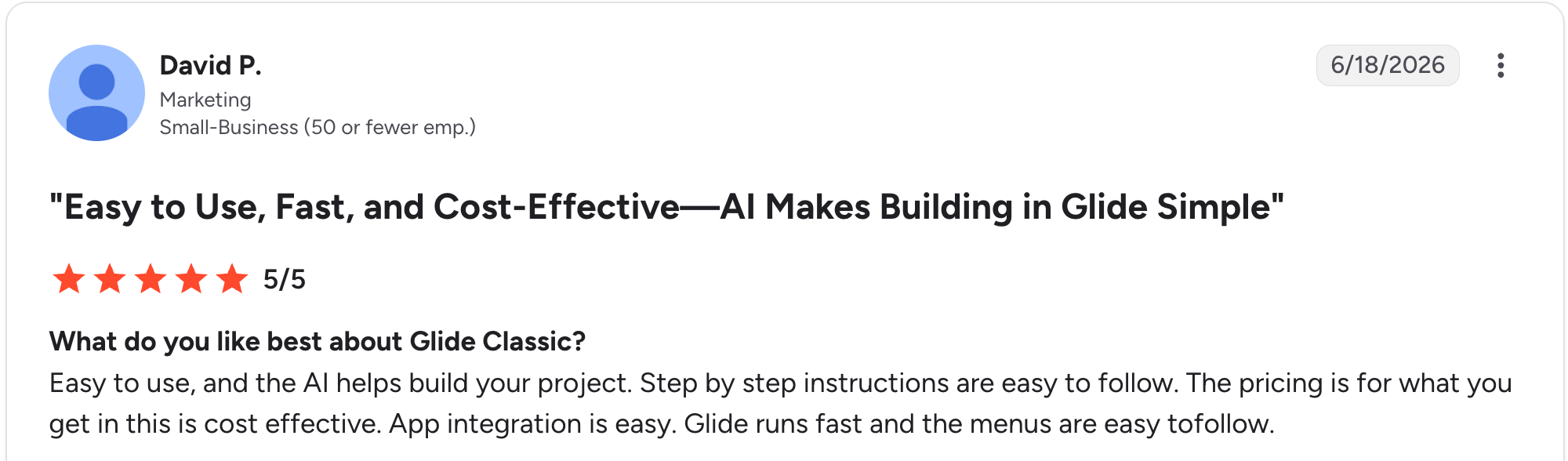
“Glide runs fast, and the menus are easy to follow.” David P, G2
Pros: Users love how fast a clean, mobile-friendly app comes together and how good it looks with little effort. Small teams call it the quickest way to turn a spreadsheet into a real app.

“Advanced customization limitations can sometimes hinder certain complex projects.” Johan I, G2
Cons: Reviewers flag update-metered pricing surprises, row caps that cap app growth, and limited depth as workflows get complex.
AppSheet
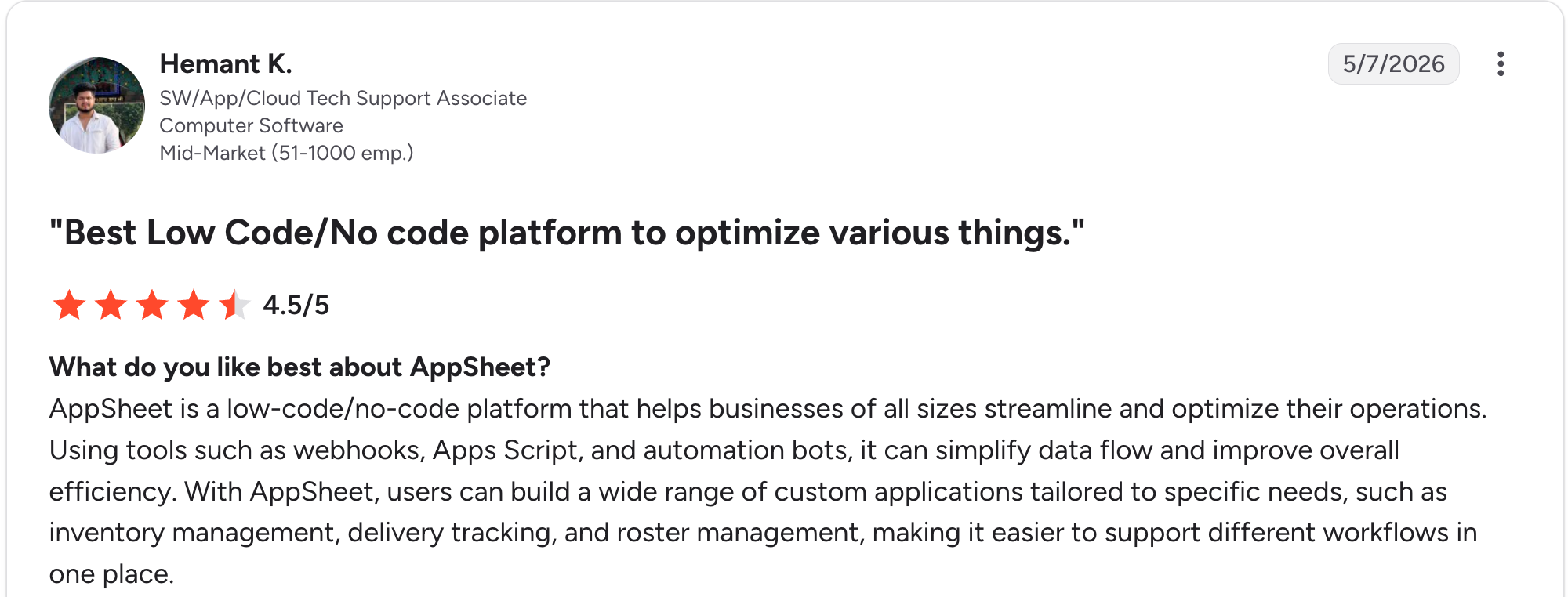
“AppSheet is a low-code/no-code platform that helps businesses of all sizes streamline and optimize their operations.” Hemant K, G2
Pros: Users praise the automation bots, the Google Workspace integration, and the range of data connections. Teams already on Google find it a natural fit.

“Some features in AppSheet were a bit hard to understand at first, especially for beginners who don't have any prior experience related to this.” Muna N, Capterra
Cons: Reviewers note the plain design, a steeper learning curve, and some frustration with the product's direction and support under Google.
How to make your choice
Your call hinges on one thing. Do you want the slicker app or the deeper data and automation underneath it?
Glide wins for non-technical teams that want the best-looking mobile app fast. AppSheet wins for Google Workspace teams that need real automation and broad data connections.
Both are spreadsheet-first, so neither suits a team that wants its data and app in one tool without a spreadsheet underneath, which is worth keeping in mind if that's you.
Glide is better for:
- Non-technical teams and small businesses.
- Polished mobile apps built from spreadsheet data.
- Projects where design and speed matter most.
AppSheet is better for:
- Teams already working in Google Workspace.
- Automation-heavy apps with conditional logic.
- Apps that need SQL, BigQuery, or many data sources.
My verdict
Both are strong spreadsheet-based builders, and the choice is clear. Glide for design and speed, AppSheet for automation and data reach. Glide makes the better-looking app, while AppSheet does the heavier lifting behind it.
The catch is what they share: both keep your data in a spreadsheet and build an app on top of it. Once your data outgrows a sheet, or you want the data and logic in one place, both start to strain.
A third option: Zite
Glide and AppSheet both treat a spreadsheet as the data layer. Zite takes a different path. Describe the app, and it generates the app, a real database, and the logic together, all visible without code.
Four things set it apart for teams caught between the two:
- Visible database with tables and fields: While Glide and AppSheet sit on top of a spreadsheet, Zite gives you a real database in a spreadsheet-style view, with linked records and room to grow. Pro holds 100,000 records, four times Glide's sheet cap. AI fields fill in each record as the data grows.
- Visual workflows you can read: AppSheet's automation is powerful but technical, and Glide's is limited. Zite generates the logic as visual workflows you can read and trace, so a non-developer can see what the app does and where it went wrong.
- Mobile without an app store: Zite apps work in mobile browsers as built, and users can add them to a phone's home screen under your name and icon. There are no App Store or Google Play downloads and no offline use, so a field crew working without signal still needs AppSheet.
- Unlimited users and roles you control: Where Glide meters updates and AppSheet charges per user, Zite includes unlimited users on every plan, with a free plan and Pro at $19/month. Apps are published internally by default, with roles and permissions deciding who sees what.
For more, see this guide to Glide alternatives or this breakdown of spreadsheet vs database if you're weighing the switch.
Start building with Zite for free and build your first app today.
Frequently asked questions
Is Glide or AppSheet better?
Whether Glide or AppSheet is better depends on what you value. Glide is better for a polished mobile app fast, while AppSheet is better for automation and data connections. For teams that want one tool holding both the data and the app, Zite is worth a look.
What is the difference between Glide and AppSheet?
The difference between Glide and AppSheet is design versus data power. Glide leads on polished, mobile-friendly design and ease of use, while AppSheet leads on automation bots, conditional logic, and connections to SQL and BigQuery.
Is Glide or AppSheet cheaper?
Glide is cheaper to start than AppSheet, at $25/month against $5/user/month. AppSheet wins for mid-sized teams, since Glide's shared-seat Business plan jumps to $249/month while AppSheet stays per user.
Which is easier for non-technical users?
Glide is easier for non-technical users than AppSheet. Its design-led flow lets someone ship a good-looking app quickly, while AppSheet's expression language rewards technical users. For a fully non-technical team, an AI builder like Zite generates the app and logic from a description.
Does AppSheet work without Google Workspace?
Yes, AppSheet works without Google Workspace, since you can sign up for a paid plan with an individual account. AppSheet runs deepest alongside Google Sheets and Drive, so teams outside Google often find Glide or Zite a more natural fit.
What is the best Glide and AppSheet alternative?
The best Glide and AppSheet alternative for teams that have outgrown a spreadsheet is Zite, which builds the app and its database together with unlimited users at $19/month.

