


Softr caps you at basic Airtable Interfaces. The moment your app needs real workflows or scales past a handful of users, pricing jumps, and customization hits a wall.
Here are 9 no-code platforms that handle all of this better.
Why Look for Softr Alternatives?
Teams look for Softr alternatives because the platform’s pricing, customization limits, and database dependency create real friction as apps grow. Softr works well for building simple interfaces on top of Airtable or Google Sheets.
The drag-and-drop builder is clean, the templates speed things up, and you can get a basic client portal running in an afternoon. The problems surface once your app grows past that initial setup.
Pricing scales quickly. Softr’s free plan caps you at 1 published app and 10 users. The Basic plan jumps to $49/month, but features like API calls, CSV exports, and charts are locked behind the Professional plan at $139/month (billed annually).
SQL database connections don’t unlock until the Business plan at $269/month. Per-user costs compound on top of that, especially for customer-facing apps.
Customization hits a ceiling. Users on G2 frequently mention limited design flexibility and performance issues with complex or data-heavy applications.
Once your app needs conditional logic, multi-step workflows, or deep backend control, Softr starts feeling like a front-end layer rather than a full app builder.
AI generation is one-shot. Softr’s AI Co-Builder creates a starting point, but you can’t iterate on it conversationally after the initial build.
You’re back to manual drag-and-drop from there, which defeats the purpose for teams that want to keep building through prompts.
You’re dependent on external databases. Softr doesn’t give you a standalone database. Your data lives in Airtable, Google Sheets, or another third-party tool.
That means paying for two platforms, managing sync issues, and dealing with record limits from both sides. Airtable alone caps standard plans at 50,000 records per base.
TL;DR: Which Softr Alternative Should You Choose?
Choose Zite if you want a working app in minutes from a single prompt, without assembling pre-built blocks one by one or paying per user as your team grows.
It's the broadest Softr replacement for teams building real operational tools. Not ideal if you're building a consumer social app or need native mobile app store publishing.
Choose Glide if you want the fastest spreadsheet-to-app experience for internal dashboards. Watch the per-user costs once you scale beyond 30 users.
Choose Bubble if you’re building a full SaaS product and have the patience for a steep learning curve plus unpredictable workload-based pricing.
Choose FlutterFlow if mobile app store distribution is non-negotiable. It’s overkill for web-only internal tools.
Choose Noloco if your team is deeply invested in Airtable and your apps are primarily internal. It builds a stronger internal app layer on Airtable data than Softr does.
Choose Stacker if your primary need is an AI-generated client or customer portal. Stacker is now focused on external portals (home services, real estate, law firms, agencies) rather than internal data tools.
Stick with Softr if your apps are simple data interfaces on Airtable with light user counts, you’re comfortable with the pricing at your current tier, and you don’t need complex workflows or backend logic.
Softr is still one of the fastest paths to a basic client portal for small teams.
9 Best Softr Alternatives: At a Glance
The 9 Best Softr Alternatives
Each tool below is evaluated on database flexibility, workflow depth, pricing at scale, and the level of visibility into what your app is actually doing. The order reflects how broadly each platform replaces what Softr does.
1. Zite: Best for Building Apps From a Prompt
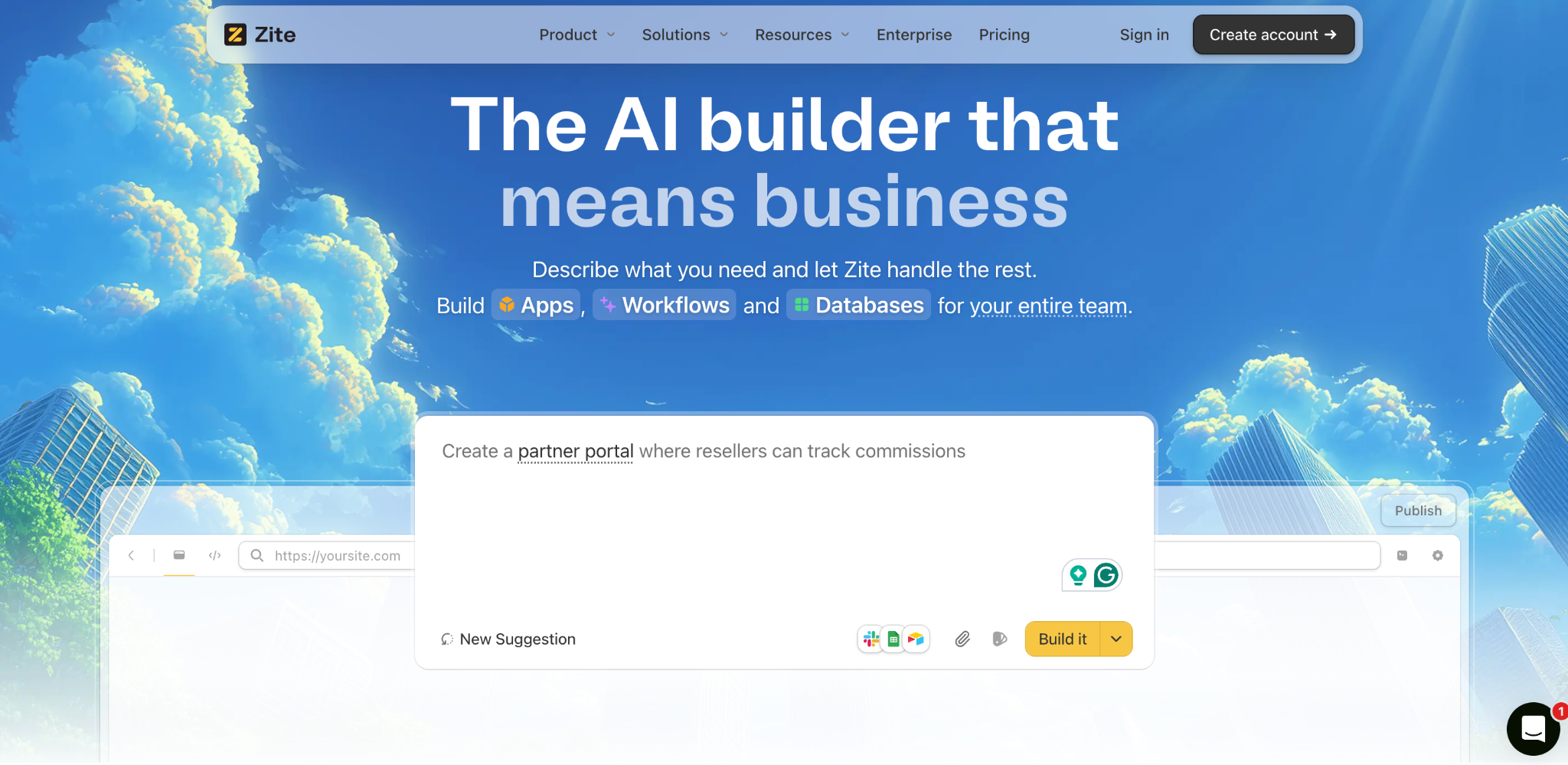
What it does: Zite is an AI-powered no-code platform that generates full working apps from a single prompt. Instead of dragging pre-built blocks together one by one, you describe what you want, and Zite generates the whole app (interface, database, workflows, permissions) at once. You can then edit it visually or re-prompt to refine.
Best for: Non-technical ops teams, support leads, and SMB owners who want a working portal, CRM, dashboard, or internal tool in minutes, without learning a builder UI or assembling blocks.
Most Softr users leave because building takes longer than expected, and the platform's pre-built blocks don't stretch to fit what they actually want to build. Drag an image, drag a list, drag a form, then realize halfway in that Softr doesn't have a block for the thing you actually need.
Zite removes both problems. You describe the app, and the platform generates everything in a single pass: pages, the database, permissions, and workflows. No catalog of fixed blocks to assemble. No hours spent learning which UI panel controls which setting. You get a working app in minutes, not a half-built one after an afternoon.
When something needs adjusting, you can edit the layout directly or re-prompt. And if a notification workflow breaks, the visual flowchart shows exactly where, so you don't have to guess.
Key features
- Prompt-based app generation. Describe what you need, and Zite builds the whole app (interface, database, workflows, permissions) in one pass. No catalog of pre-built blocks to drag together piece by piece.
- Directly editable interface. Change layouts, adjust spacing, and move sections around without re-prompting every time you want to shift a button or update a label.
- Built-in database with AI Fields. Spreadsheet-like interface with real structured tables, linked records, and formulas underneath. AI Fields can enrich records, reason about data, and search the web to pull context into your workflow.
- Permissions and publishing. Apps are internal by default with role-based access. When you're ready, publish specific views to the web for external users, such as clients or partners.
- Native integrations. Connects to Airtable, Google Sheets, Slack, OpenAI, Google Maps, and Stripe. If your current Softr app depends on Airtable, you can bring that data in without rebuilding.
- Branding kit. Enter your website URL, and Zite automatically extracts colors, fonts, and styling. For client-facing portals, this cuts the time between first build and on-brand from hours to minutes.
- Visual workflows you can inspect. AI-generated logic displays as a flowchart you can trace and troubleshoot. If a notification chain breaks, you can see exactly where and why without reading code.
Pros
- One prompt builds the full app instead of assembling fixed blocks piece by piece.
- The app, database, and workflows get built together instead of requiring separate tools.
- No per-user pricing on any plan, including free. A 30-user app and a 500-user app pay the same.
- Branding kit generates on-brand apps faster than manual styling.
- Connects to existing tools and data sources your team already relies on.
- Full visibility into how your app logic works, from workflows to the database to permissions.
Cons
- Newer platform, so the ecosystem and template library are still growing compared to more established tools.
- AI credits are limited on free and lower-tier plans.
- No native mobile app export.
- Not built for consumer social apps or games.
What Users Say
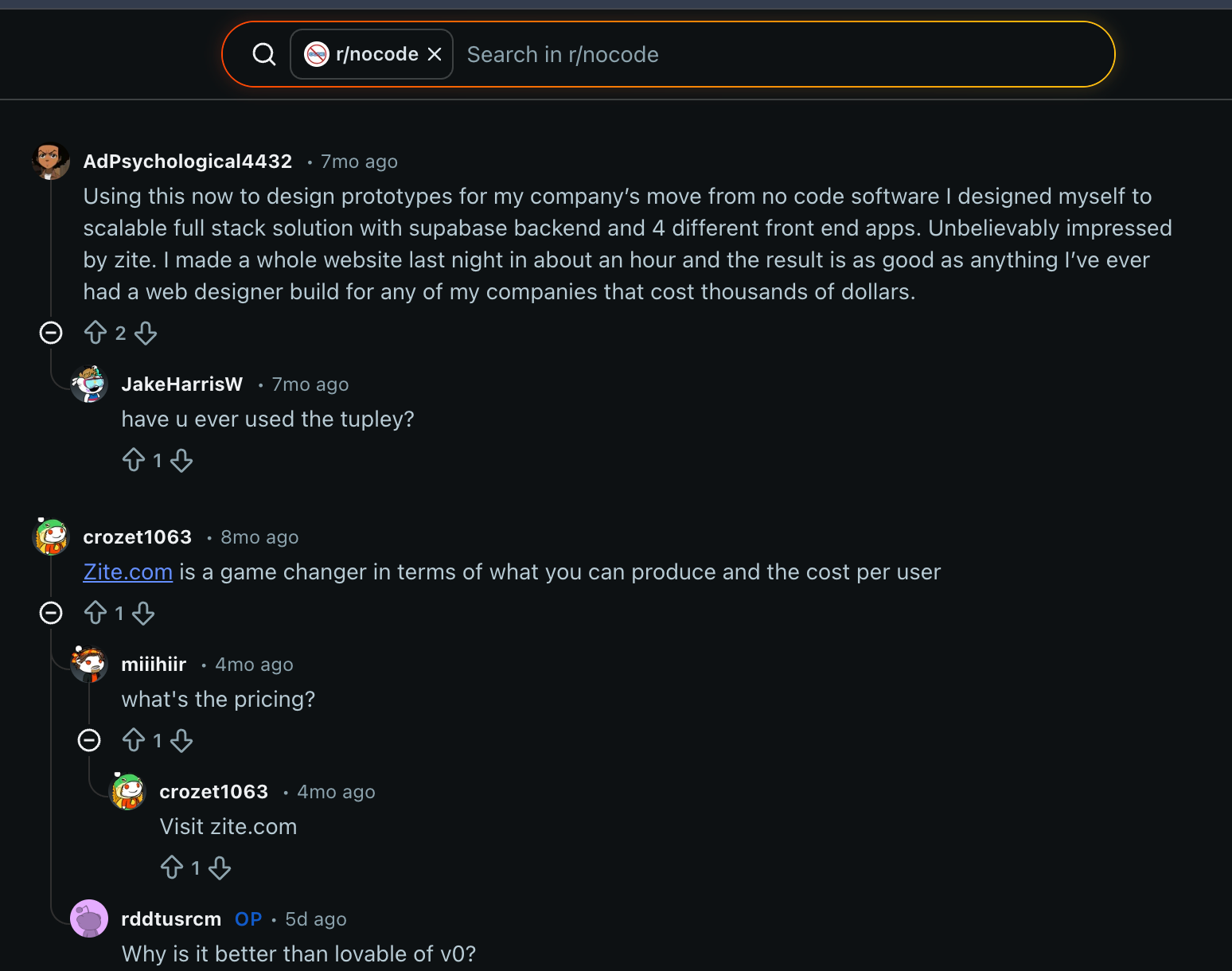
“Unbelievably impressed by Zite. I made a whole website last night in about an hour and the result is as good as anything I’ve ever had a web designer build for any of my companies that cost thousands of dollars.” Verified User Reddit
Best For
- Teams that have outgrown Softr’s simple data display and need to understand what their app is doing as it scales.
- Non-technical ops people building client portals, CRMs, request trackers, dashboards, or internal workflows.
- Organizations that want the app, database, and logic in one platform instead of stitching Softr, Airtable, and Zapier together.
- Teams that need to control access and permissions before rolling an app out to clients or partners.
Pricing
Zite offers a free plan with unlimited users and apps. Paid plans start at $19/month, with no per-user fees on any tier. That’s a significant difference from Softr’s pricing structure, where the Basic plan alone costs $59/month.
Bottom Line
Zite is the strongest Softr alternative if you want to skip block-by-block assembly and have a working app in minutes. Describe what you need, get a full app with database, workflows, and permissions ready to go, and refine from there.
It's also flat-rate. Unlimited users on every plan, including free, so scaling from 30 to 500 users doesn't change your bill. Softr's Business plan and per-user models on Glide can't say the same.
If you're evaluating other AI-first builders, see how Zite compares to Lovable and Base44 for a closer look at how each platform handles prompt-based app development.
2. Glide: Best for Internal Dashboards Built on Spreadsheets
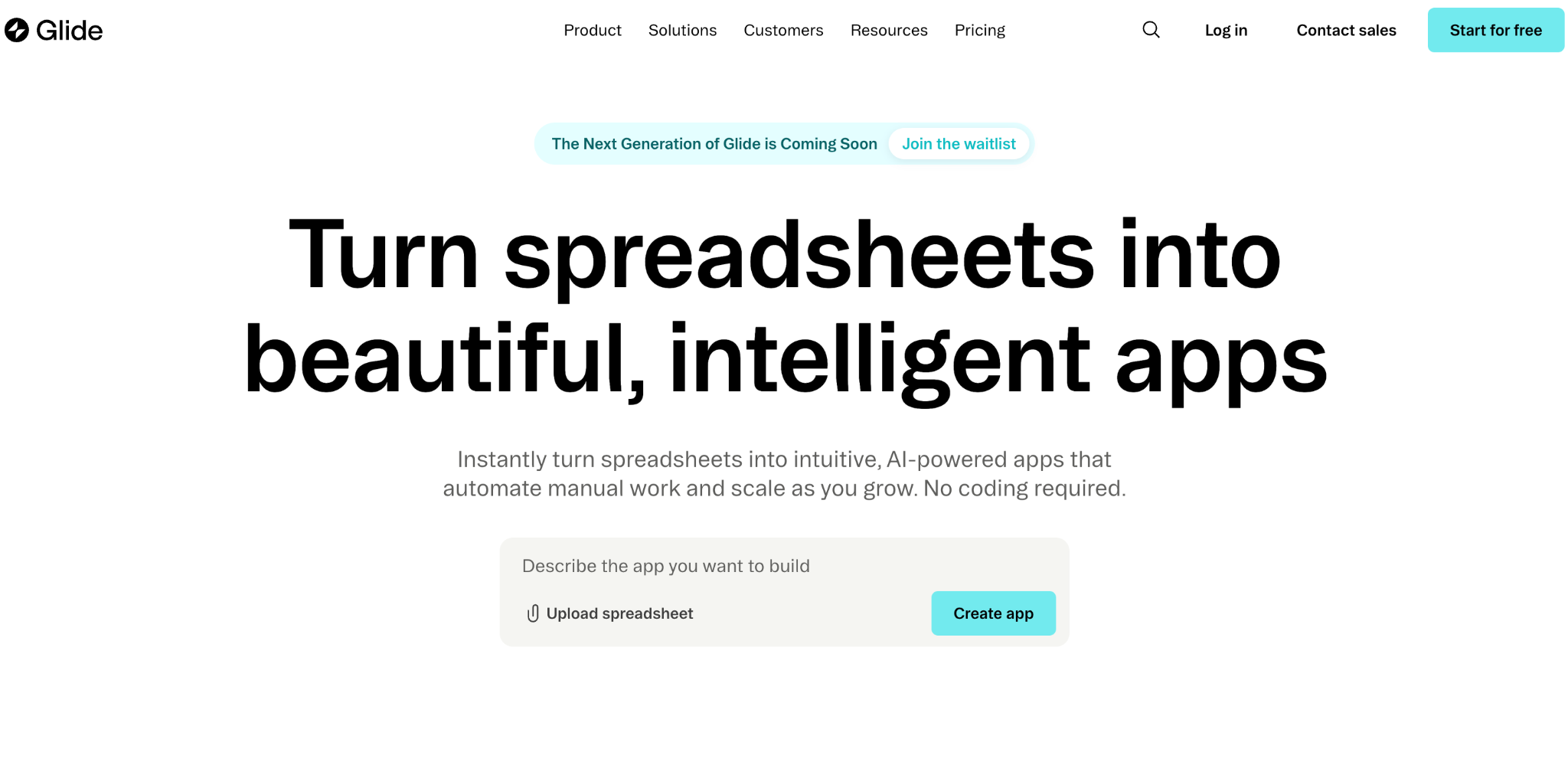
What it does: Glide turns Google Sheets, Airtable, and Excel data into functional business apps using a drag-and-drop visual builder.
Best for: Operations managers and small teams building internal dashboards, field trackers, or data entry tools who want the fastest possible path from spreadsheet to working app.
Glide’s strength is speed. In testing, I had a functional inventory tracker running in about 90 minutes, starting from a Google Sheet with 500 rows. The interface is clean, the component library includes over 40 pre-built elements, and the live preview updates as you build.
The trade-off is flexibility. Glide builds Progressive Web Apps (PWAs), not native mobile apps. You can’t publish to the App Store or Google Play. And once your app needs logic beyond basic data display, filtering, and forms, you start bumping into the same walls that likely pushed you away from Softr.
Key Features
- Spreadsheet-to-app conversion that generates working apps from Google Sheets, Airtable, or Excel data with lists, detail views, and forms in minutes.
- Computed columns and relations that let you create formula-based columns and link tables together, so data from one table can pull values from another automatically.
- 40+ pre-built UI components including charts, forms, maps, image pickers, and signature fields.
- Workflows and automations (Business plan) that trigger sequences when data changes, such as sending emails or updating Slack channels.
Pros
- Spreadsheet-to-app in under two hours for most use cases.
- Clean, intuitive builder that non-technical users grasp quickly without documentation.
- Computed columns and table relations add real formula power beyond simple data display.
- Strong template library for common internal tool patterns.
Cons
- Per-user pricing gets expensive at scale. The Business plan ($249/month) includes only 30 users, and each additional user costs $5/month. A 500-user customer-facing app would add roughly $2,000/month on top of the base plan.
- Data source restrictions push you into expensive tiers. Syncing Google Sheets requires Maker ($60/month). Airtable and Excel sync require Business ($249/month). SQL databases need Enterprise.
- PWAs only. No native mobile performance and no app store publishing.
- Complex workflows and custom app logic are limited compared to Bubble, WeWeb, or Zite.
What Users Say
Glide reviewers on G2 (4.7/5 from 795+ reviews) consistently praise the speed of building a first app and the intuitive interface.
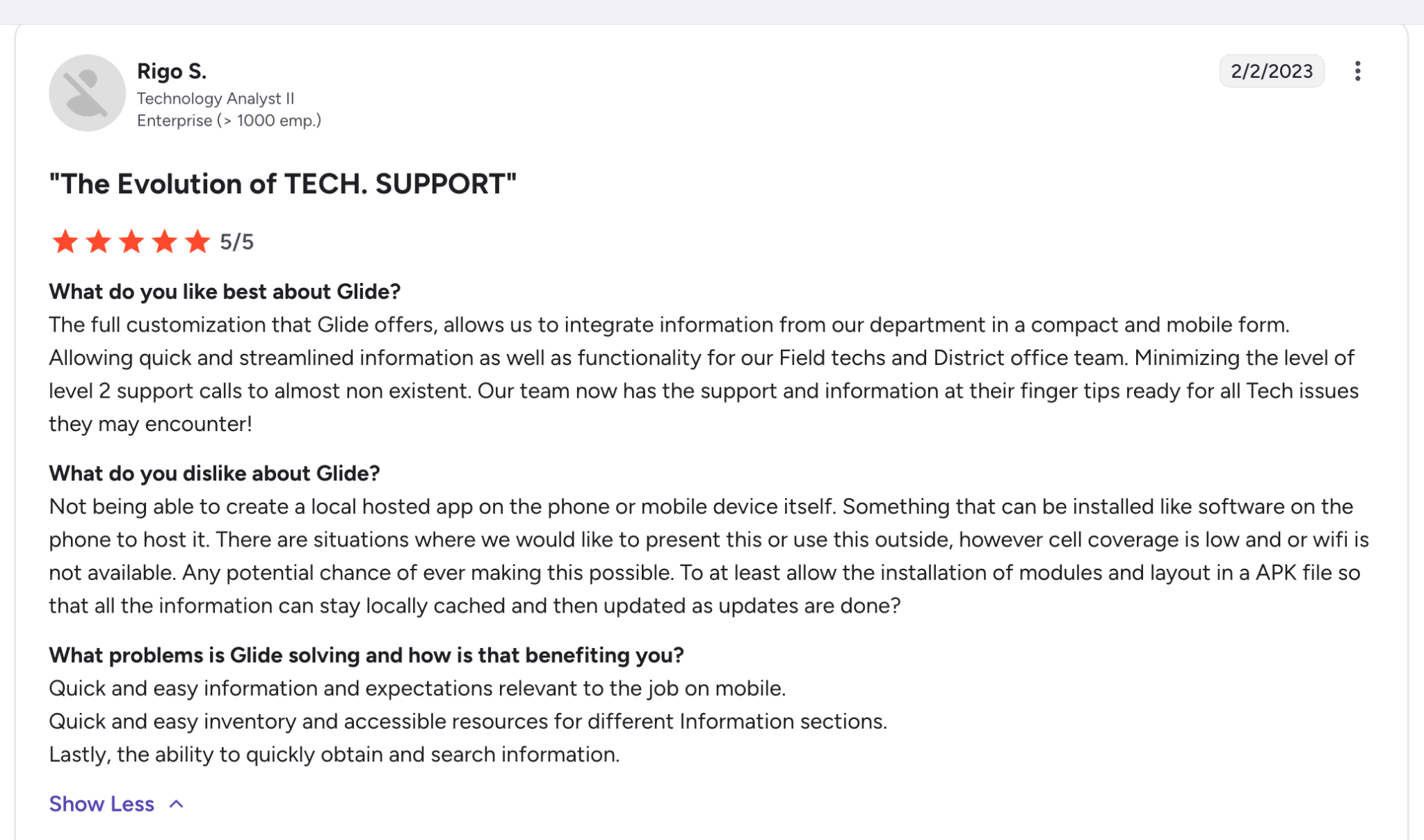
“Simplicity! Glide is unbelievably intuitive and allows the user to build software pretty quickly. In my case, I was able to build the website I wanted with about 10 sheets and figured out things mostly via the community and learning videos created by Glide.” Rigo S, G2
Best For
- Internal tools with small, known user counts (under 30) where spreadsheet data is already the source of truth.
- Quick prototypes and proof-of-concept apps that need to be functional fast.
- Non-technical teams that understand spreadsheets and want something running today, not next month.
Pricing
Glide offers a free plan for learning the platform, but you can’t publish apps on it. Explorer starts at $25/month, Maker at $60/month, and Business at $249/month. Per-user overages on the Business plan add up fast for customer-facing apps. Compare Glide’s full pricing breakdown against flat-rate alternatives before committing.
Bottom Line
Glide is a solid Softr alternative if your apps are internal tools with small user counts and your data already lives in spreadsheets. It’s the fastest builder on this list for that specific use case.
But the per-user pricing model and data source restrictions push teams toward expensive plans faster than expected. If you’re building anything customer-facing or planning to scale beyond a few dozen users, the math favors tools with flat-rate pricing.
3. Bubble: Best for Full SaaS Applications
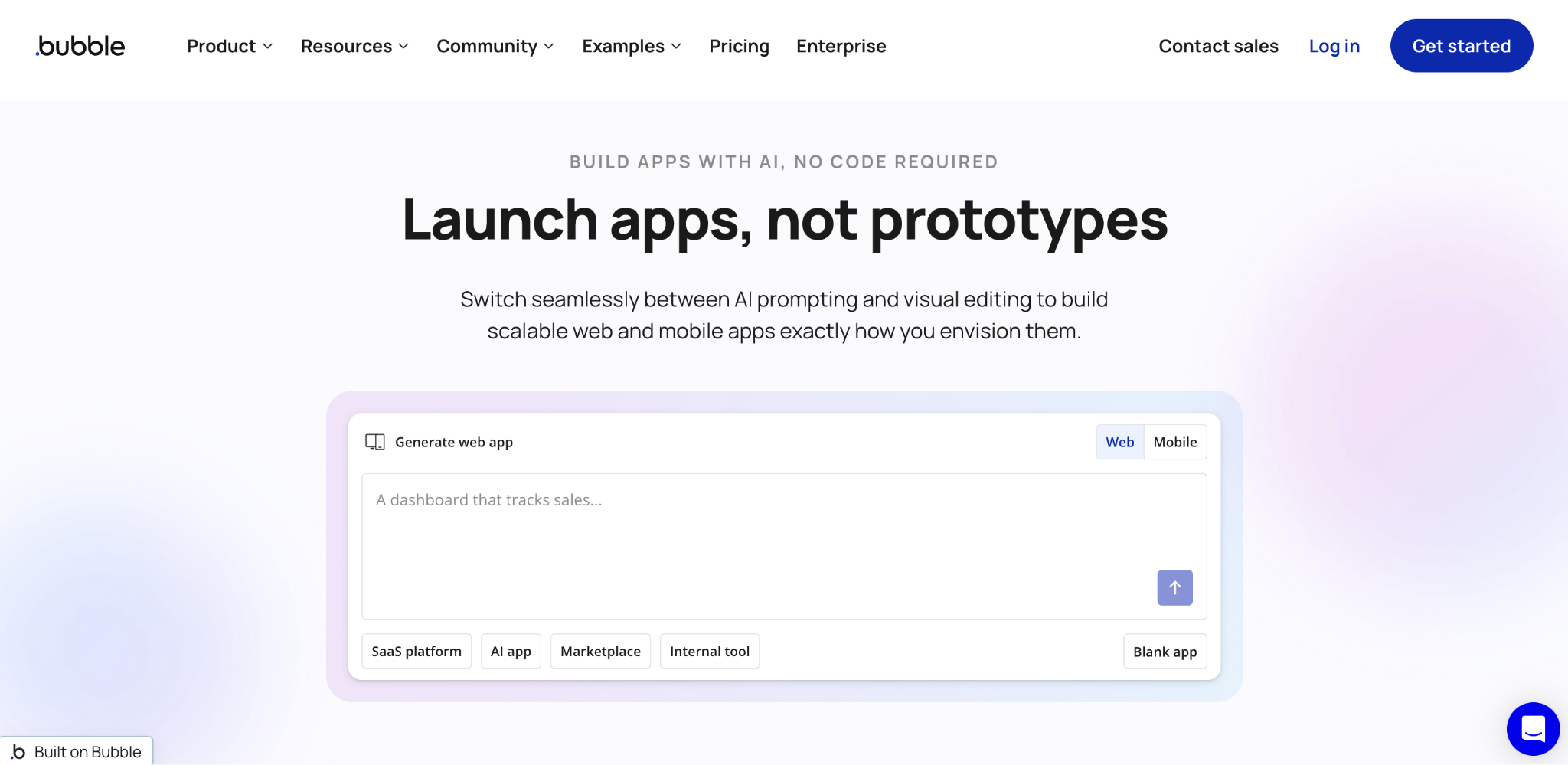
What it does: Bubble is a visual development platform for building complete web applications with custom logic, databases, API integrations, and user authentication.
Best for: Technical founders and product teams building SaaS products, marketplaces, or complex multi-user platforms where maximum customization matters more than speed of setup.
Bubble gives you more control than any other no-code tool on this list. You can design custom database schemas, build conditional workflows, integrate with external APIs, and create pixel-level UI layouts. The community is massive, with extensive plugin libraries and tutorials for nearly any use case.
The flip side is that Bubble demands a real-time investment. In testing, building the same CRM-style app that took under an hour in Zite or Glide took close to a full day in Bubble. The visual editor is powerful but dense. Understanding how data types, workflows, and conditional logic connect takes weeks of practice.
Key Features
- Full visual logic builder with conditional workflows, custom events, and API integrations that support the same complexity as traditional code.
- Pixel-level UI customization for layouts, animations, and responsive design across devices.
- Built-in database with custom data types, field-level security, and relational structures.
- Plugin marketplace with thousands of community-built extensions for payments, maps, charts, authentication methods, and more.
Pros
- The deepest customization of any no-code platform. If you can design it, Bubble can probably build it.
- Large plugin ecosystem and active community forum with thousands of tutorials.
- Full API integration support for connecting external services.
- Version control and collaboration features for team development.
Cons
- Steep learning curve that takes weeks to become productive. This is fundamentally not a “describe what you want” platform.
- Workload-based pricing makes costs unpredictable. Every page load, database operation, and API call consumes workload units, and usage spikes can push you into higher tiers without warning.
- Performance can lag on complex apps because Bubble interprets visual logic at runtime rather than compiling optimized code.
- Web apps only. No native mobile support without third-party wrappers.
What Users Say
Bubble’s community is one of the most active in no-code. Long-time users praise the flexibility and the depth of what’s possible.
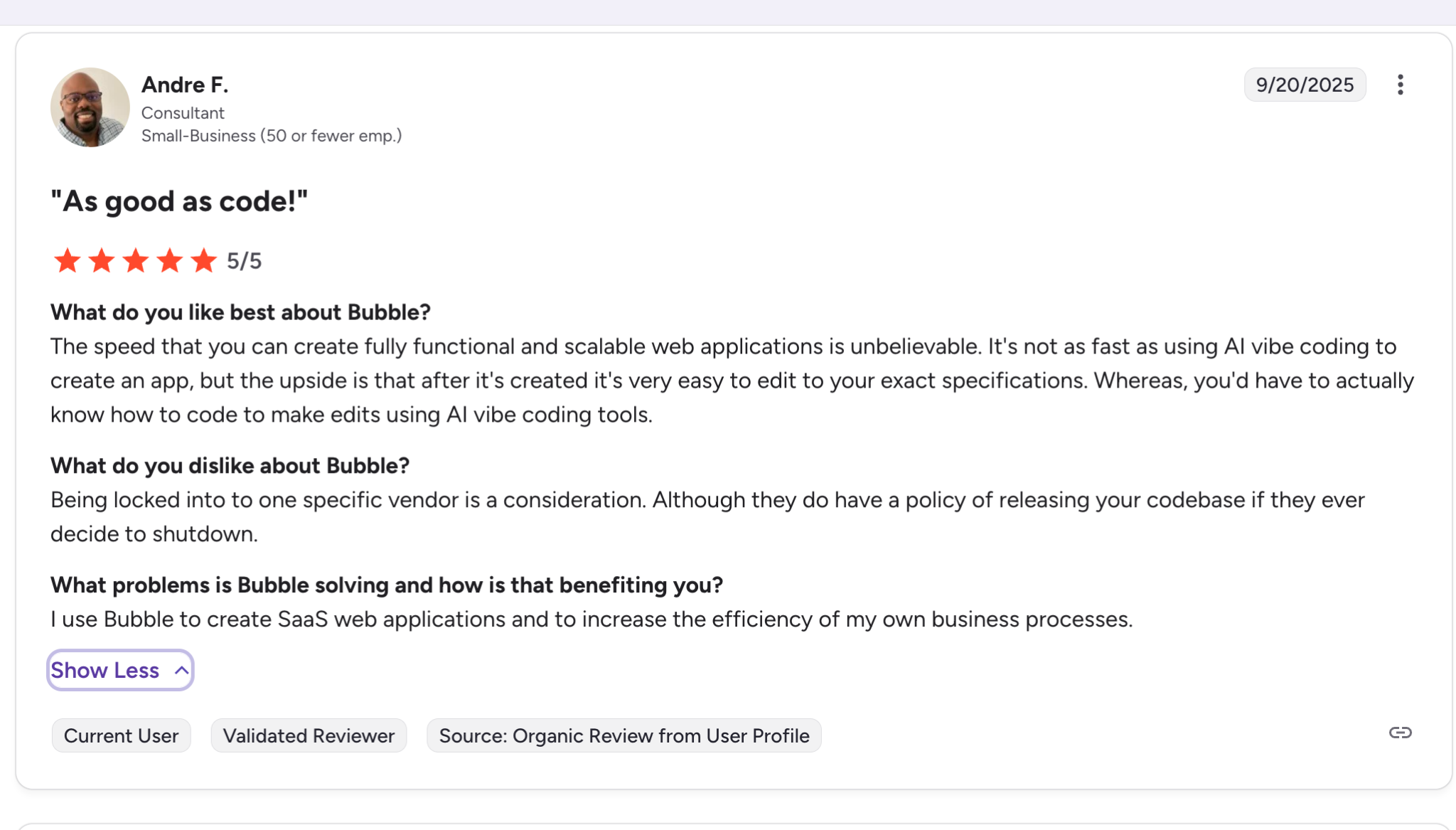
“The speed that you can create fully functional and scalable web applications is unbelievable. It's not as fast as using AI vibe coding to create an app, but the upside is that after it's created it's very easy to edit to your exact specifications. Whereas, you'd have to actually know how to code to make edits using AI vibe coding tools.” Andre F, G2
Best For
- Founders building SaaS products, marketplaces, or complex web platforms with custom business logic.
- Teams with at least one technically-minded person who can invest weeks in learning the platform.
- Projects where maximum flexibility and customization outweigh the speed of initial setup.
Pricing
Bubble’s free plan lets you build in development mode but blocks publishing. Paid plans start at $32/month for the Starter tier (web only). Growth plan at $134/month is where most serious builders land. Bubble’s pricing uses workload units that scale with usage, so your monthly bill depends on how many users interact with your app.
Bottom Line
Bubble is the right Softr alternative if you’re building something genuinely complex and you’re willing to invest significant time in learning the platform. For internal tools, portals, and operational apps, it’s overkill.
The learning curve alone makes it impractical for most of the use cases that bring people to Softr in the first place. If you want AI-driven development without the steep ramp-up, see how Zite compares to Replit for prompt-based building.
4. WeWeb: Best for Frontend Flexibility With External Backends
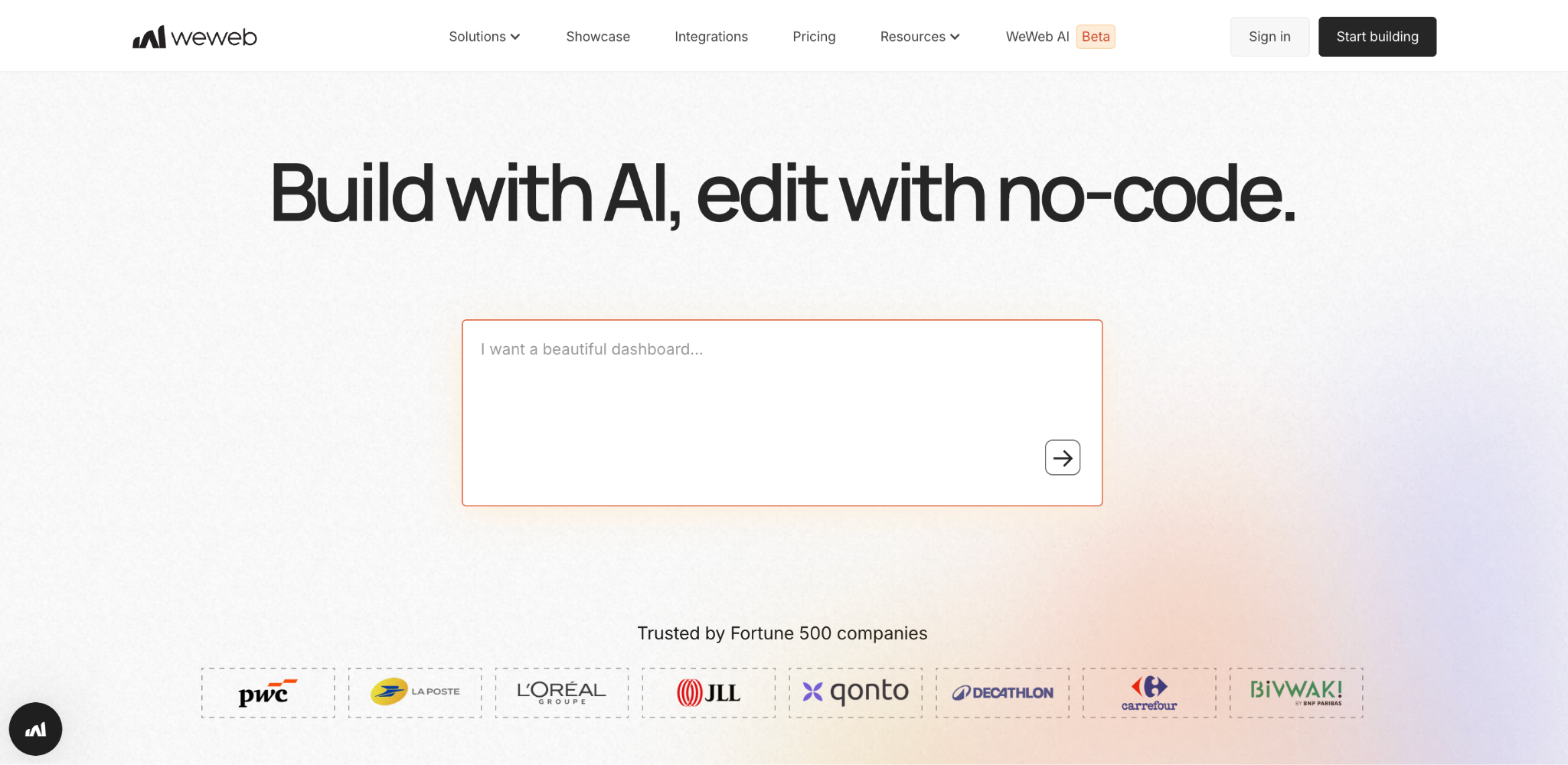
What it does: WeWeb is a visual frontend builder that connects to external backends like Supabase, Xano, or any REST API, giving you more control over both the interface and the data architecture.
Best for: Technical teams or agencies building web applications that need custom frontend designs on top of their own backend infrastructure.
WeWeb sits in an interesting middle ground. It gives you significantly more design control than Softr or Glide, with a Figma-like interface for building responsive layouts. In my testing, I found the element binding and interaction builder genuinely impressive. You can bind any element to data, build complex interactions, and customize CSS when the visual tools aren’t enough.
The catch is that WeWeb is a frontend-only tool. It doesn’t include a database. You bring your own backend (Supabase is the most common pairing), which means you set up authentication, data storage, and API endpoints separately.
For teams with backend experience or a developer on staff, this is liberating. For solo non-technical builders, it adds a layer of complexity that Softr doesn’t require.
Key Features
- Visual editor with drag-and-drop design control that goes far beyond what Softr, Glide, or most no-code builders offer.
- Connects to external data sources like Supabase, Xano, or any custom tool your team already uses.
- Reusable building blocks that keep apps organized and easier to maintain as they grow.
- Fine-grained style control when the visual tools aren't enough for specific design requirements.
Pros
- Frontend design control that matches what agencies and design-conscious teams expect.
- Connect to any data source, giving you full ownership of your data infrastructure.
- Component reuse makes scaling and maintaining apps more efficient.
- Responsive design tools that produce polished results across devices.
Cons
- No built-in database means you handle data storage, schema design, and API connections yourself.
- The learning curve is moderate. Not as steep as Bubble, but steeper than Softr or Zite.
- Smaller community and fewer templates compared to more established platforms.
- Your total cost includes separate backend hosting fees (Supabase, Xano, etc.) on top of WeWeb’s plans.
Best For
- Agencies building custom web apps for clients who care about pixel-perfect design.
- Technical teams that already have a backend (Supabase, Xano, or custom API) and want a powerful frontend layer.
- Projects where frontend design quality is a primary requirement, not just a nice-to-have.
What Users Say
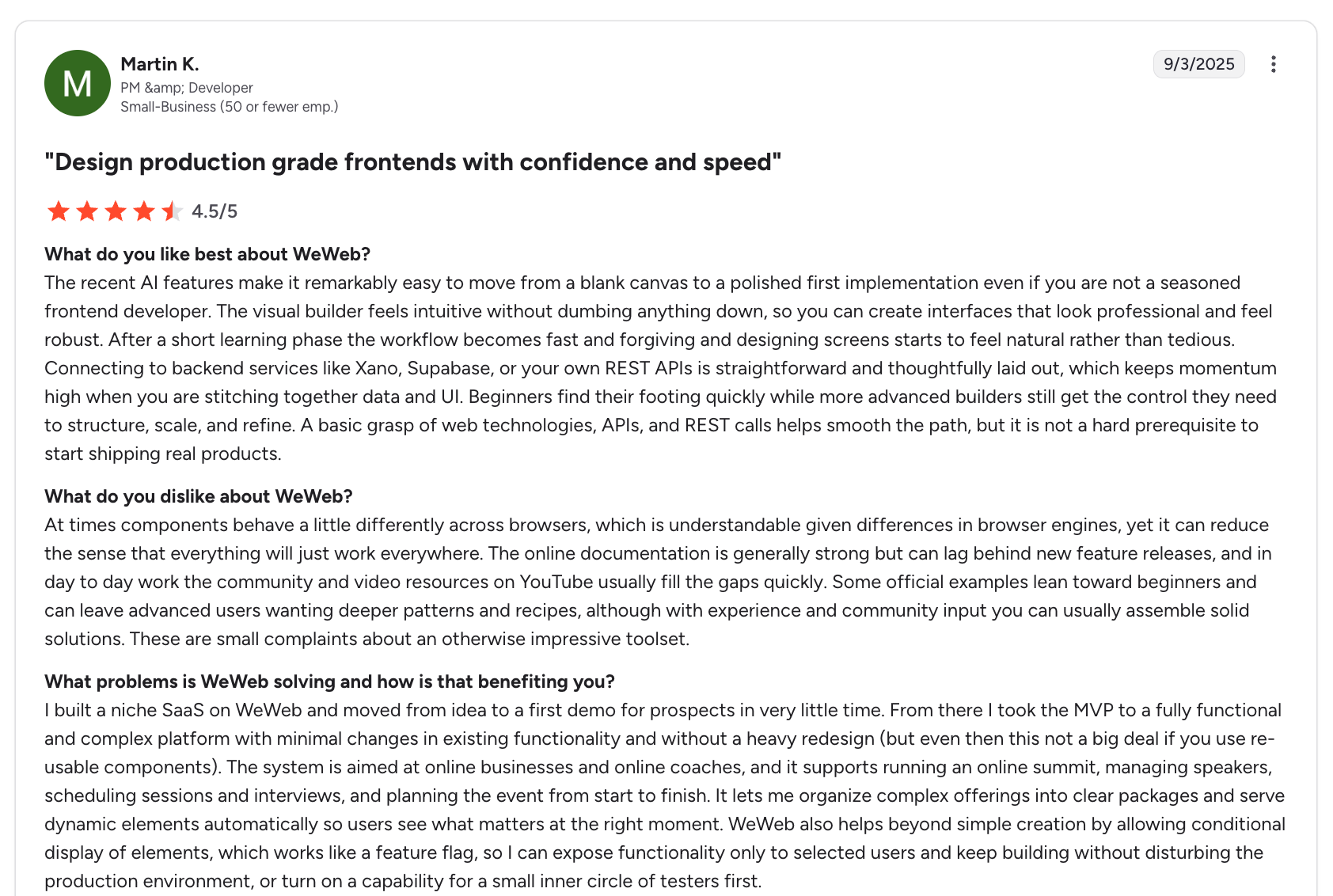
“The recent AI features make it remarkably easy to move from a blank canvas to a polished first implementation, even if you are not a seasoned frontend developer. The visual builder feels intuitive without dumbing anything down, so you can create interfaces that look professional and feel robust.” Martin K, G2
Pricing
WeWeb has a free plan for development. Paid plans start at approximately $25/month for basic publishing. Professional plans with custom domains and team features cost more.
Pricing doesn’t include backend costs, so factor in Supabase or Xano fees separately.
Bottom Line
WeWeb is a strong Softr alternative if your team has some technical capacity and wants full control over the frontend experience without being locked into a specific backend.
If your priority is building fast without worrying about infrastructure, platforms with built-in databases (like Zite or Bubble) will get you to production with fewer moving parts.
5. FlutterFlow: Best for Native Mobile Apps
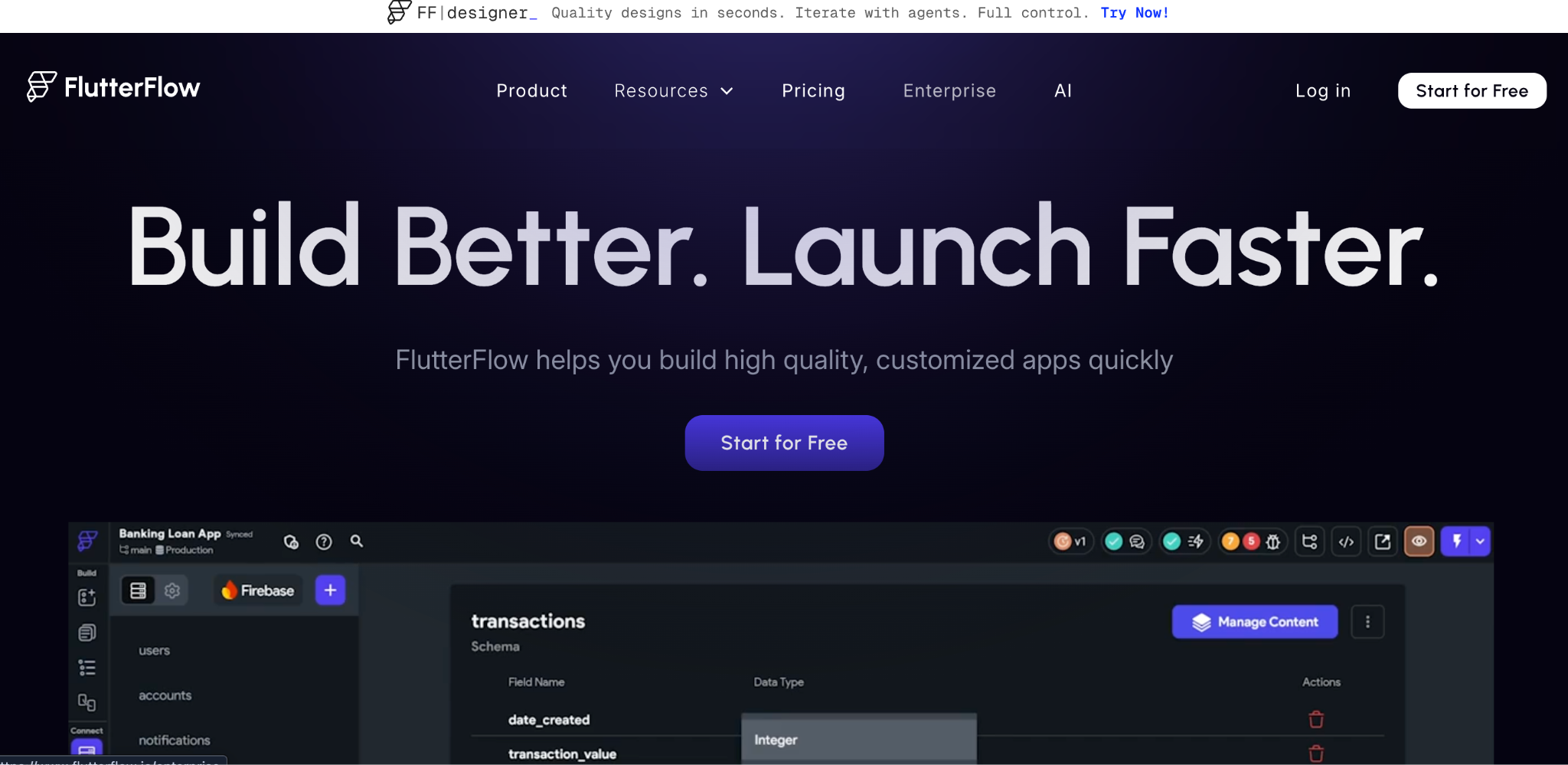
What it does: FlutterFlow is a visual builder that generates native mobile applications using Google’s Flutter framework, producing apps that compile to real iOS and Android code.
Best for: Teams building mobile-first products that need native performance and app store distribution, like field service apps, customer-facing mobile tools, or location-based services.
FlutterFlow solves a problem that Softr, Glide, and most web-focused no-code builders ignore entirely. It builds real native mobile apps, not PWAs or responsive web wrappers.
The difference shows up in performance, especially for apps that rely on device hardware like cameras, GPS, or push notifications.
In testing, building a basic field service app with GPS tracking and photo capture took about half a day. The visual builder maps closely to Flutter’s widget system, which means you get fine-grained control over UI elements and animations.
FlutterFlow also generates clean, exportable Flutter/Dart code, so a developer can extend the app later without starting from scratch.
The builder assumes some familiarity with app development concepts, though. State management, navigation flows, and data binding aren’t as intuitive as connecting a spreadsheet to Glide or typing a prompt into Zite.
Key Features
- True native iOS and Android output compiled from Flutter/Dart, not wrapped web views.
- Exportable source code that developers can pick up, modify, and extend in standard Flutter workflows.
- Firebase and Supabase integrations for backend services, authentication, and real-time data.
- Advanced UI controls with animation support, responsive layouts, and custom widgets.
Pros
- Native mobile performance on both iOS and Android with direct app store publishing.
- Exports clean Flutter/Dart code, so the app isn’t locked into FlutterFlow permanently.
- Strong UI customization with animation support and responsive layouts.
- Built-in Firebase and Supabase integrations handle authentication and data without separate backend work.
Cons
- Steeper learning curve than web-focused no-code tools. Concepts like state management and navigation stacks take time to internalize.
- Web app support exists, but it isn’t as polished as the mobile experience.
- Firebase dependency for many backend features adds separate costs and configuration complexity.
Best For
- Mobile-first products where app store distribution and native device access (camera, GPS, push notifications) are hard requirements.
- Teams that want a no-code starting point but plan to hand the codebase to developers later for extension.
- Products where mobile performance and smooth animations directly impact user experience and retention.
What Users Say
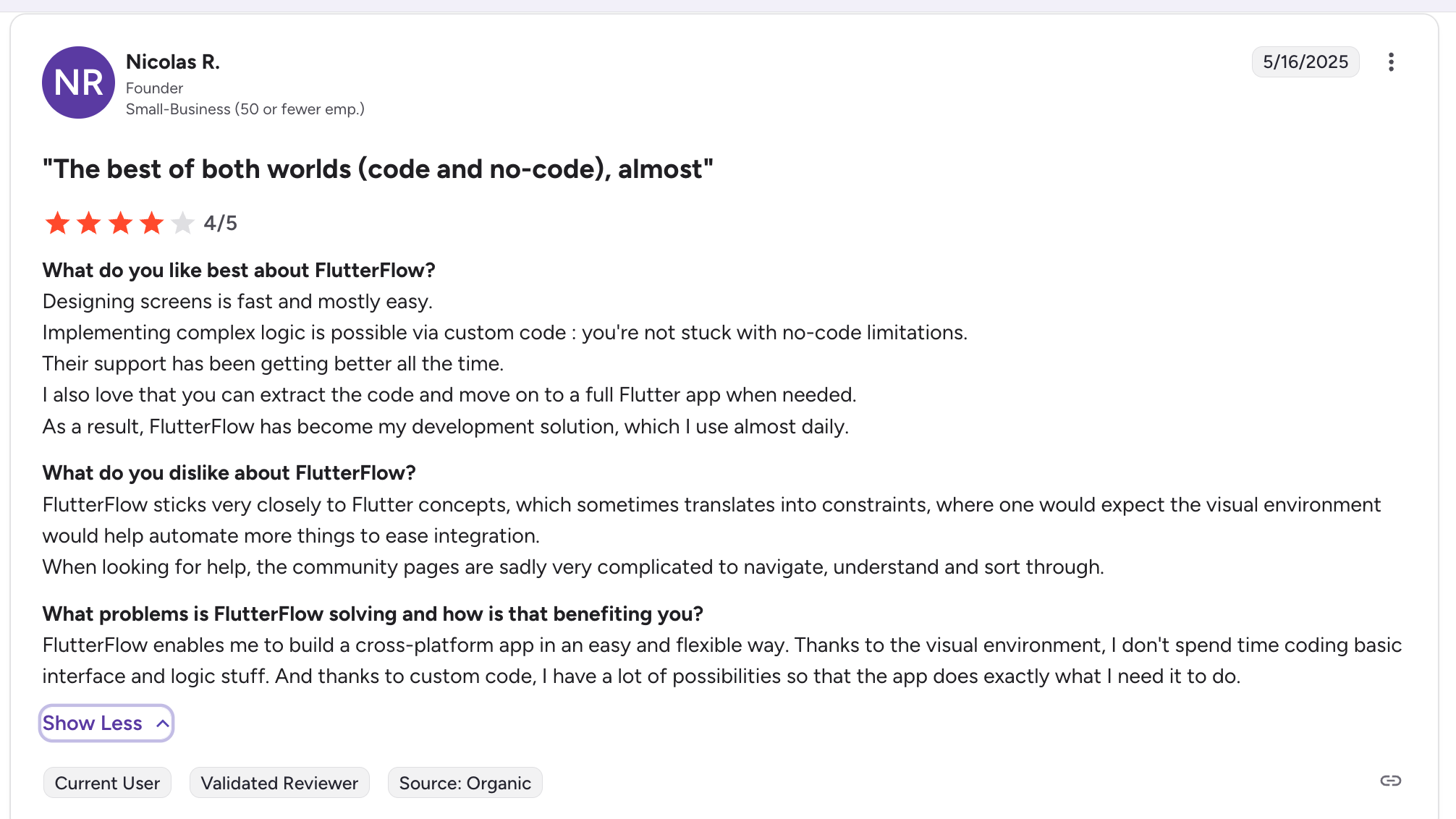
“Designing screens is fast and mostly easy. Implementing complex logic is possible via custom code: you're not stuck with no-code limitations. Their support has been getting better all the time.” Nicolas R, G2
Pricing
FlutterFlow offers a free plan with limited features. Basic starts at $39/month. Teams plan adds collaboration features at a higher tier. Firebase and Supabase backend costs are separate.
Bottom Line
FlutterFlow is the right Softr alternative only if mobile is your primary platform and native performance matters for your use case.
If you’re building internal business tools, portals, or dashboards meant for desktop and tablet, FlutterFlow adds complexity without a clear benefit.
6. Adalo: Best for Quick MVPs With App Store Publishing
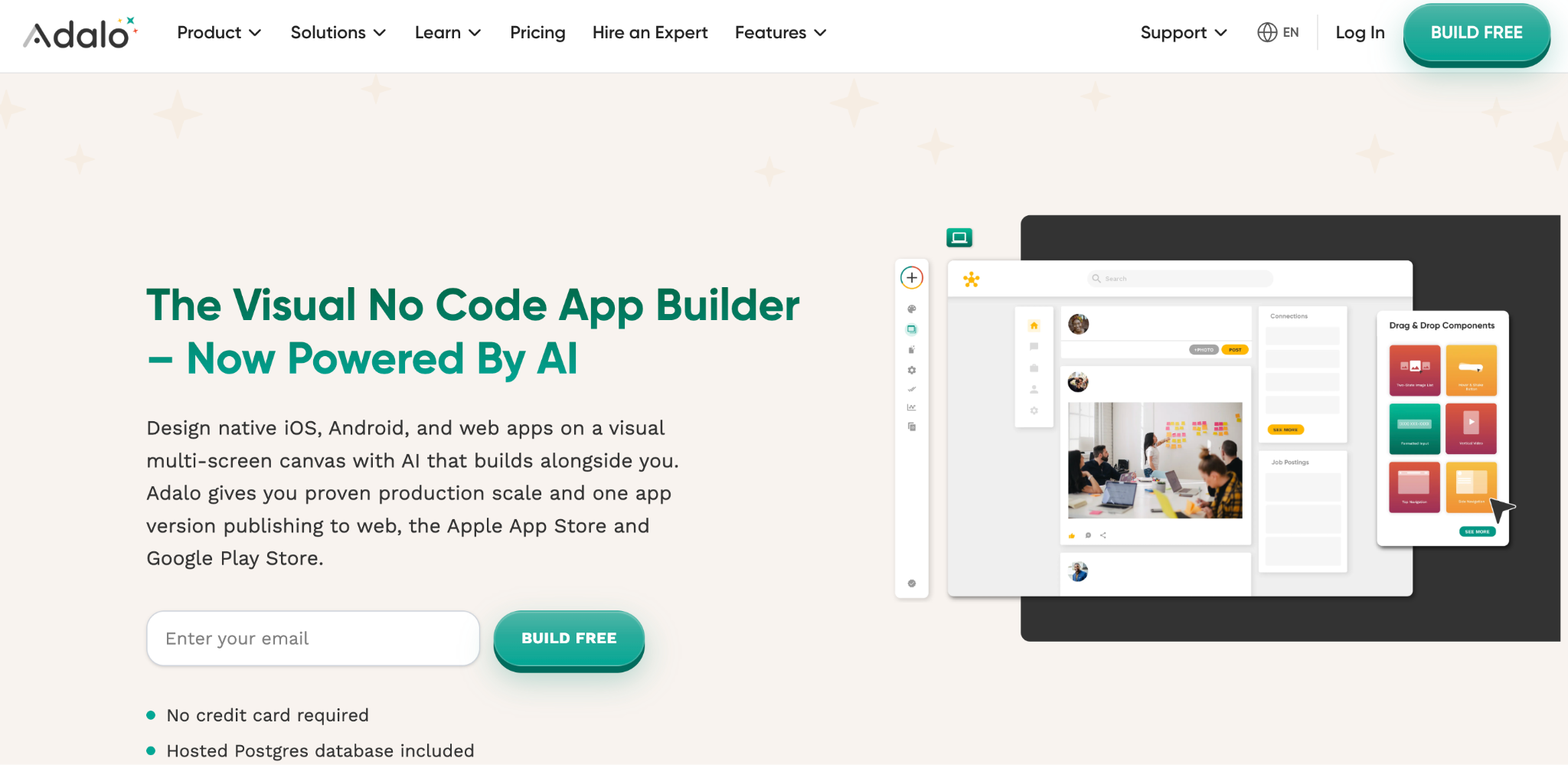
What it does: Adalo is a visual app builder that creates native iOS, Android, and web applications from a single codebase, with built-in app store publishing.
Best for: Solo founders and small teams who want to test an app idea quickly and get it into the Apple App Store or Google Play without hiring a developer.
Adalo’s biggest selling point is that it publishes directly to both app stores from one build. This is something most no-code platforms on this list don’t offer.
I tested the publishing pipeline end-to-end, and it handled the App Store and Google Play submission steps without needing Xcode or Android Studio.
If app store distribution is a hard requirement and you need to validate an idea fast, Adalo handles that pipeline for you.
The platform was rebuilt in late 2024 with modular infrastructure that now supports apps with over a million monthly active users. Paid plans include unlimited database records and no usage-based charges, which is a welcome change from tools that charge per sync and per API call.
That said, Adalo's visual builder is more limited than Bubble or FlutterFlow. Complex logic and deeply customized UIs quickly push the platform’s limits.
For MVPs and idea validation, Adalo works. For production business software meant to run your operations, you’ll likely outgrow it.
Key Features
- Native iOS, Android, and web apps from a single codebase with direct app store publishing.
- AI-assisted building through Magic Start (generates complete app foundations from a description) and Magic Add (adds features through natural language).
- Unlimited database records on paid plans with no usage-based overage charges.
- Google Sheets integration through Sheetbridge, turning spreadsheets into actual databases.
Pros
- Direct publishing to Apple App Store and Google Play, which most no-code tools don’t support.
- Unlimited database records on paid plans with no per-action billing surprises.
- Pricing starts at $45/month, more affordable than most competitors for native app capability.
- AI features (Magic Start, Magic Add) speed up initial app creation significantly.
Cons
- Limited customization compared to Bubble or FlutterFlow for complex UIs and business logic.
- The integrations and plugin ecosystem is smaller than Bubble’s marketplace.
- Performance with data-heavy or complex apps can still be inconsistent.
- Design flexibility feels constrained for brands that want pixel-perfect control.
Best For
- Founders testing mobile app ideas who want both app stores covered without hiring a developer.
- Small teams building a first version of a product to get in front of real users quickly.
- Use cases where native mobile presence (app store discoverability, push notifications) directly impacts adoption.
What Users Say
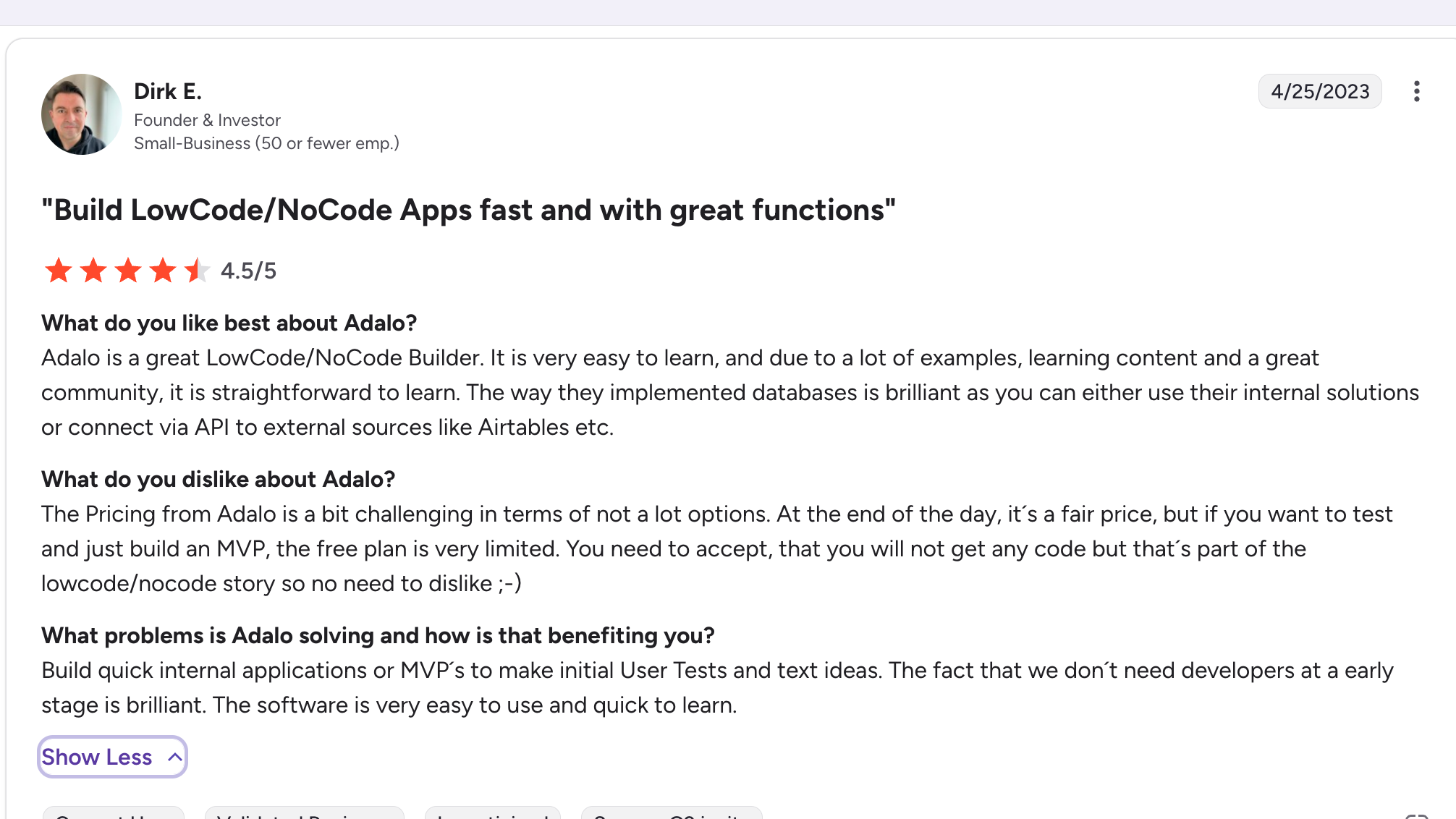
“Adalo is a great LowCode/NoCode Builder. It is very easy to learn, and due to a lot of examples, learning content, and a great community, it is straightforward to learn. The way they implemented databases is brilliant, as you can either use their internal solutions or connect via API to external sources like Airtables, etc.” Drik E, G2
Pricing
Adalo’s free plan lets you build and preview, but does not allow publishing. Paid plans start at $45/month for the Starter tier and $65/month for the Professional tier. Both include unlimited database records and app store publishing.
Bottom Line
Adalo fills a specific gap. If you want to test a mobile app idea and publish it to both app stores without hiring developers, it’s the most straightforward path on this list.
For internal business tools, portals, or anything that primarily lives on the web, other alternatives here are better suited.
7. Noloco: Best for Internal Tools Built on Airtable
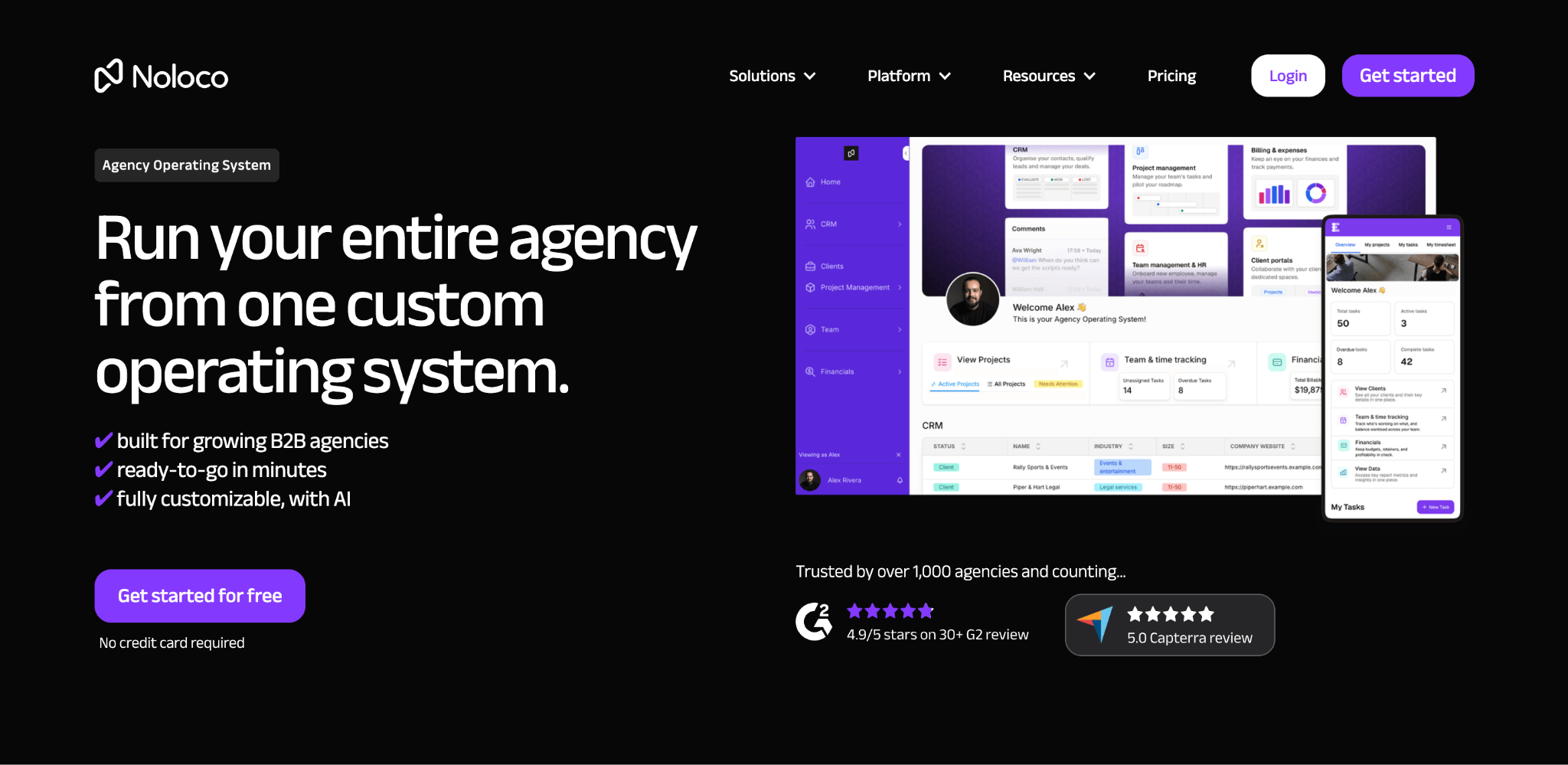
What it does: Noloco turns Airtable, Google Sheets, and SQL databases into polished internal tools with user authentication, permissions, and workflow automation.
Best for: Operations teams that already have their data in Airtable and want to build internal apps on top of that data without migrating to a new platform.
Noloco shares DNA with Softr in that both were originally built around the Airtable ecosystem. The difference is that Noloco goes deeper on permissions, user management, and workflow capabilities for internal use cases.
I connected an existing Airtable base and had a working internal app with role-based views in about two hours. If your team tracks projects, manages client onboarding, or runs approval processes through Airtable, Noloco gives you a more functional app layer than Softr’s interface builder.
Recent updates added a hybrid AI plus visual builder. You can use conversational prompts to generate parts of your app and refine them with drag-and-drop afterward. Noloco claims over 400,000 users are building production applications on the platform.
The limitation is that Noloco’s strength is also its constraint. It’s heavily tied to external databases. If you want to move beyond Airtable or build with a self-contained database, other tools on this list offer more flexibility.
Key Features
- Deep Airtable integration with real-time two-way sync that keeps your app and database in lockstep.
- Advanced permissions and user management with role-based access that goes beyond what Softr offers for internal teams.
- Hybrid AI plus visual builder for generating app sections conversationally, then refining visually.
- Workflow automations that trigger actions based on data changes, form submissions, or scheduled events.
Pros
- Stronger permissions and user management than Softr, particularly for internal teams managing sensitive data.
- Real-time two-way Airtable sync that handles updates from both the app and the database simultaneously.
- Hybrid builder gives you the speed of AI generation with the control of visual editing.
- Predictable pricing without usage-based overages or per-action fees.
Cons
- Depends heavily on external databases. No built-in database with the depth of Zite or Bubble.
- Less suited for customer-facing or externally published apps than platforms with publishing controls.
- Smaller community and template library than Softr, Glide, or Bubble.
- Enterprise features like SSO and audit logs are gated behind higher-priced tiers.
Best For
- Operations teams whose data already lives in Airtable and who don’t want to migrate platforms.
- Internal tool use cases (employee portals, project trackers, approval workflows) where Softr’s permissions feel too basic.
- Teams that want AI-assisted building but also need a visual drag-and-drop fallback for fine-tuning.
What Users Say
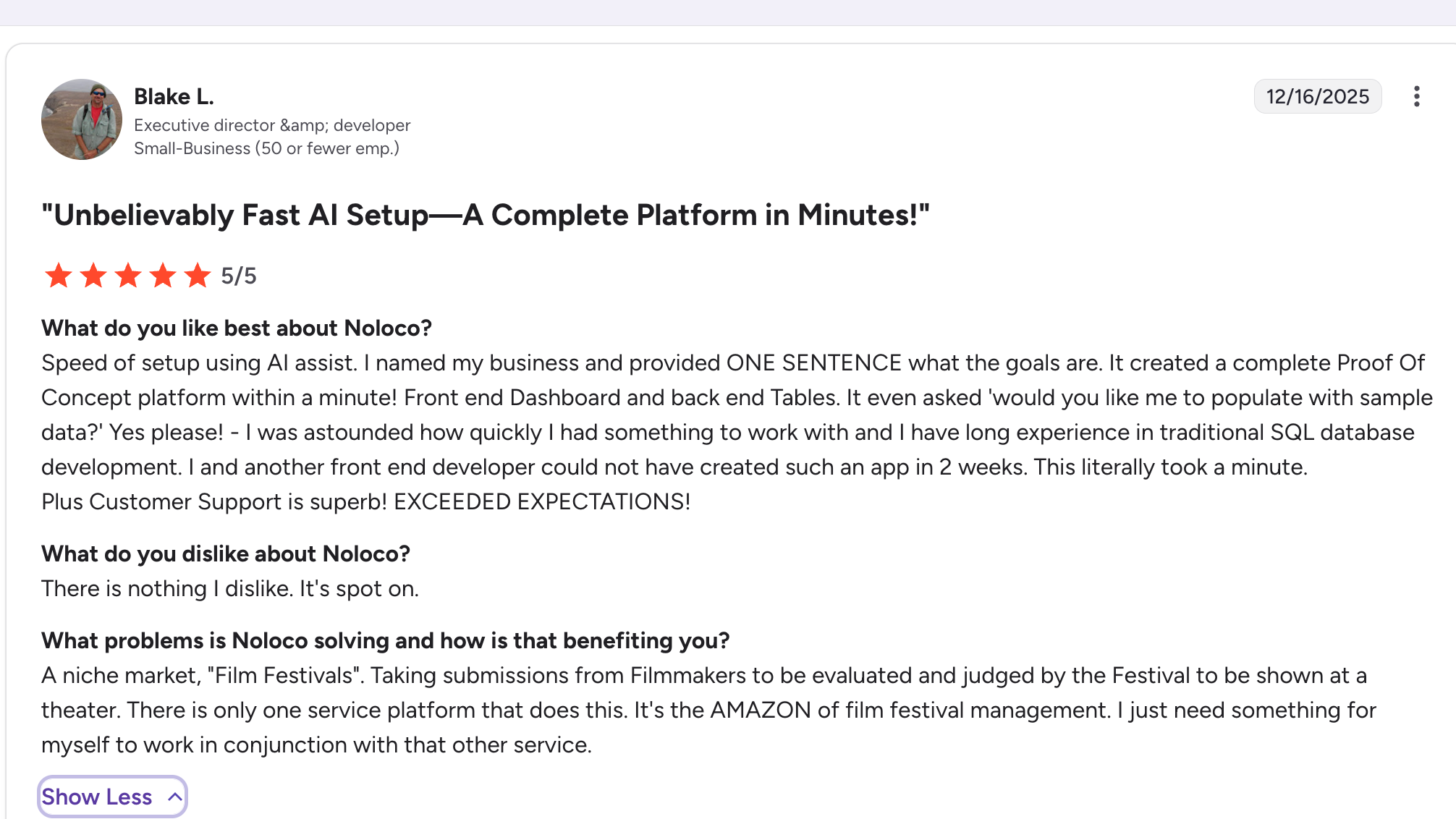
“I was astounded how quickly I had something to work with and I have long experience in traditional SQL database development. I and another front-end developer could not have created such an app in 2 weeks. This literally took a minute.” Blake L, G2
Pricing
Noloco’s paid plans start at $49/month. Higher tiers add SSO, advanced permissions, and priority support. No free plan is available, but trial access lets you test the platform before committing.
Bottom Line
Noloco is a solid upgrade from Softr if your team is deeply invested in Airtable and your apps are primarily internal. For broader use cases or teams that want to consolidate their database and app builder into one tool, Zite or Bubble offer more self-contained solutions.
8. Stacker: Best for AI-Generated Client and Customer Portals
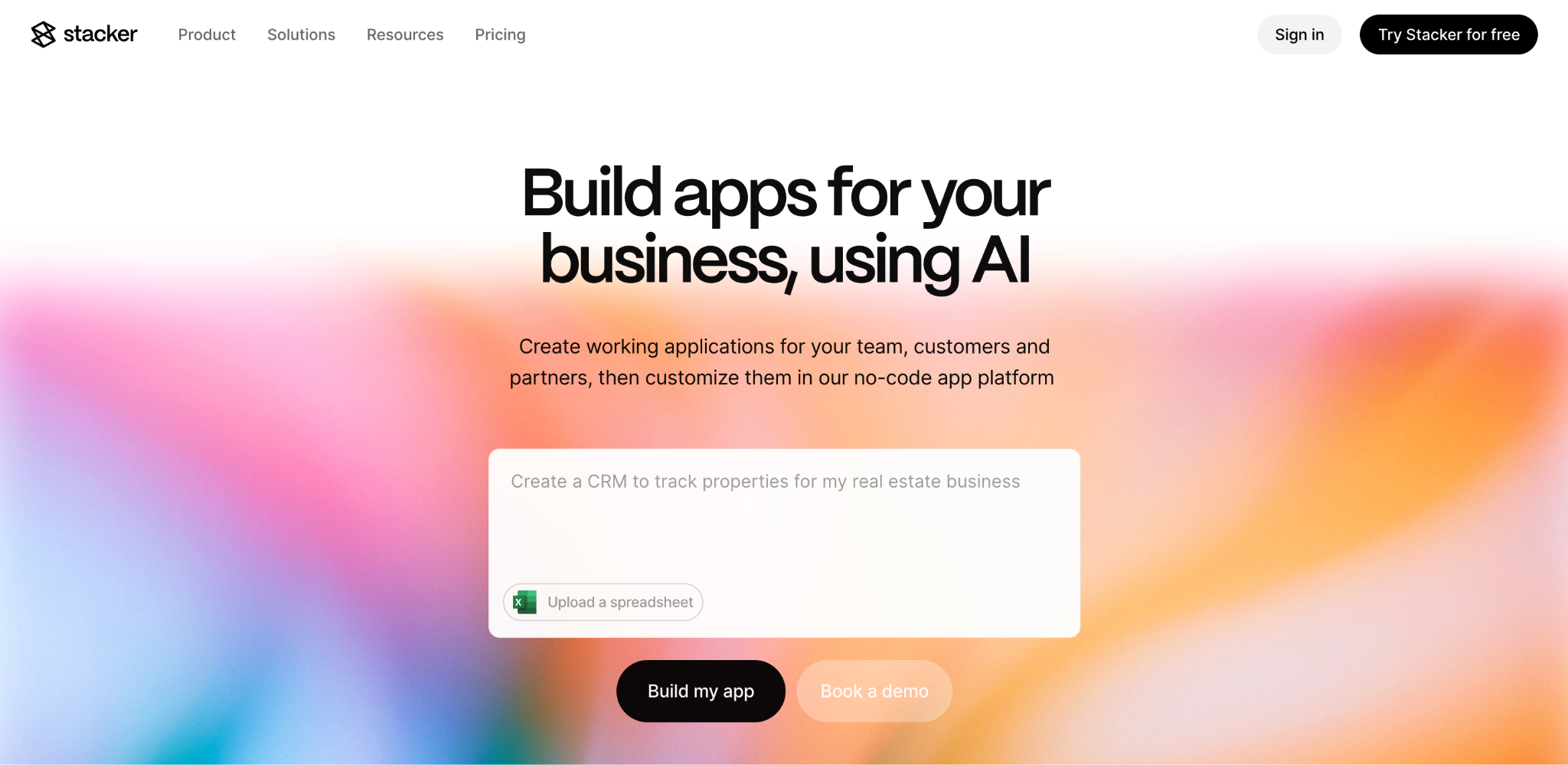
What it does: Stacker generates client and customer portals from natural language prompts, with a focus on external-facing apps where each customer signs in to view their own records, files, or status updates.
The platform pivoted in 2025 from "Airtable front-end" to AI-native portal generation, and now produces portals as real React/TypeScript code under the hood.
Best for: Service businesses (home services, real estate, law firms, marketing agencies) whose primary need is a branded customer portal for external users to view their own data.
Stacker is no longer the "Airtable interface layer" it used to be. The current platform is built around one specific pattern: describe a customer portal in plain language, and Stacker generates a working version in seconds.
Their case studies and solutions pages now lead with home services, real estate, law firms, and marketing agencies, all of which fit that pattern.
The strength is a portal-specific structure. Stacker assumes each external user logs in, sees only their own records, and interacts with a tightly scoped view. If that's exactly what you need, Stacker handles it cleanly out of the box, often faster than a more general-purpose tool.
The trade-off is narrowness. Stacker doesn't try to be a general app builder. If your team also needs an internal dashboard, a CRM, or a multi-purpose ops tool alongside the customer portal, you'll either end up running two tools or outgrow Stacker.
Key Features
- AI-generated customer portals. Describe what you need ("a client portal for my solar installation company") and Stacker generates a working portal in seconds. Real React/TypeScript code under the hood.
- Per-customer access control. Each external user sees only their own records, which is the core pattern Stacker is built around.
- Customer count caps per tier. Plans are sized by external customer count (20 / 100 / 200 / 1,000), not by team seats.
- Airtable, Google Sheets, and SQL connections on Starter and up, for teams that already have data they want to bring in.
- White-label branding available on the Pro tier and up.
Pros
- Strong fit for client-portal use cases specifically (home services, real estate, law firms, agencies).
- Per-customer permissions are well-handled out of the box.
- AI generates a working portal in under a minute from a single prompt.
- 30-day money-back guarantee on all plans.
Cons
- Narrowly scoped to client portals. Internal apps, dashboards, and CRMs aren't the focus.
- Customer count caps per tier mean fast-growing portals can hit ceilings sooner than expected.
- AI credit limits on lower tiers can constrain iterative building.
- Branding is white-label only on the Pro tier ($249/month) and up.
Best For
- Home services, real estate, and field service businesses needing branded customer portals where each client logs into a tightly scoped view of their own records.
- Law firms, marketing agencies, and consultancies running client-facing portals on top of Airtable data, where unlimited external users at a flat fee matter more than per-seat economics.
- Service teams whose primary need is external customer access and per-customer permissions out of the box, not internal operations tooling.
- Operators who want an AI-generated portal in under a minute, with white-label branding available as the customer base grows.
What Users Say
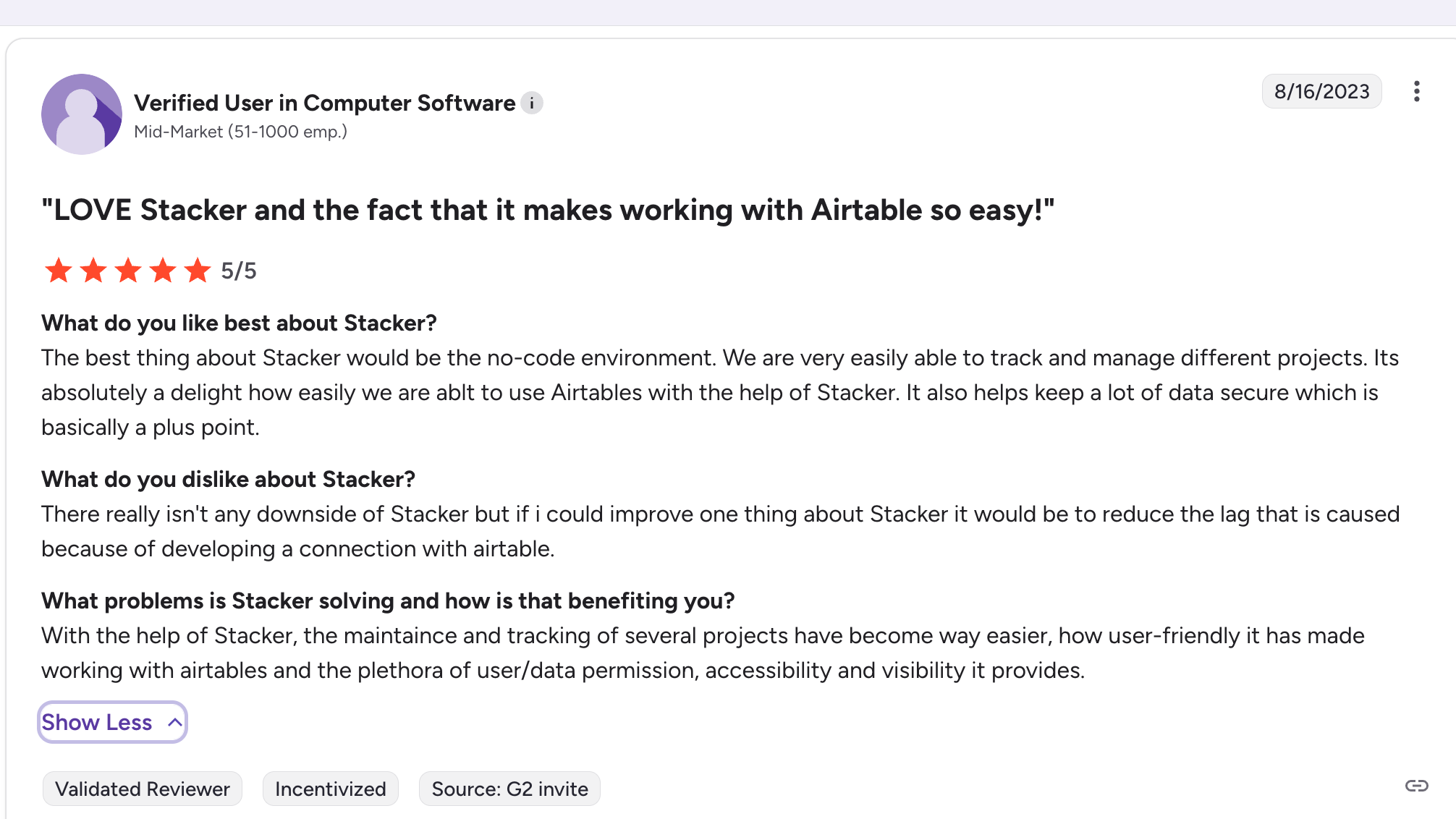
“The best thing about Stacker would be the no-code environment. We are very easily able to track and manage different projects. It's absolutely a delight how easily we are able to use Airtables with the help of Stacker. It also helps keep a lot of data secure, which is basically a plus point.” Verified User.
Pricing
Stacker's monthly-billed plans start at $12/month for Personal (20 customers, 1 admin user), $65/month for Starter (100 customers, data integrations), $129/month for Plus (200 customers, custom domain), and $249/month for Pro (1,000 customers, white-label).
Annual billing saves around 20%. See the Stacker pricing page for current details.
Bottom Line
Stacker is worth evaluating if your specific use case is an external client portal in home services, real estate, law, or agency work. For broader app needs (internal tools, dashboards, CRMs alongside the portal), Zite covers more ground without per-customer caps.
9. AppSheet: Best for Teams Already in Google Workspace
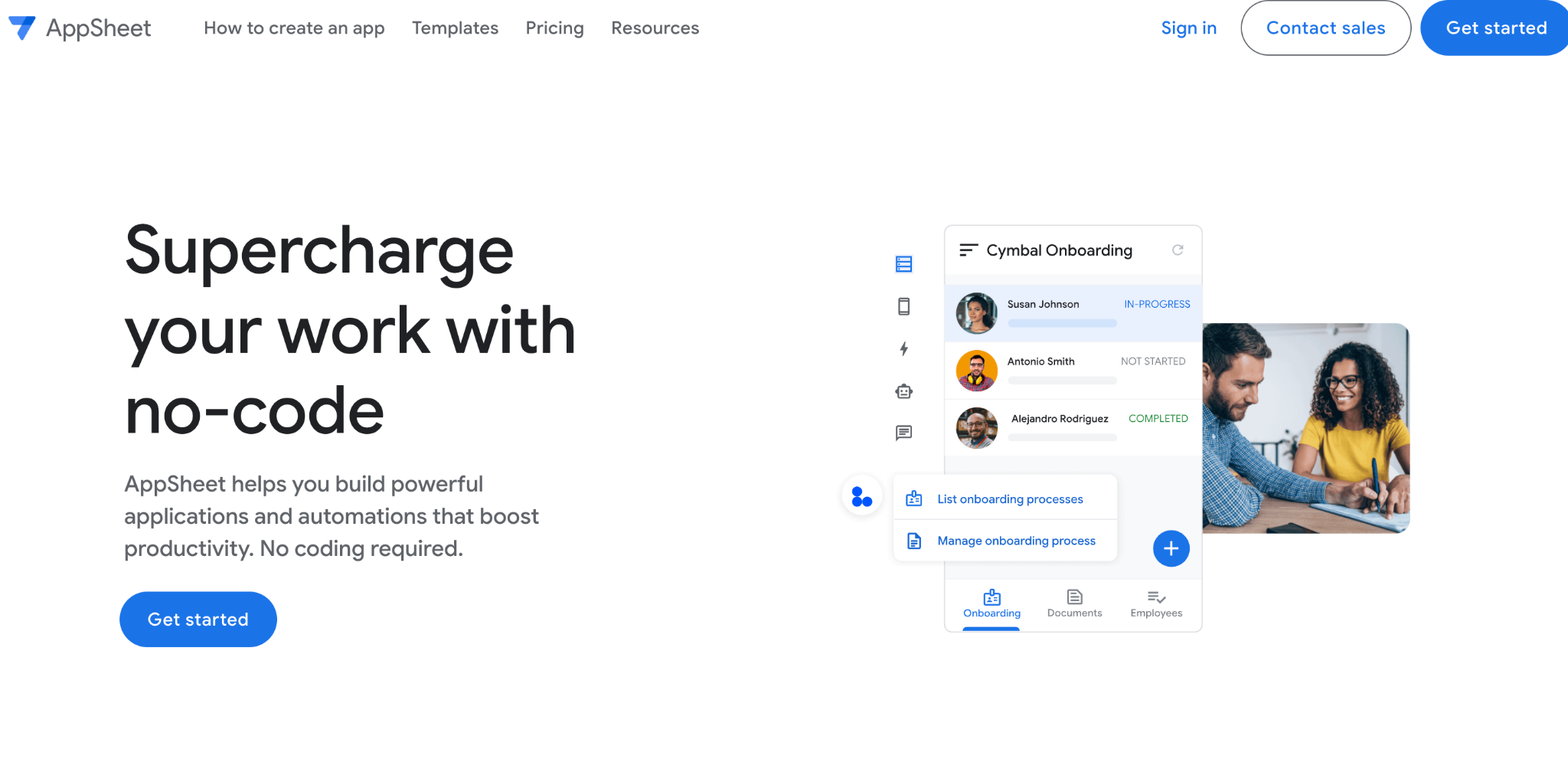
What it does: AppSheet (owned by Google) builds mobile and web apps directly from Google Sheets, Excel, and SQL databases, with deep integration across the Google ecosystem.
Best for: Teams that run their operations on Google Workspace and want to extend Sheets data into functional apps without leaving that ecosystem.
AppSheet’s Google integration is its clearest advantage over Softr. It pulls data from Google Sheets, Drive, and Cloud SQL natively, and it publishes apps that work within Google’s authentication and admin framework.
I tested this with a Google Workspace account, and the permission inheritance worked out of the box with no additional setup.
The platform also includes machine learning features for predictive modeling, image recognition, and natural language processing, which most no-code builders lack entirely.
A logistics team could build an app that predicts delivery times based on historical data without any custom model training.
The downside is that AppSheet’s builder interface feels dated compared to newer tools. The learning curve for anything beyond simple data apps is steeper than it should be. And apps built in AppSheet tend to look generic unless you invest a heavy amount of time in customization.
Key Features
- Native Google Workspace integration with inherited permissions, authentication, and admin controls.
- Built-in machine learning for predictive modeling, image recognition, and natural language processing.
- Cross-platform apps from Google Sheets, Drive, Cloud SQL, and external REST APIs.
- Offline functionality that lets apps work without an internet connection and sync when connectivity returns.
Pros
- Deepest Google Workspace integration of any no-code platform, with automatic permission inheritance.
- Machine learning features are genuinely unique in the no-code space and don’t require data science expertise.
- Offline mode handles field work and remote environments where the internet is unreliable.
- Free for limited use within Google Workspace. Paid plans start at $5/user/month, which is affordable at a small scale.
Cons
- Builder interface feels outdated compared to Zite, Glide, or even Softr.
- Apps tend to look generic and require heavy customization to match brand standards.
- Per-user pricing adds up quickly for larger teams or external-facing apps.
- Steep learning curve for advanced features like ML models, complex automation rules, and offline sync configuration.
Best For
- Companies where Google Workspace is the operational backbone, and IT already manages users through Google Admin.
- Field teams that need offline-capable apps for environments with unreliable internet.
- Use cases where built-in machine learning (predictive analytics, image recognition) adds measurable value to the workflow.
What Users Say
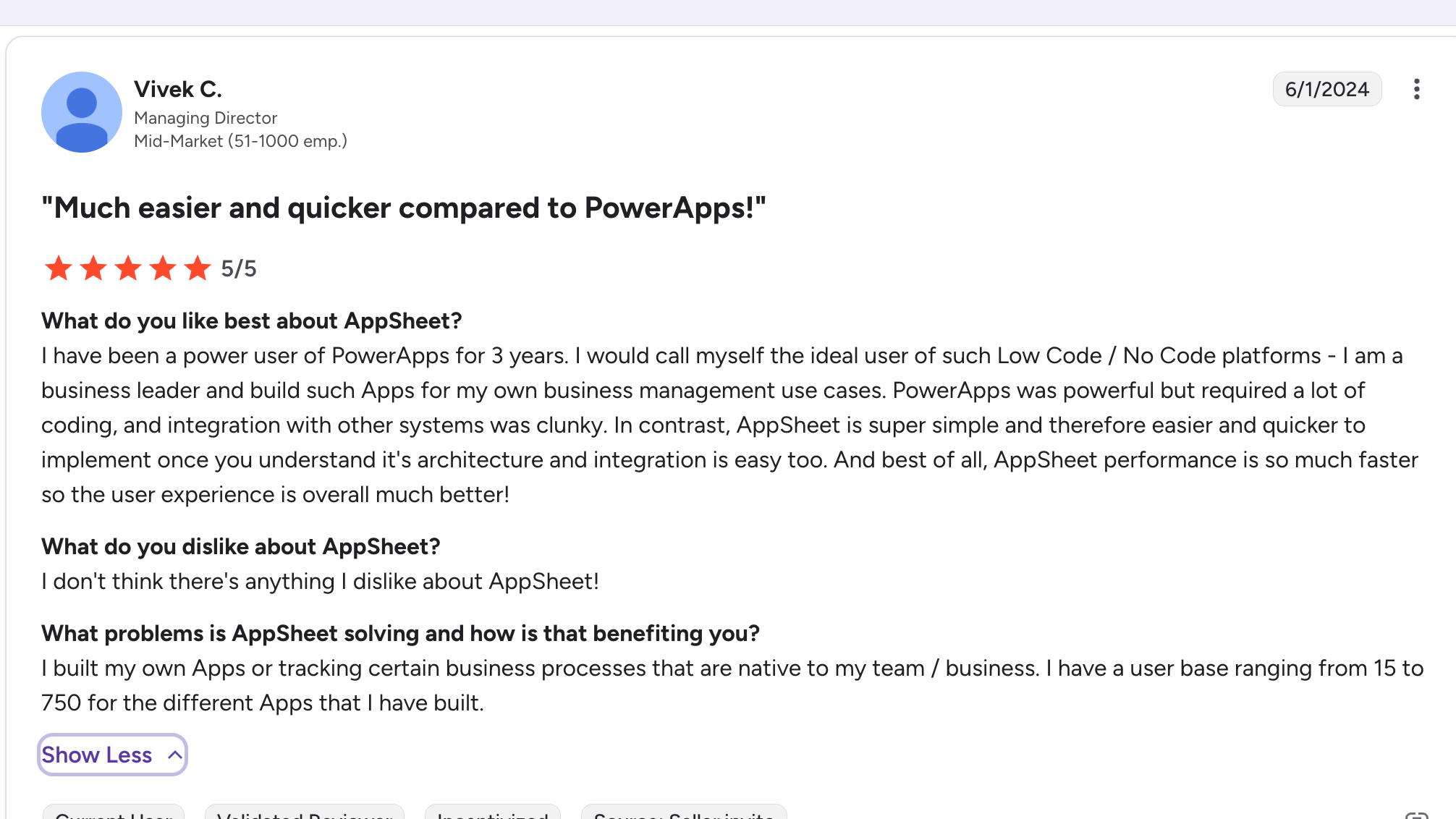
“I have been a power user of PowerApps for 3 years. I would call myself the ideal user of such Low Code / No Code platforms - I am a business leader and build such Apps for my own business management use cases.” Vivek C, G2
Pricing
AppSheet offers limited free use within Google Workspace. Starter plan starts at $5/user/month. Core plan at $10/user/month adds governance, security policies, and advanced data sources.
Bottom Line
AppSheet is the most practical Softr alternative if Google Workspace is your team’s operational backbone and you need features like offline mode or built-in ML.
For teams not tied to Google, other builders on this list offer more polished interfaces and faster paths to production.
How to Evaluate Softr Alternatives
Before committing to a new platform, run each option through these five criteria. They reflect the real questions teams face when outgrowing Softr.
1. Where does your data live, and where should it live?
If your data is in Airtable and you plan to keep it there, tools like Noloco and Stacker connect natively. If you’d rather consolidate data and apps into one platform, Zite’s built-in database eliminates the need for a separate data tool.
Bubble also has its own database, but requires more setup. This single decision narrows the field significantly.
2. How much visibility do you need into app logic?
Softr gives you a polished front end with limited insight into what’s happening behind the scenes. If you need to trace how data flows through the app, troubleshoot broken workflows, or understand what triggers a form submission, look for tools with visible logic layers.
Zite’s visual workflows and Bubble’s workflow editor both expose this. Glide and Stacker keep more of it hidden.
3. How does pricing change as your app scales?
Per-user pricing (Softr, Glide, AppSheet) looks affordable at a small scale, but it compounds quickly. A 200-user app on Glide’s Business plan costs hundreds more per month than the base price.
Flat-rate tools like Zite (unlimited users on all plans) keep costs predictable regardless of adoption. Model your expected user count at 6 and 12 months to inform your decision.
4. Who will maintain the app after launch?
If the person building the app is also maintaining it (common in ops teams and SMBs), the tool needs to be understandable in the long term. Bubble is powerful but requires ongoing technical skill.
Glide and Softr are easy to get started with, but limited when things break. Zite’s visual workflows and editable UI sit in a middle ground where non-technical teams can both build and maintain.
5. Do you need mobile, web, or both?
Most Softr use cases are web-first. If that’s your situation, FlutterFlow and Adalo add unnecessary complexity. If native mobile is a hard requirement, those two are the strongest options. For web apps with mobile-responsive design, Zite, Glide, Bubble, and WeWeb all handle it without dedicated mobile tooling.
Why Your Database Choice Makes or Breaks Your No-Code App
The core limitation behind most Softr frustrations is architectural. Softr was designed as a front-end layer for Airtable and Google Sheets.
That works fine when your app is simple. But as your workflows grow, you’re managing two platforms, paying for two sets of limits, and debugging sync issues between tools that weren’t built to work as one system.
The strongest Softr alternatives on this list solve that underlying problem in different ways. Bubble gives you maximum control if you have the technical patience.
Glide gives you maximum speed if your needs stay small. Noloco gives you better Airtable integration if that's where your data has to stay (since Stacker is no longer primarily an Airtable layer.
Zite solves it most directly for the broadest range of business use cases. It builds the app, database, and logic together from a single prompt, then lets your team edit visually or re-prompt to refine.
No per-user fees, no external database dependency, no block-by-block assembly required. For teams that want to move beyond Softr's limits without trading simplicity for complexity, it's the clearest path forward.
Ready to Try Zite?
If you’re curious how Zite works, the simplest way is to try it yourself. The free plan includes unlimited apps and users, no credit card required.
Frequently Asked Questions
What are the best Softr alternatives in 2026?
The best Softr alternatives in 2026 are Zite, Glide, Bubble, WeWeb, FlutterFlow, Adalo, Noloco, Stacker, and AppSheet. Zite is the strongest overall pick because it combines AI generation with visible workflows, a built-in database, and no per-user pricing. Glide is fastest for spreadsheet-based internal tools, and Bubble offers the most customization for SaaS products.
Why do people switch from Softr to other no-code tools?
People switch from Softr because pricing escalates quickly once you need features beyond basic data display. API calls, CSV exports, and SQL connections are locked behind plans starting at $139/month. Users also hit customization ceilings and find that Softr's AI builder doesn't support iterative development after the initial generation.
Which Softr alternative is easiest to use?
The easiest Softr alternative depends on what you're building. Glide is the simplest option for spreadsheet-backed apps, with almost no learning curve. For full-featured apps with workflows, databases, and permissions, Zite is easiest because the AI builds everything together from a prompt.
Can I migrate my Softr app to another platform?
Yes, you can migrate from Softr, but the process depends on where your data lives. If your backend is Airtable, you can connect that same base to Noloco or Zite without moving records. The front-end design won't transfer directly, so plan to rebuild the interface or use the migration to consolidate into one platform like Zite.
Which Softr alternative has the best pricing for growing teams?
The best-priced Softr alternative for growing teams is Zite, because all plans include unlimited users with no per-seat fees. Softr, Glide, and AppSheet all use per-user pricing that gets expensive as adoption grows. Zite's paid plans start at $19/month compared to Softr's Basic plan at $49/month.
Is Softr still worth using in 2026?
Yes, Softr is still worth using if your apps are simple Airtable interfaces with light user counts and you don't need complex workflows. The free plan is generous for testing, and the builder remains one of the easiest entry points in no-code. The limitations show up when you need SQL connections, advanced customization, or your user count pushes into expensive tiers.

