


After spending weeks building forms in Airtable and testing dozens of other tools, here are the 7 best alternatives worth switching to in 2026.
7 best Airtable forms alternatives: At a glance
Airtable forms work fine for simple data collection, but if you want forms with complex logic or custom UIs, you’ll run into its limitations. If you’re looking to switch, these are the tools worth considering and what they do better than Airtable:
1. Fillout: Best overall Airtable forms alternative
What it does: Fillout is a no-code online form builder that helps you create forms, quizzes, and surveys with a drag-and-drop editor and store responses wherever you need.
Who it’s for: Teams who want a more feature-rich form builder than Airtable.
Fillout is built specifically for forms in a way Airtable simply isn't. You get more capabilities such as multi-page forms, linked records, payment collection, and partial submissions. The builder is drag and drop, so it was very easy to design my form.
What makes it a no-brainer for Airtable users, though, is that it still syncs directly with your base. So you're not abandoning your database setup — you’re just putting a much better form in front of it.
You can also build forms for other tools, such as Google Sheets, Notion, and Salesforce, on enterprise plans.
And if you use Fillout’s built-in database, it integrates directly with Zite, an AI no-code platform from the same team. That means you can turn it into dashboards, portals, and other business software.
Where it beats Airtable forms
- Multi-page forms: You can split a long form into steps and have it compute values. Airtable forms are only single-page.
- Built-in database: Store form responses in the no-code built-in database. This database has a spreadsheet-like interface you can browse and edit directly.
- Workflows: Build multi-step automations that trigger based on your forms. You can build workflows for notifications, approvals, scheduling, and AI capabilities.
- Payment collection built in: Fillout connects directly to Stripe, so you can collect payments inside the form itself.
- Partial submission capture: If someone abandons a form halfway through, Fillout saves what they've entered.
Pros
- Unlimited forms and seats, even on the free plan.
- Supports custom field validation.
- Supports Stripe payments, scheduling, signatures, and file uploads out of the box.
Cons
- Lacks a built-in rich media library (no stock photos or video embeds in the builder).
Pricing
Fillout is free for 1000 responses/month with unlimited seats and users. Paid plans start at $19/month, billed monthly.
Bottom line
Choose Fillout when you need more features from your builder. Saving data to the Zite database also means you can turn responses into portals, dashboards, and workflows down the line.
2. Jotform: Best if you prefer starting from templates
What it does: Jotform is a drag-and-drop form builder with over 10,000 templates, built-in payment collection, and HIPAA compliance on higher-tier plans.
Who it's for: Teams that want to get a form live fast using a pre-built template, or healthcare organizations that need HIPAA-compliant data collection.
Jotform's template library covers almost every use case, including event registrations, medical intake, order forms, and more. I picked one, swapped in my details, and had it ready to publish in under an hour.
Jotform’s main limitation is its strict usage caps. If your team grows or collects lots of data, you’ll quickly hit limits on forms, submissions, or storage, and have to upgrade.
Where it beats Airtable forms
- 10,000+ templates: Start with a fully structured form for almost any use case and customize it.
- HIPAA compliance available: Healthcare teams collecting patient data can meet compliance requirements on supported plans.
- Jotform Tables: Submissions land in a structured table view you can filter, sort, and manage without exporting to a separate tool. It's not a relational database, but it's more usable than Airtable's raw form response view.
Pros
- Drag-and-drop builder with 100+ integrations, including Airtable.
- AI-powered form generation for quick setup.
- Payment processing through Stripe, PayPal, and Square.
Cons
- All plans except Enterprise are single-user.
- Multiple usage caps push you toward higher tiers quickly.
Pricing
Jotform offers a free plan with 100 monthly submissions and 5 forms. Paid plans start at $39 per month, billed monthly.
Bottom line
Choose Jotform if you prefer starting from templates. Just know the restrictive pricing model will get expensive as you grow.
3. Typeform: Best for conversational forms
What it does: Typeform is a form builder that presents one question at a time, creating a conversational flow that keeps respondents engaged through to the end.
Who it's for: Teams where form completion rates directly affect revenue, like lead generation, customer feedback, and onboarding surveys.
Showing everything at once makes long forms feel like work. Typeform breaks that friction by only showing the next question when you answer the previous one. I specifically love that forms don’t feel like a spreadsheet data entry.
Most users find that branching works well for simple flows, but after 3-4 conditional paths, the visual map becomes hard to follow, and errors are easy to miss.
Where it beats Airtable forms
- Conversational flow reduces drop-off: One question at a time means respondents aren't overwhelmed by a wall of fields.
- Visual logic builder: You connect questions like a flowchart rather than writing rules.
- Question-level drop-off analytics: Typeform shows you exactly which question people abandon the form on, so you can identify and fix the drop-off spots.
- Video questions and responses: Embed video into questions and let respondents answer via video on higher-tier plans.
Pros
- Strong integration ecosystem (HubSpot, Slack, Zapier, Stripe, Calendly).
- AI form builder generates questions and logic from a text description.
- Design quality is high out of the box.
Cons
- Costs scale quickly as response volume grows.
- Customization is limited on lower plans.
Pricing
Typeform has a free plan that supports 1 user and 10 monthly responses. Paid plans start at $39 per month, billed monthly.
Bottom line
If form completion rates are a priority, Typeform's UX can justify the premium price.
4. Google Forms: Best free option
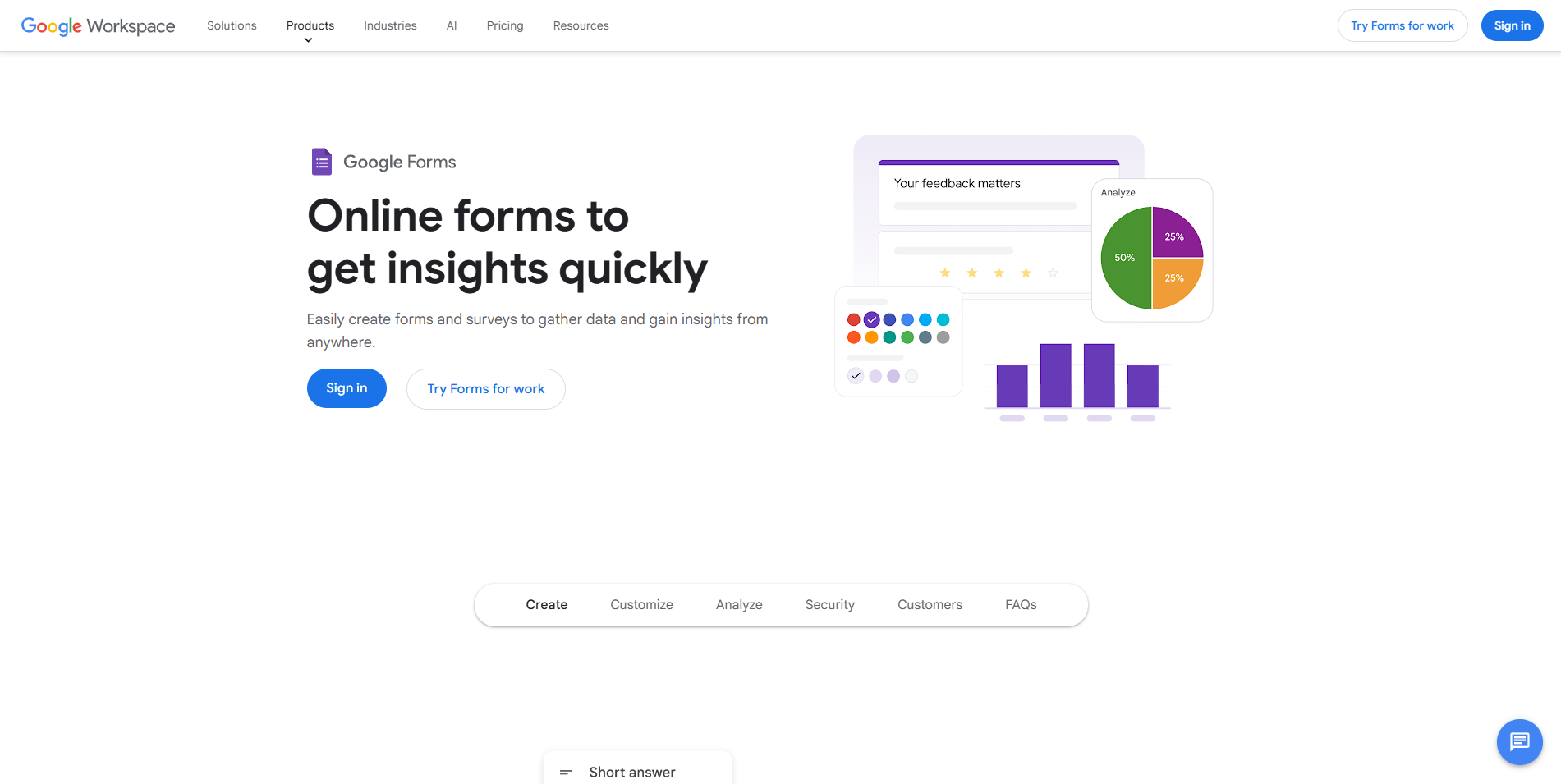
What it does: Google Forms is a free form builder for creating surveys, quizzes, and data collection forms that sync responses directly to Google Sheets.
Who it's for: Teams that need a simple, no-cost form fast and don't have complex logic or branding requirements.
Anyone with a Google account can build a working form in minutes. I set up my first draft in under three. But if you need customization or complex logic, the limitations appear right away.
Conditional logic only works on multiple-choice and dropdown questions, so you can't build branching flows based on text inputs or complex combinations of answers.
Where it beats Airtable forms
- Completely free with no submission caps: Airtable has no standalone free form option with full functionality. Google Forms is free forever with unlimited responses and unlimited forms.
- Responses sync to Google Sheets automatically: Every submission lands in a live spreadsheet you can filter, chart, and share with your team instantly.
- Real-time collaboration on the form itself: Multiple people can edit the form at the same time, just as they would a Google Doc.
Pros
- No submission limits.
- Minimal learning curve for anyone already using Google Workspace.
- Auto-grading and quiz mode built in.
Cons
- No payment collection, e-signatures, or CRM integrations without third-party tools.
- Forms look generic and can't be properly branded.
Pricing
Google Forms is free with a Google account.
Bottom line
Google Forms is the right call for internal or low-stakes data collection. For anything heavily branded or with custom logic, use other form builders.
5. Tally: Best free form builder overall
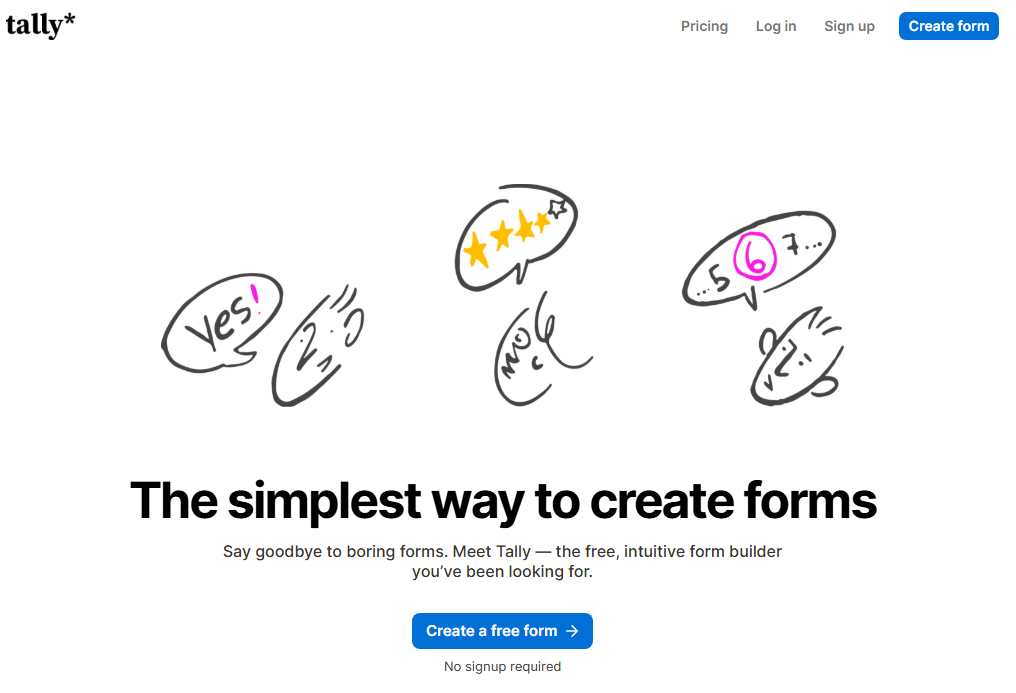
What it does: Tally is a document-style form builder that lets you create forms the same way you'd write a document.
Who it's for: Individuals, startups, and small teams that want a powerful free plan and prefer a writing-style builder over drag-and-drop interfaces.
If you’ve ever used Notion, the editor works the same as a Notion document. You type a slash command to insert a question block, add logic inline, and the form takes shape as you write. The build experience was very familiar.
The tradeoff is that Tally shows the form’s logic rules in a sidebar rather than a visual flowchart. This setup works fine for simple forms, but it’s harder to manage as forms become complex.
Where it beats Airtable forms
- Unlimited forms and submissions on the free plan: Tally's free plan has no form or submission cap.
- Native integrations: You can send Tally submissions directly into your existing tools like Airtable, Notion, and Google Sheets.
- Custom CSS on Pro: Paid users can fully customize styling to match their brand.
Pros
- Remove Tally branding even on the free plan.
- Option to delete form submissions after a set period of time.
- Embeds cleanly in website platforms like WordPress, Webflow, Framer, and Squarespace.
Cons
- Email notifications are behind paid plans.
- No field calculations.
Pricing
Tally offers a free plan with unlimited forms and submissions. Paid plans start at $29 per month, billed monthly.
Bottom line
Tally is a strong choice if you like a document-style editor and want generous free limits. You get unlimited forms and submissions. You can also collect payments, signatures, and file uploads.
6. Formstack: Best for enterprise workflows
What it does: Formstack is a workflow automation suite built around forms. It has core tools for data collection and optional Documents and Sign products for document generation, approval workflows, and e-signatures bundled into its Suite and higher-tier plans.
Who it's for: Mid-sized organizations that need forms tied to multi-step internal processes, especially in healthcare, finance, or legal, and have the budget for it.
The core appeal of Formstack is what happens after submission. You can route a completed form through a manager for approval, auto-generate a document from the responses, send it for e-signature, and trigger a Salesforce update, all within the same system.
However, it’s very expensive. At $99/month for 1 user and only 25 forms, you're paying a premium before you've unlocked documents or e-signatures
Where it beats Airtable forms
- Document generation from form responses: Formstack can take submission data and auto-populate a contract, invoice, or agreement in DOCX or PDF format.
- E-signatures tied directly to forms: After a form is submitted, you can route the generated document for a legally binding signature without leaving the platform.
- 250+ integrations: Formstack connects natively to Salesforce, HubSpot, Google Sheets, Dropbox, and more.
Pros
- PCI, HIPAA, GDPR, and WCAG compliance cover most regulated industries.
- Audit trails on every signed document for compliance.
- Supports conditional logic and conversion optimization tools.
Cons
- No free plan, just a 14-day trial
- 25 forms and 1,000 submissions on the entry plan are restrictive for the price.
Pricing
The Forms plan starts at $99 per month, billed monthly. The Suite plan (forms, documents, and e-signatures) starts at $299 per month.
Bottom line
Formstack makes sense when your forms need to trigger approvals, generate documents, and collect signatures as part of a single workflow. For anything simpler, you'll overpay for features you won't use.
7. Plumsail: Best for SharePoint and Microsoft 365 teams
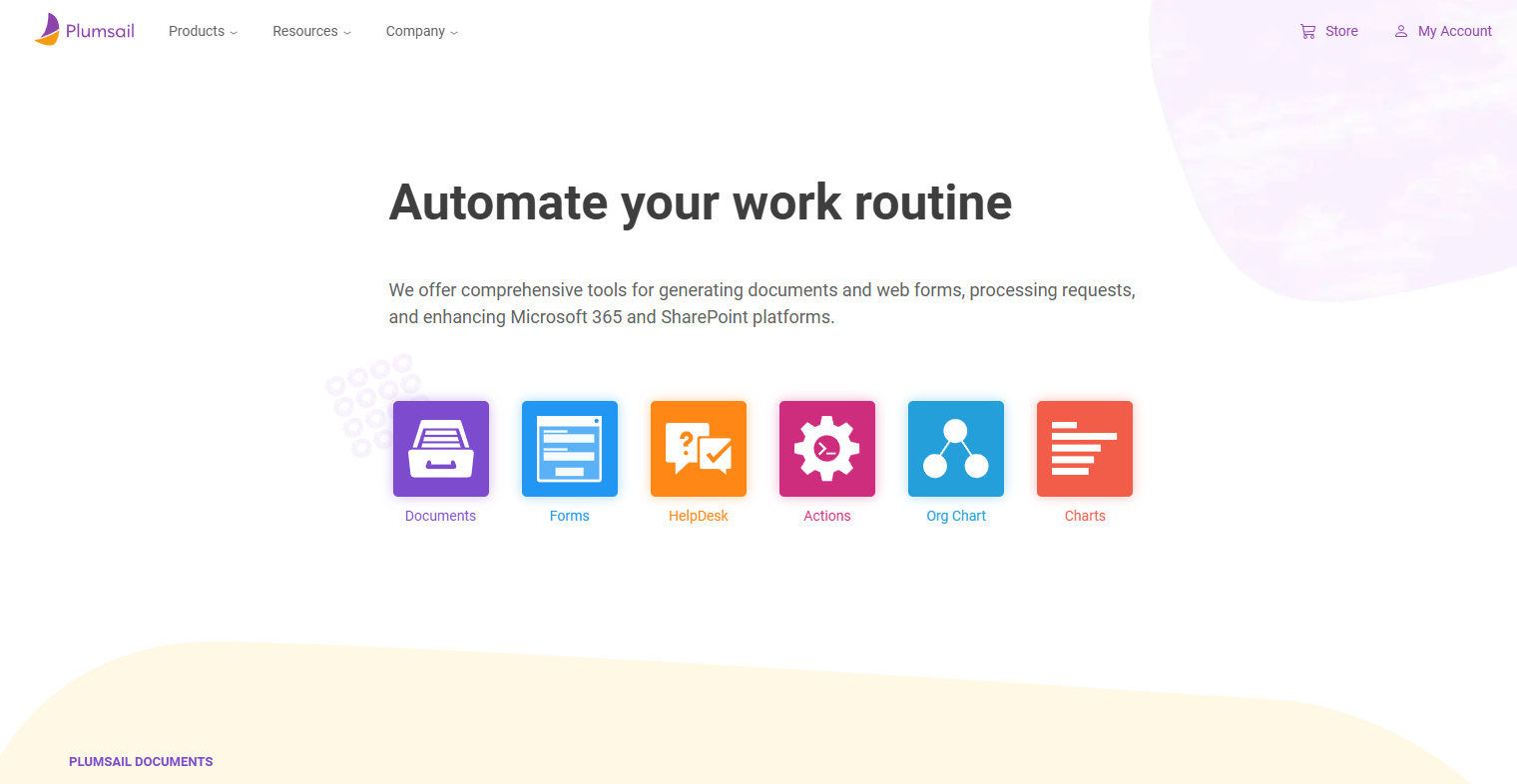
What it does: Plumsail provides customizable form solutions for SharePoint lists (replacing the default SharePoint forms) and separate public web forms that can both connect to SharePoint and Power Automate.
Who it's for: Organizations already running on SharePoint or Microsoft 365 that need external-facing forms or more control than Microsoft Forms provides.
SharePoint’s native forms are rigid and difficult to customize. Plumsail drops in as a replacement and unlocks dynamic fields, conditional logic, Power Automate triggers, and full JavaScript control.
The tradeoff is complexity. Basic forms are easy enough to configure, but complex ones require someone comfortable writing code. I also noticed that if you’re creating SharePoint forms, an understanding of how SharePoint works will simplify the build process.
Where it beats Airtable forms
- Forms tied directly to SharePoint lists: Submissions update SharePoint data in real time.
- Power Automate triggers on any criteria: A form submission can fire a Power Automate workflow based on field values, user group membership, or custom logic.
- Cross-site lookups and related list controls: You can pull data from across multiple SharePoint sites into a single form.
- Full JavaScript and CSS control: Developers can customize form behavior and appearance at a code level.
Pros
- You can share public forms via link or embed them on any website without requiring SharePoint access.
- Supports multi-language forms, so you can serve international audiences without building separate forms for each language.
Cons
- No free plan, only a trial.
- Steeper learning curve than every other tool on this list.
Pricing
Public web forms plans start at $19 per month. SharePoint forms start at $899 per year.
Bottom line
If your organization runs on SharePoint and you need external-facing forms that feed data into your existing lists, Plumsail is the only tool here built specifically for that workflow.
How I tested these alternatives
I built the same customer feedback form in all 7 tools, tested the setup experience, and sent it to real respondents.
What I looked for:
- Free plan generosity: How much can you actually do without paying?
- Airtable/database connectivity: Can the tool send data directly to Airtable, Google Sheets, or another database?
- Customization without code: Can a non-technical ops person brand, style, and configure forms independently?
- Pricing scalability: What happens when you need 5,000 responses instead of 500?
Which alternative should you choose?
- Choose Fillout if you’re building complex forms and want the option to build apps that use the form data.
- Choose Typeform if form completion rates directly drive revenue, and you can justify the premium pricing.
- Choose Tally if budget is the priority and you want the most features for $0.
- Choose Jotform if you need HIPAA compliance and are ready to pay for it.
- Choose Google Forms if you need a free form builder and don’t expect branding, complex logic, or payment collection.
- Choose Formstack if your forms need to trigger multi-step approvals, generate documents, or collect e-signatures.
- Choose Plumsail if your team runs on SharePoint or Microsoft 365 and needs forms that integrate with Power Automate.
My final verdict
For most teams, Fillout is the strongest Airtable forms alternative. It syncs with your existing Airtable data but goes beyond simple forms. It offers unlimited forms, advanced logic, multi-page flows, and built-in payments, without the user caps you hit with most form builders.
And you're not locked into Airtable's interface limitations. Fillout connects directly to Zite's built-in database, so you can build dashboards, portals, and workflows on top of your form responses.
If you want to increase completion rates with engaging and interactive forms, choose Typeform. If you don’t have a budget and have no customization needs, choose Google Forms.
Ready to build better forms?
Fillout is free to start, takes minutes to connect to Airtable, and gives you multi-page forms, payments, and conditional logic from day one.
Start building forms with Fillout →
Need to turn those responses into apps? Try Zite, Fillout's AI app builder. Describe what you want, and it generates a working app in minutes, including dashboards, portals, internal tools, and whatever you need. The free plan includes unlimited apps and users, no credit card required.
Frequently asked questions
What is the best alternative to Airtable forms?
Fillout is the best alternative to Airtable forms because it’s far more feature-rich and flexible than Airtable forms. It gives you multi-page forms, advanced logic, payment collection, and partial submissions with the option to still sync directly with your Airtable base.
Can I use Fillout with my existing Airtable base?
Yes, Fillout connects directly to Airtable with bidirectional sync. You can pick linked records, sync select options from Airtable fields, update existing records through forms, and pre-fill fields with existing data.
Which Airtable forms alternative has the best design?
Fillout produces the most visually polished forms thanks to its highly customizable interface. You can use themes or directly customize any part of your form (layout, colors, text, inputs, buttons, etc.) to match your branding.
Do any Airtable forms alternatives offer HIPAA compliance?
Yes, Jotform’s Gold and Enterprise plans support HIPAA compliance with a signed BAA, and Typeform enables HIPAA support on Enterprise plans.

