


After spending weeks building apps across dozens of AppSheet alternatives, I found 10 tools that consistently outperformed AppSheet for business app development. Here are their key features, pros, cons, and what they’re best for in 2026.
10 Best AppSheet alternatives: At a glance
I’ve put together this table of the top AppSheet alternatives and their key advantages, so you can quickly see which tool is the best fit for your app.
Not every tool here is built for the same job. The "Best for" column is the fastest way to narrow the list to the ones worth a closer look.
Here’s the side-by-side comparison:
1. Zite: Best for production-grade business apps

Zite is a no-code AI platform for building production-grade business apps (like portals, dashboards, and CRMs) from natural language prompts.
Describe the app you need, and Zite generates the databases, pages, and workflows. These workflows appear as visual flowcharts you can inspect to verify what was built. You don't have to read code to understand how the app works. The database is also transparent and has a spreadsheet-like interface you can browse and edit directly.
I’ve built apps with multi-step workflows, multiple branded pages, and authentication, all running on the built-in database that’s designed to handle millions of records. Apps feel and work like custom software rather than dressed-up spreadsheets.
Where it beats AppSheet
- Natural language building: Describe what you want instead of dragging widgets around. AppSheet forces you to learn its visual builder first.
- Production-ready output: The apps Zite generates aren't prototypes. They're brandable tools with authentication, access control, and secure hosting. On higher plans, you also get SSO and audit logs.
- Built-in database: The no-code database auto-generates your tables, fields, and relationships based on your app descriptions. Unlike AppSheet, you don’t have to structure it manually.
- Visual workflows: Describe what you need in a prompt, and Zite builds the workflow. It then visualizes it as a flowchart you can inspect, troubleshoot, and trace through past runs to verify its working. No need to read code.
- Visual editing: Select and edit elements in your app directly to adjust styling, change content, and rearrange your layout. AppSheet limits you to configuring pre-built components through settings menus.
- No per-seat pricing: Zite includes unlimited users on every plan, including the free tier. AppSheet charges per user, which adds up fast as your team grows.
Pros
- Excellent for complex, multi-step business apps (CRMs, ticketing, onboarding portals, internal dashboards)
- AI-generated workflows you can visually inspect, a visual editor for directly tweaking your app's UI, and a spreadsheet-like database make ongoing maintenance manageable for non-technical users
- Unlimited users and apps (even on the free plan) keep costs predictable
Cons
- It’s web-first and not ideal if you specifically need native mobile apps
- Not built for consumer-facing apps
Pricing
Zite has a free plan that supports unlimited users and apps. Paid plans start at $19/month, billed monthly.
Bottom line
If you're building real business software like dashboards, intake forms, and portals, pick Zite. Like AppSheet, it can build UIs powered by Google Sheets, but it can create more sophisticated apps on top of other data sources like Airtable and the built-in database.
2. Glide: Best for converting spreadsheets to apps

Glide turns spreadsheets into mobile-responsive apps. I connected a Google Sheet with employee data and had a working directory app in about 15 minutes.
The interface looked better than anything I'd built in AppSheet. But like AppSheet, Glide's pre-built components and fixed layouts start to hit walls once your app needs more complex logic or custom UX.
Where it beats AppSheet
- Design quality: Glide apps look modern out of the box. AppSheet apps often feel dated and utilitarian, even with customization.
- Faster learning curve: The component system makes sense immediately. AppSheet's settings menus require hours of exploration.
- Spreadsheet-first workflow: Glide is easy to use if your data already lives in Sheets or Excel. You connect a sheet and immediately get a working app with a list/detail view.
Pros
- Built-in AI actions for tasks like data organization and simple automations
- Real-time data sync works reliably
- Mobile-friendly UI out of the box with progressive web apps that install to home screens
Cons
- Apps are web/PWA only, with no true native app store publishing
- Limited flexibility once your logic and UX needs get sophisticated
Pricing
Free tier available. Paid plans start at $25/month, billed monthly, for individuals.
Bottom line
Pick Glide if you want a better-looking interface on top of your existing spreadsheets without much setup, and your workflows are relatively straightforward. It's more visually polished than AppSheet and handles simple workflows well.
3. Jotform Apps: Best for form-heavy workflows

Jotform Apps bundles multiple Jotform forms, links, and pages into a simple, installable web app you can share via link or QR code.
If your app centers around data collection, Jotform Apps makes more sense than AppSheet. I built an employee onboarding system with conditional logic, file uploads, and approval workflows faster than I could have configured in AppSheet. That said, you don’t get the same level of data modeling or customization you’d get from an app builder like Zite.
Where it beats AppSheet
- Form-centric experiences: If your app is essentially a front door to multiple forms, like intake, waivers, surveys, and checklists, Jotform Apps gives you that with minimal setup.
- Payment integration: You can collect payments, signatures, and files directly in your app without additional tools.
- Template library: Thousands of pre-built forms and app templates cover almost any industry need.
Pros
- Drag-and-drop builder requires zero learning curve
- HIPAA compliance available for healthcare use cases
- Rich ecosystem of integrations, including CRMs, email, and payments
Cons
- Single-user on all non-Enterprise plans
- Heavy limits on forms, submissions, storage, and even form views
Pricing
Jotform is free for basic use with limits on forms, submissions, and storage. Paid plans start at $39/month, billed yearly.
Bottom line
When forms are your primary interface, Jotform Apps delivers better results with less effort than AppSheet. If you don’t want to build form-centric apps, consider other Jotform alternatives.
4. Caspio: Best for enterprise database apps

Caspio is a low-code platform for building database-driven web applications on top of its own cloud-hosted SQL Server database. It’s ideal if your organization needs powerful database features and enterprise compliance without coding or hiring devs.
Caspio is closer to a database plus app layer than an app builder. I built a searchable inventory system with role-based permissions. You define tables, relationships, and business rules in a relational database, then use visual builders (and optional code) to create interfaces, reports, and workflows on top.
Where it beats AppSheet
- Enterprise-grade security: It offers enterprise-grade security and compliance options, including HIPAA and SOC 2 Type II, which AppSheet doesn’t match.
- Better for complex, data-heavy apps: If your app needs to handle complex data with lots of relationships between records, Caspio's database is designed for that.
- Embeddable apps: Deploy apps inside existing websites, intranets, or portals.
Pros
- Reporting and analytics tools
- integrations via APIs, webhooks, and tools like Zapier to connect with other systems
- Visual app development plus extensibility with HTML, JavaScript, and SQL
Cons
- Steeper learning curve than consumer-focused tools
- Interface feels dated compared to newer platforms
Pricing
Pricing starts at $100/month, paid monthly.
Bottom line
Caspio works if you’re building a compliance-heavy portal where relational data, security, and audit requirements are non-negotiable.
5. Quickbase: Best for enterprise-grade workflow apps

Quickbase is an enterprise low-code platform for building database-backed web apps and automating complex business workflows. It’s great when your processes involve multiple teams, approval chains, and interdependent data.
I mapped out a procurement workflow with five approval stages and automatic notifications. This would have required external automation tools with AppSheet.
Where it beats AppSheet
- Native workflow engine: You can build multi-step processes without connecting to Zapier or Make.
- Enterprise integrations and compliance: It offers integrations and enterprise features like HIPAA, FDA, and SOC-style controls on higher tiers, plus detailed audit logs
- Reporting depth: Has customizable dashboards and reports that pull data from multiple sources automatically.
Pros
- Role-based access, audit trails, and central administration for large organizations
- Strong audit trail for compliance needs
- Visual builder plus formulas and scripting gives more flexibility for complex processes
Cons
- Initial setup requires a significant time investment
- Per-user pricing with high minimums can get expensive
Pricing
Paid plans start at $35/user/month, billed annually, plus a platform minimum fee based on your requirements.
Bottom line
Quickbase is a good fit for operations-heavy use cases like project tracking, resource planning, finance workflows, and field operations.
6. Softr: Best for Airtable users
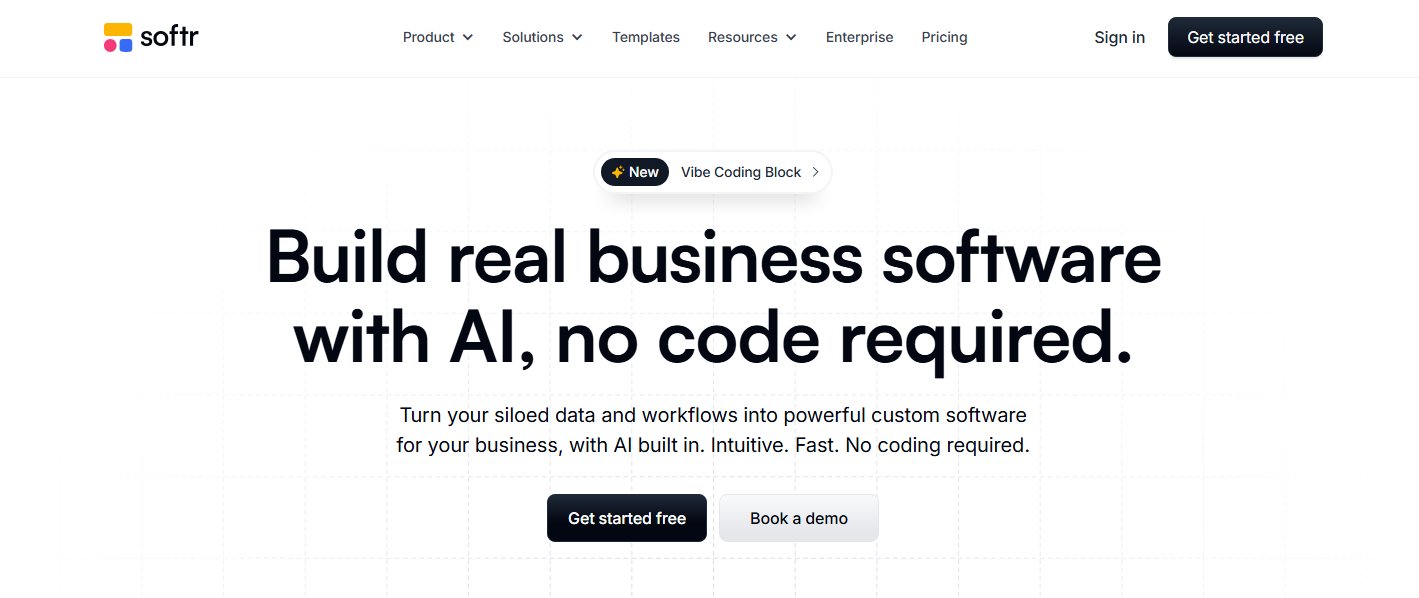
Softr is a no-code builder for web apps and portals powered by your existing data in tools like Airtable, Google Sheets, Notion, and Softr’s own database.
To test it, I connected an existing Airtable project tracker and had a client portal running in a few hours. It has lots of templates for different industries, so it's easy to get started by customizing one. I wasn’t a huge fan of the visual builder. It was rigid once I wanted to tweak layouts and styling beyond the predefined blocks.
Where it beats AppSheet
- Airtable integration depth: Changes in your bases sync in near real-time with Airtable.
- Better for client portals: Softr is built for both internal and external apps, with logins, granular permissions, and more flexible page layouts.
- User authentication: Setting up login systems and permissions is straightforward.
Pros
- Excellent for Airtable/Sheets-powered client portals and lightweight interfaces
- Membership and payment features built in
- Native workflows triggered from the app UI (button clicks, form submits) for approvals and notifications
Cons
- Limited for complex logic or large-scale, data-heavy apps
- Advanced customization requires CSS knowledge
Pricing
Free tier available. Paid plans start at $59/month, billed monthly.
Bottom line
Pick Softr if you want something easier to design and brand than AppSheet, especially for client portals and web apps fed by Airtable or Sheets.
7. Power Apps: Best for Microsoft Shops

Microsoft Power Apps is a low-code platform in the Microsoft Power Platform for building internal business apps that are tightly integrated with Microsoft 365 and Azure. It’s a natural AppSheet alternative if your organization already lives in SharePoint, Teams, Dynamics 365, and SQL Server.
You get canvas and model-driven app types, an enterprise database called Dataverse, and direct connectivity to Microsoft services. However, you’ll likely need someone comfortable with expressions and basic development concepts to get the most out of it.
Where it beats AppSheet
- Native Microsoft integration: Data flows between Office apps without third-party connectors.
- More headroom for complex apps: With Dataverse, connectors, and Power Fx logic, it can handle more complex data models and workflows than AppSheet.
- Part of a broader platform: It pairs closely with Power Automate, Power BI, and Power Pages, so you can stitch together end-to-end solutions (workflows, reporting, and external portals) under one stack.
Pros
- Included in many Microsoft 365 plans
- Enterprise security and compliance features, including environment management and detailed role-based access
- Copilot and AI features can assist with app building and data logic
Cons
- Steeper learning curve than AppSheet for non-technical users
- Not aimed at consumer-facing or public SaaS products
Pricing
Power Apps has a free Developer Plan for building and testing. Paid plans start at $20/user/month, paid yearly.
Bottom line
If you're already paying for Microsoft 365 Enterprise, Power Apps might cost nothing extra. Otherwise, easier-to-use options like Zite or Glide exist.
8. Airtable: Best for data-first teams
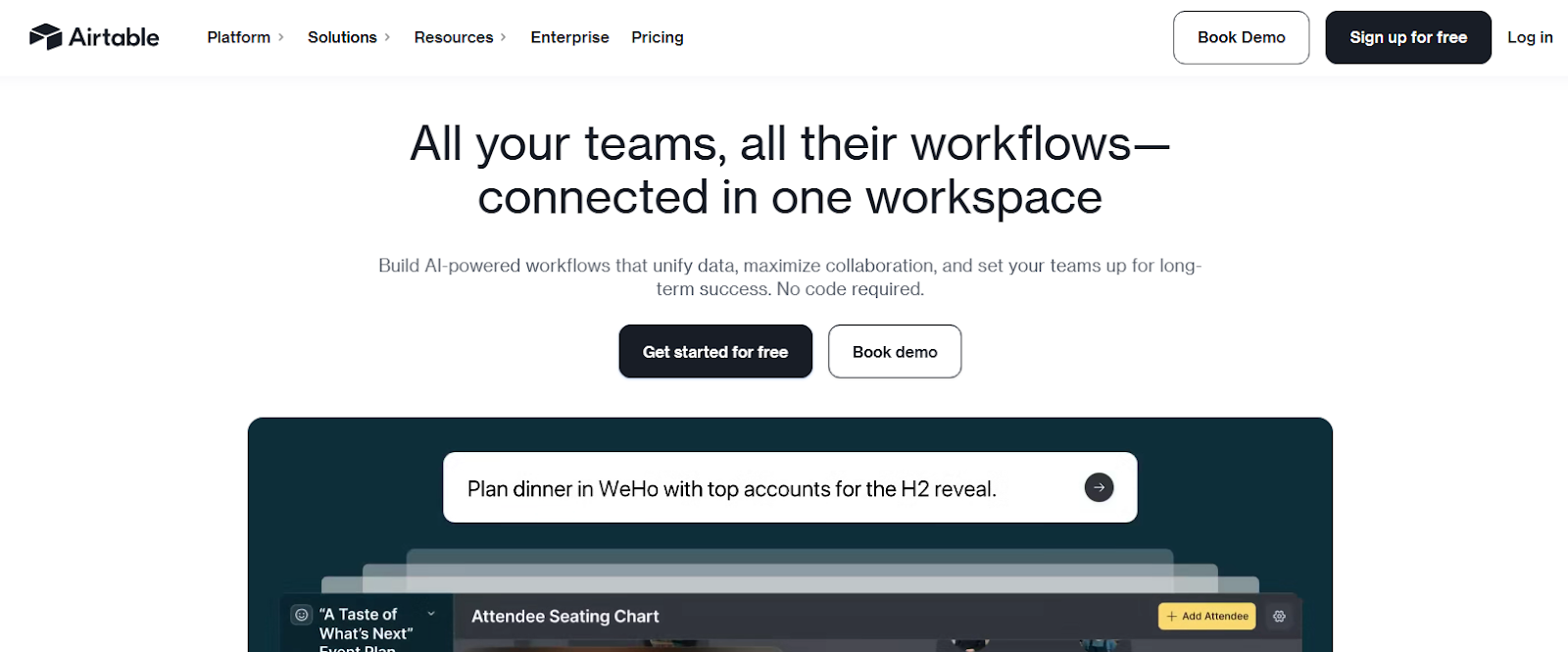
Airtable was mostly known for its no-code spreadsheet-database hybrid. Its Omni AI assistant can now generate tables, interfaces, and automations from natural language prompts. It works well when your primary need is organizing and linking data across tables, then building lightweight views and dashboards on top.
Starting from a blank base used to feel overwhelming. The AI assistant reduces setup time significantly. I got a working base running after describing what it should do and answering some follow-up questions.
Where it beats AppSheet
- Flexible views: Switch between table, Kanban, calendar, and gallery without rebuilding.
- Interfaces for internal dashboards: Interfaces are great for internal reporting and lightweight internal tools.
- Automation built in: Basic workflows don't require external tools.
Pros
- Omni AI assistant reduces the learning curve by building bases and UIs from prompts
- Excellent for teams that need a central, flexible database with multiple views, comments, and collaboration
- Works well as a data layer for other app builders (Glide, Softr, Zite, etc.)
Cons
- Interfaces are still just views on top of Airtable bases, with limited auth, routing, and UX control
- Per-editor pricing gets expensive quickly as more people need to edit data
Pricing
Airtable has a free tier, and paid plans start at $24/seat/month, billed monthly.
Bottom line
If you need a collaborative database with light interfaces, not a full-blown app platform, use Airtable. If you’re building production business software, other alternatives like Zite are better.
9. Bubble: Best for consumer web and mobile apps
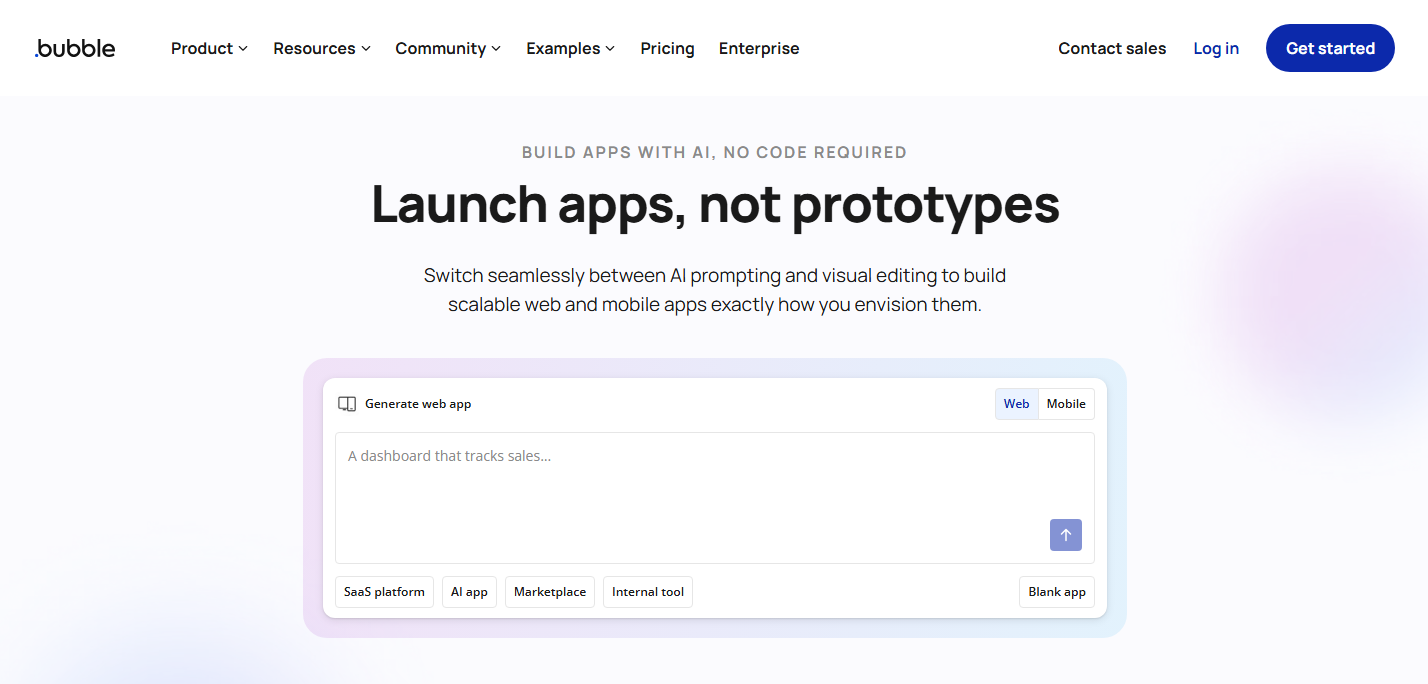
Bubble is a visual programming platform for building fully functional web applications without writing code. It offers database management, user authentication, API connections, and workflows.
I built a multi-user project management tool with custom dashboards, role-based permissions, and Stripe payments. It took longer than prompt to app tools, but the result was far more sophisticated than anything AppSheet could produce.
Where it beats AppSheet
- Workflows and plugins: Its workflow engine supports complex conditional logic, scheduled tasks, and background jobs. The plugin marketplace covers payments, emails, analytics, and more.
- Web app customizability: Bubble gives you full control over layout, styling, routing, and page structure.
- Better for public SaaS: Bubble is built for public, multi-tenant web apps with user signup, subscriptions, and fine-grained roles.
Pros
- Massive plugin marketplace extends functionality
- Can build complex SaaS products
- Supports both web and mobile apps
Cons
- Steep learning curve (expect weeks, not hours)
- Pricing is usage-based (Workload Units), so costs can climb as your app gets popular
Pricing
Bubble has a free plan for learning and prototyping. Paid plans start at $69/month, billed monthly.
Bottom line
Pick Bubble over AppSheet if you want a highly customizable, consumer-facing app. Be ready to invest time learning the platform or money hiring Bubble devs.
10. FlutterFlow: Best for native mobile apps

FlutterFlow is a visual builder for creating Flutter apps that compile to true native iOS and Android. It now includes AI generation tools that can build pages, components, and even database schemas from text prompts.
I built a basic inventory app with barcode scanning and offline sync. The AI features make FlutterFlow easier to use, but it’s still best for semi-technical users rather than completely non-technical ones. You still need to understand concepts like navigation, state, data models, and API calls.
Where it beats AppSheet
- True native apps: FlutterFlow produces actual mobile apps, not web wrappers. They perform better and access device features that AppSheet can't reach.
- Code ownership: Export your project anytime and continue development with Flutter/Dart. No platform lock-in.
- Customization: You can customize almost every aspect of the UI and behavior, and drop down into custom Dart functions or widgets when AI prompts or visual builder aren’t enough.
Pros
- AI-assisted app generation to scaffold screens and flows from text descriptions
- Access to native device features (camera, GPS, sensors)
- Multiple database and login options (like Firebase, Supabase, and Xano), so you can pick what fits your setup
Cons
- Requires understanding of app architecture concepts
- Publishing to app stores still requires developer accounts and review processes
Pricing
FlutterFlow has a free tier for building and testing. Paid plans start at $39/month, billed monthly.
Bottom line
FlutterFlow is the right choice when you specifically need native mobile apps for app stores. For internal business tools or web-based portals, simpler options exist. But if mobile-native is the goal, FlutterFlow delivers without requiring you to write code.
Why I looked for AppSheet alternatives
I looked for AppSheet alternatives once I tried to push it beyond simple list-and-form tools.
I kept running into these issues:
- Rigid templates: You can start from templates or use Gemini to describe your data, but refining is purely visual. The many settings and configurations require tutorials or extensive experimentation.
- Basic interfaces: AppSheet generates simple lists, tables, forms, and Kanban boards. If you need something more sophisticated, you'll need to move off the platform.
- Google dependency: AppSheet connects to various data sources but it works best within Google's ecosystem.
How I tested these alternatives
I built similar apps on each platform and noted time to completion, customization friction, and final output quality.
What I looked for:
- Ease of building: I noted how easy it was to build the app to completion. Did the builder have an AI app generator, use a visual builder, or both? I wanted to know how technical I’d have to be to use it.
- Data storage: I looked for either a built-in database or strong integrations to other data sources.
- Output quality: Did the finished app look professional enough to share with clients or employees? I also checked if the platform supports authentication and access control for user management.
- Flexibility: Could I customize beyond the default templates or initial app generation?
- Pricing fairness: Did costs scale reasonably as usage grew?
Which alternative should you choose?
You should choose the alternative that works for the type of app you’re building (business software, portals, mobile, consumer web app, etc.) and your technical capabilities.
Below are my recommendations:
- Choose Zite if you want to build production-ready business apps with AI but don’t want to code or wrestle with visual builders. Best for apps like customer portals, internal tools, and dashboards.
- Choose Glide if your data already lives in spreadsheets and you want a light interface on top of it for easier interaction. It’s best for non-technical users.
- Choose Softr if you want to turn Airtable/Sheets data into branded portals and simple web apps with a visual drag-and-drop builder.
- Choose Power Apps if your organization runs on Microsoft 365, and IT prefers staying within that ecosystem. It’s best for non-technical and semi-technical users.
- Choose Caspio if you’re building data-heavy, compliance-focused internal systems or portals where an SQL database and enterprise security matter more than design flexibility. It’s best when you have some technical members on your team.
- Choose Quickbase if your workflows are genuinely complex with multiple approval stages and cross-team coordination. It has a visual builder that non-technical users can easily use.
- Choose Airtable if you primarily need a shared no-code database with light interfaces and workflows on top of that data.
- Choose FlutterFlow if you're semi-technical and want customized native mobile apps with real Flutter code you can hand off to developers. This is one place Zite cannot help. Zite ships web apps, not iOS or Android binaries, so anything that needs to land in the App Store or Google Play belongs with FlutterFlow.
- Choose Bubble if you're building a consumer web product like a SaaS or marketplace, and you're willing to learn how the platform works. Zite cannot stand in for Bubble in this lane. Public, multi-tenant products with sign-up flows and subscription billing are exactly what Bubble was designed to ship.
- Stick with AppSheet if you’re non-technical and need the simplest possible interface on top of Google Sheets and don't mind the visual builder's limitations.
My final verdict
For most business users building internal tools, customer portals, or operational apps, Zite offers the best balance of ease and capability. The AI-powered building, visual workflows, and transparent database eliminate the learning curve that makes other platforms frustrating. Apps are also production-ready, so you can ship immediately.
If you’re building native mobile apps, consider FlutterFlow. For consumer-facing apps, use Bubble.
Ready to try Zite?
Describe what you need and build it in minutes. The free plan supports unlimited users and apps. No credit card required.
Start building with Zite today →
Frequently asked questions
Is AppSheet still free to use?
AppSheet offers a free tier that supports up to 10 users. Paid plans start at $5/user/month. The core plan, which costs $10/user/month, is included in most paid Google Workspace plans.
Can I migrate my AppSheet apps to another platform?
No, you can’t migrate your AppSheet apps to another platform. You'll need to rebuild apps in your new environment. If your data lives in Google Sheets, alternatives like Zite can connect to the same source.
What's the easiest AppSheet alternative for non-technical users?
Zite is the easiest AppSheet alternative for non-technical users. It generates apps from plain English prompts, has visual workflows that let you see app logic as flowcharts, and a spreadsheet-like database that’s easy to use.
Can I build mobile apps with these alternatives?
Yes, you can build mobile apps with AppSheet alternatives like Bubble and FlutterFlow. They support native Android and iOS apps.

