


The choice between Appsmith vs Budibase comes down to how much you want to write JavaScript. Appsmith is the developer-first builder where real power lives in code, while Budibase leans more toward no-code and generates working apps from your data.
I built the same internal tool in both. It was an inventory tracker with a database and an approvals step. Here's what each does well and which one fits your team.
Appsmith vs Budibase: what's the difference?
Appsmith is an open-source, low-code builder for developers, where you drag widgets onto a canvas and write JavaScript for real logic.
Budibase is an open-source builder that leans more toward no-code, generating working apps from your data with a built-in database and automations.
Choose Appsmith if: you have developers who want deep control and are comfortable writing JavaScript.
Choose Budibase if: you want to stand up an internal tool faster with less code.
Meet Appsmith: features and highlights
Appsmith is an open-source, low-code tool for building internal software, such as dashboards and admin panels. You connect to a database, arrange widgets on a canvas, and write JavaScript for logic.
It's aimed at developers and technical teams who want to build internal tools faster without having to build an interface by hand. It has 50+ widgets, connects to most databases and business systems, and offers Git version control on the free tier.
It's fully open-source under Apache 2.0 and self-hostable. For how it stacks up against the field, see this roundup of internal tool builders.
Meet Budibase: features and highlights
Budibase is an open-source builder that leans more toward no-code. Point it at a data source, and it generates a working app in seconds, with a built-in database and a visual automation builder.
It's aimed at teams that want to quickly build internal tools without deep coding, though developers can still extend it with JavaScript. It includes role-based access, plus free single sign-on on the self-hosted open-source version, and it's self-hostable under GPLv3.
It handles quick dashboards and admin panels well, with less depth for heavy custom logic. The full Budibase review breakdown covers where users hit that ceiling.
Appsmith vs Budibase: at a glance
Appsmith vs Budibase: feature-by-feature comparison
Ease of use and learning curve
This is the clearest split between the two.
Budibase gets you to a working app faster. Point it at a data source, and it builds a usable interface so you can click through in minutes with little setup. My inventory tracker had a working table view before I'd touched a single setting.
Appsmith gives more control but asks more of you. The widget canvas is approachable, but the real logic is in JavaScript, so a non-developer stalls when the app needs custom behavior.
Winner: Budibase for speed and lower coding, Appsmith for control.
Database and data connections
Here, the tools take different paths.
Appsmith is built to connect the databases and business systems you already run, from PostgreSQL to MongoDB and beyond. It doesn't store your data; it sits on top of what you have.
Budibase includes its own built-in database and can also connect to external sources. For a team without an existing database, Budibase is ready out of the box, while Appsmith expects you to bring one.
Winner: Budibase for teams without a database, Appsmith for connecting many external sources.
Custom logic and extensibility
Appsmith wins on raw depth.
Appsmith supports JavaScript almost everywhere, so a developer can build nearly any logic. For complex internal tools with custom queries and behavior, it goes further.
Budibase supports JavaScript too, but its strength is speed on simpler apps. Once logic gets complex, reviewers find it less flexible than Appsmith.
Winner: Appsmith.
Automation and workflows
Budibase leads here.
Budibase ships with a visual automation builder for triggered workflows, and it's leaning into AI agents for operational tasks. It's a core part of the app-building flow, not an add-on.
Appsmith handles workflows through queries and JavaScript, which is powerful for developers but less approachable than Budibase's visual automations. The approvals step in my tracker took a few lines of JavaScript in Appsmith; in Budibase, I dragged the same rule together in the automation builder without writing any.
Winner: Budibase.
Pricing and self-hosting
Both are open-source and free to self-host, with different cloud models.
Appsmith charges every user the same rate. It's free to self-host and then $15/user a month on Business, which makes the bill easy to predict. That plan caps at 99 users, and the jump to Enterprise starts at $2,500/month for 100.
Appsmith also shows up in this comparison of Retool alternatives.
Budibase is free and unlimited when self-hosted, with unlimited users, apps, and single sign-on. Its cloud plans start at $23/month for Pro and are metered on actions and creators rather than seats. The full Budibase pricing breakdown covers the add-on costs.
Winner: Budibase. Self-hosting is free with no user cap and includes single sign-on, while Appsmith's cloud holds advanced SAML and OIDC sign-on back for Enterprise.
What real users are saying
Both tools rate around 4.5 out of 5 on G2, and the sentiment maps to who each is for. I pulled feedback from G2.
Appsmith
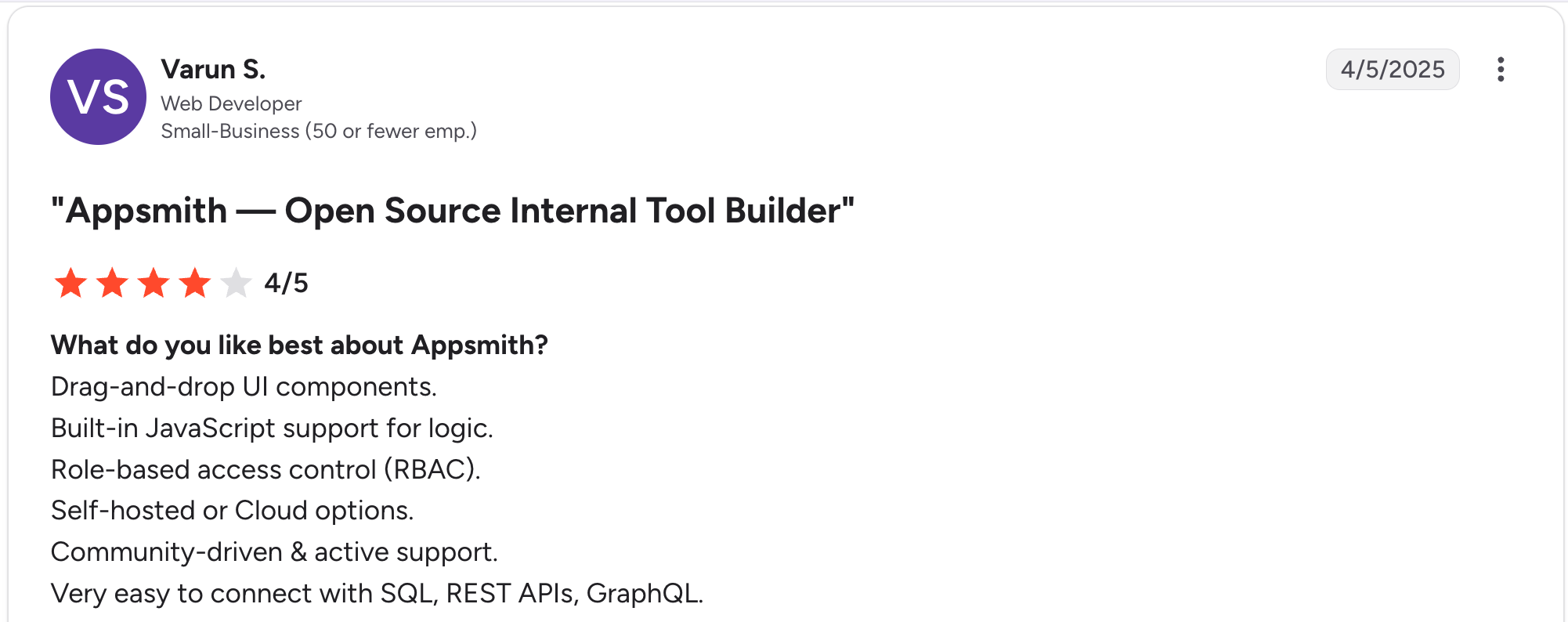
“Built-in JavaScript support for logic.” Varun S, G2
Pros: Developers praise the depth of JavaScript, the range of data connections, and Git version control on the free tier. Reviewers say they built internal dashboards fast once they knew the tool.

“It's hard to find anything to dislike at this early stage; there is a big learning curve.” Michael W, G2
Cons: Non-developers hit a learning curve, and reviewers flag weaker mobile responsiveness and performance dips on large datasets.
Budibase
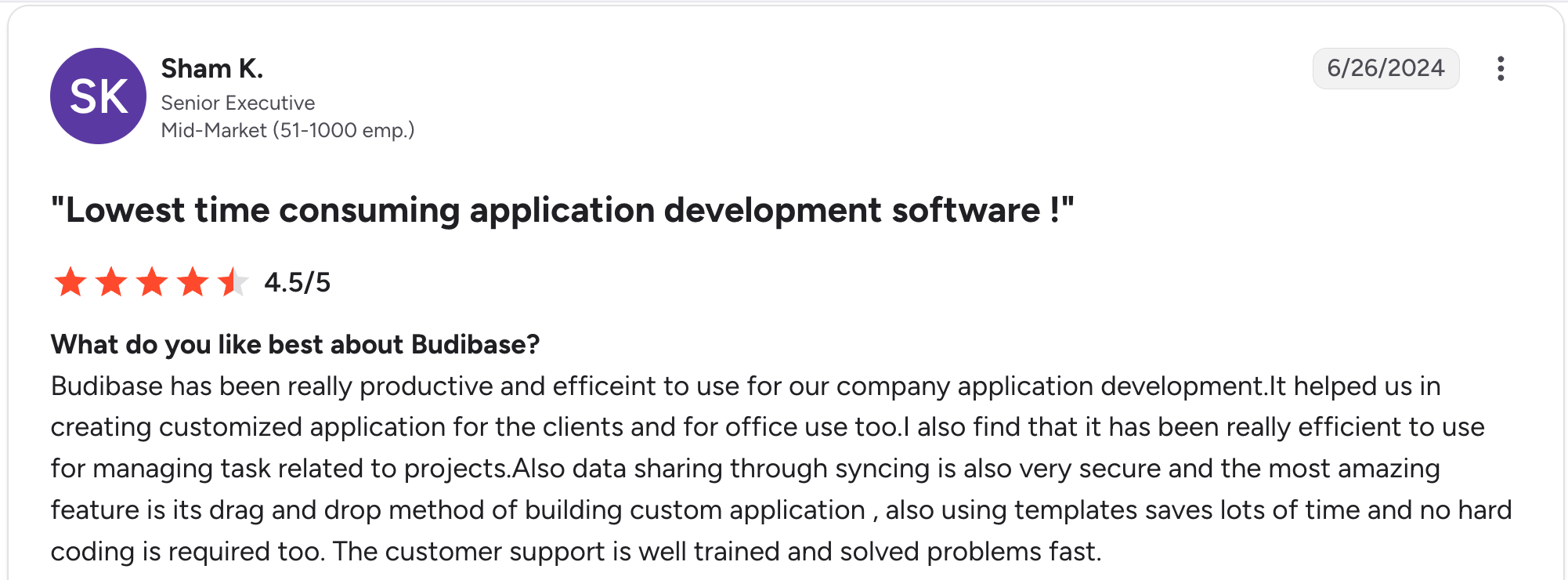
“It helped us in creating a customized application for the clients and for office use too.” Sham K, G2
Pros: Users like how fast it turns data into a working app, the built-in database, and free single sign-on on the self-hosted version. Small teams call it approachable.

“While Budibase offers community support, some potential enterprise users may encounter limitations in receiving timely assistance or resolving complex issues without dedicated support teams.” Ajay J, G2
Cons: Reviewers note that it gets limiting for complex logic, that community support can be slow to resolve complicated issues, and that the cloud-free tier was phased out for new users, pushing evaluation toward self-hosting or a paid trial.
How to make your choice
The decision comes down to how much your team codes and whether you already run a database.
Appsmith wins for developer teams that want deep control and to connect many external data sources. Budibase wins for teams that want to build a working internal tool faster with a built-in database.
Appsmith is better for:
- Developer and engineering teams comfortable with JavaScript
- Internal tools that connect many existing databases and business systems
- Teams that want deep custom logic and Git version control
Budibase is better for:
- Small teams wanting a working app fast with less code
- Projects without an existing database, thanks to the built-in one
- Automation-heavy internal tools with visual workflows
My verdict
Both are strong open-source builders, and both assume some technical comfort. Budibase is the faster start and the better fit if you want less code and a built-in database. Appsmith is a deeper tool for developers who want control and don't mind writing JavaScript.
The catch is what they share, since both expect a technical owner, whether that's writing JavaScript or managing a self-hosted setup. A non-technical ops team often stalls on both.
That gap is where Zite fits, since it builds the app, the database, and the logic from a plain-language description, with no code to write and nothing to host yourself.
Where Zite fits if you want neither the code nor the servers
Appsmith asks you to write JavaScript, while Budibase asks you to either manage your own setup or accept its cloud limits. Zite takes a different path. Describe the app, and it generates the working parts together, all visible and understandable without code.
Five things set it apart for teams caught between the two:
- Works with the data you already keep: Zite connects directly to Airtable, Google Sheets, Notion, and HubSpot, and its workflows can reach most other services from there. You don't have to move your data to start.
- Visible database with tables and fields: When you don't have a source to connect to, Zite generates the tables and fields from your prompt, editable in a spreadsheet-style view. AI fields fill in each record as the app grows.
- Visual workflows instead of JavaScript: Appsmith's logic lives in code and Budibase's in its automation builder. Zite generates the logic as visual workflows you can read and trace, so a non-developer can see exactly what the app does and where it went wrong.
- One rate once you stop self-hosting: Appsmith Business costs $15 per user, so a team of 20 pays about $300 a month. Budibase Cloud starts at $23 per month and charges additional fees for actions, creators, and end users. Zite charges $19 a month for Pro no matter how many people use it. Your bill grows with AI credits, not with headcount.
- You control who sees what: Your app starts out internal to your team. You set which roles see which records as Zite builds them, and you can open the app in the web browser when clients or partners need access.
For a wider view, see this roundup of Budibase alternatives, or see how Zite compares to Airtable if a database is the starting point.
Start building with Zite for free and build your first app today.
Frequently asked questions
Is Appsmith or Budibase better?
Whether Appsmith or Budibase is better depends on your team. Appsmith is better for developer teams that want deep control and to write JavaScript, while Budibase is better for teams that want to get a working tool faster with less code and a built-in database.
What is the difference between Appsmith and Budibase?
The difference between Appsmith and Budibase is coding depth and data. Appsmith is developer-first, using JavaScript for logic and connecting to existing databases, while Budibase leans toward no-code, generating apps from data with a built-in database and visual automations.
Are Appsmith and Budibase free?
Appsmith and Budibase are both free to self-host, since both are open-source. Appsmith's cloud is free for up to 5 users, then $15/user/month on Business, while Budibase's cloud starts at $23/month for Pro after it phased out its cloud free tier for new users.
Which is easier for non-technical users?
Budibase is easier for non-technical users than Appsmith, because it generates apps from your data and needs less code to get started. That said, both assume some technical comfort, so a fully non-technical team is better served by an AI builder like Zite that keeps the logic visible without code.
Can Appsmith and Budibase both be self-hosted?
Yes, Appsmith and Budibase can both be self-hosted, since both are open-source. Appsmith is under the Apache 2.0 license, and Budibase is under the GPL-3 License. Self-hosting removes user limits and licensing costs, but it needs technical resources to set up and maintain.
What is the best alternative to Appsmith and Budibase for non-technical teams?
The best Appsmith and Budibase alternative for non-technical teams is Zite, which generates the app, database, and workflow logic from a plain-language description. While Appsmith requires JavaScript and Budibase requires a setup of your own, Zite keeps the database and logic visible without code, with unlimited users at $19/month.

