


The best Bolt AI alternatives in 2026 are Lovable for browser prototyping, Cursor for code control, and Zite for non-technical teams building real apps. The 15 below earned their spot across prototyping, production builds, and internal tools. Here is what each does well, where it falls short, and who it is built for.
15 best Bolt AI alternatives: at a glance
Pricing correct as of June 2026. All prices are for monthly billing unless noted. Verify with vendor.
Why look for Bolt AI alternatives?
Bolt (Bolt.new, built by StackBlitz) is one of the fastest ways to turn a prompt into a working full-stack web app in the browser. For a prototype that needs to exist in 20 minutes, it is hard to beat. The reasons people look elsewhere show up later, once the prototype needs to become a real product.
4 problems push builders toward an alternative:
- Token costs spike during debugging: Bolt uses a token-based credit system, and every prompt, including the AI’s failed fix attempts, burns tokens. Users report costs running well above the sticker price during a heavy debugging session.
- The AI breaks things on complex prompts: Once an app grows past a simple prototype, builders report asking for one change and watching the AI break something unrelated. Output gets inconsistent depending on how a prompt is phrased.
- Editing the code is hard for non-technical users: When the AI generates code and something breaks, you either keep prompting and hoping or open the code yourself. Neither works if you cannot read JavaScript.
- It is built for prototypes, not production: Bolt optimizes for speed-to-running-app in a browser environment. Teams building production apps with real users and complex data often find they need more infrastructure.
Which Bolt AI alternative should you choose?
- Choose Lovable if you want the closest prototype-speed experience to Bolt with cleaner code and GitHub sync. Not a fit if you are non-technical and need to avoid setting up Supabase.
- Choose Cursor if you are a developer who wants AI assistance inside a real IDE with full code control. Not a fit for non-coders.
- Choose Zite if you are a non-technical team building business apps (portals, dashboards, CRMs, internal tools) and want a visible database and predictable pricing.
- Choose Replit if you want a browser environment with real infrastructure (database, hosting, Git) and do not mind credit-based billing.
- Choose Bubble if you need a complex custom web app with detailed workflows and are willing to learn its visual builder.
- Choose v0 if you want polished front-end interfaces fast and will wire up the backend yourself.
- Choose Base44 if you want an all-in-one AI builder that generates both the frontend and backend.
- Choose Softr if your data already lives in Airtable and you want a client portal or internal app on top of it.
- Choose Glide if you want mobile-friendly apps built from spreadsheets with minimal setup.
- Choose Windsurf if you are a developer who wants AI-assisted coding inside a full IDE.
- Choose Adalo if you specifically need a real iOS or Android app that your users download from the app stores.
- Choose UI Bakery if you are building internal tools or admin panels and want a per-developer price.
- Choose Retool if you need data-heavy internal dashboards wired to many data sources.
- Choose Webflow if you are building a marketing site and want design control with AI assistance.
- Choose Banani if you want to turn prompts into UI designs and wireframes before building.
- Stick with Bolt if all you need is a fast browser prototype and you are comfortable moving the code elsewhere once it is validated.
1. Lovable
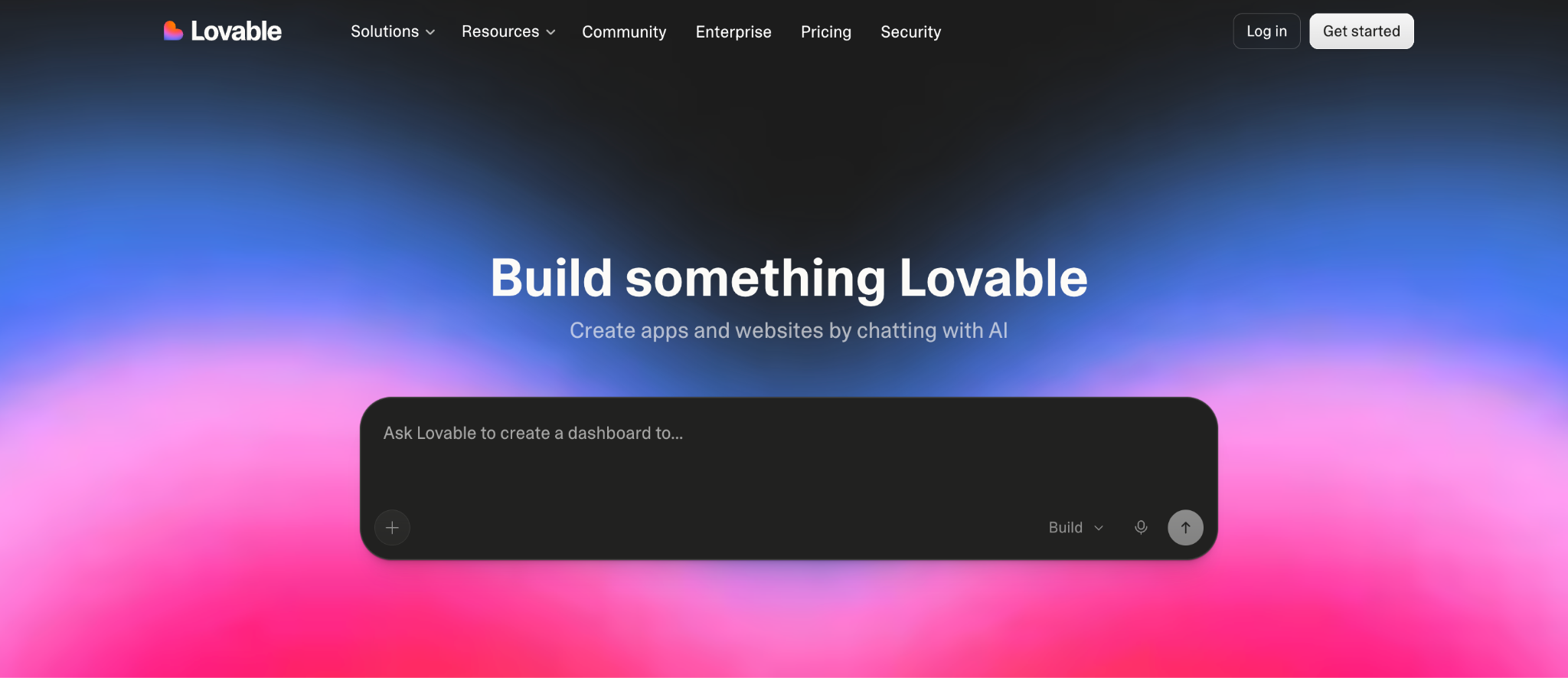
Lovable is the most direct Bolt alternative for prototype speed with cleaner code output. It turns prompts into full-stack React apps, connects to Supabase for the backend, and offers two-way GitHub sync. It is the closest like-for-like swap if you like Bolt’s workflow but want more polished code and code ownership.
Key features
- AI app generation: Generates React, TypeScript, and Tailwind code from prompts.
- GitHub two-way sync: Push and pull code; you own what Lovable generates.
- Visual editor: Click elements to tweak UI without burning a prompt credit.
Pros
- Clean, professional code output.
- GitHub sync for code ownership.
- Fast from prompt to working prototype.
Cons
- Credit-based pricing burns fast on complex projects.
- Supabase setup is a wall for non-technical users.
Best for
- Developers and technical founders building MVPs.
- Builders who want code ownership via GitHub.
- Anyone who likes Bolt’s flow but wants cleaner output.
Pricing
Free (5 daily credits, up to 30/month) / Pro $25/month / Business $50/month. See the full Lovable pricing breakdown for testing notes.
2. Cursor
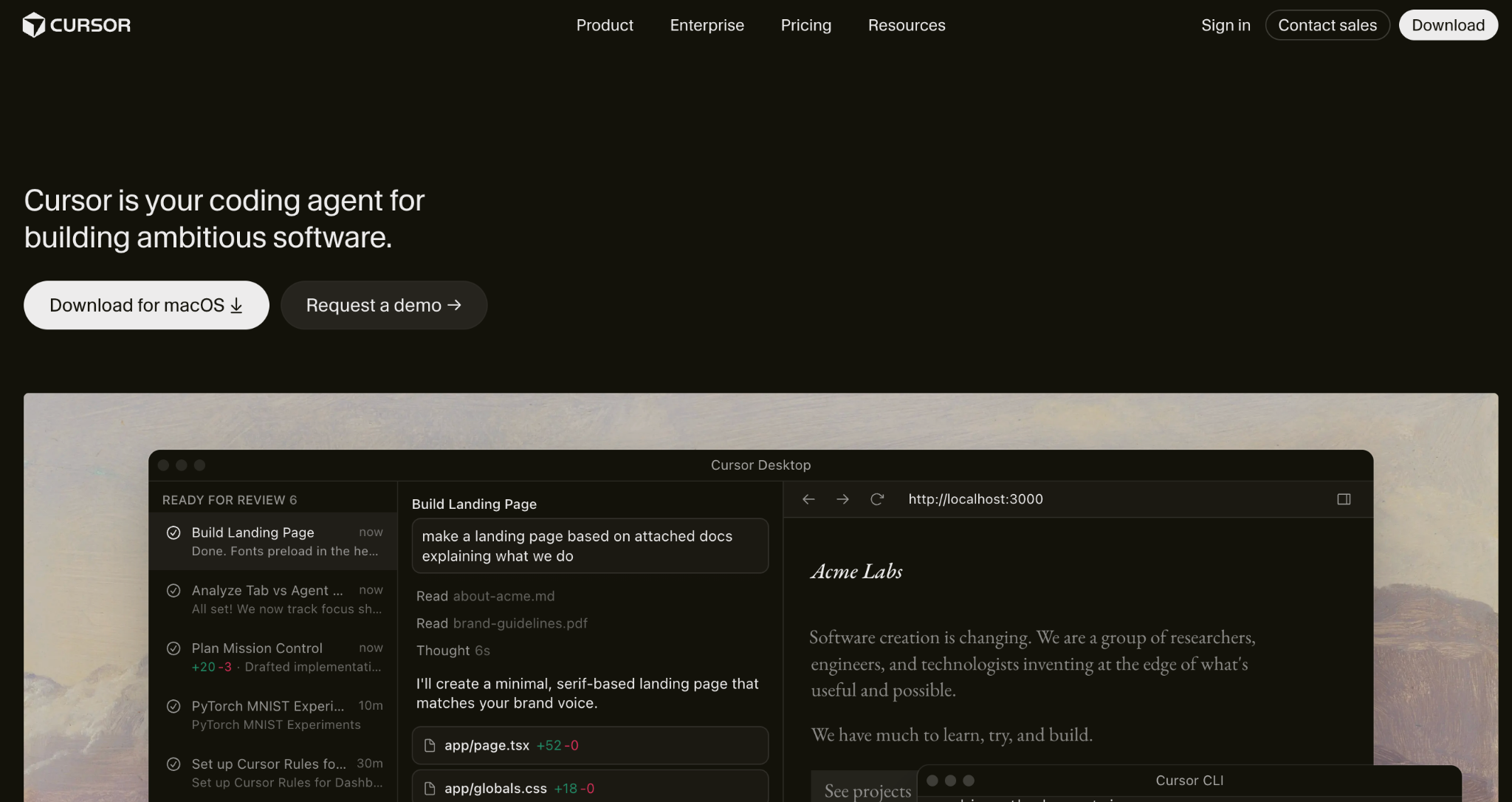
Cursor is the best Bolt alternative for developers who want AI help inside a real IDE. It is a code editor (a fork of VS Code) with deep AI assistance for generating, editing, and refactoring code. Unlike Bolt’s browser environment, Cursor gives you full local control over your code and works with any framework.
Key features
- AI code generation in an IDE: Generate and edit code with full file-system access.
- Multi-file edits: The AI agent handles changes across your whole project.
- Any framework: Works with whatever stack you already use.
Pros
- Full code control in a familiar IDE.
- Works with any language or framework.
- Strong AI agent for multi-file changes.
Cons
- Requires real coding knowledge.
- No visual builder for non-technical users.
Best for
- Developers who want AI assistance, not app generation.
- Teams maintaining a real code project.
- Anyone moving a Bolt prototype into production code.
Pricing
Free (limited) / Pro $20/month / Teams $40/month. See Cursor pricing.
3. Zite
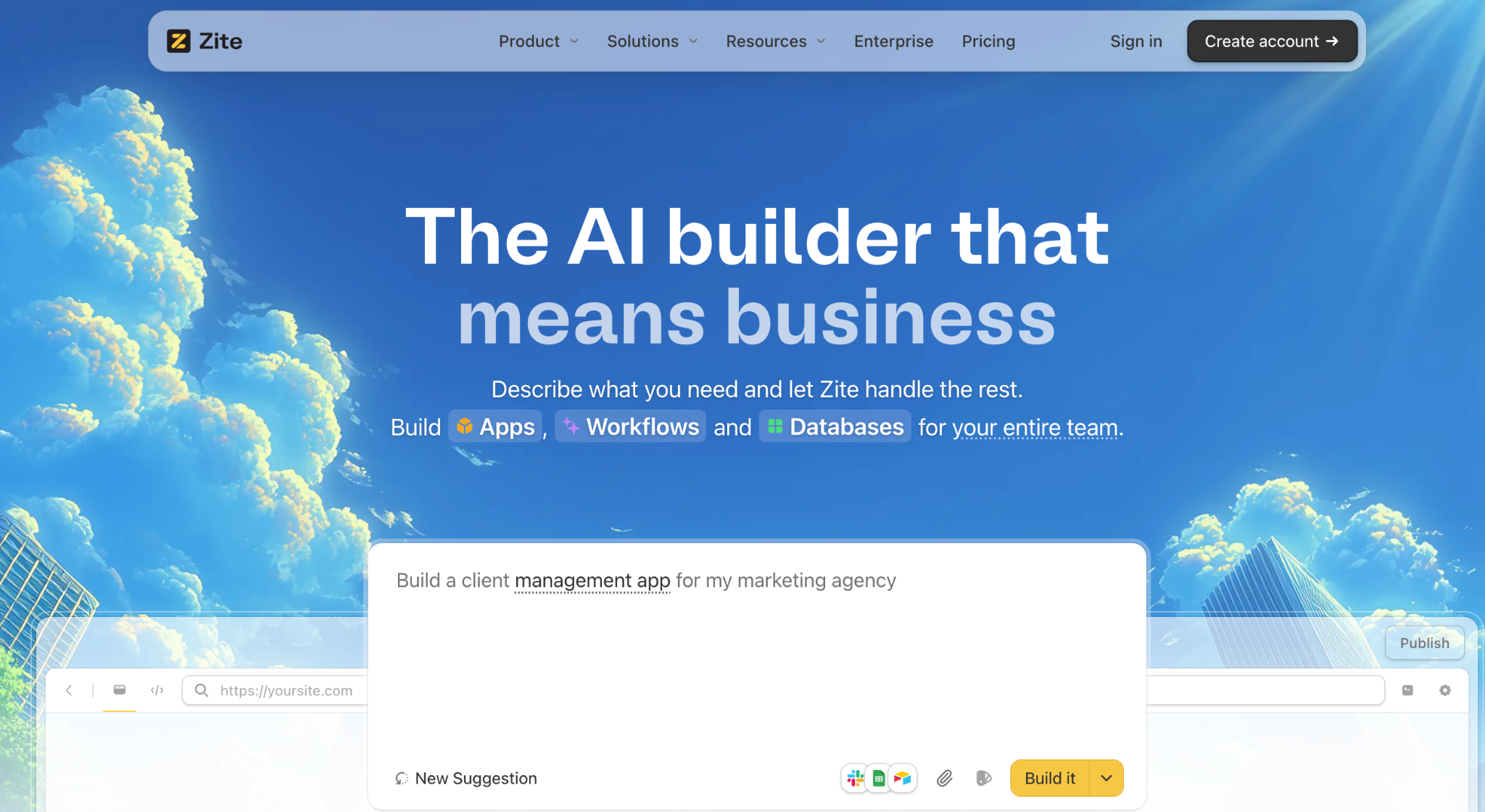
Zite is the best Bolt alternative for non-technical teams building real apps. Where Bolt generates code you have to read and debug, Zite generates an app where you can see what is happening. The data sits in a visible database you edit like a spreadsheet, and the logic shows as workflows you trace step by step.
There is no Supabase to configure and nothing in the build you have to read code to fix, which is what lets ops teams, agencies, and non-technical founders ship the apps that a Bolt prototype cannot easily become.
Key features
- AI app generation: Describe the app, and Zite generates the database, layout, and workflow logic together.
- Visible database with tables and fields: A spreadsheet-style database with linked records and AI fields, editable without SQL.
- Visual workflows: App logic shows as flowcharts you can trace and fix, so a broken step is something you can see and point to.
- Connects to outside tools: Wire the app into Stripe, Airtable, Google Sheets, Slack, and other services your team already runs.
Pros
- Visible database and logic, no code to read.
- Unlimited users at every tier, no per-seat pricing.
- Role-based access is built in from day one.
Cons
- Newer product with a growing template marketplace.
- No native mobile app export (apps are responsive web apps).
Best for
- Ops and support teams building internal tools.
- Agencies building client portals and dashboards.
- Non-technical founders who do not want to touch code.
Pricing
Free (limited AI credits, unlimited users) / Pro $19/month / Business $69/month. All tiers include unlimited users.
4. Replit
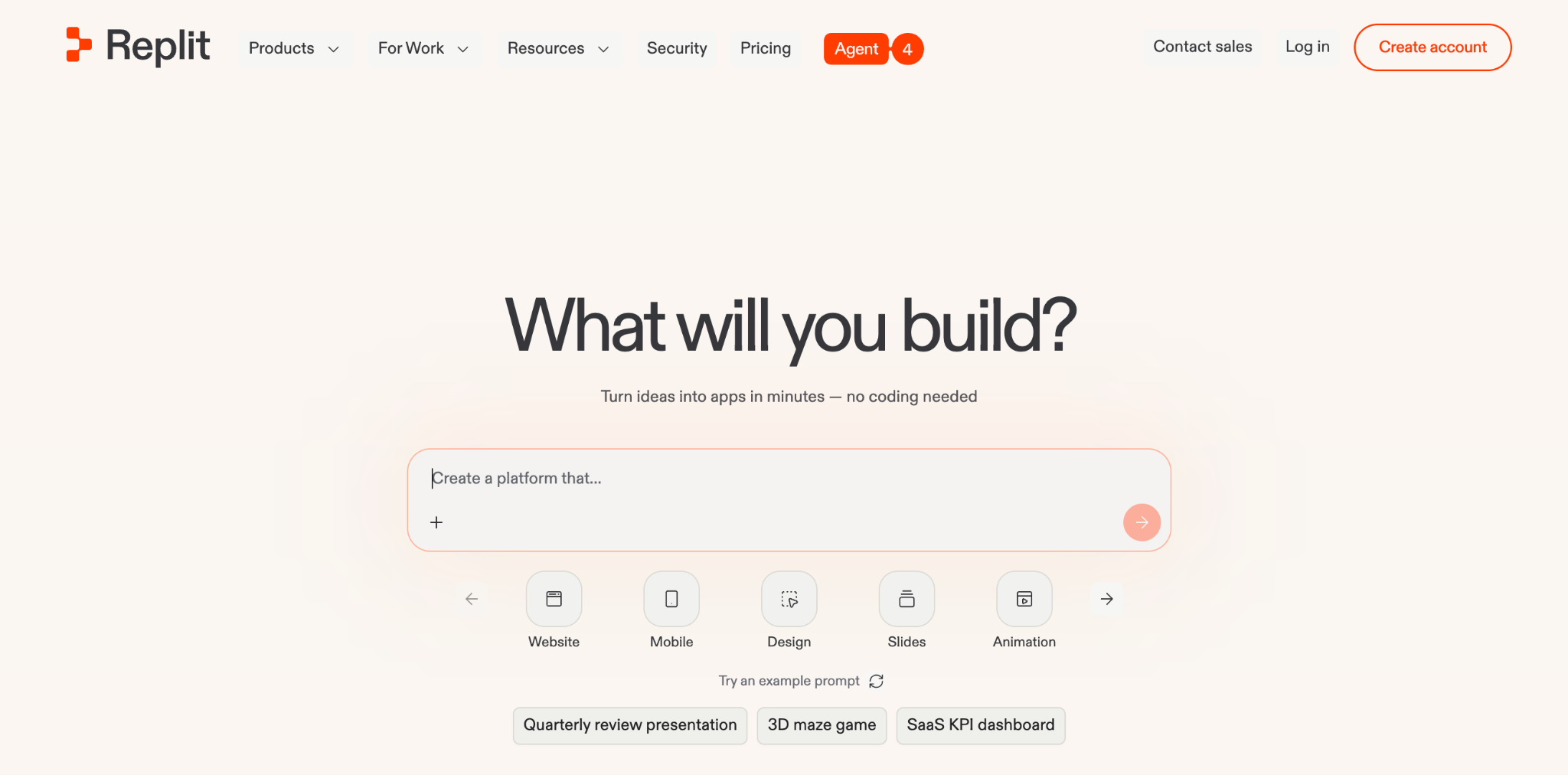
Replit is the best Bolt alternative for full infrastructure without local setup. It is a browser-based coding environment with an AI agent, a built-in database, hosting, and real Git integration. Projects that start in Replit are more portable than Bolt projects because of the persistent filesystem and broader infrastructure layer.
Key features
- AI Agent: Generates and deploys multi-file apps in the browser.
- Built-in infrastructure: Database, hosting, and secrets management included.
- 50+ languages: Broader language support than Bolt’s JavaScript focus.
Pros
- Real infrastructure (database, hosting, Git) without local setup.
- More portable projects than Bolt.
- Free tier covers evaluation.
Cons
- Credit-based billing can run several times the subscription cost on heavy AI use.
- More technical than a visual no-code builder.
Best for
- Solo founders who want a browser IDE with infrastructure.
- Builders who need a database and hosting in one tool.
- Projects that outgrow Bolt but stay browser-based.
Pricing
Free (Starter) / Core $20/month / Pro $100/month (up to 15 collaborators). See Replit pricing.
5. Bubble
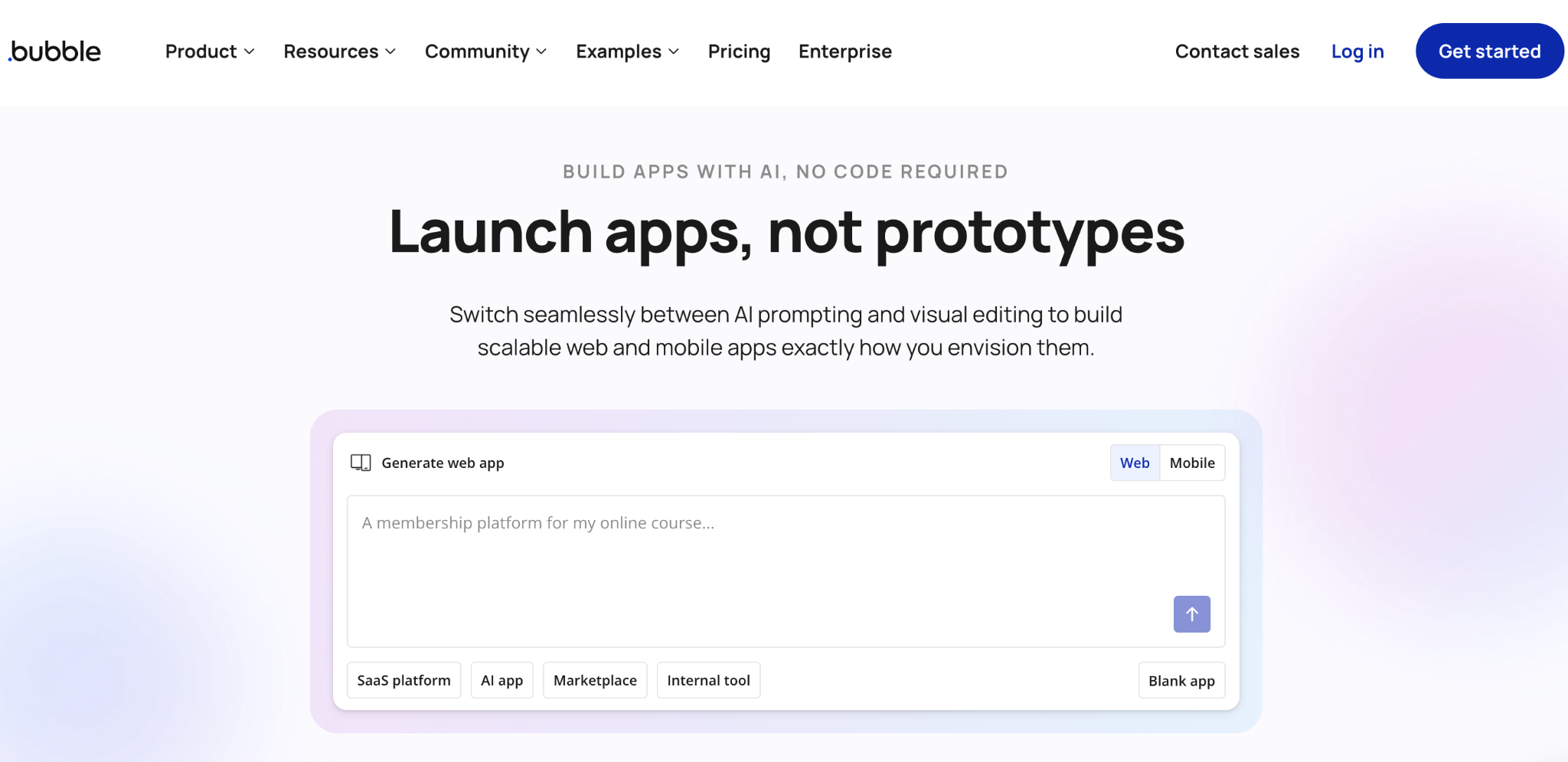
Bubble is the best Bolt alternative for complex custom web apps. It is a visual programming tool for building full web apps without code, with a built-in database, workflow logic, and a large plugin ecosystem. If Bolt felt too rigid for a complex app, Bubble offers more power but a steeper learning curve.
Key features
- Visual editor for full apps: Frontend, backend, database, and workflows in one tool.
- Plugin ecosystem: Thousands of plugins for payments and integrations.
- AI scaffolding: Natural-language prompts generate pages and logic.
Pros
- Powerful enough for complex apps.
- Built-in database and workflow logic.
- Large plugin marketplace.
Cons
- Steep learning curve; many users hire a Bubble developer.
- Web apps only, with no native mobile app export.
- Workload Unit pricing can spike as usage increases.
Best for
- Founders building complex SaaS-grade web apps.
- Teams needing deep custom logic.
- Projects that need a mature plugin ecosystem.
Pricing
Free (testing only); Web and Mobile Starter $69/month, Growth $249/month, Team $649/month. Web-only plans start lower at $32/month. See Bubble pricing.
6. v0
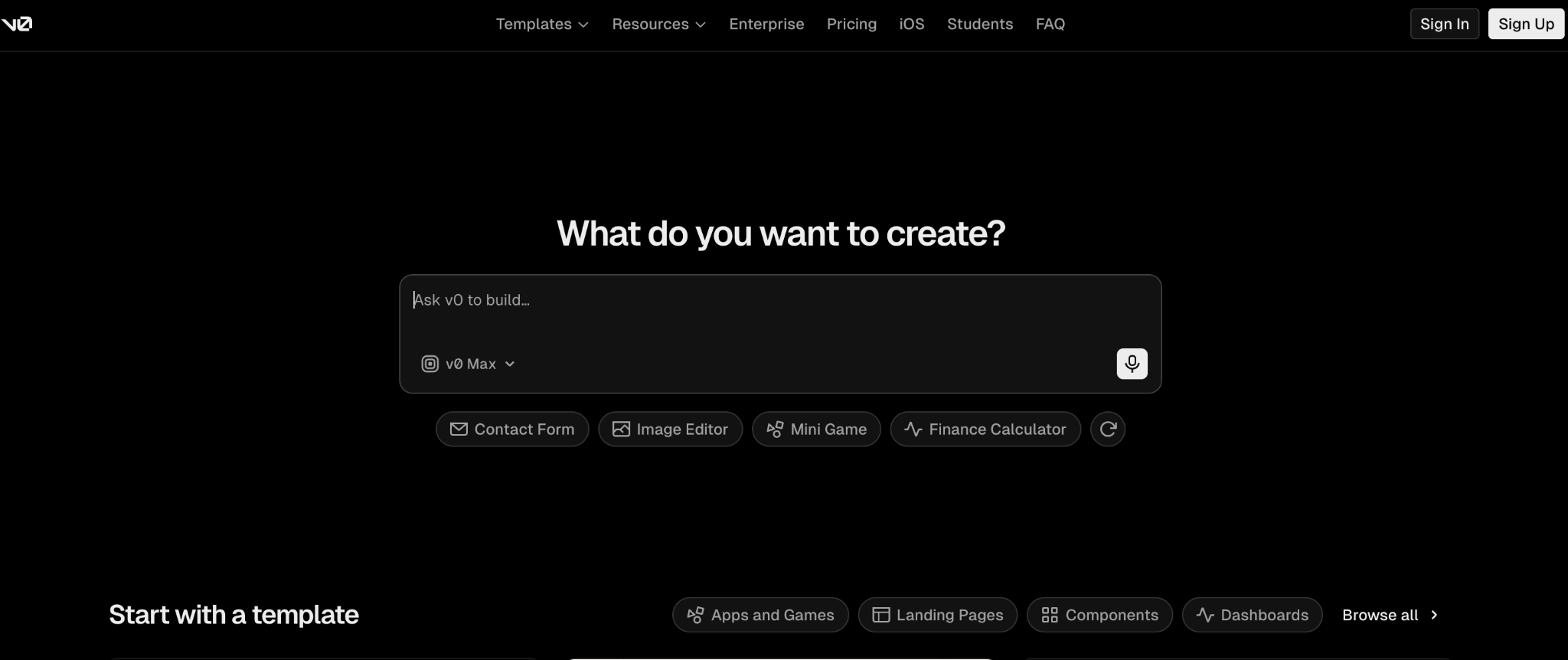
v0 by Vercel is the best Bolt alternative for polished interface design. It converts prompts into production-quality front-end components that plug into the Next.js ecosystem. While Bolt builds full-stack apps, v0 focuses on high-quality interfaces and one-click Vercel deployment.
Key features
- React component generation: Clean, modern components using shadcn/ui patterns.
- Vercel-native deploy: One-click deployment to Vercel.
- VS Code-style editor: Full editor with Git integration.
Pros
- Superior frontend component quality.
- Tight Vercel and Next.js integration.
- Strong for design systems.
Cons
- Frontend-focused; less suited for full-stack apps.
- Token-based credits like Bolt.
Best for
- Frontend developers in the React ecosystem.
- Teams building design systems.
- Vercel users wanting native deployment.
Pricing
Free / Plus $30/user/month / Business $100/user/month. See v0 pricing.
7. Base44
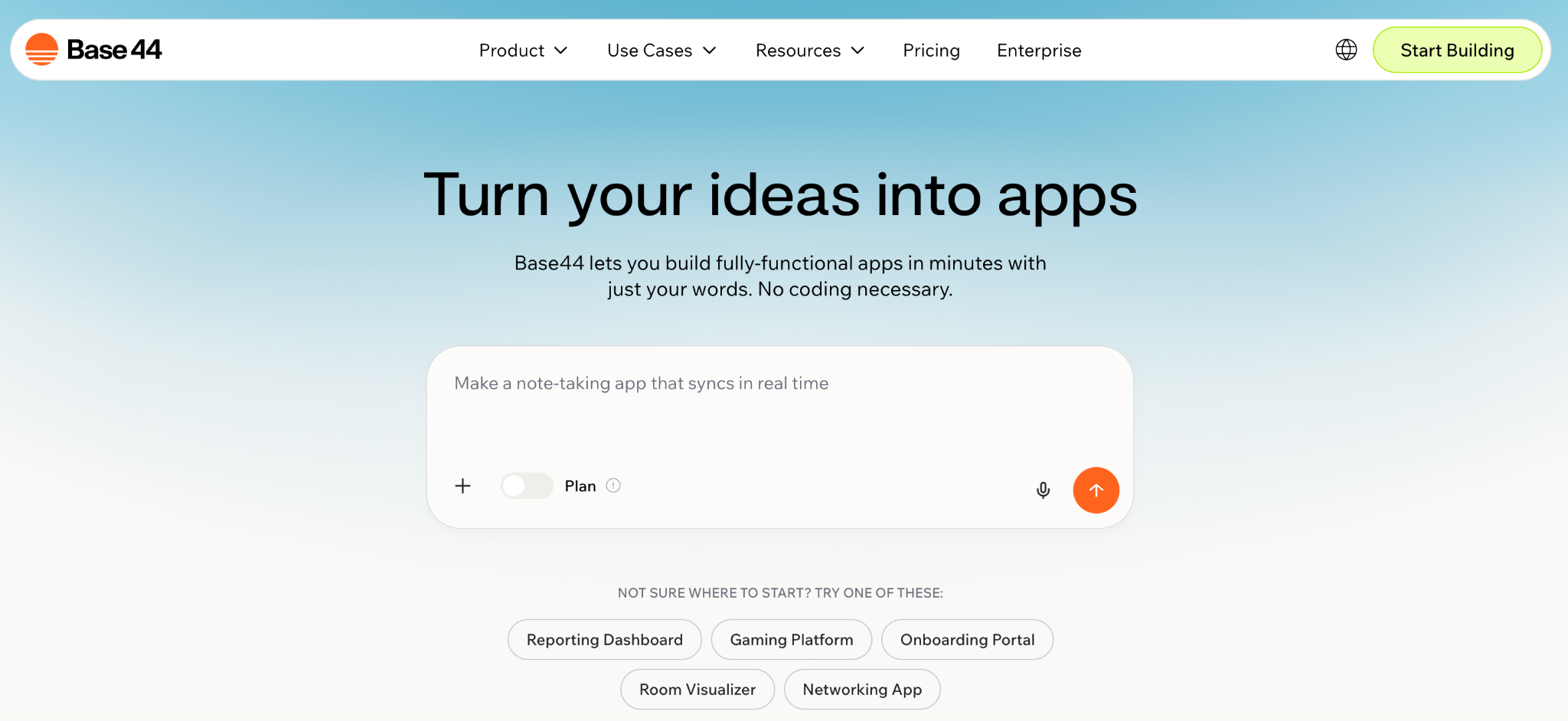
Base44 is the best Bolt alternative for all-in-one app building with the backend included. It generates full-stack apps from prompts and bundles the services most apps need (authentication, database, email) so you do not wire them up separately. It is aimed at builders who want a working app with the backend already running, ready for real users.
Key features
- Full-stack generation: Frontend and backend from plain-language prompts.
- Built-in services: Authentication, database, and email included.
- One-click deploy: Launch without separate infrastructure setup.
Pros
- Backend services included out of the box.
- Faster path to a working app than frontend-only tools.
- Beginner-accessible.
Cons
- Less code control than IDE-based tools.
- Newer tool with a smaller community.
Best for
- Founders wanting a full-stack MVP fast.
- Builders who do not want to configure a backend.
- Bolt users who hit backend limits.
Pricing
Free / Starter $20/month / higher tiers scale with usage. See Base44 pricing or the Zite vs. Base44 comparison.
8. Softr
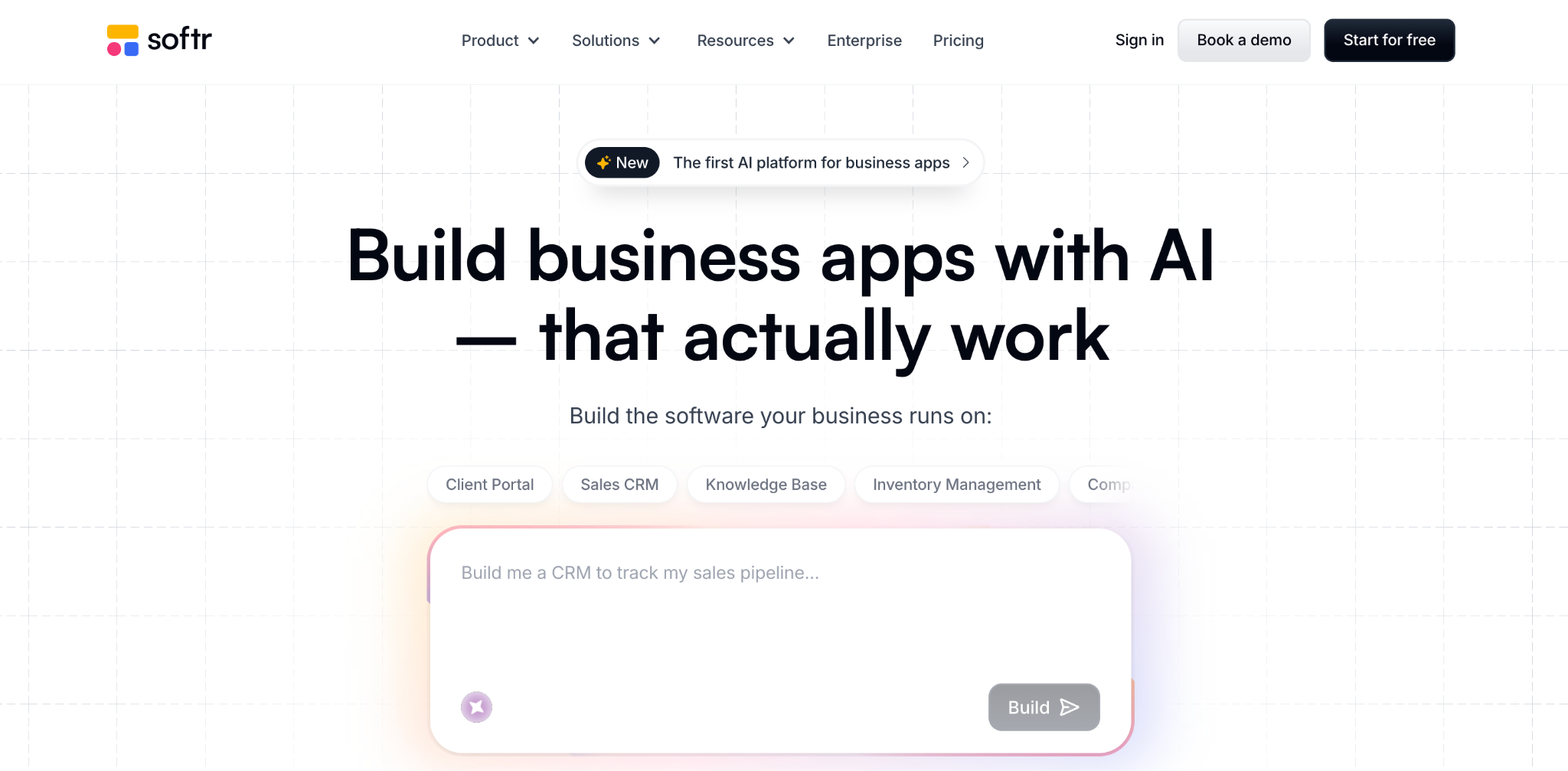
Softr is the best Bolt alternative for apps built on top of existing Airtable data. It turns Airtable, Google Sheets, or its own database into client-facing apps and internal tools with authentication and role-based access. If your data already lives in Airtable, Softr is faster than generating an app and wiring up a database from scratch.
Key features
- Multiple data sources: Airtable, Google Sheets, SQL, or Softr’s own database.
- Pre-built blocks: Lists, forms, login flows, and member areas.
- AI Co-Builder: Generates an app and database from a description.
Pros
- Fastest path to an app on Airtable data.
- Built-in authentication and roles.
- Strong template library.
Cons
- Outgrows quickly for complex workflow logic.
- Per-tier app user limits
Best for
- Teams already using Airtable.
- Agencies building client-facing apps.
- Non-technical builders wanting polish fast.
Pricing
Free / Basic $59/month / Professional $167/month / Business $323/month. See Softr pricing.
9. Glide
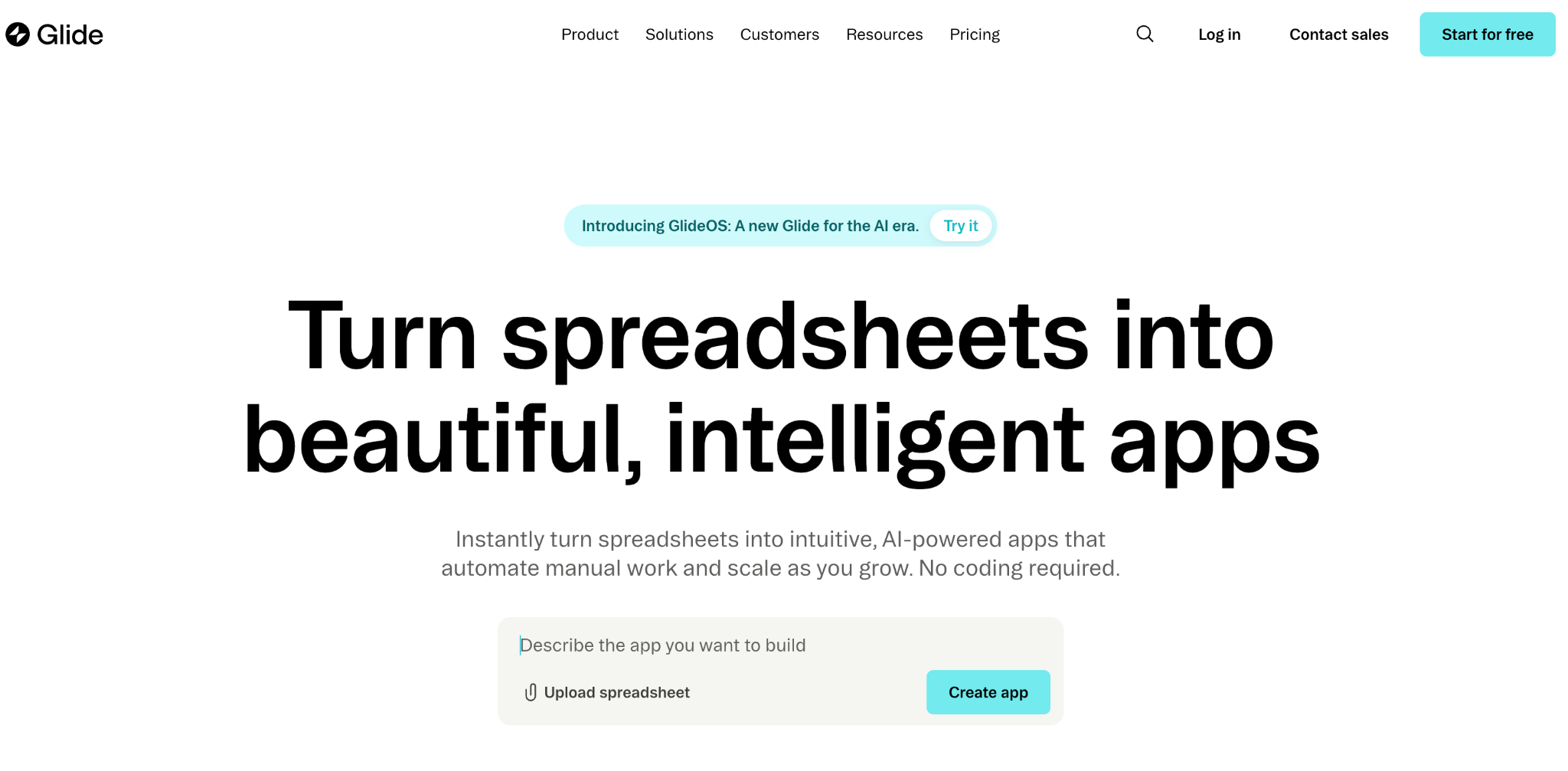
Glide is the best Bolt alternative for mobile-friendly apps from spreadsheet data. It turns Google Sheets, Excel, or Airtable into clean, mobile-friendly apps with a drag-and-drop interface. While Bolt produces web apps, Glide is mobile-first and fast for simple data-driven apps.
Key features
- Spreadsheet-to-app: Connect a Sheet, and Glide builds an app shell.
- Glide Tables: Native database for teams without a spreadsheet.
- AI features: Image recognition, text generation, and document processing.
Pros
- Fast from spreadsheet to working app.
- Clean mobile-friendly designs.
- Generous personal-user allowance on Maker.
Cons
- Per-user pricing on Business adds up.
- Work email logins require the Business tier.
Best for
- Solo builders and small teams.
- Mobile-first data apps.
- Teams with data already in spreadsheets.
Pricing
Free / Explorer $25/month / Maker $60/month / Business $249/month. See Glide pricing for details.
10. Windsurf
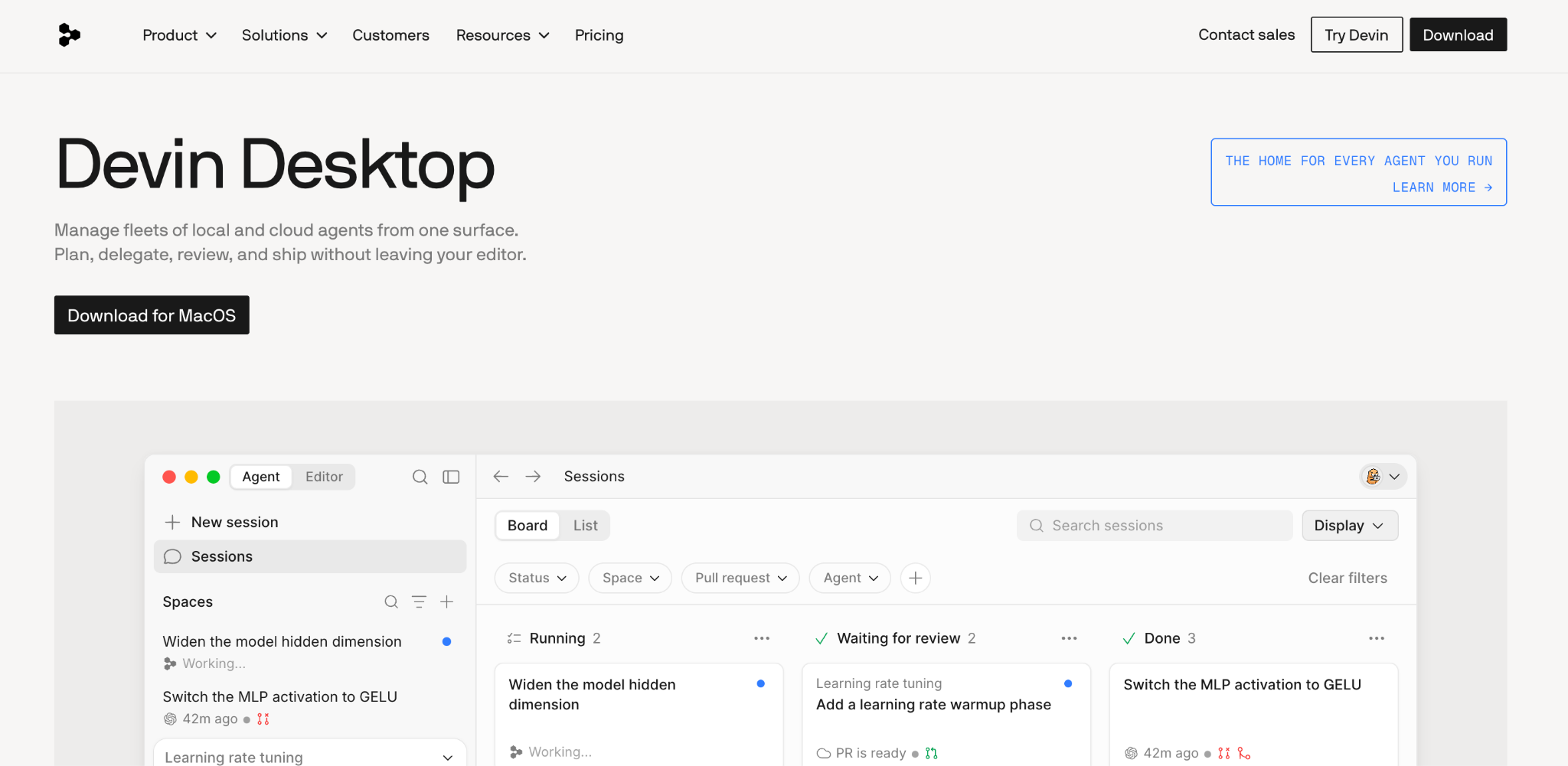
Windsurf is the best Bolt alternative for AI-assisted coding inside an IDE. Like Cursor, it is an AI-first code editor that helps developers generate and refactor code with full control over the code itself. It is a developer tool, not an app generator, so it suits teams looking to move a Bolt prototype into maintainable code.
Key features
- AI agent in an IDE: Generate and edit code across files.
- Codebase awareness: The AI understands your whole project context.
- Any framework: Works with your existing stack.
Pros
- Strong AI agent for real codebases.
- Full code control.
- Competitive pricing for developers.
Cons
- Requires coding knowledge.
- No visual builder for non-technical users.
Best for
- Developers wanting an AI-first IDE.
- Teams maintaining production code.
- Builders graduating from prototype tools.
Pricing
Free / Pro $20/month / Teams $80/month base + $40/seat / Max $200/month. See Windsurf pricing.
11. Adalo
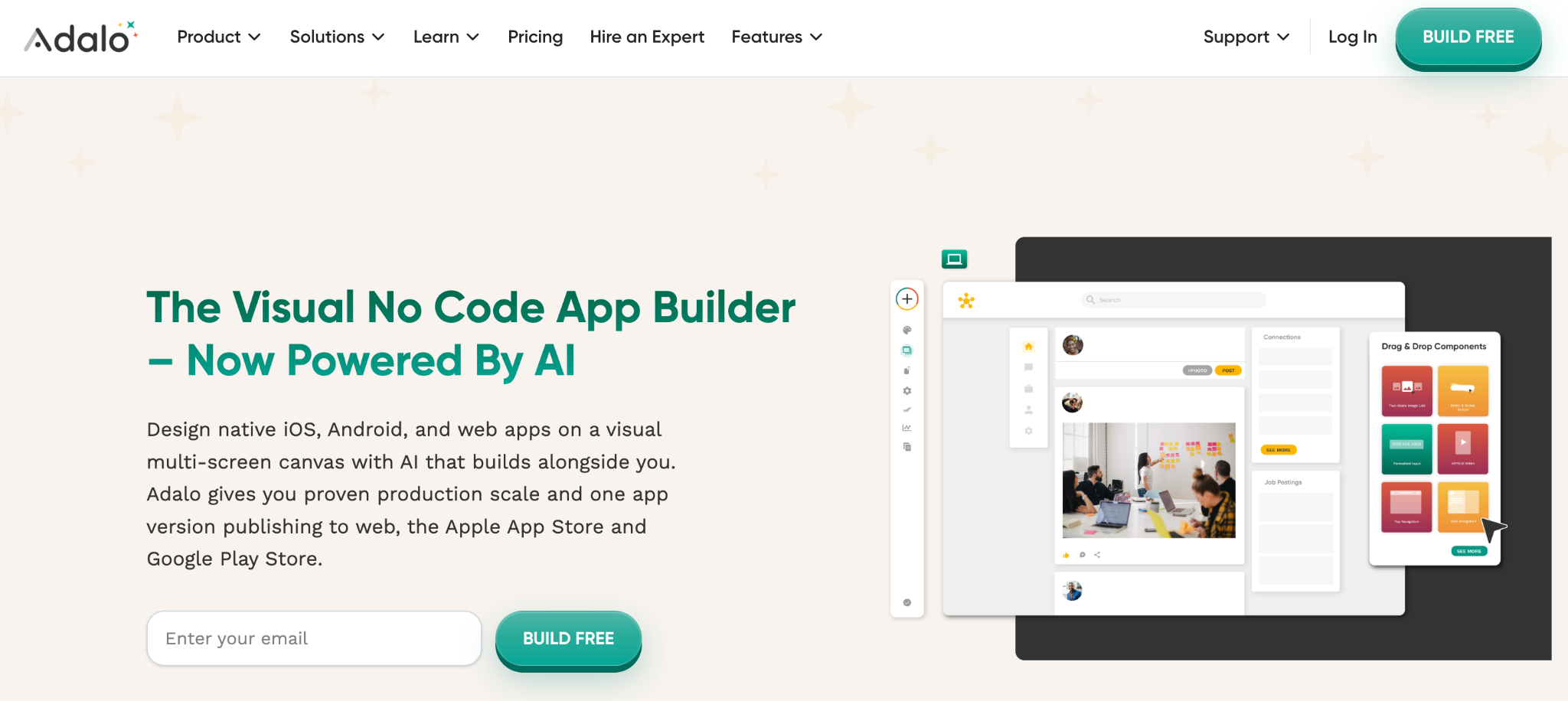
Adalo is the best Bolt alternative for true mobile apps. It builds native iOS and Android apps (plus web apps) with a built-in database and an AI builder, and publishes directly to the App Store and Google Play. Where Bolt produces web apps, Adalo is the pick when you need an app that users actually download.
Key features
- Native mobile publishing: Build once, publish to iOS and Android.
- AI builder (Ada): Generates an app foundation from a description.
- Built-in database: No external backend setup.
Pros
- Real native mobile apps, not web wrappers.
- AI building speeds up the skeleton.
- Unlimited database records on paid plans.
Cons
- Web responsiveness less polished than dedicated web builders.
- Pricing jumps between tiers.
Best for
- Teams needing a real iOS or Android app.
- Builders publishing to app stores.
- Mobile-first products.
Pricing
Free / Starter $45/month / Professional $65/month / Team $200/month. See Adalo pricing.
12. UI Bakery
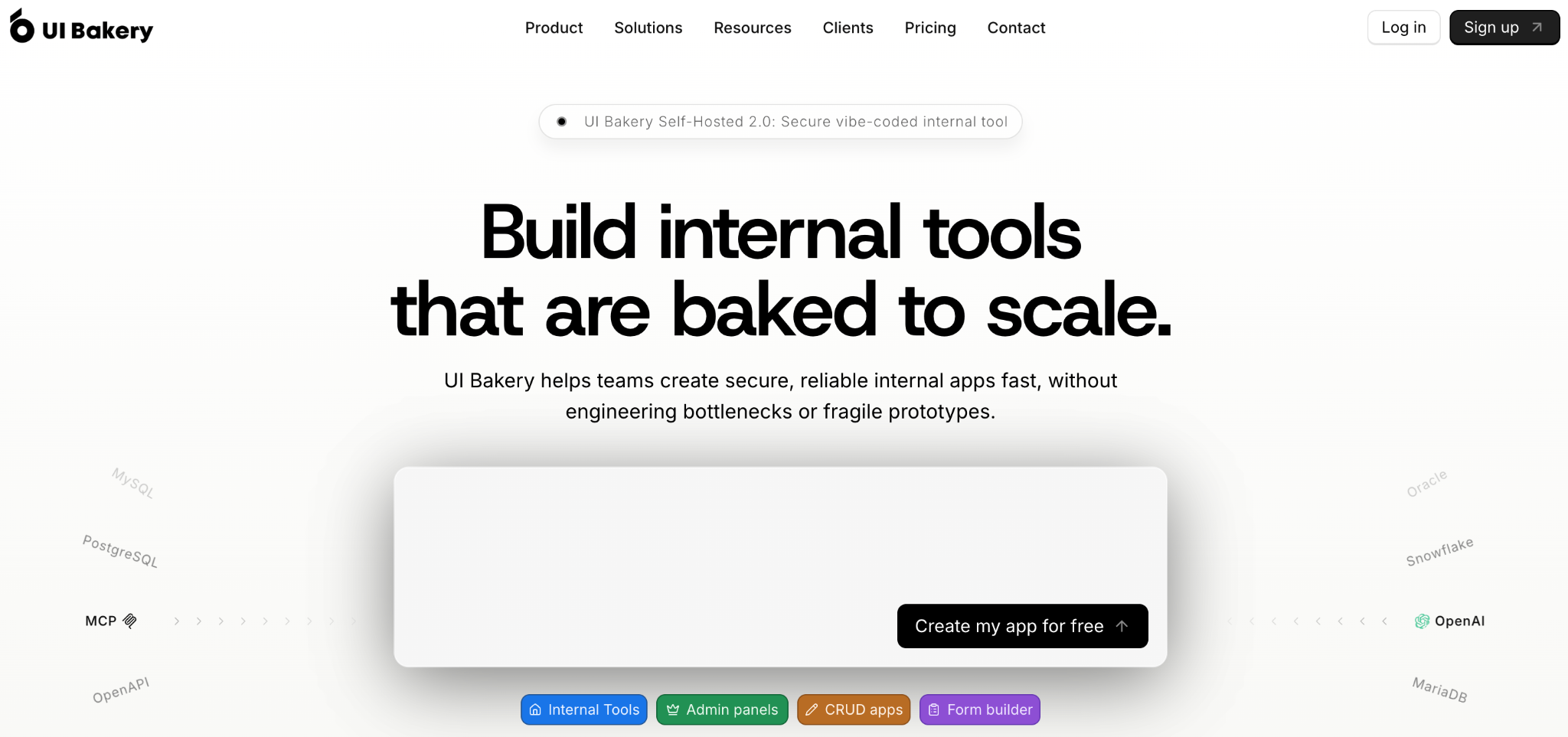
UI Bakery is the best Bolt alternative for internal tools and admin panels. It blends low-code development with AI scaffolding to generate responsive UIs connected to APIs, databases, and authentication. It gives more granular control over UI and backend logic than a pure prompt-to-app tool, which suits operational teams.
Key features
- AI app generation: Describe the layout or function and generate a responsive UI.
- Data connectivity: Connect APIs, databases, and auth systems.
- Component control: Granular control over UI and logic.
Pros
- Strong for data-connected internal tools.
- More UI control than prompt-only builders.
- Cost-effective per-developer pricing.
Cons
- Steeper than visual-only no-code tools.
- Less suited for consumer-facing apps.
Best for
- Teams building internal tools and admin panels.
- Builders needing API and database connectivity.
- Operational use cases.
Pricing
Free / Builder $25/developer/month / Team $40/developer/month. See UI Bakery pricing.
13. Retool
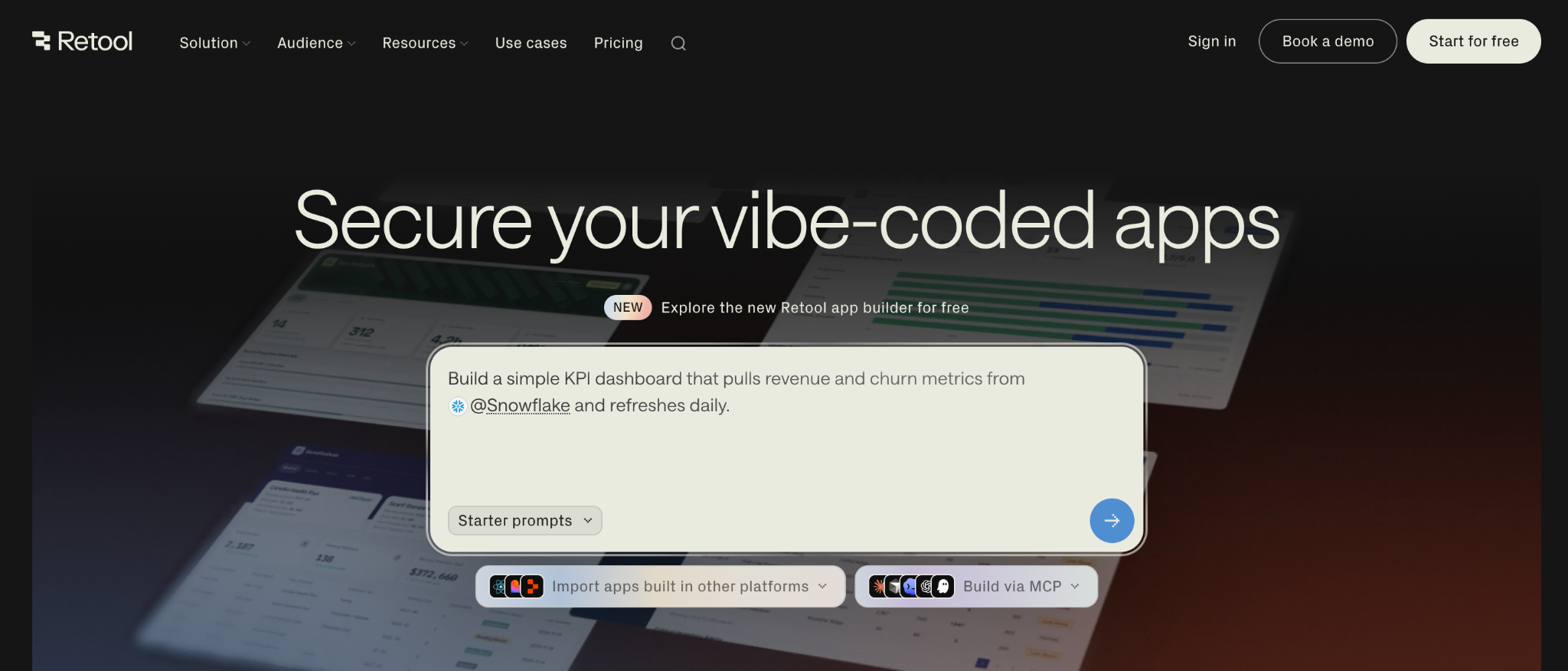
Retool is the best Bolt alternative for data-heavy internal dashboards. It combines drag-and-drop UI components with custom JavaScript and SQL for dashboards, admin panels, and operational tools. It is low-code, not no-code, so it fits technical ops teams who want speed plus the option to write code.
Key features
- 80+ data connectors: PostgreSQL, MongoDB, Snowflake, REST APIs, and more.
- JavaScript and SQL: Write custom logic when the visual builder is not enough.
- AI generation: Describe what you need for a starting point.
Pros
- Powerful for data-connected internal tools.
- Deep connector library.
- Free tier supports up to 5 users.
Cons
- Not full no-code; real builds need JavaScript or SQL.
- Per-user pricing jumps at the Business tier.
Best for
- Technical ops teams building internal dashboards.
- Builders connecting many data sources.
- Teams comfortable writing some code.
Pricing
Free / Team $12/builder + $7/internal user per month / Business $65/builder + $18/internal user per month. See Retool pricing.
14. Webflow
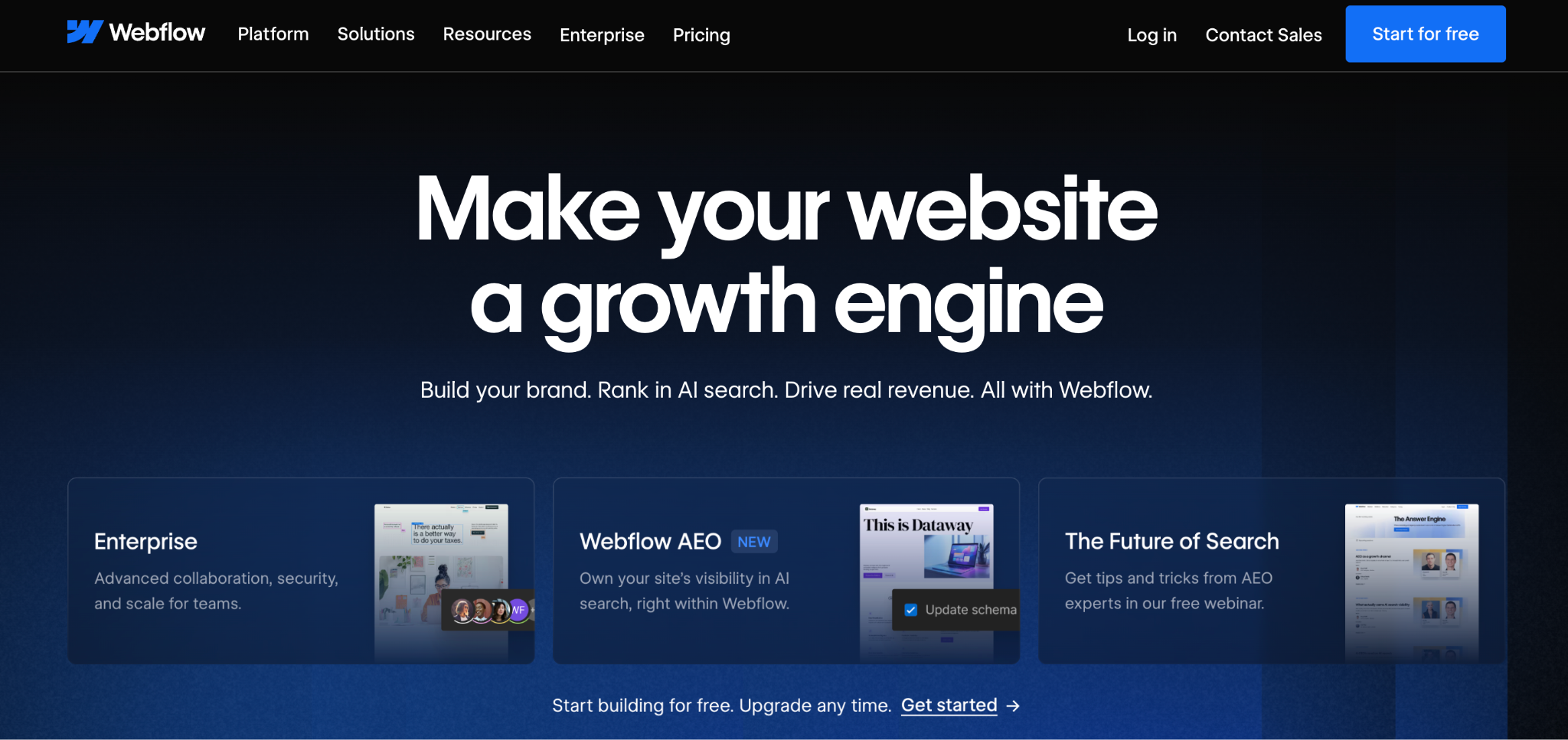
Webflow is the best Bolt alternative for AI-driven marketing sites. It is a visual web design tool with a CMS and AI features that generate site structure and copy, built for polished marketing sites with pixel-level design control. If your Bolt project was a website all along, Webflow produces a more design-controlled, SEO-friendly result.
Key features
- Visual design control: Pixel-level control over responsive sites.
- CMS: Built-in content management for blogs and dynamic pages.
- AI site generation: Generate structure and copy from a description.
Pros
- Best-in-class design control for sites.
- Strong CMS and SEO features.
- Polished, professional output.
Cons
- Built for sites, not data-driven apps.
- Learning curve for advanced features.
Best for
- Marketing teams building branded sites.
- Designers who want visual control.
- Content-heavy sites needing a CMS.
Pricing
Free (Starter) / Basic $25/month / Premium $39/month / Team $2,500/month. See Webflow pricing.
15. Banani
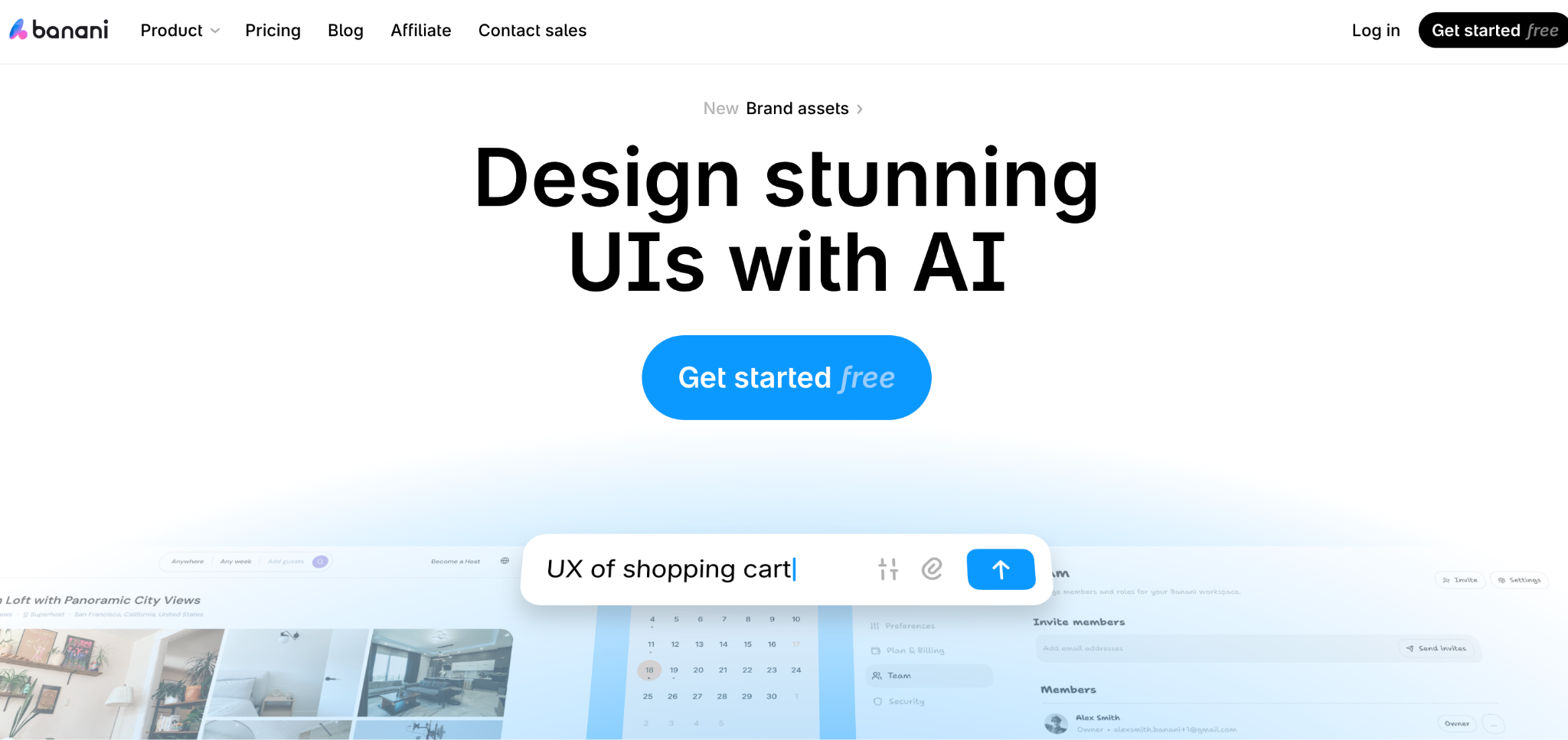
Banani is the best Bolt alternative for AI UI design and wireframes. It builds editable, exportable wireframes from a text prompt, an image, or a Figma frame, with predictable per-generation pricing. It is a design-stage tool, so use it to nail the UI before building, then export to a builder so you do not burn app-builder credits on design tweaks.
Key features
- Prompt-to-wireframe: Generate hi-fi mockups from text, an image, or Figma.
- Editable output: Refine wireframes before development.
- Predictable credits: One credit equals one generation or edit.
Pros
- Granular UI control before building.
- Predictable per-generation pricing.
- Saves app-builder credits on design.
Cons
- Design-only; does not build working apps.
- Needs a separate tool to ship.
Best for
- PMs and non-designer founders.
- Teams designing UI before development.
- Builders saving credits on design fine-tuning.
Pricing
Free (12 monthly + 3 daily credits) / Plus $12/month / Pro $30/month. See Banani pricing.
How to evaluate Bolt AI alternatives
The right pick depends less on features and more on what is blocking you with Bolt. Work through these five questions:
- Are you technical or not? Developers get more from Cursor, Windsurf, Replit, and v0. Non-technical builders are better served by Zite, Softr, Glide, or Bubble, which do not expect you to read code when something breaks.
- Do you need full-stack, frontend, or design only? Bolt and Lovable do full-stack, as do Base44 and Replit. v0 and Banani focus on the frontend and design.
- How predictable does pricing need to be? Token and credit metering (Bolt, Lovable, Replit, v0) can spike during heavy use. Unlimited-user pricing (Zite) stays more predictable as you scale.
- What happens after the prototype? If you need to maintain and grow the app, prioritize code ownership (Cursor, Lovable, Replit) or a visible database and logic you can edit (Zite).
- Web, mobile, or internal tool? Adalo and Glide for mobile, Webflow for marketing sites, Retool and UI Bakery for internal tools, and Zite for business apps and portals.
Stop fighting your AI builder when it breaks
Bolt is excellent in the first 20 minutes, turning a prompt into a working prototype fast. The trouble starts when the app grows, and you are stuck prompting a black box, watching token costs climb, and hoping the AI fixes what it broke.
The alternative that solves that for non-technical teams is a tool where you can see what the app is doing. Zite keeps the database visible as tables and fields, and the logic visible as workflows, so when something breaks, you trace the step instead of guessing. With unlimited users at $19/month, the pricing stays predictable as your team and your app grow.
For a broader category view, see this roundup of no-code AI app builders tested across business use cases.
Start building with Zite to see the difference between an AI builder that hands you code to debug and one that hands you an app you can use.
Frequently asked questions
What is the best Bolt AI alternative?
The best Bolt AI alternative depends on what you are building. For browser prototyping with cleaner code, Lovable is the closest match. For developer code control, Cursor. For non-technical teams building business apps with a visible database, Zite.
Is there a free Bolt AI alternative?
Yes, several Bolt AI alternatives have free tiers. Zite, Lovable, Bubble, Replit, v0, Glide, Softr, and Cursor all offer free plans with usage limits. They work well for testing the tool and building small projects.
Why is Bolt so expensive?
Bolt is expensive because it uses a token-based credit system where every prompt consumes tokens, including the AI’s failed fix attempts. During a heavy debugging session, costs can run well above the monthly sticker price. Unlimited-user pricing like Zite's is more predictable, since adding teammates doesn't raise the bill.
What’s the difference between Bolt AI and Bolt.new?
Bolt AI and Bolt.new are the same tool, the AI app builder by StackBlitz that generates full-stack web apps from prompts in the browser. People search for it both ways. It is separate from other products that share the “Bolt” name.
Can a non-technical person use a Bolt AI alternative?
Yes, several Bolt AI alternatives are built for non-technical users. Zite, Softr, Glide, and Bubble let you build apps without reading or writing code. Zite keeps the database and logic visible.
Which Bolt AI alternative is best for building internal tools?
For internal tools, the best Bolt AI alternatives are Zite for AI-generated business apps with a visible database, Retool for data-heavy dashboards if you have technical staff, and UI Bakery for admin panels connected to APIs.
Can I move my app from Bolt to another tool?
Yes, Bolt has a GitHub export, so you can move the code to an IDE like Cursor or Windsurf, or a browser environment like Replit, to keep building. Expect some refactoring, since the exported code includes Bolt’s browser-environment setup.

