


Most teams reach for a database app builder at the same moment. A spreadsheet that ran the business for two years has grown a tab nobody understands; three people are editing it at once, and someone outside the company now needs to see part of it without seeing the rest.
I spent about a month building the same supplier and purchase order tracker in all nine tools. Then I pushed each build until real users and real permissions were involved.
I paid for the tiers that unlocked external users, because that's where most of these tools start charging seriously.
By the end of this, you'll know which of the nine fits your data, your team, and your budget. You'll also know which ones get expensive as your team or your data grows.
9 best database app builders: TL;DR
- Airtable: Best for database-first teams who want the data structured before any app exists.
- Knack: Best for apps with hundreds of end users, since pricing ignores seat count.
- Zite: Best for non-technical teams who want the database and the app generated together.
- Tadabase: Best for deeply customized internal software where every page needs its own rules.
- Baserow: Best for teams that must keep the data on their own servers.
- Stackby: Best for trackers that pull live numbers from other services.
- Zoho Creator: Best for businesses already running on the Zoho suite.
- Quickbase: Best for large regulated teams with governance requirements.
- Jotform: Best for form-driven data collection where submissions are the source.
How I researched and tested these database app builders
I built the same supplier and purchase order tracker across all nine tools over about four weeks, with three linked tables, an approval that fires when spend exceeds a threshold, and three roles, including a supplier who should see only their own deliveries.
Here's what I scored each on:
- Data modeling: How quickly you get linked tables with sensible field types, and whether relationships hold as records grow.
- Usability: Whether a non-technical colleague could pick up the build and change something without help.
- Access control: How far role and record-level permissions go, especially once external users log in.
- Pricing: What the free tier really covers, and whether cost tracks users, records, or apps as the thing grows.
- Use cases: How each held up across an internal tracker, an approval flow, and a supplier-facing view.
I kept the list to tools that own both the data and the interface. For the broader set of no-code app builders with a database, that roundup goes further than this one.
Two tools came close and missed the list. Caspio handled the data well, but it starts at $300 a month. Ninox lists one set of entry prices on its own page and different ones on review sites, so I left it out rather than publish a figure I couldn't confirm.
Building the same thing nine times showed which tools hold up once real users and real permissions are involved. A polished demo told me nothing about that.
9 best database app builders: quick comparison
All prices below are monthly-billed rates, checked in August 2026.
1. Airtable: Best for database-first teams
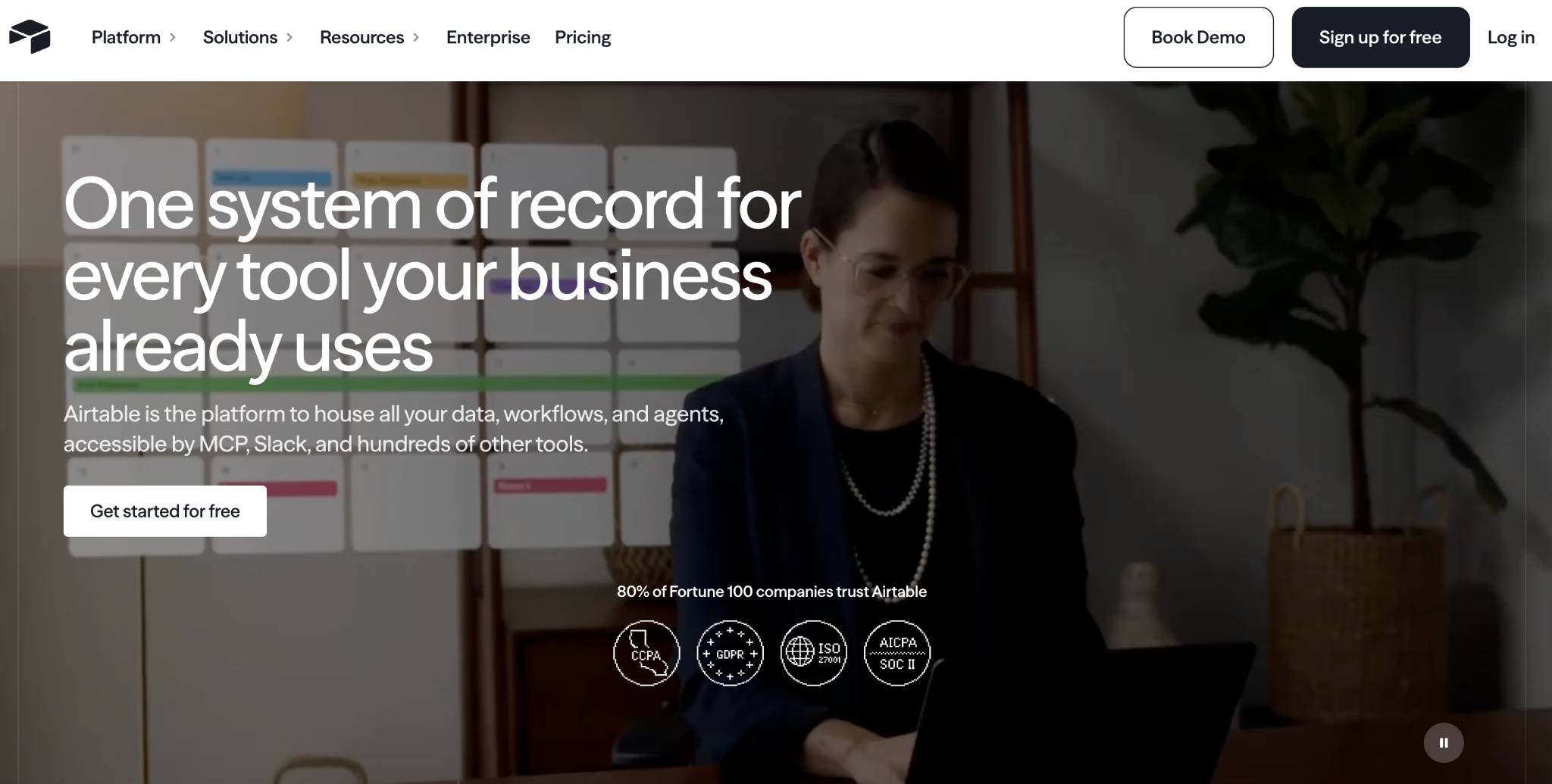
What it does: Airtable is a relational database with a spreadsheet interface, plus Interfaces for building views and light apps on top of it.
Best for: Teams who think in spreadsheets and want the data structured properly before any app exists.
Airtable has the most approachable relational model of anything I tested. My three tables linked in minutes, and the rollups behaved as a spreadsheet user expects.
Where it thinned out was in the supplier view, since Interfaces suit internal dashboards better than anything an outsider logs in to.
Key features
- Linked records and rollups: Real relational structure sitting behind a familiar grid.
- Multiple views: Grid, calendar, Kanban, timeline, and gallery on the same records.
- Interfaces: Dashboards and record pages built from your tables without code.
Pros
- Best spreadsheet feel of anything here, and the one colleagues pick up fastest.
- Large template library and integration set, so most connections already exist.
- Views cover reporting for most internal needs without a separate BI tool.
Cons
- Per-user pricing climbs quickly once the whole team needs access.
- Interfaces stay thin next to a dedicated app builder, especially for external users.
- Record caps per base push larger teams up a tier sooner than expected.
What users say
"As a Technical Producer, what I value most about Airtable is its unique ability to bridge the gap between a rigid relational database and a flexible project management tool." Yuksel Berk Y, G2

"In Airtable, I don't have enough for 50,000 rows, and the bigger the database, the slower it works." Vadim C, G2
Pricing
Airtable is free to start, with up to 1,000 records per base. Team is $24/user/month with 50,000 records per base. Business is $54/user/month with 125,000 records per base. Enterprise is custom-priced. See the Airtable pricing page.
Bottom Line
Airtable is the one I'd hand to a team whose data structure matters more than the interface. Once suppliers or clients need their own logins, pair it with a portal tool or work through the Airtable alternatives with a stronger app layer.
2. Knack: Best for large end-user bases
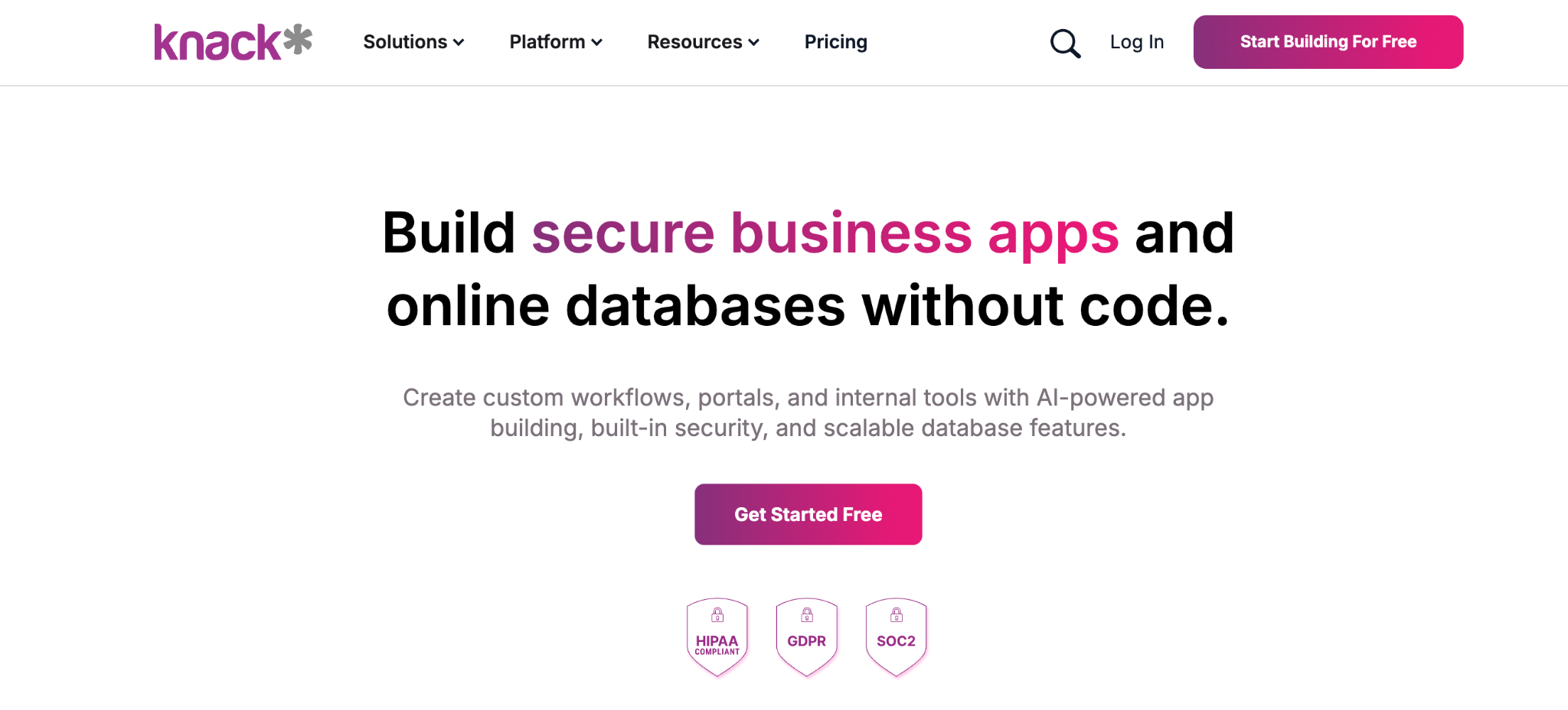
What it does: Knack is a no-code database app builder with relational tables, built-in user accounts, and pricing based on records rather than seats.
Best for: Nonprofits, schools, and businesses whose apps have hundreds of end users.
Pricing here is based on records and apps rather than seats, which changes the maths for more than a few dozen people. Adding supplier logins cost me nothing extra, whereas the same move on Airtable adds a seat each time.
The relational layer clicked together more naturally than I expected for a three-table model. The interface it produces looks closer to 2015 than 2026.
Key features
- Unlimited users on every plan: Pay for records and apps.
- Relational tables: Connections, formulas, and rollups across linked records.
- Built-in logins: User accounts and role-based pages without a bolt-on tool.
Pros
- Cost stays predictable as the user count grows, which suits member or client apps.
- Strong relational modeling for linked business data.
- Mature product with a long track record and stable behavior.
Cons
- Dated interface next to newer builders.
- Record limits on lower tiers push teams up a plan.
- Formulas and rollups have a real learning curve.
What users say
"It's a great tool to get a project up and running very quickly, but it can support a lot more detailed interaction with Flows and the API." Cary K, Capterra

"There is no log that keeps track of changes made in the database builder." Martin S, Capterra
Pricing
Knack has no free plan. Starter is $59/month, Pro is $130/month, and Corporate is $300/month, with pricing based on records and apps rather than seats. Every plan includes unlimited users. See the Knack pricing page.
Bottom Line
Knack earns its place the moment per-user pricing would sink you. If the app has to look current to the people using it, weigh that against the savings.
3. Zite: Best for non-technical teams
What it does: Zite pairs a full database with an AI-powered builder that generates a business app and the workflow logic behind it from a plain-language description.
Best for: Teams outgrowing a spreadsheet, including small businesses, agencies, nonprofits, and local government, who want the database and the interface built together.
I described the supplier tracker in a sentence, and Zite produced the linked tables, the screens each role needed, and the approval routing in one pass.
Zite Database is a product in its own right, not a by-product of the app. It runs on the same grid across every app in a workspace, so a person who is a requester in one app is the same record everywhere, with roles that apply consistently.
AI Fields fill in every row on their own, categorizing, scoring, or summarizing as records come in, and a built-in Database Agent answers plain-language questions about your data. It scales to 100,000 records on Pro, 250,000 on Business, and 1,000,000 on Team.
The database stays a spreadsheet-style grid that you edit directly. Zite lays the workflow logic out visually, so you can read and trace each step. Changing that logic happens by describing the change, which took adjusting to after Airtable.
Key features
- AI generation from a prompt: Tables, screens, and workflow logic built in the same pass.
- Built-in database: 27 field types, linked records, lookups, and formulas, with backups and point-in-time restore, plus connections to Zapier, n8n, and Relay for automation.
- Connect data you already have: Point it at Airtable, Google Sheets, Excel, or Notion and keep them updating, with real-time sync for Airtable and Google Sheets, or import CSV data into Zite's own database.
- Filtered views per group: Give staff, clients, and partners each their own filtered view of the data. Full roles and granular permissions sit on the Team plan.
Pros
- One description produces the app, the data, and the logic together.
- Unlimited users on every plan, including the free tier.
- Logic stays visible, so a non-developer can see what was built.
Cons
- Newer product, so the template library is still growing.
- Limited credits on the free and lower tiers during heavy iteration.
- Web apps only, with no native iOS or Android export.
What users say

“Zite looks [like] a hell of a product for a one-stop shop; it has its own databases, forms, auth logins.” Verified User, Reddit

“More flexibility on pricing tiers for teams with variable submission volumes would be welcome.” Alvaro H, G2
Pricing
Zite is free with unlimited users and limited credits. Paid plans start at $25/month for Pro and $89/month for Business, both with unlimited users. See the Zite pricing page.
Bottom Line
Reach for Zite when you want the data layer and the interface in one pass and have nobody to hand a build to. It reads an existing Airtable or Sheets base as happily as it builds a new one, so the data's current home is no reason to rule it out.
4. Tadabase: Best for deeply customized internal software
What it does: Tadabase is a no-code database web app builder aimed at custom business software, with granular components, workflow rules, and unlimited users.
Best for: Teams replacing a process-specific system who want control over how every page behaves.
Nothing else at this price gives you this much say over how a page behaves. Display rules and component-level permissions let me hide a field from suppliers on one page while showing it on another.
That depth cost time. The tracker took noticeably longer to build here than in Zite or Airtable, and the design work assumes some comfort with CSS.
Key features
- Granular display rules: Show, hide, and restyle components per role or record state.
- Workflow automation: Scheduled tasks and record-triggered actions without code.
- Unlimited users: Priced by apps, records, and storage instead of seats.
Pros
- Deepest control over pages, components, and permissions on this list.
- Unlimited users on every plan, which suits partner-facing apps.
- HIPAA-compliant option available on the higher tiers.
Cons
- Slower to build than the AI-led or spreadsheet-led tools.
- Design needs CSS for anything beyond the templates.
- No free plan, only a 14-day trial.
What users say
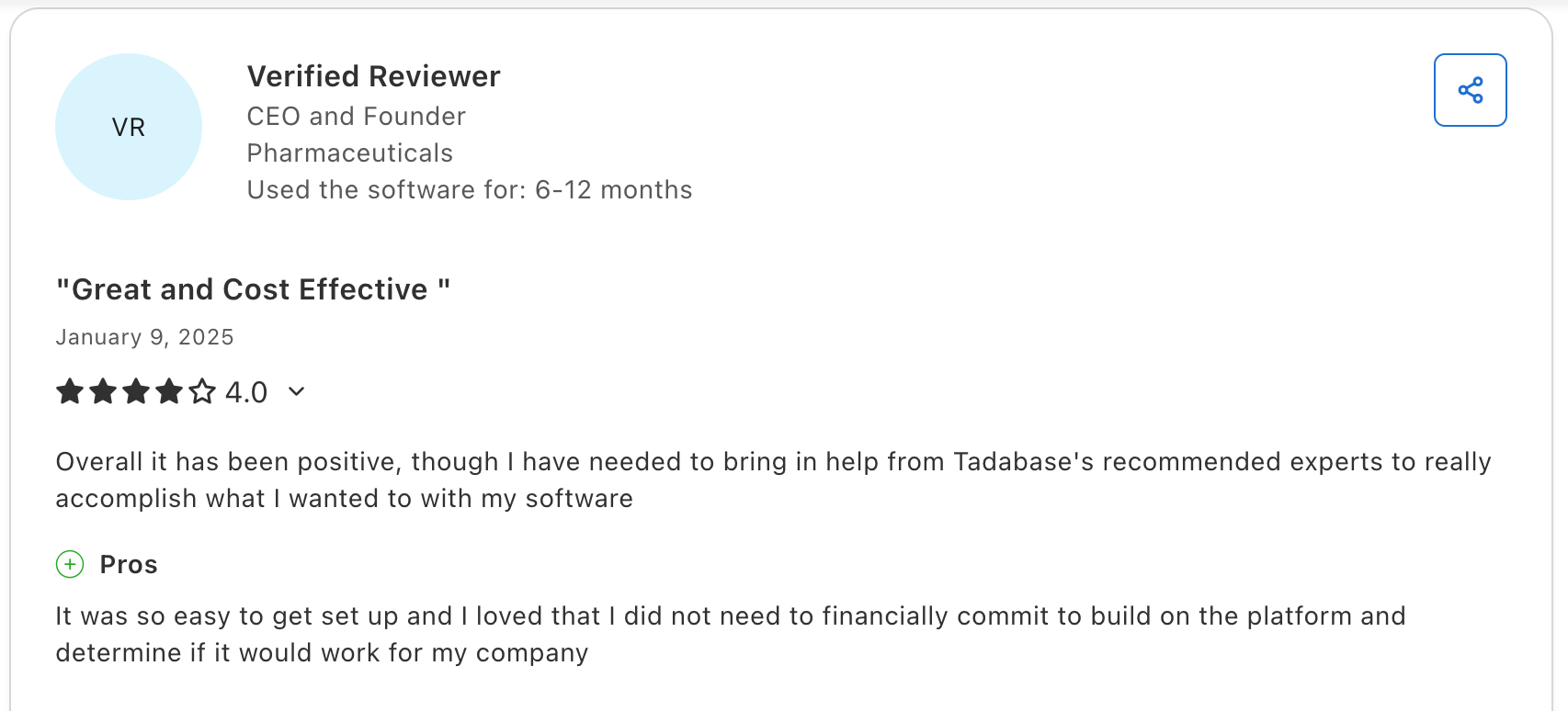
"It was so easy to get set up, and I loved that I did not need to financially commit to building on the platform and determining if it would work for my company.” Verified User, Capterra

"The lack of a native app has been a disadvantage for us." Baruch G, G2
Pricing
Tadabase has no free plan, only a 14-day trial. Business Starter is $50/month, Business Growth is $125/month, Business Pro is $250/month, and Business Elite is $450/month, with pricing scaling based on apps and records. Every plan includes unlimited users, and annual billing drops the entry to $42/month. See the Tadabase pricing page.
Bottom Line
Pick Tadabase when the process is specific enough that generic screens would fight you, and you have the hours to shape it. Display rules and component-level permissions give you a level of say over each page that nothing else here matches.
5. Baserow: Best for data ownership
What it does: Baserow is an open-source no-code database with a spreadsheet interface, a REST API, and a self-hosting option.
Best for: Teams with data residency or governance requirements that rule out a vendor cloud.
Self-hosting is the whole reason to choose Baserow, and it works properly rather than as a checkbox. Running it on your own infrastructure removes row and user limits.
The application builder is younger than the database, so assembling a full app with roles and approvals took more manual work here than in Knack or Tadabase.
Key features
- Open-source self-hosting: Run it on your own servers with no license fee.
- Spreadsheet-style database: Grid, Kanban, calendar, and gallery views.
- REST API and webhooks: Read and write records programmatically.
Pros
- Self-hosting with no row or user caps.
- Open source, so there's no vendor lock-in on your data.
- Strong automation tooling through n8n, Make, and Zapier.
Cons
- Younger app builder than the database it runs on.
- Self-hosting overhead, including server management and update discipline.
- Cloud row limits arrive sooner than with competitors.
What users say
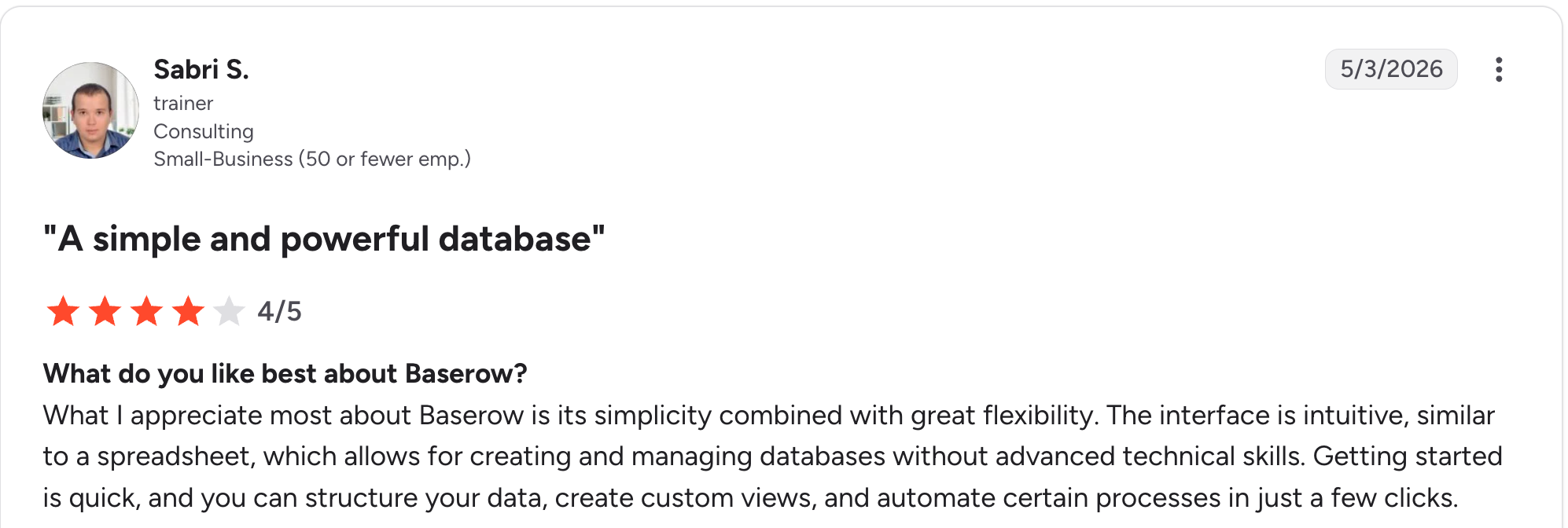
“What I appreciate most about Baserow is its simplicity combined with great flexibility.” Sabri S, G2

“Learning Curve: Some users might find the initial setup and navigation a bit tricky, especially if they're new to database management.” Louise M, G2
Pricing
Baserow is free to self-host and free on cloud up to 3,000 rows. Premium is $12/user/month, and Advanced is $22/user/month, with pricing that scales with rows and storage. Enterprise is custom-priced. See the Baserow pricing page.
Bottom Line
Use Baserow when a data residency rule makes hosted options impossible. No other tool here clears that bar as cleanly, and running it yourself removes the row and user caps entirely.
6. Stackby: Best for trackers that pull in outside data
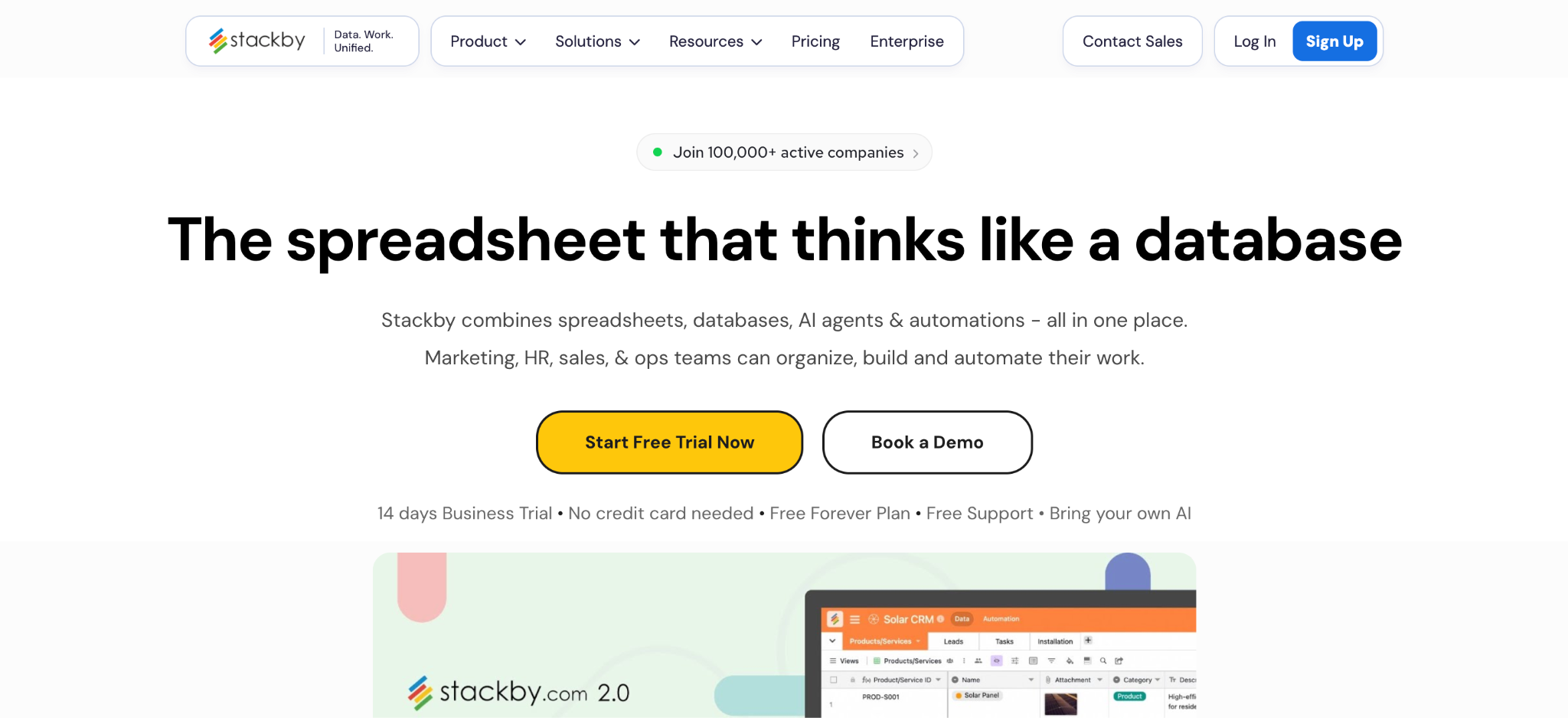
What it does: Stackby is a spreadsheet-database hybrid whose columns can pull live data from third-party services through built-in API connectors.
Best for: Marketing, sales, and research teams whose tables need numbers from other tools.
Stackby's one standout is its API columns. A column can fetch metrics from an outside service and refresh on a schedule, which nothing else here does natively at this price.
As an app builder, it stays modest. My supplier-facing view had to become a shared view rather than a login.
Key features
- API-powered columns: Pull live data from third-party services straight into a table.
- Many column types: Rich field types across six view formats.
- Forms and sharing: Collect submissions and share views per table.
Pros
- Live outside data inside your tables without a separate sync tool.
- Low entry price for a relational tool.
- Familiar spreadsheet, so adoption is quick.
Cons
- Thin app layer compared with dedicated builders.
- Per-user pricing on every paid tier.
- Recurring glitches and slow support show up across dated reviews on G2 and Capterra.
What users say
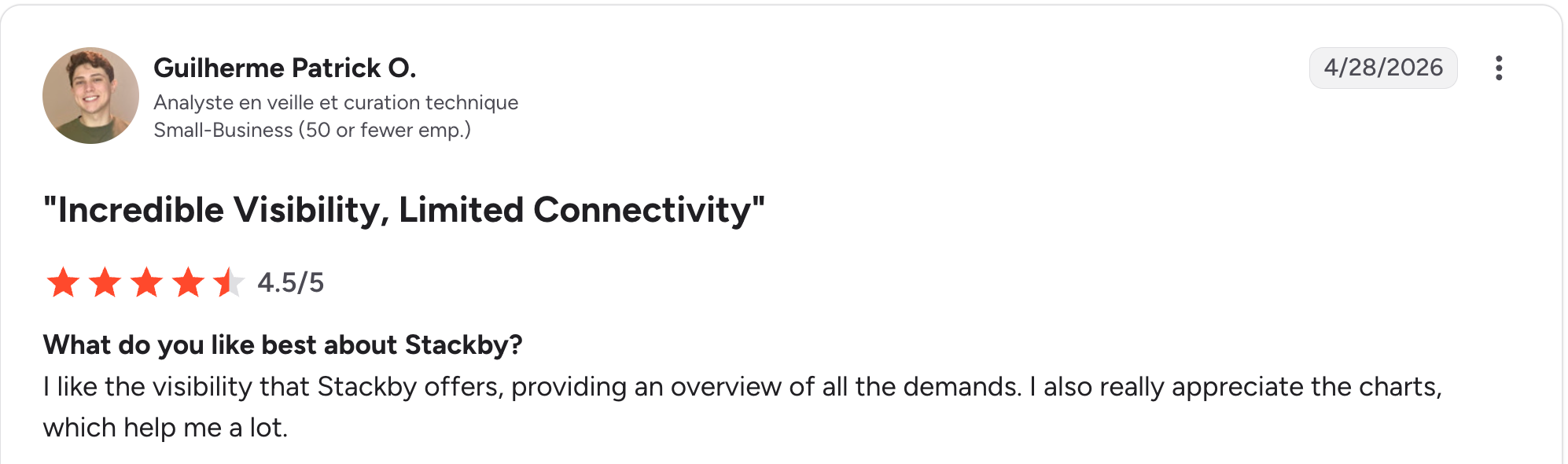
“I like the visibility that Stackby offers, providing an overview of all the demands.” Guilherme Patrick O, G2

“Since the beginning, I have experienced many glitches and stability issues.” Kseniia L, G2
Pricing
Stackby is free for up to five users. Paid plans start at $10/user/month for Economy, $18/user/month for Business, and $30/user/month for Pro. Enterprise is custom-priced. Stackby's page opens on yearly rates, so switch it to monthly. See the Stackby pricing page.
Bottom Line
Stackby works when your tables need live numbers from elsewhere, and the people using them are all internal. For an app external users log into, Knack, Tadabase, or Zite handle it properly.
7. Zoho Creator: Best for businesses already on Zoho
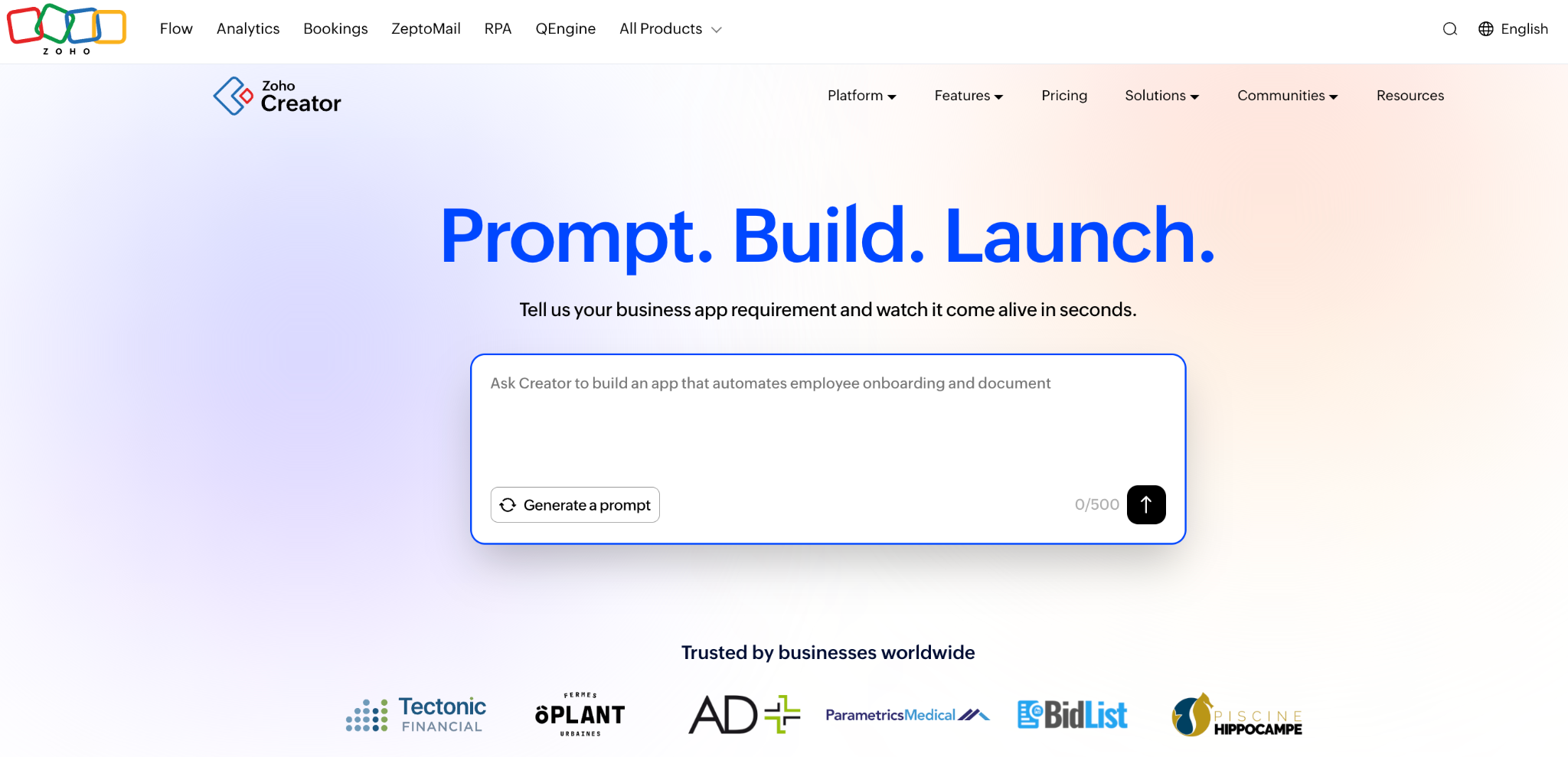
What it does: Zoho Creator builds form-driven database apps that integrate with the broader Zoho suite, with web and mobile output.
Best for: Companies already running Zoho CRM, Books, or Desk that want data to flow between them.
Zoho Creator only earns its spot if your company already runs on Zoho. If your supplier records are in Zoho CRM, an app that reads them takes minutes instead of an integration project.
Outside that context, the appeal narrows sharply, and Deluge is another thing to learn for anything the visual builder won't do.
Key features
- Zoho suite integration: Native connections to CRM, Books, Desk, and People.
- Form and report builder: Multi-section forms with tables, charts, and Kanban output.
- Web and mobile: Apps run on both without a separate build.
Pros
- Deep suite connections for existing Zoho customers.
- Affordable per-user rate against enterprise alternatives.
- Mobile output included rather than sold as an add-on.
Cons
- Crowded interface with the number of features on show.
- Deluge scripting is a real learning curve for non-coders.
- Weak outside Zoho, with little reason to pick it otherwise.
What users say
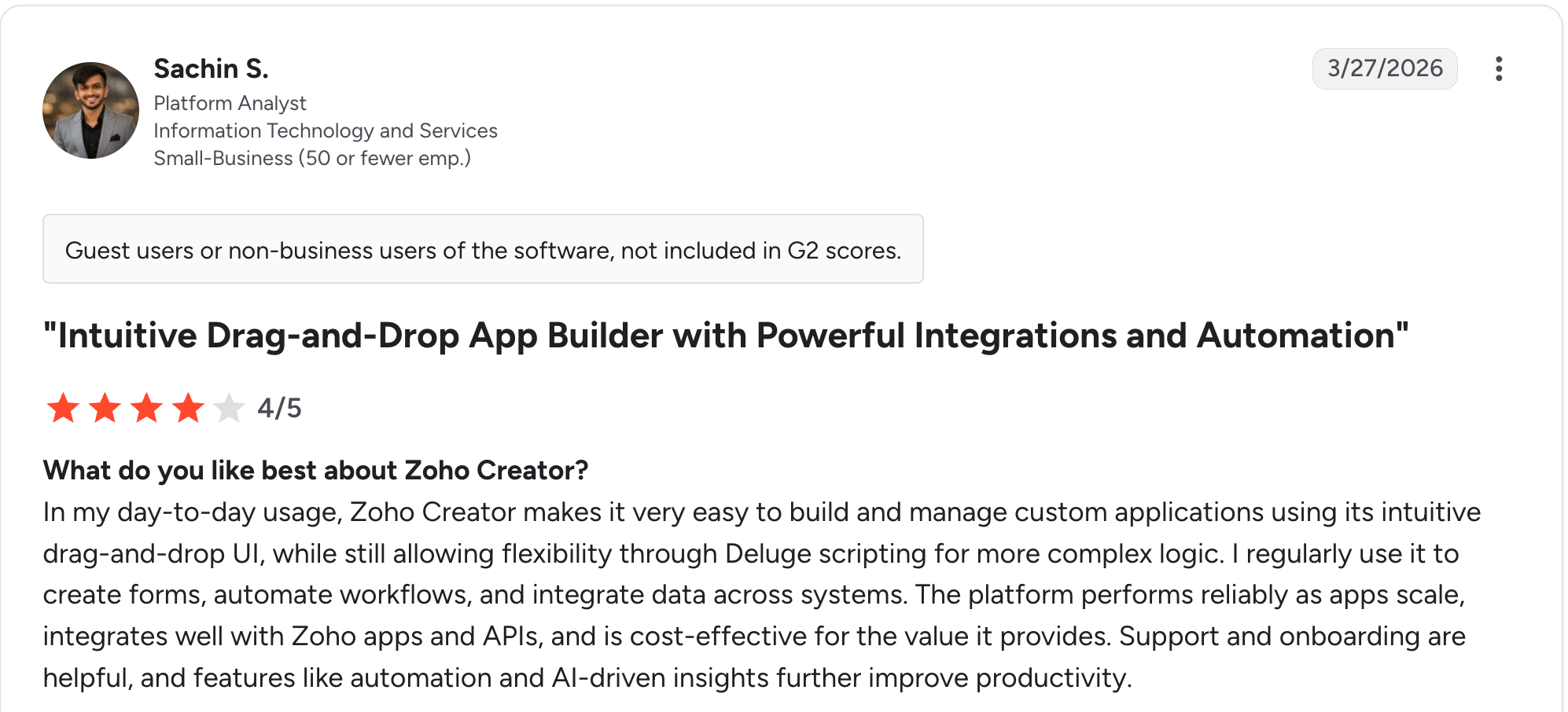
“In my day-to-day usage, Zoho Creator makes it very easy to build and manage custom applications using its intuitive drag-and-drop UI.” Sachin S, G2

“Facilitating connections between fields and reports without programming is challenging.” Eric G, G2
Pricing
Zoho Creator has a free edition for one custom app. Standard is $12/user/month, Professional is $30/user/month, and Enterprise is $37/user/month. See the Zoho Creator pricing page.
Bottom Line
Creator makes sense when Zoho is already your system of record. Starting from scratch, most of the other tools here are easier to pick up.
8. Quickbase: Best for large regulated teams
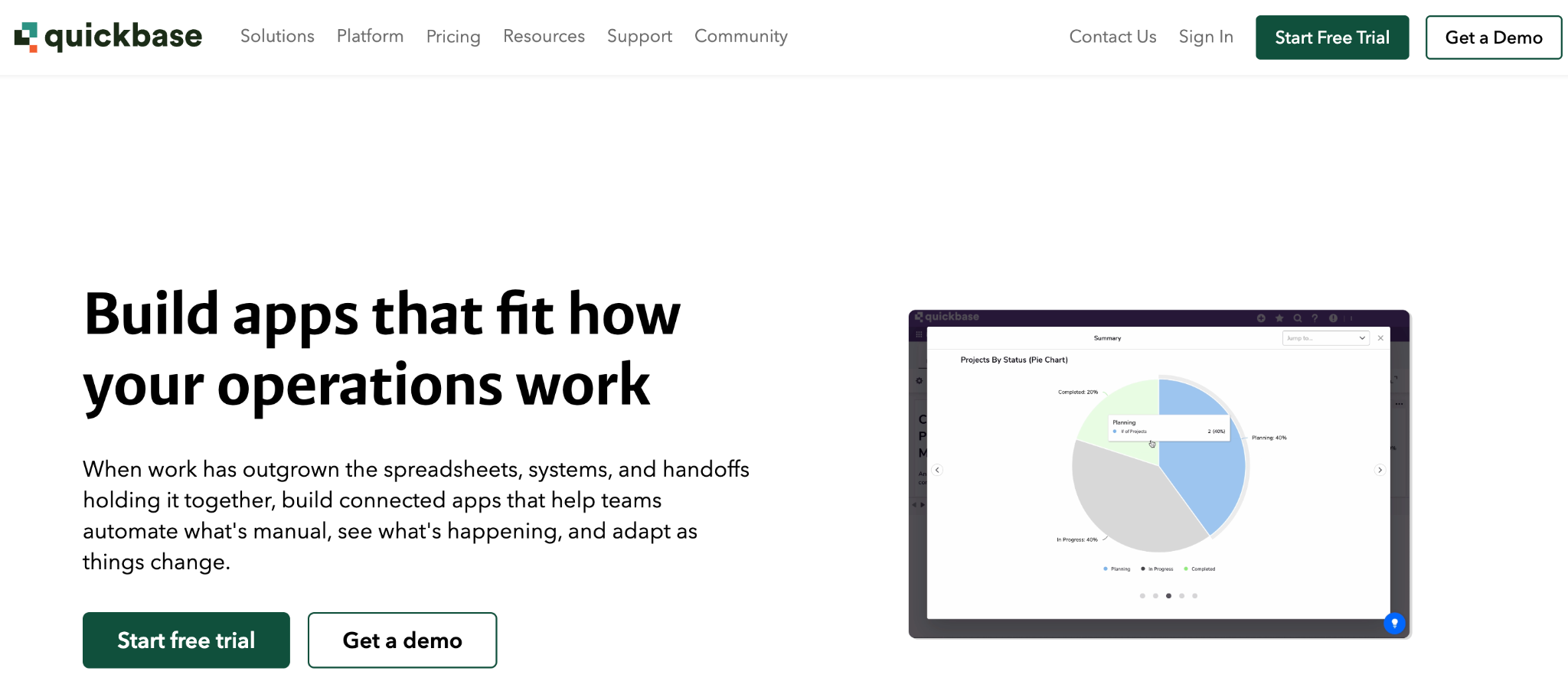
What it does: Quickbase is an enterprise no-code platform for operational apps, with governance, audit, and compliance controls built around the data.
Best for: Large organizations in construction, manufacturing, and regulated industries with IT oversight requirements.
Quickbase sits at the enterprise end of this list. Governance, admin control, and audit trails are first-class rather than bolted-on, which wins deals where they appear on a procurement checklist.
The seat minimums make it out of reach for small teams, since Team requires 20 users and Business requires 40.
Key features
- Governance and audit: Admin controls, logging, and oversight across every app.
- Relational app platform: Connected tables with reporting across them.
- Integration layer: Pipelines connecting external systems without code.
Pros
- Enterprise governance that procurement teams actually ask for.
- Handles large, complex operational data models without strain.
- Mature platform with deep reporting.
Cons
- Seat minimums of 20 and 40 users make it beyond the reach of small teams.
- Annual billing only, with no monthly option.
- Costs climb quickly compared to everything else here.
What users say
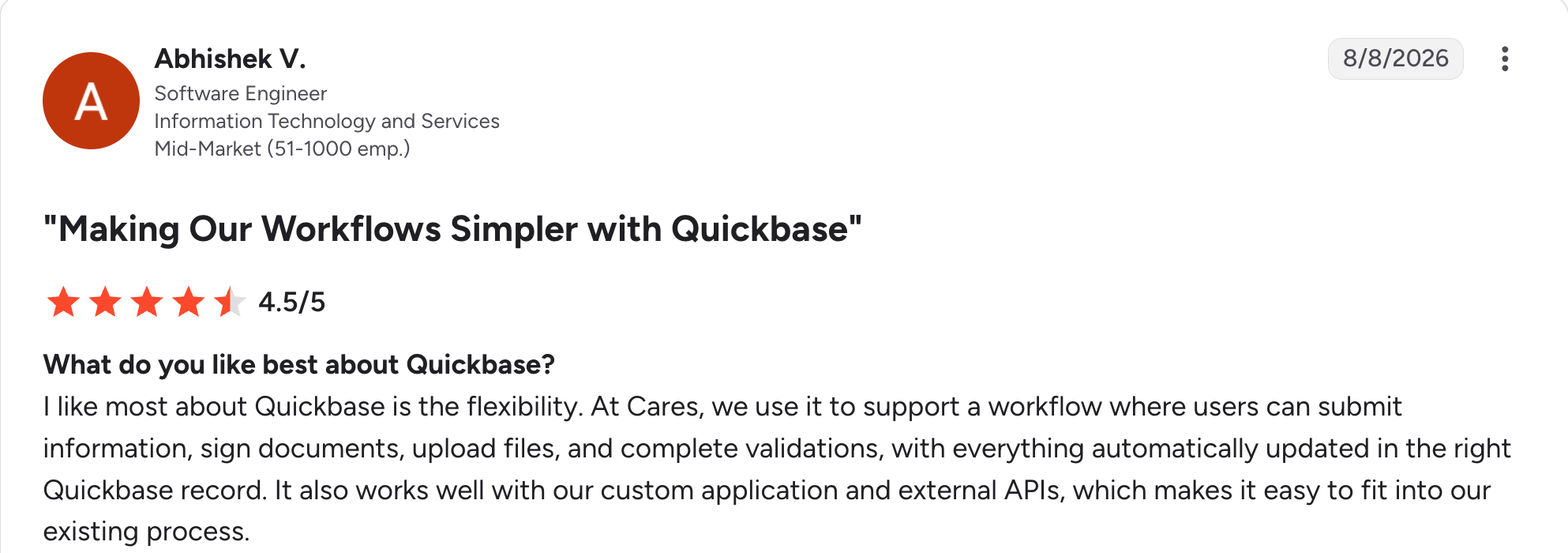
“[What] I like most about Quickbase is the flexibility.” Abhishek V, G2

“I find the user interface outdated.” Affan A, G2
Pricing
Quickbase has no free plan and no monthly billing. Team is $35/user/month with a 20-user minimum. Business is $55/user/month with a 40-user minimum. Enterprise is custom-priced, both charged per user and billed annually. See the Quickbase pricing page.
Bottom Line
Quickbase is worth it when governance is a procurement requirement rather than a preference, and you have the 20 seats to license. Audit trails and admin control at this depth are what large regulated teams are buying.
9. Jotform: Best for form-driven data collection
What it does: Jotform builds apps around forms and Jotform Tables, so submissions land in a spreadsheet-style database with an app wrapped around it.
Best for: Teams whose data arrives from outside through registrations, requests, or intake forms.
Jotform starts from the form rather than the table, which suits data arriving from people outside your organization. The template library is the largest here by a distance.
The relational layer is the thinnest on this list, and every plan below Enterprise is single-user, so a second person building means a second account.
Key features
- Form-first capture: A very large template library across intake, registration, and request forms.
- Jotform Tables: Submissions land in a spreadsheet-style table you can filter and share.
- Payments and signatures: Collect money and signed documents inside the form.
Pros
- Largest template library of anything on this list.
- Strong payments handling with no platform surcharge.
- HIPAA on Gold, rather than behind enterprise pricing.
Cons
- Single user on every plan below Enterprise.
- Thin relational depth next to Knack or Airtable.
- Submission caps drive tier upgrades quickly.
What users say
“Intuitiveness, ease of use, pricing, flexibility.” Merle R, G2

“One drawback is that some advanced features are only available on higher-tier plans, which can feel limiting for smaller organizations.” Medusa I, G2
Pricing
Jotform is free on the Starter plan, which includes 5 forms and 100 submissions a month. Bronze is $39/month, Silver is $49/month, and Gold is $129/month with HIPAA. See the Jotform pricing page.
Bottom Line
The single-seat limit rules Jotform out the moment two people need to build. That leaves it best suited to solo operators collecting data through forms who want a light app around the submissions.
Which database app builder should you choose?
The right pick comes down to who builds it, who uses it, and where the data has to live. If you're still deciding whether to move off a sheet at all, the spreadsheet vs database comparison covers that question first.
Choose Airtable if you:
- Think in spreadsheets and want the data structured before an app exists.
- Need strong views more than external logins.
Choose Knack if you:
- Have many users and need pricing that ignores seat count.
- Want relational depth that holds up across linked tables.
Choose Zite if you:
- Want both layers generated together from one description.
- Don't have a week to spend learning a builder first, since one description builds both layers.
Choose Tadabase if you:
- Need tight control over how each page behaves for each role.
- Can spend real build time replacing a system designed for a single process.
Choose Baserow if you:
- Need self-hosting for data residency or governance.
- Want open source with no vendor lock-in on your data.
Choose Stackby if you:
- Need live data pulled in from other services on a schedule.
- Have internal users rather than external logins to manage.
Choose Zoho Creator if you:
- Already run Zoho and want the suite connected to your app.
- Need mobile output without a separate build.
Choose Quickbase if you:
- Need enterprise governance and have 20 or more seats to license.
- Work under audit requirements in a regulated industry.
Choose Jotform if you:
- Collect through forms and want a light app around the submissions.
- Are working solo, since paid plans below Enterprise are single-user.
Skip this category entirely if you:
- Use one spreadsheet that nobody on the team argues about.
- Need consumer apps, offline use, or app-store distribution.
Final verdict
For the team in the intro, outgrowing a spreadsheet with no one to spend a week on a builder, Zite is the pick. One description produces the app and the database together, and you can open both to see what was built.
Airtable is the safe choice when you want the data structured before any app exists and don't mind paying per user. Knack takes over the moment external users arrive in large numbers, since seat pricing is no longer the deciding cost.
Tadabase is the pick if the process is unusual enough that generic screens would fight you. Baserow wins for self-hosting, Quickbase for governance, and Jotform for form-based data.
Start with one workflow and one team. Check early whether your pricing model scales with users, records, or apps, because that choice is hard to undo later.
Frequently asked questions
What is a database app builder?
A database app builder is a tool that stores structured data and builds an interface on top of it without code. Your team works in screens, forms, and dashboards instead of raw tables, and the tool handles the relationships, permissions, and automation behind them.
What is the best database app builder?
The best database app builder depends on who builds it and who uses it. Airtable suits teams who want views and reporting more than an app, Knack handles large user bases, Zite generates both layers for non-technical teams, and Baserow covers self-hosting.
Can I build a database app without coding?
Yes, you can build a database app without coding. Every tool on this list is no-code or low-code, and several generate the tables and screens from a description. Advanced logic sometimes needs a scripting layer, as with Zoho Creator's Deluge.
How much does a database app builder cost?
A database app builder costs $10 to $60 a month at the entry tiers, with free plans on several. Watch the pricing model rather than the headline, since per-user tools like Airtable and Stackby grow with headcount while Knack, Tadabase, and Zite hold steady.
Which database app builders offer unlimited users?
The database app builders that offer unlimited users are Knack, Tadabase, and Zite. Each charges by plan, records, or apps rather than by seat, which matters when clients or suppliers need their own logins.
What is the difference between a database and a database app builder?
The difference between a database and a database app builder is what sits on top of the data. A database stores and structures records, while a database app builder adds the screens, forms, permissions, and automation that let a team work with those records day to day.

