


I researched over 20 no-code AI platforms and narrowed the list to 9 that each solve a specific problem well. Here is what each one is best for, where it falls short, and how the pricing compares.
9 Best No-Code AI Platforms: Quick Comparison
How I Researched and Tested These No-Code AI Platforms
I signed up for every platform with a free plan or trial and ran the same test on each one. The test was to build a basic customer portal with a login page, a data dashboard, and a form.
For platforms without free access, I reviewed demos, documentation, and user feedback across G2, Capterra, and Reddit.
To compare each no-code AI platform fairly, I evaluated:
- Usability: How fast a non-technical person can go from zero to a working app.
- AI building quality: Whether the AI handles the full build or only assists with parts.
- Database and integrations: Built-in data storage plus connections to Google Sheets, Airtable, and CRMs.
- Production readiness: Can you ship this to real users and trust it will not break?
- Pricing at scale: What you actually pay when your team grows, not just the starter tier.
- Use case fit: How well each platform handles portals, CRMs, dashboards, and internal tools.
This hands-on approach helped me see which platforms hold up for daily business use, not just look good in a demo.
1. Zite: Best No-Code AI Platform for Non-Technical Teams
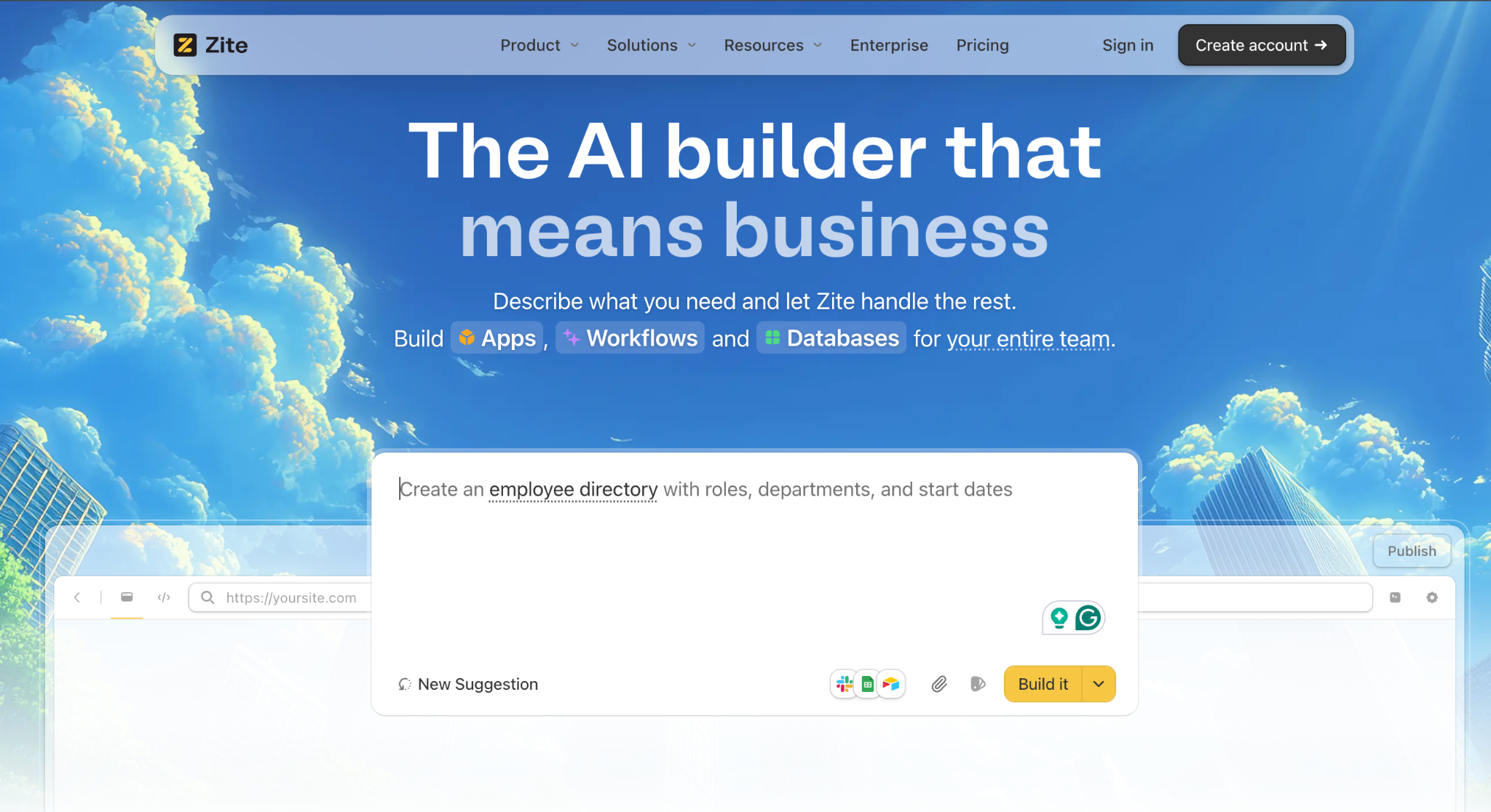
What it does: Describe the business app you need in plain language, and Zite builds it with a database, forms, workflows, and a branded interface included.
The important part is what happens after: you can visually edit every screen and inspect the app's logic as a flowchart, so you always know how your app works and can change it without reading code.
Best for: Non-technical teams creating custom business and client-facing apps such as portals, dashboards, CRMs, internal tools, and branded experiences.
Most AI app builders hand you a working app and leave you to fend for yourself once something needs to change. Zite is built around the opposite idea.
You can visually edit every element and walk through the app's logic as a flowchart (similar to Zapier or n8n), so the "how it works" is always on the surface.
During testing, I described a customer portal with login, a dashboard showing order history, and a contact form. Zite generated a working app with authentication, a database, and branded UI in under 15 minutes. No configuration screens. No "now connect your data" step.
Zite is built by the team behind Fillout, which matters if you want a tool that will stick around once you rely on it for daily operations.
Key Features
- Visual editing and flowchart-style logic. Every screen is editable in the visual builder, and every workflow is laid out as a flowchart. You can change anything without reading code.
- AI app generation from a description. Describe what you need and get a working app in minutes. Zite auto-generates the visual workflows, database, authentication, and layouts.
- Built-in spreadsheet-style database. All your data lives directly inside your app from day one. No external tools to set up, and it handles large datasets as you grow.
- Custom branding and domains. Make your app look and feel like your own product, whether it is for your team or your customers.
- Integrations with Airtable and Google Sheets. Connect your existing data sources without rebuilding your stack.
- Unlimited users and apps on every plan. No per-seat pricing. All plans (including free) support unlimited users and unlimited apps.
- SOC 2 Type II compliance with 256-bit AES encryption.
Pros
- You can see and change how the app works. The visual builder and flowchart logic are the core experience, not an advanced mode.
- Genuinely simple for non-technical users. If you can use Google Forms, you can use Zite.
- Production-ready output with authentication and hosting built in.
- Built-in database removes the biggest technical hurdle for non-developers.
- Unlimited users on all plans, including free. No per-seat pricing surprises.
Cons
- Newer platform with a smaller user community than Bubble or Glide.
- Fewer third-party integrations than more established platforms.
- Credit-based AI generation can feel limiting on the free and Pro plans.
Pricing
Zite charges a flat monthly fee with unlimited users on every plan:
- Free: $0/mo. Limited credits, 5,000 database records, unlimited users and apps.
- Pro: $19/mo (billed monthly). 100 credits/mo, 100,000 database records, 1 custom domain, remove branding.
- Business: $69/mo (billed monthly). 200 credits/mo, 250,000 database records, unlimited custom domains, and advanced AI models.
Team and Enterprise plans are available for larger organizations with higher usage limits and priority support.
Most competitors charge per user, which means costs balloon as your team grows. Zite's flat pricing is predictable, which matters to ops teams and budget-conscious SMBs.
Bottom Line
If you want to build custom apps (portals, dashboards, CRMs, or branded client experiences), Zite is the most straightforward path I found.
You can see and edit how every part of the app works without writing or reading code, and the AI handles the heavy lifting during the initial build.
For consumer-facing SaaS MVPs or native mobile apps, consider Bubble or Adalo instead.
2. Bubble: Best for Complex Web Apps and SaaS Products
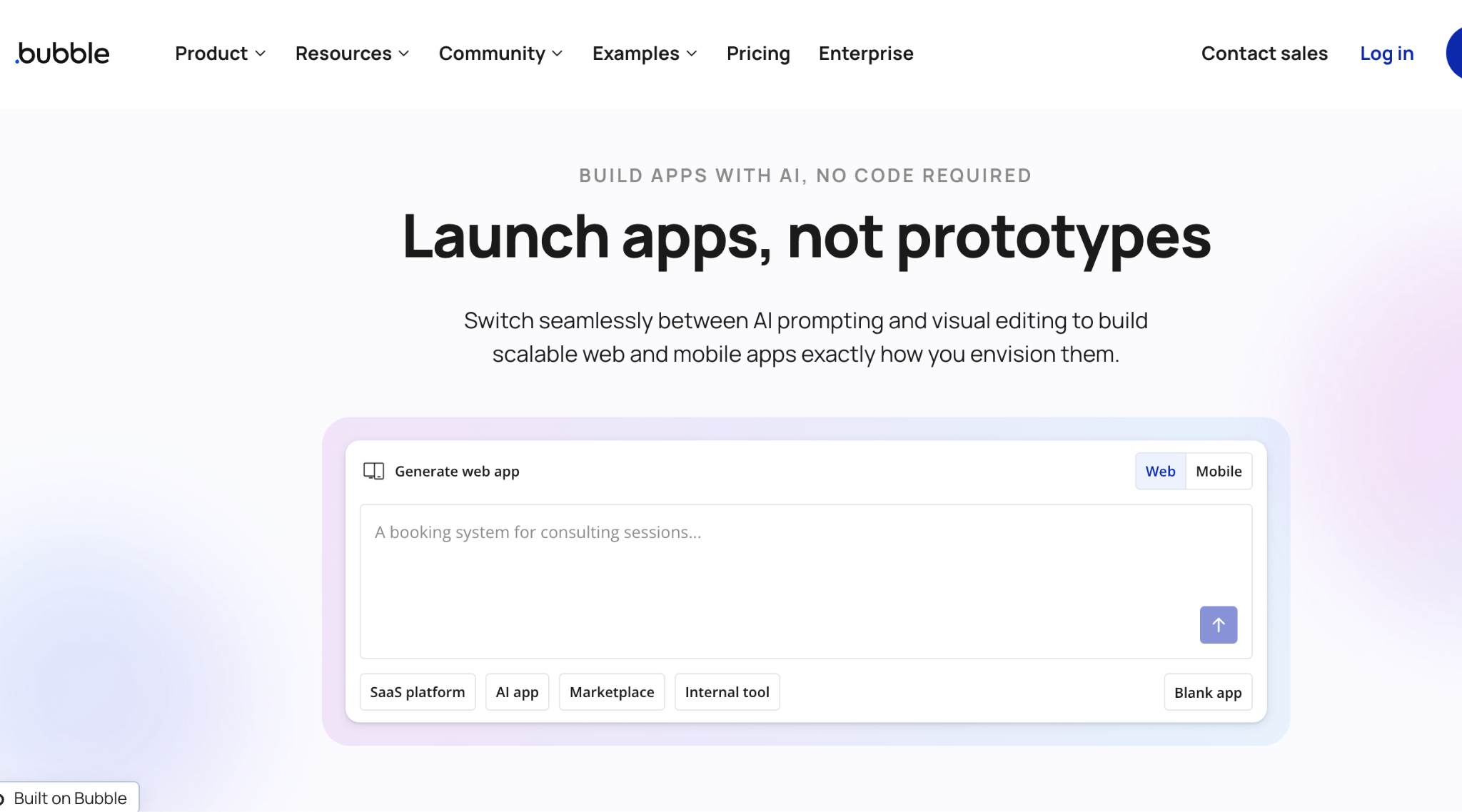
Over 7 million apps have been built on Bubble across 220+ countries. It is the most feature-rich no-code platform on this list, and that power comes with a real trade-off: most users need 3 to 12 months to get comfortable with the visual programming system.
Best for: Technical builders and teams creating SaaS platforms, marketplaces, or apps with sophisticated rules running behind the scenes.
Bubble is a full visual programming environment. You design the interface, set up the database, and create complex workflows all without writing code. But "no-code" does not mean "no learning."
Bubble's editor has four integrated systems (design, data, workflows, and outside connections) that take time to understand.
In June 2025, Bubble launched a native mobile app builder built on React Native. You can now publish to the App Store and Google Play directly from the Bubble editor. This closes a gap that pushed many users to other platforms.
Key Features
- Full visual programming environment: Design UI, build tables and fields, create conditional logic, and handle user sign-in, all in one editor.
- AI app generator: Creates functional MVPs in 5-7 minutes with sign-in, database, and workflows. But after a generation, you are back to manually making changes.
- Plugin marketplace: Thousands of community-built add-ons for payments (Stripe), analytics, AI integrations, and more.
- Connections to outside tools: Connect to any outside service with standard sign-in, keys, or custom permissions.
Pros
- Most powerful no-code platform for complex applications.
- Native mobile apps (published directly to App Store and Google Play)
- Massive community (6M+ builders) with extensive tutorials and forums
- AI auto-generates privacy rules for your database (a step most builders skip)
- One-click deployment with automatic HTTPS
Cons
- Steep learning curve: 3-12 months to build confidently.
- Complete vendor lock-in with no code export.
- No conversational AI after initial generation (you must learn the visual editor).
- Workload-based pricing can scale unpredictably as traffic grows.
Pricing
Bubble's pricing is workload-based, with separate tracks for web and mobile:
- Free: Build and prototype (you cannot launch to production).
- Starter: $32/mo (web only), $42/mo (mobile only), $59/mo (web + mobile).
- Growth: $134/mo (web only), $169/mo (mobile only), $209/mo (web + mobile).
- Team: $399/mo (web only), $449/mo (mobile only), $549/mo (web + mobile).
Pricing is workload-based on paid plans. That means costs increase as your app gets more traffic and performs more operations. Several users report surprise charges when their apps scale.
Bottom Line
Bubble is the right choice if you are building something complex and you have the patience to learn the platform. For teams that need a working tool this week (not this quarter), the learning curve makes Bubble impractical. Consider Zite or Glide for faster results.
3. Glide: Best for Turning Spreadsheets into Business Apps
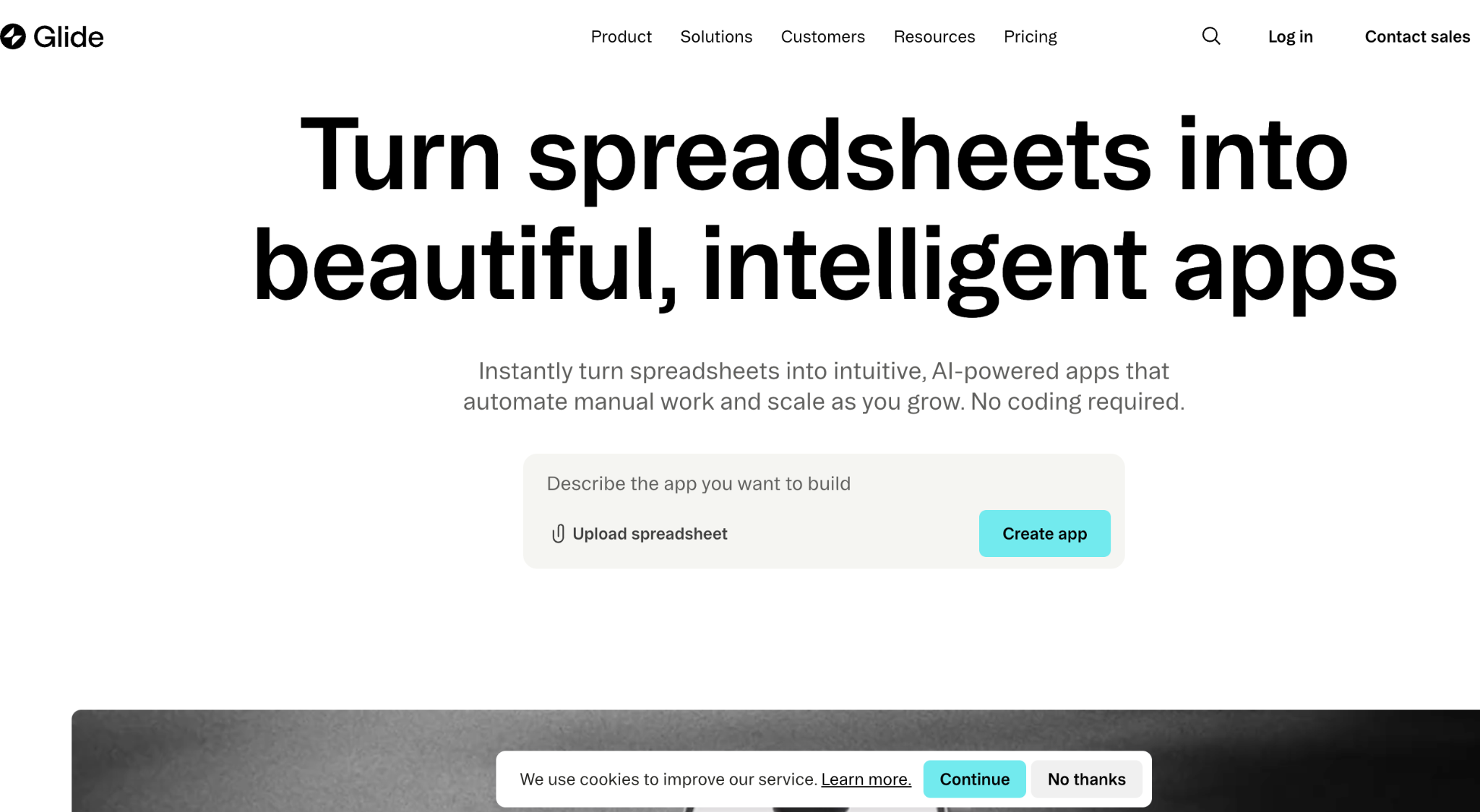
According to Hack’celeration's hands-on review, their team had a functional 5-screen app running in 87 minutes during their first session with Glide. That speed is Glide's entire value proposition: connect a Google Sheet, and Glide generates an app around your data.
Best for: Small teams that already manage data in Google Sheets or Airtable and need functional internal tools fast.
Glide works because it does not try to do everything. You connect a spreadsheet, pick a layout, configure permissions, and publish.
The AI builder can generate an app structure from a text prompt, but the core experience is the visual drag-and-drop editor with 40+ prebuilt components (charts, forms, maps, calendars, barcode scanners).
The trade-off is flexibility. Glide builds Progressive Web Apps (PWAs), not native mobile apps. You cannot publish to the App Store. And if your app needs functionality beyond what Glide's components support, you are stuck.
Key Features
- Spreadsheet-to-app conversion: Connect Google Sheets, Airtable, or Excel, and Glide auto-generates an app structure based on your data columns.
- 40+ prebuilt components: Charts, forms, buttons, maps, image pickers, signature fields, and more. No coding needed.
- Workflow automation: Trigger actions when users click buttons or submit forms (send emails, update CRM records, create Slack notifications).
- AI app generation: Describe your app in plain language, and Glide scaffolds the structure for you.
- Role-based access: Show different screens and data to different users based on their role.
Pros
- Fastest path from spreadsheet data to working app (under 90 minutes).
- Intuitive enough for non-technical users (one ops manager was building solo by day three)
- Works on every device (mobile, tablet, desktop) without separate builds
- Built-in workflow automation reduces the need for Zapier or Make
Cons
- PWA only (no App Store or Google Play publishing).
- Updates-based pricing gets expensive. Each data sync from outside sources burns updates, pushing you toward Glide's proprietary tables.
- Limited customization beyond prebuilt components. If Glide does not support it, you cannot build it.
- Navigation between screens can feel unintuitive for complex apps.
Pricing
Glide's pricing is updates-based:
- Free: 1 app, 10 personal users, 25,000 data rows.
- Explorer ($25/mo): 1 published app, 100 personal users, workflows, and Glide AI.
- Business ($249/mo): 30 users included, $10/user/mo for additional users.
- Enterprise: Custom pricing.
Bottom Line
Glide is the fastest way to turn a spreadsheet into a usable app. If your data already lives in Google Sheets and you need an internal tool for a small team, start here.
But if you need app store distribution, deep customization, or plan to scale beyond a small team, Glide's limitations will show up quickly.
4. Softr: Best for the Simplest No-Code Learning Curve
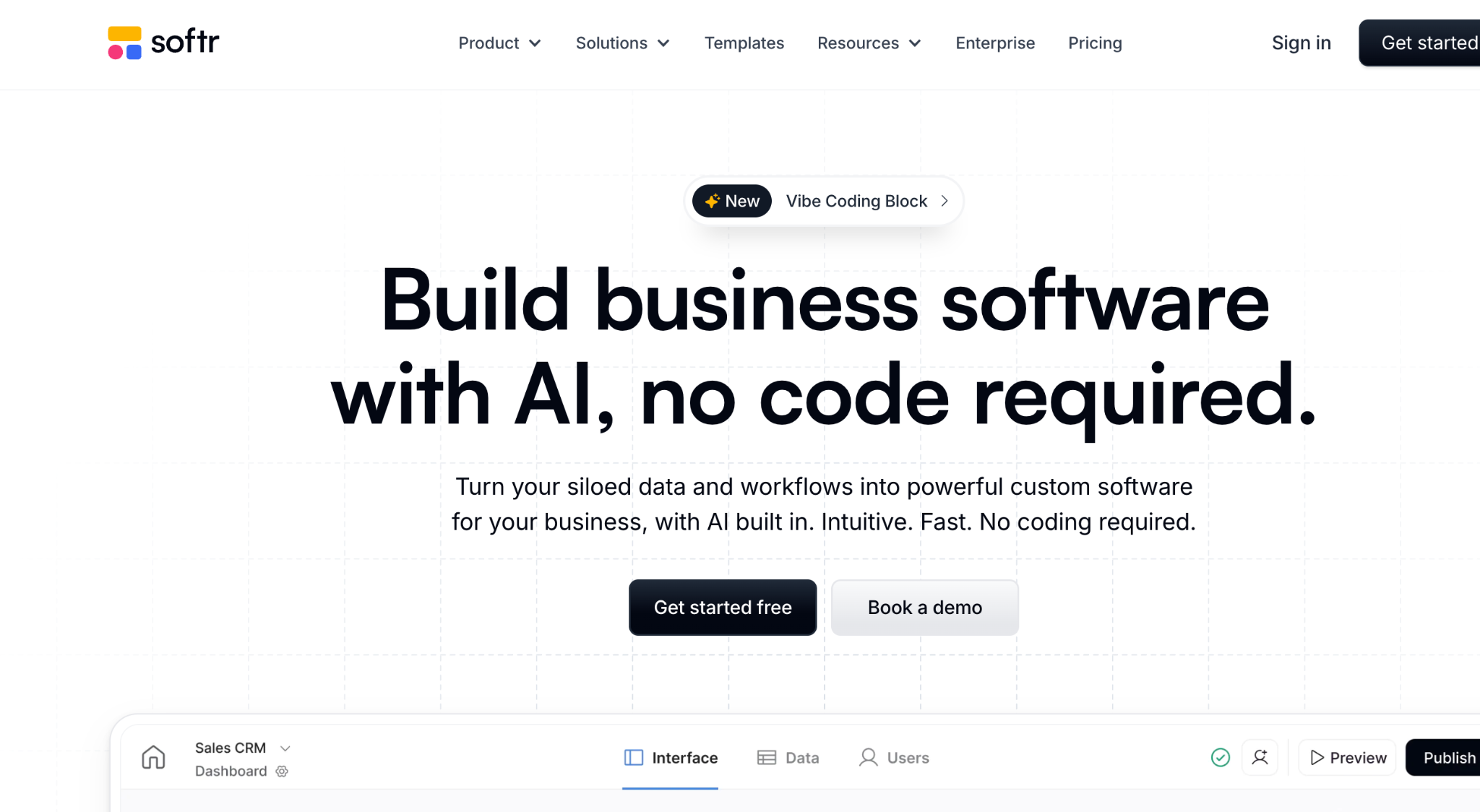
Softr deliberately chose to be the easiest no-code builder to learn, even if that means less flexibility. That trade-off works well for teams who need a clean frontend on top of their Airtable or Google Sheets data.
Best for: Teams already using Airtable who want client portals or internal tools without any learning curve.
Softr uses a block-based builder. You pick from pre-designed blocks (lists, forms, charts, tables), connect them to your data source, and publish. The AI generator can scaffold an entire app from a text prompt in minutes.
The result looks polished immediately because the blocks enforce good design. The downside: those same blocks limit what you can build. If your app needs a layout or interaction that Softr's blocks do not support, you will need to write custom code or use a different platform.
Key Features
- Block-based visual builder: Pre-designed, professional-looking components you snap together.
- AI app generation: Describe your app, and Softr assembles a draft with blocks, data connections, and pages.
- Airtable and Google Sheets native: Direct data connections with no middleware needed.
- Built-in AI assistant: Answers questions from your data sources inside your apps.
- User sign-in: Login pages, role-based access, and gated content out of the box.
Pros
- Easiest learning curve on this list (if you can use Airtable, you can use Softr).
- Apps look professional by default because blocks enforce good design patterns.
- AI assistant adds real functionality (not just a chatbot widget).
- Built-in authentication and permissions without configuration.
Cons
- Block-based system limits unique layouts and custom interactions.
- Starting price of $49/mo is higher than several competitors.
- Less flexible than Bubble or Zite for complex business logic.
- Heavily dependent on Airtable as a data source.
Pricing
Softr pricing is per-user:
- Free: 10 app users, limited features.
- Basic ($59/mo): 25 users, custom domains, remove branding.
- Professional ($167/mo): 50 users, higher workflow, and record limits.
- Business ($323/mo): 500 users, SQL database connections, advanced features.
Bottom Line
Softr is the right pick if you already use Airtable and want the fastest possible path to a clean client portal or internal tool. If you need flexibility beyond pre-designed blocks, or if Airtable is not your primary data source, Zite or Glide will serve you better.
5. Airtable: Best for Data-First Teams and Enterprise Workflows
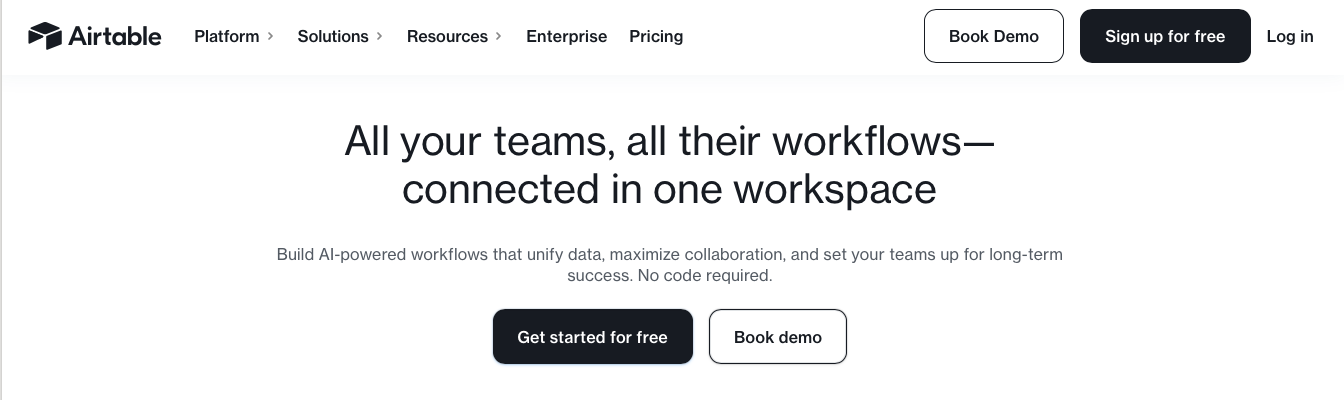
Airtable flips the script on every other platform in this list. Instead of starting with an app and wiring up data later, you build your database first, then layer apps, automations, and AI agents on top of it.
Best for: Enterprise ops teams managing large datasets who need structured workflows, automations, and AI agents layered on their data.
Airtable's core strength is how it organizes data. You can link records across tables, create formulas, and store up to 100 million records. The Interfaces feature lets you build dashboards, forms, and filtered views for different team members.
Omni, Airtable's conversational AI builder (launched in 2025), lets you describe workflows and internal tools in natural language. The app-building experience is secondary to the data management, though.
If you need a polished customer-facing portal, Airtable's Interfaces will feel limited compared to purpose-built tools.
Key Features
- Connected database: Tables and fields with linked records, rollups, and formulas across tables.
- Omni AI builder: Describe workflows and apps in natural language, and Airtable generates them
- Interfaces: Build role-specific dashboards, forms, and filtered views for different team members
- Automations: Trigger multi-step workflows based on record changes, form submissions, or scheduled times
- 100M record scale: Handles enterprise-level data volumes
Pros
- Best connected database in the no-code space.
- Omni AI builder generates apps and workflows from text prompts.
- Connects with Slack, Google Drive, Salesforce, Jira, and 100+ integrations.
- Scales to enterprise data volumes (100M records).
Cons
- Per-user pricing adds up fast for larger teams.
- App interfaces are less polished than dedicated builders like Zite or Bubble.
- Learning curve for complex data structures and automations.
- AI features are still maturing (Omni launched recently).
Pricing
Airtable's pricing is per-user:
- Free: Up to 5 users, 1,000 records per base.
- Team ($24/user/mo): Collaboration features, 50,000 records per base.
- Business ($54/user/mo): Advanced sync, permissions, and admin tools.
- Enterprise Scale: Custom pricing.
Per-user pricing is the main concern. A 20-person team on the Team plan pays $480/mo. On Business, that jumps to $1,080/mo. Compare that to Zite's flat $69/mo for unlimited users on Business.
Bottom Line
Airtable is the right choice if your primary need is managing and structuring large datasets, with apps and automations built on top. If you need a polished app experience for customers or external users, Zite or Softr will give you better results for less money.
6. Lovable: Best for AI-Generated Prototypes with Code Ownership
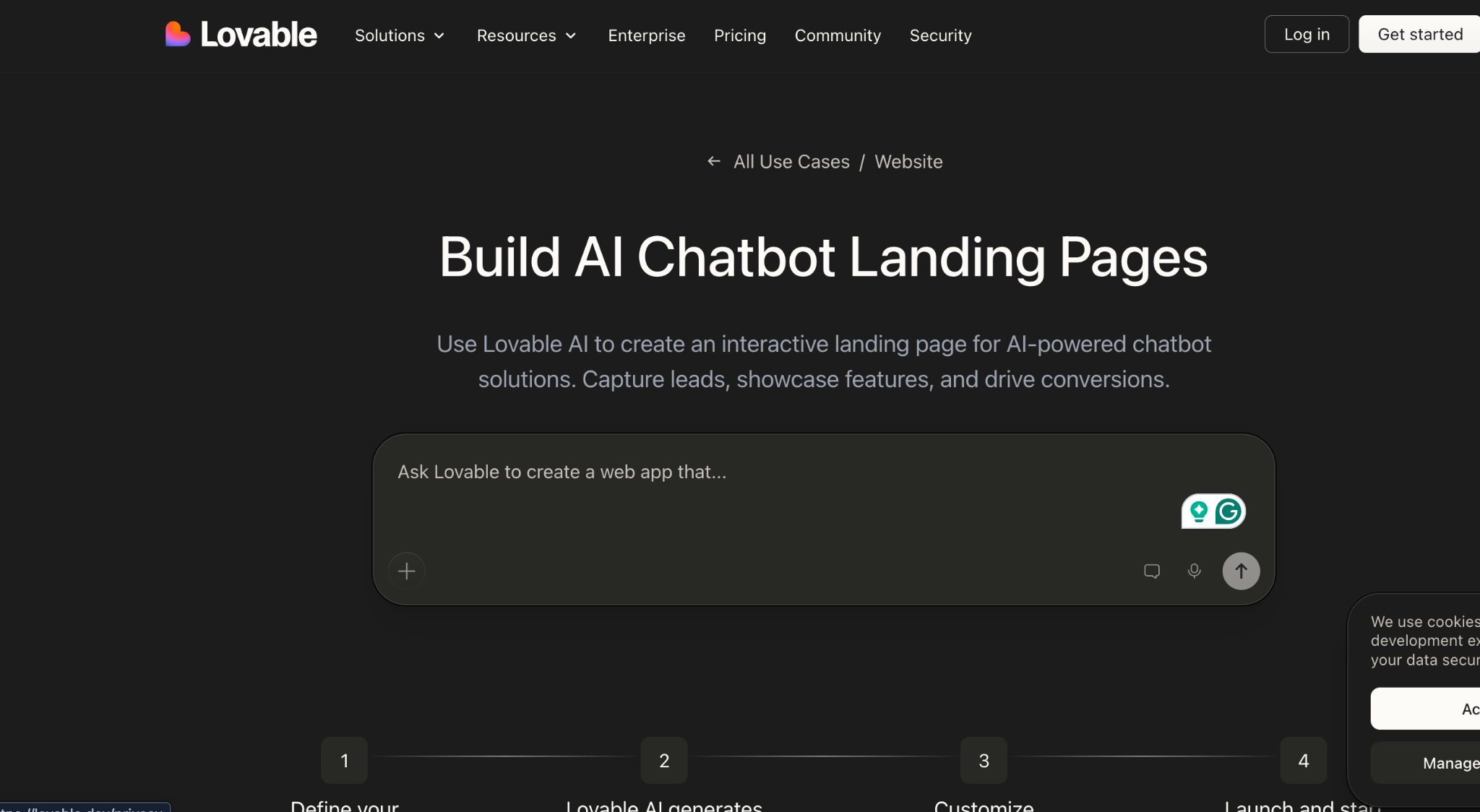
Lovable blurs the line between no-code and coding. You describe your app in plain English, and it generates real React and TypeScript code. That is powerful for prototyping, but it means there is actual code under the hood that someone will eventually need to manage.
Best for: Founders and product teams who want fast MVPs they can hand off to developers or continue building in a code editor.
I am including Lovable because it shows up in every "no-code AI" search, but I want to be clear: this is technically a vibe coding tool, not a traditional no-code platform. You get real code you can export to GitHub and ship anywhere.
The trade-off is that complex logic trips up the AI, and heavy iteration burns through credits fast. Teams without developer access will eventually hit a wall when the AI cannot fix its own mistakes.
Key Features
- Conversational app building. Describe features in plain English, and Lovable generates the screens, data, and sign-in behind them.
- Agent Mode: Works autonomously, searching your codebase, fixing issues, and making changes without constant guidance.
- GitHub sync: Export your code and continue development in any IDE.
- Supabase integration. Database, sign-in, file storage, and real-time features are set up automatically.
- Visual editing: Switch from chat to a drag-and-drop interface for precise UI control.
Pros
- Fastest path from idea to working prototype (full apps in hours)
- You own the code completely (export to GitHub, deploy anywhere)
- Clean React/TypeScript output that professional developers can extend
- Agent Mode handles autonomous development with minimal hand-holding
Cons
- Web only (no native iOS or Android apps)
- Complex multi-step logic can confuse the AI, requiring manual fixes
- Credit/message limits on lower plans burn fast during heavy iteration
- Technically, vibe coding is not true no-code. You’ll need dev skills to keep the code running long-term
Pricing
Lovable's pricing is credit-based:
- Free: 5 daily credits (up to 30/month).
- Pro ($25/mo): 100 monthly credits, private projects, custom domains.
- Business ($50/mo): More credits plus team features like single sign-on.
Bottom Line
Lovable is ideal for founders who want to quickly validate an idea and hand clean code to a developer later. It is not the right fit for ops teams who need long-term, workable business apps without developer involvement. For that, stick with Zite or Glide.
7. Adalo: Best for Publishing Native Mobile Apps
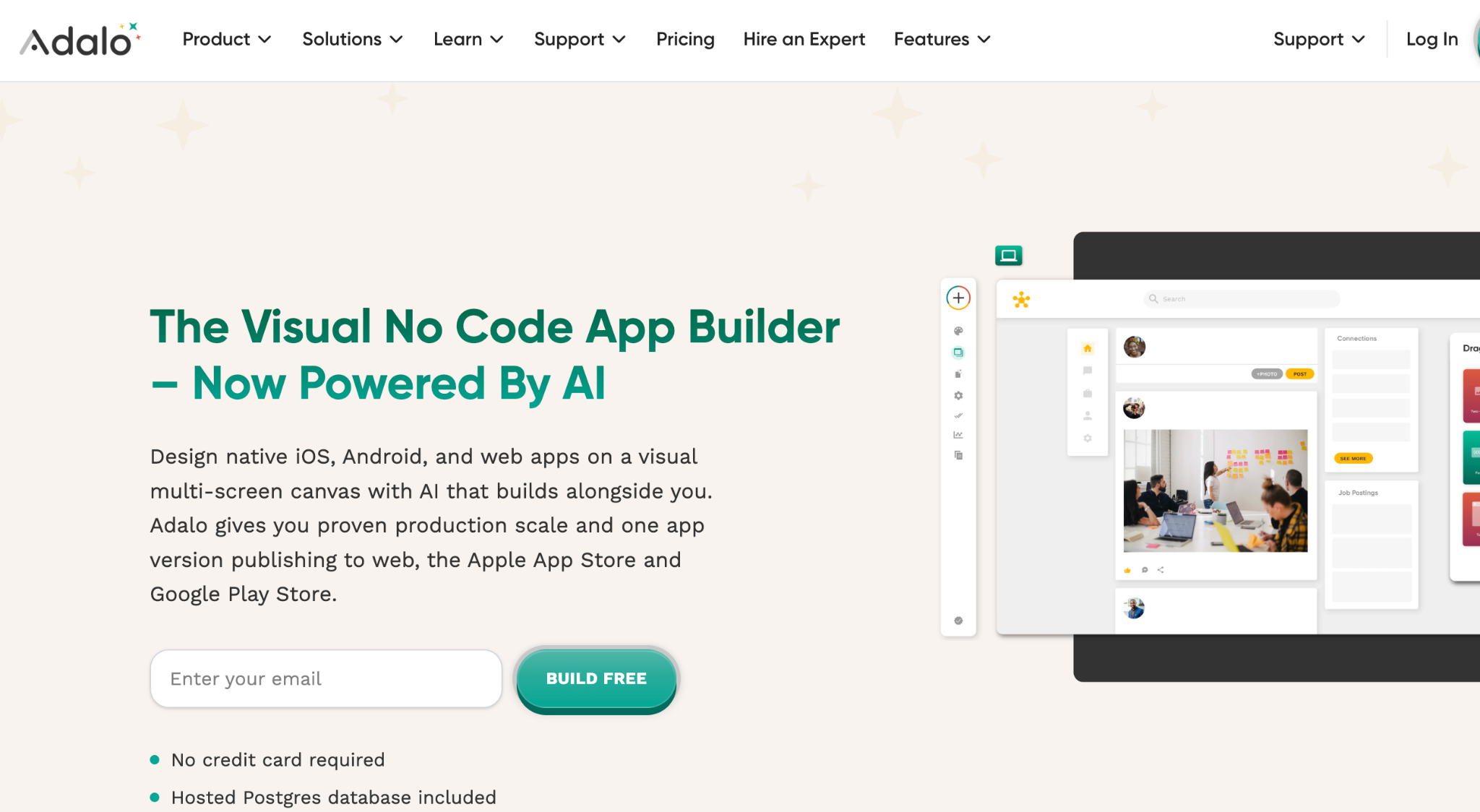
Adalo is the only no-code platform on this list that publishes real native iOS and Android apps to the App Store and Google Play for under $45/mo. No wrappers, no third-party services, and direct publishing from the builder.
Best for: Teams that need actual mobile apps in the app stores, not just responsive web apps.
I tested Adalo by building a simple consumer-facing app and publishing a test build. The process was straightforward. The builder guides you through iOS and Android submission without requiring any Xcode or Android Studio knowledge.
It is the most frictionless path to actual app store publishing I found on this list. The independent State of App Building Report ranked Adalo #1 among visual builders for non-developers. The platform has been shipping apps for 8 years.
Some of those apps have gone on to raise venture funding. That kind of track record matters when you are choosing a platform for production use, not just prototyping.
Key Features
- Native iOS and Android publishing: Build once, publish to both app stores directly from Adalo.
- AI assistant (Ada): Generate complete app foundations from text prompts, then edit with natural language.
- Visual canvas: See every screen on one canvas, preview on any device.
- Built-in hosted database: Hosted by Adalo with no setup required.
- Transparent pricing: Straightforward plans without per-user charges or workload-based billing.
Pros
- 8-year track record with production apps that have raised VC funding.
- No usage-based pricing surprises (unlimited usage on all plans).
- AI assistant generates apps and edits existing ones with natural language.
Cons
- Web app capabilities lag behind Bubble.
- Smaller plugin ecosystem than Bubble.
- Less AI-powered than newer platforms like Zite or Lovable.
- Design flexibility is more limited than code-based alternatives.
Pricing
Adalo's pricing:
- Starter ($45/mo): 1 published app, custom domain, app store publishing.
- Professional ($65/mo): 2 published apps, 5 editors, outside connections.
- Team ($200/mo): 5 apps, 10 editors, priority support, payment processing.
- Business ($250/mo): 10 apps, unlimited editors, enterprise features.
Bottom Line
If your primary goal is a native mobile app in the App Store or Google Play, Adalo is the clear pick. For web-based business apps, portals, or internal tools, Zite, Bubble, or Glide will give you more flexibility.
8. FlutterFlow: Best for Developer-Adjacent Teams
FlutterFlow sits between no-code and low-code. It uses Google's Flutter framework under the hood, which means apps built here compile to native code for iOS, Android, web, and desktop. You get real cross-platform performance without writing Dart yourself.
Best for: Teams with some technical skills who want apps that run natively on iOS, Android, web, and desktop. Also, a good fit if you want to export the code and continue building outside the platform.
The visual builder is more powerful than most no-code tools, but it is also more complex. You will need to understand concepts like how your app keeps track of its current status, how users move between screens, and how data connects to what is shown on each screen.
This is not the right platform if your team has zero technical background.
Key Features
- Flutter-based cross-platform apps: Build once, ship natively to iOS, Android, web, and desktop.
- Clean code export: Download the full Flutter (Dart) source code and continue development outside FlutterFlow.
- Firebase integration: Sign-in, database, cloud functions, and hosting.
- AI-assisted building: Generate pages and components from text prompts.
- Visual logic builder: Create conditional logic and data flows without writing code (but understanding logic helps).
Pros
- True native performance across iOS, Android, web, and desktop.
- Clean code export gives you full ownership and no vendor lock-in.
- Firebase integration simplifies the setup of sign-in, data, and hosting.
- AI features accelerate common tasks like page generation.
Cons
- Steeper learning curve than true no-code platforms.
- Requires understanding of programming concepts.
- Not ideal for non-technical users building their first app.
- Firebase dependency can create its own learning curve.
Pricing
FlutterFlow's pricing:
- Free: Build and test.
- Basic ($39/mo): Unlimited projects, code export, and app store publishing.
- Growth ($80/mo): 1st seat; 2nd seat $55/mo. GitHub integration and collaboration.
- Business ($150/mo): 1st seat: $85/seat for seats 2-5. Advanced features for teams.
Bottom Line
FlutterFlow is the right choice if your team has some technical skills and you want cross-platform native apps with code you can export. If your team is non-technical, Zite, Glide, or Softr will get you to results much faster.
9. Knack: Best for Replacing Spreadsheet Workflows with Structured Apps
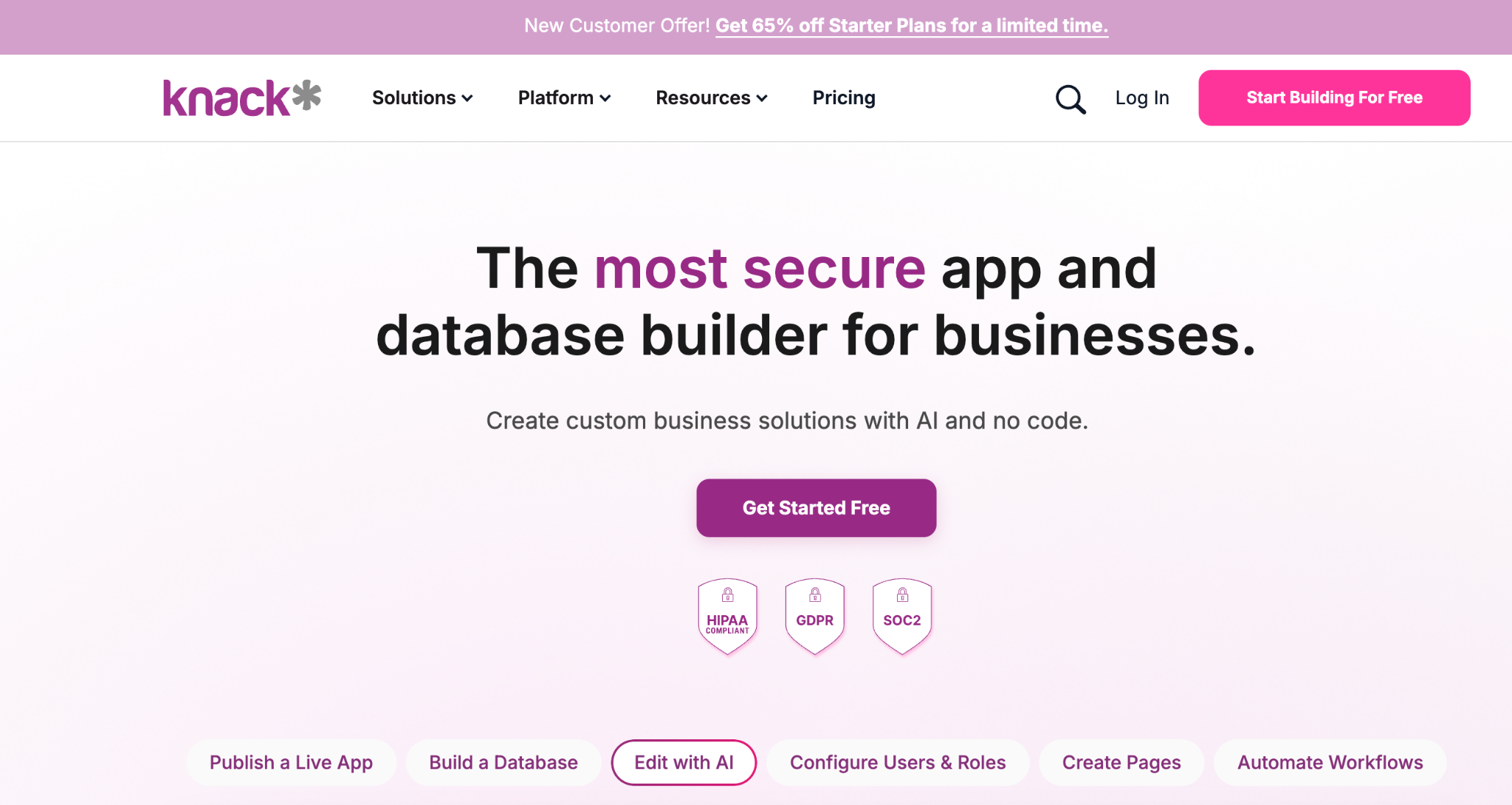
Knack has been around for over 15 years. That track record means proven stability, but also an interface that feels dated compared to newer AI-first platforms. Knack's real strength is how it organizes your data and controls who sees what.
Best for: Ops teams drowning in spreadsheets who need role-based apps with workflow automation and proper data structure.
Knack builds apps around a no-code database with role-based access controls, automated workflows, and e-commerce capabilities. You define your data structure, create forms and views, set user permissions, and publish.
It is methodical and reliable, but do not expect AI to do the building for you. The AI-powered app builder is a newer addition and feels less developed than platforms where AI is the core experience.
Key Features
- No-code database. Set up tables, relationships, and formula-based columns without writing code.
- Role-based access: Show different data and features to different users based on their role (no custom permissions system needed).
- Workflow automation: Trigger actions when records change, forms are submitted, or schedules run.
- E-commerce built in: Accept payments and manage orders without third-party plugins.
- AI-powered app building: Generate app structures from text prompts (newer feature).
Pros
- 15+ year track record with proven production stability.
- Strong role-based permissions for complex organizational structures.
- Built-in e-commerce and payment processing.
- Handles complex data relationships well (better than spreadsheets).
Cons
- Interface feels dated compared to Zite, Bubble, or Glide.
- AI features are newer and less developed than purpose-built AI platforms.
- Steeper setup process than AI-first builders.
- Pricing is not transparent (requires contacting sales for some tiers).
Pricing
Knack's pricing:
- Starter ($59/mo): Unlimited users, 20,000 records.
- Pro ($130/mo): More storage, records, and apps.
- Corporate ($300/mo): Includes SSO and audit logging.
Bottom Line
Knack is the reliable veteran. If you need proven stability, strong permissions, and structured data management, it delivers. If you want AI to do the heavy lifting and a modern UI out of the box, Zite is the better fit for the same audience.
Which No-Code AI Platform Fits Your Team?
The best no-code AI platform for your team depends on what you’re building, your technical comfort level, and whether you need a production-ready app or a quick prototype.
Choose Zite if you:
- Need a working business app (portal, CRM, dashboard) without learning a complex builder.
- Want AI to handle the full build, not just assist with parts.
- Need branded, production-ready output for your team or customers.
- Run an SMB with 10-250 employees and no dedicated dev team.
- Want unlimited users without per-seat pricing.
Choose Bubble if you:
- Are building a SaaS product or marketplace with complex rules running behind the scenes.
- Have 3+ months to invest in learning the visual programming environment.
- Need native mobile app publishing alongside web.
Choose Glide if you:
- Already manage your data in Google Sheets or Airtable.
- Need internal tools for a small team, fast.
- Don’t need app store distribution.
Choose Softr if you:
- Already use Airtable as your primary data source.
- Want the absolute simplest learning curve.
- Need a polished client portal or internal tool with minimal effort.
Choose Airtable if you:
- Already use Airtable for data management and want apps built on top of it.
- Need enterprise-scale data handling (100M+ records).
- Have a budget for per-user pricing across your team.
Choose Lovable if you:
- Want to prototype fast and hand clean code to developers later.
- Are comfortable with AI-generated code and prompt-based iteration.
- Need GitHub integration and full code ownership.
Choose Adalo if you:
- Need a real native app in the App Store or Google Play.
- Want predictable pricing without per-usage charges.
Choose FlutterFlow if you:
- Have some technical skills on your team.
- Need true cross-platform native performance.
- Want to export clean Flutter code.
Choose Knack if you:
- Need battle-tested reliability and strong permissions.
- Have complex organizational roles and data access requirements.
- Prefer a proven platform over a newer AI-first builder.
Skip no-code entirely if you:
- Are building a consumer app targeting millions of users.
- Need deep custom integrations with legacy enterprise systems.
- Require real-time data processing at a massive scale.
Final Verdict
No single no-code AI platform wins for every use case. For non-technical teams building business tools, Zite delivers the fastest path from idea to working app because AI handles the build, and you can see and edit everything visually, without writing or reading a single line of code.
For complex SaaS projects, Bubble remains the most capable builder if you are willing to invest the time. And for teams who want code ownership, Lovable offers the strongest AI-first development experience.
Pick the platform that matches your team's technical comfort and your specific use case. Start with a free plan, build something real, and upgrade only when the free tier limits your work.
Ready to try Zite?
If you want a business app you can build, see, and control without writing a line of code, Zite is the fastest path. The free plan includes unlimited users and apps, no credit card required.
Frequently Asked Questions
What is the best no-code AI platform for small businesses?
The best no-code AI platform for small businesses depends on what you are building. Zite works well for non-technical teams who need custom business apps without hiring a developer. Glide is a strong choice if your data already lives in Google Sheets. Bubble offers the most power but requires months to learn.
Can you build a real app without coding?
Yes, you can build a real, production-ready app without coding. Platforms like Zite, Bubble, and Glide handle databases, user authentication, and deployment so you never touch code. Simple business apps work great. Apps requiring custom algorithms or heavy native mobile features may still need a developer.
What is the difference between no-code and low-code?
No-code platforms let you build apps using visual tools and AI with zero programming, while low-code platforms combine visual builders with the option to write custom code for more flexibility. If your team has no developers, start with no-code. If you have developers who want to move faster, low-code gives them more control.
Are no-code apps secure enough for business use?
Yes, most established no-code platforms meet enterprise security standards. Zite is SOC 2 Type II compliant with 256-bit AES encryption. Bubble and Glide offer role-based access controls and encrypted data storage. Always verify a platform’s security certifications before storing sensitive data.
How much does it cost to build an app with no-code AI?
Many top no-code AI platforms start between $19-$69 per month for paid plans, with free tiers available for testing. This compares to $20,000-$200,000+ for traditional custom app development. Cost differences also show up at scale: per-user pricing (Airtable at $20/user/mo) adds up faster than flat-rate plans (Zite at $19/mo for unlimited users).

