> ## Documentation Index
> Fetch the complete documentation index at: https://zite.com/llms.txt
> Use this file to discover all available pages before exploring further.
# Agent Modes
> Learn how Zite's Build, Plan, and Chat modes help you plan, create, and ask questions.
Zite's agent modes control what kind of work the agent does. Use them to decide whether Zite should build, plan, or answer questions before changing your project.
## Choose the right mode
| Mode | Best for | Makes changes? |
| -------------- | --------------------------------------------------- | --------------------- |
| **Build mode** | Creating, updating, or fixing your app | Yes |
| **Plan mode** | Scoping and clarifying requirements before building | No, it creates a plan |
| **Chat mode** | Asking questions or getting suggestions | No |
For large projects or unclear requirements, start in **Plan mode**. It helps clarify scope before Zite makes changes.
## Switching modes
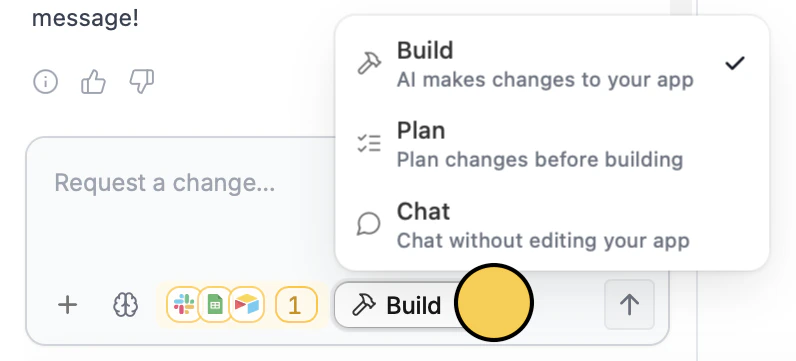
On the Zite app editor, click the `Mode` control on the lower left and choose the mode you want. You can also press `Shift` + `Tab` or `Cmd/Ctrl` + `.` on your keyboard.
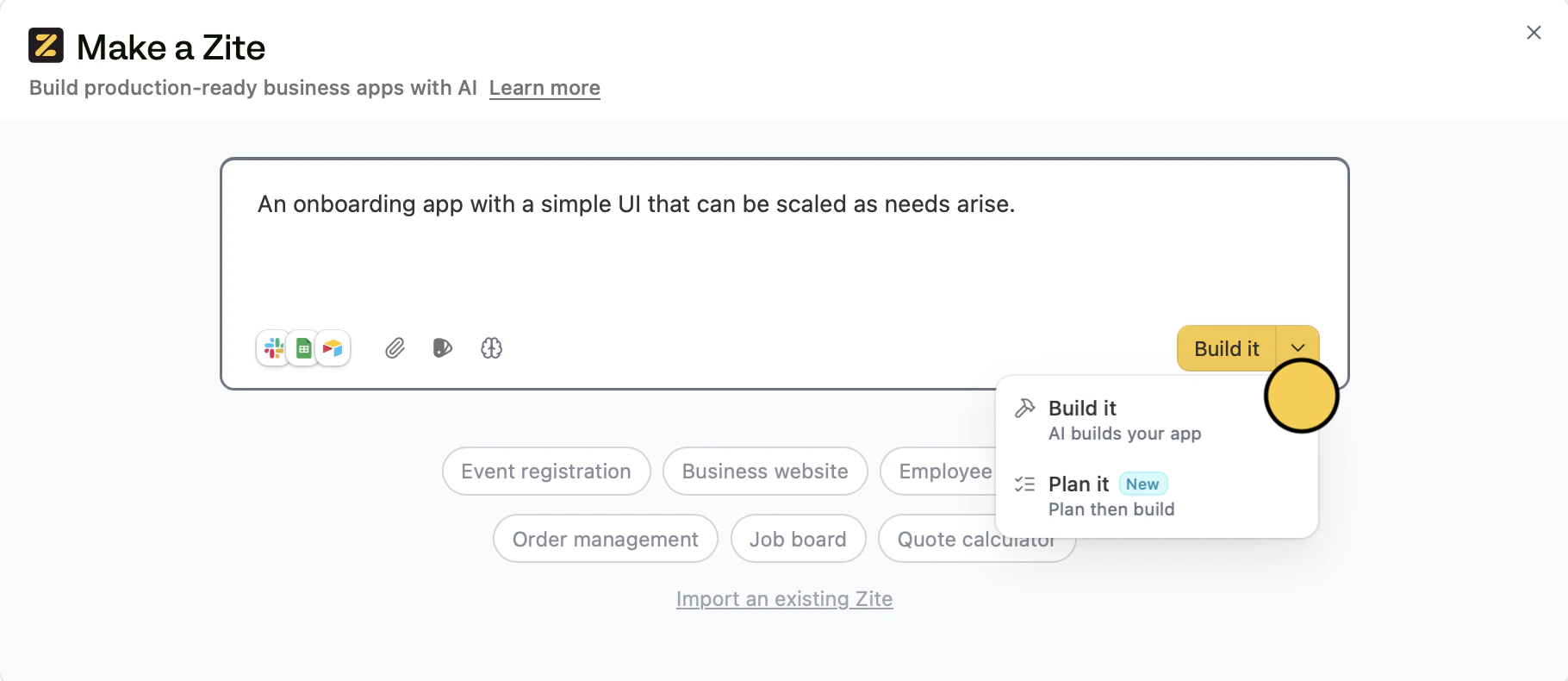
 When you create a new app, you may also see:
* **Build it:** start building immediately
* **Plan it:** create and review a plan first, then build
When you create a new app, you may also see:
* **Build it:** start building immediately
* **Plan it:** create and review a plan first, then build
Related topics