

When to use Build mode
- Add or change features, pages, components, workflows, or integrations
- Fix bugs or unexpected behavior
- Update layout, styling, colors, text, or spacing
- Apply a plan you created in Plan mode
1
Switch to Build mode
Click the 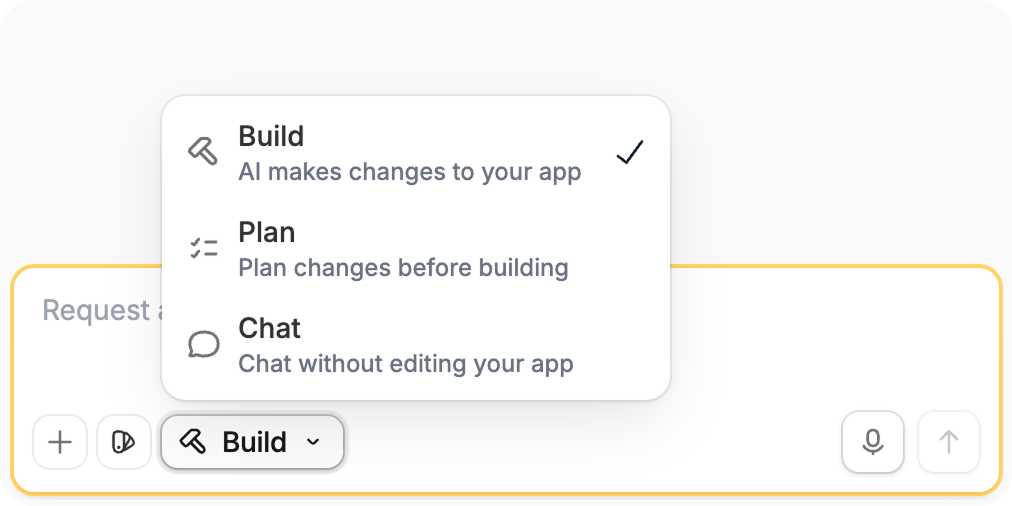
Mode control and choose Build, or press Shift + Tab until you reach Build mode.2
Describe the change
Include the outcome you want and where the change should happen.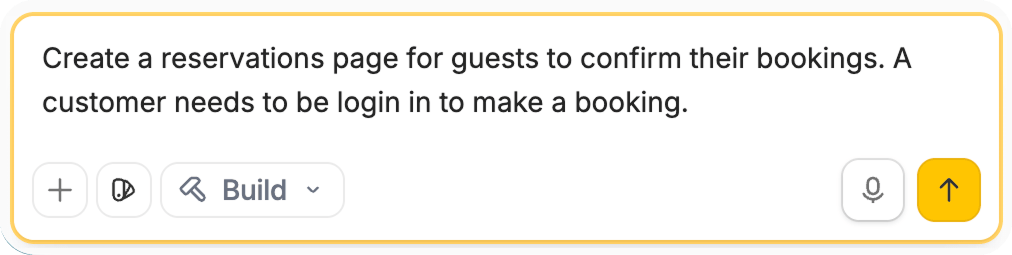
3
Review the result
Read the Agent’s summary, then test the feature it built. To undo a change, use Version control.
Want to scope first? Switch to Plan mode before building.