
Client reporting tools automate the part of agency work nobody enjoys. They pull numbers from every channel you run into a report your client reads on a schedule, and you never rebuild it.
What separates a good tool from a manual spreadsheet is automation. A report that rebuilds itself every month saves more time than one that just looks better.
I built the same recurring report across all 13 tools, plus one that didn't make the cut. Each pulled Google Ads, Meta, and GA4 data into a white-labeled monthly email, scheduled to send automatically wherever the tool supported it.
This guide ranks them by which kind of agency each one fits, with monthly pricing and limitations.
A key distinction runs through this list. Most are all-in-one reporting tools, and Improvado is a pure data pipeline that feeds a report you build elsewhere. Supermetrics and Adverity blur that line, since both now build reports of their own too.
13 best client reporting tools: TL;DR
- 1.
 Best all-in-one reporting for agencies managing many clients.
- 2.
 Best value for white-label automated reports.
- 3.
 Best for scheduled report snapshots alongside live data.
- 4.
 Best for polished, presentation-ready report design.
- 5.
 Best for feeding reports you build in Sheets, Data Studio, or Power BI.
- 6.
 Best for small teams wanting quick automated reports.
- 7.
 Best client-count tiers for growing agencies.
- 8.
 Best BI-grade reporting built for marketing agencies.
- 9.
 Best enterprise data integration for large-scale reporting.
- 10.
 Best for agencies unifying complex, multi-source client data.
- 11.
 Best free option for Google-based client reports.
- 12.
 Best for large agencies seeking a full marketing ops platform.
- 13.
 Best for agencies that want dashboard flexibility over a purpose-built reporting tool.
How I researched and tested these client reporting tools
Building the same recurring report meant a monthly performance report that pulled Google Ads, Meta, and GA4 data, scheduled for automatic email delivery and white-labeled with a mock client's branding. Supermetrics and Adverity feed that data into a report built elsewhere, and Data Studio's scheduled delivery takes more manual setup.
I also tried a tool that didn't make the final list. Metrics Watch is fine for a simple email report but too limited for multi-client agencies.
I scored each on five thing:
- Automation: Whether reports regenerate and send themselves, or still need manual assembly each month.
- White-labeling: Whether the report looks like your agency's, not the vendor's, down to the sender address.
- Data source breadth: How many sources it pulls from without a workaround or a separate connector tool.
- Report design: Whether the output is something a client wants to open, not a wall of numbers.
- Pricing model: Whether cost is per client, per data source, or a single rate, and how that behaves as your roster grows.
This testing separated the tools that automate reporting work from those that still need manual assembly.
13 best client reporting tools: quick comparison
| Tool | Strengths | How pricing works | Starting price |
|---|---|---|---|
| AgencyAnalytics | Full-service agencies with many clients | Per client | $25/client/month |
| Swydo | Small-to-mid agencies wanting value | Per data source | $69/month |
| Databox | Base plan plus client packs | Single rate | $99/month |
| Whatagraph | Presentation-focused agencies | Single rate | $812/month (annual) |
| Supermetrics | Feeding reports you build elsewhere | By source, destination, and user | $55/month |
| DashThis | Small teams wanting simple setup | By report and data-source count | $54/month |
| ReportGarden | Growing agencies wanting predictable cost | Tiers by client count | $75/month |
| ClicData | Data-heavy agencies needing BI depth | Single rate | $290/month |
| Adverity | Enterprise data integration at scale | Custom quote | Custom |
| Improvado | Agencies unifying complex multi-source data | Custom quote for the reporting tiers | Custom |
| Data Studio | Budget agencies already using Google's tools | Free, paid per user per project | Free |
| TapClicks | Large agencies wanting a full ops platform | Custom quote | Custom |
| Klipfolio | Teams wanting dashboard flexibility | Tiers by client count | $180/month |
1. AgencyAnalytics: Best all-in-one reporting for agencies managing many clients
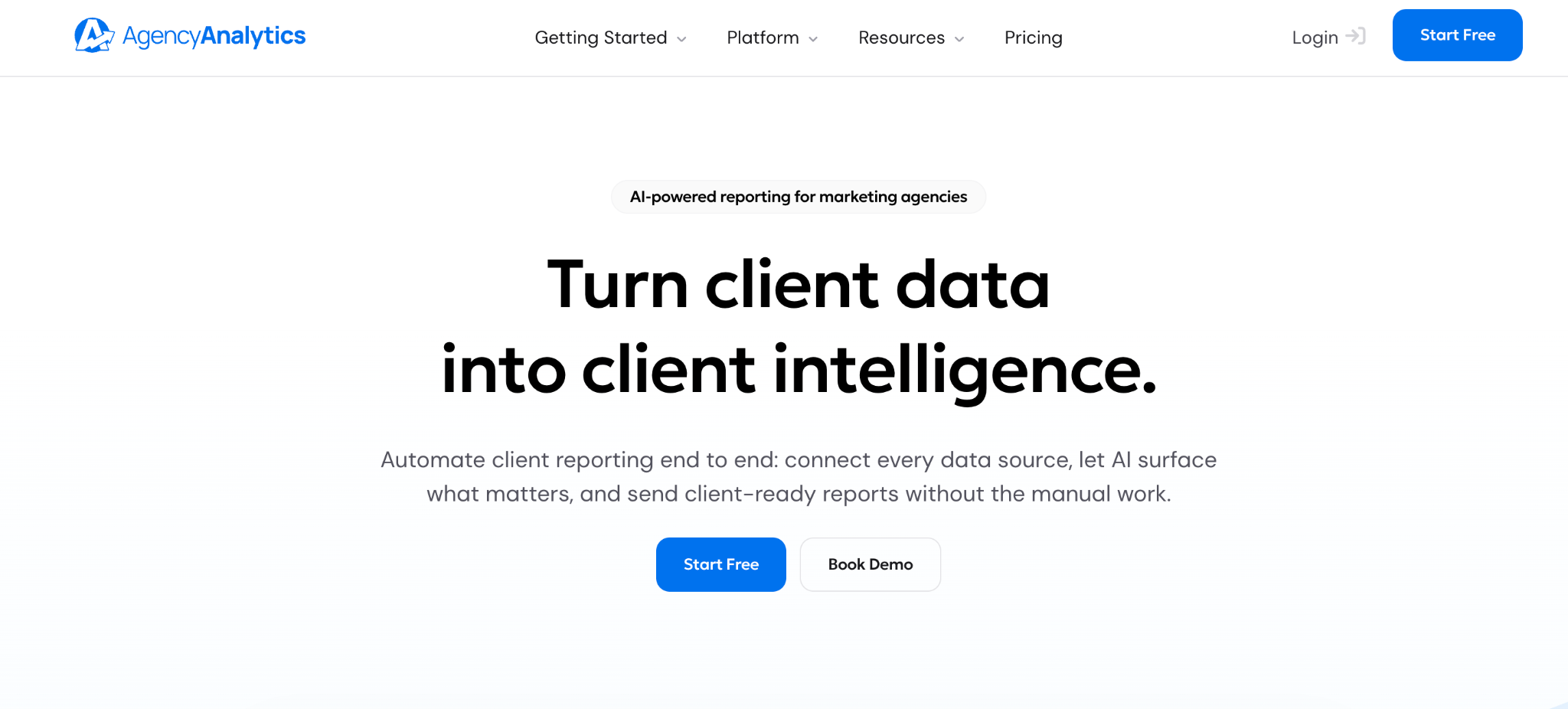
What it does: AgencyAnalytics is a reporting tool built for agencies, with white-label report scheduling, 85+ integrations, and per-client automation from one interface.
Best for: Full-service marketing agencies that want a single tool to automate reports for every client and channel.
AgencyAnalytics sets the standard here for a reason: report scheduling is fully automatic, and the integration list covers nearly anything a client asks about.
It has a 4.7 rating on G2 based on 460 reviews. The catch is per-client pricing, which climbs as your roster grows.
Key features
- Automated report scheduling: Reports generate and send on a schedule without manual assembly.
- White-label delivery: Branding carries through to the report and the sender address.
- 85+ integrations: Pulls from marketing, sales, and analytics tools into one report.
- Comprehensive platform, replacing multiple point solutions.
- Broad integration library covers most client questions.
- Per-client automation runs from one interface, so each account's report is automatically sent.
- Per-client pricing adds up on a large roster, with no volume discount until the 25-client Enterprise tier.
- Extra costs for features like the rank tracker.
- Templates need setup before they look agency-specific.
What users say
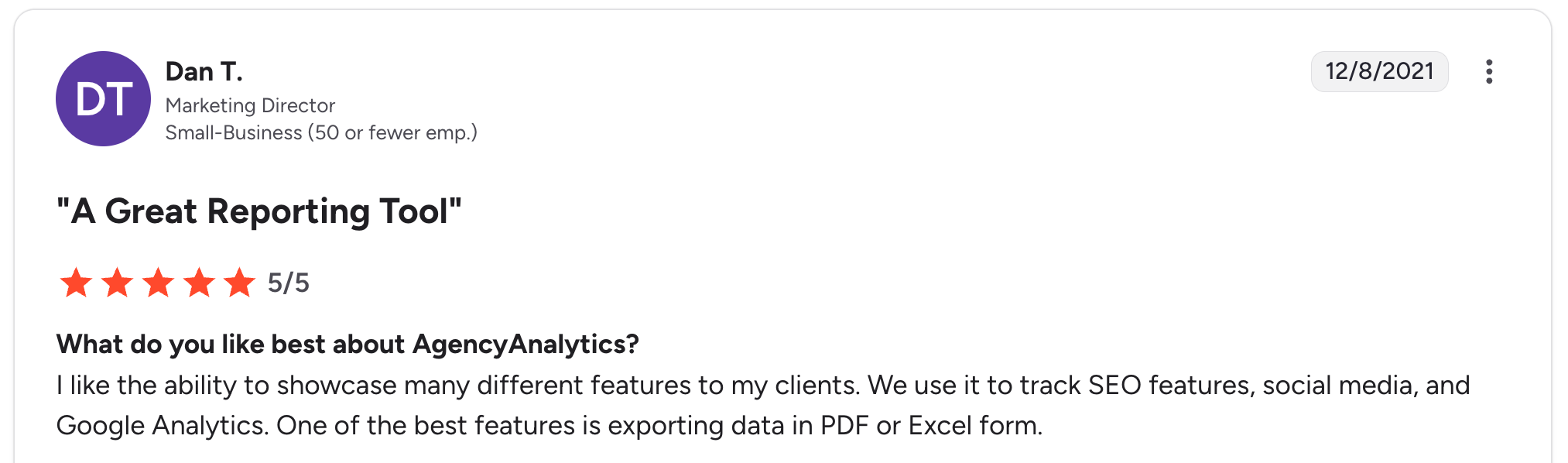
“I like the ability to showcase many different features to my clients. We use it to track SEO features, social media, and Google Analytics.” Dan T, G2

“I can't see the exact same numbers in the native platform analytics, making it hard to explain to customers why the numbers sometimes differ from their own platforms.” Aiki A, G2
Pricing
AgencyAnalytics has no free plan, just a 14-day trial with no card. The single plan runs exactly $25/client/month, with core reporting and unlimited data sources included; the rank tracker and AI tracker are paid add-ons. Agencies with 25 or more clients can ask for a custom Enterprise quote with volume discounts. See the AgencyAnalytics pricing page.
Bottom line
AgencyAnalytics is the safe pick for an agency that wants a single tool to automate reports for every client. Swydo's model is worth a look if your roster is large.
2. Swydo: Best value for white-label automated reports
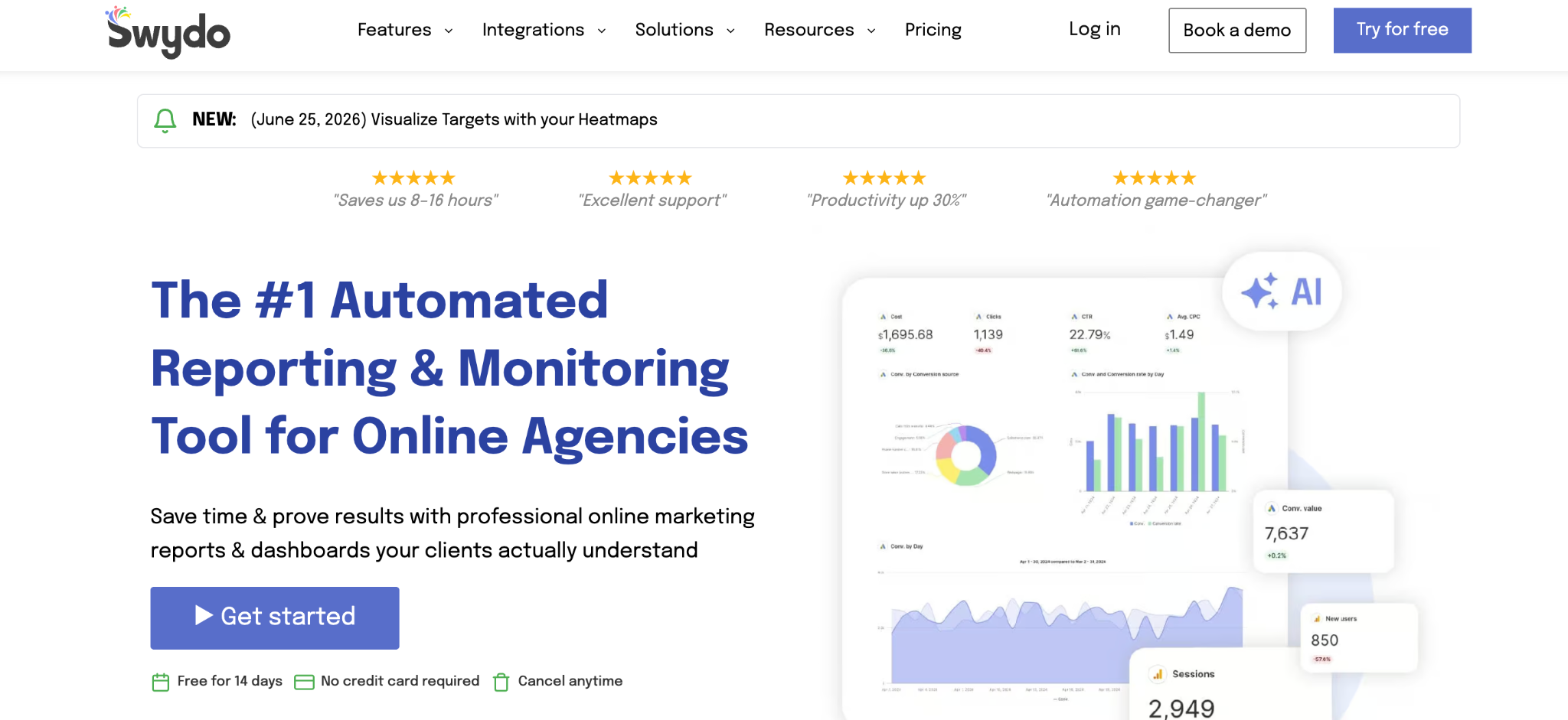
What it does: Swydo is a white-label reporting tool that builds automated report schedules and dashboards, priced per data source.
Best for: Small and mid-size agencies that want automated reports without per-client costs.
Swydo does the core reporting job well at a lower, more predictable price. Its base plan includes unlimited clients and users and charges by data source instead, which suits agencies with many small clients. Reports are clean rather than flashy.
Key features
- Unlimited clients and users: Priced by data source, not per client.
- Automated report delivery: Scheduled reports that generate and send on their own.
- KPI monitoring: Goal tracking across clients alongside the reports.
- Predictable pricing, with unlimited clients included.
- Every feature included in the one plan, with no upgrade tier to chase.
- Fast setup for standard recurring reports.
- Functional design, not presentation-heavy.
- Fewer integrations than AgencyAnalytics.
- Data-source pricing adds up for multi-channel clients.
What users say
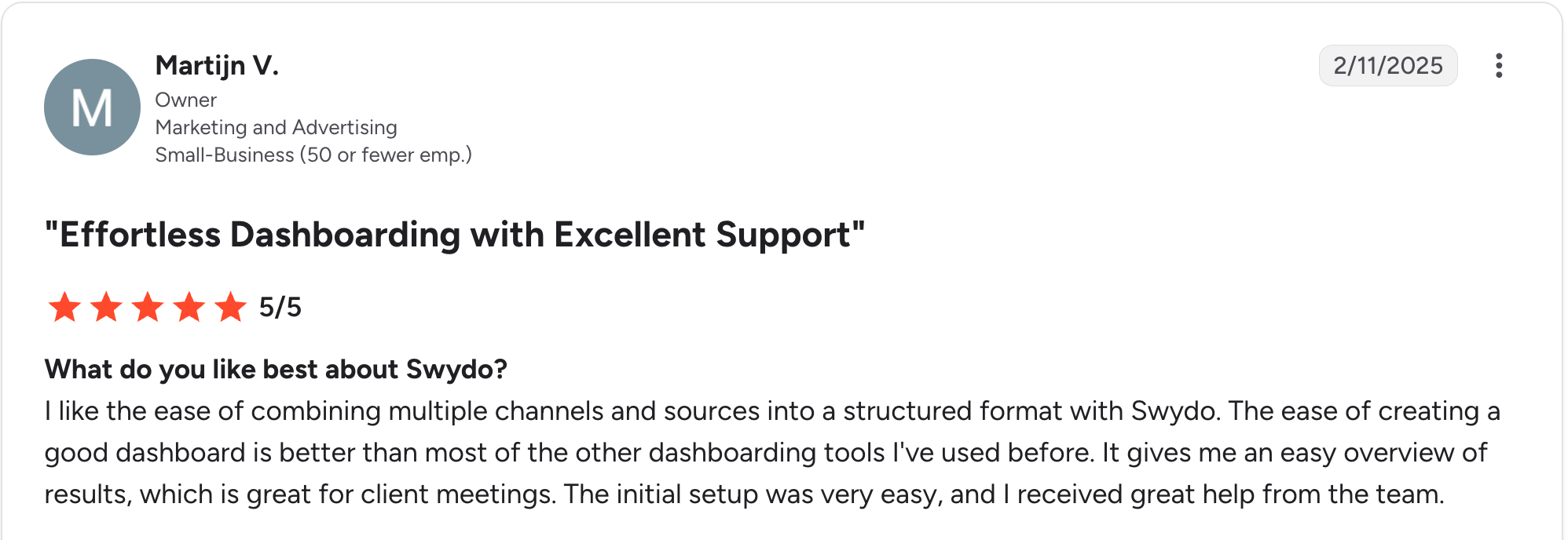
“I like the ease of combining multiple channels and sources into a structured format with Swydo.” Martijn V, G2

“It would be nice if the graphs were a little better visually - that's it.” Kevin S, G2
Pricing
Swydo has no free plan, just a 14-day trial with no card. It sells a single plan at $69/month for 10 data sources, with unlimited clients and users; extra sources are $4.50 each, dropping to $3.00 past 100 and $2.00 past 500. See the Swydo pricing page.
Bottom line
Swydo is the value pick for agencies with many clients who want predictable, automated reporting. If report design needs to impress, Whatagraph does that better.
3. Databox: Best for scheduled report snapshots alongside live data
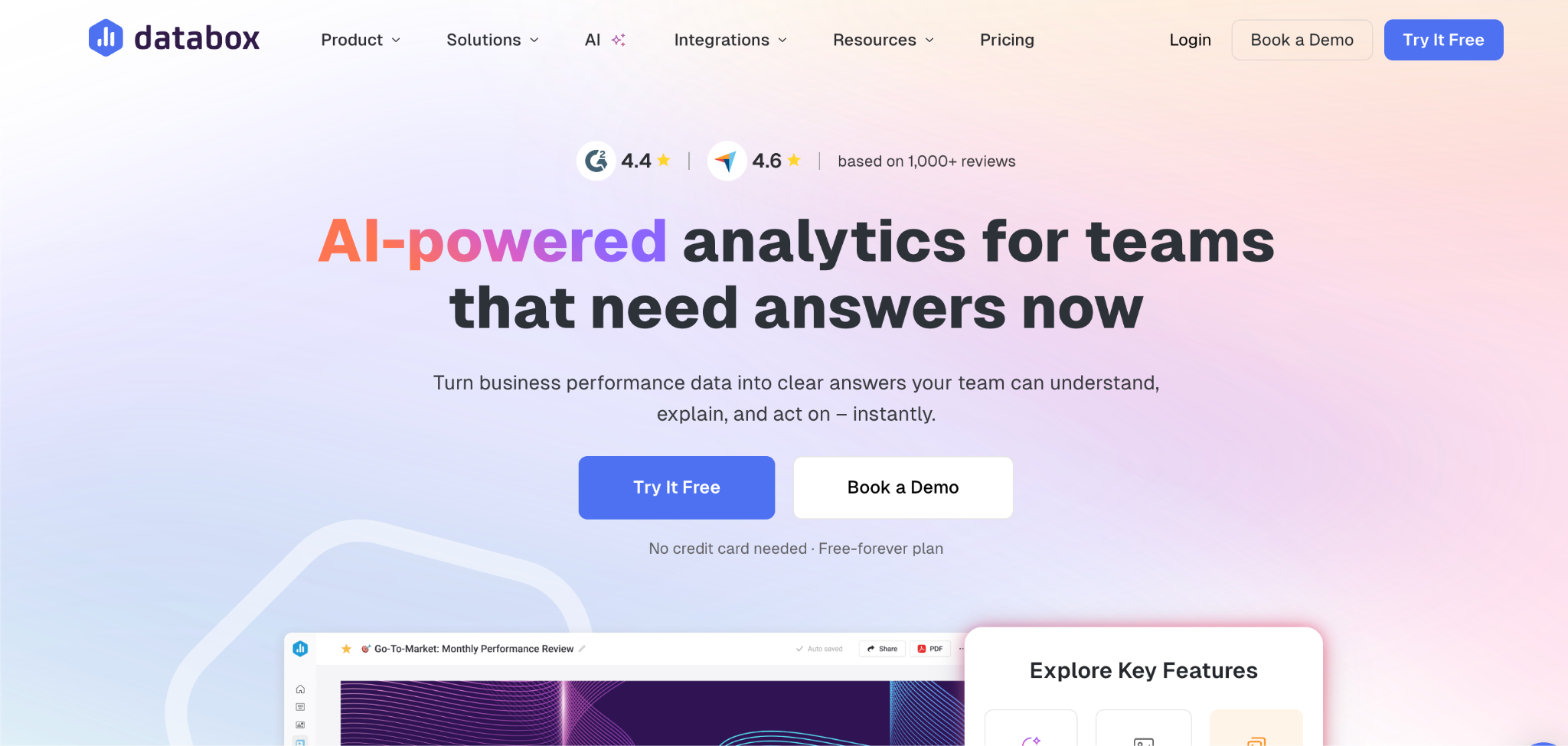
What it does: Databox is a KPI tool that pulls metrics into live dashboards and also sends scheduled report snapshots by email, with AI-written summaries.
Best for: Agencies that want a recurring email report and clients who want to check live numbers between reports.
Databox's snapshot feature emails a scheduled summary of the dashboard, with an AI Analyst adding a written take on what moved.
That combination, a periodic report plus a live view behind it, is closer to what clients want than a static PDF. Note that Databox's agency plans carry no free tier, unlike its separate analytics product.
Key features
- Scheduled snapshots: Automated email reports on a recurring schedule.
- AI-written summaries: A short written take on what changed in the reporting period.
- Live dashboards behind the report: Clients can check current numbers, not just the last snapshot.
- Scheduled reports and a live dashboard in one tool.
- The summary explains the movement, so you're not writing the commentary.
- Closer to what clients ask for than a static PDF, per the test.
- No free plan on the agency track.
- Per-source charges stack beyond the included allowance.
- Less print-focused than the formal reports AgencyAnalytics produces.
What users say
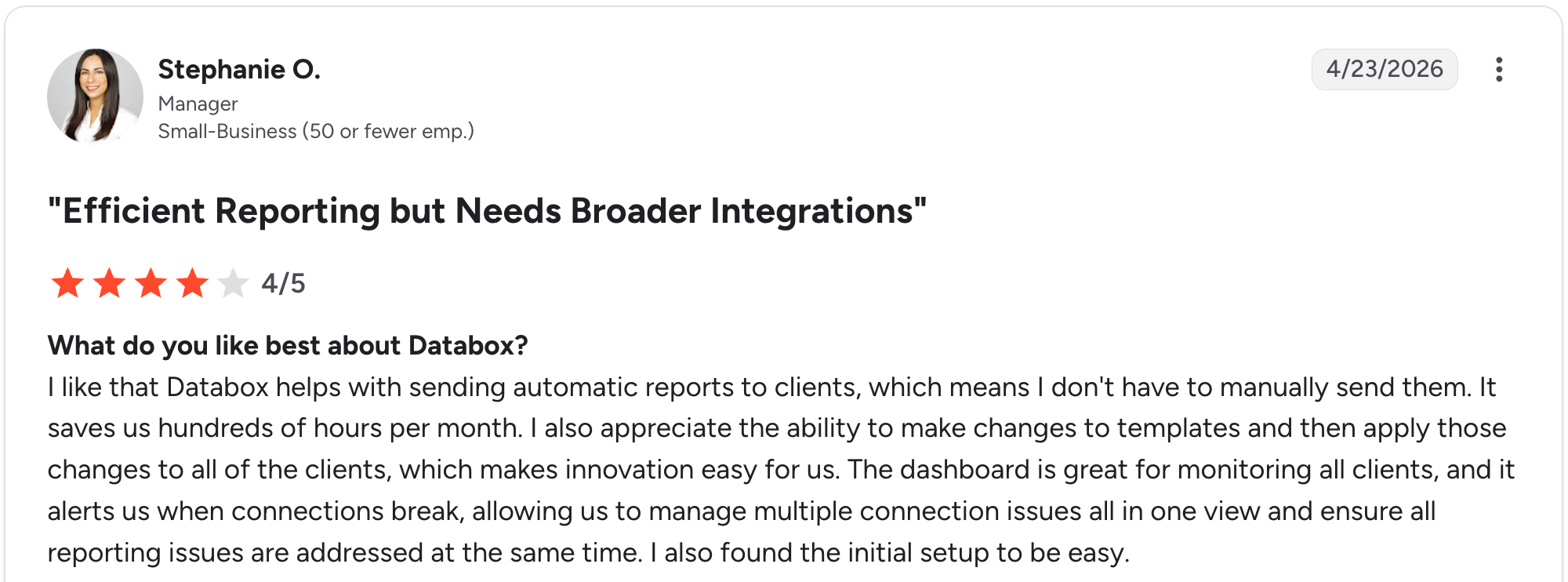
“I like that Databox helps with sending automatic reports to clients, which means I don't have to manually send them.” Stephanie O, G2

“While it has the major business integrations and connections, it needs more connections to work in certain industries.” Nancy S, G2
Pricing
Databox's Agency plan starts at $99/month with unlimited users and 20 data sources, and you add capacity in $25/month packs of one client account and five data sources. Its non-agency plans start free, with a solo Analyst plan for $89/month and a Team plan at $249/month (Core) or $399/month (Scale). See the Databox pricing page.
Bottom line
Databox is the pick when you want a scheduled report and a live view in one tool. For classic white-label PDF-style reports, AgencyAnalytics or Swydo is a better fit.
4. Whatagraph: Best for polished, presentation-ready report design
What it does: Whatagraph is a reporting tool built around polished visual design, blending cross-channel data into presentation-ready, automatically scheduled reports.
Best for: Agencies where report design and client presentation are a core part of the relationship.
Whatagraph produces the best-looking reports in this category, with cross-channel blending across 68 native integrations, plus automated scheduling.
The trade-off is cost. It's priced well above mid-market tools, and the deepest integrations, like BigQuery export, sit on the top tier.
Key features
- Design-led reports: Presentation-ready output with little manual design work.
- Cross-channel blending: Combines multiple sources into a single scheduled report.
- Whatagraph IQ: Automated report creation, themes, AI summaries, and an in-report chat, included on every plan.
- Best visual design in this category.
- Every source lands in one polished report, not a patchwork of exports.
- No feature gate on the AI layer, unlike tools that hold it back for higher tiers.
- Priced well above mid-market tools.
- BigQuery export and API access sit on the top tier.
- More depth than many agencies need.
What users say
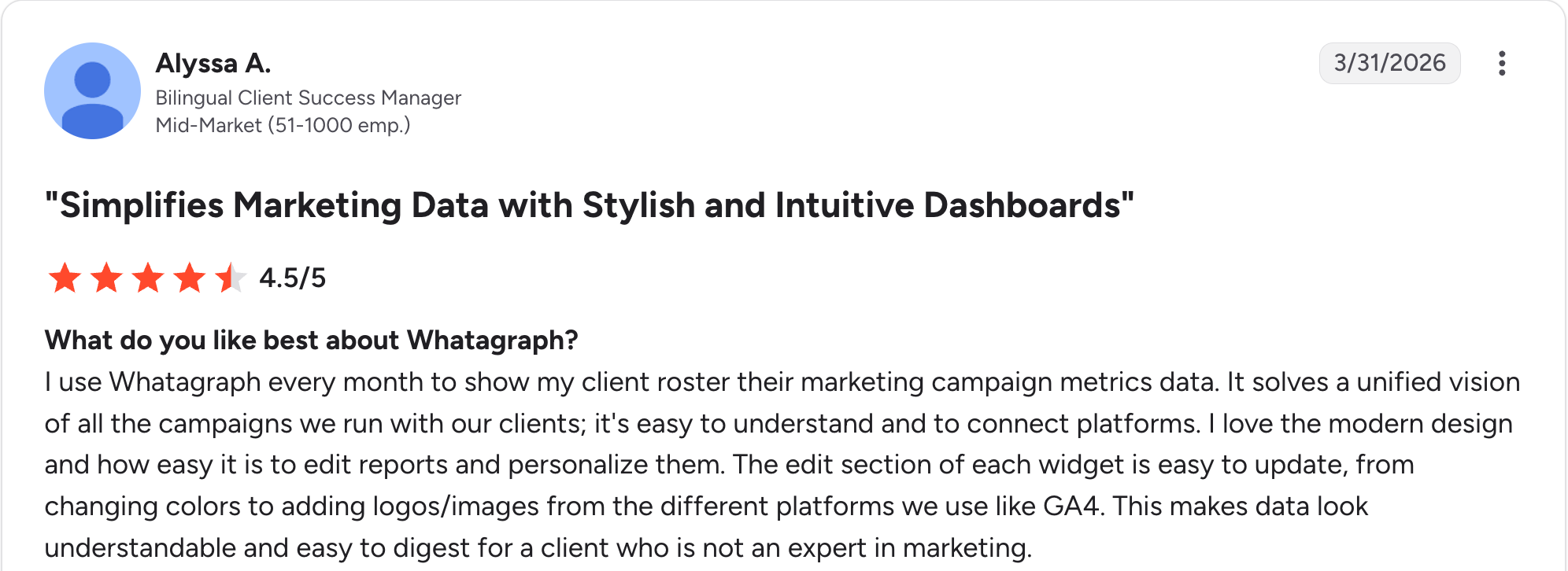
“I use Whatagraph every month to show my client roster their marketing campaign metrics data.” Alyssa A, G2

“If two people are editing a report at the same time, the widgets can glitch or break, which is frustrating on tight deadlines.” Bruhith I, G2
Pricing
Whatagraph has no free plan and no month-to-month option. Max starts at $812/month billed annually, for teams scaling reporting without scaling headcount, and Prime is custom-quoted for complex, high-volume needs. See the Whatagraph pricing page.
Bottom line
Whatagraph is the choice when report design is central to winning and keeping clients. If budget matters more than polish, Swydo or DashThis provides the core automation at a lower cost.
5. Supermetrics: Best for feeding reports you build in Sheets, Data Studio, or Power BI
What it does: Supermetrics pulls data from ad accounts and analytics tools into Google Sheets, Data Studio, Excel, and Power BI on a schedule, and now builds dashboards inside its own platform too.
Best for: Agencies that already build reports in Sheets or Data Studio and want the data refreshed automatically, plus anyone who'd rather keep the reporting in one place.
Supermetrics started as the pipe behind everyone else's reports and still does that better than anything here. It also builds and schedules its own now, so you can keep your existing template or move it in.
For a team already invested in Data Studio or Sheets-based reporting, manual CSV exports are usually the bottleneck, and Supermetrics clears it.
Key features
- Wide data source coverage: Pulls from most major ad and marketing tools.
- Scheduled refreshes: Automatic data updates on a schedule for Sheets, Excel, and Power BI; Data Studio refreshes on demand.
- Multiple destinations: Google Sheets, Data Studio, Excel, Power BI, and more.
- Removes manual exports from an existing reporting workflow.
- Uses existing tools teams already use for reports.
- No engineering time needed to get data flowing into your existing reports.
- Tight source caps on the entry plan, at three data sources and one user.
- Extras cost more for added sources, users, and destinations.
- Connector reliability comes up repeatedly in reviews, with some users reporting periodic disconnects.
What users say
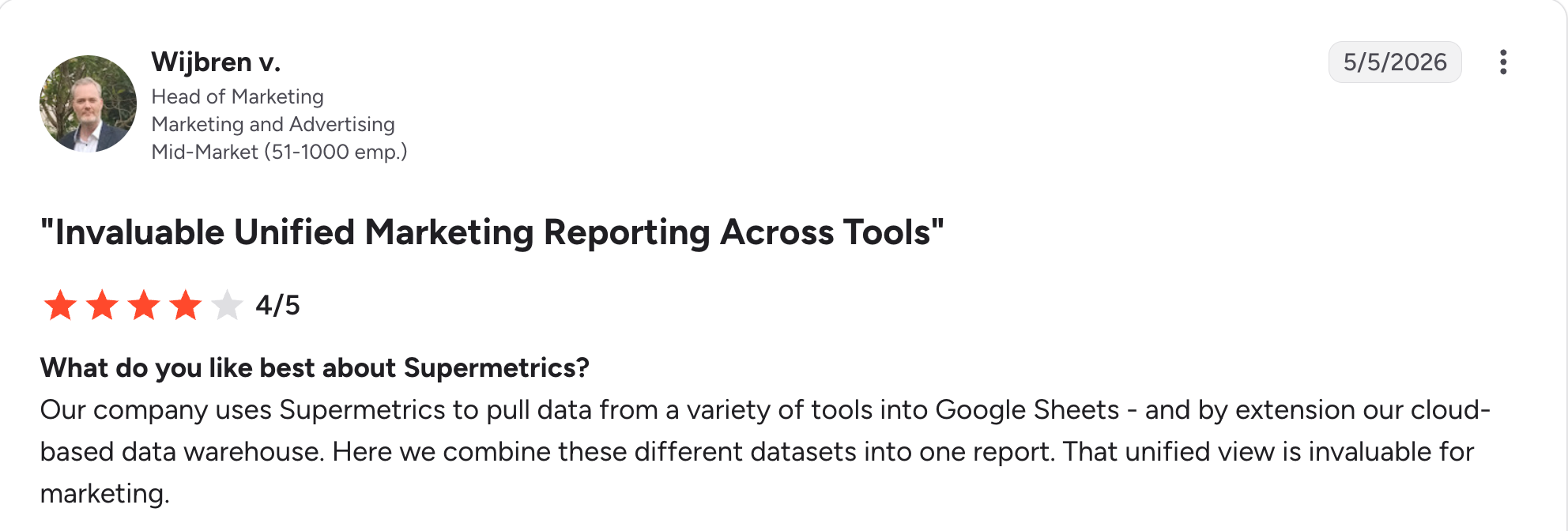
“Our company uses Supermetrics to pull data from a variety of tools into Google Sheets - and by extension our cloud-based data warehouse.” Wijbren V, G2

“Pricing over 3 channels and integrations is a bit complex.” Moe A, G2
Pricing
Supermetrics has no free plan, just a 14-day trial with no card. Starter starts at $55/month, Growth starts at $222/month; both scale with data sources, destinations, and users, and Enterprise is a custom quote. See the Supermetrics pricing page.
Bottom line
Supermetrics is the pick when manual data refreshes are the pain point, whether your template already exists or you build the report in Supermetrics itself.
6. DashThis: Best for small teams wanting quick automated reports
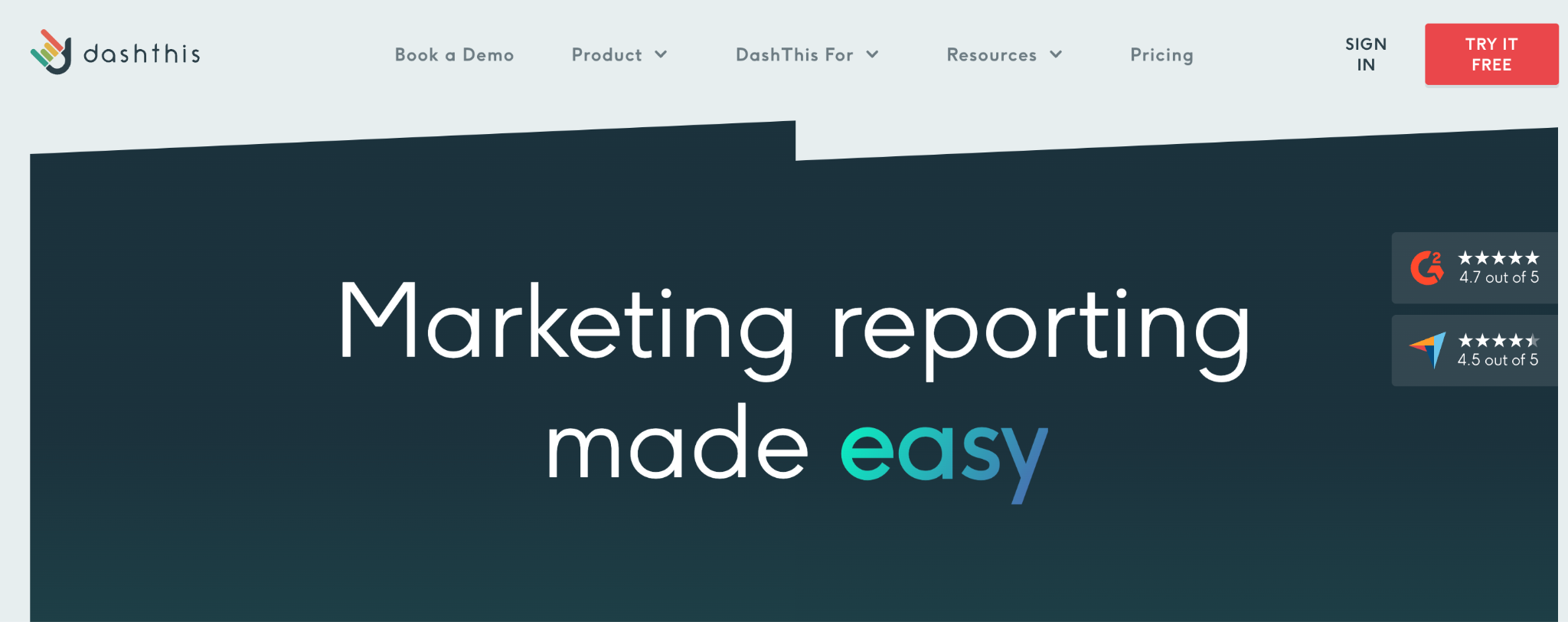
What it does: DashThis is an automated reporting tool that builds client reports quickly, priced by dashboard and data-source counts rather than by the number of clients.
Best for: Small teams and solo operators who want automated reports without complexity.
DashThis keeps things simple. Connect your sources, pick a template, and get an automated report quickly.
Reporting features are included on every plan, and pricing scales with the number of dashboards and sources. It's less deep than the all-in-one tools, which is the point for a small team that wants speed.
Key features
- Preset templates: Fast path to an automated report.
- Core features included: Every plan gets the full reporting toolset; onboarding, priority support, and a success specialist start at Business, and AI Insights Pro costs $19/month extra on any plan.
- Automated delivery: Scheduled reports without manual work.
- Fast, simple setup for small teams.
- Clean, presentable reports, ready to send.
- Well-reviewed, 4.7 out of 5 on G2.
- Less depth than all-in-one tools.
- Dashboard-and-source pricing limits heavy users with many connected accounts.
- Copying metrics between reports is one at a time, per a G2 reviewer.
What users say
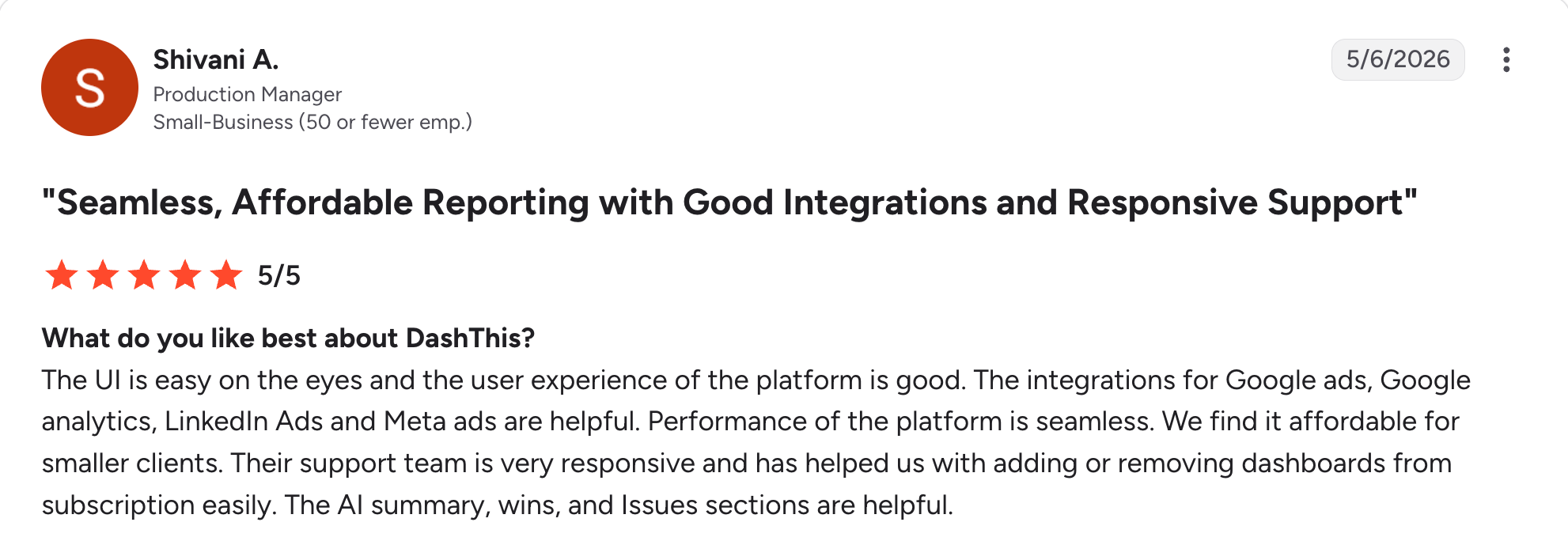
“The UI is easy on the eyes, and the user experience of the platform is good.” Shivani A, G2

“I think it would be better if I could copy large sections at a time instead of copying each individual metric, especially historical data metrics.” Amna A, G2
Pricing
DashThis has no free plan, just a 14-day trial with 10 dashboards. Individual is $54/month, Professional is $164/month, Business is $324/month, and Standard starts at $499/month on a sliding scale for larger dashboard and source volumes. See the DashThis pricing page.
Bottom line
DashThis is the pick for a small team that wants automated reports fast without complexity. Growing agencies with many clients will outgrow the report-count pricing.
7. ReportGarden: Best client-count tiers for growing agencies
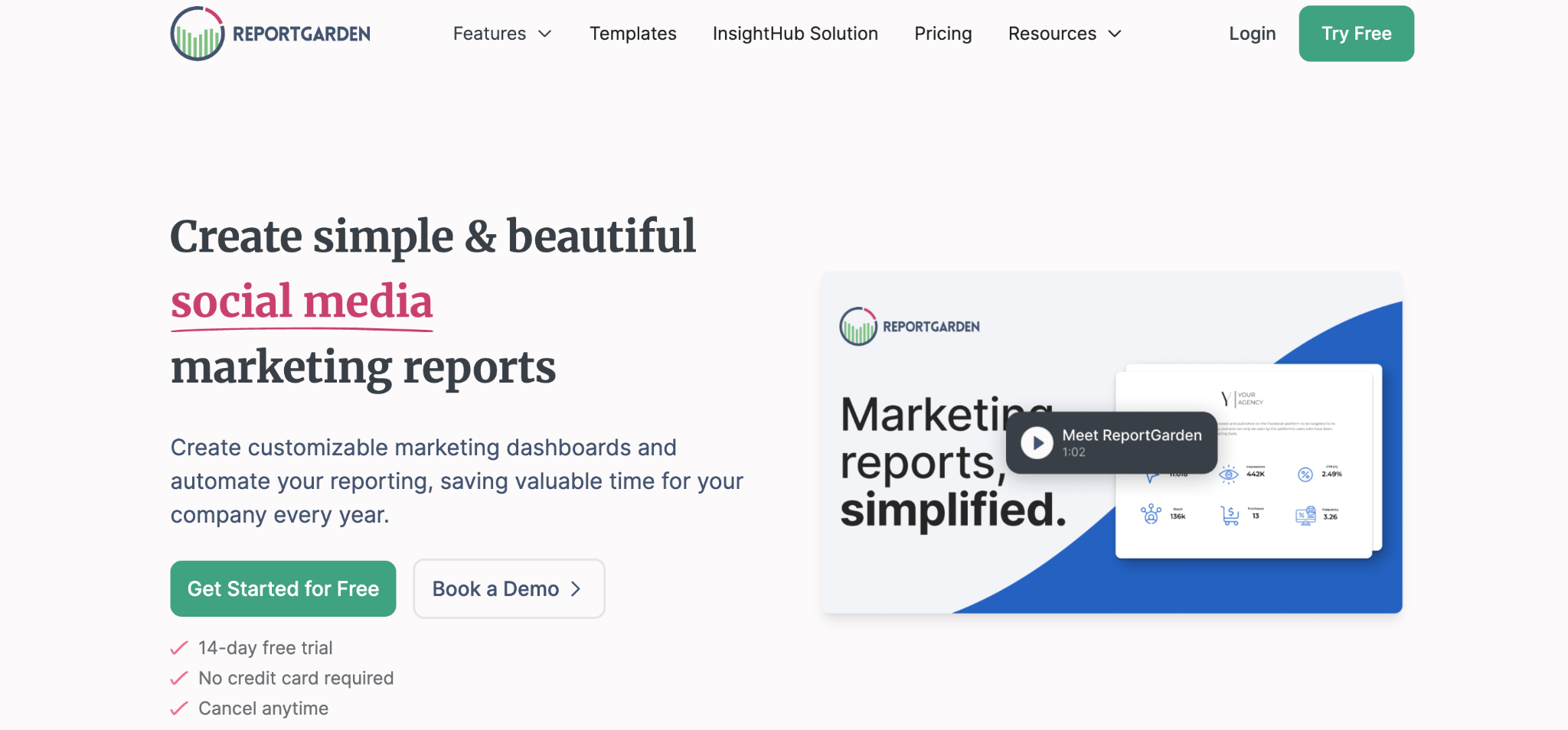
What it does: ReportGarden is a white-label reporting tool built for agencies, with automated report generation, 100+ integrations, and pricing based on the number of clients you serve.
Best for: Growing agencies that want predictable, client-count-based pricing as they add accounts.
ReportGarden sits between the value tools and the all-in-one tools here, with tiers built around client count rather than a single agency-wide fee, though data-source usage still counts toward the limits.
Dedicated onboarding arrives on the Professional plan, useful for a team switching tools once it outgrows the entry tier. It covers social, SEO, and paid ads reporting in one place, with franchise-specific reporting for multi-location clients.
Key features
- Client-count pricing tiers: Plans scale by client count, not data source volume.
- Cross-channel reporting: Social, SEO, and paid ads reporting in one tool.
- Dedicated onboarding: A point of contact for setup, added at the Professional tier.
- Predictable cost as you add clients
- Broad integration list, covering most channels agencies report on.
- Client-count tiers, so a five-client shop knows its bill.
- Client caps per tier mean you'll need to upgrade as your roster grows.
- Less design polish than Whatagraph.
- Smaller user base, so fewer public reviews than AgencyAnalytics or Swydo.
What users say
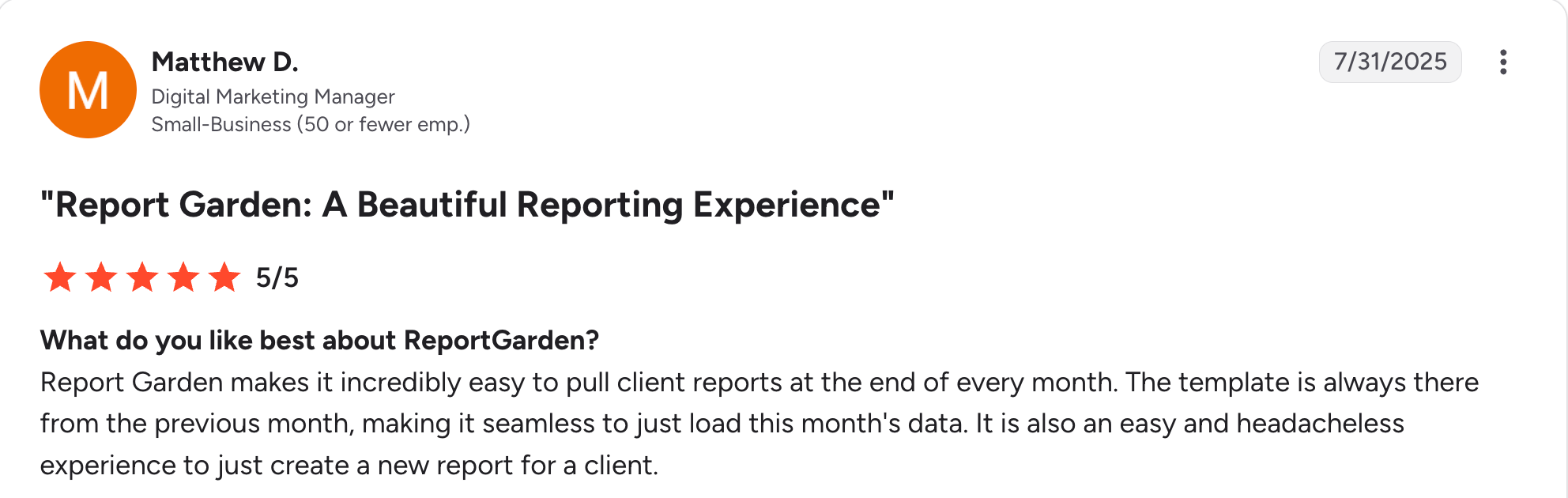
“The template is always there from the previous month, making it seamless to just load this month's data.” Matthew D, G2

“It can take some time to get used to the UI/UX, but that's likely the case with all platforms we use.” Nick V, G2
Pricing
ReportGarden has no free plan, just a 14-day trial with no card. Standard is $75/month for up to 5 clients; Professional is $125/month for up to 10 clients; and larger rosters require a custom quote. See the ReportGarden pricing page.
Bottom line
ReportGarden is a solid pick for an agency that wants to know exactly what the bill looks like as the client list grows. If you'd rather have one tool automating every client and channel from a single interface, AgencyAnalytics is the stronger all-rounder.
8. ClicData: Best BI-grade reporting built for marketing agencies
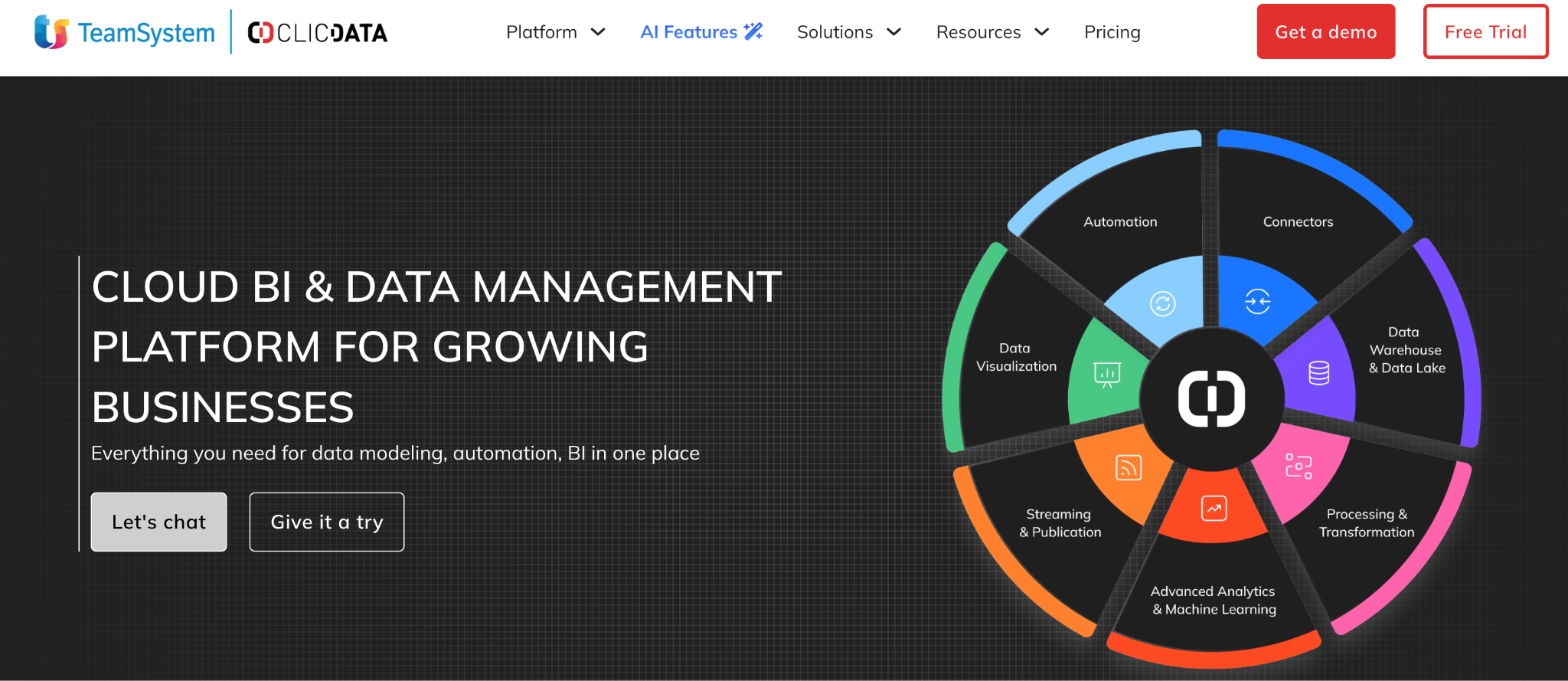
What it does: ClicData is a business intelligence tool with a dedicated offering for marketing agencies, combining data warehousing, scheduled reports, and white-label client dashboards.
Best for: Data-heavy agencies that want BI-grade reporting depth instead of a marketing-specific point solution.
ClicData brings BI capability to client reporting. It can warehouse data from many sources and build reports with more analytical depth than the marketing-specific tools here.
That depth is the appeal for agencies with complex data needs, and the trade-off with any BI tool is more setup and a steeper learning curve than with a purpose-built marketing reporting tool. Cloud plans start at $290/month on monthly billing; only the Dedicated tiers need a sales conversation.
Key features
- Data warehousing: Combine and centrally store data from multiple sources.
- Scheduled reports: Automated report generation and delivery.
- White-label client dashboards on the Enterprise Cloud plan and up: Branded, client-facing views alongside the reports.
- BI-grade depth for complex, multi-source data.
- Deep customization for calculated metrics and custom visualizations.
- Granular access controls, built for BI-team governance needs.
- Dedicated and self-hosted plans are quote-only, unlike the published Cloud tiers.
- Steeper learning curve than purpose-built marketing tools.
- Fewer marketing-specific templates than purpose-built reporting tools.
What users say
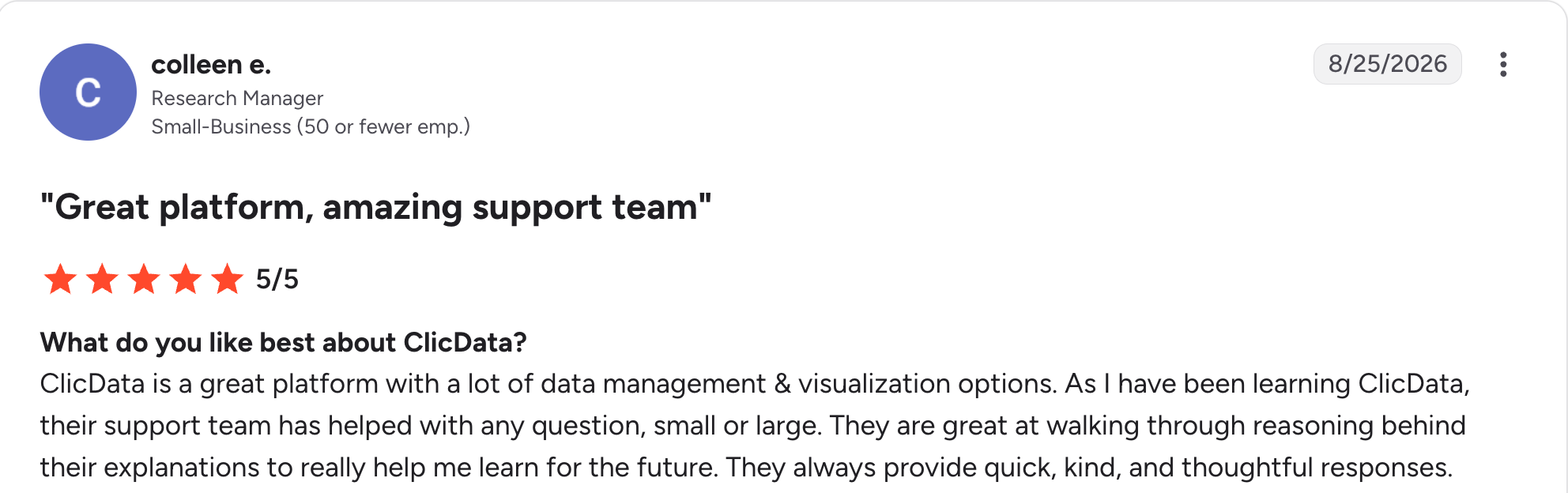
“ClicData is a great platform with a lot of data management & visualization options.” Colleen E, G2

“Your pricing model has changed several times and that has continued to be a barrier for us.” Verified User, G2
Pricing
ClicData publishes three Cloud plans on monthly billing: Basic at $290/month, Team at $520/month, and Enterprise at $835/month, with user caps of 25, 50, and 200. Its Dedicated and self-hosted plans are custom-quoted. See the ClicData pricing page for current rates.
Bottom line
ClicData is the right call for an agency with data complex enough that a marketing-specific tool can't handle it well. For most agencies, that depth is more than the job needs.
9. Adverity: Best enterprise data integration for large-scale reporting

What it does: Adverity is an enterprise marketing data integration tool that connects, transforms, and centralizes data from a large number of sources for reporting and analysis.
Best for: Large agencies and enterprise marketing teams with data spread across many sources and no standard structure to unify it.
Adverity is built specifically for the integration problem. It connects 600+ marketing and advertising sources, transforms inconsistent data into a common structure, and either feeds it onward to your BI tool or reports on it in its own dashboards.
It's similar to Improvado in positioning, aimed at organizations where data unification is the real bottleneck. Pricing is fully custom, built around each customer's source count and volume.
Key features
- Wide-source connectivity: Connects to a large number of marketing, sales, and advertising sources.
- Data transformation: Normalizes inconsistent data structures before they reach a report.
- Flexible output: Feeds cleaned data onward to your BI tool, or reports on it in Adverity's own dashboards.
- Built for enterprise governance, with access and security controls at scale.
- Cuts the manual data-wrangling that eats analyst time.
- Built for scale, with high source counts.
- No public pricing or self-serve signup; every start runs through a demo and custom quote.
- Overbuilt for agencies without a data unification problem.
- Leads with data integration, not client-facing reporting, so the dashboards get less of the product's attention.
What users say
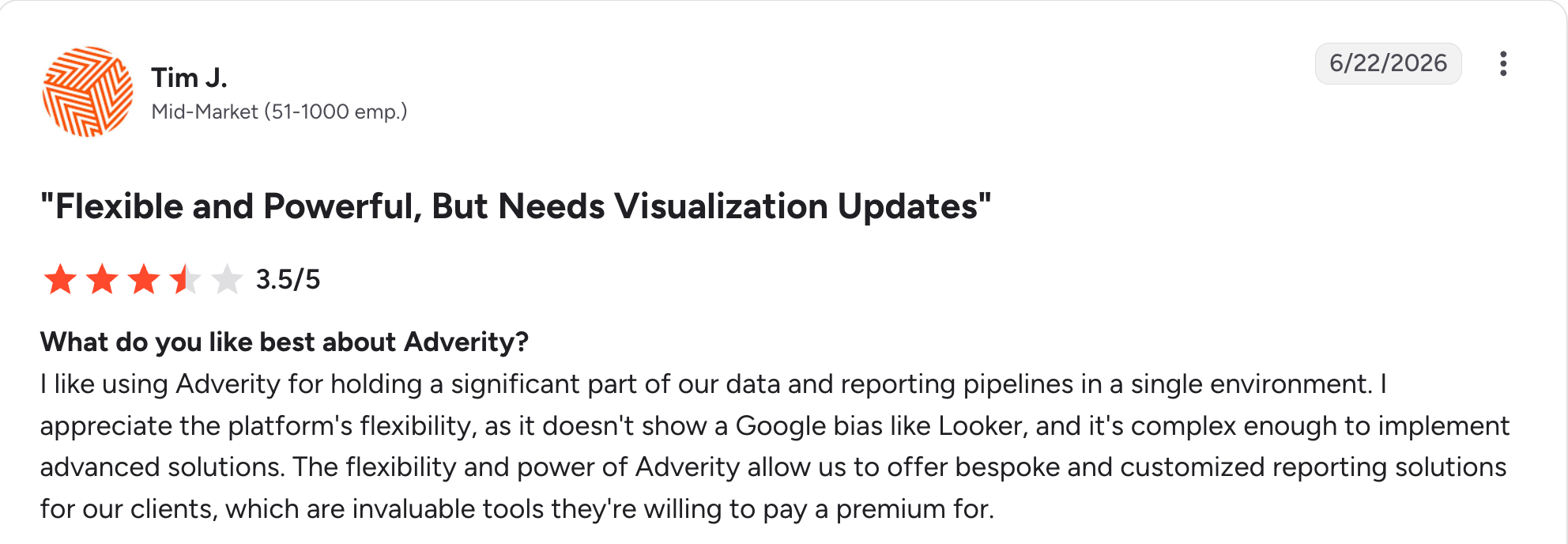
“I like using Adverity for holding a significant part of our data and reporting pipelines in a single environment.” Tim J, G2

“There have been many instances where Adverity just couldn't keep up with the load of data that we wanted to process.” Aneesh T, G2
Pricing
Adverity keeps pricing private. Every quote is custom, based on data sources and volume. See the Adverity pricing page.
Bottom line
Adverity is the pick when data integration across many sources is your problem. Most agencies will find the enterprise scale and the sales-led buying process more than they want to take on.
10. Improvado: Best for agencies unifying complex, multi-source client data
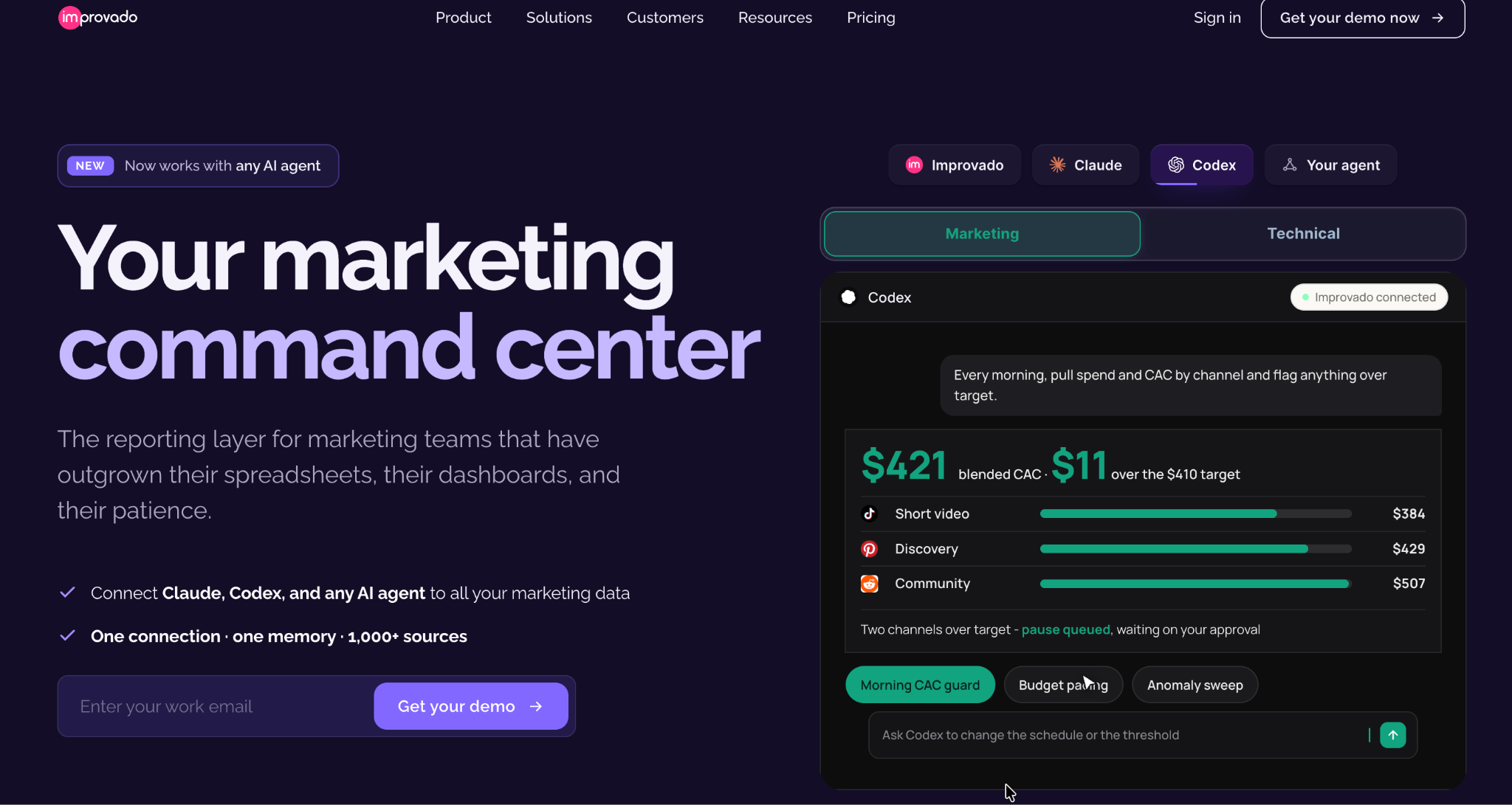
What it does: Improvado is a marketing data tool that unifies data from 1,000+ advertising and analytics sources, designed for agencies and enterprises with complex, multi-source reporting needs.
Best for: Larger agencies whose clients run campaigns across many ad accounts and need that data reconciled before it becomes a report.
Improvado's angle is unification. When a client's data is scattered across a dozen ad accounts with inconsistent naming and structure, Improvado is built to reconcile that mess before it ever reaches a dashboard or report.
Larger agencies hit that problem constantly. Smaller ones never do. A free entry tier now exists, though the deeper agency-scale features still sit behind a custom quote.
Key features
- Wide-source unification: Reconciles data across numerous ad and marketing sources.
- Data normalization: Handles inconsistent naming and structure across sources automatically.
- Enterprise-scale pipelines: Built for volume and complexity beyond typical marketing tools.
- Cuts the manual reconciliation work that eats analyst time.
- Broad source library, with 1,000+ connectors.
- Published entry tiers to look at before a sales call, unlike Adverity's quote-only pricing.
- Higher tiers remain custom beyond the free and $100/month entry points.
- Overbuilt for agencies whose data isn't unusually complex.
- Bigger implementation lift than a self-serve reporting tool.
What users say
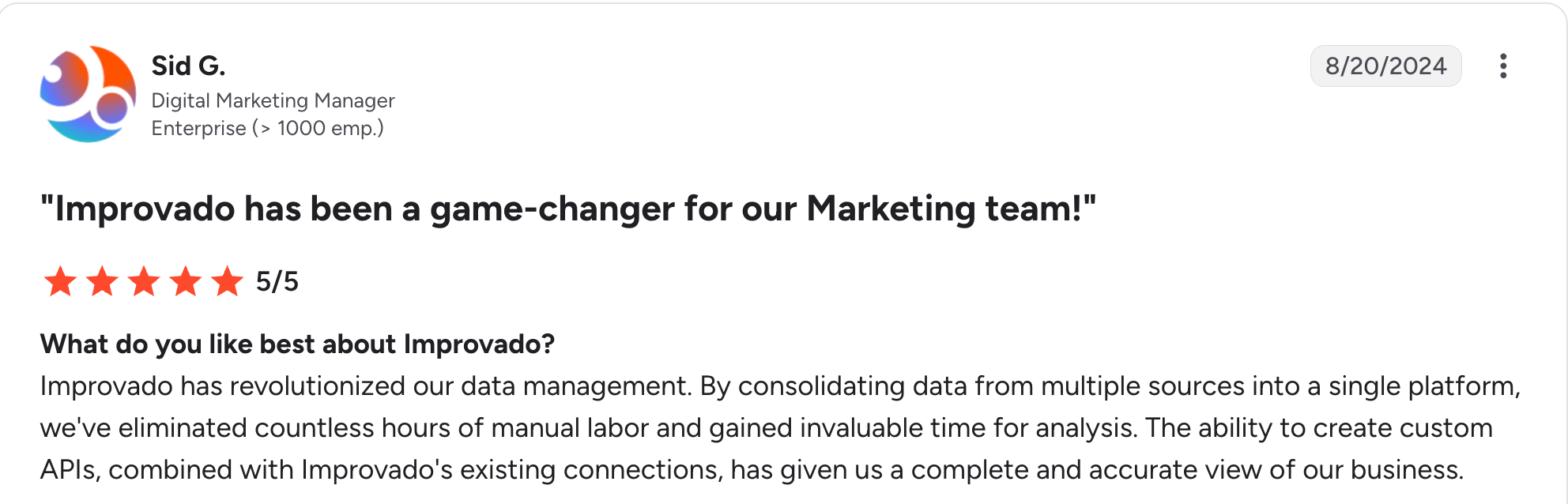
“By consolidating data from multiple sources into a single platform, we've eliminated countless hours of manual labor and gained invaluable time for analysis.” Sid G, G2

“Improvado can be expensive, particularly for smaller businesses or startups with limited budgets.” Jack M, G2
Pricing
Improvado's free tier and its $100/month MCP Only plan give limited access to its AI agents rather than full reporting; the Advanced and Enterprise tiers agencies would actually use are custom-quoted. See the Improvado pricing page.
Bottom line
Improvado is the pick when your reporting problem is messy, multi-source data that needs to be unified before it becomes a report. Most agencies will find it more than they need.
11. Data Studio: Best free option for Google-based client reports
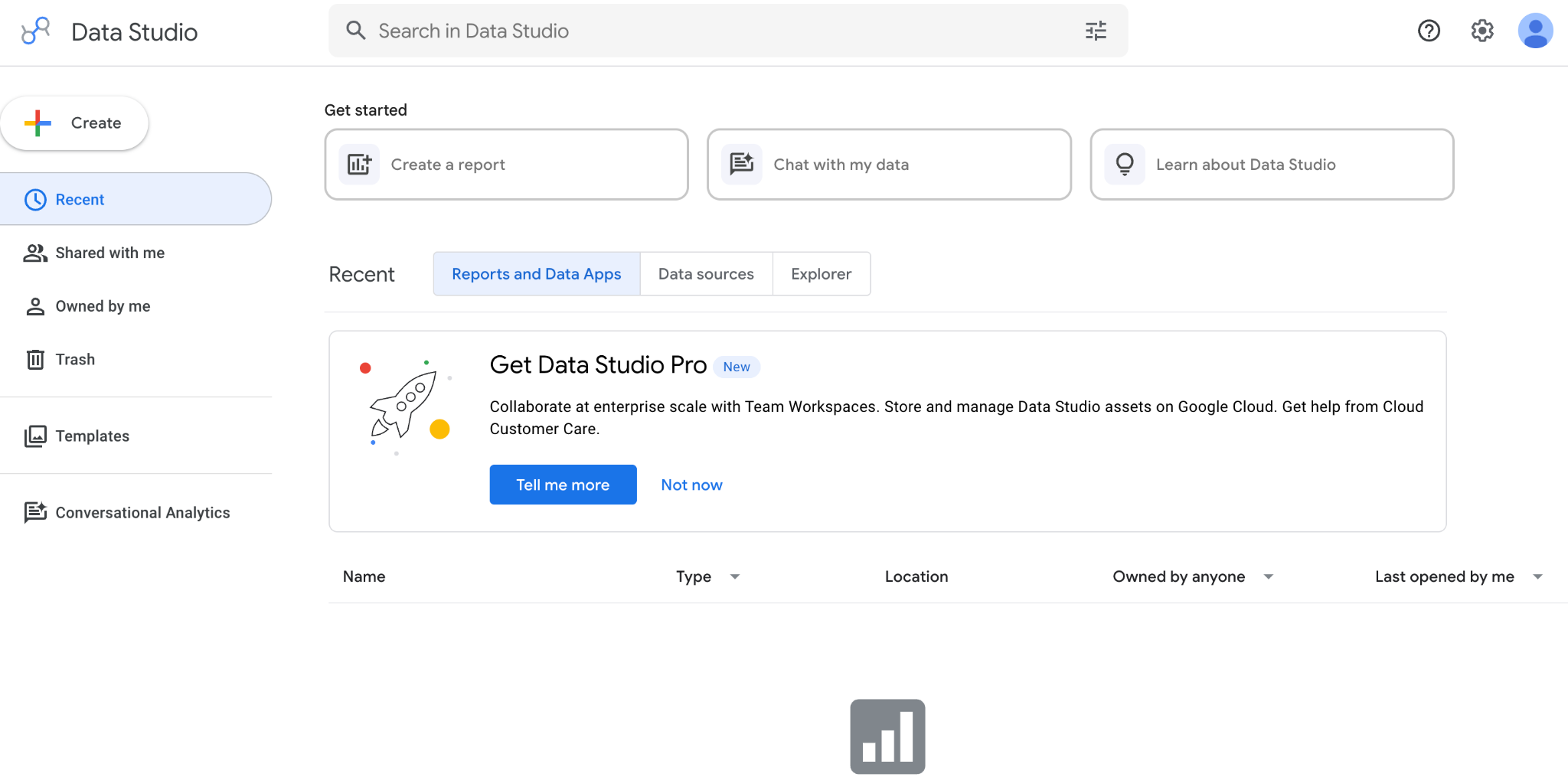
What it does: Data Studio, formerly known as Looker Studio, is Google's free reporting tool that connects Google Analytics, Google Ads, Sheets, and third-party sources to create custom, shareable reports.
Best for: Agencies on a budget whose client data lives mostly in Google's tools.
Data Studio is free and capable for Google data, which is why so many agencies build their first client reports here.
The trade-off is effort. It takes real setup to look client-ready; scheduled delivery is more manual to configure than the paid tools here; and connecting non-Google sources often requires a paid connector like Supermetrics.
Key features
- Free to use: No license cost for the core tool.
- Deep Google integration: Native GA4, Google Ads, and Sheets connections.
- Custom reports: Flexible layout and visualization.
- Familiar ground: many agencies build their first client reports here.
- Nothing to connect if the client's data already lives in Google.
- Per reviewers, mobile-responsive reports adapt automatically to phone and tablet screens.
- Real setup effort, including configuring scheduled delivery, to get client-ready.
- Performance slows with larger datasets and complex dashboards.
- Needs a connector for non-Google sources, and the reliable ones are usually paid.
What users say
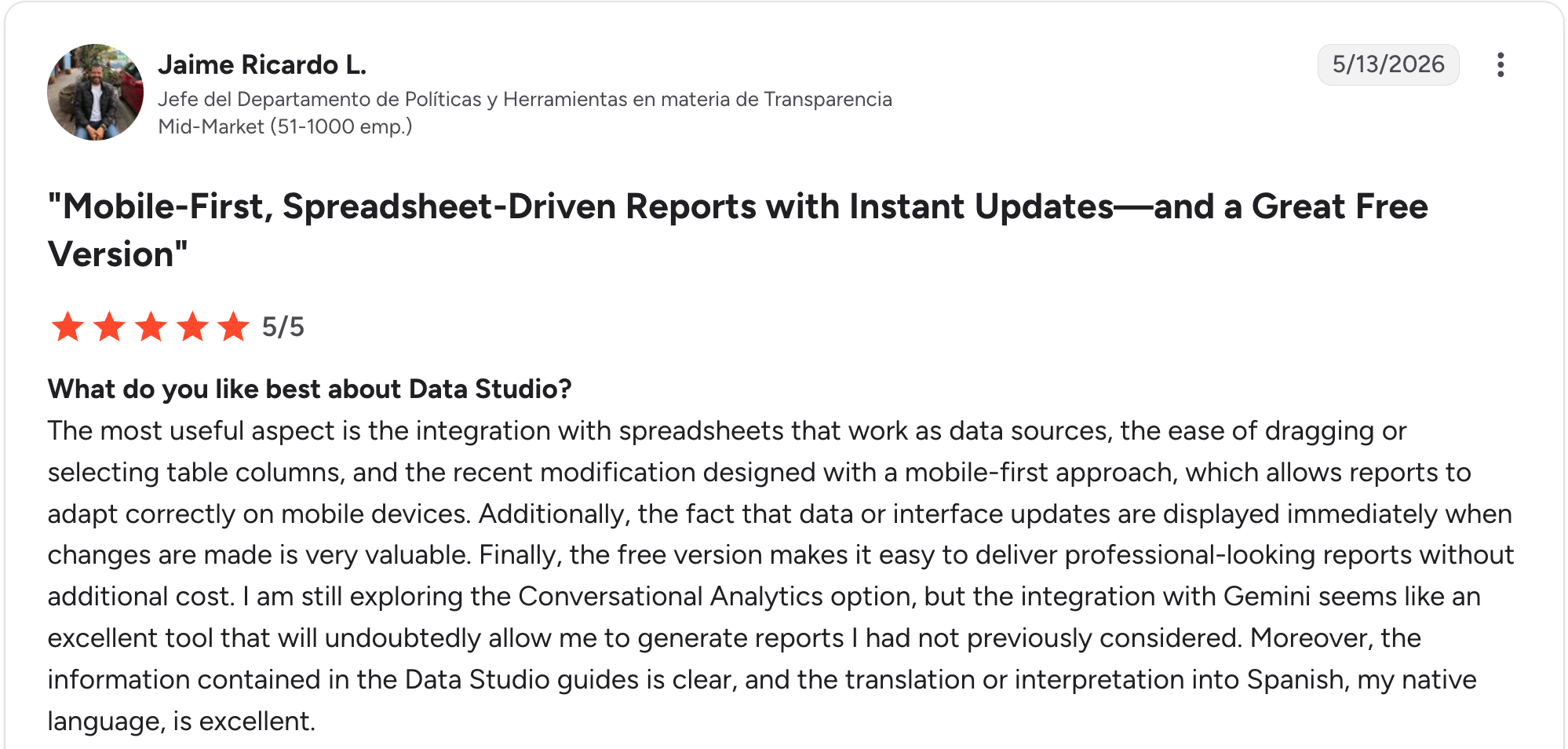
“The most useful aspect is the integration with spreadsheets that work as data sources.” Jaime Ricardo L, G2

“A few things could be better in Looker Studio. Performance can slow down with a larger dataset or complex dashboards, which affects the overall experience.” Raja B, G2
Pricing
Data Studio's core product is free. Pro adds team features for $9/user/project/month, and connecting a non-Google source usually requires a separate paid connector; Supermetrics, the one reviewed above, starts at $55/month. See the Data Studio pricing page.
Bottom line
Data Studio is the pick for a Google-centric agency willing to invest setup time for a free tool. Pair it with Supermetrics if your data lives outside Google.
12. TapClicks: Best for large agencies wanting a full marketing-ops platform, not just reports
What it does: TapClicks is a marketing operations platform bundling data warehousing, AI-generated reports, campaign scoring, and white-label client dashboards across four tiered products (SmartStory, SmartReports, SmartAnalytics, and SmartSuite).
Best for: Large agencies and franchise groups that want one platform for data warehousing, reporting, and campaign analytics, not just a report generator.
TapClicks goes well beyond client reporting. Its entry-tier warehouses data and applies basic transformations; each tier adds report automation, unlimited dashboards, custom calculations, and eventually a full suite of AI insight agents. Pricing isn't published anywhere on the site. Every tier requires a scheduled call to get a number.
Key features
- TapData connectors: Feeds a warehouse that every tier includes, on a basic connector pack at entry level and the full 250+ library from SmartReports up.
- SmartSlides: Auto-generates presentation-ready PowerPoint reports with AI-written insights.
- Unlimited dashboards, users, and accounts: No per-seat or per-dashboard caps from SmartAnalytics up.
- Handles data warehousing, reporting, and campaign scoring in one platform.
- Startup bundle includes 10 clients on every tier at no extra charge.
- Basic white-label branding from the entry tier, with a client-facing mobile app on higher ones.
- No public pricing anywhere; every quote needs a sales call.
- The entry tier (SmartStory) lacks report automation and unlimited dashboards, which are available only at higher tiers.
- More platforms than most agencies managing straightforward client reports need.
What users say
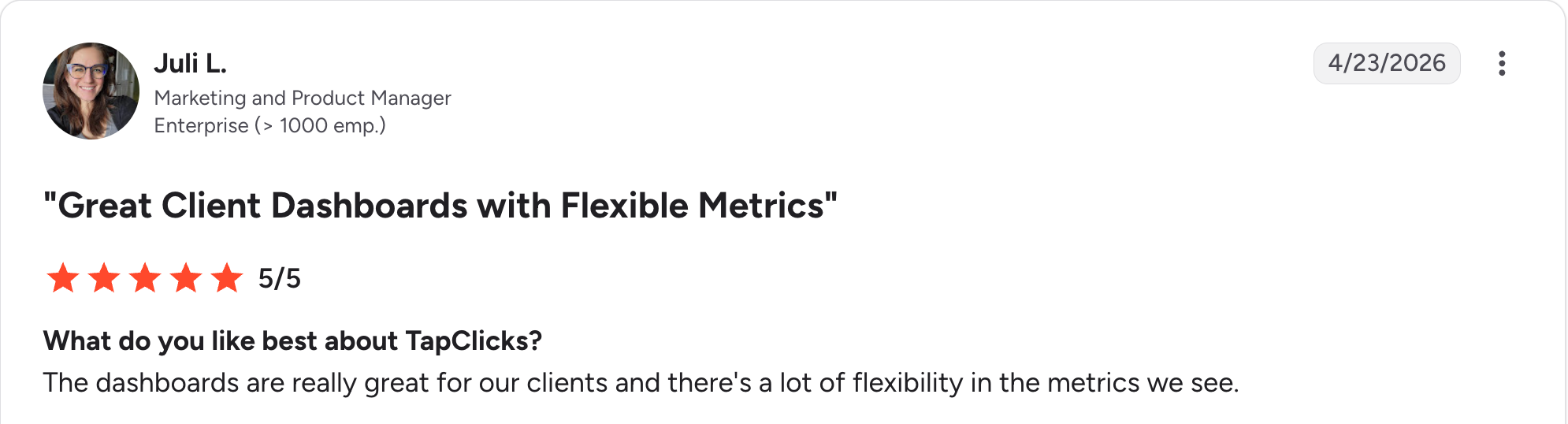
“The dashboards are really great for our clients, and there's a lot of flexibility in the metrics we see.” Juli L, G2

“Some of the visualization options are limited.” Chelsea R, G2
Pricing
TapClicks publishes no pricing. All four tiers, SmartStory, SmartReports, SmartAnalytics, and SmartSuite, require a scheduled call for a quote. See the TapClicks pricing page.
Bottom line
TapClicks is the pick for a large agency or franchise group that wants data warehousing and campaign analytics alongside its reports, not just the reports. For a team that only needs recurring client reports, the platform is bigger than the job.
13. Klipfolio: Best for agencies that want dashboard flexibility over a purpose-built reporting tool
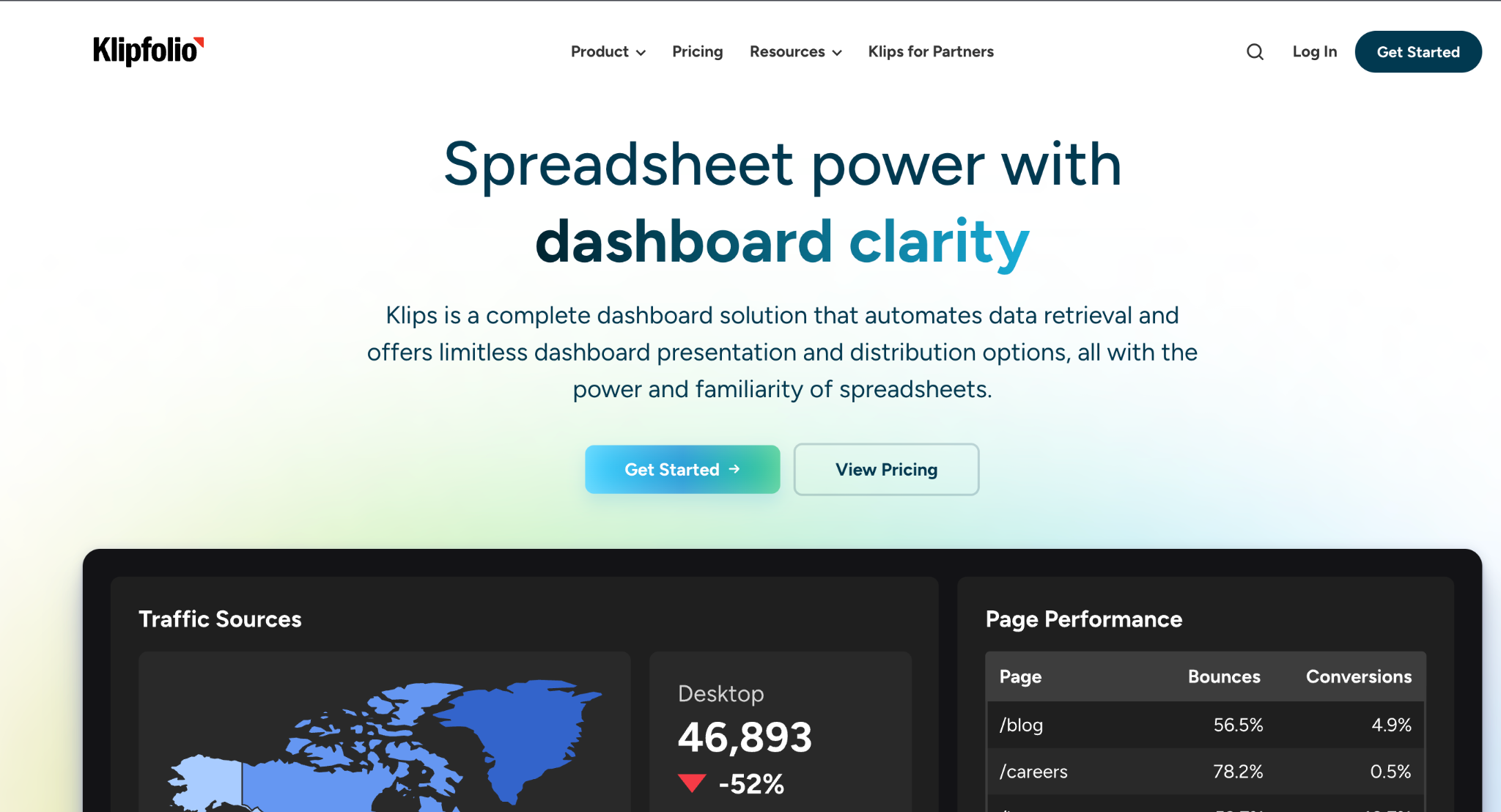
What it does: Klipfolio (Klips) is a dashboard and reporting platform connecting 130+ data sources into fully customizable dashboards, with scheduled report snapshots and white-label client views on higher tiers.
Best for: Agencies and data teams that want formula-level control over how metrics are built and displayed, more than a template-driven reporting tool offers.
Klipfolio's core product is the dashboard. Scheduled reporting is a feature layered on top, not the main event. Every metric and visualization is buildable from scratch with spreadsheet-like formulas, which gives more control than the template-based tools on this list, at the cost of more setup time.
The four tiers scale on client count, dashboard count and refresh speed together. Starter covers 5 clients and 5 dashboards on a 4-hour refresh, rising to Premier's 80 clients and 80 dashboards on a 30-minute refresh.
Key features
- 130+ integrations, formula-level control: Connects natively to 130+ sources, with every metric and chart buildable from scratch like a spreadsheet formula.
- Client-count pricing tiers: Plans scale by client count alongside dashboard count, from 5 clients on Starter to 80 on Premier.
- Scheduled report snapshots: Email a dashboard as a PDF or image, one-time or on a recurring schedule, starting with the Lite plan.
- More customization control than template-based reporting tools.
- Unlimited users on every plan.
- Responsive support, a recurring theme across reviews.
- No free plan, only a 14-day trial.
- White-labeling requires Pro or higher, not included on Starter or Lite.
- Learning curve for non-technical users building their first dashboards.
What users say
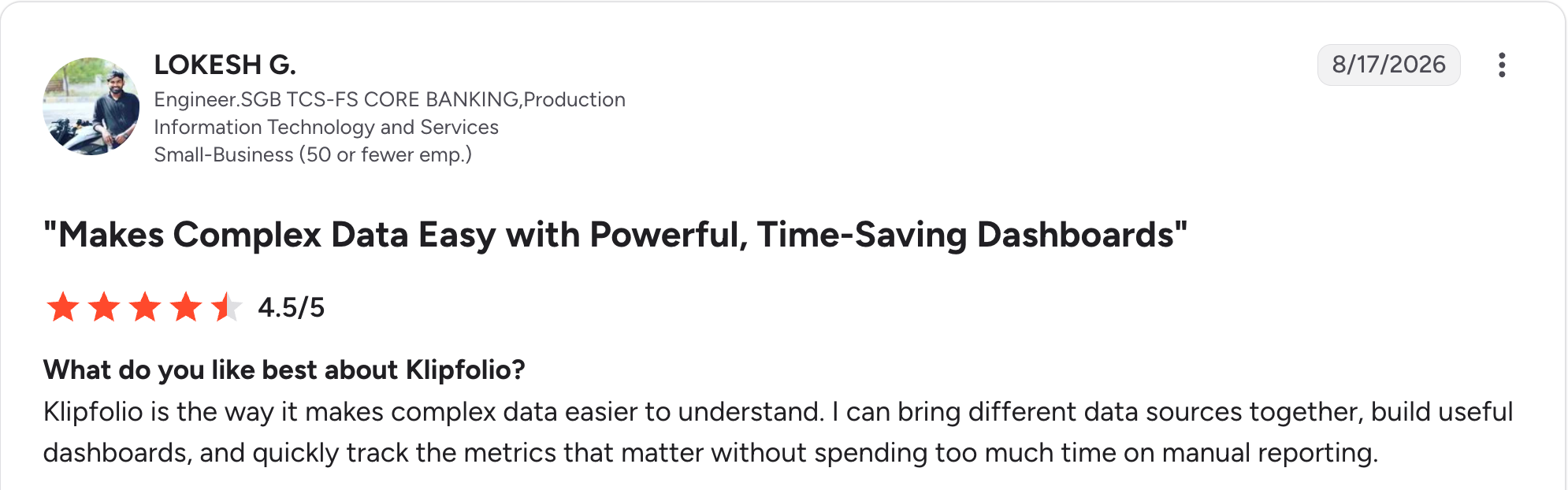
“Klipfolio is the way it makes complex data easier to understand.” Lokesh G, G2

“Sometimes it takes a little while to load the information I need.” Martin S, G2
Pricing
Klipfolio has no free plan, only a 14-day trial. Starter is $180/month for 5 clients; Lite is $270/month for 15 clients; Pro is $490/month for 30 clients with white-labeling and SSO; and Premier is $1,025/month for 80 clients with custom onboarding. See the Klipfolio pricing page.
Bottom line
Klipfolio is the pick when you want to build the exact dashboard rather than fill in a template, and you're willing to trade setup time for that control. For a faster path to a standard white-labeled client report, AgencyAnalytics or Swydo gets there quicker.
Which client reporting tool should you choose?
The right pick depends on whether you want an all-in-one tool, a pure data pipeline, or one of the two that now do both, and how much your reports need to impress.
Choose AgencyAnalytics if you:
- Run a full-service marketing agency with many clients.
- Want automated reporting for every channel in one tool.
Choose Swydo or DashThis if you:
- Want automated white-label reports at a predictable price.
- Are a small or mid-size team prioritizing value.
Choose ReportGarden if you:
- Want client-count pricing tiers so cost is predictable as you grow.
- Value onboarding support without paying enterprise prices.
Choose Databox or Whatagraph if you:
- Want a scheduled report plus a live view behind it (Databox).
- Need the most polished, presentation-ready report design (Whatagraph).
Choose Supermetrics if you:
- Already build reports in Sheets, Data Studio, or Power BI.
- Just need the data refreshed automatically instead of exported by hand.
Choose ClicData, Adverity, or Improvado if you:
- Have data complex enough that a marketing-specific tool can't handle it (ClicData).
- Need to unify data across many ad sources at enterprise scale (Adverity or Improvado).
Choose Data Studio if you:
- Want a free tool, and your client data lives mostly in Google's tools.
Choose TapClicks if you:
- Run a large agency or franchise group that wants data warehousing and campaign analytics alongside reporting.
- Don't mind a sales call to get a price.
Choose Klipfolio if you:
- Want formula-level control over how metrics are built, more than a template offers.
- Can absorb a real learning curve in exchange for that flexibility.
Skip a dedicated tool if you:
- Have one or two clients and a manual report still takes less time than setting one of these up.
Where a live client view fits better than a report
Every tool above generates a report, a periodic document, or an email your client opens on a schedule.
Sometimes a client wants a live place to check anytime, and this roundup of agency client dashboards covers exactly that.
With Zite, you get a live client dashboard built on the data you already have in Airtable, Google Sheets, or Zite's own database. You describe the dashboard you want, and Zite builds it with its database behind it.
The data sits in a spreadsheet-style view you can open and check, and any logic you add, like a weekly roll-up, is laid out as a workflow you can trace. Each client logs in and sees only their own numbers. If your ad data already flows into a Google Sheet (through Supermetrics, say), Zite can read that sheet directly.
Every plan includes unlimited users, so client logins never add a per-seat fee.
Zite is for the client who would rather log in and see live numbers than wait for a monthly PDF. It can send a scheduled summary or PDF from the same data, but it isn't a reporting tool: there's no library of ad-platform connectors or report templates, and that scheduled report is something you describe and build rather than a built-in feature.
Custom dashboard software covers the wider category if you want to compare more than one option.
Final verdict
Across the client reporting tools tested here, AgencyAnalytics wins for most agencies in 2026 as the strongest all-around pick, automating report generation across dozens of channels in one place.
Swydo wins on value, Databox on combining a scheduled report with live data, and Whatagraph on design.
If your bottleneck is manual data exports into a report template you already like, Supermetrics solves that specific problem for less than the cost of switching your whole reporting stack.
And if your client wants a live view instead of a periodic report, Zite builds that as a client dashboard. The client gets a login to live data, and the database, permissions, and workflow behind it all stay visible enough to trace how a number got there.
Frequently asked questions
What is the best client reporting tool?
The best client reporting tool is AgencyAnalytics for all-in-one automated reporting, Swydo for value, and Databox for combining scheduled reports with live data. Supermetrics wins if you already build reports in Sheets or Data Studio and just need the data refreshed.
How much do client reporting tools cost?
Client reporting tools cost anywhere from free (Data Studio) to enterprise quotes (Adverity, TapClicks, Improvado). Published self-serve pricing runs from $54 a month at the low end to around $1,025 a month for the top tiers of tools like Klipfolio and Whatagraph, and per-client models like AgencyAnalytics climb as you grow.
What is the difference between a client report and a client dashboard?
The main difference is timing. A client report is a scheduled snapshot, usually a PDF or email, while a client dashboard is a live view you can check anytime. A few tools, like Databox, combine both. If a dashboard is what you need specifically, 11 Best Client Dashboard Tools for Agencies ranks the dedicated options.
Do client reporting tools offer white-label options?
Yes, most dedicated client reporting tools offer white-label options, so reports reflect your agency's brand rather than the vendor's. AgencyAnalytics, Swydo, and Whatagraph all include it, though Whatagraph's custom report domain is gated to its top Prime tier rather than included on Max.
Can I automate client reports for free?
Yes. Data Studio emails reports on a schedule you set, at no cost. Getting one client-ready takes more setup than the paid tools, and data outside Google's tools usually needs a paid connector like Supermetrics.