


Most teams build custom business software when their off-the-shelf tools need too many workarounds. Here are the most common business apps to consider, when it makes sense to go custom, and the top 5 tools I’d use in 2026 (after testing dozens).
What is custom business software? The 30-second answer
Custom business software is software built specifically for how your company works. Unlike off-the-shelf tools, the software is designed to fit your processes, data, internal systems, and security requirements. You can build it entirely from scratch with code, or use no-code app builders like Zite to move much faster.
8 examples of custom business software
Custom software replaces a patchwork of generic tools and spreadsheet workarounds with a single system that mirrors how the business operates.
Every company's tools look different, but these are the most common use cases I see:
1. Client or partner portals
A client portal provides external users secure, branded access to specific information without exposing your internal systems. Your clients can use it to check project status, upload invoices, or review updated pricing.
Without a portal, this happens over email chains that get buried or shared drives nobody can find. A custom portal consolidates it in one place that has login-based access, so each user only sees what's relevant to them.
2. Employee onboarding platforms
An onboarding platform walks new hires through the entire onboarding process in one place. New employees complete training modules, request equipment, sign company policies, and check off onboarding tasks. They don’t have to bounce between email, shared drives, and HR spreadsheets.
3. Custom CRMs
Off-the-shelf CRMs like Salesforce or HubSpot work great if your sales process follows a standard pattern.
However, if your deals go through a non-linear approval chain or you need to track data points that pre-built CRMs charge extra for, a custom CRM makes more sense. It mirrors how your team closes deals instead of forcing you into someone else's pipeline.
4. Custom business management suite
Some businesses run accounting in one tool, customer data in another, and employee management in a third. The problem is that none of them talk to each other, so someone ends up manually copying data between systems.
A custom business management suite puts those functions under one roof, connected by default. This makes the most sense for companies with workflows that span multiple departments.
5. Inventory and warehouse management tools
Custom inventory tools track real-time stock levels, map item locations, and forecast demand based on your specific supply chain.
Off-the-shelf inventory tools rarely account for custom storage layouts, supplier lead times, or seasonal ordering patterns the way a purpose-built system can.
6. Workflow and task management apps
Off-the-shelf tools often cap the number of automations you can run unless you upgrade to a pricier per-seat plan. A custom workflow app gives you unlimited automations from day one, with costs tied to infrastructure or usage rather than feature gates.
7. Custom dispatch systems
Custom dispatch systems connect directly to GPS providers, warehouse systems, billing platforms, and internal reporting tools.
If your dispatch is simple, off‑the‑shelf systems are probably enough. Once you have complex multi-step workflows, heavy integration needs, or regulatory constraints, a custom system might serve you better.
8. Order management systems
An order management system (OMS) controls what happens after a customer places an order. It determines which warehouse fulfills it, what shipping method applies, and how inventory levels update.
For simple businesses, a Shopify or WooCommerce plugin handles this fine. But companies with multiple warehouses, different vendor fulfillment rules, or custom shipping logic outgrow those tools.
A custom OMS matches your fulfillment process so orders route correctly without building workarounds every time an edge case comes up.
Top 5 tools to build custom business software
Building custom software used to mean hiring developers, burning through six figures, and waiting months for a usable app. That’s still an option, but it’s not the only one anymore.
Today, you can use AI no-code platforms and visual builders to speed up the development process. There are different tools you can use, and your choice will depend on what you’re building.
Here’s a quick breakdown of five leading tools and what each one is best for:
1. Zite: Best AI-powered builder for custom business software
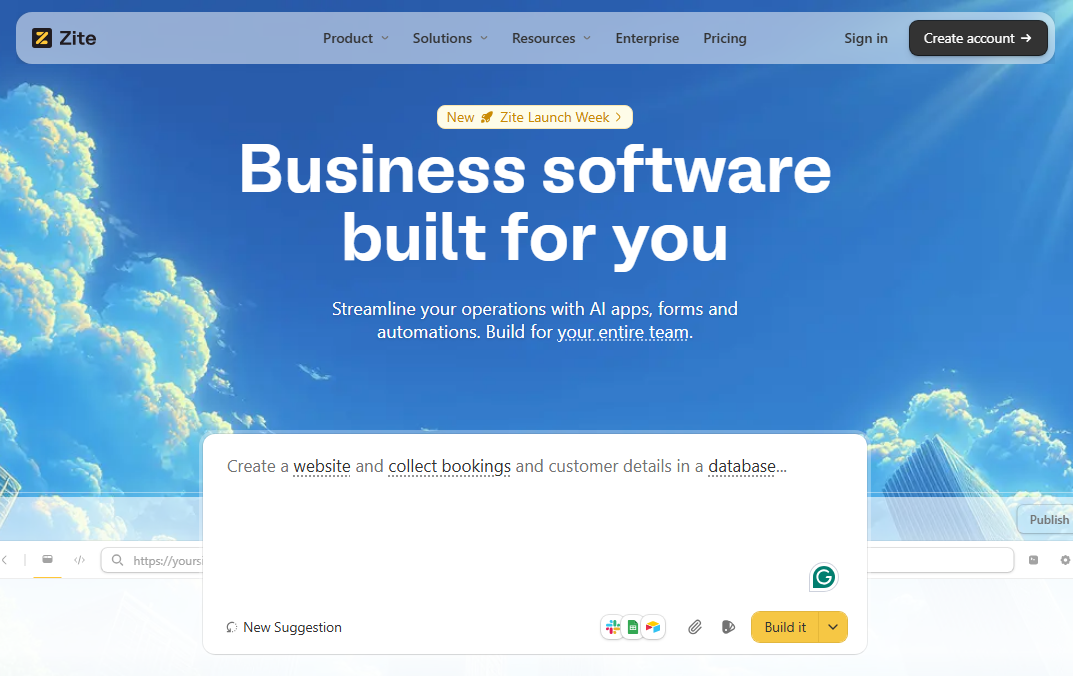
What it does: Zite is an AI no-code platform that generates production-grade custom business apps from plain-English descriptions. You describe what the app should do, and it builds the UI, database, and app logic for you.
Who it's for: Ops teams, support teams, SMBs, and anyone who needs internal tools, portals, dashboards, or other business apps without writing code.
Zite is highly versatile and covers a wide range of business software needs by letting you describe your requirements in plain English. However, some highly specialized or regulated solutions may still require custom development.
During testing, I built a client portal and a CRM. You can also create order intake systems, internal dashboards, project trackers, approval workflows, and so much more.
What makes Zite especially practical for most businesses is how approachable it is. It’s built for non-technical users.
Workflows, which are the logic behind your app, show up as visual flowcharts. You can follow the steps to see how your app works. When functionality breaks, you can trace it by replaying runs and inspecting the steps. You’re not stuck blindly re-prompting and hoping the AI fixes it.
The database looks like a spreadsheet, so you can browse and edit your data without touching code. This visibility means teams without an engineering department can build and maintain real custom software themselves.
Key features
- AI-generated UIs that match your brand: Describe your app in plain language, and Zite generates the interface, forms, database, and workflows. You can customize the look and feel to match your brand.
- Built-in database: Zite automatically creates the tables and fields based on your description. You don’t need to set up an external database or write SQL code. The interface works like a spreadsheet, so non-technical users can browse and edit data easily.
- Visual workflows: App logic is displayed as step-by-step flowcharts. You can follow each trigger and action, replay runs, and pinpoint where the app breaks before asking Zite to correct it.
- Production-grade apps: Zite comes with secure hosting, user authentication, and access controls. On enterprise plans, you also get audit logs and SSO.
Pros
- Every plan (including free) supports unlimited users and apps.
- Visual workflows make ongoing maintenance possible without developers.
- Connects to your existing tools like Google Sheets, Airtable, and Slack.
Cons
- Not designed for consumer-facing apps or native mobile apps.
- Smaller template ecosystem compared to older platforms.
Pricing
The free plan includes unlimited apps, unlimited users, and 50 AI credits. Paid plans start at $19 per month, billed monthly, for 100 credits.
Bottom line
Zite is the best fit if you need custom business software and don't have (or want to wait for) a dev team. Non-technical users can build, understand, and maintain apps themselves.
2. Bubble: Best for complex web and mobile apps
What it does: Bubble is a low-code development platform for building complete web applications and native mobile apps. It offers a drag-and-drop editor with customization options for UI, database, and workflow logic.
Who it's for: Founders building MVPs, startups launching SaaS products, and teams that need highly customized web apps with complex app logic.
I tested Bubble by building a CRM with user accounts, a pipeline view, and email triggers. The app worked, and the level of customization was impressive, but it took me significantly longer to get the app ready to deploy compared to AI-native builders.
Key features
- Visual editor: Design your app’s interface, set up database tables, and build workflow logic all in one platform. You can create everything from simple websites to complex marketplaces.
- Plugin ecosystem: Over a decade of community plugins for payments, messaging, API connections, and custom design elements.
- Native mobile apps: Bubble supports publishing to the App Store and Google Play.
Pros
- Large community with forums, tutorials, certified coaches, and agencies that specialize in Bubble development.
- Handles both web and mobile apps.
Cons
- Steep learning curve. You might need to hire a Bubble developer.
- Pricing scales with usage. This makes costs hard to predict, especially during traffic spikes.
Pricing
Bubble is free to build and test only (no live deployment). Paid plans start at $69/month for the combined web and mobile plans.
Bottom line
Bubble is the right choice if you need deep customization for a complex web app and you're willing to invest the time to learn the platform.
3. Glide: Best for turning spreadsheets into apps
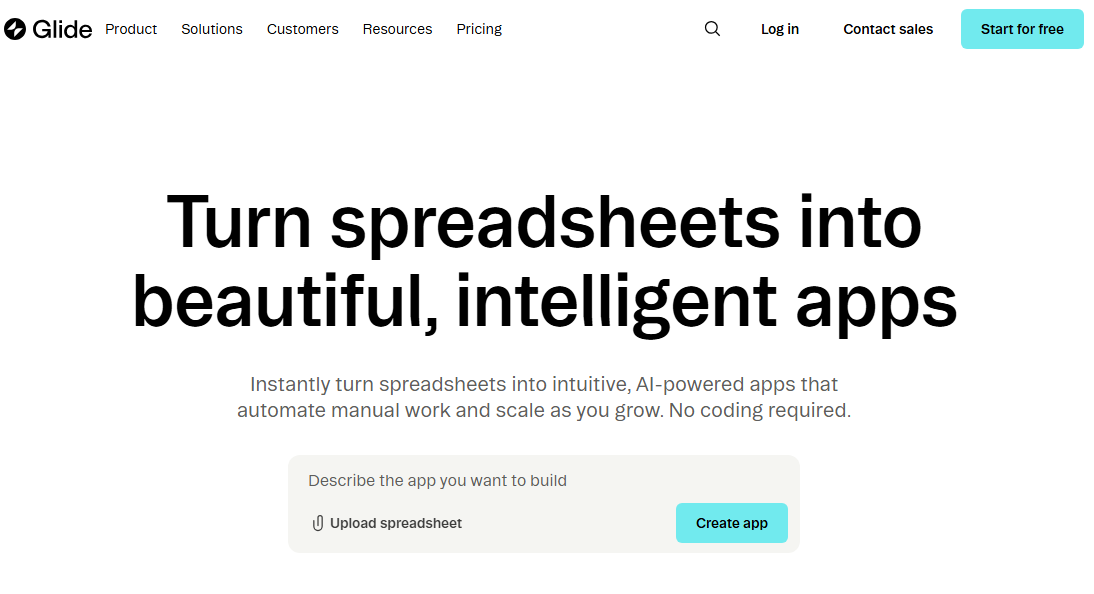
What it does: Glide converts spreadsheet data (Google Sheets, Airtable, Excel) into simple interfaces.
Who it's for: Teams that already organize their work in spreadsheets and want to turn that data into user interfaces.
Glide's appeal is speed. I connected a Google Sheet with inventory data, and Glide generated a working app with list views, detail pages, and a search function in under 10 minutes.
The tradeoff is that the functionality is limited to just spreadsheet-based apps. It isn’t built for complex functionality or highly customized UI experiences.
Key features
- Spreadsheet-to-app conversion: Connect your existing Google Sheet or Airtable base, and Glide auto-generates an app structure. Your data stays synced.
- AI-powered columns: Use AI to classify records, extract information, or generate text directly within your app.
- Workflow automation (Business plan): Trigger email notifications, Slack messages, and other actions when data changes.
Pros
- Fast to launch if your data already lives in spreadsheets.
- Intuitive enough that non-technical users can build functional internal apps.
- Updates in the sheet reflect in the app and vice versa.
Cons
- Data updates can increase costs, since each sync from an external source counts toward your monthly update limit.
- Limited design flexibility.
Pricing
Glide is free for 1 editor and unlimited drafts. Paid plans start at $25/month, billed monthly, for 1 published app.
Bottom line
Glide is perfect for teams that want to build internal tools from their spreadsheet data. However, it's not the right pick for customer-facing apps or apps with complex logic.
4. Microsoft Power Apps: Best for teams in the Microsoft ecosystem
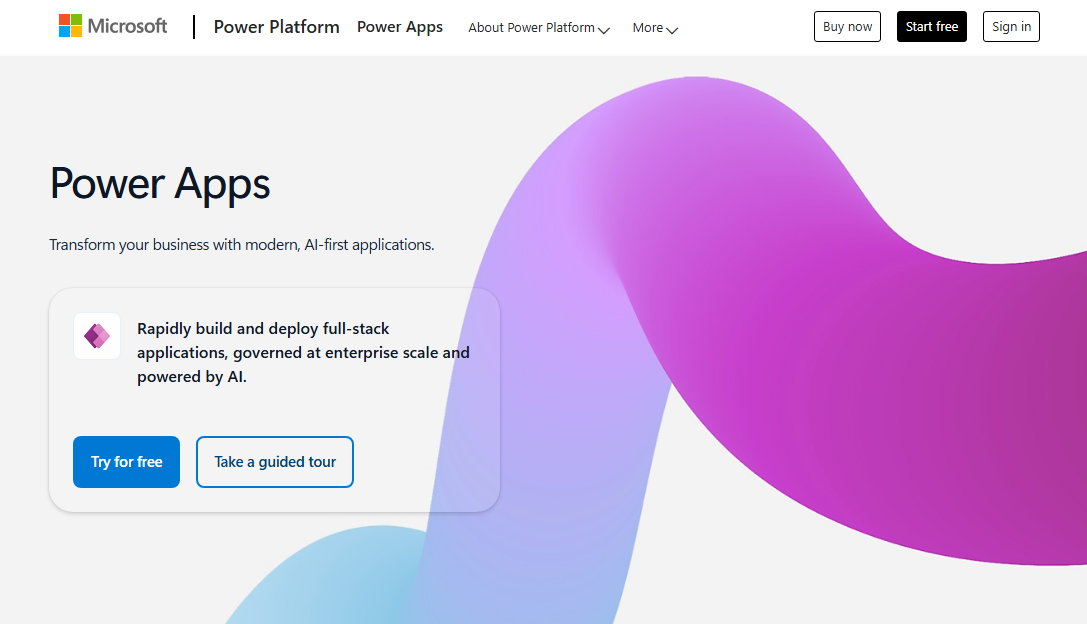
What it does: Power Apps is a low-code platform for building custom business apps that integrate with Microsoft 365, SharePoint, Dynamics 365, Teams, and Azure.
Who it's for: Organizations that want to build internal tools, forms, and process apps that work with the Microsoft tools they already use.
Power Apps makes the most sense if your company already lives in Microsoft. I tested building a simple expense tracker that pulled data from SharePoint and pushed approvals through Teams.
The integration was straightforward because the tools lived inside the same ecosystem. If you don’t use Microsoft, though, there are simpler and more flexible builders available.
Key features
- Microsoft integration: Connects directly to SharePoint, Teams, Dynamics 365, Azure, and Dataverse. If your data already lives in Microsoft products, you can access it without custom connectors.
- Enterprise-grade governance: It handles security, compliance, role-based access, and admin controls through Azure Active Directory and Microsoft’s admin center.
- Hundreds of data connectors: Includes pre-built connectors to third-party tools like Salesforce, Dropbox, and Oracle.
Pros
- If your company already uses Microsoft 365, Power Apps is the natural extension. Some M365 licenses already include basic Power Apps access.
- Great for building forms, approval workflows, and data-entry tools on top of SharePoint data.
- Enterprise-grade security, compliance, and admin controls through Azure.
Cons
- Complex logic relies on PowerFx (Microsoft's formula language), which has a learning curve.
- Heavily tied to the Microsoft ecosystem.
Pricing
Microsoft Power Apps is free for building and testing. Paid plans start at $20/user/month, paid yearly.
Bottom line
Power Apps is a solid choice if your organization already runs on Microsoft and your IT team can handle the setup. But if you don't use Microsoft tools, there are other options, such as Zite, which are faster and simpler to use.
5. Retool: Best for semi-technical teams building internal tools
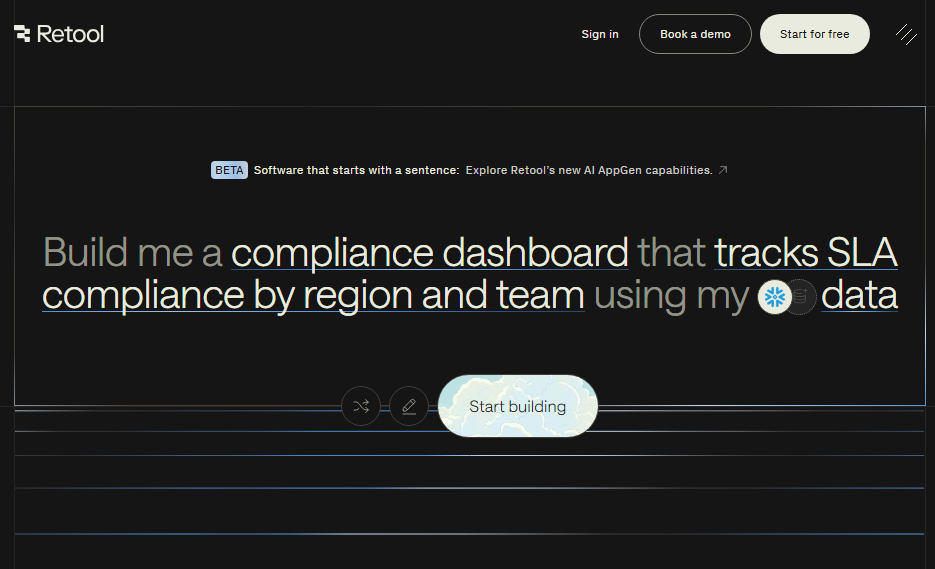
What it does: Retool is a development platform for building internal business tools like CRMs, sales tools, and dashboards. You can use a drag-and-drop editor or generate apps from prompts.
Who it's for: Development teams, data teams, and ops engineers who need to create web apps, native mobile apps, workflows, and AI agents connected to existing databases and APIs.
Retool was purely a low-code builder in the past, but it recently added AI app generation (currently in public beta). You can describe what you want in plain English, and it generates the UI, queries, and logic.
I tested it by prompting it to build an admin dashboard connected to a mock database. It generated a working dashboard, but the process is slower than most AI builders I have tried. However, it’s still faster compared to manually configuring the app in the visual builder.
Key features
- AI app generation: Describe what you need in natural language, and Retool generates a working app with UI components, queries, and event handlers.
- Pre-built UI components: Retool ships with tables, forms, charts, wizards, and other components you drag onto a canvas. Each one connects directly to your data sources.
- AI agents: Build AI-powered agents that use LLMs to complete tasks, make decisions, and automate workflows.
- Native mobile apps: Publish apps to iOS and Android app stores. Higher-tier plans include offline mode, push notifications, and biometric authentication.
Pros
- Connects to most databases or APIs with pre-built integrations.
- Self-hosting option gives teams with strict data requirements full control over where their data lives.
- You can build both web and mobile apps.
Cons
- Per-user pricing adds up fast as teams grow.
- AI app generation is still in public beta.
Pricing
Retool is free for up to 5 users with unlimited apps and 500 workflow runs per month. Paid plans start at $12/month per builder, plus $7/month per internal user, billed monthly.
Bottom line
Retool is a strong pick for semi-technical teams who want to build both web and mobile internal tools. If you're building client-facing or customer-facing portals, make sure to budget for it. External users (users not part of your organization) are billed separately.
Why companies choose custom business software
Companies build custom business software when generic tools no longer fit their workflows, scale, or strategic goals.
Here's a breakdown of the main reasons:
Competitive edge
Using custom software gives you a competitive edge because competitors relying on generic tools can't match your unique processes.
Custom software lets you bake your “secret sauce” into your operations. Maybe you qualify leads differently, bundle products in a unique way, or offer a better customer self‑service experience.
You’re not waiting for a vendor to support that idea. You just build it, and now your process is harder to copy because it’s literally in your own system.
Integration
Most teams run 5-10 tools that don't talk to each other well. Custom software connects directly to your existing stack (CRMs, ERPs, payment systems, communication tools) so you get one source of truth and reporting.
Control
You own the roadmap, and you can decide when to add features or upgrade the software. No waiting for a vendor to prioritize your feature request alongside 10,000 other customers.
You also don’t have to deal with surprise pricing changes or forced migrations to a new version that breaks your workflows.
Long-term economics
Off‑the‑shelf tools look affordable at the start. You swipe a card, pay per user, done. Over time, as you add people and work around limitations, the licenses and add‑ons get expensive.
With custom software, you only pay to build what matters instead of funding features you never use.
Best practices I wish I knew earlier
If you’re building custom software for the first time, here are some of the best practices you should follow:
- You don’t have to start from scratch: Unless you’re building super custom or highly regulated software, use AI no-code builders like Zite. They’ll slash development time significantly.
- Start with the workflow, not the features: Map out how your team actually works before listing what the software needs to do.
- Build for the 80%, not the 100%: Trying to handle every edge case in v1 is a guaranteed way to blow your timeline. Ship an app that handles the core workflow well, then add complexity based on real feedback.
- Plan for maintenance from day one: You'll need someone to fix bugs, add features, and keep integrations running. Decide early who maintains it.
- Don't underestimate data migration: Moving from spreadsheets and legacy tools to a new system is where most projects hit delays. Budget time for cleaning, mapping, and testing your data before launch.
Custom business software vs. off-the-shelf: A realistic comparison
Off-the-shelf wins on speed. It’s fast to get started. Once you get past the initial setup, custom software gives you a better business fit and no vendor lock-in.
Here’s the full breakdown:
Should you use custom business software? My take
You should use custom software when you start building a lot of workarounds for your current tooling.
A company may start with off-the-shelf tools (Google Sheets, a basic CRM, maybe Notion for project management). That works great for the first 10-20 employees. Then processes get more complex, the team starts building workarounds, and suddenly half the company's real work happens in spreadsheets that sit outside the official tools.
That's when custom software starts making sense.
Custom software is perfect for:
- Companies with unique workflows that can't be replicated in standard tools without heavy workarounds.
- Teams drowning in spreadsheet workarounds because their current stack doesn't match how they actually work.
- Organizations with specific compliance or security requirements (healthcare, finance, government) where off-the-shelf tools don't meet regulatory standards.
Skip custom software if you:
- Have standard workflows that match what tools like Salesforce, HubSpot, or Monday.com offer out of the box.
- Don't have the budget or team to maintain it long-term (custom software needs ongoing care).
If you need custom software, but don't have a dev team or time, AI no-code platforms like Zite make building your own tools much more accessible.
Build custom business software fast with Zite
Zite lets non-technical users build custom software from plain-English descriptions. You skip the dev team, the six-figure budget, and the months-long timeline.
Type a prompt like "Build me an employee portal with a task tracker, document library, and PTO request form," in the chat box and watch Zite build it. It will generate a working app with a database, permissions, and logic in a few minutes.
Thanks to the visual workflows, transparent database, and visual UI editor, non-technical users can build and maintain the app without needing a developer.
Zite works best for business software like:
- Customer portals with secure, branded access.
- Internal tools (employee portals, inventory trackers, custom CRMs).
- Dashboards and data visualizations.
- Workflow automation for ops teams.
- Interactive calculators.
Where you might need something else: If you're building a consumer-facing app or a SaaS product, Zite isn't designed for that. It's purpose-built for these kinds of tools, which is exactly why it does them so well.
Ready to build your custom business software?
You don't need a dev team or months of planning to get started. Describe what you want to build, and Zite generates a custom app in minutes.
Start building for free with Zite →
Frequently asked questions
What is the best tool for building custom business software without code?
Zite is a leading option for non-technical teams looking for production-ready custom business software. It helps users create complete apps from natural language instructions, offers a built-in database, and has no per-user pricing.
What's the difference between custom software and off-the-shelf software?
Off-the-shelf software (like Salesforce, Asana, or QuickBooks) is built for a broad audience with standardized features, while custom software is built specifically for your organization's workflows and integration needs.
When should a company switch from off-the-shelf to custom software?
A company should switch to custom software when its team consistently builds workarounds. If you're exporting data to spreadsheets, manually copying information between tools, or forcing new hires to learn a complicated patchwork of systems, you've outgrown your off-the-shelf stack.
Can non-technical people build custom business software?
Yes, non-technical people can build custom business software. No-code platforms have made it possible for ops people, support teams, and business owners to build functional apps without writing code.

