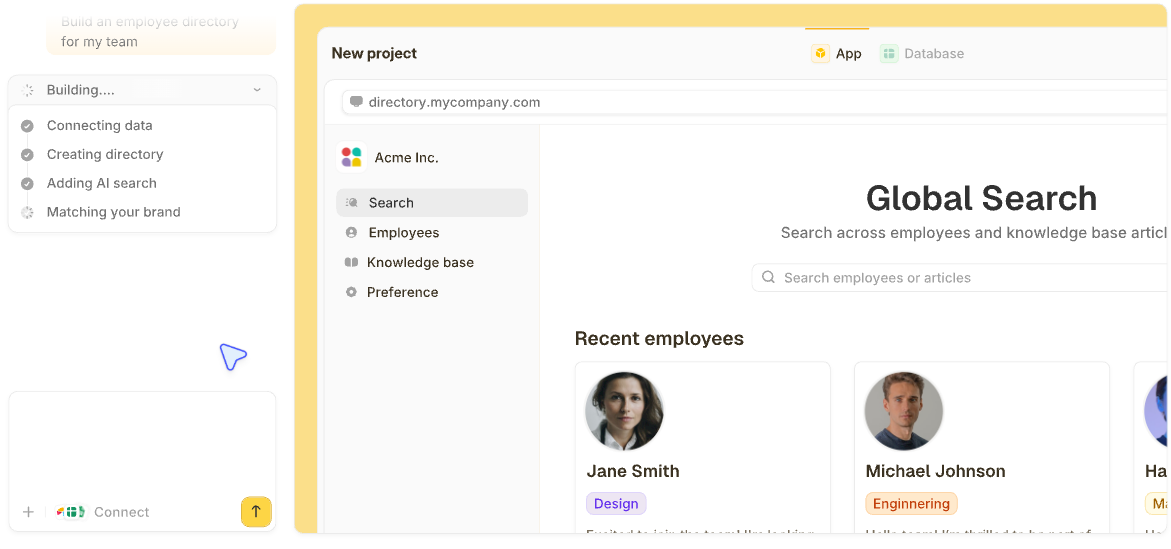

A customizable CRM is only customizable if reshaping it doesn't mean fighting the tool. That's a higher bar than most vendors admit to, and it's the one this list holds every entry to.
I ran this same test against a much larger pool of CRMs. These are the 9 that earned a place on this list, with monthly pricing and limitations throughout.
9 best customizable CRM software: TL;DR
Here's the short version, ranked:
- 1.
 ZiteUnlimited usersBest for generating a CRM shaped entirely to your own process.
- 2.
 Best for enterprise-grade customization with depth.
- 3.
 Best for deep configurability at a fraction of enterprise pricing.
- 4.
 Best no-code custom CRM builder.
- 5.
 Best for building a CRM on a fully flexible database.
- 6.
 Best visual, highly customizable pipeline boards.
- 7.
 Best fixed per-organization pricing with extensive modularity.
- 8.
 Best for carrying a closed deal into delivery with pricebooks and quotes.
- 9.
 Best simple, flexible CRM for small teams.
How I researched and tested these customizable CRMs
The same three tests ran against every CRM in the pool. Each round meant building a custom object beyond the default contacts and deals, like a property or an equipment record, renaming and adding fields across an existing pipeline, and checking what broke or hit a wall when a process didn't match the vendor's assumptions.
The full pass took about 4 weeks.
I also tried four tools that didn't make the list. Pipedrive has an excellent pipeline, but customization is shallow past field renaming. HubSpot is a strong CRM, though deep object customization needs the pricier tiers.
Creatio goes deep on customization, but it's a low-code platform for mid-market and enterprise teams, starting at $40/user/month with setup that usually needs a consultant. Quickbase can build a CRM, but it's a general app-building platform first, with a 20-user minimum that puts the entry cost past what most businesses here need to spend.
Here's what I scored each tool on:
- Custom objects: Whether you can create an entirely new record type, distinct from adding fields to an existing one.
- Field and layout control: How far you can reshape what a record looks like without hitting a wall.
- Workflow customization: Whether automation rules can match your own process or only generic templates.
- Setup effort: How much configuration work stands between signing up and a CRM that fits.
- Pricing: Whether cost is reasonable for the level of customization a business needs.
This testing is what separated customization depth from a longer settings menu.
9 best customizable CRM software: quick comparison
| Tool | Strengths | Starting price (monthly) |
|---|---|---|
| Zite | Generates CRM, database, and workflows to your process; change it anytime | $25/month |
| Salesforce | Deepest configuration, custom objects from Pro Suite | $25/user/month |
| Zoho CRM | Custom modules, low cost | $20/user/month |
| Knack | No-code database builder | $59/month |
| Airtable | Fully flexible database | $24/user/month |
| monday CRM | Reshape boards freely | $18/seat/month |
| Bitrix24 | Fixed organization pricing | $69/month |
| Insightly | Project management tied to sales | $29/user/month (billed annually) |
| Less Annoying CRM | Simple, fixed pricing | $15/user/month |
Prices above reflect each vendor's published rate, checked in September 2026.
1. Zite: Best for generating a CRM shaped entirely to your own process
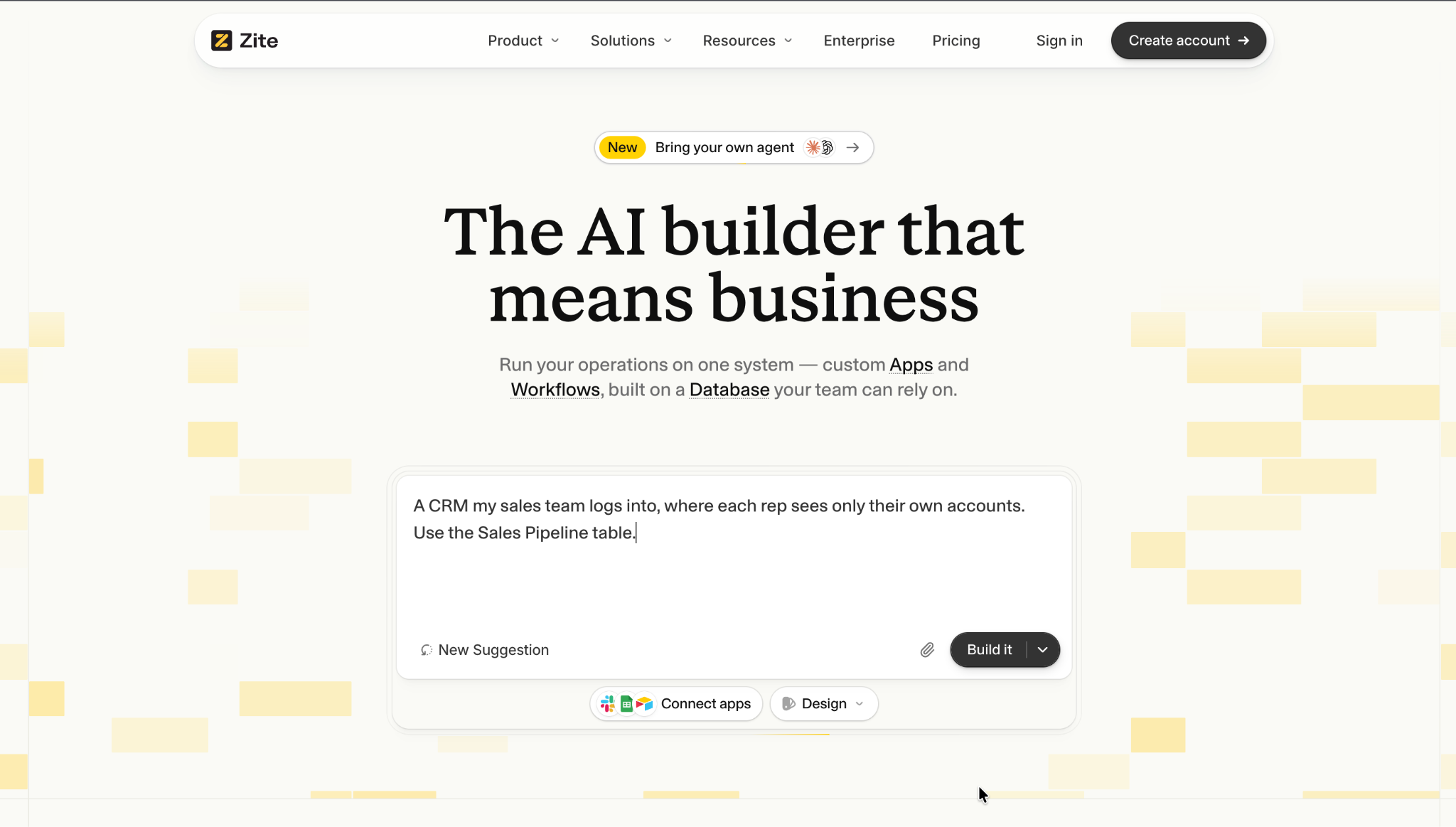
What it does: Zite is an AI-powered no-code builder that generates a custom CRM, its database, and the workflow logic behind it from a plain-language description.
Best for: Businesses whose process doesn't fit a template CRM well enough, and who'd rather describe the exact structure they need than customize around a vendor's defaults.
I described a custom property record linked to contacts, an approval stage, and a client-facing status view. Zite built all three in one pass, and I could open each one afterward to check how it worked. Companies like Bombas and Domino's build apps on Zite.
Key features
- One system from lead to customer: The lead form, pipeline, client portal, and onboarding all run on the same records, so nothing syncs between tools and each rep sees only their own accounts.
- A database you can see and change: Records sit in a spreadsheet-style view with linked record types you define (properties, equipment, projects, whatever your process needs). AI fields can score or categorize each record from an instruction.
- Logic you can read and change anytime: Approval and routing workflows are laid out as a flowchart, and you change the process by describing the change. Notifications go to Slack, Teams, or email.
Pros
- Change the process anytime: Add a record type, a stage, or a rule by describing it, and the structure updates without a rebuild.
- The whole journey on one database, so the CRM, the client portal, and any dashboard read the same records.
- Unlimited users on every plan, so adding reps and clients never raises the bill.
Cons
- Fewer ready-made CRM templates than the older tools here, so most builds still start from a prompt.
- No native email sequencing or marketing automation built in.
- AI credits are limited on the free and lower-tier plans.
What users say
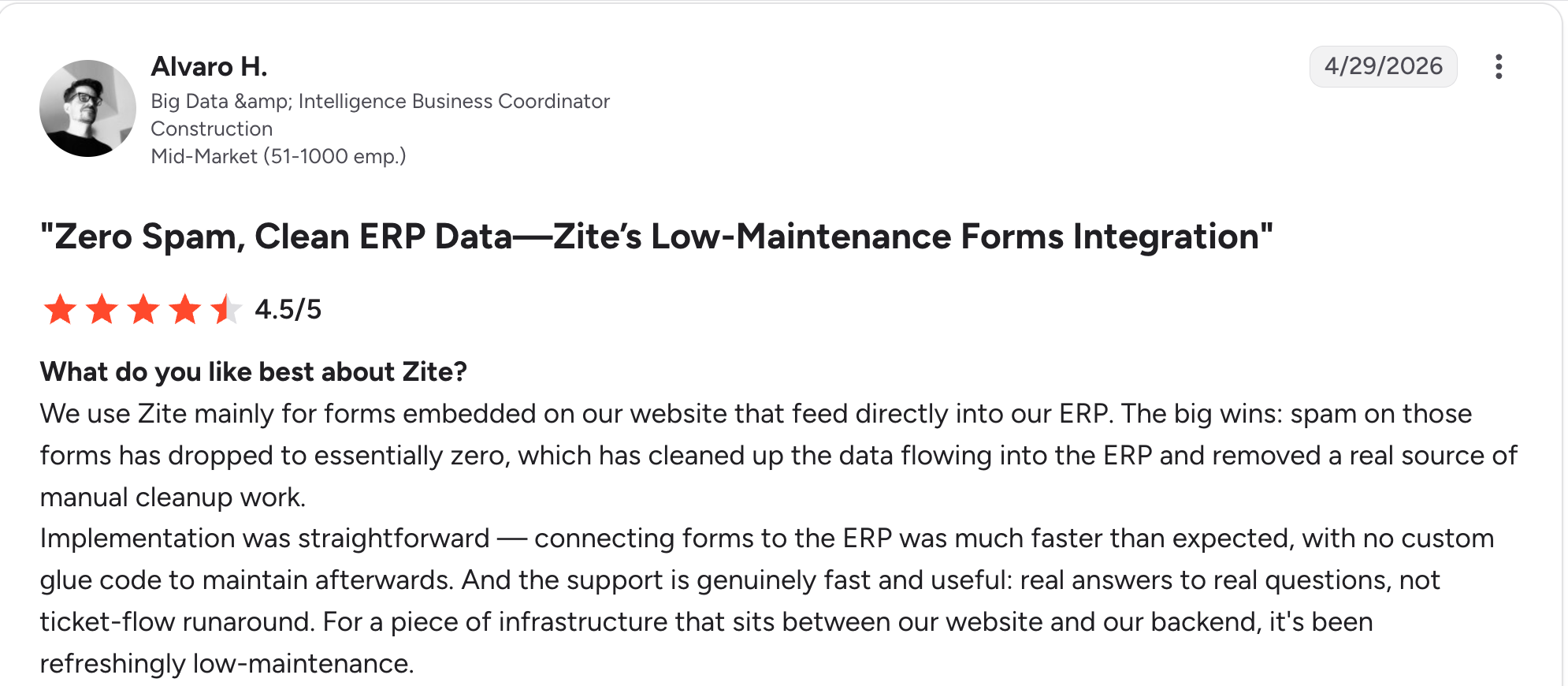
“Implementation was straightforward — connecting forms to the ERP was much faster than expected, with no custom glue code to maintain afterward.” Alvaro H, G2

“I paid for the Pro version, and all my credits got used up in a day.” Verified User, Reddit
Pricing
Zite is free with unlimited users and 50 AI credits a month, capped at ten messages a day. Paid plans start at $25/month for Pro, with 100 credits and a custom domain. Business is $89/month with 400 credits. Team is $300/month with 800 credits, and Enterprise is custom-priced. See the Zite pricing page.
Bottom line
Zite is the pick when your process is specific enough that customizing a template CRM keeps feeling like a compromise. If you want a ready-made pipeline with sequences and templates on day one, Zoho or Salesforce get you there faster.
This guide to building a CRM system without code walks through what that looks like in practice.
2. Salesforce: Best for enterprise-grade customization with depth
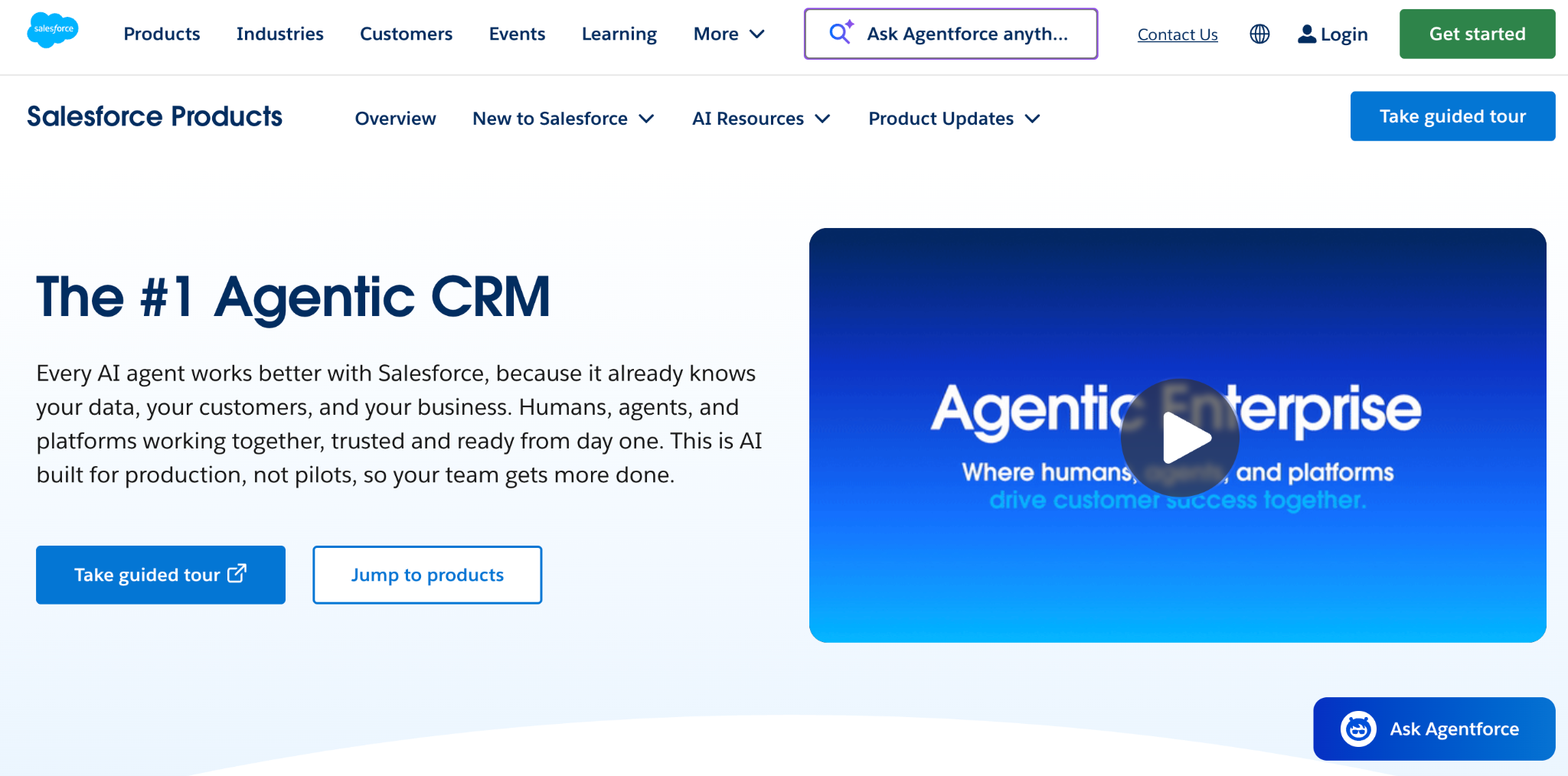
What it does: Salesforce is the enterprise CRM standard, with custom objects, page layouts, and Apex code available for teams that need to configure nearly anything.
Best for: Large organizations whose process is complex enough to justify Salesforce's configuration depth and the admin resource to run it.
Salesforce's customization ceiling is the highest on this list. Custom objects, validation rules, and code-level configuration through Apex cover cases none of the no-code tools here reach, though custom objects start on Pro Suite at $100/user/month.
Building a custom property object meant working through the object manager, creating a page layout for the new fields, and setting up a permission set before anyone but an admin could see it. That's the tradeoff for Salesforce's configuration depth.
Key features
- Custom objects and fields: Build entirely new record types beyond the standard CRM objects.
- Apex and Flow: Code-level and visual automation for logic no configuration screen covers.
- Page layout control: Reshape what a record looks like per user profile or role.
Pros
- Nothing about the object model is fixed, since custom objects can mirror your process exactly.
- Validation rules keep records clean as more teams start entering data.
- Large partner network of consultants and pre-built extensions.
Cons
- Pro Suite and the Sales Cloud tiers run steep relative to the CRMs here.
- Customization needs admin support to execute well.
- Overbuilt without complex requirements to justify the depth.
What users say
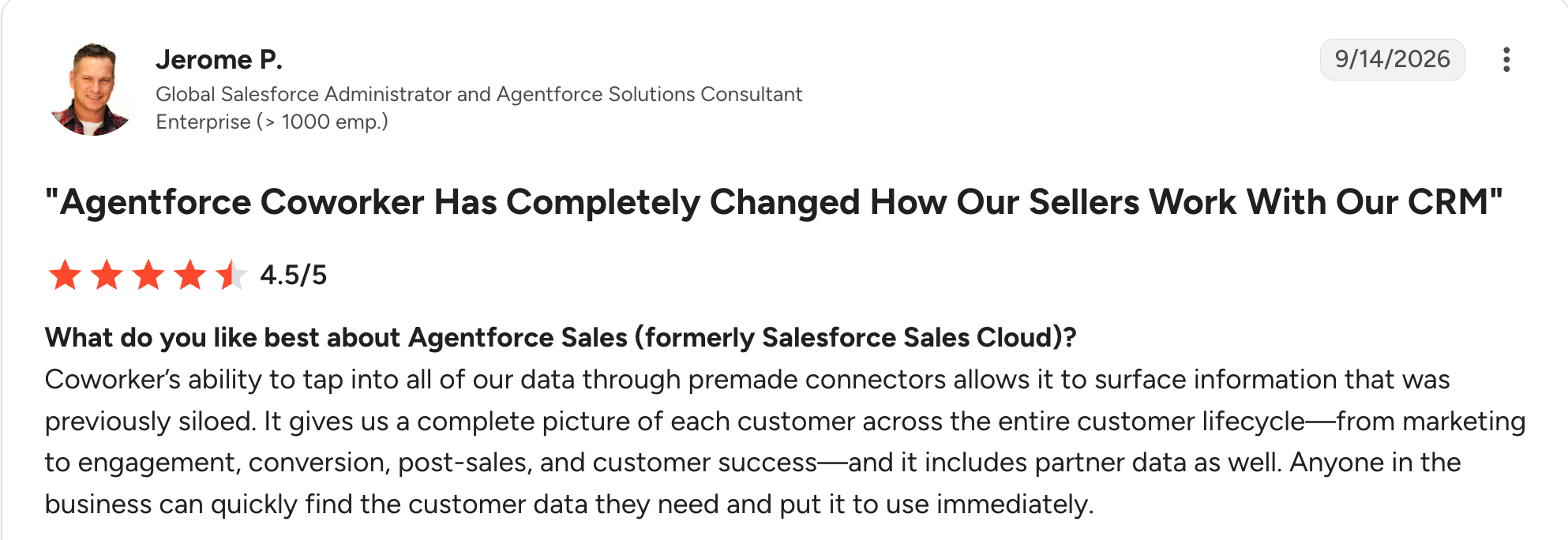
“It gives us a complete picture of each customer across the entire customer lifecycle—from marketing to engagement, conversion, post-sales, and customer success.” Jerome P, G2
“I don't like that the platform can feel complex for new users due to its extensive functionality, customization options, and configuration settings.” Samiksha R, G2
Pricing
Salesforce Sales Cloud starts at $25/user/month for Starter Suite, billed monthly or annually, with no user cap. Pro Suite is $100/user/month, Core is $195/user/month, Advanced is $395/user/month, and Max is $550/user/month, all billed annually.
AI can be added from Core up. See the Salesforce pricing page for the full breakdown.
Bottom line
Salesforce is the right call for a large organization with the complexity and budget to use its configuration depth properly. Smaller teams will pay for a ceiling they'll never reach.
3. Zoho CRM: Best deep configurability at a fraction of enterprise pricing
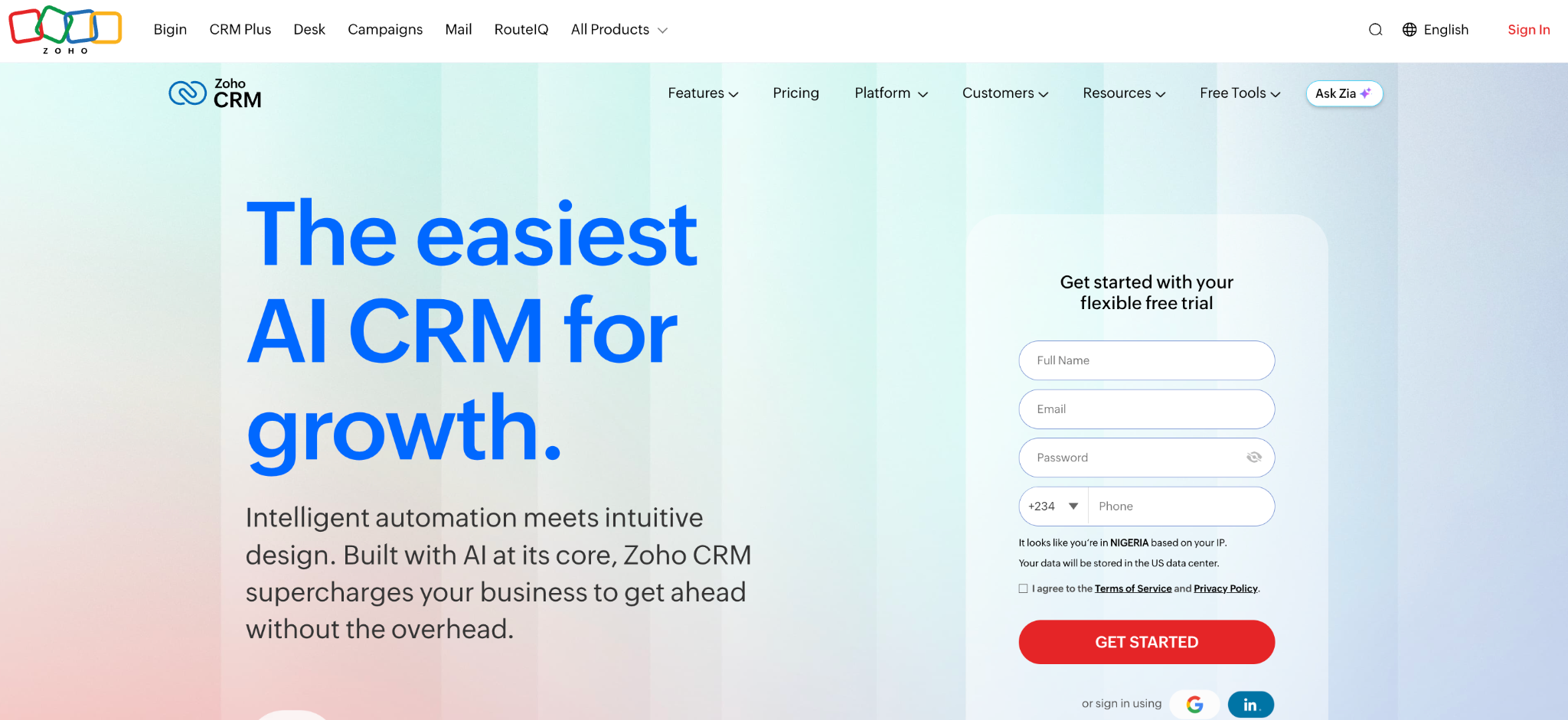
What it does: Zoho CRM includes custom modules, fields, and layouts, with Zoho Creator available for deeper app-level customization.
Best for: Businesses that want Salesforce-style configurability without Salesforce-level cost.
Zoho CRM's custom modules cover most of what a business needs beyond contacts and deals, and building one during testing took a fraction of the setup time Salesforce's object manager required.
Key features
- Custom modules: Add record types beyond leads, contacts, and deals.
- Custom functions: Deluge scripting for logic beyond configuration screens. Writing your own functions needs Enterprise or Ultimate.
- Layout rules: Show or hide fields based on record type or condition. Enterprise and Ultimate only.
Pros
- Customization depth well below Salesforce's price.
- Zoho Creator sits alongside it when a need outgrows what the CRM's own settings cover.
- Scales from a few users to a large team on one platform.
Cons
- Interface feels less polished than newer competitors.
- Best customization features sit on mid-to-upper tiers.
- Custom functions require scripting comfort most non-technical users lack.
What users say
“What I like best about Zoho CRM is its user-friendly interface, customization options, and wide range of features for managing customer relationships, sales, and support in one place.” Suraj B, G2

“It's quite a lot of features, so sometimes it takes a long time to navigate to where I need to go.” Kristina Y, G2
Pricing
Zoho CRM has a free plan for up to 3 users. Paid plans start at $20/user/month for Standard. Professional is $35/user/month, Enterprise is $50/user/month.
Zoho also offers an Ultimate edition for large deployments. Zoho doesn't list its price on the pricing page. See the Zoho CRM pricing page for the full comparison.
Bottom line
Zoho CRM is the value pick for configurability without enterprise pricing. Teams wanting a more current interface should weigh that against the cost difference first.
4. Knack: Best no-code custom CRM builder
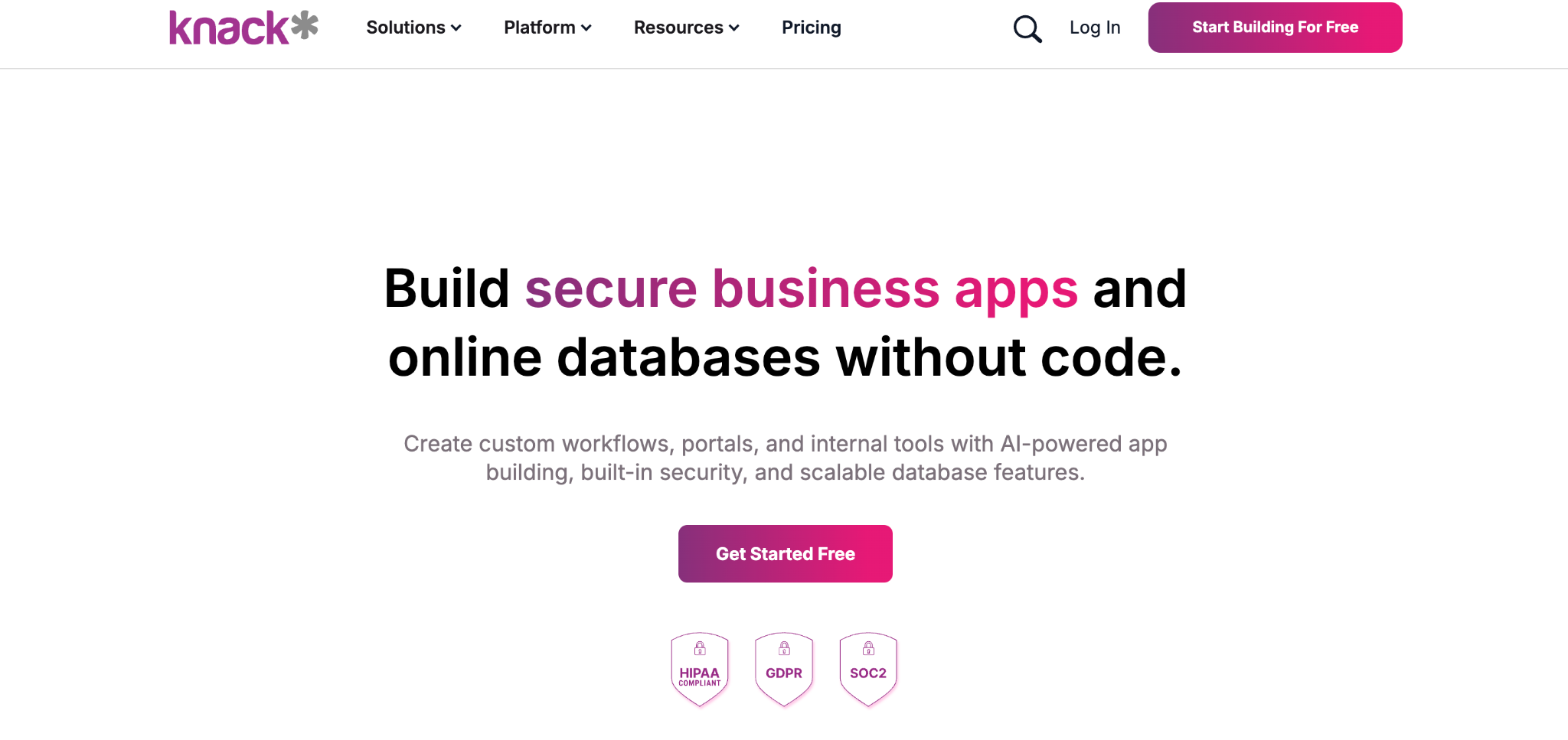
What it does: Knack is a no-code database app builder with a dedicated custom CRM solution, letting you define tables, fields, and relationships without a developer.
Best for: Businesses that want to design their own CRM structure visually, without code or a large vendor's configuration overhead.
Knack's approach is closer to building a database than customizing a CRM template, so there's no predefined shape to work around. Defining a custom object with its own fields and linking it to contacts took a straightforward drag-and-drop setup during testing, with no scripting required.
Key features
- Custom tables and fields: Define your own record types and relationships from scratch.
- No-code relational database: Linked records without SQL or a developer.
- Role-based views: Different users see different fields or records based on permissions.
Pros
- Linking a new object to contacts took a drag-and-drop setup, with no scripting required.
- No per-user pricing, so adding staff doesn't raise the cost.
- Mature product with years of real-world use.
Cons
- No native sales pipeline template, so the CRM shape starts blank.
- Interface feels dated next to newer builders.
- Record limits on lower tiers push larger teams upward.
What users say
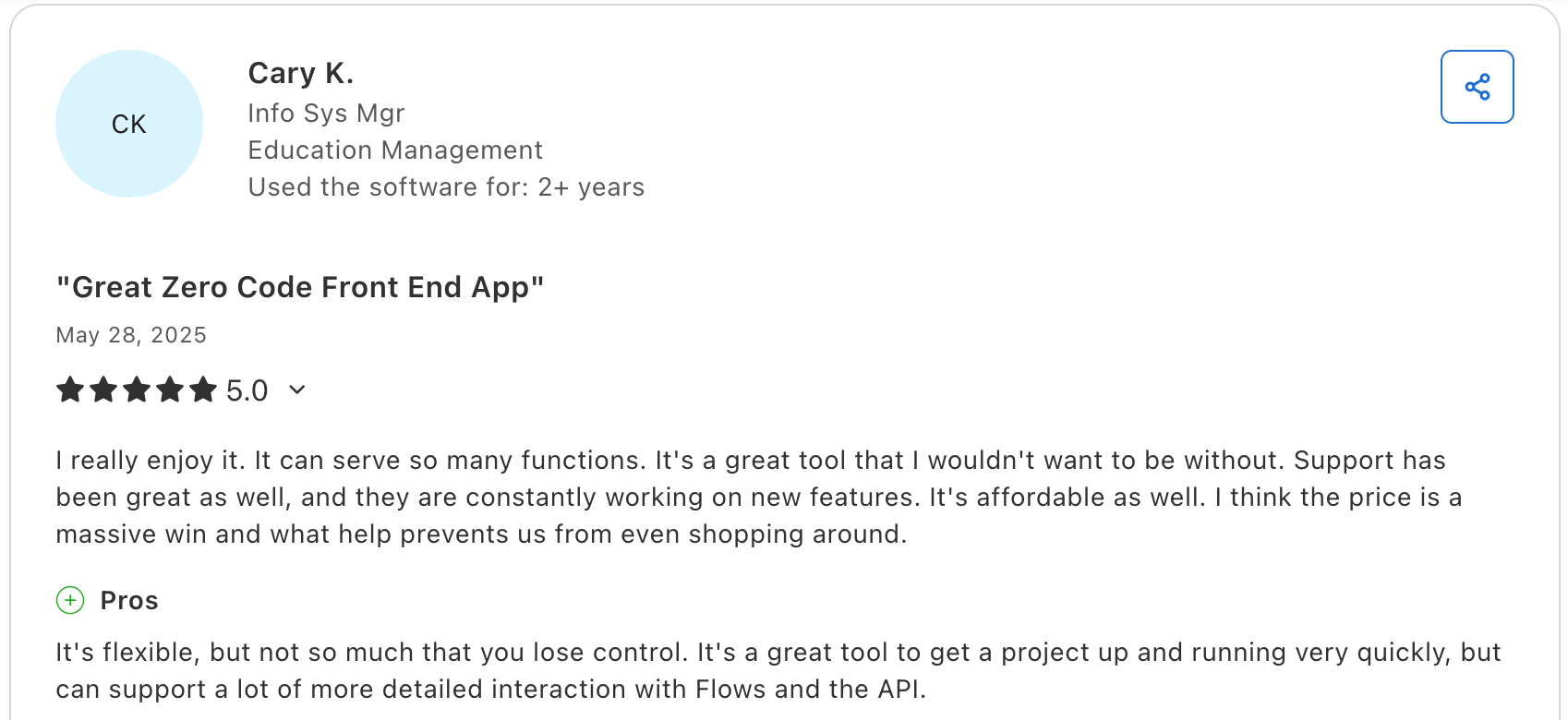
"It's a great tool to get a project up and running very quickly, but it can support a lot more detailed interaction with Flows and the API." Cary K, Capterra

"There is no log that keeps track of changes made in the database builder." Martin S, Capterra
Pricing
Knack has no free plan. Paid plans start at $59/month for Starter. Pro is $130/month, and Corporate starts at $300/month and rises with the apps and records you use. Enterprise is custom-priced. See the Knack pricing page for full details.
Bottom line
Knack is the pick when you'd rather design a CRM structure than customize a sales-focused template. If a pipeline template is what you want reshaped, Zoho or monday CRM start closer to that shape.
5. Airtable: Best for building a CRM on a fully flexible database
What it does: Airtable is a relational database with a spreadsheet-like interface, widely used to build a fully custom CRM structure on linked tables.
Best for: Teams comfortable building their own structure who want the most flexible starting point available.
You build the CRM from tables, so nothing has to be stripped out first. During testing, I had a working structure linked across three tables in under ten minutes. You set up every field, relationship, and view yourself.
Key features
- Fully custom tables: No predefined CRM structure to work around at all.
- Linked records: Connect contacts, deals, and custom objects directly.
- Interfaces: Build tailored views for different teams on the same data.
Pros
- Maximum structural flexibility of any tool here.
- A dedicated view for each team comes from the same base, no separate tool to manage.
- Large template library and many integrations to start from.
Cons
- No CRM logic built in, so pipeline stages and automation are entirely self-built.
- Per-user pricing climbs as the team grows.
- External client access needs an Interface on the Team plan or above, or the paid Portals add-on.
What users say
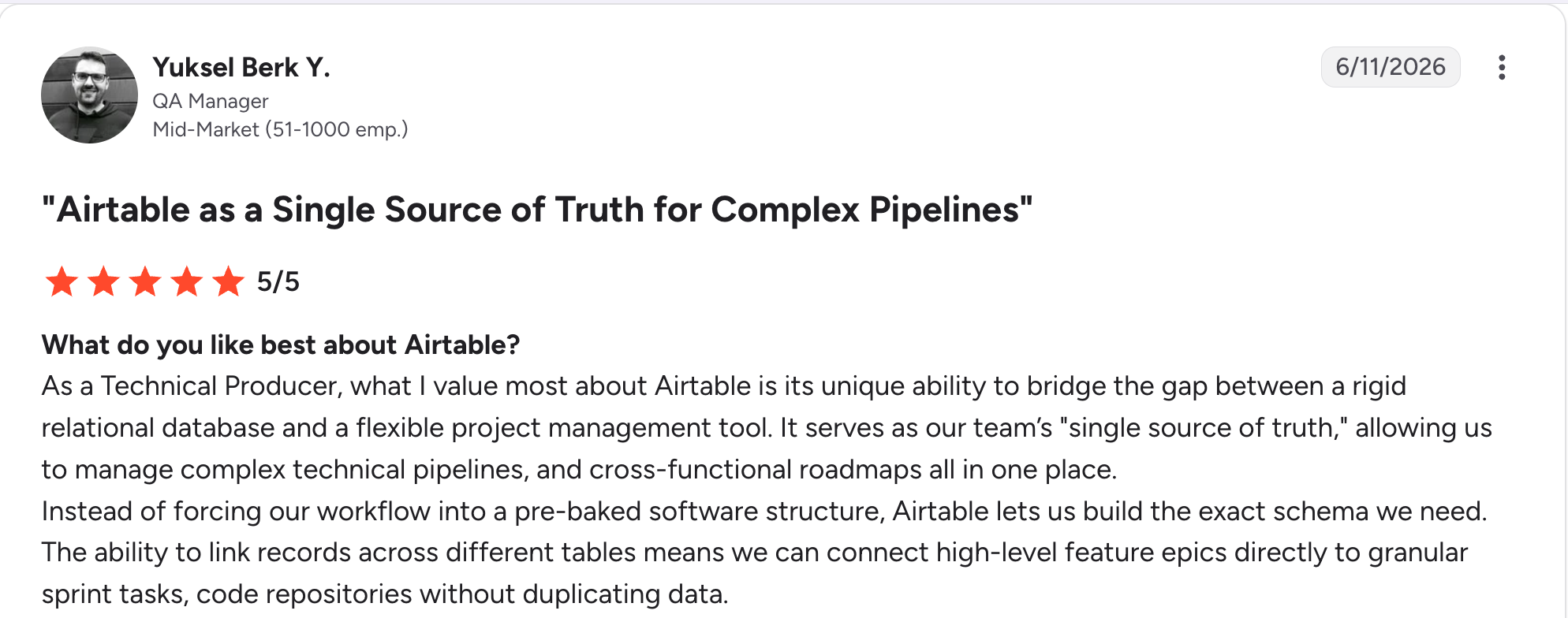
"As a Technical Producer, what I value most about Airtable is its unique ability to bridge the gap between a rigid relational database and a flexible project management tool." Yuksel Berk Y, G2

"In Airtable, I don't have enough for 50,000 rows, and the bigger the database, the slower it works." Vadim C, G2
Pricing
Airtable is free to start, with up to 1,000 records per base. Paid plans start at $24/user/month for Team. Business is $54/user/month, and Enterprise Scale is custom-priced. See the Airtable pricing page for record and automation limits by tier.
Bottom line
Airtable is the right call for a team willing to build CRM logic themselves in exchange for total structural control. If you want customization without building the CRM concept from zero, Zoho or Knack start further along.
6. monday CRM: Best visual, highly customizable pipeline boards
What it does: monday CRM is built on monday's board system, letting you customize stages, fields, and views with no-code automations layered on top.
Best for: Teams that want a visual CRM they can reshape without a consultant, especially those already using monday for other work.
Reshaping a monday CRM board to add a custom stage and several new fields took a few minutes during testing, with the change visible immediately across every linked view.
Key features
- Customizable boards: Add, remove, or rename stages, columns, and views freely.
- No-code automations: Trigger notifications, assignments, and status changes visually.
- Cross-board linking: Connect a CRM board to project or task boards elsewhere in the workspace.
Pros
- A new field showed up across every linked view immediately, with nothing to refresh or reconnect.
- Approachable for non-technical teams to customize themselves.
- Same tool runs adjacent project work alongside the CRM.
Cons
- Layout and setup take some getting used to at first, per user reviews.
- Complex relational data strains the board model once records link in several directions.
- Deep custom objects fit better in a database-first tool.
What users say
“What I like most about monday CRM is how customizable it is.” Karolina G, G2

“One thing I dislike is that the layout and setup can take some time to get used to at first.” Tamara R, G2
Pricing
monday CRM has no free plan, only a 14-day trial. Paid plans start at $18/seat/month for Basic, with a three-seat minimum. Standard is $25/seat/month, Pro is $41/seat/month, and Ultimate is custom-priced. See the monday CRM pricing page for feature limits by tier.
Bottom line
monday CRM is the pick for a team that wants visible, low-risk customization without a database background. For deep custom objects and relationships, a database-first tool goes further.
7. Bitrix24: Best fixed per-organization pricing with extensive modularity
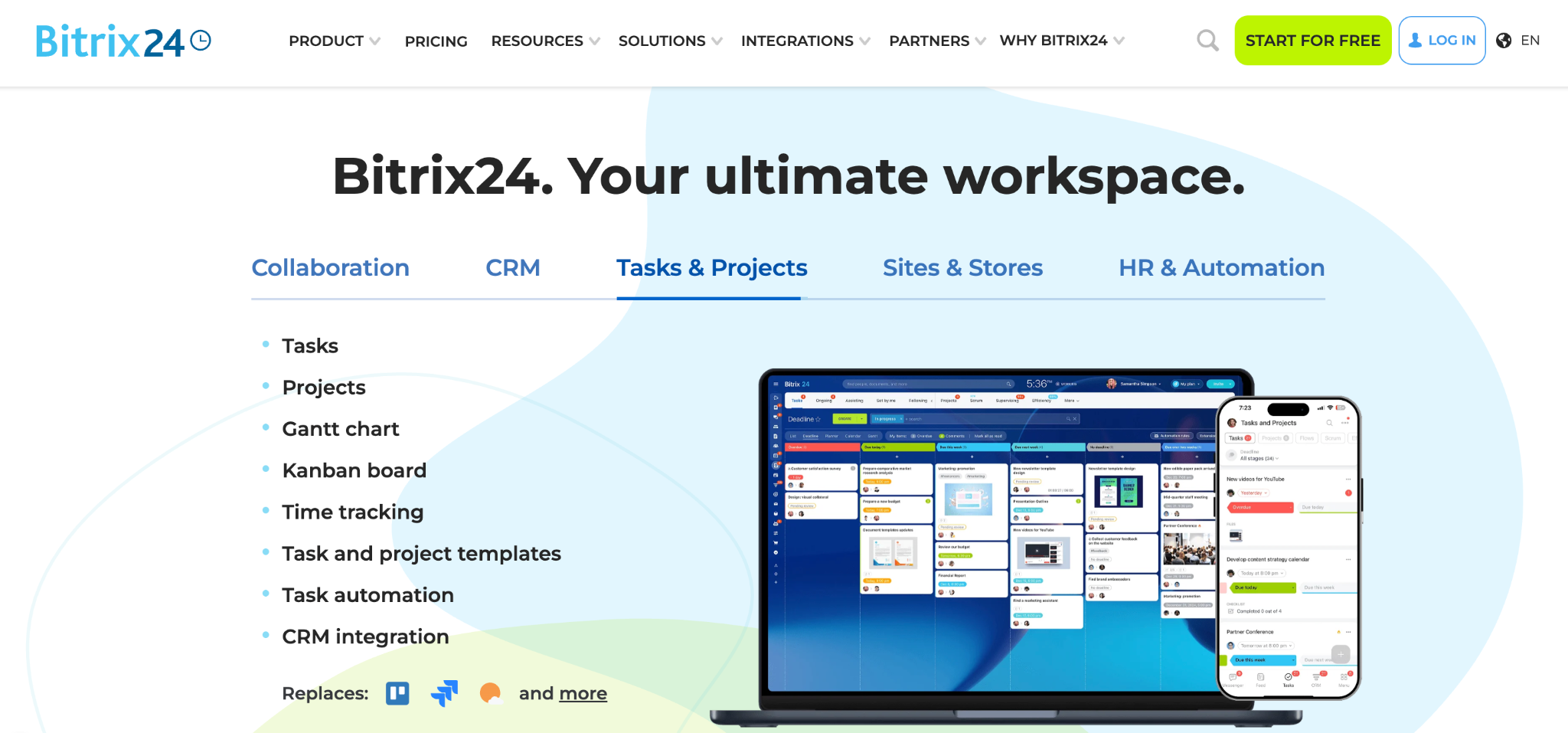
What it does: Bitrix24 is an all-in-one business suite with a customizable CRM, priced per organization instead of per user, bundling project management and communication tools alongside it.
Best for: Growing teams that want deep customization and don't want the bill to climb with every new hire.
Bitrix24's pricing model is the differentiator. Plans are priced per organization with a user cap, so adding staff within that cap doesn't change the bill. Customizing fields and stages during testing was straightforward and didn't need a workaround.
Key features
- Custom fields and stages: Reshape deal and contact structures without code.
- Per-organization pricing: One rate covers a user cap instead of charging per seat.
- Bundled modules: Project management, communication, and CRM in one suite.
Pros
- Customizing during testing didn't need a workaround or a support ticket.
- Switching between CRM and project tools happens in the same tab, with no separate login.
- Free tier covers 1 to 2 users outright.
Cons
- Interface feels cluttered given how many modules are bundled in.
- Customization gets the job done, though it lacks polish.
- User caps per tier mean upgrading once you outgrow the seat limit.
What users say
"The user interface is rather straightforward and standardized." Luis P, G2

"Bitrix24 can feel a bit complex at the beginning because it has so many features." Deepak B, G2
Pricing
Bitrix24 is free for 1 to 2 users. Paid plans start at $69/month per organization for Basic, which covers up to 5 users. Standard is $144/month for up to 50 users. Professional is $289/month for up to 100 users, and Enterprise is $579/month for up to 250 users. See the Bitrix24 pricing page for the full breakdown.
Bottom line
Bitrix24 is the pick when you want project tools, chat, and a CRM on one bill. For a cleaner interface with similar customization depth, Zoho is worth comparing first.
8. Insightly: Best for carrying a closed deal into delivery with pricebooks and quotes.
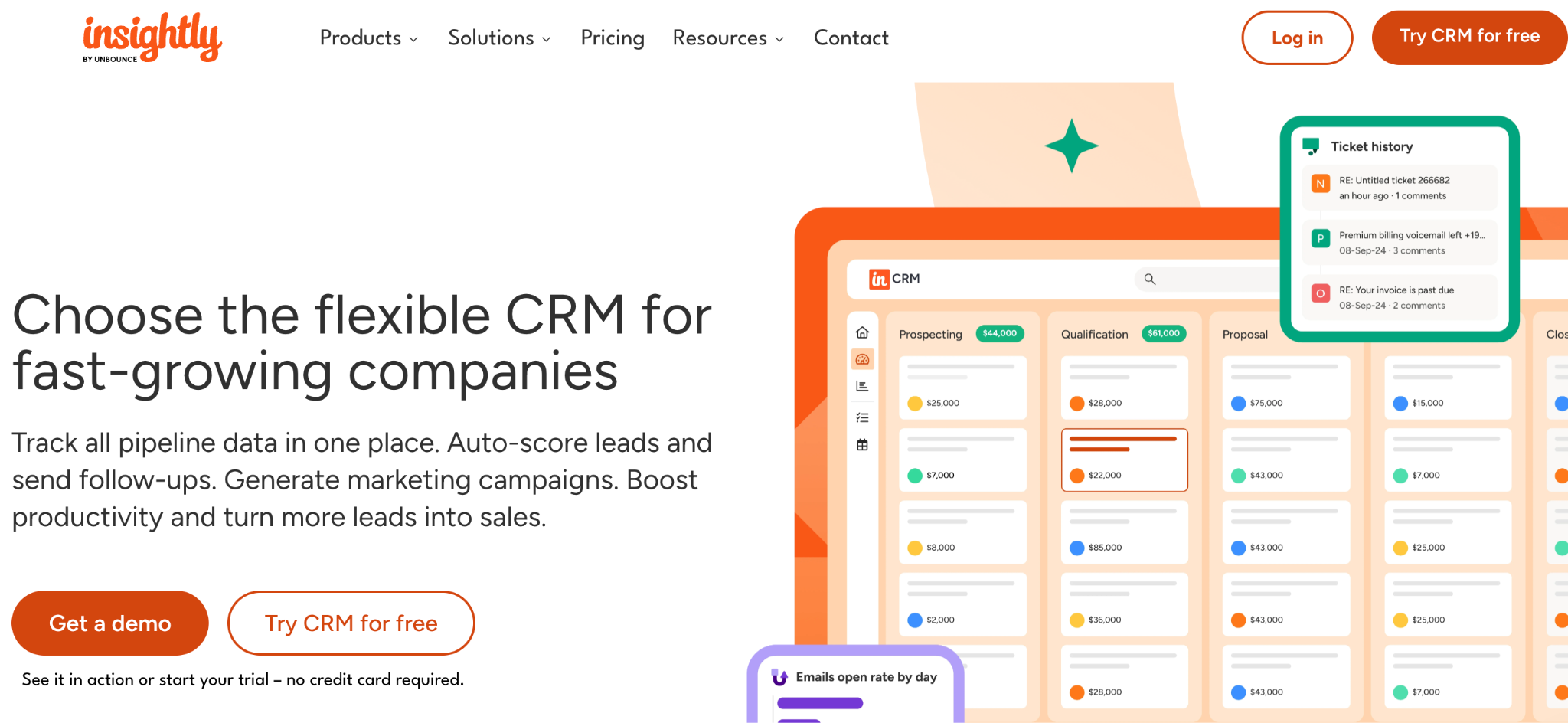
What it does: Insightly is a CRM that carries a customer relationship past the sale into project delivery, with pricebooks and quotes that follow a deal through to the work that comes after.
Best for: Businesses whose customization needs extend past the pipeline into what happens after a deal closes.
Insightly's pricebooks and quotes connect a closed deal directly to the delivery work that follows, instead of treating the sale as the finish line. I linked a custom object to both a deal and a project during testing, and the result covered ground a pure sales CRM doesn't reach.
For teams whose clients need their own view into that delivery work, this roundup of CRM software with client portal functionality is worth a look too.
Key features
- Pricebooks and quotes: Available from Enterprise, carrying pricing and terms into the delivery project.
- Workflow automation: Automation rules from the Professional plan up.
- Opportunity to project conversion: Custom structures carry through from sale to delivery.
Pros
- Linking one custom object to both a deal and a project worked in a single step during testing.
- Cheaper than Salesforce with meaningful structural depth.
- Automation rules caught a status change and notified the right person without a manual step.
Cons
- Free plan discontinued, so it's a 14-day trial only now.
- Setup takes longer than the no-code builders here.
- Onboarding and connector fees add to first-year cost.
What users say
“What I like best about Insightly CRM is how simple and easy it is to use.” Oliver B, G2

“Although you can run it from a phone, the screen is crowded, and it's challenging to do more than record meeting notes via voice-to-text.” Daniel O, G2
Pricing
Insightly has no free plan. Paid plans start at $29/user/month for Plus. Professional is $49/user/month, and Enterprise is $99/user/month, all billed annually. See the Insightly pricing page for the full breakdown.
Bottom line
Insightly is the right call when customization needs to follow a customer past the sale and into delivery. For pipeline-only customization, Zoho or monday CRM are lighter options.
9. Less Annoying CRM: Best simple, flexible CRM for small teams
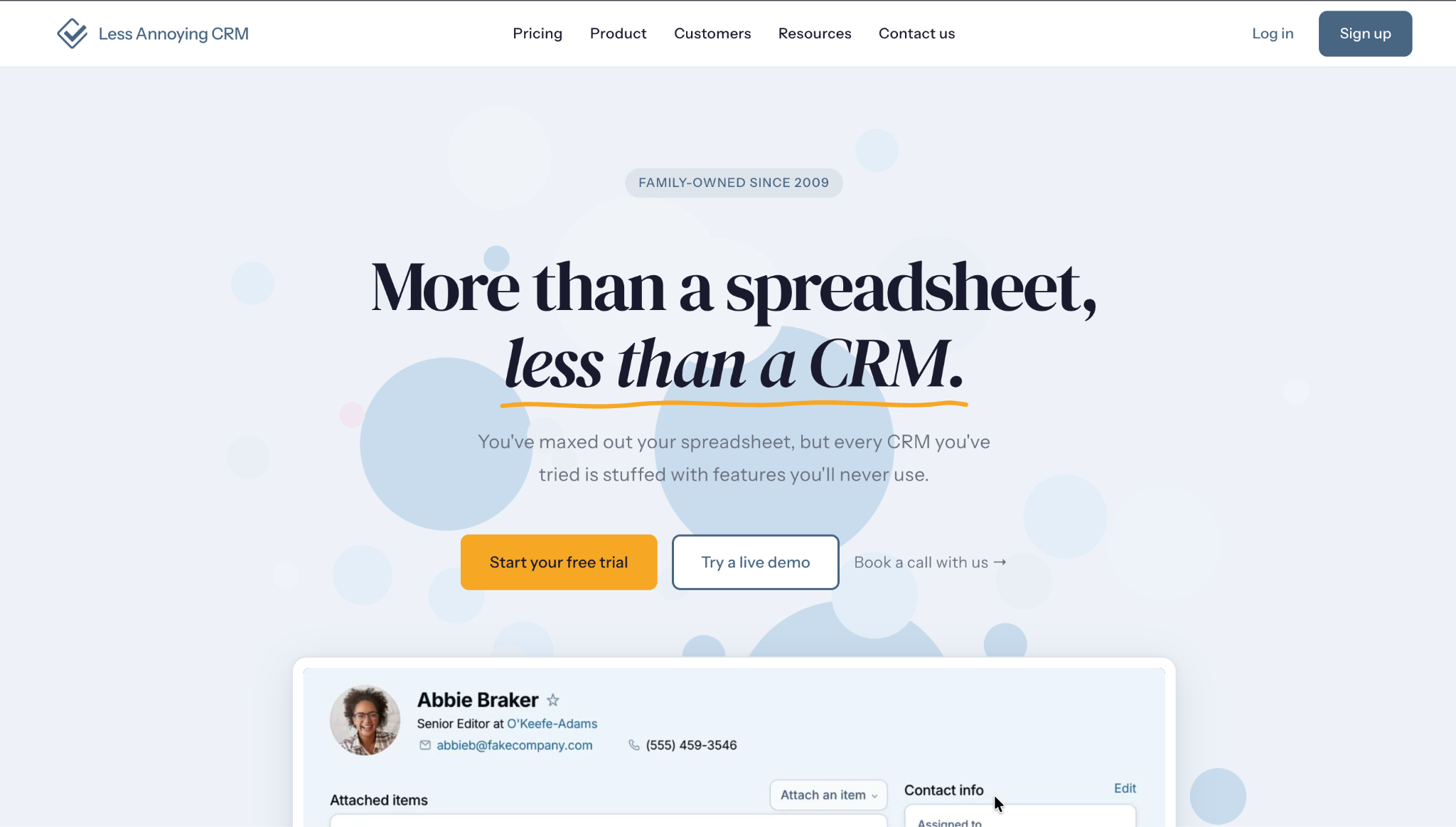
What it does: Less Annoying CRM is a simple CRM built for small businesses, with custom fields, pipelines, and reports at one fixed price per user.
Best for: Small teams that want customization without a steep learning curve or a complicated pricing page.
Less Annoying CRM's customization is modest compared to the rest of this list, and the payoff is speed. Adding a custom field and a second pipeline during testing took minutes, with nothing else to configure or learn first. One price with everything included means there's no tier to compare before deciding what you're allowed to customize.
Key features
- Custom fields and pipelines: Add what you need without a separate configuration module.
- All-inclusive pricing: One price per user, with every feature included.
- Simple reporting: Build reports on your custom fields without a BI tool.
Pros
- Customization is accessible to a non-technical small team.
- Adding a field and a second pipeline took minutes during testing, with nothing else to configure first.
- Fast setup, with a support team behind it.
Cons
- Customization ceiling is modest next to Zoho, Salesforce, or Bitrix24.
- No custom objects beyond contacts, pipelines, and related records.
- Fewer native integrations than larger CRMs, though Zapier fills most of the gaps.
What users say
“It is incredibly easy to use and impressively responsive.” Stephen T, G2

“It doesn’t work well with Microsoft products. For example, you can’t maintain a single address book that links CRM and email contacts.” Carolyn D, G2
Pricing
Less Annoying CRM has one plan at $15/user/month, with every feature included. See the Less Annoying CRM pricing page for the full breakdown.
Bottom line
Less Annoying CRM is the pick for a small team that wants customization without a learning curve or a pricing page to decode. Growing, complex needs will outgrow it before long.
If pricing and customization matter less than finding the right shortlist, this roundup of the best CRM software for small businesses is a good next stop.
Which customizable CRM should you choose?
The right pick depends on how deep your customization needs go, and how much setup effort you're willing to trade for that depth. A few questions narrow it fast:
- Do you need an entirely new record type, or just different fields on the ones you have?
- Is your process specific enough that a template CRM keeps feeling like a compromise?
- Will the bill grow per seat, and how many seats in 18 months?
- Do you want to configure a CRM, or build the structure yourself?
- How much setup time can you invest before it needs to be running?
Choose Zite if you:
- Keep customizing a template CRM, and it still doesn't fit.
- Want the exact structure you described, generated fresh instead of configured from a template.
- Want the CRM, the client portal, and your dashboards on one set of records, with each person seeing only what they should.
Choose Salesforce or Zoho CRM if you:
- Need deep configuration at enterprise scale (Salesforce) or a fraction of the cost (Zoho).
Choose Knack or Airtable if you:
- Want to design the CRM structure yourself instead of configuring a template.
- Prefer a dedicated CRM shell (Knack) or full database flexibility (Airtable).
Choose monday CRM or Bitrix24 if you:
- Want visual, low-risk customization (monday CRM).
- Need fixed pricing that doesn't grow per seat (Bitrix24).
Choose Insightly if you:
- Need custom objects that carry through into project delivery.
Choose Less Annoying CRM if you:
- Are a small team that wants customization without complexity.
Skip customization entirely if you:
- Have a standard process that an out-of-the-box CRM already fits.
Final verdict
For most businesses evaluating a customizable CRM in 2026, the answer depends on whether you want to configure a template or build the structure yourself. Salesforce and Zoho CRM lead when deep configuration inside an existing CRM shape is what you need, with Salesforce for enterprise scale and Zoho for value.
If a template keeps feeling like a compromise no matter how much you reshape it, Zite is the strongest pick. You describe the structure you need, and you can still open the database, read the workflow steps, and see exactly what got built.
Start building with Zite for free and build the CRM shaped to how your business runs.
Frequently asked questions
What is the best customizable CRM?
The best customizable CRM depends on how deep the customization needs go. Salesforce and Zoho CRM lead for configuring an existing CRM shape, and Zite is the strongest pick when you'd rather generate the exact structure you need than configure around a template.
How much does a customizable CRM cost?
Customizable CRMs start free. Zite, Zoho CRM, Airtable, and Bitrix24 all have free tiers. Paid plans run from $15/user/month (Less Annoying CRM) to $550/user/month for Salesforce Max. Bitrix24, Knack, and Zite all break from per-user pricing, charging a flat rate per company instead. Zite at $25/month includes unlimited users regardless of team size.
What makes a CRM customizable?
A customizable CRM lets you create entirely new record types, something no amount of field renaming gets you. The deepest customization also extends to workflow logic and access rules, so the automation and permissions match your process instead of a generic template.
Can I build my own CRM instead of customizing one?
Yes, building your own CRM instead of customizing one is a good option when a template keeps needing more customization than it can comfortably support. A no-code builder like Zite generates the database, screens, and logic from a description.
This walkthrough of building a CRM system from scratch covers the full process.
Do customizable CRMs cost more than standard ones?
Not necessarily. Zoho CRM and Bitrix24 both offer customization depth at prices well below Salesforce, and tools like Zite and Less Annoying CRM keep pricing simple regardless of how much the structure is reshaped. Cost tracks the vendor's positioning more than the customization depth itself.