
Typeform and Jotform solve the same problem in opposite ways. Typeform builds a sleek, one-question-at-a-time conversational form. Jotform builds breadth with templates, payment tools, and workflow features layered on top of a more traditional form layout.
I've used both tools to build forms, and in this Jotform vs Typeform comparison, the right pick comes down to which strength matters more for what you're building.
Jotform vs Typeform: What's the difference?
Typeform is a conversational form builder, showing one question per screen in a polished, animated flow built to keep completion rates high.
Jotform is a broader form tool, with templates, payment collection, approval workflows, and PDF generation built around a more conventional multi-field layout.
Choose Typeform if: A high-converting, mobile-feeling survey or lead form is the main job and you don't need deep payment or workflow features behind it.
Choose Jotform if: You need templates, payment collection, or an approval step built into the form itself, and a conversational layout isn't the priority.
Meet Typeform: Features & highlights
Typeform's core identity is the one-question-per-screen flow, which feels noticeably different to fill out than a traditional form. Its entry tier includes AI-powered form creation, conditional logic, and webhooks, and higher tiers add drop-off tracking and conversion analytics to optimize a form's completion rate.
This guide to AI form builders covers Typeform's AI-powered form creation in more depth.
Meet Jotform: Features & highlights
Jotform runs on breadth: a large template library, built-in payment collection, e-signatures, PDF generation, and approval workflows.
Pricing tiers scale by submissions, storage, and fields per form rather than by user seats alone. This hands-on Jotform review goes deeper into how that breadth holds up in daily use.
Jotform vs Typeform: At a glance
Here's how the two compare at a glance:
| Feature | Jotform | Typeform |
|---|---|---|
| Best for | Templates, payments, and workflow depth | Conversational, high-conversion forms |
| Pricing (entry paid tier) | $39/month | $39/month |
| Free tier | Yes, 5 forms, 100 submissions/month | Yes, but capped at 10 responses/month |
| Key strength | Breadth of features and templates | Form layout and completion experience |
| Main weakness | Plan limits scale by submissions, so a busy form pushes you up a tier | Fewer built-in payment and workflow tools |
| Ideal team size | Small to mid-size teams needing payment or approval steps | Individuals and teams running lead-gen or survey forms |
Pricing confirmed directly from each vendor's live pricing page, monthly billing, as of this writing. Verify before relying on it, since both vendors adjust tiers.
Jotform vs Typeform: Feature-by-feature comparison
User experience and form layout
Typeform's one-question-at-a-time flow is the more polished experience by a wide margin, with each question centered and animated into view rather than scrolling down a long field list.
Jotform: Uses a more conventional layout, showing multiple fields on one page. This layout is faster to scan for a short form, and it's what most people already expect from a form.
Jotform: This layout also makes complex, many-field forms more practical, where Typeform's one-question approach can feel slow to complete.
Typeform: The conversational flow keeps a short form from feeling long, which is why teams building surveys or lead-gen forms default to it.
Typeform: That same flow becomes a drawback once a form needs more than a handful of fields, since each one adds another full screen to click through.
Winner: Typeform, for any form short enough that its one-question flow helps completion more than it slows the respondent down.
Form builder and editor
Jotform: Uses a drag-and-drop builder for adding fields, images, and widgets onto a page. The same editor handles a quick template edit and more advanced conditional logic or multi-page setups.
Typeform: Builds around conversational logic, where a question's follow-up can change based on the answer just given. On its Growth and Talent plans, it also supports video and audio answers alongside text.
Winner: Tie. Jotform's builder is more direct for assembling a multi-field form fast, while Typeform's is built for adaptive, media-rich questions a drag-and-drop field list can't replicate.
Mobile and offline access
Jotform: Collects responses without an internet connection through Jotform Mobile Forms, its free iOS and Android app. Responses save to the device and sync automatically once the connection returns, which matters for fieldwork like inspections or deliveries where a signal isn't guaranteed.
Typeform: Has no offline mode. Typeform's own help center states a typeform needs an internet connection both to load and to submit, and a respondent who loses connection mid-form can't submit until it returns.
Winner: Jotform. A respondent without reliable internet can still finish the form, which Typeform can't offer.
Templates and features
Jotform: Ships a large template library spanning surveys, applications, registrations, and order forms, each prebuilt with the fields that use case typically needs.
Jotform: Payment collection, e-signatures, and document generation come built into the product. Its PDF Editor turns submitted responses directly into branded, formatted PDF documents.
Typeform: Has a smaller, more curated template set, leaning toward surveys and feedback forms rather than the operational use cases Jotform covers.
Typeform: Includes conditional logic from its entry tier, letting a form branch based on an earlier answer.
Winner: Jotform takes this one, since a single form can handle payments, signatures, and finished documents without a second tool.
AI-powered form creation
Typeform: Its AI tool builds a full form from a text prompt and handles the question flow and design automatically. Every current plan also gets retained company context, file upload analysis, and web search, and multi-language translation starts at Business.
Jotform: Its separate AI Form Builder generates a form from a prompt the same way, then hands off to Jotform's standard editor for adjustments.
Jotform: AI Agents is a different product built on the same idea. It's a conversational assistant deployed as a chatbot or over the phone, SMS, or WhatsApp, built to collect data and answer questions instead of presenting a static form.
Winner: Typeform, for the AI-built form itself, since its retained memory and research features go further than Jotform's prompt-to-form tool. Jotform pulls ahead only when a conversational AI agent, not a form, is the right tool.
Pricing and response limits
Jotform: Its free-forever Starter plan covers five forms and 100 submissions a month. Paid plans start at $39/month for Bronze, which raises the cap to 1,000 submissions.
Jotform: HIPAA-enabled features stay unavailable through Silver, $49/month, the plan Jotform itself labels "Best Value." HIPAA becomes available only at Gold, $129/month.
Typeform: A free plan exists but caps out at 10 responses a month, a tenth of what Jotform's Starter plan allows. Its entry paid tier, Basic, costs $39/month for up to 100 responses, matching Jotform's Bronze price exactly.
Typeform: Plus is $79/month. Business is $129/month, the same price as Jotform's HIPAA-enabled Gold tier.
Winner: Jotform's free tier wins, and at the same $39 entry price, Bronze allows 1,000 submissions a month to Typeform Basic's 100.
Analytics and reports
Jotform: Includes Form Analytics, a Report Builder that turns submissions into charts and reports, UTM tracking, a Google Analytics integration, and Facebook Pixel tracking through a widget, all built into the product.
Typeform: Its Business tier adds drop-off tracking and conversion analytics to see where respondents abandon a form. The Growth Flow tier goes further with Smart Insights, AI-generated dashboards that automatically summarize response data.
Winner: Jotform again. Its reporting tools come at a lower tier, while Typeform locks comparable depth behind Growth Flow, its top self-serve plan at $379/month.
Integrations and compliance
Jotform: Lists 150+ integrations, including 30+ payment gateways like PayPal, Square, and Stripe alongside its e-signature and PDF tools. HIPAA compliance requires its Gold tier or an Enterprise plan.
Typeform: Its integrations page highlights direct connections like Google Sheets, HubSpot, Slack, Mailchimp, and Airtable, with webhooks covering anything not built in directly. Its pricing page also cites 500+ more integrations through Zapier.
Typeform: Takes payments inside a form through its payment question, which connects to Stripe, a much shorter list than Jotform's 30+ gateways.
Typeform: HIPAA compliance requires a custom-quoted plan, Enterprise or Growth Custom, where Typeform will sign a business associate agreement.
Winner: Jotform takes both: 150+ built-in integrations, including 30+ payment gateways, and HIPAA at a set price on Gold ($129/month), where Typeform requires a custom-quoted plan.
What else Jotform sells beyond the form
Jotform also sells standalone products that extend past a single form. Typeform sells a few add-on products too, such as Research Flow and Contacts & Automations, but nothing that matches Jotform's PDF, e-signature, and board tools in one account.
Jotform Boards automatically turns form submissions into tasks, with a Kanban view, commenting, and task assignment built in for a team working through incoming requests.
Jotform Sign is a free-to-start e-signature product, with its own drag-and-drop builder, approval workflows and reminders, and an audit trail for signed documents.
AI Agents is the third standalone product here, and like the others, it connects to the same forms and data.
What users say
These summaries come from G2 reviews of each tool, with one reviewer quote per point.
Jotform
Pros: Conditional logic comes up as a way to keep a short form simple for customers while still capturing what a team needs, and the built-in report builder is called out as impressive enough to win over company leadership. The $49/month Silver plan also gets singled out as strong value for the price.
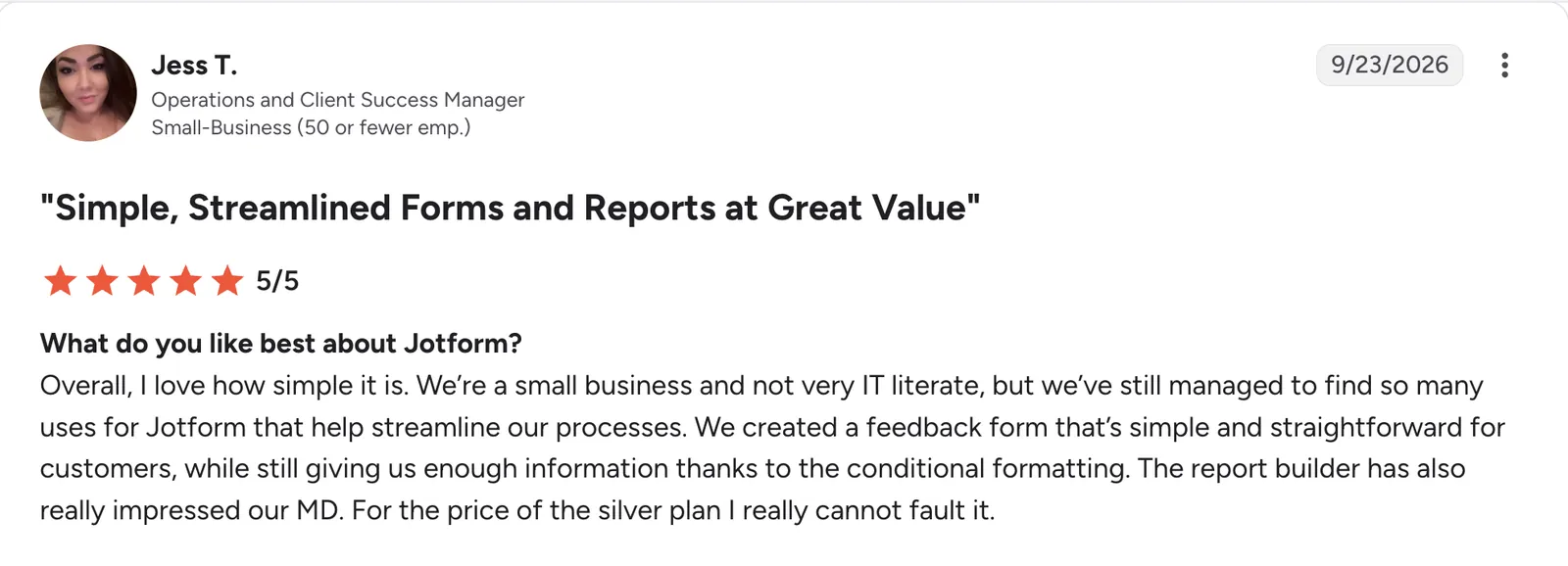
“We created a feedback form that’s simple and straightforward for customers, while still giving us enough information thanks to the conditional formatting.” Jess T, G2
Cons: Some reviewers want a plan scoped down to just forms and e-signatures instead of the full feature set, and better visibility into which paid features are already included would help them get more value from what they're paying for.

“One area I’d love to see improved is the plan structure.” Isabel R, G2
Typeform
Pros: The drag-and-drop builder and conditional logic are called out for saving time, and the conversational form style gets credit for improving response completion rates compared to a previous form setup.
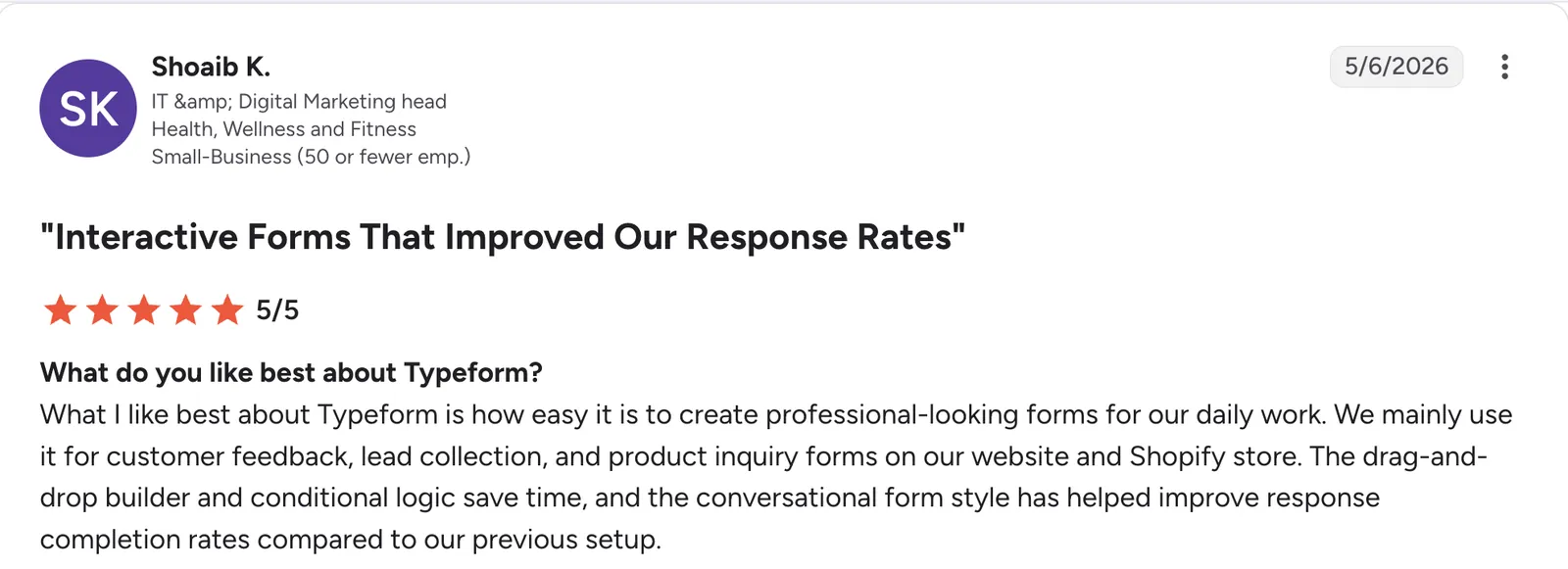
“What I like best about Typeform is how easy it is to create professional-looking forms for our daily work.” Shoaib K, G2
Cons: The AI form generator can add elements, like an extra first page, that are hard to remove without rebuilding the form manually, and more control to edit an AI-generated form afterward would help.

“I did not get on well with the AI assistant as it restricted some small changes that I would have preferred.” Amy H, G2
How to make your choice
Both tools do their core job well, and the right pick depends on what the form needs to do beyond collecting answers. Jotform wins on breadth and value; Typeform wins on the experience of filling out a short, focused form.
Jotform is better for:
-
Teams needing payment collection, e-signatures, or approval workflows built into the form.
-
Anyone wanting a usable free tier before committing to a paid plan.
-
Multi-field forms where a traditional layout is faster to complete than a one-question flow.
-
Field teams collecting responses somewhere without reliable internet.
Typeform is better for:
-
Short surveys or lead-gen forms where completion rate is the main concern.
-
Teams that want AI-assisted form creation included from the entry tier.
-
A more polished, mobile-feeling respondent experience.
-
Teams running Growth Flow's AI-generated insights and lead scoring on top of response data.
Fillout: a form builder that does both
Fillout covers both halves of this comparison. Its page logic can run a form one question at a time like Typeform or as a single page like Jotform, and the same form can take Stripe payments, collect e-signatures, and generate PDFs from each submission.
The free plan includes unlimited forms and 1,000 responses a month, against 100 submissions on Jotform and 10 responses on Typeform, and seats are unlimited from Free through Business. Signatures start on the paid Starter plan.
For teams that need an internal app or portal built around their form data, Zite, built by the same team as Fillout, generates the underlying database and workflow logic the form would feed into.
It also connects directly to Airtable, Google Sheets, and Notion, or imports existing records from a spreadsheet into its own database, so the data behind the form never has to start from zero.
My verdict on Jotform vs Typeform
Jotform is the stronger overall pick for most readers, mainly because its free tier holds up for daily use: 100 submissions a month against Typeform's 10 responses. The entry paid tiers cost the same, and Jotform's still allows 1,000 submissions to Typeform's 100.
Typeform earns its reputation on short, conversational forms and its deeper AI form-building tools, and that combination is reason enough to choose it when the project fits.
If neither one ends up being the fit, this list of Jotform alternatives is worth a look too.
Next steps
If templates, payments, or workflow depth matter more than a conversational layout, Jotform's free tier is the lowest-risk way to find out. If a short, high-converting form is the whole job, Typeform's Basic tier covers it well.
If Jotform is the direction you're leaning, this full Jotform pricing breakdown is worth reading before committing to a tier.
Frequently asked questions
What are the downsides of Jotform?
The main downsides are an interface that feels less modern than newer form builders, a learning curve from the sheer number of features available, and HIPAA compliance locked behind its $129/month Gold tier.
Is there anything better than Jotform?
Yes, for some jobs. Typeform is better for short, conversational forms, and Fillout fits when you want a conversational layout plus payments, signatures, and PDFs in one tool. Its free plan includes 1,000 responses a month, and signatures start on its paid Starter plan.
What is better than Typeform?
Jotform is better than Typeform for anyone needing payment collection, e-signatures, or a larger template library, since Typeform puts its effort into the conversational form layout.
Why do people use Typeform?
People use Typeform mainly for the completion experience that its one-question-at-a-time flow creates. That one-question pacing keeps a short survey or lead-gen form from feeling long, which is why teams building those forms default to it.