
The best Asana alternatives depend on why you're leaving. ClickUp and Monday.com cover most teams switching for cost or features. Basecamp fits teams that want Asana's structure without the complexity.
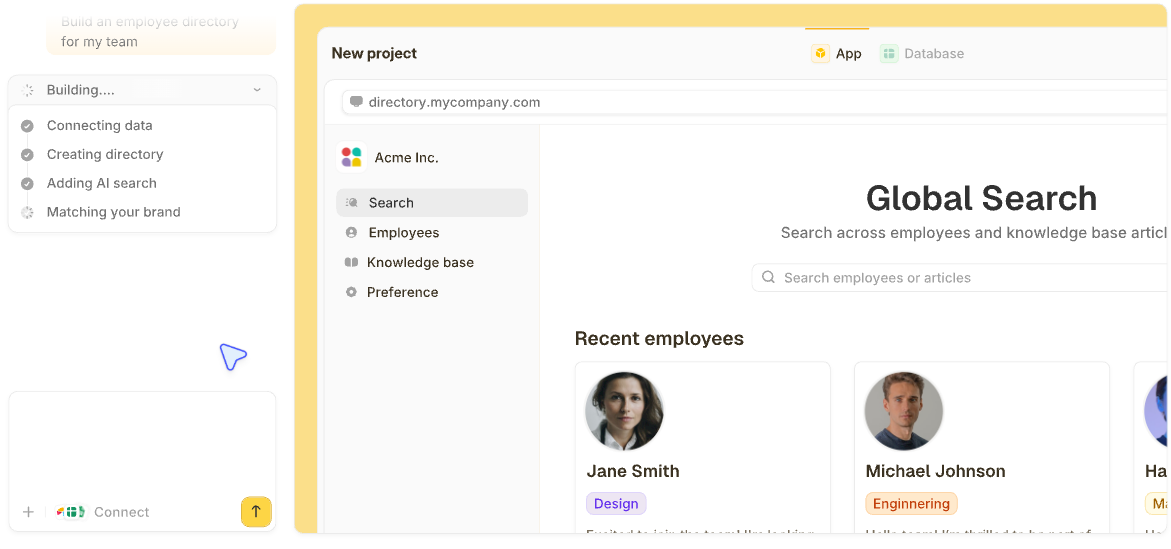
Zite fits a specific case none of the others do. Teams using Asana to track things it was never built to hold, like client records or approval chains, hit a structural wall the others don't address. Zite generates the tracker, portal, or approval app such a team needs, database and workflows included, from a description.
I ran 24 project management tools through the same test. In each one, I rebuilt a live project from an Asana export, set up custom fields and dependencies, and checked what the bill looked like once the team passed ten people.
These 12 earned a place on this list, with each vendor's own published rate and clear limitations throughout. A few plans sell on annual billing only, and those are marked.
12 best Asana alternatives: TL;DR
A note on the order: this list runs from the most specific fit to the most general. Zite is first because nothing else here solves the record-instead-of-a-task problem. If your problem is cost or features, start at number two.
- 1.
 ZiteUnlimited usersBest for building the system your process needs without bending a task board into shape.
- 2.
 Best feature depth for the price.
- 3.
 Best visual, highly customizable boards.
- 4.
 Best simple Kanban board for small teams.
- 5.
 Best fast, opinionated tool for engineering and product teams.
- 6.
 Best mature, enterprise-grade tool for software teams.
- 7.
 Best for larger teams needing deeper reporting.
- 8.
 Best fixed pricing regardless of team size.
- 9.
 Best for teams that want docs and tasks together.
- 10.
 Best for agencies billing clients for project time.
- 11.
 Best spreadsheet-style project tracking.
- 12.
 Best simple task list for individuals and small teams.
Why look for Asana alternatives?
Asana does the core job well. Tasks, projects, and timelines sit in a clean interface that most teams pick up quickly. Here are the reasons people look elsewhere:
Cost climbs fast as the team grows: Asana's per-user pricing is manageable at five people and noticeably heavier at fifty, especially once you need the features gated to the Advanced plan.
Deeper features sit behind higher tiers: Custom fields, forms, and dependencies work well, but reaching the full set often means a plan upgrade most small teams didn't budget for.
Reporting has a ceiling: Built-in dashboards cover the basics. Anything more detailed usually means exporting data or adding a separate BI tool.
Time tracking sits on a higher tier: Asana does track time natively, but only from the Advanced plan up, so teams billing by the hour on the entry plan still need a second tool.
Asana is built around tasks: If you're using Asana to track clients, equipment, or approval requests instead of project tasks, you're bending a task tool into a database it was never designed to be, and the cracks show as that data grows.
Which Asana alternative should you choose?
Choose Zite if what you're tracking in Asana is a record, such as a client, an order, or a request awaiting approval, and you want a tool built around it, with the records, approval steps, notifications, and who sees what on one set of data.
Choose ClickUp if you want the most features per dollar and don't mind a learning curve.
Choose Basecamp if you want Asana's structure without the per-seat math getting worse every time you hire.
Choose Notion if scattered documentation is the bigger problem than the task tracker itself.
Choose Linear or Jira if the team lives in code and Asana's task model doesn't match how issues move through development.
Choose Monday.com if you want boards you can reshape yourself and status changes that trigger notifications on their own.
Choose Trello if the work fits on one board and you want it running in under ten minutes.
Choose Teamwork.com if you bill clients by the hour and want those hours to land in an invoice.
Choose Wrike or Smartsheet if you need reporting across many projects at once, or you'd rather work in a grid than a board.
Stick with Asana if your team already has a working process in it and the cost or feature gaps haven't caused a serious problem yet. Switching costs time too, and "slightly annoyed" falls well short of "actively blocked."
12 best Asana alternatives: at a glance
| # | Tool | Strengths | Starting price (monthly) |
|---|---|---|---|
| 1 | Zite | Generates the app, database, and workflows from a description, with unlimited users | $25/month, flat |
| 2 | ClickUp | Feature depth per dollar | $10/user/month |
| 3 | Monday.com | Visual, flexible boards | $12/seat/month |
| 4 | Trello | Simple Kanban boards | $6/user/month |
| 5 | Linear | Fast, opinionated for engineering and product | $12/user/month |
| 6 | Jira | Deep workflow customization | $9.05/user/month |
| 7 | Wrike | Cross-project reporting depth | $10/user/month |
| 8 | Basecamp | No per-user fees, unlimited users on Studio+ | $25/month, flat |
| 9 | Notion | Docs and tasks in one workspace | $12/member/month |
| 10 | Teamwork.com | Billing built into projects | $13.99/user/month |
| 11 | Smartsheet | Spreadsheet-style project views | $12/member/month |
| 12 | Todoist | Fastest task capture, nothing to configure | $7/user/month |
Prices above reflect each vendor's published rate, checked in September 2026.
1. Zite: Best for building the system your process needs without bending a task board into shape
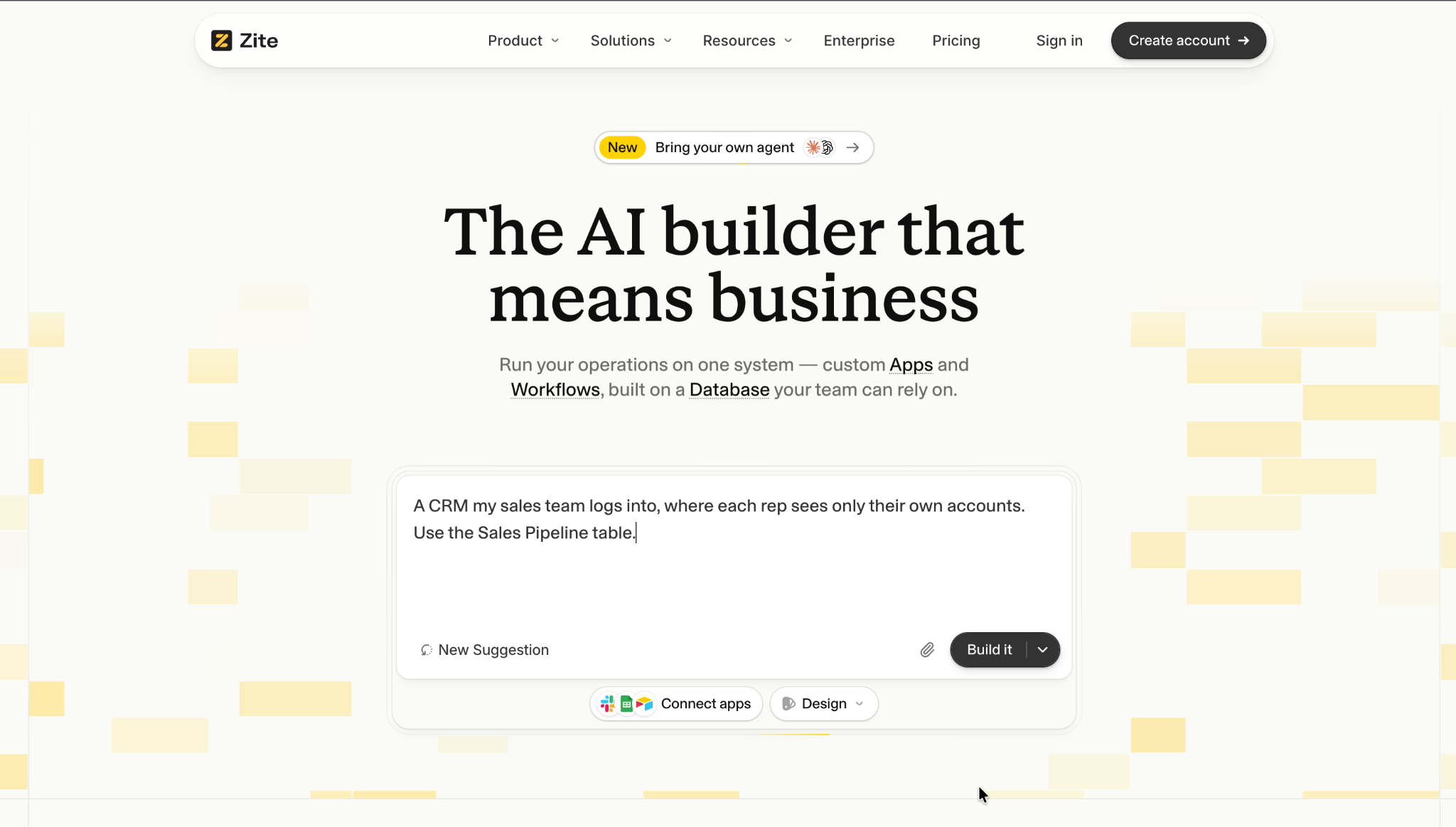
Some of the work in Asana was never a task. Zite builds the tool it belonged in.
I moved a client-onboarding tracker out of Asana, where each "task" had been a client all along. Describing that same tracker to Zite produced a working app in one pass, with linked client records and an approval workflow. This breakdown of workflow optimization covers the wider process behind a move like this.
What got easier: relationships between records instead of task descriptions doing double duty.
What needs an extra step: a timeline like Asana's, which Zite builds when you ask for one.
Key features
- AI generation from a prompt: Describe what you're tracking, and Zite builds the app, its database, and the logic together, with no setup screens.
- Visual workflows: Approvals and routing are laid out visually so you can trace each step, and a User field limits each person to their own records.
- Unlimited users: Staff and clients can all join on any plan, with no per-seat charge.
Pros
- Proper records with their own fields and links replace tasks carrying custom fields.
- Free design edits let you change a layout or theme yourself without using credits.
- Free to try, with 5,000 records, so you can rebuild a tracker before paying.
Cons
- No ready-made board on day one, since you describe the views you want.
- AI credits are capped by plan, at 50 a month on Free and 100 on Pro.
- Newer product with a template library that's still growing.
Best for
- Teams tracking clients, equipment, or requests inside a task tool built for none of them.
- Approval-based processes that outgrew a project board's workaround features.
- Anyone who keeps adding custom fields to a task just to make it hold more information.
Pricing
Zite is free with unlimited users and 50 AI credits a month, capped at ten messages a day. Paid plans start at $25/month for Pro, with 100 credits and a custom domain. Business is $89/month with 400 credits. Team is $300/month with 800 credits, and Enterprise is custom-priced.
2. ClickUp: Best feature depth for the price
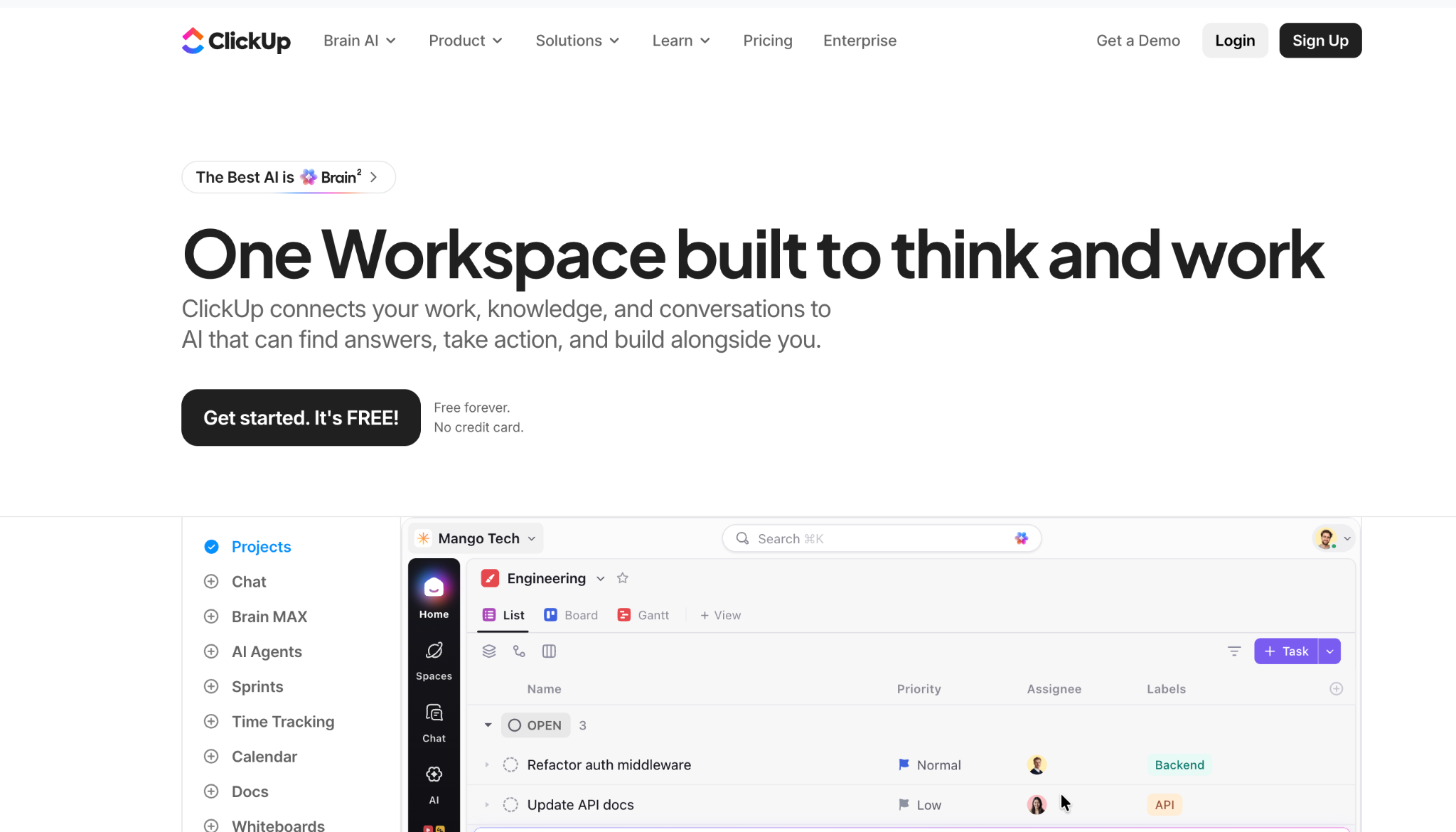
ClickUp is the alternative most people land on first, and testing confirms why. It packs more views and features per dollar than anything else here.
The test project took longer to rebuild in ClickUp than in Asana, since there are more options to configure. The free plan's unlimited tasks and the paid tiers' native time tracking make up for that, covering gaps Asana leaves to integrations.
Key features
- 15+ views: List, board, Gantt, and calendar on the same underlying data.
- Native time tracking: Built-in instead of a separate integration.
- Custom automations: Rule-based workflow triggers on every plan, with higher run limits as you pay more.
Pros
- Most feature depth for the price of any tool here.
- Unlimited tasks on the free plan, unusually generous for a PM tool.
- Covers gaps Asana leaves to paid integrations, inside the core plan.
Cons
- The depth creates a learning curve for new users.
- AI features are a separate add-on cost.
- Easy to over-configure a workspace before anyone's used it.
Best for
- Teams juggling separate list, board, and Gantt apps who want them consolidated into one.
- Teams fine paying separately for AI, as long as the core plan covers the rest.
- Teams comfortable investing setup time for a more powerful result.
Pricing
ClickUp is free with unlimited members and tasks. Paid plans start at $10/user/month for Unlimited. Business is $19/user/month, and Enterprise is custom-priced.
3. Monday.com: Best visual, highly customizable boards
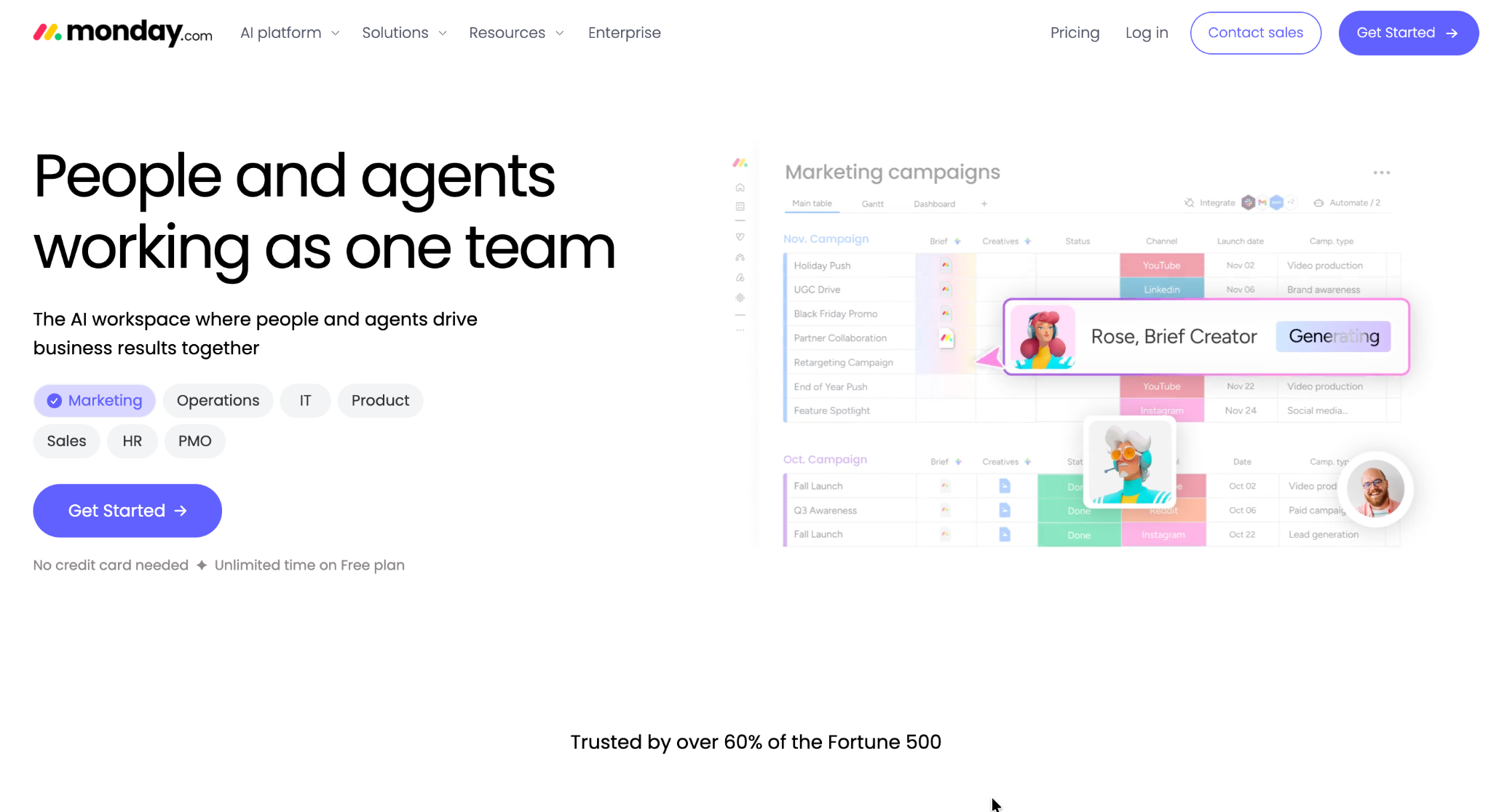
Monday.com's board model makes customization visible and immediate, which is the reason it keeps winning teams away from Asana's more structured project view.
Reshaping a board to add custom columns and a new status took minutes, with the change reflected instantly across linked views.
Key features
- Customizable boards: Add, remove, or rename columns and views freely.
- No-code automations: Visual triggers for notifications and status changes, from the Standard plan up, in the same spirit as dedicated no-code workflow automation tools.
- Cross-board linking: Connect related boards across departments.
Pros
- Changes show up instantly across every linked view.
- Approachable for non-technical teams to customize themselves.
- Strong template library across many industries.
Cons
- Three-seat minimum on every paid plan.
- Board model strains with complex relational data.
- Deeper reporting needs a higher tier.
Best for
- Teams that want to start from an industry template instead of a blank board.
- Visual thinkers who prefer boards over lists.
- Teams that want status changes to trigger notifications on their own.
Pricing
Monday.com is free for up to 2 seats. Paid plans start at $12/seat/month for Basic, with a three-seat minimum. Standard is $14/seat/month, Pro is $24/seat/month, and Enterprise is custom-priced.
4. Trello: Best simple Kanban board for small teams
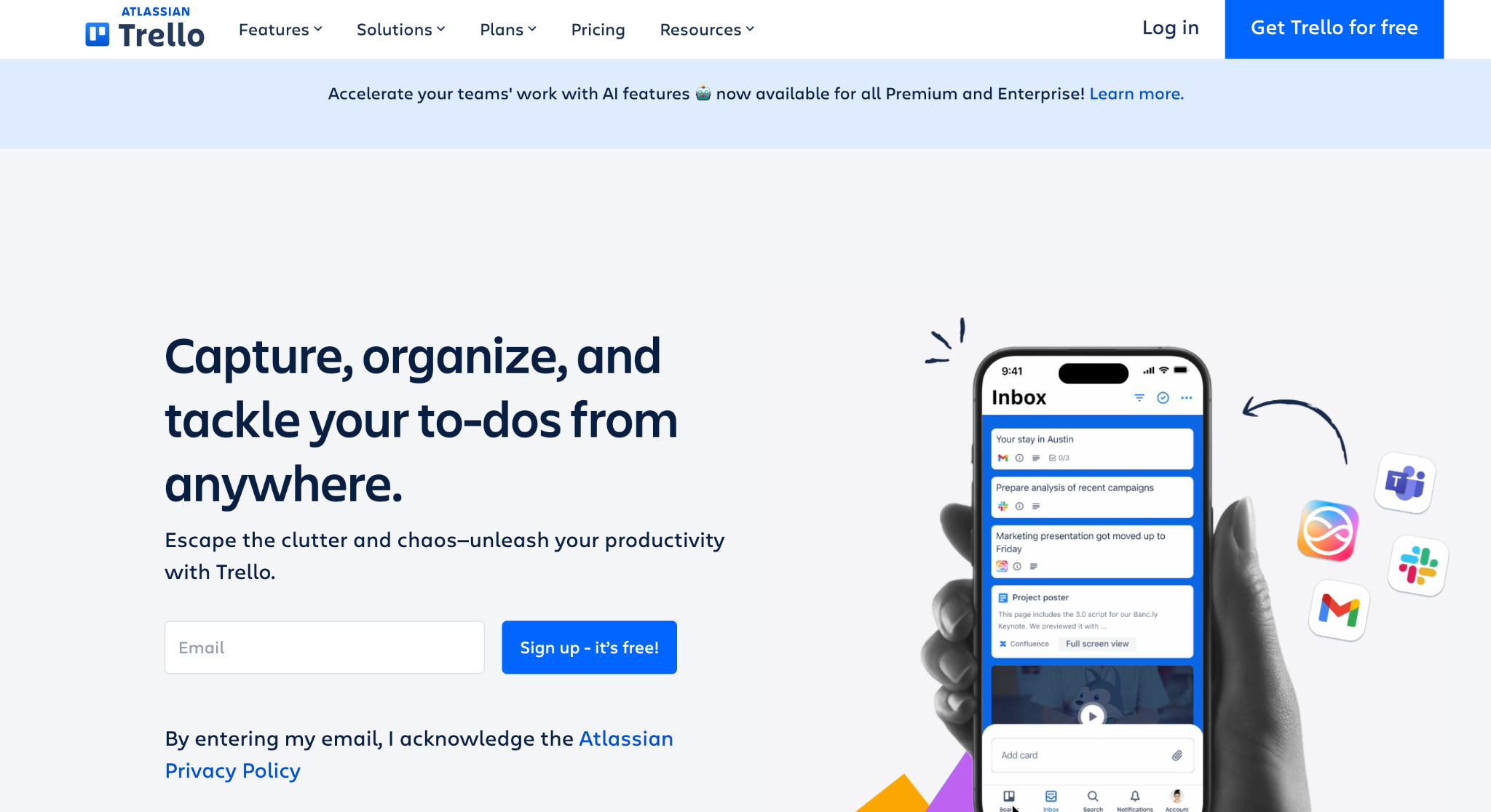
Trello strips project management down to cards on a board, and for a team that found Asana's structure heavier than the job needed, that simplicity is the whole appeal.
The test project went from Asana to a Trello board in under ten minutes, with far less setup than any other tool here. The tradeoff is depth. Dependencies, detailed reporting, and multi-project views sit outside what Trello is built for.
Key features
- Kanban boards: Cards move through columns with drag-and-drop simplicity.
- Butler automation: Rule-based actions on card changes, available on every plan including Free, with higher run limits on paid tiers.
- Power-Ups: Add integrations and extra views without leaving the board.
Pros
- Fastest setup of any tool on this list.
- Simple enough for a first project tool, no onboarding required.
- Cheapest paid entry point here.
Cons
- Cross-board views only arrive on Premium, so multi-project work is thin on the cheaper plans.
- Reporting is one dashboard view, and only from Premium up.
- Part of Atlassian since 2017, and cross-selling toward other Atlassian products shows up.
Best for
- Small teams whose work fits comfortably on one board.
- Teams that want to bolt on extra views through Power-Ups instead of switching tools.
- Simple workflows without complex dependencies.
Pricing
Trello is free to start. Paid plans start at $6/user/month for Standard. Premium is $12.50/user/month, and Enterprise is $17.50/user/month billed annually for up to 250 seats, with the rate falling as seat count rises.
5. Linear: Best fast, opinionated tool for engineering and product teams
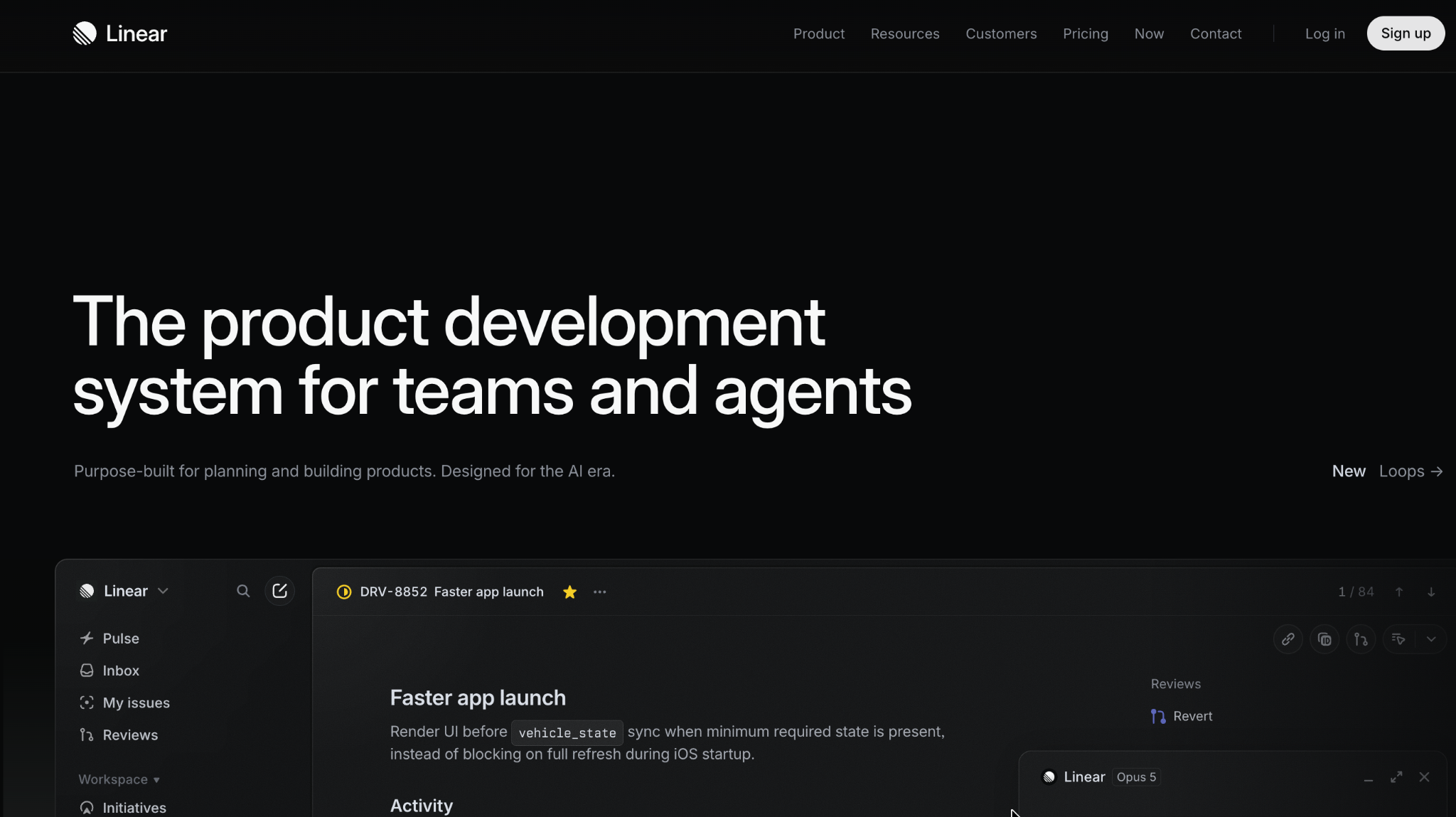
Linear is built for a specific complaint about Asana. Too much configuration stands between a developer and logging an issue. Speed and a minimal interface are the whole pitch.
The same project comes together as Linear issues noticeably faster than in Asana, since there's less to configure before the tracker is usable. That focus is also the limit. Linear is built around issues and cycles, so a marketing team's workflow will feel like a poor fit fast.
Key features
- Cycles: Sprint-style planning built around issues instead of generic tasks.
- Keyboard-first navigation: Nearly everything is reachable without touching a mouse.
- Git integration: Issues link directly to branches, commits, and pull requests.
Pros
- Free plan carries unlimited members, capped by issue count instead of headcount.
- Minimal setup gets a team logging issues quickly.
- Everything is reachable without touching a mouse, which speeds up heavy issue-triage days.
Cons
- Built around software issues.
- Non-technical teams need the $18 Business plan, where Linear Asks handles IT, legal, and HR requests.
- Fewer views than a general-purpose PM tool like ClickUp or Monday.com.
Best for
- Engineering and product teams who find Asana too generic for issue tracking.
- Teams that want everything reachable without touching a mouse.
- Teams that are entirely engineering or product, with no non-technical workflows to accommodate.
Pricing
Linear is free for small teams, capped at 250 issues. Paid plans start at $12/user/month for Basic. Business is $18/user/month, and Enterprise is custom-priced.
6. Jira: Best mature, enterprise-grade tool for software teams
Jira is the other major pull away from Asana for engineering teams. It earns that pull through configuration depth few tools here match.
Setting up a software-specific workflow with custom issue types and transition rules took more configuration time during testing than Linear needed for a similar setup. That depth is the tradeoff. Jira rewards teams willing to invest setup time with reporting and customization depth that pays the effort back.
Key features
- Custom workflows: Define exactly how an issue moves through your team's process.
- Advanced reporting: Sprint burndown, velocity, and release tracking built in.
- Atlassian suite integration: Works alongside Confluence and other Atlassian products.
Pros
- Scales past what Linear covers, which is where larger software teams end up.
- Free for the first 10 users, so a team can try the setup before paying.
- Setup effort pays back in reporting and customization depth.
Cons
- Setup and configuration take longer than Linear.
- Interface feels heavier than the newer tools on this list.
- Enterprise pricing requires a sales conversation, with no published rate.
Best for
- Engineering teams with a formal, custom-defined development process.
- Software teams larger than what Linear is built for.
- Teams that need release and sprint reporting depth.
Pricing
Jira is free for up to 10 users. Paid plans start at $9.05/user/month for Standard. Premium is $18.30/user/month, and both rates drop as you add seats. Enterprise is custom-priced.
7. Wrike: Best for larger teams needing deeper reporting
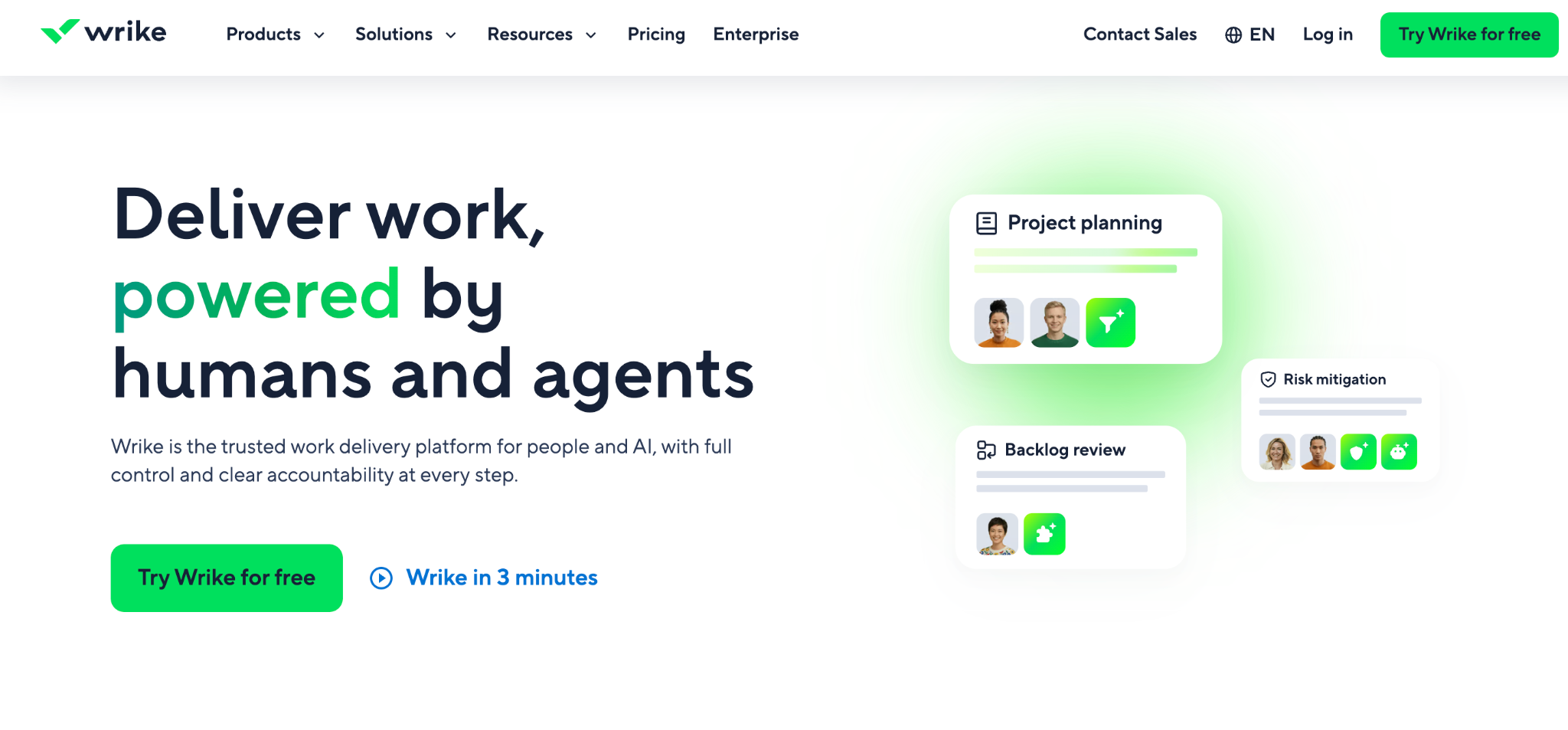
Wrike's reporting depth is built for a scale Asana only reaches on its pricier plans. For teams that outgrow both, this guide to custom dashboard software is worth a look.
Building cross-project reports during testing surfaced status rollups that Asana's native dashboards couldn't match without exporting data elsewhere. That depth targets larger organizations, and a smaller team will find more configuration than they need.
Key features
- Cross-project reporting: Roll up status and workload across many projects at once.
- Custom workflows: Approval steps and status paths tailored per team.
- Resource management: Workload visibility across people, beyond individual tasks.
Pros
- Status rolls up across projects without exporting data anywhere else.
- Free plan has no user cap, unusual at this level of reporting depth.
- Strong fit for teams running many concurrent projects.
Cons
- More configuration than a small team needs.
- Steeper learning curve than Trello or Basecamp.
- Deepest features sit on higher-priced tiers.
Best for
- Larger teams running many projects that need to be reported on together.
- Organizations that outgrew Asana's native dashboards.
- Teams willing to trade a learning curve for reporting depth once they're past board tools.
Pricing
Wrike is free with unlimited users, sharing 2GB of storage across the whole account. Paid plans start at $10/user/month, billed annually, for Team, which covers 2 to 15 users. Business is $25/user/month, billed annually, for 5 to 200 users. Pinnacle and Apex are custom-priced for larger organizations.
8. Basecamp: Best fixed pricing regardless of team size
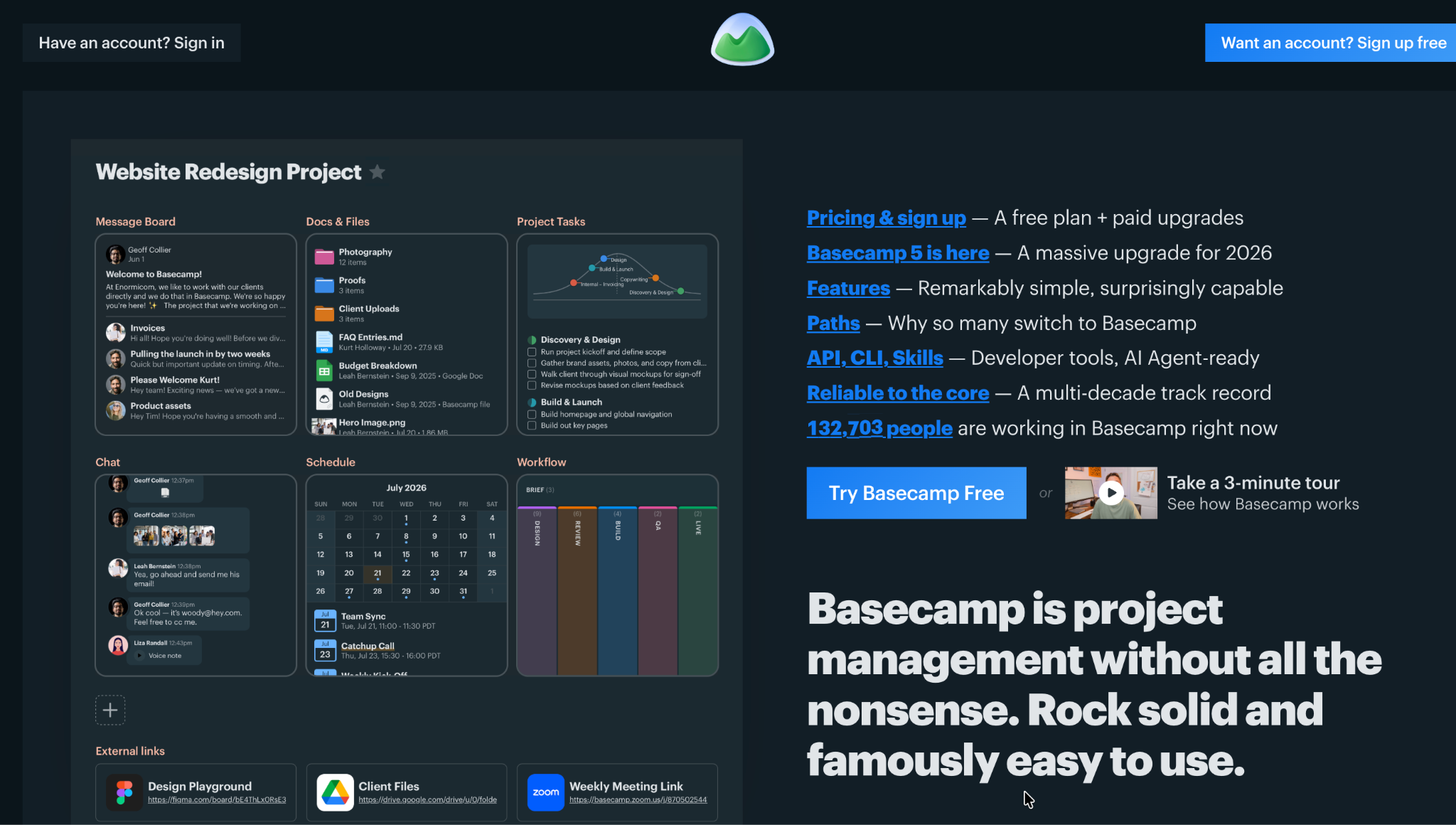
Basecamp prices by project count and storage instead of per user, with no per-user fees on any tier and unlimited users starting at Studio.
Adding the entire test team to a Basecamp project didn't move the bill at all, once on a tier with unlimited users. The tradeoff for that simplicity is fewer views and less granular customization than board-based tools offer.
Key features
- No per-user fees: Every tier is priced by project count and storage, with unlimited users starting at Studio.
- Message boards and to-dos: Communication and tasks live in the same project space.
- Hill Charts: A visual way to show progress without a detailed status field.
Pros
- Adding people never moves the bill to a tier with unlimited users.
- Simpler mental model than board-heavy tools.
- New hires get productive fast, because there is one place to look instead of four.
Cons
- Task detail is lighter than a board tool built around granular status fields.
- Time tracking is Pro tier and up, not available on cheaper plans.
- Entry price is higher than per-user tools for a very small team.
Best for
- Growing teams where per-user pricing would otherwise punish headcount.
- Teams switching from a board-heavy tool that got too complex to onboard new hires into.
- Anyone who finds board-based tools more complex than their process needs.
Pricing
Basecamp is free for up to 5 users with 1 project. Paid plans start at $25/month for Freelancer, capped at 3 projects and 20 users. Studio is $59/month for 10 projects with unlimited users.
Pro is $99/month for 25 projects, unlimited users, and time tracking. Unlimited Edition is $299/month billed annually for unlimited projects and users.
9. Notion: Best for teams that want docs and tasks together
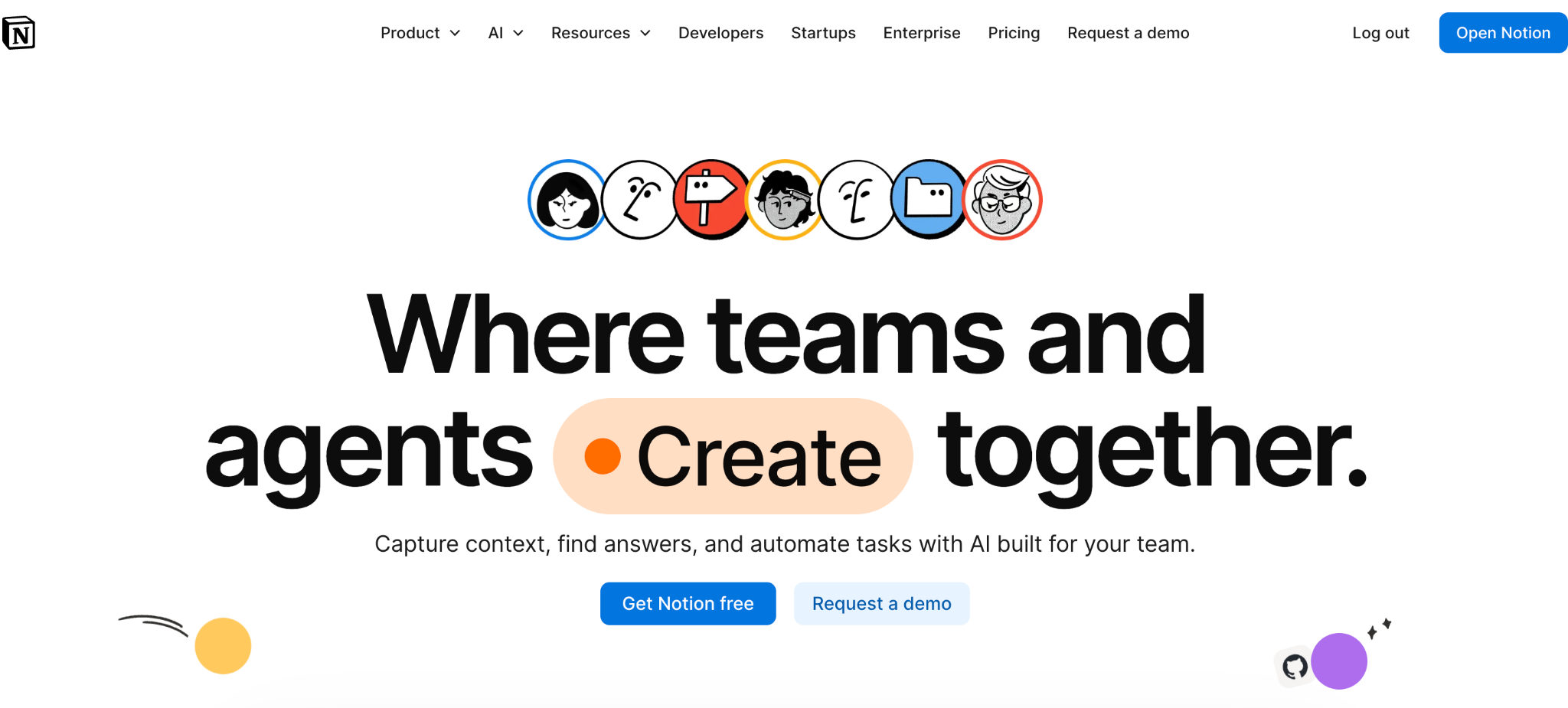
Notion treats a task list as one more database in a workspace built primarily for documentation. That fits teams whose bottleneck is scattered notes.
Notion doesn't create a project structure automatically the way Asana does. Building the test project there meant importing a template from Notion's gallery or setting up a database from scratch. Once built, having specs and tasks on the same page cut out a fair amount of tab-switching.
Key features
- Flexible databases: Build a task tracker with whatever fields your process needs.
- Docs and wikis: Project documentation lives next to the tasks it describes.
- Notion AI: Drafting and summarizing across the workspace, unlimited on Business and up.
Pros
- Nothing to migrate later, since the specs and the tracker were always in the same workspace.
- Nothing forces one workflow on you, so the tracker matches how your team actually works.
- Affordable per-user pricing.
Cons
- Project structure is build-your-own: timeline and dependencies are there, but nothing is set up until you set it up.
- Setting up a tracker takes more configuration than Asana's built-in structure, even starting from a template.
- Databases slow down at larger record counts.
Best for
- Teams that want to define their own fields instead of adapting to a fixed template.
- Freelancers or small teams priced out of dedicated PM tools.
- Anyone who wants specs and tasks in the same workspace.
Pricing
Notion is free for personal use. Paid plans start at $12/member/month for Plus. Business is $24/member/month, and Enterprise is custom-priced.
10. Teamwork.com: Best for agencies billing clients for project time
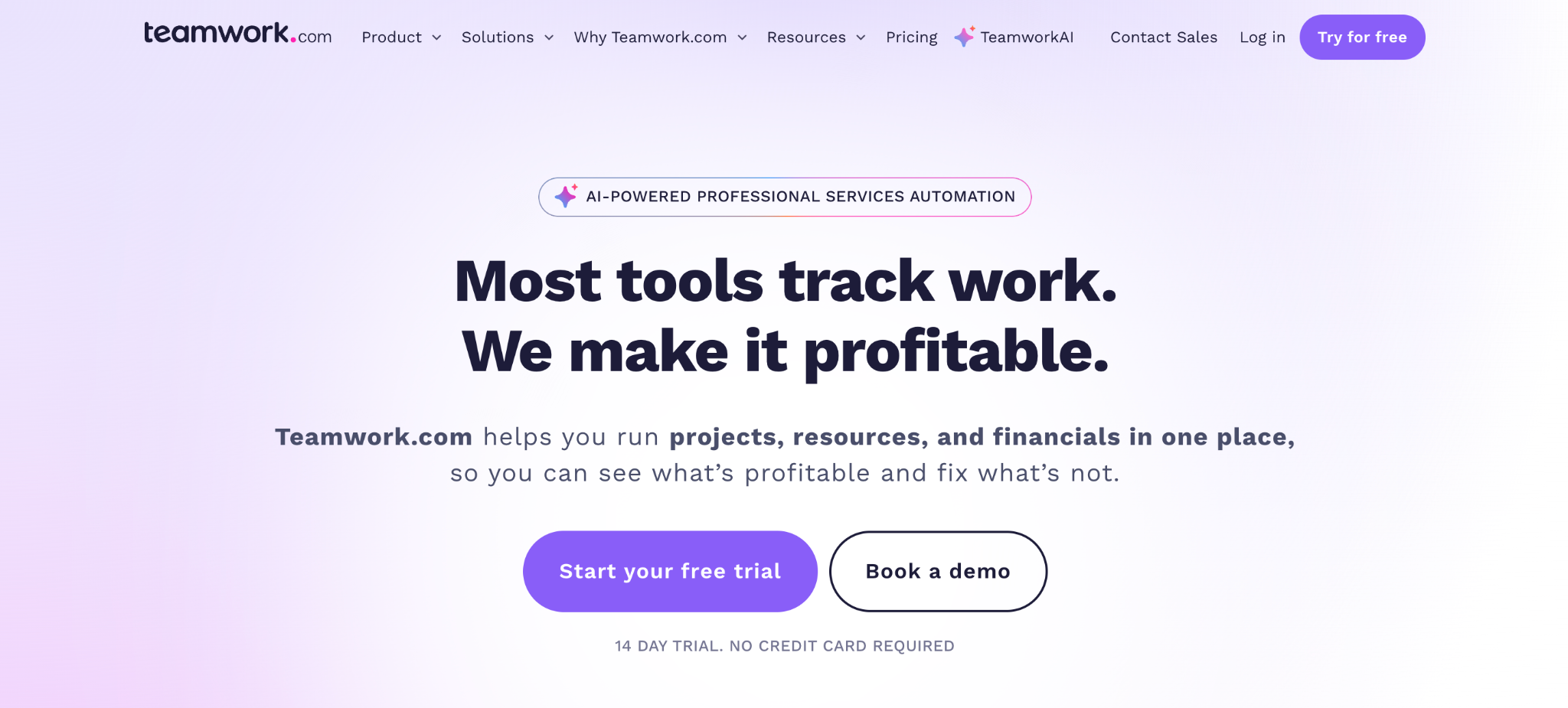
Agencies hit a specific gap in Asana, where client hours need to tie directly to an invoice. Teamwork.com builds billing into the project itself to close it.
Tracking time against a project budget and watching it roll into an invoice-ready report was more direct in testing than anything Asana offers without a separate billing tool. The tradeoff is a heavier interface for teams that don't bill by the hour.
Key features
- Billable time tracking: Time logged against a budget, ready for invoicing.
- Client access: Client user seats let clients see project status directly, without counting toward your subscription cost.
- Budget tracking: Visibility into hours spent against what was quoted, updated live.
Pros
- One login covers project work and time tracking, instead of two separate tools.
- Time logged turns into an invoice-ready report without a second tool.
- Strong fit for agency delivery specifically.
Cons
- Overkill if your team doesn't bill clients by the hour.
- Interface feels denser than Asana at first.
- Retainer and budget features need the mid-tier plan or higher.
Best for
- Agencies billing clients by the hour or against a project budget.
- Teams that need to see hours spent against a quote as they're logged.
- Service businesses replacing two tools (PM plus time tracking) with one.
Pricing
Teamwork.com is free for up to 5 users and 5 projects, with a 14-day trial on the paid plans. Paid plans start at $13.99/user/month for Basics. Accelerate is $29.99/user/month. Optimize and Enterprise are both custom-priced.
11. Smartsheet: Best spreadsheet-style project tracking
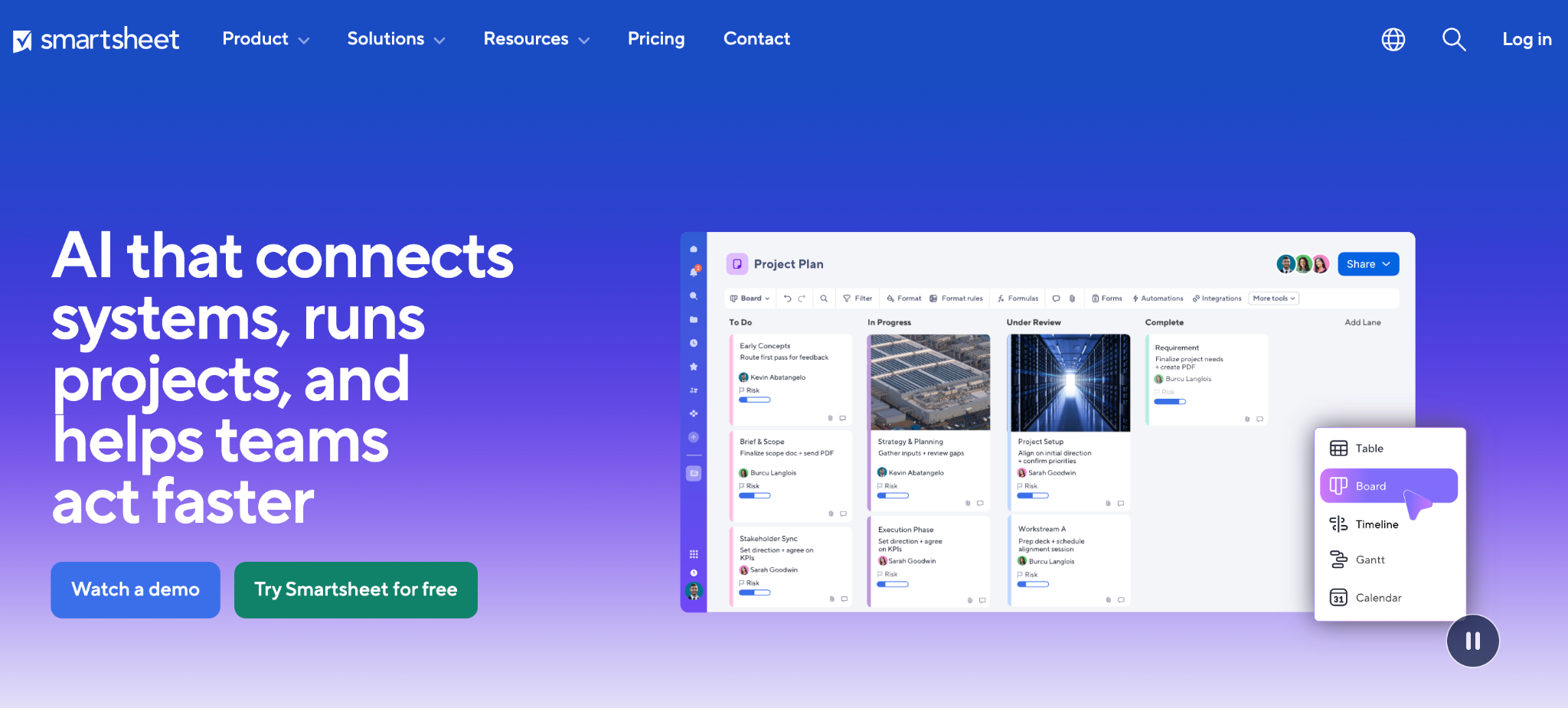
Smartsheet keeps the row-and-column feel of a spreadsheet while adding project management underneath. Teams who think in spreadsheets tend to take to it fast.
The test project felt immediately familiar in Smartsheet's grid view, in a way board-based tools don't. Dependencies and Gantt views layered on top of that same grid without feeling bolted on. Teams that have never liked boards specifically respond well to this format.
Key features
- Grid-based project views: Rows and columns with full project management features layered on.
- Dependencies and Gantt charts: Scheduling logic layered onto rows and columns instead of a board.
- Automated workflows: Rule-based alerts and approvals across a sheet.
Pros
- Familiar on day one to anyone already tracking projects in a spreadsheet.
- Every row keeps its full project detail.
- Strong for teams managing many rows of structured project data.
Cons
- Board-first thinkers often prefer a visual layout over a grid.
- No free plan for new signups.
- Can feel like a spreadsheet with extra steps for very simple projects.
Best for
- Teams that think in spreadsheets instead of boards.
- Teams already tracking projects in Excel or Google Sheets who want more structure without a steep relearn.
- Teams that want an audit trail of structured rows more than a visual board.
Pricing
Smartsheet no longer offers a free plan to new signups, only a 30-day free trial of the Business plan. Paid plans start at $12/member/month for Pro, covering up to 10 members. Business is $24/member/month, and Enterprise is custom-priced.
12. Todoist: Best simple task list for individuals and small teams
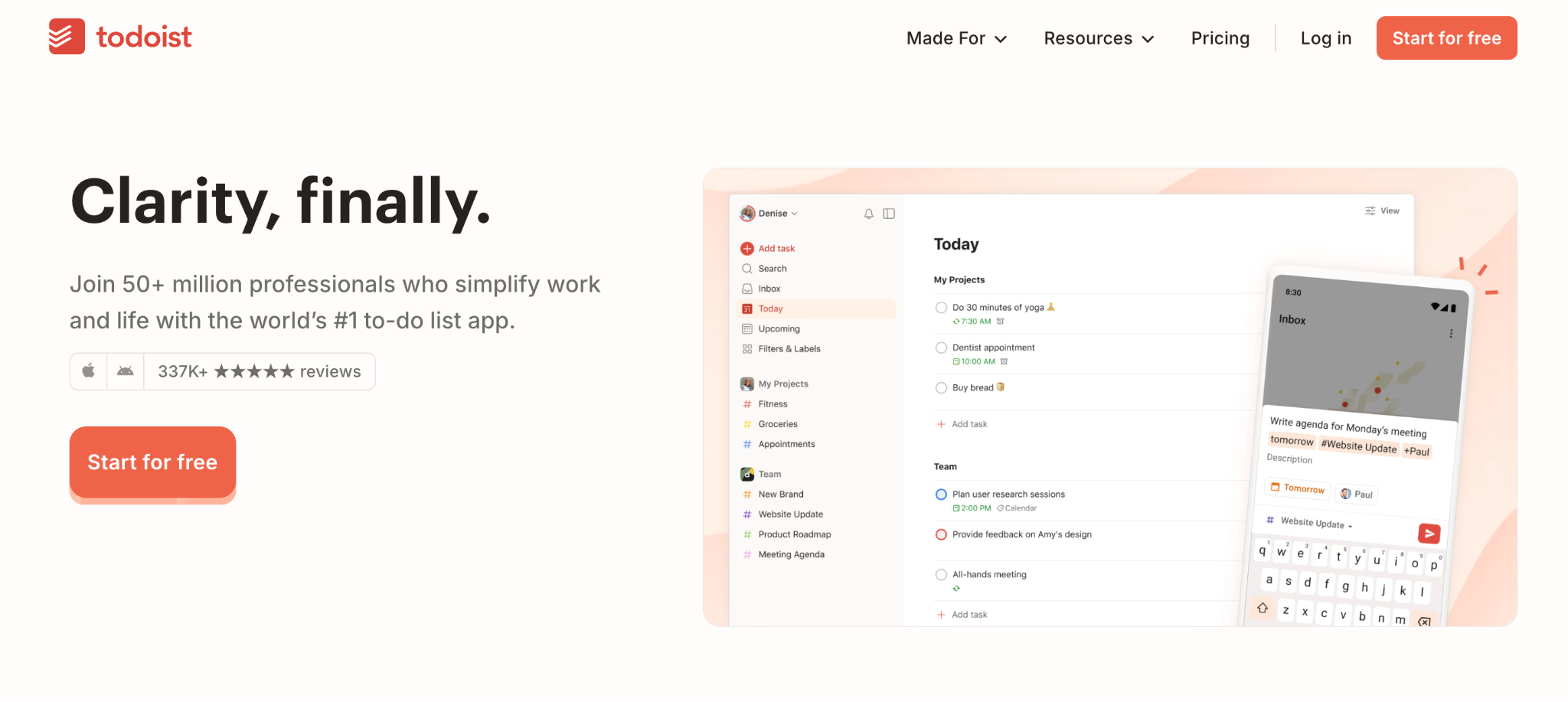
Todoist strips project management down to a task list done well. Where Asana adds projects, portfolios, and custom fields around a task, Todoist keeps the task itself as the whole point.
Rebuilding the test project as a flat task list took minutes, since there was no structure to configure first. That simplicity is also the ceiling. Todoist has a board layout but no dependencies, and no reporting beyond a personal productivity streak, so a team coordinating live project work will outgrow it fast.
Key features
- Natural language quick add: Type "Follow up with client Friday at 3 pm" and Todoist sets the date, time, and task in one line.
- Labels and filters: Tag tasks across projects and build a custom filtered view instead of a fixed board.
- Recurring due dates: Repeating tasks reschedule themselves once marked done.
Pros
- Fastest tool here to add a task and move on, with almost nothing standing between typing and done.
- Works well solo as well as with a small team.
- Free plan covers daily use, with no trial clock running.
Cons
- Board view but no Gantt or timeline, so scheduling across dates happens somewhere else.
- No task dependencies, so sequencing multi-step work is manual.
- Reporting is limited to personal productivity stats, not team-level project tracking.
Best for
- Individuals and small teams who want a straightforward task list.
- Anyone finding Asana's structure heavier than what a simple to-do list needs.
- Teams that need labels and filters more than boards or dependencies.
Pricing
Todoist is free for up to 5 personal projects. Paid plans start at $7/user/month for Pro, with 300 projects and calendar layout. Business is $10/user/month, adding a shared team workspace.
How to evaluate Asana alternatives
A few checks separate a good pick from a costly mistake:
- Match the tool to what the team is tracking. A task tool, a board tool, and a custom-app builder solve different problems. Confirm which one the process needs before comparing features.
- Model the cost at your target headcount. Per-user pricing that looks fine at eight people can look very different at twenty-five. Run the math forward for where the team is heading.
- Check what's gated behind higher tiers. Custom fields, reporting depth, and automation limits vary widely between a tool's entry plan and what the team will need in practice.
- Weigh the migration cost directly. Moving a live project takes time regardless of which tool you pick. Factor that into whether switching is worth it right now versus next quarter.
- Test with a live project. A tool that looks great empty can behave very differently once production data and edge cases are in it.
Stop forcing tasks to be something else
Most Asana alternatives on this list solve the same problem Asana does, just with different trade-offs on price, depth, or simplicity. If that's your situation, ClickUp, Monday.com, or Basecamp will serve you well depending on what you value most.
But if you've been working around Asana's task model to track something that was never a task at all, custom fields won't fix that. Zite generates the app, the database, and the approvals the process calls for from a description, with no task board to bend. The whole team works from the same records, and each person sees only their own.
The logic stays laid out where you can trace it, so you can see how it works after it's built.
Start building with Zite for free and see what your process looks like as a system built around it.
If a build-your-own approach is on the table, this guide to the best internal tool builders for business teams is worth reading.
Frequently asked questions
What is the best Asana alternative overall?
The best Asana alternative depends on why you're switching. ClickUp wins on feature depth per dollar, Basecamp wins on fixed pricing that doesn't punish growth, and Zite is the strongest pick when the underlying need is tracking records instead of tasks.
Is ClickUp better than Asana?
Yes, ClickUp is better than Asana on views and native features, including time tracking, at a comparable or lower price. The tradeoff is a steeper learning curve, since the added depth means more to configure before the workspace feels settled.
What is a good free alternative to Asana?
ClickUp and Trello both make good free alternatives to Asana. ClickUp's free plan includes unlimited tasks and members, and Trello's free plan covers simple Kanban boards well. Both cover a small team's core needs before any paid features become necessary.
Why do people switch from Asana?
People switch from Asana mainly over cost as the team grows, features gated behind higher tiers, and reporting depth that plateaus without a separate tool. A smaller group switches because they were using Asana to track something other than tasks and hit a structural wall.
Can I use a project management tool as a database?
Yes, you can use a project management tool as a database by stretching custom fields to hold records like clients or equipment. It stays a workaround instead of a proper structure, though. A no-code builder like Zite builds the app, database, and workflow for you instead, with records linked from the start.
Does Microsoft or Google have an Asana equivalent?
Microsoft's closest equivalent is Planner, a Kanban tool in Microsoft 365 that lacks Asana's Gantt charts, custom fields, and dependencies. Google's closest option is Google Tasks, free and built into Gmail. Tasks can be shared and assigned inside a Google Chat space or a Google Doc, but there is no board view and no way to co-manage an ordinary list.