


The best CRM software for agencies has to do a job most CRMs were never built for. A sales CRM closes the deal and stops. An agency needs to know that the deal became a retainer. It also needs to know that the retainer has 40 hours left this month, and that the client is due a report on Friday.
I ran 21 CRMs through the same four agency scenarios, from new pipeline to retainer work. 19 earned a place here.
This guide ranks them by the kind of agency each one fits, along with monthly pricing and limitations. Some of these are pure sales CRMs, and some bundle CRM with project delivery, which is the distinction that matters most for agencies.
19 best CRM software for agencies: TL;DR
- HubSpot: Best all-in-one CRM with a free tier worth using.
- Pipedrive: Best simple sales pipeline for new business.
- monday CRM: Best visual CRM you can shape to your process.
- Productive: Best for agency profitability alongside the pipeline.
- Accelo: Best full professional services automation.
- Insightly: Best CRM with project delivery built in.
- Close: Best for agencies selling by phone and email.
- Zoho CRM: Best value at scale.
- Zite: Best for building a CRM around your own process.
- Teamwork.com: Best for agencies whose delivery drives everything.
- Attio: Best modern CRM with a flexible data model.
- Capsule: Best simple CRM at a fair price.
- Copper: Best for agencies living in Google Workspace.
- Freshsales: Best cheapest paid CRM with a built-in dialer.
- Bonsai: Best for freelancers and boutique agencies.
- Keap: Best for small agencies whose growth runs on follow-up automation.
- Salesforce: Best for large agencies with complex requirements.
- GoHighLevel: Best for agencies that resell the platform to clients.
- Bitrix24: Best for one price that doesn't climb with headcount.
How I researched and tested these agency CRMs
I ran the same four agency scenarios in each CRM. I built a new business pipeline with six deals at different stages and tracked a retainer client from proposal through delivery. I then added a five-person team to test costs and permissions and to check whether client-facing views or portals existed.
Two tools did not make the list. Notion tracks deals adequately but gives you no pipeline reporting, and Airtable stores the data well but leaves you to build the screens yourself. I scored each on five things:
- Pipeline management: Whether a deal can move through custom stages without extra clicks or manual re-entry along the way.
- Delivery connection: Whether the CRM knows what happens after the deal closes or is handed off to another system.
- Retainer and recurring revenue: Whether recurring client relationships are a first-class concept or a workaround.
- How pricing scales: Whether the bill grows per seat, per contact, or per module, and what the real cost is at five and fifteen users.
- Client-facing capability: Whether clients can see anything themselves or every update goes through your team.
This testing separated the CRMs that stop at the signed deal from those that continue tracking the work afterward.
19 best CRM software for agencies: quick comparison
Here is the shortlist, with what each one does best:
All prices below are monthly-billed rates, checked in September 2026.
1. HubSpot: Best all-in-one CRM with a free tier worth using
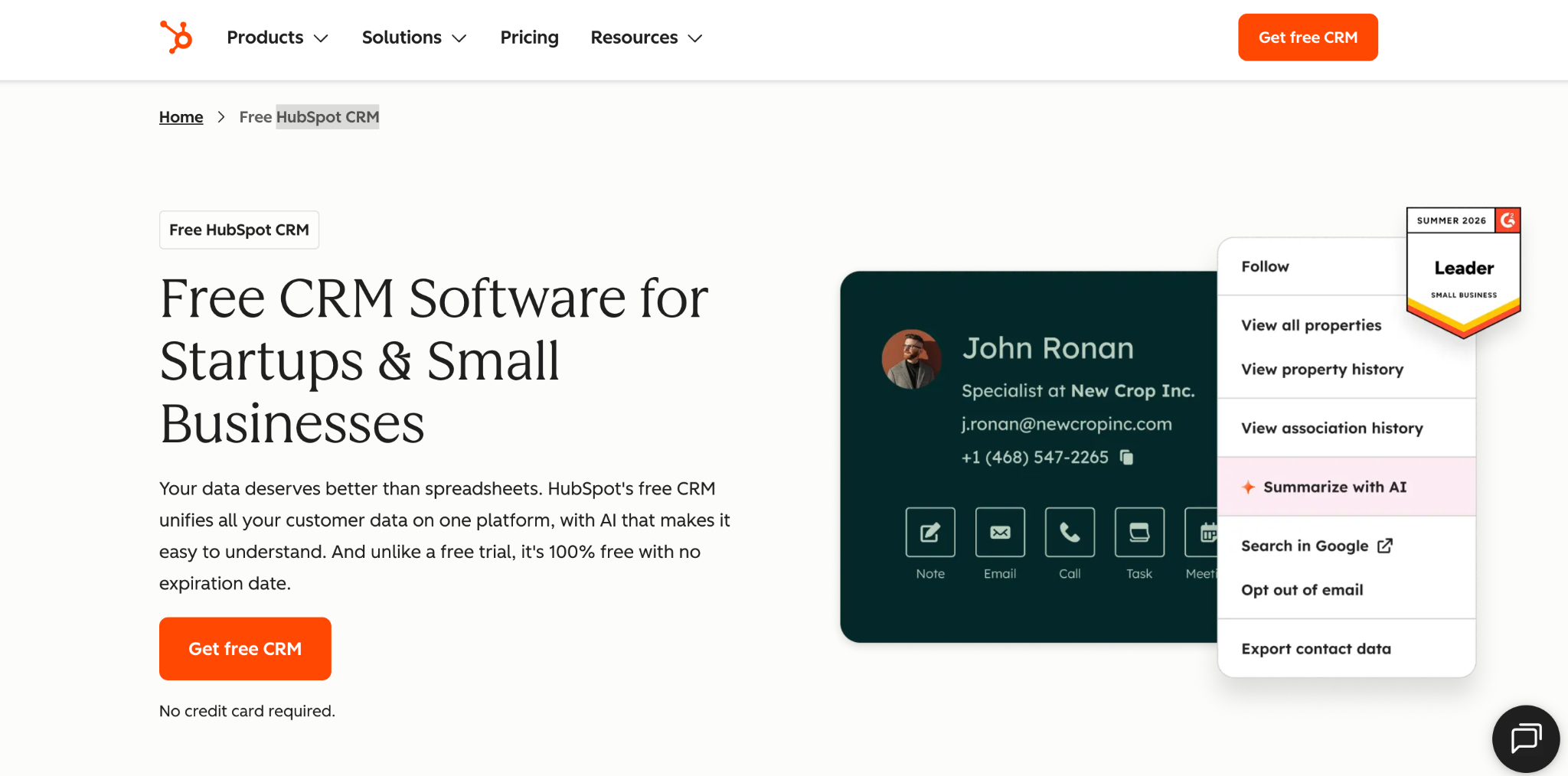
What it does: HubSpot is a CRM with marketing, sales, and service tools layered on top of it, built around a shared contact database.
Best for: Agencies that want new business tracking and marketing tools in one system, especially those starting on a free plan.
HubSpot's free plan is the most feature-rich here: contact management, deal pipelines, CRM import, and a reporting dashboard, with no card required. The catch is seats. It covers 2 users and 1,000 contacts, so most agencies outgrow it on headcount long before features.
Budget for the jump to Professional too, which runs $100/seat/month, five times the entry rate, plus a mandatory onboarding fee.
Key features
- Free CRM with no card required: Deal pipelines, contact management, and CRM import at no cost.
- Marketing tools on the same database: Email, forms, and landing pages share your contact records.
- Reporting dashboards: Pipeline and activity reporting without a separate BI tool.
Pros
- Most feature-rich free tier of any CRM in this comparison, though it's capped at 2 users.
- Marketing and sales share one contact record.
- Large partner network of agencies and integrations.
Cons
- Professional runs 5x the seat rate, to $100/seat/month, and Enterprise reaches $150.
- Automation is paid-only, along with custom objects.
- No retainer concept, and no delivery hours either.
What reviewers say
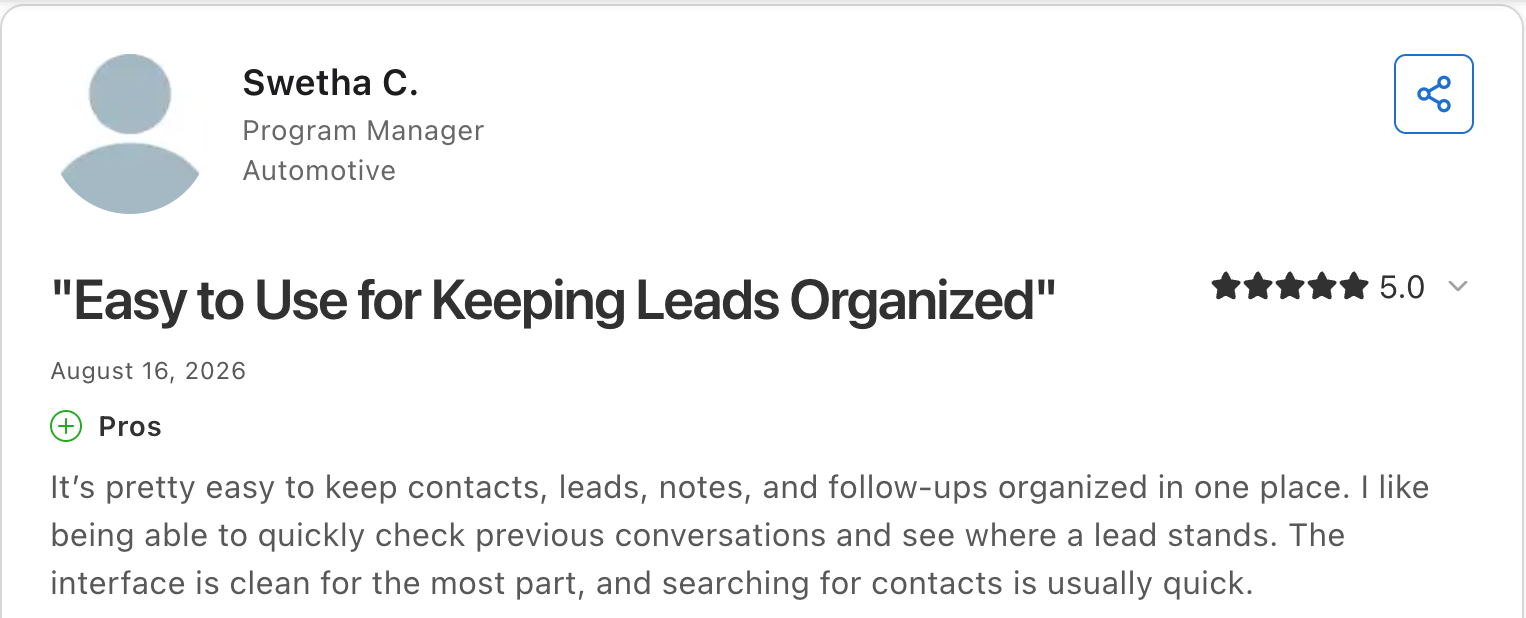
“It’s pretty easy to keep contacts, leads, notes, and follow-ups organized in one place.” Swetha C, Capterra

“I still wish their pricing was easier to understand and easier to scale with.” Micah L, Capterra
Pricing
HubSpot is free to start for 2 users, with no credit card required. Starter is $20/seat/month standard, though new customers sometimes see a lower promotional rate that has recently run as low as $7 to $10. Professional is $100/seat/month and Enterprise $150/seat/month, both with a mandatory onboarding fee. See the HubSpot pricing page.
Bottom line
I recommend HubSpot by default to agencies that want a single system and a free starting point. Price Professional across your whole team before you commit, because the jump lands on every seat.
2. Pipedrive: Best simple sales pipeline for new business
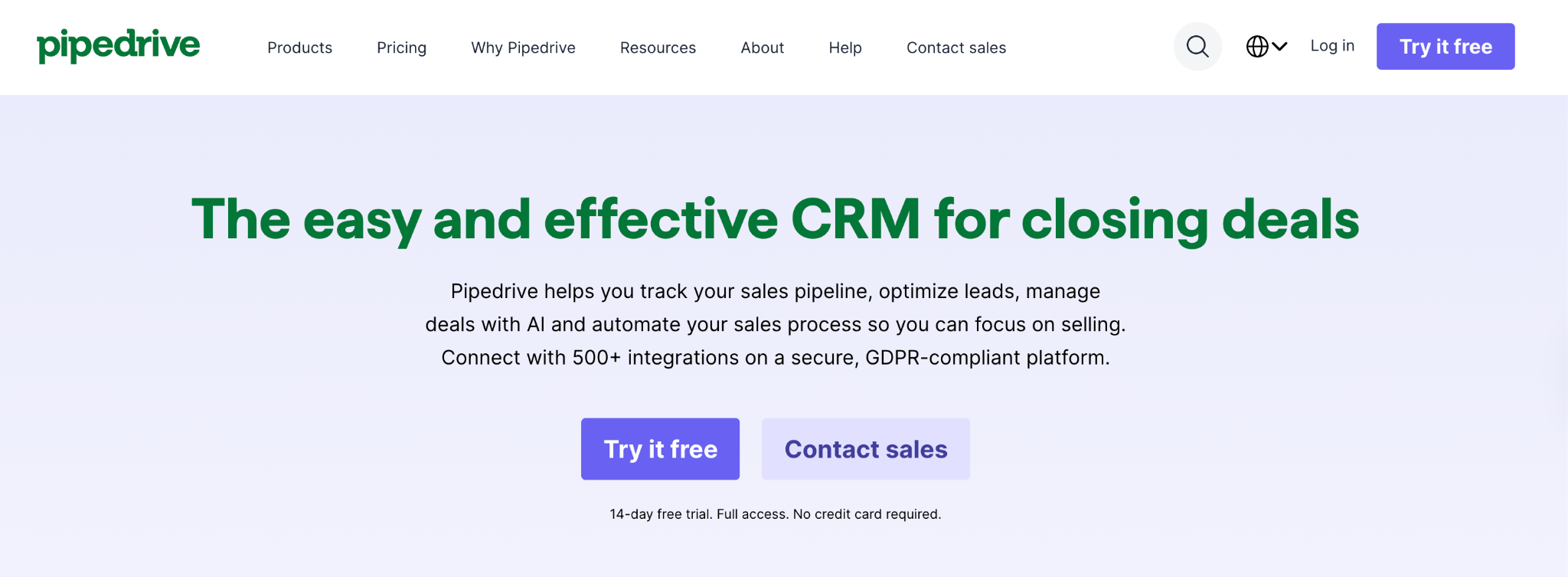
What it does: Pipedrive is a sales-focused CRM built around a visual, drag-and-drop pipeline, with no marketing or service modules attached.
Best for: Agencies whose CRM problem is purely new business and whose team resists complicated tools.
Pipedrive has the highest adoption rate I have seen among people who dislike CRMs. The kanban pipeline is obvious on first use, and the deal-rotting flag surfaces stale opportunities automatically. Pipedrive left out marketing, delivery, and retainers on purpose, and it offers no free plan beyond a 14-day trial.
Key features
- Visual Kanban pipeline: Drag deals between stages with no training required.
- Deal rotting: Automatic flags on opportunities that have gone quiet.
- Activity-based selling: Prompts for the next action on every deal.
Pros
- Highest team adoption of any CRM on this list.
- Usable within an hour of first opening it.
- Strong mobile app for client visits.
Cons
- No free plan, only a 14-day trial.
- Nothing after the sale, so delivery and retainers live elsewhere.
- Reporting is gated to Premium and above, as is automation.
What reviewers say
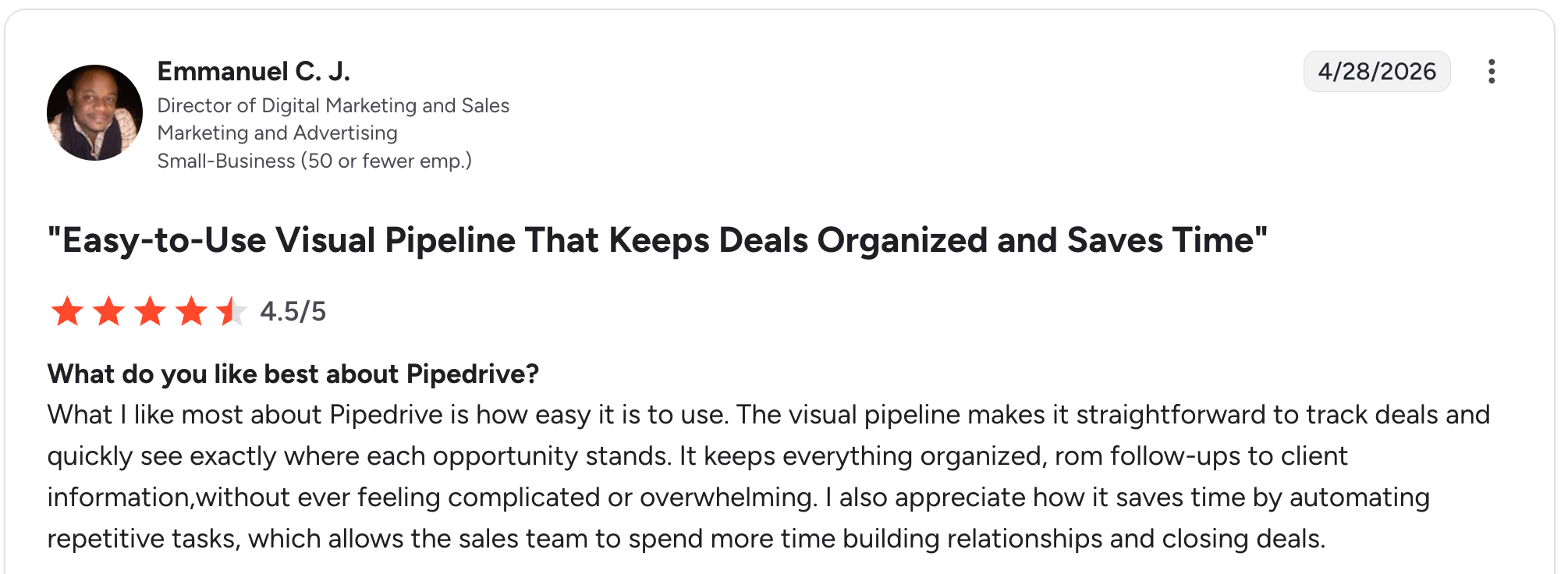
“What I like most about Pipedrive is how easy it is to use. The visual pipeline makes it straightforward to track deals and quickly see exactly where each opportunity stands.” Emmanuel C. J, G2

“Emails don't always get attached to deals when sent in Google Mail, and I have to re-sync often.” Steven B., G2
Pricing
Pipedrive has no free plan, only a 14-day trial. Lite is $24/seat/month, Growth is $49/seat/month, Premium is $79/seat/month, and Ultimate is $99/seat/month. See the Pipedrive pricing page.
Bottom line
I would point an agency to Pipedrive when the team has abandoned a CRM before and needs one they will keep updated. If you need delivery or retainer tracking in the same tool, look at Productive or Accelo.
3. monday CRM: Best visual CRM you can shape to your process
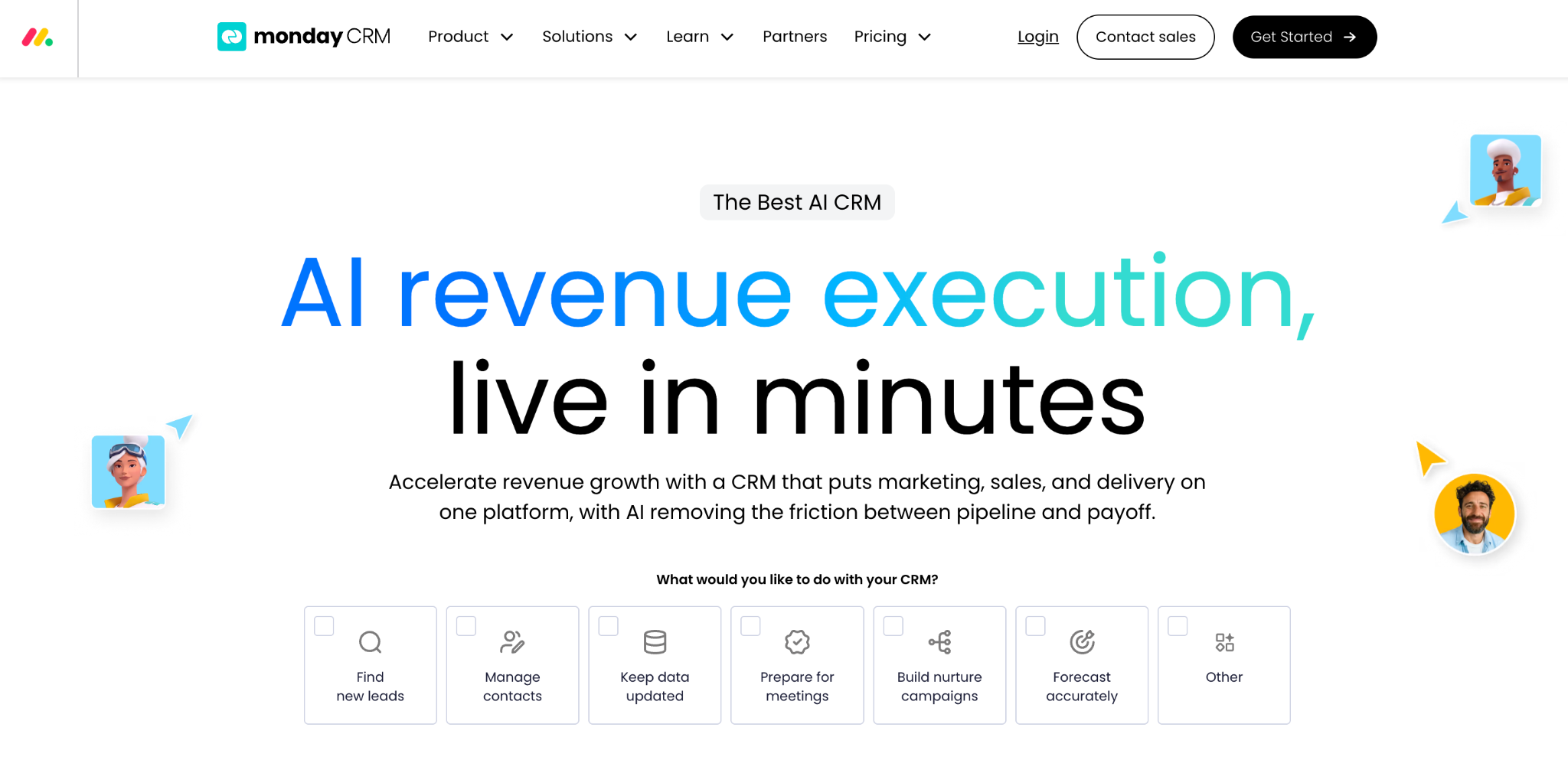
What it does: monday CRM is a CRM built on monday's board system, with custom fields, stages, and no-code automations you configure yourself.
Best for: Agencies that already use monday for projects or want a CRM they can restructure without a consultant.
monday CRM runs your client projects on the same board system as your pipeline, so new business and delivery live in one tool without an integration. Teams pick it up quickly because the boards look like the ones they already use elsewhere. monday CRM runs out at the board level because boards handle links between records poorly once the data gets complex.
Key features
- Customizable boards: Your own stages, fields, and views without code.
- No-code automations: Trigger notifications, assignments, and status changes.
- Shared workspace with projects: CRM and delivery boards side by side.
Pros
- Pipeline and delivery run in the same tool.
- Customizable without a developer or a consultant.
- Fast team adoption, because the boards look familiar.
Cons
- No free plan, only a trial before you pay.
- Boards strain once records link in complex ways.
- Retainers need manual setup, with no native support.
What reviewers say
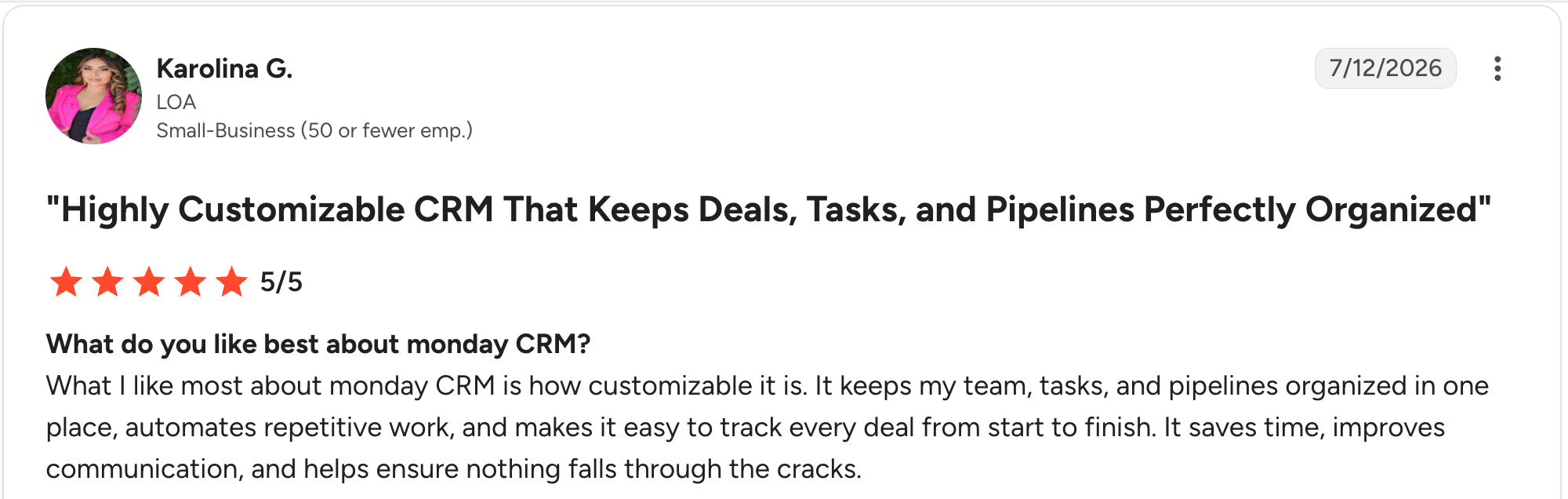
“What I like most about monday CRM is how customizable it is.” Karolina G, G2

“One thing I dislike is that the layout and setup can take some time to get used to at first.” Tamara R, G2
Pricing
monday CRM has no free plan, only a trial, and plans start at a 3-seat minimum. Basic is $18/seat/month, so $54/month is the real floor; Standard is $25/seat/month, and Pro is $41/seat/month. Ultimate is custom-priced. See the monday CRM pricing page.
Bottom line
monday CRM makes the most sense for agencies already on monday, since you get pipeline and delivery in one place. Agencies needing real profitability reporting should compare Productive first.
4. Productive: Best for agency profitability alongside the pipeline
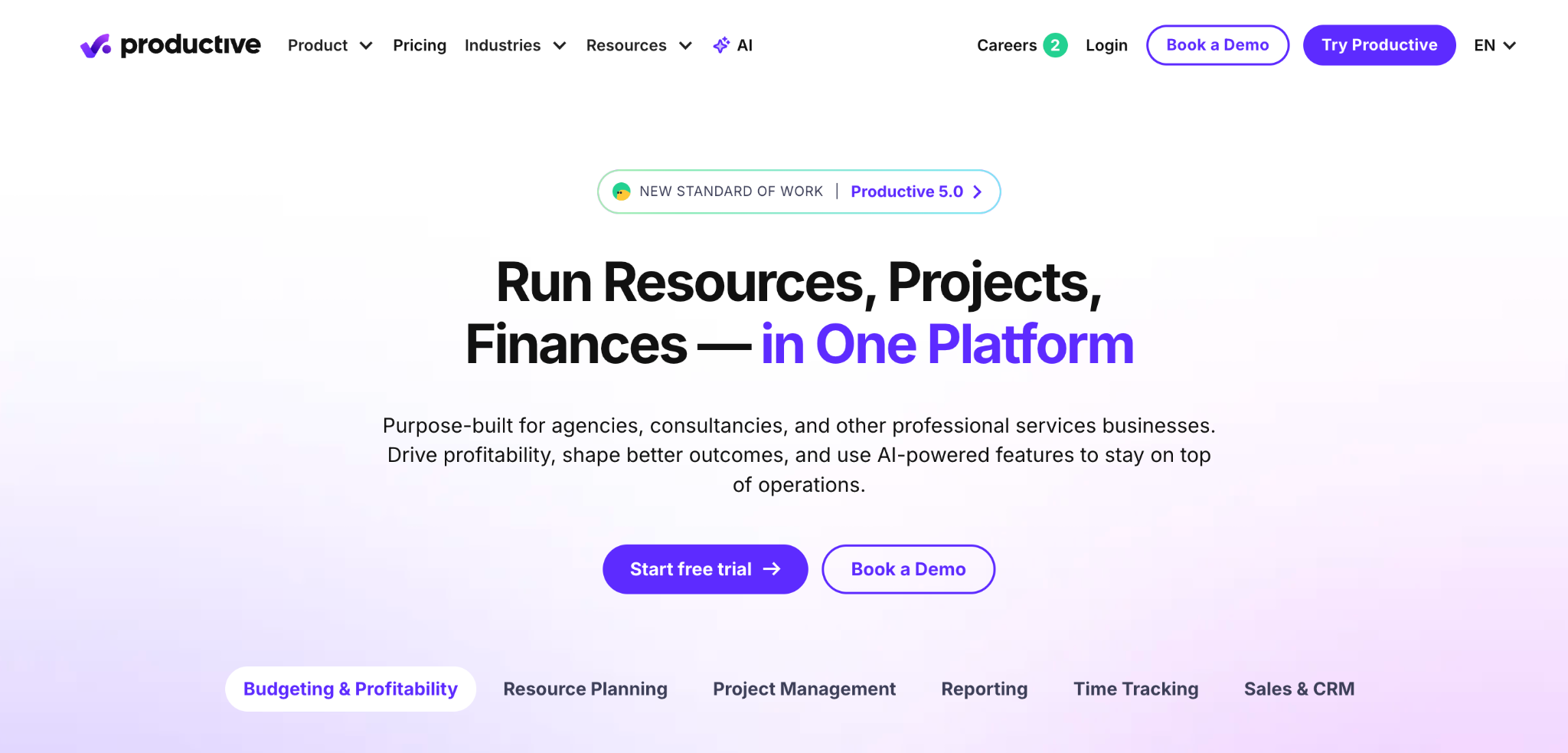
What it does: Productive is an agency management tool combining a sales pipeline with budgets, time tracking, resource planning, and profitability reporting.
Best for: Agencies that need to know their margin on a project, not only whether they won it.
Productive was built for how agencies bill, which general CRMs were not. Productive supports time-and-materials, fixed-price, and retainer budgets, and it shows real-time margin per project. Reviewers describe recurring budgets as the deciding factor when choosing it. Productive cannot send a proposal or collect a signature, so winning the work still needs a second tool.
Key features
- Retainer and budget types: Time-and-materials, fixed-price, and recurring budgets with phases.
- Real-time profitability: Margin per project and per client as work is logged.
- Resource planning: Capacity and utilization across the team.
Pros
- Best profitability view of anything on this list.
- Retainers are native, not a workaround.
- Low entry price at $12/user/month.
Cons
- Thin pipeline features next to Pipedrive or Close.
- No proposals or contracts, and no e-signatures.
- Reports take weeks to learn properly.
What reviewers say
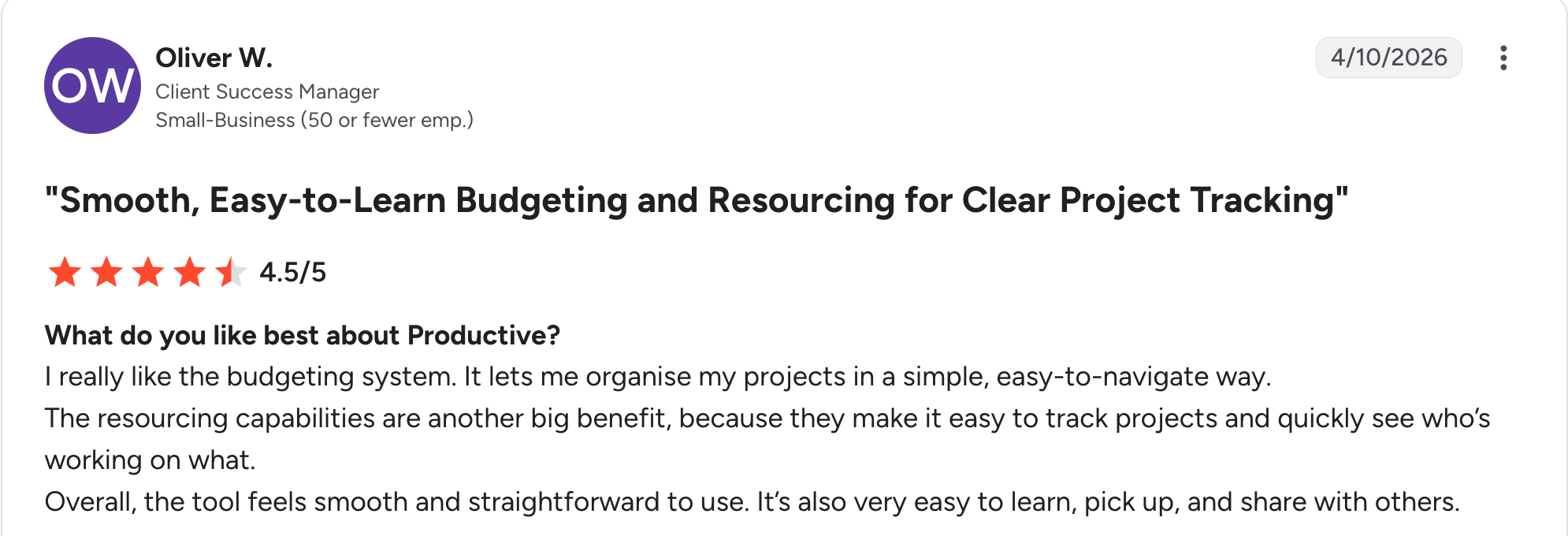
“I really like the budgeting system. It lets me organize my projects in a simple, easy-to-navigate way.” Oliver W, G2

“The reporting could use more flexibility, and the mobile app feels a bit stripped-down compared to the web version.” Yulija K, G2
Pricing
Productive has no free plan. Essential is $12/user/month and Professional is $29/user/month, which works out to $120/month and $290/month for ten users. Ultimate is custom-priced. See the Productive pricing page.
Bottom line
Productive is the pick when margin visibility matters more than pipeline polish. Pair it with a lightweight sales tool if your new business process is heavy.
5. Accelo: Best full professional services automation
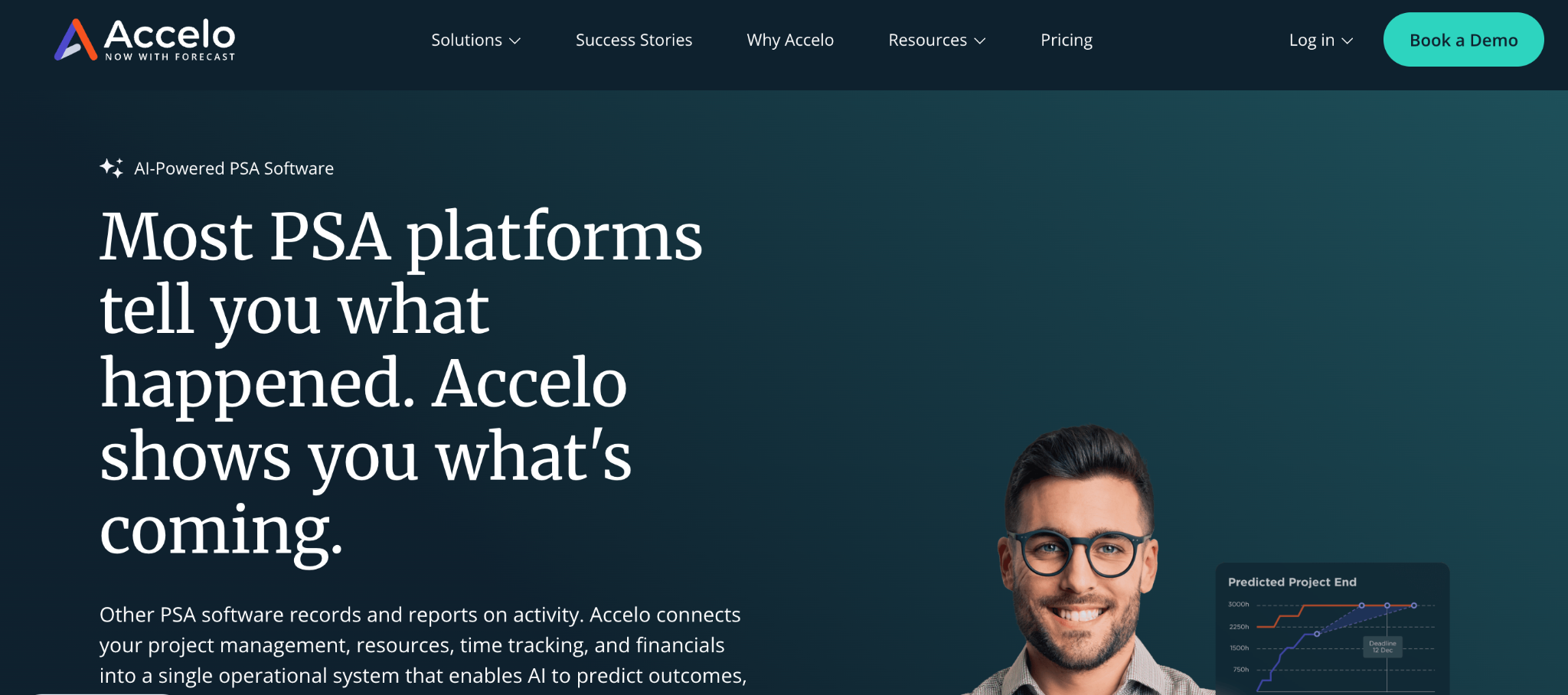
What it does: Accelo is a professional services automation tool that combines CRM, projects, retainers, timesheets, and billing into a single database.
Best for: Established agencies and consultancies of roughly 10 to 200 staff who lose hours stitching a CRM to a project tool to an accounting system.
Accelo turns a won deal into a project without re-entering anything, and logged time flows straight into billing. An agency running three disconnected systems can justify Accelo on that handoff alone.
Key features
- Sales to delivery on one database: Won deals become projects with no re-entry.
- Retainer management: Recurring work with automatic time allocation.
- Integrated billing: Timesheets flow into invoices.
Pros
- Lead to invoice in one system.
- Strong retainer handling, with time capture built in.
- Rated 4.3 on G2.
Cons
- No published pricing, so a sales call sits between you and a budget.
- Steep learning curve for smaller teams, with modules that most will never open.
- The interface runs slowly, especially with a large dataset.
What reviewers say
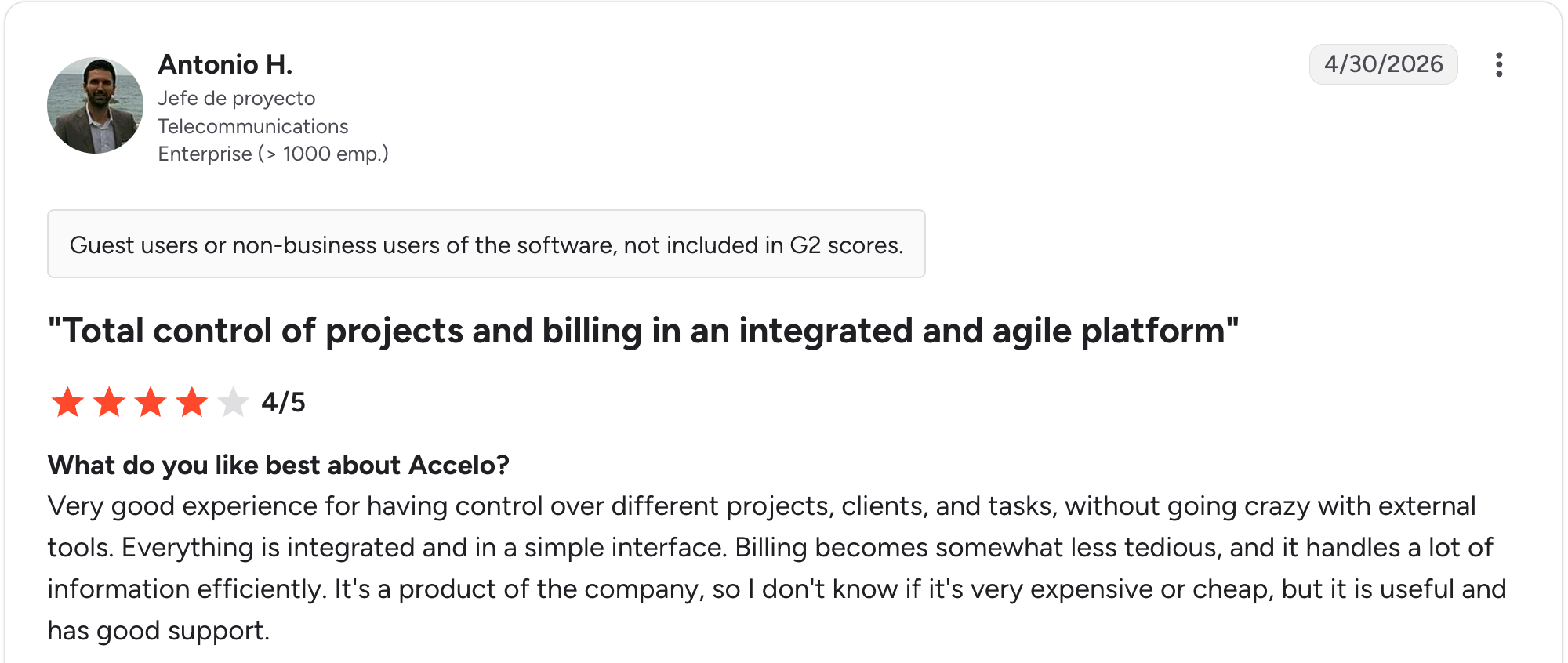
“Very good experience for having control over different projects, clients, and tasks, without going crazy with external tools.” Antonio H, G2

“I find the sales side of the application to be more complex and less intuitive than others.” Laurie L, G2
Pricing
Accelo no longer publishes rates. You request a figure through the site, and the quote is built around your team size and growth goals, so ask what onboarding is scoped to include before you compare it on price. See the Accelo pricing page.
Bottom line
Accelo suits agencies large enough to run three separate systems and funded enough to replace all three. Smaller shops will overpay for modules they never open.
6. Insightly: Best CRM with project delivery built in
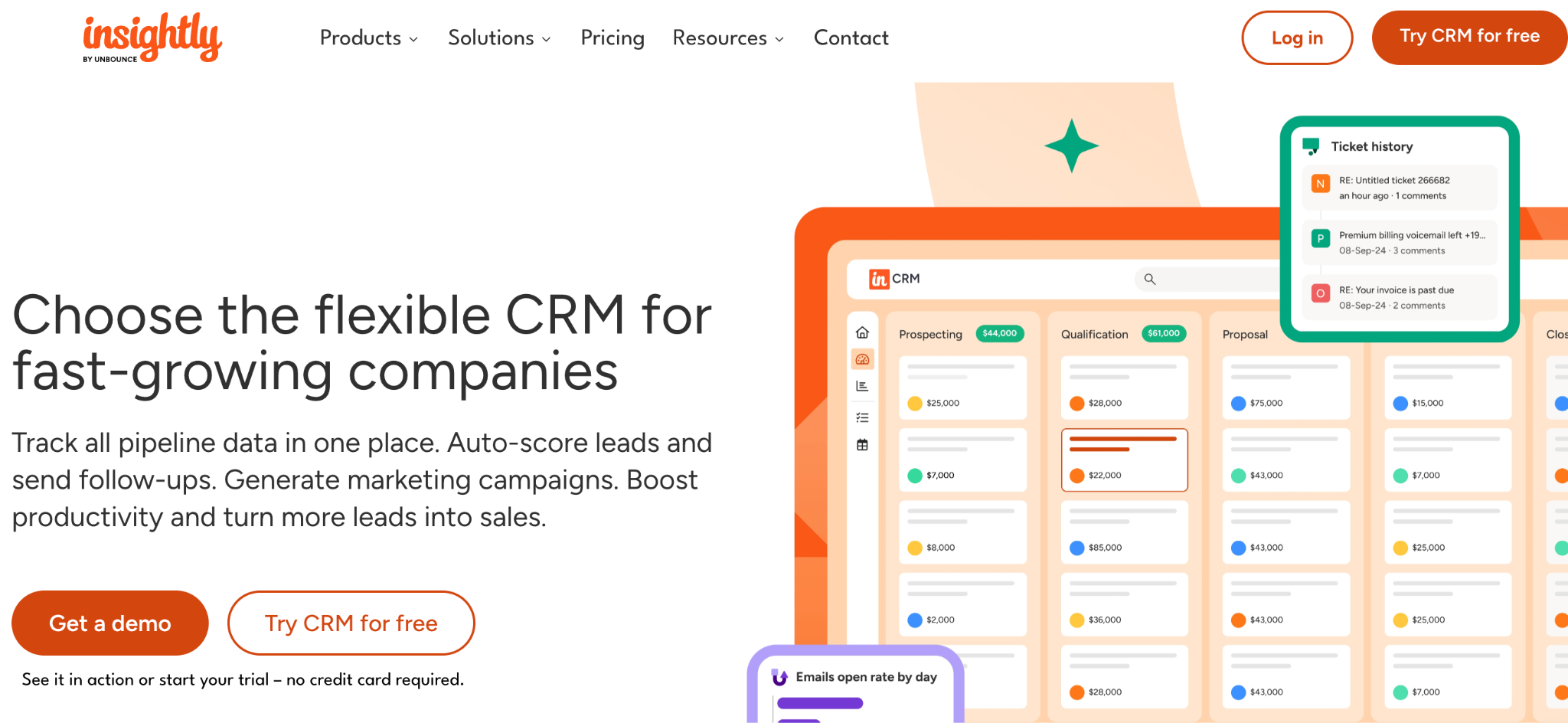
What it does: Insightly is a CRM that carries the relationship past the sale into project management, with pipelines, milestones, and workflow automation.
Best for: Agencies that want one tool covering lead-to-opportunity-to-delivery without a full professional services suite.
Insightly turns a won opportunity into a project with tasks and milestones. Most agencies lose track of the work at exactly that point, when the sale ends and delivery starts. Insightly costs less than Salesforce and gives you much of the same structure.
Key features
- Opportunity-to-project conversion: Won deals automatically become delivery projects.
- Workflow automation: Native automation on paid tiers.
- Custom fields and objects: Adapt the data model to your service lines.
Pros
- CRM and delivery in one tool.
- Cheaper than Salesforce with much of the same structure.
- Strong integration options across common agency tools.
Cons
- Free plan discontinued, leaving a 14-day trial.
- Onboarding fees inflate the first-year cost, as do connector fees.
- Harder to customize than Attio or monday.
What reviewers say
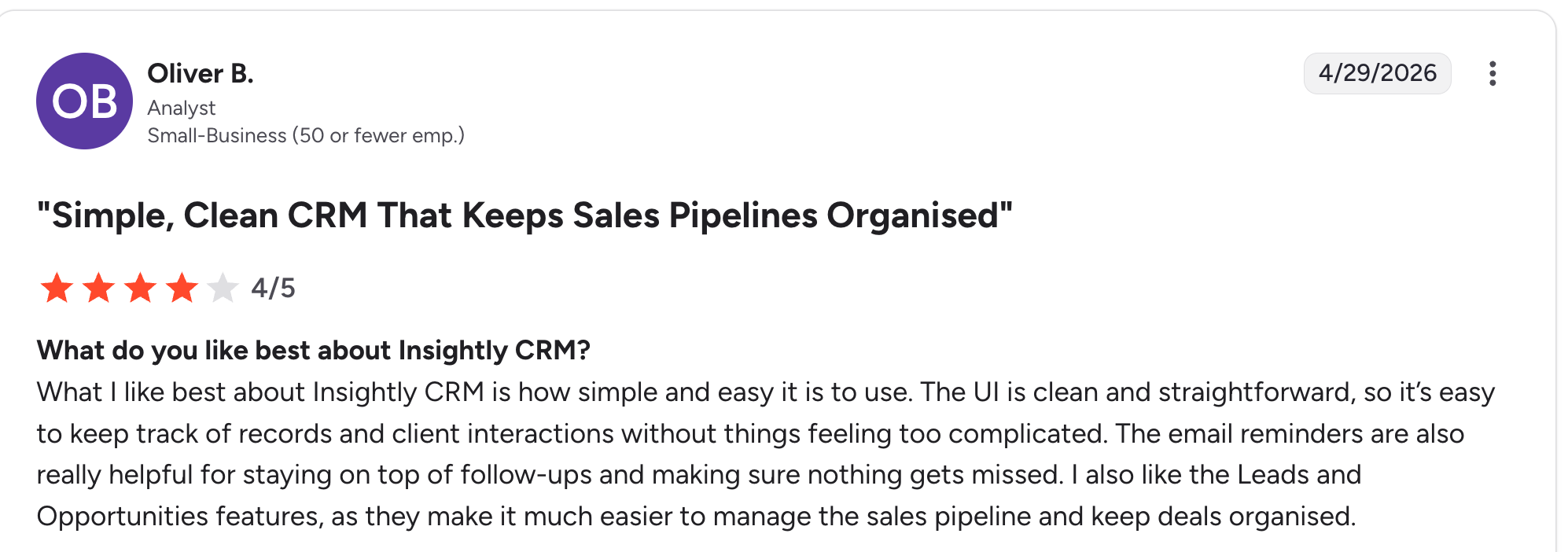
“What I like best about Insightly CRM is how simple and easy it is to use.” Oliver B, G2

“Although you can run it from a phone, the screen is crowded, and it's challenging to do more than record meeting notes via voice-to-text.” Daniel O, G2
Pricing
Insightly has no free plan, only a 14-day trial. Plus is $29/user/month, Professional is $49/user/month, and Enterprise is $99/user/month. Onboarding and add-on fees apply to bundles. See the Insightly pricing page.
Bottom line
Look at Insightly when you want lead-to-delivery in one system, without an Accelo implementation project. Budget for the setup fees before comparing it to the sticker price.
7. Close: Best for agencies selling by phone and email
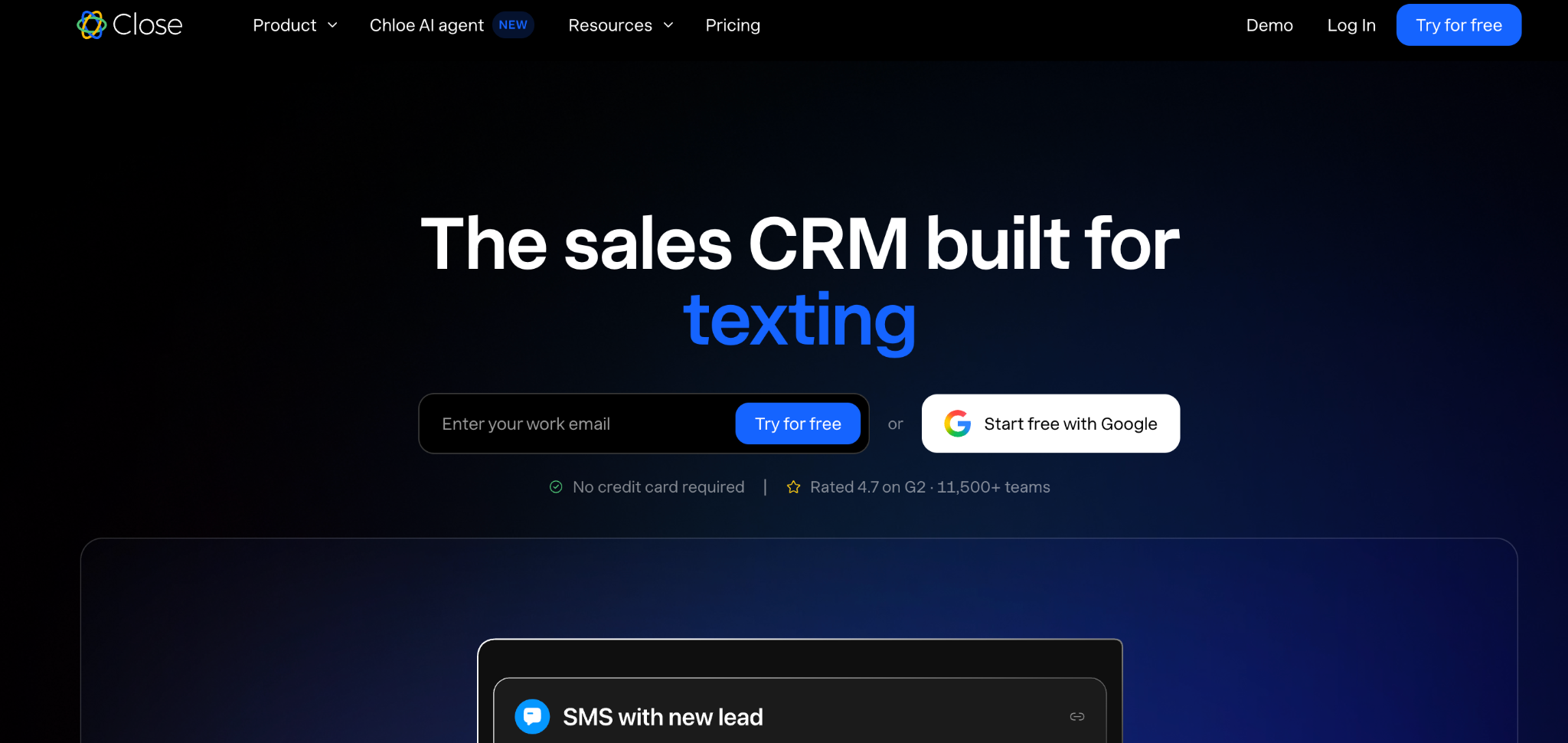
What it does: Close is a sales CRM with built-in calling, SMS, and email, designed so reps work from one screen.
Best for: Agencies with an outbound motion, where new business comes from calls and sequences.
Close is the best-rated CRM here at 4.7 on G2 across roughly 2,000 reviews because it does one job and drops the rest. The built-in dialer and sequences remove the separate calling tool and the integration that holds it together. Close stops at the signed deal, with nothing for delivery, retainers, or client-facing work.
Key features
- Built-in calling and SMS: Dial from the CRM with automatic logging.
- Email sequences: Multi-step outreach without a separate tool.
- Forecasting: Pipeline predictions are rated highly by reviewers.
Pros
- Highest G2 rating on this list at 4.7.
- Calling, SMS, and email in one interface.
- Solo tier at $19/user/month for one-person teams.
Cons
- Stops at the signed deal, with no retainer tracking.
- Higher tiers are required for larger teams and for reporting.
- Overkill for inbound teams who never dial out.
What reviewers say
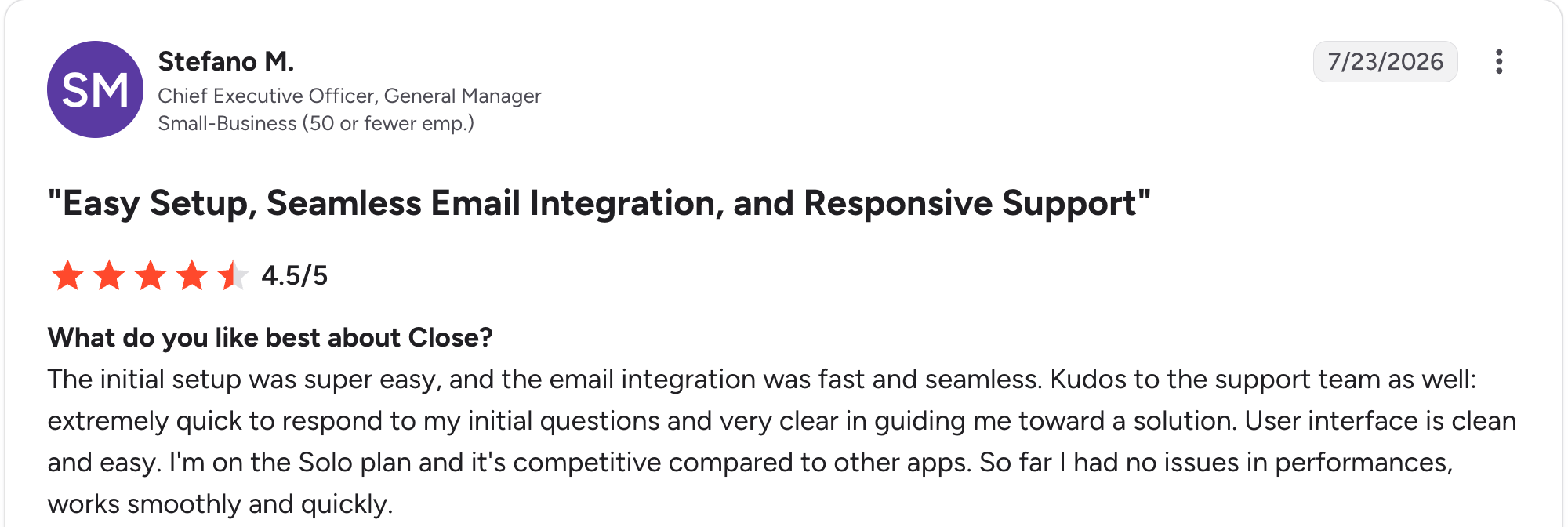
“The initial setup was super easy, and the email integration was fast and seamless.” Stefano M, G2

“Sometimes I'm not able to see the full company information from the clients I want to contact.” Mateo A, G2
Pricing
Close has no free plan, only a trial. Solo is $19/user/month, Essentials is $49/user/month, Growth is $109/user/month, and Scale is $149/user/month. Every tier includes AI credits. See the Close pricing page.
Bottom line
Close is the right call for agencies whose growth depends on outbound calling. Pair it with a delivery tool, because it will not cover the work after the win.
8. Zoho CRM: Best value at scale
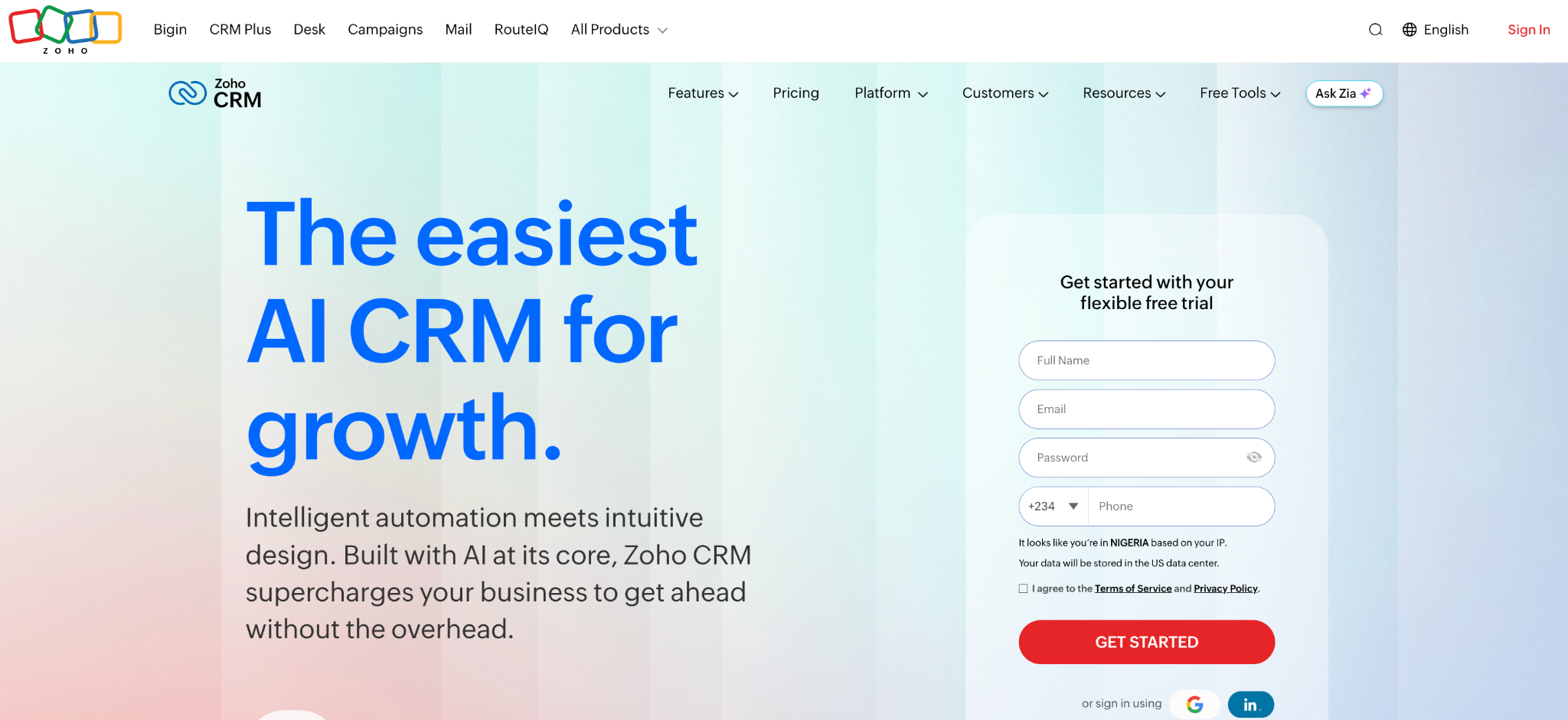
What it does: Zoho CRM is a full-featured CRM with deep customization, AI features, and access to Zoho's wider business suite.
Best for: Cost-conscious agencies that want enterprise-style features without enterprise pricing, especially those using other Zoho apps.
Zoho CRM gives you more features for the money than anything else here. A free tier covers three users, and Standard at $20/user/month gets you customization that costs multiples elsewhere. If you use Zoho One, the broader suite costs less than a single seat on some competitors' plans.
Key features
- Deep customization: Custom modules, fields, and layouts per service line.
- Zia AI: Lead scoring and predictions on higher tiers.
- Suite access: Books, Desk, and Projects are available alongside.
Pros
- Best raw value on this list.
- Free for three users, with no time limit.
- Scales without migrating, from three people to a hundred.
Cons
- Screens look dated next to Attio or monday.
- Best features sit two tiers up from Standard.
- Support quality varies by region and tier.
What reviewers say
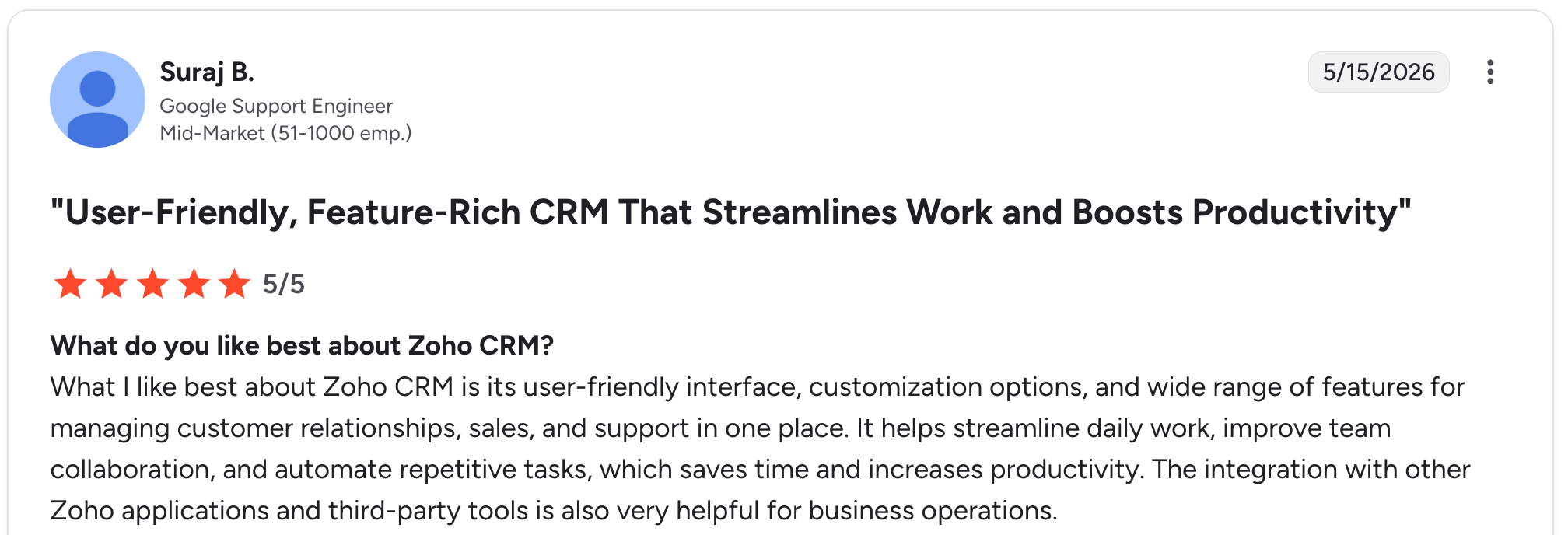
“What I like best about Zoho CRM is its user-friendly interface, customization options, and wide range of features for managing customer relationships, sales, and support in one place.” Suraj B, G2

“It's quite a lot of features, so sometimes it takes a long time to navigate to where I need to go.” Kristina Y, G2
Pricing
Zoho CRM is free for up to three users. Standard is $20/user/month, Professional is $35/user/month, and Enterprise is $50/user/month. See the Zoho CRM pricing page.
Bottom line
Zoho CRM is the value pick if you will trade interface polish for capability. Agencies already on Zoho apps should compare Zoho One against CRM alone.
9. Zite: Best for building a CRM around your own process
What it does: Zite is an AI-powered no-code builder that generates a custom CRM, its database, and the workflow logic from a plain-language description.
Best for: Agencies whose sales and delivery process doesn't fit any off-the-shelf CRM, and who keep building workarounds instead.
Zite ranks ninth because you describe the CRM before you have one, while every other tool here arrives with a pipeline ready. I described an agency pipeline with retainer tracking, and Zite generated the contacts, deals, and retainer tables, as well as the follow-up logic. You can edit the database like a spreadsheet and read every workflow step.
Key features
- AI generation from a prompt: Describe your process and Zite builds the tables, screens, and logic.
- Editable database: Contacts, deals, and retainers in a spreadsheet-style view, no formulas or database setup.
- Visual workflows: Follow-up and status logic laid out visually so you can trace it.
- Direct connections: Gmail, Outlook, Slack, Google Sheets, Airtable, Stripe, and HubSpot connect directly, and webhooks let other systems push records in.
Pros
- The CRM matches your process instead of the other way round.
- Unlimited users on every plan, so team growth does not raise the bill.
- Client-facing views without a separate portal tool.
Cons
- You describe it first, so there's no pre-built pipeline on day one.
- No invoicing or contracts, and no email sequences.
- Newer product, so the template library is still growing.
What reviewers say
“Implementation was straightforward — connecting forms to the ERP was much faster than expected, with no custom glue code to maintain afterward.” Alvaro H, G2

“I paid for the Pro version, and all my credits got used up in a day.” Verified User, Reddit
Pricing
Zite is free to start, with limited AI credits and unlimited users. Pro is $25/month, and Business is $89/month, adding credits, custom domains, and advanced AI models. Unlimited users come with every plan. See the Zite pricing page.
Bottom line
Zite makes sense when you have tried CRMs and keep working around them. For a pipeline ready on day one, start with HubSpot or Accelo instead.
10. Teamwork.com: Best for agencies whose delivery drives everything
What it does: Teamwork.com is client work management with project delivery, time tracking, and billing, plus CRM features to feed the pipeline.
Best for: Agencies where delivery is the main work and the pipeline is secondary.
Teamwork.com started as a client project tool and later added CRM, so it is stronger on delivery than on the pipeline. Agencies that struggle with utilization and profitability on live work get more from it, and reviewers rate the support highly.
Key features
- Client project delivery: Tasks, milestones, and workload across client work.
- Billable time tracking: Time logged against budgets and invoices.
- Client access: Collaborator seats for client visibility.
Pros
- Strong delivery features, with utilization tracking.
- Well-rated support, which reviewers single out.
- Low entry price at $13.99/user/month.
Cons
- Light pipeline features compared to Pipedrive or Close.
- Retainers need to be configured by hand.
- Dense interface on the first few days.
What reviewers say
“What I like most about Teamwork.com is how it brings project execution together with real business outcomes like time tracking and billing in one place.” Aditya T, G2

“One thing I dislike about Teamwork.com is that some advanced features can feel overwhelming for new users.” Rahul A, G2
Pricing
Teamwork.com is free for up to 5 users on 5 projects, with a 14-day trial on the paid tiers. Basics is $13.99/user/month with a 3-user minimum, and Accelerate is $29.99/user/month with a 5-user minimum. Optimize and Enterprise are custom-priced. Retainers and profitability tracking start on Accelerate, and Optimize adds AI-driven profit forecasting on top.
See the Teamwork.com pricing page.
Bottom line
Teamwork.com is the choice when delivery is the harder problem, not new business. If clients need their own login, weigh it against the best CRM client portals. If the pipeline is the problem, Pipedrive or Close will serve you better.
11. Attio: Best modern CRM with a flexible data model
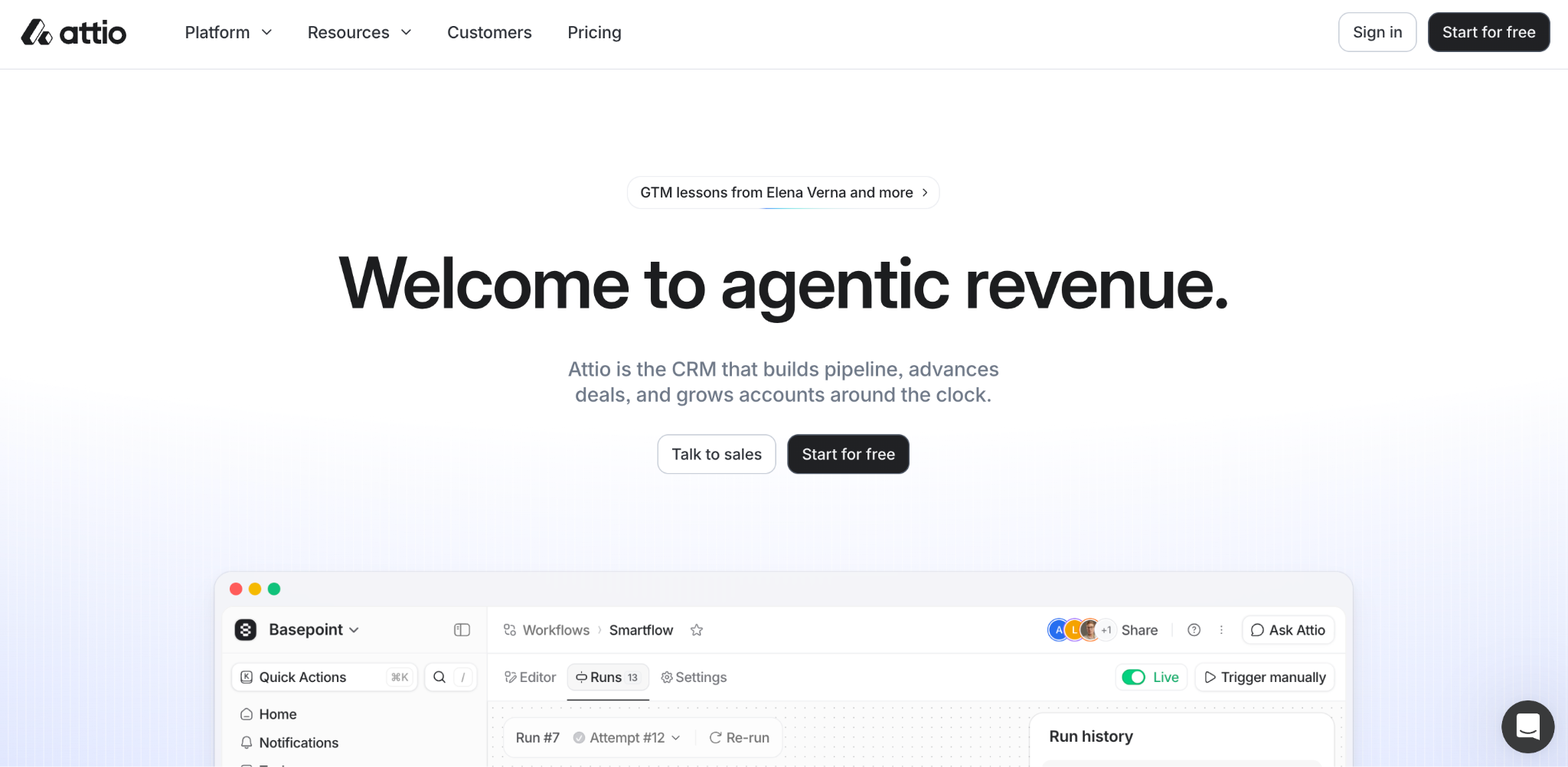
What it does: Attio is a modern CRM built around a flexible data model, letting you define your own objects, attributes, and automations.
Best for: Agencies that find traditional CRMs too rigid and want to model clients, retainers, and partners as distinct object types.
Attio has the most flexible data model on this list, so an agency can track clients, prospects, partners, and referrers as four separate record types. It loads faster than most CRMs here, and the AI sits inside the data model instead of bolting on beside it. The trade-off is age: fewer integrations than the established options and per-user pricing above the SMB tools.
Key features
- Custom objects: Model any relationship type, not only contacts and deals.
- Integrated AI: Enrichment and automation built into the data model.
- Fast modern interface: Keyboard-driven and responsive.
Pros
- Most flexible data model of the traditional CRMs.
- Fast, modern interface that teams enjoy using.
- Free for three seats, with no card required.
Cons
- Per-user pricing above the SMB alternatives.
- Fewer integrations than the established options.
- No time tracking or billing, so delivery lives in a second tool.
What reviewers say
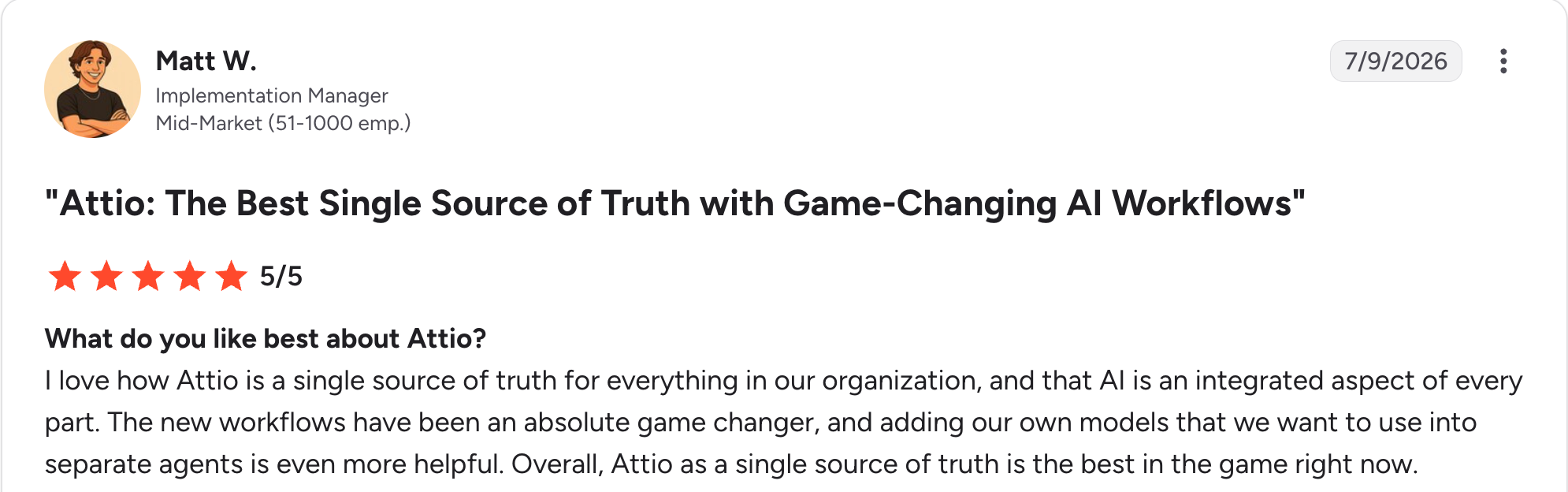
“I love how Attio is a single source of truth for everything in our organization, and that AI is an integrated aspect of every part.” Matt W, G2

“Sometimes workflows can lag behind and aren't as fast as other CRM tools when it comes to execution.” Sohail M, G2
Pricing
Attio is free for up to three seats. Plus is $44/user/month and Pro is $99/user/month, and Enterprise is custom-priced. See the Attio pricing page.
Bottom line
Attio suits agencies with unusual relationship structures who want a CRM that adapts to how they work. For delivery and billing, you will still need a second tool.
12. Capsule: Best simple CRM at a fair price
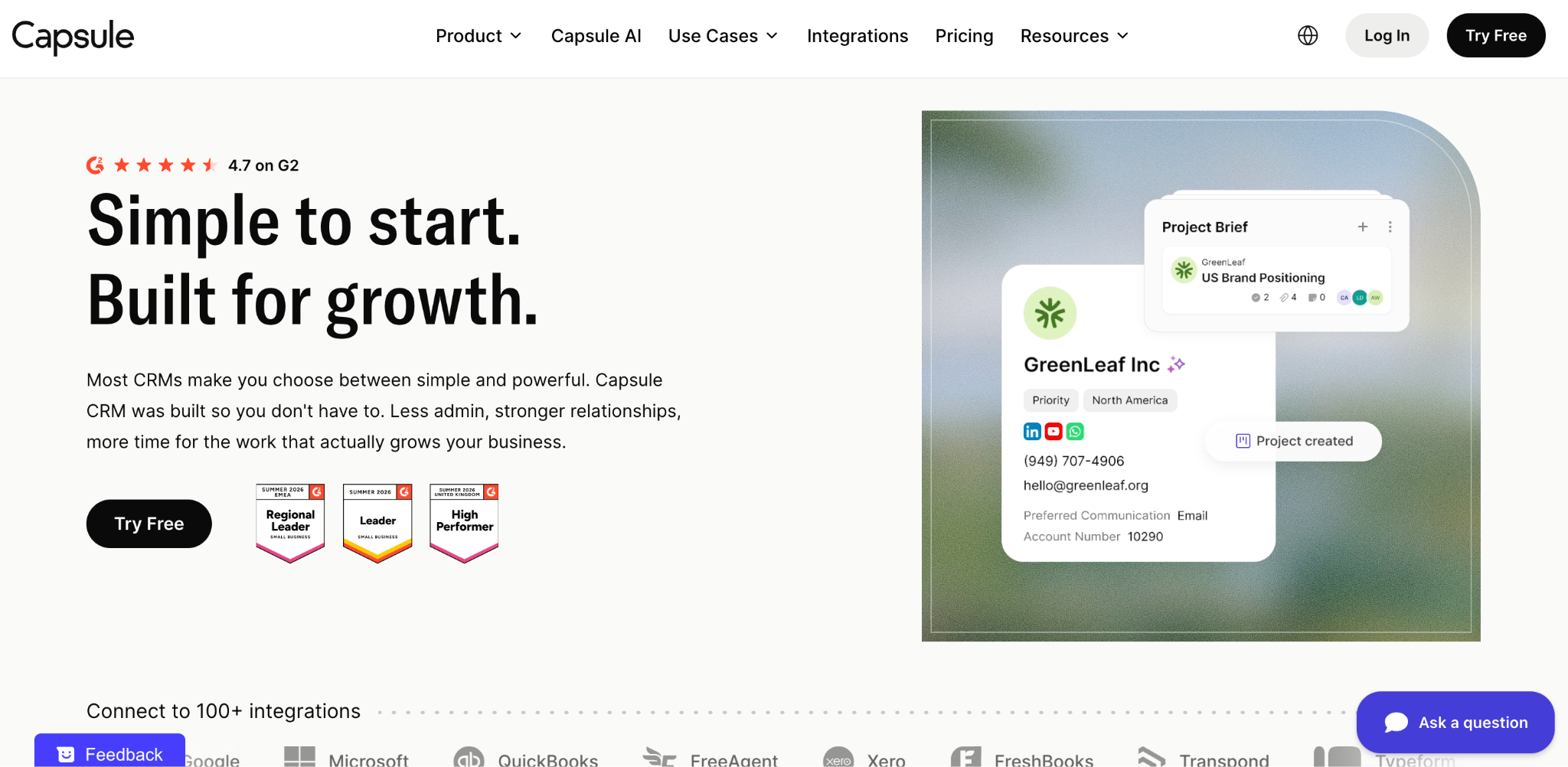
What it does: Capsule is a lightweight CRM focused on contacts, a visual sales pipeline, and tasks, with deliberately little to configure.
Best for: Small agencies that found Salesforce and HubSpot overwhelming and want something usable on day one.
Capsule leaves out almost everything optional, and reviewers rate it 4.7 on G2 for keeping it that way. You get contacts, an opportunity board, tasks, and just enough automation to keep work from being missed. You are productive immediately because there is little to set up.
Heavy customization, multi-stage approvals, and project tracking all live in other tools. That's the price of simplicity.
Key features
- Simple contact management: A well-organized address book with a pipeline attached.
- Visual opportunity board: Straightforward deal stages.
- Solid integrations: Google Workspace, Mailchimp, Xero, and Zapier.
Pros
- Usable on day one with nothing to configure.
- Rated 4.7 on G2 for ease of use.
- Free for two users, then modest paid tiers.
Cons
- Limited customization, with no approval workflows.
- No project tracking or delivery features.
- Contact caps on every tier.
What reviewers say
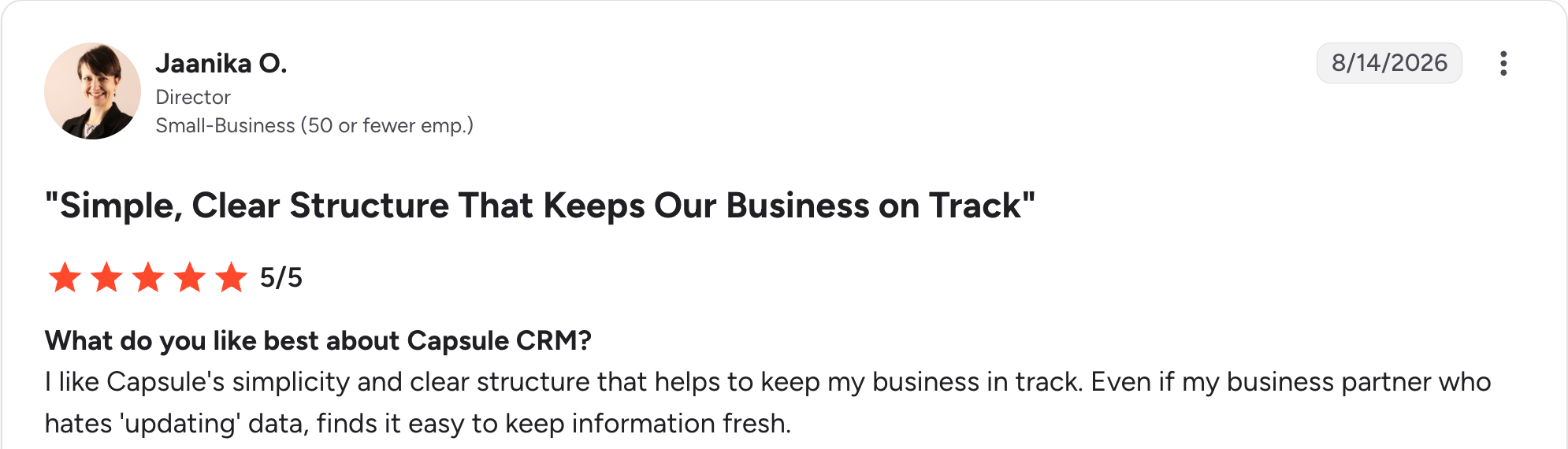
“I like Capsule's simplicity and clear structure that helps to keep my business [on] track.” Jaanika O, G2

“The new Free package seems to have limited its flexibility to customize the milestones.” Lucy M, G2
Pricing
Capsule is free for two users and 250 contacts. Starter is $21/user/month, Growth is $38/user/month, and Advanced is $60/user/month. See the Capsule pricing page.
Bottom line
Capsule suits a small agency that wants a CRM the team will keep up to date, which is why it also makes the small-business CRM shortlist. Growing agencies with complex processes will outgrow it within a year or two.
13. Copper: Best for agencies living in Google Workspace
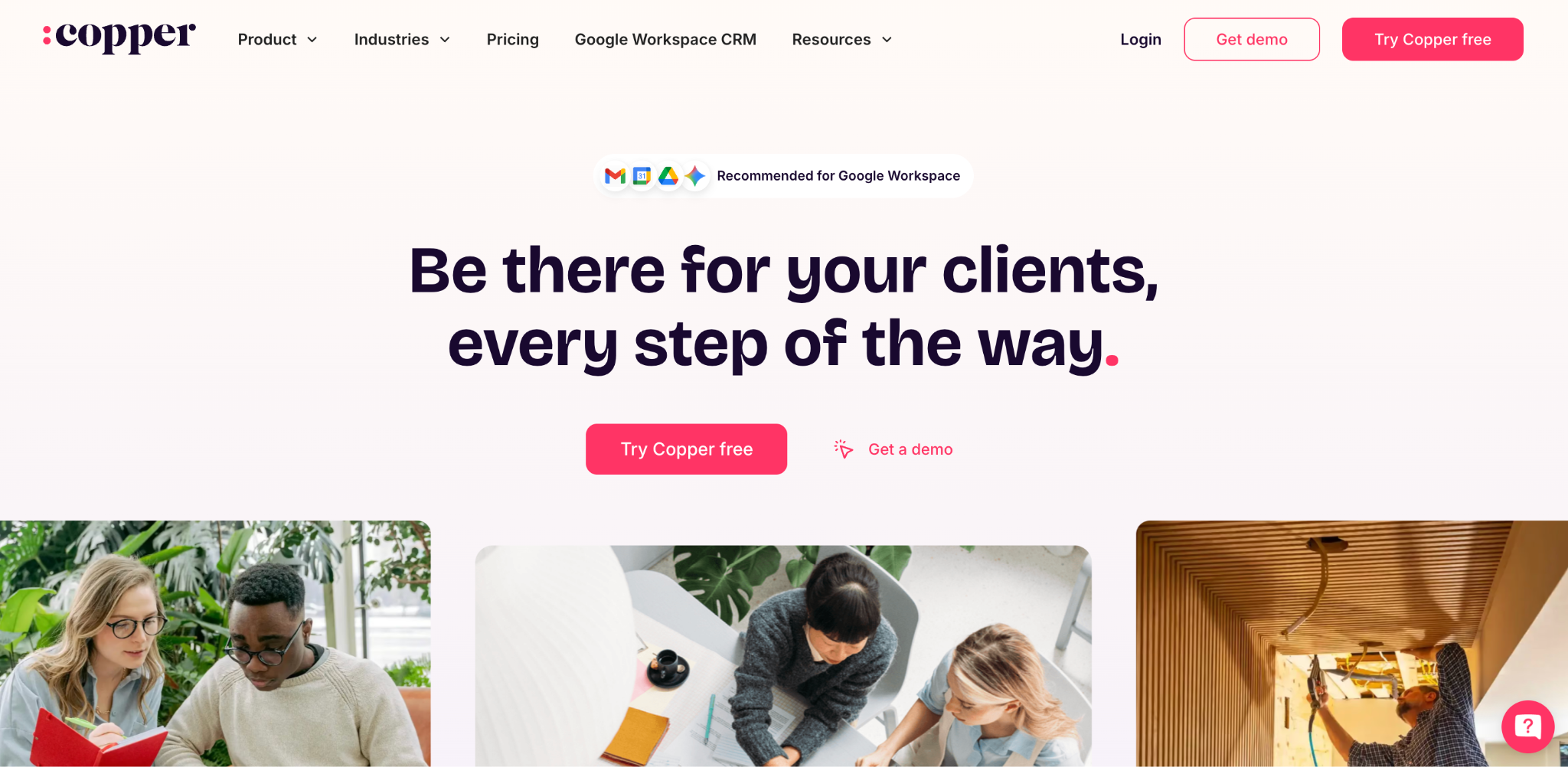
What it does: Copper is a CRM built to work inside Google Workspace, surfacing contacts, deals, and tasks directly in Gmail.
Best for: Agencies whose entire workflow runs through Gmail and Google Calendar and who want the CRM to sit inside the inbox.
Copper argues that the best CRM is one your team never has to open. Its Gmail integration gets closer to that than anything else here. Copper rates 4.5 on G2 across more than 1,100 reviews, mostly from small businesses. Copper tracks relationships and stops there. Everything after the win lives elsewhere.
Key features
- Native Gmail integration: CRM inside the inbox, with no separate tab to open.
- Automatic data capture: Contacts and emails are logged without manual entry.
- Pipeline management: Visual deal tracking tied to email threads.
Pros
- Best Google Workspace integration on this list.
- Predictable per-seat pricing with no add-on modules.
- High adoption, because it lives inside Gmail.
Cons
- Little value outside Google, so non-Workspace teams should look elsewhere.
- No delivery features, and no retainers or billing.
- Thin reports next to Insightly or Zoho.
What reviewers say
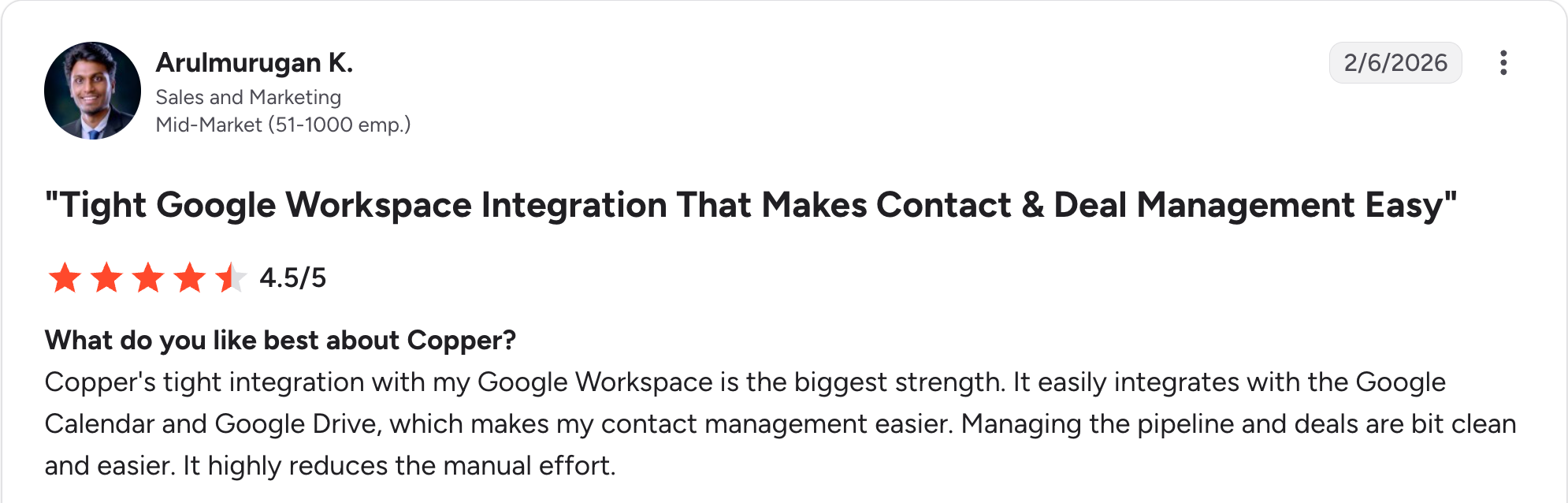
“Copper's tight integration with my Google Workspace is the biggest strength.” Arulmurugan K, G2

“One downside is that some advanced features are limited compared to other CRM tools.” Aryan R, G2
Pricing
Copper has a free trial and no free plan. Basic is $29/seat/month, Professional is $69/seat/month, and Business is $134/seat/month. See the Copper pricing page.
Bottom line
Copper is the natural choice for a Gmail-centric agency that wants zero friction. Anyone outside Google Workspace should look elsewhere first.
14. Freshsales: Best cheapest paid CRM with a built-in dialer
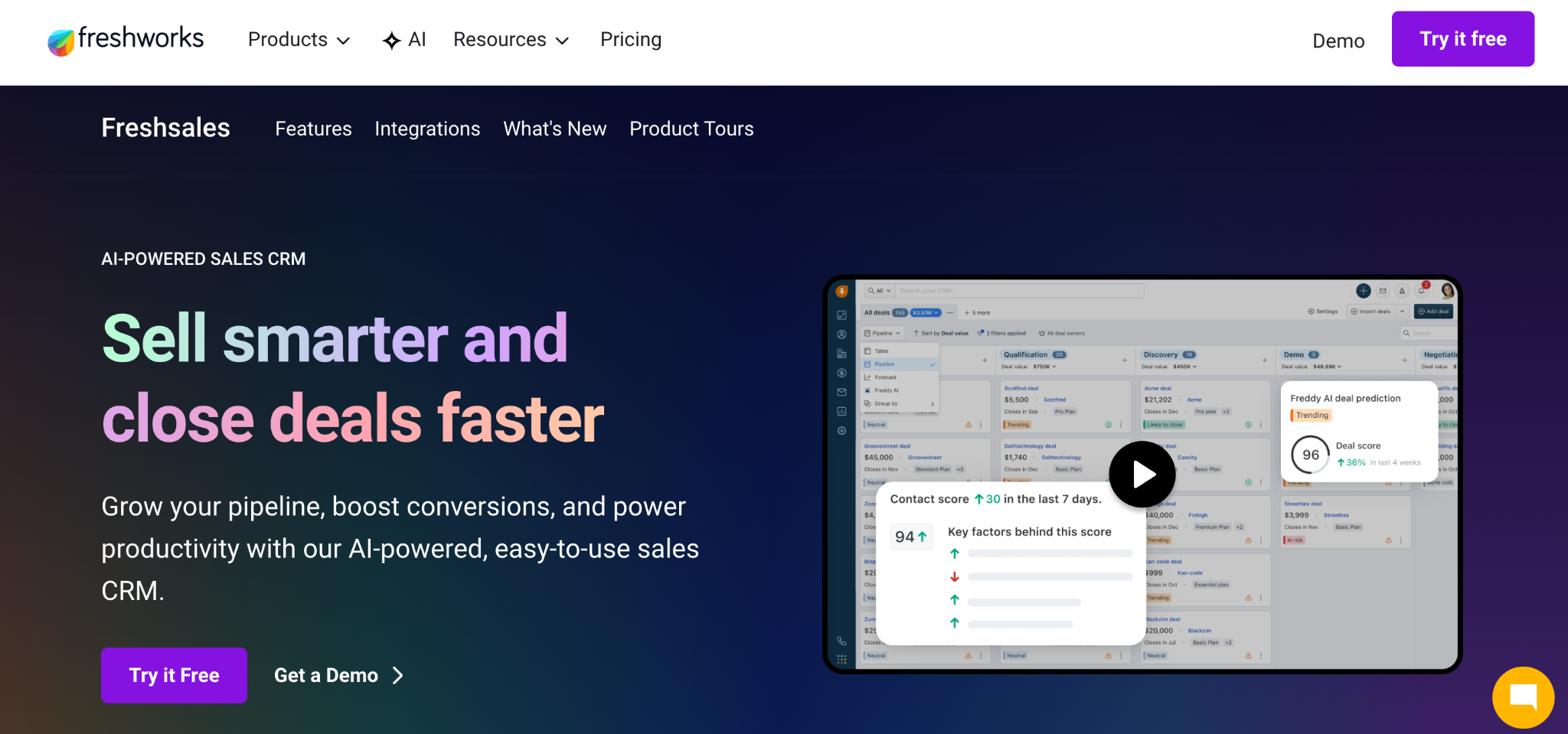
What it does: Freshsales is Freshworks' sales CRM with a built-in phone dialer, email sequences, and Freddy AI lead scoring.
Best for: Agencies on tight budgets that still want calling and AI scoring on top of a contact list.
Freshsales is the cheapest paid CRM from a major vendor at $11/user/month, and it includes more at that price than rivals do. You get a built-in dialer, sequences, and AI lead scoring without integrating separate tools. Freshsales covers the sale and nothing after it. Delivery and retainers live in another tool.
Key features
- Built-in phone dialer: Calling from the CRM on paid plans.
- Freddy AI scoring: Lead prioritization without manual rules.
- Email sequences: Multi-step outreach included.
Pros
- Cheapest paid tier of any major CRM here.
- Dialer included, along with sequences.
- Freddy AI scored at the cheapest paid tier in the category.
Cons
- Delivery, retainers, and billing all sit outside it.
- Shallow reporting next to the mid-market tools.
- Support varies by tier, according to reviewers.
What reviewers say
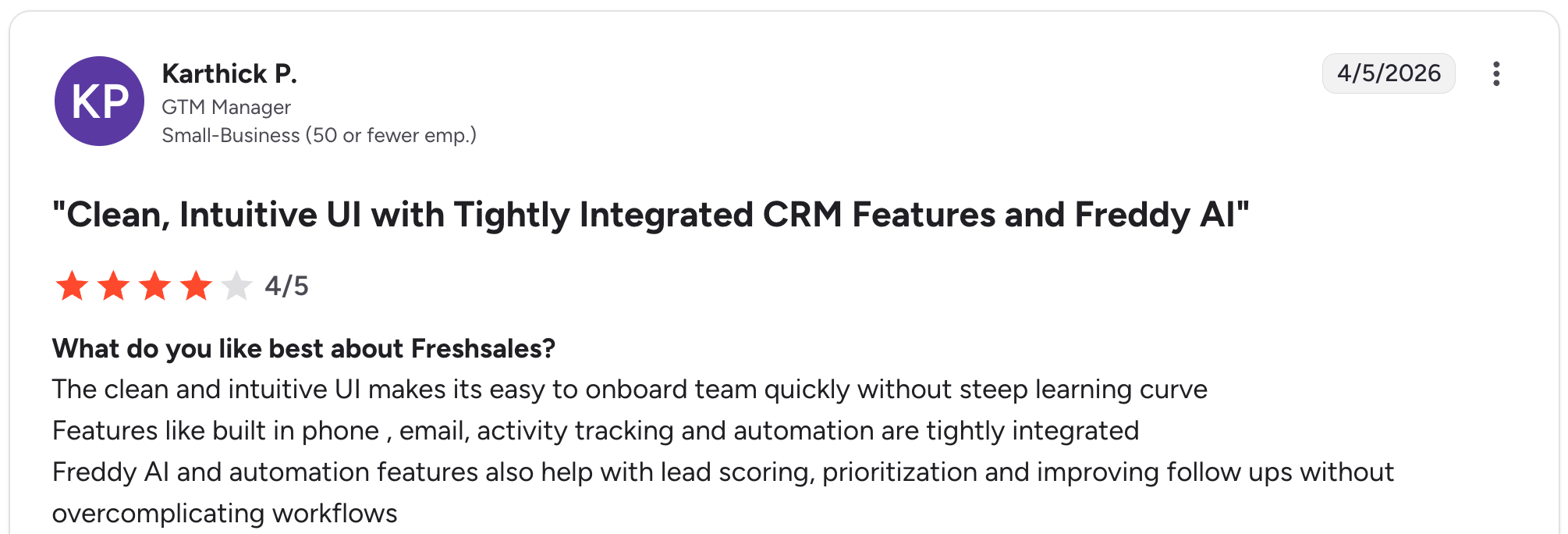
“The clean and intuitive UI makes it easy to onboard the team quickly without a steep learning curve.” Karthick P, G2

“Some advanced customization features can feel limited for specific business requirements.” Jeni J, G2.
Pricing
Freshsales has a free trial. Growth is $11/user/month, Pro is $47/user/month, and Enterprise is $71/user/month. Branded documents and the Freddy AI agent are paid add-ons on every tier. See the Freshsales pricing page.
Bottom line
Freshsales costs the least and still includes a dialer, which cheaper CRMs usually leave out. Agencies needing delivery tracking should pair it or choose Insightly instead.
15. Bonsai: Best for freelancers and boutique agencies
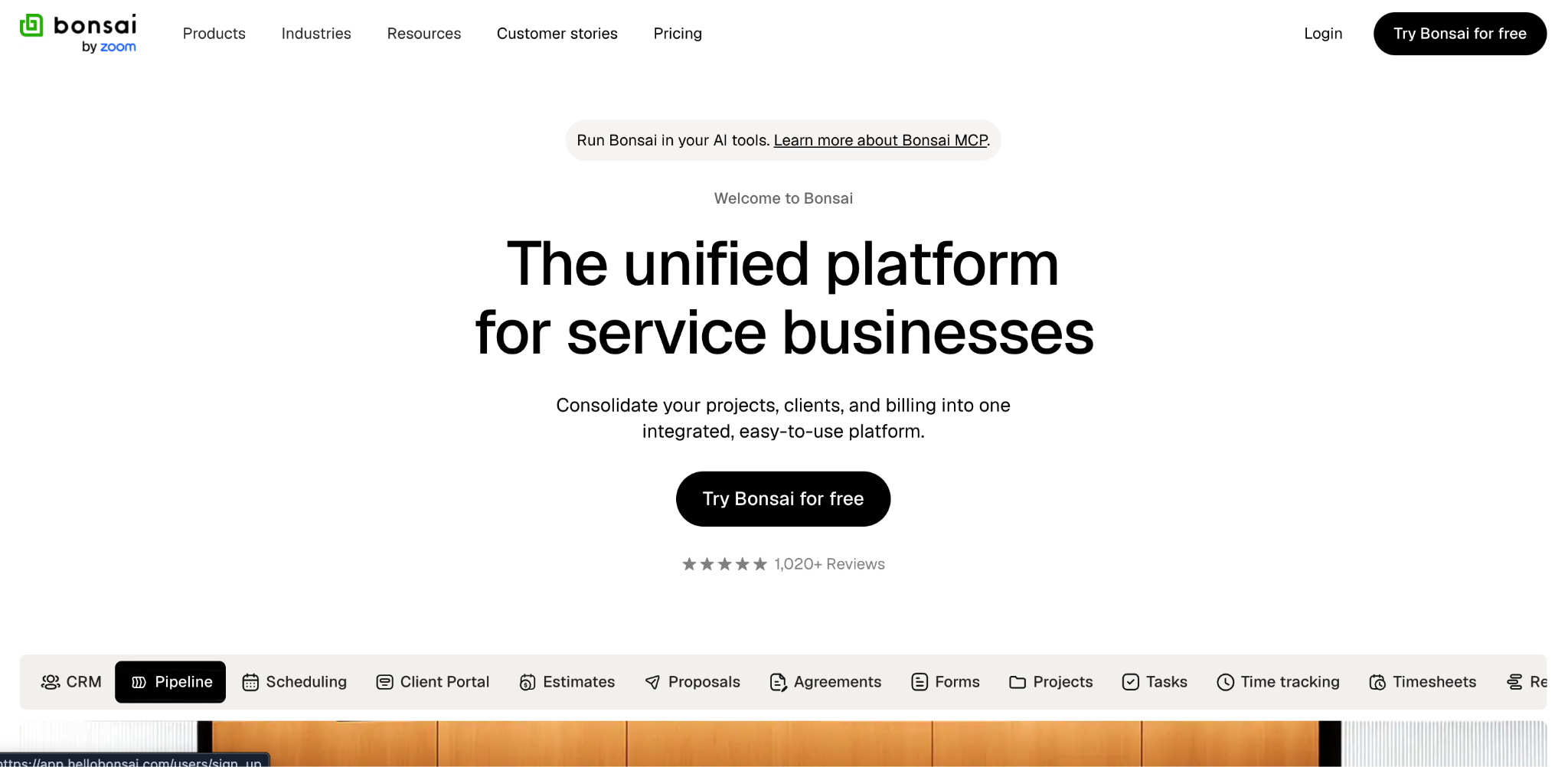
What it does: Bonsai combines a light CRM with proposals, contracts, e-signatures, invoicing, time tracking, and bookkeeping.
Best for: Solo consultants and boutique agencies who want the paperwork side handled in the same tool as the pipeline.
Bonsai covers the paperwork that a solo operator would otherwise have to buy separately. Proposals, contracts, invoicing, and US tax prep arrive in one subscription that replaces three or four tools. Users specifically credit it with cutting their software spend. Bonsai offers basic task management, no retainer module or ticketing, and every teammate needs a paid seat.
Key features
- Proposals and contracts: Templates with e-signatures included.
- Invoicing and bookkeeping: Built-in billing and financial tracking.
- Client portal: Basic client-facing access on paid plans.
Pros
- Replaces several tools for solo and small teams.
- Contracts and proposals included, which most CRMs here leave out.
- Straightforward setup with little to configure.
Cons
- Expensive per user once a team grows.
- No retainer module and no ticketing.
- Tax features are US-only, and task management stays basic.
What reviewers say
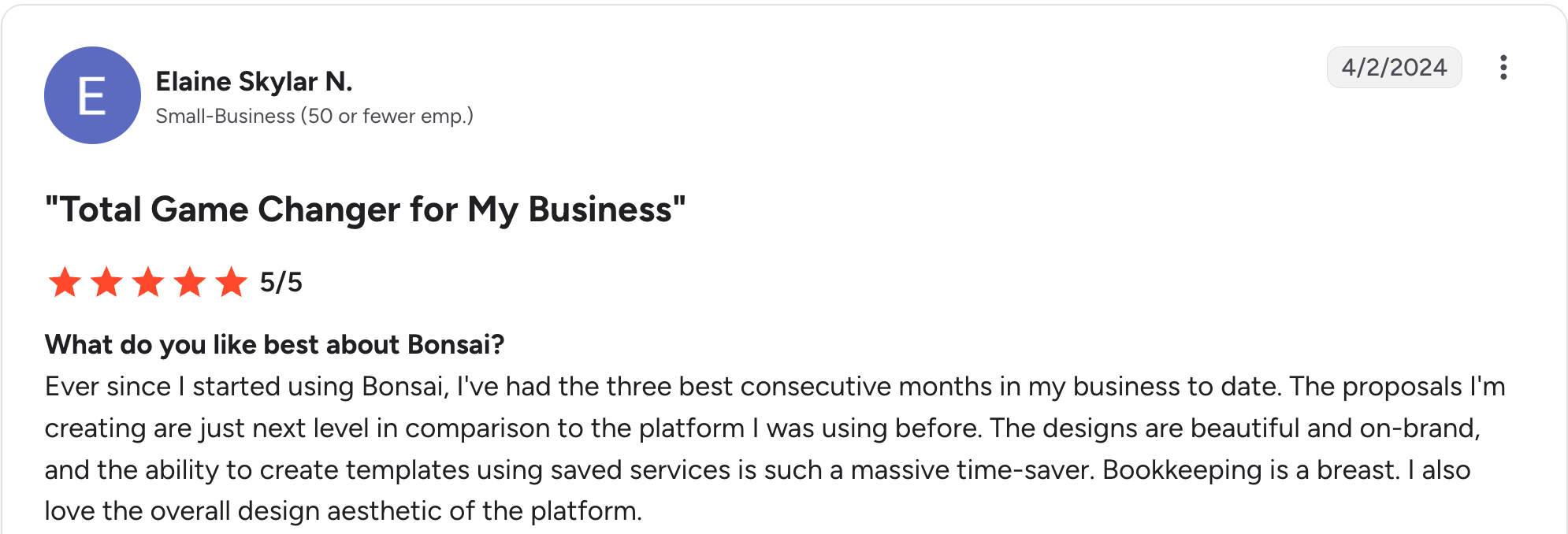
“The designs are beautiful and on-brand, and the ability to create templates using saved services is such a massive time-saver.” Elaine Skylar N, G2

“I would really like for Bonsai to further develop the task section or develop some kind of integration with Asana.” Abby A, G2
Pricing
Bonsai has no free plan, only a trial. Basic is $15/user/month, Essentials is $25/user/month, Premium is $39/user/month, and Elite is $59/user/month with a three-user minimum. See the Bonsai pricing page.
Bottom line
Bonsai is the right tool for a freelancer or two-person shop that wants contracts and invoicing alongside the pipeline. Its portal is basic, so a client-heavy shop should compare dedicated client portal software. Agencies with more than five people should compare Productive and Accelo.
16. Keap: Best for small agencies whose growth runs on follow-up automation
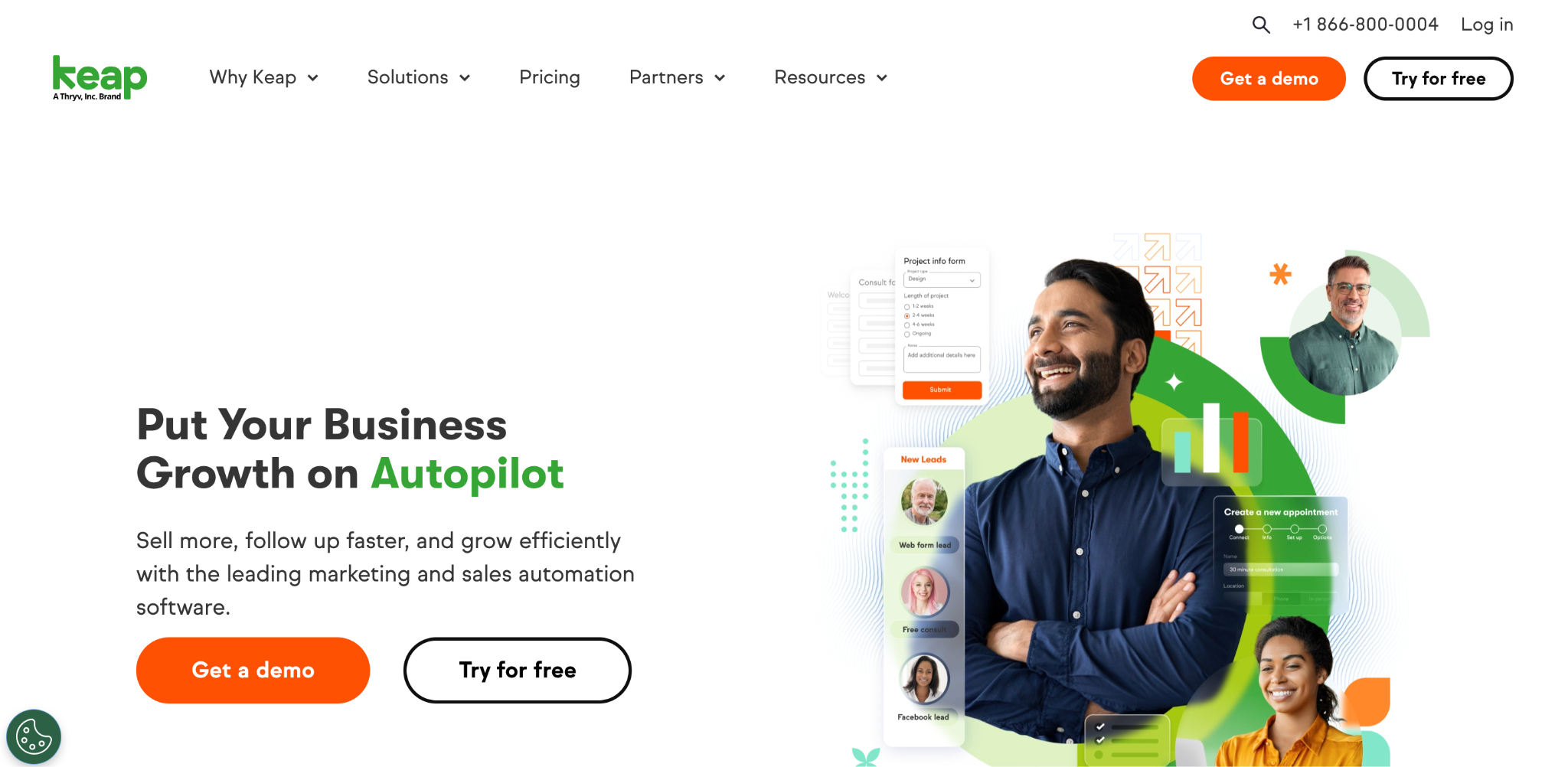
What it does: Keap is a CRM and marketing automation tool for small businesses that combines pipelines, email automation, and payments into a single subscription.
Best for: Small agencies whose growth depends on follow-up automation more than pipeline discipline.
Keap runs multi-step follow-up sequences that most SMB CRMs cannot, and it collects payments in the same tool. Keap starts at $299/month for two users and 1,500 contacts, and the bill rises as you add either, on top of mandatory onboarding.
Key features
- Deep follow-up sequences: Multi-step automation that most SMB CRMs cannot match.
- Trigger-based rules: Actions fire on record changes without manual review.
- Payments and invoicing: Quotes and payment collection built in.
Pros
- Strongest automation of the small-business tools in this group.
- Payments and invoicing in the same tool.
- Built for a single owner-operator to run without a dedicated ops hire.
Cons
- The entry price of $299/month covers 2 users and 1,500 contacts.
- Mandatory onboarding fee before you can start.
- Complex automation setup for non-technical users.
What reviewers say
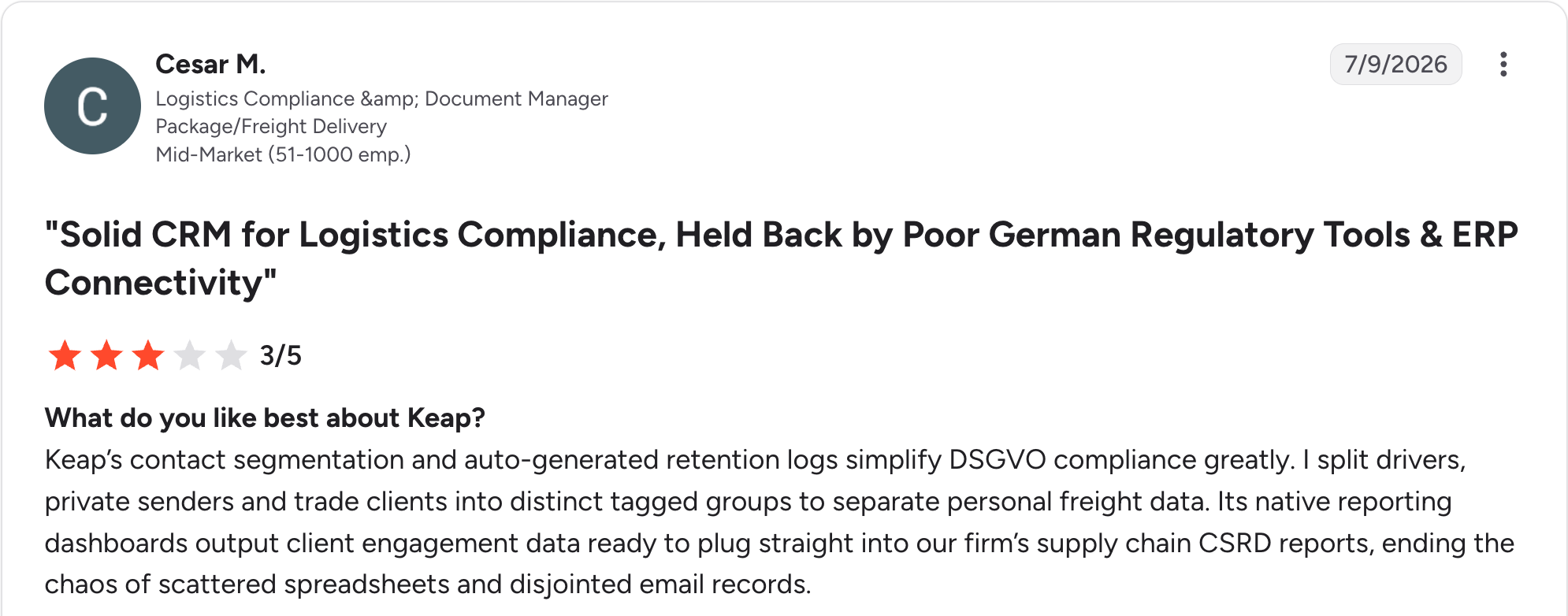
“Keap’s contact segmentation and auto-generated retention logs simplify DSGVO compliance greatly.” Cesar M, G2

“Pricing is on the higher side, and advanced [features] can be a bit limited.” Karan K, G2
Pricing
Keap has no free plan, only a trial. Pricing starts at $299/month for two users and 1,500 contacts, and the bill increases as you add either one. Onboarding is required. See the Keap pricing page.
Bottom line
Keap works for a small agency that will use the automation. If you mainly need a pipeline, you are overpaying by a wide margin.
17. Salesforce: Best for large agencies with complex requirements
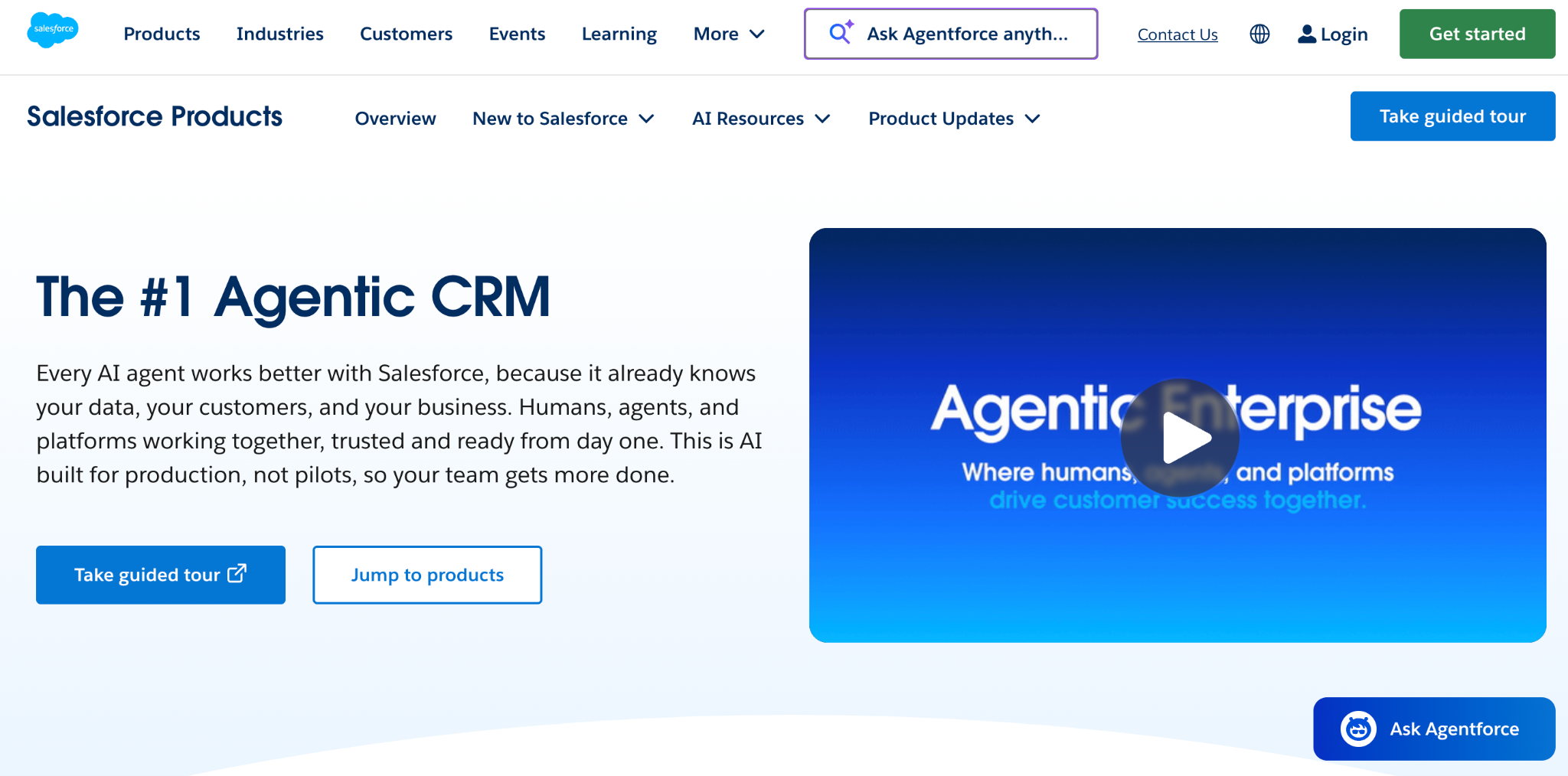
What it does: Salesforce is the enterprise CRM standard, with near-unlimited customization, a vast app marketplace, and deep reporting.
Best for: Large agencies and holding companies with complex structures, multiple business units, and in-house or contracted admin support.
Salesforce handles more complexity than anything else here. A holding company can model each trading entity separately and still report across all of them. Pro Suite runs $100/user/month, and the editions above it climb steeply; implementation typically needs a consultant.
Key features
- Near-unlimited customization: Custom objects, fields, and processes for any structure.
- AppExchange marketplace: Thousands of integrations and add-ons.
- Advanced reporting: Deep analytics across business units.
Pros
- Handles the most complexity of any CRM here.
- Largest add-on marketplace, and consultants are easy to find.
- Scales to any size, whatever the agency structure.
Cons
- Pro Suite at $100/user/month, with Enterprise and Unlimited well above.
- Built for admins, so day-to-day changes need someone who knows the platform.
- Implementation needs a consultant in most cases.
What reviewers say

“The platform is intuitive and easy to navigate, making it approachable even for first-time CRM users.” Verified User, Gartner

“The learning curve has been strong, especially since we migrated from an older "CRM" tool.” Verified User, Gartner
Pricing
Salesforce has a Free Suite covering two user licenses. Starter Suite is $25/user/month, Pro Suite is $100/user/month, and the Enterprise and Unlimited editions above them climb steeply. See the Salesforce pricing page.
Bottom line
Salesforce is right for large agencies with the complexity and the admin resources to match. Independent agencies with fewer than 50 people almost always get better value elsewhere.
18. GoHighLevel: Best for agencies that resell the platform to clients
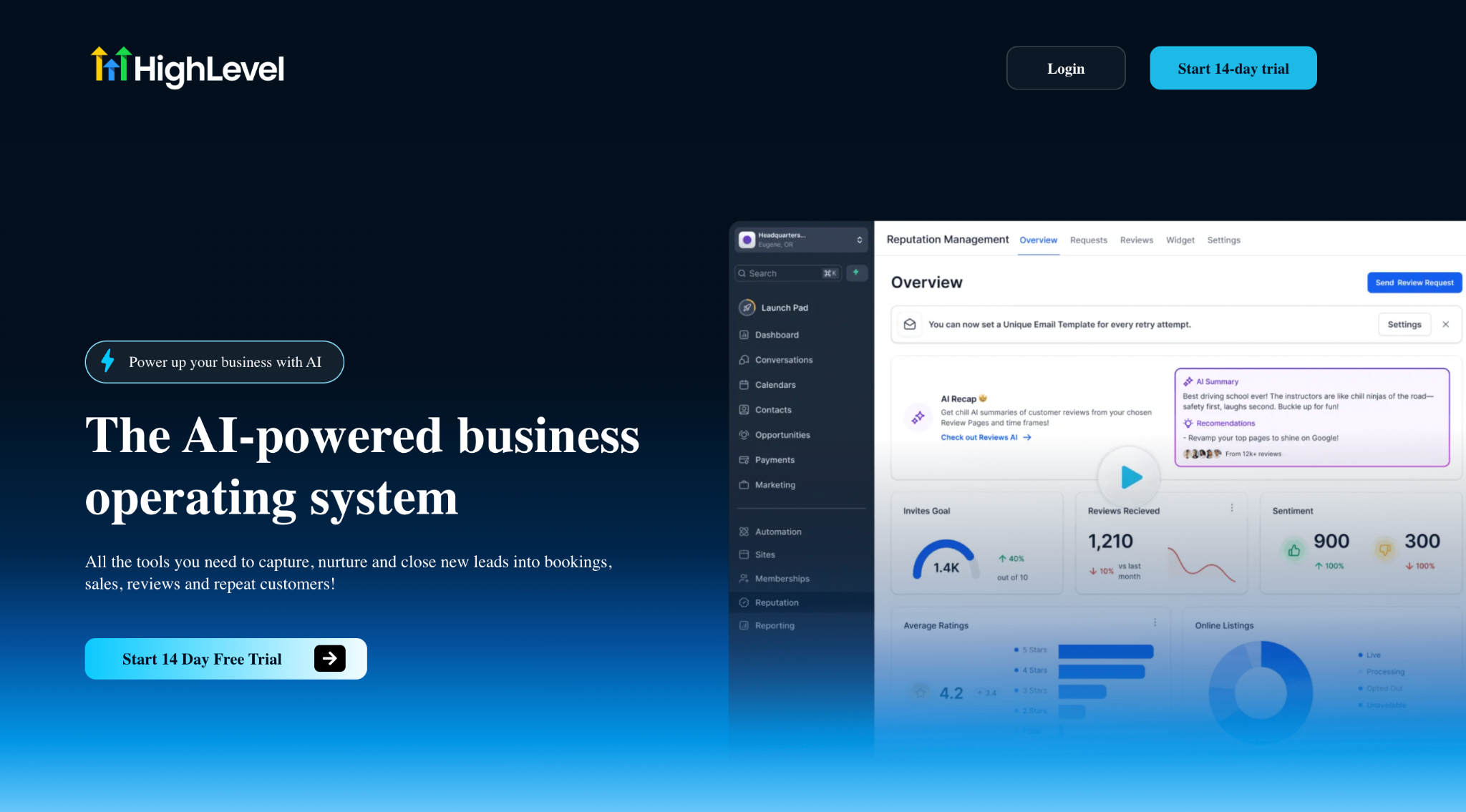
What it does: GoHighLevel, sold under the brand HighLevel, is an all-in-one sales and marketing platform for agencies, bundling CRM, funnels, email and SMS marketing, and white-label reselling into one subscription.
Best for: Marketing agencies running campaigns for multiple clients who want the option to resell the platform itself as recurring revenue.
GoHighLevel's retainer story runs backward from the rest of this list. Instead of tracking your own retainer clients in a pipeline, its SaaS Mode lets you rebrand the platform and bill each client a monthly fee for access to it, so the retainer becomes the product. Every client gets a separate sub-account with its own CRM, funnels, and automations.
Key features
- Sub-accounts: One client per sub-account, with unlimited contacts and users on every plan.
- SaaS Mode: White-label the desktop web app, sell subscriptions from your own site at your own price, and rebill client usage. Agency Pro only.
- Built-in channels: Email, SMS, and voice campaigns run natively, billed by usage on top of the plan.
Pros
- Replaces several separate marketing tools at a fraction of what they cost apart.
- Unlimited contacts and users on every plan, with no per-seat charge.
- SaaS Mode turns the platform into resellable recurring revenue.
Cons
- Steep learning curve, the most-cited complaint across G2, Capterra, and Reddit.
- Usage fees for SMS, calls, and AI stack on top of the subscription price.
- Starter caps you at 3 sub-accounts, so most agencies need Unlimited from day one.
What reviewers say
"What I like most about HighLevel is that it allows centralizing several key functions on a single platform: CRM, automations, funnels, forms, communications, and commercial tracking." Francisco P, G2

"The website and landing page builders are not as robust as I need for most of my projects so I usually build these outside of High Level and integrate with High Level through embedding High Level forms into my websites." Orlando M, G2
Pricing
GoHighLevel offers a 14-day free trial and no permanent free plan. Starter is $97/month for 3 sub-accounts, Unlimited is $297/month with unlimited sub-accounts, and Agency Pro is $497/month with SaaS Mode included. A white-label mobile app is a separate $497/month add-on. See the GoHighLevel pricing page.
Bottom line
GoHighLevel is the pick when your agency's product is running marketing campaigns for clients and you want the option to resell the platform itself. For a firm that just needs to track its own new business and retainers, the learning curve costs more than the unused features are worth.
19. Bitrix24: Best for one price that doesn't climb with headcount
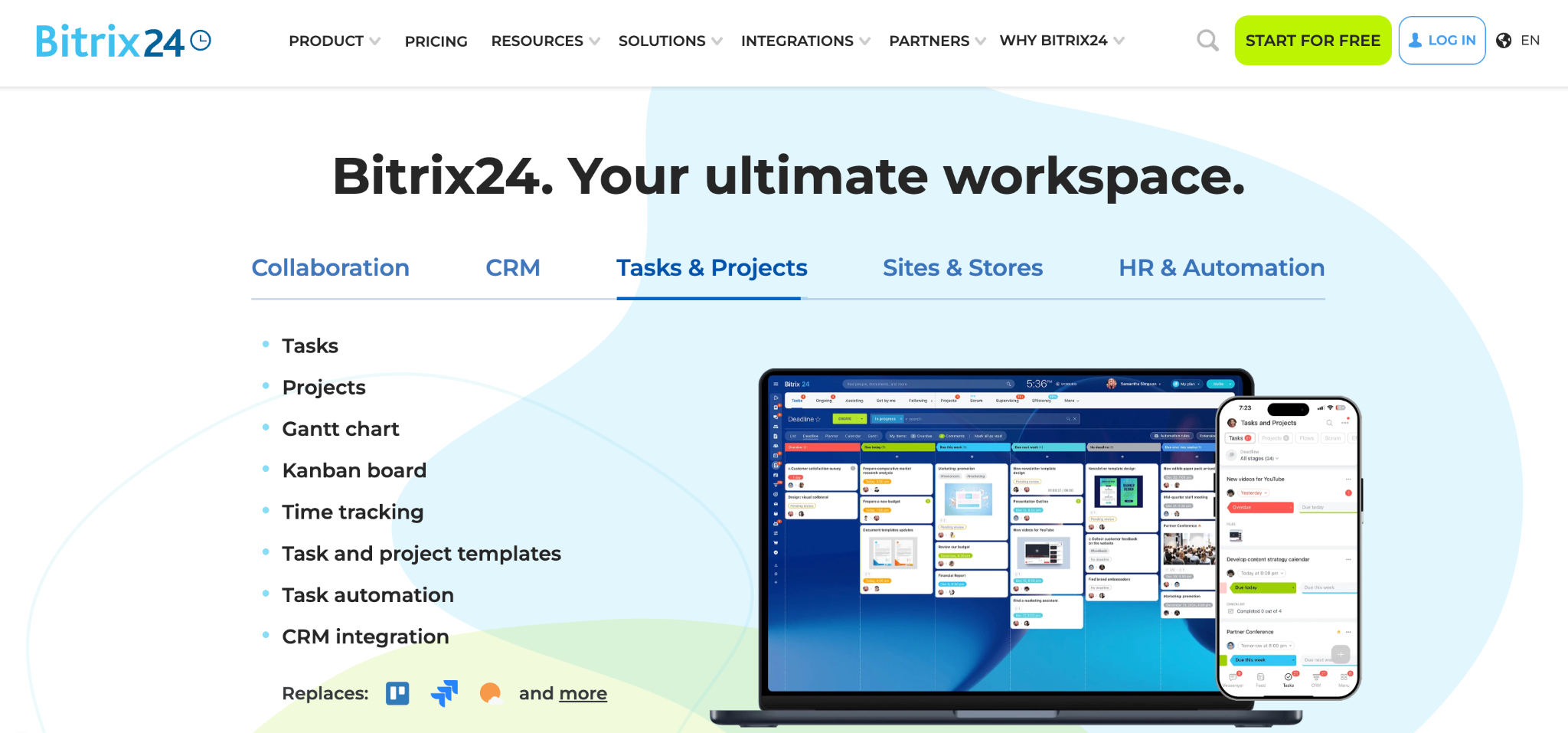
What it does: Bitrix24 is an all-in-one workspace combining CRM, project management, HR tools, and team communication under a single per-organization price, rather than per seat.
Best for: Agencies whose team has grown large enough that a per-seat CRM would cost more than Bitrix24's $144/month Standard plan, which covers up to 50 users.
Bitrix24's single, per-organization price is the clearest fit for this article's cost-scaling question of anything on the list. A 50-person team pays the same $144/month as a 6-person team on the same tier, which flips the per-seat math every other CRM here runs on.
It also tracks recurring deals natively from the Basic plan up, so a retainer renewing every month is a first-class record, not a workaround.
Key features
- One price per organization: A single rate per tier regardless of headcount, up to the plan's user cap.
- Recurring deals: Retainer-style deals renew automatically inside the CRM from the Basic plan on up.
- Built-in HR and intranet: Employee management and company-wide communication ship in the same platform as the CRM.
Pros
- One rate per organization stays the same as the team grows, up to the plan's cap.
- Employee management and company communication ship in the same platform, so there's no separate HR tool to buy.
Recurring deals and workflow automation are native, not bolted on.
Cons
- Steep learning curve, the most-cited complaint across reviews.
- Interface feels cluttered with so many tools in one place, per multiple reviewers.
- User caps per tier mean a fast-growing agency can outgrow a plan quickly.
What reviewers say
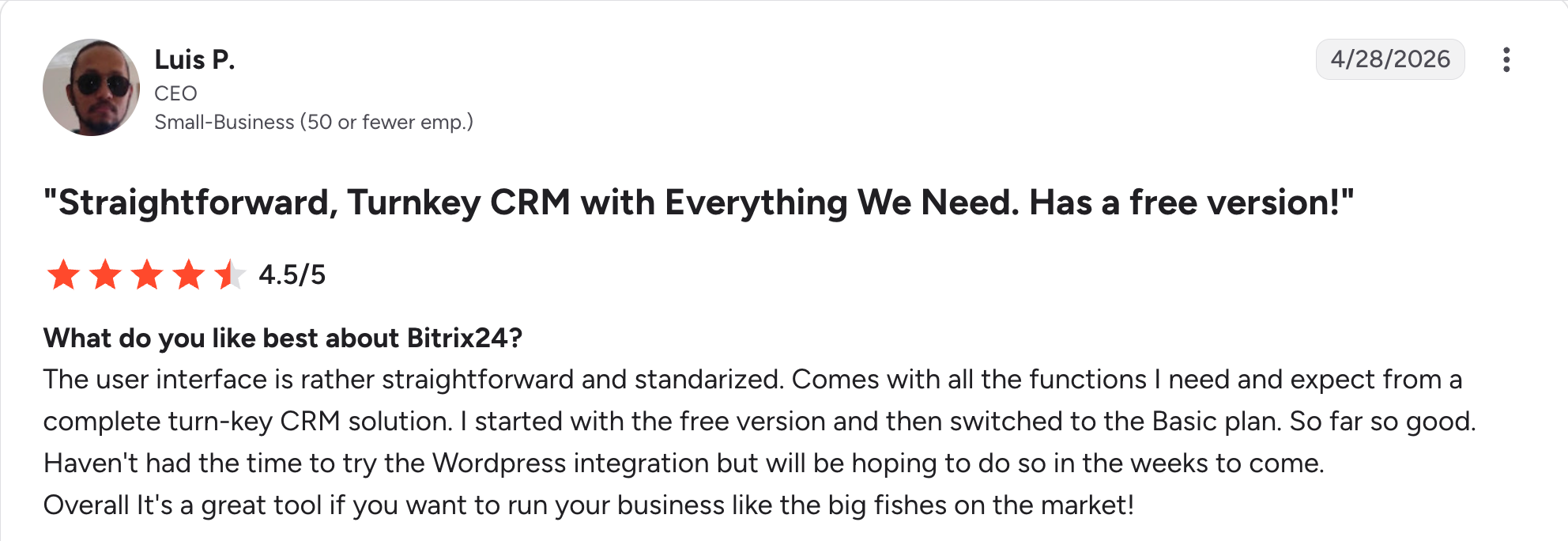
"The user interface is rather straightforward and standardized." Luis P, G2

"Bitrix24 can feel a bit complex at the beginning because it has so many features." Deepak B, G2
Pricing
Bitrix24 is free for 1 to 2 users, with 5 GB of storage and basic CRM. Basic is $69/month for up to 5 users, Standard is $144/month for up to 50 users, and Professional is $289/month for up to 100 users, billed per organization rather than per seat. See the Bitrix24 pricing page.
Bottom line
Bitrix24 is the pick once a team is large enough that per-seat pricing elsewhere would cost more than its tier price, and is willing to spend the setup time the breadth demands. Smaller agencies get more of what they need faster from a narrower tool on this list.
Which CRM should your agency choose?
What you struggle with most decides which CRM to buy. Five questions narrow it fast:
- Is your problem winning work, delivering it profitably, or both?
- Do you bill retainers, and does the CRM need to understand them?
- Will your bill grow per seat, and how many seats in 18 months?
- Do clients need to see anything themselves?
- Does your process fit a standard pipeline, or do you keep working around one?
Choose HubSpot, Pipedrive, or Close if you:
- Need new business tracked well, with delivery living elsewhere.
- Want a free start with HubSpot, the simplest pipeline with Pipedrive, or outbound calling with Close.
Choose Productive, Accelo, or Teamwork.com if you:
- Need the CRM to know what happens after the deal closes.
- Care about margin and utilization with Productive, full lead-to-invoice coverage with Accelo, or delivery-first work management with Teamwork.com.
Choose Insightly or monday CRM if you:
- Want pipeline and project delivery in one tool without a full services suite.
Choose Zoho CRM, Capsule, Copper, or Freshsales if you:
- Are cost-sensitive and want a solid pipeline.
- Value raw capability with Zoho, simplicity with Capsule, Gmail integration with Copper, or a cheap dialer with Freshsales.
Choose Zite if you:
- Keep working around CRMs that do not match your process.
- Want unlimited users and client-facing views in the same tool.
Choose Attio, Bonsai, Keap, or Salesforce if you:
- Need a flexible data model with Attio, contracts and invoicing for a small shop with Bonsai, deep follow-up automation with Keap, or enterprise scale with Salesforce.
Choose GoHighLevel or Bitrix24 if you:
- Want to resell the platform to clients as recurring revenue with GoHighLevel, or one flat rate that does not climb per seat with Bitrix24.
Skip a dedicated CRM if you:
- Have fewer than about ten active client relationships and a spreadsheet is keeping up.
Final verdict
For most agencies in 2026, HubSpot is the strongest starting point. The free plan requires no credit card and puts new business and marketing into one contact record. If your pain is margin more than pipeline, Productive wins. Accelo is the pick when you are joining three systems together and can fund a proper implementation.
The caveat is that only a few tools here treat a retainer as a first-class record, and even those make you run the rest of your process their way. If you have cycled through two or three CRMs and keep building workarounds, that is the signal to look at building one instead, which is where Zite fits.
Start building with Zite for free if you would rather shape the CRM around your process.
Frequently asked questions
What is the best CRM software for agencies?
The best CRM software for agencies is HubSpot for most teams. HubSpot's free plan requires no credit card, and its marketing tools are built into the same contact record. Productive is better if profitability matters more than pipeline, and Accelo covers lead-to-invoice in one system.
How much does agency CRM software cost?
Agency CRM software runs from free with HubSpot, Zoho, Attio, Bitrix24, and Zite, up to $497/month for GoHighLevel, and well beyond that for Salesforce. Most agencies land between $11 and $50 per user per month, so watch for per-seat growth and onboarding fees as you compare tiers.
Do agencies need a CRM or a project management tool?
Most agencies need both a CRM and a project management tool, which is why tools that combine both rank well here. A pure sales CRM stops at the signed deal, and a pure project tool does not track new business. Work out which of the two costs you more, and start there.
What is the best free CRM for agencies?
HubSpot has the best free CRM for agencies, with no cost and no card required. Zoho and Attio are free for three users, Capsule for two with 250 contacts, Salesforce for two licenses, Bitrix24 for one to two, and Teamwork.com for five users on five projects, and Zite is free with unlimited users.
Can I build my own CRM instead of buying one?
Yes, you can build your own CRM instead of buying one, and it has become practical for agencies whose processes do not fit standard tools. A no-code AI builder like Zite generates the database, screens, and follow-up logic from a description, and you spend days on it instead of months. You give up pre-built features like sequences and invoicing, and you gain an exact fit.
Which CRM handles agency retainers best?
Productive and Accelo are the CRMs that handle agency retainers best, since both treat recurring budgets as a first-class concept with time allocated against them. Teamwork.com covers retainers on higher tiers. Most general CRMs, including HubSpot and Pipedrive, lack a native retainer concept and require manual workarounds.

