


A business operations platform is a single system that runs the core processes a company relies on daily, covering work intake, task routing, approvals, data management, and reporting.
The work and the data behind it live in one place, replacing the spreadsheet, the project tracker, the form, and the three email threads that currently carry it.
I spent about a month testing operations tools the way an ops lead would, routing an intake request through approval and building the status dashboard leadership asks for. This guide covers what these systems are, how they work, and the 7 worth considering in 2026.
What is a business operations platform?
A business operations platform consolidates the processes and data that keep a business running into a single system, replacing scattered tools and manual handoffs.
It holds the record of what's happening, meaning projects, requests, customers, and inventory, along with the actions that move work forward, like routing, approvals, notifications, and reporting.
The distinction from a project tool is scope. A project tool tracks tasks, while an operations system covers the process end-to-end, from how work arrives to who it goes to, what has to be approved, where the data lands, and what leadership sees.
The bottom line is simple. Your team works inside it every day, just as they work in a shared inbox or a spreadsheet today.
What it includes
Most of these tools share the same core parts. The six parts to look for:
- A central data layer: Structured records for projects, requests, clients, or assets, so there's one version of the truth instead of five spreadsheets.
- Workflow automation: Rules that route work, assign owners, and trigger next steps without someone remembering to.
- Approvals and handoffs: A defined path for sign-offs, so requests don't stall in an inbox.
- Permissions: Control over who can see and edit what, including external collaborators.
- Dashboards and reporting: Live visibility into status, workload, and bottlenecks.
- Integrations: Connections to the tools you keep, from accounting to CRM to storage.
How does a business operations platform work?
Most of these systems work the same way underneath, whether you buy one off the shelf or build your own. Here's the sequence:
- Work comes in. A form, an email, an integration, or a manual entry creates a record.
- The record lands in a structured place. A table or database row holds the details, not a message thread.
- Automation routes it. Rules assign an owner, set a due date, and notify the next person.
- People act on it. The owner works through the record in defined stages, with approvals as needed.
- Reporting rolls up. Dashboards show status and volume without anyone having to compile a report.
For a practical example, a client onboarding request arrives via a form, creates a record with the client's details, routes to an account manager, waits for contract approval, and then appears on a leadership dashboard as part of onboarding. Nobody chased anything.
For a deeper look at the automation layer, see our guide to the types of business process automation.
Why teams adopt one
The short version is that tool sprawl has a cost, and it lands on your operations team:
- Fewer manual handoffs: Automation removes the "did you get my email?" step between stages.
- One source of truth: When data lives in a single system, teams stop reconciling versions.
- Visibility without reporting work: Leadership self-serves status instead of requesting updates.
- Process that survives turnover: The workflow is documented in the system, not in one person's head.
- Lower tool cost: Consolidating five subscriptions into one usually saves money and admin time.
For practical ways to tighten processes before you buy anything, our guide to workflow optimization is a useful starting point.
All-in-one, best-in-class, or build your own?
There are three ways to run operations, and choosing the wrong one can waste months. Here's the honest trade-off:
The winner depends on how standard your operations are. If your processes look like everyone else's, an all-in-one suite is the fastest path. If one function is your competitive edge, use a specialist tool for it.
If you keep bending your process to fit software, building is usually cheaper than the workarounds. Most teams end up with a mix: a suite for common work, a specialist tool or two, and something custom for the process nobody else has.
7 best business operations tools: TL;DR
Here's the shortlist, with what each one does best:
- monday.com: Best all-in-one system for most operations teams.
- Zite: Best for building a custom operations system that matches your process.
- ClickUp: Best depth for work and project management.
- Airtable: Best for operations built on structured data.
- Zoho One: Best breadth of business apps for the price.
- Notion: Best for documentation-led operations.
- Odoo: Best modular option for product and inventory operations.
How I researched and tested these tools
I spent about a month running the same three operations scenarios in each tool, covering an intake-to-approval workflow for client onboarding, a cross-team project tracked from request to delivery, and a leadership status dashboard built from that data.
I also tried two tools that didn't make the list. Asana is strong on project execution but thin on data, and Smartsheet is capable but dated compared to the others.
I scored each on five things:
- Data structure: Whether it holds real, linked records or just tasks in lists.
- Automation depth: How far you get with routing and approvals without code or an outside tool.
- Visibility: Whether dashboards give leadership answers without someone compiling them.
- Fit to your process: How much you adapt to the tool versus shaping it to your workflow.
- How pricing scales: Whether cost grows per seat, per app, or stays predictable as the team grows.
This testing separated the tools that manage tasks from those that run a process end-to-end.
7 best business operations tools: quick comparison
All prices below are monthly-billed rates, checked in August 2026.
1. monday.com: Best all-in-one system for most operations teams
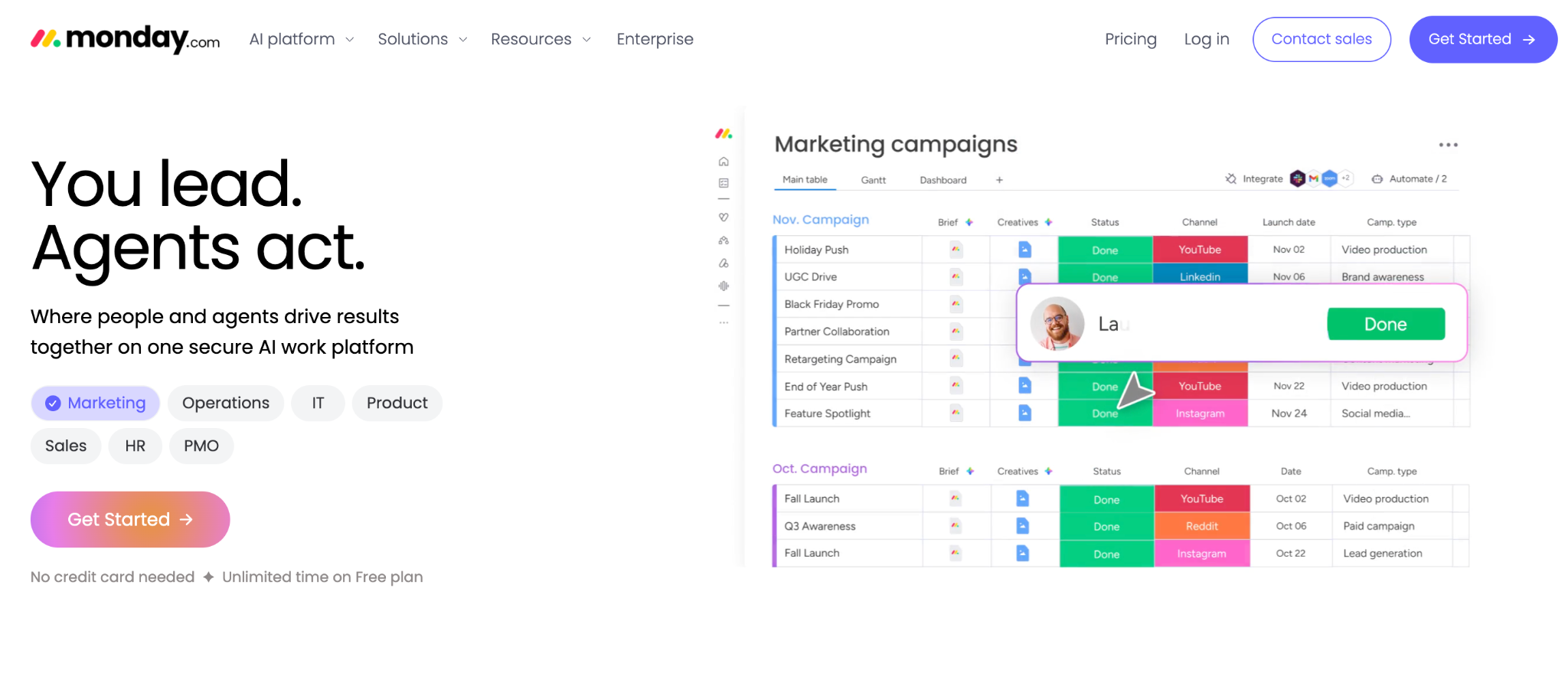
What it does: monday.com is a work operating system where teams build boards for projects, requests, and processes, with automations and dashboards layered on top.
Best for: Operations teams that want one visual system covering projects, requests, and reporting without a build project.
monday.com is the default answer for a reason. The boards are approachable enough that adoption sticks, and the automation recipes cover most routing and notification needs without code. I had an intake-to-approval flow running in an afternoon.
The limits show up when your process needs data relationship management that the model doesn't express well.
Key features
- Visual boards: Color-coded status columns and timeline views teams pick up quickly.
- Automation recipes: No-code rules for routing, notifications, and status changes.
- Dashboards: Roll-up views across boards for leadership visibility.
Pros
- Fastest adoption of anything on this list.
- Strong automation without code.
- Broad template library for common ops processes.
Cons
- Three-seat minimum on paid plans, so small teams overpay.
- Boards handle relationships poorly: linking records across many tables is awkward, so data-heavy processes feel forced.
- Automations and integrations need the Standard tier or higher.
What users say
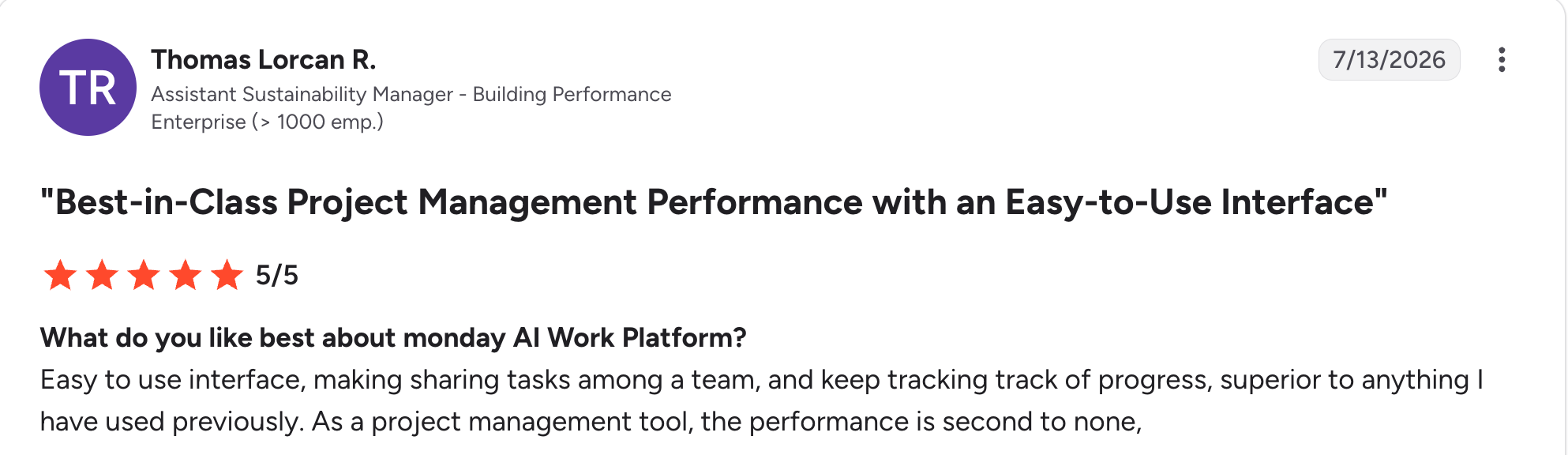
“Easy-to-use interface, making sharing tasks among a team and keeping track of progress, superior to anything I have used previously.” Thomas Lorcan R, G2

“My only complaint is that when using a board for metrics, it does "averages of averages" so that subtotal rates and percentages are incorrect.” Tim B, G2
Pricing
monday.com is free for up to two seats. Paid plans start at $12 a seat a month for Basic. Standard costs $14 per seat, and Pro costs $24 per seat, with a minimum of 3 seats. See the monday.com pricing page.
Bottom line
monday.com is the safe pick for an operations team that wants a single system to work this week. If your process needs relational data or a structure the boards can't express, Airtable or a builder will serve you better.
2. Zite: Best for building a custom operations system that matches your process
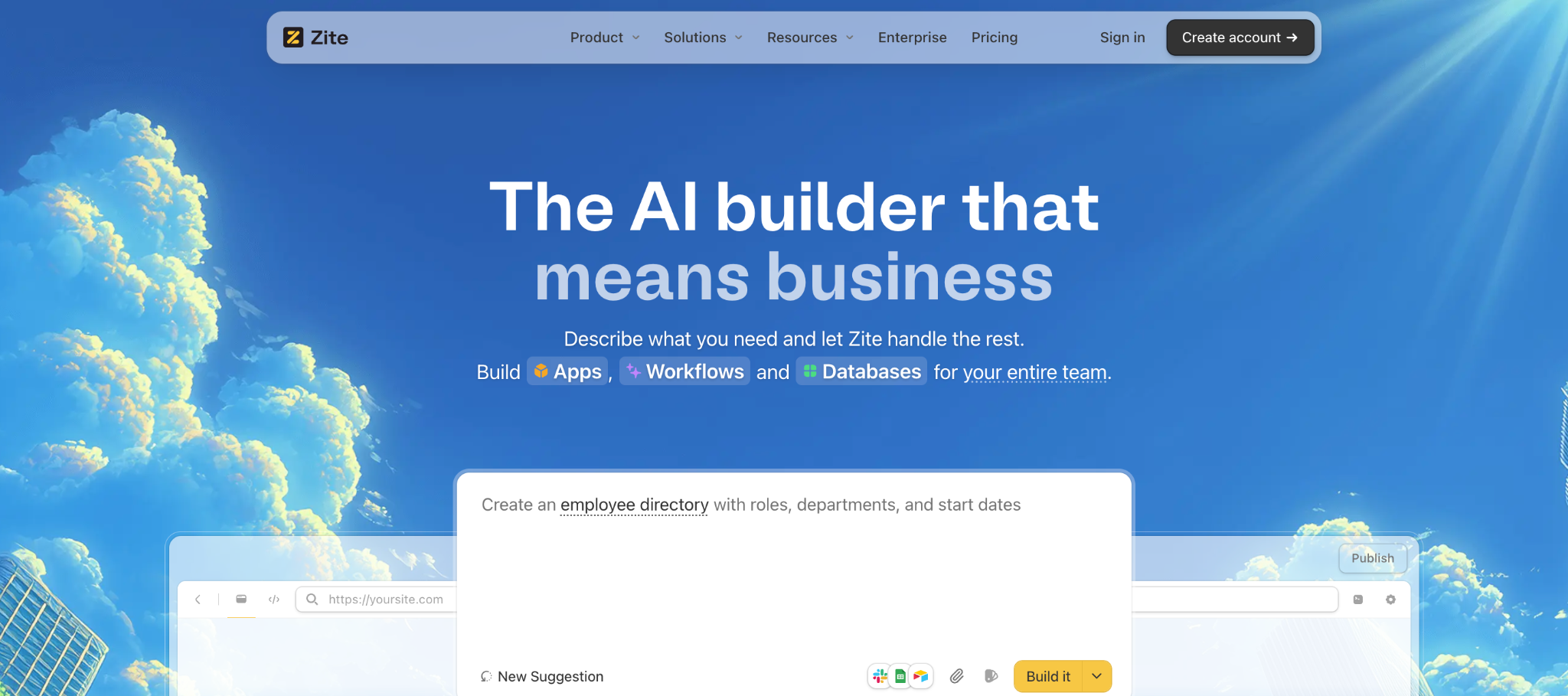
What it does: Zite is an AI-powered no-code builder that generates an operations tool, its database, and the workflow logic behind it from a plain-language description.
Best for: Ops and support teams whose process doesn't fit an off-the-shelf tool and who don't want to keep building workarounds.
Zite builds the operations tool you describe, generating the database, the screens, and the routing logic together. I described an intake tool with approval stages and per-team visibility, and it produced all three in one pass.
A request comes in through a form, lands as a record in the database, a workflow routes it to the right person, and it shows up on a dashboard. It’s the same sequence the rest of this article describes, just built to your own shape.
Teams like Bombas and Domino's build business apps this way.
Key features
- AI generation from a prompt: Describe the tool and Zite builds the tables, screens, and workflow logic together.
- Visible database with linked records and AI Fields: Records live in a spreadsheet-style database you can read and edit without SQL, link records across tables, attach files, and let AI Fields categorize or summarize entries automatically.
- Visual workflows: Routing and approval logic is laid out visually, so you can trace what happens and troubleshoot it, with role-based access giving each team and outside collaborators their own view. You can see how the system works no matter how large it gets.
- Direct connections: Slack, Gmail, Outlook, Google Sheets, Airtable, and Stripe connect natively, and webhooks let other systems push work in, the same way step one of the sequence above starts.
Pros
- The tool takes the shape of your process as you described it.
- Unlimited users on every plan, so cost doesn't grow per seat.
- The database and logic remain visible, so a non-developer can maintain them.
Cons
- No built-in accounting, HR, or inventory modules, unlike the suites.
- AI credits are limited on the free and lower-tier plans.
- Not designed for consumer apps like social platforms or games.
What users say
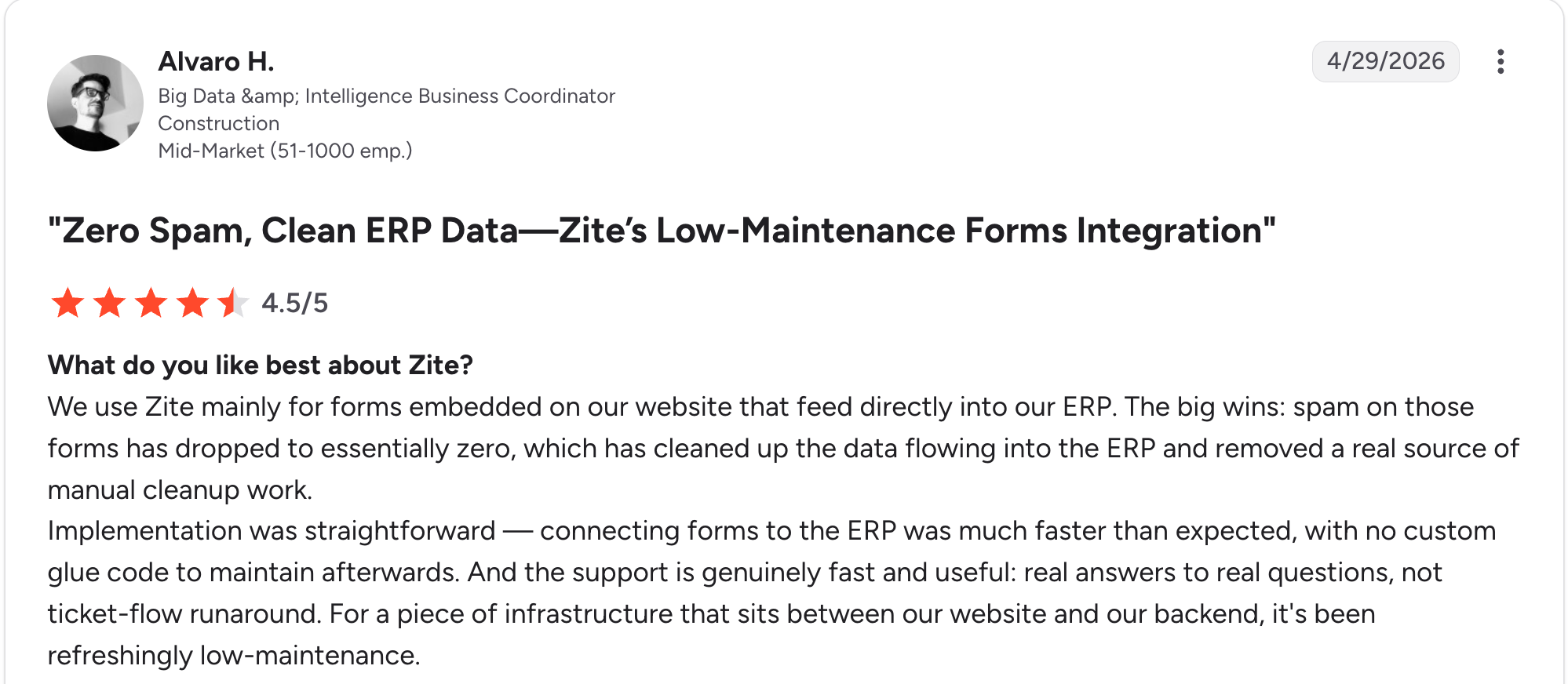
“Implementation was straightforward. Connecting forms to the ERP was much faster than expected, with no custom glue code to maintain afterward.” Alvaro H, G2
“I hate how the chat/plan feature eats into your daily limit of messages.” Verified User, Reddit
Pricing
Zite is free with unlimited users and limited AI credits. Paid plans start at $25/month for Pro and $89/month for Business., both with unlimited users. See the Zite pricing page.
Bottom line
Zite earns its spot when no suite fits your process, and the workarounds cost more than a build would. If you need accounting, HR, and inventory modules out of the box, Zoho One or Odoo cover more ground.
3. ClickUp: Best depth for work and project management
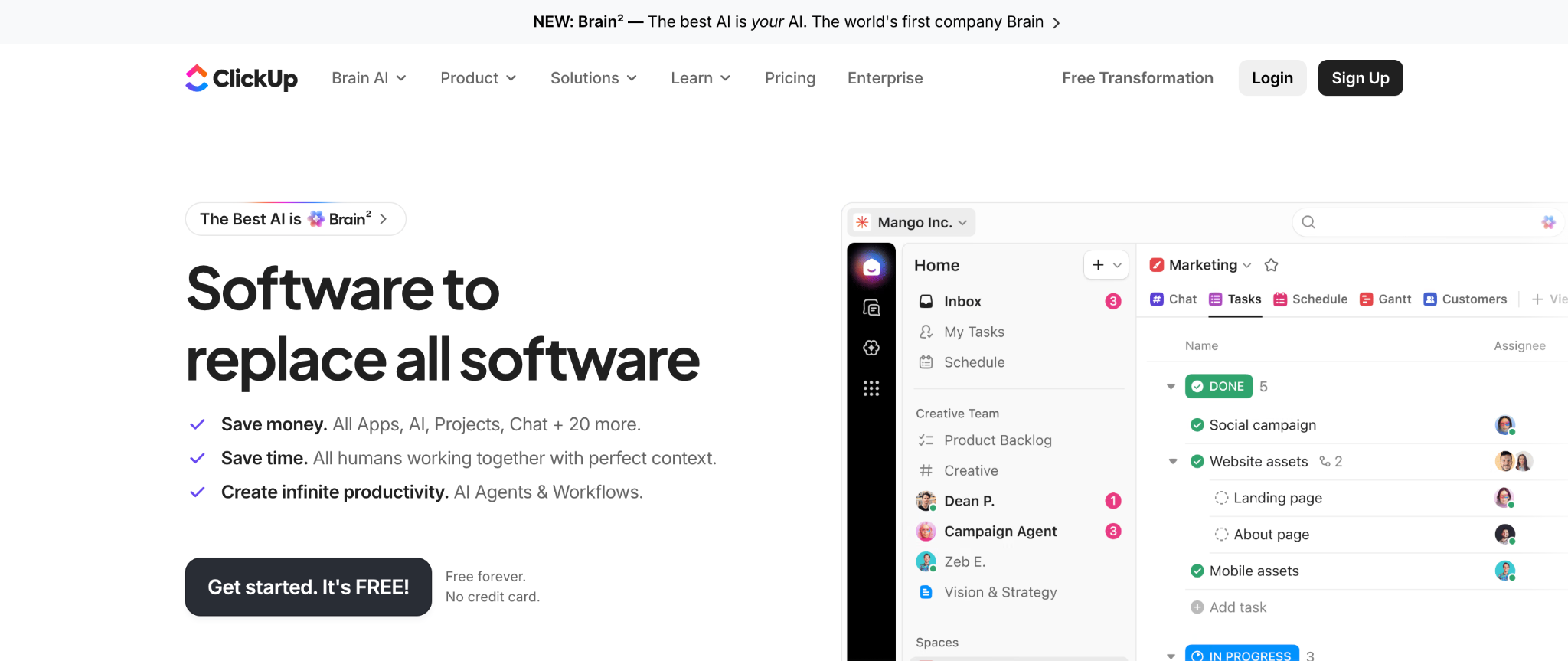
What it does: ClickUp is a work management tool with 15+ views, docs, time tracking, automations, and AI features in a single workspace.
Best for: Teams whose operations are mostly project and task execution across many people.
ClickUp packs the most work-management depth per dollar here, with unlimited tasks on the free plan, native time tracking on paid tiers, and more view types than anything else on this list.
All that depth comes at a cost: Onboarding is slower, and the AI add-on is priced separately.
Key features
- 15+ views: List, board, Gantt, calendar, and more on the same data.
- Native time tracking: Built into the paid tiers, with no separate purchase.
- Automations and AI: No-code rules, with ClickUp Brain as a paid add-on.
Pros
- Most work-management depth for the price.
- Usable free plan with unlimited tasks.
- Time tracking included on paid tiers.
Cons
- Depth creates a real onboarding curve.
- AI features cost extra per user.
- Stronger at projects than at process data and approvals.
What users say
“I like that I can link the completion of one activity to the start of the next activity; it makes it really easy to keep all my planning up to date and aligned with my actual actions.” Paul J, G2

“Some downsides of using ClickUp are that its AI software sometimes makes mistakes in my emails, so I have to go back and correct them, which reduces my productivity.” TJ A, G2
Pricing
ClickUp is free forever with unlimited members. Paid plans start at about $10 per user per month for Unlimited, and Business costs about $19 per user per month. See the ClickUp pricing page.
Bottom line
I'd recommend ClickUp to a team whose operations are mostly project execution and who'll invest in setup. For process data, approvals, and structured records, Airtable or Zite is a better fit.
4. Airtable: Best for operations built on structured data
What it does: Airtable is a relational database with a spreadsheet-like interface, plus interfaces, automations, and AI to build views of your operational data.
Best for: Operations teams whose work is fundamentally about tracking structured, related records.
Airtable has the strongest data layer of the seven. Linked records across tables handle the relationships that board-based tools struggle with, and interfaces give each team a tailored view.
Where it strains is external access, since permissions work at the workspace level rather than per record.
Key features
- Relational database: Linked records, rich field types, and multiple views.
- Interfaces: Purpose-built dashboards and views on top of your tables.
- Automations and AI: Rules plus AI fields for categorizing and summarizing.
Pros
- Best relational data model on this list.
- Flexible views for different teams on the same records.
- Large integration and template library.
Cons
- Per-user pricing climbs as the team grows.
- Per-record external access is hard to control.
- Record limits per base surprise larger teams.
What users say
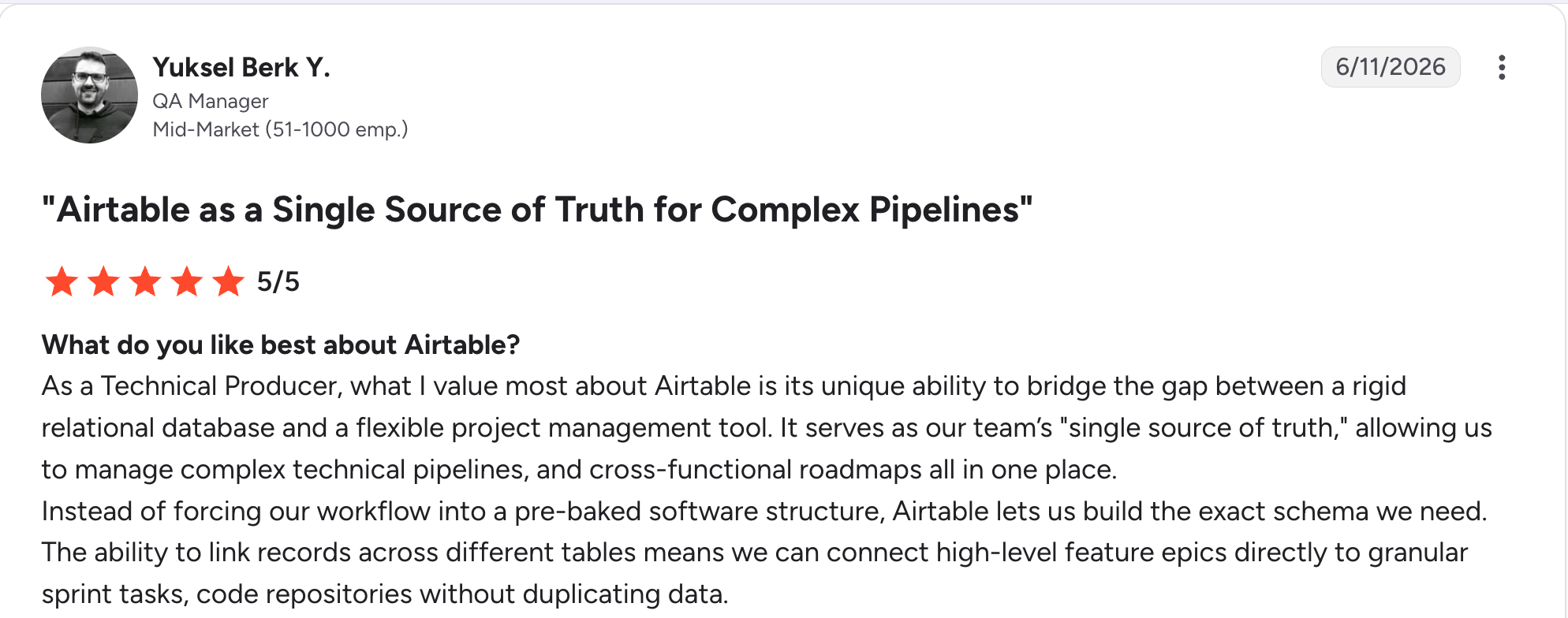
"As a Technical Producer, what I value most about Airtable is its unique ability to bridge the gap between a rigid relational database and a flexible project management tool." Yuksel Berk Y, G2

"In Airtable, I don't have enough for 50,000 rows, and the bigger the database, the slower it works." Vadim C, G2
Pricing
Airtable is free to start. Paid plans start at $24 per user per month for Team and $54 per user per month for Business. See the Airtable pricing page.
Bottom line
Airtable is the right call when your operations run on structured, related data your team works in directly. If outside collaborators need their own logins to a filtered view, pair it with a portal tool or build with Zite.
5. Zoho One: Best breadth of business apps for the price
What it does: Zoho One bundles business apps covering CRM, finance, HR, projects, and operations under a single subscription.
Best for: Small and mid-sized businesses that want to cover many functions cheaply under one vendor.
Zoho One gives you the most functional coverage per dollar of any tool we tested. If you need CRM, invoicing, HR, and project tracking, a single subscription covers it all.
The catch is polish and setup: The apps vary in quality, and wiring them into one process takes real configuration time.
Key features
- 50+ integrated apps: CRM, books, people, projects, desk, and more.
- One subscription: A single vendor relationship instead of many.
- Zoho Creator included: A no-code builder for custom apps inside the suite.
Pros
- Unmatched functional breadth for the price.
- One vendor and one bill across many functions.
- Includes a no-code builder for gaps.
Cons
- App quality varies across the suite.
- Configuration effort to make the apps work as one process.
- All-Employee pricing requires licensing every employee on payroll.
What users say
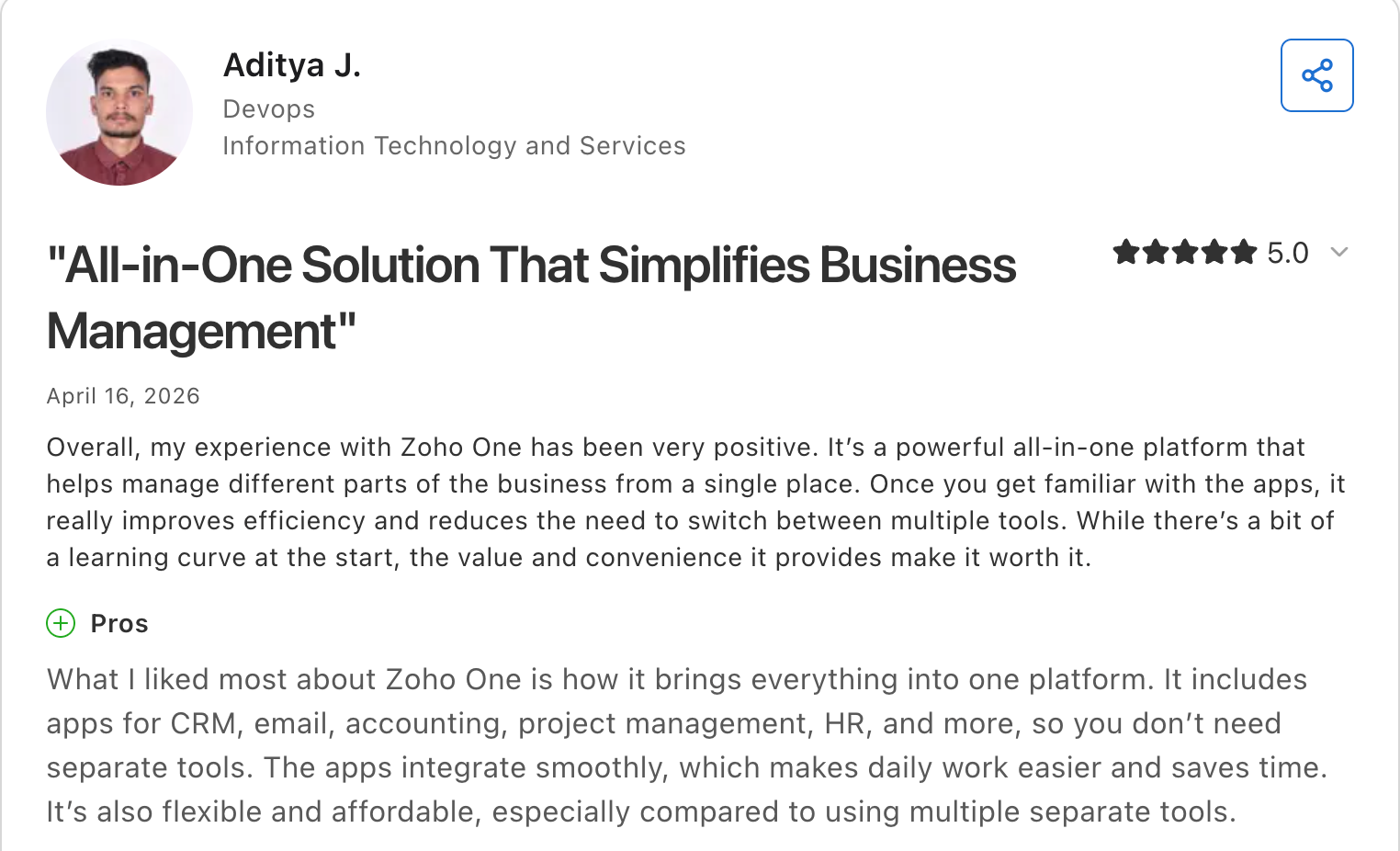
“What I liked most about Zoho One is how it brings everything into one platform.” Aditya J, Capterra

“With so many applications available, it takes time to figure out which ones you actually need and how to configure them properly.” Alberto P, Capterra
Pricing
Zoho One has no free plan. Paid plans start at $45 per user per month under All-Employee pricing, which requires a license for every employee, and Flexible User pricing costs $105 per user per month for only the people you choose. See the Zoho One pricing page.
Bottom line
Zoho One makes sense when you need many functions covered cheaply and can invest time in configuration. For a focused, polished experience in one area, a specialist tool will feel better.
6. Notion: Best for documentation-led operations
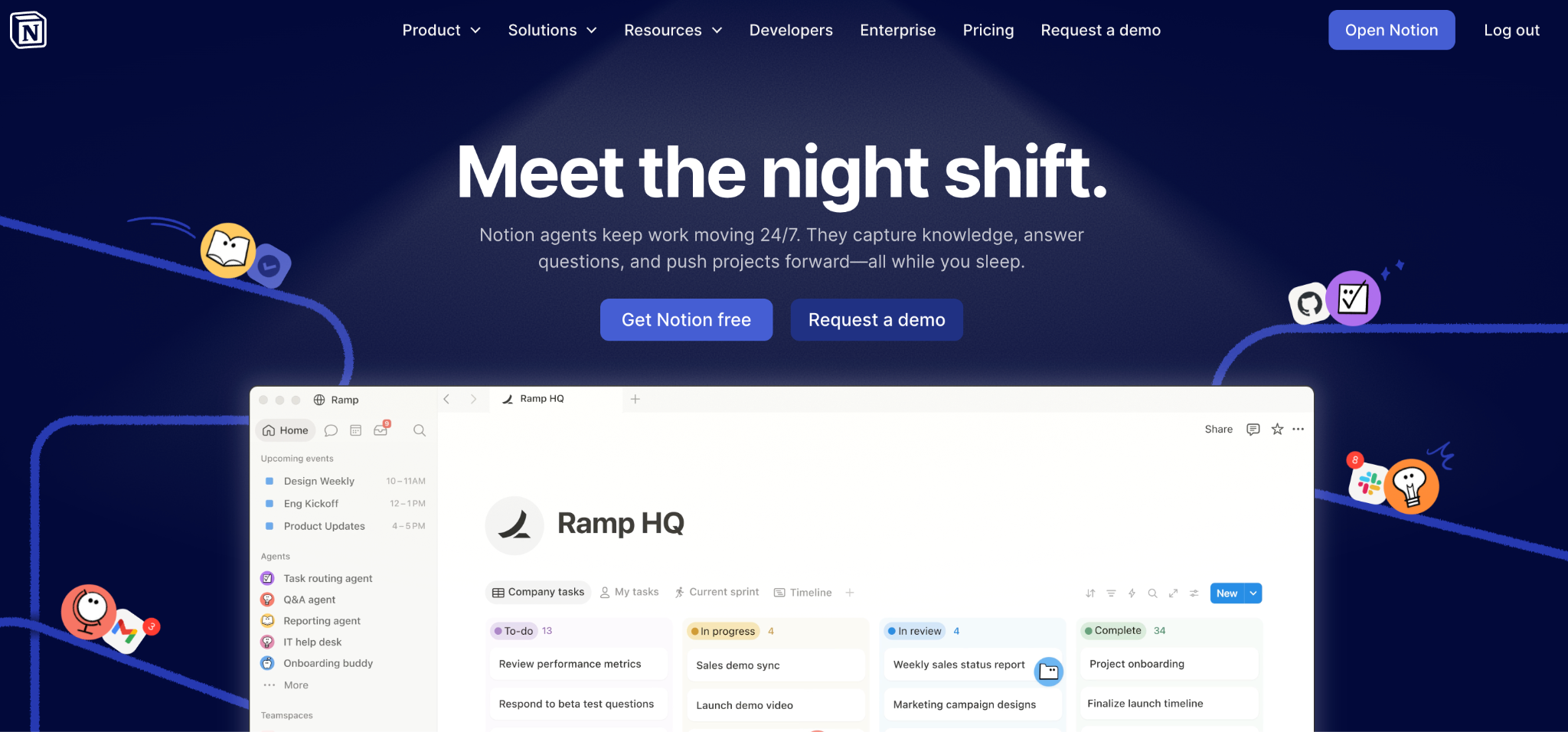
What it does: Notion is a workspace combining documents, wikis, and databases, with AI features for drafting and summarizing.
Best for: Teams whose operations depend on documented processes, SOPs, and knowledge as much as task tracking.
Notion is the best place to write down how your company works, with databases attached to those docs. For SOP-heavy operations, that pairing is useful, and adoption is easy.
Notion is weakest in automation and permissions: routing logic is thin, and granting outsiders access to individual records is hard.
Key features
- Docs plus databases: Process documentation living next to the records it describes.
- Flexible workspace: Pages, wikis, and linked databases in one place.
- Notion AI: Drafting, summarizing, and workspace search, bundled into the Business tier.
Pros
- Best documentation and knowledge experience here.
- Easy adoption and a gentle learning curve.
- Affordable per-user pricing at the entry tier.
Cons
- Thin automation compared to dedicated ops tools.
- Per-record and external permissions are limited.
- Databases slow down at larger record counts.
What users say
“The AI feature is actually much more useful than I expected—it helps me summarize long notes, rewrite content, and even suggest ideas when I’m stuck.” Tarun K, G2

“What I like the least is that, although it is very flexible, that same flexibility can make it somewhat chaotic at first if you don't have a clear structure from the start.” Júlia B, G2
Pricing
Notion is free for personal use. Paid plans start at $12 per user per month for Plus, and Business costs $24 per user per month with Notion AI included. See the Notion pricing page.
Bottom line
Notion is the pick when a documented process is the heart of your operations. For routing, approvals, and per-team access control, it will leave you wanting.
7. Odoo: Best modular option for product and inventory operations
What it does: Odoo is a modular business management suite covering inventory, manufacturing, sales, accounting, and more, with an open-source core.
Best for: Product, retail, and manufacturing businesses whose operations involve physical inventory and fulfillment.
Odoo is the closest thing here to traditional business management software, and it's the right answer when operations mean stock, orders, and fulfillment. The modules connect properly, and the open-source core appeals to teams wanting control.
The costs are implementation effort and per-user pricing that add up, since it's more of a configuration project than a sign-up.
Key features
- Modular apps: Inventory, manufacturing, sales, accounting, and HR modules that connect.
- Open-source core: Community edition with self-hosting available.
- Deep inventory features: Stock, warehousing, and fulfillment built for physical goods.
Pros
- Strongest inventory and fulfillment features here.
- Modular, so you add only what you need.
- Open-source core with a self-hosting option.
Cons
- Implementation is a project, often needing a partner.
- Per-user pricing is on the higher side of this list.
- Overbuilt for service businesses with no inventory.
What users say
“I hooked up our main sales inbox so that every new prospect email automatically generates a fresh opportunity card right on the Kanban board.” Daryl W, G2

“The biggest issue is the learning curve. There are many apps and settings, and it takes time to understand how they connect.” Kamlesh M, G2
Pricing
Odoo has a free one-app plan with unlimited users. On monthly billing, the Standard plan is $31.10 per user, and the Custom plan is $61.10 per user; both drop to lower promotional rates for the first year on annual billing. Odoo also prices by country, so confirm your local rate. See the Odoo pricing page.
Bottom line
Odoo is the choice for product and inventory-driven operations that need real fulfillment features. Service businesses will find it heavier than the job requires.
Which business operations platform should you choose?
The right pick comes down to what kind of work your operations involve. A few questions narrow it fast:
- Is your work mostly projects and tasks, structured records, documented processes, or physical inventory?
- How standard are your processes, and how often do you work around your current tools?
- Do outside collaborators or clients need their own access to part of the system?
- Will your bill grow per seat, per app, or stay steady as the team grows?
- How much setup time can you commit before it needs to be running?
Choose monday.com if you:
- Want one visual system live this week.
- Need approachable automation your team will adopt.
Choose Zite if you:
- Keep working around tools that don't fit your process.
- Need a custom operations system with its own database and per-team access.
- Want unlimited users rather than per-seat costs.
Choose ClickUp if you run project-heavy operations with many people and want the most extensive task and view options.
Choose Airtable if you track structured, related records as the core of your work and need them linked across tables.
Choose Zoho One if you need many business functions, CRM, finance, and HR covered cheaply under one vendor.
Choose Odoo if you run inventory, manufacturing, or fulfillment operations that need real stock and order features.
Choose Notion if you rely more on documented processes and SOPs than on routing and approvals.
Skip a dedicated system if you are a small team whose processes fit in a shared spreadsheet.
How to get started in 5 steps
Rolling one of these out fails more often due to process than to software. Here's the order that works:
- Map one process end-to-end. Pick your most painful workflow and write down every step, owner, and handoff before you look at tools.
- Decide what has to be automated. Identify the handoffs that stall, since those are what the tool needs to fix.
- Pilot with one team. Run the single process in one tool with one team, not the whole company at once.
- Build the dashboard leadership asked for. If leaders can self-serve status, the rollout defends itself. Our operations dashboard template is a useful starting point for tracking.
- Expand one process at a time. Add the next workflow only once the first is running without hand-holding.
Pro tip: resist configuring everything before anyone uses it. A narrow rollout that works beats a full build nobody adopts.
Best practices worth knowing early
The teams that get this right tend to do the same few things:
- Automate the handoffs, not the thinking: Route work and send reminders automatically, and leave judgment calls to people. Our roundup of no-code workflow automation tools covers what's worth automating first.
- Keep one source of truth: The moment the same data lives in two systems, reconciliation eats the time you saved.
- Design for the person doing the work: If a step takes longer in the new system than in the old spreadsheet, it won't be used.
- Review quarterly: Processes drift. Check whether the automations still match how workflows work today.
Common mistakes to avoid:
- Buying before mapping: Choosing software before you understand your process locks in the wrong structure.
- Rolling out everywhere at once: Company-wide launches create resistance faster than value.
For a wider view of automation options, see our comparison of business process automation software.
Final verdict
For most operations teams in 2026, monday.com is the strongest all-in-one choice, approachable enough for teams to adopt and capable enough to run real processes. Airtable wins on structured data, ClickUp on project depth, and Odoo on inventory.
If you've already tried a suite and keep building workarounds, that's the signal to stop shopping and start building. Zite generates the operations system, its database, and the routing logic from a description, with unlimited users on every plan.
Frequently asked questions
What is a business operations platform?
A business operations platform is a single system that runs a company's core processes, stores the data behind them, and automates routing, approvals, and reporting that move work forward, replacing scattered spreadsheets and disconnected tools.
What is the difference between a business operations platform and project management software?
The difference between a business operations platform and project management software is scope. Project management software tracks tasks and timelines, while a business operations platform covers how work arrives, who it routes to, what gets approved, and what leadership sees.
What is the best business operations tool?
The best business operations tool depends on your work. monday.com suits teams wanting an all-in-one system, Airtable suits structured-data operations, and Odoo covers inventory. For teams whose process doesn't fit off-the-shelf software, Zite builds a custom operations system instead.
How much does business operations software cost?
Business operations software costs about $10 to $45 per user per month for mainstream tools, with free tiers to start. Per-seat pricing on monday.com, ClickUp, and Airtable grows with your headcount, while unlimited-user tools like Zite stay flat as the team grows.
Should we buy an all-in-one system or build our own?
Buy an all-in-one system when your processes look like most companies', since setup takes days instead of weeks. Build your own when you keep working around a tool's assumptions, or when your process is a competitive advantage.

