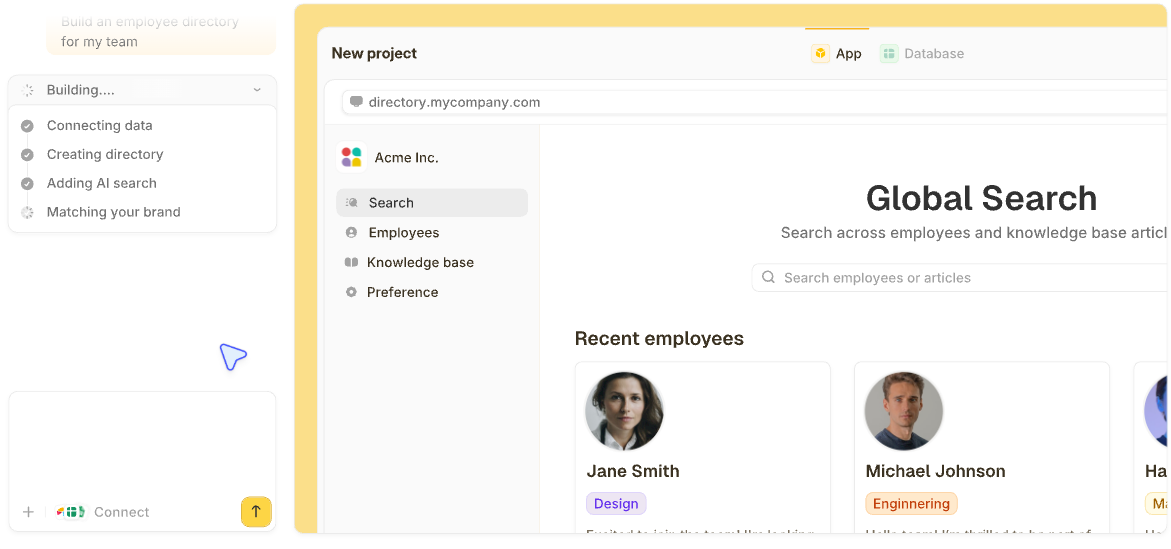

Zite, Softr, and Knack are the strongest Caspio alternatives if you want a database and app without Caspio's entry price or its older builder interface.
If your team needs enterprise low-code with heavy compliance requirements, Quickbase, OutSystems, and Appian are the comparison set that fits instead, so this list splits them into two groups you can jump between.
I ran 20 database and app-building tools through the same rebuild before narrowing down to the 13 below, recreating a relational data structure Caspio handles natively, checking per-user cost at a growing headcount, and testing what a small team needs versus what an enterprise compliance team asks for.
These are the 13 that made the list. No single one is the best choice for everyone, so we split them by audience, with pricing and clear limitations throughout.
13 best Caspio alternatives: TL;DR
Here are all 13, ranked by audience fit:
- 1.
 ZiteUnlimited usersBest for generating the database, app, and workflows from a description, with no per-user pricing
- 2.
 Best for assembling a portal from ready-made blocks
- 3.
 Best long-established no-code database that works much like Caspio
- 4.
 Best value if you're already in the Zoho ecosystem
- 5.
 Best for teams that want Caspio's relational structure at a lower price
- 6.
 Best for maximum structural flexibility
- 7.
 Best for a small team building on desktop and mobile together
- 8.
 Best open-source, self-hostable option
- 9.
 Best mid-market step up from small-team no-code tools
- 10.
 Best enterprise low-code with deep custom development
- 11.
 Best for enterprise process automation alongside apps
- 12.
 Best if your organization already runs on Microsoft 365
- 13.
 Best enterprise low-code for teams that also want to write custom code
Why look for Caspio alternatives?
Caspio does something useful well, combining relational databases, high user counts, and compliance features like HIPAA into a low-code tool, which is why most comparisons measure against those specific strengths. People usually leave for one of four specific reasons.
Pricing starts at the enterprise level: Entry plans start at $300 a month, with HIPAA compliance priced as a separate $500-a-month add-on on a one-year term. That's a steep jump for a small team that just wants a database with a form on top.
The free plan is gone: Caspio's free plan is no longer available, so new teams start on a trial and move to a paid plan they may not have budgeted for.
The builder interface reads as dated to some long-time users: One Capterra reviewer notes that some of Caspio's older wizard screens feel limiting, even though the underlying functionality still works.
Enterprise features go unused by smaller teams: A team that never needed HIPAA compliance or thousands of concurrent users is paying for capacity it doesn't touch.
Which Caspio alternative should you choose?
Choose Zite if you'd rather describe the app you need and have Zite build the database, the screens, and the workflows behind them, with unlimited users on every plan. Connect the Airtable or Google Sheets data you already have, or import your Caspio export.
Choose Softr if you want to assemble a portal or internal app from ready-made blocks, using its own database or an existing Airtable base.
Choose Knack if you want a builder that's been around for years and works much like Caspio, with tables, relationships, and role-based views.
Choose Zoho Creator if you're already running Zoho CRM, Zoho Books, or other Zoho apps and want an app builder in the same ecosystem.
Choose Tadabase if relational data structure is the feature you'd miss most from Caspio, at a fraction of the price.
Choose Airtable if your team wants to work directly in a flexible spreadsheet-style base, with plenty of views and integrations, and is fine building the app side itself.
Choose Ninox if your team needs one database running on desktop, mobile, and web.
Choose Baserow if self-hosting and full control over where your data lives matters more than a wider feature set.
Choose Quickbase if you've outgrown small-team no-code tools but don't need full enterprise low-code depth yet.
Choose OutSystems if your organization needs deep custom development on top of the low-code layer.
Choose Appian if process automation across a workflow matters as much as the app screens sitting on top of it.
Choose Microsoft Power Apps if your organization already runs on Microsoft 365 and wants compliance inherited from that existing setup.
Choose Mendix if you want enterprise low-code speed without giving up the option to write custom code where the visual layer falls short.
Stick with Caspio if you're already relying on its HIPAA compliance or deployment control and haven't run into a problem with cost or the interface yet. Switching still costs migration time you'd rather not spend twice.
13 best Caspio alternatives: at a glance
Here's the full lineup at a glance:
| Tool | Strengths | Starting price (monthly) |
|---|---|---|
| 1. Zite | AI-generated database, app, and workflows from one prompt | $25/month |
| 2. Softr | Portals and internal apps from ready-made blocks | $25/month |
| 3. Knack | Long-established database, much like Caspio | $59/month |
| 4. Zoho Creator | Free tier plus Zoho ecosystem integration | $12/user/month |
| 5. Tadabase | Relational structure and client portals at low cost | $50/month |
| 6. Airtable | Maximum structural flexibility | $24/user/month |
| 7. Ninox | Native desktop and mobile apps | $36/user/month |
| 8. Baserow | Open-source, self-hostable | $12/user/month |
| 9. Quickbase | Governance across many apps | $35/user/month (billed annually) |
| 10. OutSystems | Deep custom development alongside low-code | Custom |
| 11. Appian | Process automation alongside apps | Custom |
| 12. Microsoft Power Apps | Microsoft 365 integration | $20/user/month (billed annually) |
| 13. Mendix | Visual modeling with native code | $1,090/month |
Pricing reflects each vendor's own published monthly rate as of October 2026, or the annual rate where a vendor publishes no monthly price. Confirm current rates directly with each vendor before committing
1. Zite: Best for generating the database, app, and workflows from a description, with no per-user pricing
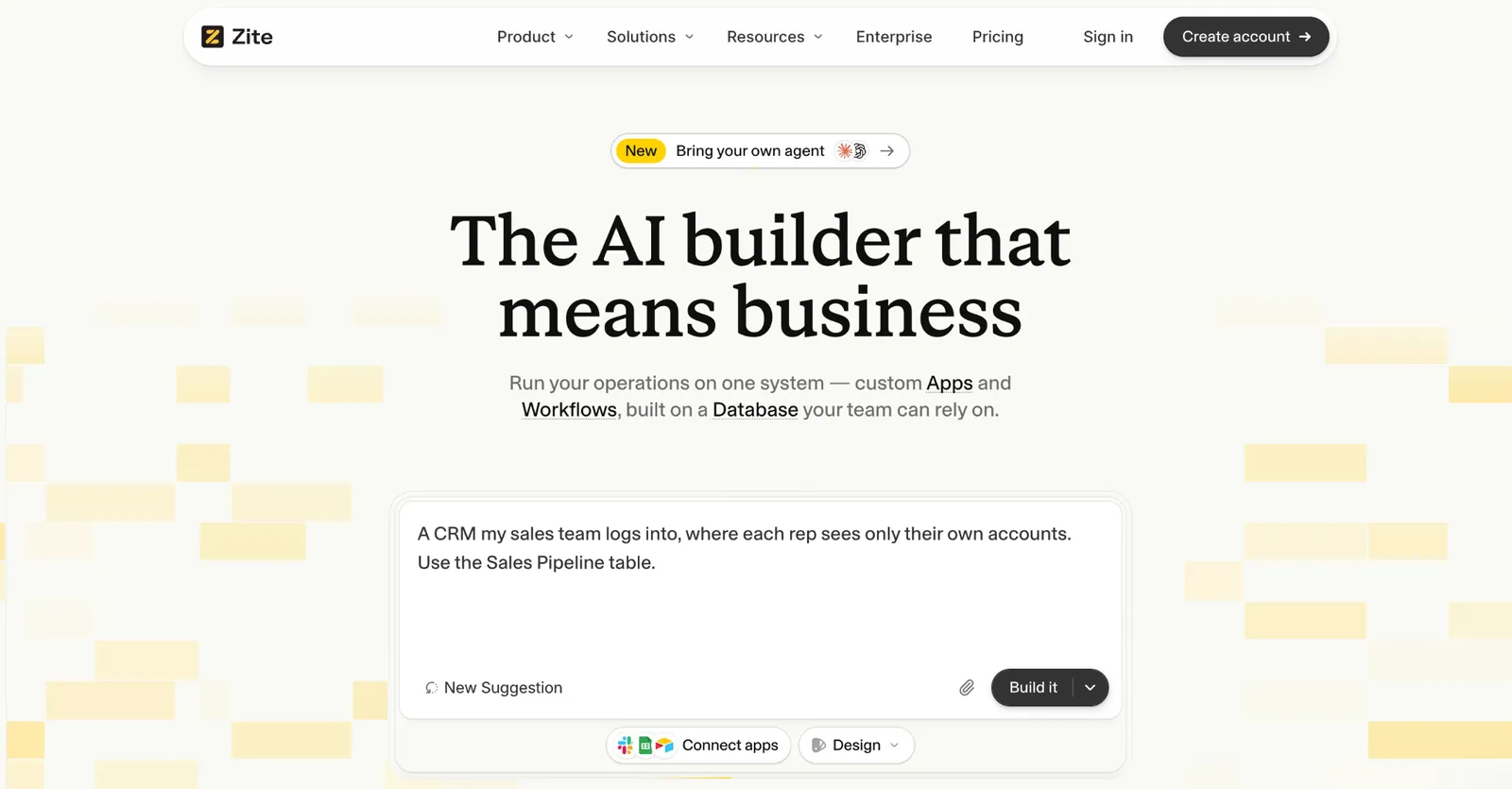
What it does: Zite is an AI no-code app builder that generates a database, workflows, and a working app from one prompt, without Caspio's price or builder overhead.
I rebuilt a Caspio-style client and project tracker in Zite by describing the tables and relationships instead of assembling them one at a time.
Key features
-
AI generation from a prompt: Describe your data structure, and Zite builds the tables and screens to match.
-
Visible database with tables and fields: Records live in a spreadsheet-style view you can read and edit without SQL.
-
Visual workflows: Zite builds approval and notification logic from your prompt, which you can trace and adjust.
-
Works with data you already have: Connect Airtable, Google Sheets, or Notion, with Airtable syncing instantly, or import from CSV into Zite's own database.
- Working app in under an hour, without days of manual setup.
- Unlimited users on every plan, so growth doesn't raise the bill.
- Brand colors and fonts pull from your own website, so the generated app doesn't look generic.
- Newer platform with a template library still growing.
- Web apps only.
- No HIPAA option, so teams handling health data should look at the enterprise group.
Best for
-
Small teams whose Caspio bill has grown well past what their usage needs.
-
Anyone who wants the app and the database generated together rather than assembled separately.
-
Teams whose data already lives in Airtable, Google Sheets, or Notion.
Pricing
Zite is free with unlimited users and 50 AI credits a month. Paid plans start at $25/month for Pro, with 100 credits and a custom domain. Business is $89/month with 400 credits, Team is $300/month with 800 credits, and Enterprise is custom-priced.
2. Softr: Best for assembling a portal from ready-made blocks
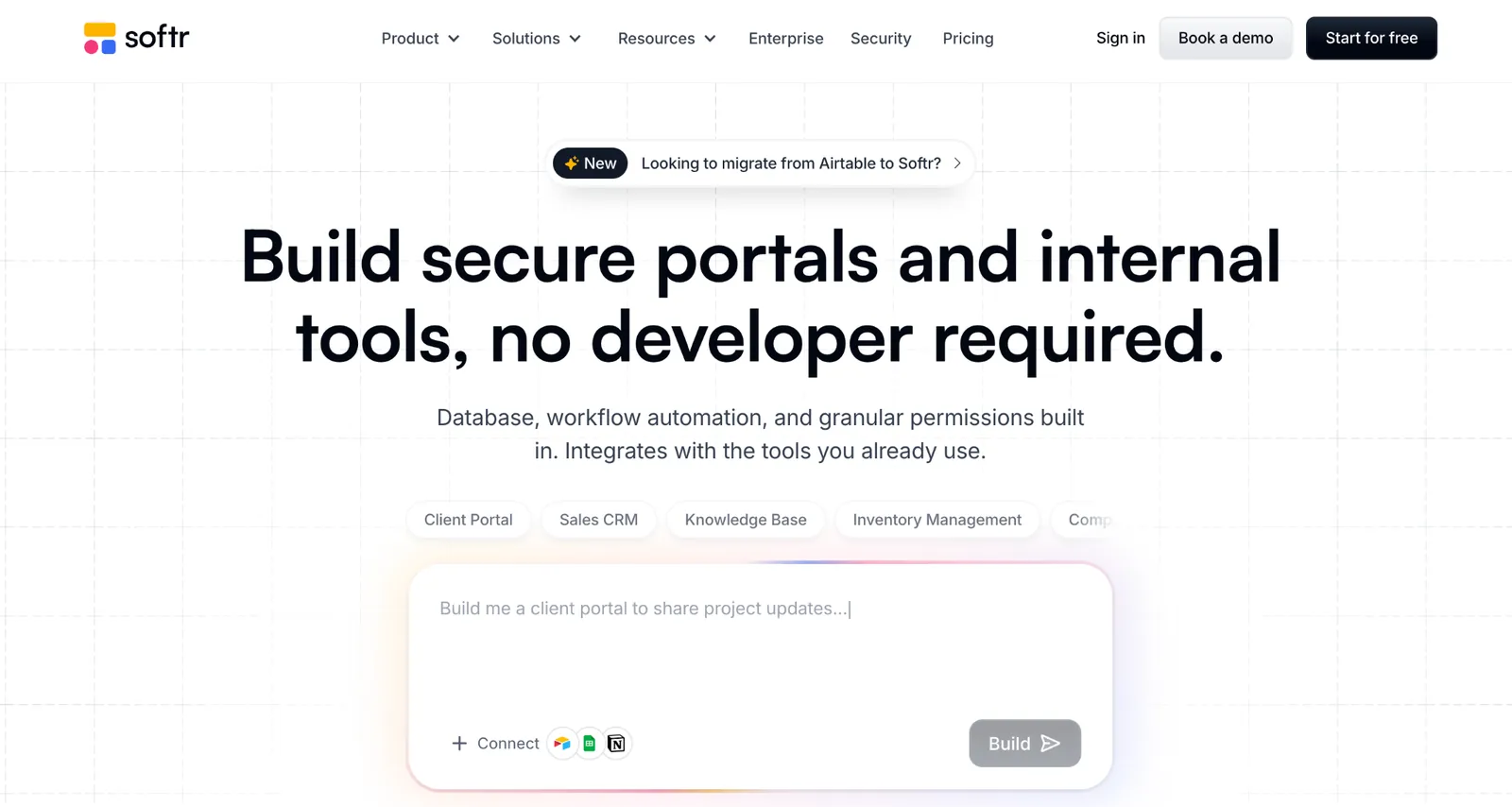
*What it does: Softr turns Airtable, Google Sheets, or its own database into client- and internal-facing apps with authentication built in.
Softr's strength is speed on top of data that already exists elsewhere, which suits a team migrating away from Caspio's all-in-one model toward a front end paired with a separate data source. If this front-end-first approach fits your situation, see this list of Softr alternatives for more.
Key features
-
Pre-built blocks: Lists, tables, forms, and login flows without design work.
-
Role-based access: Each user sees only their own filtered records.
-
Live sync with the source: Changes in the connected base show up in the app without a manual refresh.
- Own built-in database on every plan, including free, so pairing with Airtable is optional.
- Paid membership and gated-content blocks built in, useful for a portal that needs to charge for access.
- Custom domain support on paid plans, so a client-facing portal doesn't carry Softr's own branding in the URL.
- The built-in database is simpler than Airtable's, so complex relational needs may still call for pairing the two.
- Limited app logic: once the app needs rules beyond filtering records, the built-in blocks run out.
- Web apps only, installable to a phone's home screen as a PWA rather than listed in the App Store or Google Play.
Best for
-
Teams with data already in Airtable or Sheets wanting a portal on top.
-
Client-facing apps where the front end matters more than deep backend logic.
-
Small teams comfortable pairing two tools instead of one.
Pricing
Softr's free plan comes with 5 AI credits a month. Paid plans start at $25/month for Basic, with 10 credits. Pro is $119/month with 50 credits, and Business is $395/month with 100 credits.
3. Knack: Best long-established no-code database that works much like Caspio
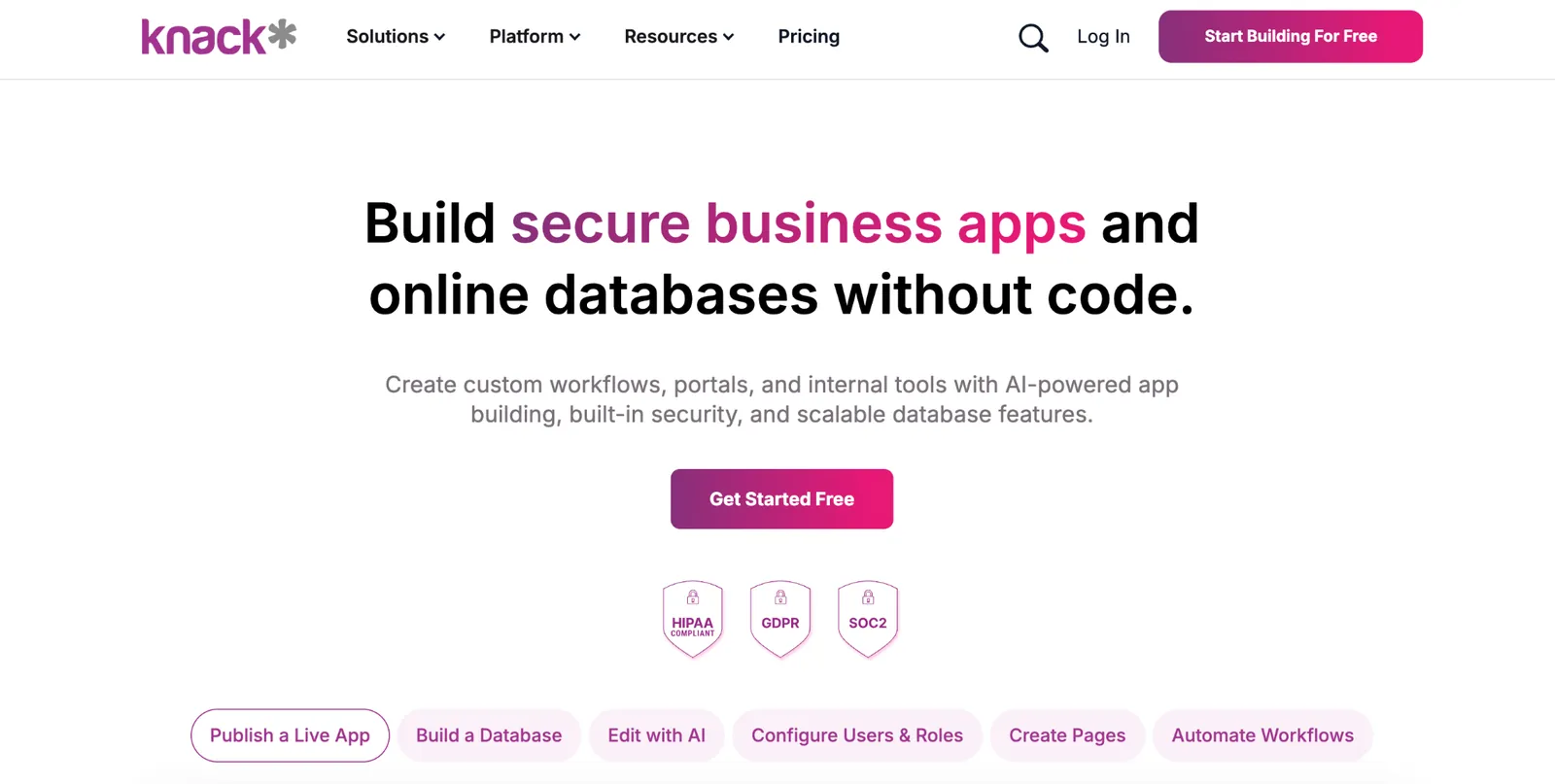
What it does: Knack is a no-code database app builder charging by app and record count instead of per user.
Knack's structural approach sits close to Caspio's own, with tables, relationships, and role-based views, all without a per-seat cost that climbs as a team grows.
Key features
-
Relational database: Linked tables with multi-table relationships, so related records stay connected instead of living in separate lookups.
-
Formula and equation fields: Calculated values built directly into the database.
-
Role-based permissions: Different users see different fields or records.
- High record counts don't slow the app down.
- Built since 2010, with the bugs and edge cases of a long production history already worked out.
- Built-in payment collection through Stripe, so a portal can charge customers without a separate tool.
- Dated interface next to newer AI-assisted builders.
- HIPAA costs extra, sold as separate Knack Health plans rather than included in Starter or Pro.
- Record limits on lower tiers push larger datasets to a higher plan.
Best for
-
Teams that want built-in reporting and charts without a separate BI tool.
-
Small teams building a relational database without code.
-
Anyone prioritizing structure over the newest interface.
Pricing
Knack prices by app and record count rather than by seat. Paid plans start at $59/month for Starter, Pro is $130/month, and Corporate starts at $300/month, all with unlimited users.
4. Zoho Creator: Best value if you're already in the Zoho ecosystem
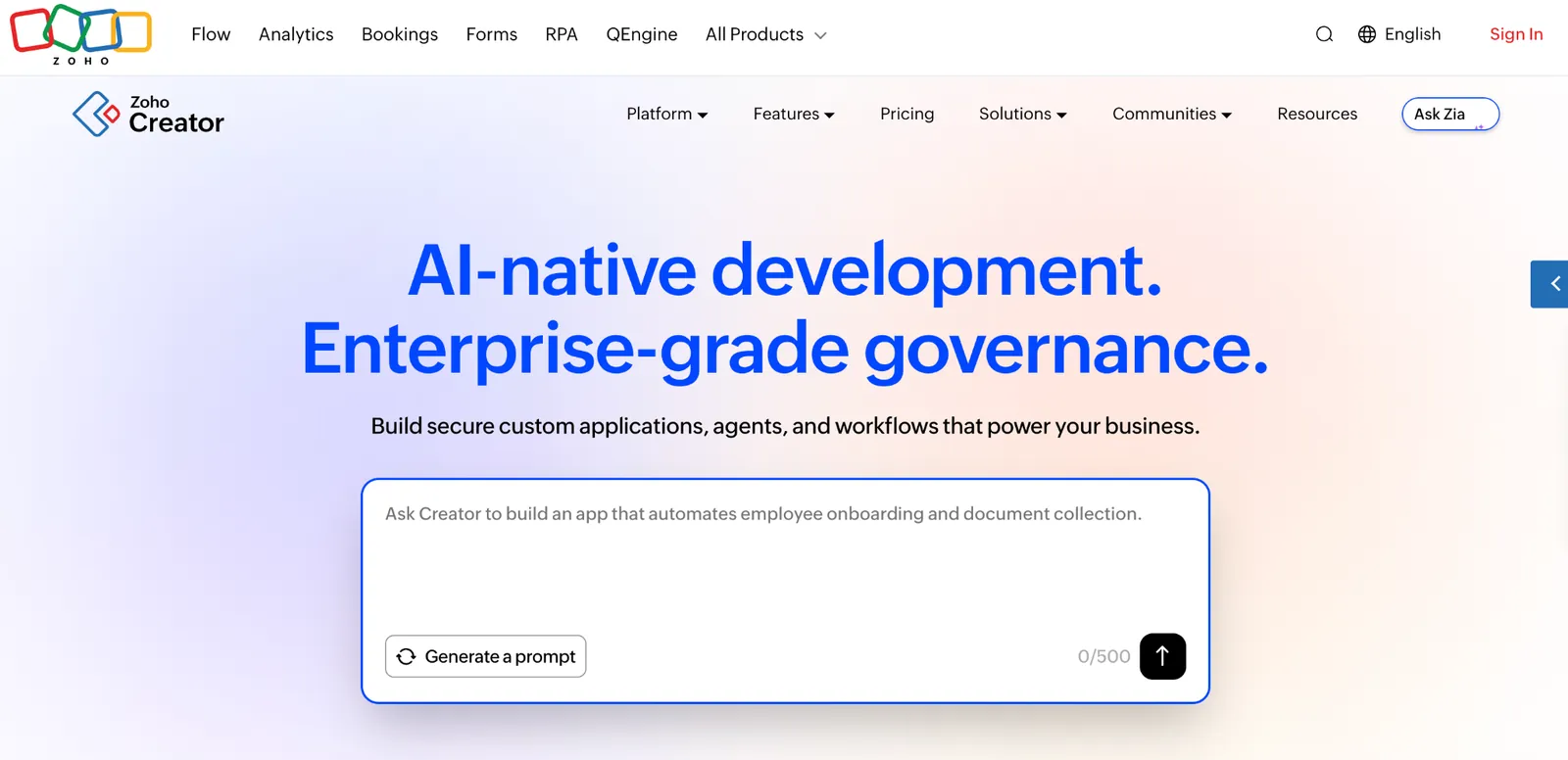
*What it does: Zoho Creator is a low-code app builder with a free tier that never expires, part of the wider Zoho suite of business tools.
For a team already running Zoho CRM, Zoho Books, or other Zoho products, Creator's integration with the rest of the suite is the main draw.
Key features
-
Free tier for one app: A usable starting point rather than a time-limited trial.
-
Deluge scripting: Custom logic beyond drag-and-drop configuration.
-
Marketplace extensions: Pre-built add-ons for common business functions without custom scripting.
- REST APIs and webhooks reach outside the Zoho ecosystem when a workflow needs a non-Zoho tool.
- Mobile app generated automatically alongside the web build.
- Built-in approval workflows handle multi-step sign-off without custom scripting.
- Reporting depth trails dedicated BI tools.
- Dated interface and workflow next to newer AI-native builders.
- Per-user pricing means cost climbs as the team grows.
Best for
-
Teams that want a web app and a mobile app from one build.
-
Anyone who wants to try building an app before paying anything.
-
Small teams comfortable writing a short script when configuration alone won't cover the logic.
Pricing
Zoho Creator's Free Edition covers one app at no cost. Paid plans start at $12/user/month for Standard, Professional is $30/user/month, and Enterprise is $37/user/month.
5. Tadabase: Best for teams that want Caspio's relational structure at a lower price
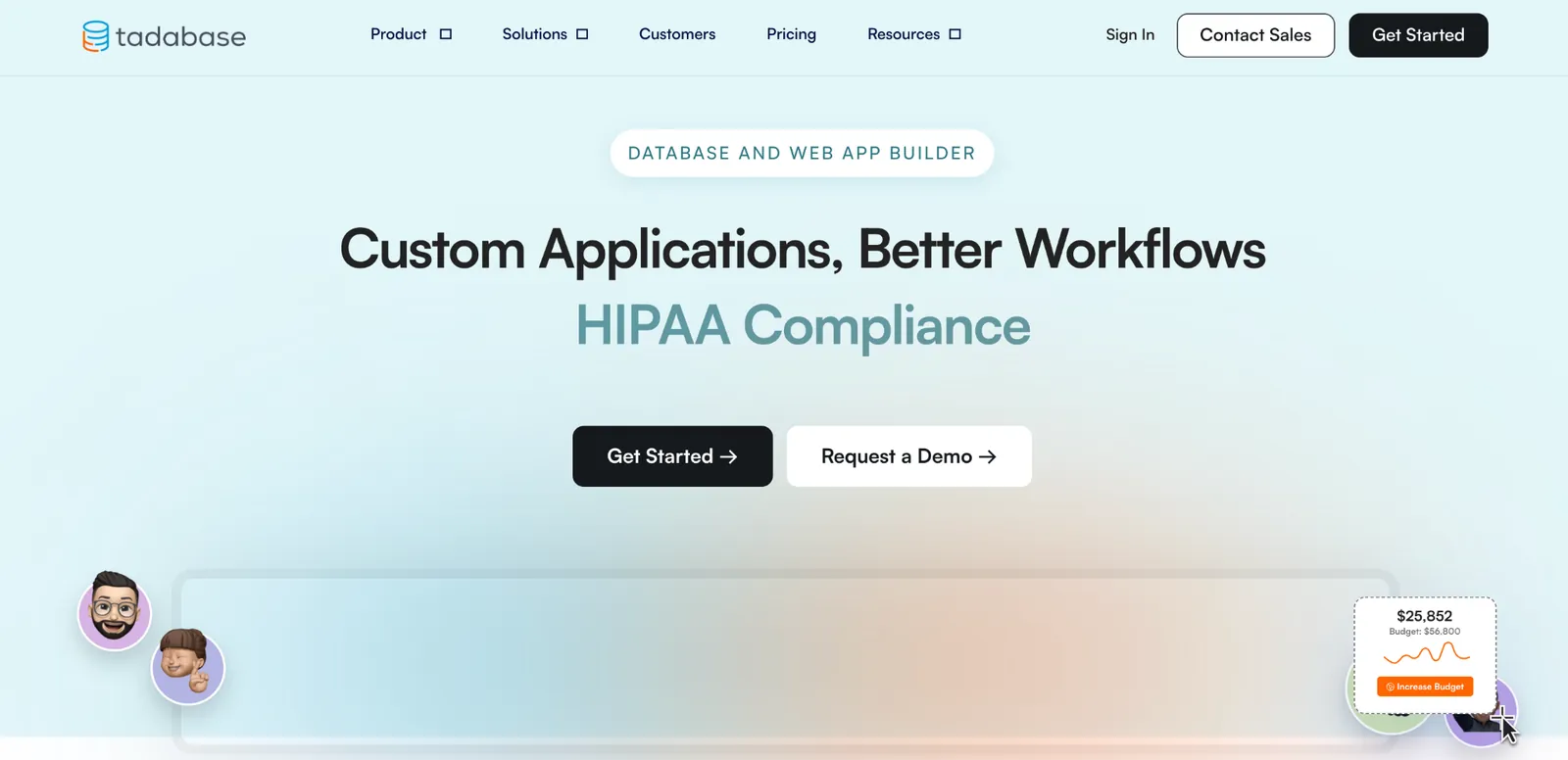
What it does: Tadabase is a no-code database builder built specifically around relational data and client-facing portals.
Tadabase markets itself almost directly against Caspio's own positioning, built around relational structure, portals, and forms, at a lower price point across every tier.
Key features
-
Relational tables: Linked data structure with multi-table relationships built in.
-
Client portals: Built-in support for external, role-restricted access.
-
Custom forms and reports: Built on the same relational data without a separate tool.
- Custom CSS styling lets a portal look nothing like a generic app template.
- Automated email notifications trigger directly off record changes, without a separate automation tool.
- Client, admin, and internal portal types can all run off the same underlying data, each with different branding.
- No free tier; a 14-day trial only.
- Smaller community than more established competitors.
- HIPAA with a signed BAA is only included on Business Pro. Other plans need a talk with sales.
Best for
-
Teams that specifically need client-facing portals tied to relational records.
-
Teams that want Caspio-style relational data at a lower monthly price.
-
Anyone who wants relational structure without Caspio's builder.
Pricing
Tadabase has no free plan, only a 14-day trial. Paid plans start at $50/month for Business Starter, with unlimited users included. Business Growth is $125/month, Business Pro is $250/month, and Business Elite is $450/month.
6. Airtable: Best for maximum structural flexibility
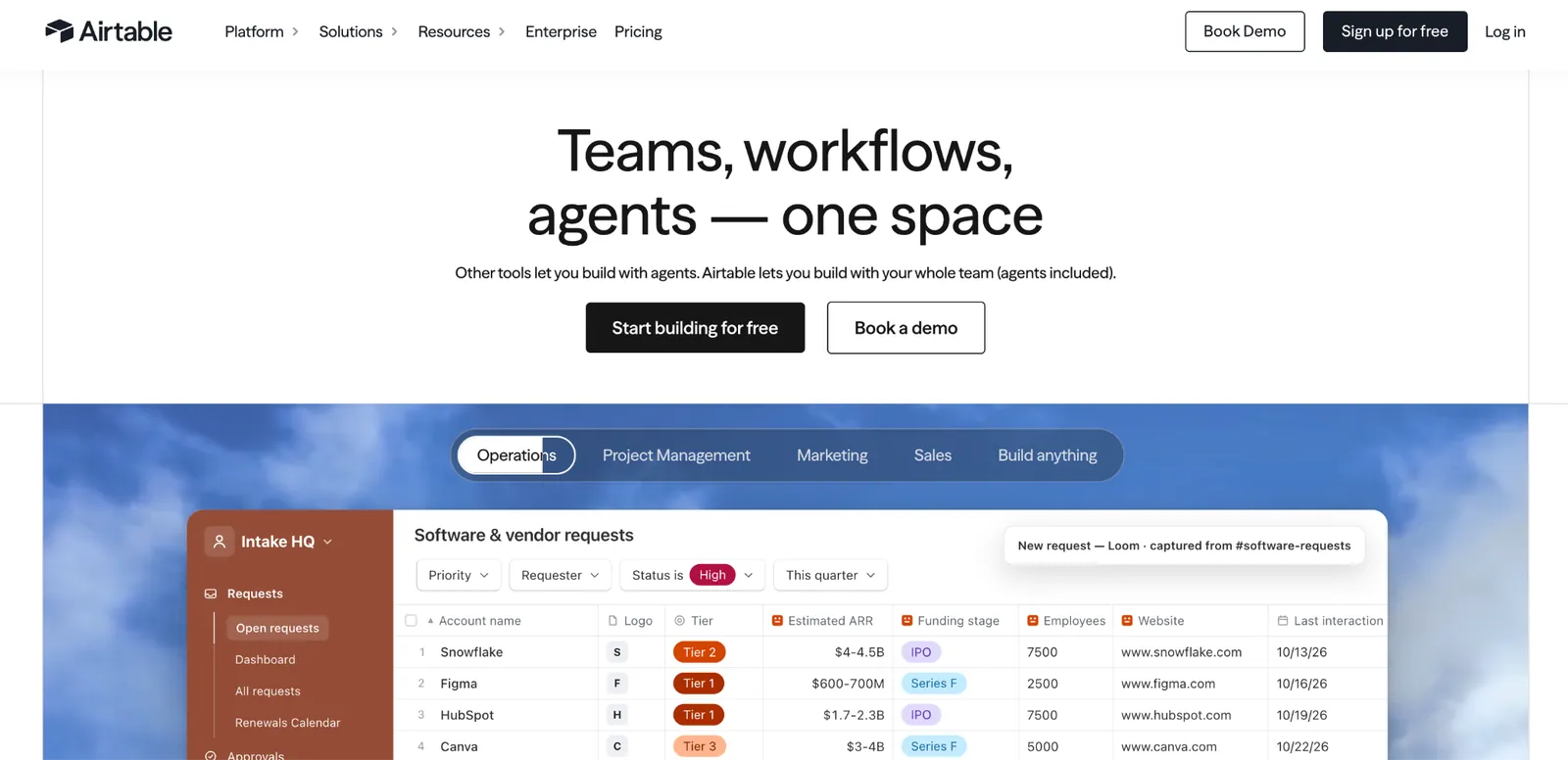
*What it does: Airtable is a relational database with a spreadsheet-like interface, flexible enough to rebuild most of what a Caspio app holds.
Airtable puts no predefined structure in your way, which suits a team that wants full control over the data model rather than working within Caspio's assumptions. If per-seat pricing is the sticking point, this roundup of Airtable alternatives covers options with no per-seat fees for small teams.
Key features
-
Automations: Trigger actions on a record change without a separate workflow tool.
-
Linked records: Connect data across tables directly.
-
Interfaces: Build tailored views for different users on the same base.
- Large integration ecosystem to start from.
- Grid, kanban, calendar, gallery, and timeline views all work off the same underlying records.
- Built-in forms collect outside submissions directly into the base, no separate form tool needed.
- Per-user pricing climbs as the team grows.
- Workspace-level client access, so scoping it per record needs pairing with another tool.
- HIPAA is Enterprise Scale only, so a team with health data pays for the top custom-priced tier.
Best for
-
Teams that want their database syncing automatically with tools they already use.
-
Internal use cases more than client-facing portals.
-
Anyone comfortable building the app logic themselves.
Pricing
Airtable's free plan has no seat charge. Paid plans start at $24/user/month for Team, Business is $54/user/month, and Enterprise Scale is custom-priced.
7. Ninox: Best for a small team building on desktop and mobile together
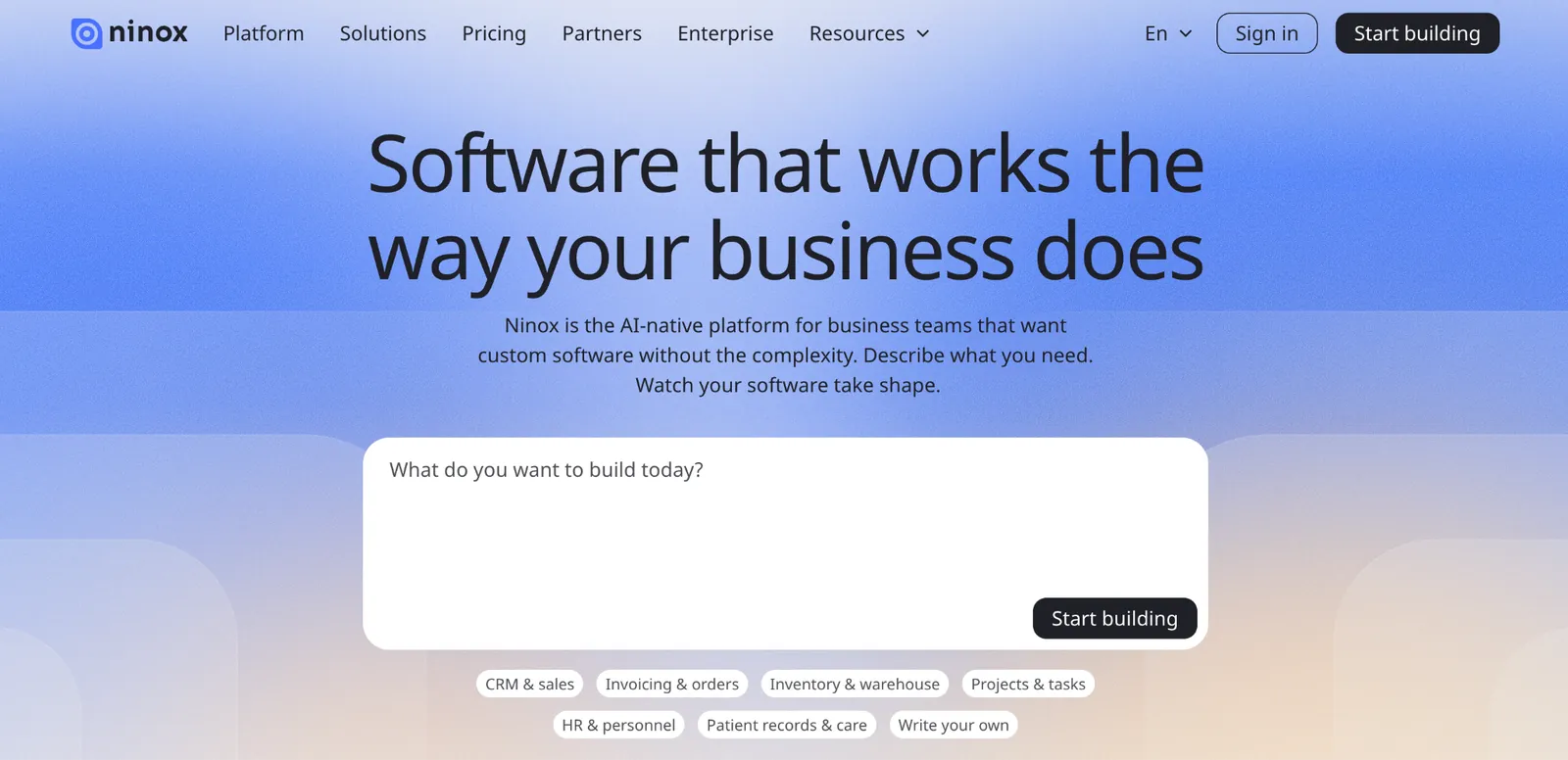
*What it does: Ninox is a no-code database builder with native desktop and mobile apps alongside the web version, built for small teams.
Ninox's native apps are the clearest differentiator here, useful for field teams who need offline-capable access rather than a browser tab.
Key features
-
Offline access: Keep working on desktop or mobile without a live connection, syncing once back online.
-
Relational database: Linked tables for structured, connected data.
-
Custom scripting: Logic beyond basic configuration when needed.
- Template library covers common business functions instead of starting from a blank database.
- On-premises or private-cloud deployment is available, an option most no-code builders this size don't offer.
- One database runs on desktop, mobile, and web with native apps for Mac, iPhone, iPad, and Android.
- Smaller ecosystem than larger competitors.
- Costs more per seat than the other small-team database builders here.
- No HIPAA certification published.
Best for
-
Field teams that need the same database on desktop and mobile, even offline.
-
Very small teams testing the idea before committing to a paid tier.
-
Teams that need on-premises or private-cloud deployment instead of a hosted-only tool.
Pricing
Ninox is free for up to five users. Paid plans start at $36/user/month for Team, Business is $56/user/month, and Enterprise is custom-priced.
8. Baserow: Best open-source, self-hostable option
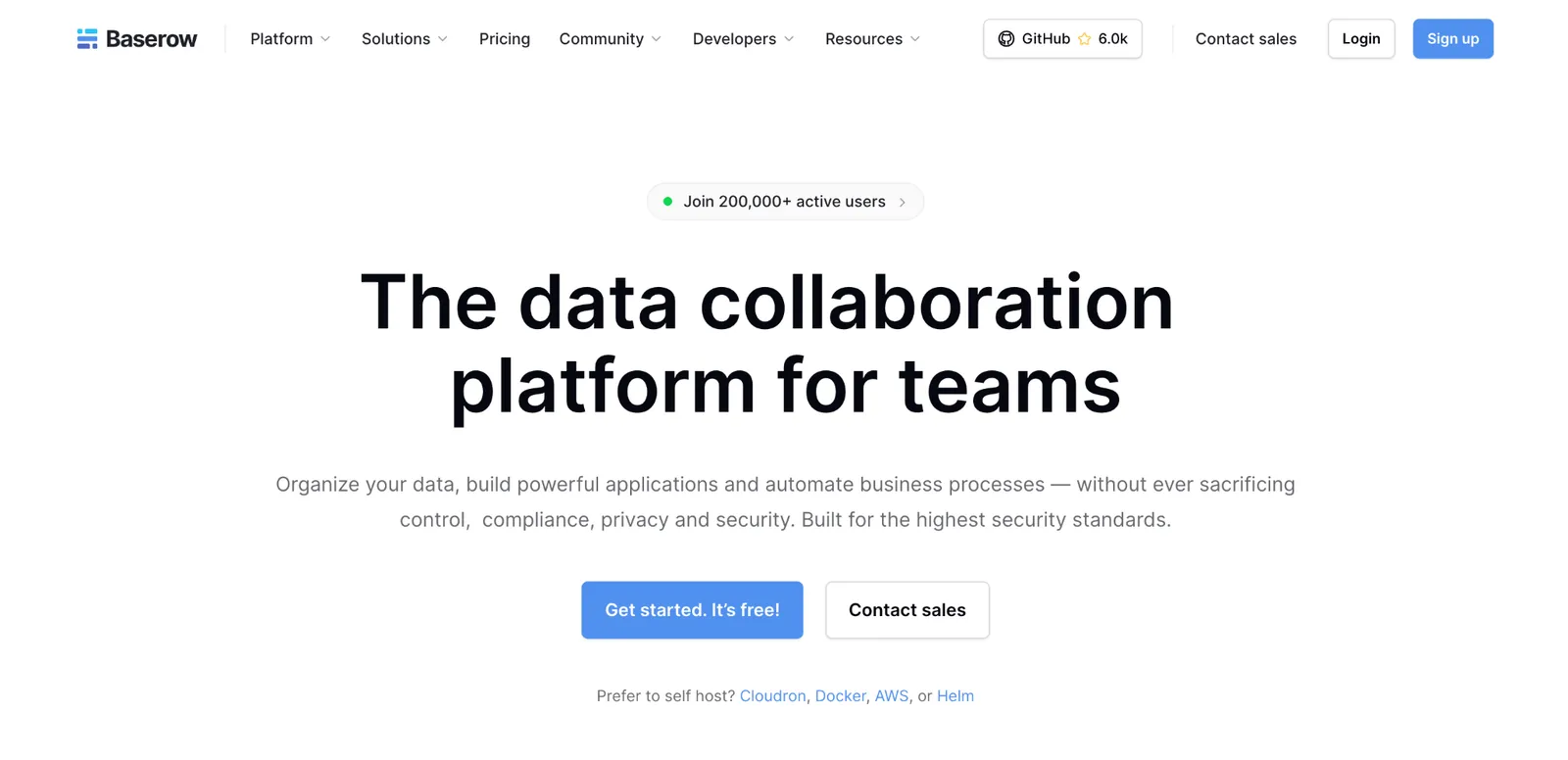
*What it does: Baserow is an open-source database tool available as a hosted plan or self-hosted for free, built for teams wanting full control over where their data lives.
Baserow is the pick specifically for a team leaving Caspio partly over data control or hosting requirements, since self-hosting removes that question entirely.
Key features
-
Open-source and self-hostable: Run it on your own infrastructure at no license cost.
-
Relational database: Linked tables with a spreadsheet-style interface.
-
REST API: Built-in API access for custom integrations.
- Grid, form, and gallery views all come standard on the free tier.
- Formula and lookup fields calculate and pull data across linked tables, similar to Airtable's own formula layer.
- Live collaborative editing shows teammates' changes as they happen, without a page refresh.
- Self-hosting requires technical setup and ongoing maintenance.
- Fewer integrations than the more established builders here.
- Compliance is on you when self-hosting, since Baserow's SOC 2 and HIPAA coverage is listed on its paid cloud plans.
Best for
-
Organizations with in-house technical capacity to run and maintain their own instance.
-
Budget-conscious teams comfortable with a smaller feature set than the paid builders here.
-
Developers who want to extend the tool through its API rather than wait on a vendor roadmap.
Pricing
Baserow is free to self-host, or free with limits on the hosted plan. Paid hosted plans start at $12/user/month for Premium, Advanced is $22/user/month, and Enterprise is custom-priced.
For enterprise teams: low-code platforms with deep compliance
Everything above serves the small-team reader. If your organization needs enterprise-scale compliance, custom development, and the budget that comes with it, this comparison set fits instead.
9. Quickbase: Best mid-market step up from small-team no-code tools
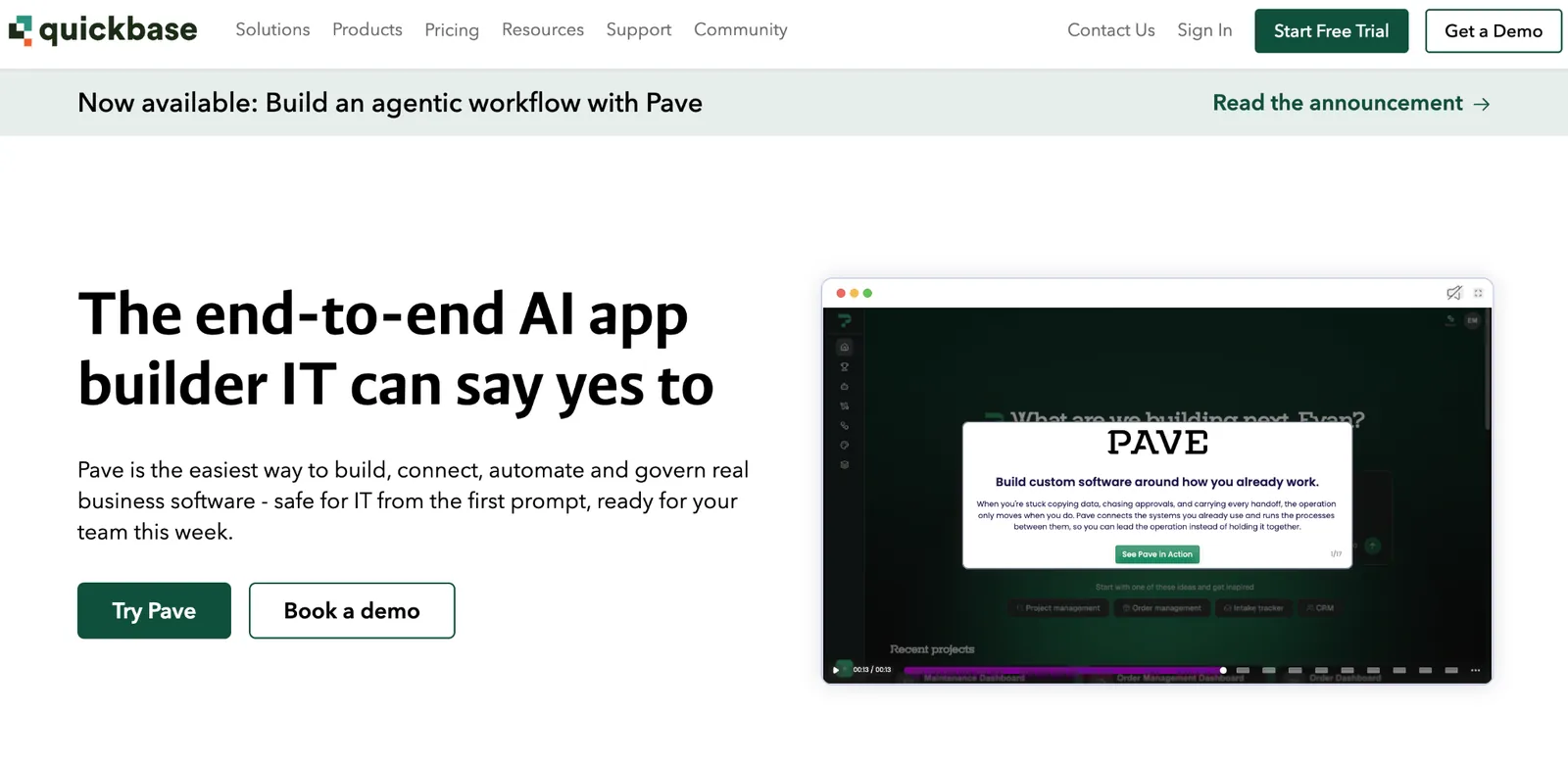
*What it does: Quickbase is a no-code application suite positioned between small-team database builders and full enterprise low-code, with governance features larger teams need.
Key features
-
Governance and permissions: Centralized control over apps built across a larger organization.
-
Workflow automation: Built-in process automation beyond basic record management.
-
Pipeline and integration tools: Connects to a wider set of enterprise systems.
- Built-in dashboards surface trends across many apps at once.
- Sandbox environments on the Business plan and up let a team test app changes before pushing them to everyone.
- Running since 1999, with over two decades of enterprise deployments behind it.
- Enterprise tier stays custom-quoted, above the published per-user plans.
- More overhead than a small team needs.
- Steeper learning curve than the small-team tools above.
Best for
-
Organizations running many small apps built by different teams that now need central oversight
-
Teams that tried a small-team tool first and hit a ceiling with it.
-
Teams that need Quickbase to connect with a wider set of enterprise systems than a small-team tool supports.
Pricing
Quickbase's Team plan starts at $35/user/month, billed annually, and Business starts at $55/user/month, plus a platform minimum fee. Enterprise is custom-priced.
10. OutSystems: Best enterprise low-code with deep custom development
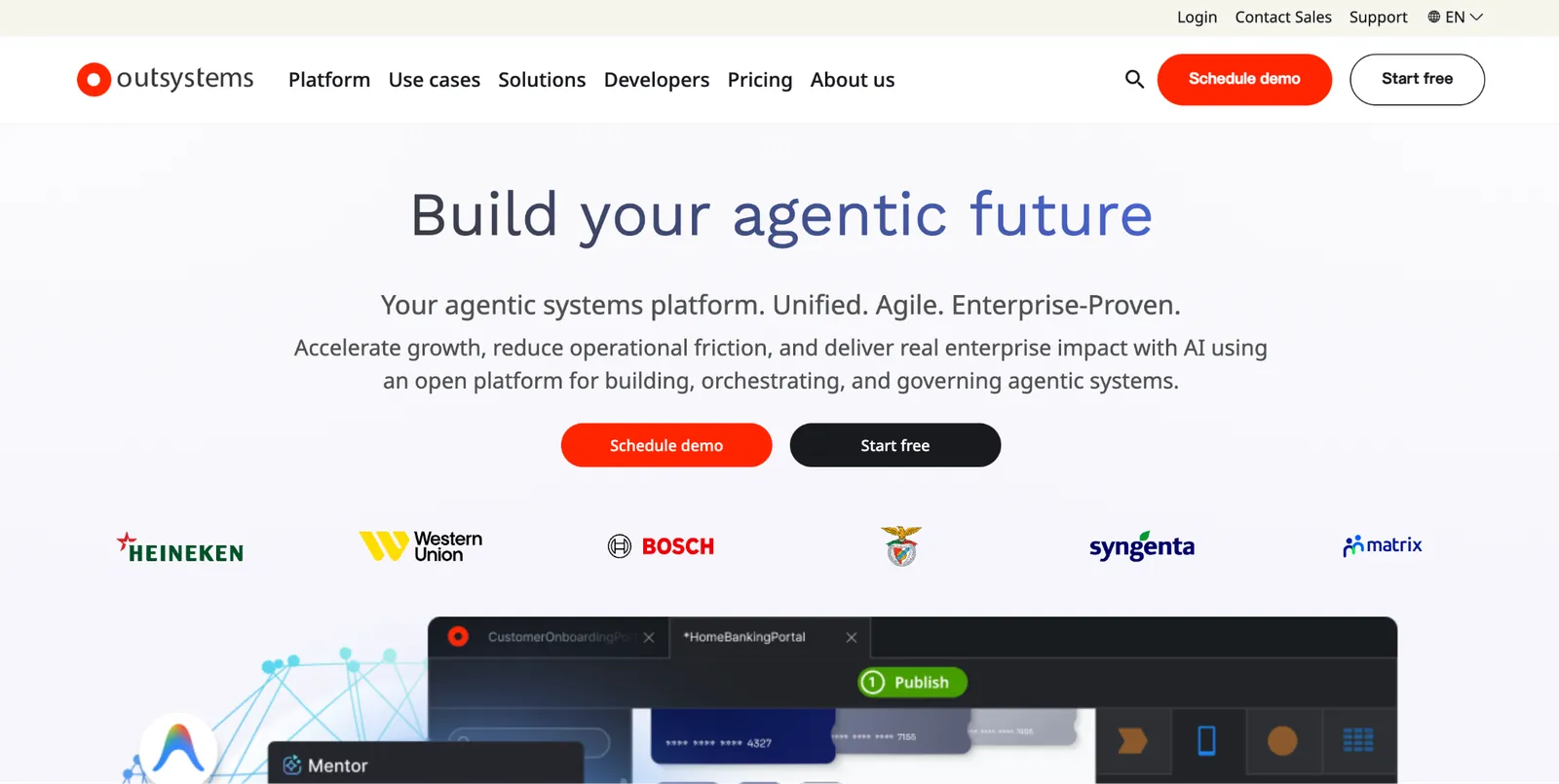
*What it does: OutSystems is an enterprise low-code suite combining visual development with the ability to write custom code where low-code alone isn't enough.
Key features
-
Visual development with code escape hatches: Drop into custom code for logic low-code can't cover.
-
Enterprise architecture support: Built for complex, multi-system integration.
-
AI-assisted development: Generation features layered onto the visual builder.
- Code Quality monitoring flags technical debt before it compounds.
- Forge marketplace offers reusable components instead of building every module from scratch.
- Named a Leader in Gartner's Magic Quadrant for enterprise low-code platforms nine years running.
- Paid tiers stay custom-quoted, priced by app, user, and add-ons.
- Needs dedicated developers to use well.
- Far more tool than a small team needs.
Best for
-
Large organizations with complex, custom development needs.
-
Teams with dedicated developers on staff, beyond purely no-code users.
-
Enterprise architecture requiring deep system integration.
Pricing
OutSystems offers a free Personal Edition for non-production use. The paid platform is custom-quoted by app size, users, and add-ons. See the OutSystems pricing page for a quote.
11. Appian: Best for enterprise process automation alongside apps
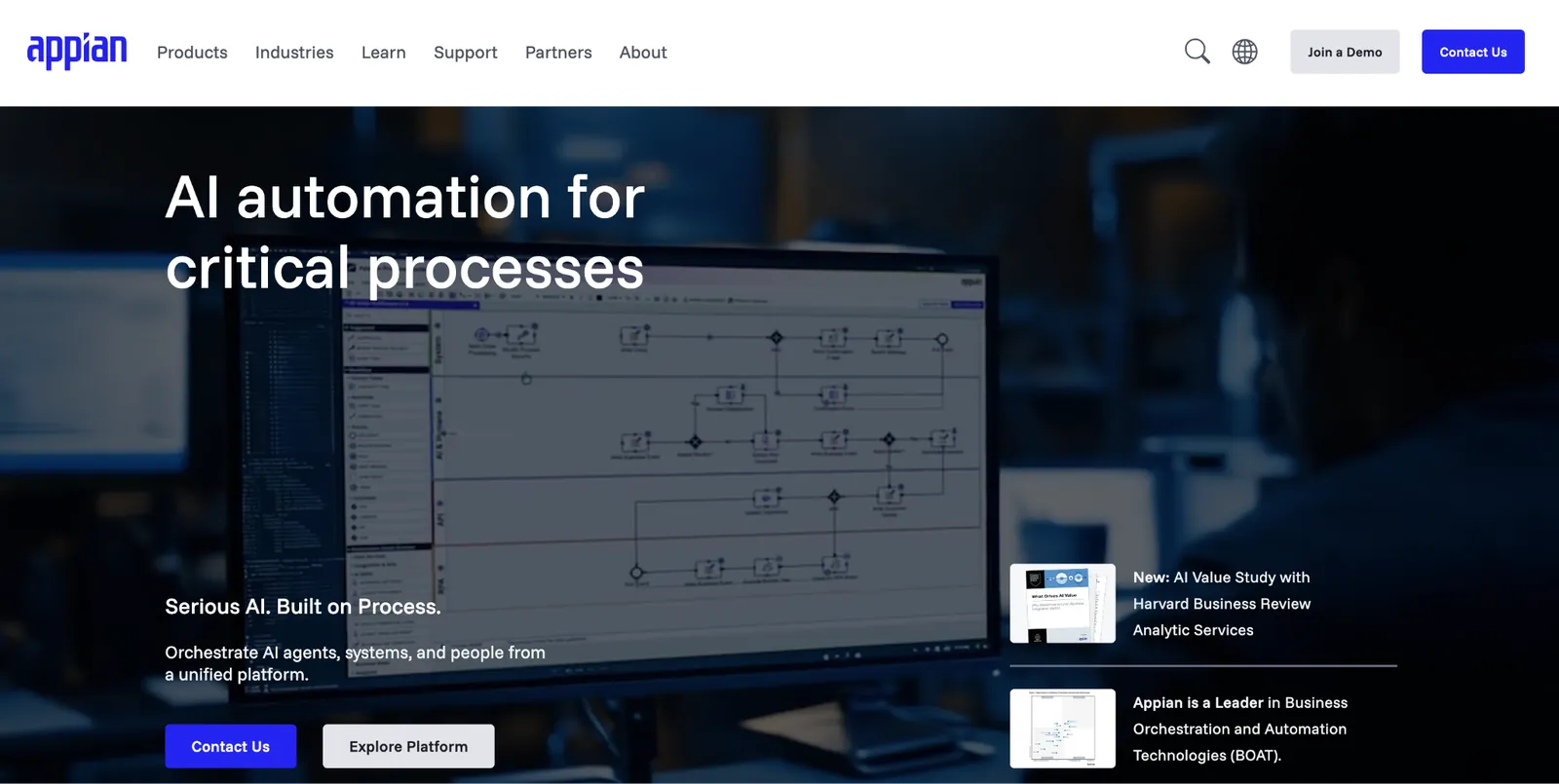
*What it does: Appian combines low-code app development with process automation, built for enterprises whose underlying need is automating a workflow rather than only building an app.
Key features
-
Process automation: Workflow modeling built in as a first-class feature.
-
Low-code app builder: Apps built around the processes they support.
-
AI process mining: Identifies where a process breaks down.
- Records feature keeps data from multiple systems visible in one place.
- Case management tools track a request through a long approval chain.
- Built-in RPA bots can automate legacy-system tasks that don't have a modern API to connect to.
- Custom-quoted only, through an enterprise sales process.
- Overbuilt for teams that just need a database and a form.
- Longer implementation timeline than the no-code tools above.
Best for
-
Enterprises whose data lives scattered across several existing systems.
-
Regulated industries with complex approval and compliance chains.
-
Organizations already running other Appian products.
Pricing
Appian's Community Edition is a free environment for internal business use, with caps on users and usage. Every paid tier is custom-quoted; see the Appian pricing page for a quote.
12. Microsoft Power Apps: Best if your organization already runs on Microsoft 365
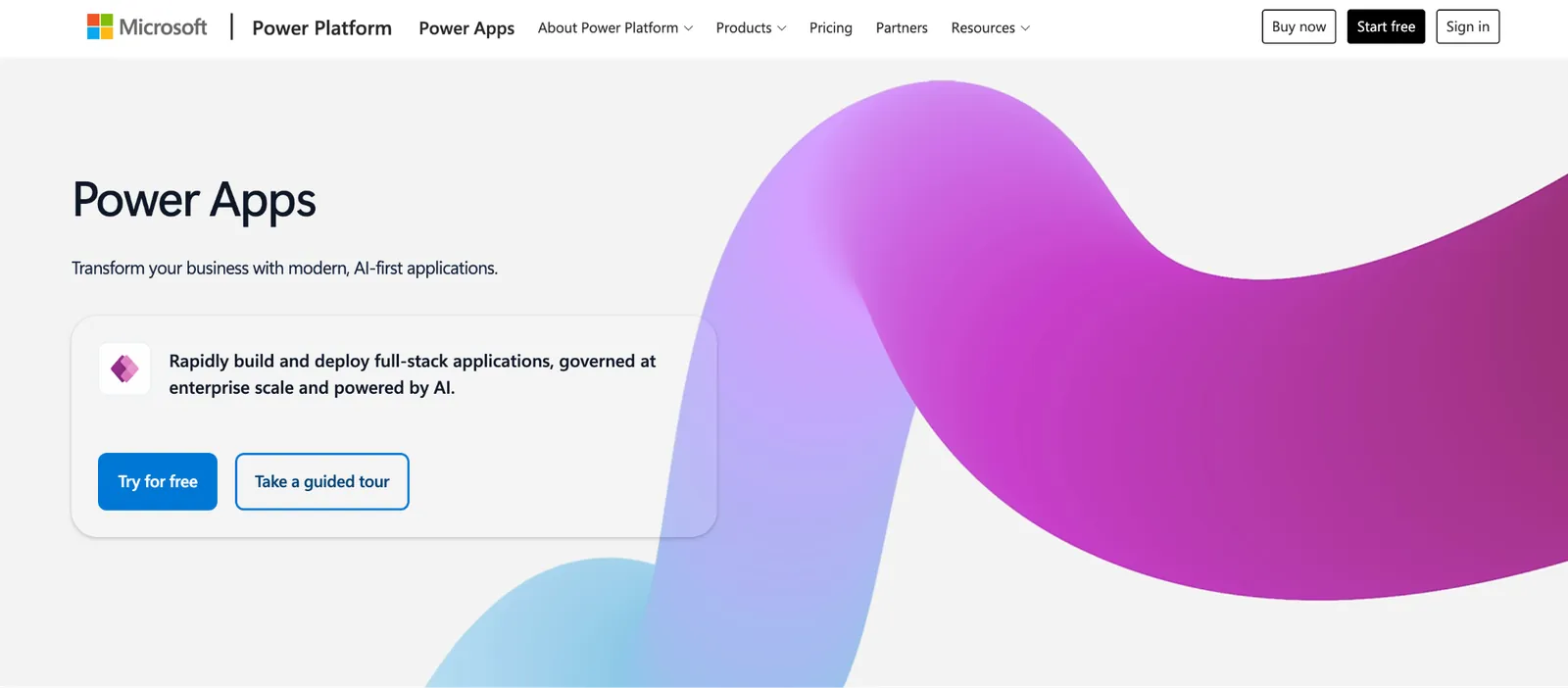
*What it does: Microsoft Power Apps is Microsoft's low-code app builder, tightly integrated with SharePoint, Teams, and the wider Microsoft 365 ecosystem.
Key features
-
Microsoft 365 integration: Native connections to SharePoint, Teams, and Dataverse.
-
Power Automate pairing: Workflow automation alongside the app layer.
-
Enterprise identity and compliance: Inherits Microsoft's existing security and compliance stack.
- Copilot in Power Apps adds AI-assisted app building on top of the low-code layer.
- AI Builder adds prebuilt models for receipts, invoices, and sentiment, plus custom models you train for document processing, object detection, and prediction.
- Canvas and model-driven app modes cover both a pixel-perfect custom UI and a fast data-first build.
- Premium tier needed for most use, since the free plan is non-production only.
- Less compelling outside a Microsoft-centric organization.
- Dataverse licensing adds noticeable complexity to cost planning.
Best for
-
Internal ops apps built by non-developers who already know Microsoft's tools.
-
Teams wanting compliance inherited from an existing Microsoft security setup.
-
Field teams needing offline mobile access when connectivity drops.
Pricing
Microsoft offers a free Developer plan for non-production use. Power Apps Premium starts at $20/user/month billed annually, dropping to $12/user/month at a 2,000-seat minimum. Extra Dataverse database capacity runs $40/GB/month, also billed annually.
13. Mendix: Best enterprise low-code for teams that also want to write custom code
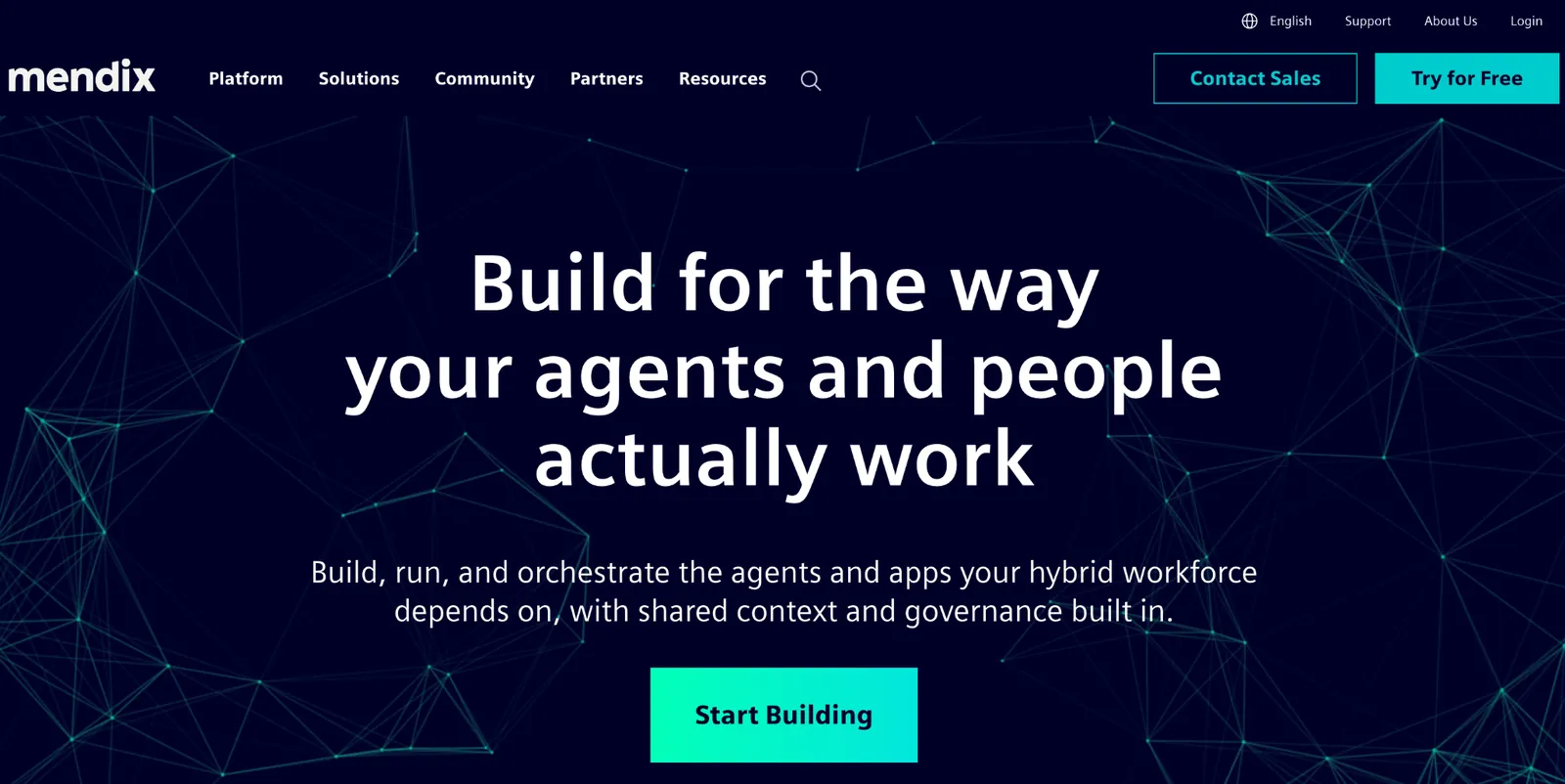
*What it does: Mendix is an enterprise low-code suite built to let visual development and hand-written code coexist in the same application.
Key features
-
Visual modeling with native code integration: Developers can extend generated logic directly.
-
Component reuse: Shared modules and templates cut down on rebuilding the same logic across apps.
-
AI-assisted app generation: Generates a starting structure from a description.
- App lifecycle tooling tracks versions and deployments across a large portfolio of apps.
- Deployment flexibility across cloud providers.
- Builds native mobile apps from the same model as the web app, without a separate mobile project.
- Premium tier stays custom-quoted, above the published Standard plan.
- Needs developer involvement to use its deeper capabilities well.
- Overbuilt for a small team's needs.
Best for
-
Organizations where business analysts and professional developers need to collaborate on the same app.
-
Regulated industries like life sciences that need GxP and 21 CFR Part 11 audit trails.
-
Teams that want low-code speed without giving up custom code entirely.
Pricing
Mendix has a free plan for demos, prototypes, and small apps. Standard starts at $1,090/month, and Premium is custom-priced.
How to evaluate Caspio alternatives
Picking the right tool comes down to your team size and what you need it to do. Here are five things to check before you commit:
-
Decide which audience you are first. A small team and an enterprise compliance department need different tools entirely, and comparing them on the same criteria wastes time.
-
Check whether you need certified compliance right now. HIPAA and similar certifications are expensive to build and maintain. Only pay for them if a current requirement exists.
-
Model per-user cost at your target headcount. Per-seat pricing that looks fine at five people can look very different at fifty, so project the cost forward to where the team is heading.
-
Confirm the relational structure transfers. Not every "database" tool handles linked, multi-table relationships the way Caspio does. Test against your own data model instead of a demo, and see this wider look at the best AI database software for businesses if you want to compare beyond this list.
-
Weigh the true migration cost. Moving live data and users out of Caspio takes time regardless of which tool you pick. Factor that into whether now is the right moment to switch.
Migrating out of Caspio
Moving data out starts with exporting each table, since Caspio supports standard exports like CSV that most alternatives can import directly. Relationships between tables need to be recreated in the new tool, since a plain export doesn't carry that structure with it automatically.
User accounts and permissions don't transfer directly between platforms. Plan to recreate roles and access rules in the new tool as a separate step, and test with a small group before moving everyone over at once.
Run the new system alongside Caspio for a short overlap period if possible, rather than a hard cutover, so you can catch what didn't transfer cleanly before Caspio access ends.
Stop paying for enterprise compliance you don't need
Most teams looking at Caspio alternatives fall into one of two groups. Either a small team that never needed HIPAA-grade compliance in the first place, or a regulated organization that does. Pick from the wrong group and you'll either overpay for compliance you don't need, or land on a tool that can't pass your next audit.
If you're in the first group, Zite is the strongest pick, since it builds a relational database and app from one prompt, and you can see how both work, without the enterprise pricing built for a different customer entirely.
For developer-oriented teams weighing a different low-code path, this guide to Retool alternatives is worth a look.
Frequently asked questions
What is the best free alternative to Caspio?
Zite and Zoho Creator both offer free tiers that never expire, rather than a time-limited trial, and Zite's free plan includes unlimited users. Ninox and Baserow also have free options for very small teams or self-hosted setups.
Is there a HIPAA-compliant alternative to Caspio?
Yes. Microsoft Power Apps is covered under Microsoft's standard HIPAA agreement. Appian supports HIPAA once you sign its compliance agreement, and OutSystems needs its Sentry add-on. Confirm specific compliance certifications directly with each vendor before committing.
What's the cheapest Caspio alternative?
For one user, Zoho Creator and Baserow start lowest, at $12/user/month. For a growing team, Zite and Softr are the cheapest options with no per-seat fees, both starting at $25 a month, and Zite includes unlimited users at that price. Tadabase follows at $50 a month, and Knack starts at $59 a month.
Can I migrate my Caspio data to another tool?
Yes, you can migrate Caspio data to another tool, since most of it exports as CSV, which the alternatives here can import directly. Relationships between tables and user permissions need to be manually recreated in the new tool, since a plain export doesn't carry that structure automatically.
Is Zite a good replacement for Caspio?
Yes. Zite is a good replacement for Caspio, since it builds the database, app, and workflows from a description, connects to the Airtable or Google Sheets data you already have, and includes unlimited users on every plan from $25/month. It's SOC 2 Type II compliant, and larger teams can add SSO and audit logs on the Enterprise plan.