


Client portal software for agencies gives every client a branded, secure place to find their files, approvals, updates, and invoices, instead of digging through email threads.
The payoff is margin. A good portal absorbs the low-grade "can-you-resend-that" and "what's-the-status" messages that quietly eat hours from every account manager's week.
I spent about a month testing 9 client portal tools the way an agency would. I set up a branded portal on a custom domain, ran a creative approval cycle, gave two clients logins to confirm each saw only their own records, and watched the bill as I added team members and clients.
This guide ranks them by which kind of agency each one fits, with monthly pricing and honest limitations. One distinction shapes the whole list, so it's worth naming up front. Some are ready-made portals you configure, and one is a builder you shape around your own workflow.
9 best client portal software for agencies: TL;DR
Here's the shortlist, with what each one does best:
- Zite: Best for a custom-branded portal shaped to your agency's workflow.
- SuiteDash: Best all-in-one value with unlimited clients.
- HoneyBook: Best portal with billing for solo service businesses.
- Softr: Best portal on top of Airtable data.
- Moxo: Best for structured, compliance-heavy client workflows.
- Clinked: Best white-label document portal for larger accounts.
- SuperOkay: Best simple portal for boutique agencies and freelancers.
- FuseBase: Best collaboration and knowledge hub with AI.
- Zendo: Best for agencies selling productized services with orders.
How I researched and tested these client portal tools
Each tool ran through the same four agency scenarios: a branded portal on a custom domain, an approval cycle with revision requests, two client logins to verify data isolation, and a cost check as I added seats and clients.
I also tried two tools that didn't make the list: Basecamp, great for projects but thin as a true white-label client portal, and Notion, fine for docs but weak at giving each client isolated access.
I scored each on five things:
- White-label depth: Whether you get a custom domain, branded login, and emails from your domain, or just a logo swap.
- Client-facing experience: How clearly a client sees status, files, and what needs their approval without asking you.
- Per-client permissions: Whether each client logs in and sees only their own records, without manual duplication.
- Agency workflow fit: Whether approvals, deliverables, invoices, and retainer visibility work the way agencies operate.
- How pricing scales: Whether the bill grows per internal seat, per client, or stays predictable as the roster grows.
This hands-on approach separated the portals that looked good in a demo from those that would still hold up once an agency loaded in a full client roster.
9 best client portal software for agencies: quick comparison
All prices below are monthly-billed rates, checked in August 2026.
1. Zite: Best for a custom-branded portal shaped to your workflow
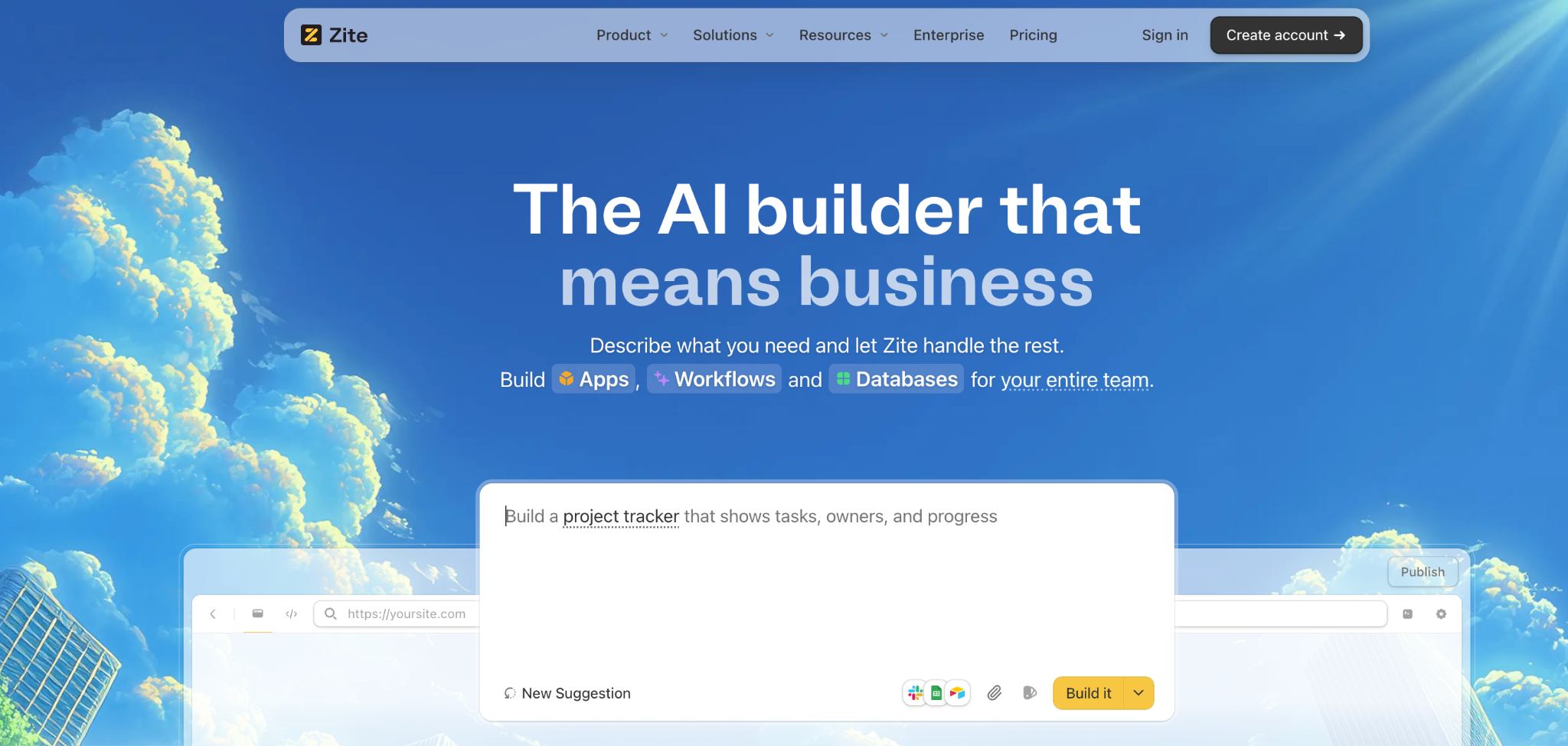
What it does: Zite is an AI-powered no-code app builder that generates a client portal, its database, and the workflow logic behind it from a plain-language description.
Best for: Agencies that want a portal built around how they work, rather than adapting to a ready-made tool's structure.
Zite builds the client portal you describe, generating the database, screens, and access rules together. I asked for project records, an approval queue, and per-client logins, and it produced all three in one pass.
Client portals are among Zite's strongest use cases. There's no invoicing built in, but Zite connects directly to Stripe for payments, so billing runs through Stripe rather than a second tool.
Slack or Microsoft Teams can also get status notifications when something changes. As a newer product, the template library is still being filled out, so you build more from scratch than you would with an off-the-shelf portal.
Key features
- AI generation from a prompt: Describe the portal and Zite builds the tables, screens, and workflow logic together.
- Visible database with tables and fields: Client records live in a spreadsheet-style database you can read and edit without SQL.
- Visual workflows: Approval and notification logic is laid out visually, so you can trace what happens and adjust it.
- Role-based access: Each client logs in and sees only their own projects, files, and approvals.
- Branding on your own domain: Import your website, and the branding kit pulls your colors, style, and logo onto the client login page. Paid plans run it on a custom domain with Zite branding removed, so clients see your agency.
Pros
- The portal matches your workflow instead of the reverse.
- Unlimited users on every plan, so adding clients and staff doesn't raise the bill.
- Per-client access built in, with no page duplication per account.
Cons
- No built-in invoicing or contracts, so billing runs through Stripe rather than being built in.
- Newer product, so the template library is still growing.
- AI credits are limited on the free and lower-tier plans, so a complex portal build may need a paid plan sooner than expected.
What users say
“Implementation was straightforward. Connecting forms to the ERP was much faster than expected, with no custom glue code to maintain afterward.” Alvaro H, G2

“I paid for the Pro version, and all my credits got used up in a day.” Verified User, Reddit
Pricing
Zite is free with unlimited users and limited AI credits. Paid plans start at $25 a month for Pro, which includes a custom domain and removes Zite branding, and $89 a month for Business, which supports unlimited custom domains; both keep unlimited users. See the Zite pricing page.
Bottom line
Zite is the pick when no ready-made portal matches your process, and you'd rather build one than bend to a template. If you want invoicing and contracts bundled out of the box, SuiteDash or HoneyBook will save you a tool.
2. SuiteDash: Best all-in-one value with unlimited clients
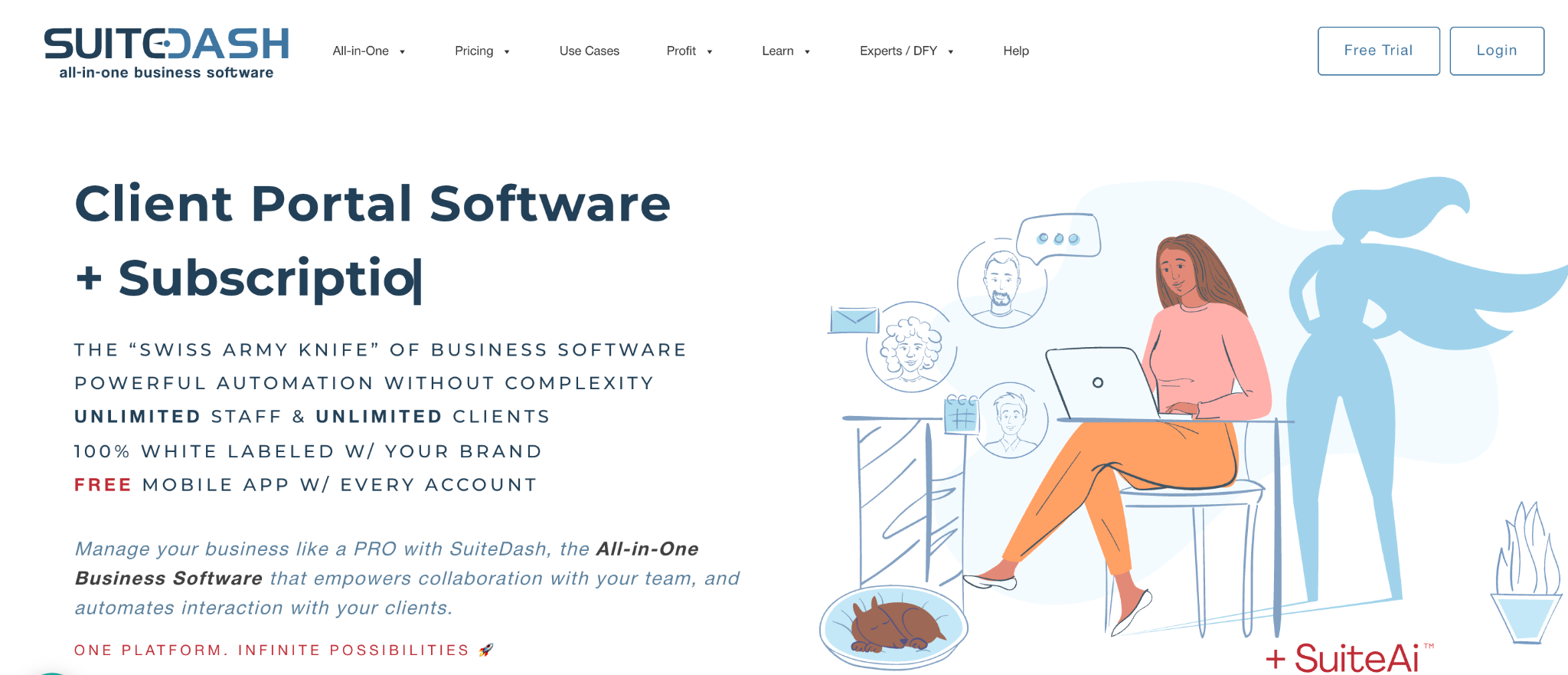
What it does: SuiteDash bundles a white-label client portal with CRM, project management, invoicing, file sharing, and email marketing in one subscription.
Best for: Budget-conscious agencies that want to collapse several tools into one bill without per-client fees.
SuiteDash packs more into one subscription than any ready-made tool here, at a price that's hard to argue with. Its single-rate model covers unlimited clients, which is why it keeps showing up as the value pick for agencies with a long roster.
All that breadth has a cost: the interface is busy, and reviewers consistently mention real setup time before it clicks.
Key features
- White-label portal: Custom domain, branded login, and your own branding throughout.
- All-in-one modules: CRM, projects, invoicing, files, and email in one subscription.
- Unlimited clients: No per-client fees as your roster grows.
Pros
- Best value per feature on this list.
- Unlimited clients and staff on every tier.
- Replaces several separate subscriptions.
Cons
- Dense interface with a real learning curve.
- Setup takes days, not hours.
- The design feels outdated compared to newer portals.
What users say
“As a solo professional, I wanted to look more organized and “bigger” than a one‑person shop, and SuiteDash really helps with that.” Wiyao A, G2

“There is a learning curve to setting up your portal.” Richard I, G2
Pricing
SuiteDash plans start at $19 a month for Start. Thrive costs $49 a month and Pinnacle costs $99 a month, all with unlimited clients and staff. See the SuiteDash pricing page.
Bottom line
SuiteDash is the value king if you'll invest the setup time and want one bill instead of five. Agencies that want billing built into the portal usually prefer HoneyBook or Zendo.
3. HoneyBook: Best portal with billing for solo service businesses
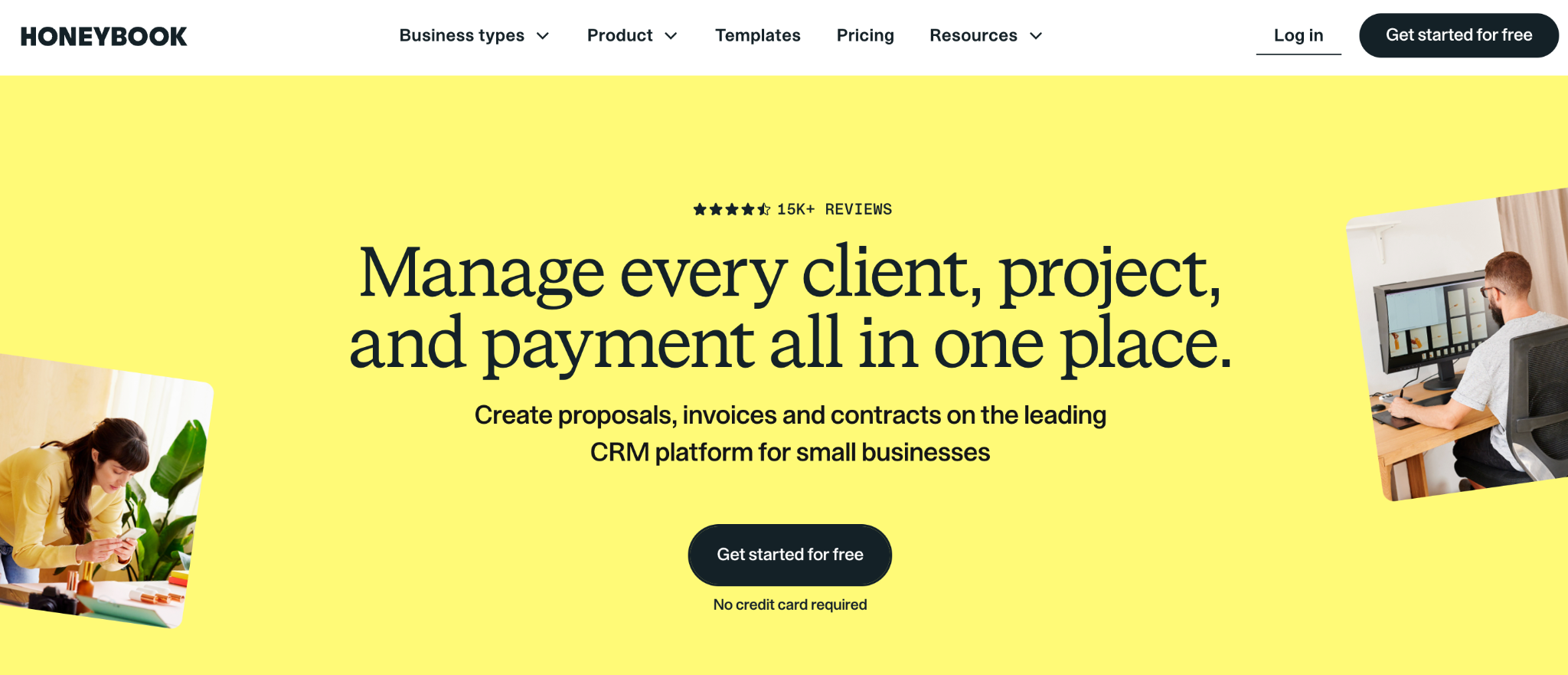
What it does: HoneyBook is a client portal built around booking and payments, with branded proposals, contracts, invoices, and a client-facing space in one tool.
Best for: Freelancers, solopreneurs, and small creative studios who want billing and client management in a single branded portal.
HoneyBook wraps the entire client money flow into a single portal. A client accepts a proposal, signs the contract, and pays the invoice in the same branded space. For photographers, designers, and event pros running solo, that's the appeal.
It doesn't scale as cleanly. Team seats are capped on lower plans, and card payments carry a processing fee on top of the subscription, so a bigger agency outgrows it fast.
Key features
- Booking-to-payment flow: Proposals, contracts, and invoices a client completes in one branded space.
- Built-in payments: Clients pay by card or ACH inside the portal.
- Automations and scheduling: Send follow-ups, reminders, and booking links without leaving the tool.
Pros
- Whole client money flow in one branded portal.
- Polished, client-friendly design that suits creative work.
- Fast to set up for a solo operator.
Cons
- Team seats are capped on Starter and Essentials plans.
- Card processing fees apply in addition to the subscription.
- Built for solos, so larger agencies outgrow it.
What users say
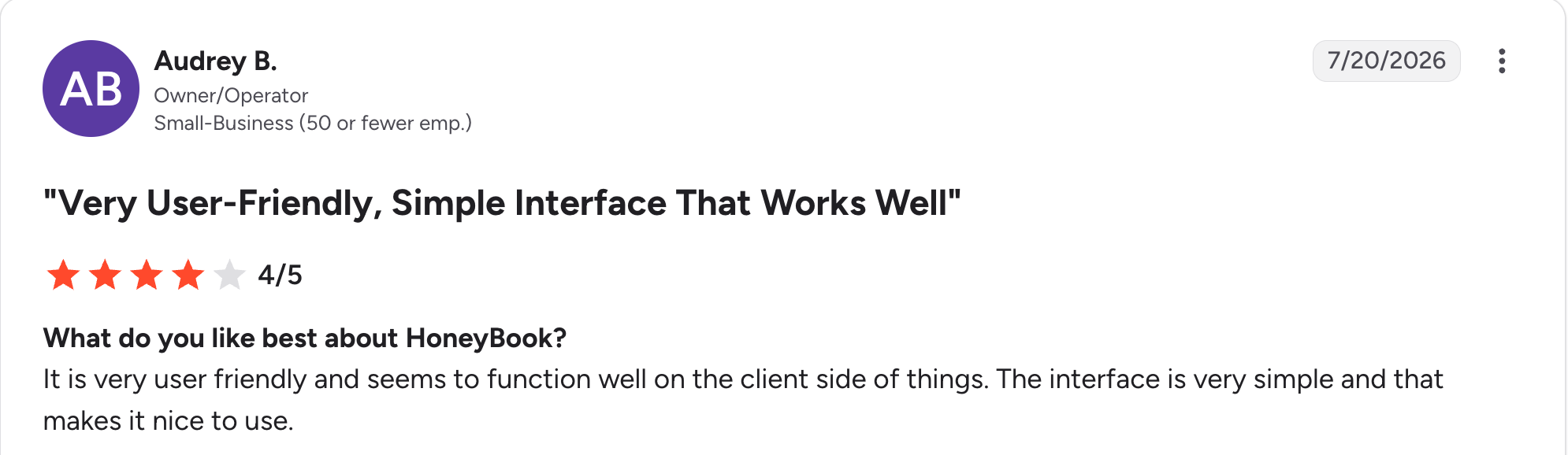
“It is very user-friendly and seems to function well on the client side of things.” Audrey B, G2

“It can take some time to learn all of HoneyBook’s features when getting started.” Kim Reena B, G2
Pricing
HoneyBook plans start at $36 a month for Starter. Essentials costs $59 a month and adds automations and a second seat, and Premium costs $129 a month for unlimited team members. Card payments carry a processing fee on every plan. See the HoneyBook pricing page.
Bottom line
HoneyBook is ideal for the solo creative who bills through the portal and wants bookings, contracts, and payments in one place. An agency with a growing team and many clients will get more from SuiteDash.
4. Softr: Best portal on top of Airtable data
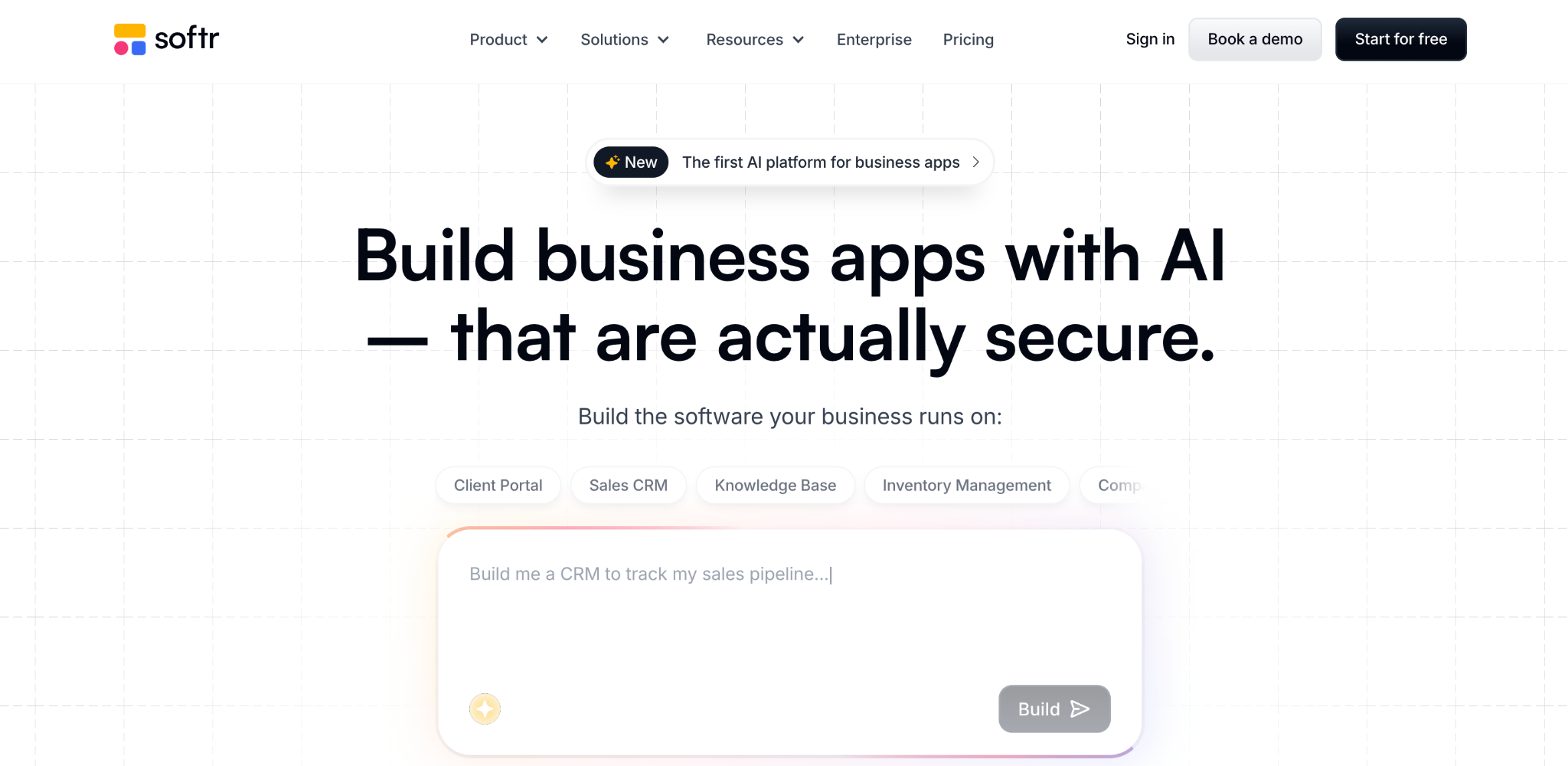
What it does: Softr turns Airtable, Google Sheets, or its own database into client-facing portals with authentication and role-based access.
Best for: Agencies already running client data in Airtable that want a polished portal on top without rebuilding anything.
If your agency's project tracker already lives in Airtable, Softr is the shortest path to a client portal. Pre-built blocks and user groups meant I had a working client-facing portal in about 90 minutes, with each client seeing only their own rows.
Just remember it's only a front end: the data lives in the connected source, so you're maintaining two tools.
Key features
- Pre-built blocks: Lists, tables, forms, and login flows without design work.
- Role-based access: Each client sees only their own filtered records.
- Multiple data sources: Airtable, Google Sheets, SQL, or Softr's own database.
Pros
- Fastest route to a portal on existing Airtable data.
- Strong template library for client-facing pages.
- Per-client access control.
Cons
- Leans on a connected data source rather than holding data itself.
- Per-tier user and app limits push growing agencies up to higher plans.
- Gets limiting once the portal needs complex workflow logic.
What users say
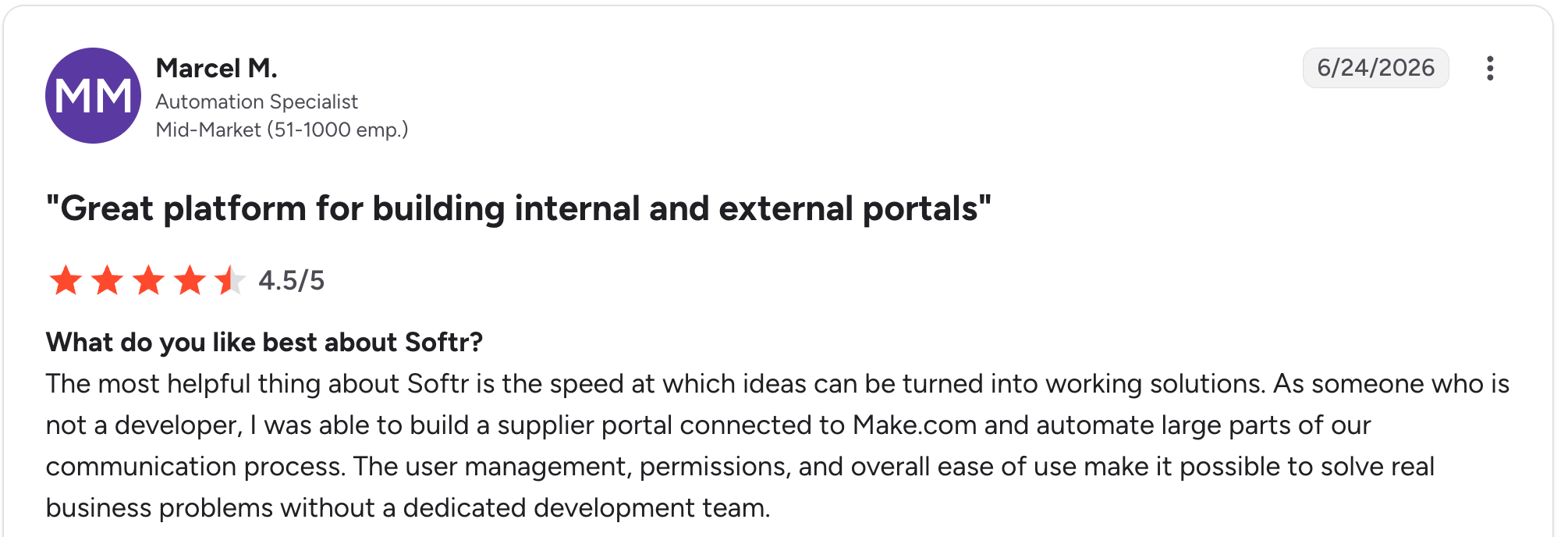
"The most helpful thing about Softr is the speed at which ideas can be turned into working solutions." Marcel M, G2

"The main challenge we encountered was with data management when using Google Sheets as our initial data source - it became clunky for our content team to update and manage at scale." Mike H, G2
Pricing
Softr is free to start. Paid plans start at $25 a month for Basic. Pro costs $119 a month, and Business costs $395 a month. See the Softr pricing page.
Bottom line
Softr earns its place when Airtable is already your source of truth. If you'd rather keep the data and the portal in one tool, Zite covers both without a connected source.
5. Moxo: Best for structured, compliance-heavy client workflows
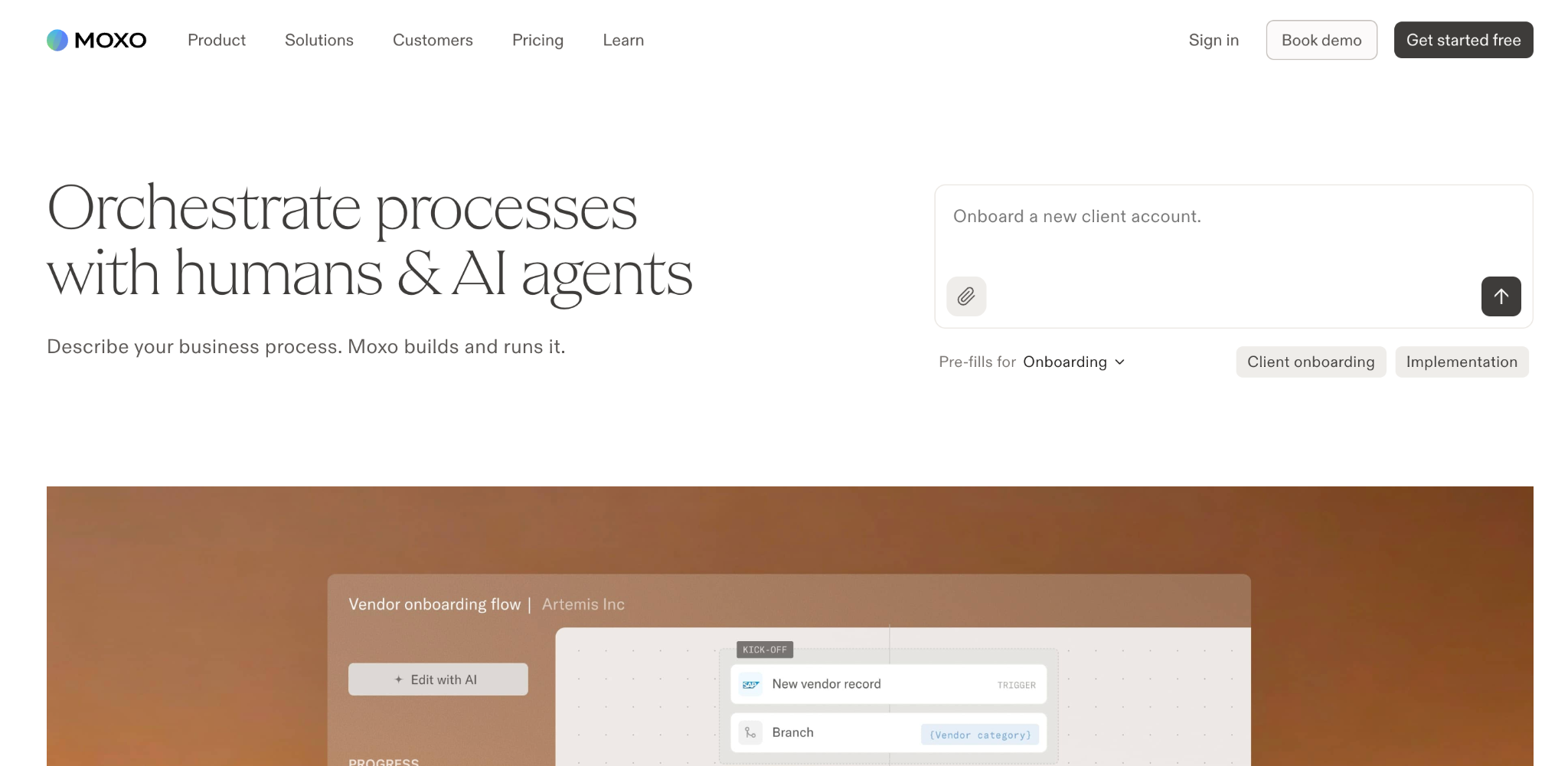
What it does: Moxo is a client interaction tool that turns onboarding, document collection, and approvals into structured, step-by-step workflows with built-in reminders.
Best for: Agencies with repeatable, document-heavy client processes and larger accounts that run security reviews.
Moxo treats client work as a sequence rather than a shared folder, which suits agencies whose onboarding involves forms, documents, and sign-offs in a fixed order. It's strong on security credentials, which shortens vendor review cycles with larger clients.
Cost and setup are the downsides. The higher tiers climb fast; the $499 Pro plan needs an annual commitment, and configuration takes real time.
Key features
- Structured workflows: Onboarding and approvals as guided, sequential steps.
- Automated follow-up: Built-in reminders chase clients so you don't have to.
- Security credentials: Certifications that help clear larger clients' security reviews.
Pros
- Best structured workflow engine here.
- Automated client follow-up reduces chasing.
- Credentials that satisfy larger accounts.
Cons
- Higher tiers climb fast, with an annual commitment on Pro.
- Setup and learning curve measured in weeks.
- Overbuilt for loose, creative project work.
What users say
“I love the ability to track all steps of a task and keep information secure and organized.” Jessie H, G2

“Moxo is designed to handle problems for large enterprises, making it cost-inefficient for small companies.” Mikes L, G2
Pricing
Moxo is free to start. Paid plans start at $99 a month for Business. Pro costs $499 a month, billed annually, and Enterprise is custom. See the Moxo pricing page.
Bottom line
Moxo makes sense for agencies whose client work is a repeatable, document-driven process. Creative shops with loose, iterative projects will find it heavier than they need.
6. Clinked: Best white-label document portal for larger accounts
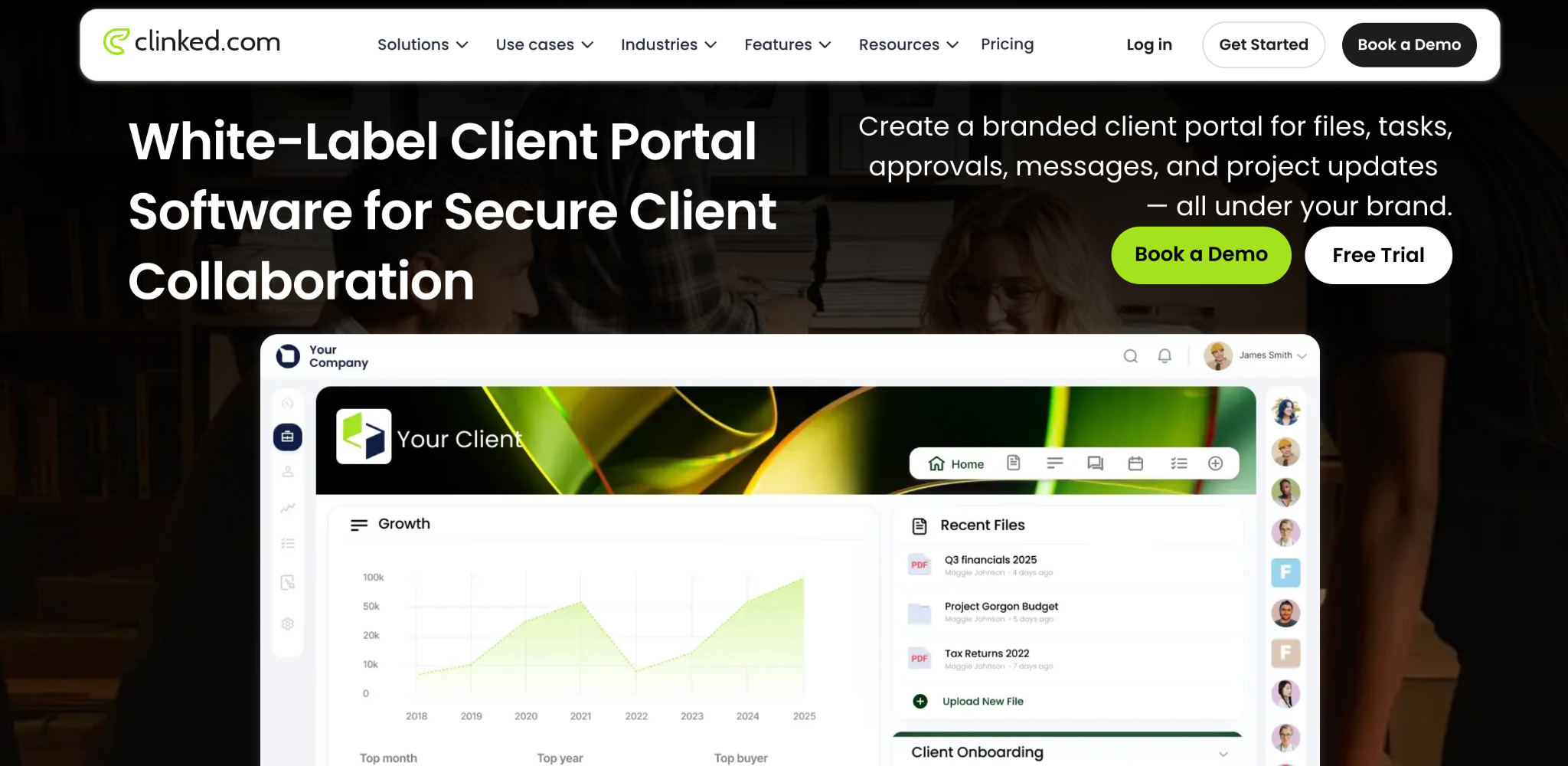
What it does: Clinked is a white-label client portal focused on secure document sharing, file collaboration, and branded workspaces.
Best for: Agencies whose portal is mainly a secure document hub, especially with larger or regulated clients.
Clinked goes deepest on white-label document portals: custom domain, branded mobile apps, and member-based tiers sized for larger client rosters. It's a strong fit when files and permissions are the whole job.
Price is the sticking point. It climbs sharply in the white-label tiers, with the Standard plan reaching $299 a month.
Key features
- Deep white-labeling: Custom domain, branded login, and branded mobile apps.
- Document collaboration: Secure file sharing with granular permissions.
- Per-workspace pricing: Cost stays steady as you add members within your limit.
Pros
- Deepest white-label branding on this list.
- Strong document security and permissions.
- Member-based tiers sized for larger rosters.
Cons
- White-label tiers are costly for small agencies.
- Member limits per plan, not unlimited clients.
- Less suited to projects, billing, or approvals workflows.
What users say
“Clinked provides a secure and professional client portal that makes it easy to collaborate with record labels, managers, and business partners in one centralized place.” Christian K, G2

“I find the scalability and licensing restrictions challenging with Clinked.” Terry W, G2
Pricing
Clinked plans start at $11 per user per month for Start Up. Standard costs $299 per month for 100 members, and Premium costs $599 per month for 250 members, with Enterprise and VDR quoted on request. See the Clinked pricing page.
Bottom line
Clinked is the choice when a secure, deeply branded document portal is the deliverable and the budget supports it. For a similar look at a fraction of the cost, SuiteDash or Zite get you closer.
7. SuperOkay: Best simple portal for boutique agencies and freelancers
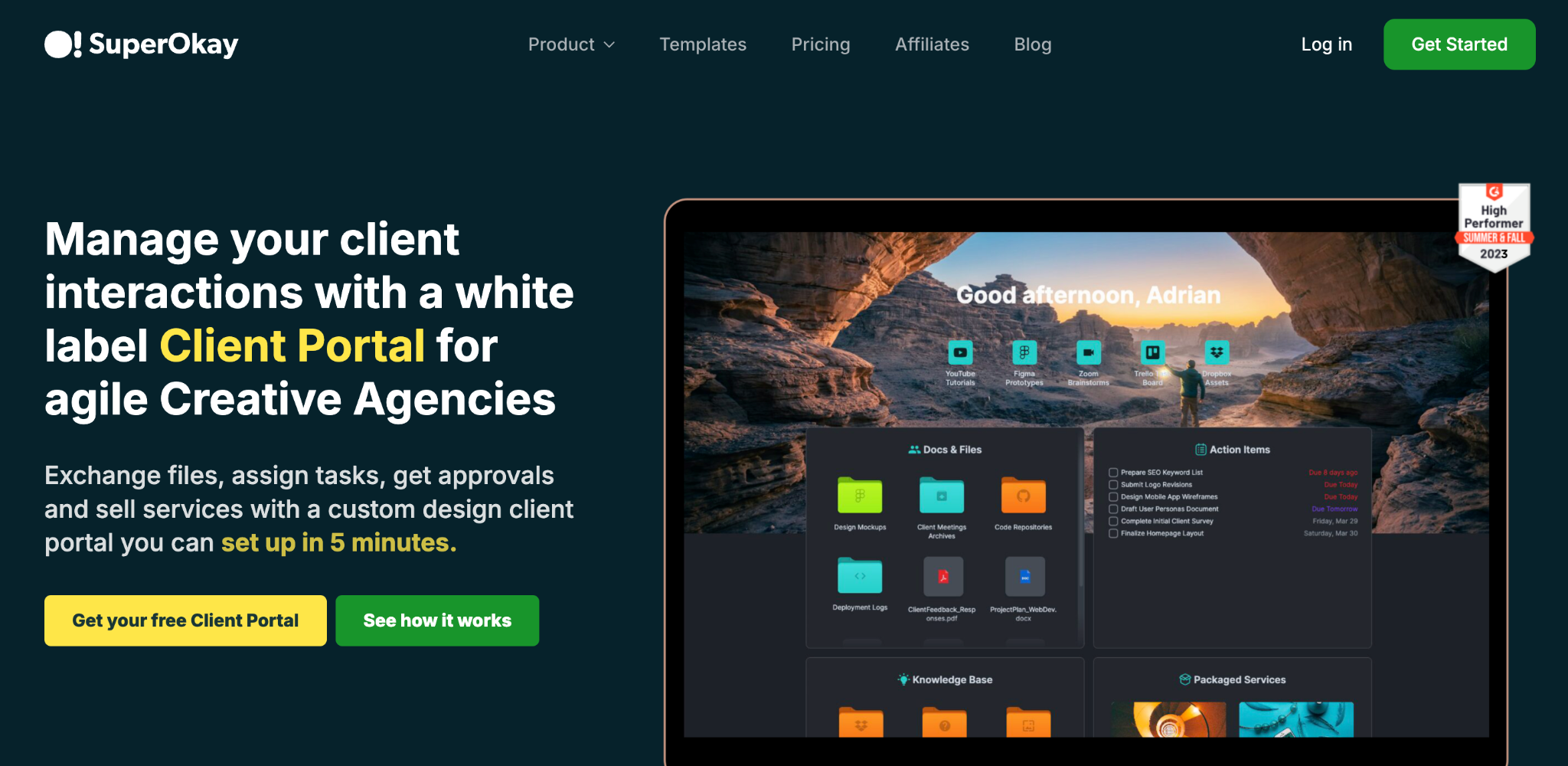
What it does: SuperOkay is a lightweight client portal for sharing project links, documents, and updates in a clean, branded space.
Best for: Boutique agencies, freelancers, and consultants with a small client base who want simple over feature-rich.
SuperOkay's appeal is restraint. It prioritizes clean design and fast setup over feature depth, so a small studio can look polished without spending a week configuring modules. It's the right size for a handful of clients.
It's also the first tool you'll outgrow if your agency scales or needs approvals, billing, and workflow logic in the portal.
Key features
- Clean, branded portals: Simple client-facing pages that look professional out of the box.
- Smart links and documents: Share deliverables, links, and docs in one place.
- Fast setup: Usable within hours, not days.
Pros
- Simplest setup on this list.
- Clean design that suits creative studios.
- Affordable for a small client base.
Cons
- Thin on approvals, billing, and workflow features.
- Pricing scales with client count.
- You'll outgrow it as the agency grows.
What users say
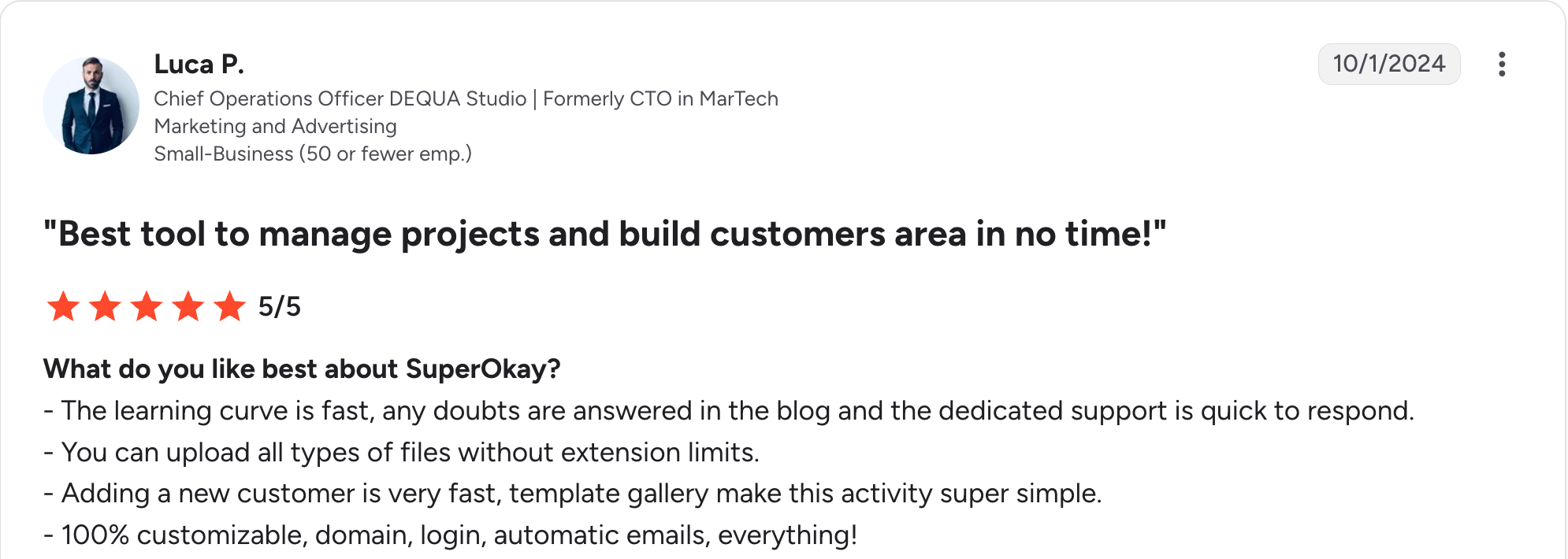
“The learning curve is fast, any doubts are answered in the blog, and the dedicated support is quick to respond. You can upload all types of files without extension limits.” Luca P, G2

“The lack of two-factor authentication (2FA), which is an important security feature for me.” Philippe P, G2
Pricing
SuperOkay is free to start. Paid plans start at $12 a month for Solo. Solo+ costs $38 a month and includes full white-labeling, while Business costs $146 a month for teams, with pricing scaling with client count. See the SuperOkay pricing page.
Bottom line
SuperOkay fits the boutique studio that wants to look sharp without a build project. Agencies with more than roughly 10 clients will want something with more depth.
8. FuseBase: Best collaboration and knowledge hub with AI
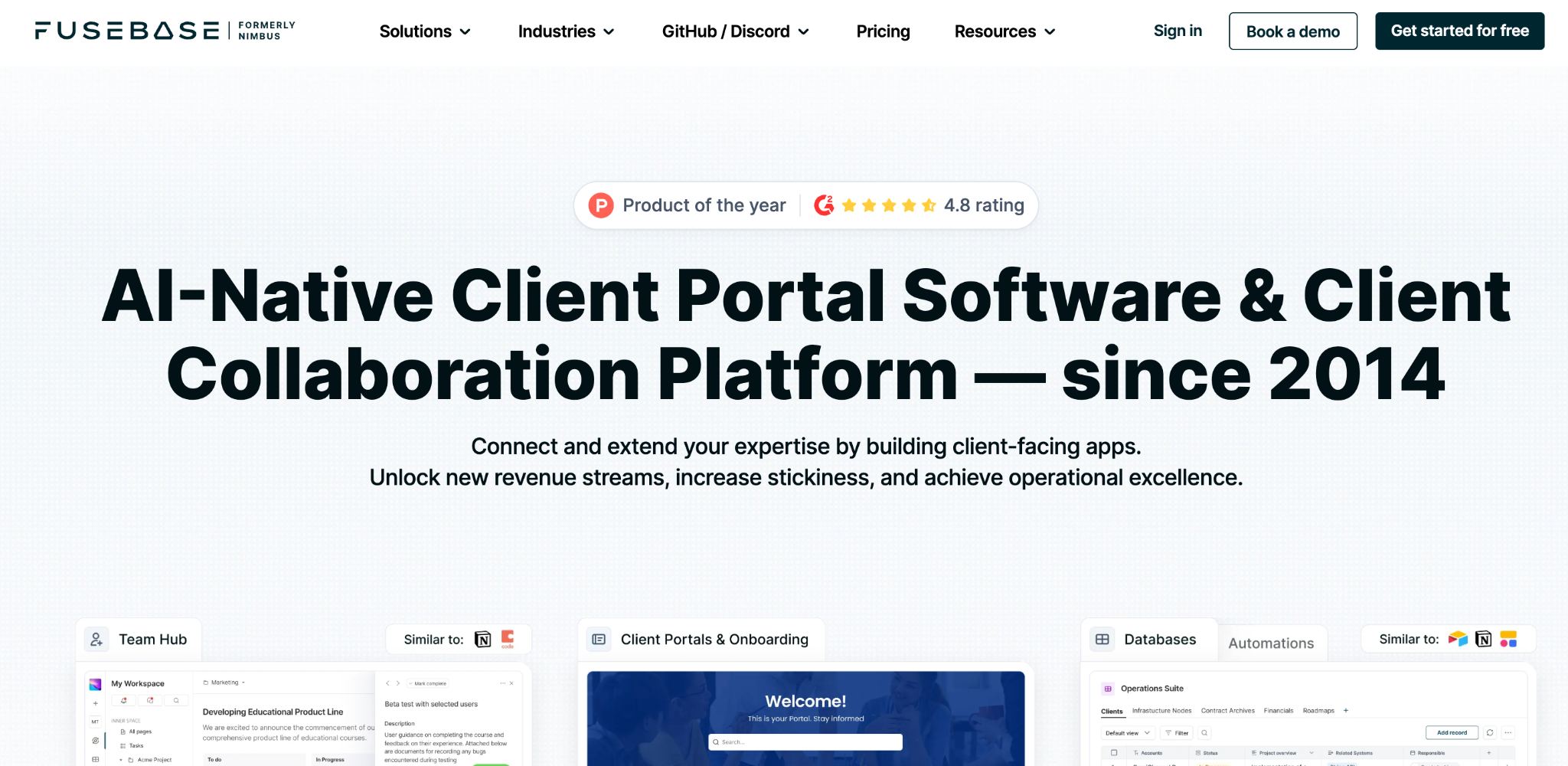
What it does: FuseBase is a client collaboration and knowledge-sharing workspace with white-label portals, custom databases, and AI features.
Best for: Agencies whose client relationship runs on shared documents, knowledge, and ongoing collaboration rather than file delivery alone.
FuseBase sits closest to a shared brain for client work: collaborative docs, embedded content, custom databases, and an AI layer that has expanded quickly. It suits consultancies and agencies that co-create with clients.
Per-user pricing does add up, and its breadth means you'll spend time deciding how to organize it.
Key features
- Collaborative client workspaces: Shared docs and embedded content clients can work in.
- White-label portals: Custom domain and branding for client-facing spaces.
- AI features and custom databases: AI assistance plus structured data inside the workspace.
Pros
- Strongest collaborative document experience here.
- Active development with recent AI and database additions.
- White-label portals on the Advanced tier and up.
Cons
- Per-user pricing grows with the team.
- Breadth means more setup decisions up front.
- Less focused on billing and approvals than agency-specific tools.
What users say
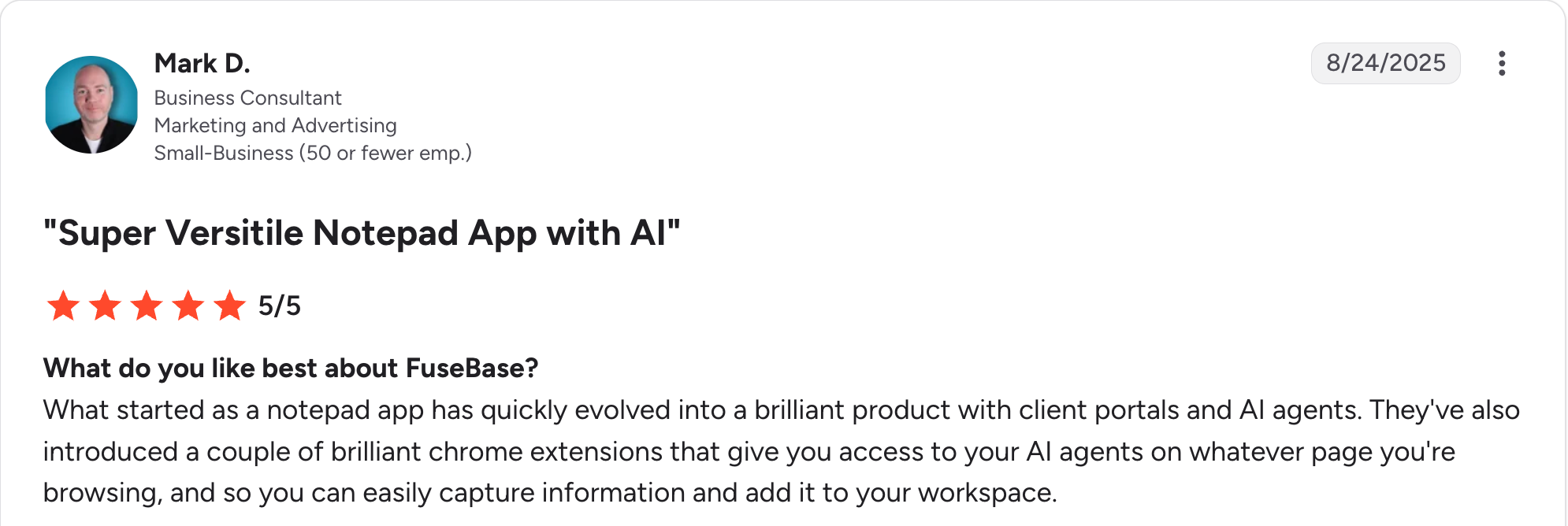
“What started as a notepad app has quickly evolved into a brilliant product with client portals and AI agents.” Mark D, G2

“Some of the downside would be learning and using all the features it offers.” Patrick J, G2
Pricing
FuseBase plans start at $39 a month for Solo. Essentials costs $99 a month for small teams, and Advanced costs $399 a month for scale, with Unlimited quoted for organizations. White-label starts on Advanced. See the FuseBase pricing page.
Bottom line
FuseBase is the pick when client work is collaborative and document-heavy. For a portal centered on approvals and deliverables, SuiteDash is a closer match.
9. Zendo: Best for agencies selling productized services with orders
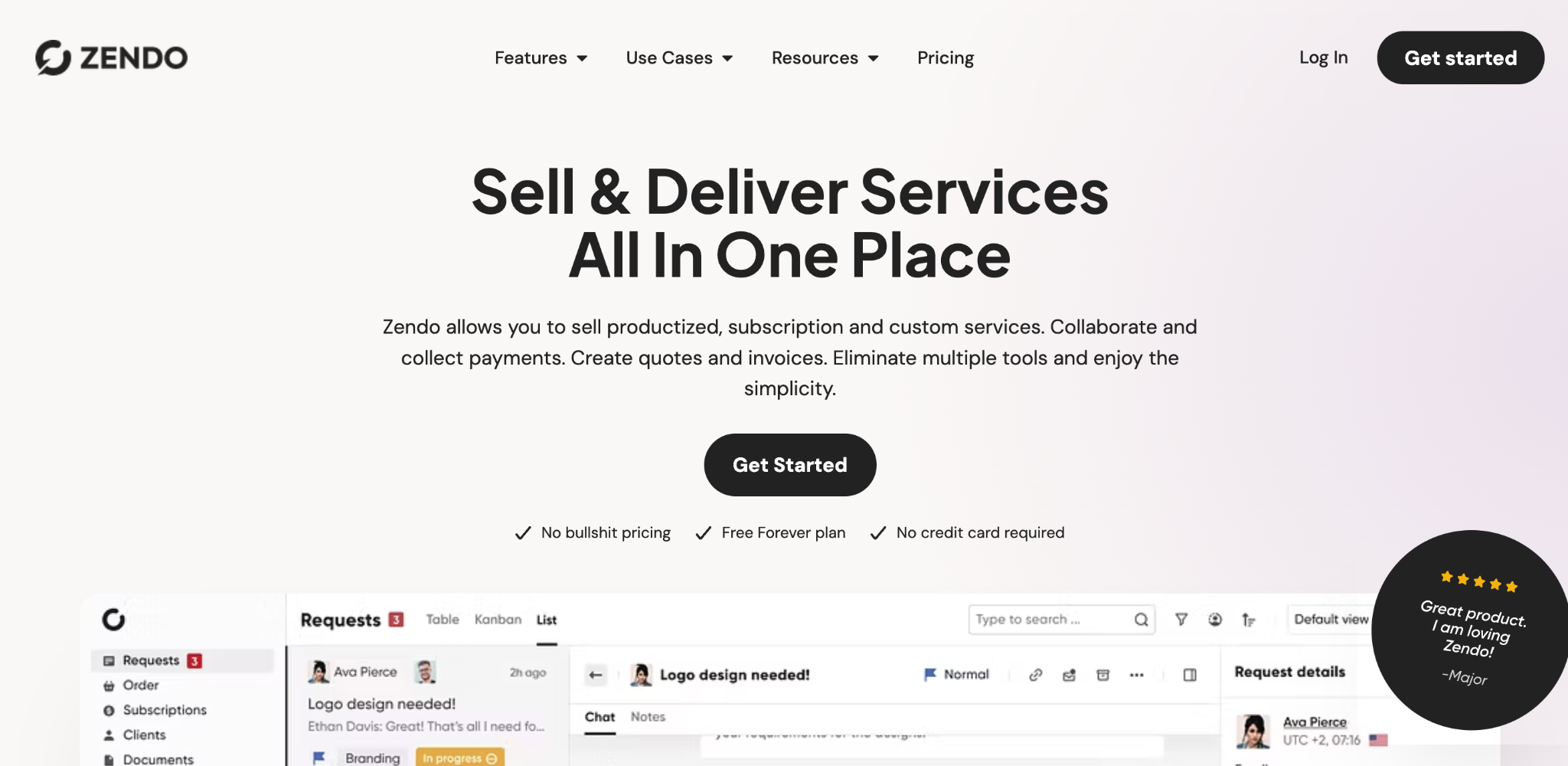
What it does: Zendo is an all-in-one tool for service businesses, combining a client portal with a service catalog, order management, chat, and invoicing.
Best for: Agencies selling packaged services where clients order, pay, and track requests in one place.
Zendo is built around selling services from a catalog. Clients browse a catalog, place an order, chat with your team, and pay, all in a branded portal, which suits productized agencies and subscription offers.
It's narrower than general portals. If your client work is bespoke retainers rather than orderable packages, the model fits less naturally.
Key features
- Service catalog and orders: Clients order packaged services directly from the portal.
- Chat-based requests: Conversations tied to each order and client.
- Invoicing built in: Quote, invoice, and collect payment in the same place.
Pros
- Purpose-built for productized service sales.
- Orders, chat, and invoicing in one branded portal.
- Straightforward setup for a packaged-service model.
Cons
- Less natural fit for bespoke retainer work.
- Smaller integration library than the broader tools.
- Fewer project-management depth features.
What users say
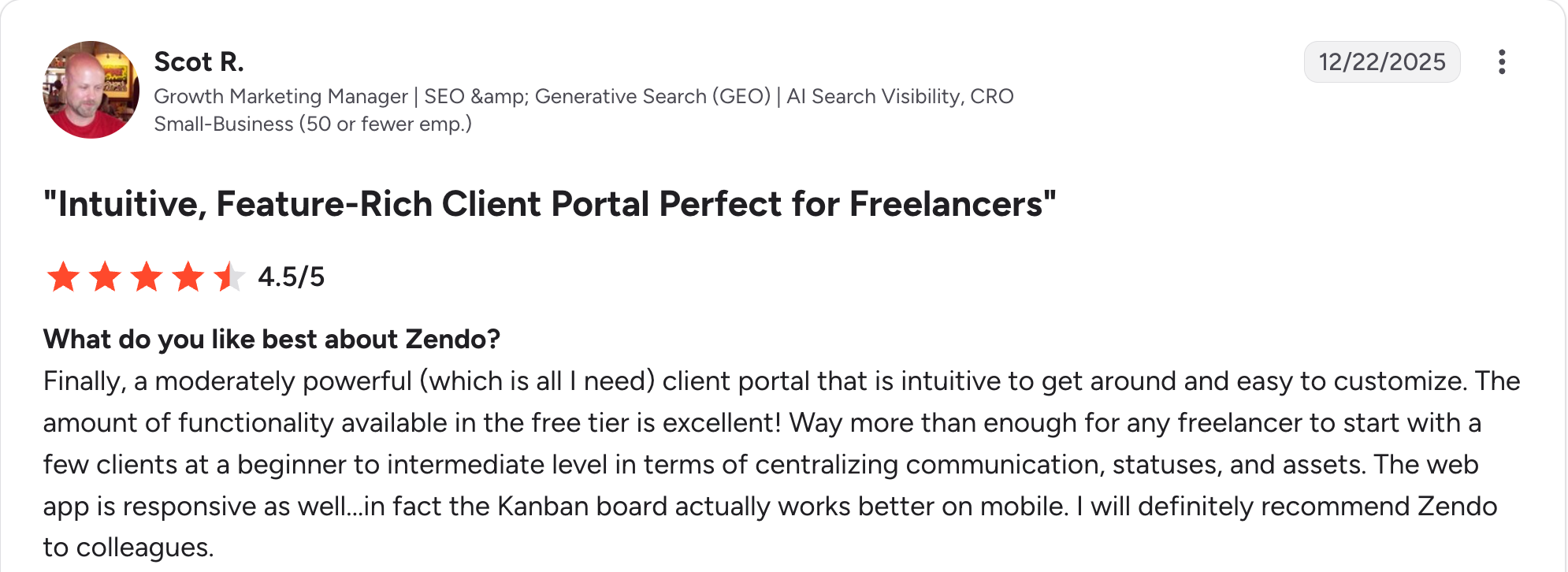
“The amount of functionality available in the free tier is excellent!” Scot R, G2

“Its implementation is complex and takes time.” Prachi S, G2
Pricing
Zendo plans start at $29 a month for Core, which includes one internal user. Pro costs $59 a month, and Agency costs $99 a month, each adding $10 to $20 per additional internal user. See the Zendo pricing page.
Bottom line
Zendo works well if you sell services like products and want clients to order through the portal. Agencies running custom retainers will get more from SuiteDash or a build-your-own option.
Which client portal software should your agency choose?
The right pick comes down to whether a ready-made portal matches your process, and how your bill grows as you add clients and staff. A few questions narrow it quickly:
- Does an existing tool match how you deliver work, or do you keep bending your process to fit one?
- Do you need invoicing and contracts inside the portal, or do those live elsewhere?
- Is your bill going to grow per internal seat, per client, or neither?
- How deep does the branding need to go? A logo or a full custom domain and branded emails?
- Where does client data live today, and would a portal mean maintaining two systems?
Choose Zite if you:
- Want a portal built around your workflow instead of a fixed template.
- Need per-client access without duplicating pages for each account.
- Want unlimited users so adding clients and staff doesn't raise the bill.
Choose SuiteDash or HoneyBook if you:
- Want invoicing, contracts, and the portal in one tool.
- Value breadth and low cost with SuiteDash, or billing built into the portal with HoneyBook.
Choose Softr if you:
- Already run client data in Airtable and want a portal on top of it.
Choose Moxo or Clinked if you:
- Have document-heavy workflows with Moxo, or need deep white-label document sharing with Clinked.
- Serve larger clients who run security reviews.
Choose SuperOkay, FuseBase, or Zendo if you:
- Run a boutique studio wanting something simple, which is SuperOkay.
- Collaborate with clients in shared docs, which is FuseBase.
- Sell packaged services clients order, which is Zendo.
Skip client portal software entirely if you:
- Have two or three clients and email is working fine.
For more depth, see our roundup of the best client portal software across all team types and our guide to client management portals.
Final verdict
For most agencies in 2026, the honest answer depends on whether a ready-made portal fits your process. If it does, SuiteDash is the best value, and SuperOkay delivers the cleanest client-facing design.
If it doesn't, and you keep working around a tool's assumptions, Zite is the strongest pick, because you describe the portal you need and it builds one around your workflow, with unlimited users so the bill doesn't climb per client.
If your portal is mainly a dashboard, see our guide to building an agency client dashboard and our roundup of marketing agency dashboard tools. And if you're weighing the branding investment, see our breakdown of branded client portals.
Frequently asked questions
What is the best client portal software for agencies?
The best client portal software for agencies depends on fit. SuiteDash offers the best value with unlimited clients; HoneyBook offers the best billing-first portal for solos; and Zite offers the best custom portal when no ready-made tool fits. For Airtable-based agencies, Softr is the fastest.
How much does client portal software for agencies cost?
Client portal software for agencies costs anywhere from nothing to $500 or more a month. SuiteDash starts at $19 and Softr at $59, while Moxo and Clinked climb into the hundreds at their team tiers. Per-user pricing rises faster than options like Zite, which is $25.
Should agencies build a client portal or buy one?
Agencies should buy a client portal when a ready-made one aligns with their delivery process, since setup takes hours rather than days. They should build when they keep working around a tool's assumptions, or need data and logic that no template supports.
What features do agencies need most in a client portal?
The features agencies need most in a client portal are white-label branding on a custom domain, per-client permissions so each client sees only their own records, approval workflows for deliverables, and status that stops status-check emails.
Do client portals reduce client emails?
Yes, client portals reduce email volume when clients can self-serve the answers they usually ask for: current status, latest files, and items that need approval. The catch is adoption, since a portal only deflects messages if clients actually log in.

