


A no-code backend gives your app the parts users never see, meaning a database, an API to read and write that data, user authentication, and file storage, all set up visually instead of written as server code.
You connect it to whatever frontend you're building, whether that's FlutterFlow, Webflow, a custom React app, or a mobile app.
I tested these the way a builder would, modeling data, generating endpoints, wiring up auth, and connecting each to a real frontend. This guide covers what a no-code backend is, how it works, and the 5 options worth considering in 2026.
What is a no-code backend?
A no-code backend, often called backend-as-a-service, is a hosted service that handles your app's data and server-side logic through a visual interface rather than code.
It stores your records, exposes them through an API your frontend can call, manages who's logged in, and runs the logic that happens between a request and a response.
The split matters. Your frontend is what users tap and see, and the backend is where the data lives and the rules run. A no-code backend replaces the server work, leaving the interface work to you.
The bottom line is that it's for people who already have a frontend or plan to build one and would rather not write, deploy, or maintain a server.
What a no-code backend includes
Most of these services cover the same five jobs:
- A database: Structured tables for your records, usually relational or document-based. If you're weighing how structured your data needs to be, our comparison of spreadsheet vs database is a useful primer.
- Auto-generated APIs: REST or GraphQL endpoints created from your data model, so the frontend can read and write without you building routes.
- Authentication: Signup, login, password resets, and social logins, plus rules for who can access which records.
- File storage: Somewhere to keep images, documents, and uploads with access control.
- Business logic: Visual workflows or functions that run on the server, like sending an email after a purchase or calculating a total.
How does a no-code backend work?
A no-code backend works in five steps, and the flow is the same across all options here, making them easier to compare than marketing suggests.
Here's the sequence:
- You model your data. Create tables and fields for the things your app tracks, like users, orders, or listings.
- The service generates an API. Endpoints appear automatically for reading, creating, updating, and deleting those records.
- You add logic and rules. Set up auth, permissions, and any server-side steps that should happen automatically.
- Your frontend calls the API. Your app sends requests and receives data, with no server to manage.
- The service handles scale. Hosting, backups, and capacity are the vendor's job, not yours.
For example, a marketplace app stores listings and users in the backend, calls the API to display listings on a search screen, verifies auth before allowing someone to post, and runs a workflow that emails the seller when an offer arrives.
Do you need a separate backend at all?
Often, no. A large share of people searching for a no-code backend don't actually need a separate one, so it's worth checking before you shop.
You need a real backend if you already have a frontend or you're committed to building one. That covers a FlutterFlow or Webflow project, a custom-coded app, a mobile app, or several clients that all need to read the same data.
You may not need one if you're a non-technical team building a business tool like an internal tracker or a client portal and have no frontend yet. All-in-one builders include the data layer, so there's no separate backend to wire up.
Zite works that way. You describe the app you want, and it generates the interface, its own database, and the workflow logic together, so the data layer comes built in. It serves teams who want to skip the backend question entirely, which is why it sits outside the list below.
Zite covers those five jobs inside the app. It includes a built-in database, role-based login so each user sees only their own records, and workflows that handle the logic. Its database also has its own REST API and webhooks, so a team with a frontend elsewhere can still use it as the data layer without building the whole app in Zite.
On pricing, Zite is free to start, then $25/month with unlimited users, which is the predictable bill the rest of this list scores tools on.
For that route, see our roundup of no-code app builders with a database and our guide to the best AI database software.
5 best no-code backend options: TL;DR
Here's the shortlist, with what each one does best:
- Xano: Best overall no-code backend with visual API logic.
- Supabase: Best open-source Postgres backend for most projects.
- Firebase: Best for real-time apps built on Google Cloud.
- Appwrite: Best self-hostable option with per-project pricing.
- Airtable: Best non-technical data layer for no-code frontends.
How I researched and tested these no-code backends
I ran the same build in each option, meaning a data model with three related tables, auto-generated endpoints, email and social login, one server-side workflow, and a connection to a no-code frontend.
I also tried two that didn't make the list. Hasura is an excellent GraphQL layer aimed squarely at developers, and NocoDB is better understood as a no-code layer on top of an existing SQL database than as a backend for a new app.
I scored each on five things:
- Data modeling: How easily you build tables and relationships without SQL.
- API generation: Whether usable endpoints appear automatically and how much control you get over them.
- Auth and permissions: How much of login, roles, and record-level access is handled for you.
- Logic without code: How far you get building server-side steps visually before hitting a wall.
- Pricing predictability: Whether the bill is a fixed subscription or usage-metered, and how it behaves as you grow.
This testing separated the options a non-developer can drive from the ones that assume you're comfortable with SQL and API design.
5 best no-code backends: quick comparison
All prices below are monthly-billed rates, checked in August 2026.
1. Xano: Best overall no-code backend with visual API logic
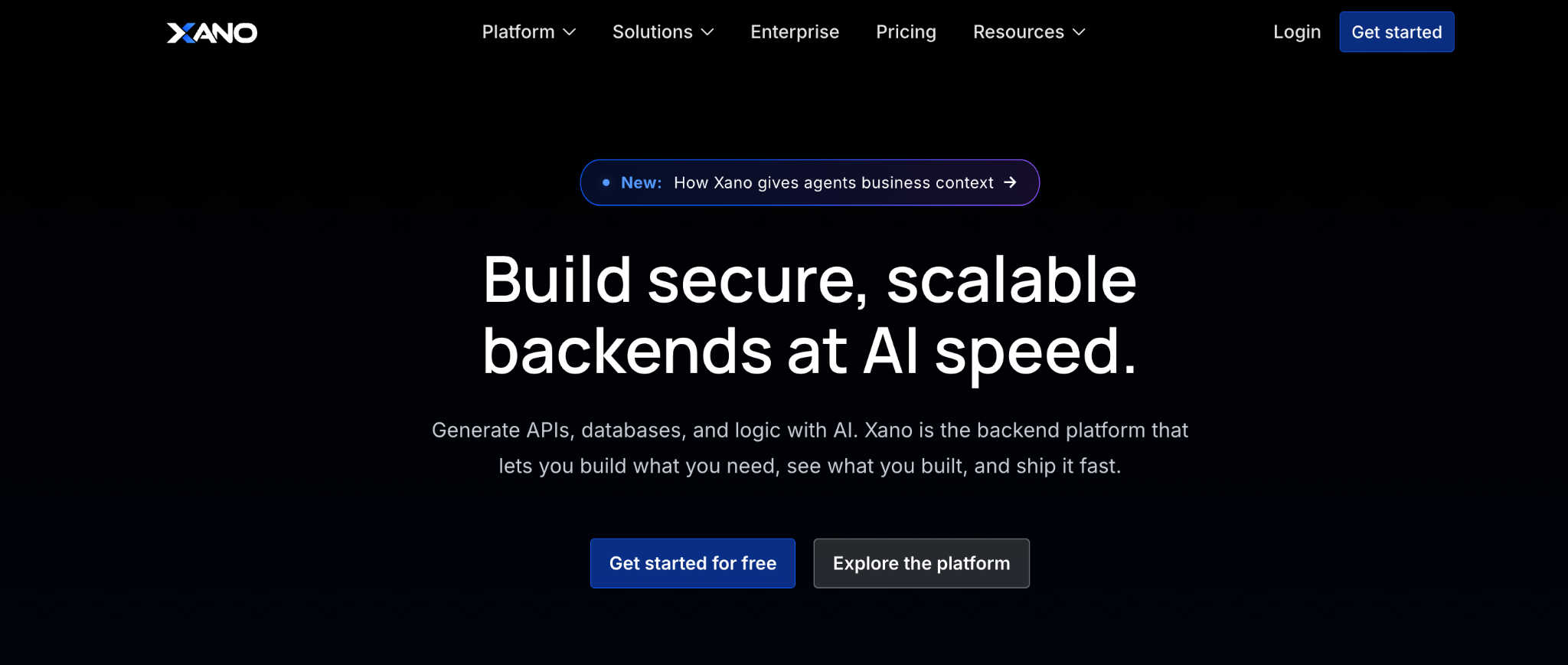
What it does: Xano is a no-code backend built on Postgres, with a visual function stack for building API endpoints and business logic without writing code.
Best for: Non-technical founders and teams that need real backend logic behind a no-code frontend.
Xano is the tool most often mentioned when people say "no-code backend". Its function stack visually builds complex endpoints, which none of the developer-first options do. I built a filtered search endpoint with permissions in an afternoon, no SQL involved.
The cost is the catch: Xano starts well above developer tools, and self-hosting is locked to the Custom tier, which you have to call sales about.
Key features
- Visual function stack: Build API logic step by step without code.
- Postgres database: Relational data with a visual table editor.
- Auth and permissions: Built-in user management and role-based access rules.
Pros
- Deepest no-code backend logic on this list.
- No SQL required for real endpoints.
- Predictable instance-based pricing instead of metered usage.
Cons
- Starts at $99 a month, well above the developer options.
- Self-hosting is only on the Custom tier, so most teams stay on their cloud.
- Backend only, so you maintain a separate frontend tool and subscription.
What users say
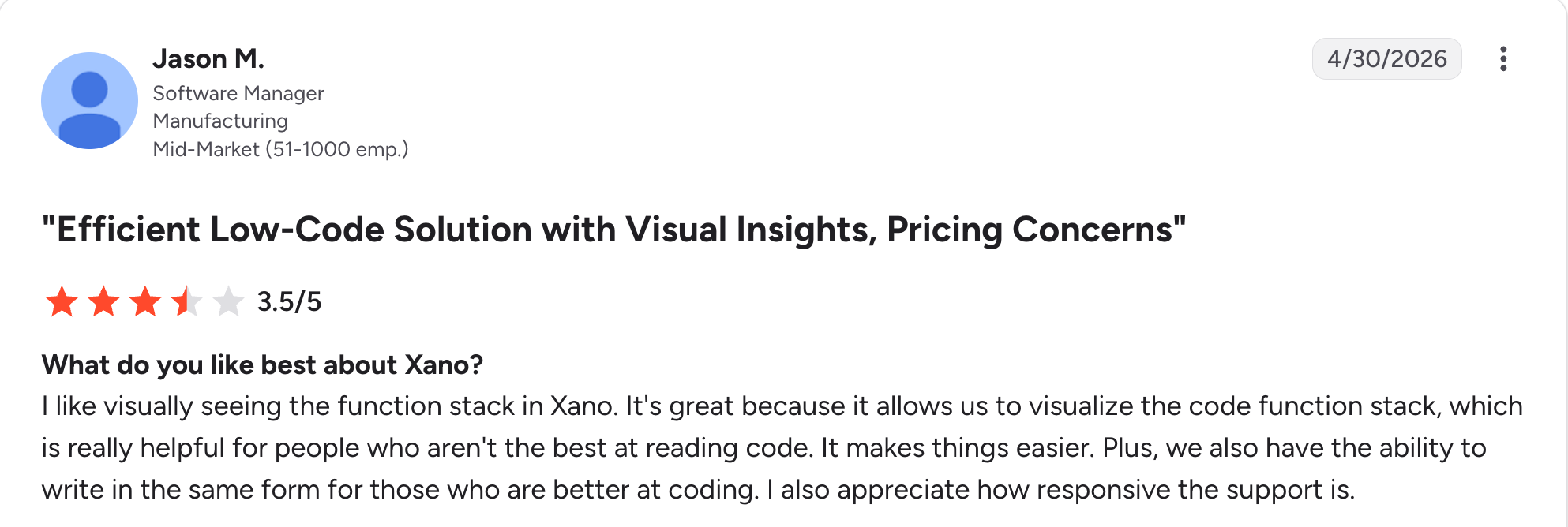
“I like visually seeing the function stack in Xano.” Jason M, G2

“Xano does not allow prioritizing certain APIs over others. In some client projects, this would be useful to us.” Frederic L, G2
Pricing
Xano is free for developing and testing. Paid plans start at $99 a month for Essential, and Pro costs $249 a month, with Custom quoted for enterprise scale. Pricing is per instance rather than metered by usage. See the Xano pricing page.
Bottom line
Xano is the pick when you need substantial backend logic, and you're not a developer. If you're comfortable with SQL and want a lower bill, Supabase does the data job for a fraction of the price.
2. Supabase: Best open-source Postgres backend for most projects
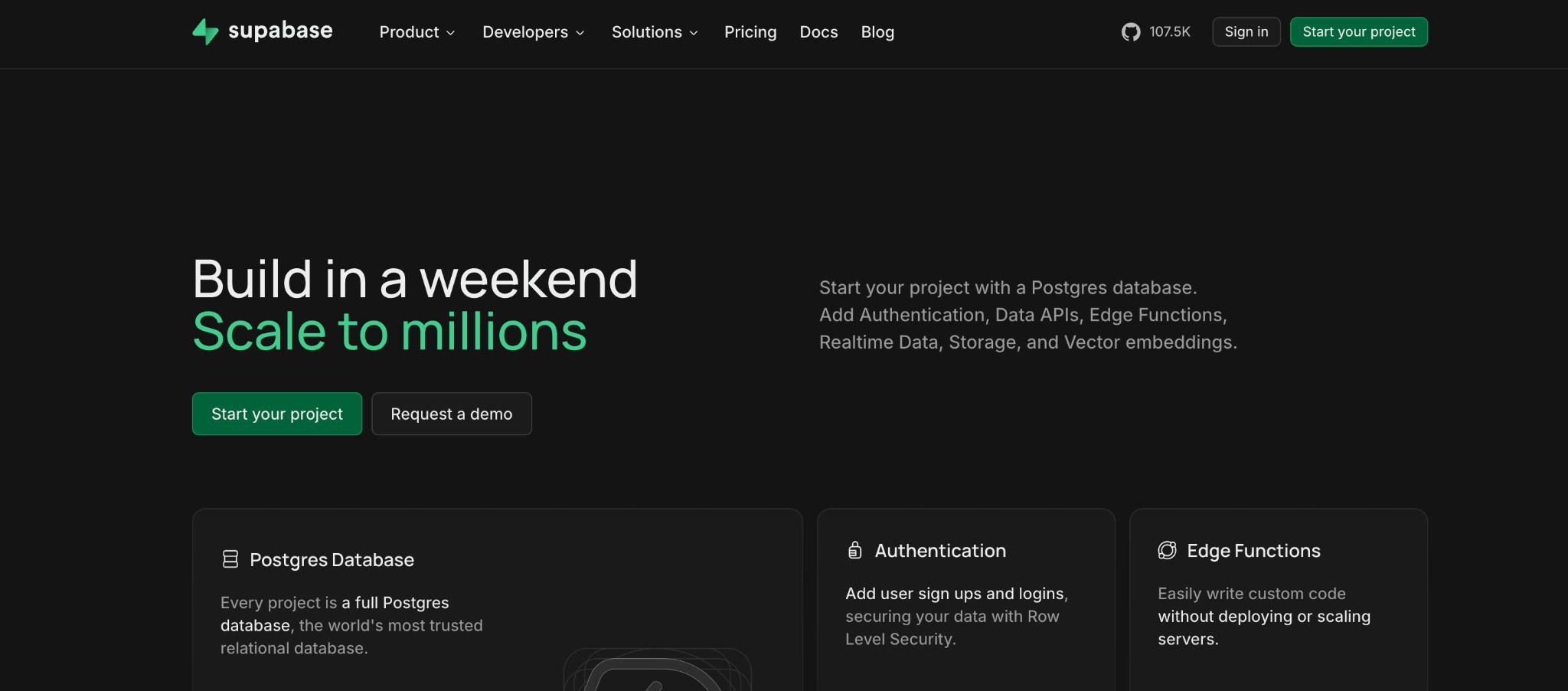
What it does: Supabase is an open-source backend built on Postgres, providing a database, auto-generated REST and GraphQL APIs, authentication, storage, and edge functions.
Best for: Teams with some technical comfort who want a real Postgres database and the widest community support.
Supabase has become the default backend for a huge share of new projects, and the free tier is generous enough to build a whole app before paying. You get a real Postgres instance, instant APIs, and auth for $25/month on Pro.
Fluency in SQL is the price of admission. Row Level Security policies are written as SQL, and usage overages on egress and compute surprise teams who skip the modeling.
Key features
- Postgres with instant APIs: REST and GraphQL endpoints generated from your tables.
- Auth with row-level security: Fine-grained access rules enforced at the database.
- Open-source and self-hostable: Run it via Docker if you need to own the infrastructure.
Pros
- Real Postgres with the largest community and documentation.
- Fixed base price at a low rate, with a generous free tier.
- Open-source with a self-hosting path.
Cons
- Row Level Security is written in SQL, which blocks non-technical users.
- Usage overages on egress and compute can catch you off guard.
- Each project carries its own minimum cost.
What users say
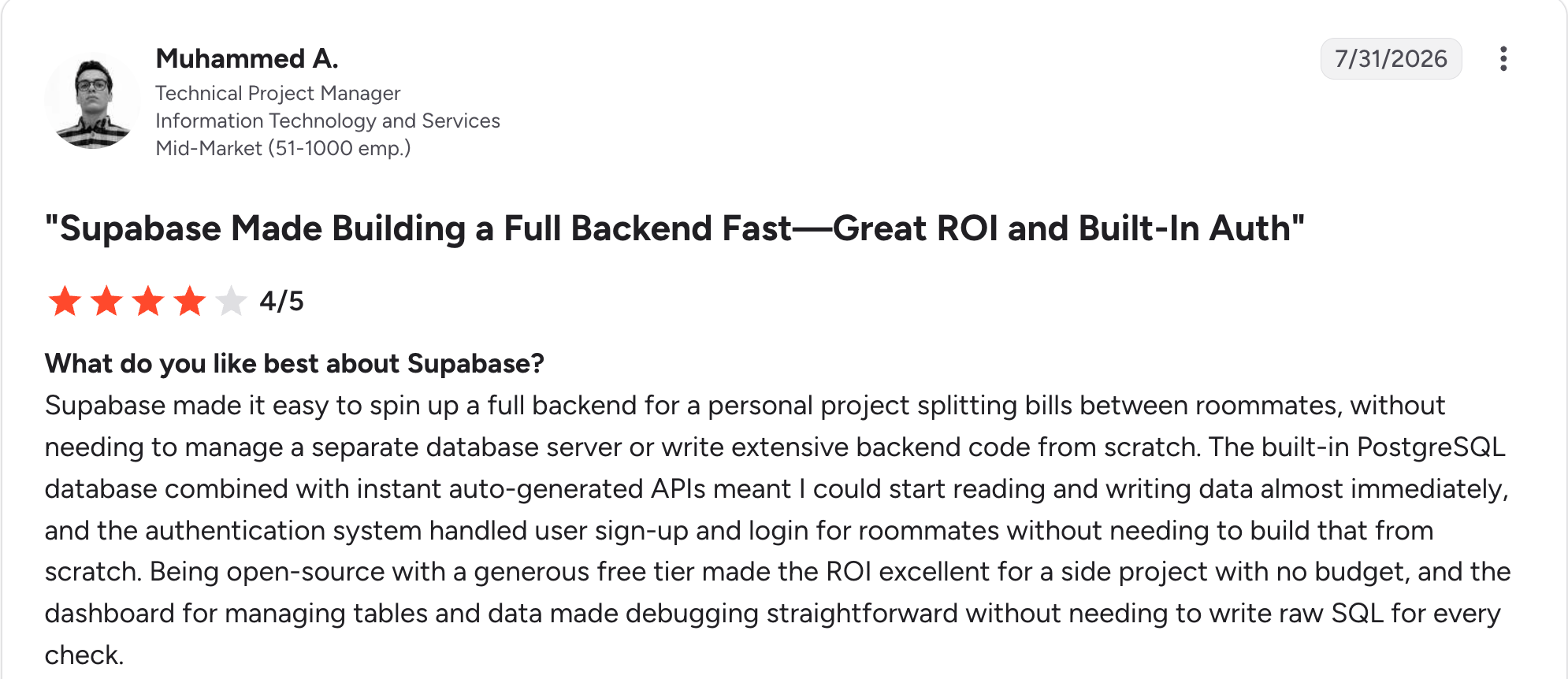
“Being open-source with a generous free tier made the ROI excellent for a side project with no budget.” Muhammed A, G2

“Some permission setups aren't obvious. Granting proper access for certain schemas took trial-and-error to get right.” Scott C, G2
Pricing
Supabase is free for two projects with a 500 MB database and 50,000 monthly active users. Paid plans start at $25 a month for Pro plus usage, and Team costs $599 a month. Paid plans include compute credit, with overages billed separately. See the Supabase pricing page.
Bottom line
I'd point most projects with any technical capacity to Supabase first, since the price-to-capability ratio is the best here. Non-technical builders will hit the SQL wall and are better served by Xano.
3. Firebase: Best for real-time apps built on Google Cloud
What it does: Firebase is Google's backend service that offers a real-time NoSQL database, authentication, storage, hosting, and serverless functions.
Best for: Mobile and real-time apps, especially teams already working inside Google Cloud.
Firebase is the most mature option here and still the strongest for real-time behavior. Data syncs instantly to connected clients, which is why chat and collaborative apps default to it. Auth is excellent and nearly free at small scale.
Firebase's NoSQL model makes relational queries awkward, and its metered pricing stays cheap at small scales but becomes hard to forecast.
Key features
- Real-time sync: Firestore pushes changes to connected clients immediately.
- Mature authentication: Email, social, and phone login with generous free limits.
- Google Cloud integration: Functions, hosting, and analytics under one account.
Pros
- Best real-time data sync on this list.
- Very cheap at small scale, costing nothing at idle.
- Mature tooling and a huge developer community.
Cons
- NoSQL model makes relational queries harder.
- Metered pricing is hard to forecast as usage grows.
- Migrating away later is a real project.
What users say
“Firebase makes it very easy to build and launch applications without spending a lot of time on backend setup.” Sumisha J, G2

“As applications grow, managing complexity can become challenging.” Alan R, G2
Pricing
Firebase is free on the Spark plan. The pay-as-you-go Blaze plan is metered by usage, and new Google Cloud accounts get $300 in trial credit that applies to it, so small apps often cost a few dollars a month, while larger ones scale with reads, writes, and storage. See the Firebase pricing page.
Bottom line
Firebase makes sense for real-time and mobile apps, particularly on Google Cloud. If your data is relational or you want a predictable monthly figure, Supabase or Xano suits better.
4. Appwrite: Best self-hostable option with per-project pricing
What it does: Appwrite is an open-source backend that offers databases, authentication, storage, and functions, available either self-hosted or as a managed cloud service, priced per project.
Best for: Teams that want open-source control and per-project cost isolation rather than one metered bill.
Appwrite is the option to reach for when you want to own your infrastructure or keep each project's costs separate. Self-hosting via Docker is straightforward, and the managed cloud is one of the lower-cost paid entry points here, at about $25 per month.
Maturity is where it lags. Appwrite is newer than Firebase, so some features and integrations are still catching up.
Key features
- Open-source and self-hostable: Run it on your own infrastructure with no license fee.
- Per-project pricing: Costs stay isolated to each project rather than pooled.
- Full backend set: Databases, auth, storage, and serverless functions.
Pros
- Among the lowest-priced entry points here, at about $25 per month, plus $15 per extra project.
- Genuine self-hosting for data ownership.
- Clean developer experience and clear docs.
Cons
- Newer, so some features trail Firebase and Supabase.
- Self-hosting still needs technical resources.
- Fewer third-party integrations than the older services.
What users say
“Its backend as a service platform's capabilities are second to none when even compared to other platforms such as Supabase and everything.” Ritvik P, G2

“The online dashboard could be a bit faster, but the rest is an amazing product built and maintained by amazing people.” Jaideep G, G2
Pricing
Appwrite is free to self-host, and the managed cloud has a free tier. Paid plans start at $25 a month, which covers one project with dedicated resources, and each additional project adds $15 a month. See the Appwrite pricing page.
Bottom line
Appwrite is the choice when self-hosting or per-project cost isolation matters most. For the biggest community and most mature feature set, Supabase and Firebase are ahead.
5. Airtable: Best non-technical data layer for no-code frontends
What it does: Airtable is a relational database with a spreadsheet-like interface and a REST API, widely used as the data layer behind no-code frontends.
Best for: Non-technical builders whose frontend tool connects to Airtable and who want the friendliest data modeling available.
Airtable is marketed as a database, and it's used as a backend constantly because tools like Softr, Glide, and Webflow connect to it natively. For a non-technical builder, modeling data in Airtable is easier than anything else here.
Airtable strains at scale: per-user pricing, per-base record caps, and API limits make it a poor fit for high-traffic apps.
Key features
- Friendliest data modeling: Linked records and rich field types without technical setup.
- Native no-code connections: Softr, Glide, and many builders connect directly.
- REST API: Programmatic access to every base.
Pros
- Easiest data layer for non-technical builders.
- Native support in most no-code frontend tools.
- Large template and integration library.
Cons
- API rate limits make it unfit for high-traffic apps.
- Per-user pricing climbs as the team grows.
- No end-user authentication layer of its own.
What users say
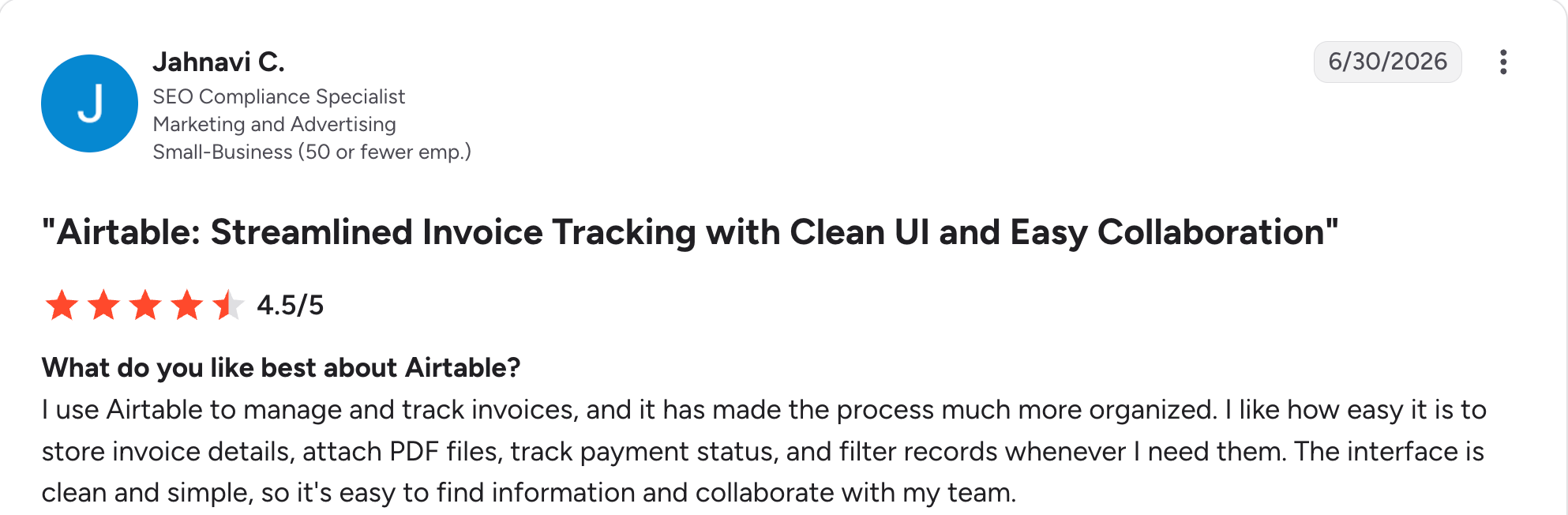
“I use Airtable to manage and track invoices, and it has made the process much more organized.” Jahnavi C, G2

“One thing I dislike about Airtable is that some of the more advanced features can feel a bit limited unless you upgrade to a higher-priced plan.” Muhammad O, G2
Pricing
Airtable is free to start. Paid plans start at $24 per user per month for Team and $54 per user per month for Business. See the Airtable pricing page.
Bottom line
Airtable is the right data layer when your frontend connects to it natively, and traffic is modest. For anything with real scale or auth needs, a purpose-built backend belongs underneath instead.
Which no-code backend should you choose?
The right pick depends on your technical comfort, your data shape, and how predictable you need the bill to be. A few questions narrow it fast:
- Do you already have a frontend, or are you still deciding how to build the app?
- Is your data relational or document-shaped?
- Can anyone on the team write SQL, or does everything need to be visual?
- Do you need to self-host for data ownership or compliance reasons?
- Would a fixed monthly bill or usage-based metering suit you better?
Choose Xano if you:
- Need real backend logic without writing code.
- Prefer a predictable bill tied to an instance.
Choose Supabase if you:
- Want Postgres with the largest community behind it.
- Have some SQL comfort on the team.
Choose Firebase if you:
- Are building real-time or mobile-first apps.
- Already work inside Google Cloud.
Choose Appwrite if you:
- Need self-hosting or per-project cost isolation.
Choose Airtable if you:
- Mainly need an API-accessible database rather than a full backend.
- Value simple data modeling for a non-technical team.
Skip a separate backend entirely if you:
- Are a non-technical team building a business tool with no frontend yet, where an all-in-one builder covers both.
If that last case is you, our guides to Retool alternatives and AppSheet alternatives cover the all-in-one route.
Final verdict
For most projects in 2026, Supabase is the strongest no-code backend because it pairs a real Postgres database with instant APIs and auth at a low base price.
If you're non-technical and need genuine backend logic, Xano is worth its higher price, and Firebase still wins for real-time and mobile work.
The honest caveat is to check whether you need a separate backend at all. If you're a non-technical team building an internal tool or client portal with no frontend yet, a builder like Zite that includes the data layer removes the integration work entirely.
Frequently asked questions
What is the best no-code backend?
The best no-code backend for most projects is Supabase, which pairs Postgres with instant APIs and auth from $25 a month. Xano is better for non-technical builders who need visual backend logic, Firebase for real-time and mobile apps, and Appwrite for self-hosting.
How much does a no-code backend cost?
A no-code backend costs anywhere from nothing to a few hundred dollars a month. Supabase Pro is $25 per month plus usage; Appwrite starts at about $25 per month; and Xano starts at $99 per month. Firebase is metered, so small apps cost very little.
Do I need a backend for a no-code app?
Not always. You need a backend for a no-code app only when your builder doesn't include one. If your builder has its own database and logic, the data layer is already there. You need one when you're building a frontend elsewhere, or when several apps read the same data.
Is Airtable a backend?
Airtable is a lightweight backend, not a full one. It works well behind no-code frontends, and it's the easiest data layer for a non-technical team to model. What it lacks is a login layer for your app's users and server-side logic, and its rate limits cap out high-traffic apps.
What is the difference between a no-code backend and a no-code app builder?
The difference between a no-code backend and a no-code app builder lies in what each provides. A no-code backend gives you the data, APIs, and logic for a frontend you build elsewhere, while a no-code app builder creates the interface and the data layer together in one tool.

