


A good testimonial form gets customers to say something specific enough to persuade the next buyer, instead of “great service, thanks!”
I've collected 15 testimonial form examples across different industries and use cases, along with the questions worth asking and how to build your own in 2026.
What is a testimonial form?
A testimonial form is a structured form that collects a customer's written or recorded endorsement. It also captures permission to publish the endorsement, along with the details that make it credible, such as their name, role, company, and photo. It differs from a feedback form, which gathers criticism you act on privately rather than quotes you publish.
Testimonial forms serve a few distinct purposes:
- Collecting proof at scale: Gathering endorsements systematically rather than chasing individuals over email.
- Getting usable specifics: Guiding people toward concrete results instead of vague praise.
- Securing permission: Capturing written consent to publish, which protects you legally.
- Supplying the credibility details: A name, title, company, and photo are what make a testimonial believable to the next reader.
The delivery method varies. You can send a testimonial form after a purchase, embed it in a customer portal, link it from an email signature, or trigger it automatically when someone gives you a high satisfaction score.
Types of testimonial forms
Before the examples, these are the main categories testimonial forms fall into:
- Customer testimonial forms collect endorsements from product buyers, usually shortly after purchase or once they've seen a result.
- Client testimonial forms suit service businesses, where the endorsement comes at the end of a project or engagement.
- Video testimonial request forms ask for a recorded clip rather than text, which tends to convert better while drawing fewer responses.
- Case study request forms collect longer, more detailed information for a full write-up rather than a short quote.
- Internal and employee testimonial forms gather quotes for recruiting pages and culture marketing.
15 testimonial form examples
Here are 15 testimonial form examples, with what each is for, when to send it, and the questions to include.
Most of them point to a Fillout template. Fillout is a form builder from the same team that makes Zite, and it already has a form built for nearly every case below. Rather than describe each one in the abstract, I've pointed to the template you can open and edit. If none of them fit, describe the form you want, and Fillout generates a starting point.
1. General customer testimonial form
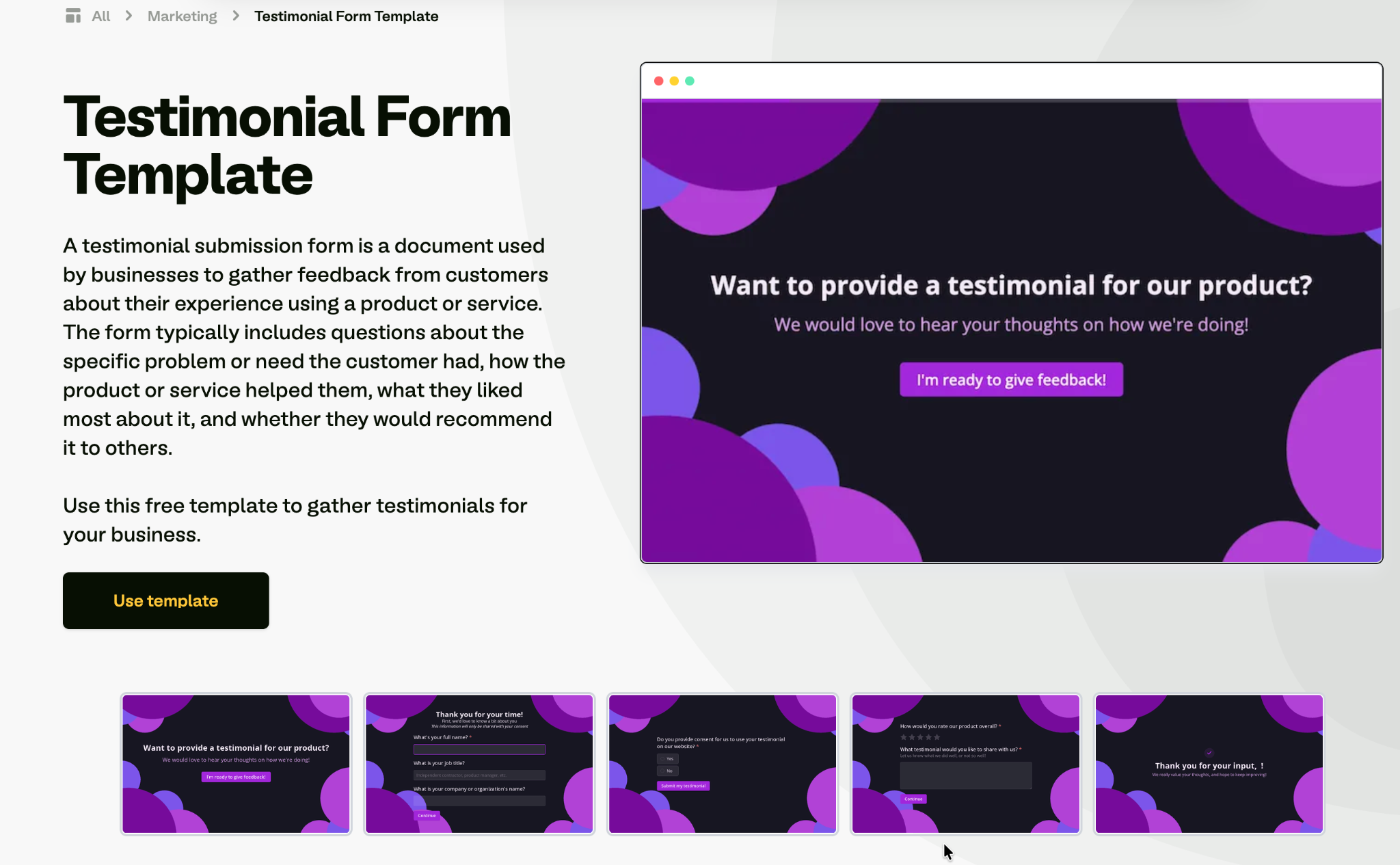
Start here when you aren't sure which form you need. Fillout offers this one as a ready-made testimonial form template. It collects a short written endorsement, a satisfaction rating, and the identity details you need to publish it. A customer can finish it in under a minute.
When to use it: As your default form, sent after a purchase or a positive support interaction.
Key questions to include:
- How would you rate your overall experience? (1 to 5)
- What did you like most about working with us?
- What problem were you trying to solve when you found us?
- May we publish your feedback on our website? (Yes / No)
- Your name, role, and company
2. Client testimonial form for service businesses
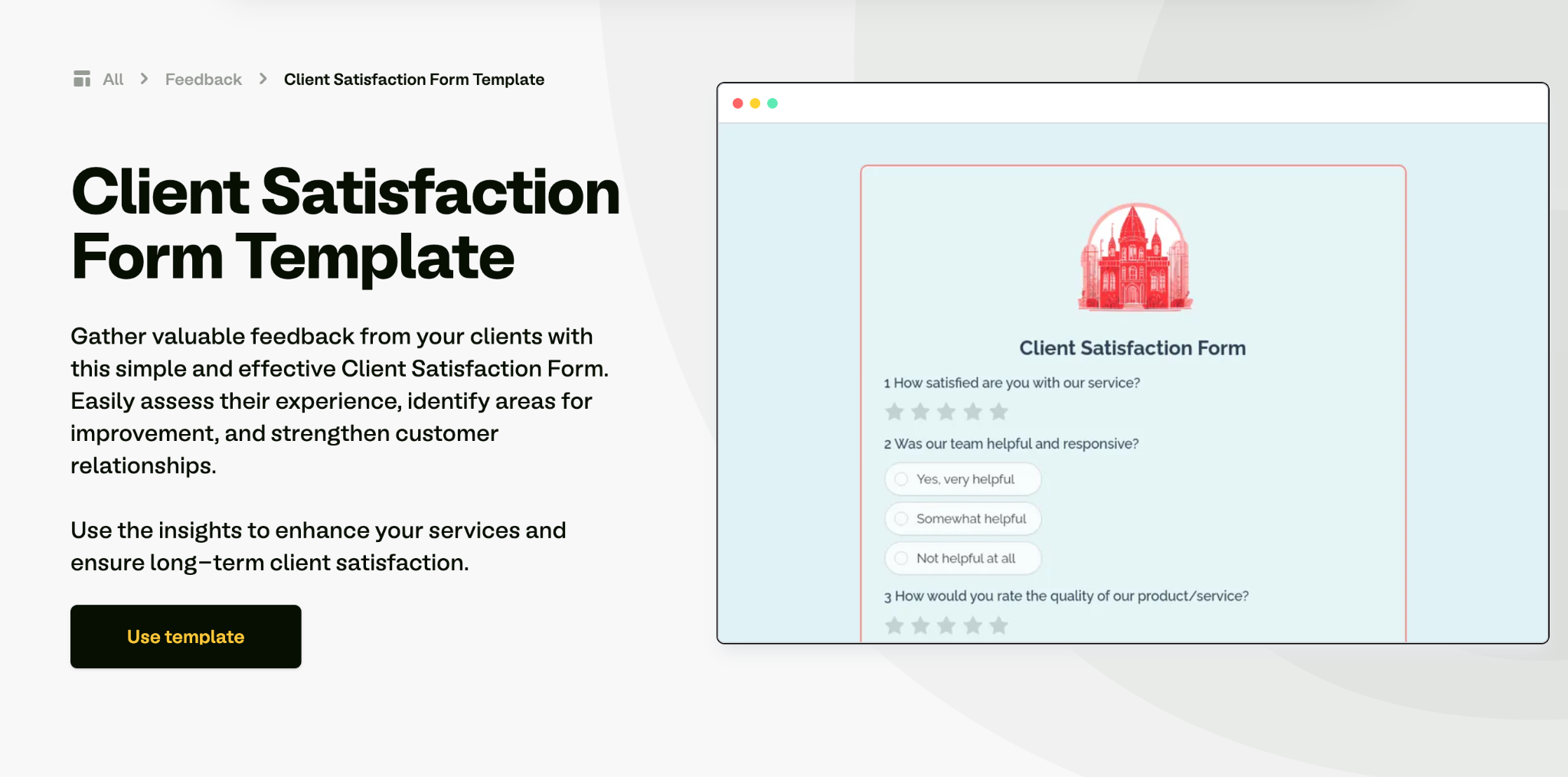
Service businesses need a different form. An agency, consultant, or freelancer should ask the client about the project, not about a product. Fillout's client satisfaction form is the closest template to start from. A service testimonial works best when the client describes the situation before the project and the result after it, so most of the questions point there.
When to use it: At project completion, or at a milestone where the client has seen a clear result.
Key questions to include:
- What was the situation before we started working together?
- What result did you see, and how long did it take?
- What almost stopped you from hiring us?
- Who would you recommend us to?
- May we use your name and company logo alongside this quote?
3. Video testimonial request form
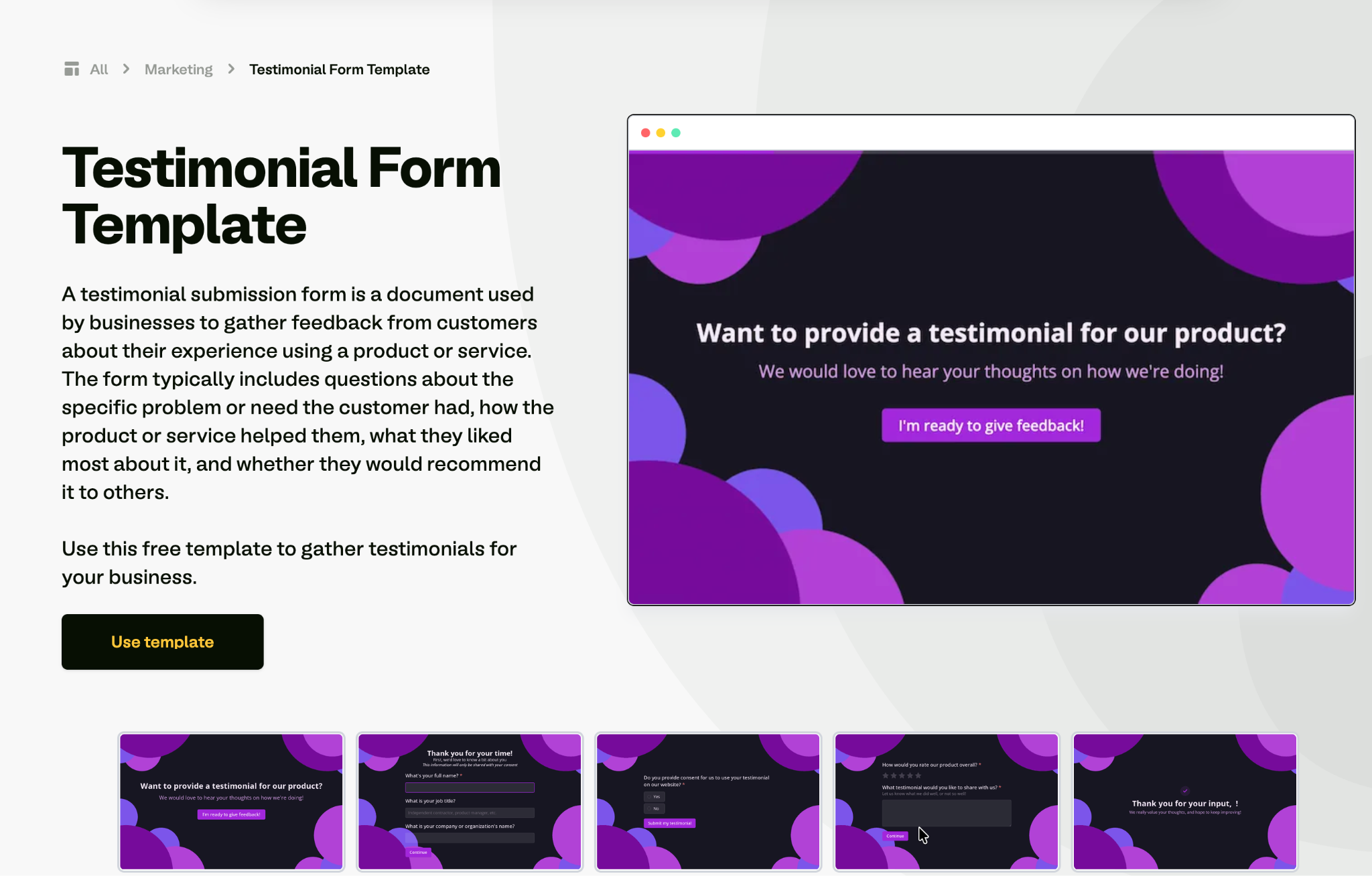
Video tends to convert better than text, so this form's job is to make recording one as easy as possible. Start from the testimonial form template and add a file-upload field for the clip. The form gives people the questions in advance and accepts an upload or a link.
When to use it: With your most enthusiastic customers, ideally after they've already given written feedback.
Key questions to include:
- Would you be willing to record a 60- to 90-second video? (Yes / Not right now)
- Here are the three questions to answer on camera. Which would you like to cover?
- Upload your video, or paste a link
- Do you consent to us editing and publishing this video?
- Preferred name and title for the on-screen caption
4. Product review testimonial form
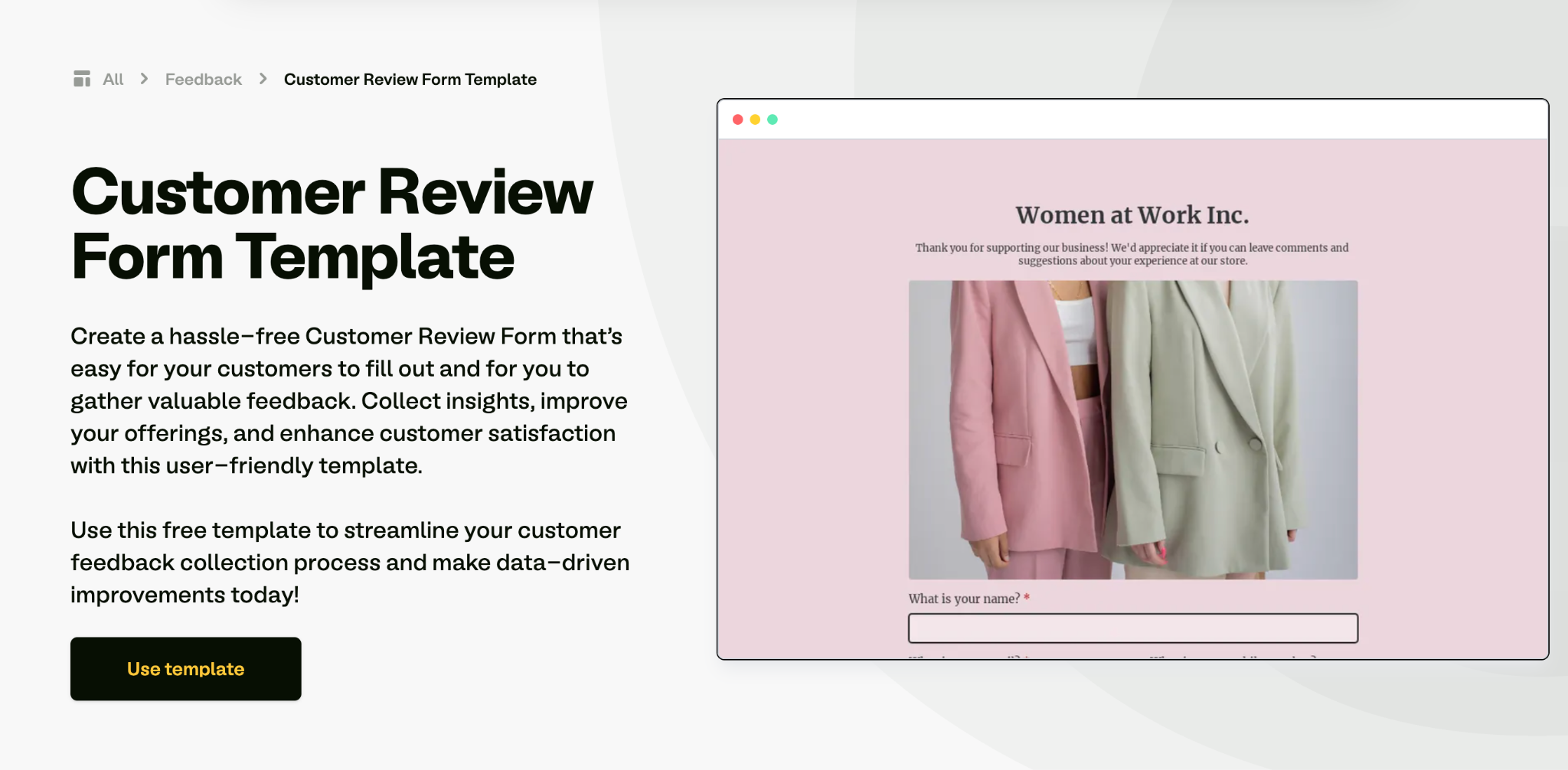
This is the ecommerce standard, and Fillout's customer review form maps directly to it. Pair a star rating with a short written review and, where you can, a customer photo of the product in use. The photo usually lifts conversion more than text alone.
When to use it: Two to three weeks after delivery, once the customer has used the product.
Key questions to include:
- How would you rate this product? (1 to 5 stars)
- What did you buy it for?
- What stood out about the product quality?
- Upload a photo of the product in use (optional)
- Would you buy it again?
5. Case study request form
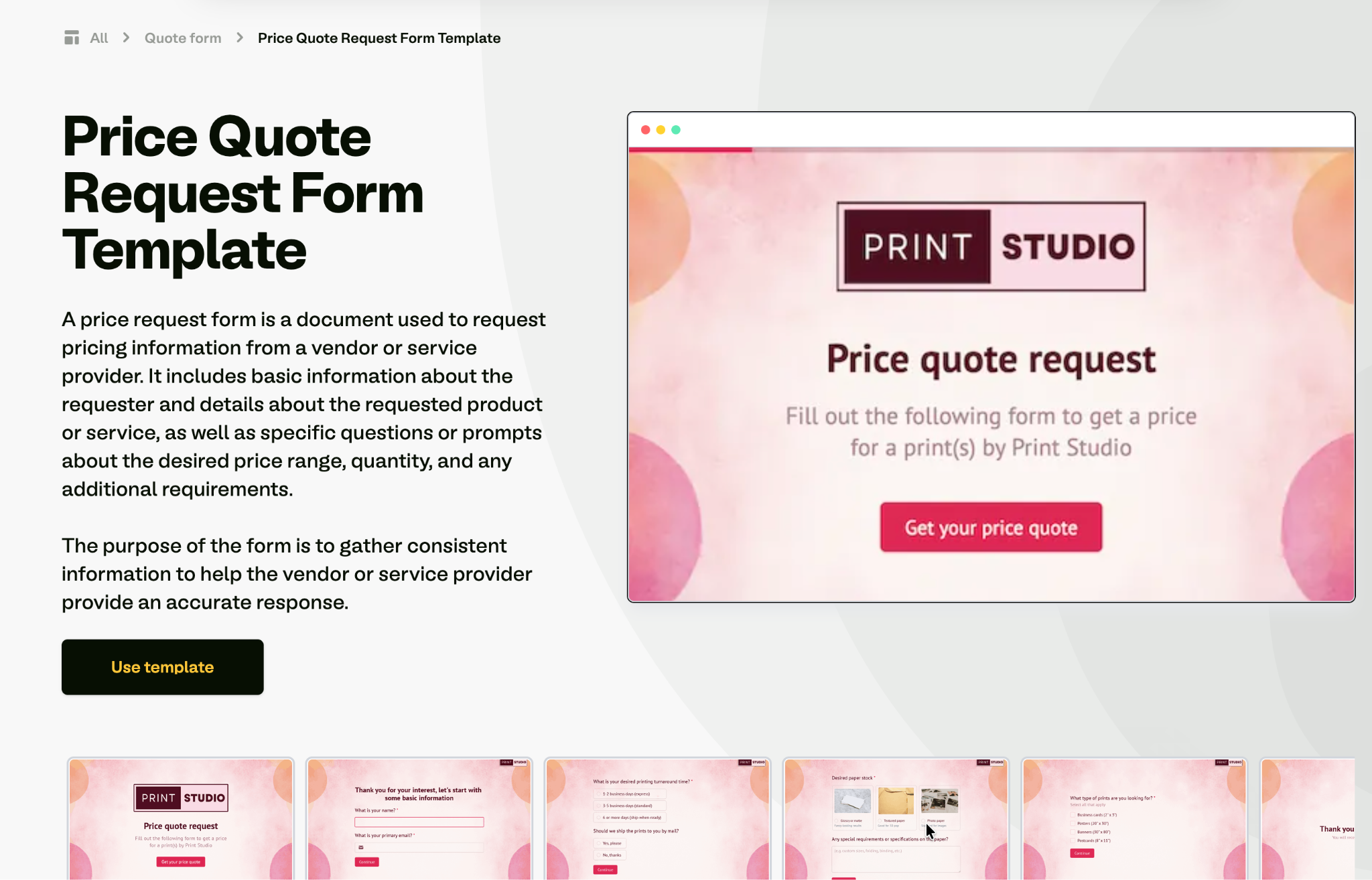
A case study needs more structure than a quote, so this form goes after numbers, timeline, and the internal approval path. Start from Fillout's request form templates and build out. Spread it over several pages, and it stops feeling like an interrogation.
When to use it: With customers who have measurable results and a recognizable brand.
Key questions to include:
- What measurable results have you seen? (Include numbers where possible)
- What was the timeline from starting to seeing results?
- Which team members were involved?
- Who needs to approve a public case study on your side?
- Are you open to a 30-minute interview call?
6. Post-purchase testimonial form
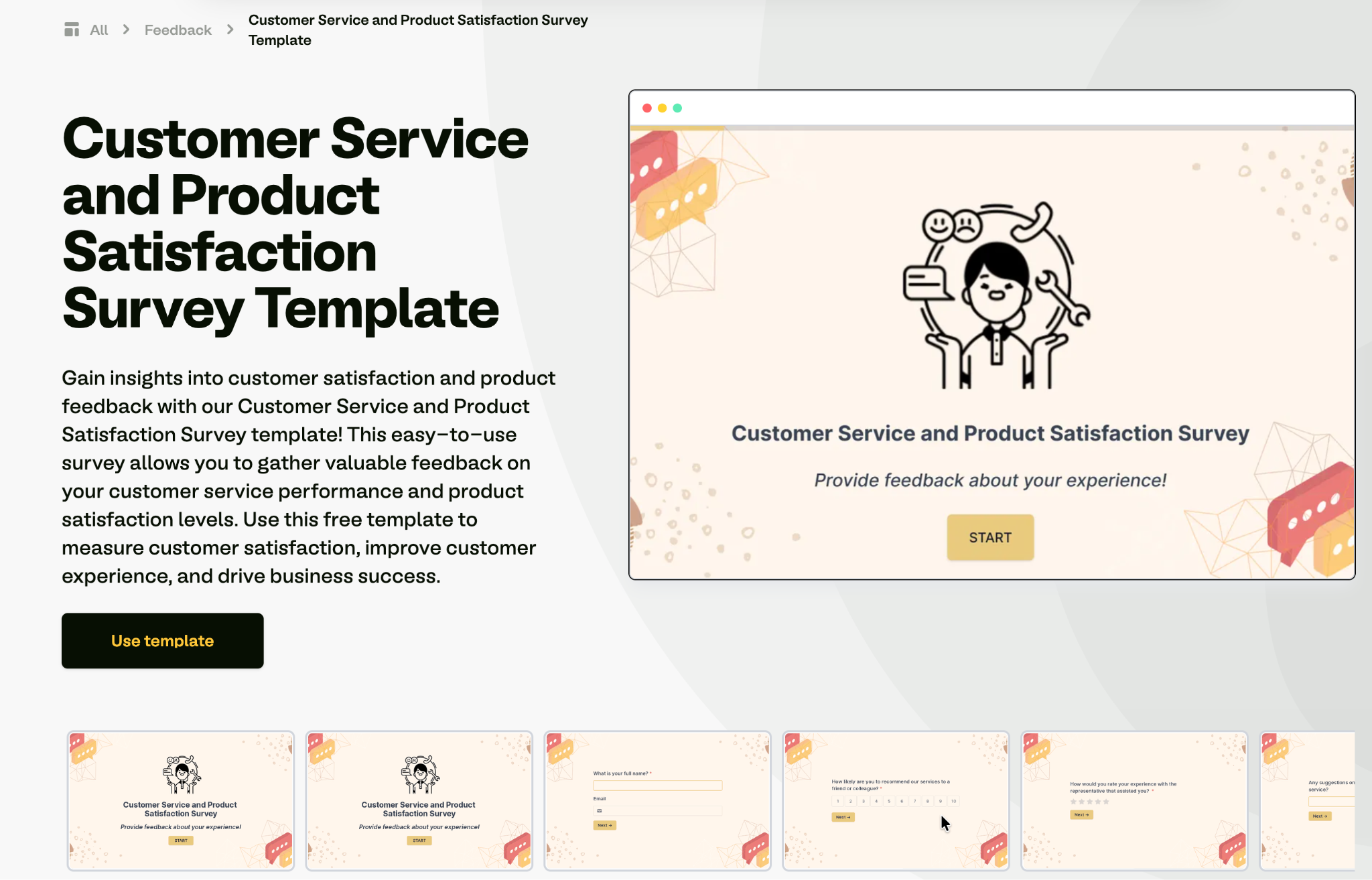
Keep this one tiny, because it has to catch people at the moment of highest enthusiasm. Trim Fillout's customer service and product satisfaction survey down to two or three questions and stop there. Anything longer loses the window.
When to use it: On the order confirmation page or in the first follow-up email.
Key questions to include:
- How was your buying experience? (1 to 5)
- In one sentence, what would you tell someone considering this purchase?
- May we share your comment publicly?
7. NPS follow-up testimonial form
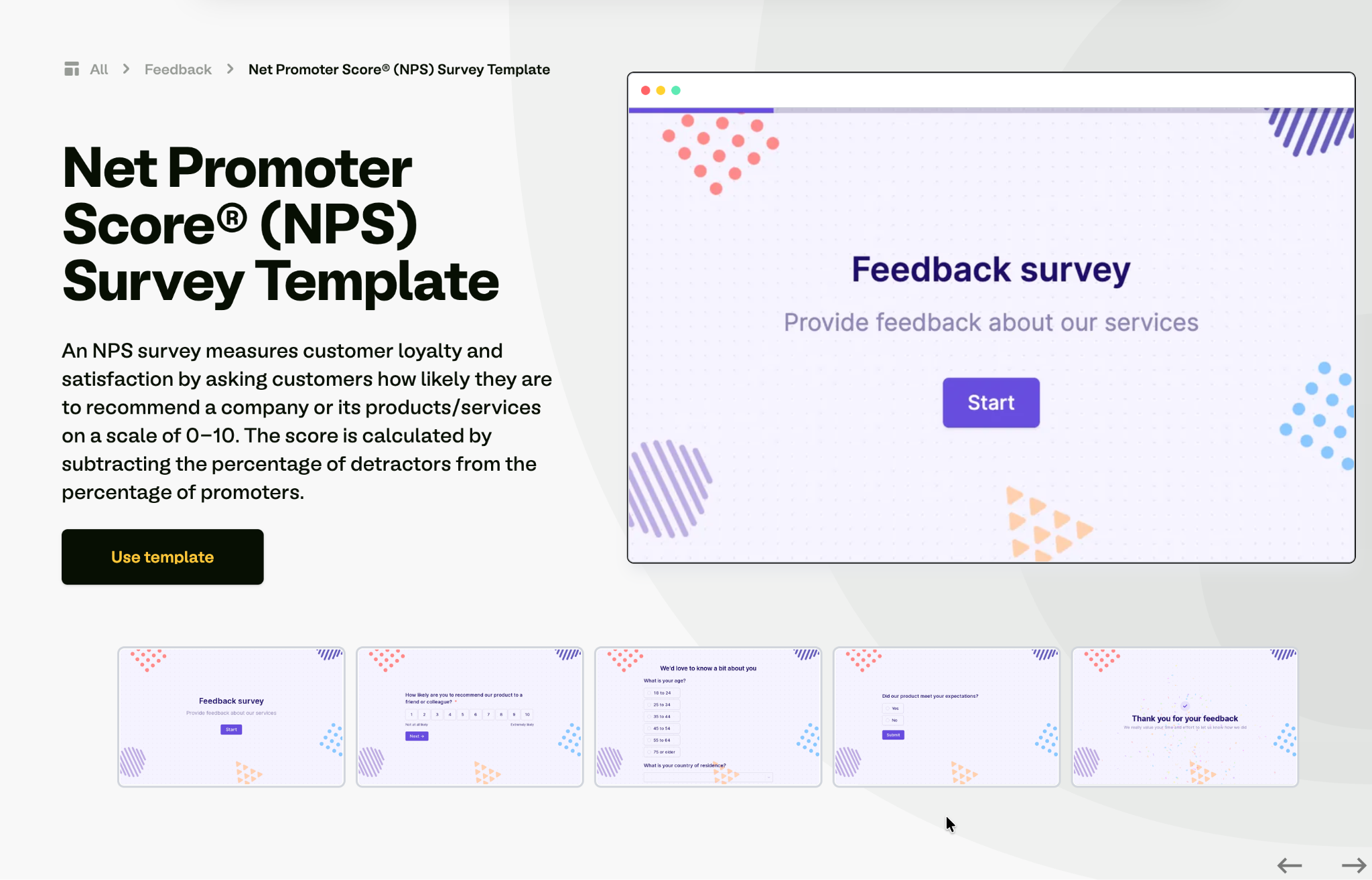
This one uses conditional logic to turn your satisfaction survey into a testimonial pipeline. Build it on Fillout's NPS survey template. Promoters get asked for a quote, and detractors get asked what went wrong instead.
When to use it: As part of your regular NPS cycle, running continuously.
Key questions to include:
- How likely are you to recommend us? (0 to 10)
- If 9 or 10: What specifically would you tell them?
- If 9 or 10: May we publish that as a testimonial?
- If 6 or below: What would have made your experience better?
8. Course or student testimonial form
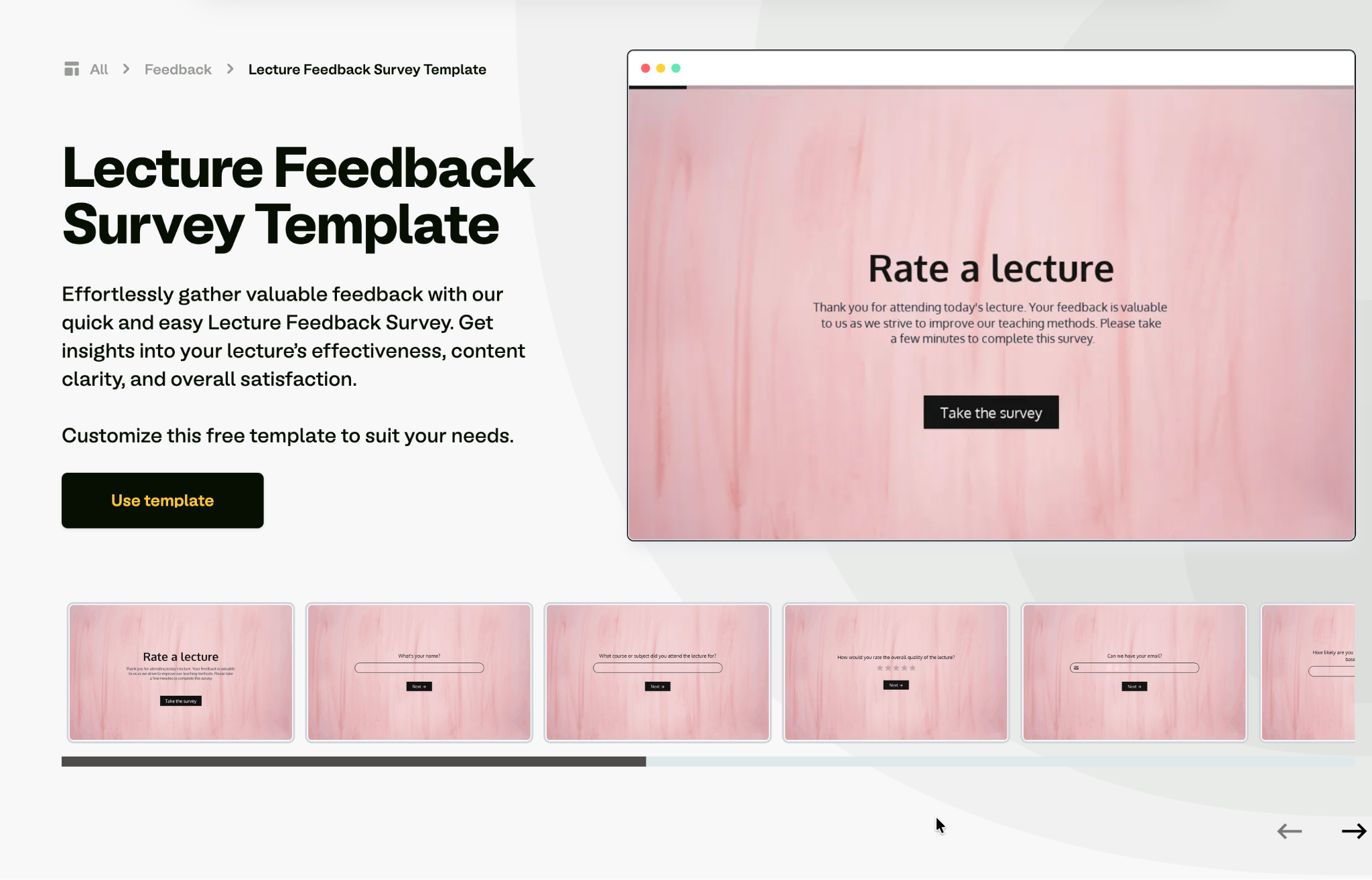
Educators, course creators, and training providers can adapt Fillout's lecture-feedback survey into a testimonial form. A course sells on proof that past students got results, so ask what changed for them rather than how the classes felt.
When to use it: At course completion, and again three months later once results have materialized.
Key questions to include:
- What were you hoping to achieve when you enrolled?
- What have you been able to do since finishing?
- Which part of the course was most valuable?
- Who should take this course?
- May we publish your feedback with your first name and last initial?
9. Event attendee testimonial form
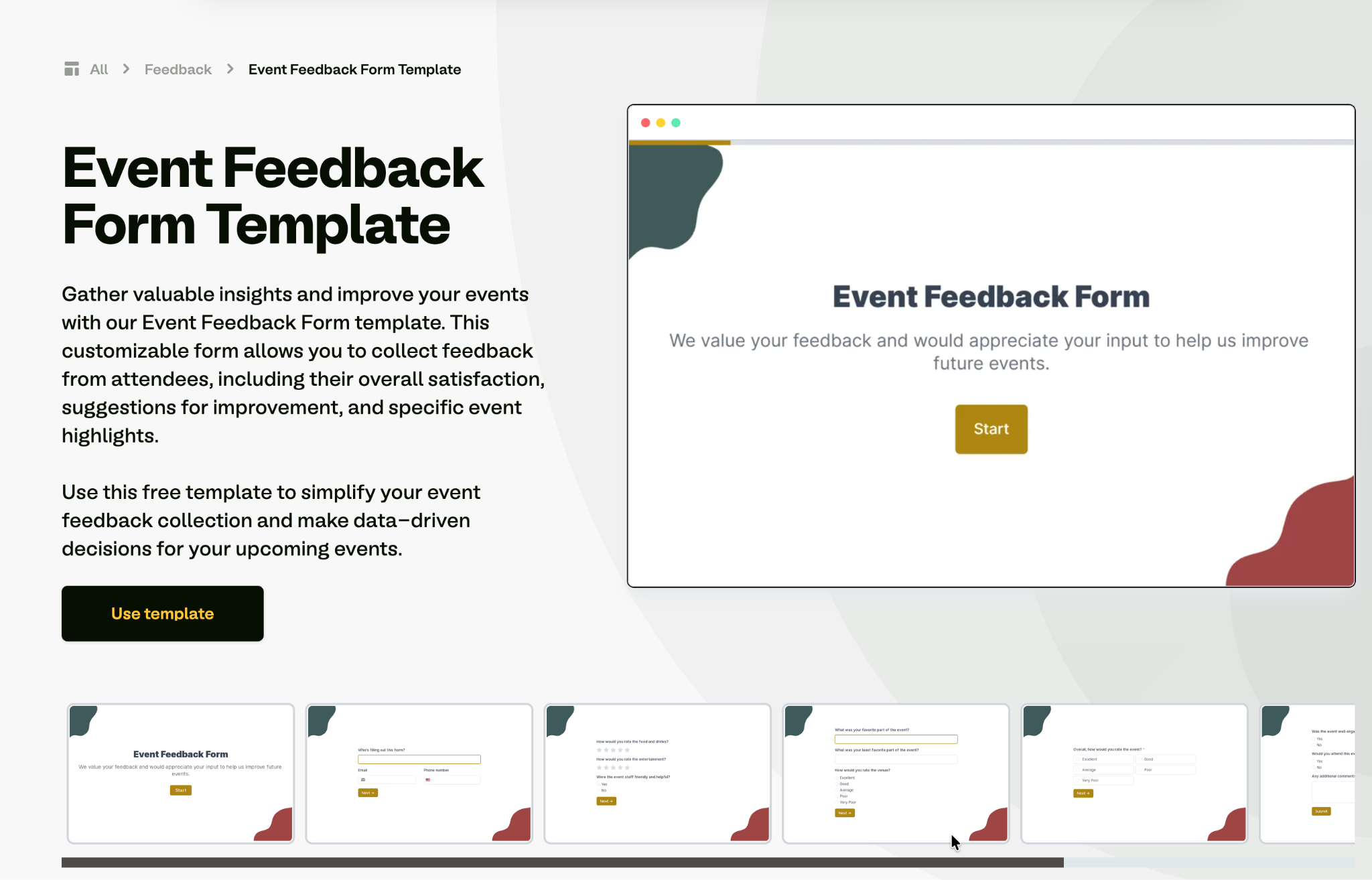
Send this while the event is still fresh, ideally before attendees leave the room. It does double duty as organizer feedback and as marketing copy for next year, and Fillout's event feedback form is the base to adapt.
When to use it: Immediately at the end of the event, before people leave the room or the call.
Key questions to include:
- How would you rate the event overall?
- What was your single biggest takeaway?
- Which session or speaker stood out, and why?
- Would you attend again, and would you recommend it?
- May we quote you in the promotion for next year's event?
10. Employee testimonial form
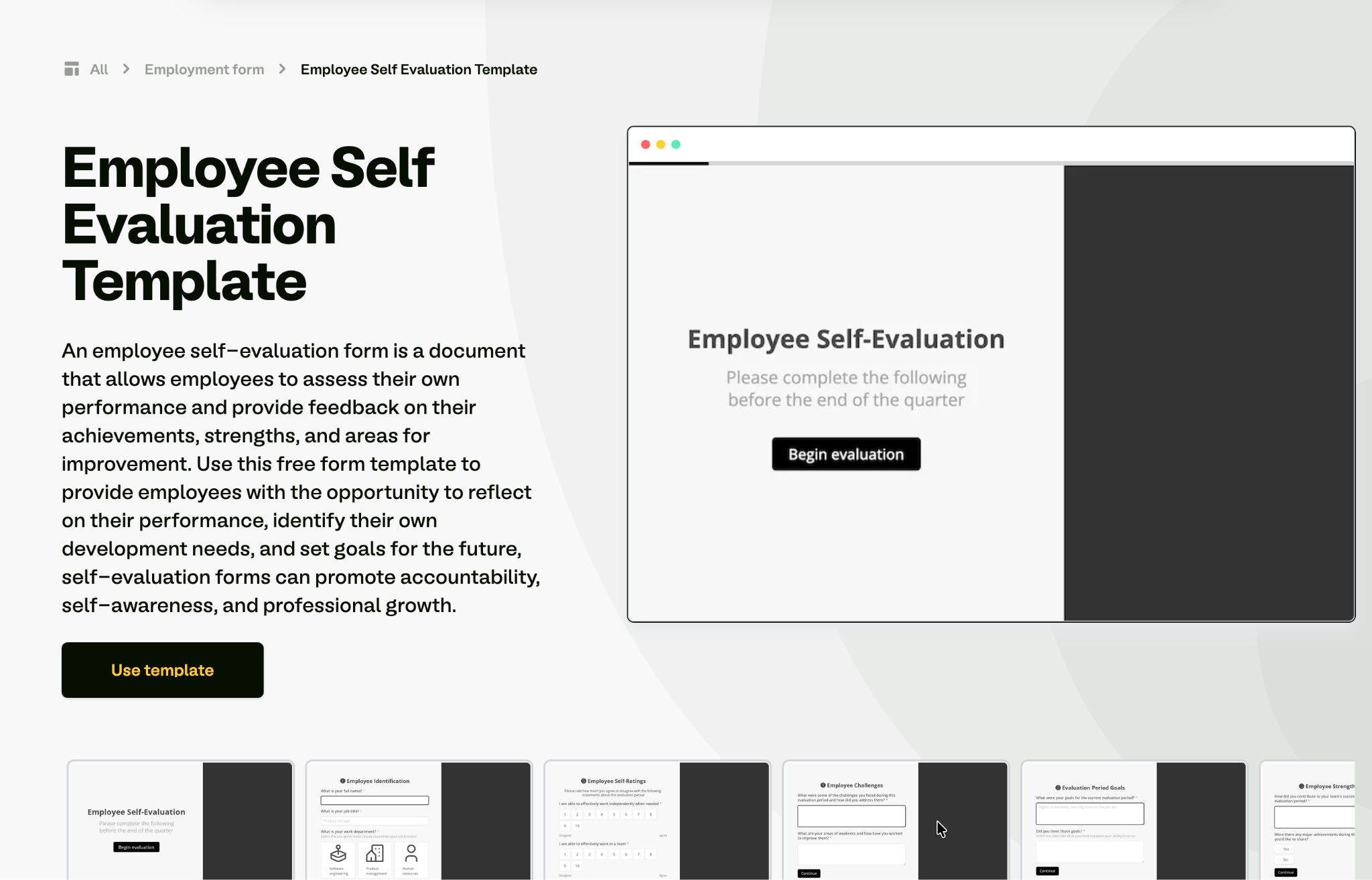
Point the usual HR questions outward at candidates instead of inward at performance. Rework Fillout's employee self-evaluation form into quotes you can publish, and your careers page will sound credible to the candidates reading it.
When to use it: After onboarding, at work anniversaries, or when refreshing your careers page.
Key questions to include:
- What made you choose to work here?
- What surprised you in your first three months?
- How would you describe the team to a friend considering applying?
- What kind of person does well here?
- May we use your name, role, and photo on our careers page?
11. Healthcare patient testimonial form
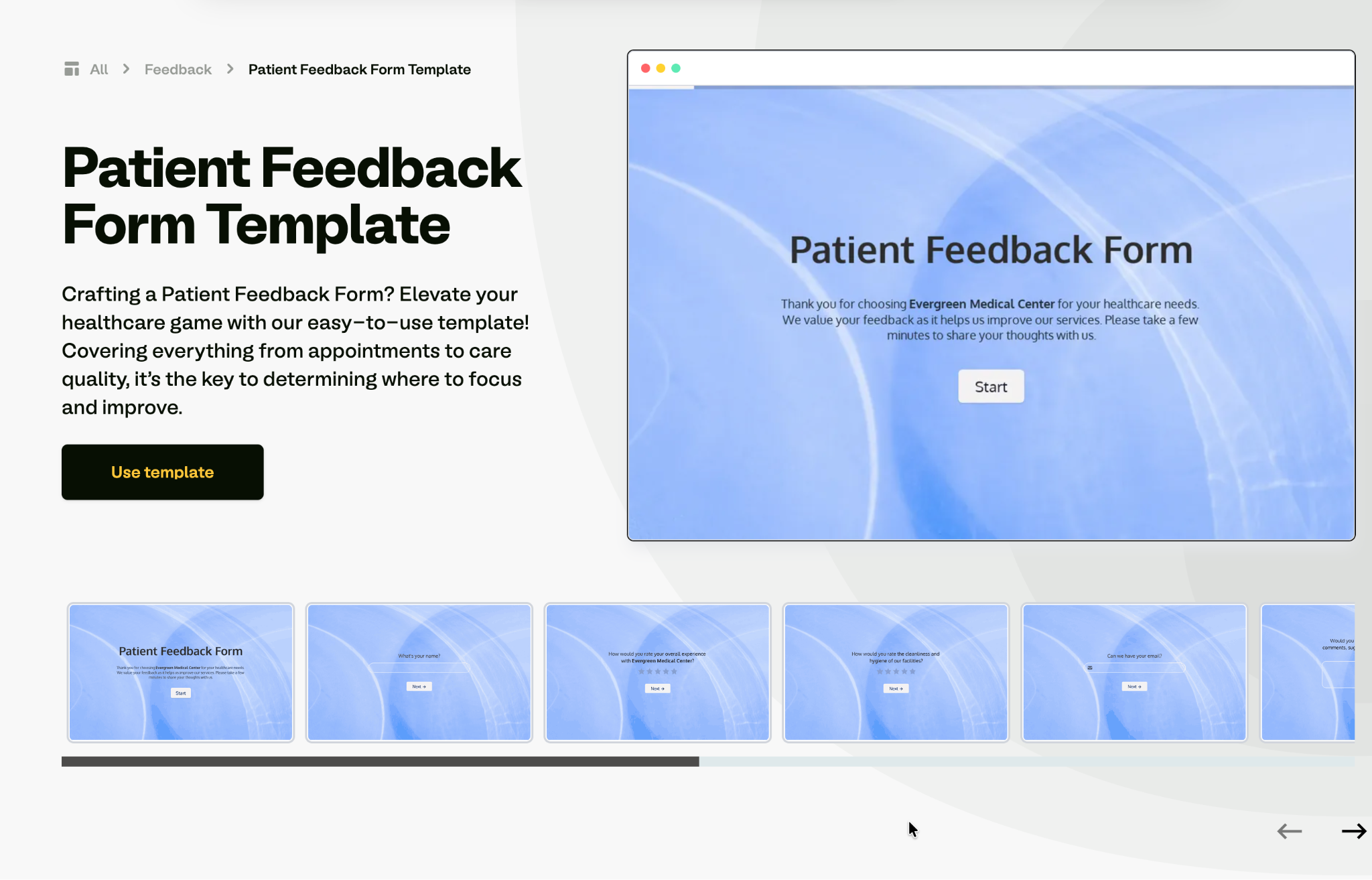
Patient testimonials carry extra sensitivity, so consent language and anonymity options matter more here than in most categories. Start from Fillout's patient feedback form and add the publishing consent.
When to use it: After a completed course of treatment, not during active care.
Key questions to include:
- How would you describe the care you received?
- How did the staff make you feel during your visit?
- Would you recommend our practice?
- How would you like to be identified? (Full name / First name only / Anonymous)
- Do you give written consent to publish this feedback?
12. Real estate client testimonial form
Segment this one by transaction type, because a buyer's testimonial persuades a different reader than a seller's. Adapt the testimonial form template and add fields for property type and neighborhood, so each quote carries local proof.
When to use it: Shortly after closing, while the relief and gratitude are still fresh.
Key questions to include:
- Were you buying, selling, or renting?
- What made the process easier than you expected?
- How responsive was your agent throughout?
- What would you tell someone choosing an agent in this area?
- May we publish this with your first name and neighborhood?
13. Restaurant and hospitality testimonial form
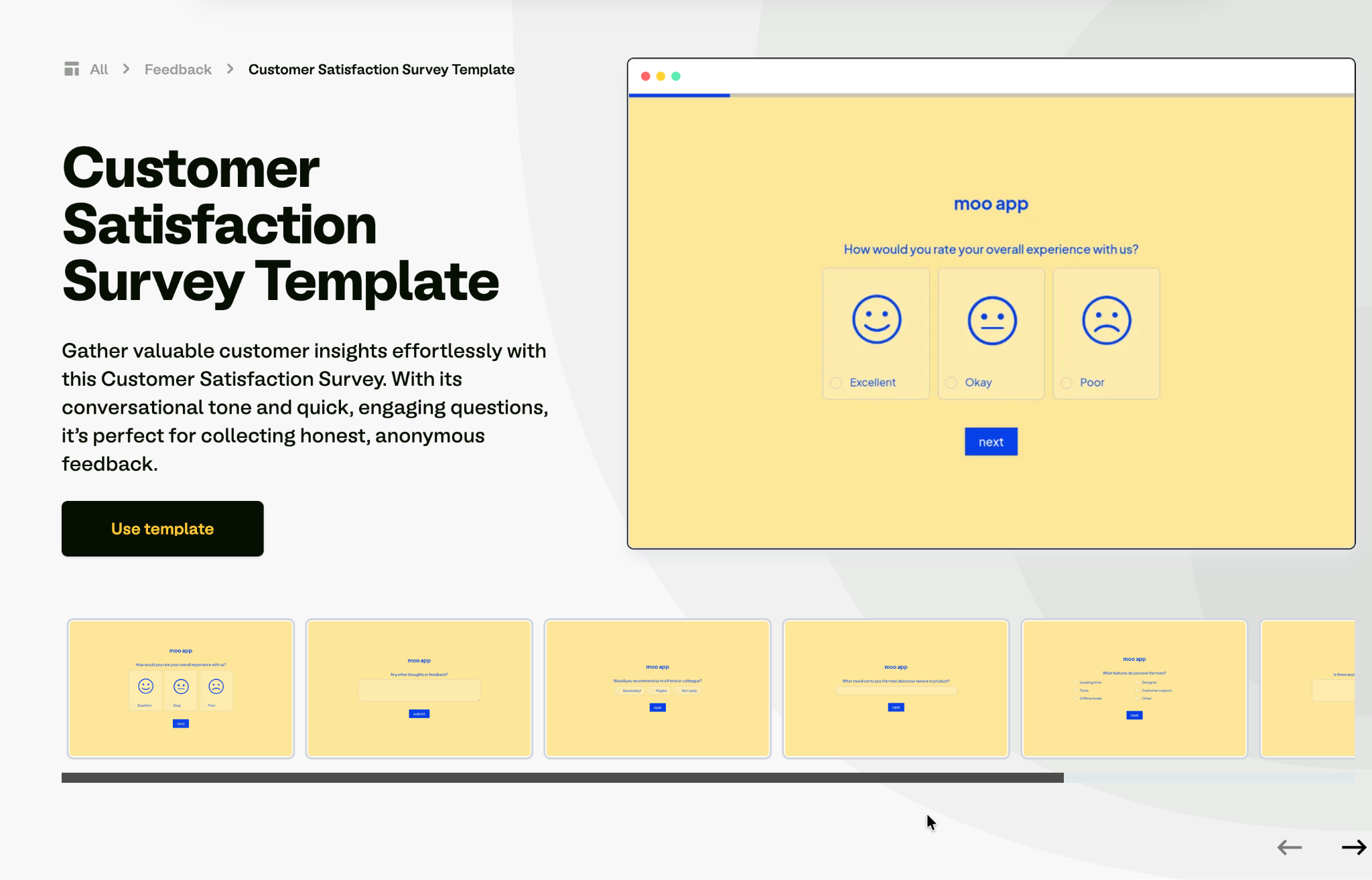
Guests fill this in on a phone, at the table, or on the way home, so every extra field hurts. Fillout's customer satisfaction survey gives you a conversational base to trim down. Ask about the specific dish or room, since that detail is what makes the quote usable.
When to use it: Via a QR code on the table or receipt, or in a post-stay email.
Key questions to include:
- How was your visit? (1 to 5)
- What did you order, and how was it?
- How was the service and atmosphere?
- What would you tell a friend about this place?
- May we share your comment on our site and social pages?
14. SaaS user testimonial form
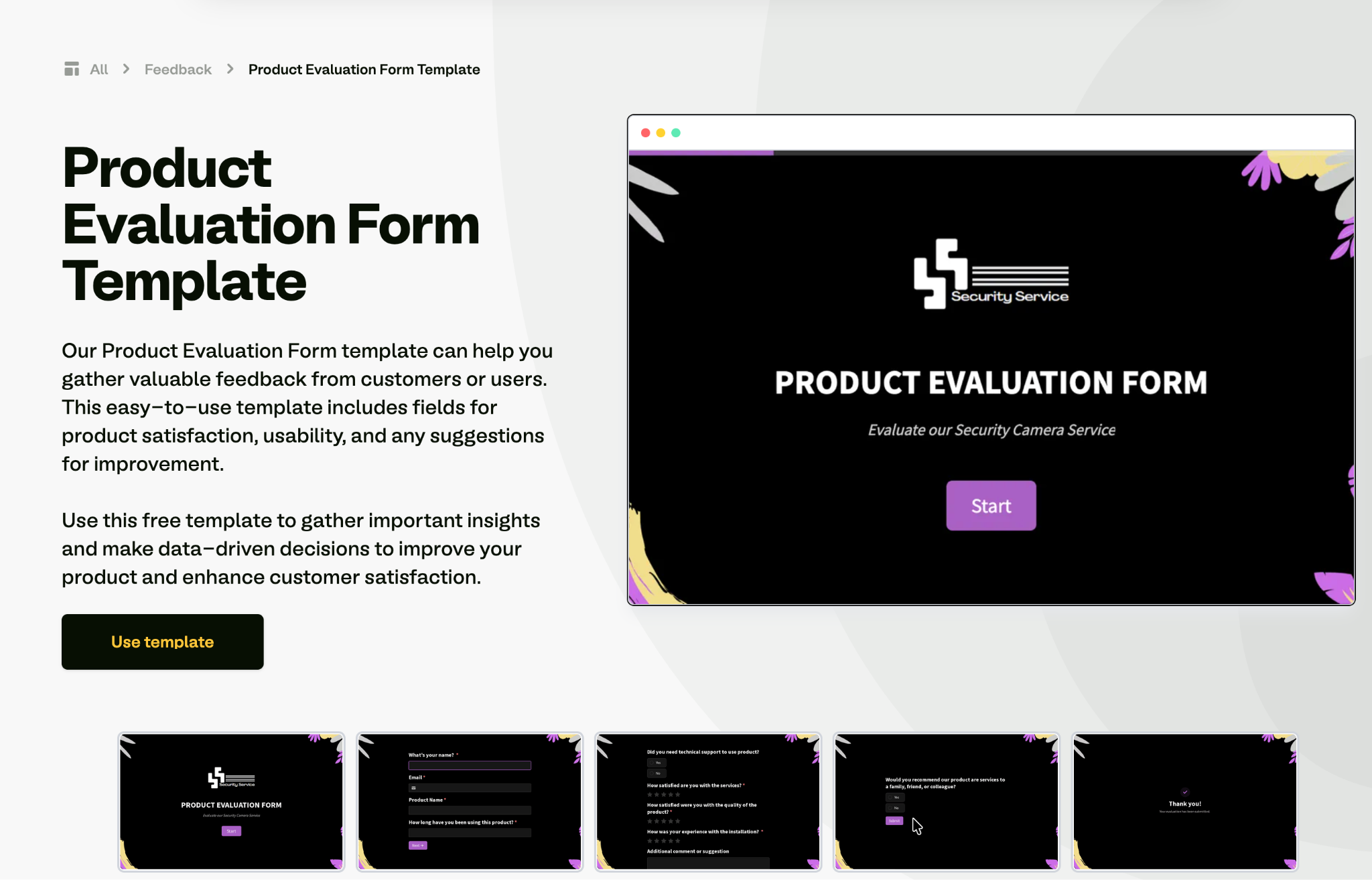
Send this in-app the moment something goes right, using Fillout's product evaluation form as the base. A completed setup or a usage milestone works better as a trigger than a scheduled email, because the user has just felt the value.
When to use it: After an activation milestone, rather than on a calendar schedule.
Key questions to include:
- What were you using before you switched to us?
- What can you do now that you couldn't before?
- How much time or money has this saved you?
- Which feature would you struggle to give up?
- May we publish this with your name, role, and company?
15. Nonprofit donor and volunteer testimonial form
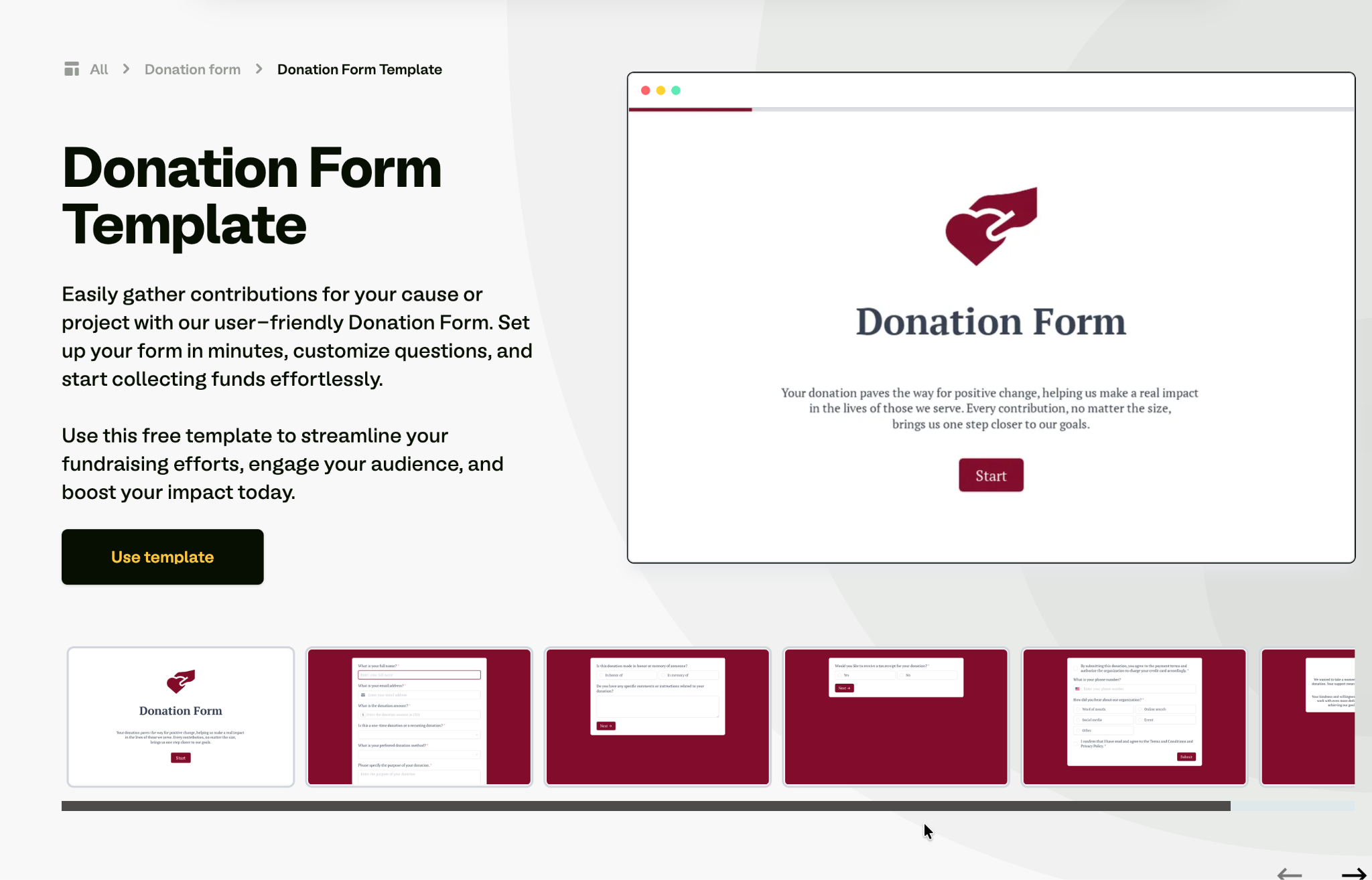
Donors respond to motivation and impact, while customers respond to satisfaction. Tell the next giver why someone gave and what they saw happen afterward. Pair the form with one of Fillout's donation form templates so giving and storytelling sit together.
When to use it: After a campaign closes, an event finishes, or a volunteer session ends.
Key questions to include:
- What made you decide to support this cause?
- What impact have you seen from your involvement?
- What would you say to someone considering donating or volunteering?
- How would you like to be credited?
- May we include your story in our newsletter and annual report?
Best practices for creating a good testimonial form
The form design decides whether you get a usable quote or a throwaway one. These are the practices that matter most.
Ask at the moment of peak enthusiasm
The timing matters more than the wording. The strongest window opens right after someone gets a result. An order arrives, a project wraps up, a support issue gets resolved, or a milestone lands. A month later, the specifics have faded and so has the goodwill.
Choose question types that fit the job
Testimonial forms mix a few question types, and each does a different job:
Ask questions that force detail
“How was your experience?” gets you “great.” Narrow questions get you material you can publish. Ask what the situation was beforehand, what changed, and what nearly stopped them from buying.
Numbers do this better than adjectives, whether that's hours saved, a percentage improved, or weeks shortened.
Capture permission inside the form
Chasing consent by email after the fact wastes a round trip and sometimes results in the quote being lost. A single checkbox covering publication saves you a follow-up. Add a separate option for how they want to be identified, and you stay protected if they change roles or companies later.
Keep it under six questions
Each extra field tends to cost you completions. Five questions is the practical ceiling for a text testimonial, and two or three for a post-purchase prompt. Conditional logic keeps it short, so only the people who said yes to video see the video questions.
Make the identity fields easy
A testimonial without a name and role is less persuasive, but people hesitate over how they'll appear. Offering identification options like full name, first name only, or anonymous raises both response rates and the share of quotes you can publish.
How to build a testimonial form with templates
Starting from a template is faster than building from scratch, and most form builders include one. Popular form builders like Fillout, Typeform, Google Forms, Jotform, and SurveyMonkey all offer ready-made templates you can customize.
Here's how to build one with Fillout in three steps.
Step 1: Pick a template or generate one
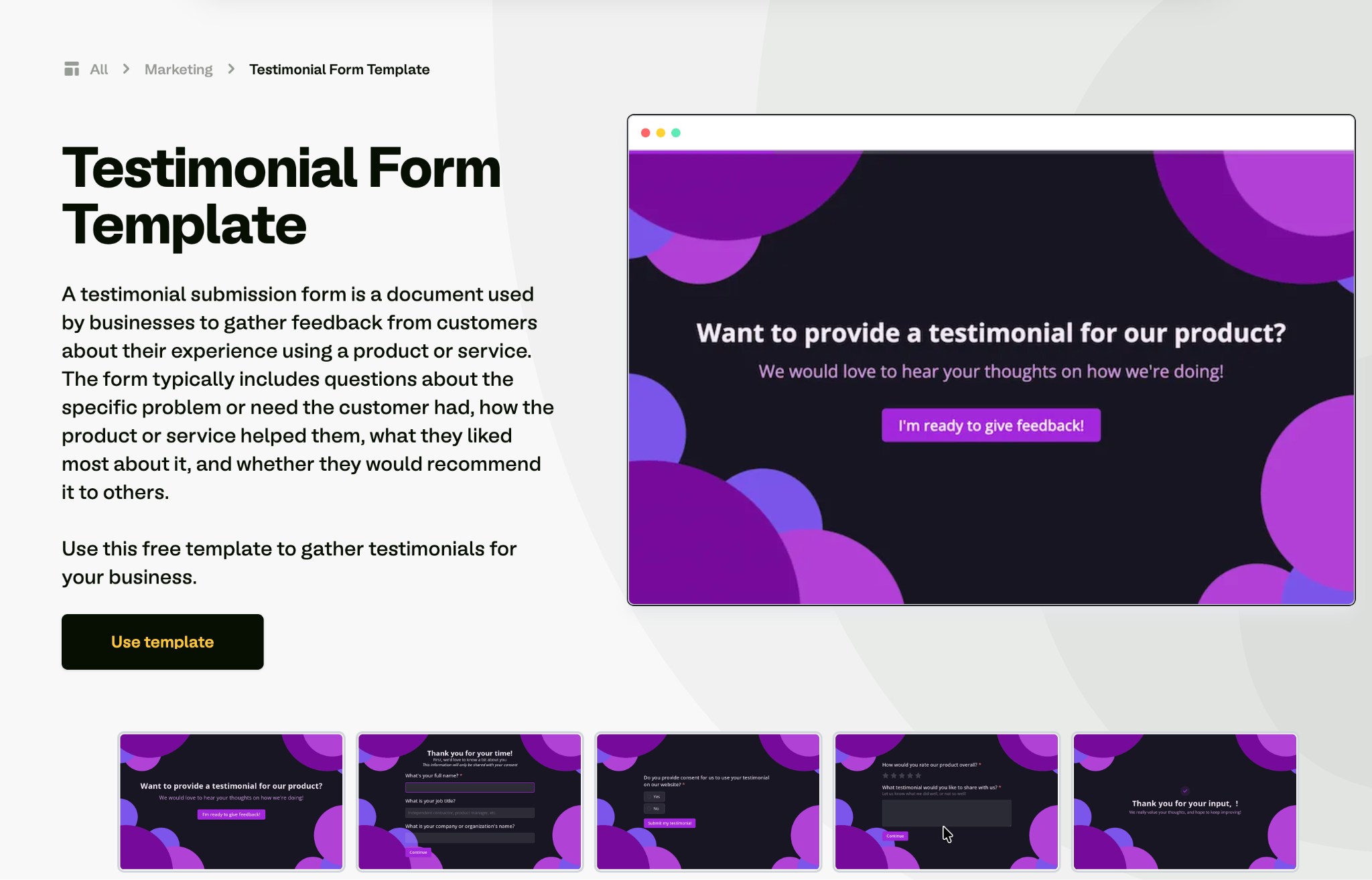
Start from Fillout's testimonial form template, or browse the wider template library for something closer to your use case. If nothing matches, describe the form you want and generate a starting point with AI, then adjust the questions before it builds.
Step 2: Customize the questions and look
Use the drag-and-drop builder to add fields from the panel, choosing from 50-plus field types such as star ratings, photo and video file uploads, and checkboxes for permissions. Apply a theme to match your brand, and add conditional logic so the form adapts to each answer.
Step 3: Share it where customers already are
Preview on desktop and mobile, then publish and share the link or embed it. Specifically for testimonials, the highest-response placements are the order confirmation page, a post-project email, and an in-app prompt after a success milestone. Responses are collected in the built-in database.
Build your testimonial forms with Fillout
Fillout lets you build the exact testimonial form you need in minutes, then collect and organize every response in one place. Here's what you get:
- Templates for most use cases: Testimonial, feedback, review, and case study starting points you can customize.
- Drag-and-drop builder: Add star ratings, open-text fields, file uploads, and permission checkboxes without code.
- Themes for easy customization: Match the form to your brand in a few clicks.
- Logic and conditions: Ask for video only from people who offered it, and route detractors to a private feedback question instead.
- File and video uploads: Collect photos and recorded clips alongside written quotes.
- Unlimited forms on all plans, including free: No cap on how many forms you create.
- Visual workflow builder: Automate what happens next, such as notifying your marketing channel when a five-star testimonial, with permission, arrives.
- Built-in database to store responses: Every testimonial is organized and searchable in one place.
- External integrations: Send responses to Google Sheets, Airtable, Slack, or Notion.
- Build apps with Zite: Fillout connects directly to Zite, so you can build anything on top of your responses - a testimonial library, an approval dashboard, a client portal, whatever your team needs.
Sign up for free and build your first form in minutes. No credit card required.
For other form types, see our feedback form examples and lead generation form examples.
Frequently asked questions
What should a testimonial form include?
A testimonial form should include a rating, at least one open-ended question, permission to publish, and identity fields. The rating filters for promoters, the open question produces the quote, the checkbox protects you legally, and the name and company make it credible.
How do you ask for a testimonial without being pushy?
You ask for a testimonial without being pushy by making it quick, specific, and easy to decline. Send a short form right after a positive moment, say how long it takes, and include a clear opt-out. Framing it as helping future customers decide works better than asking for a favor.
How many questions should a testimonial form have?
A testimonial form should have at most five questions, and at most two or three for a post-purchase prompt. Response rates tend to drop with each additional field, so ask only for what you need to produce a usable quote. Conditional logic keeps longer forms short for most respondents.
Do I need written permission to publish a testimonial?
Yes, you need written permission before publishing any testimonial, and the simplest way is to include a checkbox in the form. Add a separate option for how they want to be identified, since some approve the quote but prefer a first name only. This matters most in regulated fields.
How do I get video testimonials instead of written ones?
You get video testimonials by giving people the questions in advance and accepting an upload or a link. Ask your most enthusiastic customers, keep the request to 60 to 90 seconds, and confirm consent to edit and publish. Expect fewer responses than text, and stronger ones.

