


Vendor portal software gives suppliers a login to submit documents, track purchase orders, and see payment status, instead of endless status-check emails to your procurement team. A good portal cuts vendor onboarding from weeks to days.
I spent about a month testing vendor portal tools the way a procurement or ops team would, onboarding a mock vendor, running a purchase order through approval, and giving three vendors logins to confirm their data stayed separate.
This guide ranks all 11 by which kind of team each one fits, with pricing and limitations. Some are purpose-built procurement systems, and some are builders you shape around your own process.
11 best vendor portal software: TL;DR
- Knack: Best no-code vendor and supplier portal builder.
- Gatekeeper: Best for vendor contract and relationship management.
- Precoro: Best for procurement teams needing purchase order approval.
- Zite: Best for a custom vendor portal shaped to your own process.
- Tradogram: Best affordable procurement and vendor management.
- Kodiak Hub: Best for supplier relationship management and scorecarding.
- Softr: Best for a vendor portal built on Airtable data.
- Airtable: Best relational database for tracking vendor data internally.
- SAP Ariba: Best enterprise procurement suite for large organizations.
- Coupa: Best enterprise spend management with vendor self-service.
- ProcurementExpress: Best simple purchase order approval for small teams.
How I researched and tested these vendor portal tools
I spent about 4 weeks running the same four passes in each tool: onboarding a mock vendor, routing a purchase order through two stages of approval, confirming per-vendor data isolation across three accounts, and tracking cost as the vendor and user counts grew.
I also checked cost as I added vendors and internal users, and tried two tools that didn't make the final list.
Jotform Apps is fine for a simple intake form but thin as a real vendor system. Monday.com tracks vendor tasks well but lacks a per-vendor login model.
I scored each on five things:
- Onboarding workflow: How well the tool handles document collection, W9s, and compliance sign-off.
- Purchase order and approval flow: Whether routing and thresholds work without a workaround.
- Vendor-side experience: How clear the portal is for the vendor logging in, not just the internal team.
- Per-vendor data isolation: Whether each vendor sees only their own documents, orders, and status.
- How pricing scales: Whether costs climb per vendor, per user, or remain predictable as your supplier list grows.
This testing separated the tools that manage vendors from the ones that just store vendor data in a nicer table.
11 best vendor portal software: quick comparison
All prices below are monthly-billed rates unless the tool publishes annual-only, noted on the row. Checked in September 2026.
1. Knack: Best no-code vendor and supplier portal builder
What it does: Knack is a no-code database app builder with a dedicated vendor and supplier portal solution, charging by app and record count instead of per user.
Best for: Procurement and ops teams that want a purpose-built vendor portal without per-seat costs as the vendor list grows.
Knack markets a vendor and supplier portal directly, and it holds up in testing. Document uploads, status tracking, and role-based logins for vendors are all there without extra configuration.
Its pricing model is the real differentiator, since adding fifty vendors doesn't change the bill. The interface feels dated next to newer tools, and formulas have a learning curve.
Key features
- No per-user pricing: Pay by app and record count, not per vendor.
- Document collection: Vendors upload compliance documents directly into their record.
- Relational database: Linked tables for vendors, purchase orders, and approvals.
Pros
- Purpose-built for portals, covering vendor and supplier management out of the box.
- Held steady through fifty test vendors, with no upgrade prompt along the way.
- Mature and stable, with years in the market behind it.
Cons
- The interface feels dated compared to newer builders.
- Record limits on lower tiers push you toward a pricier plan.
- Formulas and roll-ups take real time to learn.
What users say
"It's a great tool to get a project up and running very quickly, but it can support a lot more detailed interaction with Flows and the API." Cary K, Capterra

"There is no log that keeps track of changes made in the database builder." Martin S, Capterra
Pricing
Knack has no free plan. Every tier is priced per app and record, so adding vendors never raises the bill. Starter is $59/month, Pro is $130/month, and Corporate is $300/month. See the Knack pricing page.
Bottom line
Knack is the safe pick if you want compliance document collection ready on day one. If you want AI generation, a more current interface, and the same unlimited users, Zite is the more modern option.
2. Gatekeeper: Best for vendor contract and relationship management
What it does: Gatekeeper is a vendor and contract management tool with a vendor portal, renewal alerts, and workflow automation for vendor lifecycle tasks.
Best for: Teams whose vendor problem comes down to contracts, from missed renewals to unclear ownership and no central record of agreements.
Gatekeeper leads with contract lifecycle management, and the vendor portal sits atop that structure. Renewal alerts and workflow automation for onboarding and offboarding are its strongest features.
The tradeoff is that pricing is fully custom. Gatekeeper names three tiers, Pro, Enterprise, and Enterprise Plus, but publishes no rates, so a sales call comes before you know the cost.
Key features
- Contract lifecycle tools: Renewal alerts and ownership tracking tied to each vendor.
- Vendor portal: Self-service access for vendors to view contracts and status.
- Workflow automation: Onboarding and offboarding steps that trigger automatically.
Pros
- Powerful API, per reviewers, for pulling contract data into other systems.
- Surfaces unclear ownership on a contract before it turns into a missed renewal.
- Built for relationships, the core use case here.
Cons
- No published pricing, so every quote is custom.
- Setup takes longer than a self-serve builder.
- Likely overkill if contracts aren't your main pain point.
What users say
“Gatekeeper is an easy-to-connect tool. It has a powerful API, and it provides a great solution as a CLM.” David D, G2

“Reporting is hard and basic, and no integration with our platforms.” Jessica M, G2
Pricing
Gatekeeper doesn't publish set pricing. Every quote is custom, based on vendor count and which modules you need. See the Gatekeeper pricing page.
Bottom line
Gatekeeper stands out when contract renewals are the actual problem you're solving. For a portal without a sales call to get pricing, Knack or Zite are faster options to start with.
3. Precoro: Best for procurement teams needing purchase order approval
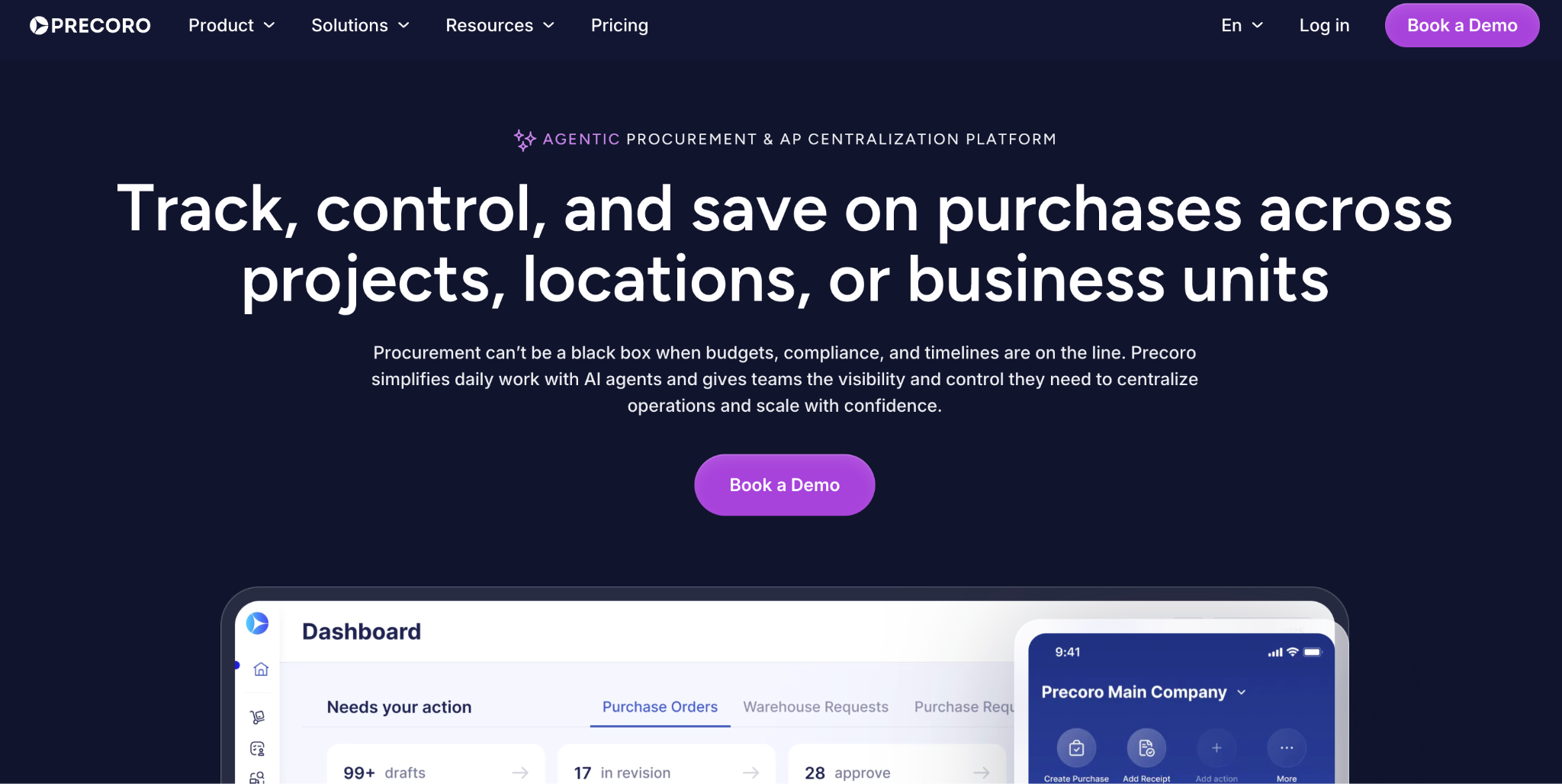
What it does: Precoro is a procurement tool with purchase order creation, approval workflows, budget tracking, and a vendor-facing portal for order status.
Best for: Procurement teams whose core need is purchase order control, with vendor visibility as part of that process.
Precoro treats vendor management as one piece of a wider procurement flow, which suits teams whose real problem is purchase order chaos.
Approval routing and budget tracking are both strong. The entry price reflects that scope, since this is full procurement software with an attached vendor portal.
Key features
- Purchase order workflows: Multi-stage approval routing with budget checks.
- Vendor-facing status: Vendors see order status without an email thread.
- Budget tracking: Real-time spend visibility tied to purchase orders.
Pros
- Multi-stage approval routed cleanly through three test reviewers with no dropped steps.
- File uploads stayed organized per vendor, per reviewer, with nothing scattered across email.
- Budget checks flagged an over-threshold PO before it reached the second approver.
Cons
- High entry price, since the whole procurement suite comes bundled with the portal.
- Annual billing required to see the published rates.
- Broader scope than most teams need for a simple vendor login.
What users say
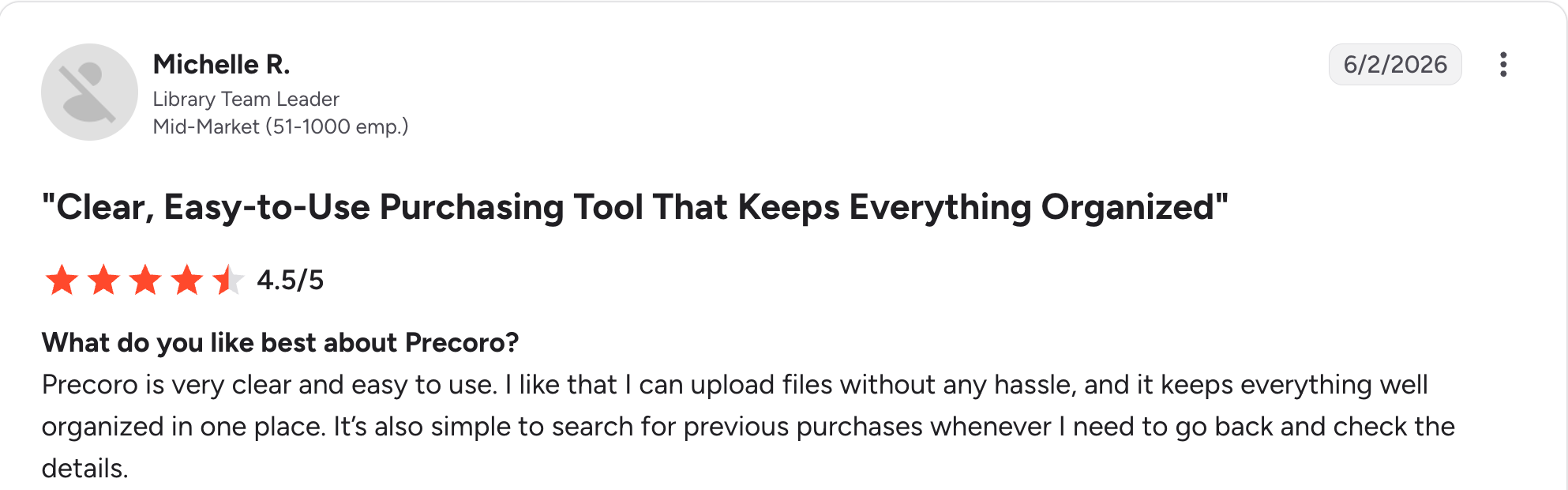
“I like that I can upload files without any hassle, and it keeps everything well organized in one place.” Michelle R, G2

“Integrations with NetSuite specifically have been tricky to nail down in terms of which aspects communicate to what areas.” Lisa T, G2
Pricing
Precoro publishes rates only on annual billing. Core runs $499/month and Automation, which Precoro labels its best value, runs $999/month, both billed annually. See the Precoro pricing page.
Bottom line
Precoro is the right call when purchase order approval is the primary problem, and the vendor portal is a bonus. For pure order tracking without the vendor layer, order management software is the more targeted comparison.
4. Zite: Best for a custom vendor portal shaped to your own process
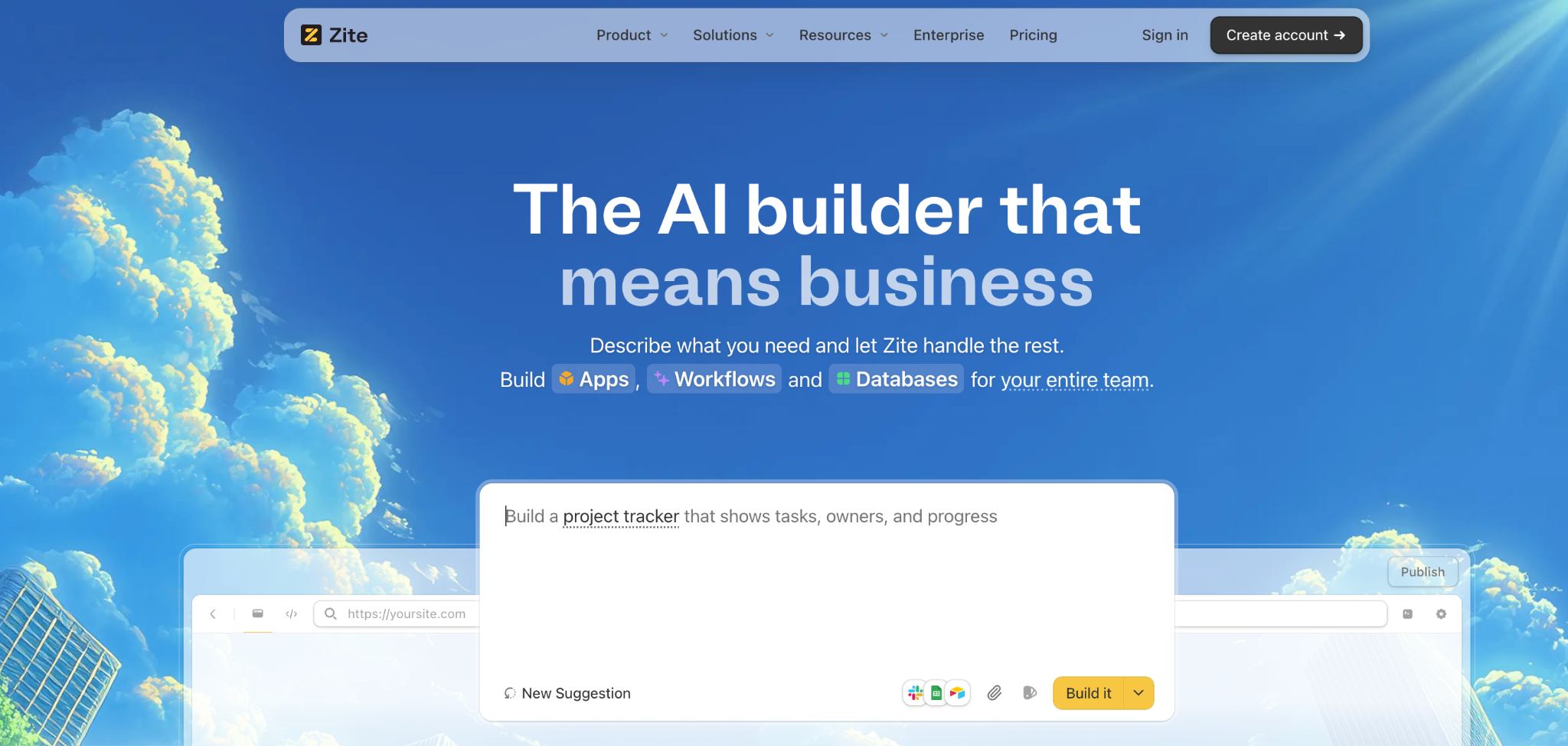
What it does: Zite is an AI-powered no-code builder that generates a vendor portal, database, and approval workflow from a plain-language description.
Best for: Teams who keep building workarounds because an off-the-shelf vendor management tool assumes a process they don't run.
I described a portal with document upload, two-stage approval, and per-vendor logins, and Zite generated the database, screens, and routing logic in one pass. The workflow held up in Preview, with every approval step in order, and when I misrouted one branch in a test, the workflow's run history pointed straight back to the broken rule.
Key features
- A built-in database at the center: Vendors, purchase orders, documents, and approvals live in linked tables in a spreadsheet-style database that scales to 100,000 records on Pro. Connect Airtable, Google Sheets, or Notion. You could also import what you already have.
- AI generation from a prompt: Zite builds the tables, screens, and logic from a description.
- Several apps on one database: A vendor portal for suppliers, an approval app for procurement, and a dashboard for finance can all run on the same records, and each person sees only what they're allowed to.
- Notifications and connections: Approvals and submissions can notify the right person in Slack, Teams, or email. Zite also connects to tools like Google Drive, HubSpot, and Stripe.
Pros
- Matches your process, not the other way around.
- Unlimited users, on every plan, so adding vendors never raises the bill.
- Traced a routing bug back to one misconfigured rule in about five minutes, since every step was visible.
Cons
- No compliance templates, so W9 collection isn't built in like dedicated vendor management tools.
- Newer product, so the template library is still growing.
- ERP connections sit on the Enterprise plan. On Pro or Business, you set one up yourself instead of using a ready-made connector.
What users say
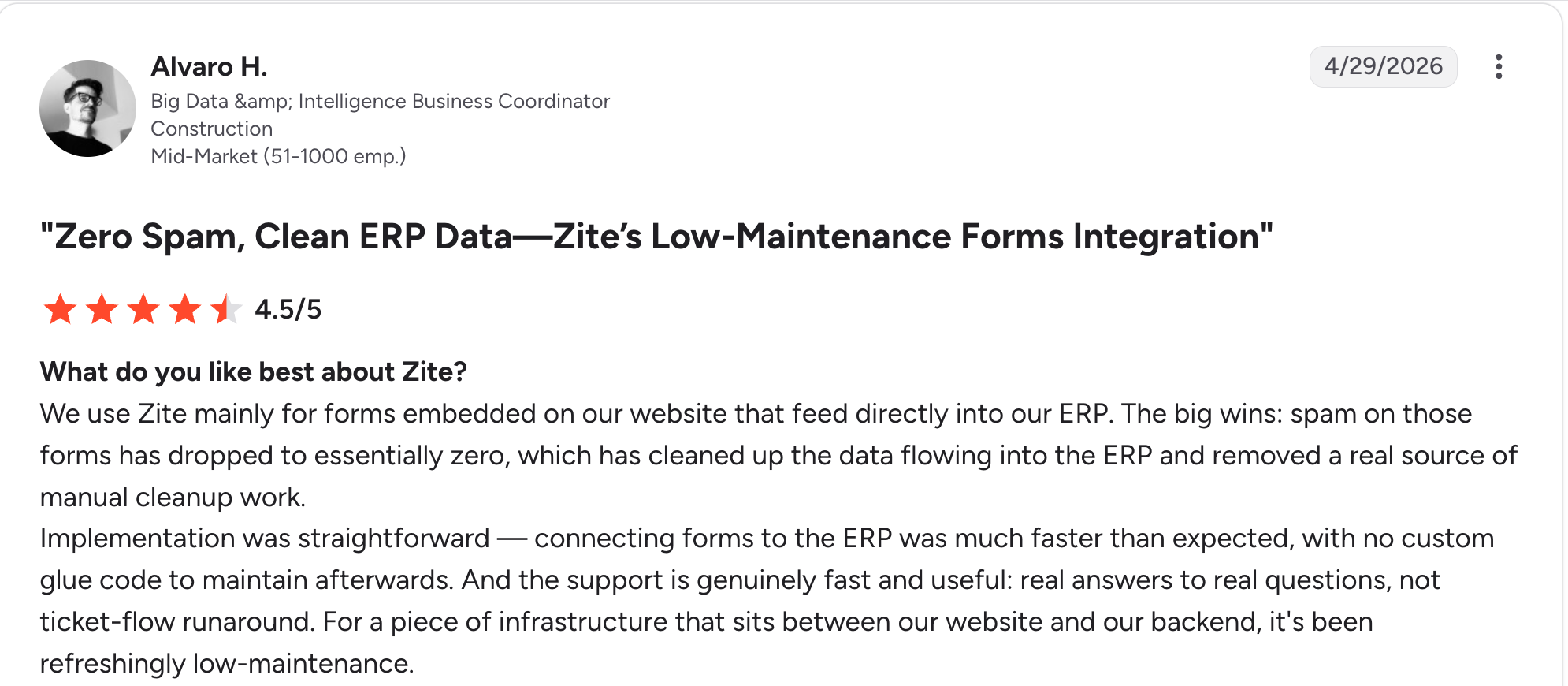
“Implementation was straightforward — connecting forms to the ERP was much faster than expected, with no custom glue code to maintain afterward.” Alvaro H, G2

“I paid for the Pro version, and all my credits got used up in a day.” Verified User, Reddit
Pricing
Zite is free with unlimited users and limited AI credits. Paid plans start at $25/month for Pro and $89/month for Business, both with unlimited users. See the Zite pricing page.
Bottom line
Zite earns its spot when a purpose-built tool keeps fighting your process. If you want compliance templates and W9 collection ready on day one, Knack or Precoro get you there faster.
5. Tradogram: Best affordable procurement and vendor management
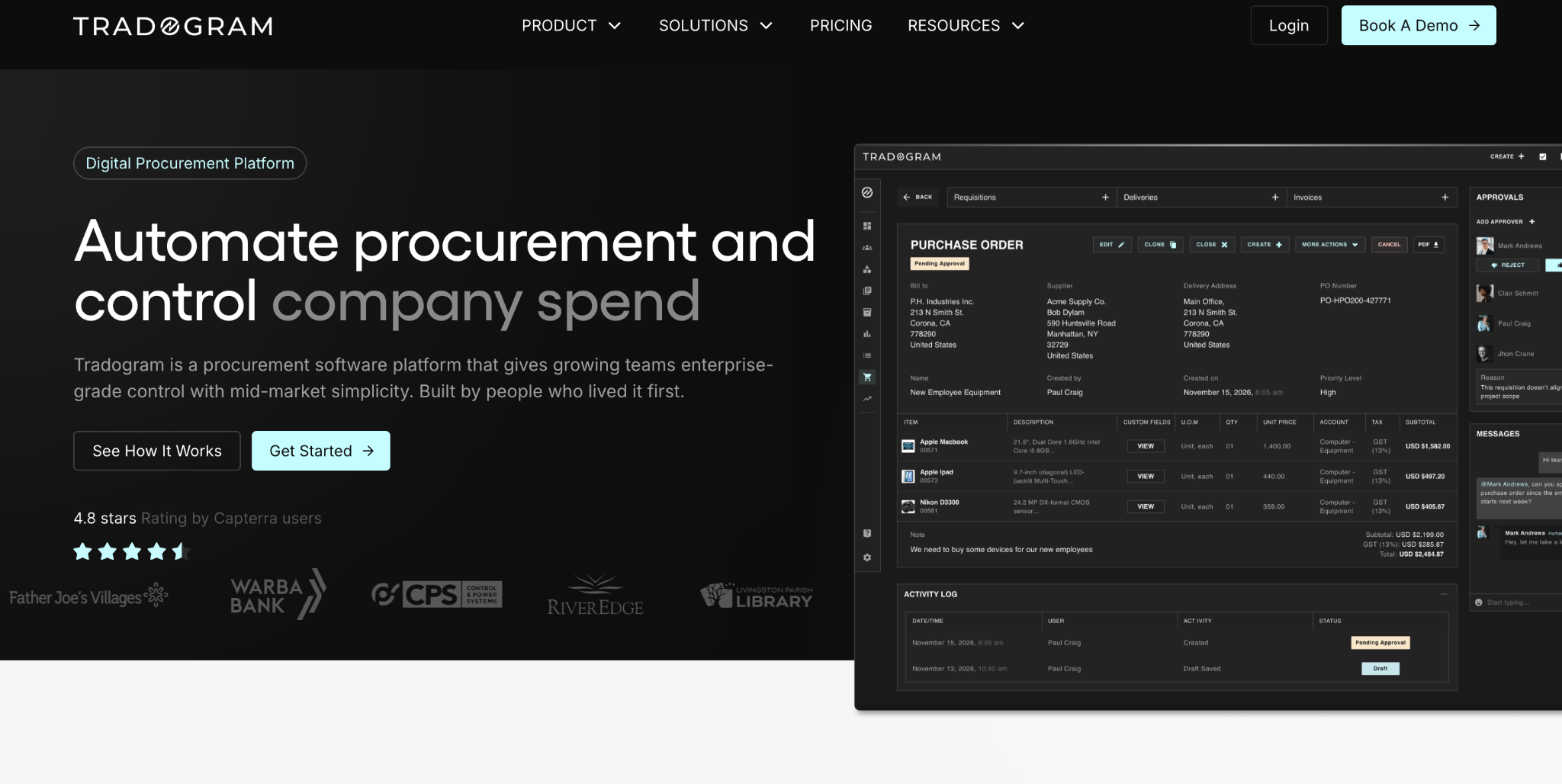
What it does: Tradogram is a procurement tool with vendor management, purchase orders, and sourcing tools, priced lower than the dedicated procurement suites on this list.
Best for: Small and mid-size teams that want real procurement and vendor features without enterprise pricing.
Tradogram covers vendor management, purchase orders, and basic sourcing at an entry price well under Precoro or the enterprise suites. For a small team, that combination is hard to beat.
The Essentials tier covers the basics. Deeper features and higher volume push you to a custom Premium quote.
Key features
- Vendor management: Vendor records with status and document tracking.
- Purchase orders: Creation and approval routing.
- Sourcing tools: Basic RFQ and sourcing features on higher tiers.
Pros
- Lowest entry price among the dedicated procurement tools here, and it stays reasonable as a small team scales.
- Genuine procurement features, on par with the dedicated tools here.
- Customizable and easy to set up, per reviewers, without a steep learning curve.
Cons
- Extra per user, on top of the base price.
- Premium is custom-quoted, so cost at scale stays unclear upfront.
- Shallower approval depth than Precoro for complex chains.
What users say
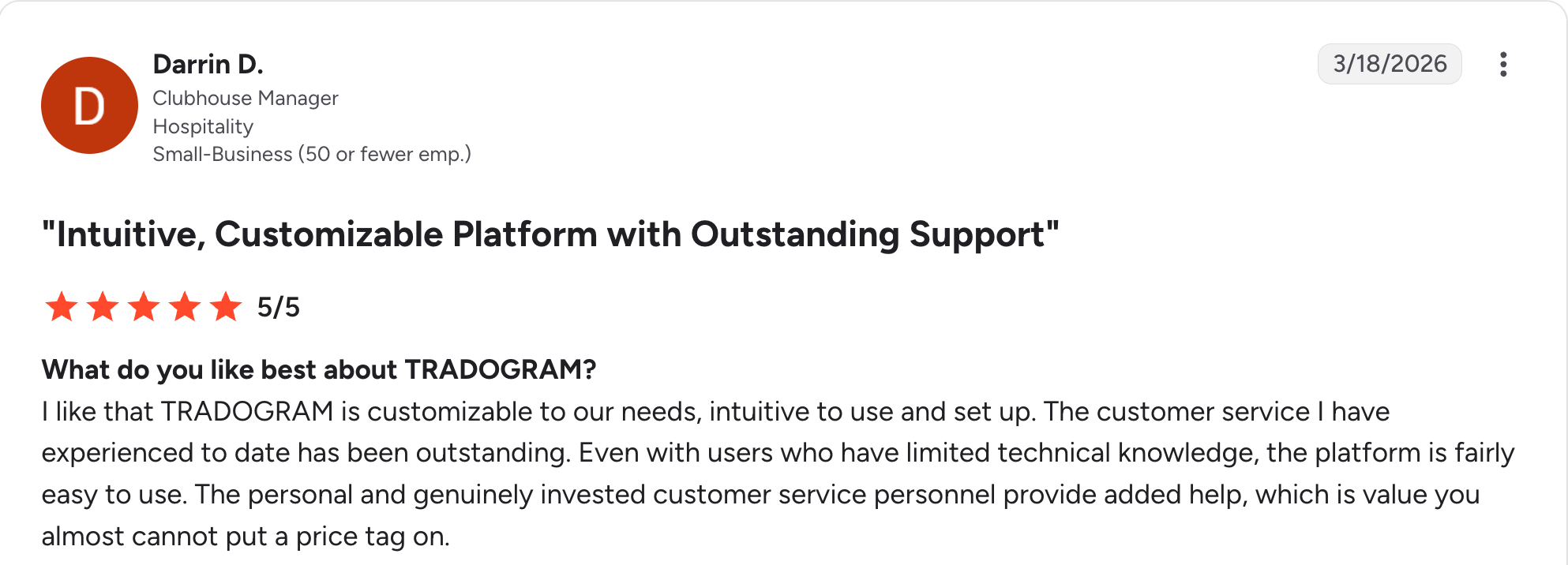
“I like that TRADOGRAM is customizable to our needs, intuitive to use and set up.” Darrin D, G2

“Training was a little [lackluster], so many things after learning the software I've had to go in and revise.” Cliff M, G2
Pricing
Tradogram's Essentials tier is $99/month for the first user, with additional users priced separately. Premium is custom-quoted. See the Tradogram pricing page.
Bottom line
Tradogram is the pick for a small team that wants real procurement features without an enterprise price tag. Once you're adding many seats, run the math against Precoro before committing.
6. Kodiak Hub: Best for supplier relationship management and scorecarding
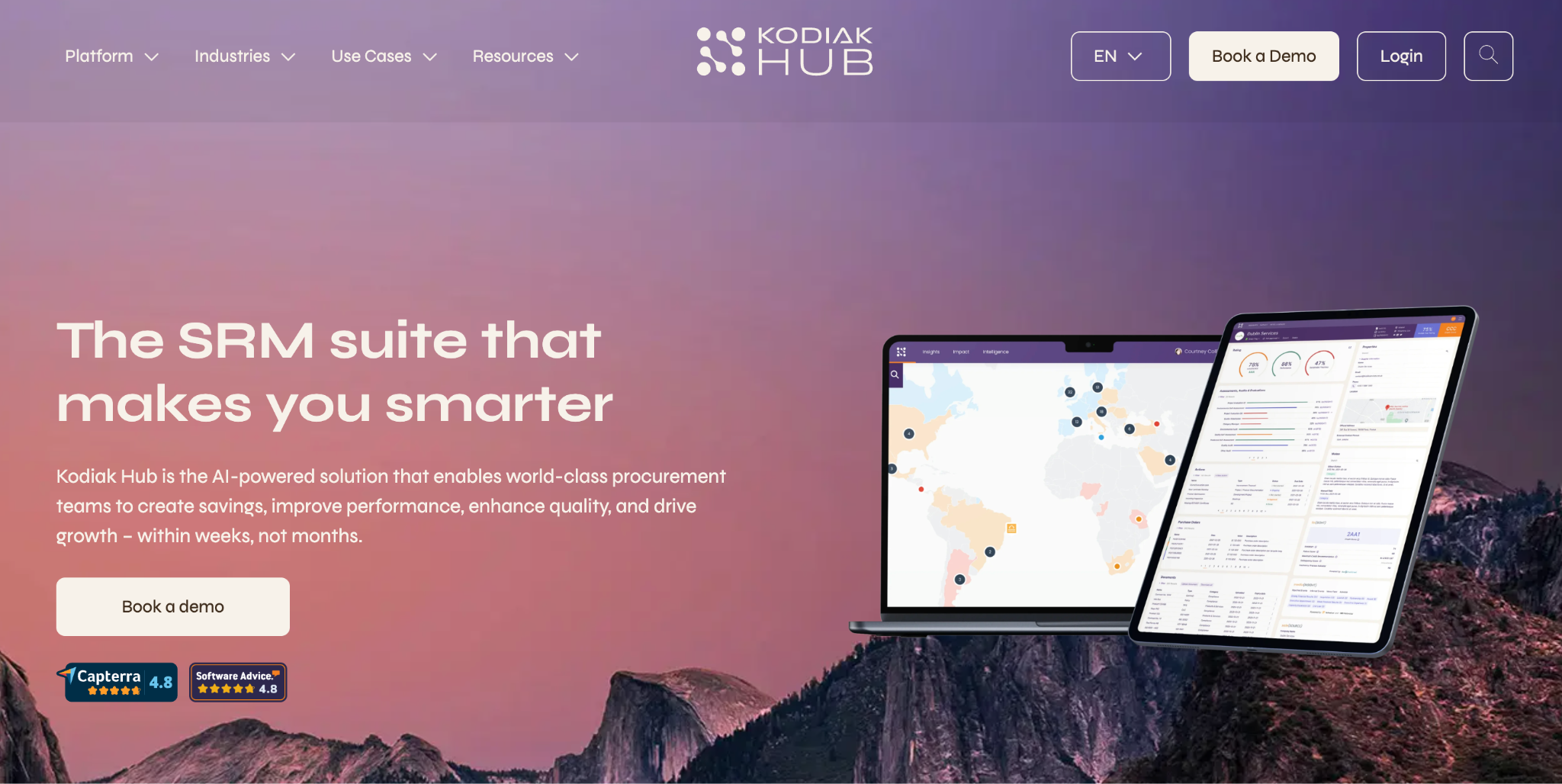
What it does: Kodiak Hub is a supplier relationship management suite focused on supplier scorecarding, risk assessment, and performance tracking. Transactional purchase orders sit outside its focus.
Best for: Procurement teams focused on evaluating and managing supplier performance over time, separate from day-to-day order processing.
Kodiak Hub's angle is evaluation, covering scorecards, risk data, and performance trends across your supplier base, which suits teams doing formal supplier reviews.
It's less about day-to-day purchase order flow and more about the strategic side of vendor management. Like Gatekeeper and the enterprise suites on this list, pricing is fully custom and gated behind a demo.
Key features
- Supplier scorecarding: Structured performance evaluation across criteria you define.
- Risk assessment: Data-driven risk tracking per supplier.
- Relationship tracking: A record of how each supplier relationship evolves over time.
Pros
- Friendly to occasional users, per a reviewer, not just the procurement team that lives in it daily.
- Tracks how a supplier relationship has evolved, not just its current score.
- Structured risk data none of the other portals here offer.
Cons
- No published pricing, gated behind a demo.
- Skips daily purchase orders, since order processing isn't the focus.
- More setup and complexity than a simple portal needs, if vendor logins and documents are all you're after.
What users say
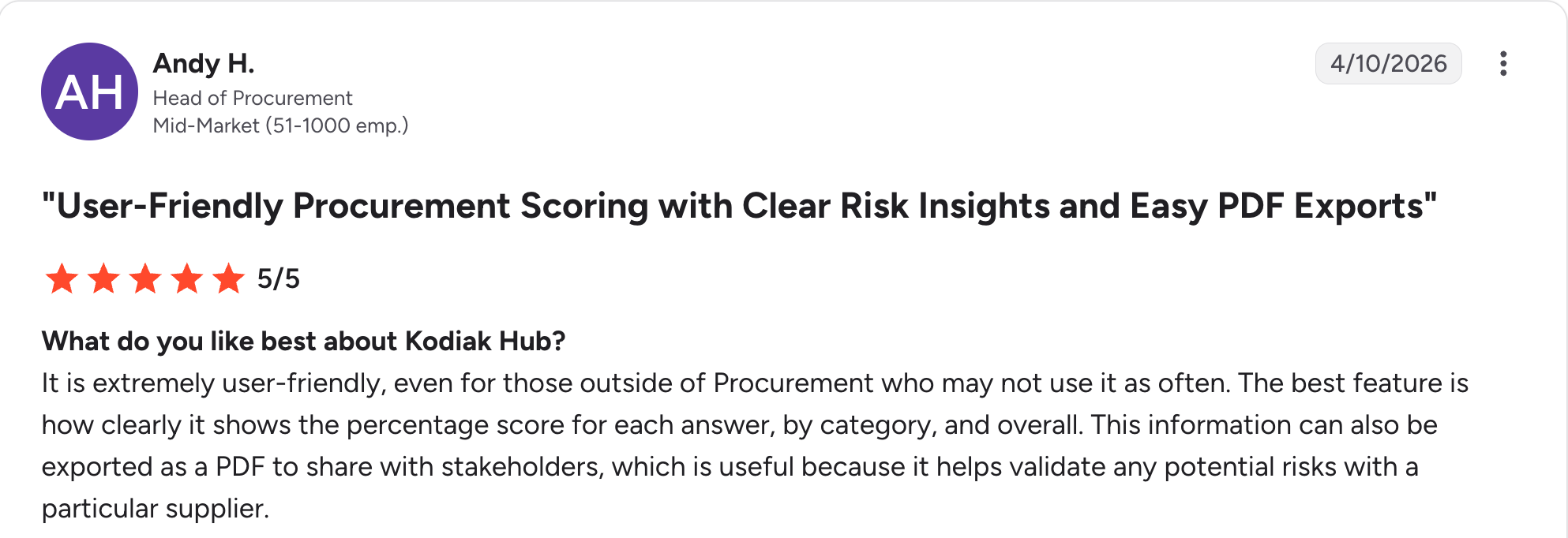
“It is extremely user-friendly, even for those outside of Procurement who may not use it as often.” Andy H, G2

“It would have been much better if we as users could set and fine-tune scores ourselves.” Fredrik S, G2
Pricing
Kodiak Hub doesn't publish pricing. Every quote is custom and gated behind a product demo. See Kodiak Hub for current rates.
Bottom line
Kodiak Hub is the choice for strategic sourcing teams doing formal supplier evaluation. For a straightforward vendor login and document portal, it's more tool than the job needs.
7. Softr: Best for a vendor portal built on Airtable data
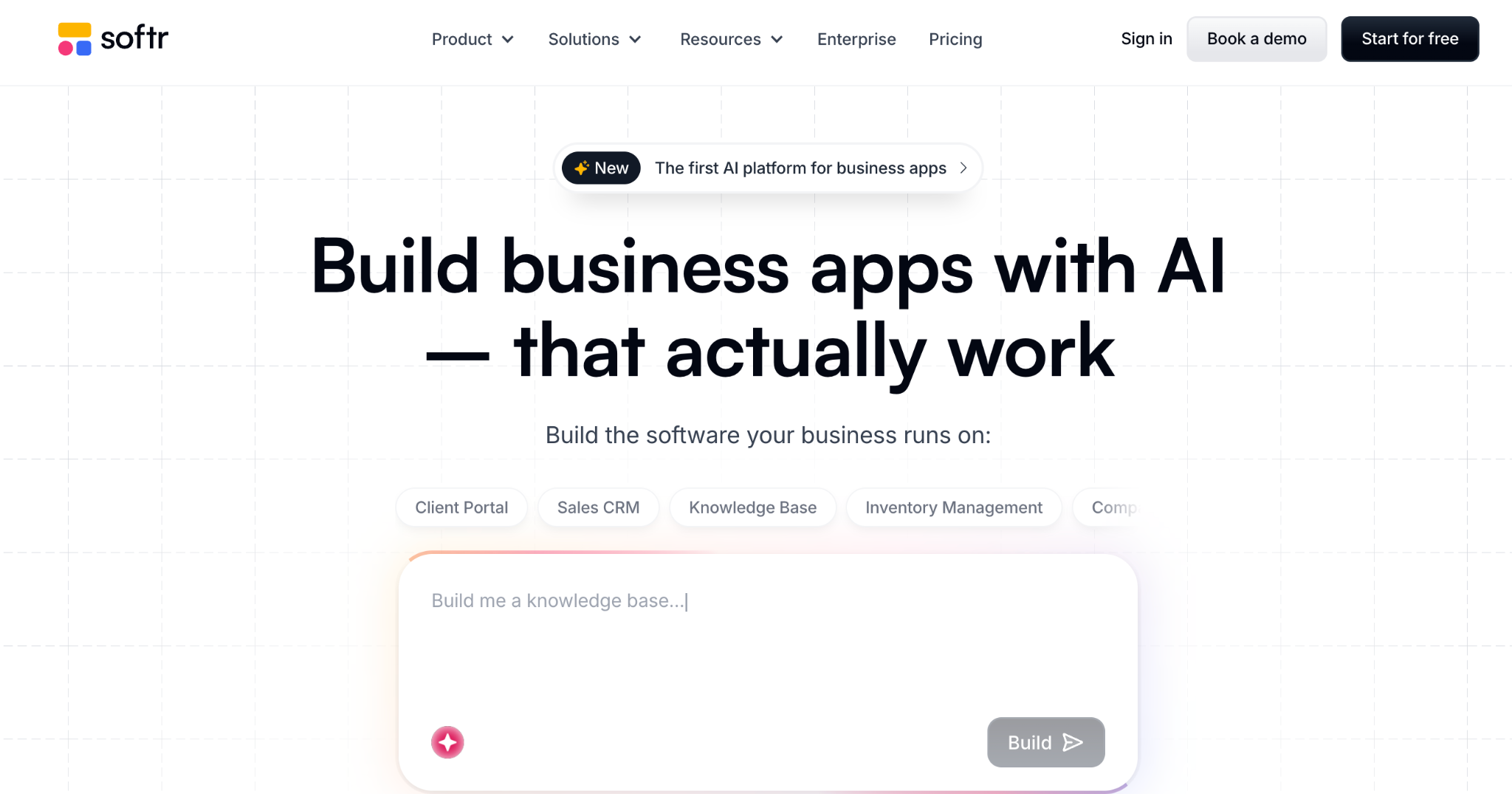
What it does: Softr turns Airtable, Google Sheets, or its own database into client and vendor-facing portals with authentication and role-based access.
Best for: Teams that already track vendor data in Airtable and want a portal on top without rebuilding anything.
If your vendor data already lives in Airtable, Softr is the shortest path to a vendor portal. It handles the client side just as well, and best client portal software rounds up how it compares there.
Pre-built blocks and user groups help get a working portal up and running fast, with each vendor seeing only their own records.
The limitation is that it's a front end. The data lives in the connected source, so you end up maintaining two tools.
Key features
- Pre-built blocks: Lists, tables, forms, and login flows without design work.
- Role-based access: Each vendor sees only their own filtered records.
- Multiple data sources: Airtable, Google Sheets, SQL, or Softr's own database.
Pros
- Fastest route if your data already lives in Airtable.
- Same portal pattern works whether the source is Airtable, Sheets, or SQL.
- Per-vendor filtering held up cleanly across three test vendor logins.
Cons
- Leans on Airtable, instead of holding the data itself.
- Tier limits push growing teams onto pricier plans.
- Gets limiting once the portal needs complex approval logic.
What users say
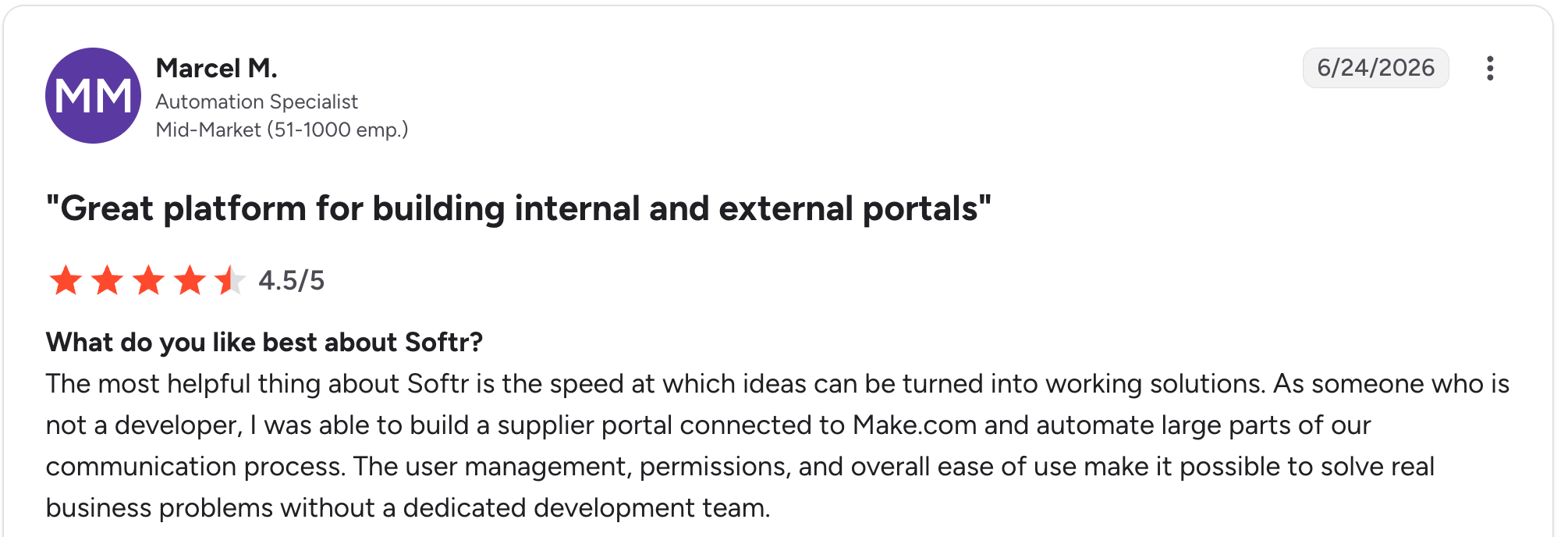
"The most helpful thing about Softr is the speed at which ideas can be turned into working solutions." Marcel M, G2

"The main challenge we encountered was with data management when using Google Sheets as our initial data source - it became clunky for our content team to update and manage at scale." Mike H, G2
Pricing
Softr is free to start. Basic is $25/month, Pro is $119/month, and Business is $395/month, with AI credits increasing from 5 to 100 per month across tiers. See the Softr pricing page.
Bottom line
Softr earns its place when Airtable is already your vendor data's source of truth, and building a custom client portal without code is a good next read if the client side is part of your plan too.
If you'd rather keep the data and the portal in one tool, Zite covers both without a connected source.
8. Airtable: Best relational database for tracking vendor data internally
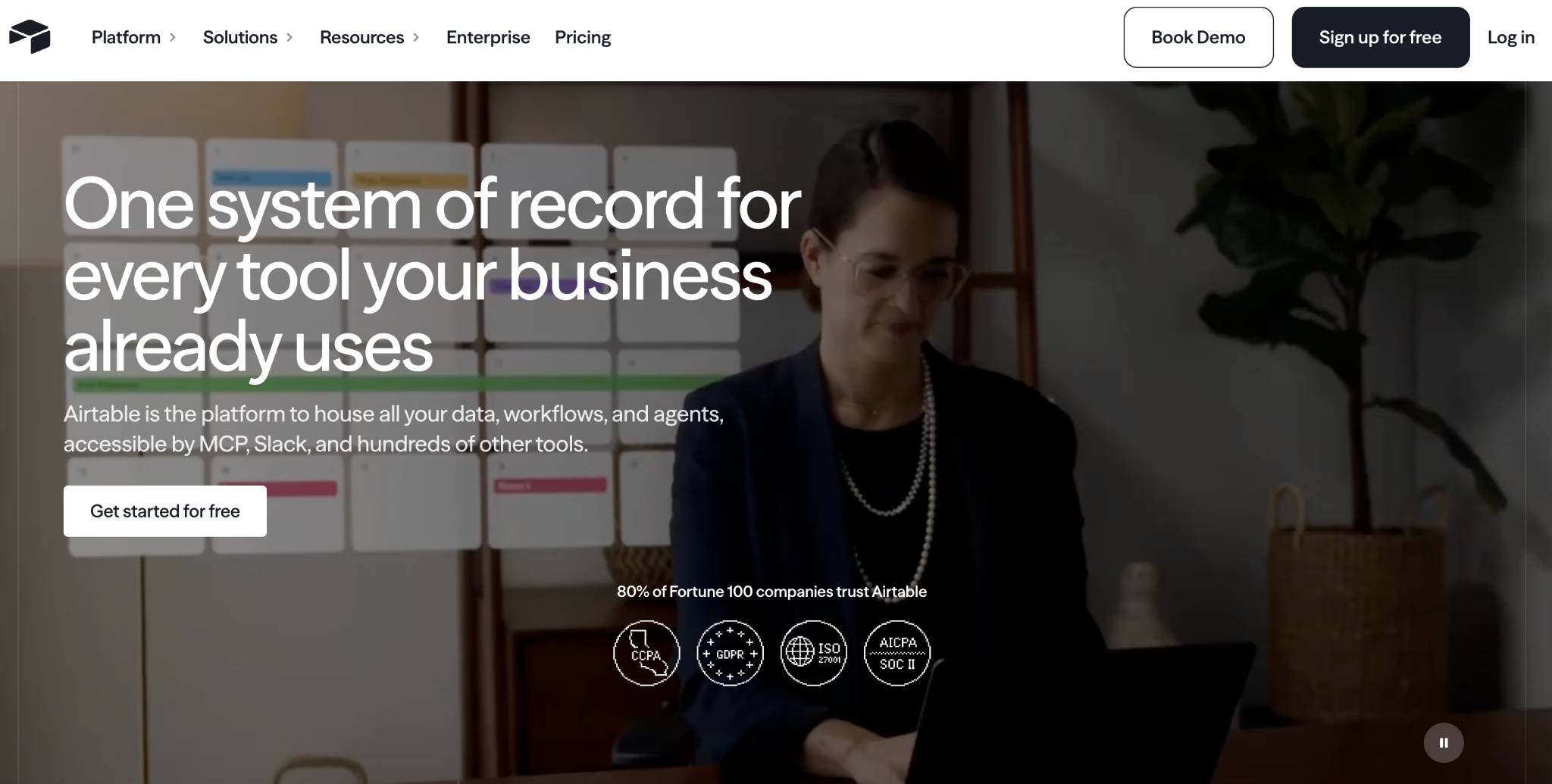
What it does: Airtable is a relational database with a spreadsheet-like interface, plus Interfaces and automations for building views on your vendor data.
Best for: Teams that want a flexible internal vendor database and don't need external vendor logins yet.
Airtable holds vendor data well, with linked records for vendors, contacts, and purchase orders, and multiple views for different teams.
Where it struggles is external access, since permissions work at the workspace level, not per record, which makes giving vendors their own login awkward without pairing it with a front-end tool.
Key features
- Relational database: Linked records for vendors, orders, and documents.
- Interfaces: Dashboards and views on top of your vendor data.
- Automations and AI: Rules plus AI fields for categorizing and summarizing.
Pros
- Vendor, contact, and order records stayed correctly linked through testing, with no orphaned rows.
- AI fields summarized a vendor's order history in one column, no formula written by hand.
- Large integration library, with templates covering common setups.
Cons
- Per-user pricing climbs as the team grows.
- Workspace-level permissions make it hard to set up true vendor logins.
- Performance slows well before the published record cap, per a reviewer.
What users say
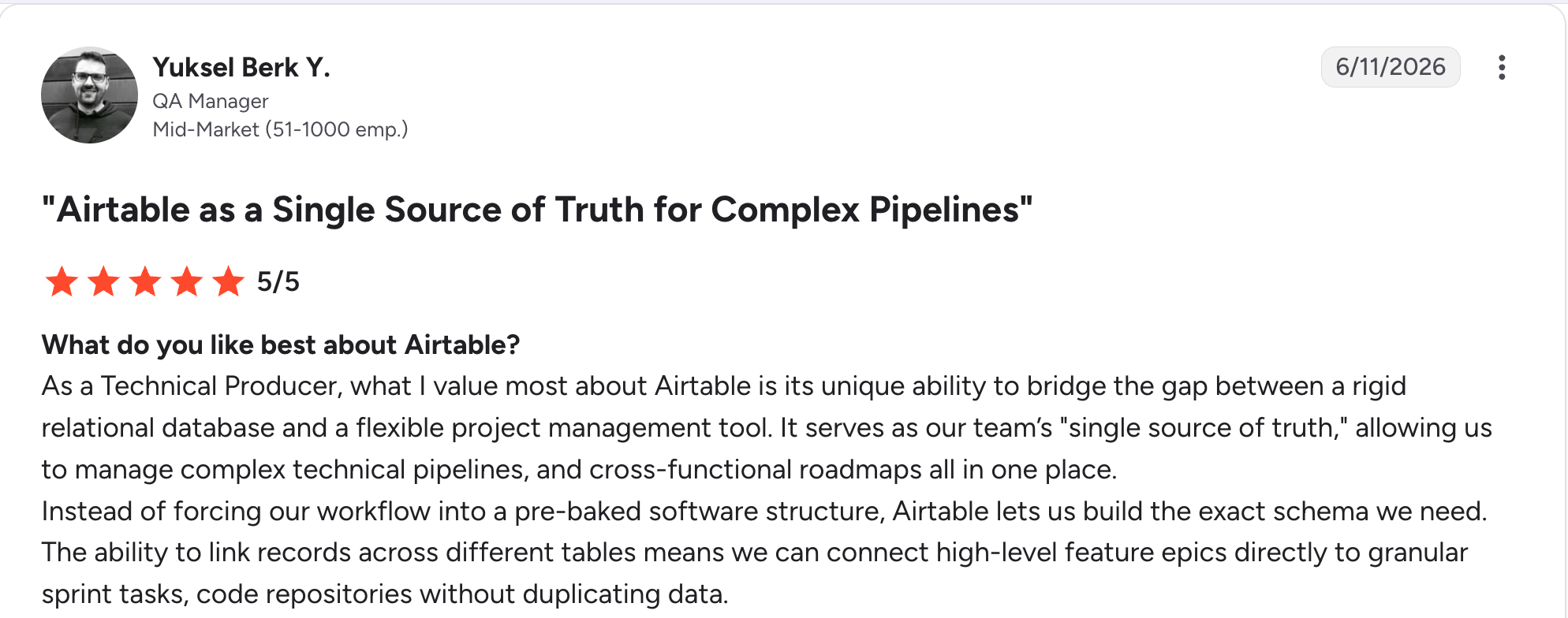
"As a Technical Producer, what I value most about Airtable is its unique ability to bridge the gap between a rigid relational database and a flexible project management tool." Yuksel Berk Y, G2

"In Airtable, I don't have enough for 50,000 rows, and the bigger the database, the slower it works." Vadim C, G2
Pricing
Airtable is free to start. Team is $24/user/month, and Business is $54/user/month. See the Airtable pricing page.
Bottom line
Airtable makes sense for an internal vendor database your team works in directly. The moment vendors need their own login, pair it with Softr, or look at client management portal software if the audience is clients instead.
9. SAP Ariba: Best enterprise procurement suite for large organizations
What it does: SAP Ariba is an enterprise procurement and supply chain suite with a global supplier network, sourcing tools, and vendor self-service.
Best for: Large organizations with complex, multi-entity procurement already running on SAP.
Ariba is the enterprise standard for a reason. The supplier network and sourcing depth handle scale that smaller tools aren't built for. It integrates deeply with the wider SAP suite if that's already your ERP.
The cost of that scale is real, since implementation is a project on top of a per-user rate that starts at $2,420 a month, and it's far more system than a small or mid-size team needs.
Key features
- Supplier network: A shared network connecting buyers and suppliers globally.
- Sourcing and contracts: Enterprise-grade sourcing events and contract management.
- SAP integration: Deep ties to SAP ERP if that's your existing stack.
Pros
- Handles enterprise-scale complexity.
- Centralized document tracking, per a reviewer, across every step of a sourcing event.
- Enforces a structured workflow, per a reviewer, so steps can't be skipped.
Cons
- $2,420/user/month entry rate, and implementation is a significant project in its own right.
- Far more system than small or mid-size teams need.
- Requires a dedicated admin to run well.
What users say
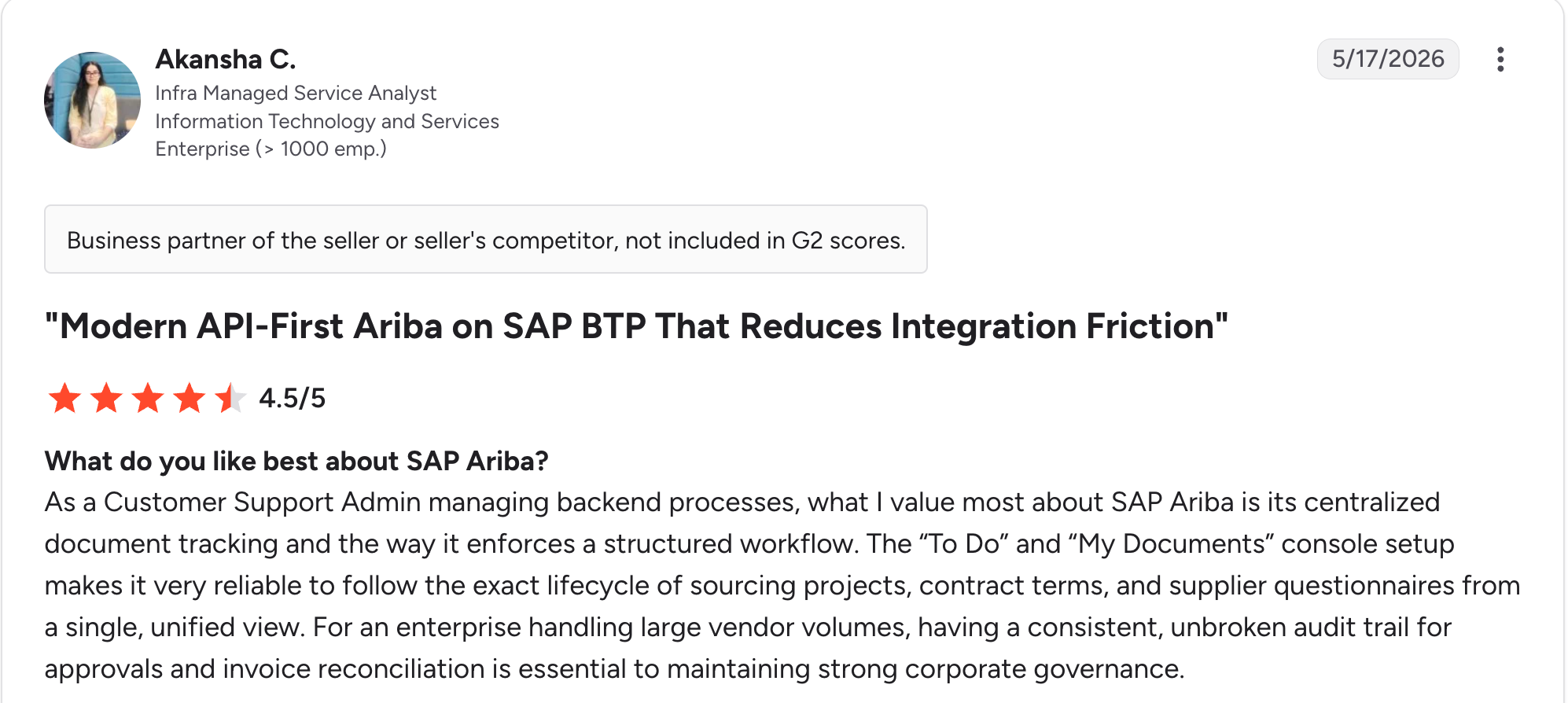
“What I value most about SAP Ariba is its centralized document tracking and the way it enforces a structured workflow.” Akansha C, G2

“Slowness at times might make you feel annoyed.” Jeet S, G2
Pricing
SAP's Strategic Procurement package, covering sourcing, contracts, and supplier management, runs $2,420/user/month in blocks of one user, on a 3- to 36-month contract. Other modules or broader scale go through a custom quote. See SAP Ariba Pricing Page for details.
Bottom line
Ariba is built for large organizations with the complexity and budget to match. Independent teams and mid-market companies will find it far heavier than the job requires.
10. Coupa: Best enterprise spend management with vendor self-service

What it does: Coupa is an enterprise spend management suite that covers procurement, invoicing, and vendor self-service across an organization's entire spend.
Best for: Large organizations that want spend visibility across procurement, invoicing, and vendors in one system.
Coupa's strength is the full picture, with procurement, invoicing, and vendor management tied together so spend visibility isn't scattered across tools. Vendors get self-service access to invoice status and payment tracking.
Like Ariba, it's built and priced for enterprise scale, and implementation is part of getting it running.
Key features
- Unified spend management: Procurement, invoicing, and vendors in one system.
- Vendor self-service: Invoice and payment status visible to vendors directly.
- Spend analytics: Visibility across the full procurement lifecycle.
Pros
- Strong unified view across procurement and invoicing, at real enterprise scale.
- Vendors track their own invoice and payment status, per the vendor self-service layer, without a phone call to accounts payable.
- Fast to search past purchase orders, per a reviewer, across a long history.
Cons
- No public pricing, and an enterprise sales process is required.
- Implementation support is necessary to get it running.
- More platform and cost than most teams need, without enterprise-level spend complexity to justify it.
What users say
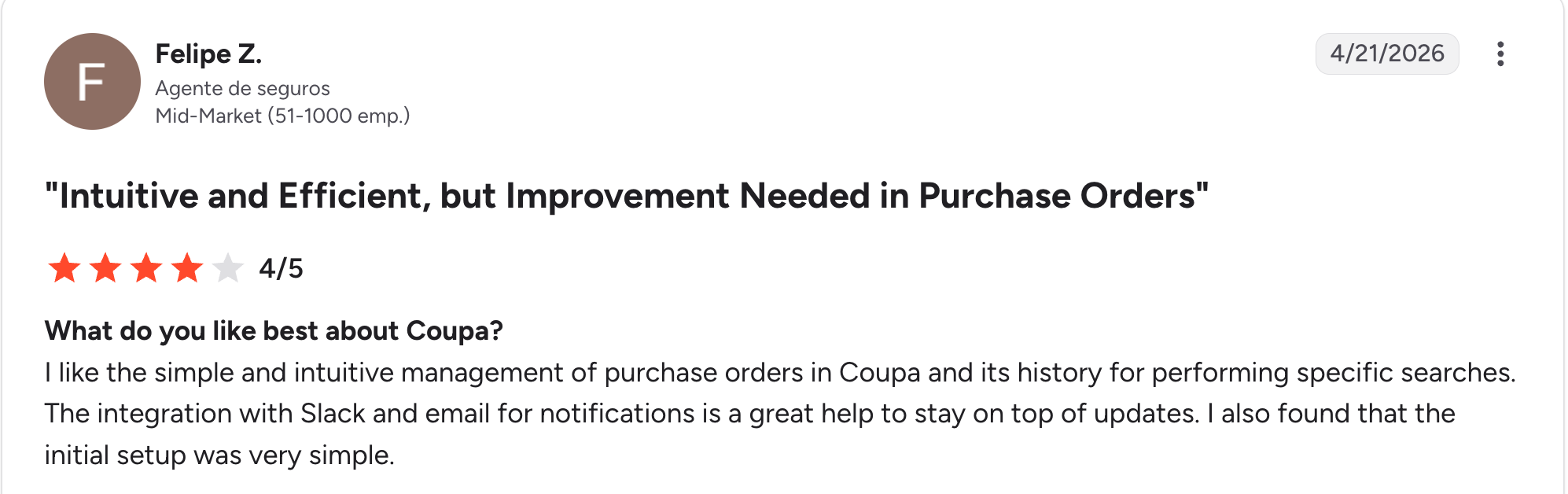
“I like the simple and intuitive management of purchase orders in Coupa and its history for performing specific searches.” Felipe Z, G2

“UI needs a little bit of attention. It's not very intuitive like SAP.” Harish S, G2
Pricing
Coupa is custom-priced, based on modules and organization size. See Coupa for details.
Bottom line
Coupa suits large organizations that want unified procurement, invoicing, and vendor visibility. For anything short of enterprise scale, it's more system and cost than the job calls for.
11. ProcurementExpress: Best simple purchase order approval for small teams
What it does: ProcurementExpress is a purchase order approval tool focused on simplicity, letting small teams approve spend and track vendor orders without a full procurement suite.
Best for: Small businesses that need purchase order control without adopting enterprise procurement software.
ProcurementExpress does one thing and keeps it simple: purchase order creation and approval, with vendor order tracking. That focus suits a small team for whom Ariba-scale tools are overkill.
The tradeoff is depth. ProcurementExpress sticks to purchase order approval alone, and the entry tier runs steep for how little it covers beyond that.
Key features
- Simple PO approval: Fast purchase order creation and approval routing.
- Mobile approval: Approve purchase orders from a phone.
- Vendor order tracking: Basic status visibility tied to each order.
Pros
- Support answered fast, per a reviewer, when setup questions came up.
- Approval routed to a phone in testing with no lag between steps.
- Free trial available to test before committing.
Cons
- Steep for a small team, since the entry tier starts at $415/month.
- Account activation was confusing, per a reviewer, especially around payment setup.
- Limited beyond purchase orders, with no supplier scorecarding or contract management.
What users say
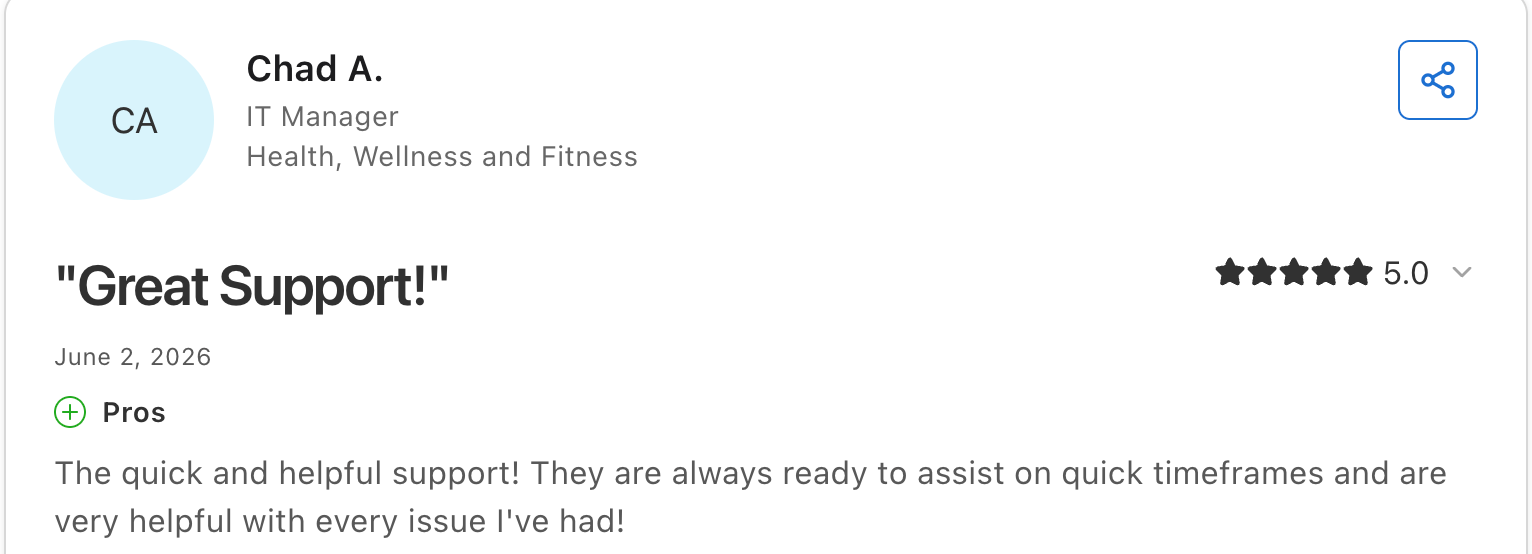
“The quick and helpful support.” Chad A, Capterra

“It's [complex] to activate the account to [receive] salary payment or purchasing account.” Tashale D, Capterra
Pricing
ProcurementExpress publishes three tiers. Basic is $415/month and covers up to $10k of managed spend, Better is $900/month up to $1m, and Best is $2,550/month up to $10m. Enterprise is quoted. Every tier has a free trial with no card required. See the ProcurementExpress pricing page.
Bottom line
ProcurementExpress is a good fit for a small team that wants purchase order control without the complexity of an enterprise system. For deeper vendor management beyond PO approval, Knack or Precoro go further.
Which vendor portal software should you choose?
The right pick depends on whether your vendor process is standard or specific, and how much of procurement beyond the portal you need.
If building from scratch is even on the table, how to build a portal website covers the fundamentals first. A few questions narrow it fast:
- Is your core problem vendor onboarding, contract renewals, purchase order approval, or supplier performance evaluation?
- Does an existing tool match your onboarding process, or do you keep working around one?
- How many vendors will use it, and does the pricing model punish that?
- Do you need procurement features beyond the portal, like budgets and invoicing?
- Is your vendor data already in a tool like Airtable, or are you starting fresh?
Choose Knack if you:
- Want a purpose-built vendor portal without per-vendor pricing.
- Need document collection and role-based logins out of the box.
Choose Gatekeeper or Kodiak Hub if you:
- Have a contract renewal problem (Gatekeeper) or need formal supplier scorecarding (Kodiak Hub).
Choose Precoro or Tradogram if you:
- Need purchase order approval as the core feature, with vendor visibility included.
- Want procurement depth (Precoro) or a lower entry price (Tradogram).
Choose Zite if you:
- Keep working around a vendor tool that doesn't match your process.
- Want a custom portal with per-vendor access and unlimited users.
- Want the vendor portal, the internal approval app, and a reporting dashboard on one set of records.
Choose Softr or Airtable if you:
- Already track vendor data in Airtable and want a portal on top (Softr).
- Only need internal vendor tracking without external logins yet (Airtable).
Choose SAP Ariba or Coupa if you:
- Run large-scale procurement across multiple entities and need enterprise depth.
Choose ProcurementExpress if you:
- Are a small team that only needs simple purchase order approval.
Skip vendor portal software entirely if you:
- Have a handful of vendors, and email is still keeping up.
Final verdict
Across the vendor portal software I tested, Knack wins as the strongest purpose-built vendor portal, covering onboarding, documents, and per-vendor logins without per-seat pricing.
Precoro wins when purchase order approval is the core need, and Gatekeeper or Kodiak Hub when contracts or supplier scorecarding are the real problem.
If you've tried a purpose-built tool and keep building workarounds because your process doesn't fit, that's the signal to stop shopping and start building.
Zite generates a vendor portal, its database, and the approval logic from a description, then leaves all three in plain sight, so the person who owns the process can read it, check it, and keep it running without a developer.
Frequently asked questions
What is a vendor portal?
A vendor portal is a login suppliers use to submit documents, check purchase order status, and see payment status, instead of emailing your procurement team for updates. It replaces scattered email threads with one place both sides can check.
Who uses a vendor portal?
Procurement and ops teams use vendor portals internally, and the suppliers or vendors they work with use them externally. Each vendor logs in to see only their own documents and status, while the internal team handles onboarding and approvals.
How much does vendor portal software cost?
Vendor portal software starts free on Zite, Softr, and Airtable, runs from $25/month for a paid tier, and reaches enterprise quotes with SAP Ariba or Coupa. Per-user pricing on tools like Airtable climbs as you grow, while unlimited-user tools like Zite hold the same price regardless of your vendor count.
Is there a free vendor portal software option?
Yes. Zite and Softr both offer a genuinely free vendor portal, and Airtable has a free tier that isn't a true portal without a paired front-end tool. Most dedicated tools require a paid plan, and enterprise tools like Ariba and Coupa have no free tier.
Does Microsoft have a vendor management system?
Not as a standalone product. Microsoft's vendor and supplier collaboration features are built into Dynamics 365 Supply Chain Management, not as a dedicated vendor portal like the tools covered here.

