
AI tools for business now cover far more ground than a chatbot that drafts an email. The most useful ones touch research, meeting notes, design, bookkeeping, customer support, and building the tool nobody else is going to build for you.
I ran these tools and several others through real business tasks over about a month, from drafting a client document to building a working tracker from scratch. These are the 19 that made the list, with monthly pricing and limitations throughout.
19 best AI tools for business: TL;DR
Here are the 19 tools, ranked by the job each one is best at:
- 1.
 ZiteUnlimited usersBest for building the tracker, portal, or dashboard your business is missing.
- 2.
 Best general-purpose AI assistant for daily tasks.
- 3.
 Best for analyzing long documents and contracts.
- 4.
 Best AI research tool for market and competitor analysis.
- 5.
 Best AI-native workspace for docs and wikis.
- 6.
 Best AI meeting notes and transcription.
- 7.
 Best for automating recurring busywork across tools.
- 8.
 Best AI-powered CRM and marketing suite.
- 9.
 Best AI design tool for non-designers.
- 10.
 Best AI presentation and deck builder.
- 11.
 Best AI writing and editing assistant.
- 12.
 Best AI-assisted bookkeeping for small business.
- 13.
 Best AI tool for on-brand marketing copy at scale.
- 14.
 Best AI video and audio editing.
- 15.
 Best AI calendar and task prioritization.
- 16.
 Best for filling in contact and company details automatically.
- 17.
 Best AI assistant built into Word, Excel, and Outlook.
- 18.
 Best for technical founders who want real code.
- 19.
 Best AI customer support chatbot you build yourself.
How I researched and tested these AI tools for business
Testing ran for about a month. Five core tasks covered the tools they applied to, and each specialist tool got a task built around the job it claims to do. I drafted and revised a client-facing document, and transcribed and summarized a mock client call.
I also designed a simple one-pager, categorized a batch of expense line items, and built a working internal tracker from a plain description.
I also tried two tools that didn't make the list. Fireflies is a solid Otter alternative, but it doesn't have a clear enough edge to include both, and Copy.ai is capable but redundant given Jasper's positioning for this list.
I scored each tool on five things:
-
Job fit: Whether the tool helps with a specific business task, or only adds an AI label to an existing product.
-
Output quality: Whether what it produces is usable directly or needs heavy editing.
-
Speed to value: How much setup stands between signing up and getting something useful done.
-
Integrations: How well it fits into the tools a business already runs on.
-
Pricing: Whether cost is reasonable for what a small business or solo operator needs.
Every tool below cleared all five. The two that didn't are named above.
19 best AI tools for business: quick comparison
Here's the shortlist, with what each one does best:
| Tool | Strengths | Starting price |
|---|---|---|
| 1. Zite | Apps, database, and automations from one description | $25/month |
| 2. ChatGPT | One subscription covers most tasks | $8/month |
| 3. Claude | Strong on long documents | $20/month |
| 4. Perplexity | Sourced, current answers | $20/month |
| 5. Notion | Docs, databases, and AI in one | $12/user/month |
| 6. Otter.ai | Speaker labels survive crosstalk | $16.99/user/month |
| 7. Zapier | Connects thousands of apps | $29.99/month |
| 8. HubSpot | Free tier, marketing + sales data | $20/seat/month |
| 9. Canva | Brand kit keeps every design on-brand | $18/month |
| 10. Gamma | Deck from an outline in minutes | $12/seat/month |
| 11. Grammarly | Catches tone, not just typos | $30/month |
| 12. QuickBooks | AI transaction categorization | $38/month |
| 13. Jasper | Brand voice at scale | $69/seat/month |
| 14. Descript | Edit video like a document | $24/person/month |
| 15. Motion | Auto-prioritized calendar | $49/month |
| 16. Clay | Enriches and scores prospects | $185/month |
| 17. Microsoft 365 Copilot | Built into Word, Excel, Outlook | $25.20/user/month |
| 18. Replit | Real, deployable code | $20/month |
| 19. Botpress | Flows a teammate can read later | $189/month |
Prices checked in September 2026 and shown at their monthly rate, except where a vendor bills annually only.
1. Zite: Best for building the tracker, portal, or dashboard your business is missing
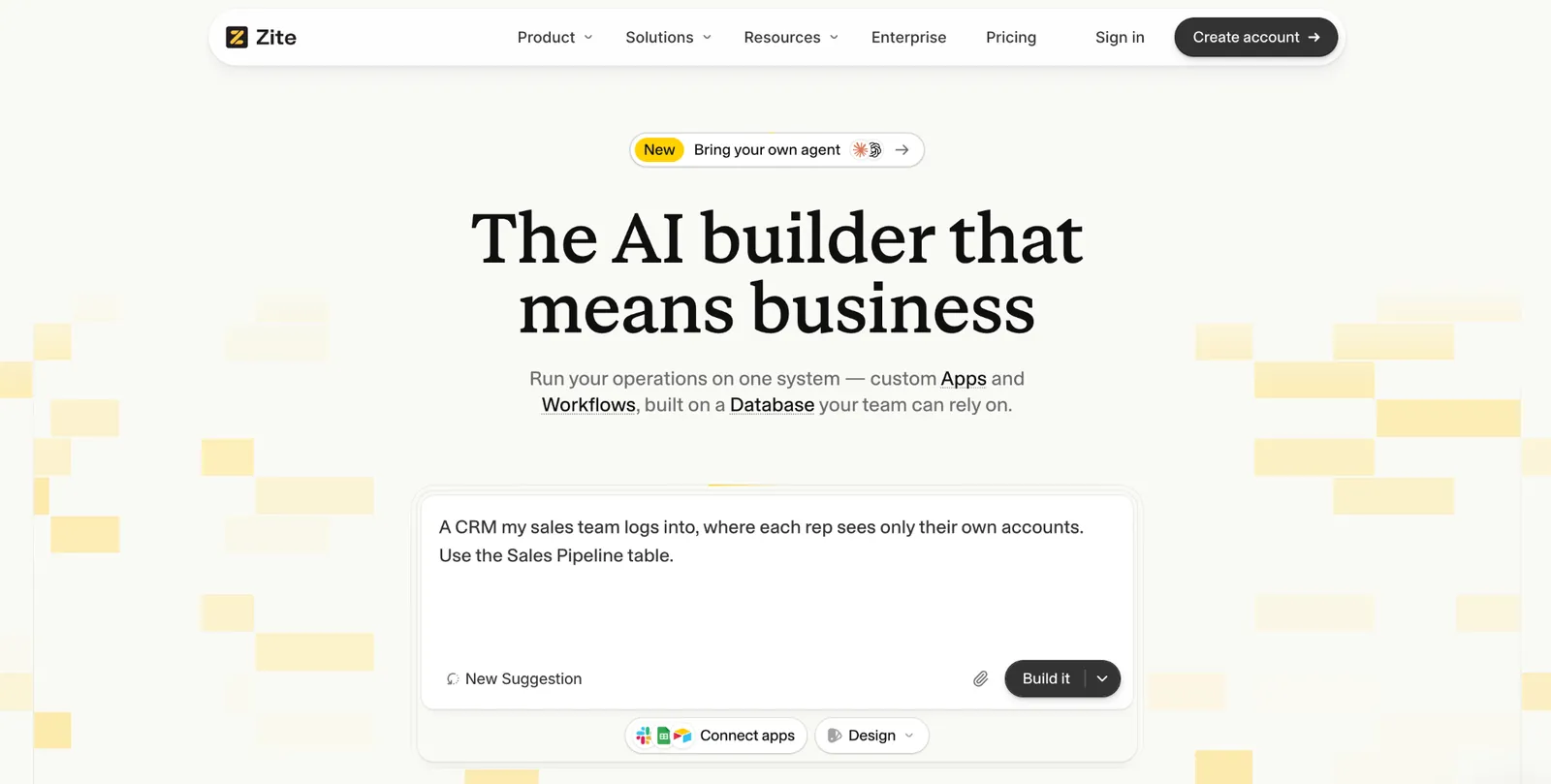
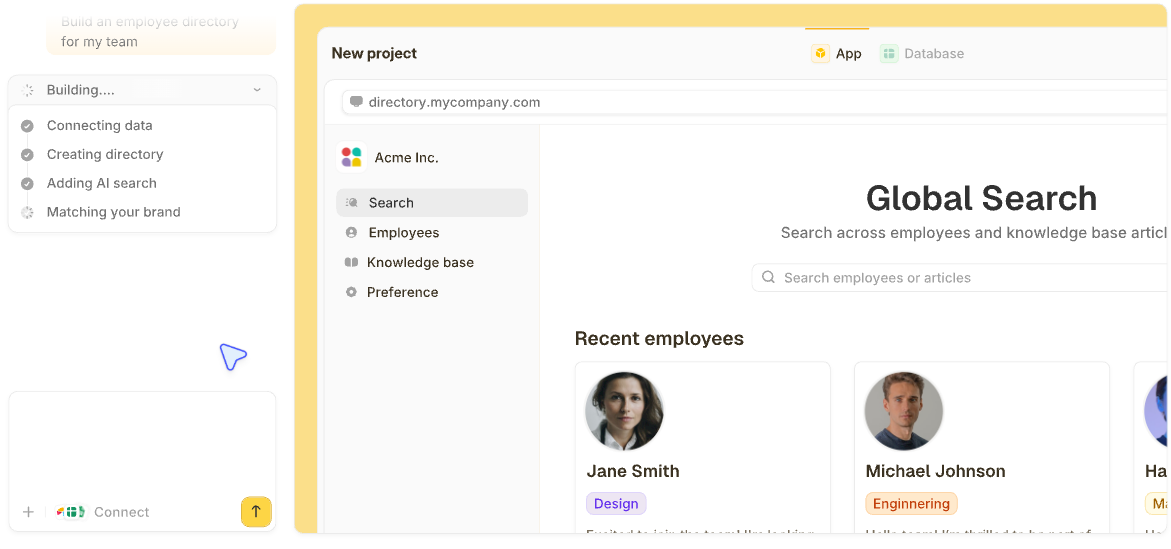
What it does: Zite is an AI-powered no-code builder that generates a working app, its database, and the workflow logic behind it from a plain-language description.
Best for: Business owners and ops teams who need a tool built around their own process, from an internal tracker to a client portal or a website with a logged-in area, without waiting on engineering.
Every other tool here helps you do a task faster. Zite builds the missing tool and runs the process behind it, from approvals to notifications.
I described an equipment tracker with checkouts and manager approval. It generated the database, screens, and routing logic in one pass, something general AI assistants can describe but not produce.
Key features
-
The whole system from one description: The app, its database, logins, and the workflow logic are generated together, so the team can use it the same day.
-
A database you can see and edit: Records sit in a spreadsheet-style view with linked records and AI fields that can categorize or summarize each record from an instruction. Connect Airtable, Google Sheets, or Notion, or import a CSV.
-
Runs the process: Approvals, notifications to Slack, Teams, or email, scheduled workflows (Business plan and up), and each person sees only the records you allow. The logic is laid out as a flowchart you can read and change by describing the change.
- One set of records for the whole team, staff and clients included, instead of a tool per task.
- Unlimited users on every plan, so adding staff and clients doesn't raise the bill.
- You can maintain it yourself: The database and workflows stay visible, so a non-developer can change it months later.
- Builds web apps, not native iOS or Android apps.
- Templates cover common cases, but a process-specific build may still start from a blank prompt.
- AI credits are limited on the free and lower-tier plans.
What users say

“I made a whole website last night in about an hour, and the result is as good as anything I’ve ever had a web designer build for any of my companies that cost thousands of dollars.” Verified User, Reddit

“More flexibility on pricing tiers for teams with variable submission volumes would be welcome.” Alvaro H, G2
Pricing
Zite is free with unlimited users and 50 AI credits a month, capped at ten messages a day. Paid plans start at $25/month for Pro, with 100 credits and a custom domain. Business is $89/month with 400 credits. Team is $300/month with 800 credits, and Enterprise is custom-priced. See the Zite pricing page.
Bottom line
Zite is the pick for a missing tool. For faster writing or research, a general assistant covers that without a build step. See AI app builders and no-code AI platforms for a wider comparison.
2. ChatGPT: Best general-purpose AI assistant for daily tasks
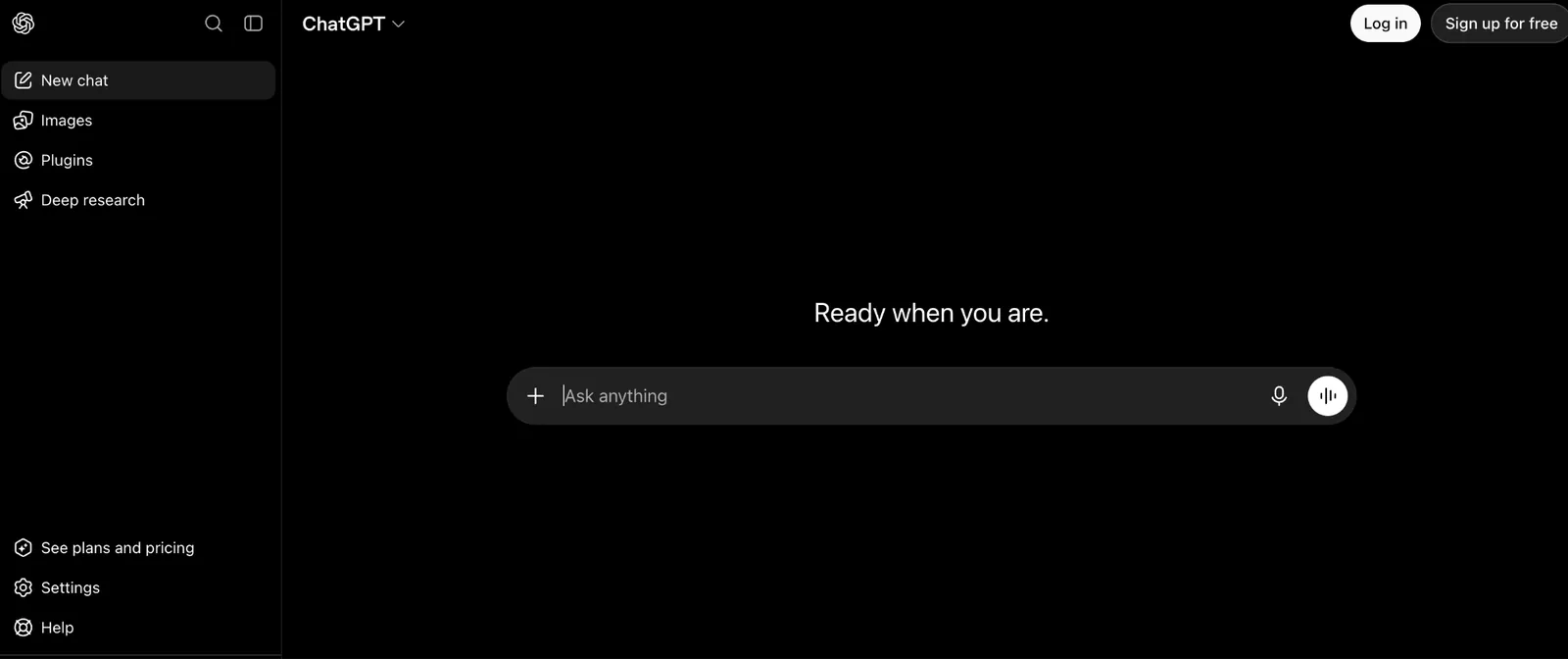
What it does: ChatGPT is OpenAI's general-purpose AI assistant, used across business tasks from drafting documents to summarizing research to answering quick questions.
Best for: The default tool for any business task that doesn't need a specialized product, from a first-draft proposal to a quick calculation.
During testing, ChatGPT drafted a usable client proposal from a rough outline in under a minute. It needed real editing to sound like a real business proposal instead of a generic template. Its breadth is the appeal, since one subscription covers writing, brainstorming, and quick research across a whole business.
Key features
-
Broad task range: Drafting, brainstorming, and research in one tool.
-
Custom GPTs: Build a repeatable assistant tuned to a specific recurring task.
-
Voice and image input: Describe a task out loud or upload an image for context.
- Fast and capable across nearly any business writing or thinking task.
- A rough outline became a usable client proposal in under a minute.
- Custom GPTs saved rebuilding the same prompt for a recurring task, like a weekly report format.
- Long, detailed prompts sometimes drift off the original request.
- Not built around any particular business workflow.
- The best models start at Plus, so the cheaper Go tier skips them.
What users say
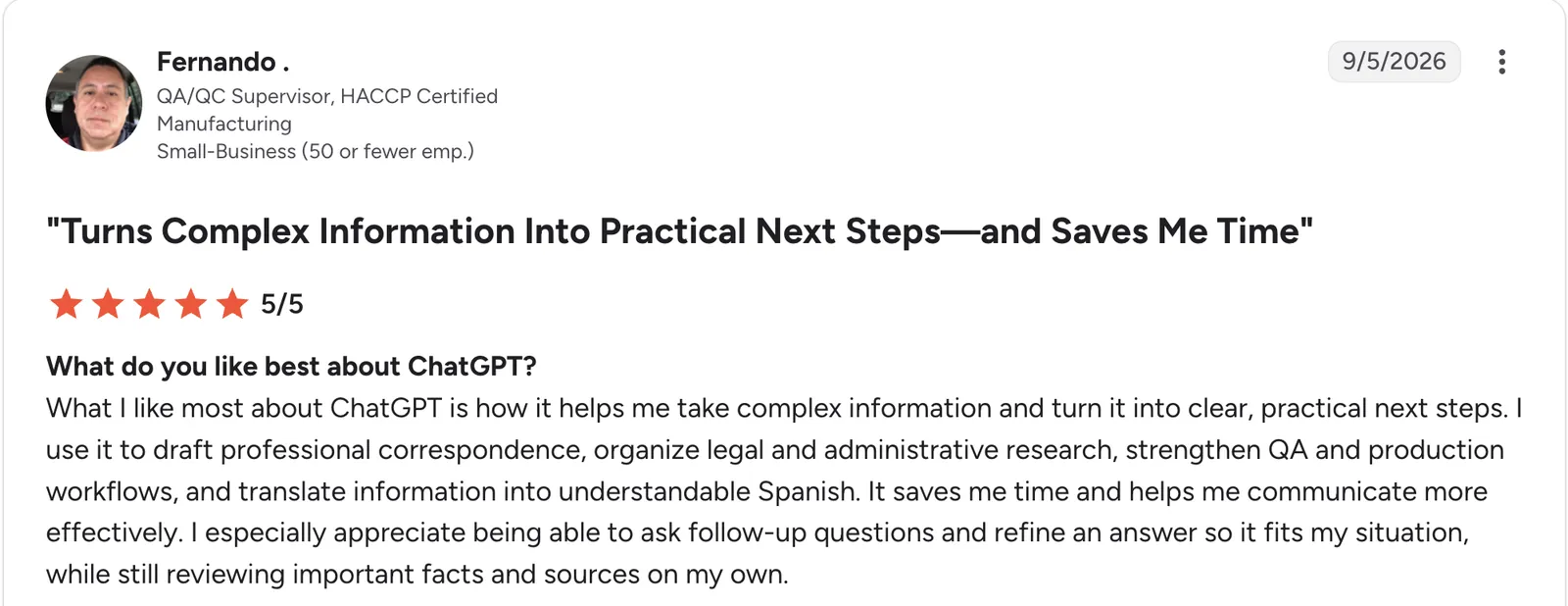
“What I like most about ChatGPT is how it helps me take complex information and turn it into clear, practical next steps.” Fernando, G2

“Sometimes the answers can feel too generic or overcomplicated, and image editing does not always follow the instructions exactly.” Janne P, G2
Pricing
ChatGPT is free to start. Paid plans start at $8/month for Go, which adds more messages and uploads. Plus is $20/month and adds the advanced reasoning models. Pro starts at $100/month for heavier usage, and Business is $25/seat/month for a Standard seat. Enterprise is custom-priced. See the ChatGPT pricing page.
Bottom line
ChatGPT is the right default for general business writing and thinking tasks. For deep analysis of long contracts or specs, Claude handles that more carefully.
3. Claude: Best for analyzing long documents and contracts
What it does: Claude is Anthropic's AI assistant, built with a large context window suited to reading and reasoning through long documents like contracts, reports, and specs.
Best for: Business owners who need to pull specific terms or risks out of a long document, not generate short copy.
Feeding Claude a full vendor contract and asking for the terms that mattered produced a clearer summary than shorter, chattier tools managed in testing. It overlaps with ChatGPT on many general tasks, and the difference is mostly how well it handles length.
Key features
-
Large context handling: Reads and reasons across long documents in one pass.
-
Projects: Group related documents and conversations for ongoing work.
-
Artifacts: Generate and iterate on a document or draft as a separate, editable output.
- Projects keep context alive, so a long research thread doesn't need re-explaining each time.
- Careful, less generic output on nuanced requests.
- Free tier available before committing to Pro.
- Usage limits are the main catch, since every plan caps you on a rolling five-hour window and paid plans add a weekly cap on top.
- Fewer third-party integrations than ChatGPT currently offers.
- Project sharing needs a Team plan, so collaborating with colleagues means a $25/seat upgrade.
What users say
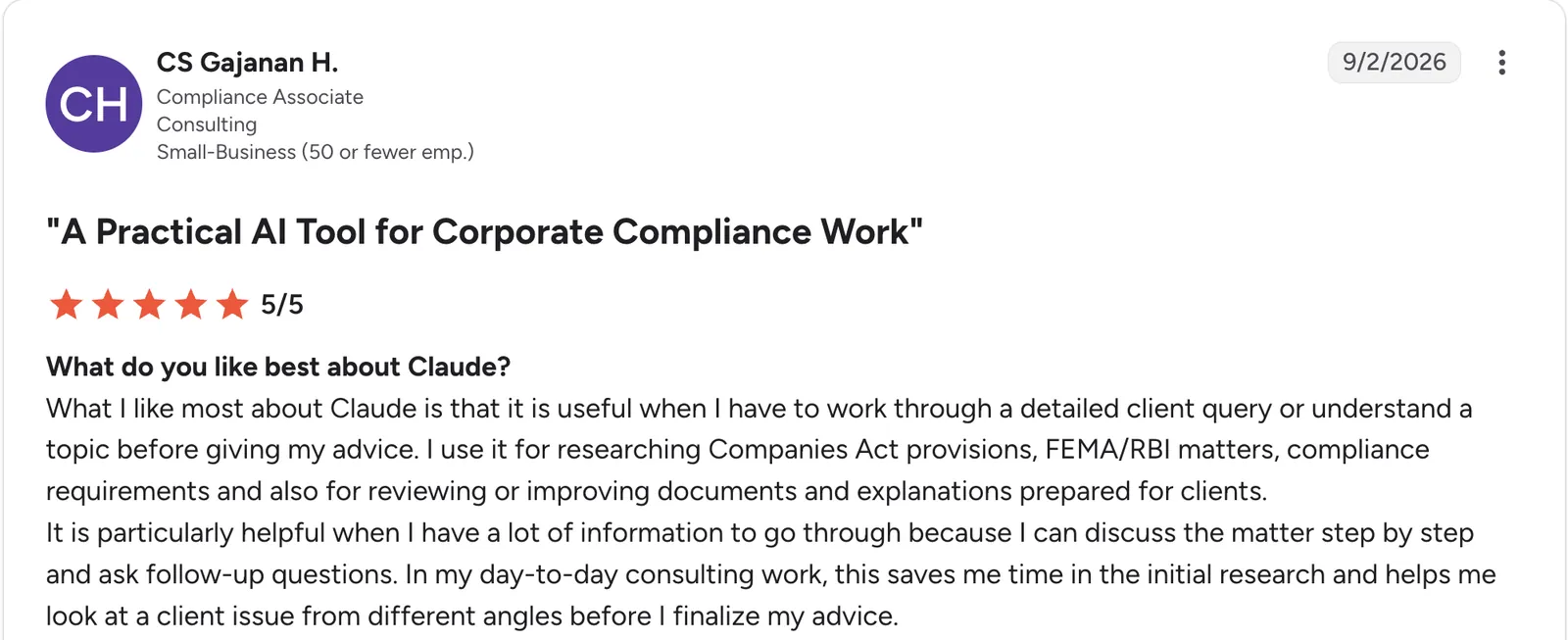
“What I like most about Claude is that it is useful when I have to work through a detailed client query or understand a topic before giving my advice.” CS Gajanan H, G2

“When I’m working on a long document or doing several tasks back-to-back, it can be frustrating to hit the limit in the middle of the work.” Sonal G, G2
Pricing
Claude is free to start. Paid plans start at $20/month for Pro, which adds higher usage limits and Projects. Max is $100/month, and Ultra is $200/month for the heaviest use. Team is $25/seat/month, and Enterprise is $20/seat/month billed annually, with a 20-seat minimum, plus usage at API rates. See the Claude pricing page.
Bottom line
Pick Claude when the task is understanding a long document, not writing something short. For quick brainstorming, ChatGPT and Claude are close enough that either works.
4. Perplexity: Best AI research tool for market and competitor analysis
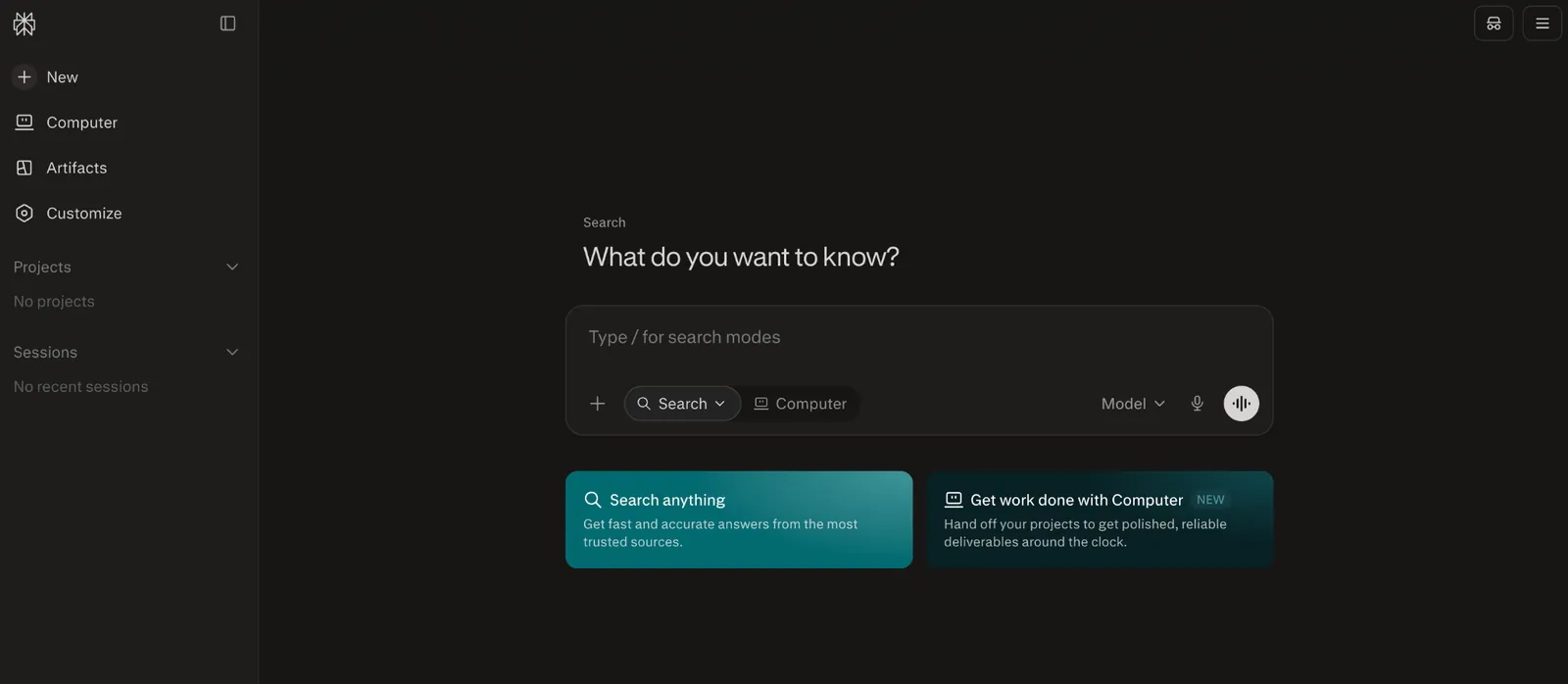
What it does: Perplexity is an AI search and research tool that answers questions with cited, current sources instead of a single generated response.
Best for: Market sizing, competitor research, and any question where the source matters as much as the answer.
Asking Perplexity to compare competitor pricing models returned an answer with links to where each figure came from. That matters before the number goes in front of a client or investor. It's narrower than a general assistant, focused specifically on research.
Key features
-
Cited answers: Every response links to its sources for verification.
-
Current information: Pulls from the live web instead of a fixed training cutoff.
-
Focused research mode: Deeper, more thorough research on a specific question.
- Deep research mode digs further than a single search-and-summarize pass.
- Strong for current events and market research.
- Occasional research stays free on the base plan.
- Doesn't draft or brainstorm content the way a general assistant does.
- Source quality varies by topic and needs a quick sanity check.
- Deeper research modes use a separate usage allowance.
What users say
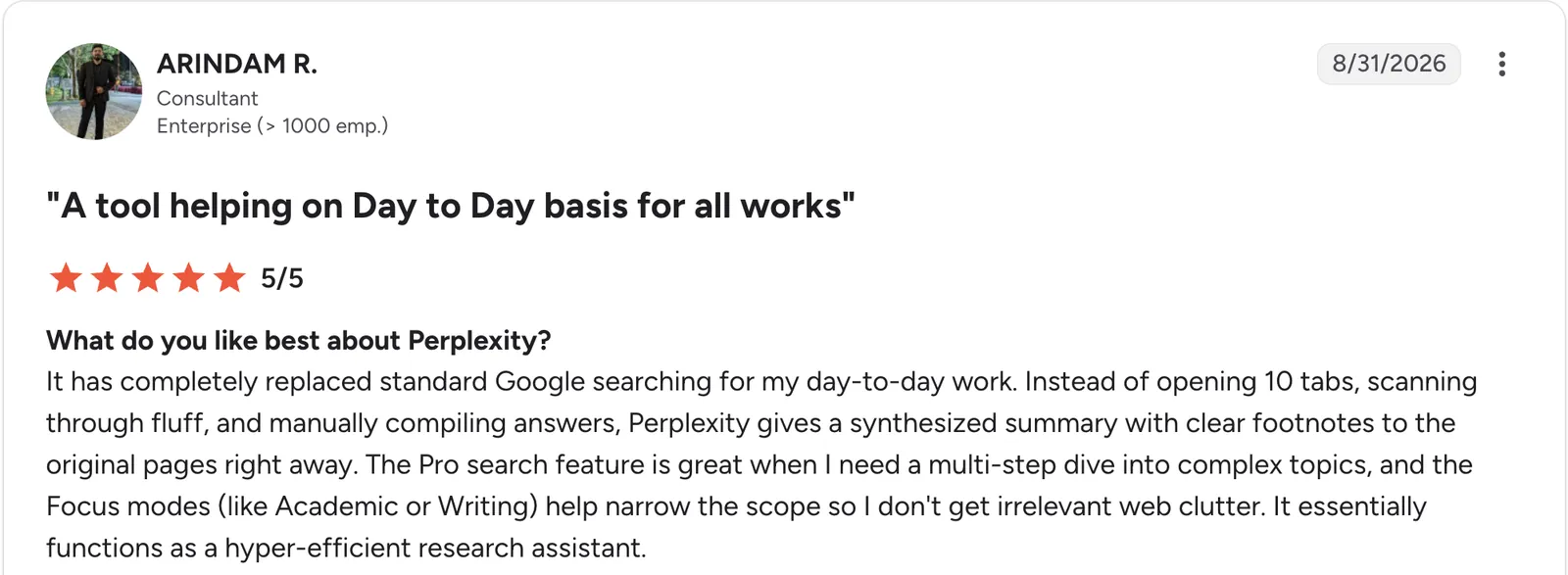
“It has completely replaced standard Google searching for my day-to-day work.” Arindam R, G2

“What I dislike most is that the quality of answers can sometimes vary depending on the sources it retrieves.” Bibhatsu K, G2
Pricing
Perplexity is free to start. Paid plans start at $20/month for Pro, which removes the daily cap on Pro searches and adds file uploads and a model picker. Max is $200/month for the heaviest research use. Enterprise Pro is $40/seat/month, or $400/seat/year on annual billing. See the Perplexity plans page.
Bottom line
Perplexity is the pick specifically for research where sourcing matters. For everything else, pair it with a general assistant like ChatGPT or Claude.
5. Notion: Best AI-native workspace for docs and wikis
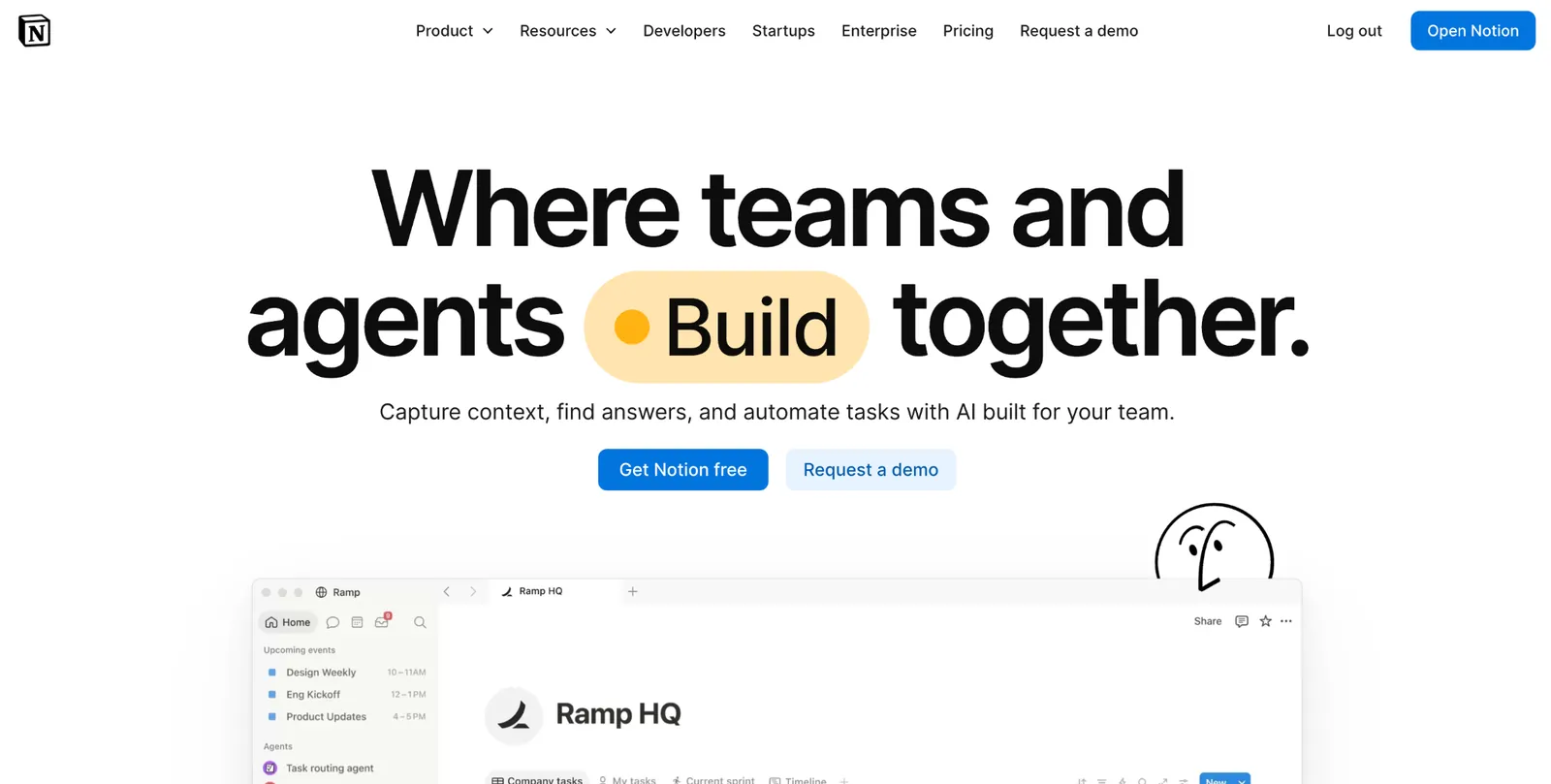
What it does: Notion is a workspace that combines docs, wikis, and databases, with built-in AI features for drafting, summarizing, and searching across a team's content.
Best for: Businesses whose policies, notes, and plans already live in Notion and want AI assistance without switching tools.
Notion's AI works on content already in place. It can summarize a long thread of comments on a policy doc, or draft a new page using existing pages as context. For a business already living in Notion daily, that beats a separate AI tool with no access to the work.
Key features
-
In-context AI drafting: Generate and edit content using your existing workspace as context.
-
Enterprise search and Q&A: Ask questions across your team's documented knowledge and connected apps.
-
Docs, wikis, and databases together: Policies and structured data in one workspace.
- Answers come from your own documented policies, not a model guessing at your business.
- One workspace for docs, plans, and databases.
- Affordable per-user pricing at the Plus tier.
- Value depends on already using Notion as the main workspace.
- Full AI starts at Business, so Free and Plus only get a limited trial.
- Databases slow down at larger record counts.
What users say
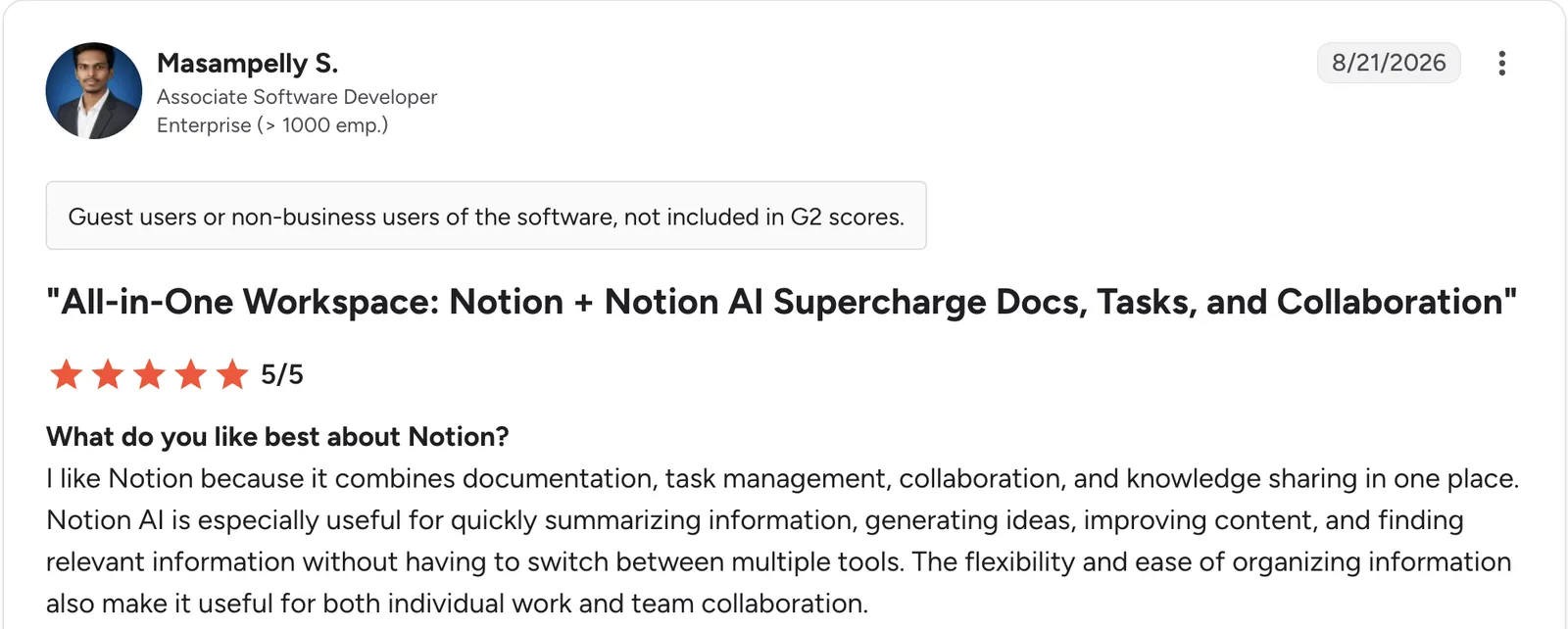
“I like Notion because it combines documentation, task management, collaboration, and knowledge sharing in one place.” Masampelly S, G2

“What I dislike most is the limited offline functionality, along with occasional performance slowdowns when I’m working with very large databases and complex relationships.” Pinniboina T, G2
Pricing
Notion is free for individuals. Paid plans start at $12/user/month for Plus. Business is $24/user/month and is the first tier with full Notion AI, including Agent and meeting notes. Enterprise is custom-priced. See the Notion pricing page.
Bottom line
Notion fits when a business already documents there and wants AI layered on top. Choosing a workspace from scratch is better handled by a wider look at AI database software.
6. Otter.ai: Best AI meeting notes and transcription
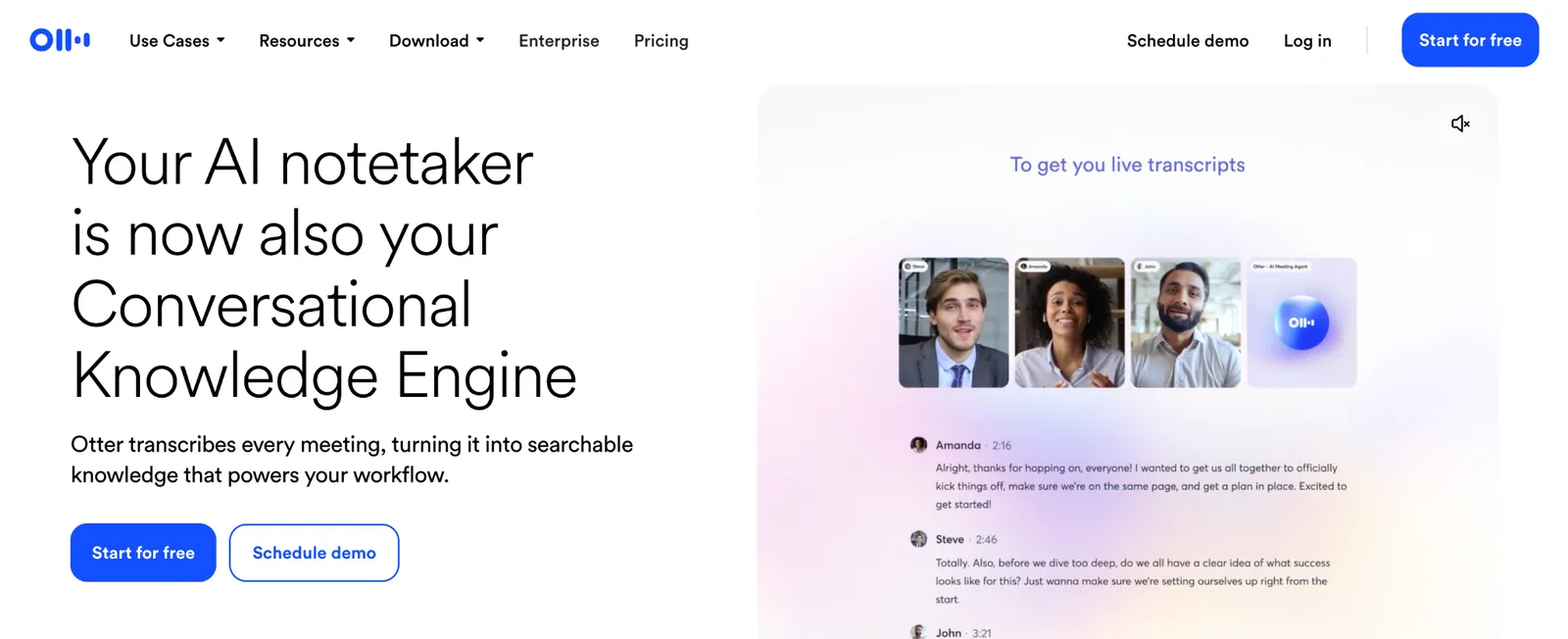
What it does: Otter.ai is an AI transcription and meeting notes tool that records, transcribes, and summarizes conversations in real time.
Best for: Businesses running frequent client calls and internal meetings who want an accurate record without manual note-taking.
Otter's transcription held up well across a mock client call with crosstalk and background noise, and speaker labeling made it easy to attribute commitments afterward. It's built for exactly this job and does it reliably, without trying to be a broader business tool.
Key features
-
Real-time transcription: Accurate, live transcription with automatic speaker labels.
-
AI meeting summary: A generated summary and action items after each call.
-
Searchable transcript archive: Find past conversations by keyword.
- Action items land automatically after each call, not just a transcript dump.
- Frees you to focus during calls instead of typing notes.
- Speaker labels held up through crosstalk, so commitments were easy to attribute afterward.
- Summaries are basic compared to a dedicated analysis tool.
- Per-user pricing adds up for larger teams.
- Less useful outside of live conversations specifically.
What users say
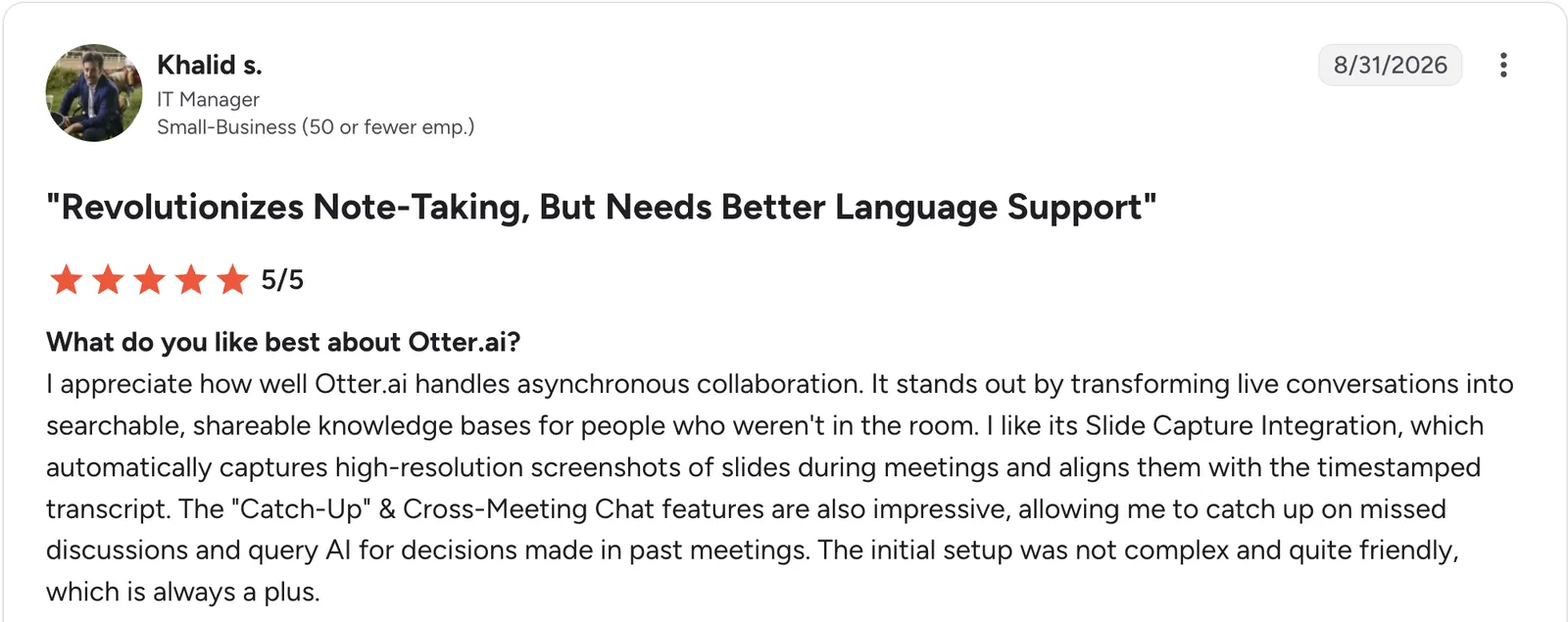
“It stands out by transforming live conversations into searchable, shareable knowledge bases for people who weren't in the room.” Khalid S, G2

“What I dislike most is that the transcription accuracy drops when dealing with heavy background noise, multiple speakers talking over each other, or strong accents.” Kayreal P, G2
Pricing
Otter.ai is free for 300 transcription minutes a month, capped at 30 minutes per recording. Paid plans start at $16.99/user/month for Pro, which raises that to 1,200 minutes. Business is $30/user/month with unlimited meetings. Enterprise is custom-priced. See the Otter.ai pricing page.
Bottom line
Otter.ai covers accurate meeting records without manual note-taking. For deeper thematic analysis across many calls, pair it with a dedicated research tool.
7. Zapier: Best for automating recurring busywork across tools
What it does: Zapier is an automation tool that connects thousands of apps, with AI features to build and adjust workflows from a description.
Best for: Businesses with recurring manual tasks, like a weekly report pulled from three different tools, that are worth automating once.
Automating a weekly report that used to mean logging into three tools and copying data by hand removed recurring work once it was set up. Zapier's AI features help build the automation from a plain description, which lowers the setup barrier for a non-technical business owner.
Key features
-
9,000+ app integrations: Connects nearly any tool a business already runs on.
-
AI-assisted workflow building: Describe what you want automated instead of configuring it manually.
-
Multi-step automations: Chain several tools together into one recurring workflow.
- AI writes the automation from a plain description, skipping the usual trigger-and-action setup screens.
- Widest integration library for connecting scattered business tools.
- One setup removes the task for good, like a weekly report that used to mean logging into three tools.
- Task-based pricing climbs with automation volume.
- Complex multi-step automations still take time to set up.
- Moves and connects data, so the insight still has to come from you.
What users say
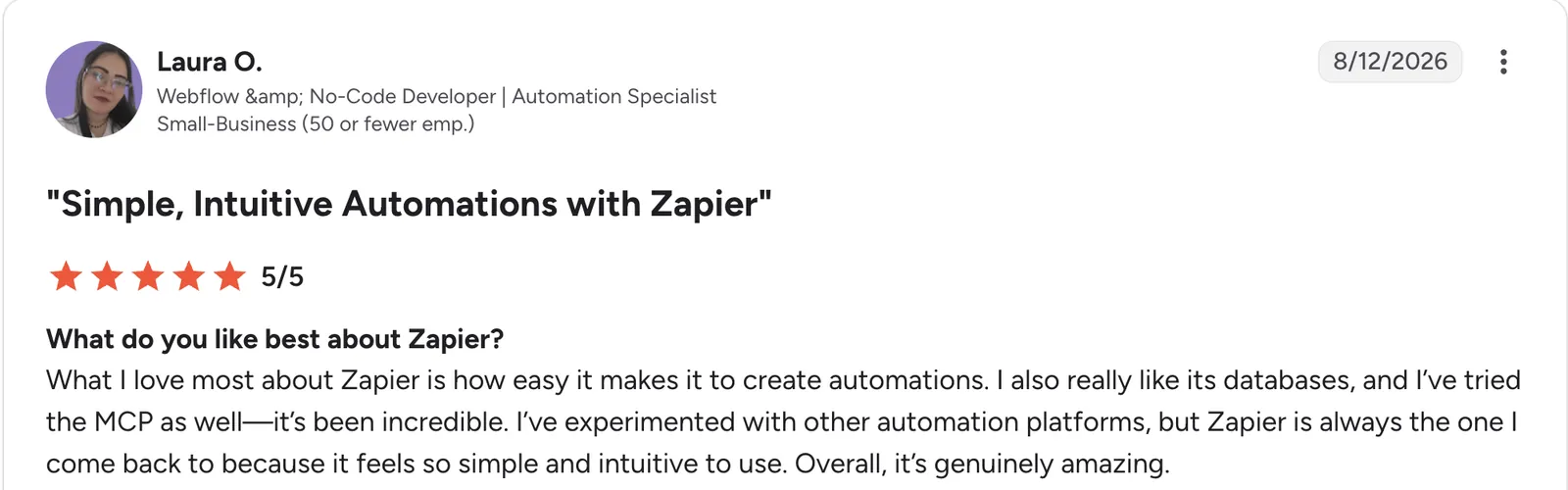
“What I love most about Zapier is how easy it makes it to create automations.” Laura O, G2

“It took a bit longer than expected to learn how the whole automation tasks actually work, but overall I caught on quicker than if I didn't have Zapier.” Thomas N, G2
Pricing
Zapier is free for 100 tasks a month. Paid plans start at $29.99/month for Professional, which adds multi-step Zaps and premium apps. Team is $103.50/month for 25 users. Enterprise is custom-priced. Zapier's page defaults to yearly rates, so switch it to monthly. See the Zapier pricing page.
Bottom line
Zapier is the pick for the recurring manual task you've been meaning to automate for months. For a wider view, compare it against other workflow automation tools. Research and writing stay with your assistant; Zapier handles the busywork around them.
8. HubSpot: Best AI-powered CRM and marketing suite
What it does: HubSpot combines CRM, marketing, and sales tools on a shared contact database, with AI features for content generation, lead scoring, and reporting.
Best for: Businesses that want customer data, marketing, and sales tools built on one shared record instead of several disconnected tools.
HubSpot's AI benefits from its shared data. A marketing email draft can reference real customer segments instead of a generic audience. The free tier holds up well enough that a small team can run on it for a long stretch before the paid features start to matter.
Key features
-
AI content generation: Draft marketing emails and social posts from a campaign brief.
-
Shared contact database: Marketing, sales, and service tools built on the same records.
-
Reporting dashboards: Pipeline and campaign performance without a separate BI tool.
- Free tier with 1,000 contacts and basic CRM features.
- Reporting dashboards replace a separate BI tool for pipeline and campaign tracking.
- Wide range of integrations and partners.
- Professional pricing jumps sharply for advanced marketing automation.
- Some AI features are gated to higher tiers.
- More system than you need if sales and marketing are still simple.
What users say
“It’s pretty easy to keep contacts, leads, notes, and follow-ups organized in one place.” Swetha C, Capterra

“I still wish their pricing was easier to understand and easier to scale with.” Micah L, Capterra
Pricing
HubSpot's CRM is free for up to 2 users. Starter is around $20/seat/month, and Marketing Hub Professional starts near $890/month with 3 seats plus a one-time onboarding fee. Enterprise runs $3,600/month. See the HubSpot pricing page.
Bottom line
HubSpot suits a business that wants marketing, sales, and customer data on one shared record. If you just need a lighter CRM, a simpler tool will cost less.
9. Canva: Best AI design tool for non-designers
What it does: Canva is a design tool with AI features that generate layouts, images, and copy suggestions from a text description.
Best for: Business owners without design skills who need a professional-looking one-pager, social post, or presentation quickly.
Describing a one-pager for a service offering produced a usable starting layout in Canva within a couple of minutes. It then took light editing instead of a from-scratch build. That combination, a fast AI draft plus an approachable editor, is what makes it stick for non-designers specifically.
Key features
-
Magic Design: Generate a layout from a text description or an uploaded image.
-
AI image generation: Create custom graphics without searching stock photos.
-
Brand kit: Apply consistent colors, fonts, and logos across every design.
- A usable layout landed in a couple of minutes, then took light editing instead of a from-scratch build.
- Huge template library covering most business design needs.
- Free tier covers basic design work.
- AI-generated layouts often need manual polish for a truly custom look.
- Best AI features sit on paid plans, and the free plan is limited to one brand kit.
- Less flexible than dedicated design software for complex work.
What users say
“Canva offers a user-friendly platform that simplifies the design process for individuals and teams.” Bilal M, G2

“What I dislike about Canva is that most of the best templates are for the paid plan.” Promise R, G2
Pricing
Canva is free to start. Paid plans start at $18/month for Pro, a single-person license with the brand kit and deeper AI access. Business is $25/month per person, with no seat minimum. Enterprise is custom-priced. See the Canva pricing page.
Bottom line
Canva delivers fast, professional design without a designer on staff. For deeply custom brand work, a professional design tool still goes further.
10. Gamma: Best AI presentation and deck builder
What it does: Gamma is an AI tool that generates presentations, documents, and web pages from a text prompt or outline.
Best for: Business owners who need a polished deck fast and don't want to fight with slide software layout.
During testing, typing a rough pitch outline into Gamma produced a structured, reasonably designed deck in a few minutes. That's well ahead of building the same thing slide by slide. The design defaults are strong enough that many decks need only content edits before they're ready to present.
Key features
-
Prompt-to-deck generation: Describe the presentation and get a structured draft with design applied.
-
Live editing with AI: Ask it to rewrite or restyle a section in place.
-
One-click themes: Change the entire visual style without touching individual slides.
- Design defaults are strong enough that many decks need only content edits before presenting.
- The free tier is enough to build and test a real deck.
- Switching themes changed the whole deck's look without touching individual slides.
- Complex, data-heavy slides still need manual work.
- Less control than dedicated slide software for pixel-precise layouts.
- Exporting to PowerPoint can lose some formatting fidelity.
What users say
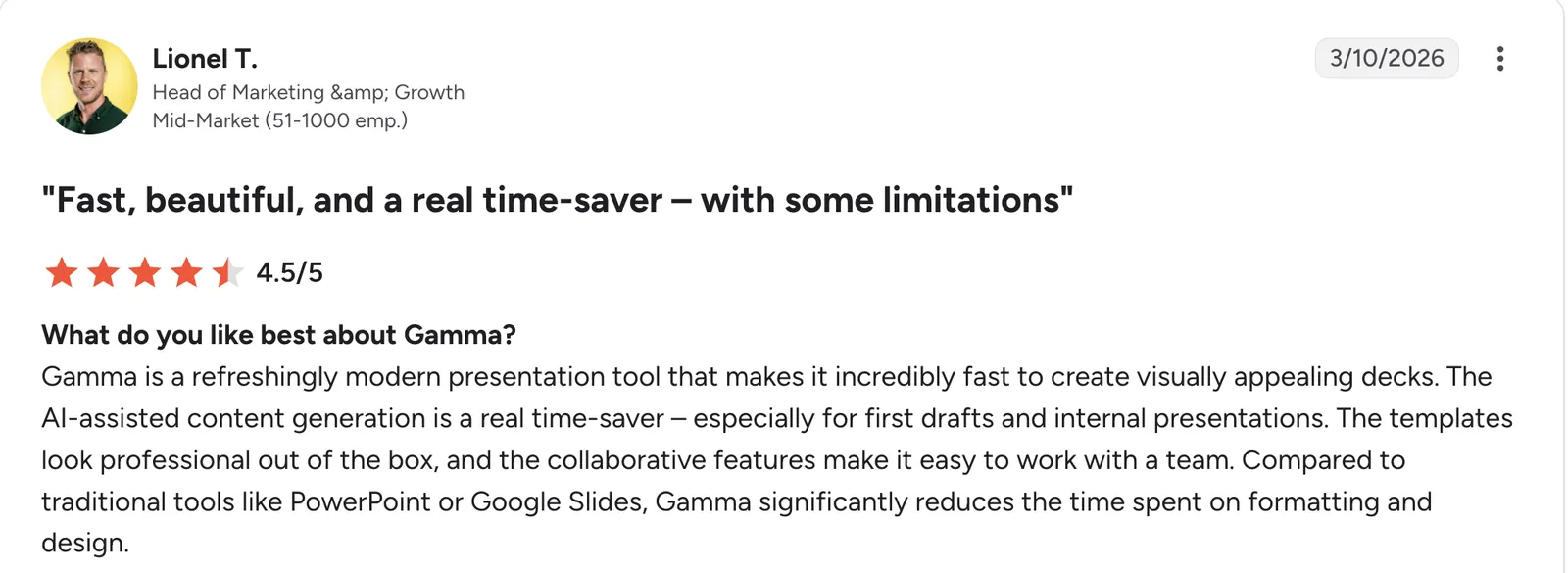
“The AI-assisted content generation is a real time-saver – especially for first drafts and internal presentations.” Lionel T, G2

“The customization options can feel limited for advanced users, and the AI occasionally requires manual refinement.” Wai Ming H, G2
Pricing
Gamma is free with 400 one-time AI credits. Paid plans start at $12/month per seat for Plus, with 1,500 credits a month and no watermark. Pro is $25/month per seat with 4,000 credits and premium AI models. Ultra is $100/month per seat for the heaviest use, and Business is $40/seat/month for organizations. See the Gamma pricing page.
Bottom line
Gamma is the pick when a deck needs to look good fast, and content matters more than pixel-level control. For heavily customized presentations, traditional slide software still wins.
11. Grammarly: Best AI writing and editing assistant
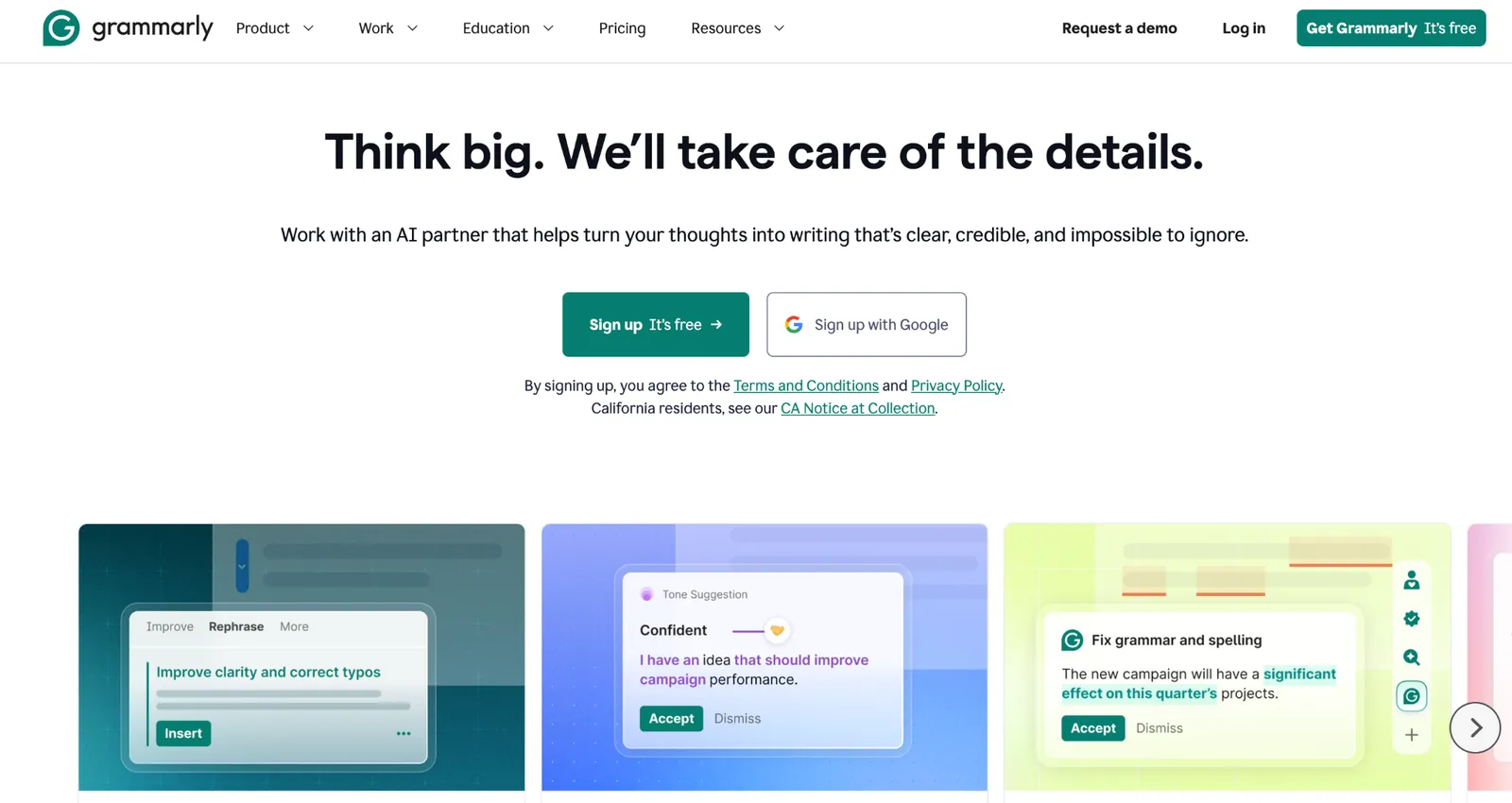
What it does: Grammarly is a writing assistant that checks grammar, clarity, and tone in real time across whatever you're writing.
Best for: Anyone sending client-facing writing who wants a second pass on tone and clarity without hiring an editor.
Grammarly caught a tone issue in a client email during testing that read as blunter than intended, the kind of catch a spell-checker alone would miss. It works inside most writing surfaces already, so there's no separate tool to open.
Key features
-
Real-time tone detection: Flags writing that reads as too blunt, vague, or informal for the context.
-
Clarity rewrites: Suggests tighter phrasing for a wordy or confusing sentence.
-
Works across apps: Runs inside email, docs, and most browser-based writing.
- Tone detection caught a client email that read blunter than intended, which a spell-checker would pass.
- Works inside the tools you already write in.
- Free tier covers core grammar, spelling, and tone checks.
- Advanced tone and rewrite features sit behind the paid tier.
- Suggestions occasionally miss industry-specific terminology.
- Edits what's already written, so it won't generate content from scratch.
What users say
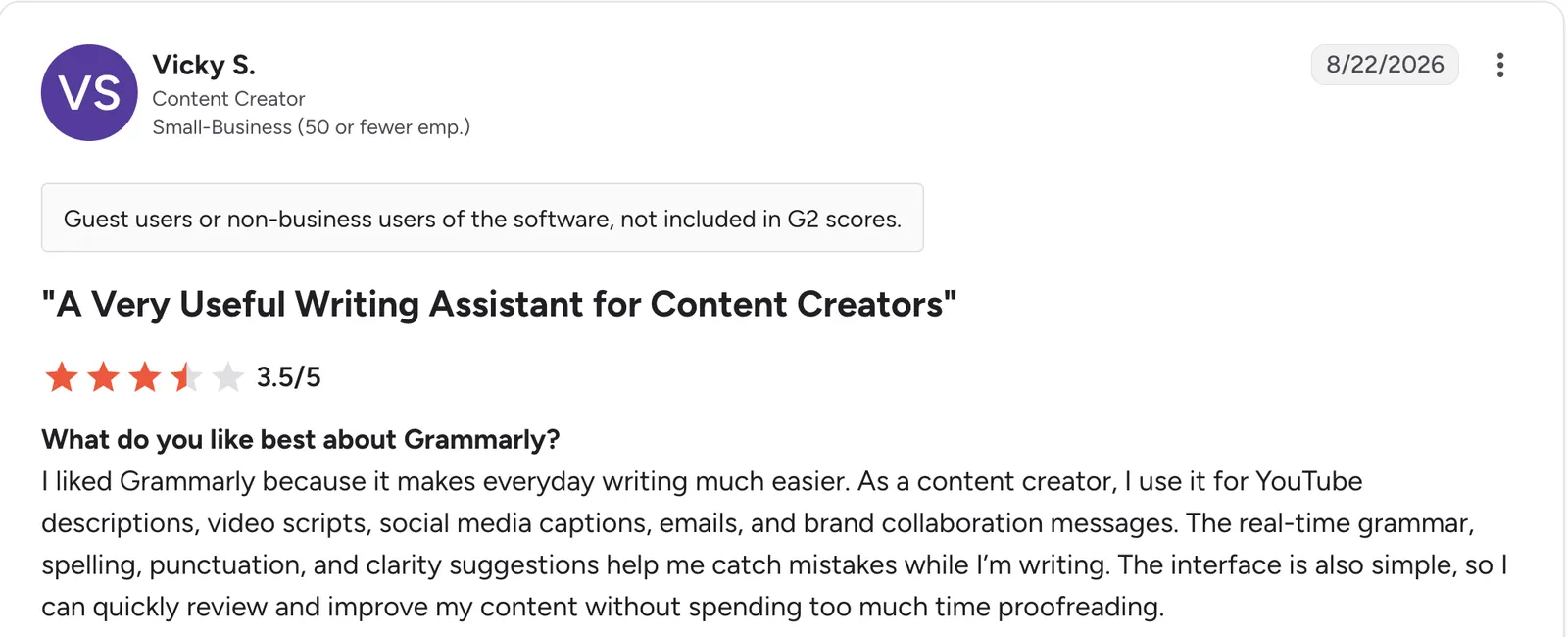
“As a content creator, I use it for YouTube descriptions, video scripts, social media captions, emails, and brand collaboration messages.” Vicky S, G2

“One aspect I dislike is that some advanced features, such as AI-powered rewrites and premium writing suggestions, require a paid subscription.” Jayesh W, G2
Pricing
Grammarly is free to start. Pro is $30/month billed monthly, or $12/month billed annually, and adds full-sentence rewrites and unlimited suggestions. Enterprise is custom-quoted. See the Grammarly pricing page.
Bottom line
Grammarly earns its place as the last read before anything client-facing leaves your inbox. If you need the writing produced rather than polished, a general assistant does that job instead.
12. QuickBooks: Best AI-assisted bookkeeping for small business
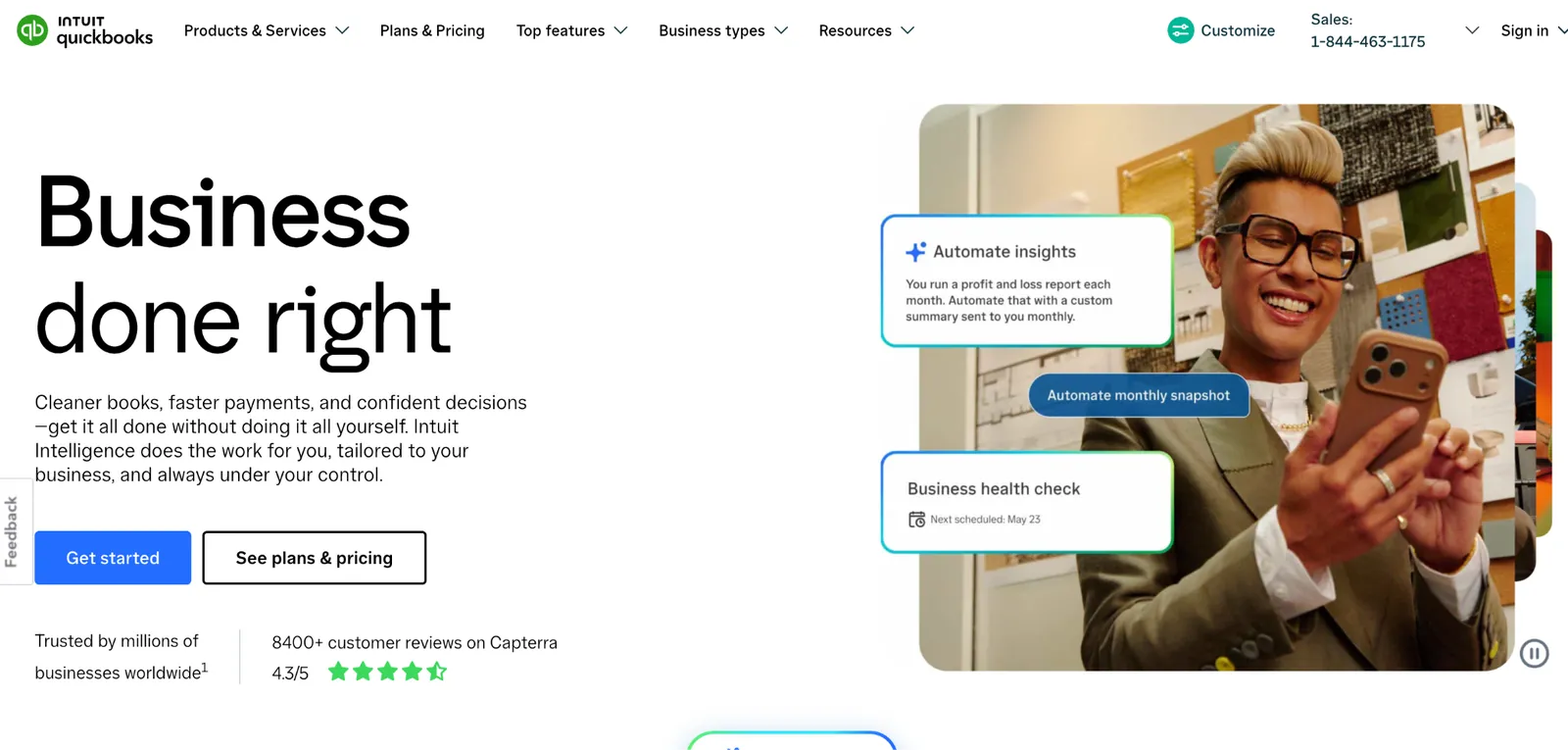
What it does: QuickBooks is Intuit's small business accounting software, with AI features that categorize transactions and flag anomalies automatically.
Best for: Small businesses that want bookkeeping to take less manual categorization time without hiring a bookkeeper.
Importing a batch of mixed bank transactions in testing showed the AI correctly categorizing most routine expenses on its own, leaving only a handful to check manually. That's time saved on a task most business owners put off.
Key features
-
AI transaction categorization: Automatically sorts imported bank and card transactions.
-
Anomaly flagging (Plus and up): Surfaces unusual transactions worth a second look.
-
Automated reports: Profit and loss, cash flow, and tax summaries generated on demand.
- Anomaly flags catch what categorization alone would miss, like duplicate charges or pricing errors.
- Reports generate without a separate spreadsheet.
- Widely used, so most accountants already know the tool.
- Occasional miscategorizations still need a manual correction pass.
- Deeper AI insights sit on higher-tier plans.
- The free plan is thin, capped at one bank account and two invoices a month.
What users say
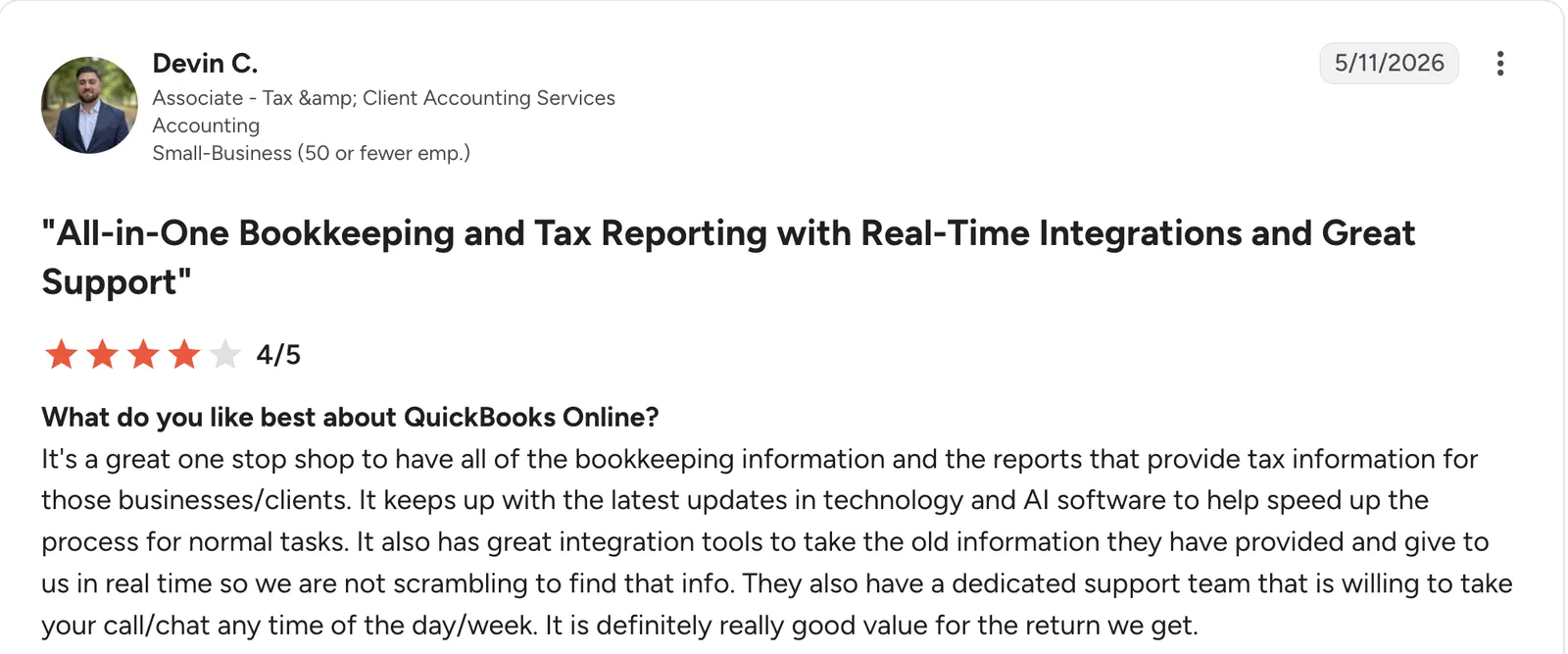
“It keeps up with the latest updates in technology and AI software to help speed up the process for normal tasks.” Devin C, G2

“The payroll tool is particularly concerning. It's not good at all, mainly because of its desync issues, which I find to be really bad.” Ashish R, G2
Pricing
QuickBooks has a free plan, limited to one bank account and two invoices a month, plus a 30-day trial of the paid tiers. Paid plans start at $38/month for Simple Start. Essentials is $85/month, Plus is $140/month, and Advanced is $340/month. See the QuickBooks pricing page.
Bottom line
Choose QuickBooks when bookkeeping time, not the software fee, is the real cost. If you're already happy with your accountant's tool of choice, switching may not be worth it.
13. Jasper: Best AI tool for on-brand marketing copy at scale
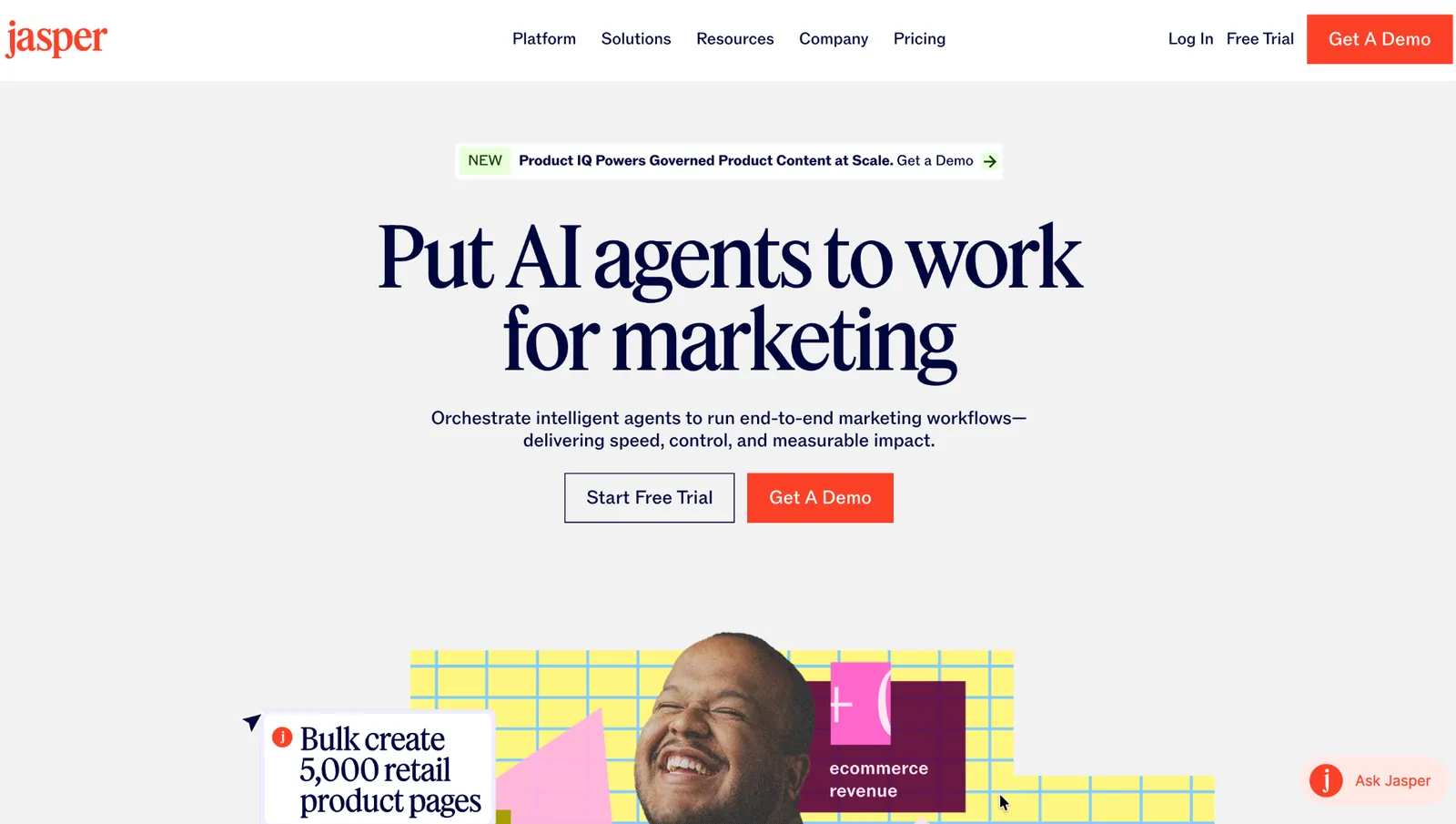
What it does: Jasper is an AI content tool built for marketing teams, with brand voice training so generated copy matches a company's established tone.
Best for: Businesses producing marketing copy often enough that a generic AI assistant's tone drift becomes a problem.
Feeding Jasper a brand voice guide and a handful of past ads produced copy that sounded noticeably closer to the brand than an untrained general assistant managed. That consistency is the entire pitch for a marketing team producing content daily.
Key features
-
Brand voice training: Learns tone and style from existing content instead of a generic default.
-
Campaign templates: Structured starting points for ads, emails, and landing pages.
-
Team collaboration: Shared brand voice and approval flow across a marketing team.
- A trained brand voice held up in testing, landing closer to the brand than an untrained assistant managed.
- Campaign templates gave ads and emails a real starting point instead of a blank page.
- Shared brand voice kept output consistent across different people drafting on the same team.
- Priced for regular marketing output, not occasional use.
- No free plan, though a 7-day trial covers a first look.
- Overlaps with general assistants for anything outside marketing copy.
What users say
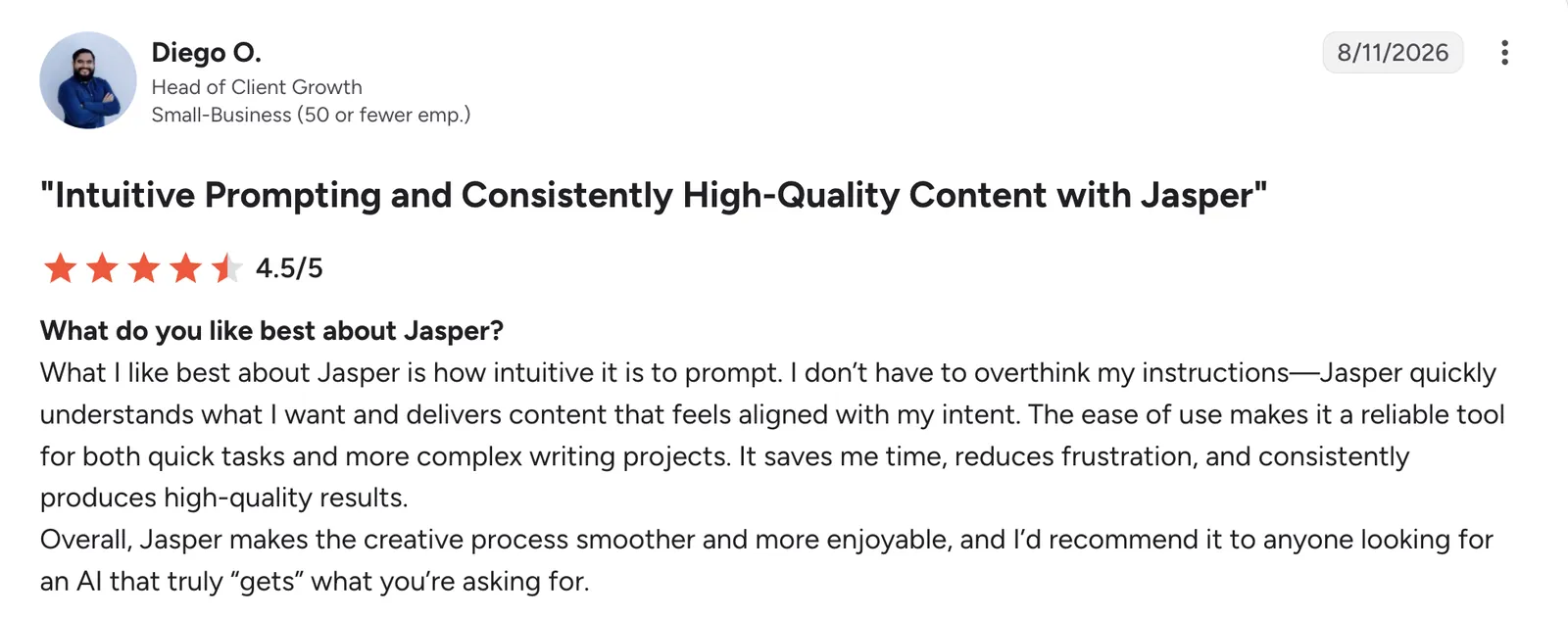
“I don’t have to overthink my instructions—Jasper quickly understands what I want and delivers content that feels aligned with my intent.” Diego O, G2

“Clunky, annoying from a price perspective; they don't allow you to sign up without paying for it. Once you stop paying, they don't give you access [to] your past work.” William C, G2
Pricing
Jasper has no free tier. Pro is $69/month per seat and includes a Canvas workspace, brand voice training, and marketing agents. Business is custom-priced and includes agents for complex workflows and a no-code agent builder. See the Jasper pricing page.
Bottom line
Jasper is the pick for a marketing team producing on-brand copy often enough to justify a dedicated tool. Occasional use is better served by ChatGPT or Claude.
14. Descript: Best AI video and audio editing
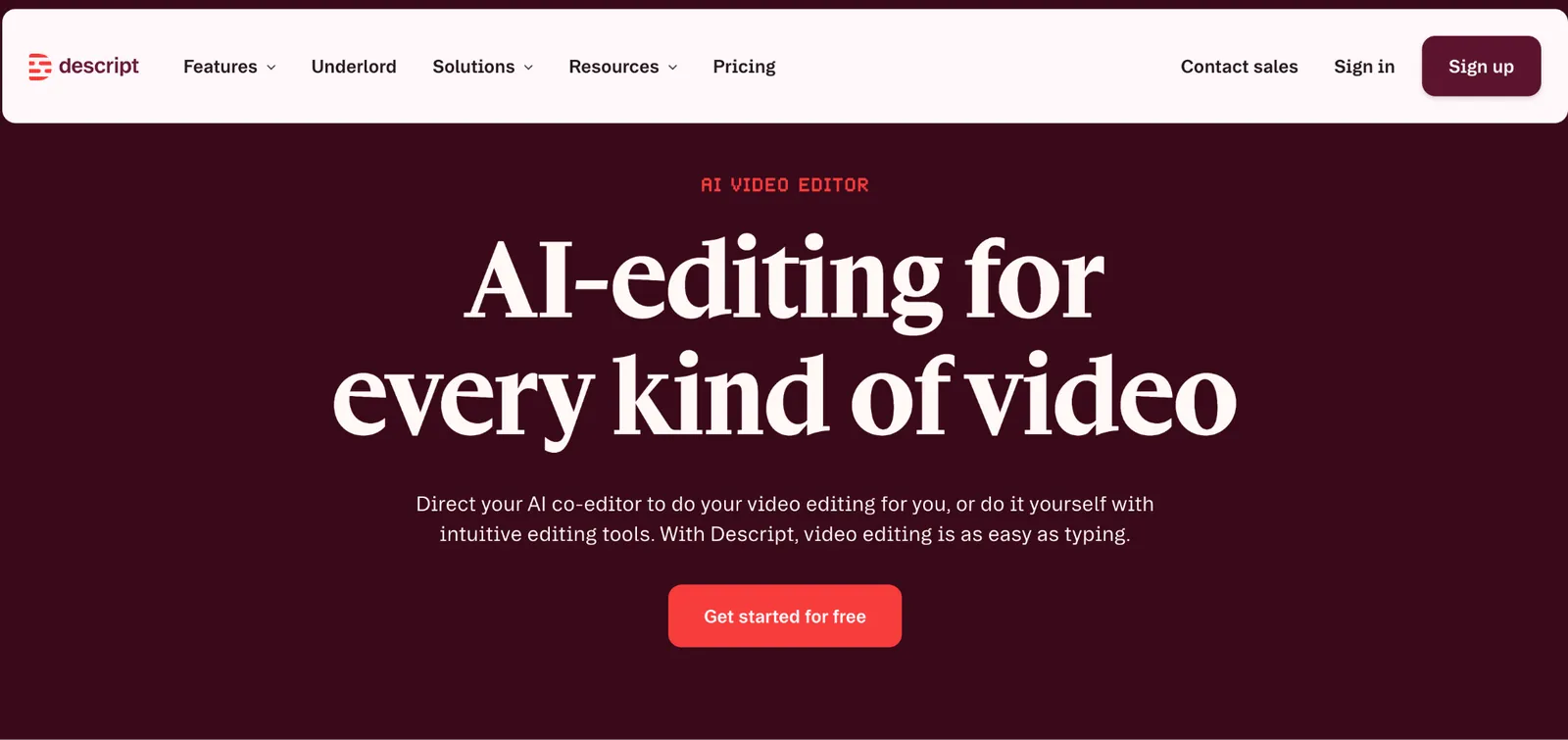
What it does: Descript is an AI video and audio editor that lets you edit a recording by editing its transcript. Deleting a word from the transcript cuts it from the audio or video.
Best for: Businesses producing video content, webinars, or podcasts that want editing that doesn't require a traditional timeline tool.
Deleting filler words from a transcript cuts them straight out of the video. Editing a recording felt closer to editing a document than scrubbing a timeline.
Key features
-
Text-based editing: Cut video or audio by deleting words from the transcript.
-
AI filler word removal: Automatically strip "um," "uh," and dead air.
-
Overdub and voice cloning: Fix a flubbed line without re-recording the whole take.
- No timeline to scrub, since cutting a word from the transcript cuts it from the video.
- Filler word removal saves editing time.
- Approachable for someone without video editing experience.
- Complex multi-camera edits still favor traditional tools.
- Paid tiers needed for longer recordings and higher export quality.
- Voice cloning features raise questions some businesses will want to think through.
What users say
“I like how easy it is to work with both the script and the audio at the same time, then easily export the timeline to a DAW for the proper editing.” Tiegan P, G2

“When I work on longer videos with a full transcript, sometimes it takes a little time to scroll and find the exact line I want to edit.” Ishan S, G2
Pricing
Descript is free for one hour of transcription a month. Paid plans start at $24/person/month for Hobbyist, with about 10 hours of transcription. Creator is $35/person/month with 4K export and a team of up to 3, and Business is $65/person/month with 40 hours a month.
Bottom line
Descript fits businesses that regularly produce video or audio content without a dedicated editor. Occasional, simple edits may not need it.
15. Motion: Best AI calendar and task prioritization
What it does: Motion is an AI calendar and task manager that automatically schedules your to-do list into open time around existing meetings.
Best for: Business owners whose calendar is packed with meetings and whose task list never quite gets a time slot.
Adding a week's worth of tasks and watching Motion slot them into real gaps between meetings was the clearest value in testing. They stopped sitting ignored on a list. When a new meeting got added, tasks rescheduled automatically instead of silently getting bumped.
Key features
-
Automatic task scheduling: Slots tasks into real calendar time based on priority and deadline.
-
Deadline-aware planning: Flags a task before its deadline if the current schedule won't get it done in time.
-
Project and task views: Track work at both the daily and project level.
- Tasks land in real calendar gaps, so they stop sitting ignored on a list.
- Rescheduling happens automatically when plans change.
- Reduces daily manual planning most people skip anyway.
- Takes a week or two of trust before the auto-scheduling feels reliable.
- No free plan, though every tier starts with a free trial.
- Less useful for a calendar that's mostly open, unstructured time.
What users say
“Motion has elevated my productivity to the max. I am able to enter [tasks] for different projects and have an organized and timely calendar to follow.” Sabrina A, G2

- “The AI agents frequently generate irrelevant email replies or meaningless projects.” Joe S, G2
Pricing
Motion has no free tier. Individual Pro AI starts at $29/month billed annually, or $49/month billed monthly. Team Pro AI is $19/seat/month billed annually, or $29/seat/month billed monthly. Business AI is $49/seat/month billed monthly, or $29/seat/month billed annually. Enterprise is custom-priced. See the Motion pricing page.
Bottom line
Motion makes sense for a business owner whose meetings are eating their task list alive. A lighter calendar doesn't need this much automation.
16. Clay: Best for filling in contact and company details automatically
What it does: Clay is a sales prospecting tool that enriches contact and company data from dozens of sources and applies AI to score and personalize outreach.
Best for: Sales teams doing outbound prospecting who want enriched, scored lead lists without manually checking a dozen data sources per contact.
Running a list of fifty prospects through Clay pulled firmographic data, recent news, and a fit score automatically. Without it, that work would mean checking several tools per contact by hand. The added contact details alone justified the setup.
Key features
-
Multi-source data pulls: Pulls firmographic and contact data from dozens of providers in one pass.
-
AI scoring and personalization: Ranks prospects and drafts personalized outreach lines.
-
Waterfall enrichment: Falls back to alternate data sources when the first one comes up empty.
- Pulling firmographic data and news on a contact goes from hours to minutes.
- Waterfall fallback means fewer contacts come back with no data.
- Scoring helps prioritize a large prospect list quickly.
- Cost scales directly with prospecting volume.
- Some data sources return thin or outdated details on smaller companies.
- Value depends on an outbound motion to justify the setup.
What users say
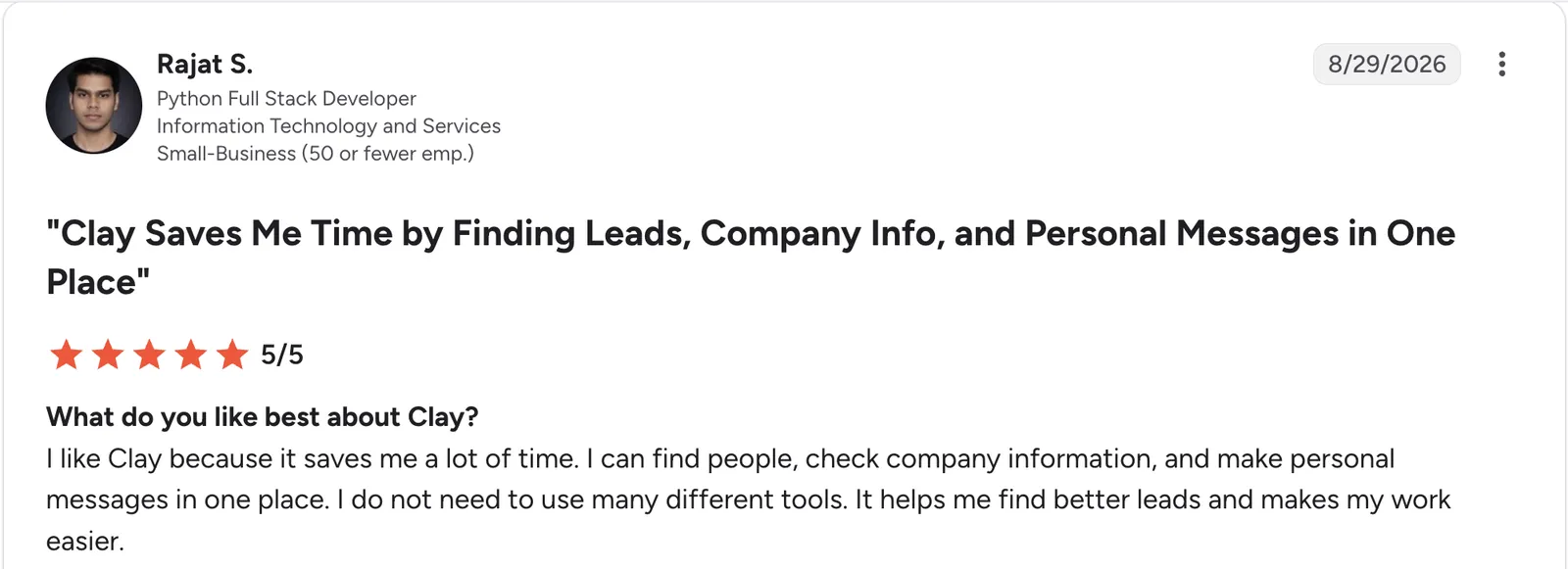
“I can find people, check company information, and make personal messages in one place.” Rajat S, G2

“The learning curve is steeper than the marketing suggests.” Brauny N, G2
Pricing
Clay is free with 100 data credits a month. Clay restructured its plans in March 2026, replacing the old Starter, Explorer, and Pro tiers for new signups. Paid plans now start at $185/month for Launch; Growth is $495/month. Enterprise is custom-priced. See the Clay pricing page.
Bottom line
Clay is built for a sales team running outbound prospecting at volume. Without that motion, most of what it fills in goes unused.
17. Microsoft 365 Copilot: Best AI assistant built into Word, Excel, and Outlook
What it does: Microsoft 365 Copilot is Microsoft's AI assistant built into Word, Excel, PowerPoint, Outlook, and Teams, using an organization's own files and email as context.
Best for: Businesses already running Microsoft 365 who want AI built into the apps their team uses daily, not a separate tool to open.
Asking Copilot in Word to summarize a long policy document produced a shorter draft in the document's own language. Copilot in Teams summarized a meeting with a saved transcript instantly, but had nothing to say about one with none. It's only as useful as the data underneath it.
Key features
-
Works inside Word, Excel, PowerPoint, Outlook, and Teams: Drafting and analysis happen where the work already lives.
-
Available across desktop, web, and mobile: The same AI assistance follows you between devices.
-
Copilot Chat: A free, web-grounded chat mode included with any eligible Microsoft 365 plan.
- Copilot Chat costs nothing extra on any eligible Microsoft 365 plan, including Business Basic, Standard, and Premium.
- No new interface to learn, since it's the same Word, Excel, and Outlook your team already knows.
- Inherits existing Microsoft 365 security and compliance policies.
- Requires a qualifying Microsoft 365 plan, so the add-on price is never the full cost.
- Value depends on how organized your Microsoft 365 data already is.
- Promotional and standard pricing shift throughout the year.
What users say
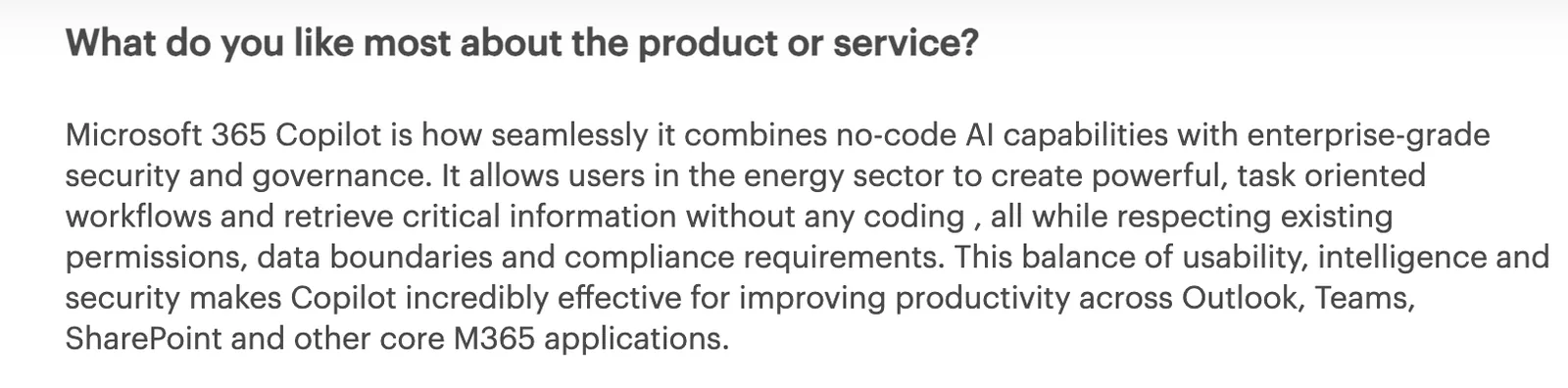
“Microsoft 365 Copilot is how seamlessly it combines no-code AI capabilities with enterprise-grade security and governance.” Verified User, Gartner
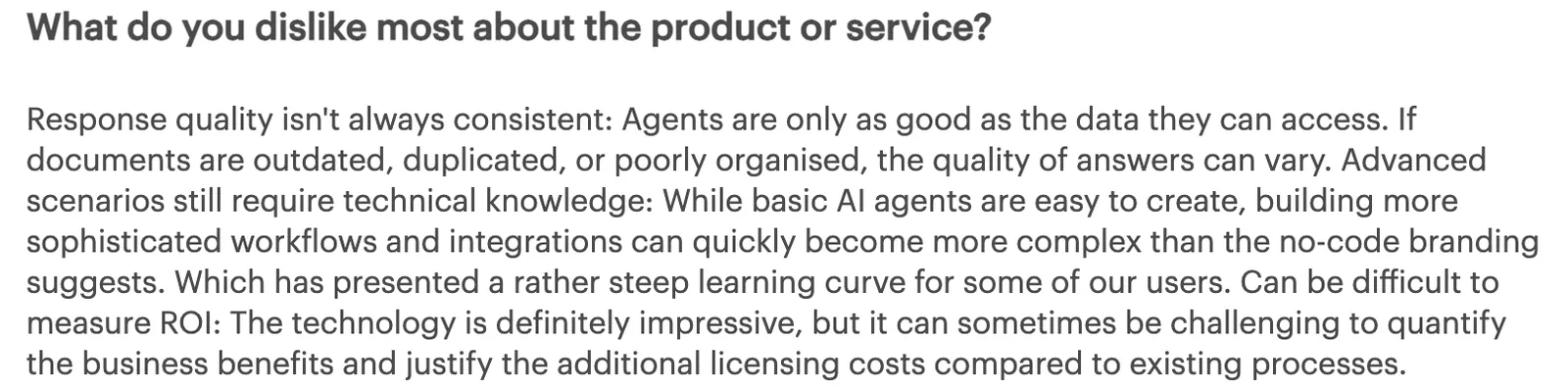
“Response quality isn't always consistent: Agents are only as good as the data they can access.” Verified User, Gartner
Pricing
Microsoft 365 Copilot comes in three ways. The standalone add-on is $25.20/user/month, on top of an existing Microsoft 365 Business plan. Bundled with Business Standard, it's $28.20/user/month; with Business Premium, it's $38.40/user/month. See the Copilot pricing page.
Bottom line
Microsoft 365 Copilot is the pick for a business already standardized on Microsoft 365 that wants AI without adding another tool. Outside that ecosystem, ChatGPT or Claude cost less.
18. Replit: Best for technical founders who want real code
What it does: Replit is a browser-based coding environment with an AI Agent that generates working applications from a prompt, producing real, deployable code.
Best for: Technical or technically curious founders who want to build with code instead of a no-code tool, and are comfortable reading what gets generated.
Replit's AI Agent built a working prototype from a description in testing. Because the output is source code, you can extend it or hand it to an engineer later in a way a no-code tool's output doesn't translate as directly. The tradeoff comes with the code. When something breaks, fixing it means reading it or re-prompting.
Key features
-
AI Agent app generation: Describe an app and get a working build with visible source code.
-
Browser-based environment: No local setup; build and run in one window.
-
Built-in deployment: Publish what you build without a separate hosting step.
- The output is real source code, so you can extend it or hand it to an engineer later.
- No local environment setup required.
- Publishing needs no separate hosting step, so a working prototype was live within minutes of the build finishing.
- Fixing issues means reading code, which blocks fully non-technical founders.
- Token-based usage can burn through credits on complex builds.
- Keeping the app running is on you once it's live, including updates and fixes.
What users say
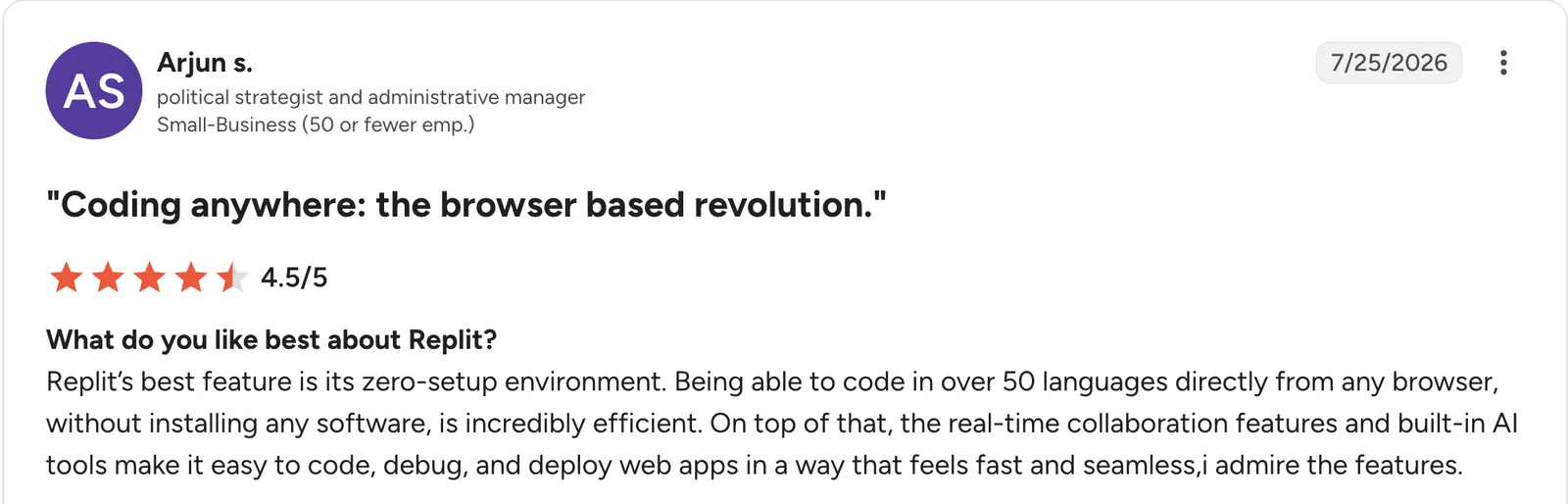
“Being able to code in over 50 languages directly from any browser, without installing any software, is incredibly efficient.” Arjun S, G2

“The shift toward a stricter paywall for basic usage, along with performance bottlenecks on lower-tier Replit instances.” Vaibhav T, G2
Pricing
Replit is free to start with daily agent credits. Paid plans start at $20/month for Core, which adds $20 of usage on the most powerful models. Pro is $100/month with 10 parallel agents. Enterprise is custom-priced. See the Replit pricing page.
Bottom line
Replit suits a technical founder who wants real code from day one. For a non-technical business owner who wants to skip code entirely, Zite keeps the logic visible without it.
19. Botpress: Best AI customer support chatbot you build yourself
What it does: Botpress is a visual AI chatbot platform for building customer support and sales agents, pairing a flow builder with a shared inbox for human handoff.
Best for: Businesses that want a chatbot built around their own conversation flows, not an off-the-shelf support script.
Building a support bot for a mock SaaS product took an afternoon in Botpress's visual builder. Billing questions routed to a knowledge base answer, and account-specific questions went to a human. The flow stayed easy to trace later, closer to a flowchart than a buried prompt.
Key features
-
Visual flow builder: Design conversation logic as a flowchart instead of one long prompt.
-
Shared inbox for handoff: A human agent sees the full conversation, not a blank ticket.
-
Knowledge base indexing: Point it at existing docs and the bot answers from that content.
- Non-technical teammates can read the flow later, without decoding a buried prompt.
- Bot answers stay current as the knowledge base changes, with no separate retraining step.
- Unlimited bots on every paid plan, so testing multiple flows doesn't add cost.
- AI usage costs stack on top of the base plan, so the bill scales with volume.
- The visual builder takes time to learn for complex, branching flows.
- Team pricing jumps sharply for role-based access and priority support.
What users say
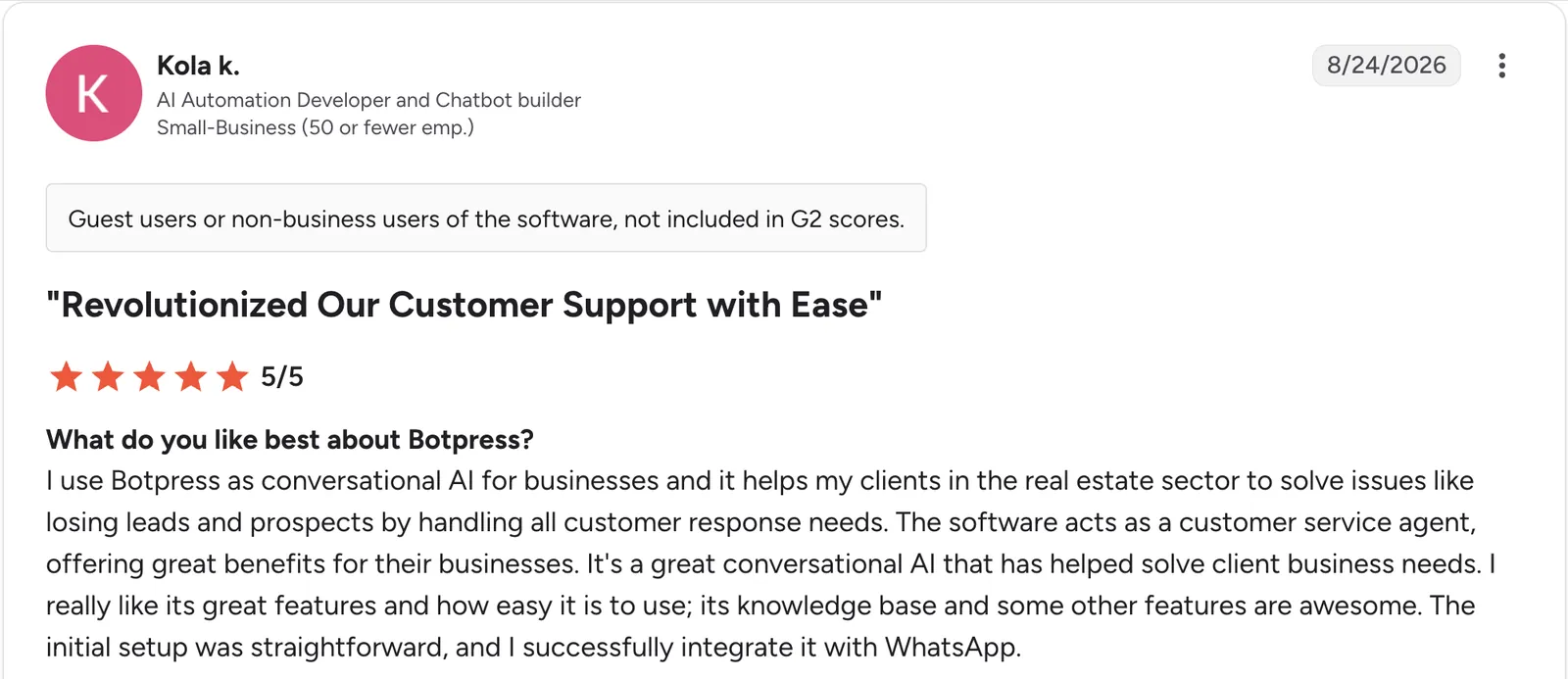
“I use Botpress as conversational AI for businesses, and it helps my clients in the real estate sector to solve issues like losing leads and prospects by handling all customer response needs.” Kola K, G2

“I would also like more transparency and easier control over AI usage and costs.” Mohamed A, G2
Pricing
Botpress is free to start, with AI usage billed separately. Plus is $189/month and adds unlimited AI agents, whitelabel webchat, and $25 of included AI usage. Team is $939/month with unlimited seats and role-based access. Enterprise is custom-priced. See the Botpress pricing page.
Bottom line
Botpress is the pick for a business that wants a chatbot built around its own conversation flows. For simpler automated resolution without building flows, a dedicated support agent costs less to start.
Which AI tool should you choose?
The right pick depends on which part of running the business eats the most time. A few questions narrow it fast:
-
Is the bottleneck a missing tool, a slow task, or a communication gap?
-
Do you need a general assistant, or something built around one specific job?
-
Will you read and fix code, or do you want the logic to stay visible without it?
-
Is this a solo tool, or does the whole team need access?
-
How much of your work already lives in one system, like Notion or HubSpot, that AI could layer onto?
Choose Zite if you:
-
Need a tracker, portal, dashboard, or client-facing tool that doesn't exist yet.
-
Want one set of records the whole team works from, with each person seeing only what they should.
-
Want the database and the logic visible and changeable without a developer.
Choose ChatGPT or Claude if you:
-
Want a general assistant for drafting, brainstorming, and thinking through problems.
-
Need to synthesize long documents or contracts, which is Claude's edge specifically.
Choose Perplexity if you:
- Need sourced, verifiable answers for market or competitive research.
Choose Notion or HubSpot if you:
-
Already document in Notion and want AI layered on top.
-
Want marketing, sales, and customer data on one shared record (HubSpot).
Choose Otter.ai or Zapier if you:
-
Run frequent calls and need accurate notes (Otter.ai).
-
Have recurring manual busywork worth automating once (Zapier).
Choose Canva or Gamma if you:
-
Need fast, professional design without a designer (Canva).
-
Need a polished deck without fighting slide software (Gamma).
Choose Grammarly or QuickBooks if you:
-
Want a second pass on tone before client-facing writing goes out (Grammarly).
-
Want less manual bookkeeping time each month (QuickBooks).
-
Want to generate a dashboard from the numbers QuickBooks already tracks.
Choose Jasper or Descript if you:
-
Produce marketing copy often enough to need consistent brand voice (Jasper).
-
Produce video or audio content regularly (Descript).
Choose Motion or Microsoft 365 Copilot if you:
-
Have a packed calendar that's eating your task list (Motion).
-
Already run Microsoft 365 and want AI built into Word, Excel, and Outlook.
Choose Clay, Replit, or Botpress if you:
-
Run outbound sales prospecting at volume (Clay).
-
Want real, deployable code as a technical founder (Replit).
-
Need a support chatbot built around your own conversation flows (Botpress).
Skip AI tools entirely if:
- Your current process already works and adding a tool would just be novelty.
Final verdict
The best AI tools for business in 2026 come down to where the bottleneck sits. ChatGPT or Claude covers general writing and thinking, and most businesses will use one of them daily regardless of what else they add.
If the bottleneck is a missing tool, Zite is the strongest pick. It's the only tool here that builds the thing itself, database and working logic included. And the logic stays visible afterward, so a non-developer can open it up and change it.
Start building with Zite for free and build the tool your business is currently missing.
Frequently asked questions
What are the best AI tools for business?
It depends on the bottleneck you're solving. ChatGPT and Claude cover general writing and research, Otter.ai and Zapier handle meetings and automation, and Zite is the strongest pick when the bottleneck is the tracker, portal, or dashboard your business is missing.
How much do AI tools for business cost?
AI tools for business cost anywhere from free to a few hundred dollars a month for a small team. Most general assistants and point tools price around $12 to $30 a month per user. Usage-based tools like Clay or Botpress scale with volume instead of a fixed seat price.
Do I need multiple AI tools or just one?
Most businesses need multiple AI tools. A general assistant, a meeting tool, and something built around a specific bottleneck typically cover different jobs. Start with the single biggest bottleneck before adopting several at once.
Can AI tools replace employees?
No, AI tools can't replace employees. They speed up specific tasks like drafting, transcription, and categorization, but a business owner or employee still needs to make the judgment calls. Testing across all 19 tools, the ones that produced the most useful output still needed a person to supply context the AI couldn't know on its own.
What is the best AI tool for building a business app?
The best AI tool for building a business app is Zite, for a non-technical business owner. It generates a working app with a database and logic from a plain-language description, with nothing to host or set up. For a technical founder comfortable reading code, Replit generates a deployable build instead.