
A batch of interviews needs synthesizing, the roadmap needs updating, and a prototype is due Friday. AI tools for product managers split into two groups that handle different pieces of that list.
Some are general assistants you point at any task. Others are built for one part of the job, like synthesizing interviews or building a working tool without engineering. I ran every tool through the same set of PM tasks.
This guide ranks them by which part of the job each one helps with, with monthly pricing and the limits I hit along the way.
12 best AI tools for product managers: TL;DR
Here are the 12 tools, ranked by what each one is best at:
- 1.
 Best general-purpose AI assistant for drafting and brainstorming.
- 2.
 Best for analyzing long specs and documents.
- 3.
 Best AI research tool for market and competitive analysis.
- 4.
 Best for synthesizing user research and interviews.
- 5.
 Best AI-powered roadmapping and feedback triage.
- 6.
 Best AI-native workspace for specs and documentation.
- 7.
 ZiteUnlimited usersBest for turning a team process into a working tool without engineering.
- 8.
 Best AI meeting notes and transcription.
- 9.
 Best AI whiteboarding for mapping and brainstorming.
- 10.
 Best for automating recurring PM busywork.
- 11.
 Best for PMs who want to write and test real code.
- 12.
 Best for drafting and refining PRDs specifically.
How I researched and tested these AI tools for product managers
I used the same four tasks to test every tool. I synthesized interview transcripts into themes, drafted a PRD and revised it based on feedback, built a clickable prototype to validate a feature idea, and automated a recurring status report.
I tested one more tool that didn't make the list. Fireflies is a solid Otter alternative, but it didn't have a clear enough edge to include both.
I scored each on five things:
- Job fit: Whether the tool is built for a specific part of PM work at all.
- Output quality: Whether what it produces is usable directly or needs heavy editing.
- Speed to value: How much setup stands between signing up and getting something useful done.
- Integrations: How well it fits into the tools a PM already works in daily.
- Pricing: Whether the cost is reasonable for an individual PM or a small team.
This testing separated tools built around a real PM workflow from those that added a chat window to an existing product.
12 best AI tools for product managers: quick comparison
Here's the shortlist, with what each one does best:
| Tool | Strengths | Starting price (monthly) |
|---|---|---|
| ChatGPT | Broad, fast, widely integrated | $8/month |
| Claude | Strong on long documents | $20/month |
| Perplexity | Sourced, current answers | $20/month |
| Dovetail | Research repository with AI clustering | Custom |
| Productboard | AI feedback triage with Spark | Custom (5-maker minimum) |
| Notion | Docs, databases, and AI in one | $12/user/month |
| Zite | No-code working tools with database, logic, and logins built in | $25/month |
| Otter.ai | Accurate live transcription | $16.99/user/month |
| Miro | Visual mapping with AI | $10/member/month |
| Zapier | Connects 9,000+ apps | $29.99/month (750 tasks) |
| Replit | Real, deployable code | $20/month |
| ChatPRD | PRD-specific drafting and coaching | $19/month |
All prices are monthly-billed rates, checked in September 2026.
1. ChatGPT: Best general-purpose AI assistant for drafting and brainstorming
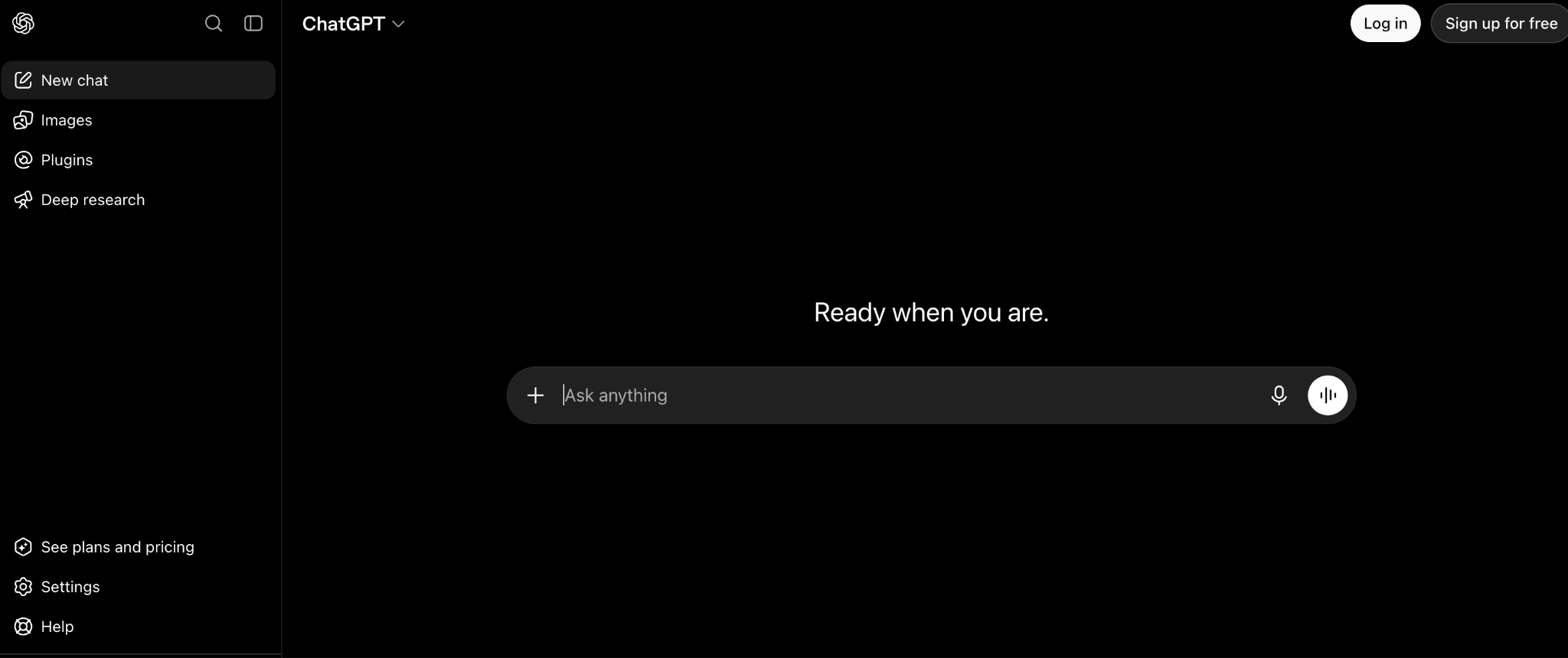
What it does: ChatGPT is OpenAI's general-purpose AI assistant. PMs use it to draft documents, brainstorm, summarize feedback, and do quick research.
Best for: The default tool for any PM task that doesn't need a specialized product, from a first-draft PRD to rewording a tricky Slack message.
ChatGPT is the tool I reach for first, and testing showed why. It's fast, broadly capable, and increasingly wired into the other tools PMs already use. It drafted a usable PRD outline from a rough prompt in under a minute. The output still needed heavy editing to match the team's voice and include specifics only a PM would know.
Key features
- Deep research: Multi-step research reports with sources. Free and Go get a limited allowance; Plus and Pro get the full one.
- Custom GPTs: Build a repeatable assistant tuned to one recurring task.
- Wide integrations: Available inside a growing list of tools PMs already use, plus extensions for Excel, PowerPoint, and Google Sheets.
- Fast and capable across nearly any PM writing or thinking task.
- The free tier works for occasional use, and Go at $8/month adds more room.
- Drafted a usable PRD outline from a rough prompt in under a minute.
- Generic output needs editing to sound specific and grounded.
- Not built around any particular PM workflow.
- The best models start at Plus, so the cheaper Go tier skips them.
What users say
“What I like most about ChatGPT is how it helps me take complex information and turn it into clear, practical next steps.” Fernando, G2

“Sometimes the answers can feel too generic or overcomplicated, and image editing does not always follow the instructions exactly.” Janne P, G2
Pricing
ChatGPT has a free plan. Paid plans start at $8/month for Go, which adds more messages and uploads. Plus is $20/month and adds the advanced reasoning models. Pro starts at $100/month for heavier usage, and Business is $25/seat/month for a Standard seat. Enterprise is custom-priced. See the ChatGPT pricing page.
Bottom line
ChatGPT is the right default for general PM writing and thinking tasks. For deep analysis of long specs or research documents, Claude handles that more carefully.
2. Claude: Best for analyzing long specs and documents
What it does: Claude is Anthropic's AI assistant. It's built to read and reason through long documents like specs, research transcripts, and strategy docs.
Best for: PMs who need to pull insight out of a long document, like a research transcript or a multi-page spec, and don't need to generate short copy.
Claude handled length better than anything else here. Feeding it a full set of interview transcripts and asking for themes produced a more coherent synthesis than shorter, chattier tools managed. It's a general-purpose assistant like ChatGPT, so the two overlap on many tasks. The difference is in how each one handles a long input.
Key features
- Up to a million-token context window on the newest models, so a full set of interview transcripts fits in one conversation
- Projects: Group related documents and conversations for ongoing work.
- Everyday tasks too: Drafting, analysis, and research alongside document work.
- Strong synthesis across long or multiple documents at once.
- Careful, less generic output on nuanced requests.
- No cost to try, with a free plan before committing to Pro.
- Usage limits are the main catch, since every plan caps you on a rolling five-hour window and paid plans add a weekly cap on top.
- Project sharing needs a Team plan, so collaborating in a shared Project means paying per seat.
- Overlaps heavily with ChatGPT, so choosing between them comes down to preference.
What users say
“What I like most about Claude is that it is useful when I have to work through a detailed client query or understand a topic before giving my advice.” CS Gajanan H, G2

“When I’m working on a long document or doing several tasks back-to-back, it can be frustrating to hit the limit in the middle of the work.” Sonal G, G2
Pricing
Claude is free to start. Paid plans start at $20/month for Pro, which adds higher usage limits and unlimited Projects. Max is $100/month, and Ultra is $200/month for the heaviest use. Team is $25/seat/month, and Enterprise is $20/seat/month billed annually, with a 20-seat minimum, plus usage at API rates. See the Claude pricing page.
Bottom line
Pick Claude when the task is understanding a long document. For quick brainstorming and broad task coverage, ChatGPT and Claude are close enough that either works.
3. Perplexity: Best AI research tool for market and competitive analysis
What it does: Perplexity is an AI search and research tool. It answers questions with cited, current sources instead of a single generated response.
Best for: Market sizing, competitive research, and any question where knowing the source matters as much as the answer.
Perplexity's citation-first approach is the differentiator for PM research. Asking it to compare competitor pricing models returned an answer with links to where each figure came from. That matters when you're about to put a number in front of leadership. It's narrower than ChatGPT or Claude, since it's focused on research over general assistance.
Key features
- Cited answers: Every response links to its sources for verification.
- Current information: Pulls from the live web, so answers aren't tied to a training cutoff.
- Deep research mode: Longer, more thorough research on a single question.
- Generous file uploads on Pro, so you can upload a competitor's pricing PDF directly.
- Strong for current events and market research.
- Occasional research stays free on the base plan.
- Research is the strength, and its drafting tools are newer than ChatGPT's or Claude's.
- Source quality varies by topic and needs a quick sanity check.
- Missed its own date window, centering a "last 12 months" answer on a change from roughly 15 months back.
What users say
“It has completely replaced standard Google searching for my day-to-day work.” Arindam R, G2

“What I dislike most is that the quality of answers can sometimes vary depending on the sources it retrieves.” Bibhatsu K, G2
Pricing
Perplexity's free plan covers basic search. Paid plans start at $20/month for Pro, which removes the daily cap on Pro searches and adds file uploads and a model picker. Max is $200/month for the heaviest research use. Enterprise Pro is $40/seat/month, and Enterprise Max is $325/seat/month. Annual billing lowers both. See the Perplexity plans page.
Bottom line
Perplexity is the pick for research where sourcing matters. For everything else, pair it with a general assistant like ChatGPT or Claude.
4. Dovetail: Best for synthesizing user research and interviews
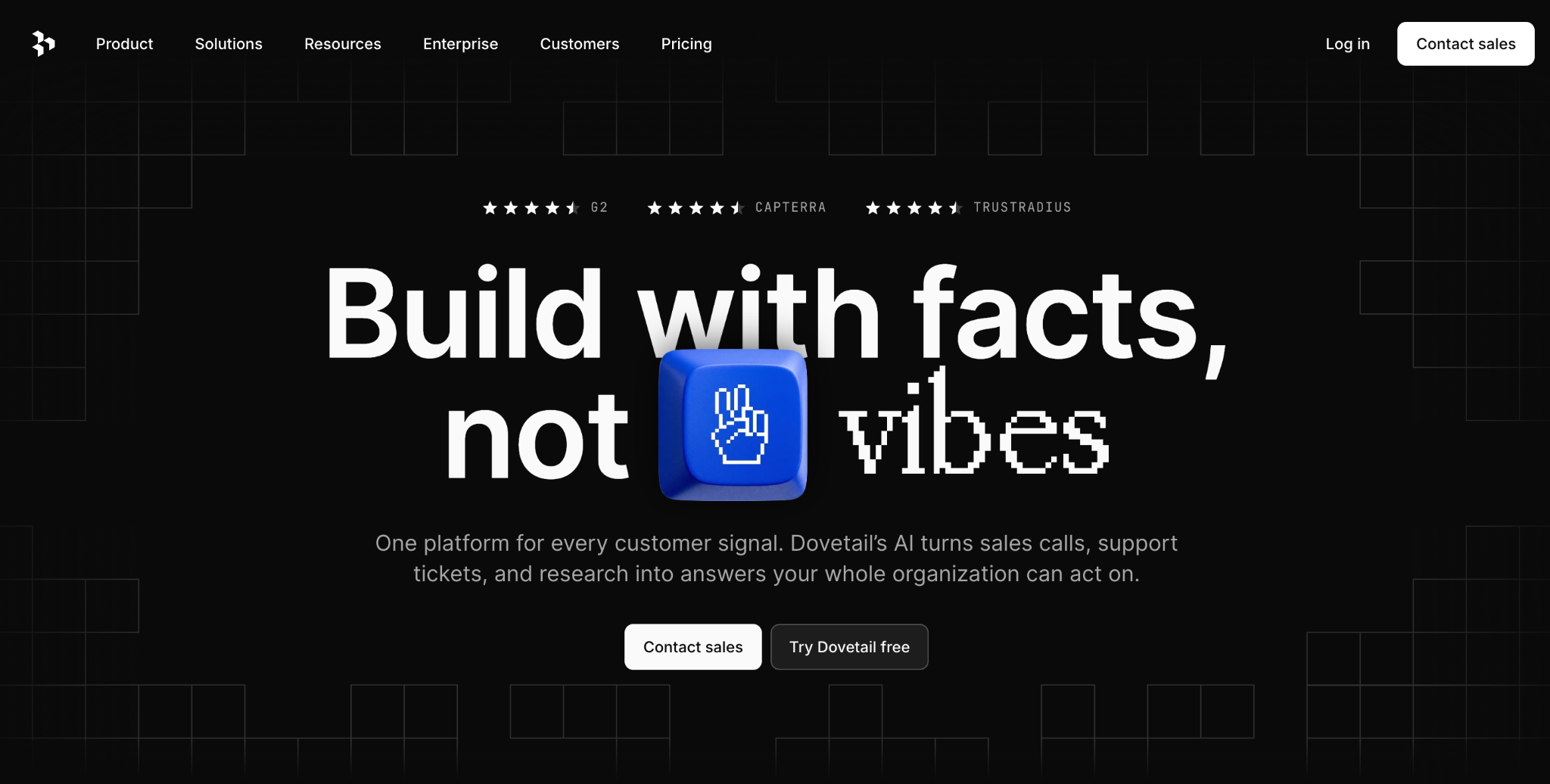
What it does: Dovetail is a user research repository with AI that tags, clusters, and surfaces themes across interviews, surveys, and other qualitative data.
Best for: PMs and researchers who run regular user interviews and need to turn hours of transcripts into themes without doing it by hand every time.
Feed it a batch of interview transcripts, and the AI sorts related quotes into themes. Doing the same by hand takes far longer. In testing, that turned an afternoon of tagging into minutes. It's a research tool, so it covers the synthesis piece of the job and leaves the PRD and roadmap to something else.
Key features
- AI clustering: Automatically groups related feedback and interview content into themes.
- Research repository: A searchable home for interviews, surveys, and notes over time.
- AI Chat: Ask questions directly against your research data.
- Feedback flows in through channels, so transcripts skip manual uploading.
- Turned an afternoon of manual tagging into minutes on a batch of transcripts.
- 30-day free trial of the Gold plan before you commit.
- Narrow scope, covering only the research synthesis part of the job.
- No free plan, and the Silver and Gold plans both go through sales.
- Overkill if you only run occasional, informal user conversations.
What users say
“I use Dovetail for qualitative user research, particularly for transcribing and analyzing user interviews.” Ayzit D, G2

“The prices keep going up steadily.” Gonzalo M. G, G2
Pricing
Dovetail no longer has a free plan. Silver (25+ users) and Gold (100+ users) are priced through sales, and Gold comes with a 30-day free trial. A self-serve Bronze plan for up to 5 users is listed as coming soon at $4,800 a year, plus credits at 15 cents each. See the Dovetail pricing page.
Bottom line
Dovetail is the right tool when user research synthesis is a recurring part of your job. If interviews are occasional, a general assistant can handle the synthesis well enough.
5. Productboard: Best AI-powered roadmapping and feedback triage
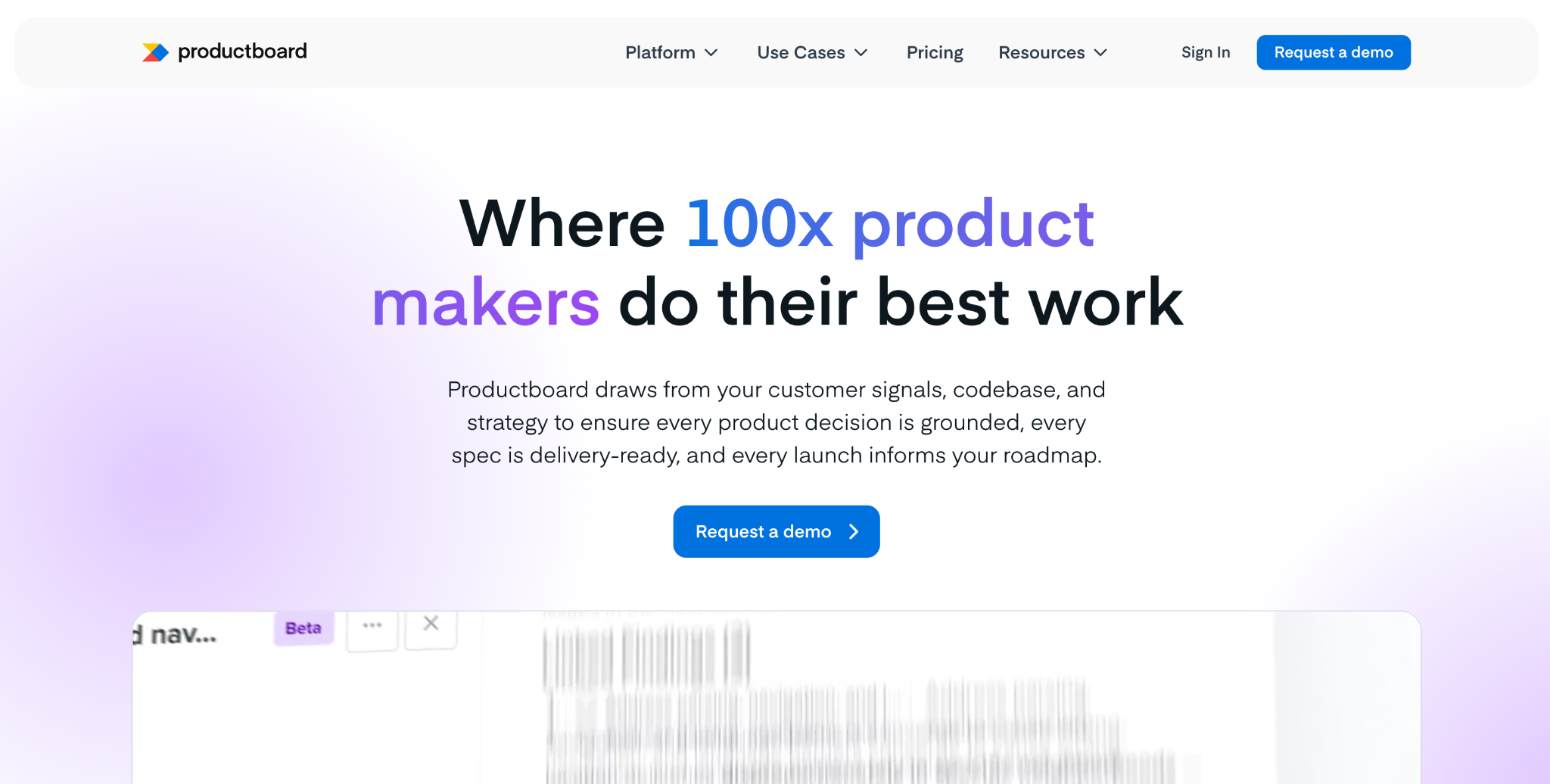
What it does: Productboard is a product management tool with a built-in AI agent, Spark, that triages incoming feedback, surfaces findings, and connects them to roadmap prioritization.
Best for: PMs managing a roadmap fed by a high volume of customer feedback from support, sales, and user interviews.
Feedback arrives faster than any PM can tag and prioritize by hand, and Spark is built for that problem. In testing, Spark grouped similar feedback and surfaced what was trending, and that fed straight into prioritization scoring.
Every plan includes a monthly credit allowance for Spark, and you can buy top-ups when you run out.
Key features
- AI feedback triage: Spark groups incoming feedback and surfaces findings and opportunities on every plan.
- Roadmap prioritization: Score and prioritize features against strategic criteria.
- Spark AI chat: Ask questions across your feedback, specs, and connected documents.
- Customer segments show which accounts asked for what.
- Roadmap and prioritization live alongside the feedback, so there's no separate tool.
- Business includes 500 AI credits per maker each month.
- AI runs on monthly credits, and heavy use means paid top-ups.
- The Business plan needs at least five makers, and the price is only available through sales.
- Overbuilt if your feedback volume is low.
What users say
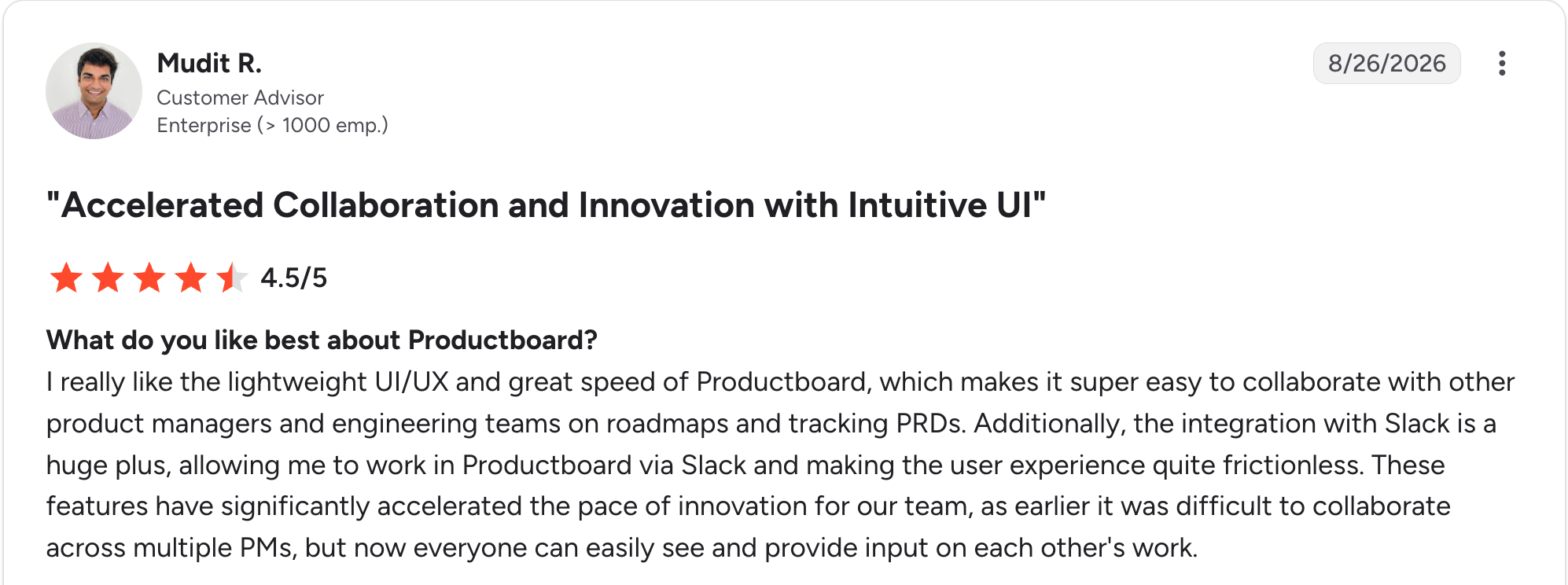
“I really like the lightweight UI/UX and great speed of Productboard, which makes it super easy to collaborate with other product managers and engineering teams on roadmaps and tracking PRDs.” Mudit R, G2

“The tags on Insights once raised are clunky and hard to use.” Angus S, G2
Pricing
Productboard no longer has a free plan or public prices. Business needs at least five makers and includes 500 AI credits per maker each month. Enterprise adds 1,500 base credits plus 800 per extra maker. Both plans are sold through sales, and annual billing saves 21%. See the Productboard pricing page.
Bottom line
Productboard makes sense when feedback volume is the bottleneck in your roadmap process. For a smaller product with lighter feedback, it's more tool than you need yet.
6. Notion: Best AI-native workspace for specs and documentation
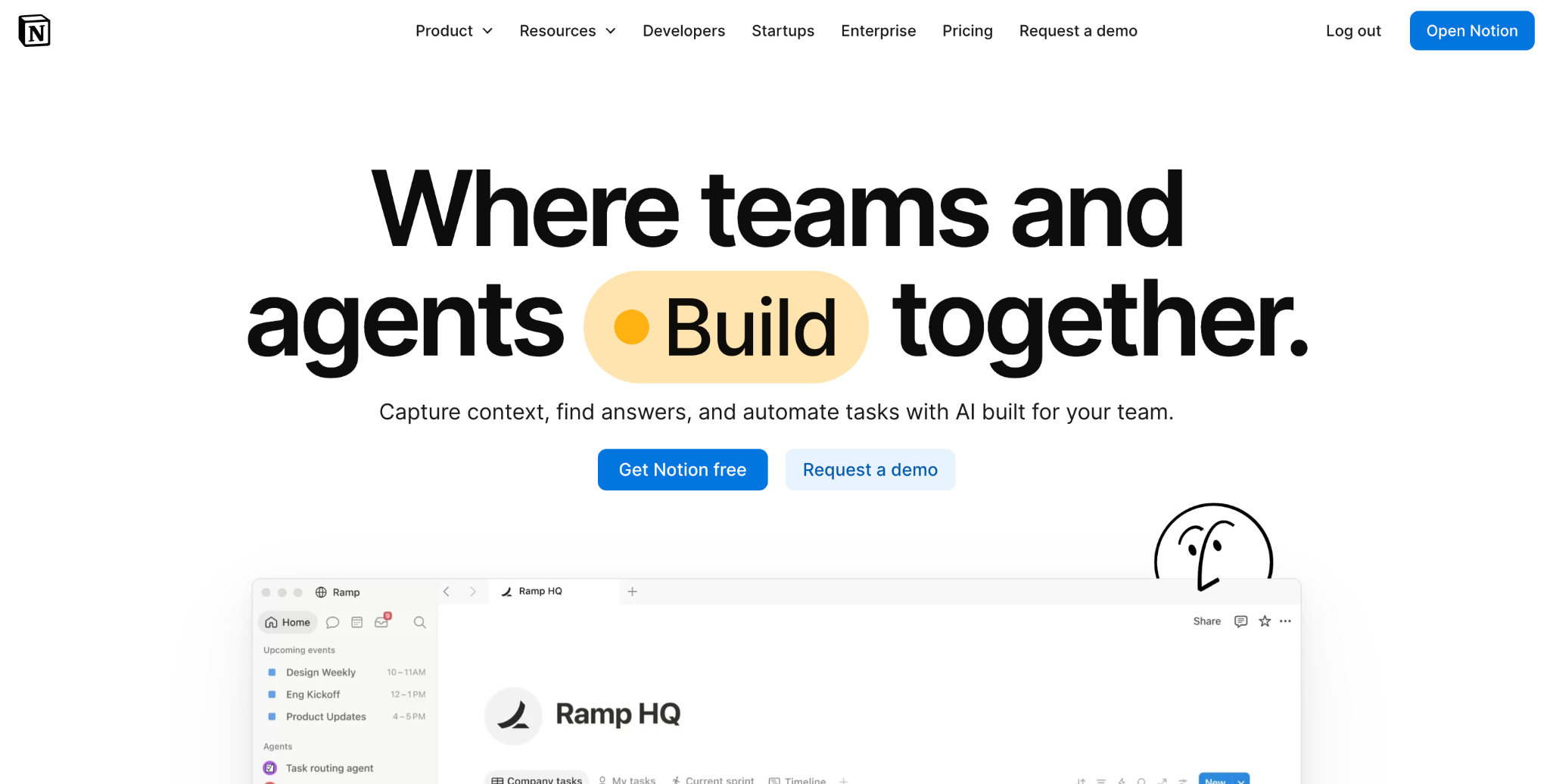
What it does: Notion is a workspace that combines docs, wikis, and databases, with built-in AI for drafting, summarizing, and searching across your team's content.
Best for: PMs whose specs, roadmaps, and meeting notes already live in Notion and want AI help without switching tools.
Notion's advantage is that the AI works on content already in place. It can summarize a long thread of comments on a spec, or draft a first pass at a new doc using existing pages as context. For a PM already living in Notion daily, that beats a separate AI tool with no access to your actual work.
For anyone not already using Notion, the value is thinner. If you also track metrics there, this guide to custom dashboard software covers where Notion's dashboards stop.
Key features
- In-context AI drafting: Generate and edit content using your existing workspace as context.
- Enterprise search and Q&A: Ask questions across your team's documented knowledge and connected apps, on Business and up, currently in beta.
- Docs, wikis, and databases together: Specs and structured data in one workspace.
- Meeting notes land in the same workspace, so specs and decisions stay together.
- Drafts a first pass at a new doc using your existing pages as context.
- Affordable per-user pricing, though the full AI needs the $24/user/month Business tier.
- Value depends on already using Notion as your main workspace.
- Full AI starts at Business, so Free and Plus only get a limited trial.
- Custom Agents cost extra, at $10 for every 1,000 credits after the free trial ends.
What users say
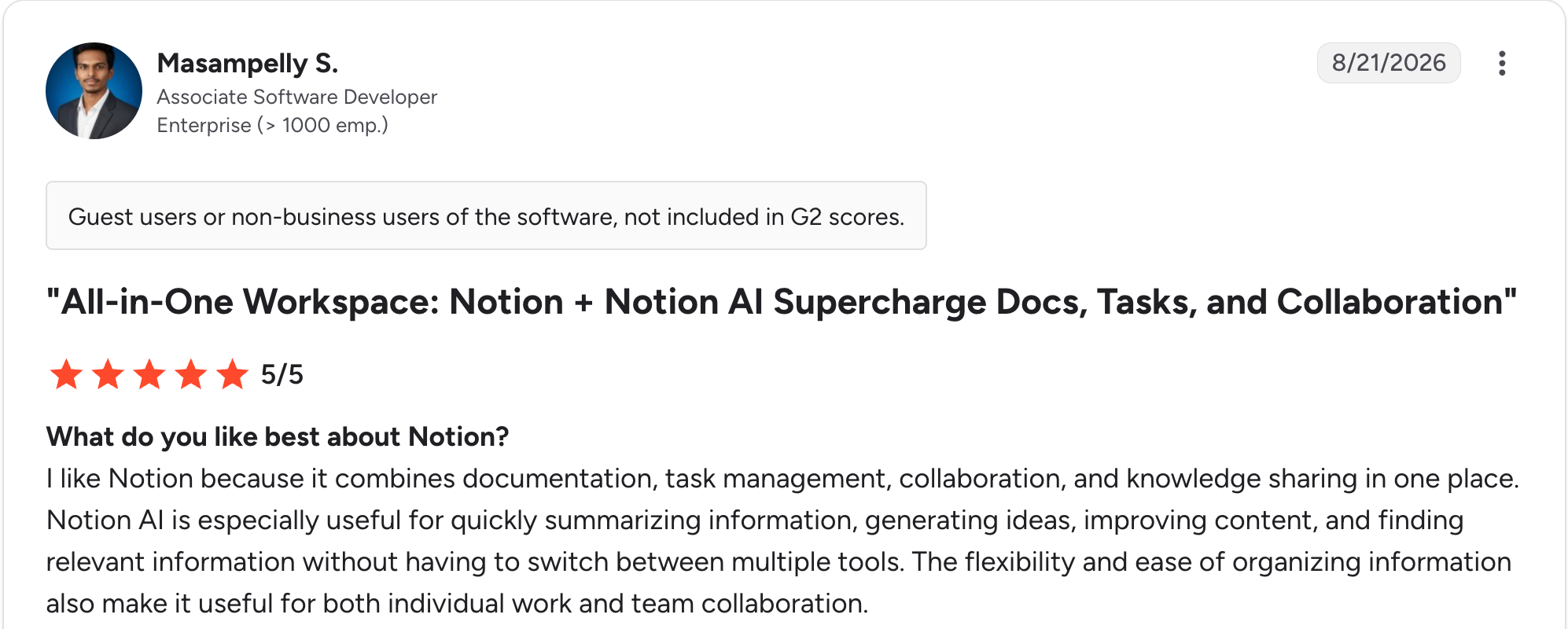
“I like Notion because it combines documentation, task management, collaboration, and knowledge sharing in one place.” Masampelly S, G2

“What I dislike most is the limited offline functionality, along with occasional performance slowdowns when I’m working with very large databases and complex relationships.” Pinniboina T, G2
Pricing
Notion is free for individuals. Paid plans start at $12/user/month for Plus. Business is $24/user/month and is the first tier with full Notion AI, including Agent and meeting notes. Enterprise is custom-priced. See the Notion pricing page.
Bottom line
Choose Notion if your team already documents there and wants AI layered on top. If you're choosing a workspace tool from scratch for AI alone, a dedicated tool below fits the specific job better.
7. Zite: Best for turning a team process into a working tool without engineering
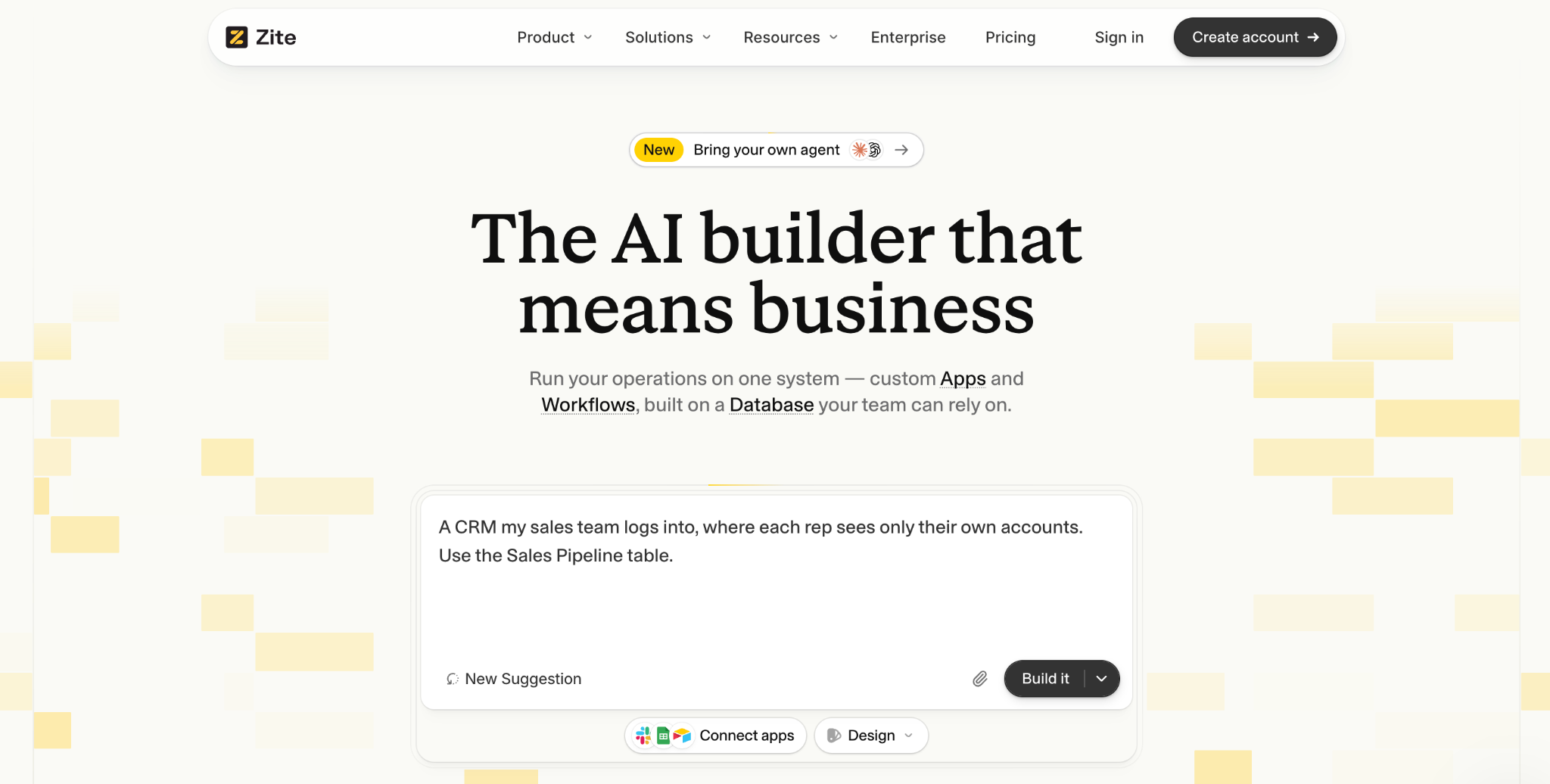
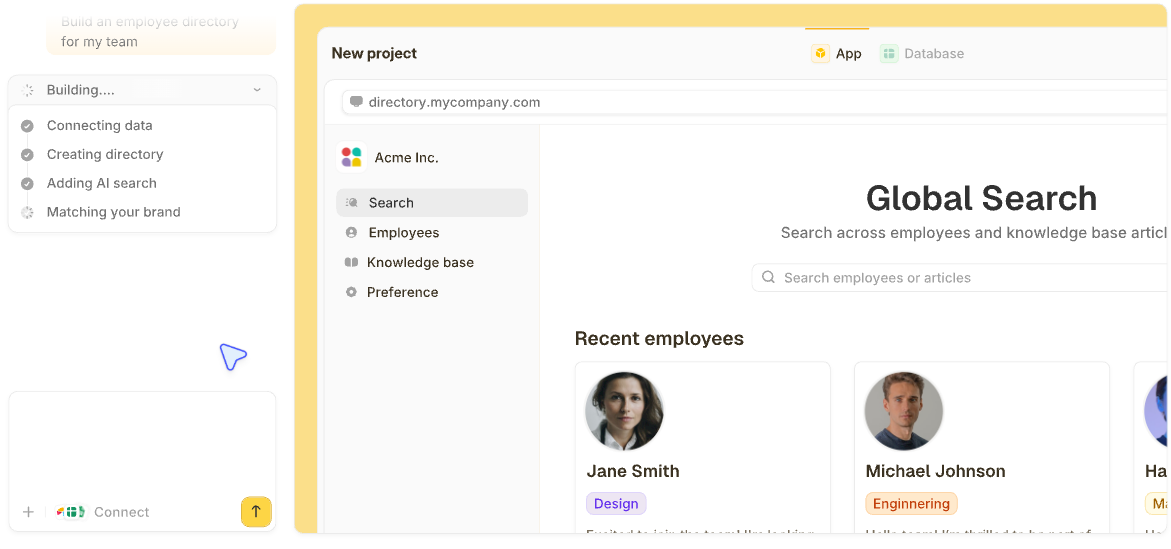
What it does: Zite is an AI-powered no-code builder. It generates a working app, its database, and its logic from a plain-language description.
Best for: PMs who need a working tool for request tracking, approvals, or customer feedback, without waiting on engineering or making do with a spreadsheet.
Zite fills a gap the assistants above leave open. I described a request tracker, and Zite generated the database, screens, and workflow logic in one pass. Of the AI app builders I've tested, it gets a non-technical PM furthest without code.
Key features
- The hard parts come built in: Zite generates logins and hosting along with the database, screens, and workflow logic, so nothing needs separate setup before the team uses the tool.
- See and change all of it: You edit records in a spreadsheet-style view, click an element to change its labels, colors, or layout settings, and read each workflow as a flowchart that you change by describing the edit.
- Automates the process: Zite handles approvals, notifications to Slack, Microsoft Teams, or email, and scheduled workflows (Business plan and up). A User field ties records to people, so each person sees only their own. You can connect Airtable, Google Sheets, or Notion, or import a CSV.
- Hand edits cost no credits, so the changes you make yourself leave your monthly credits untouched.
- No engineering time goes into the tool, since the person who owns the process builds and changes it.
- Unlimited users come with every plan, so adding a teammate doesn't change the price.
- No native iOS or Android builds, so anything needing push notifications or offline use needs another route.
- Not designed for consumer apps like social platforms or games.
- Scheduled workflows start at Business, so on Free and Pro, a workflow only runs when someone takes an action or another tool triggers it.
What users say
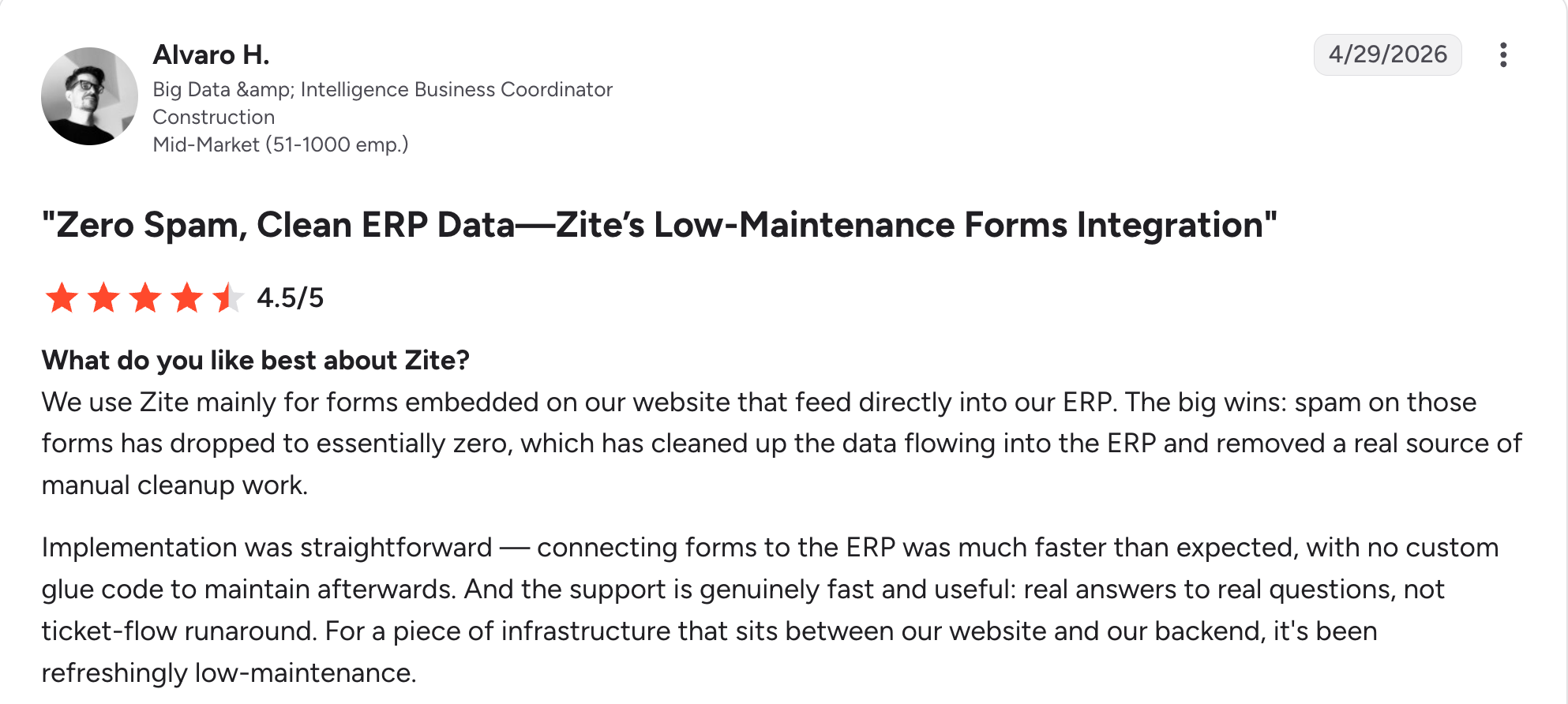
“Implementation was straightforward — connecting forms to the ERP was much faster than expected, with no custom glue code to maintain afterward.” Alvaro H, G2

“I paid for the Pro version, and all my credits got used up in a day.” Verified User, Reddit
Pricing
Zite is free with unlimited users and 50 AI credits a month, capped at ten messages a day. Paid plans start at $25/month for Pro, with 100 credits and a custom domain. Business is $89/month with 400 credits. Team is $300/month with 800 credits, and Enterprise is custom-priced. See the Zite pricing page.
Bottom line
Pick Zite when a process on your team needs its own tool, and you don't want to wait for engineering to build it. Native mobile apps still need a different route.
8. Otter.ai: Best AI meeting notes and transcription
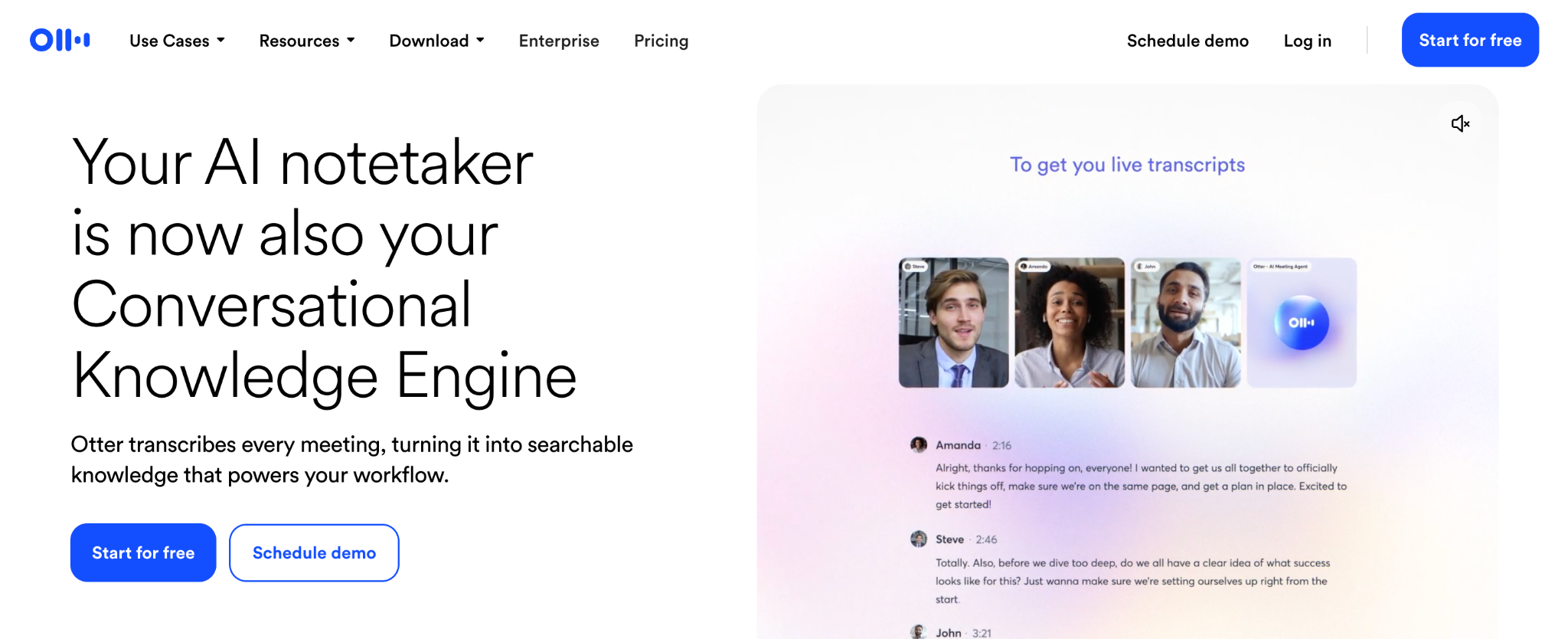
What it does: Otter.ai is an AI transcription and meeting notes tool. It records, transcribes, and summarizes conversations in real time.
Best for: PMs running frequent user interviews and stakeholder meetings who want an accurate record without manual note-taking.
Otter's transcription accuracy held up well across the batch of mock interviews with different accents and speaking speeds. Speaker labeling made it easy to attribute quotes afterward.
That's the specific job it's built for, and it does it reliably. Its output stops at a summary, so it pairs naturally with a tool like Dovetail for deeper synthesis.
Key features
- Real-time transcription: Accurate, live transcription with automatic speaker labels.
- AI meeting summary: A generated summary and action items after each call.
- Searchable transcript archive: Find past conversations by keyword.
- Joins Zoom, Teams, and Meet on its own, so nothing needs to be started by hand.
- Frees you to listen during interviews instead of typing notes.
- Speaker labelling makes it easy to attribute quotes afterward.
- Summaries are basic compared to a dedicated research synthesis tool.
- Per-user pricing adds up for larger teams.
- Built for live conversations, so it adds little outside them.
What users say
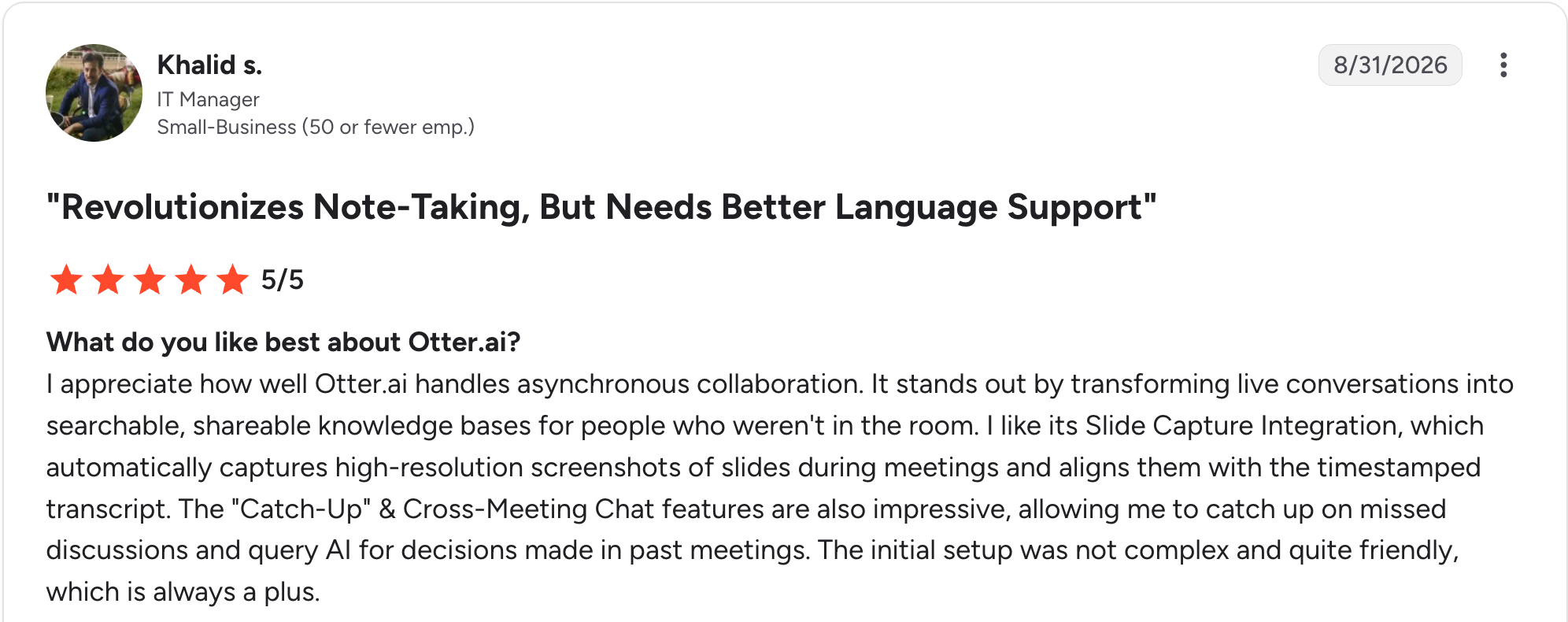
“It stands out by transforming live conversations into searchable, shareable knowledge bases for people who weren't in the room.” Khalid S, G2

“What I dislike most is that the transcription accuracy drops when dealing with heavy background noise, multiple speakers talking over each other, or strong accents.” Kayreal P, G2
Pricing
Otter.ai is free for 300 transcription minutes a month. Paid plans start at $16.99/user/month for Pro, which raises that to 1,200 minutes. Business is $30/user/month with unlimited meetings. Enterprise is custom-priced. See the Otter.ai pricing page.
Bottom line
Otter.ai covers accurate meeting records without manual note-taking. Pair it with Dovetail if you need to go past a summary into thematic synthesis.
9. Miro: Best AI whiteboarding for mapping and brainstorming
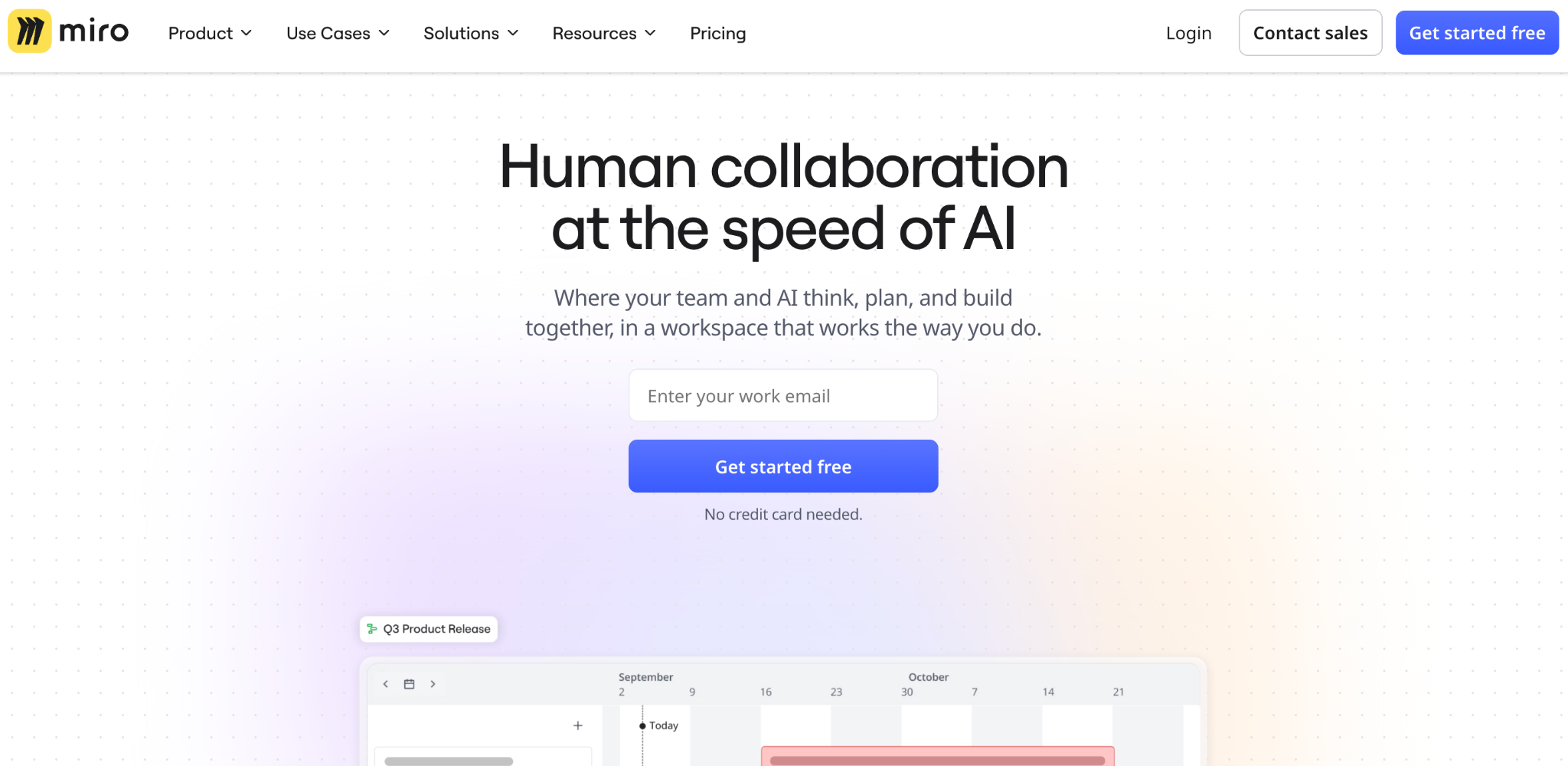
What it does: Miro is a visual whiteboarding tool with AI that generates diagrams, summarizes sticky-note sessions, and turns rough ideas into structured visuals.
Best for: PMs running workshops, mapping user flows, or facilitating brainstorms who want AI to speed up the visual work.
Miro's AI is most useful mid-workshop. Describing a user flow and having it sketched out as a starting diagram saves setup time before a session. Summarizing a board full of sticky notes into themes afterward beat doing it by hand. It's a visual collaboration tool first, with AI layered in.
Key features
- AI diagram generation: Turn a description into a starting visual, like a flowchart or user journey.
- Sticky note summarization: Automatically cluster and summarize brainstorm output.
- Real-time collaboration: Multiple people working on the same board live.
- Templates for retros, journeys, and flows save building a board from scratch.
- Most useful mid-workshop, when a live session needs a sketch on the spot.
- Affordable entry price for individuals and small teams.
- AI workflows and agents are capped on Free and Starter at 5 workflow runs per member and the general-purpose agent only. The full suite starts on Business.
- Board complexity gets messy on larger, longer-running projects.
- Little use for PMs who don't run visual workshops regularly.
What users say
“What I like most about Miro is how easy it makes collaboration and visual thinking.” Om P, G2

“My main friction is that large boards can become visually crowded, especially when several people add content at once.” Arun P, G2
Pricing
Miro is free for three editable boards. Paid plans start at $10/member/month for Starter, which adds unlimited boards and 25 AI credits. Business is $25/member/month with the full AI suite. Enterprise is custom-priced from 30 members. See the Miro pricing page.
Bottom line
Miro belongs in your stack if visual workshops and mapping are a regular part of your process. If you rarely run visual sessions, the AI features here won't come up often enough to matter.
10. Zapier: Best for automating recurring PM busywork
What it does: Zapier is an automation tool that connects thousands of apps, with AI that helps you build and adjust workflows from a description.
Best for: PMs with recurring manual tasks, like a weekly status report pulled from three different tools, that are worth automating once.
Zapier's job here is removing repetitive manual work. I automated a weekly status report that used to mean logging into three tools and copying data by hand, and once set up, it ran itself.
Its AI Copilot helps build automation from a plain description, lowering the setup barrier compared to configuring triggers manually. If you need something closer to a full app around the automation, this guide to the best AI workflow builder covers that next step.
Key features
- 9,000+ app integrations: Connects nearly any tool a PM's workflow touches.
- AI-assisted workflow building: Describe what you want automated instead of configuring it manually.
- Multi-step automations: Chain several tools together into one recurring workflow.
- Runs unattended once set up, so the report goes out without you.
- Free plan covers 100 tasks a month, enough to test one automation.
- Tables and Forms store the pulled data without a spreadsheet.
- Task-based pricing climbs with automation volume.
- Complex multi-step automations still take time to set up.
- Moves and connects data, so the insight still has to come from you.
What users say
“What I love most about Zapier is how easy it makes it to create automations.” Laura O, G2

“It took a bit longer than expected to learn how the whole automation tasks actually work, but overall I caught on quicker than if I didn't have Zapier.” Thomas N, G2
Pricing
Zapier is free for 100 tasks a month. Paid plans start at $29.99/month for 750 tasks on Professional, which adds multi-step Zaps and premium apps, and the price climbs with task volume. Team starts at $103.50/month for 2,000 tasks and includes 25 users. Enterprise is custom-priced. Zapier shows yearly rates by default, so check the monthly toggle.
See the Zapier pricing page.
Bottom line
Zapier is for the recurring manual task you've been meaning to automate for months. Research and writing stay with your assistant. Zapier handles the busywork around them.
11. Replit: Best for PMs who want to write and test real code
What it does: Replit is a browser-based coding environment with an AI Agent that generates working applications from a prompt and produces real, deployable code.
Best for: Technical or technically curious PMs who want to prototype with actual code and are comfortable reading what it generates.
Replit gives you the code itself, so it works for a PM who is willing to read it. Its Agent builds a working app from a description. Because the output is source code, you can extend it or hand it to engineering later.
If that appeals, this roundup of the best vibe coding tools compares Replit against its closest peers.
Key features
- Agent app generation: Describe an app and get a working build with visible source code. Full Agent builds need Core or Pro.
- Browser-based environment: No local setup; build and run in one window.
- Built-in deployment: Publish what you build without a separate host. Hosting runs on the same credit balance, then bills as usage.
- Hand-off to engineering stays a repo they can branch from directly.
- You can keep building on what the Agent produced yourself.
- Plan mode on Core maps the build before the Agent writes anything.
- Fixing issues means reading code, which blocks fully non-technical PMs.
- Usage-based credits can run down on complex builds.
- Less approachable than a no-code tool when you want a first working version quickly.
What users say
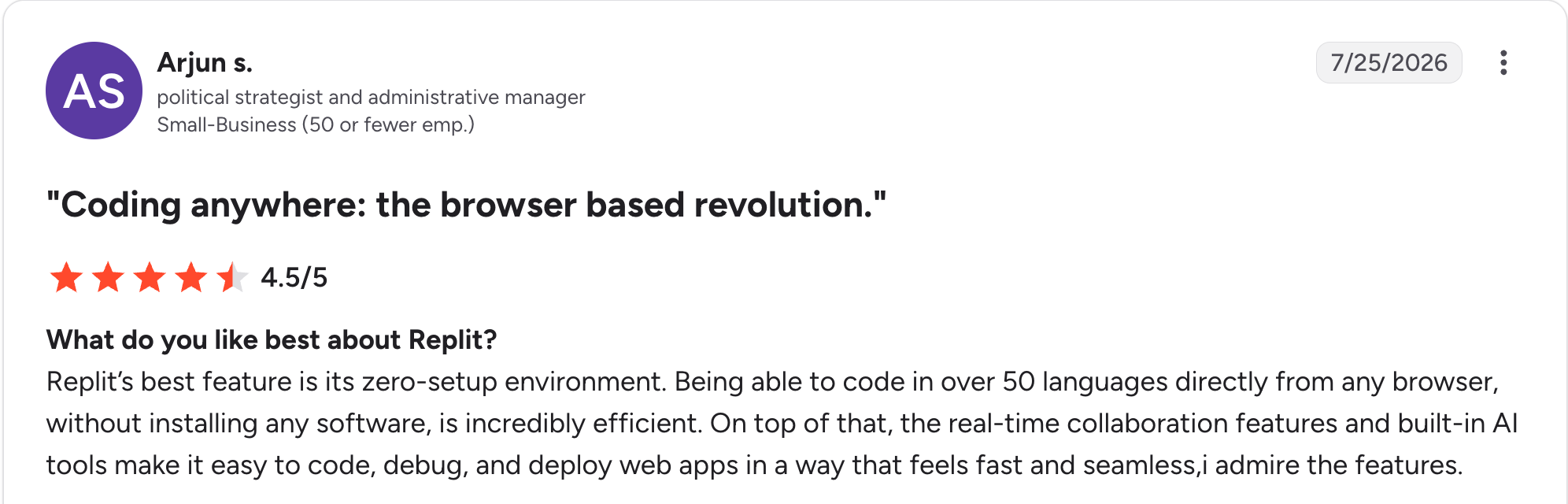
“Being able to code in over 50 languages directly from any browser, without installing any software, is incredibly efficient.” Arjun S, G2

“The shift toward a stricter paywall for basic usage, along with performance bottlenecks on lower-tier Replit instances.” Vaibhav T, G2
Pricing
Replit's Starter plan is free and includes daily agent credits. Paid plans start at $20/month for Core, which includes $20 in monthly credits covering Agent work, hosting, and database. Pro is $100/month with 10 parallel agents and up to 15 collaborators. Enterprise is custom-priced. See the Replit pricing page.
Bottom line
Replit suits a technical PM who wants to own the code from the first build onward. For a PM who wants no code at any point, Zite builds the working tool and keeps the logic visible.
12. ChatPRD: Best for drafting and refining PRDs specifically
What it does: ChatPRD is an AI copilot built specifically for writing and improving product requirements documents, with PM-specific coaching built in.
Best for: A PM who wants a tool trained specifically on PRD structure, with none of a general assistant's broader scope to work around.
Describing a feature idea to ChatPRD produced a structured PRD with goals, non-goals, and open questions already sectioned out, closer to a template a senior PM would hand a junior one than a blank page.
Pasting in a half-finished draft for feedback surfaced gaps a general assistant didn't flag, like a missing success metric.
Key features
- PRD-specific structure: Drafts goals, non-goals, user stories, and open questions already sectioned out in the shape PMs actually use.
- PM coaching: Get feedback on a draft's clarity and structure, not just its grammar.
- Workflow integrations: Exports to Notion and Google Docs on any paid plan. Slack works on Pro and up, and Linear needs Teams.
- Understands PRD structure well enough to flag a missing section outright.
- Cheaper than a general assistant's Pro tier for a PM who only needs this one job done well.
- Fast first draft from a rough idea, with the sections already in place.
- Free plan caps at 3 chats, and those chats are length-limited.
- Single-purpose, so it won't replace a general assistant for research or brainstorming outside PRDs.
- Small company, so its review base and track record are thin compared with the bigger names here.
What users say
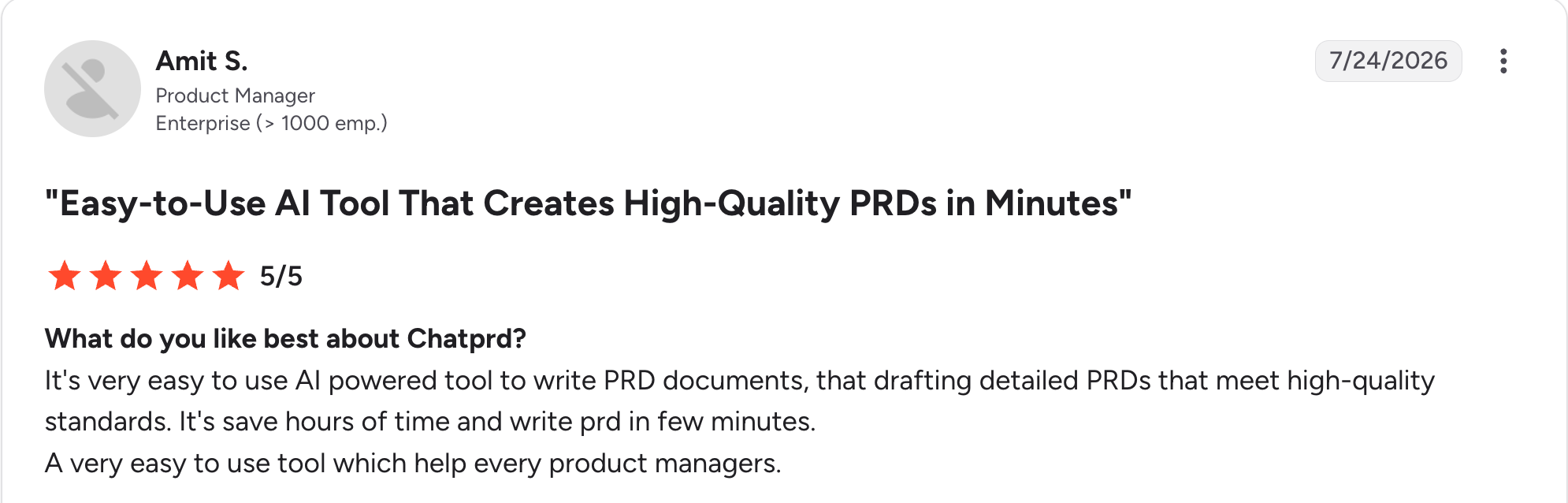
“It's [a] very easy-to-use AI-powered tool to write PRD documents, and to [draft] detailed PRDs that meet high-quality standards.” Amit S, G2

“Not worth risking documentation, task history, etc. on a tool that could shutter by lunch.” Verified User, Reddit
Pricing
ChatPRD is free for 3 length-limited chats. Paid plans start at $19/month for Pro, with unlimited documents and premium AI models. Teams is $39/month per seat with a shared workspace and the Linear integration. Enterprise is custom-priced. See the ChatPRD pricing page.
Bottom line
ChatPRD is the pick when the job is specifically writing and refining PRDs, and a general assistant's generic output isn't cutting it. For everything else a PM does day to day, a broader tool like ChatGPT or Claude covers more ground for a similar price.
Which AI tool should you choose?
The right pick depends on which part of the PM job is your bottleneck. Here are five questions that narrow it fast:
- Is the bottleneck writing and thinking, research, building a working tool, or recurring manual work?
- Do you need a general assistant, or a tool built around one specific task?
- Will you read and fix code, or do you want the logic to stay visible without it?
- Is this an individual tool, or does the whole team need access?
- How much of your workflow already lives in one tool, like Notion, that AI could layer onto?
Choose ChatGPT or Claude if you:
- Want a general assistant for drafting, brainstorming, and thinking through problems.
- Need to synthesize long documents or specs, which is Claude's edge specifically.
Choose Perplexity if you:
- Need sourced, verifiable answers for market or competitive research.
Choose Dovetail or Otter.ai if you:
- Run regular user interviews and need synthesis (Dovetail) or accurate transcripts (Otter.ai).
Choose Productboard or Notion if you:
- Manage a high-feedback-volume roadmap (Productboard).
- Already document in Notion and want AI layered on top.
Choose Zite or Replit if you:
- Need a working tool, such as an internal tracker or a customer-facing portal, and want to build it without engineering.
- Want the tool built with no code at all (Zite) or want code you can read and extend (Replit). This roundup of no-code AI platforms covers more options on the no-code side.
Choose Miro or Zapier if you:
- Run visual workshops regularly (Miro).
- Have recurring manual busywork worth automating once (Zapier).
Choose ChatPRD if you:
- Want a tool trained specifically on PRD structure, not a general assistant repurposed for it (ChatPRD).
Skip AI tools entirely if:
- Your current process already works and adding a tool would be a novelty.
Final verdict
The best AI tools for product managers in 2026 start with a general assistant like ChatGPT or Claude for the daily writing and thinking work. The bigger gains come from adding one or two specialized tools on top for the parts a general assistant can't do well.
That means Dovetail for research synthesis, Otter.ai for the meeting record, Productboard for roadmapping, ChatPRD for PRD drafting specifically, and a no-code builder when a process needs its own tool.
If your team runs a process out of spreadsheets and Slack threads, Zite is the strongest pick. It builds the working tool, with a database, workflow logic you can read and trace, and logins for the whole team, without an engineering team.
Frequently asked questions
What are the best AI tools for product managers?
The best AI tools for product managers vary by job. ChatGPT or Claude cover general drafting and analysis, Dovetail handles user research synthesis, Productboard handles feedback-heavy roadmapping, and Zite builds working tools without engineering. The combination that worked in testing was a general assistant plus one or two specialized tools.
Do product managers need to learn to code to use AI tools?
No, product managers don't need to learn to code to use 11 of the 12 tools here. General assistants like ChatGPT and Claude, research tools like Dovetail, and no-code builders are all designed for non-technical use. Replit is the exception, since it generates actual code and benefits from being comfortable reading it.
How much do AI tools for product managers cost?
AI tools for product managers cost anywhere from free to $500/month for the heaviest individual plans, with team pricing above that. ChatGPT, Claude, and Perplexity all price around $20/month for their main individual tier, while Productboard and Otter.ai price per maker or per user.
Can AI replace a product manager's judgment?
No, AI can't replace a product manager's judgment. The tools here speed up drafting, research, and prototyping. Across all 12 tools, the most useful output still needed a PM to supply the context, priorities, and tradeoffs an AI can't know on its own.
What is the best AI tool for building a working internal tool?
The best AI tool for building a working internal tool depends on whether you're comfortable reading code. Zite is the pick if you're not comfortable with it. Describe the process, and it builds the database, screens, and logic with no code to read. Replit is the pick if you are, since it produces source code you can extend.