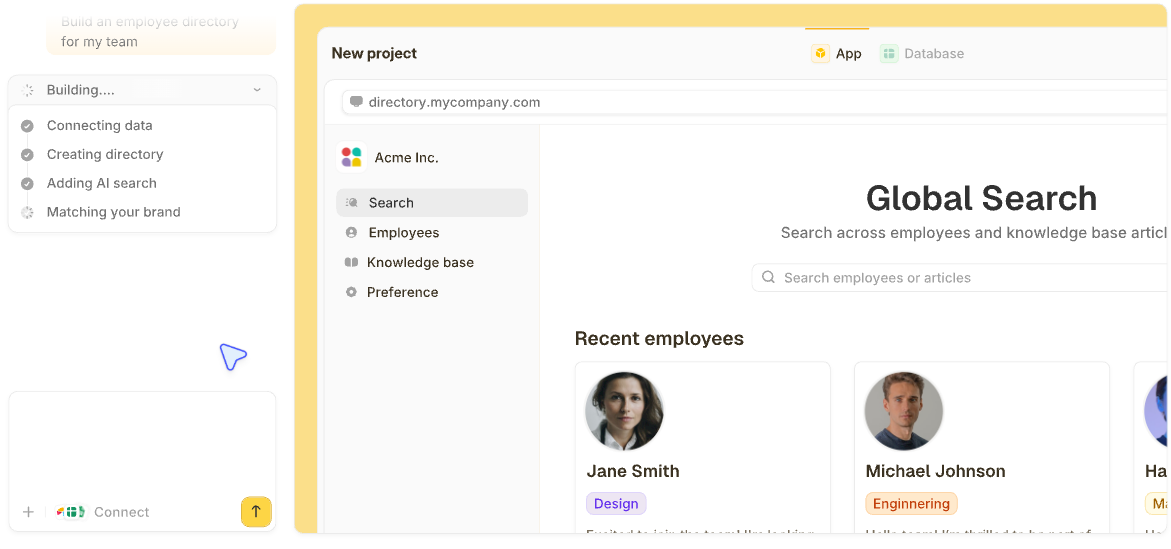

Sales database software almost always means one of two things. Either a CRM or purpose-built customer database to store your own deals and contacts, or a provider selling you prospect data to fill that database in the first place. Most people searching for it mean the first one.
I tested 17 of these tools side by side, checking how each one structures customer and deal data beneath the surface features, to find the best sales database software for each job. These are the 13 that earned a place on this list, split by which of those two jobs each one does, with my full testing approach below.
13 best sales database software: TL;DR
Here are all 13, split by job:
- 1.
 ZiteUnlimited usersBest for a sales system built around your own process, from the lead form to the pipeline
- 2.
 Best relationship-graph database built for a CRM use case
- 3.
 Best for a database-first team that wants a CRM layered on top
- 4.
 Best for enterprise-scale customer data with deep customization
- 5.
 Best free tier for a small team's first customer database
- 6.
 Best value for structured, configurable customer records
- 7.
 Best simple, deal-focused pipeline database
- 8.
 Best CRM built specifically for a Google Workspace team
- 9.
 Best AI-assisted scoring built into the database itself
- 10.
 Best fixed-price database for a growing team
- 11.
 Best for pairing a prospect database with outreach tools
- 12.
 Best enterprise-grade prospect data accuracy
- 13.
 Best for phone-verified prospect data for outbound calling
Should you manage your own records, or buy prospect data?
It depends on which job you need done. Most of the tools below manage data you already have: your contacts, deals, and customer history. Three of them do something different: they sell access to a database of prospects you don't have yet.
Zite, Attio, Airtable, Salesforce, HubSpot, Zoho CRM, Pipedrive, Copper, Freshsales, and Bitrix24 all fall into the first group. Apollo, ZoomInfo, and Cognism fall into the second. Confusing the two leads to picking the wrong tool for the job, since a CRM doesn't sell you new leads, and a prospect database doesn't manage your existing pipeline.
How I researched and tested these sales database tools
For the CRM and database tools on this list, I ran the same core build: create a contact record linked to a deal, and add one custom field a standard template wouldn't include, like a certification date for a services business.
For the three prospect-data providers, I ran a different test: searching for contacts at a mid-size company to see how each tool's data held up.
I scored each tool on five things:
-
Data structure: How cleanly it models contacts, companies, and deals, and how much a non-standard field or record type bends its default schema.
-
Usability: Whether adding that custom field took minutes or needed admin help.
-
Integrations: How the tool connects to email, calendars, and data already sitting in a spreadsheet or another app.
-
Pricing: What the free tier includes versus what forces an upgrade.
-
Data quality: For Apollo, ZoomInfo, and Cognism specifically, how well the contact data held up for a mid-size company search.
Running the tools through the same checks showed which ones hold up once the data gets specific, and which only look flexible on the pricing page.
13 best sales database software: at a glance
Here's the full lineup at a glance:
| Tool | What it stores | Starting price (monthly) | Free tier |
|---|---|---|---|
| 1. Zite | Custom sales system built around your process | $25/month | Yes, unlimited users |
| 2. Attio | Relationship graph of companies, people, deals | $44/user/month | Yes, 3 seats |
| 3. Airtable | Fully custom relational tables | $24/user/month | Yes, up to 5 editors |
| 4. Salesforce | Custom objects, enterprise-grade records | $25/user/month | Yes, 2 users |
| 5. HubSpot | Contact, company, and deal records | $20/user/month | Yes, 2 users |
| 6. Zoho CRM | Custom modules beyond contacts and deals | $20/user/month | Yes, 3 users |
| 7. Pipedrive | Deals and contacts built around a pipeline | $24/user/month | No, trial only |
| 8. Copper | Contact and deal records inside Gmail | $29/seat/month | No, trial only |
| 9. Freshsales | Contact and deal records, with AI scoring on Pro | $11/user/month | No, 21-day trial |
| 10. Bitrix24 | Contact and deal records plus bundled tools | $69/month | Yes, 2 users |
| 11. Apollo | Prospect contacts plus outreach activity | $65/user/month | Yes, limited credits |
| 12. ZoomInfo | Verified prospect and firmographic data | Custom | Yes, 10 credits/month |
| 13. Cognism | Phone-verified prospect data | Custom | No |
Pricing reflects each vendor's own published monthly rate as of October 2026. ZoomInfo and Cognism don't publish self-serve pricing; confirm current rates directly with every vendor before committing.
Storing your own customer and deal data
These ten tools all manage data your business already has. Some, like Zite and Airtable, let you define the structure yourself. Others, like Salesforce and HubSpot, start you off with a contact-and-deal template you can extend.
1. Zite: Best for a sales system built around your own process, from the lead form to the pipeline
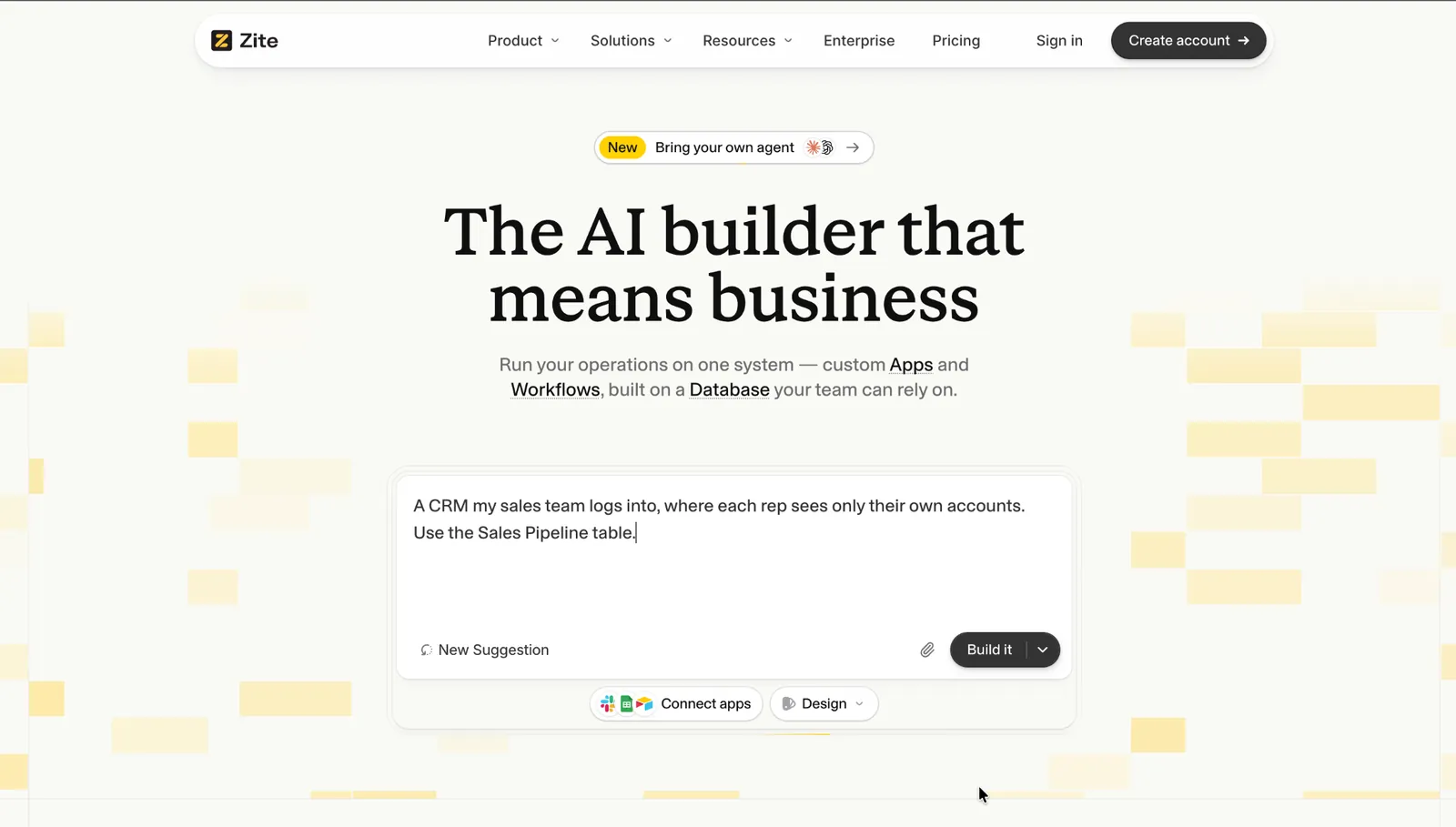
What it does: Zite is an AI no-code app builder that generates a customer and deal database, the pipeline view, and the workflows around them from one description of your process.
I described a sales process with a custom deal-stage field, and Zite built the database and pipeline view in one pass. Teams that would rather not start from a description can begin with the ready-made CRM in the Zite marketplace and adapt it to their process.
Key features
-
Built around your process: Describe your stages, fields, and who sees what, and Zite builds the database, the app your reps work in, and the workflows behind them.
-
AI fields and changes on request: AI fields summarize notes or categorize leads on every record, and a new field, stage, or view is one more description away. Connect Airtable, Google Sheets, or Notion, or import a CSV, to start from data you already have.
-
Form to follow up in one system: A lead or signup form embedded in the app can write into the same database the pipeline runs on, and the follow-up reminders, stage changes, and email notifications behind it are generated from a description and laid out so you can trace them.
- Brand colors and fonts pull from your own website, so the app doesn't look generic.
- Unlimited users on every plan, so growing the team doesn't raise the bill.
- Ready-made CRM in the Zite marketplace, so there's a working starting point to adapt instead of describing everything from scratch.
- Newer platform, with a community and template library that are still growing.
- No standalone email sequencing tool; outside the ready-made CRM, follow-up emails run through workflows you set up.
- Not designed for consumer apps like social platforms or games.
What users say
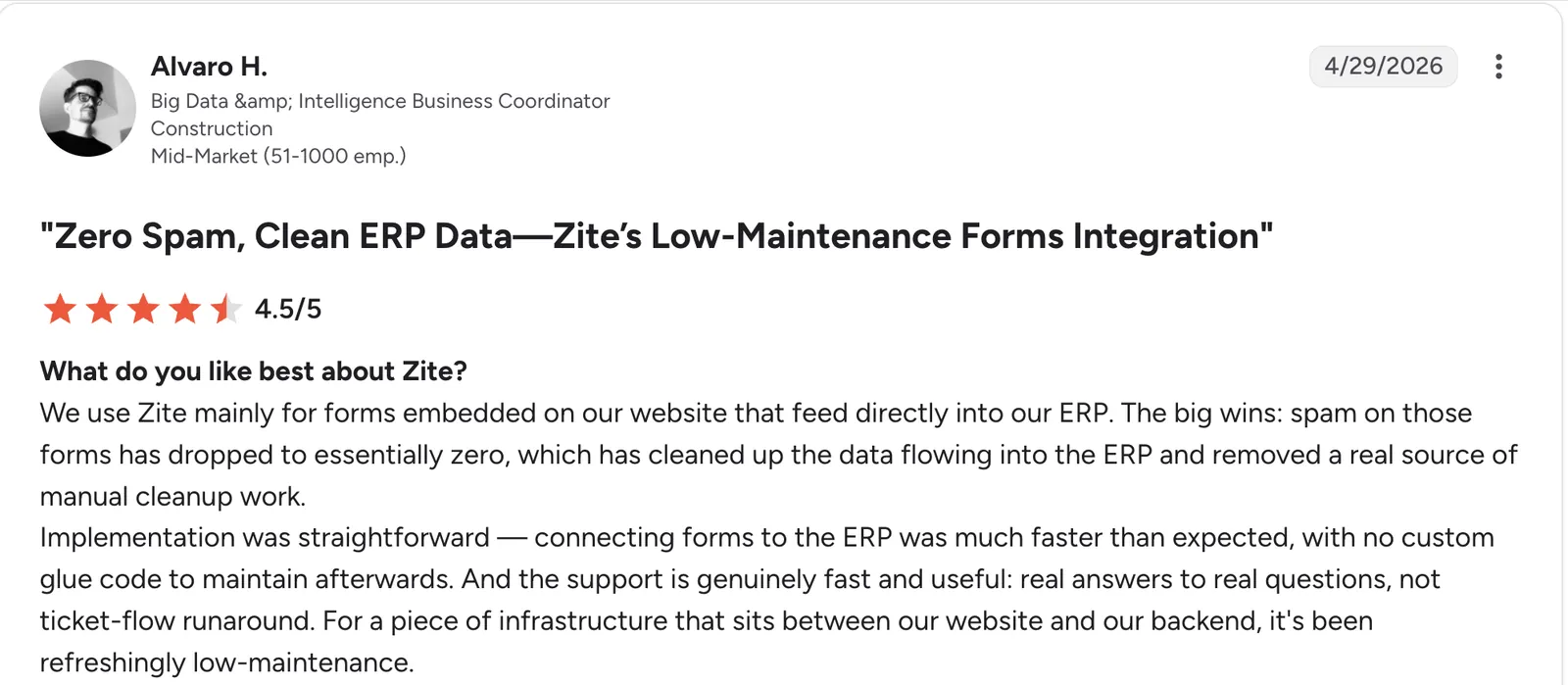
“Implementation was straightforward [...] with no custom glue code to maintain afterward.” Alvaro H, G2

“Right now, when users sign in via Google, the Google consent screen itself shows "Access to Zite," but as a brand, our clients have no idea what "Zite" is, and it erodes trust. ” Verified User, Reddit
Pricing
Zite is free with unlimited users and 50 AI credits a month. Paid plans start at $25/month for Pro, with 100 credits and a custom domain. Business is $89/month with 400 credits, Team is $300/month with 800+ credits, and Enterprise is custom-priced.
See this guide to building your own CRM system without code for the wider process.
2. Attio: Best relationship-graph database built for a CRM use case
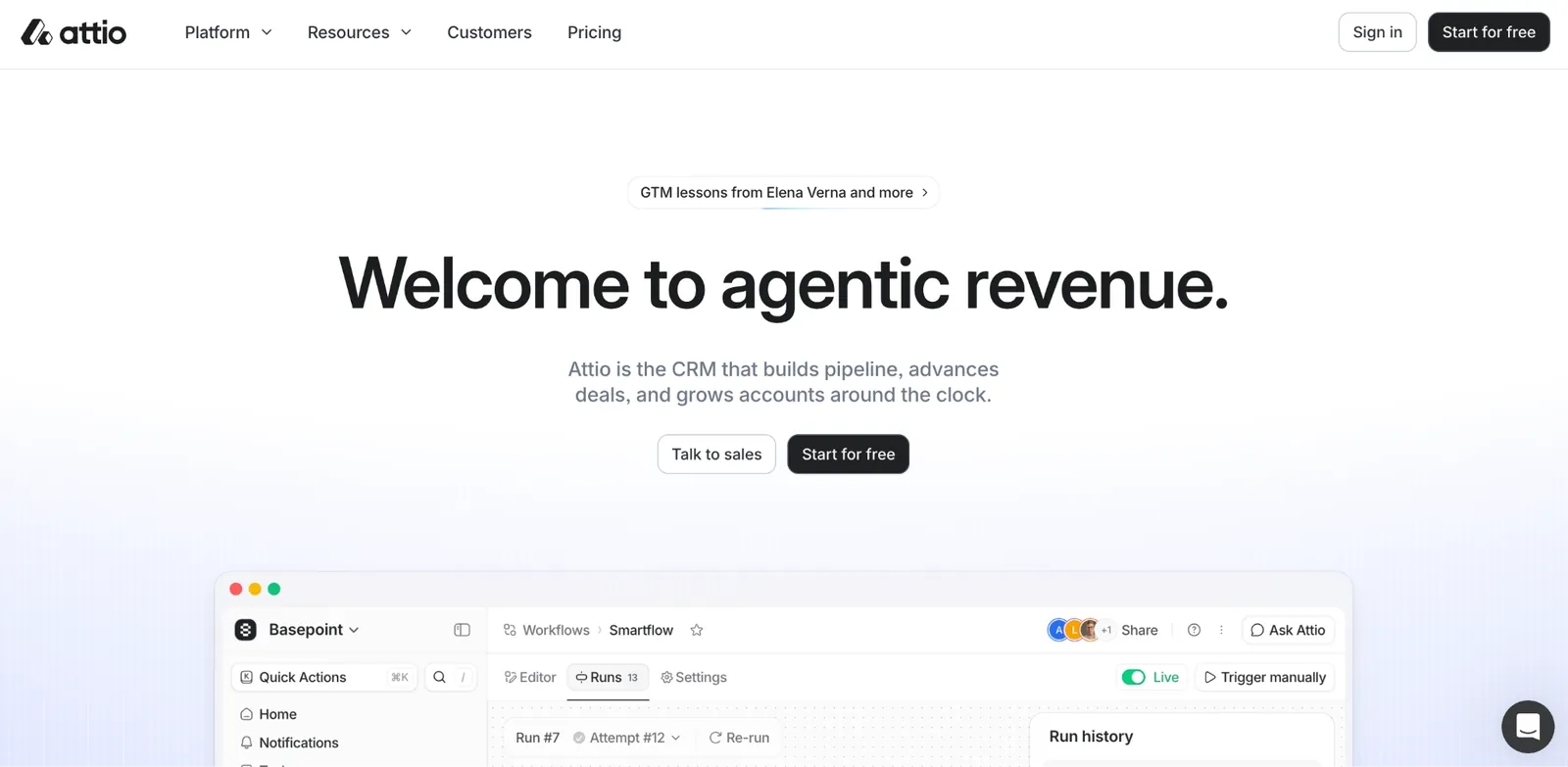
What it does: Attio is a newer CRM built around a flexible, relationship-based data model from the ground up.
Records in Attio connect as a graph, so a company links to its people, deals, and any custom object you define, closer to a database's own relational structure than a typical CRM's flatter model.
Key features
-
Multiple pipelines: Run separate deal or project pipelines side by side without duplicating contact records.
-
Automatic data sync: Contact and company details update from connected sources without manual entry.
-
Advanced filtering and views: Build a saved view combining fields from multiple linked record types.
- Automation workflows trigger actions like a Slack alert or a task directly off a record change, with multi-step sequences on Pro.
- Open API and webhooks let a team pull Attio data into other tools without waiting on a native integration.
- Modern interface with a fast, responsive feel.
- Smaller user base than most established CRMs, so less community troubleshooting content when something's unclear.
- Fewer third-party integrations than Salesforce or HubSpot.
- Advanced automation sits on higher-priced tiers.
What users say
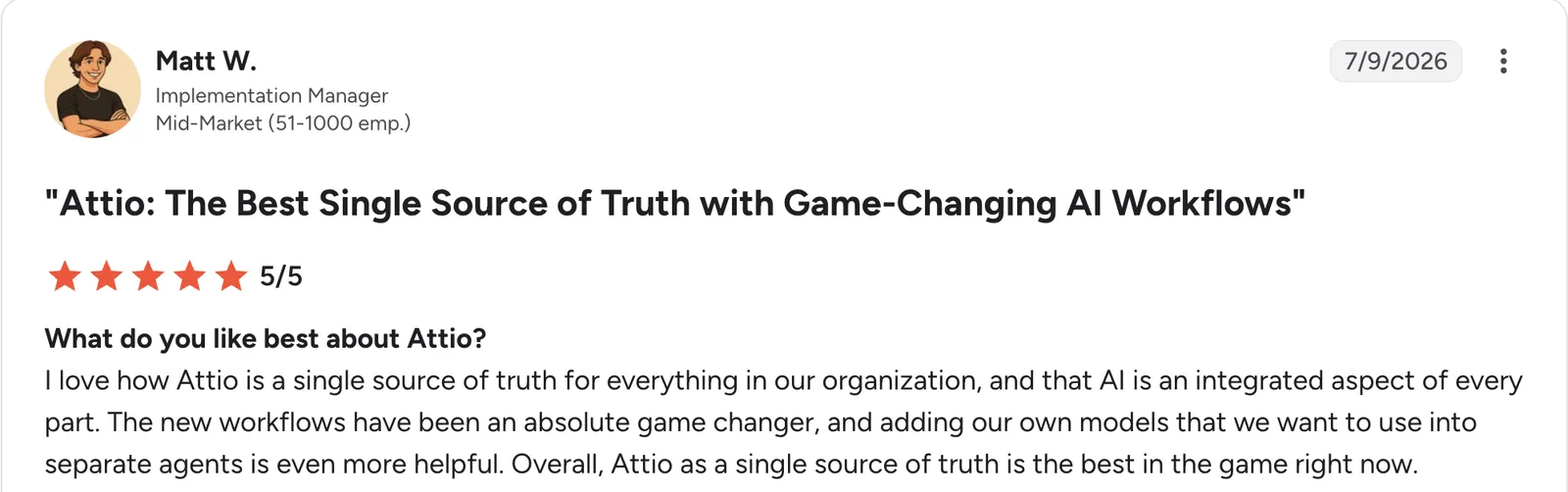
“I love how Attio is a single source of truth for everything in our organization, and that AI is an integrated aspect of every part.” Matt W, G2

“Sometimes workflows can lag behind and aren't as fast as other CRM tools when it comes to execution.” Sohail M, G2
Pricing
Attio is free for up to 3 seats. Paid plans start at $44/user/month for Plus, with up to 10 seats. Pro is $99/user/month with unlimited seats, and Enterprise is custom-priced.
3. Airtable: Best for a database-first team that wants a CRM layered on top
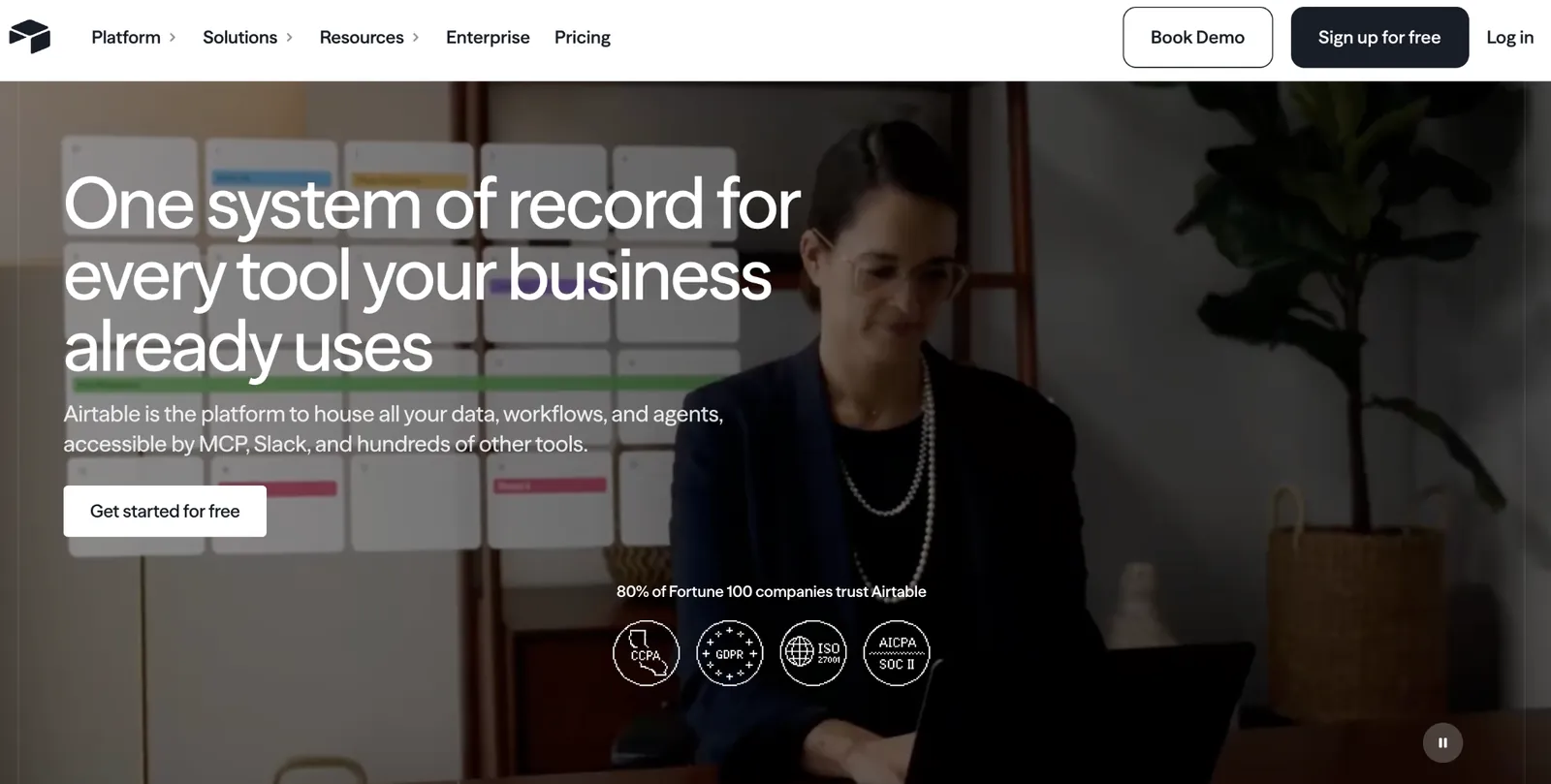
What it does: Airtable is a relational database with a spreadsheet-like interface, widely used as a customer database by teams that want full control over the structure rather than a predefined CRM template.
Building a customer and deal structure in Airtable means defining every field and relationship yourself, which is slower to start than a dedicated CRM, but every part of the structure is your choice.
Key features
-
Attachments and rich fields: Attach files, images, or long-form notes directly to a customer or deal record.
-
Linked records: Connect a deal to a company, a contact, and any other record type directly.
-
Interfaces: Build a tailored view for reps or managers on the same underlying data.
- Automations trigger actions on a record change without a separate workflow tool.
- Built-in forms collect outside submissions directly into the base, no separate form tool needed.
- Large template library and plenty of integrations to start from.
- No CRM logic built in, so pipeline stages and follow-ups are entirely self-built.
- Per-user pricing climbs as the team grows.
- No native email sequencing or call logging the way a purpose-built CRM includes.
What users say
"Airtable has been super helpful for connecting data across platforms, managing projects, and planning global marketing campaigns that vary by region." Manny P, G2

"The successive joins between tables and limitations of 500 columns per table is definitely a constraint." Hugo R, G2
Pricing
Airtable's free plan covers up to 5 editors and 1,000 records per base. Paid plans start at $24/user/month for Team, and Business is $54/user/month. Enterprise Scale is custom-priced.
4. Salesforce: Best for enterprise-scale customer data with deep customization
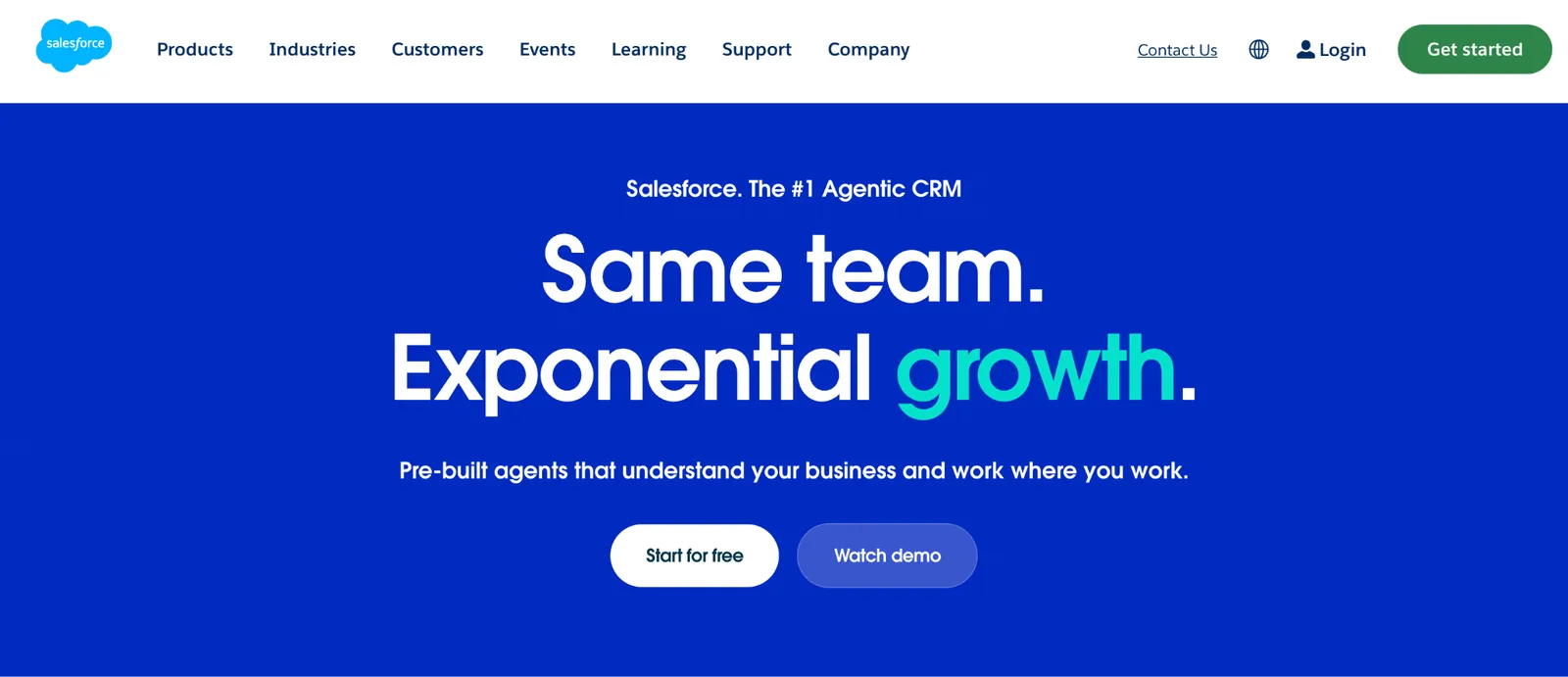
What it does: Salesforce is the enterprise CRM standard, with custom objects and configuration depth that covers nearly any way a business wants to structure customer data.
Building a custom object linked to standard contact and deal records took meaningful setup time during testing, and custom objects require Pro Suite at $100/user/month, the trade-off for the configuration depth Salesforce offers over lighter tools on this list.
Key features
-
Reports and dashboards: Build live reports off any object, standard or custom, without exporting data elsewhere.
-
Validation rules: Enforce data quality at the point of entry, before a bad record ever gets saved.
-
Apex and Flow: Code-level and visual automation for logic no configuration screen covers.
- Multiple record types on one object let a single object show different fields and layouts depending on context.
- Duplicate management rules catch a repeat record before two versions of the same customer exist side by side.
- A large network of consultants and pre-built extensions.
- Non-trivial changes usually need admin or consultant support.
- Pricing climbs quickly once deeper features are needed.
- Overbuilt for a team without unusually complex requirements to justify it.
What users say
“It gives us a complete picture of each customer across the entire customer lifecycle—from marketing to engagement, conversion, post-sales, and customer success.” Jerome P, G2
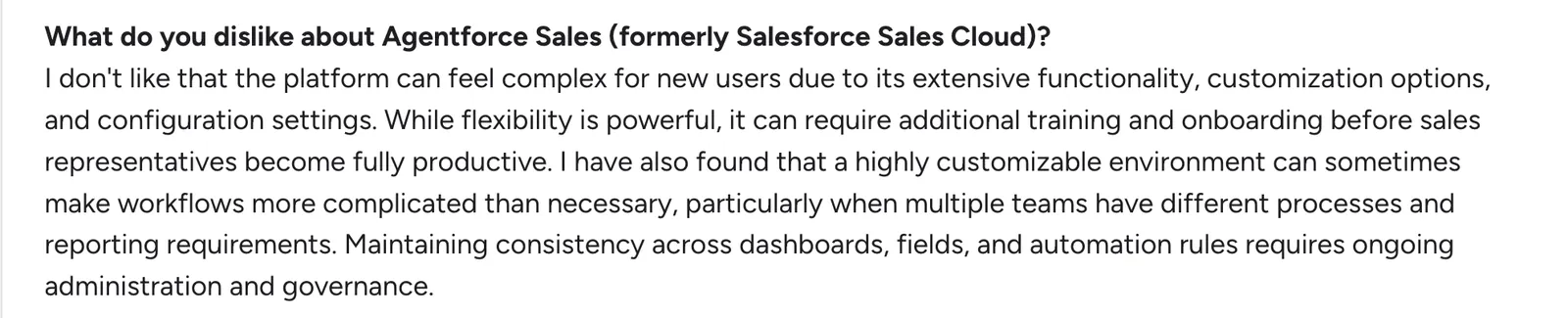
“I don't like that the platform can feel complex for new users due to its extensive functionality, customization options, and configuration settings.” Samiksha R, G2
Pricing
Salesforce's Free Suite covers up to 2 users. Paid plans start at $25/user/month for Starter Suite. Pro Suite is $100/user/month, Core is $195/user/month, Advanced is $395/user/month, and Max is $550/user/month.
5. HubSpot: Best free tier for a small team's first customer database
What it does: HubSpot Sales Hub is a CRM with a usable free tier that holds customer data without a time limit on the free plan.
HubSpot's free database covers the basics a small team needs before deeper customization becomes necessary, and the paid tiers add the reporting and automation most teams eventually want. If budget is the main constraint, see this list of free CRM options for small businesses.
Key features
-
Deal-stage automation: Trigger a task or notification automatically when a deal moves to a new stage.
-
Marketing and service data in the same records: Sales, marketing, and support activity connect to the same contact.
-
Custom properties: Add fields to a contact or deal record without a developer.
- Email tracking and meeting scheduling are included on the free tier.
- HubSpot Academy's free courses help a new team learn the CRM without paid onboarding.
- A large marketplace of third-party integrations connects to nearly any other sales tool already in use.
- Free-tier reporting stays fairly shallow; deeper dashboards are a paid upgrade.
- Onboarding fees apply on Professional and Enterprise, on top of the seat price.
- Per-seat pricing climbs as the sales team grows.
What users say
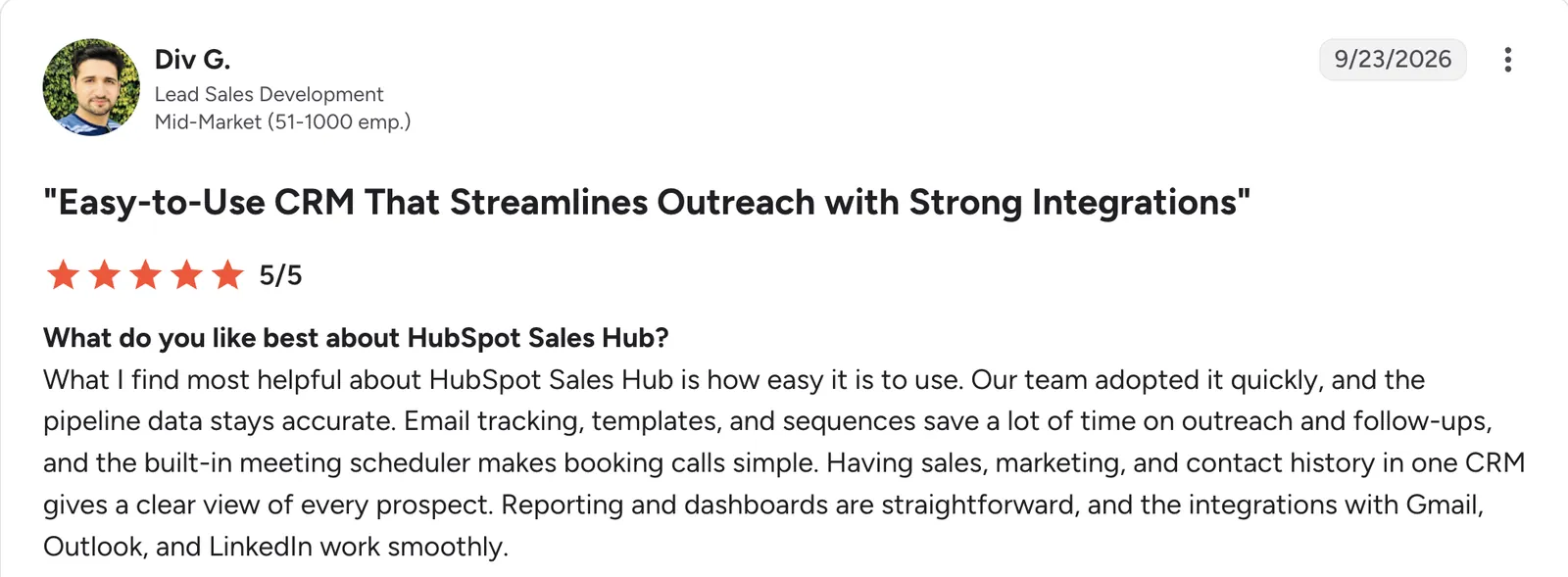
“Our team adopted it quickly, and the pipeline data stays accurate.” Div G, G2

“One challenge is the large number of features available, which can sometimes make it difficult to stay focused on the most important metrics.” Faisal (Frank) K, G2
Pricing
HubSpot's Sales Hub is free for up to 2 users. Paid plans start at $20/user/month for Starter, and that entry tier is where the 500 included credits kick in. Professional is $100/user/month, and Enterprise is $150/user/month.
6. Zoho CRM: Best value for structured, configurable customer records
What it does: Zoho CRM includes custom modules and fields for structuring customer data beyond the default contact and deal records, at a lower price than Salesforce.
Building a custom module during testing took a fraction of the setup time Salesforce's object manager required, trading some interface polish for that speed.
Key features
-
Layout customization: Rearrange fields and sections on a record's page without a developer.
-
Blueprint process rules (Professional and up): Enforce a specific data-entry sequence on a record.
-
Custom functions: Scripted logic for cases configuration alone can't cover.
- Zia AI scoring (Enterprise and up) highlights which deals are worth working first.
- Multi-currency and territory support for a team selling across regions.
- Workflow automation rules handle routine follow-ups and approvals without a separate tool.
- Feels less modern next to newer competitors.
- Best customization features sit on mid-to-upper tiers.
- Custom functions require some comfort with scripting.
What users say
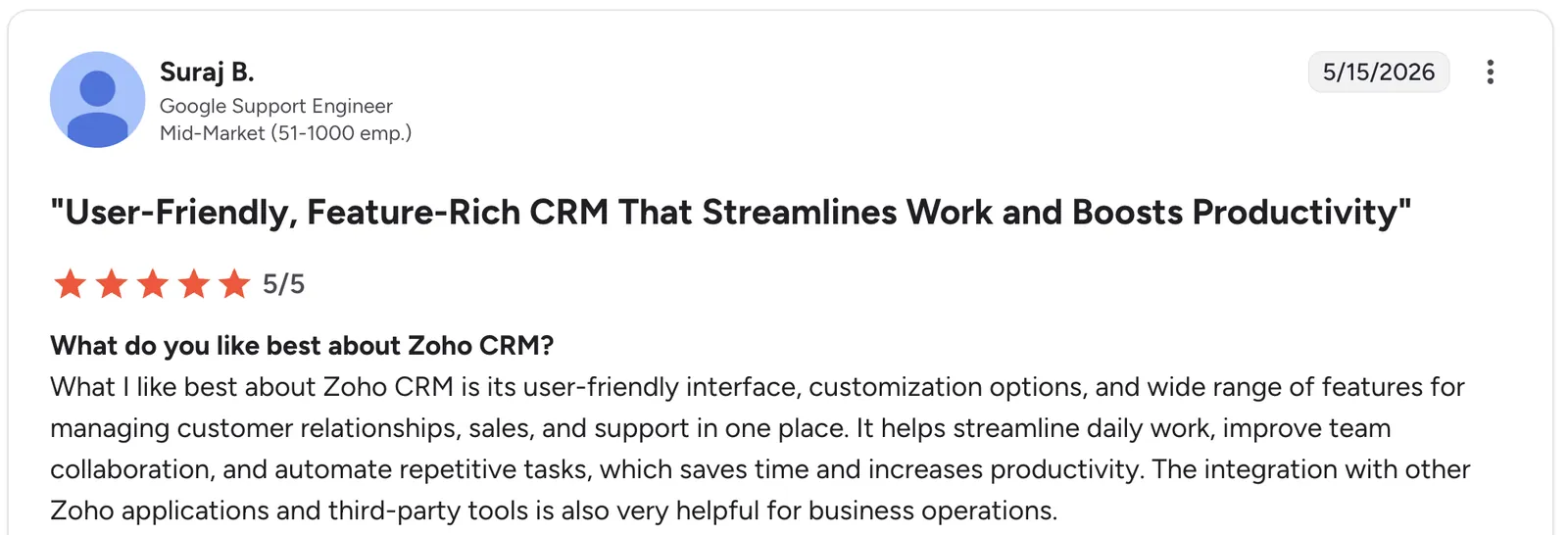
*“What I like best about Zoho CRM is its user-friendly interface, customization options, and wide range of features for managing customer relationships, sales, and support in one place.” Suraj B, G2

“It's quite a lot of features, so sometimes it takes a long time to navigate to where I need to go.” Kristina Y, G2
Pricing
Zoho CRM is free for up to 3 users. Paid plans start at $20/user/month for Standard. Professional is $35/user/month, and Enterprise is $50/user/month.
7. Pipedrive: Best simple, deal-focused pipeline database
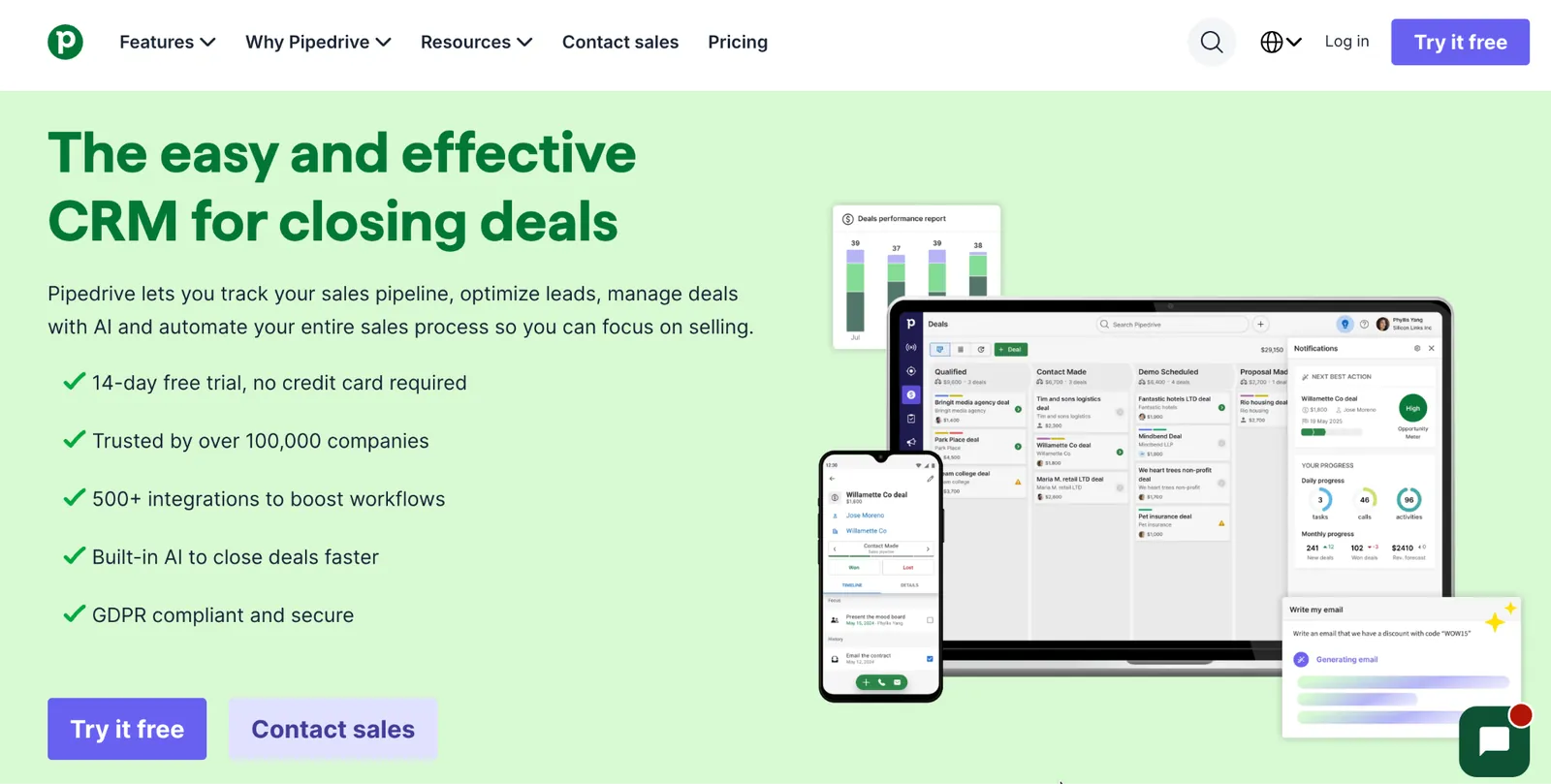
What it does: Pipedrive is a CRM built tightly around the sales pipeline.
Pipedrive's data model is deliberately narrow compared to Salesforce or Zoho, and that narrowness is the appeal for a team that just wants deals tracked well without configuring a broader customer database.
Key features
-
Multiple pipelines: Run a separate pipeline for each product line or sales process without mixing deals together.
-
Custom fields on deals and contacts: Add what your process needs without a developer.
-
Activity reminders: Built-in follow-up tracking tied to each deal record.
- Two-way email sync (Growth and up) threads every message into the right deal automatically.
- Deal-rot alerts flag a deal that's stalled too long in one stage, before it's forgotten.
- Visual reports run off the pipeline data with no separate BI tool needed, with forecasts added on Growth and up.
- No free tier, trial only.
- Less suited to complex, multi-object data structures.
- AI features and deeper reporting sit behind the higher tiers.
What users say
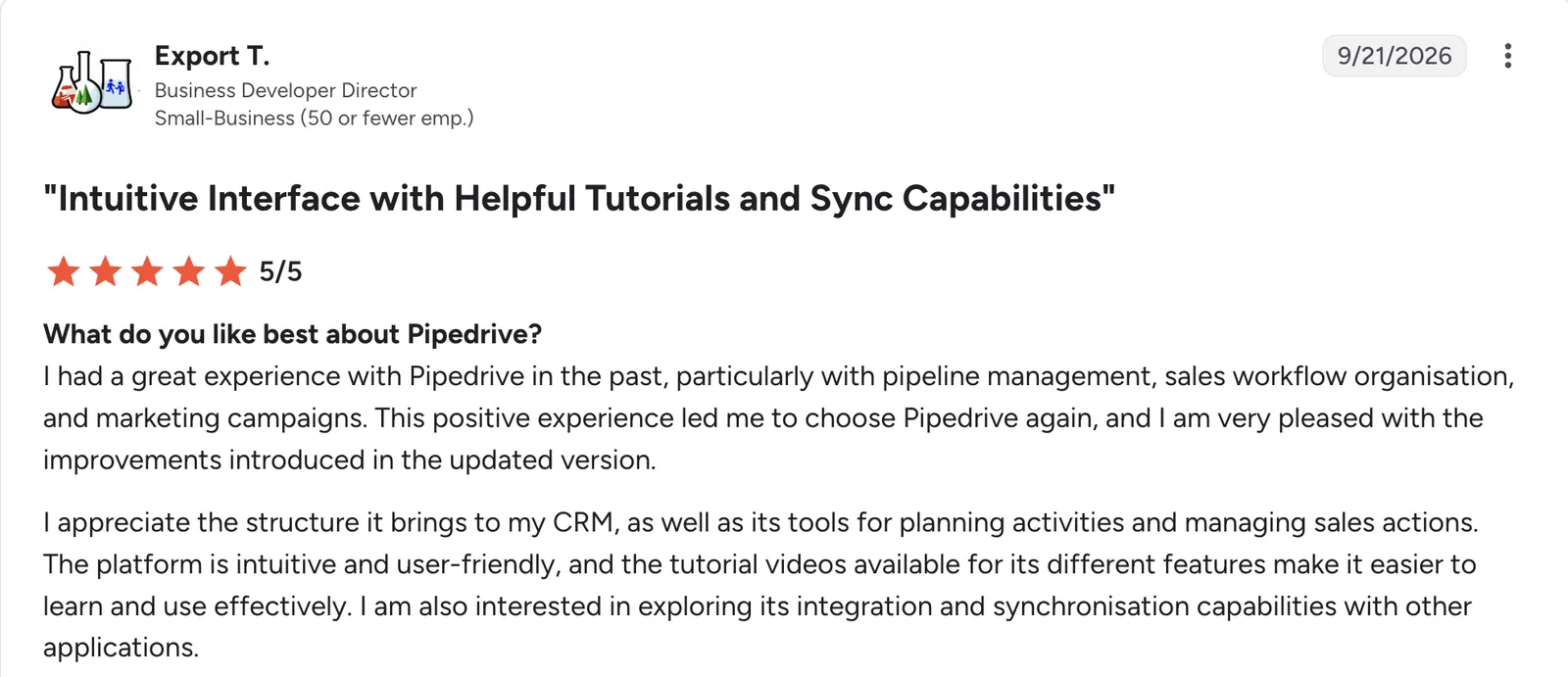
“I had a great experience with Pipedrive in the past, particularly with pipeline management, sales workflow organization, and marketing campaigns.” Export T, G2

“The email accounts. We have a generic account for leads which I manage, but I need to communicate with customers via my own email frequently.” Gavin A, G2
Pricing
Pipedrive has no free tier, only a 14-day trial. Paid plans start at $24/user/month for Lite. Growth is $49/user/month, Premium is $79/user/month, and Ultimate is $99/user/month.
8. Copper: Best CRM built specifically for a Google Workspace team
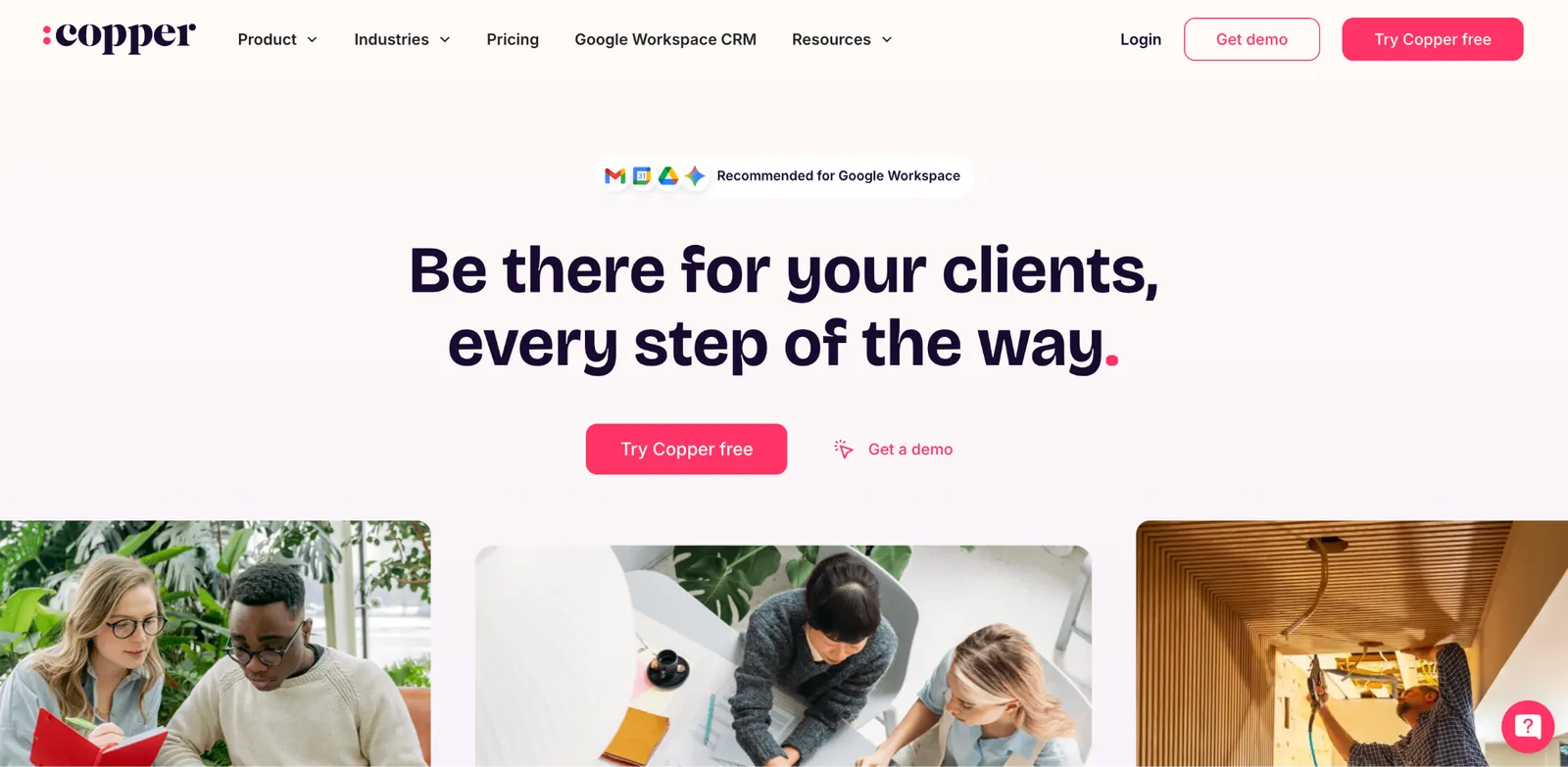
What it does: Copper is a CRM built specifically for teams already running Google Workspace, with contact and deal data appearing directly inside Gmail rather than a separate application.
A rep never has to leave their inbox to see or update a customer record.
Key features
-
One record per contact: Every rep sees the same up-to-date company and contact details.
-
Automatic data capture: Emails and calendar events log to the right record without manual entry.
-
Custom pipelines: Build a deal stage structure matching your own sales process.
- Installs from the Google Workspace Marketplace, without a separate desktop app to manage.
- Shared email templates live inside Gmail, so reps don't switch tabs to send a templated follow-up.
- Simpler setup than a CRM built for platform independence.
- No permanent free plan, only a time-limited trial.
- Doesn't work as a platform-agnostic CRM; teams on Outlook or another email suite get little of Copper's benefit.
- Fewer customization options than Salesforce or Zoho CRM.
What users say
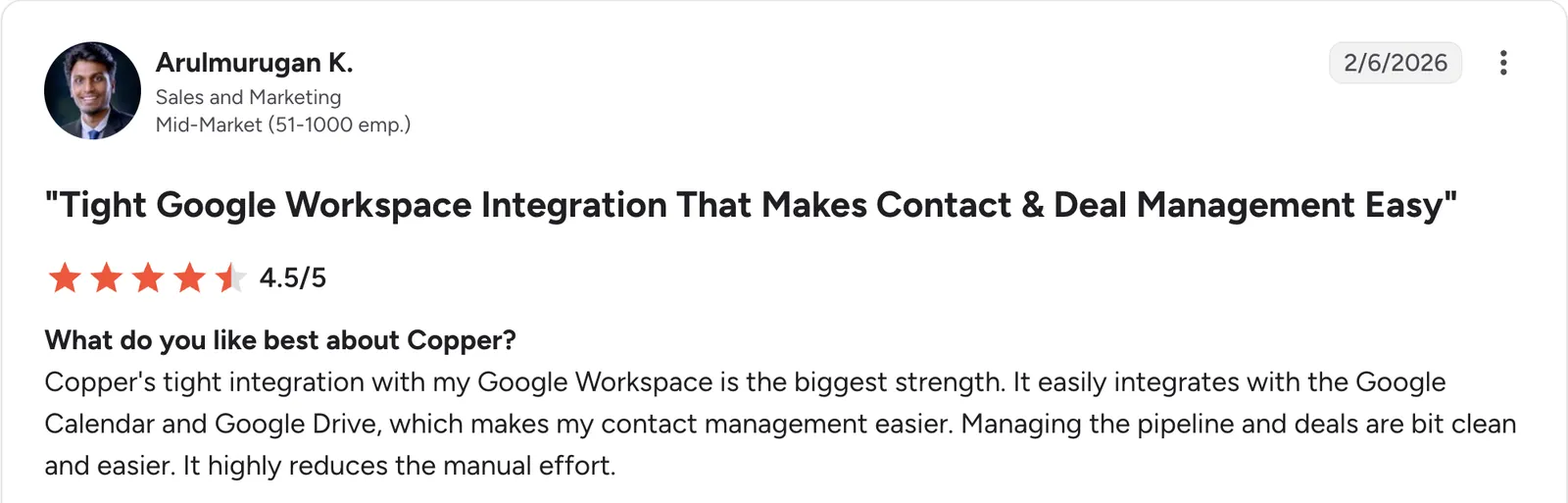
“Copper's tight integration with my Google Workspace is the biggest strength.” Arulmurugan K, G2

“One downside is that some advanced features are limited compared to other CRM tools.” Aryan R, G2
Pricing
Copper has no free tier, only a 14-day free trial. Paid plans start at $29/seat/month for Basic. Professional is $69/seat/month, and Business is $134/seat/month.
9. Freshsales: Best AI-assisted scoring built into the database itself
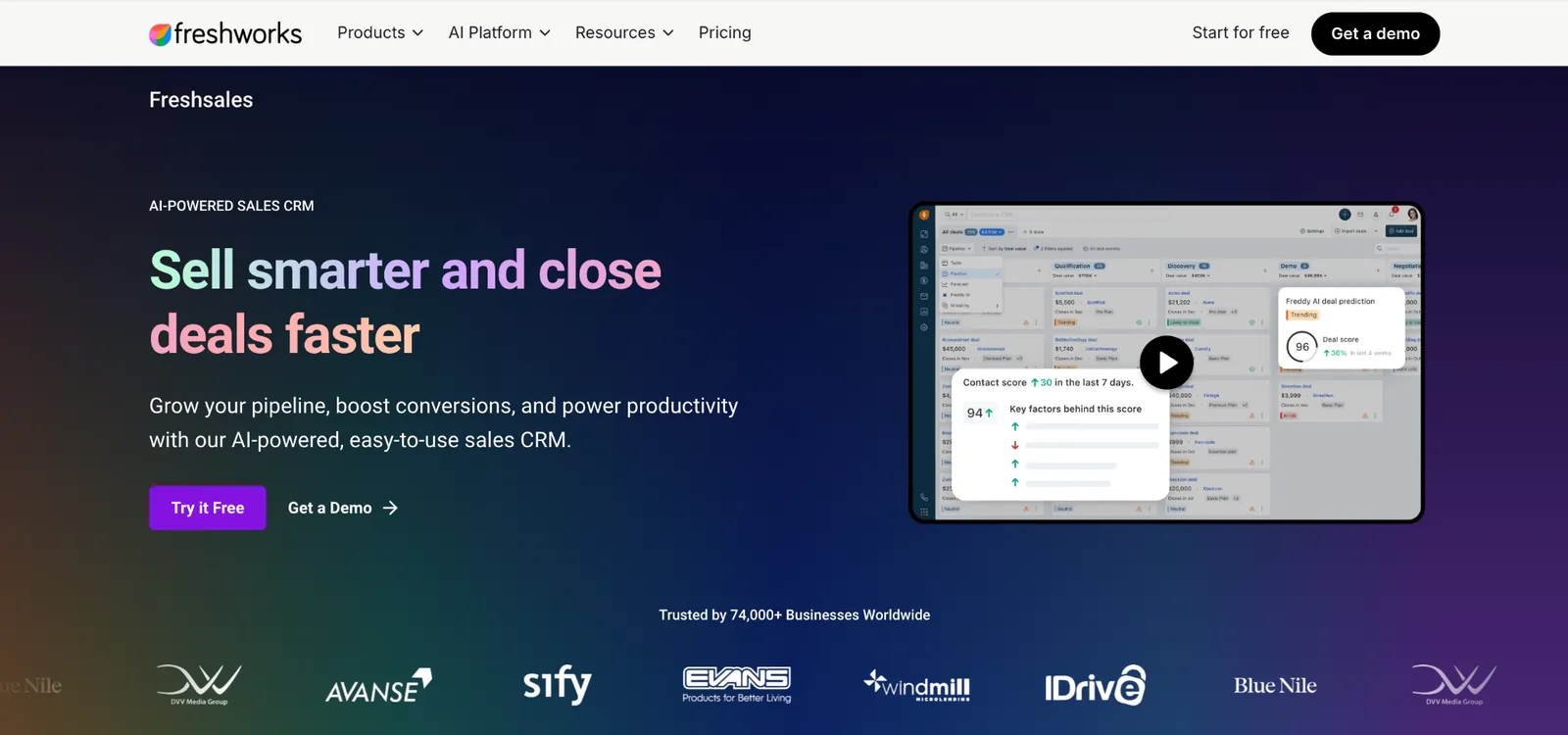
What it does: Freshsales is a CRM with AI-assisted lead and deal scoring built directly into the contact record, part of the wider Freshworks suite.
Key features
-
Custom sales activities: Log a call, meeting, or task type specific to your own sales process.
-
Custom fields and modules: Structure customer data beyond the defaults, with custom modules on Enterprise.
-
Freshworks suite integration: Connects to other Freshworks products natively.
- Built-in phone and email let a rep call or send from inside the record, without a separate dialer or mail client.
- Territory management assigns leads and accounts by rule, without manually reassigning each one (Pro and up).
- Kanban-style deal pipeline groups records by stage without configuring a separate pipeline tool.
- Only a 21-day trial. This is not a free plan like several other tools on this list.
- Less compelling as a standalone tool for a team not already invested in the broader product family.
- AI scoring sits behind the Pro plan, since contact scoring and deal insights aren't included on the entry-level Growth tier.
What users say
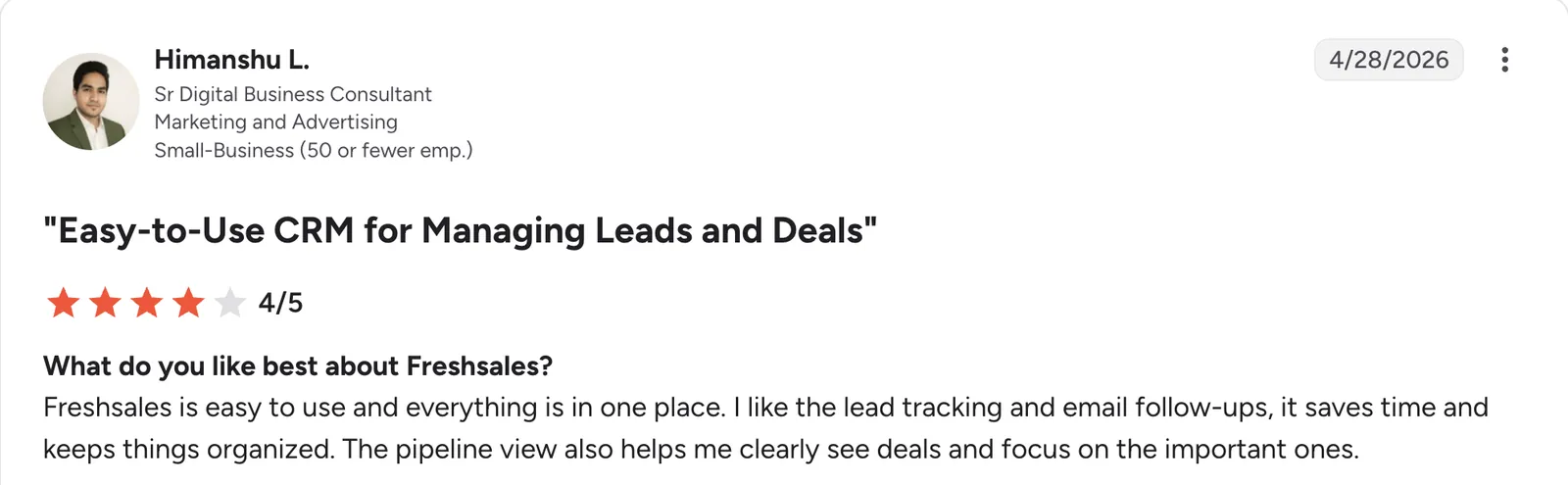
“I like the lead tracking and email follow-ups; it saves time and keeps things organized.” Himanshu L, G2

“Bulk-data imports give vague error notifications that slow cleanup for our IT reseller prospect datasets.” Ryan S, G2
Pricing
Freshsales has no free plan, only a 21-day free trial. Paid plans start at $11/user/month for Growth. Pro is $47/user/month, and Enterprise is $71/user/month.
10. Bitrix24: Best fixed-price database for a growing team
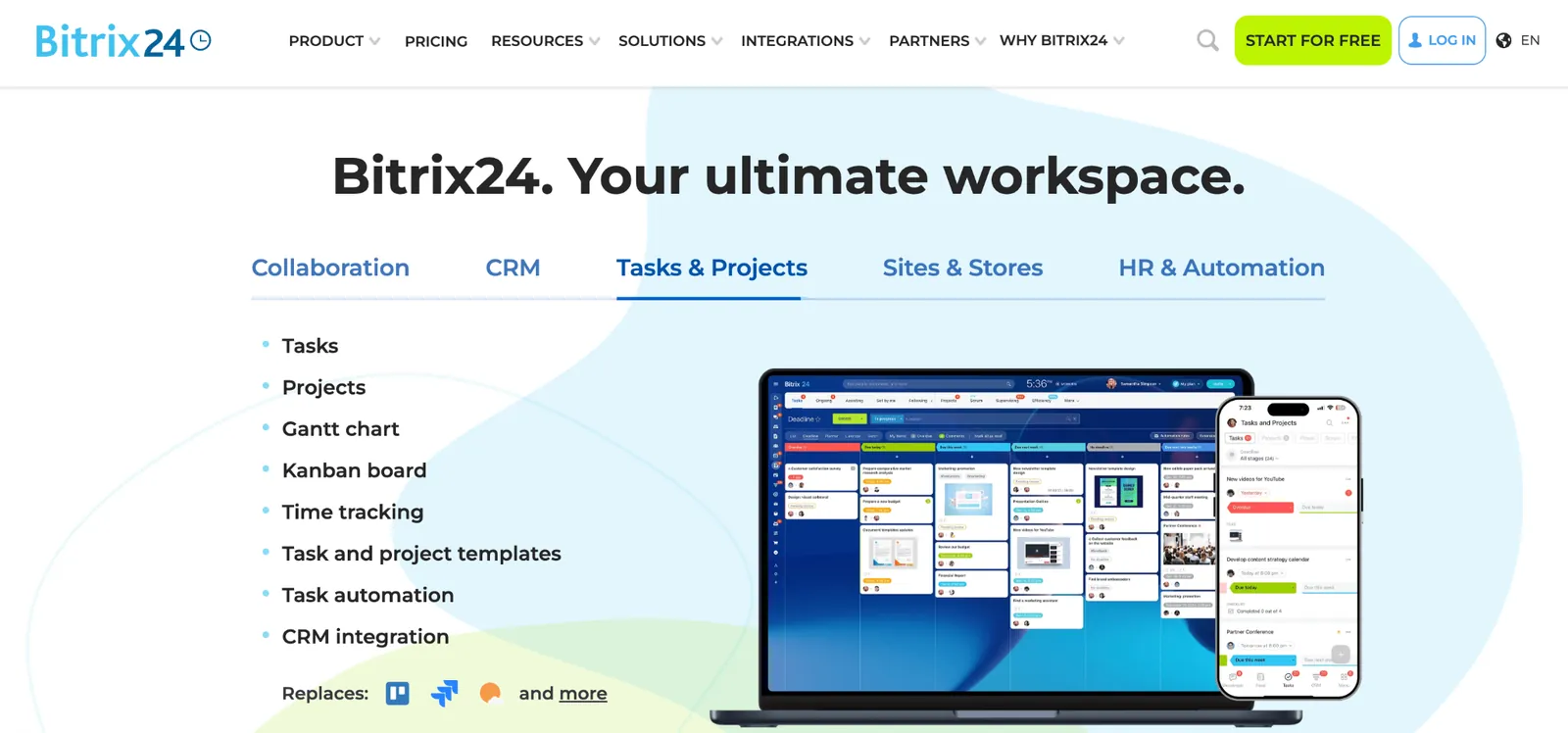
What it does: Bitrix24 is an all-in-one business suite with a customer database priced per organization, bundled with project management and communication tools.
Adding staff within a Bitrix24 plan's user cap doesn't change the bill, which changes the math for a team expecting to grow within that cap.
Key features
-
Custom fields and record types: Reshape contact and deal structures without code.
-
Built-in invoicing (Standard and up): Generate and send an invoice directly from a deal record.
-
Automation rules: Trigger tasks and notifications on a record change without a separate tool.
- Built-in time tracking (Professional and up) and task management sit alongside the customer records.
- Client-facing chat widget captures a website visitor straight into the same database as a new lead.
- Bundled modules cover more than just customer data.
- Interface feels cluttered given how many modules are bundled in.
- User caps per tier mean upgrading once the cap is outgrown.
- Invoicing isn't included until Standard, which runs $144/month.
What users say
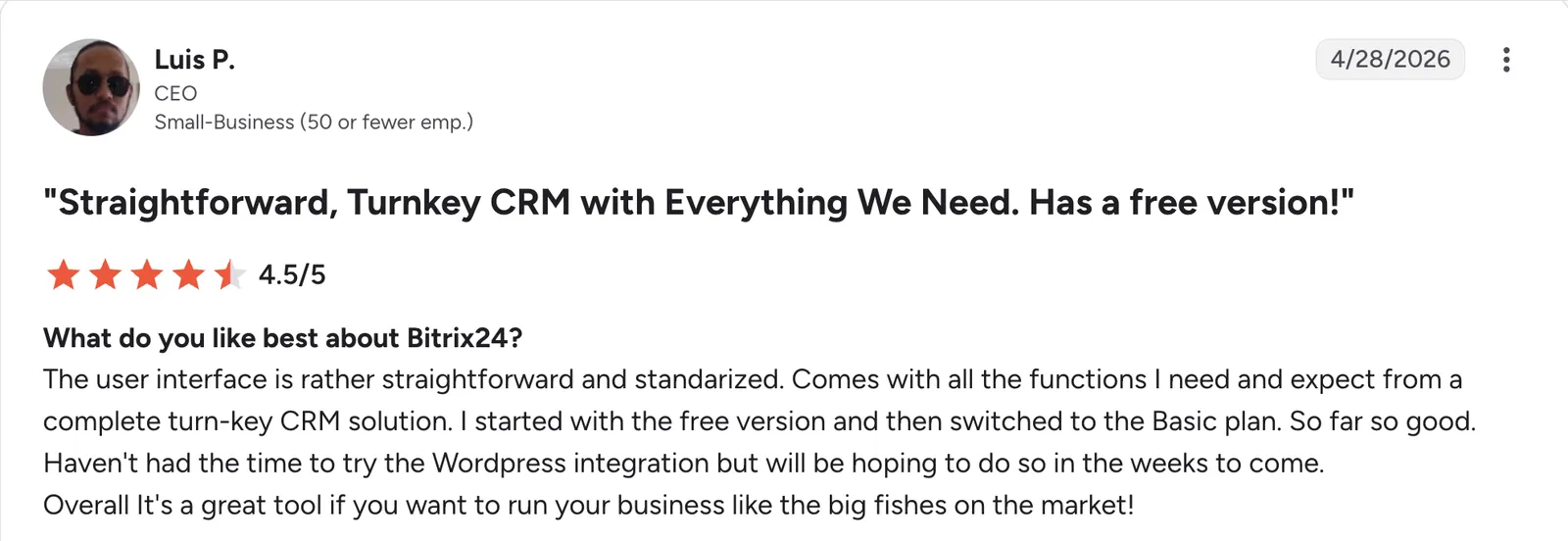
"The user interface is rather straightforward and standardized." Luis P, G2

"Bitrix24 can feel a bit complex at the beginning because it has so many features." Deepak B, G2
Pricing
Bitrix24 is free for up to 2 users. Paid plans price the whole organization rather than each seat, starting at $69/month for Basic, covering 5 users. Standard is $144/month for 50 users, Professional is $289/month for 100 users, and Enterprise starts at $579/month for 250 users.
Buying prospect data
The next three tools solve a different problem: finding contacts you don't have yet, rather than managing the ones already sitting in your pipeline.
11. Apollo: Best for pairing a prospect database with outreach tools
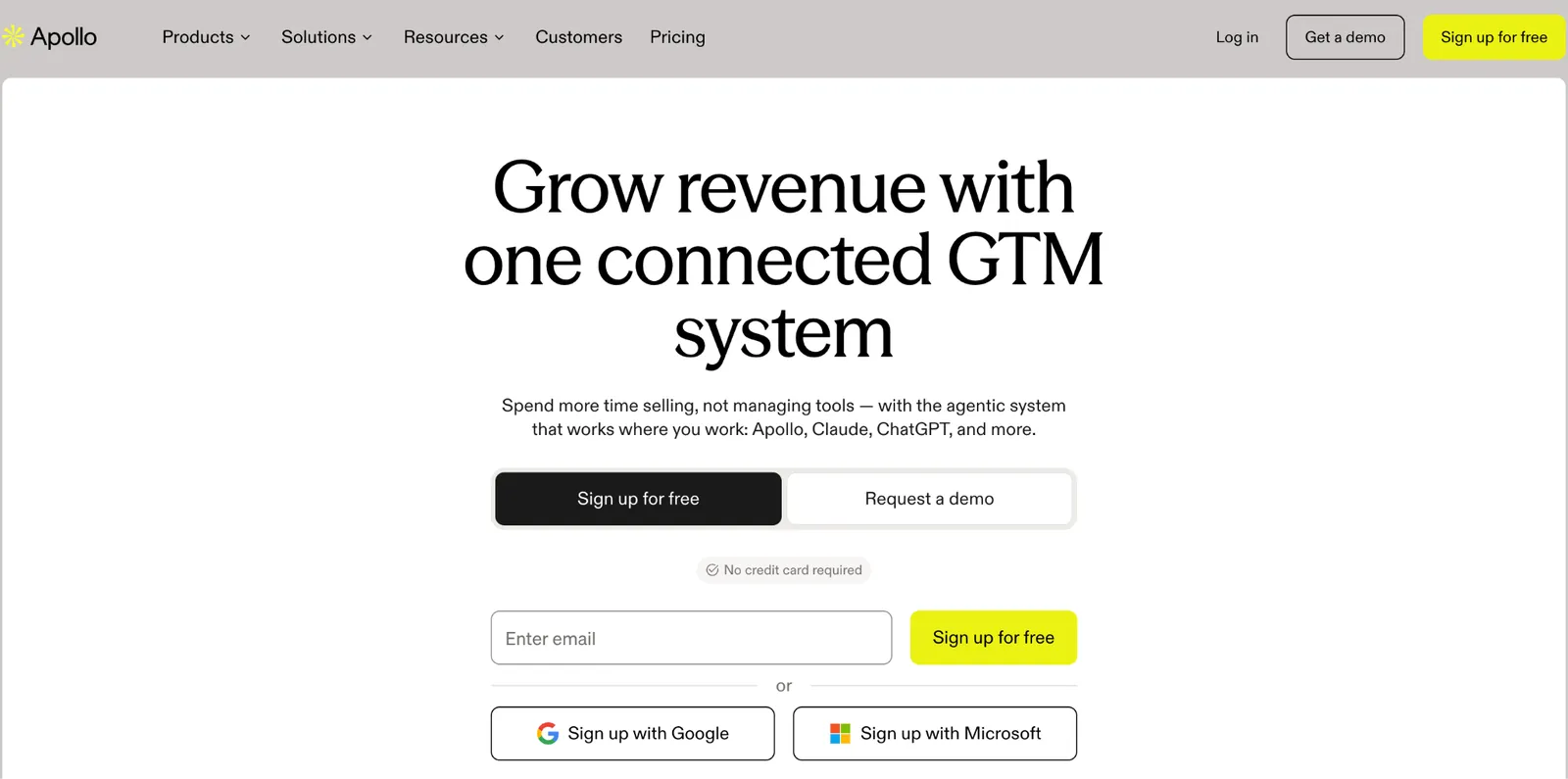
What it does: Apollo is a prospect database paired with outreach tools, letting a team find new contacts and email or call them from the same platform.
Apollo charges per user each month, with a set number of credits included per tier and more available to purchase, so the total cost depends on how many new contacts a team pulls each month on top of the seat price.
Key features
-
Prospect search and filters: Find contacts and companies matching specific criteria.
-
Contact verification: Checks an email address's deliverability before you add it to a sequence.
-
Data enrichment: Fill in missing contact details on existing records.
- Chrome extension pulls a prospect's contact details directly off LinkedIn or a company website.
- Intent signals flag which accounts are actively researching a relevant purchase, beyond basic contact data.
- Built-in dialer and call recording keep outbound calls inside the same tool holding the prospect list.
- Credit-based pricing makes cost harder to predict than a fixed fee.
- Data accuracy varies more than a dedicated enterprise data provider.
- Built for prospecting first, so deal tracking is a lighter layer than in a dedicated CRM.
What users say
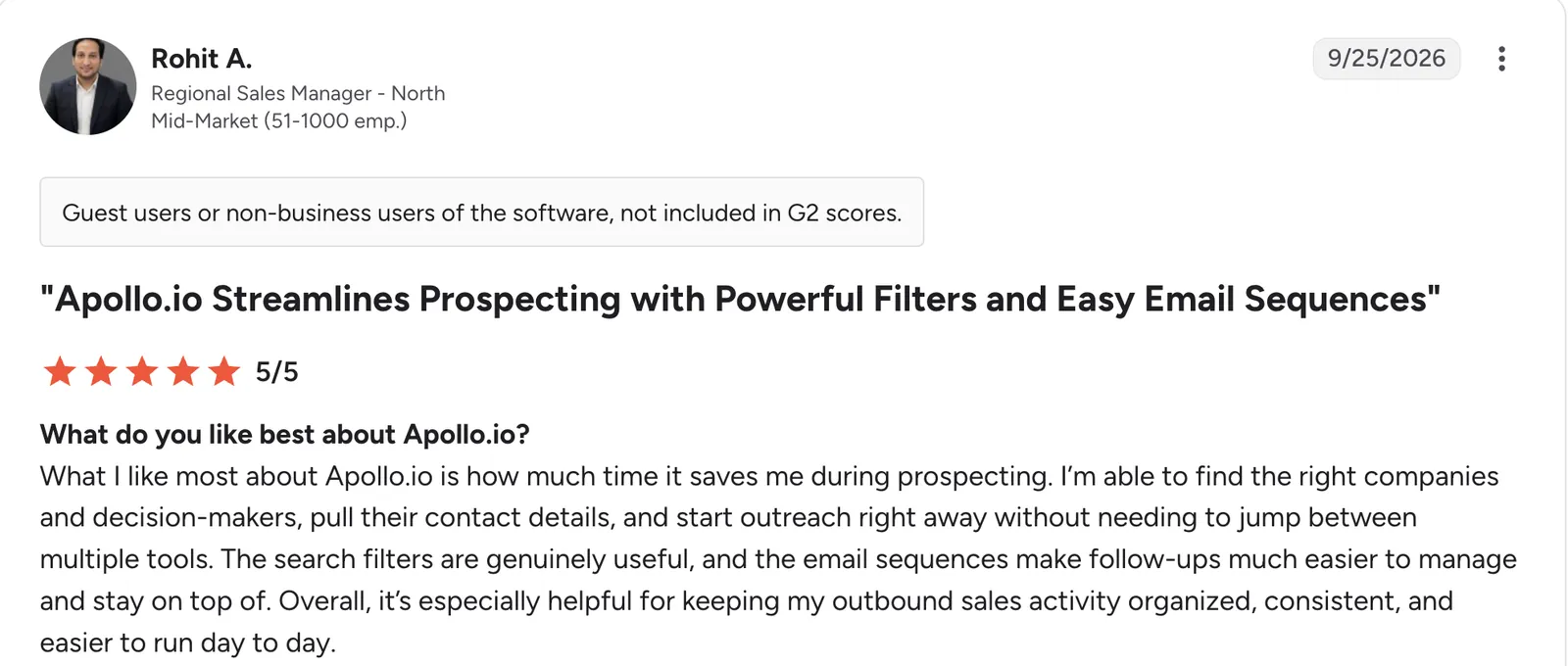
“What I like most about Apollo.io is how much time it saves me during prospecting.” Rohit A, G2

“Some contact data—particularly direct phone numbers and region-specific company details—can occasionally be outdated or lead to email bounces.” Anil P, G2
Pricing
Apollo is free with limited credits. Paid plans start at $65/user/month for Basic. Professional is $99/user/month, and Organization is $149/user/month with a 3-user minimum.
12. ZoomInfo: Best enterprise-grade prospect data accuracy
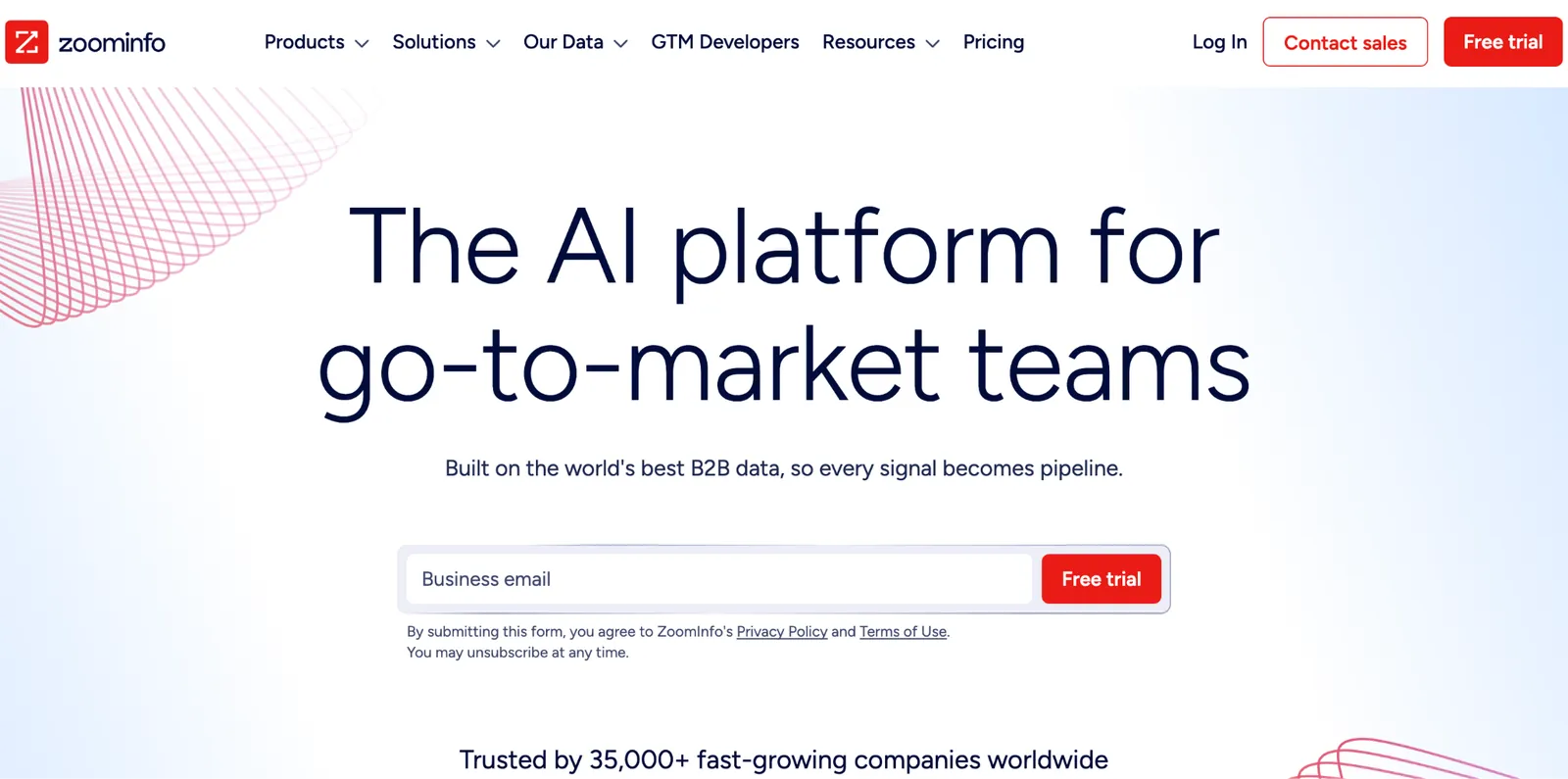
What it does: ZoomInfo is an enterprise prospect data provider known for accuracy and depth of firmographic detail. Paid tiers are sold through a sales conversation, though ZoomInfo Lite offers a limited, self-serve way in.
That accuracy is the product itself: ZoomInfo refreshes its underlying database daily rather than relying on a static, one-time data pull.
Key features
-
Direct-dial phone numbers: Reach a decision-maker's desk or mobile line instead of a general company switchboard.
-
Firmographic filters: Target prospects by company size, industry, and technology stack.
-
Intent data (paid add-on): Signals on which companies are actively researching a relevant purchase.
- Org charts map reporting lines inside a target account, useful for finding the right decision-maker.
- Technographic data shows which software stack a target company already runs.
- Daily data refreshes cut down on reaching a contact who's already moved on.
- No public pricing.
- Overkill for a small team's occasional prospecting needs.
- High cost relative to lighter tools on this list.
What users say
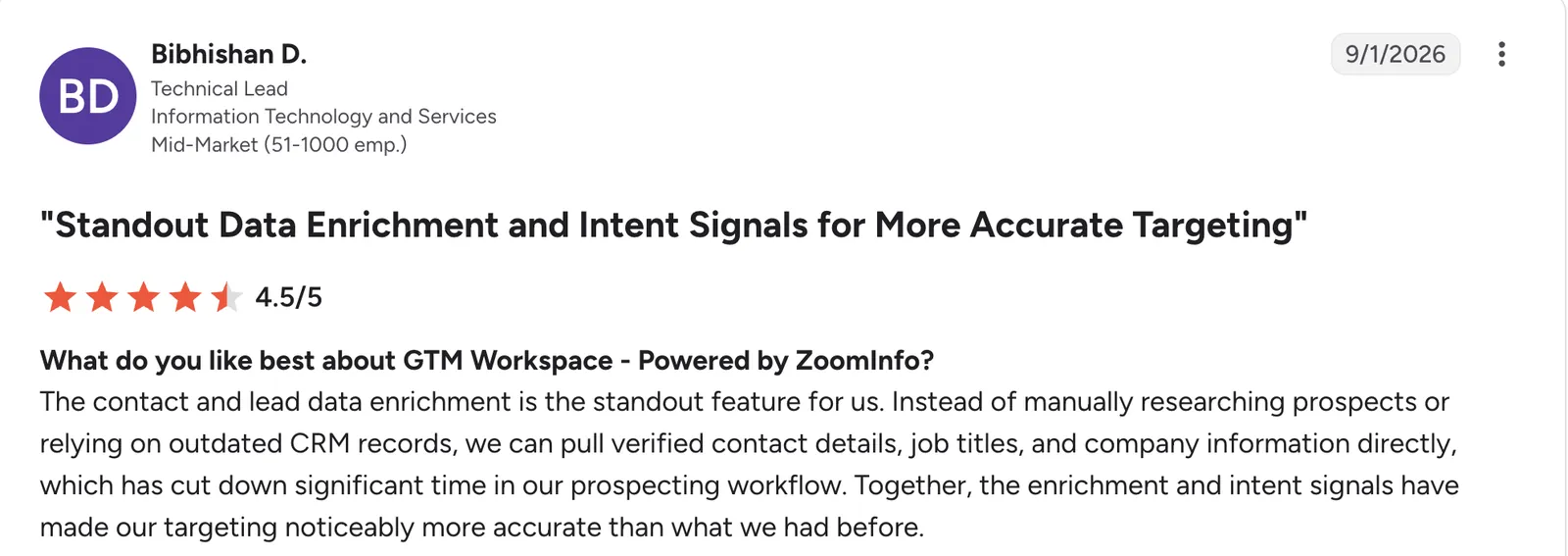
“The contact and lead data enrichment is the standout feature for us.” Bibhishan D, G2

“Sometimes information isn't accurate, but I still use that as an opportunity to contact the company and see if I can find a contact.” Caitlin B, G2
Pricing
ZoomInfo doesn't publish self-serve pricing; see the ZoomInfo pricing page for a quote.
13. Cognism: Best for phone-verified prospect data for outbound calling
What it does: Cognism is an enterprise prospect data provider positioned as a direct alternative to ZoomInfo and Apollo, with a particular emphasis on verified phone numbers for outbound calling.
That focus is aimed squarely at outbound teams, where a wrong number wastes a call rather than just an email.
Key features
-
Firmographic and org filters: Narrow a prospect list by company size, industry, or department before exporting it.
-
Intent data (Pro plan): Signals on companies actively researching a relevant purchase.
-
Sales engagement integrations: Connects to Outreach and Salesloft, so exported contacts drop straight into an existing sequence.
- Compliant data sourcing (GDPR and CCPA) is built into how Cognism compiles its database.
- Chrome extension pulls verified contact details while browsing LinkedIn or a company site.
- Phone-verified mobile numbers cut wasted calls on outbound lists.
- No public pricing; requires a sales conversation.
- Coverage outside its core regions can be less complete.
- Overkill for a team doing occasional, low-volume prospecting.
What users say
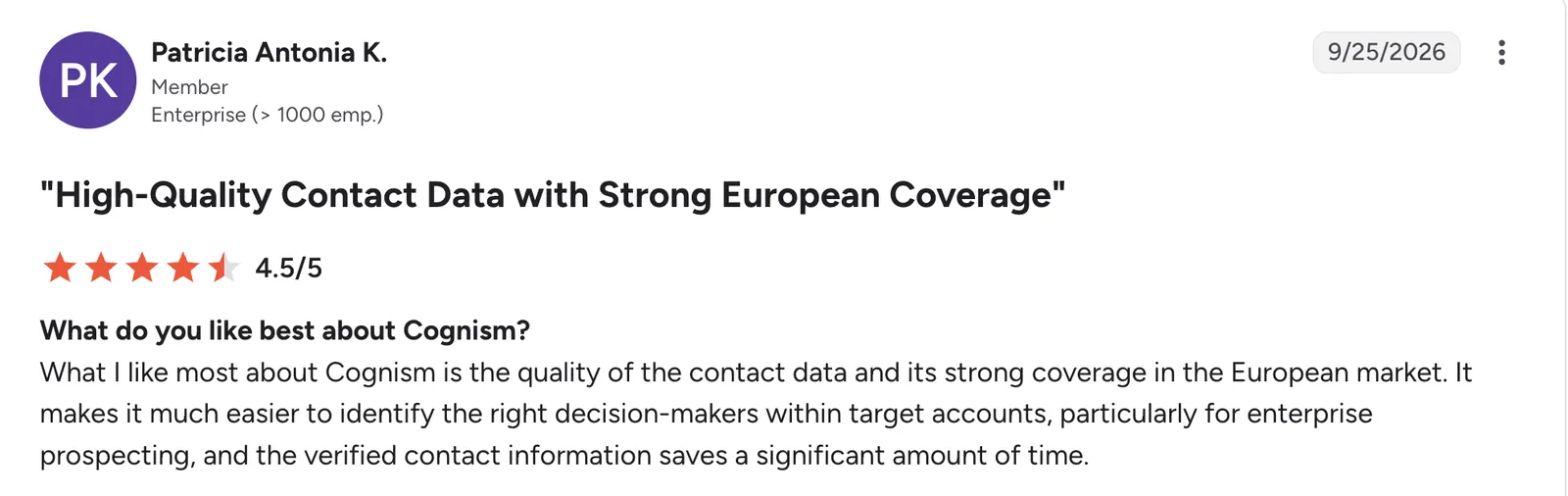
“What I like most about Cognism is the quality of the contact data and its strong coverage in the European market.” Patricia Antonia K, G2

“Export credit limits feel a bit strict when you're trying to build larger target account lists at scale; it can slow down bigger ABM pushes.” Maxime S, G2
Pricing
Cognism doesn't publish self-serve pricing; see the Cognism pricing page for a quote.
Building your own customer database
Most of the template CRMs above still ask you to work within their existing structure, whether that's Salesforce's object model or Pipedrive's pipeline-first approach. For a team whose CRM has gotten too rigid to bend to their process, or too heavy for what they need, building a custom database can be the better fit.
Here are three things to get right, in order:
-
Start with the fields before picking software. List what a single customer or deal record needs to hold, including contact details, deal stage, source, and anything specific to your process, like a certification date or a contract renewal term.
-
Decide who sees what before building permissions. A rep typically needs their own records; a manager needs everyone's. Building this in from the start avoids a messy retrofit later.
-
Add the pipeline view last, once the fields are right. A pipeline is just a specific view of the same underlying records, grouped by stage. Getting the fields right first makes the view straightforward to add.
Zite is built for exactly this. You describe the fields, the permissions, and the pipeline view together, and it builds the whole system around them, follow-up workflows included, instead of asking you to configure each piece separately. For more on this specific approach, see this roundup of no-code app builders with databases.
How to evaluate sales database software
Picking the right tool means matching it to the job you need done. Here are four things to check before you commit:
-
Decide which job you need first. Managing existing customer data and buying new prospect data are different problems, and no single tool here does both equally well.
-
Check what the free tier allows, beyond whether one exists. A free tier with a hard record limit behaves very differently from one built for long-term use.
-
Model cost at where headcount is heading. Per-user pricing that looks reasonable at five people can look very different at twenty-five.
-
Confirm the data structure fits your own process. A generic contact-and-deal model works well for many teams and poorly for others whose sales process looks meaningfully different. See this wider look at the best AI database software for businesses if you want to compare beyond this list.
Which sales database should you choose?
The right pick depends on which of the two jobs you're solving and how far your process strays from a standard contact-and-deal template.
Choose Zite if you:
-
Keep running into a template CRM's default fields and wish you could just describe the structure you need
-
Want the database, the pipeline your reps work in, and the follow-up workflows built together instead of configured piece by piece, with a ready-made CRM to start from if you'd rather not begin from scratch
Choose Attio if you:
-
Want a CRM built on a relational data model instead of a flatter contact-and-deal template
-
Are outgrowing a spreadsheet's row-and-column limits for tracking accounts
Choose Airtable if you:
-
Would rather define every field and relationship yourself than start from a predefined CRM template
-
Are building an internal system more than a client-facing sales process
Choose Salesforce if you:
-
Have a customer data model complex enough to justify deep, ongoing configuration
-
Have admin or consultant resources to build and maintain it
Choose HubSpot if you:
-
Want a usable free customer database with no time limit while your team is still small
-
Plan to add marketing and support data to the same contact records later
Choose Zoho CRM if you:
-
Want Salesforce-level customization depth at a fraction of the price
-
Need consistent data entry enforced across a larger team of reps
Choose Pipedrive if you:
-
Just need deals tracked through a pipeline, without configuring a broader system first
-
Would rather start simple than build in flexibility you may never use
Choose Copper if you:
-
Already live in Gmail and Google Calendar and want records to appear there automatically
-
Want less setup than a platform-agnostic CRM requires
Choose Freshsales if you:
-
Want lead and deal scoring built into the record itself, without a separate scoring tool
-
Are already using other Freshworks products
Choose Bitrix24 if you:
-
Want one price to cover the whole team instead of a bill that climbs with headcount
-
Don't mind a busier interface in exchange for bundled project tools
Choose Apollo if you:
-
Need to find new prospects and reach out to them from inside the same tool
-
Want to scale contact discovery gradually rather than commit to an enterprise data contract
Choose ZoomInfo if you:
-
Need contact and firmographic accuracy more than self-serve pricing or a quick signup
-
Run a dedicated enterprise prospecting function that can justify the cost
Choose Cognism if you:
-
Need verified phone numbers for high-volume outbound calling
-
Want a direct alternative to Apollo or ZoomInfo specifically
Skip this category entirely if:
-
You have fewer than a handful of customer relationships to track; a shared spreadsheet still does the job without any of the setup above
-
You're only looking for outreach automation and already have somewhere to store the contacts it touches. A sequencing tool fills that gap.
Final verdict on best sales database software
If your sales process fits a standard contact-and-deal template, HubSpot's free tier or Pipedrive's simple pipeline will get you running faster than any custom build, and there's no reason to pay for flexibility you won't use. But when the process keeps needing one more field, one more record type, or a pipeline view a template CRM won't bend to fit, Zite is the pick.
You describe your process once, and Zite builds the system around it: the database, the pipeline your reps work in, and the follow-ups behind it, with a lead form that can feed the same records. Changing the database, pipeline, or follow-ups later is a matter of asking, and unlimited users on every plan mean the bill doesn't climb as the team grows.
Start building with Zite for free and see what a sales database shaped to your own process looks like.
For a deeper, CRM-specific comparison, see this roundup of the best CRM software for small businesses.
Frequently asked questions
What is the best software to track sales?
Pipedrive and HubSpot are the best software to track sales on a standard pipeline. Zite is a strong option when the process doesn't fit a standard template.
What are the top CRM systems?
Salesforce, HubSpot, and Zoho CRM are among the most widely used CRM systems, each covering a different balance of customization depth and price. Pipedrive and Freshsales also rank highly for teams wanting a simpler, more focused tool.
Will AI replace CRM?
No. AI is unlikely to replace CRM systems outright, since a database still needs to store and structure customer data somewhere. What's changing is how that database gets built and maintained, with AI generation and scoring increasingly built into the tools themselves rather than replacing the underlying database.
What's the difference between a CRM and a prospect database?
A CRM manages customer and deal data your business already has, while a prospect database like Apollo or ZoomInfo sells access to contacts you don't have yet. Most teams need a CRM first and add a prospect data source only once outbound prospecting becomes a priority.
Can I build my own sales database instead of using a CRM?
Yes, and it makes sense when a template CRM keeps needing more customization than it can comfortably support. Zite builds the whole system from a description, from database to follow-ups, or you can start from its ready-made CRM and change it by asking. See this guide to building your own CRM system without code for the wider process.