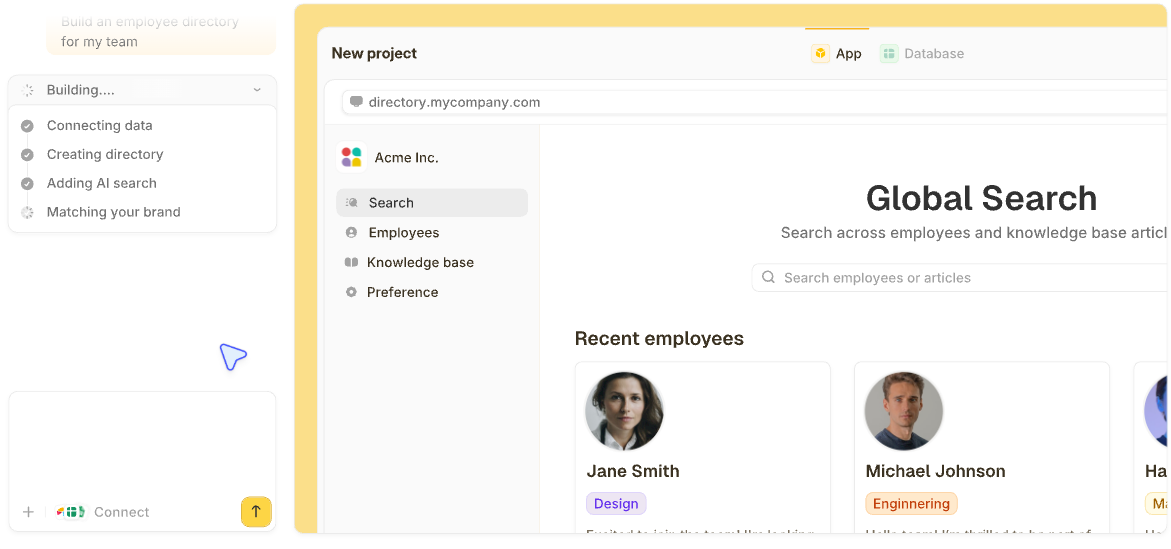

The best database software for small businesses depends on who needs access. Zite fits teams that want apps and client logins on top of one database, and Airtable fits owners who want something that feels like a spreadsheet.
I tested 21 database tools before narrowing the list to the 11 below. Each section says what the tool costs, where it breaks, and what its users say.
11 best database software for small businesses: TL;DR
Here are the 11 tools, with what each does best:
- 1.
 ZiteUnlimited usersBest for a shared database with apps and portals on top and unlimited users.
- 2.
 Best for owners who want a database that feels like a spreadsheet.
- 3.
 Best open-source option you can host yourself.
- 4.
 Best low-cost seats for a small team.
- 5.
 Best for business apps where every teammate and client needs a login.
- 6.
 Best for teams that want ready-made workflow templates.
- 7.
 Best for teams already working in Zoho apps.
- 8.
 Best for building apps on data you already keep in Google Sheets.
- 9.
 Best for a single-office database on Windows.
- 10.
 Best free database engine if a technical person will run it.
- 11.
 Best free database engine for websites run by a developer.
What is database software, and why does a small business need it?
Database software stores business records such as customers, orders, and projects in tables, so several people can search and update the same information. A relational database organizes data into tables made of rows and columns.
A spreadsheet holds one list at a time. Once customers, orders, and invoices need to refer to each other, a database keeps them connected in one place.
The three kinds of database software
Database software for a small business falls into three groups, and each needs a different level of technical skill.
Here are the three groups:
-
No-code and low-code databases: Tools with forms, views, and automations built in, from spreadsheet-style tables (Airtable, Zite, Baserow) to low-code app builders (Zoho Creator). These tools suit owners who want to start without a developer.
-
Google-native options: AppSheet builds apps on top of data kept in Google Sheets.
-
Traditional databases: Microsoft Access, PostgreSQL, and MySQL are older tools. Access runs on one Windows office network, while PostgreSQL and MySQL need a developer to set up. Those two are the most-used databases in Stack Overflow's 2025 survey.
This list covers table-based tools, since non-relational (NoSQL) databases do not use the table structure, per OVHcloud.
How I researched and compared these database tools
For each of the 11, I read the vendor's pricing page and documentation for the record caps, seat charges, and limits a small business hits first.
I left out plain spreadsheets such as Google Sheets, since this comparison of spreadsheet vs database covers them. I also left out full CRMs, and a short section further down points to those.
Here are the five criteria I scored each tool on:
-
Ease for a non-technical owner: Whether one person can set it up and run it without a developer.
-
Cost as the team grows: What happens to the bill when more people need access.
-
Free plan limits: How many records a free plan holds before you hit the cap.
-
Structure: Whether tables can link to each other so related records stay connected.
-
Room to grow: The record caps and what the next plan up adds.
I weighted the criteria in that order, so the last four tools suit a narrower group of readers.
11 best database software for small businesses: Quick comparison
Here's the full lineup at a glance:
| Tool | Strengths | Type | Free plan | Starting price (monthly) |
|---|---|---|---|---|
| 1. Zite |
Database, apps, portals, and forms | No-code | Yes, 5,000 records | $25/month |
| 2. Airtable |
Spreadsheet-style start | No-code | Yes, 1,000 records per base | $24/user/month |
| 3. Baserow |
Self-hosting option | No-code | Yes, 3,000 rows | $12/user/month |
4.  Stackby |
Low-cost seats | No-code | Yes, 1,500 rows | $10/user/month |
| 5. Knack |
Client and staff logins | No-code | Trial only | $59/month |
6.  SmartSuite |
Workflow templates | No-code | Trial only | $20/seat/month |
7.  Zoho Creator |
Zoho app connections | Low-code | Yes, one app | $12/user/month |
| 8. AppSheet |
Apps on Google Sheets data | Google-native | Test with 10 users | $5/user/month |
9.  Microsoft Access |
Single-office Windows database | Traditional | Trial only | $12/user/month |
10.  PostgreSQL |
Free engine for developers | Traditional | Free software | Hosting costs only |
11.  MySQL |
Free engine for websites | Traditional | Free Community edition | Hosting costs only |
All prices in this article are monthly-billed rates checked in October 2026.
Which tools a non-technical owner can run alone
One non-technical person can set up and run five of the tools; four need some learning, and the last two need technical help. The setup ratings below are my own read of each tool's documentation and pricing pages.
Here are the setup ratings:
| Tool | Setup effort | What you get |
|---|---|---|
| Zite | Low | Database, apps, forms, workflows |
| Airtable | Low | Templates, views, forms |
| Baserow | Low on cloud | Tables, forms, automations |
| Stackby | Low | Tables, forms, apps |
| SmartSuite | Low | Solutions, linked records |
| Knack | Medium | Database plus web app |
| Zoho Creator | Medium | Apps for web and mobile |
| AppSheet | Medium | Apps on Google data |
| Microsoft Access | Medium | Forms, queries, reports |
| PostgreSQL | High | Data engine only |
| MySQL | High | Data engine only |
1. Zite: Best for a shared database with apps and portals on top and unlimited users
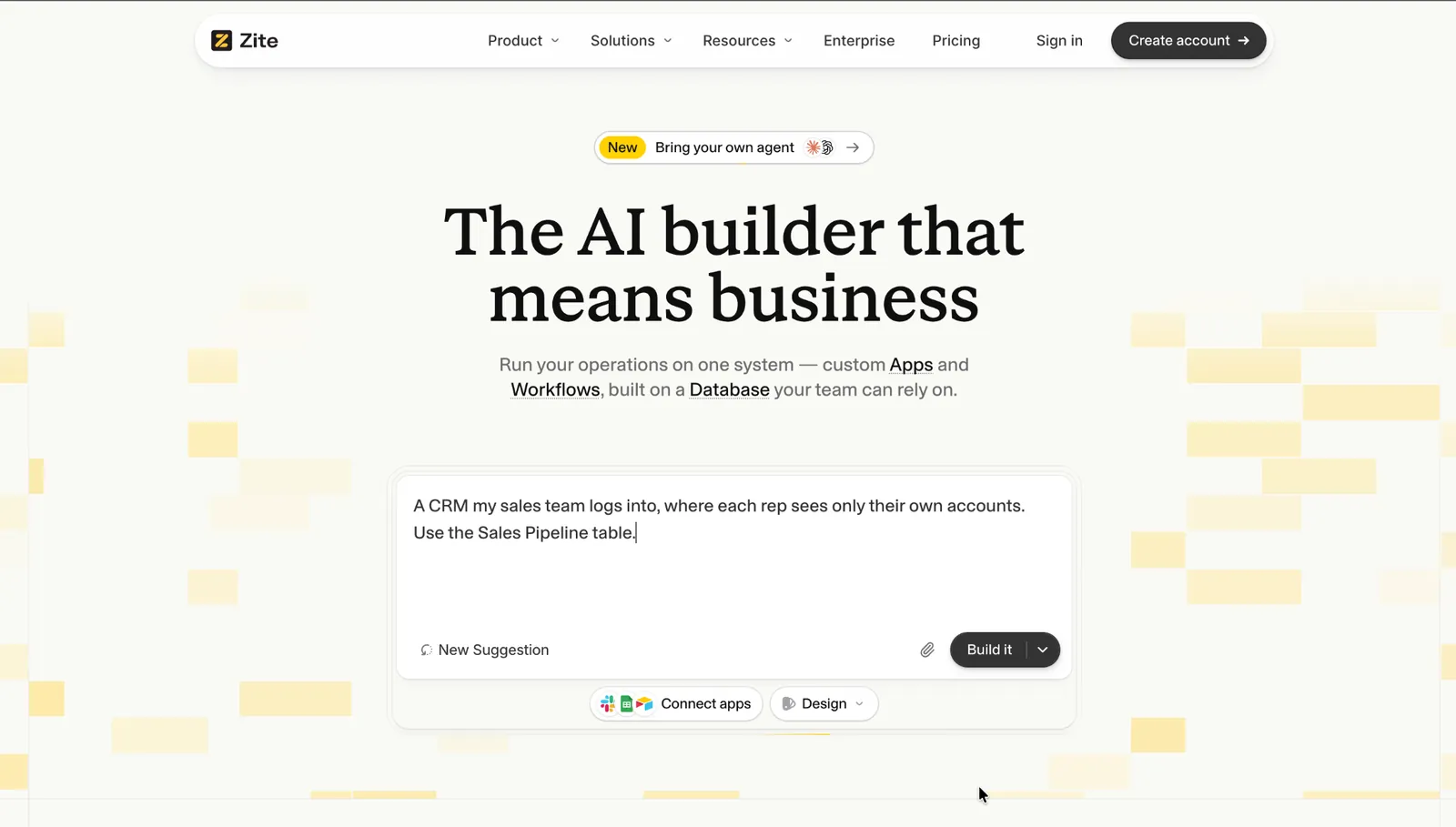
What it does: Zite builds the apps, forms, client portals, and websites you describe in writing, on top of a database that works like a spreadsheet. AI Fields can also fill in or look up details on each record for you.
Best for: Teams that want the database and a client portal in one place.
Each Zite database runs on its own isolated Postgres, per the database page.
Key features
-
Works with data you already have: Connect Airtable, Google Sheets, or Notion to display and update records in place, or import up to 250,000 records at once from Excel or CSV files, per the database page.
-
Linked tables: Link customers to their orders, and lookup and rollup fields pull totals across tables, among 27 field types.
-
Apps, forms, and automations from a description: Tell Zite what your team needs, and it builds the screens they work in, a client portal, and the forms that feed the database. It also builds the workflows behind them, such as notifications, approvals, and follow-ups, and you can read each one's steps.
- Each person sees only their own records, whether a teammate or a client, on every plan including Free, once you describe the rule to Zite. Roles and granular permissions start at Team.
- Unlimited users on every plan, including Free, so a new hire, contractor, or client login never changes the bill.
- Point-in-time restore rolls data back 1 day on Free and 7 days on paid plans, per the restore guide.
- Scheduled workflows start at Business, per the scheduling guide, and granular app sharing and user groups start at Team.
- No native iOS or Android app, since Zite builds web apps, per its build guide.
- Newer platform, so its community and library of pre-built apps are still growing.
What users say
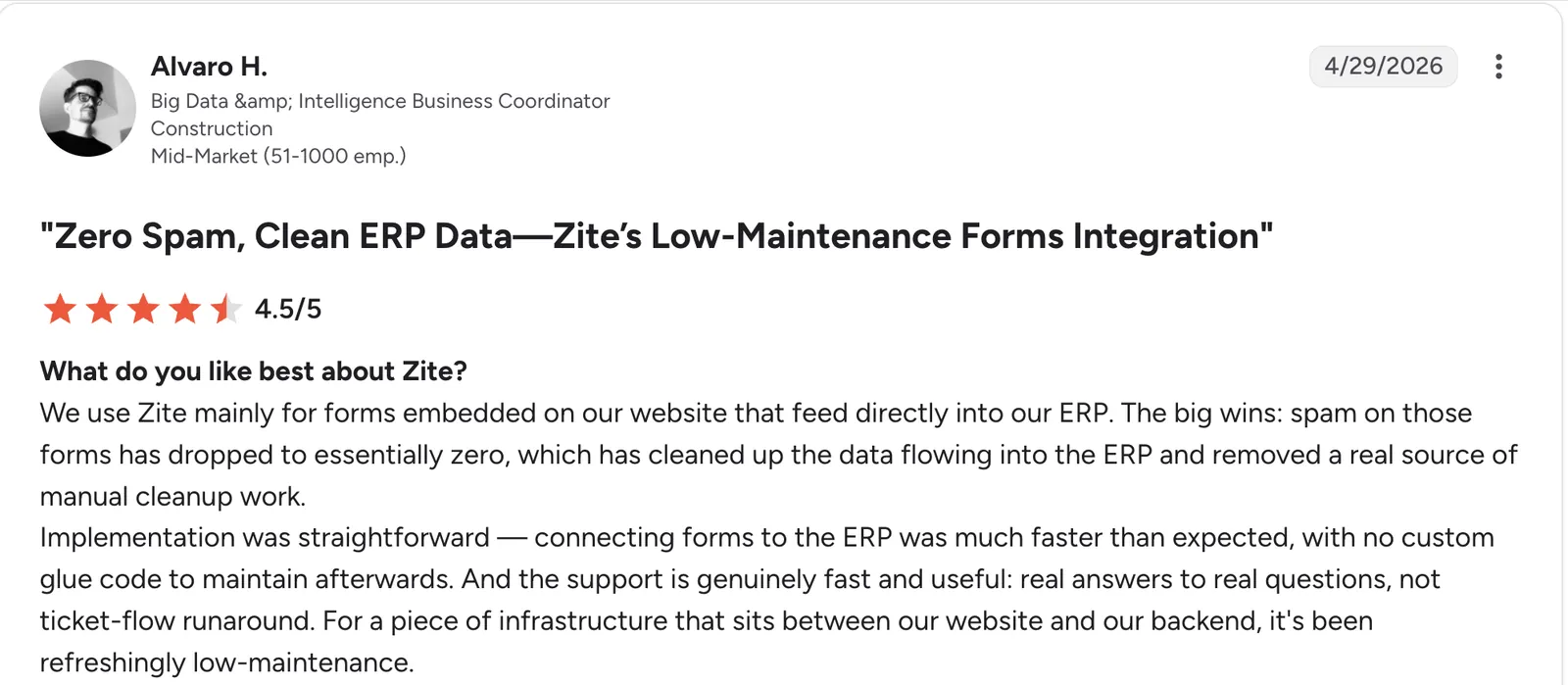
“Implementation was straightforward [...] with no custom glue code to maintain afterward.” Alvaro H, G2

“Right now, when users sign in via Google, the Google consent screen itself shows "Access to Zite," but as a brand, our clients have no idea what "Zite" is, and it erodes trust.” Verified User, Reddit
Pricing
Zite is free with unlimited users and 50 AI credits a month. Paid plans start at $25/month for Pro, with 100,000 records, 100 credits, and a custom domain. Business is $89/month with 250,000 records and 400 credits, Team is $300/month with 800 credits and 1,000,000 records, and Enterprise is custom-priced.
Bottom line
I'd pick Zite over Airtable as soon as you need more than a table, such as an app for your team, a portal for clients, or a form that feeds the database. Every plan includes unlimited users, and paid plans start at $25/month. If your field team needs a native phone app, Zoho Creator builds one. See also this list of AI database software.
2. Airtable: Best for owners who want a database that feels like a spreadsheet
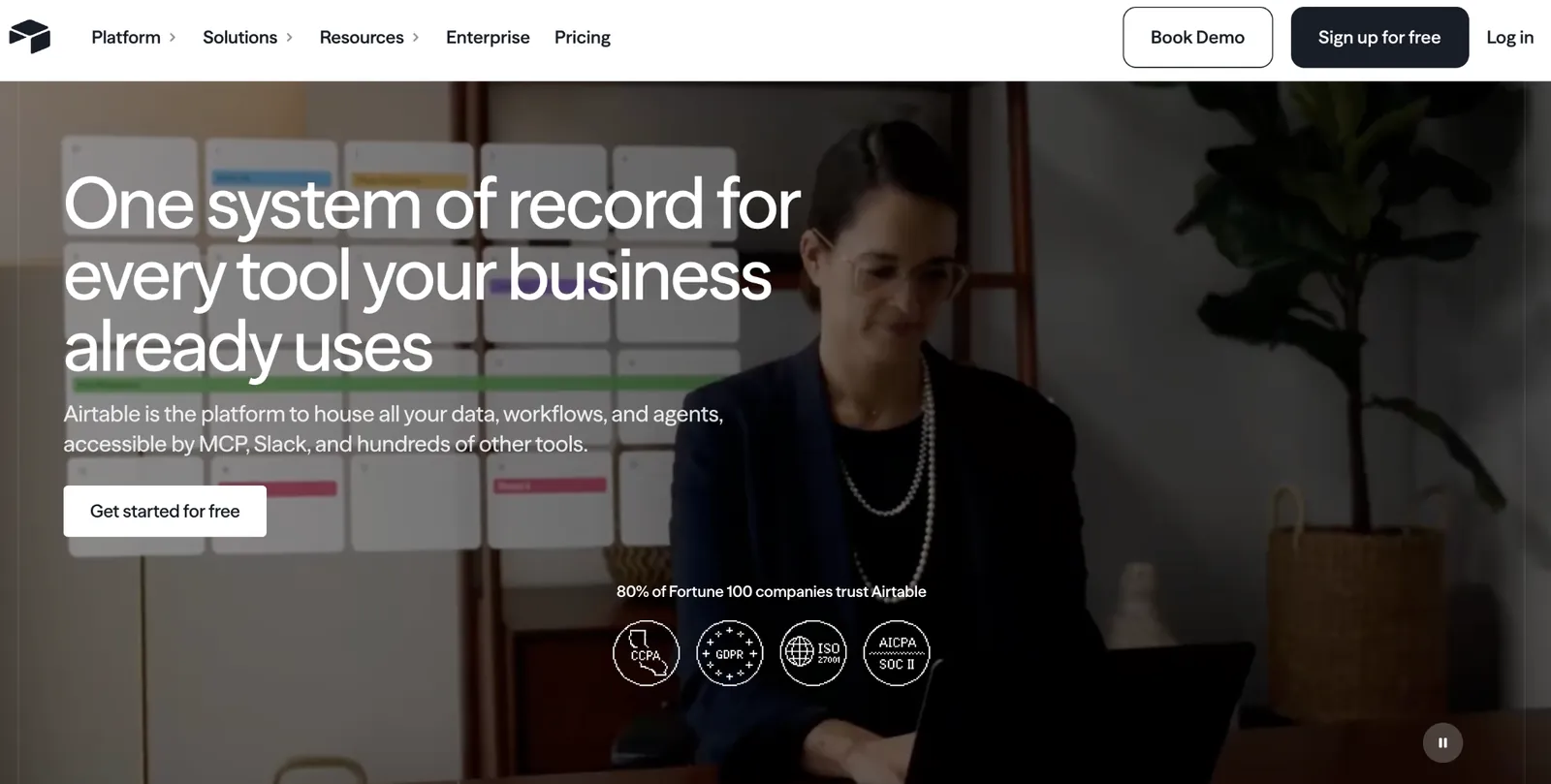
What it does: Airtable organizes data into tables inside bases, with each base holding the records for one project.
Best for: Owners who want a database that feels like a spreadsheet and don't want to learn a new way of working.
A workspace holds a collection of bases and is tied to a plan type. New users can start from a template, from scratch, or by asking Omni to build an app, per Airtable's basics guide.
Key features
-
Timeline and Gantt views: See every project's dates and overlaps on one screen, which the Team plan adds, per Airtable's plan details.
-
Interface layouts: Interface Designer builds screens for teammates in List, Gallery, Kanban, Calendar, and other layouts, per its designer guide.
-
Automations: They start from triggers such as a record being created, updated, or entering a view, and the Team plan allows 100 unique automations per base, per Airtable's automation limits.
- A year of history on the Team plan keeps revision and snapshot history for 1 year, against 2 weeks on Free.
- Free read-only users on every plan, so people who only view records add nothing to the bill, per Airtable's billing rules.
- A larger API allowance on Team, at 100,000 calls a month per workspace against 1,000 on Free.
- Free automations are capped at 100 runs a month, against 25,000 on Team.
- Commenters are billed on Team plans, so a teammate who only comments still costs $24/user/month.
- Bending Spoons announced a deal in August 2026 to acquire Airtable for $1.28 billion, per TechCrunch, so check current plans and pricing before committing.
What users say
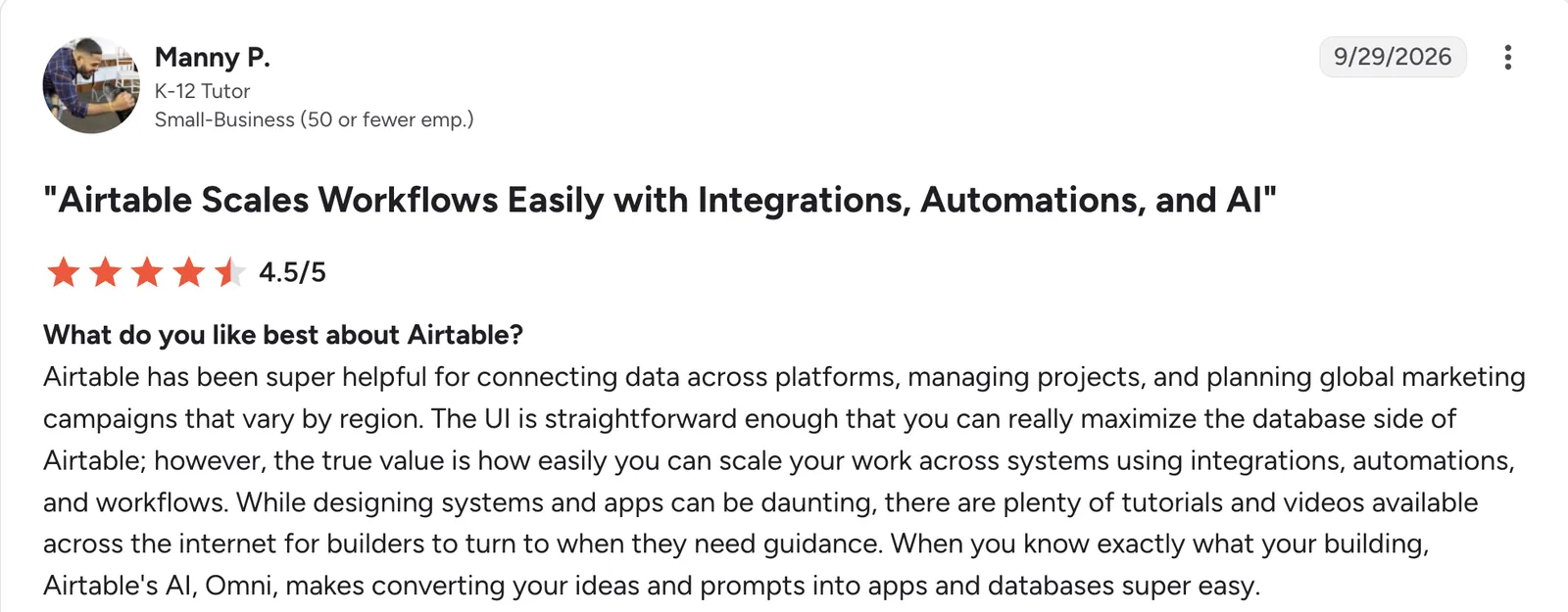
"Airtable has been super helpful for connecting data across platforms, managing projects, and planning global marketing campaigns that vary by region." Manny P, G2

"The successive joins between tables and limitations of 500 columns per table [are] definitely a constraint." Hugo R, G2
Pricing
Airtable is free to start, with up to 1,000 records per base. Paid plans start at $24/user/month for Team, with 50,000 records per base. Business is $54/user/month with 125,000 records per base, and Enterprise Scale is custom-priced.
Bottom line
I'd start here if your team already lives in spreadsheets, since the grid and templates will feel familiar on day one. If you expect more than a few editors, price Zite or Stackby before you commit.
3. Baserow: Best open-source option you can host yourself
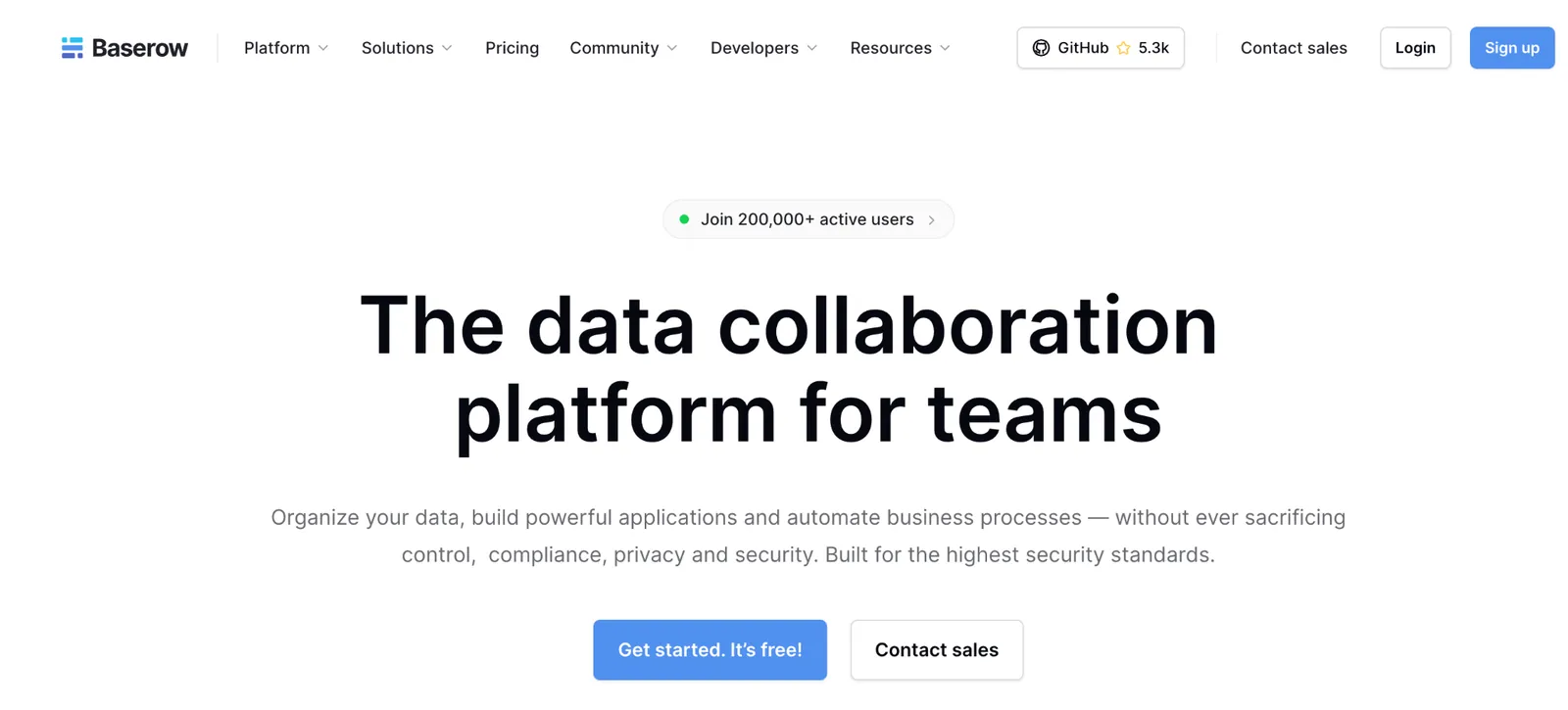
What it does: Baserow is an open-source no-code database that keeps data in tables, grouped into databases inside a workspace.
Best for: Businesses that want control over where their data lives.
Other software can read and write Baserow data through its API, per its technical docs. Its non-premium features are MIT-licensed, per its GitHub README.
Key features
-
Apps and portals: You can build applications and portals and publish them on your own domain (a custom domain needs Advanced on Baserow Cloud), per the GitHub README.
-
Views and templates: The Free plan includes Grid, Form, and Gallery views and 65-plus templates, and paid plans add all views.
-
Automations and AI: Premium adds an AI assistant and 100,000 monthly automation credits per workspace.
- Premium costs half of Airtable's Team plan per user.
- GDPR, HIPAA, and SOC 2 Type II compliance are listed in the GitHub README.
- Self-hosting has no row limit, since Baserow says self-hosted users keep unlimited rows, storage, and row history.
- Workspaces are isolated, so you cannot link tables or share databases across workspaces, per the workspaces guide.
- Self-hosting makes you the operator, including security and backups.
- Role-based permissions start at Advanced, at $22/user/month against Premium's $12.
What users say
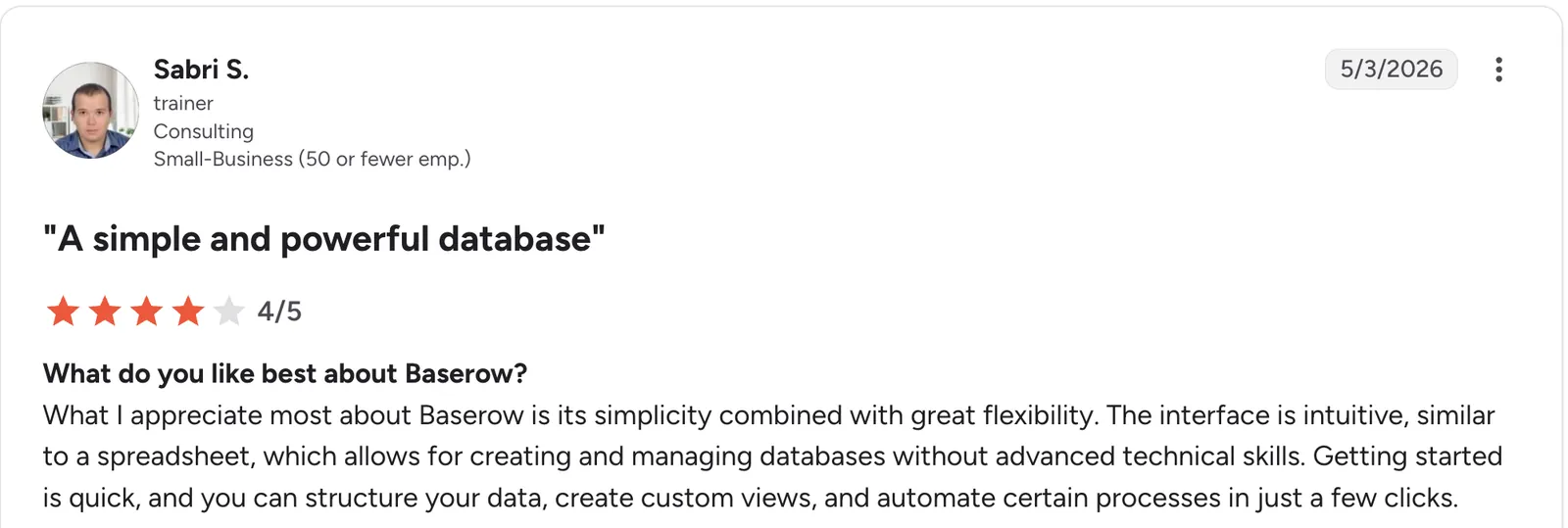
*“What I appreciate most about Baserow is its simplicity combined with great flexibility.” Sabri S, G2

“Learning Curve: Some users might find the initial setup and navigation a bit tricky, especially if they're new to database management.” Louise M, G2
Pricing
Baserow is free to start, and its self-hosted version is free too. Paid plans start at $12/user/month billed monthly for Premium, with 50,000 rows per workspace. Advanced is $22/user/month billed monthly with 250,000 rows per workspace, and Enterprise is custom-priced.
Bottom line
Baserow is the one I'd try first if the idea of your data sitting on someone else's server bothers you. If nobody on your team is comfortable with servers, price Stackby first.
4. Stackby: Best low-cost seats for a small team
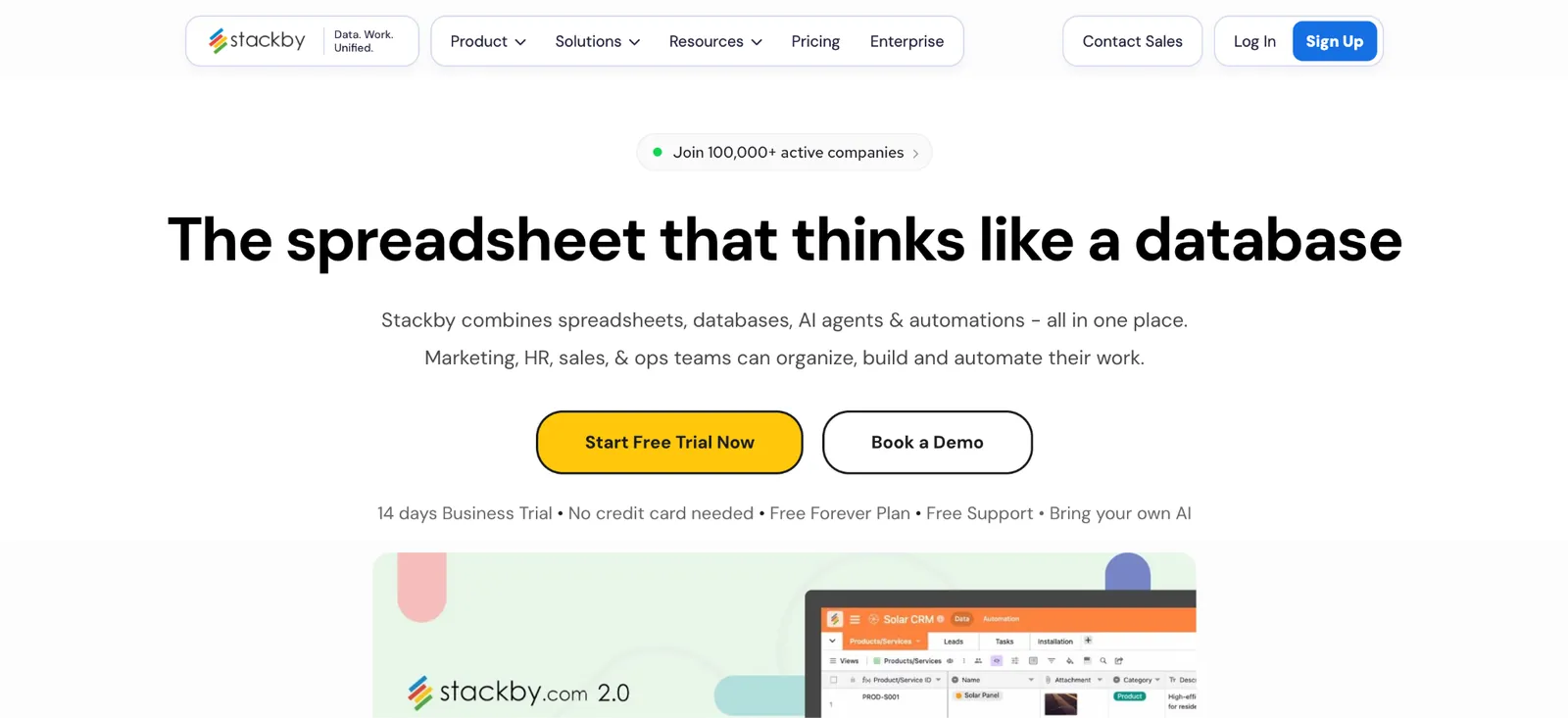
What it does: Stackby is a spreadsheet-style database that shows each table as a grid, kanban, calendar, gallery, or form.
Best for: Small teams that need several people editing the same records.
Invites happen at three levels: The workspace, the stack, and a view within a table, so you can share one view without opening the whole stack, per Stackby's permissions guide.
Key features
-
Stacks: Related tables are grouped into stacks, and each stack holds its own tables and apps.
-
API connectors: A column linked to an outside service pulls its data into the table, and Economy and up refresh it automatically.
-
Activity history and snapshots: Business and Pro keep 12 months of activity history plus database snapshots, and Economy keeps six months of history without snapshots.
- The Free plan includes five editors, enough for a small team to start without paying.
- Economy costs $10/user/month, the lowest paid seat price on this list except AppSheet.
- Read-only guests cost nothing, since every role except Read-only counts as billable, per Stackby's billing guide.
- Row limits apply per stack, at 1,500 on Free and 7,000 on Economy.
- File uploads are capped at 2MB on Free and 5MB on Economy.
- Apps are capped per stack, at one on Free and three on Economy.
What users say
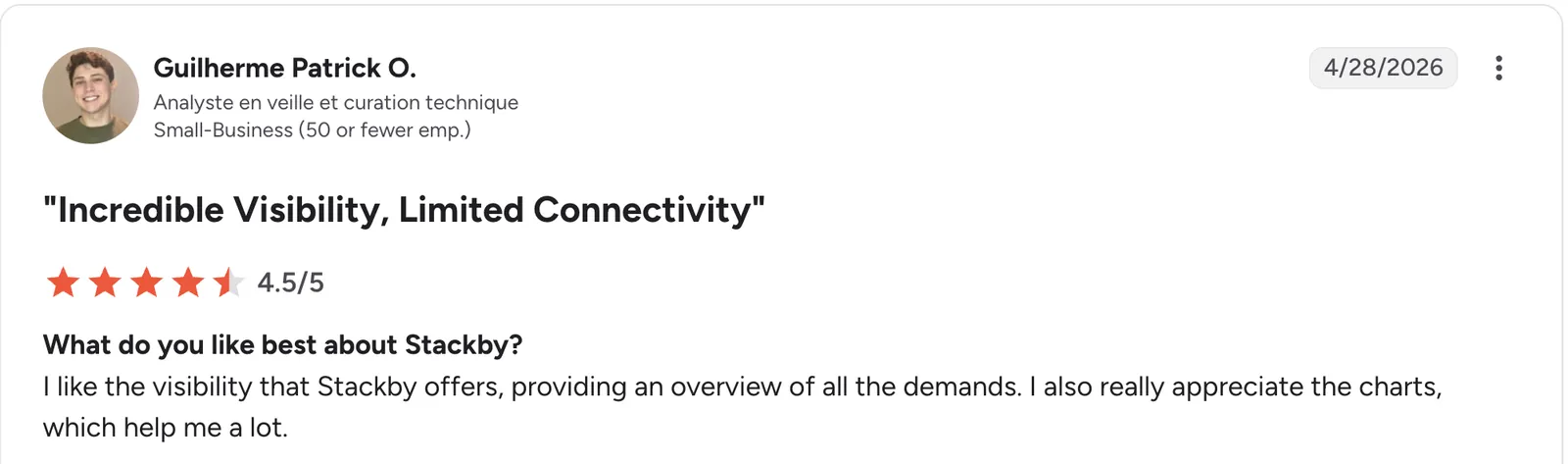
*“I like the visibility that Stackby offers, providing an overview of all the demands.” Guilherme Patrick O, G2

“Since the beginning, I have experienced many glitches and stability issues.” Kseniia L, G2
Pricing
Stackby is free for up to five editors. Its pricing page opens on yearly rates, so switch it to monthly. Paid plans start at $10/user/month for Economy, Business is $18/user/month, and Pro is $30/user/month. Enterprise is custom-priced.
Bottom line
Stackby is the budget pick when several people need to edit. The row caps are the first limit to check against your record count before you sign up.
5. Knack: Best for business apps where every teammate and client needs a login
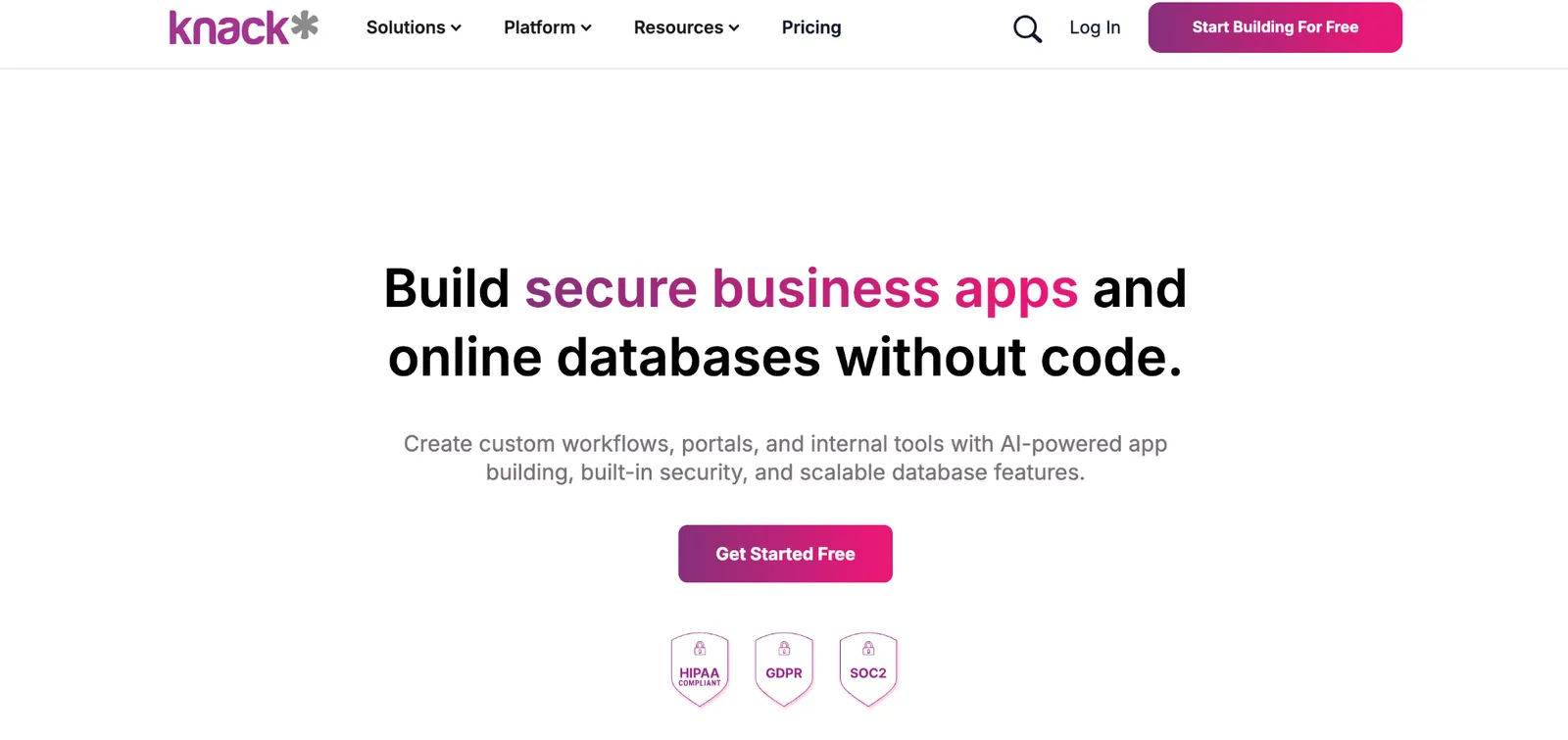
What it does: Knack is a no-code database that turns tables into a live web app for staff and clients.
Best for: Teams that need role-based logins for a whole company or client base.
A Knack app is built from pages, and a page can require a login before anyone sees its contents, per Knack's pages guide.
Key features
-
Connections: Links between tables build a relational database structure, per Knack's terminology guide.
-
Knack Flows: Handles automation and 500-plus integrations without code.
-
AI App Builder: Included on Starter with 25 AI credits.
- Unlimited users and roles on every plan, so adding a client login never raises the price.
- A rising API allowance, from 1,000 calls a day on Starter to 5,000 on Pro and 10,000 on Corporate.
- Corporate includes advanced SSO, app restores, and a longer audit log.
- Starter storage is small, at 2GB against 10GB on Pro.
- Scheduled tasks, branding removal, and a custom domain all require the Pro plan.
- Records are capped by plan, at 20,000 on Starter and 50,000 on Pro.
What users say
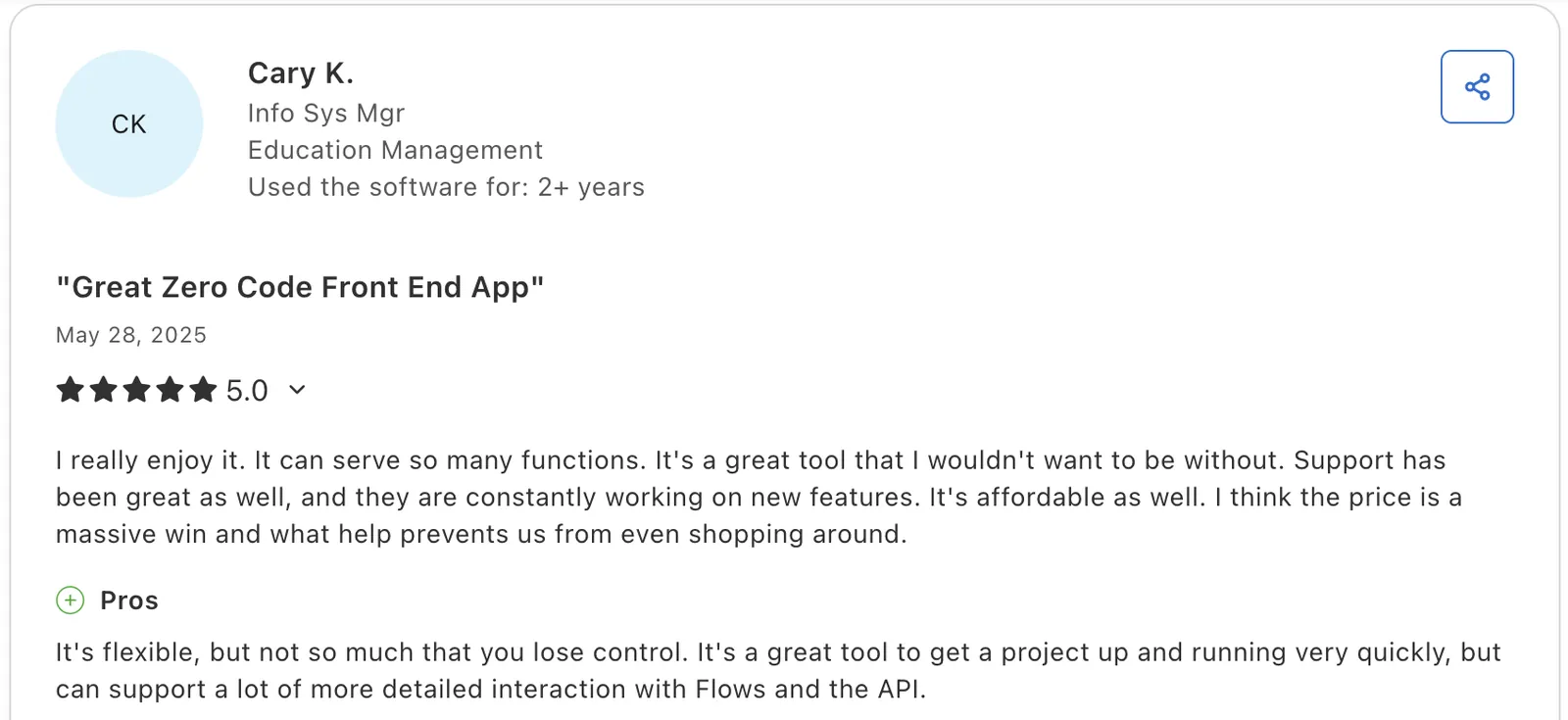
"It's a great tool to get a project up and running very quickly." Cary K, Capterra*

"There is no log that keeps track of changes made in the database builder." Martin S, Capterra
Pricing
Knack has no free plan. Starter is $59/month with unlimited users. Pro is $130/month, Corporate starts at $300/month, and Enterprise is custom-priced.
Bottom line
Knack makes sense when one price for the whole team matters more than a free tier. Use the 14-day trial to test your first page and login flow.
6. SmartSuite: Best for teams that want ready-made workflow templates
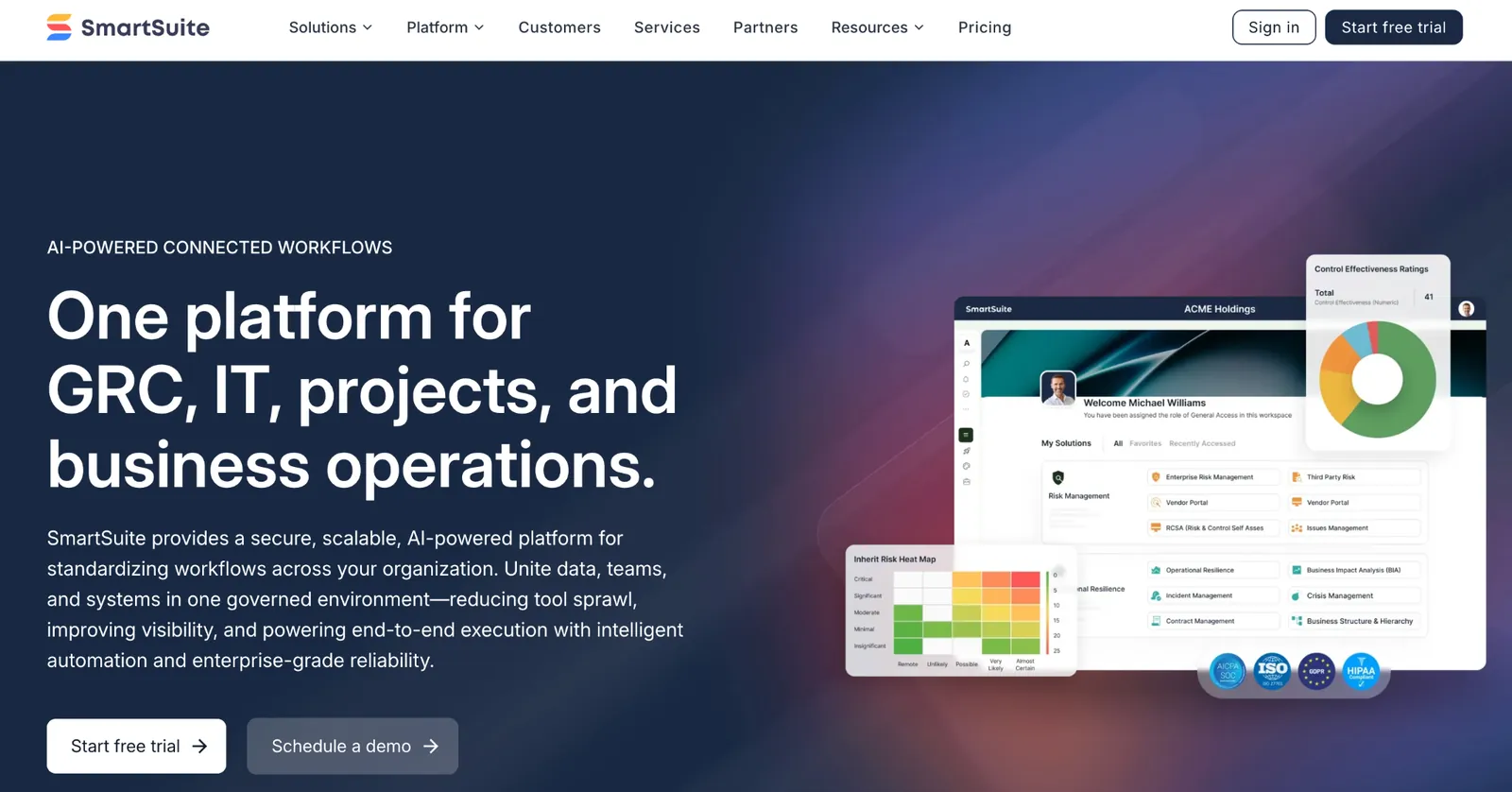
What it does: SmartSuite organizes work into solutions, and each solution holds tables, records, and fields.
Best for: Teams that want a starting template for workflows such as project tracking or IT requests.
Each workspace acts as a separate SmartSuite account with its own payment plan, per its structure guide.
Key features
-
Nine view types: Each table can be shown as grid, card, kanban, calendar, timeline, map, chart, Gantt, or dashboard.
-
Linked records with dynamic filtering: Lets people narrow the records they can link by picking field values on the spot, per SmartSuite's linked record guide.
-
Email integrations: The Professional plan adds Gmail and Outlook integrations.
- 50GB of file storage per solution comes with the Team plan.
- A 30-day recycle bin recovers deleted records.
- SmartSuite AI is included on the Team plan.
- The Team plan needs at least three billable users, so a one- or two-person business pays for seats it won't use.
- The Team plan caps each solution at 5,000 records.
- Automation runs are capped at 25,000 a month, shared with API calls, on Team.
What users say
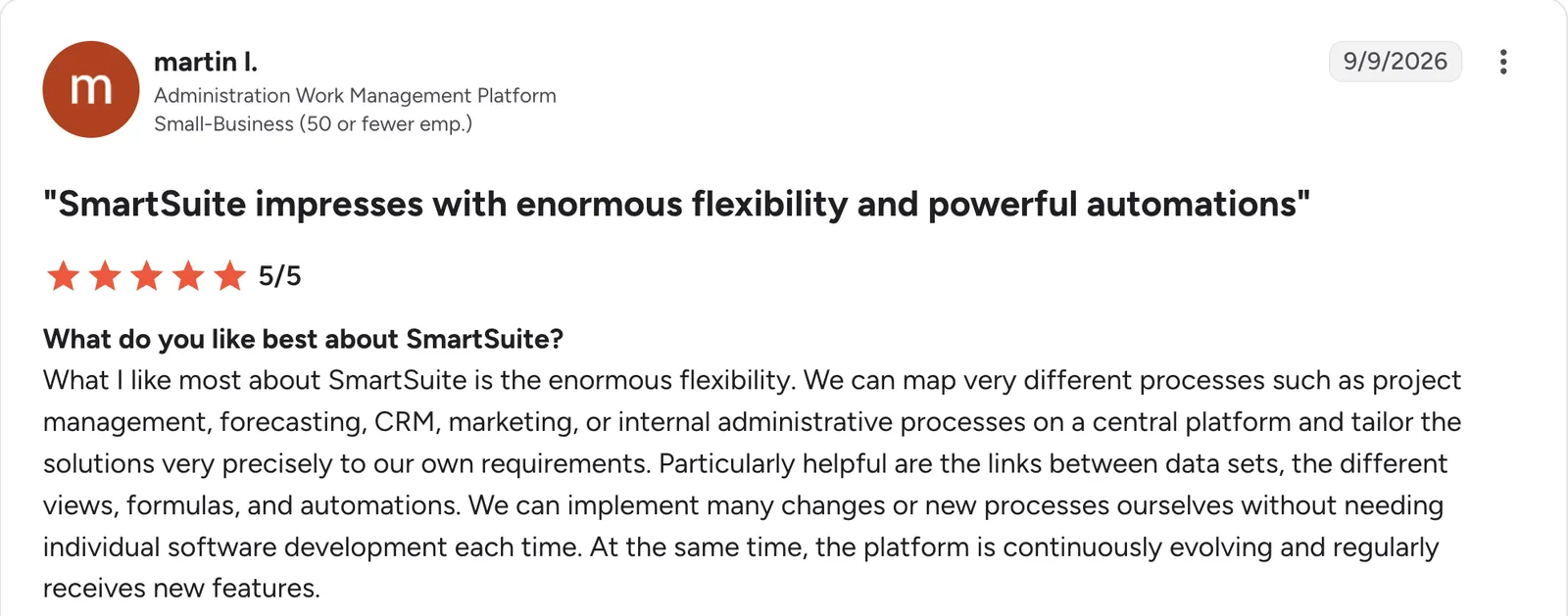
“What I like most about SmartSuite is the enormous flexibility.” Martin I, G2

“The interface is not the prettiest or intuitive.” Michelle L, G2
Pricing
SmartSuite has no free plan. Paid plans start at $20/seat/month for Team, with a three-seat minimum. Professional is $36/seat/month with a five-seat minimum and 100,000 records per solution. Enterprise and Signature are custom-priced.
Bottom line
SmartSuite suits a team that wants to start from a template instead of a blank table. Price the Team plan first.
7. Zoho Creator: Best for teams already working in Zoho apps
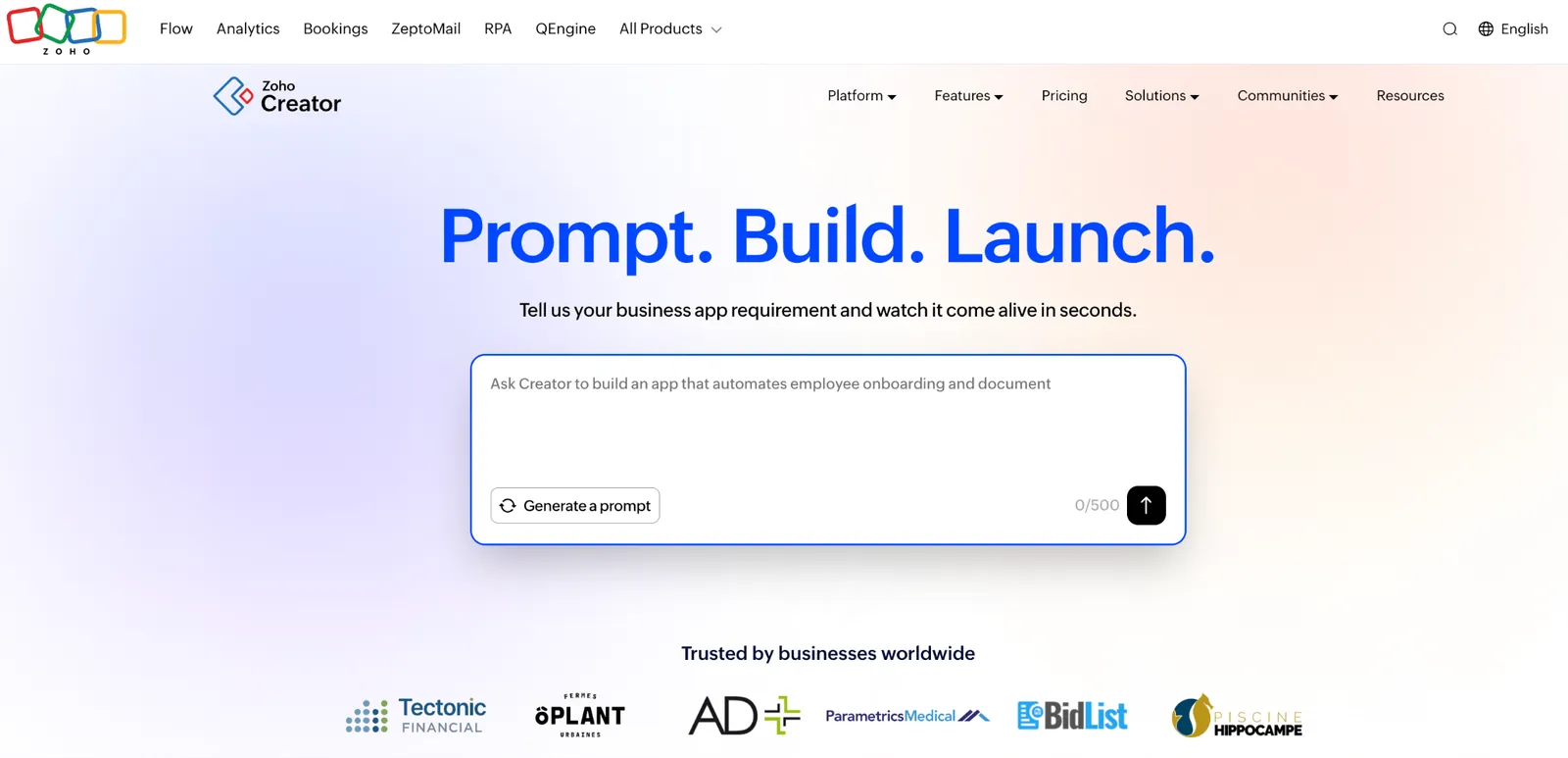
What it does: Zoho Creator is a low-code app builder where forms, reports, and pages make up each custom app.
Best for: Businesses already using Zoho apps that want custom apps connected to them.
You can build by dragging elements onto a canvas or by describing the app to Plan Agent, which turns the idea into a requirements document, per Zoho's overview.
Key features
-
Native mobile apps: Every app you build comes with a native iOS and Android version, per Zoho's overview.
-
Customer portals: People outside your company can view order details, track service progress, and raise requests, per Zoho's portal page.
-
Deluge scripting: Developers can add custom logic to apps with Deluge, Zoho's own scripting language, per its developer page.
- The 15-day trial needs no card, and the account then moves to the Free plan automatically, per Zoho's free app builder page.
- Zoho lists SOC 2, GDPR, HIPAA, and HDS compliance for Creator.
- Open REST APIs let outside services connect to your apps with standard HTTP calls.
- Portal users cost extra, since portal access is an add-on licensed by the number of external users.
- The Standard plan allows one application, so a second app means moving up to Professional.
- Building apps takes more learning than filling in a spreadsheet-style table.
What users say
*“The ability to make custom applications [tailored] specifically to our needs.” David L, G2

“Facilitating connections between fields and reports without programming is challenging.” Eric G, G2
Pricing
Zoho Creator has a Free Edition that starts with one custom app. Paid plans start at $12/user/month for Standard, Professional is $30/user/month, and Enterprise is $37/user/month. Flex is custom-priced.
Bottom line
Choose Zoho Creator if Zoho already runs your sales or accounting. For general internal tools, this guide to the internal tool builders compares more options.
8. AppSheet: Best for building apps on data you already keep in Google Sheets
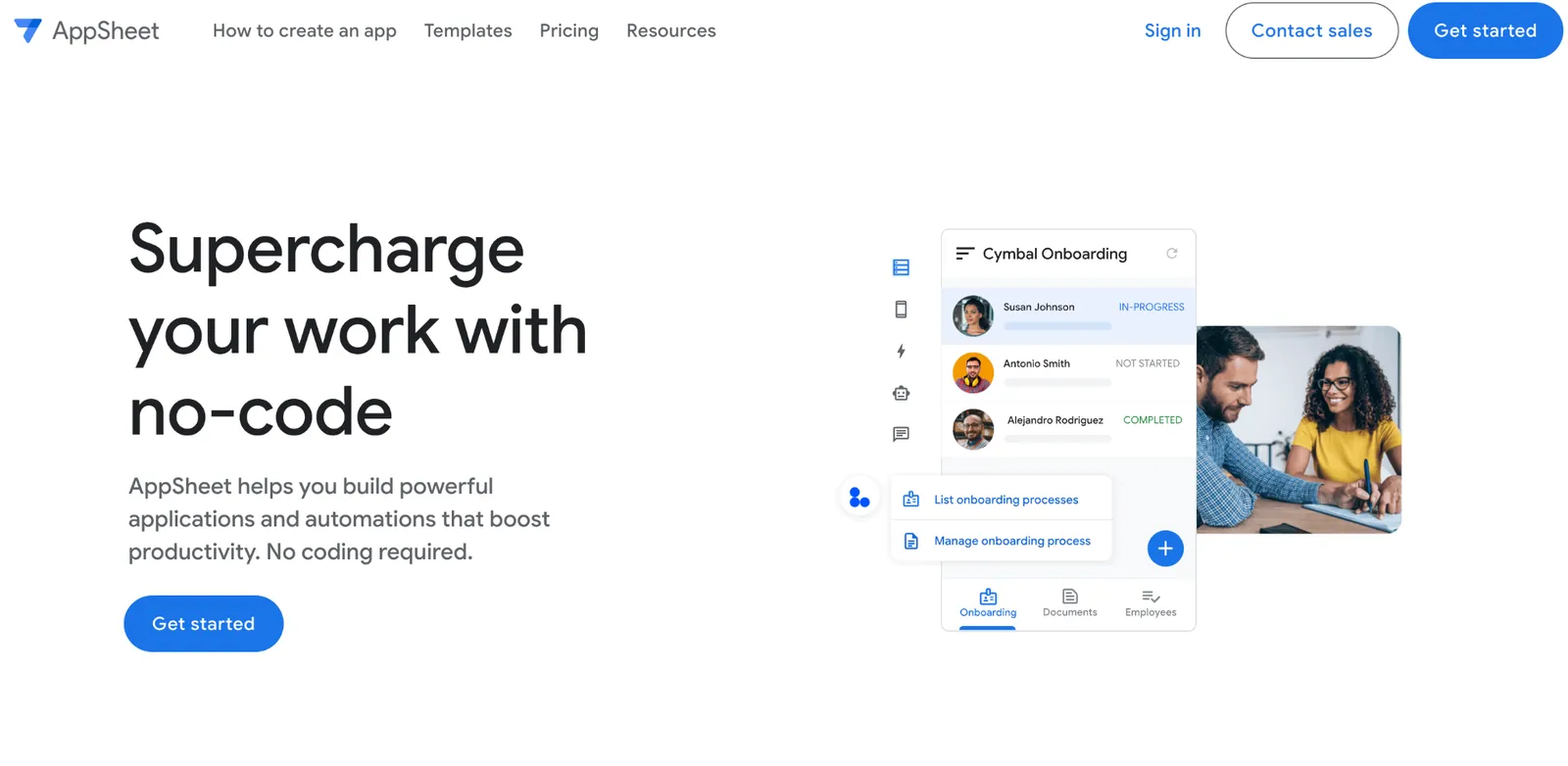
What it does: AppSheet is Google's no-code app builder.
Best for: Teams whose data already lives in Google Sheets and who want an app on top of it.
AppSheet converts a Google Sheet into an app when you click Go in its add-on pane, per Google's add-on guide.
Key features
-
Offline use: Apps store their definition and data on the phone, so they work without a connection after a first online launch, per Google's offline guide.
-
Barcode and NFC scanning: Core adds barcode and NFC scanning, which Starter lacks.
-
Security controls: The Core plan adds application security controls and email support.
- Core is included in Google Workspace Business Starter, Standard, and Plus.
- AppSheet is SOC 2 Type 2 audited, per Google's IT FAQ.
- Your data stays in the storage you choose and only passes through the service on its way to the phone.
- The built-in database caps at 2,500 rows per database on Starter and Core.
- Starter and Core connect only to spreadsheets and cloud file storage, and cloud databases, APIs, and SaaS services need Enterprise Plus.
- Sheet filters can hide rows from the app, since a standard filter on the Sheet makes filtered rows invisible to updates.
What users say
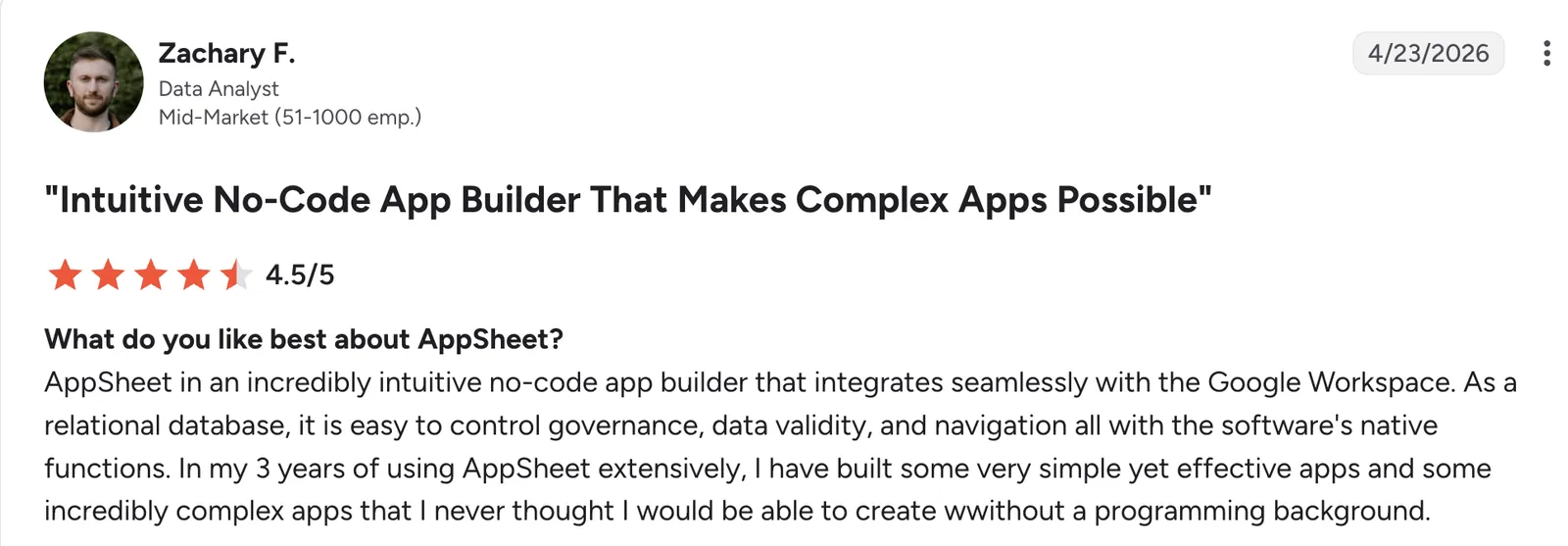
“AppSheet [is] an incredibly intuitive no-code app builder that integrates seamlessly with the Google Workspace.” Zachary F, G2

“Some cons of AppSheet are that when you’re working with very large datasets, the app can become slow.” Hemant K, G2
Pricing
AppSheet is free to build and test with up to 10 users. Paid plans start at $5/user/month for Starter, Core is $10/user/month, and Enterprise Plus is $20/user/month. Publisher Pro, for public apps, is $50/app/month.
Bottom line
AppSheet fits a team that already trusts Google Sheets with its data. If you are weighing it against moving off Sheets entirely, this list of Google Sheets alternatives shows the other routes.
9. Microsoft Access: Best for a single-office database on Windows
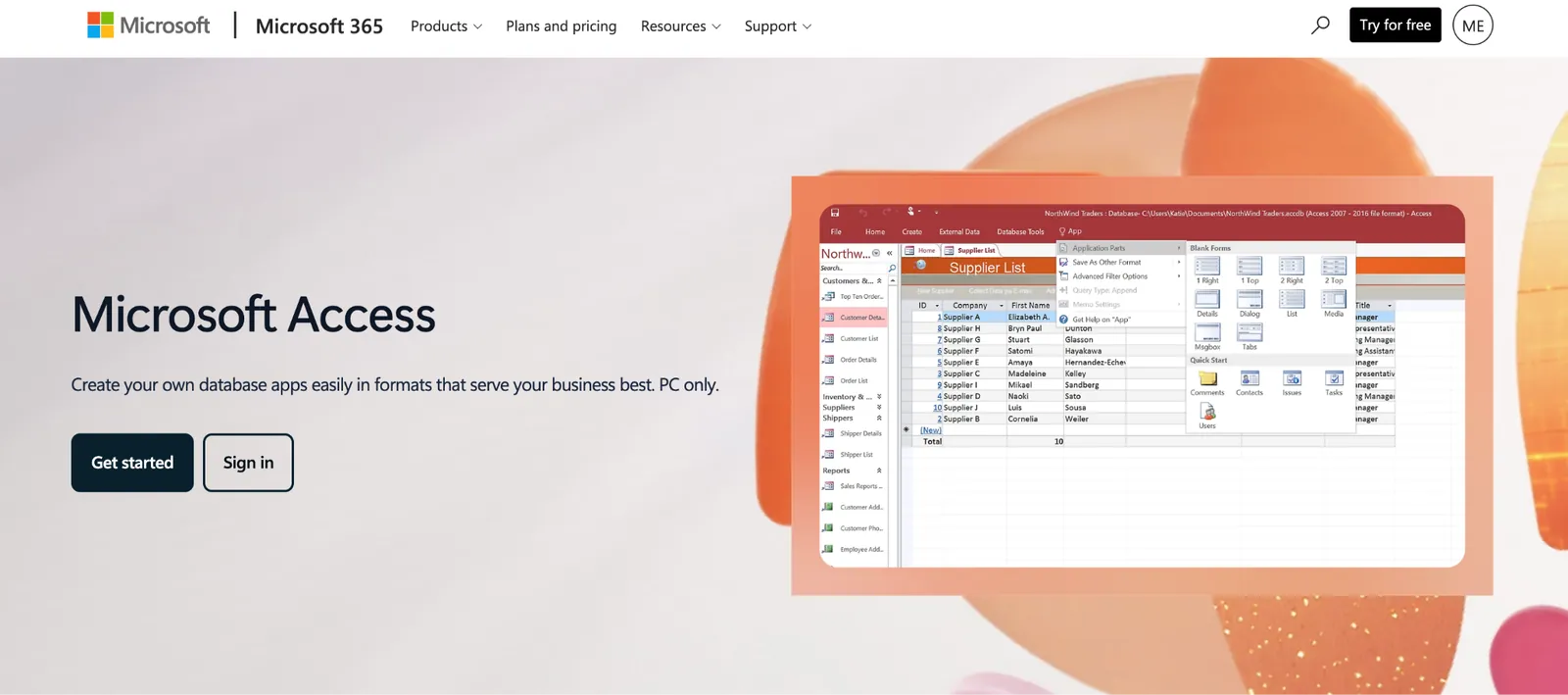
What it does: Microsoft Access is a desktop database program that stores data in tables on your own computer.
Best for: A small office that tracks inventory, contacts, or business processes in a local database.
A new database starts from a blank file or from a template such as Inventory, Asset Tracking, or Sales Pipeline, per Microsoft's templates page.
Key features
-
Queries and reports: Pull the records you need and print them as formatted reports.
-
Forms: Give staff a screen to enter data without touching the tables.
-
Four ways to share: A single database, a split database, a SharePoint site, or a database server, per Microsoft's sharing guide.
- No code is needed to build a database, and Microsoft says you don't have to be a database expert, per its training page.
- A documented path to Dataverse, Microsoft's cloud database, exists for when the file outgrows one office, per the migration guide.
- Data can live in SQL Server or Azure SQL, so a growing database doesn't have to stay in a single file, though SQL hosting needs its own subscription, per Microsoft's Access page.
- It is PC only, per Microsoft's Access page.
- There is no web version, since Microsoft no longer recommends creating Access web databases, per its web sharing page.
- Support has ended for Access 2016 and 2019 as of October 14, 2025.
What users say
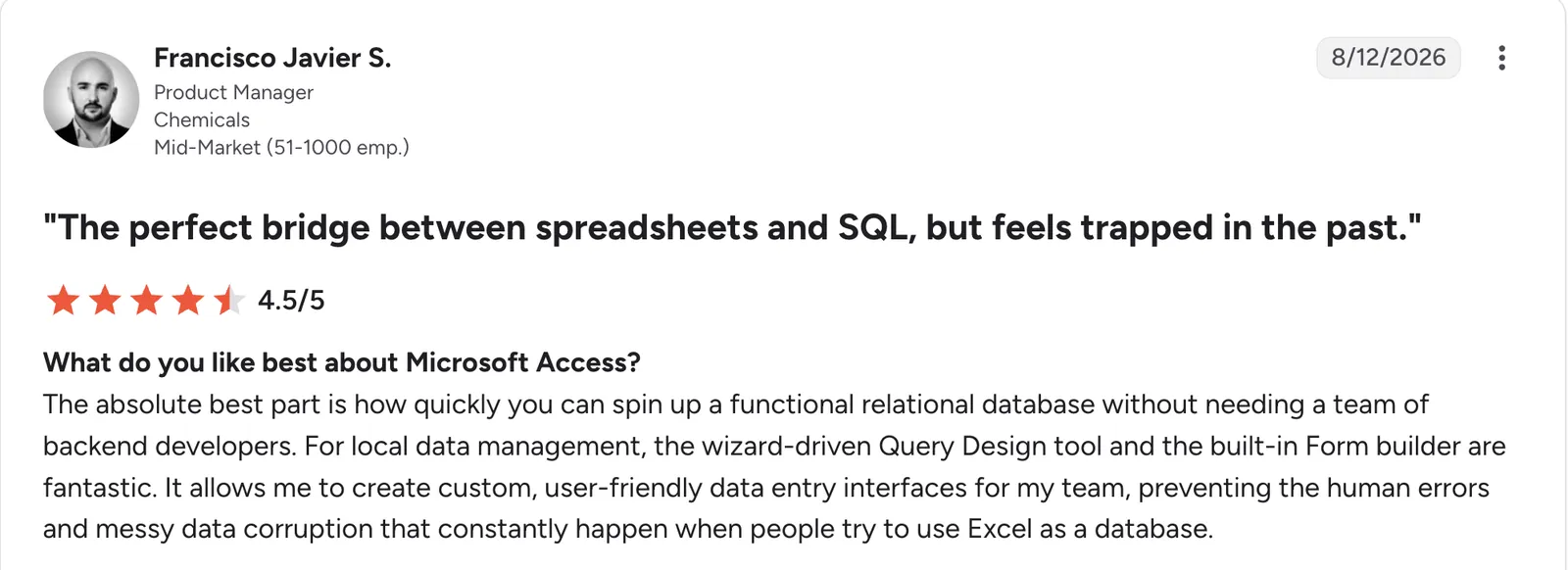
“The absolute best part is how quickly you can spin up a functional relational database without needing a team of backend developers.” Francisco Javier S, G2

“It is not useful when you have [a] large number of users to collaborate with; it becomes slow, and the UI is not that great.” Nitin S, G2
Pricing
Access comes with a Microsoft 365 subscription. Business plans start at $12/user/month for Microsoft 365 Apps for business on a monthly subscription, or $10/user/month paid yearly, and Microsoft's support page confirms the plan includes Access.
One person can also get Access through Microsoft 365 Personal at $9.99/month. Microsoft's Access page also names Access 2024 as the latest version sold as a one-time purchase.
Bottom line
Access still works for a small office that stays on Windows. If you need people on Macs or in the field, pick one of the cloud tools above.
10. PostgreSQL: Best free database engine if a technical person will run it
What it does: PostgreSQL is a free database engine that stores your records in linked tables, per its documentation.
Best for: Businesses with a developer or IT contractor on hand.
Work on the PostgreSQL project began at the University of California, Berkeley, in 1986, per the project's about page.
Key features
-
ACID compliance: PostgreSQL has been ACID-compliant since 2001, so records stay consistent when several people write at once.
-
Flexible records: It can store loosely structured data, such as web form submissions, next to ordinary tables.
-
Platforms: It runs on all major operating systems, so your developer can host it on whatever server you already pay for.
- No per-user license fee, since the project uses a liberal open-source license.
- Five years of support come with each major version, per the project's versioning policy.
- Developers use it widely, with 55.6% of respondents in Stack Overflow's 2025 survey saying they did extensive development work in it over the past year.
- There are no built-in screens, so your team has to build the forms they type into.
- Routine vacuuming runs automatically through the autovacuum daemon, but you may need to tune its settings for your workload, per the vacuuming docs.
- Major upgrades take extra steps, since the versioning policy requires a dump and reload or pg_upgrade.
What users say
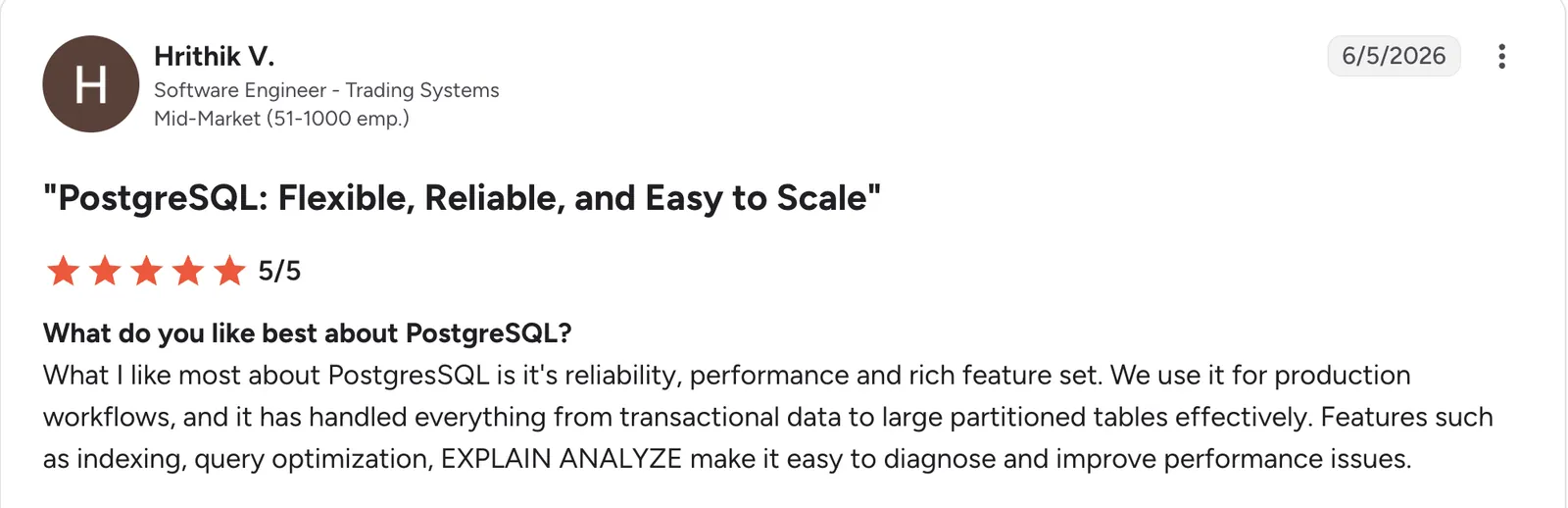
“What I like most about PostgreSQL is [its] reliability, performance and rich feature set.” Hrithik V, G2

“One common complaint is that PostgreSQL may require more manual performance tuning as databases grow.” Antonio M, G2
Pricing
PostgreSQL has no license fee. Your costs come from the server or managed hosting you choose.
Bottom line
PostgreSQL is the right engine if you already work with a developer. Without one, budget for managed hosting.
11. MySQL: Best free database engine for websites run by a developer
What it does: MySQL is Oracle's open-source SQL database server.
Best for: A business whose website or app is built by a developer who already knows MySQL.
MySQL runs as a client/server system, where a multithreaded SQL server answers requests from client programs, per the MySQL manual.
Key features
-
Replication and clustering: Copies of your database can run on more than one server, per the product page.
-
InnoDB storage: InnoDB is the default storage engine, and its operations follow the ACID model, per the MySQL manual.
-
Platforms: MySQL runs on more than 20 platforms and operating systems, including Linux, Unix, Mac, and Windows.
- A large open-source community supports it, per Oracle's product page.
- It ranked second among databases in Stack Overflow's 2025 survey, with 40.5% of respondents saying they had done extensive development work in it over the past year.
- Paid support exists through Oracle's commercial editions, with 24x7 access to MySQL support engineers, per the Enterprise page.
- Upkeep is yours unless a hosting provider handles it, from security to backups.
- Embedding MySQL in a commercial application you sell can require a paid license, since the free edition is GPL, per the MySQL manual.
- No admin screens come with it, so plan for a tool like phpMyAdmin or a custom front end.
What users say
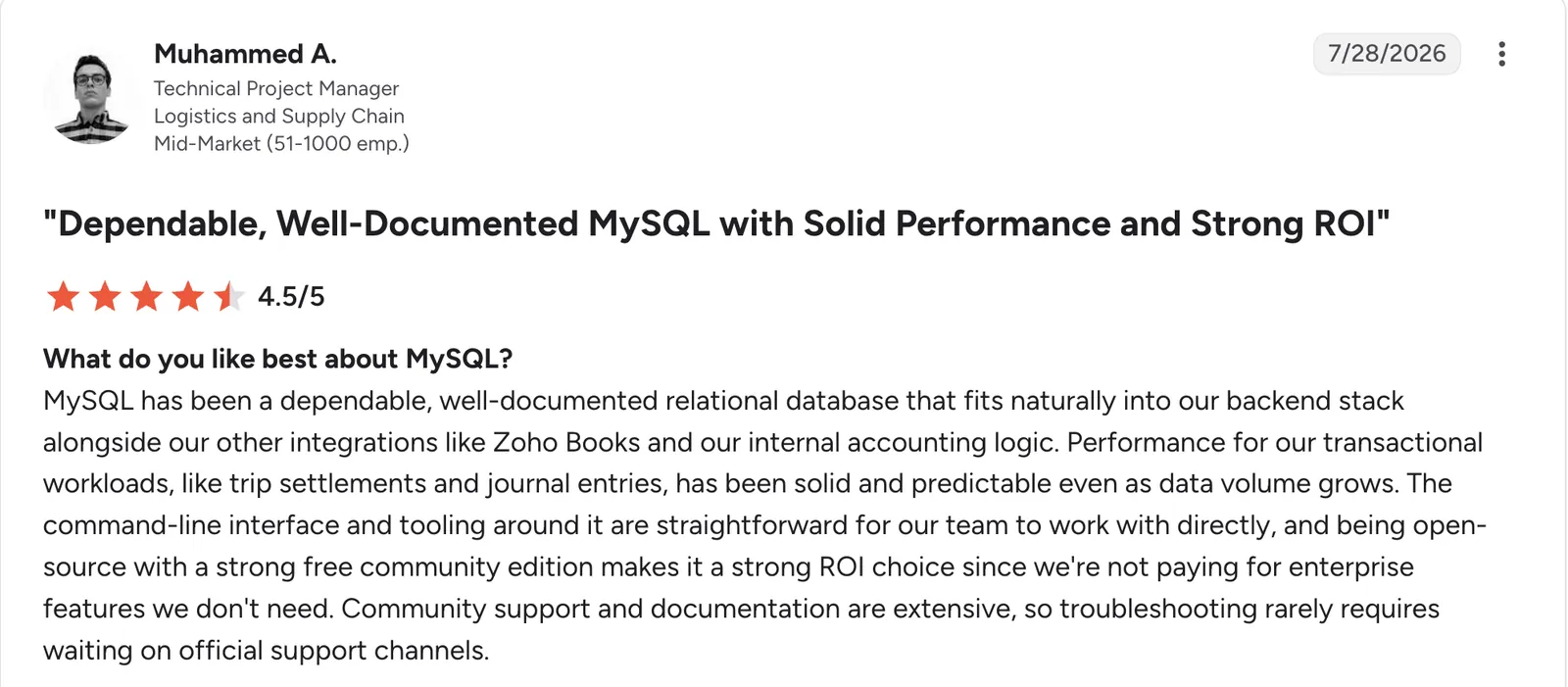
“MySQL has been a dependable, well-documented relational database that fits naturally into our backend stack.” Muhammed A, G2

“One thing I dislike about MySQL is that some advanced features such as window functions, common table expressions, and JSON support arrived later than they did in some other relational databases.” K Vasanth K, G2
Pricing
The Community edition is free under the GPLv2 license. Oracle also sells paid editions with commercial support, priced per server, and publishes no dollar amounts. For the free edition, you pay only for hosting.
Bottom line
MySQL is a safe pick when your developer already uses it. For a business starting fresh, ask your developer which engine they would rather run.
What the free plans and the cheapest paid plans allow
Zite's Free plan holds 5,000 records, while Airtable's holds 1,000 per base, so the same customer list can fit on one and overflow the other.
Here are the free-plan limits and the cost for five editors:
| Tool | Free plan allows | Five editors, cheapest paid plan |
|---|---|---|
| Zite | 5,000 records, unlimited users | $25/month for the team |
| Airtable | 1,000 records per base | $120/month |
| Baserow | 3,000 rows per workspace | $60/month |
| Stackby | 5 editors, 1,500 rows per stack | $50/month |
| Zoho Creator | Free Edition with one custom app | $60/month |
| Knack | Trial only | $59/month for the team |
| SmartSuite | Trial only | $100/month |
| AppSheet | Test with up to 10 users | $25/month |
The five-editor column multiplies each per-user price by five, and Zite and Knack charge one price for the whole team.
Baserow can also be self-hosted, and the company says self-hosted users keep unlimited rows, storage, and row history, so a team that can run a server avoids the 3,000-row cloud cap.
In the five-editor column, Airtable's $120/month is the highest of the per-seat tools. For more tools in this price range, this roundup of no-code app builders covers the wider field.
Customer database or general business database
A customer database is the narrower job, holding contacts, deals, and conversation history. A general business database holds more, such as inventory, orders, and projects.
Airtable, Zite, Baserow, and Stackby can each hold customers as one table next to orders and projects. A CRM adds pipeline stages, email logging, and reminders on top.
If tracking deals is your main need, start with this comparison of CRM software and come back here for everything else.
What to check before you commit to database software
Run these four checks before you move your data.
Here are the four checks:
-
Record limits: Compare each plan's cap with your current list, since the Free plans here hold between 1,000 and 5,000 records or rows.
-
Seat pricing: Airtable bills every editor, and Zite and Knack charge one price for the whole team.
-
Security: Look for a published audit, such as the SOC 2 Type II audits that Zite and Airtable both state.
-
Importing your data: Confirm your current data can move in, for example, Zite's import of CSV files, Google Sheets, and Airtable bases.
Which database software should you choose?
Start with how many people need access and whether anyone technical is on your team.
Choose Zite if you:
-
Need clients or contractors to log in without paying for each one.
-
Want the database and the app on top of it in one place.
-
Work in spreadsheets today and want to import Excel or CSV files, or connect Google Sheets, and have Zite build the app on top.
Choose Airtable if you:
-
Work in spreadsheets today and want the easiest start.
-
Expect to stay under three or four editors.
Choose Baserow if you:
-
Want to host the database on your own server.
-
Need a lower per-seat price than Airtable.
Choose Stackby if you:
-
Need several editors on a tight budget.
-
Have a record count that fits within the per-stack row caps.
Choose Knack if you:
-
Want to lay out each page and login screen yourself.
-
Need 500-plus integrations through Knack Flows without code.
Choose SmartSuite if you:
-
Have at least three people who will use it.
-
Want to start from a ready-made template instead of a blank table.
Choose Zoho Creator if you:
-
Already use Zoho apps for sales or accounting.
-
Want native mobile apps for people in the field.
Choose AppSheet or Access if you:
-
Already keep your data in Google Sheets (AppSheet).
-
Run everything on Windows PCs in one office (Access).
Choose PostgreSQL or MySQL if you:
- Have a developer who will build the screens and run the server.
Skip this category entirely if:
- One person edits a single list that fits in a spreadsheet.
Final verdict
My pick for the best database software for small business is Zite, since it ties for the easiest setup on this list, its Free plan holds 5,000 records, and extra users or client logins add nothing to the bill. Airtable wins when a spreadsheet feel matters most, Baserow wins when you want to self-host, and PostgreSQL or MySQL only make sense with a developer on hand.
If per-seat costs or client logins are what is pushing you off a spreadsheet, try Zite's free plan first.
Frequently asked questions
Which database is best for a small business?
The best database for a small business is Zite if you want apps and client logins on top of your records, and Airtable if you want a spreadsheet-style tool. Baserow and Stackby fit when per-seat costs matter most. A traditional engine such as PostgreSQL only makes sense when a developer will run it.
What is the most commonly used database software?
The most commonly used database software among respondents to Stack Overflow's 2025 survey is PostgreSQL, at 55.6%, measured by those who had done extensive development work in it over the past year. MySQL follows at 40.5%.
Does Microsoft still have a database program?
Microsoft still has a database program in Access, and its Access page lists Access 2024 as the latest version sold as a one-time purchase. Access is PC only, and Access 2016 and 2019 lost support on October 14, 2025.
What is the best free database software for a small business?
The best free database software for a small business is Zite, whose Free plan holds 5,000 records with unlimited users, more than most of the no-code tools here. Baserow's Free plan holds 3,000 rows per workspace, and Airtable's holds 1,000 records per base.
What is the least confusing database software for a beginner?
The least confusing database software for a beginner is Airtable or Zite. Airtable works like a spreadsheet, and Zite sets up the tables for you from a written description. Baserow, Stackby, and SmartSuite also rate low on setup effort, and PostgreSQL and MySQL are the hardest to start with.