

Overview
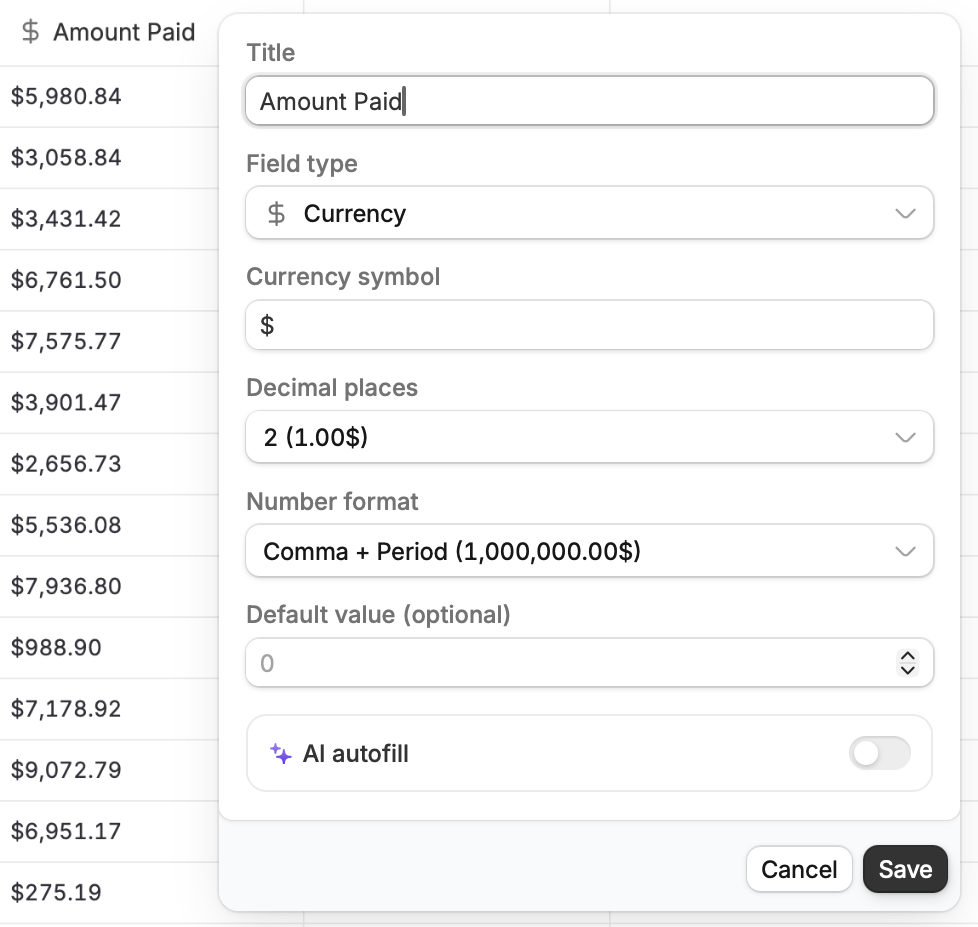
As your needs change, Zite stays flexible so you can adapt your database structure anytime. You can edit, convert, hide, sort, and perform other field configurations to keep your data organized, without affecting the actual records.Edit field
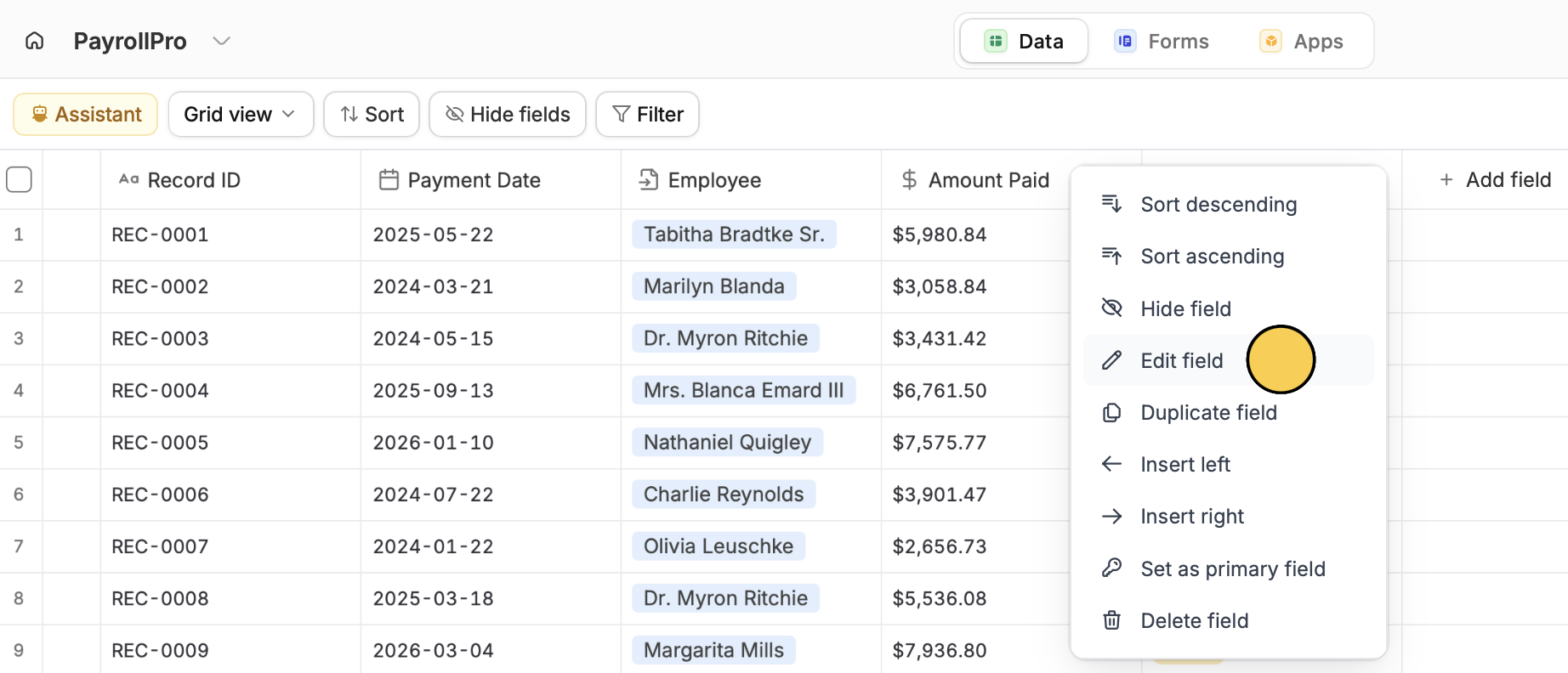
Right-click on a column toEdit field. From here, you can also duplicate, hide, sort, and delete the field.
Convert field type
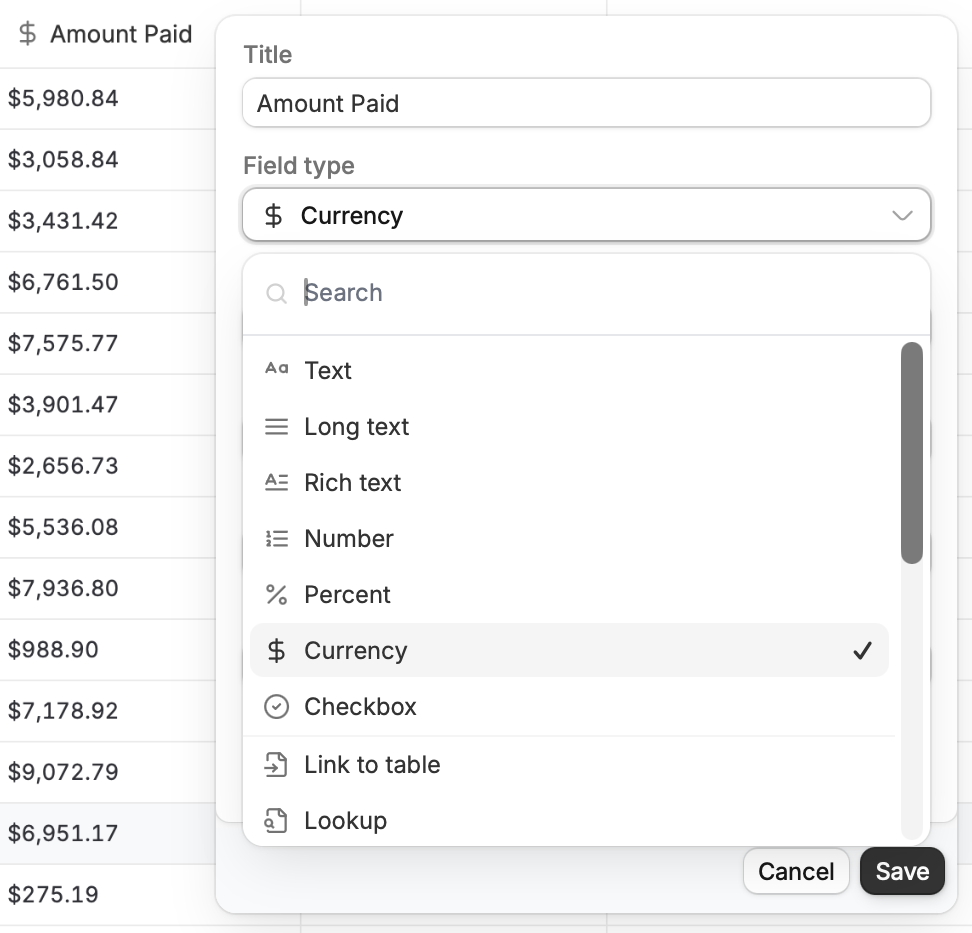
You can also change the field type of an existing database column. Click theField type dropdown and choose your preferred field. Be sure to click Save afterward.
Set a default value
Auto-fill a value for that field when a new record is added. For example, when a new record is created, we can set the default payment method to “Bank Transfer.”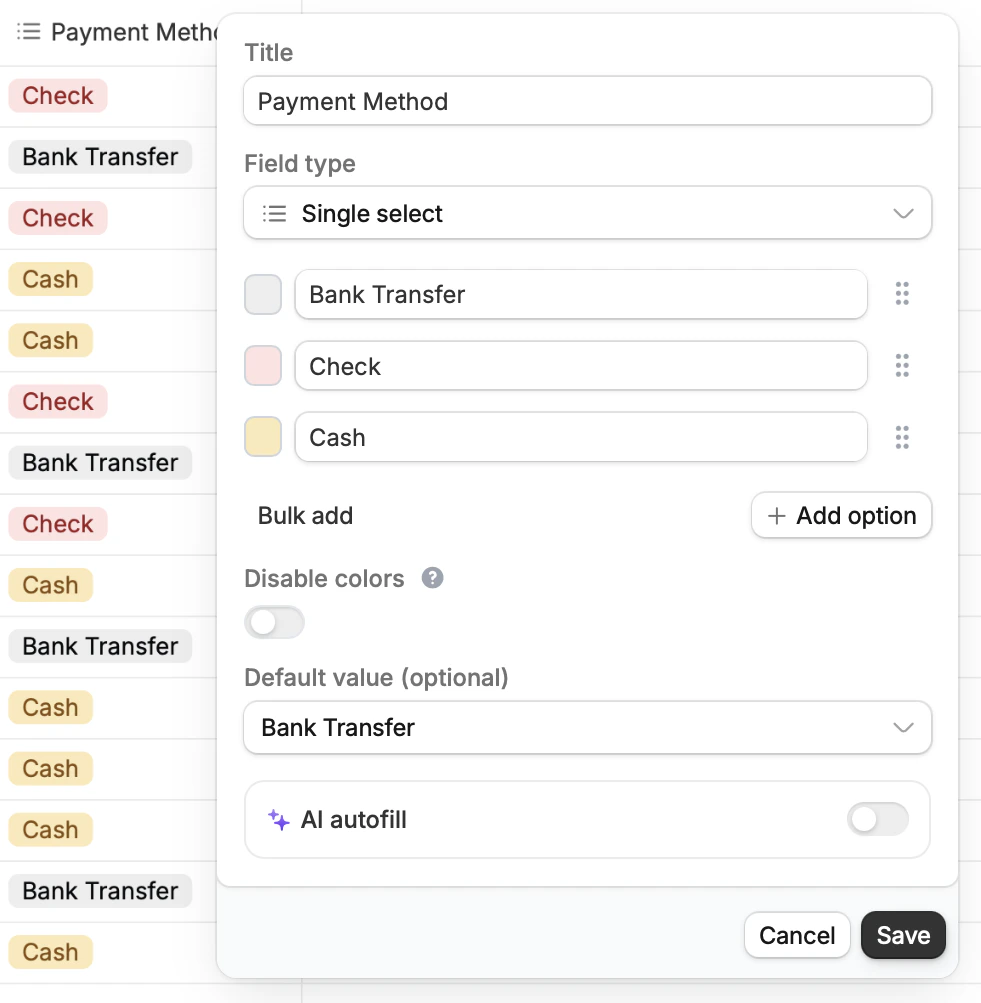
Change primary field
By default, the leftmost column is the primary field, which cannot be deleted. To select a new primary field, right-click on the column you want to use, thenSet as primary field.
Some field types like Date, Link to table, and Single and Multiple select cannot be primary fields.