

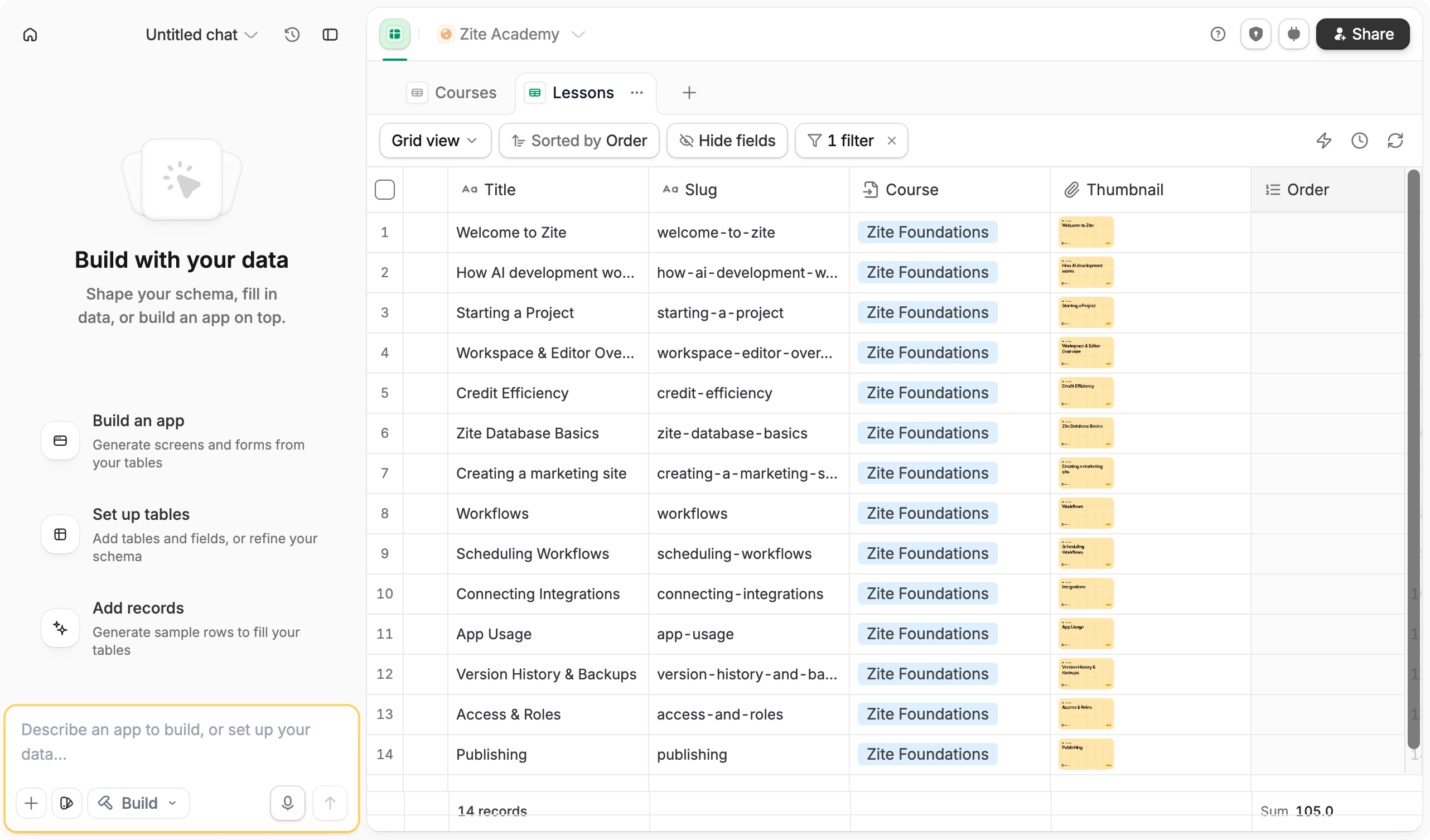
Work with the agent
The Agent persists as you move between views, so you can continue the same conversation while working with your data. It keeps the current database context as you ask questions or make changes.What it can do
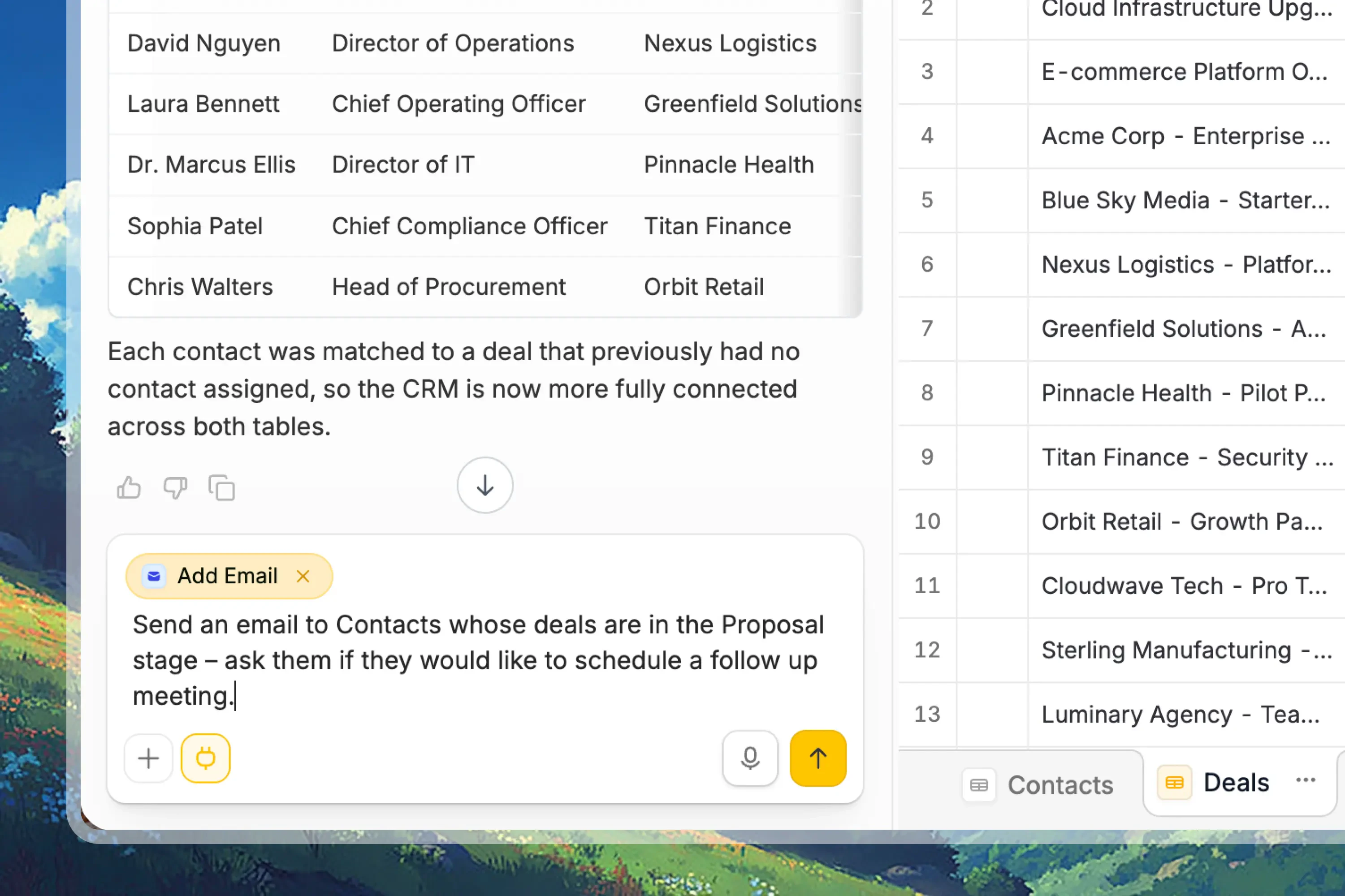
Explore and analyze records
Ask questions about your data, summarize records, compare groups, find patterns, and understand trends from the current database.
Create tables and fields
Ask the agent to design a database structure, create tables, add fields, rename fields, or suggest the right schema for your workflow.
Run custom scripts
Use custom scripts to query records, update data, paginate through larger result sets, and perform bulk operations with approval.
Work with external data
Pull in information from uploaded spreadsheets, web pages, URLs, or connected services to clean, summarize, enrich, or act on data.
Connect and call integrations
Connect tools like Slack, Gmail, OpenAI, Airtable, Google Sheets, or Stripe, then use them from scripts and workflows after approval.
Changes that write data, update your schema, run scripts, or connect integrations require your approval before they run.
What it can’t do yet
- Run on a schedule: The agent only runs when you message it. For recurring jobs, use an automation tool like Zapier or n8n.
- Work across multiple databases at once: The agent works with the current database. It can’t inspect another Zite database as a second data source in the same request.
- Directly edit existing connected apps or forms: The agent can suggest next steps and help create connected workflows, but app and form edits still happen in their editors.
Example prompts
Create or update tables
Create or update tables
- “Create a CRM database with Contacts, Companies, Deals, and Tasks.”
- “Add a Priority field with Low, Medium, and High options.”
- “Create a linked record field that connects each Deal to a Company.”
Ask questions and analyze trends
Ask questions and analyze trends
- “Show me all deals in the pipeline with their current stage and value.”
- “Which customers have the highest total contract value?”
- “Summarize overdue tasks by owner.”
Add integrations
Add integrations
- “Connect this database to a Zite app.”
- “Create a workflow that adds a new record when a form is submitted.”
- “Send a Slack message when a deal is marked Closed Won.”
- “Fetch company websites for these accounts and save them to a Website field.”