

Work with your data
After connecting your AI tool, name the workspace and table in your request.- Find answers: “In Sales operations, which deals haven’t had a follow-up in 30 days?”
- Summarize results: “Show total sales by rep for last month.”
- Make changes: “Add a Priority field to the Enquiries table with Low, Medium, and High options.”
- Set up AI fields: “Add an AI field that summarizes each enquiry in one sentence using Mini. Show me the instructions before generating results.”
- Attach files: “Attach this project brief to the Brief field on the Website redesign record in Projects.” Local file uploads depend on what your connected AI tool supports; you can also upload the file directly in Zite.
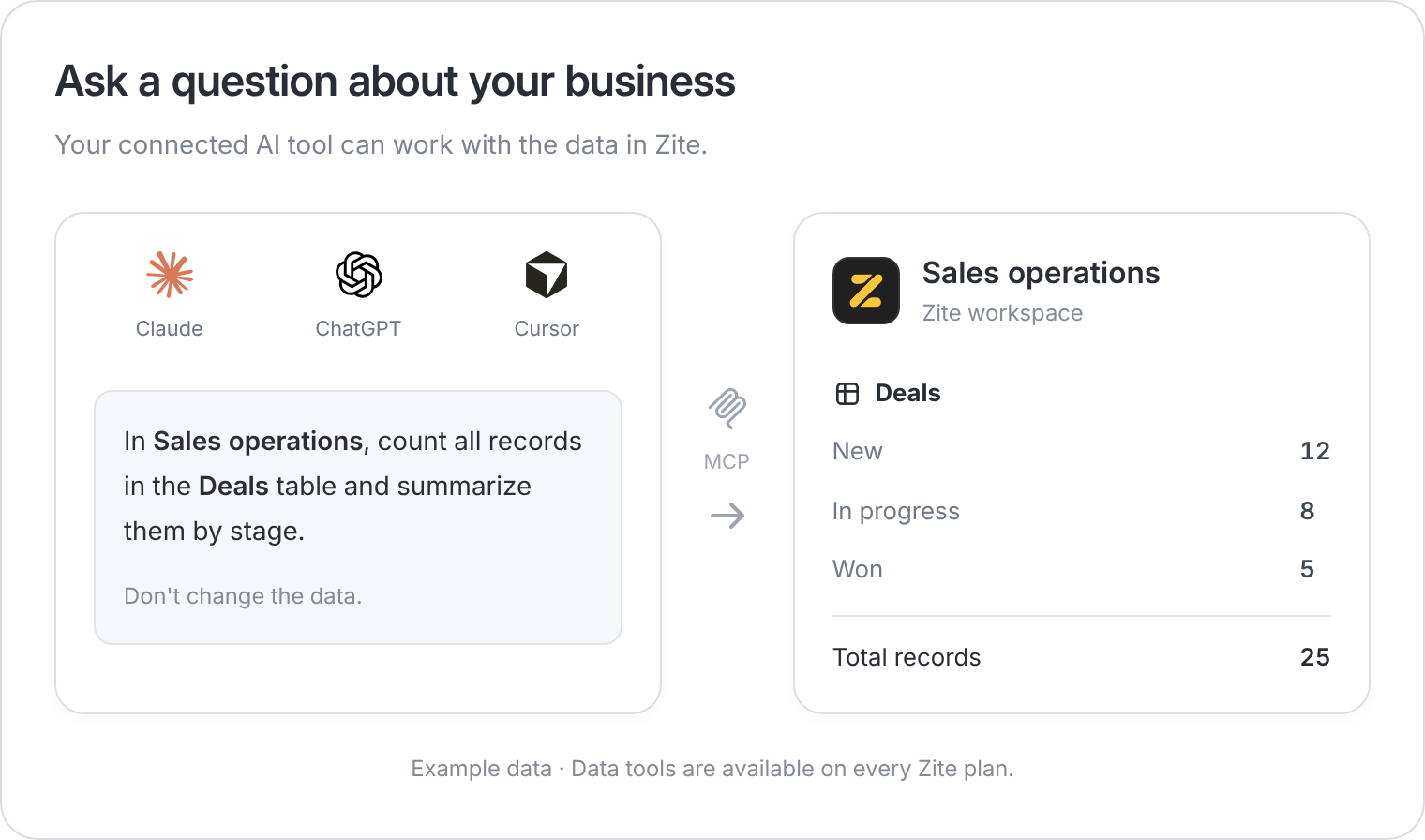
Name the workspace and table so your AI tool knows where to look.
Build your business system
On an eligible plan, your connected AI tool can also create and edit apps, set up integrations, and publish changes. For example: “In Sales operations, build a team dashboard showing open deals and overdue follow-ups. Show me before publishing.” Review the result in Zite and test the main tasks before sharing it with your team. The editor includes an activity feed of changes from your connected agent.Plan availability
Partners have Team access. Legacy Business pricing from before August 2026 and legacy Fillout Enterprise don’t include MCP app building. Check Billing if your subscription differs.
Eligible organizations can try app building free for 7 days, starting with their first build action. After the trial ends, data access continues; app building requires an eligible plan. Existing trials keep their original end date.
Connect your AI tool →