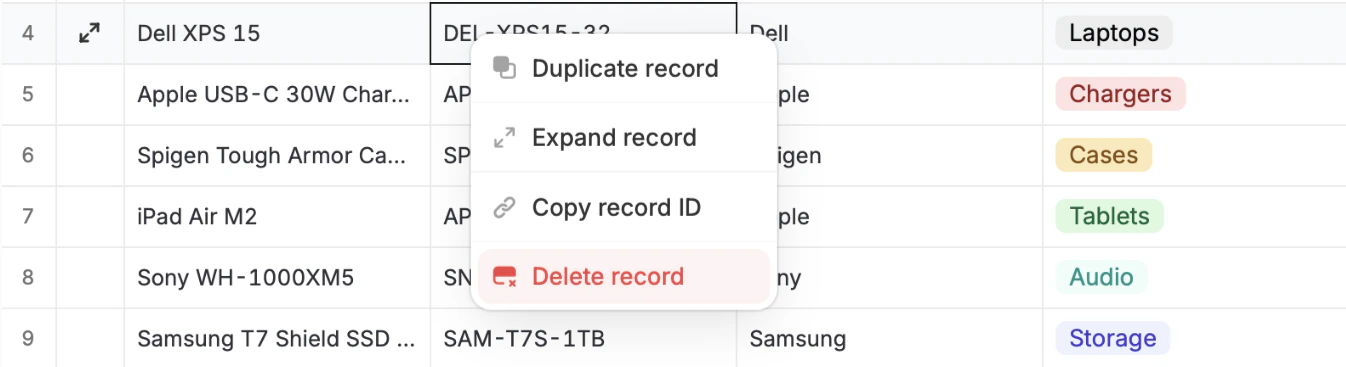
Delete a single record
Simply right-click any cell in the row of the record you want to permanently remove, followed byDelete record.
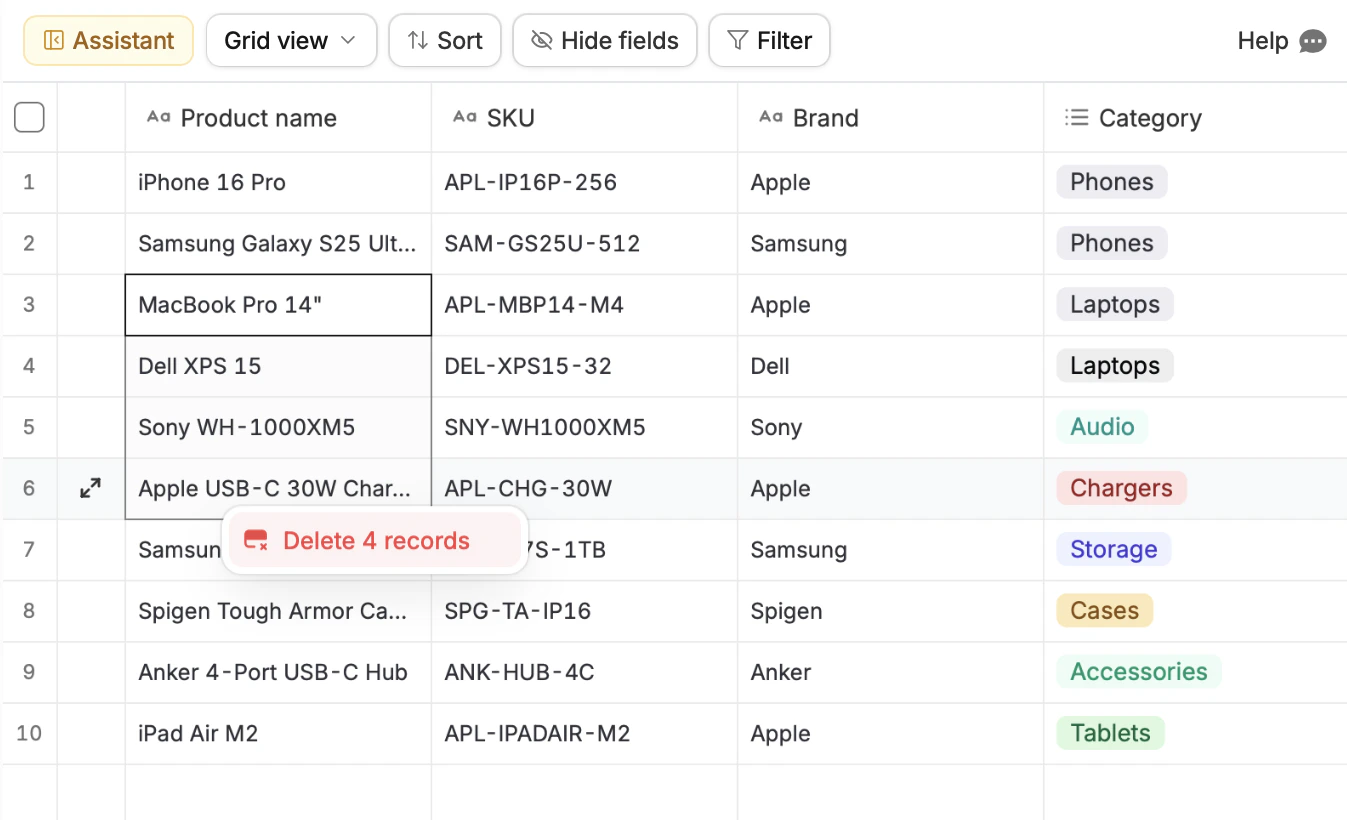
Bulk delete records
Drag across the cells of the records you want to permanently remove, then right-click and selectDelete n records.
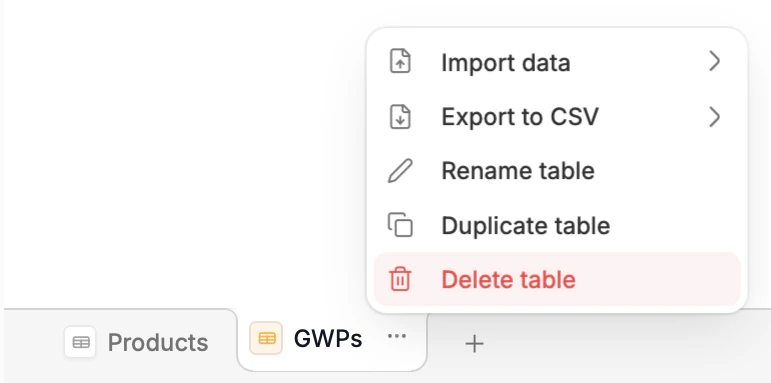
Delete table
If you want to delete all records including column fields, click theellipsis next to the table name at the bottom followed by Delete table.
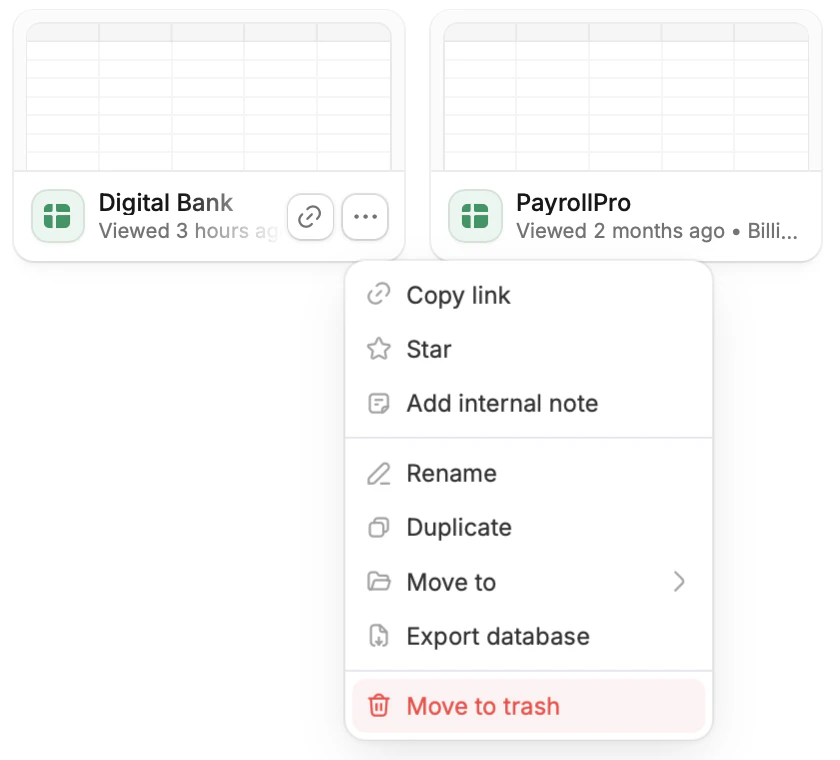
Delete database
To delete the entire database, go to the dashboard. Click thehorizontal ellipsis next to it followed by Move to trash.
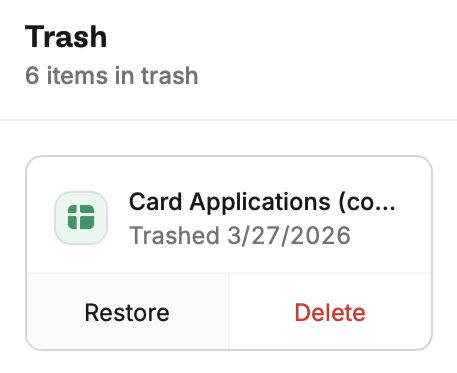
Restore deleted databases
From the dashboard, clickTrash at the bottom left. This will show all files that have been deleted. Click Restore on the database you’d like to bring back.