

Export Zite database
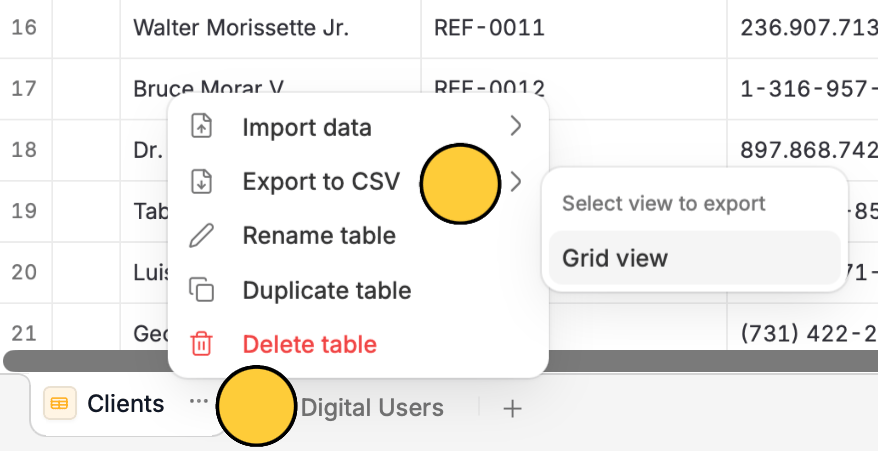
You can export your Zite database by exporting each table in there. Click theellipsis icon next to a table’s name followed by Export to CSV and Grid view.
Keep an offline copy of your data or upload it in BI platforms to extract insights and help your team understand performance and patterns.
ellipsis icon next to a table’s name followed by Export to CSV and Grid view.