

How it works
Manage your Facebook Pages from Zite with your team, without giving them direct access to your Page. By connecting Facebook Pages, you can:- Automatically post or share updates to your Facebook page when an app action occurs
- Reply to comments directly from your app
- Display comments, reviews, and engagement statistics in your app
- Schedule posts ahead of time (only works on live/published apps, not preview mode)
This integration is specifically for Pages you manage not personal Facebook accounts.
How to share on Facebook
1
Connect to Facebook Pages
In the chat box, request your app to be integrated with Facebook Pages or click the 
plug icon on the top right. Then, sign in to your account. In the popup, Opt in to current Pages only (and Business) to choose specific pages instead of all pages.plus icon + in the chat box to connect.2
Enter use case
Tell Zite how you want to use Facebook Pages in your app. For example, let’s publish, schedule, and save posts as drafts on our page.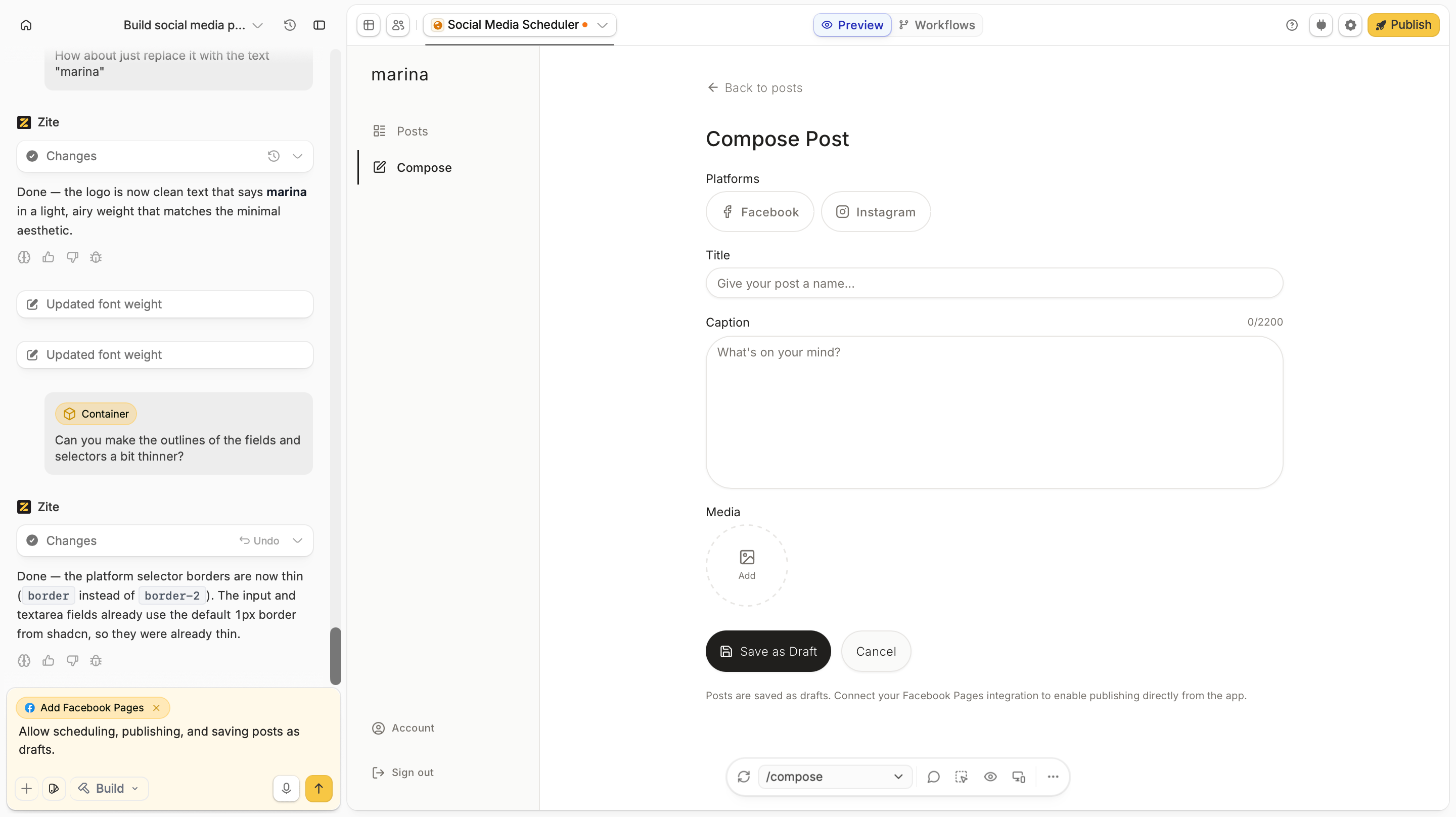
Publishing to Facebook Shop catalogs and ads is not currently supported.
3
Test
Be sure to test the app to ensure everything’s working properly. In this case, let’s check if new posts get published to our Facebook page.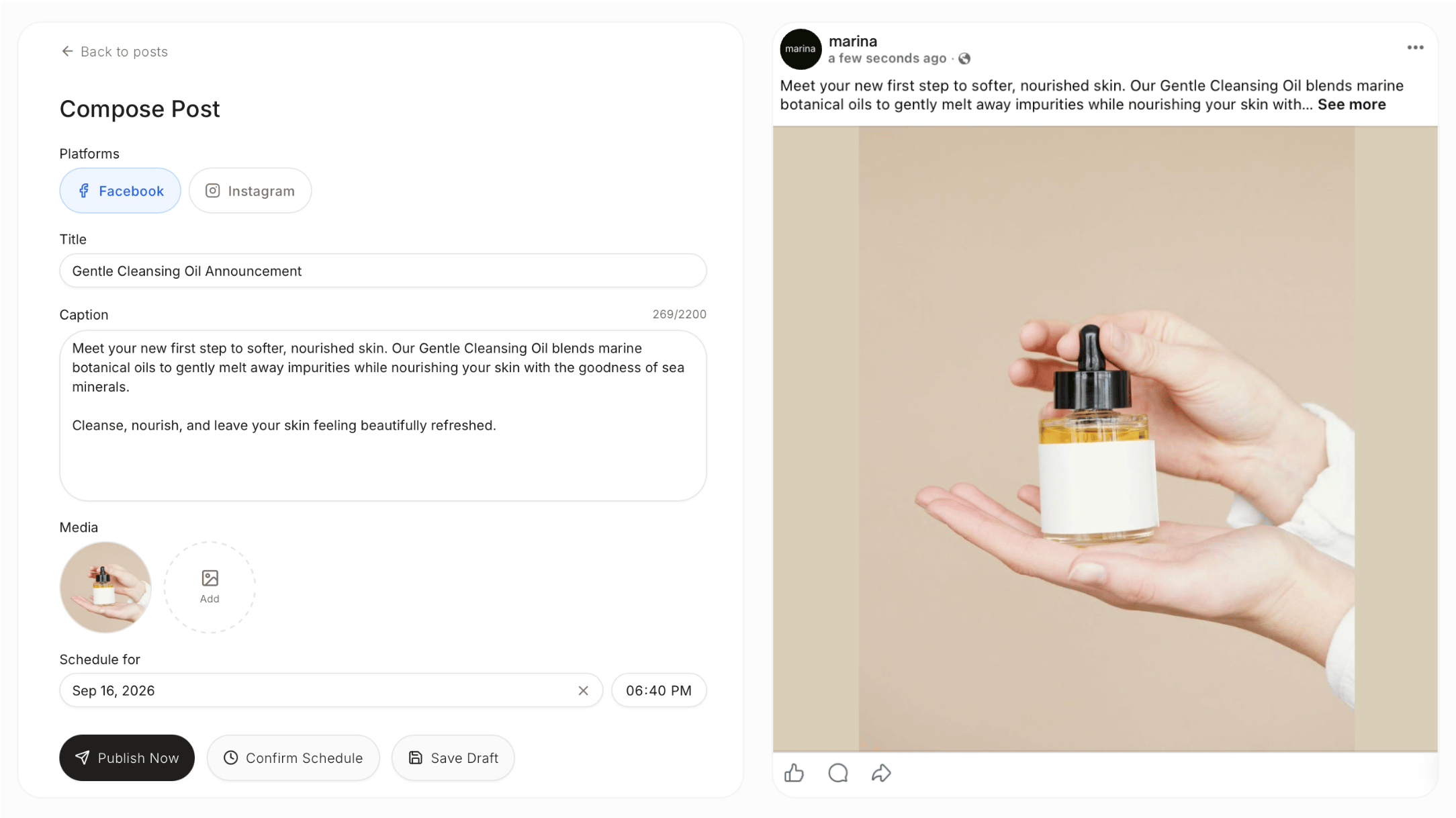
Scheduled workflows only fire on the **live/published **version of the app, not in preview mode.
4
Deploy and share
Click
Publish in the upper right corner and share your app.Common use cases
With a Facebook Pages connection, you can create apps like:- Social Media Managers: Plan, create, and publish posts to your Facebook Page
- Community Managers: Monitor and respond to comments on your posts
- Social Media Dashboards: Track comments, reviews, and engagement statistics
- Marketing Apps: Share promotions, announcements, and other updates
- Review Managers: Display testimonials/reviews from your page on your website